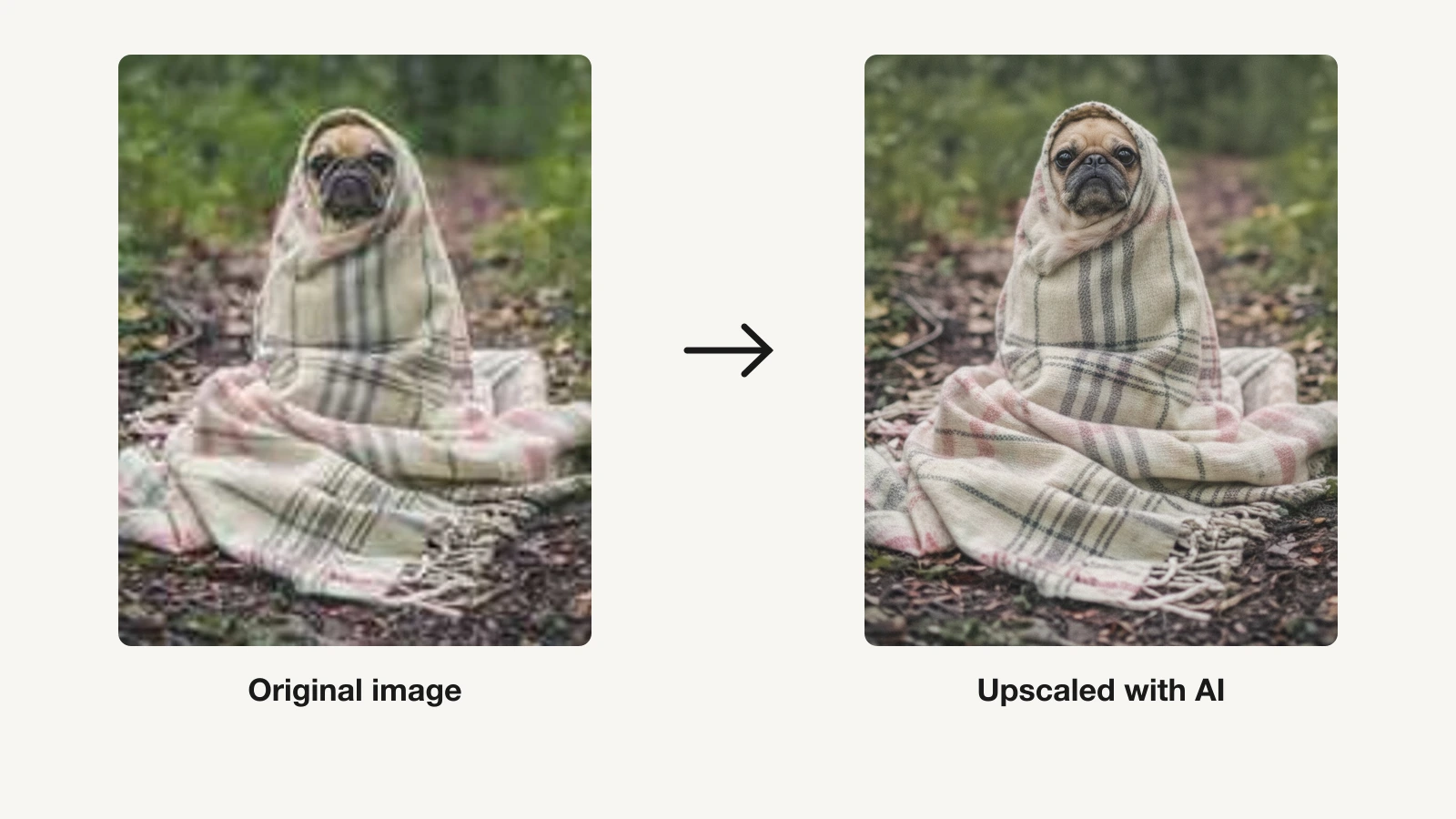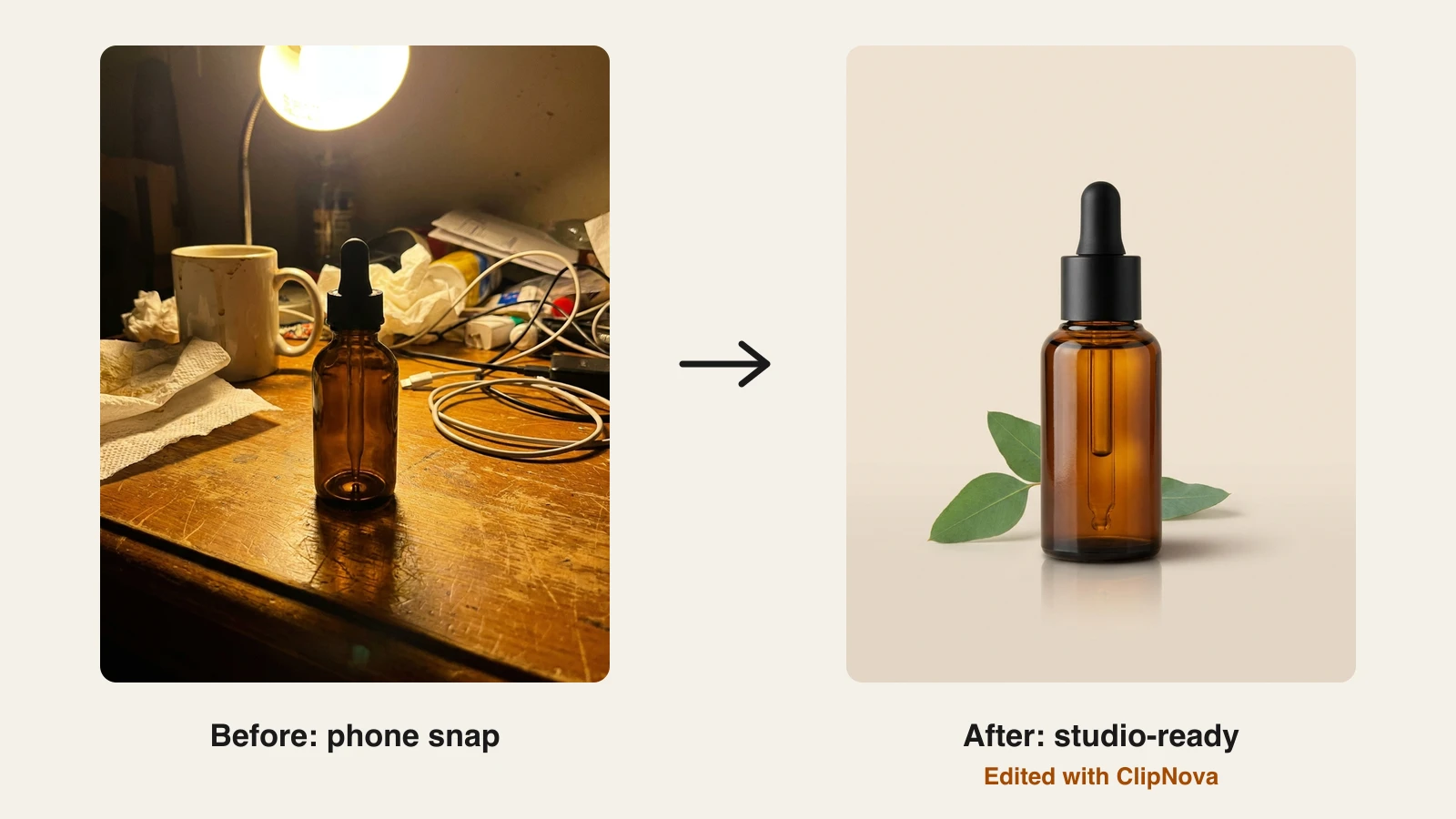
Clean product photos used to mean a lightbox, a camera, and an evening of retouching. For a small business that is time you do not have, and hiring a retoucher for every new SKU does not scale. AI photo editors now remove backgrounds, drop your product into a lifestyle scene, fix lighting, and upscale to print resolution in a couple of clicks, so you can list faster and test more angles without a studio. If the problem is a soft or grainy shot rather than a background, start with an AI photo enhancer.
The catch is that these tools vary a lot on the things a seller actually cares about: whether your plan lets you sell the output, how well batch editing holds up at catalog volume, and whether you are stuck stitching a second app on top for video. This guide compares the 7 best AI photo editors for small business and ecommerce in 2026 on price, features, commercial rights, and honest trade-offs, and flags the one that also turns your finished shot into a product video. If you need new product scenes generated from scratch rather than edits to existing shots, compare the best AI product photo generators.
Best AI photo editors for small business: a quick overview
Here is the short version before the deep dive. Each tool gets one clear "best for" so you can jump to the right pick.
- ClipNova: Best all-in-one for stores that need edited product photos and short product videos from one tool.
- Photoroom: Best for high-volume marketplace sellers batch-editing hundreds of listings a month.
- Canva: Best for small teams that also design social posts, decks, and packaging in the same place.
- Adobe Express: Best for brand-safe generative editing with commercially trained AI.
- Pixelcut: Best watermark-free mobile editing for solo sellers working from a phone.
- Fotor: Best cheap desktop AI editor with model and mannequin tools for apparel.
- Picsart: Best for social-first stores that want lots of AI models and templates.
| Tool | Best for | Starting price | Commercial rights |
|---|---|---|---|
| ClipNova | Product photos plus product video in one workflow | From $19/mo | Included, every plan |
| Photoroom | High-volume marketplace listing edits | $12.99/mo ($7.50 annual) | Yes, Pro and up |
| Canva | Design plus photo editing for small teams | $18/mo ($12 annual) | Yes, Pro |
| Adobe Express | Brand-safe generative editing | $9.99/mo | Yes (Firefly is commercially safe) |
| Pixelcut | Watermark-free mobile editing | $10/mo ($8 annual) | Pro and up |
| Fotor | Budget desktop editor for apparel | $8.99/mo ($39.99/yr) | Pro+ only |
| Picsart | Social-first stores, many AI models | $15/mo ($10.50 annual) | Yes, Pro and up |
1. ClipNova, best all-in-one for product photos and product video
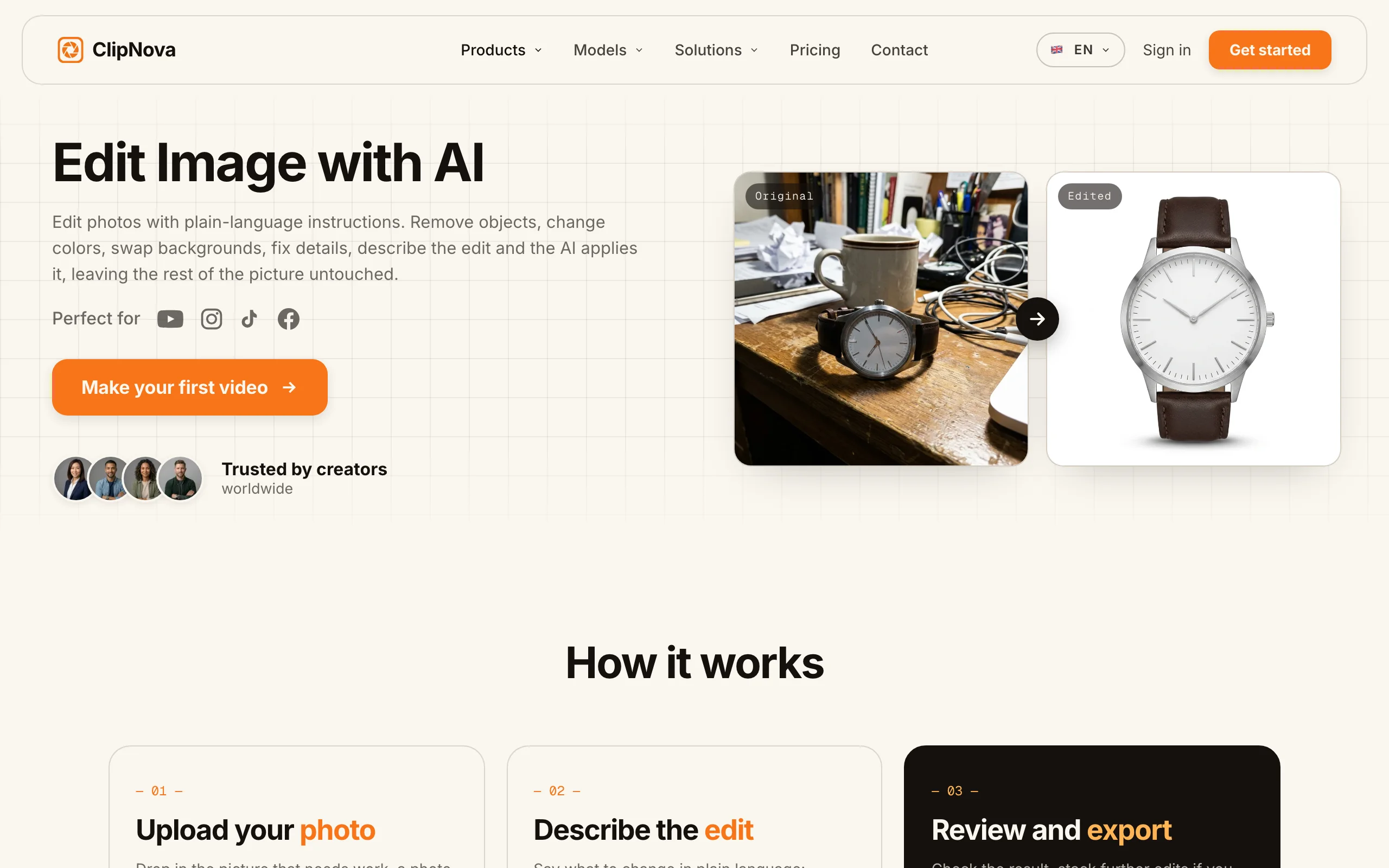
ClipNova is the only tool here that takes a product from a bare photo to a finished video without switching apps. You can drop in your own product shot and restyle or replace the background with plain-language edits, strip backgrounds for clean cutouts, upscale to print resolution, or build a scene from a text prompt, then animate the finished still into a short product clip. For a small store, that means one subscription covers the still for the listing and the moving version for TikTok, Reels, and ad placements.
The workflow is deliberately plain-English, so you do not need Photoshop. Upload the real product and tell the AI image editor to swap the backdrop, fix the lighting, or remove clutter, then run the background remover for a crisp cutout. When the still is ready, ClipNova turns it into motion. Every export is watermark-free at 1080p or 4K with full commercial rights, on every plan.
Key features:
- Edit-by-instruction to restyle, relight, or replace the background of your own product photo
- One-click background removal and AI upscaling for clean, print-ready cutouts
- An AI Image Combiner that merges your product photo with a model or a scene into one lifestyle shot, no photoshoot needed
- Text to image for building product scenes from a prompt when you have no usable photo
- Turns any finished still into a short product video for social and ads
- Watermark-free 1080p and 4K export with full commercial rights on every plan
Best for:
- Solo sellers and small stores that need both listing photos and promo video without paying for two tools
- DTC and Shopify brands testing product scenes and ad angles at speed
- Owners who want plain-language editing instead of a Photoshop learning curve
Pricing:
- Hobby $19/mo for 1,000 credits, with every feature included; only the monthly credit allowance changes on higher plans
- Yearly billing is 20% off, and every plan includes full commercial rights
Pros:
- The only pick that covers stills and video in one subscription, so your listing photo and promo clip share a workflow
- Full commercial rights and watermark-free export on the entry plan
- Prompt-based edits are approachable for owners with no design background
Cons:
- Video-first roots mean a dedicated tool like Photoroom is faster for pure high-volume catalog cutouts
2. Photoroom, best for high-volume marketplace sellers
Photoroom is the ecommerce specialist of this list. It is built around fast, repeatable listing edits: remove the background, place the product on a clean or AI-generated backdrop, add a realistic shadow, and export at marketplace-ready sizes. Its batch tools and Shopify integration make it the go-to when you are processing hundreds of SKUs rather than perfecting a single hero shot.
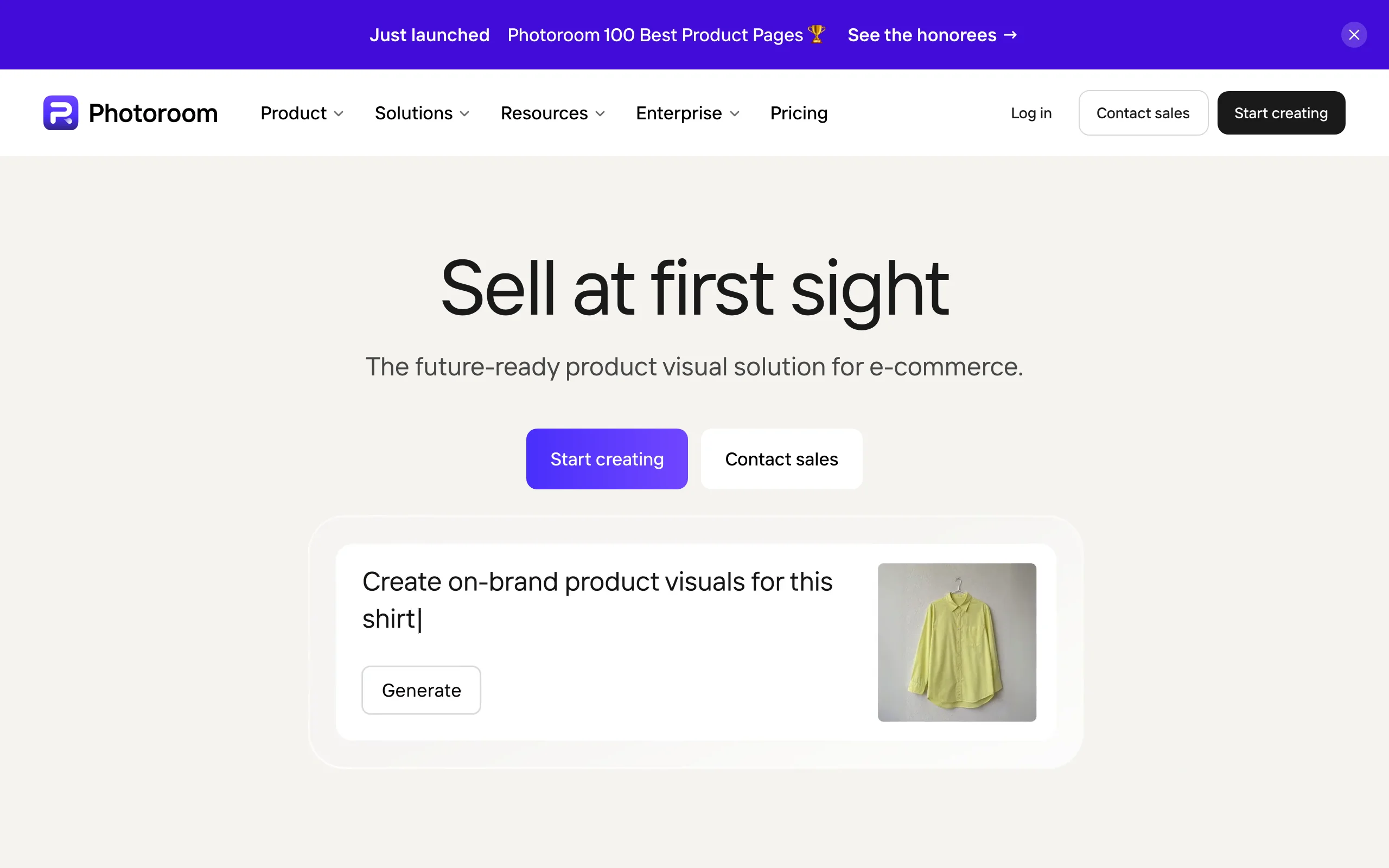
Key features:
- Fast, accurate background removal tuned for products
- Batch editing of large image sets in one pass
- AI Product Fixer and generative AI Fill to clean up or extend shots
- Adjustable AI shadows and 1,000+ ecommerce templates
- Shopify integration and an API on higher tiers
Best for:
- Amazon, Etsy, and eBay sellers editing hundreds of listings a month
- Shops that want a consistent catalog look with minimal manual work
Pricing:
- Pro is $12.99/mo billed monthly, or roughly $7.50/mo billed annually
- Small-business Max and Ultra tiers add higher batch limits, Shopify sync, and more credits
Pros:
- Purpose-built for ecommerce throughput, not general design
- Strong batch pipeline and marketplace templates save real time at volume
Cons:
- Higher-resolution models and video features are gated to the pricier tiers
3. Canva, best for small teams that also design
Canva earns its place because most small businesses already use it for social graphics, and its Magic Studio AI now handles real photo editing too. You can remove backgrounds, erase or replace objects, expand a shot, and generate images, then drop the result straight into a post, a pitch deck, or packaging art without leaving the app. For a one- or two-person team, keeping editing and design in one tool is the draw.
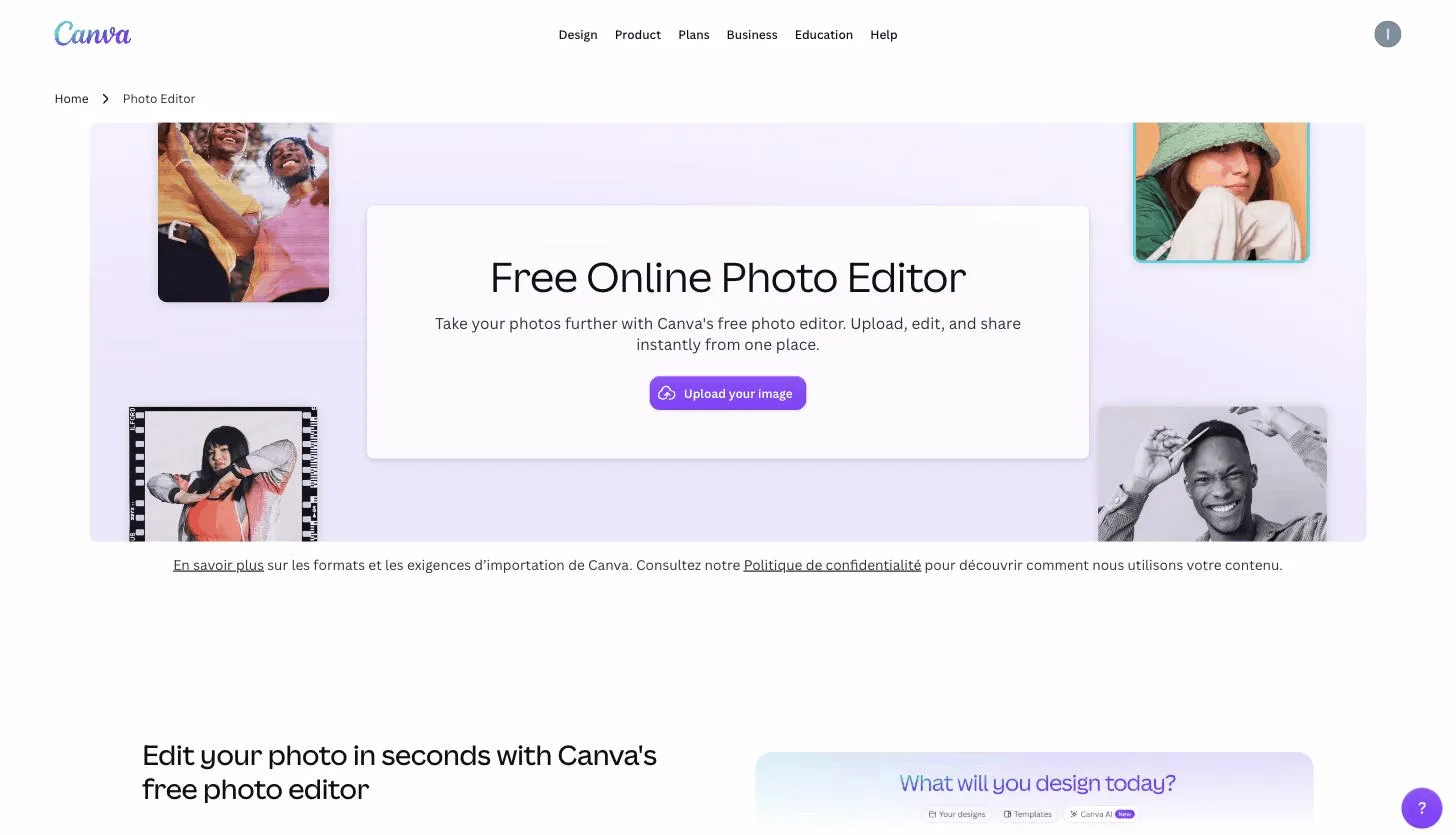
Key features:
- Magic Edit to add or replace objects, and Magic Eraser to remove them
- One-click background remover on Pro
- Magic Expand and Magic Grab for reframing and moving elements
- Text-to-image generation from the shared Magic Studio credit pool
- Millions of templates for turning a product photo into a finished post
Best for:
- Small teams doing product photos, social content, and marketing collateral in one place
- Owners who value design breadth over deep, ecommerce-specific tooling
Pricing:
- Pro is $18/mo billed monthly, or about $12/mo billed annually, with 500 AI credits a month
- Pro adds the background remover, Magic Resize, and brand kits
Pros:
- One tool for editing and every other visual your store needs
Cons:
- AI features share one credit pool, so heavy editing burns through the monthly allowance fast
- It is a general design suite, not a dedicated product-photo pipeline
4. Adobe Express, best for brand-safe generative editing
Adobe Express brings Firefly's generative editing to a lightweight, browser-based tool. The standout for a business is trust: Firefly is trained on licensed and public-domain content and is marketed as commercially safe, which matters when you are putting AI-edited imagery on paid ads and product pages. Generative fill, background removal, and one-click resizing cover the everyday listing jobs.
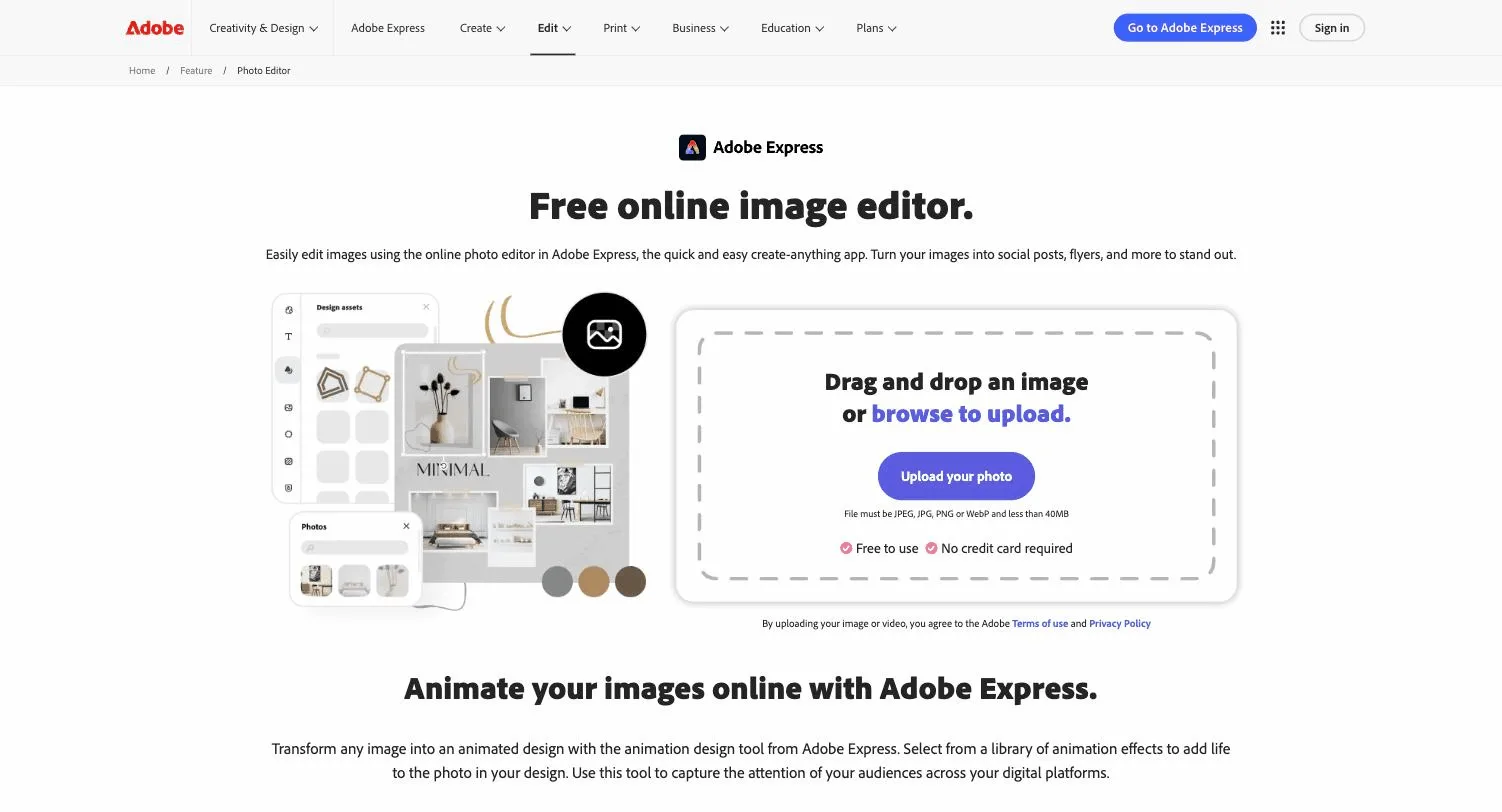
Key features:
- Firefly Generative Fill to add, remove, or extend parts of a shot
- Background removal for images and video
- One-click Resize for every platform's dimensions
- Text-to-image and generative expand
- 200M+ royalty-free stock assets and 30,000+ fonts on Premium
Best for:
- Brands that want commercially safe generative AI for ads and listings
- Owners already in the Adobe ecosystem who want a simple web editor
Pricing:
- Premium is $9.99/mo with 250 generative credits a month and background removal
- A Firefly-heavy tier at $19.99/mo bundles more credits and Photoshop on web and mobile
Pros:
- Firefly's commercially safe training is a genuine differentiator for paid usage
- Clean, approachable editor with strong resize and stock libraries
Cons:
- Generative credits are capped and throttle once you hit the monthly limit
- Not a dedicated product-photography tool, so it lacks batch catalog features
5. Pixelcut, best watermark-free mobile editing
Pixelcut is the mobile-first pick, with watermark-free exports. Sellers can shoot a product on a phone, remove the background, drop it into a generated scene, and post, all from the same device. Pro unlocks unlimited background removal, batch exports, and a commercial license, which makes it a legitimate everyday tool rather than just a phone toy.
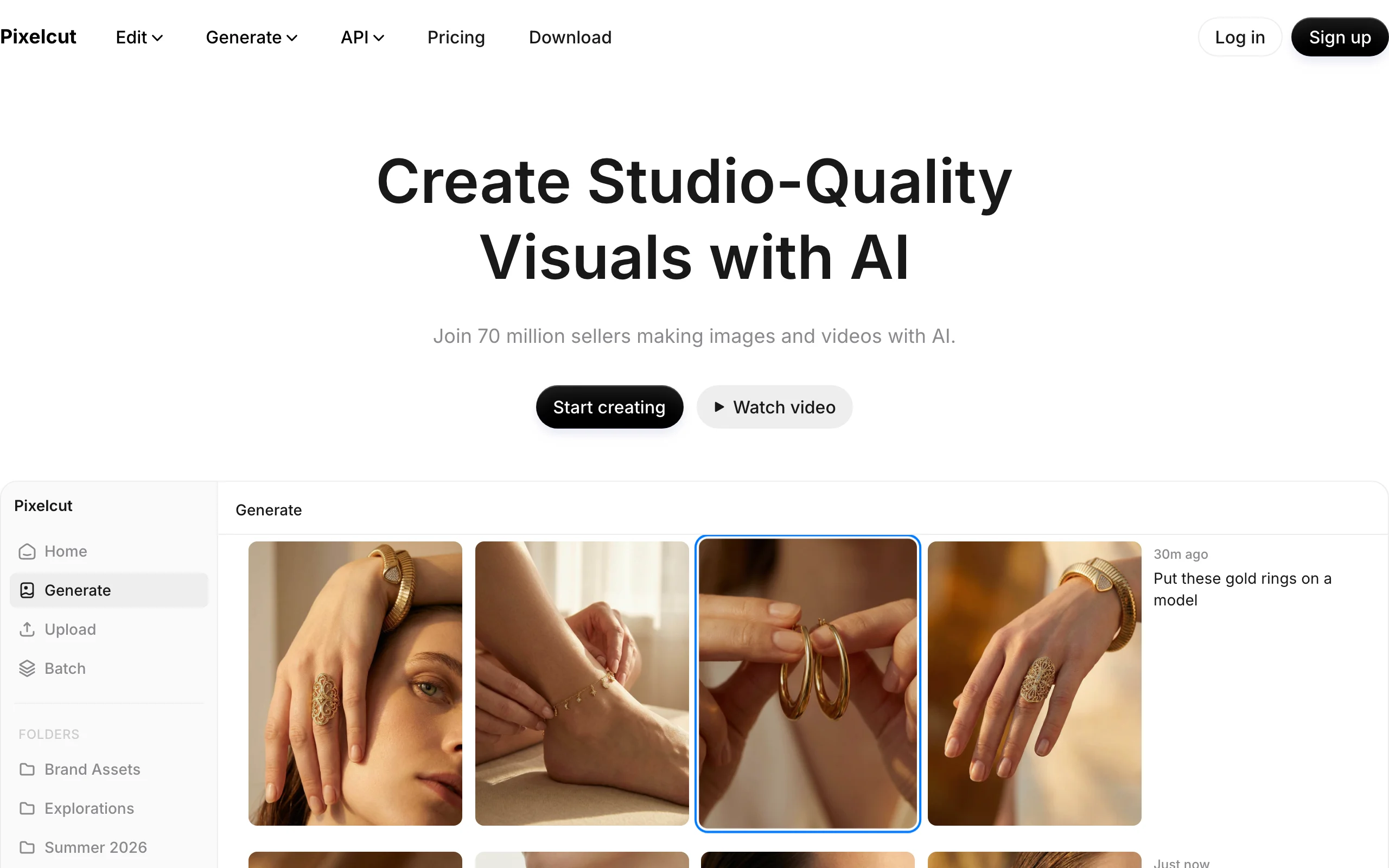
Key features:
- AI Product Photography for generating scenes around your item
- Background remover and Magic Eraser for fast cleanups
- Generative fill and image expand
- Batch exports of up to 1,000 images a month on Pro
- Access to a range of image models for varied looks
Best for:
- Solo sellers and side hustles working mostly from a phone
- Shops that want watermark-free output straight from a phone
Pricing:
- Pro is $10/mo billed monthly, or $8/mo billed annually, with a commercial license
- Business at $30/mo adds higher batch caps and more seats
Pros:
- Purpose-built ecommerce tools in a phone-friendly app
Cons:
- Advanced generative models consume credits separate from unlimited background removal
6. Fotor, best budget desktop editor for apparel
Fotor is the value pick for a desktop editor, with a broad set of AI tools at a low price. Beyond the usual background removal and enhancement, it has apparel-focused features like Ghost Mannequin, Fashion Model AI, and Flatlay-to-Model that are genuinely useful if you sell clothing and want on-model shots without a photo shoot.
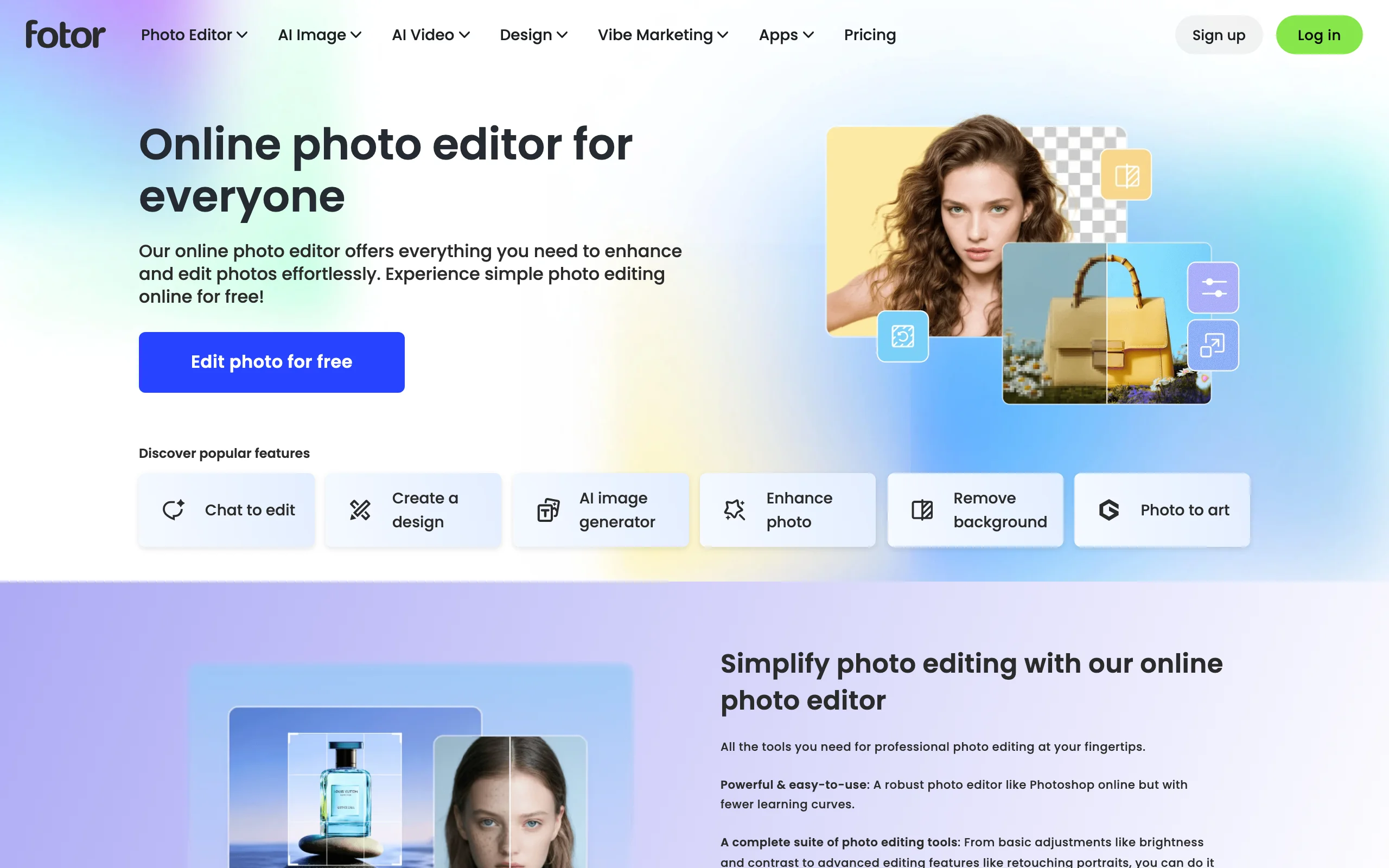
Key features:
- Background remover and replace
- AI image enhancer and 4x upscaler
- Unblur and photo restoration
- Ghost Mannequin, Fashion Model AI, and Flatlay-to-Model for apparel
- Batch photo editor on Pro+
Best for:
- Apparel and accessory sellers who want on-model looks cheaply
- Budget-conscious shops that prefer a desktop editor
Pricing:
- Pro is $8.99/mo or $39.99/yr
- Pro+ at $19.99/mo adds batch editing, watermark-free transparent PNGs, and commercial-use stock
Pros:
- Low entry price with a wide feature set
- Apparel tools that most general editors do not offer
Cons:
- Batch editing and commercial-use exports are gated to Pro+
7. Picsart, best for social-first stores
Picsart is aimed at stores whose growth lives on social. It pairs one-step background and object removal with a huge library of templates, stickers, and AI models, so you can turn a product shot into scroll-stopping social creative quickly. AI Replace lets you swap objects with a text prompt, and a batch editor handles multiple images at once.
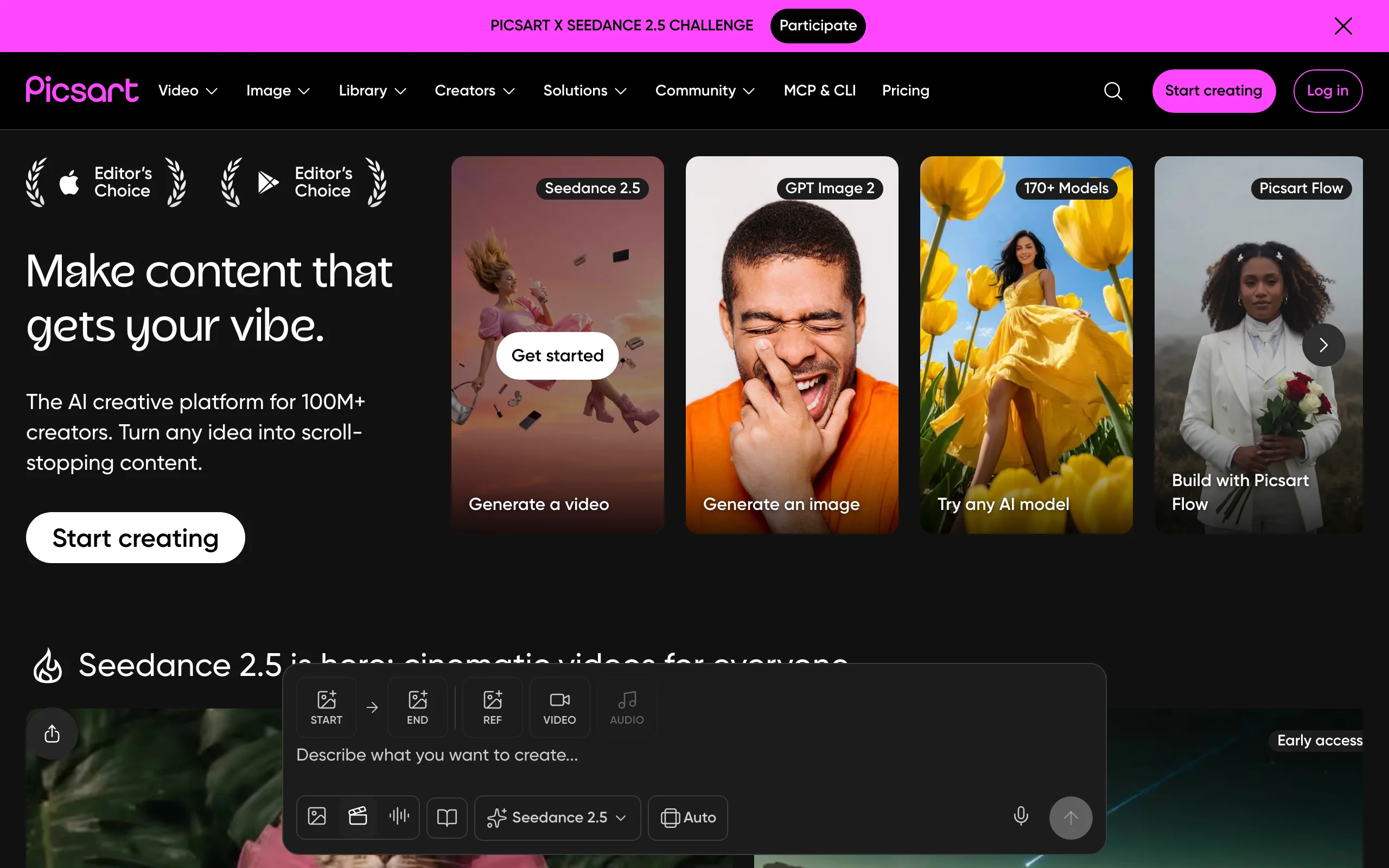
Key features:
- One-step background and object removal
- AI Replace to swap objects via text prompts
- Text-to-image generation and AI style transfer
- Batch editor for up to 50 images on Pro
- Access to 140+ AI image and video models
Best for:
- Social-first stores producing lots of on-trend creative
- Sellers who want variety and templates over catalog precision
Pricing:
- Pro is $15/mo, or about $10.50/mo billed annually
- Ultra at $47/mo (about $37.50 annual) raises batch caps and model access
Pros:
- Enormous template and model library for fast social content
- Strong one-tap removal and object-swap tools
Cons:
- Commercial rights still carry asset-by-asset caveats
How to choose the best AI photo editor for your store
The right tool depends on what you sell, how many photos you push out, and whether video is part of the plan. Use these questions to narrow it down, and generate a few test shots of your actual product before you subscribe.
1) Do you need product video as well as photos?
- If yes: pick ClipNova. It edits the still and turns it into a short product video in one place, so you are not paying for and juggling a second app. See how the workflow runs in our guide on making a product video with AI.
- If you only ever need stills: any of the dedicated editors below will do, so choose on volume and budget.
2) How many photos do you process a month?
- High volume (hundreds of SKUs): Photoroom or Pixelcut for batch background removal and exports.
- Moderate volume with design needs: Canva keeps editing and social graphics in one subscription.
- Occasional edits on a phone: Pixelcut Pro, from $8/mo billed annually, keeps it simple.
3) How important are commercial rights and brand safety?
- If you run paid ads and want the safest footing: Adobe Express with Firefly, which is built to be commercially safe.
- If you want commercial rights on the entry plan without watermarks: ClipNova or Pixelcut Pro.
- Check the license tier: Fotor gates commercial-use exports to Pro+.
4) What do you sell?
- Apparel and accessories: Fotor's Ghost Mannequin and Fashion Model tools, or ClipNova for on-scene lifestyle shots.
- Packaged goods and hard products: Photoroom for clean cutouts and shadows.
- Trend-driven or lifestyle brands: Picsart for social creative, or ClipNova when you also need the video.
For most small stores the price-to-value math is simple. A dedicated editor like Photoroom or Pixelcut covers the photo side cheaply, but if short video is now part of how you sell, one subscription that does both the still and the clip usually beats stacking two tools. Test your real products in two or three of these before committing, and check the edges, shadows, and reflections at full size on any AI edit before it goes live. When you are ready to compare plans, ClipNova's pricing starts at $19/mo with everything included.
Frequently asked
What is an AI photo editor?
An AI photo editor is a tool that edits images using automated, prompt-driven features instead of manual layers and masks. It can remove or replace backgrounds, erase objects, fix lighting, upscale resolution, and generate new scenes around a product from a plain photo. For a small business, it replaces most of what used to require Photoshop skills or a hired retoucher, so you can prep listing photos and ad creative yourself in minutes.
What is the best AI photo editor for a small business in 2026?
It depends on your workflow. Photoroom is best for high-volume marketplace listing edits, Canva for teams that also design social posts, Adobe Express for brand-safe generative editing, Pixelcut for watermark-free mobile editing, Fotor for a cheap desktop editor, and Picsart for social-first stores. If you also want to turn the finished photo into a short product video, ClipNova is the strongest all-in-one pick because it edits the still and animates it in one place.
Which AI photo editor is best for removing product backgrounds in bulk?
Photoroom and Pixelcut are the strongest for batch background removal at ecommerce volume. Photoroom handles roughly 500 images per batch with adjustable AI shadows and a Shopify integration on higher tiers, and Pixelcut offers unlimited background removal on Pro with batch exports. Canva Pro and Fotor Pro+ also do batch background removal, but they cap it lower and are built more for design than for catalog throughput.
Can I use AI-edited product photos commercially on Amazon, Etsy, or Shopify?
Usually yes on paid plans, but check each tool's terms. ClipNova includes full commercial rights on every plan, Pixelcut grants a commercial license on Pro and above, and Adobe Express Firefly is designed to be commercially safe because it trains on licensed and public-domain content. Always confirm the marketplace's own rules on edited or AI-generated imagery too.
Do I need Photoshop skills to use an AI photo editor?
No. The whole point of these tools is to replace manual masking, layers, and retouching with one-click actions and plain-language prompts. You upload a photo, tell the tool what to change ("remove the background", "put this on a marble counter", "brighten the product"), and it does the pixel work. Most small business owners get usable listing photos on their first try, though reflective or transparent products still need a few attempts and a close look at the edges.
Can an AI photo editor also make a product video?
Most cannot, which is the main gap in this category. Dedicated photo editors output only stills, so you need a separate app for video. ClipNova is the exception: after you edit or generate the product still, it can turn that shot into a short product video for TikTok, Reels, and ads, so the listing image and the promo clip come from one workflow instead of two subscriptions.
If I run a small online store and need both edited product photos and short videos, what should I use?
Use ClipNova. You can remove the background, restyle the scene with plain-language edits, and upscale the shot, then turn the finished still into a short product video without switching tools. Every export is watermark-free at up to 4K with full commercial rights, and plans start at $19/mo, so one subscription covers both the photo and the video your store needs.