


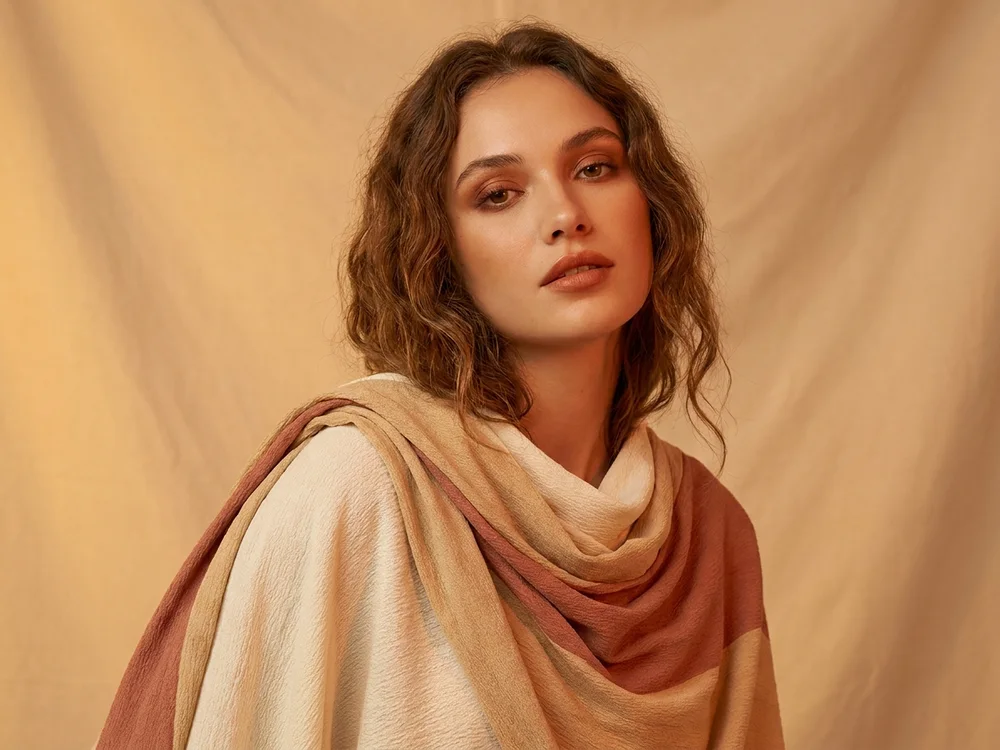
Social
One shoot, a month of posts
Turn a single photo into a dozen visually distinct posts: new styles, new seasons, new palettes, so your feed stays fresh without booking a camera every week.
Drop in any photo or picture, a portrait, product shot, landscape or artwork. It becomes the anchor the AI transforms from.
Tell the AI what to transform, the style, the setting, the season, the mood, and what to keep. It reimagines the image while preserving what you name.
Iterate with new prompts or styles until it's right, then export in high resolution, ready for your feed, store, or campaign.
Turn a single photo into a dozen visually distinct posts: new styles, new seasons, new palettes, so your feed stays fresh without booking a camera every week.
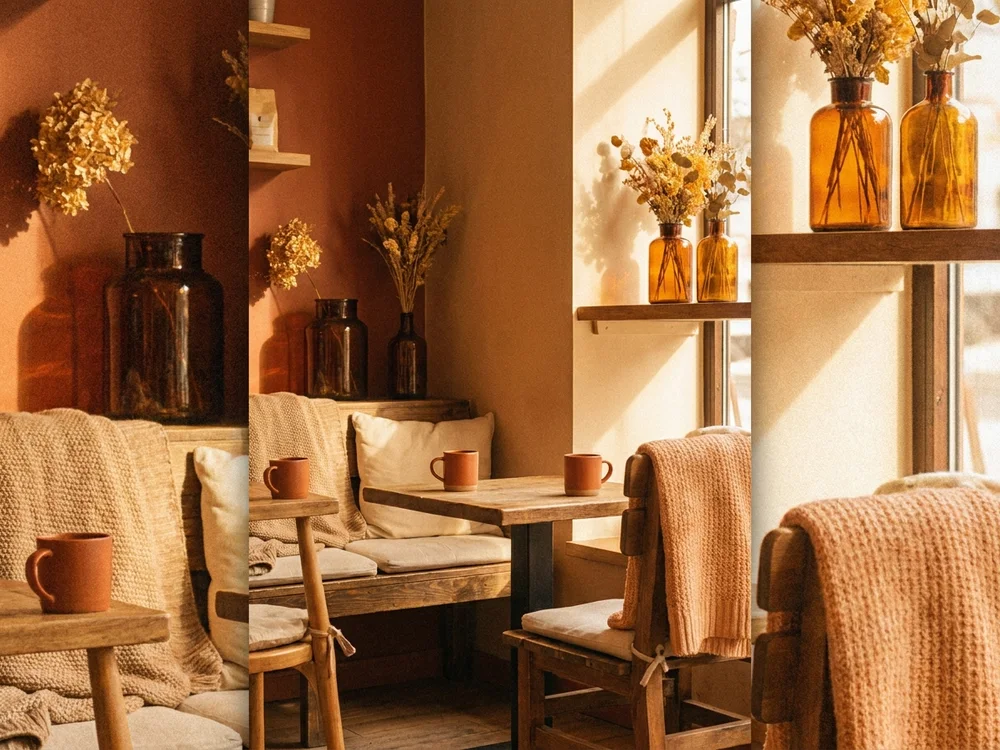
Run every photo through the same style so your whole grid reads as one aesthetic, the recognizable look that turns first-time viewers into followers.
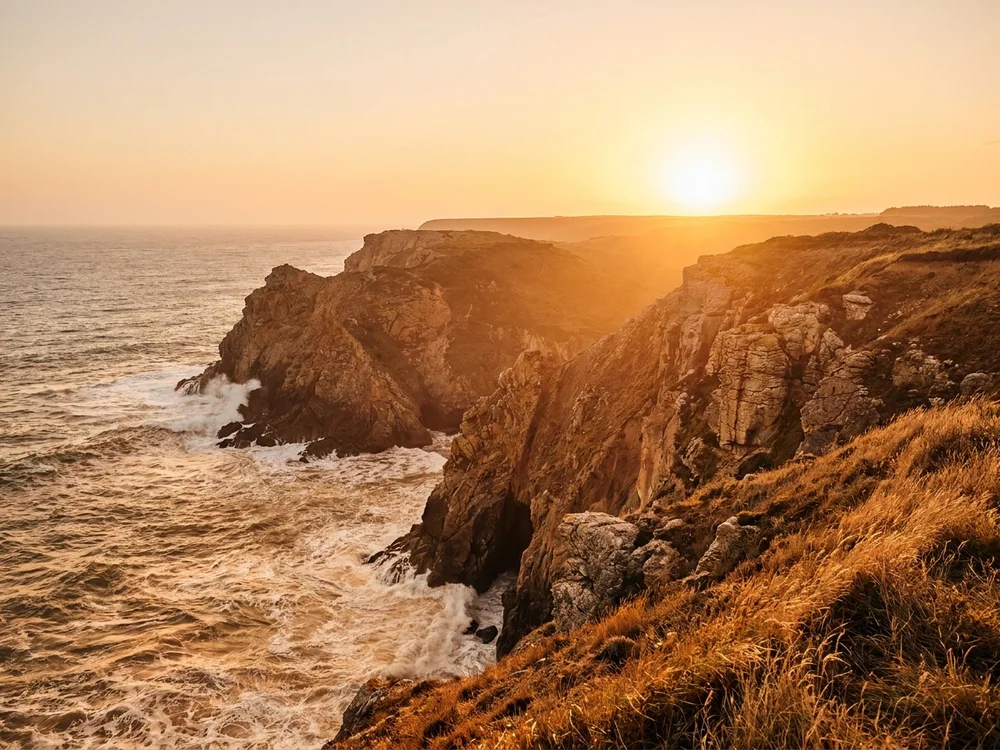
Re-light, re-season, and re-style archive shots into fresh, sellable variations, more sellable frames from work you already captured.
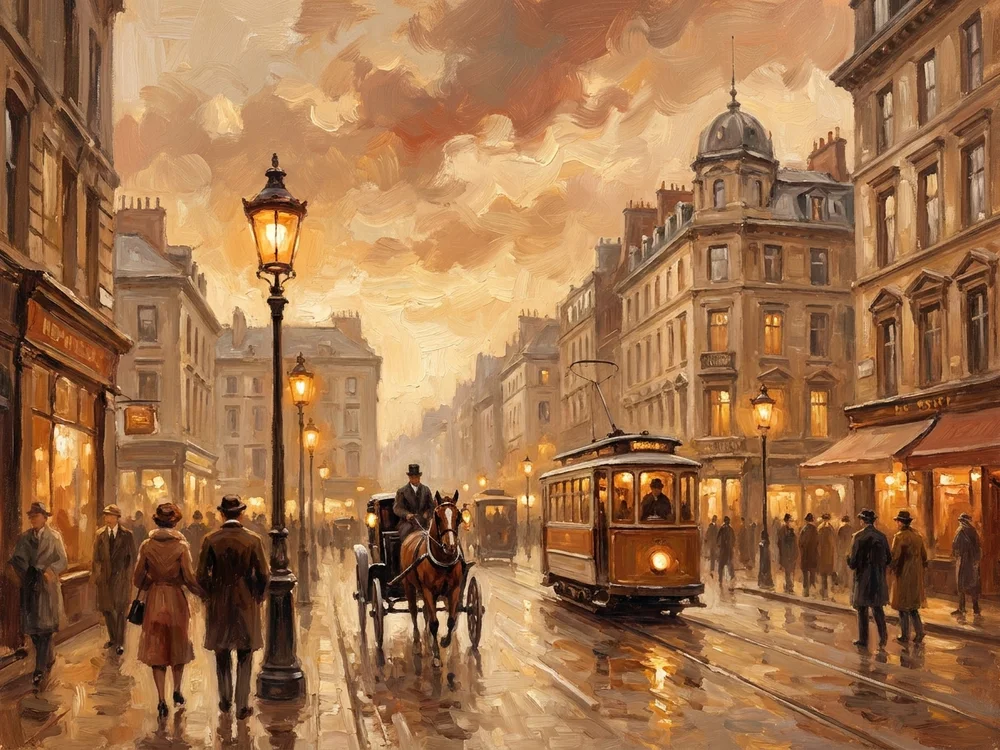
Transform a drawing, screenshot, or photo into a new medium, watercolor, anime, oil painting, 3D, while keeping the subject you started from recognizable.
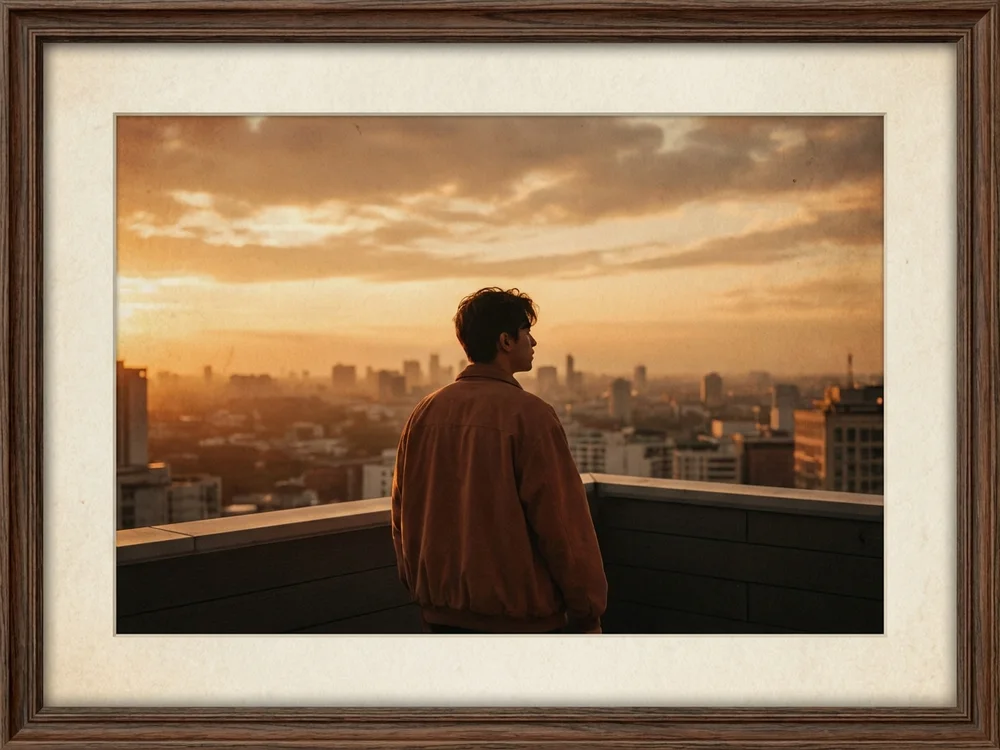
Push a plain reference photo into a cinematic, stylized frame that pops as a YouTube thumbnail or cover image, no manual editing between the shot and the upload.
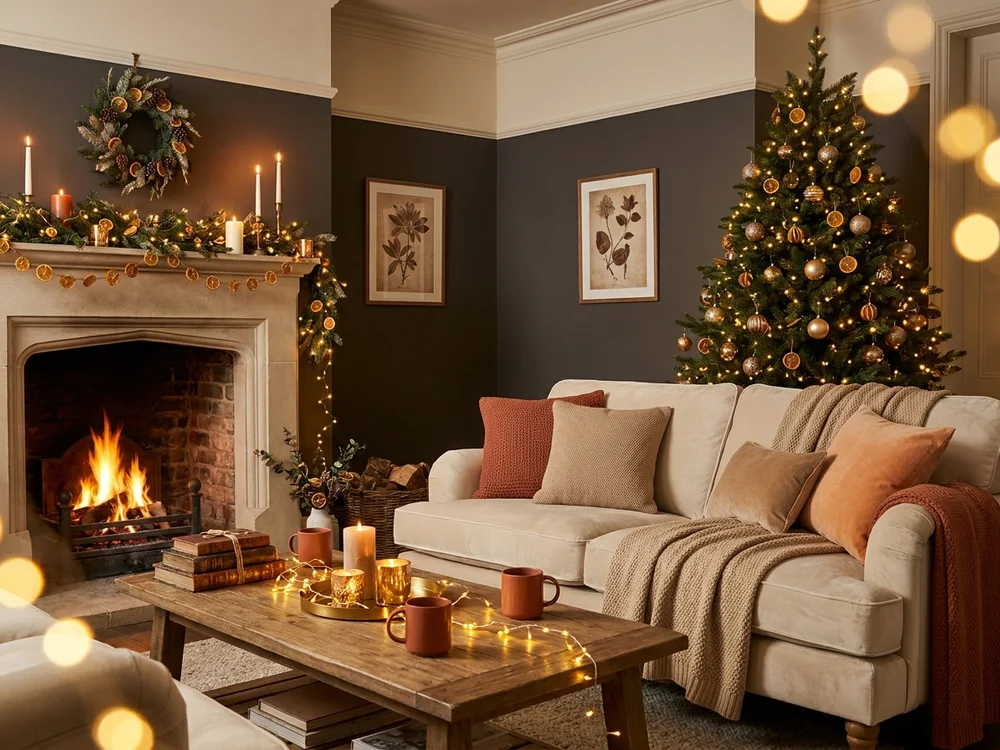
Spin one hero image into seasonal versions, summer, winter, festive, launch, so a single asset carries a creator through every moment on the calendar.
Everything Image to Image hands you that a preset filter never will.
Filters shift colors. Image to Image rebuilds the picture in a new style, setting, or season while keeping what you tell it to keep.
A single upload becomes campaign variants, seasonal versions, and style explorations, no reshoot, no re-brief.
Flux, Seedream, GPT Image and more handle your transformation, pick the model whose look fits the job.
Export up to 4K with full commercial rights, or send the result straight to Image to Video and set it in motion.
Tell us what you want to make and we'll point you to the ClipNova tool that fits your idea best.
Find your toolManual editing rebuilds a picture layer by layer. Image to Image starts from your photo and a sentence, and returns the transformed picture in seconds.
Image to Image transforms an existing picture using a text prompt. Upload a photo, describe the change, a new style, setting, season, or mood, and the AI generates a new version of your image that follows the instruction while keeping what you asked to preserve.
Upload your image, then describe the transformation in the prompt box: what should change and what should stay. Pick a style preset if you like, click 'Transform Image', and the new version appears in seconds.
Yes, if you ask for it. Say what must stay, 'keep the face recognizable', 'keep the product's shape and label exactly the same', 'keep the composition', and the AI preserves it while transforming everything else.
Yes. Every ClipNova plan includes full commercial rights, so transformed images can go into ads, stores, and client work. Make sure you have the rights to the image you upload, and avoid transforming photos of real people without their consent.
Transformations consume credits from your account, with the estimated cost shown before you generate. Plans start at $19/mo (Hobby, 1,000 credits) and every plan includes the full feature set.
High resolution up to 4K, in square, portrait, or widescreen. That covers social, store banners, ads, and print.
Find detailed answers to 100+ questions about features, tools, and workflows
or check our markdown version optimized for LLMs →Choose your tool, add your content, and ship an image in seconds. Then customize it to your liking.
Type a sentence, ship a video.
Try it out →Upload a photo, get an animated video.
Try it out →Generate from references, consistent every shot.
Try it out →AI hosts with realistic voices.
Try it out →Upload a track, get a beat-synced music video.
Try it out →Five anime styles, one prompt away.
Try it out →Hand-drawn shorts from one paragraph.
Try it out →Cinematic multi-scene shorts.
Try it out →Auto-generate synced subtitles for any video.
Try it out →Type a prompt, get a stunning image.
Try it out →Edit photos with plain-language instructions.
Try it out →Join creators turning ideas into scroll-stopping videos, no crew, no software, no learning curve.