


E-commerce
Marketplace-ready product shots
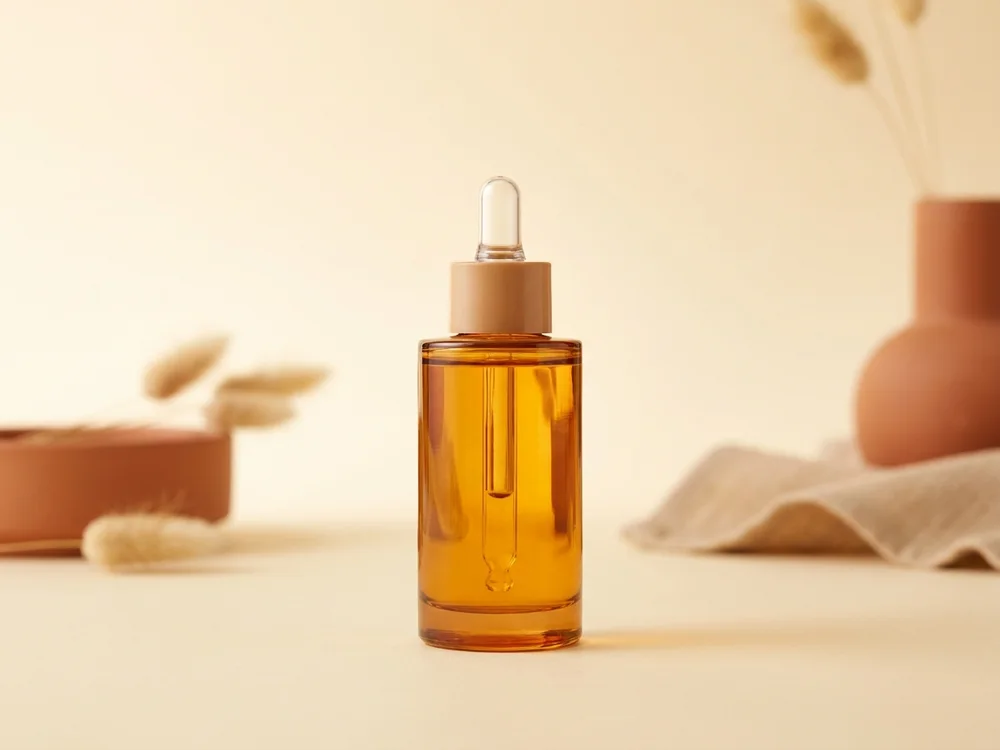
Clean the background to pure white for Amazon, remove reflections and clutter, and straighten the frame so every listing meets marketplace specs without a reshoot or a studio.
Drop in the picture that needs work, a photo with a stray object, the wrong colors, a busy background, or a detail to fix.
Say what to change in plain language: remove this, recolor that, replace the background. The AI applies the edit and leaves the rest untouched.
Check the result, stack further edits if you need them, then export in high resolution, clean, corrected, and ready to publish.
Clean the background to pure white for Amazon, remove reflections and clutter, and straighten the frame so every listing meets marketplace specs without a reshoot or a studio.

Drop your product into a new background per campaign, recolor the scene to the offer, and ship a dozen on-brand ad variants from a single hero shot, the throughput performance teams need.
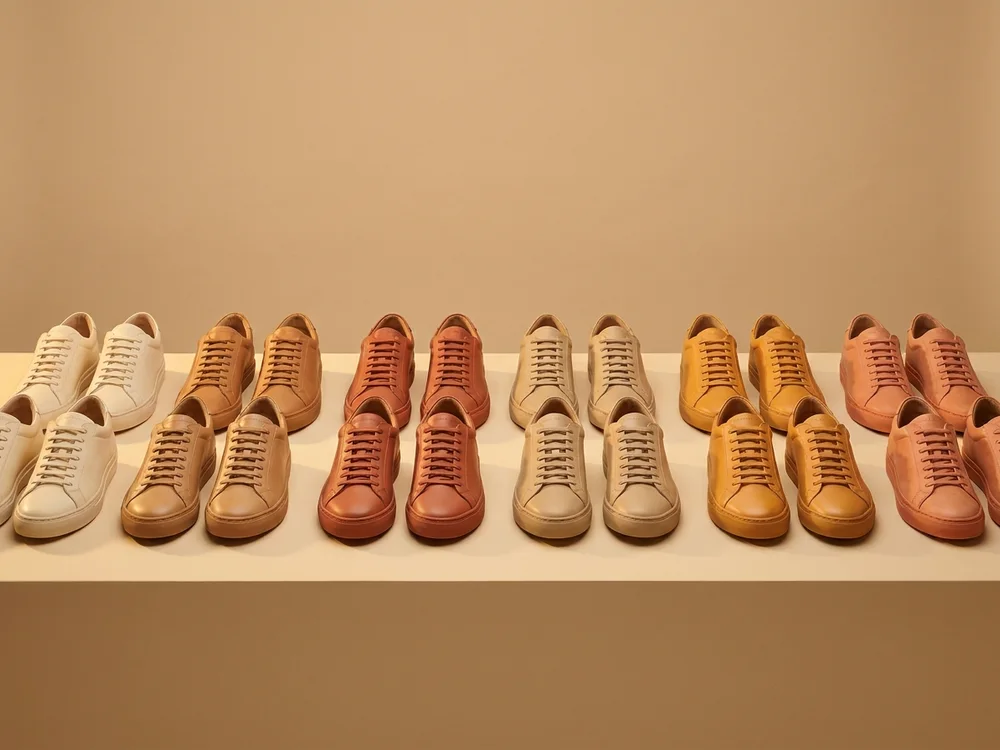
Show every colorway without photographing each one: recolor the product itself, swap the label, and generate the full variant set from one physical sample.
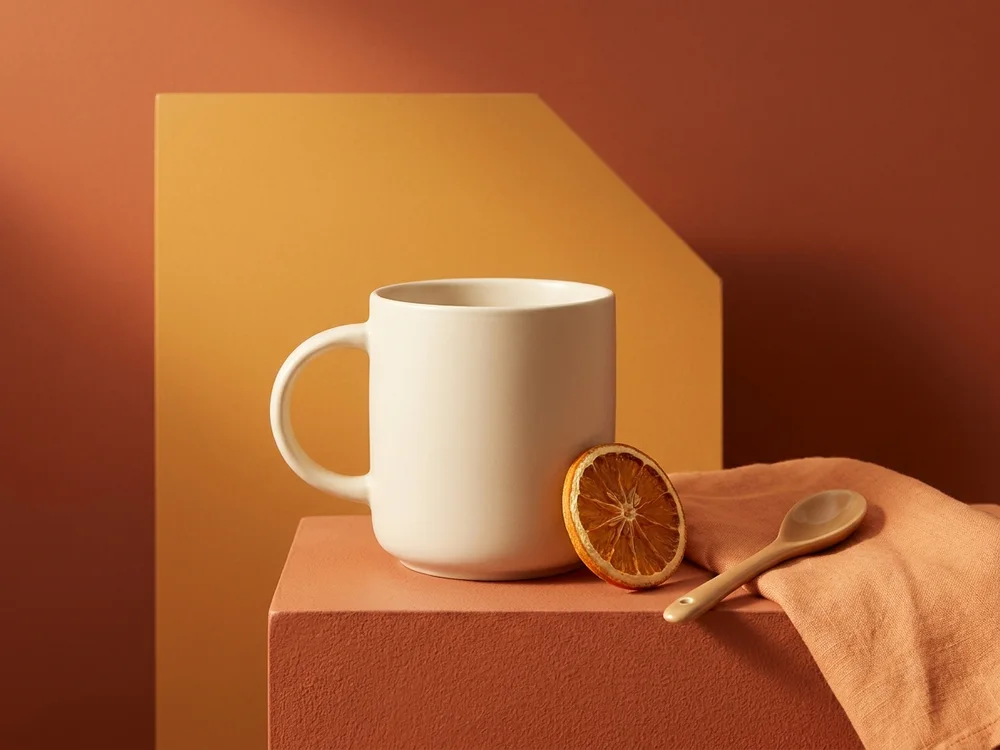
Recolor scenes to the exact brand palette, drop in seasonal props, and swap backgrounds so every asset stays on-message across web, retail, and social.
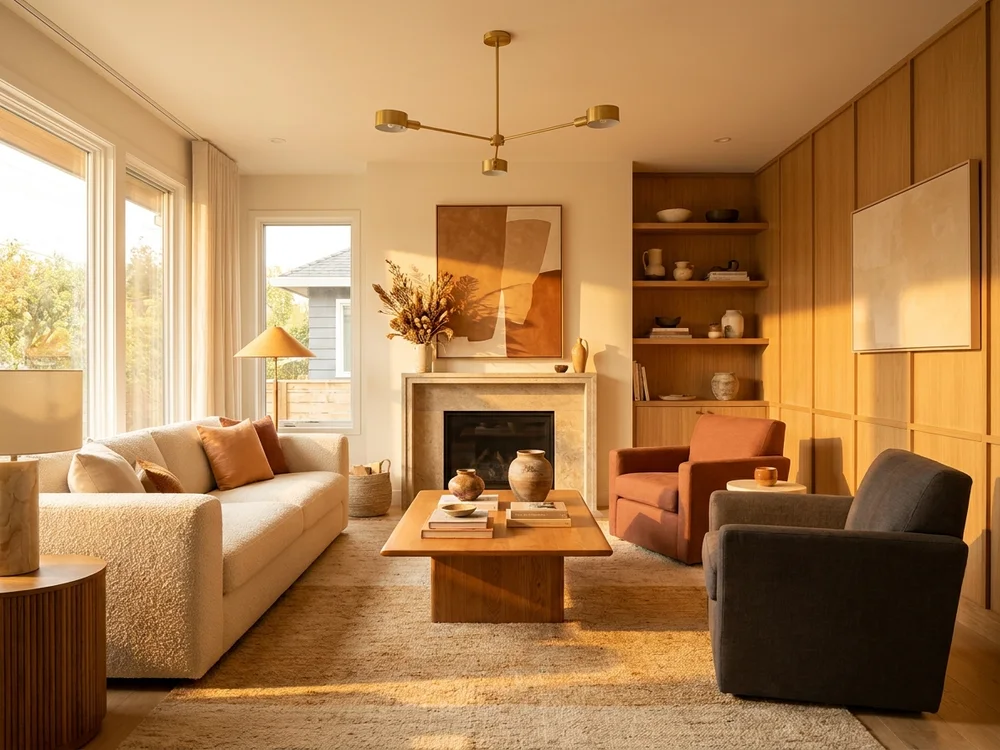
Remove clutter, bins, cars, and wires from listing photos, tidy the scene, and clean the sky so properties present at their best before they go live.
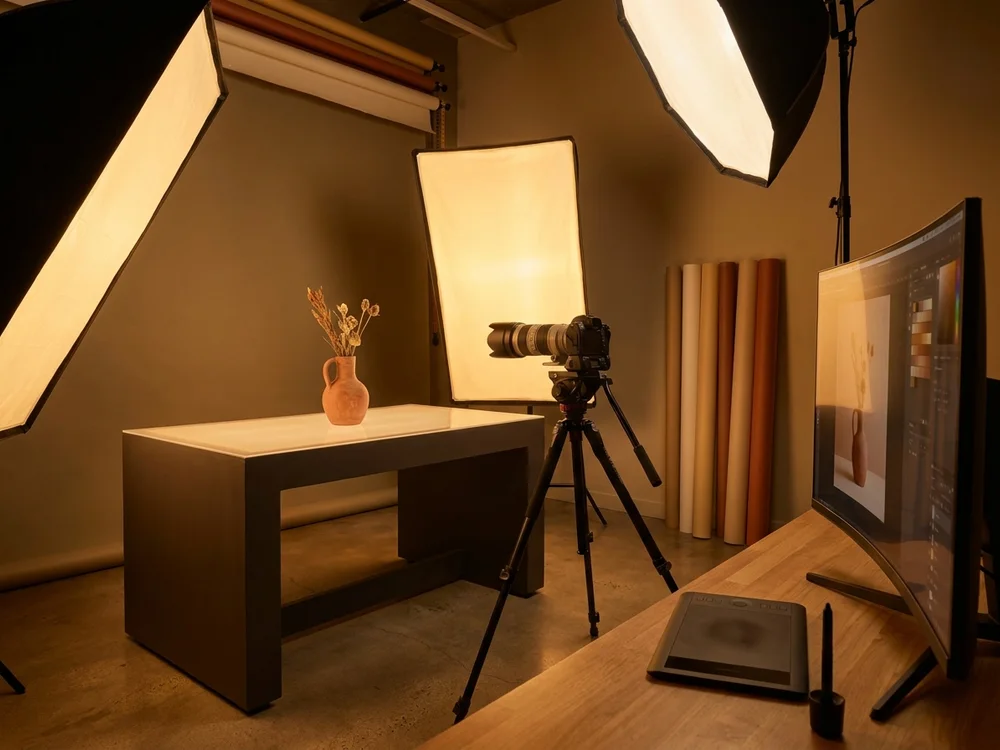
Run whole shoots through the same instructions, stray objects, color casts, background cleanups, and turn evenings of manual retouching into minutes of typed edits.
Everything Edit Image hands you that manual retouching never will.
No masks, no layers, no brush sizes. Say what should change and the AI handles the selection, the fill, and the blending.
The edit touches exactly what you describe, the rest of the photo keeps its light, grain, and detail.
Edits that take an hour in a photo editor land in seconds, and you can stack instructions until the picture is right.
Export the clean image up to 4K with full commercial rights, or send it on to Image to Video and put it in motion.
Tell us what you want to make and we'll point you to the ClipNova tool that fits your idea best.
Find your toolManual editors make you do the selecting, masking, and blending. Edit Image takes the instruction and does the craft for you.
Edit Image lets you retouch photos with written instructions. Upload a picture, describe the change, remove an object, change a color, swap the background, fix a detail, and the AI applies exactly that edit while leaving the rest of the image untouched.
Upload the photo, then write the instruction: what to change, and optionally what to keep. Click 'Edit Image' and the edited version appears in seconds. You can stack further instructions until the picture is exactly right.
Yes. Name what should go, 'remove the car on the left', 'remove the person in the background', and the AI removes it and fills the space naturally, matching the surrounding light, texture, and perspective.
Yes, that is the point of the tool. The AI edits what you name and preserves everything else, the original grain, light, and detail stay intact, so edits do not look edited.
Yes. Every ClipNova plan includes full commercial rights. Make sure you have the rights to the photo you upload, and avoid editing photos of real people in misleading ways or without their consent.
Edits consume credits from your account, with the estimated cost shown before you generate. Plans start at $19/mo (Hobby, 1,000 credits) and every plan includes the full feature set.
Find detailed answers to 100+ questions about features, tools, and workflows
or check our markdown version optimized for LLMs →Choose your tool, add your content, and ship an image in seconds. Then customize it to your liking.
Type a sentence, ship a video.
Try it out →Upload a photo, get an animated video.
Try it out →Generate from references, consistent every shot.
Try it out →AI hosts with realistic voices.
Try it out →Upload a track, get a beat-synced music video.
Try it out →Five anime styles, one prompt away.
Try it out →Hand-drawn shorts from one paragraph.
Try it out →Cinematic multi-scene shorts.
Try it out →Auto-generate synced subtitles for any video.
Try it out →Type a prompt, get a stunning image.
Try it out →Transform any image with a prompt.
Try it out →Join creators turning ideas into scroll-stopping videos, no crew, no software, no learning curve.