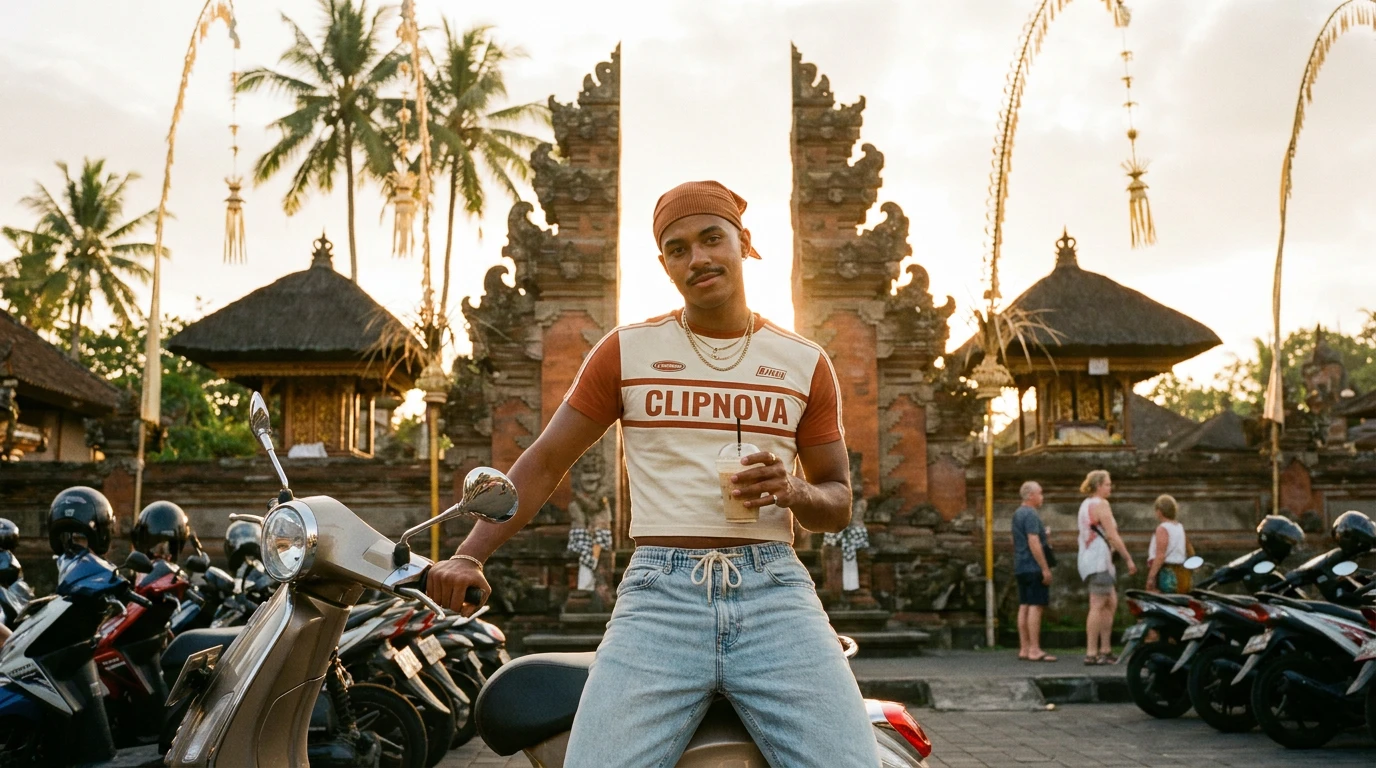
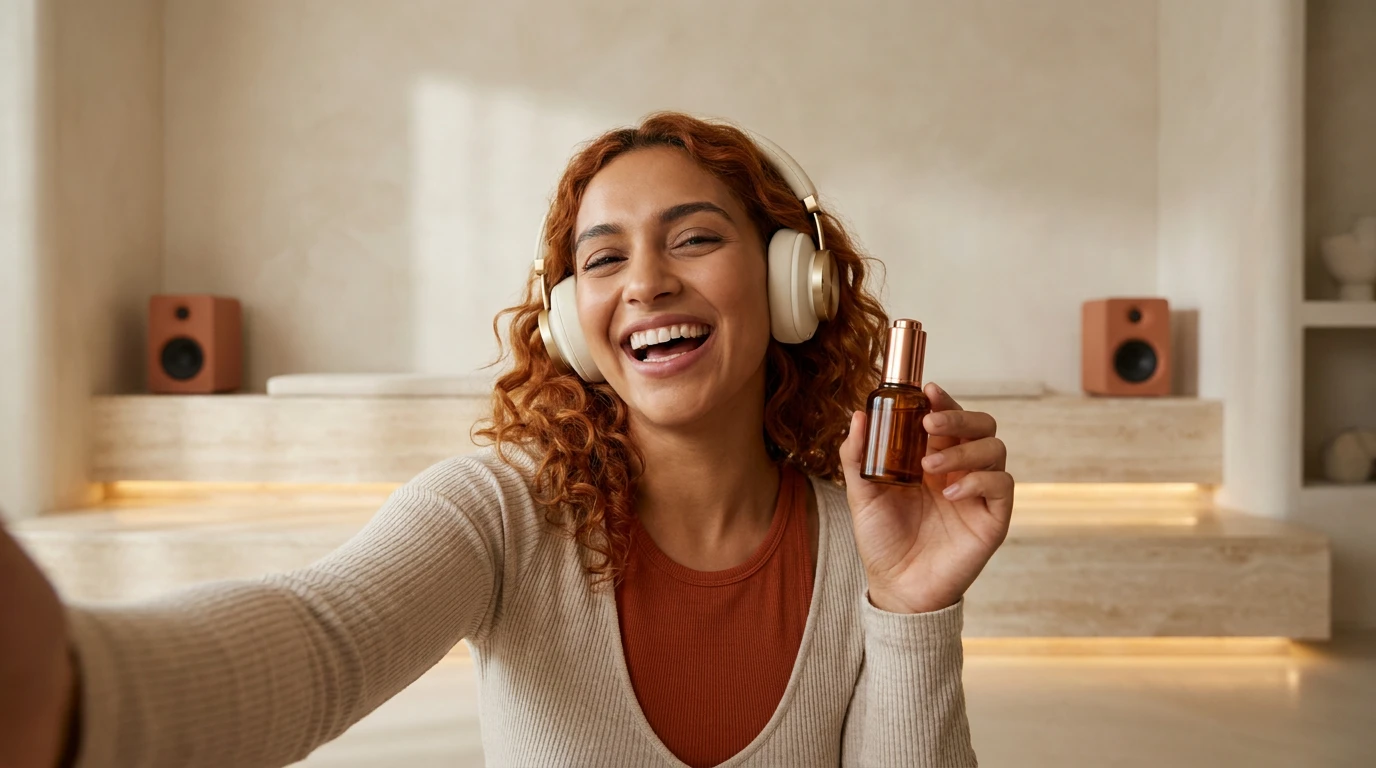
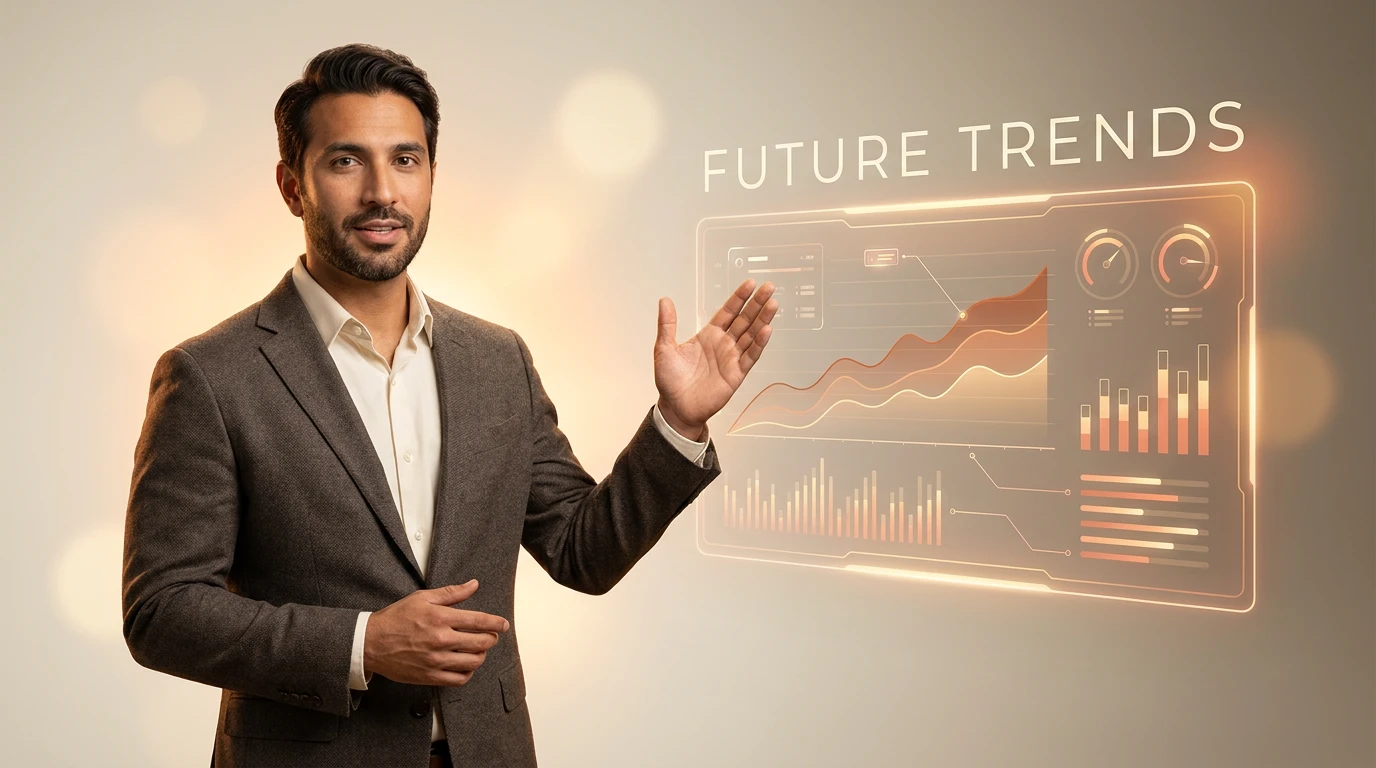
Choose from photorealistic avatars or upload your own face. Pick a voice that matches the vibe, confident, warm, energetic, in any of 18 languages.
Paste what you want them to say. The AI handles pacing, intonation, lip-sync and natural micro-expressions. Switch hosts mid-video if needed.
Captions in any language, voiceover and music baked in. Export 16:9 for LMS and webinars, 9:16 for socials and 1:1 for feed, ready to download and post yourself.
Optional. Leave everything off to keep the original audio.
One platform, dozens of use cases across content, marketing, and training.
We localized 40 onboarding lessons into six languages in a week, re-recording with live presenters would have taken months.
I hate being on camera, so my avatar hosts every product demo now. Updating the script and re-rendering takes 30 seconds.
I cloned my voice and shipped 200 personalized sales intros in a single day, our reply rate jumped 34%.
We localized 40 onboarding lessons into six languages in a week, re-recording with live presenters would have taken months.
I hate being on camera, so my avatar hosts every product demo now. Updating the script and re-rendering takes 30 seconds.
I cloned my voice and shipped 200 personalized sales intros in a single day, our reply rate jumped 34%.
We localized 40 onboarding lessons into six languages in a week, re-recording with live presenters would have taken months.
I hate being on camera, so my avatar hosts every product demo now. Updating the script and re-rendering takes 30 seconds.
I cloned my voice and shipped 200 personalized sales intros in a single day, our reply rate jumped 34%.
We localized 40 onboarding lessons into six languages in a week, re-recording with live presenters would have taken months.
I hate being on camera, so my avatar hosts every product demo now. Updating the script and re-rendering takes 30 seconds.
I cloned my voice and shipped 200 personalized sales intros in a single day, our reply rate jumped 34%.
We localized 40 onboarding lessons into six languages in a week, re-recording with live presenters would have taken months.
I hate being on camera, so my avatar hosts every product demo now. Updating the script and re-rendering takes 30 seconds.
I cloned my voice and shipped 200 personalized sales intros in a single day, our reply rate jumped 34%.
We localized 40 onboarding lessons into six languages in a week, re-recording with live presenters would have taken months.
I hate being on camera, so my avatar hosts every product demo now. Updating the script and re-rendering takes 30 seconds.
I cloned my voice and shipped 200 personalized sales intros in a single day, our reply rate jumped 34%.
We localized 40 onboarding lessons into six languages in a week, re-recording with live presenters would have taken months.
I hate being on camera, so my avatar hosts every product demo now. Updating the script and re-rendering takes 30 seconds.
I cloned my voice and shipped 200 personalized sales intros in a single day, our reply rate jumped 34%.
We localized 40 onboarding lessons into six languages in a week, re-recording with live presenters would have taken months.
I hate being on camera, so my avatar hosts every product demo now. Updating the script and re-rendering takes 30 seconds.
I cloned my voice and shipped 200 personalized sales intros in a single day, our reply rate jumped 34%.
Our Talking Avatar Generator is a tool that turns a written script into a polished video of a photorealistic AI host delivering it. Pick an avatar, pick a voice, paste your script, get a finished talking-head video with natural lip-sync, intonation and micro-expressions, no camera or studio required.
Our avatars are generated by state-of-the-art neural networks trained on thousands of hours of human footage. Most viewers cannot tell the difference from real footage, especially with the new generation of models that handle micro-expressions, gaze direction and head movement.
Yes. On paid plans, upload a 30-second clip of yourself in good lighting and ClipNova will create a personal avatar that you can drive with any script. Perfect for founders who want their face on every piece of content without recording every piece.
18 languages out of the box, including English (US/UK/AU), Spanish, French, Portuguese, German, Italian, Japanese, Mandarin, Hindi, Arabic and more. Each language has multiple native-sounding voices.
Each generated video consumes credits proportional to its length. Plans work out to a few cents per minute of rendered video, far cheaper than studio time, talent, and editing.
On paid plans, yes, you own commercial rights to every video you generate, including the avatar's likeness for commercial use. You can publish on monetized channels, sell the videos in courses, or use them in paid ads.
Find detailed answers to 100+ questions about features, tools, and workflows
Choose your tool, add your content, and ship a host-led video in seconds. Then customize it to your liking.
Type a sentence, ship a video.
Try it out →Upload a photo, get an animated video.
Try it out →Generate from references, consistent every shot.
Try it out →Upload a track, get a beat-synced music video.
Try it out →Hand-drawn anime videos from one prompt.
Try it out →Join creators turning ideas into scroll-stopping videos, no crew, no software, no learning curve.