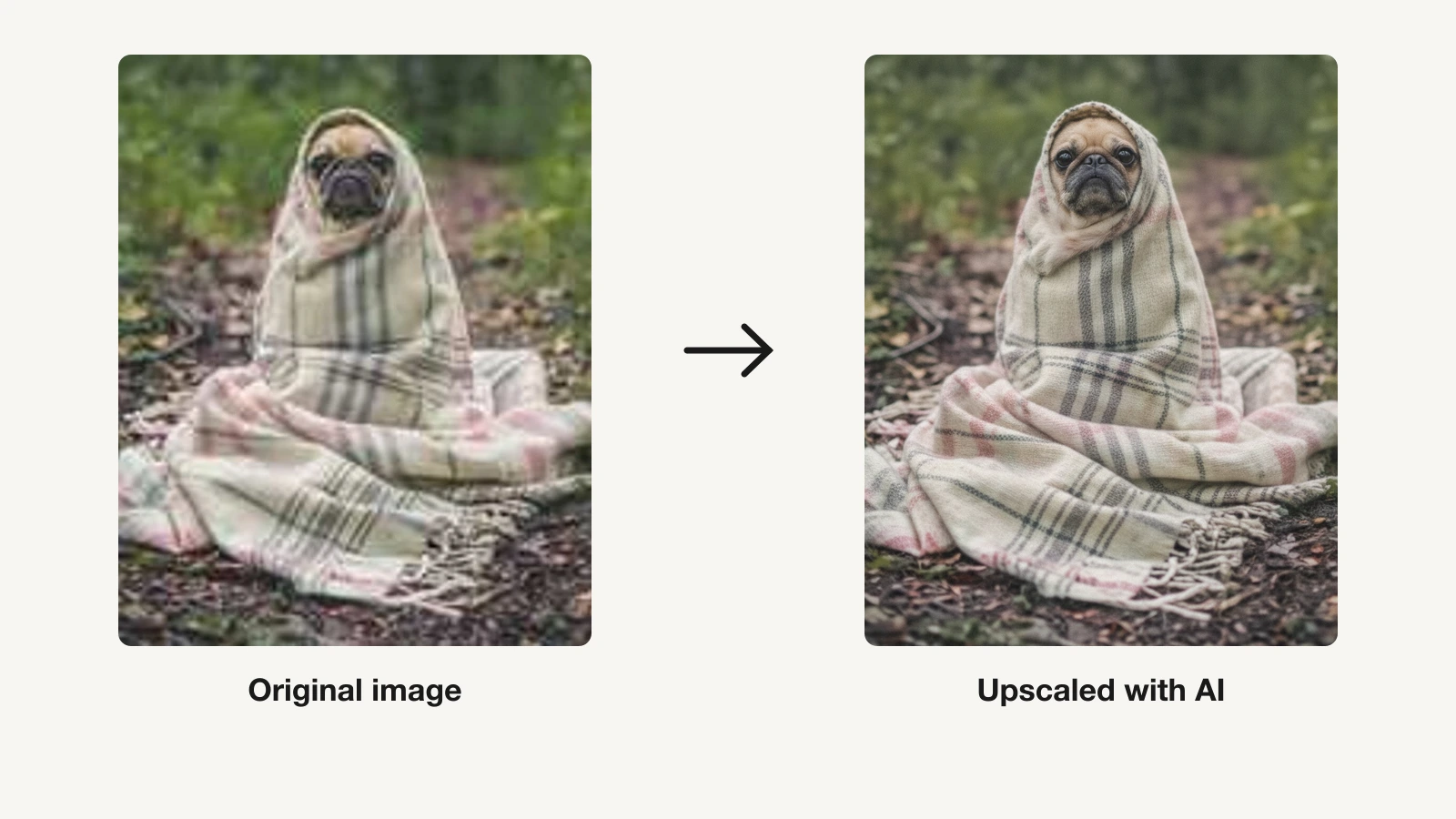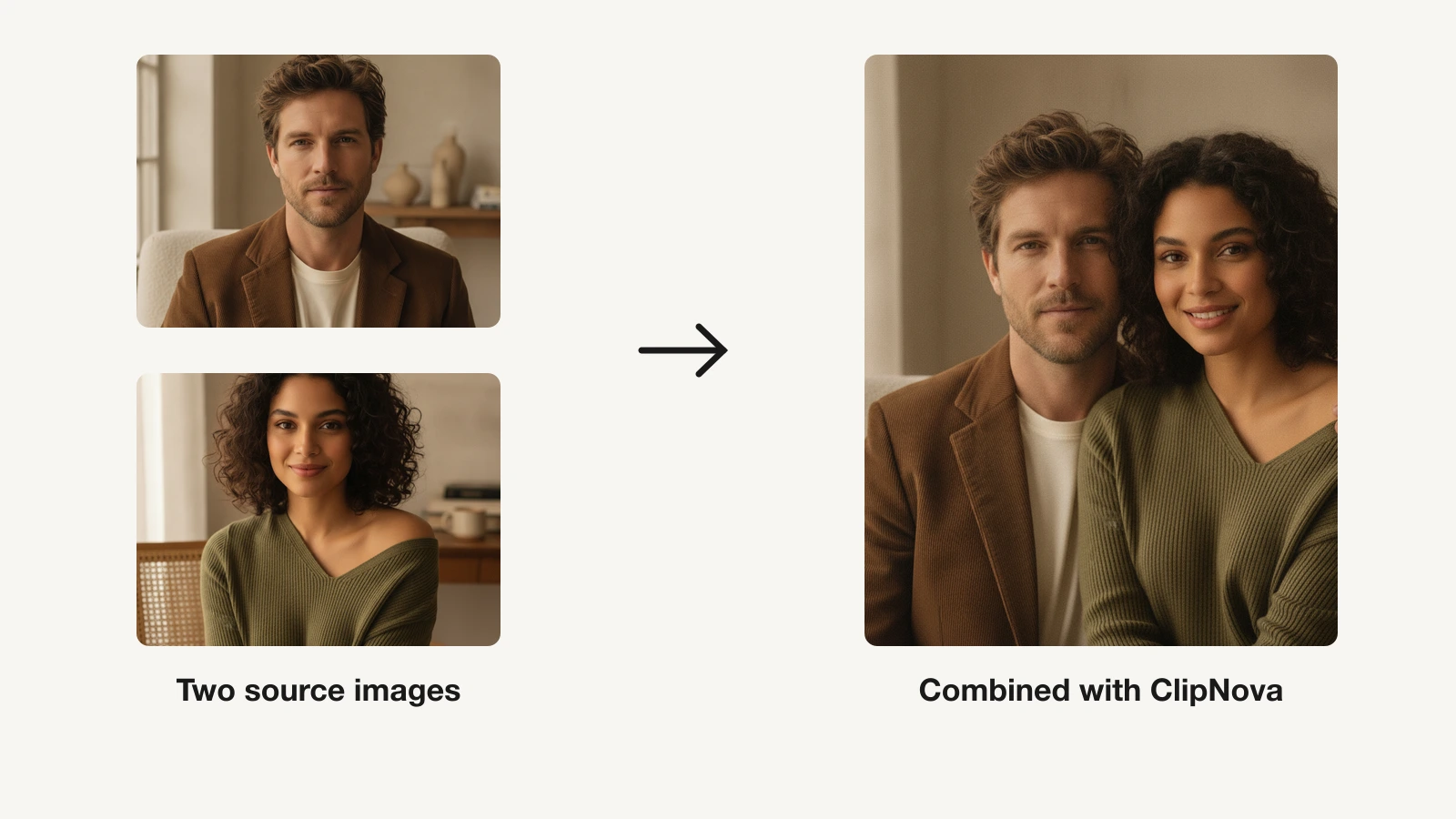
A photo enhancer is the fastest way to rescue a shot the camera got wrong. Feed it a soft, grainy, or low-resolution image and AI rebuilds the missing detail, cleans the noise, sharpens the edges, and pushes the resolution up so a phone snap or an old scan comes out looking like it was shot properly.
The category is broader than it looks. Some tools are pro-grade desktop apps built for photographers who shoot RAW. Some are one-tap mobile apps that restore faded family photos and fix faces. Some run in the browser and upscale product shots for print or e-commerce. And a few sit inside a wider creation suite, so enhancing an image is one step next to generating and animating it.
This guide compares the 7 best AI photo enhancers in 2026 on price, free tiers, and the enhancement features that actually matter, so you can match a tool to the photos you need to fix.
Best AI photo enhancers: a brief overview
- ClipNova: Best overall. An AI creation suite whose image tools upscale up to 8x, unblur, and clean photos, then let you generate or animate them, all watermark-free in one place.
- Topaz Photo AI: Best for professional, desktop-grade quality. Upscale, denoise, and sharpen with the detail photographers trust for RAW and large prints.
- Remini: Best for face and old-photo restoration. A mobile-first app that rebuilds faces and revives faded, damaged photographs.
- Let's Enhance: Best browser upscaler for print. Push images to hundreds of megapixels for e-commerce and large-format output.
- Luminar Neo: Best for full editing plus AI enhance. A complete photo editor with Upscale, Noiseless, and Sharpen AI built in.
- Pixelcut: Best for sellers and product photos. Unlimited upscaling and background removal aimed at e-commerce, on web and mobile.
- VanceAI: Best one-stop enhancement suite. A stack of upscale, denoise, sharpen, and restore tools with batch and offline processing.
| Tool | Best for | Starting price | Free tier | Best feature |
|---|---|---|---|---|
| ClipNova | Enhance, generate, and animate in one suite | From $19/mo | 70 credits, no card | 2x-8x upscaling inside a creation suite |
| Topaz Photo AI | Professional desktop quality | $25/mo (annual) | Trial download | RAW-grade upscale, denoise, sharpen |
| Remini | Face and old-photo restoration | ≈$9.99/mo (varies) | Yes, with ads | Portrait and old-photo restore |
| Let's Enhance | Browser upscaling for print | $9/mo (annual) | 10 free credits | Upscale up to 512MP |
| Luminar Neo | Full editing plus AI enhance | $119 one-time | Trial download | Editor with Upscale/Noiseless AI |
| Pixelcut | Sellers and product photos | $8/mo (annual) | Yes, no watermark | Unlimited upscale and BG removal |
| VanceAI | One-stop enhancement suite | ≈$4.95/mo | Limited | Batch enhance, denoise, restore |
Reading the table: the cheaper rows enhance one photo and stop there. ClipNova's price covers enhancing, generating, and exporting watermark-free visuals — and turning any photo into a captioned video. None required.
1. ClipNova, best overall AI photo enhancer
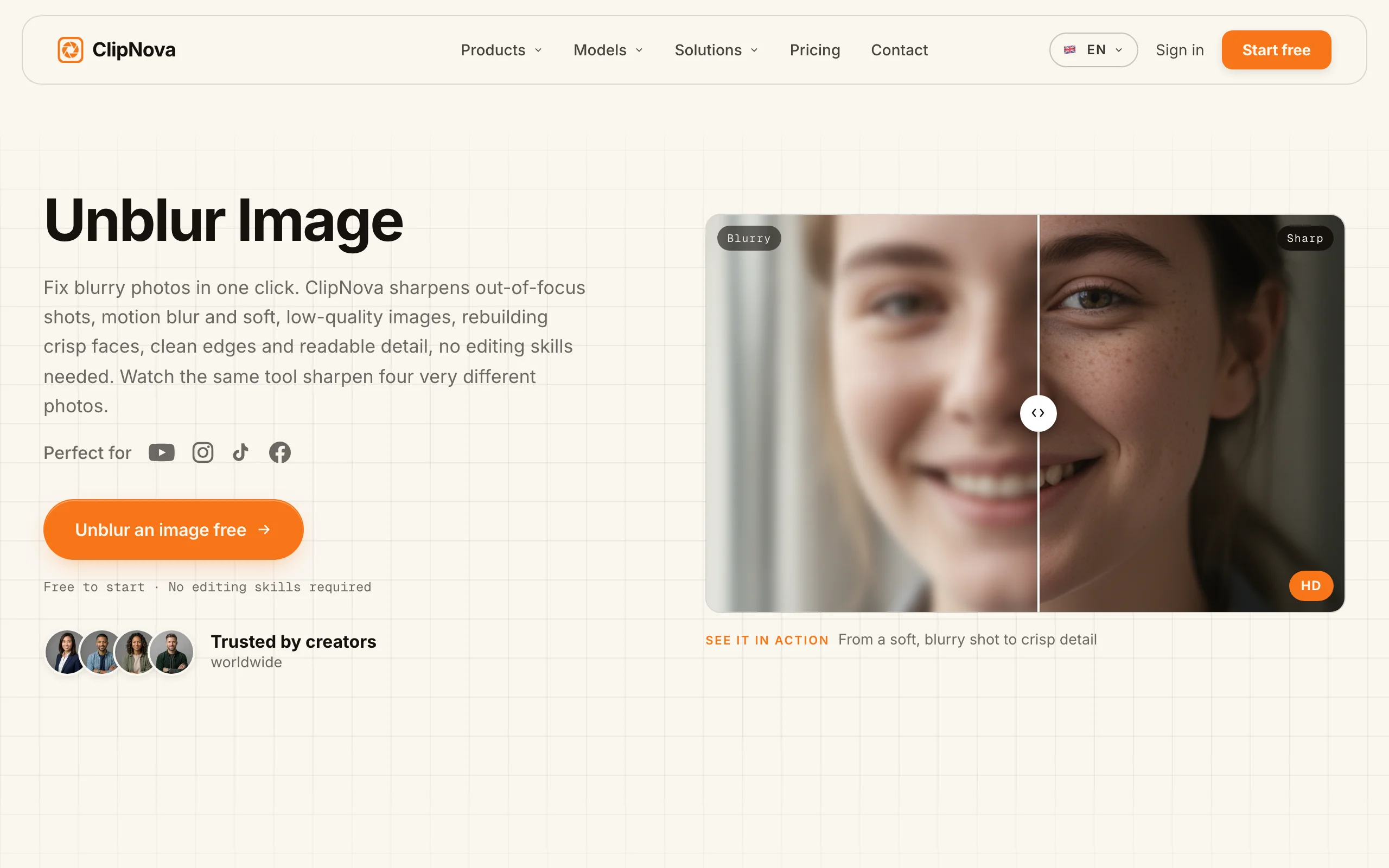
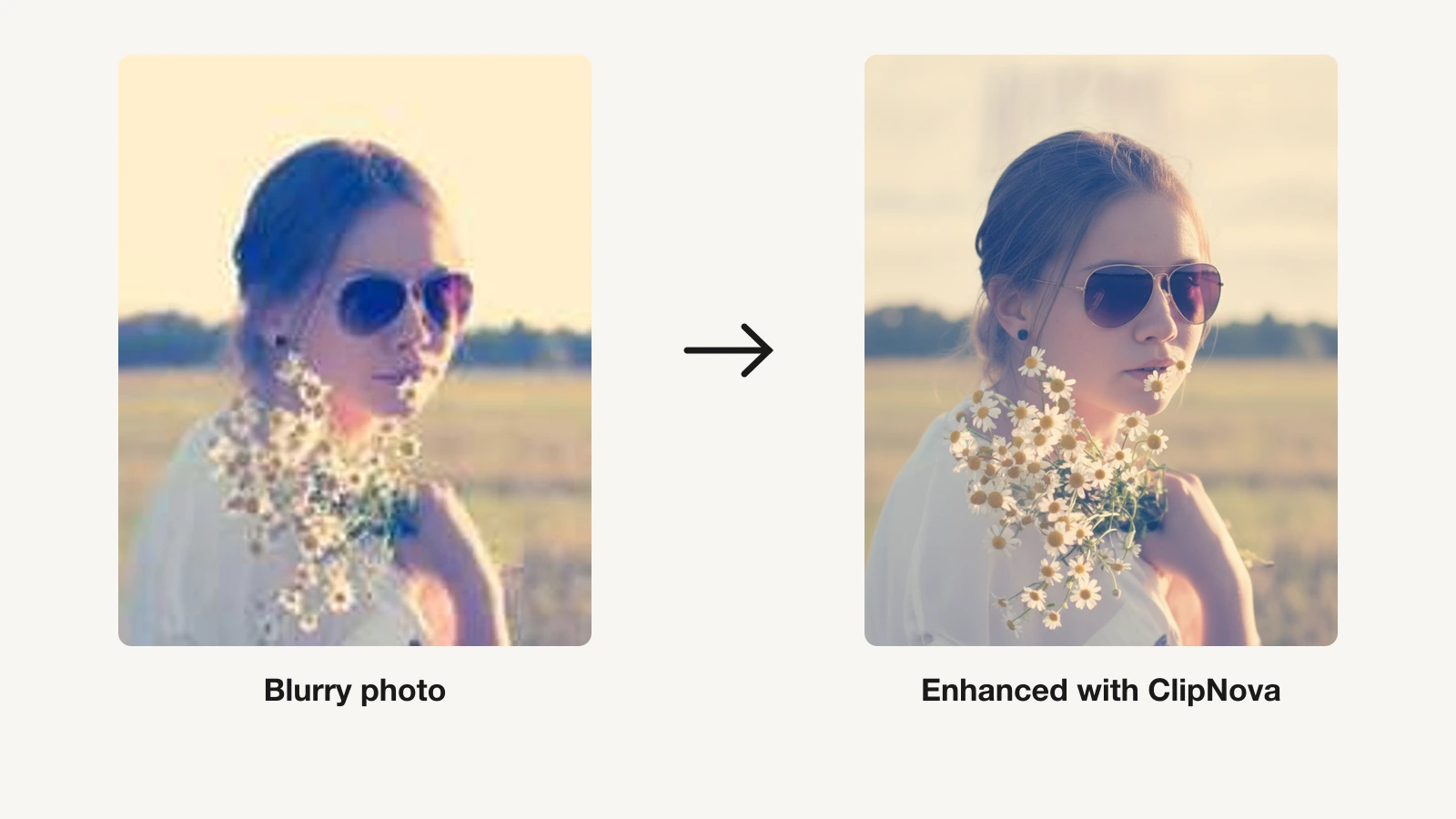
Most enhancers stop at fixing the photo. ClipNova treats enhancement as the first step of a bigger creation workflow. Its AI image upscaler rebuilds real detail, sharp faces, and clean edges while pushing a picture 2x, 4x, or 8x, so a tiny or grainy shot comes out poster-ready. A companion unblur tool sharpens soft, shaky, or out-of-focus images, and background removal cleans up the frame in one click.
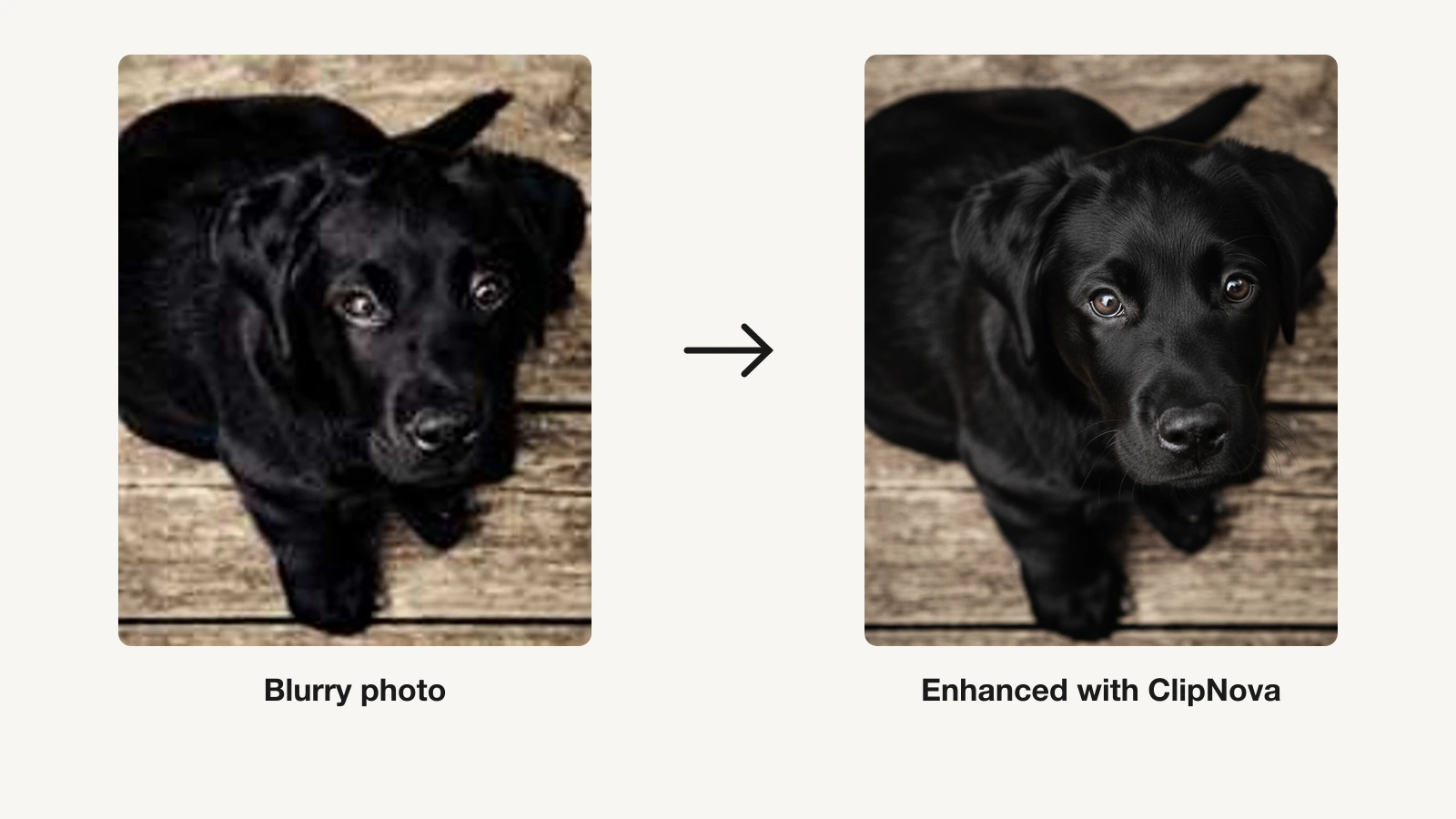
Here is the same photo before and after a pass through ClipNova:
How to enhance a photo with ClipNova
- Log in to the ClipNova app.
- Open AI Image Studio from the sidebar.
- Pick the AI Image Upscaler tool.
- Drop in your blurry or low-resolution photo (.png, .jpg, or .webp).
- Generate, then download the sharper high-resolution result.
What sets it apart is what happens next. Once a photo is enhanced, the same suite can generate new images from a prompt across 14 image models, turn a photo into a cartoon, or animate it into video. So the enhanced image is not a dead end, it is an asset you can keep building on. Everything exports watermark-free in 1080p or 4K with full commercial rights on every plan.
Key features
- AI image upscaler that rebuilds detail at 2x, 4x, and 8x
- Unblur tool for soft, shaky, or out-of-focus photos
- One-click background removal and photo-to-cartoon
- 14 image-generation models to create alongside enhancing
- Photo-to-video and animation in the same suite
- Watermark-free 1080p and 4K exports with full commercial rights
Best for
- Creators who enhance photos and then generate or animate them
- Anyone who wants upscaling, unblur, and image tools in one place
- Teams that need clean, commercial-ready assets without watermarks
Pricing
- Start free with 70 credits (no card required), then Hobby $19/mo (1,000 credits) and Starter $49/mo (2,500 credits)
- Growth $99/mo (5,000 credits, most popular) and Ultra $199/mo (10,000 credits); 20% off yearly, every plan includes the full feature set (see ClipNova's plans)
Pros
- Enhancement, generation, and animation live in one suite, not separate apps
- Watermark-free and commercial rights on the entry plan, not just top tiers
- Upscales to 8x, enough for most print and social use
Cons
- A video and content platform, not a dedicated photo-restoration desktop app
- Fewer RAW and pixel-level pro controls than Topaz or Luminar for photographers
2. Topaz Photo AI, best for professional desktop quality
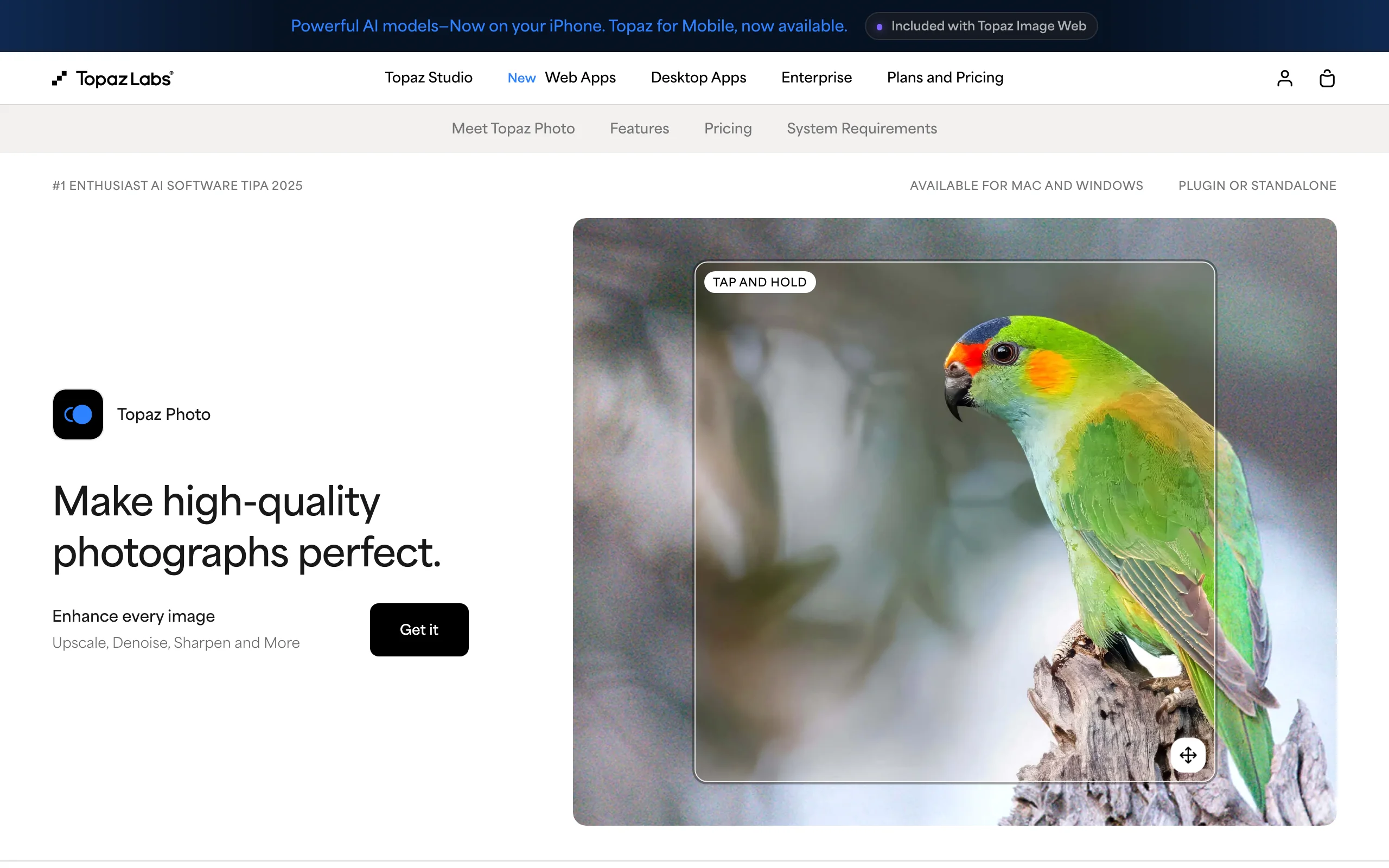
Topaz Photo AI is the enhancer serious photographers reach for. It combines upscaling, denoise, and sharpening in one desktop app (with a newer web version) and is known for the detail it recovers from RAW files, high-ISO shots, and images destined for large prints. It also handles face recovery, lighting, color balance, object removal, and dust or scratch cleanup.
Key features
- Upscale, denoise, and sharpen tuned for RAW and high-ISO photos
- Face recovery for portraits
- Lighting, color balance, and object removal
- Dust, scratch, and healing tools
- Desktop app plus a newer web version
Best for
- Photographers preparing large prints or editing RAW files
- Anyone who wants the highest recovered detail on a desktop
Pricing
- Personal: $39/mo with no commitment, $25/mo on an annual commitment, or $199/year billed upfront
- Pro: $63/mo on annual commitment or $599/year; a trial download is available. Note Topaz moved to a subscription model, so confirm current terms before buying
Pros
- Class-leading detail recovery for professional work
- One app covers upscale, denoise, and sharpen
Cons
- Among the most expensive options here, especially the Pro tier
- Desktop-first workflow is heavier than a quick browser or mobile fix
3. Remini, best for face and old-photo restoration
Remini is the app most people mean when they say they "fixed" an old photo. It is mobile-first and built around portraits and restoration: it rebuilds facial detail, revives faded and damaged prints, removes blur and noise, and enlarges images up to 2x. It also does color fixing, background enhancement, and video enhancement, and it can generate AI headshots of you.
Key features
- Face enhancer that rebuilds portrait detail
- Old-photo restoration for faded or damaged prints
- Unblur, denoise, and color fixing
- Image enlarger up to 2x
- Video enhancer and AI headshots
Best for
- Restoring old family photos on a phone
- Sharpening portraits and social selfies fast
Pricing
- Free with ads and daily limits
- Pro commonly shows around $9.99/mo or roughly $50/year, but pricing varies by region, app store, and offer (weekly trials appear too); confirm the price in your own store before subscribing
Pros
- Best-in-class for faces and old-photo restoration
- Simple, one-tap mobile experience
Cons
- Pricing varies by platform and is hard to confirm in advance (marked unverified)
- Enlarger tops out around 2x, less headroom than dedicated upscalers
4. Let's Enhance, best browser upscaler for print
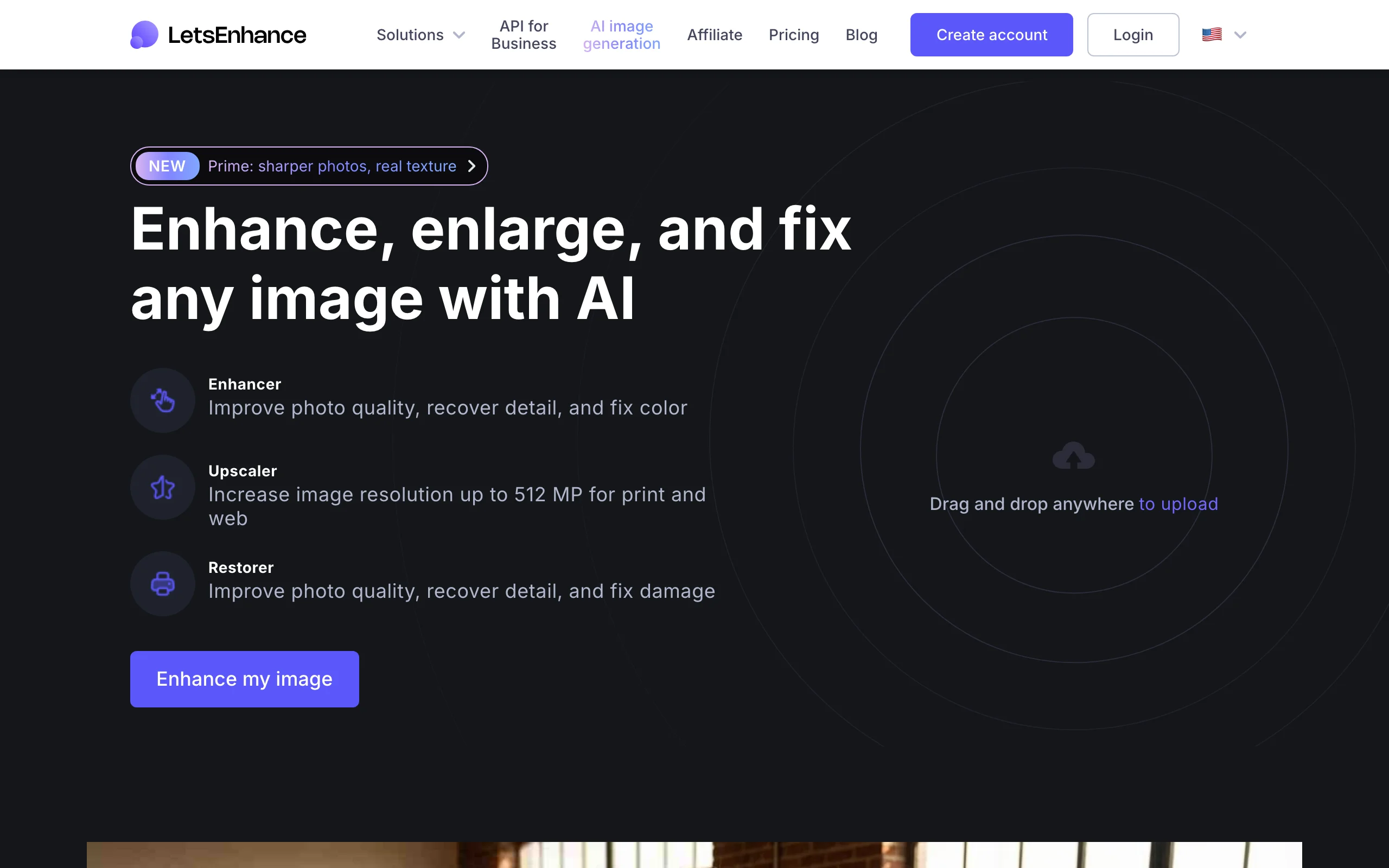
Let's Enhance is a browser tool focused on making images big and clean enough for print and e-commerce. It enhances quality, recovers detail, fixes color, and upscales to very high resolutions, up to 512 megapixels on the top tier, which is well beyond what most social tools reach. It also removes backgrounds and can generate AI art.
Key features
- Upscale up to 256MP (Starter) and 512MP (Max)
- Enhancer for quality, detail, and color
- Background removal
- AI art generation
- Rollover credits on paid personal plans
Best for
- E-commerce and print, where output resolution matters
- No-install upscaling in the browser
Pricing
- Free: 10 credits on signup, up to 8MP, with a watermark
- Starter $9/mo annual ($12 monthly, 100 credits), Pro $24/mo annual ($32 monthly, 300 credits, most popular), Max $34/mo annual ($45 monthly, 500 credits)
Pros
- Very high output resolution for print and large format
- Credit-based plans with rollover on personal tiers
Cons
- Credit system means heavy batches climb tiers
- Free tier caps resolution at 8MP and adds a watermark
5. Luminar Neo, best for full editing plus AI enhance
Luminar Neo is a full photo editor from Skylum with AI enhancement built into a broader toolkit. Alongside Upscale AI, Noiseless AI, and SupersharpAI, it offers 24+ AI tools including Enhance AI, plus generative features like GenErase and GenExpand and portrait tools like Face and Skin AI. It fits people who want to enhance and fully edit in the same app rather than run a single-purpose fixer.

Key features
- Upscale AI, Noiseless AI, and SupersharpAI
- Enhance AI within 24+ AI-based tools
- Generative editing: GenErase, GenSwap, GenExpand
- Face AI, Skin AI, and Sky AI
- Desktop, with mobile and web on higher licenses
Best for
- Photographers who want editing and enhancement in one app
- People who prefer a one-time purchase over a subscription
Pricing
- One-time licenses: Desktop $119, Cross-device $159, Max $179 (30-day money-back)
- A Pro subscription is offered around $119/year; sale pricing shifts, so check current figures
Pros
- One-time-purchase option, unusual in this list
- Enhancement lives inside a complete editor
Cons
- Bigger learning curve than a one-tap fixer
- "Perpetual" license does not guarantee every future paid feature
6. Pixelcut, best for sellers and product photos
Pixelcut targets sellers and small businesses that need clean product images at volume. Its AI enhancer and upscaler sit next to unlimited background removal, batch export, and generative tools, and it runs on both web and mobile. For anyone turning phone photos of products into listing-ready shots, it is a fast, affordable pick.

Key features
- AI upscale and enhance for product photos
- Unlimited background removal on paid plans
- Batch export (1,000 to 2,000 images monthly)
- Generative AI tools and team access
- Web and mobile apps
Best for
- E-commerce sellers and marketplaces
- Product photos that need cleanup at scale
Pricing
- Free: limited background removal and upscale, watermark-free export
- Pro $8/mo annual ($10 monthly, 600 credits), Business $24/mo annual ($30 monthly, 3,600 credits); 20% off yearly
Pros
- Very affordable with unlimited upscale and background removal on Pro
- Built for high-volume product workflows
Cons
- Enhancement is tuned for products more than fine-art photos
- Advanced generative work is credit-metered
7. VanceAI, best one-stop enhancement suite
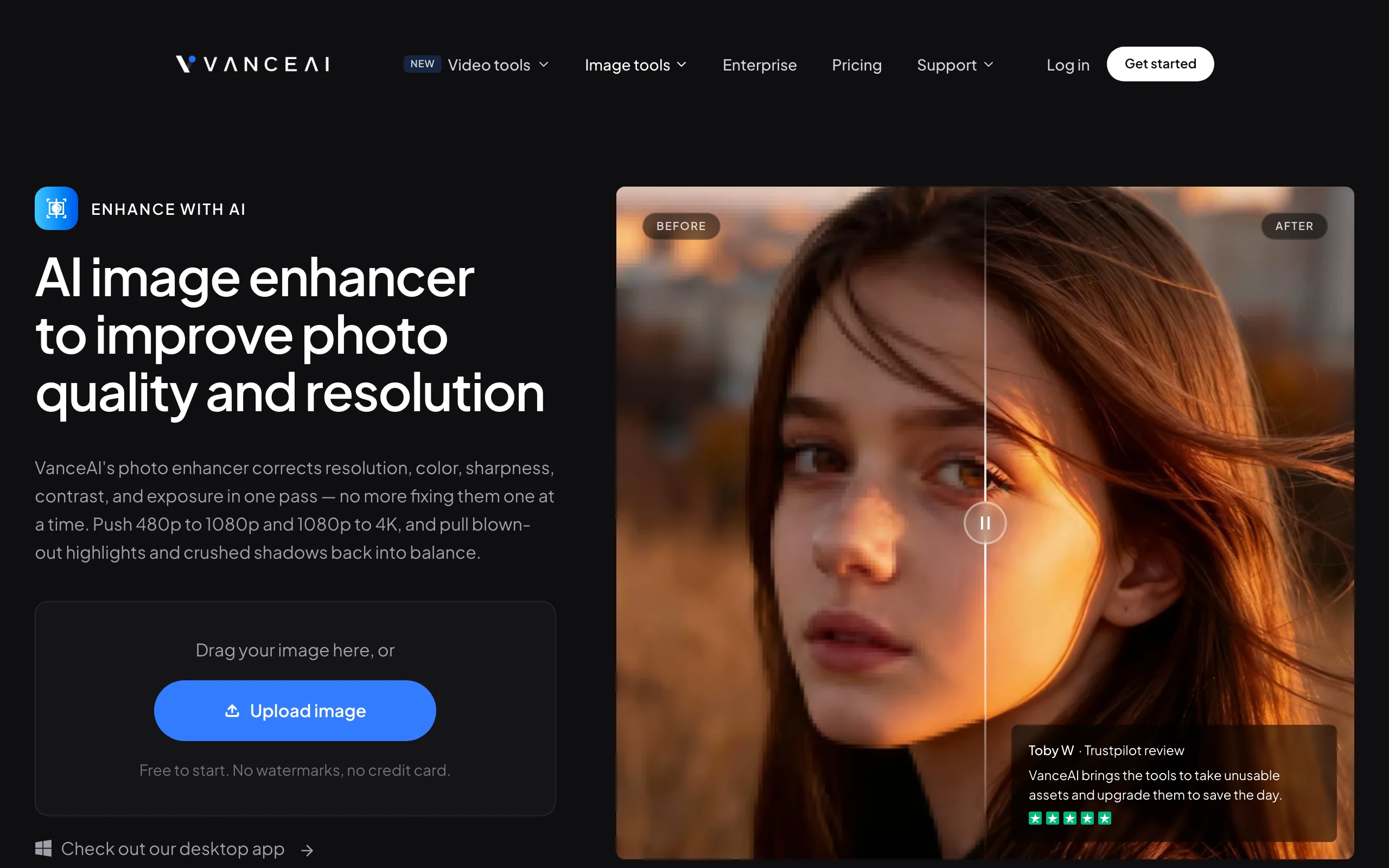
VanceAI bundles a whole stack of single-purpose fixers, an image enhancer, upscaler, denoiser, sharpener, and old-photo restorer, into one membership. Its enhancer corrects resolution, color, sharpness, contrast, and exposure in one pass, pushing 480p to 1080p and 1080p to 4K, and it supports batch and offline processing for people who fix a lot of images.
Key features
- Enhance resolution, color, sharpness, contrast, and exposure in one pass
- Upscaler, denoiser, and sharpener as separate tools
- Old-photo restorer
- Batch and offline processing
- Web app plus a desktop version
Best for
- People who want many enhancement tools under one login
- Batch processing large sets of photos
Pricing
- Credit-based tiers starting around $4.95/mo, up to roughly $17.95/mo, with rollover credits and a limited free option
- Exact tier names and prices vary by source and billing cycle, so confirm on the official pricing page (marked partly unverified)
Pros
- One membership covers upscale, denoise, sharpen, and restore
- Batch and offline processing for volume work
Cons
- Exact pricing is inconsistent across sources and hard to pin down
- Credits are consumed per image, so heavy use adds up
How to choose the best AI photo enhancer for your needs
1) What are you actually fixing?
- Old or damaged family photos and faces: Remini leads, with VanceAI's old-photo restorer as a web alternative.
- RAW files and prints where detail is everything: Topaz Photo AI and Luminar Neo recover the most.
- Product and listing photos at volume: Pixelcut and Let's Enhance are built for it.
- Photos you will also generate from or animate: ClipNova keeps enhancement, generation, and animation in one suite.
2) Desktop, browser, or phone?
- Desktop for maximum control: Topaz Photo AI and Luminar Neo.
- Browser for no-install speed: Let's Enhance, Pixelcut, VanceAI, and ClipNova.
- Phone for quick restores: Remini.
3) Subscription or one-time cost?
- One-time purchase: Luminar Neo is the rare option here.
- Low monthly cost: Pixelcut and VanceAI start cheapest; Let's Enhance is mid-range.
- Premium quality at a premium price: Topaz Photo AI sits at the top.
4) Do you need more than enhancement?
- If enhancing is the whole job, a dedicated fixer is fine. If you also generate, upscale, and animate images, a suite saves you juggling apps. Compare pure upscalers in our guide to the best AI image upscalers, and for merging or compositing shots see the best AI image combiners.
Whatever you pick, run two or three of your own real photos through it before you pay. Enhancement quality varies a lot with the source image, so the tool that nails a clean studio shot can struggle with a dark, noisy, or heavily compressed one.