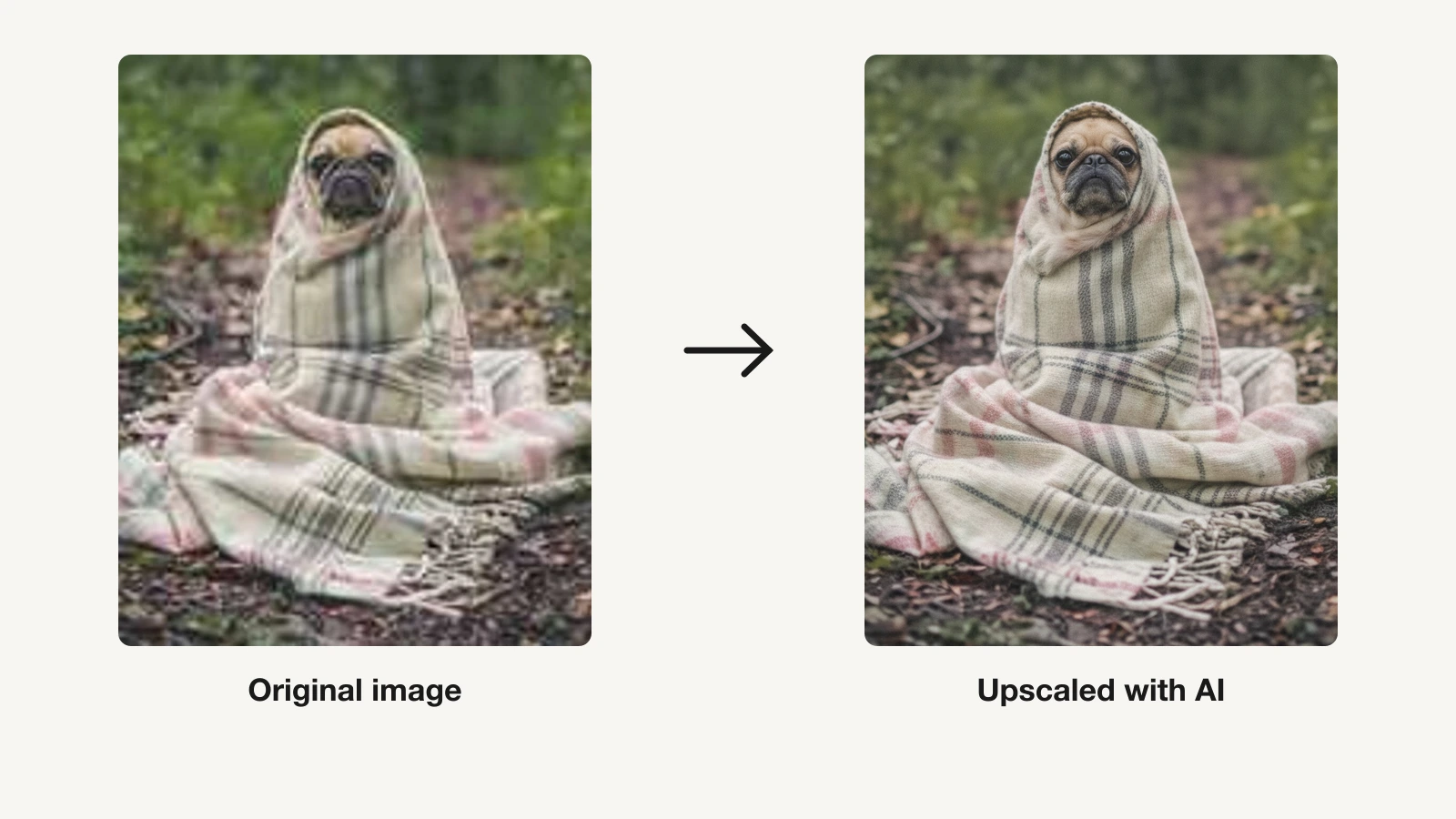
Blurry, low-resolution images hold back everything you publish: a product photo that pixelates when you zoom, an AI render that looks soft at full size, an old family picture you want to print. AI image upscalers fix this by adding sharp, believable detail as they enlarge, not just stretching pixels. The good ones can take a 500-pixel thumbnail to a crisp 4K print in seconds.
The catch is that "best" depends on the job. A photographer preparing prints needs different software than a creator who just wants social visuals to look sharp, or a shop owner batch-processing 300 product shots. In this guide we compare the best AI image upscalers of 2026, covering pricing, output quality, and which one fits your actual workflow, from dedicated pro enlargers to offline desktop tools and all-in-one creator suites.
Best AI image upscalers: a brief overview
ClipNova: Best for creators who want publish-ready visuals in high resolution without a separate upscaling step, an all-in-one studio that generates finished video and image content and exports it watermark-free at up to 4K.
Topaz Gigapixel AI: Best for professional photo and print upscaling, the highest-fidelity enlarger for photographers who need faithful, natural detail.
Magnific AI: Best for creative, generative upscaling that invents new detail, ideal for AI art and 3D renders rather than faithful photo enlargement.
Upscayl: Best open-source offline upscaler, a desktop app that runs locally with no watermarks and no usage limits.
Let's Enhance: Best browser-based batch upscaling, a no-install web tool built for e-commerce and bulk image jobs.
Krea AI: Best for real-time image generation with built-in upscaling, a creative suite that upscales to very large sizes.
Remini: Best for photo and portrait restoration, the mobile-first app that rescues old, blurry, and low-quality face photos.
| Tool | Best for | Starting price | Max output |
|---|---|---|---|
| ClipNova | All-in-one visual creation, high-res export | From $19/mo | 1080p–4K video & images |
| Topaz Gigapixel AI | Pro photo & print upscaling | From $19/mo (annual) | Very large, offline |
| Magnific AI | Creative generative upscaling | From $39/mo | Up to ~10K, reimagined detail |
| Upscayl | Offline, private, open source | Free (open source) | Up to 16x, local |
| Let's Enhance | Browser batch upscaling | From $9/mo (annual) | Up to 512 MP |
| Krea AI | Generation + upscaling in one | From $9/mo | Up to 22K |
| Remini | Photo & portrait restoration | From $6.99/week (web) | Restored portraits |
Reading the table: the cheaper rows enlarge one image and stop there. ClipNova's price covers the whole visual pipeline — generate, upscale, and export watermark-free up to 4K, or turn any image into a captioned video. Start free with 70 credits, no card required.
1. ClipNova, best for creators who need high-res visuals without a separate upscaler
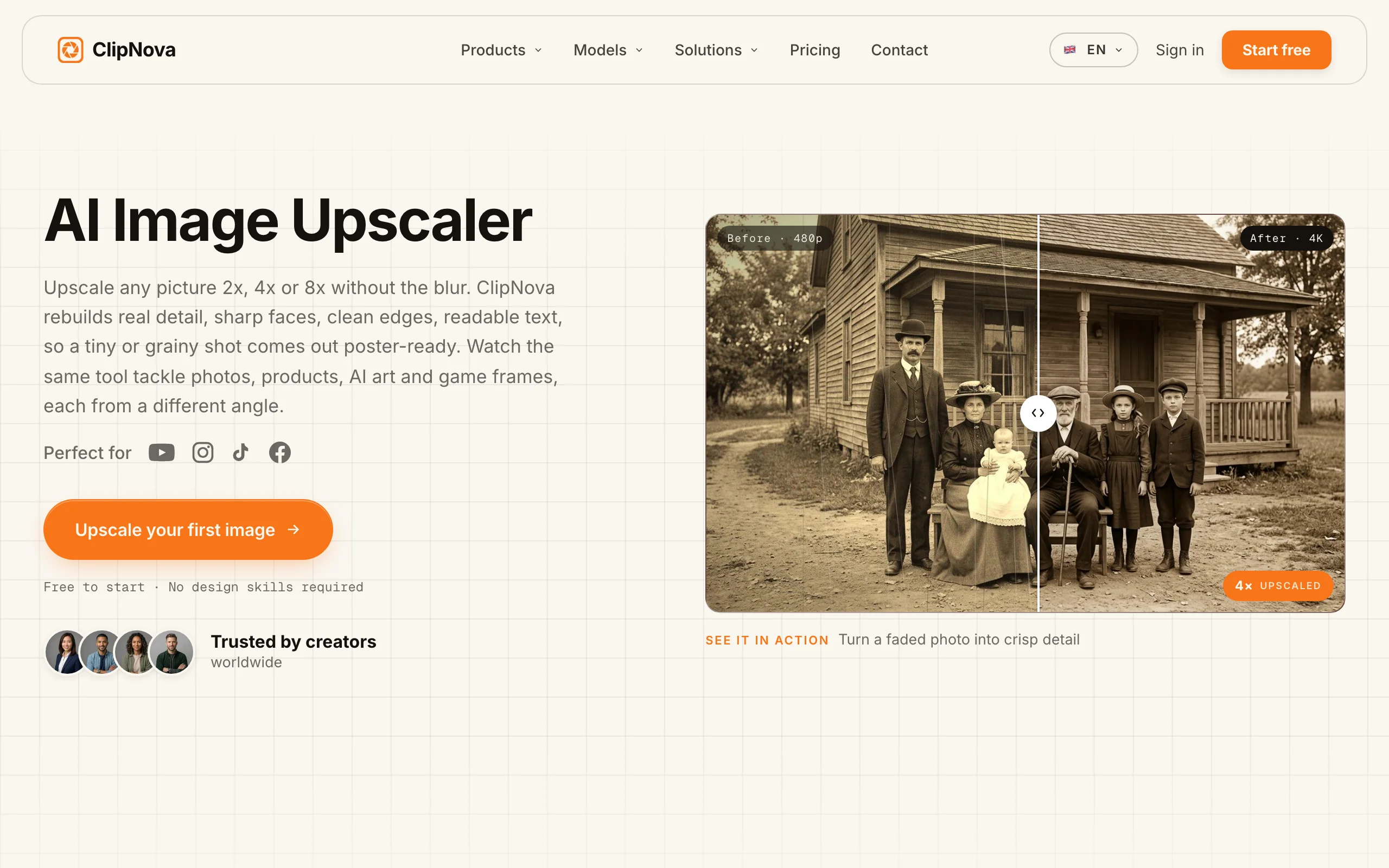
ClipNova approaches the resolution problem from the other end. Instead of enlarging an image after the fact, it generates finished, publish-ready video and image content that is already sharp, then exports it watermark-free at up to 4K. Type a prompt or drop in a track and you get a captioned, voiced vertical video, or a set of on-brand visuals, without opening an editor or a separate upscaling app. For creators, marketers, and faceless-channel operators whose real goal is polished output rather than enlarging one specific photo, that removes a whole step.
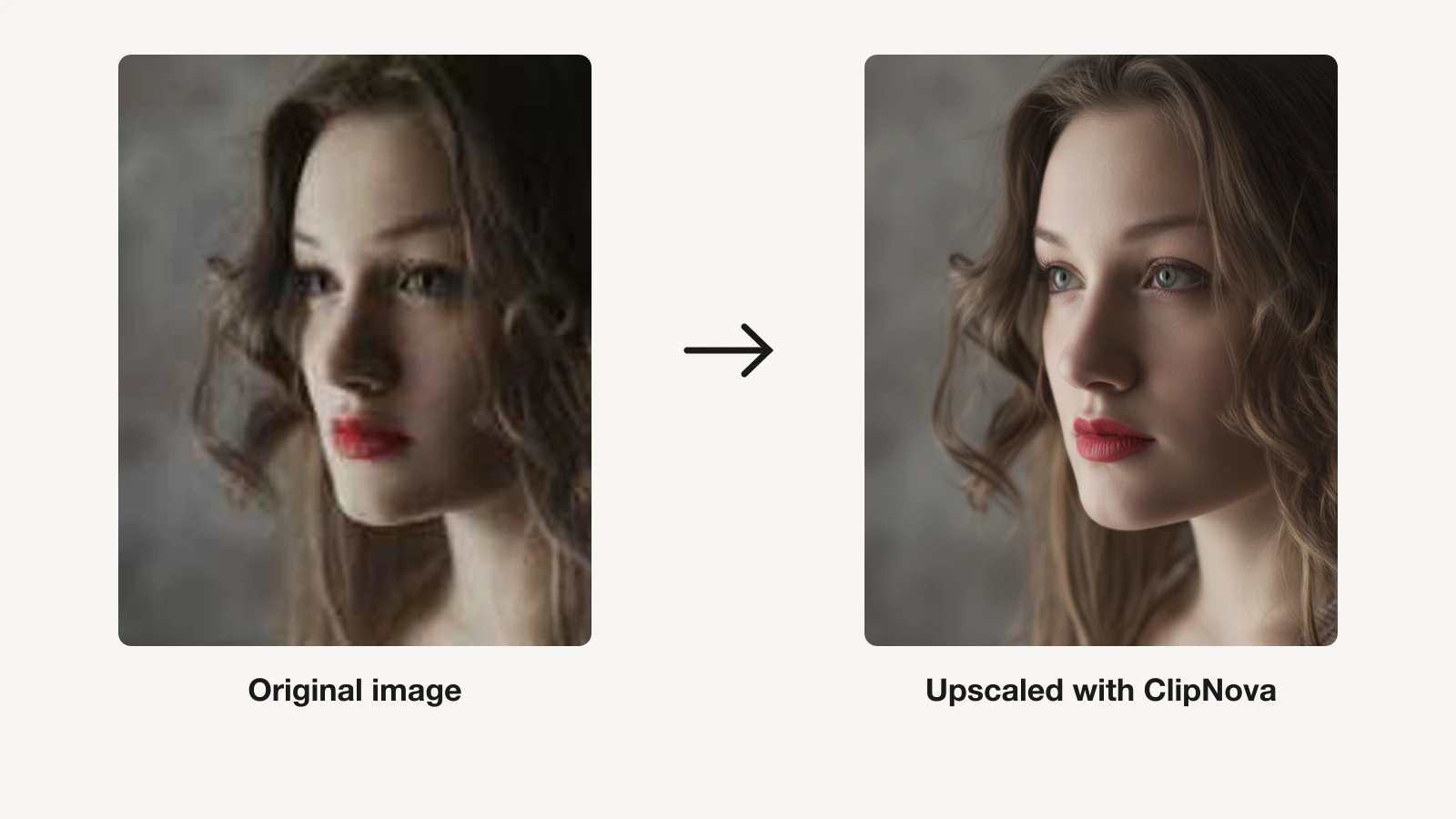
Here is what that looks like in practice: the same low-resolution portrait, before and after running it through ClipNova.
How to upscale an image with ClipNova
- Log in to the ClipNova app.
- Open AI Image Studio from the sidebar.
- Pick the AI Image Upscaler tool.
- Drop in your photo (.png, .jpg, or .webp) and optionally add a line of direction for the style.
- Generate, then download the sharper high-resolution result.
Key features
- Prompt-to-video and image generation with finished, high-resolution output
- Watermark-free 1080p and 4K export on every plan
- Auto subtitles, AI voiceover in 32 languages, and beat-matched music-to-video
- Talking avatars, AI actors, and AI UGC for marketers
- Full commercial rights on every plan, so output is safe to publish and sell
Best for
- Creators and social teams who want sharp, export-ready visuals, not a post-hoc enlarger
- Faceless channels producing daily short-form content across TikTok, Reels, and Shorts
- Marketers who need on-brand video and image assets at volume
Pricing
- Hobby $19/mo (1000 credits), Starter $49/mo (2500 credits), Growth $99/mo (5000 credits), Ultra $199/mo (10000 credits)
- Yearly billing saves 20%; see ClipNova's plans
Pros
- Produces finished, high-res content so you skip a separate upscaling tool
- Every feature is included on every plan; only the monthly credits differ
- End-to-end workflow (script, voice, captions, music, export) in one place
Cons
- Not a dedicated pixel-for-pixel upscaler for an existing photo. If your only task is enlarging one image, pair it with a specialist like Topaz or Upscayl.
- Newer brand than long-established photo software, and focused on short-form creation rather than print photography
If your work is mostly producing content rather than restoring photos, ClipNova is built for content creators who want the whole pipeline in one subscription.
2. Topaz Gigapixel AI, best for professional photo and print upscaling
Topaz Gigapixel AI is the long-standing favorite among photographers and retouchers. It specializes in faithful enlargement: recovering realistic skin, hair, foliage, and texture detail without the plasticky look cheaper tools produce. Because it runs as a desktop app with local rendering, it handles large batches and high-megapixel files that browser tools choke on, which is why it is a staple for print work and stock photography.

Key features
- Multiple upscaling models (Standard, High Fidelity, and newer Wonder models) tuned for different image types
- Unlimited local and cloud rendering
- Strong face and texture recovery for portraits and detailed scenes
- Batch processing for large photo sets
- Also available inside the broader Topaz Studio suite
Best for
- Photographers and retouchers preparing images for large prints
- Anyone upscaling high-megapixel RAW or stock photography
- Users who want offline, local processing for privacy or speed
Pricing
- Gigapixel Personal: $19/mo billed annually ($228/year), or $29/mo monthly
- Gigapixel Pro: $54/mo billed annually ($648/year)
- Perpetual one-time licenses were retired in 2025
Pros
- Best-in-class fidelity for real photography and print
- Local rendering handles big batches and large files
- Model choice lets you match the algorithm to the image
Cons
- Subscription-only now that one-time licenses are gone, which frustrated long-time owners
- Desktop-only and photography-focused, with no publishing or content workflow
3. Magnific AI, best for creative, generative upscaling
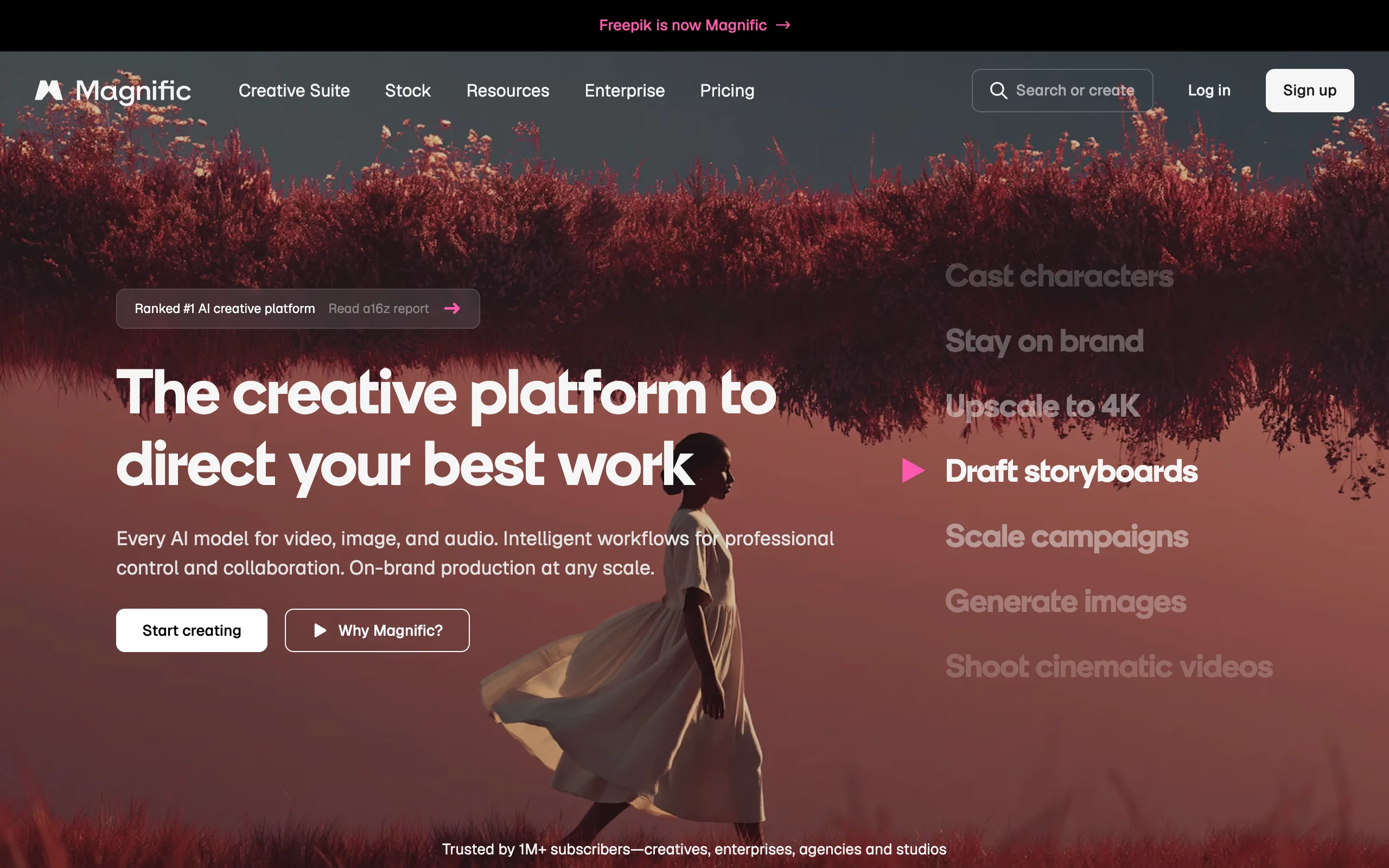
Magnific AI (now part of Freepik) does something different from a faithful enlarger: it hallucinates new, plausible detail as it upscales. Push its "creativity" slider up and a soft AI render or concept sketch gains skin pores, fabric weave, and micro-texture that were never in the original. That makes it a favorite for AI artists, concept designers, and 3D render polishing, and a poor choice when you need the output to match the source exactly.
Key features
- Generative upscaling that adds invented detail, controlled by creativity and resemblance sliders
- Very large output resolutions for print-grade AI art
- Prompt guidance to steer the added detail
- Built for AI-generated images, illustrations, and 3D renders
Best for
- AI artists and designers upscaling Midjourney or Stable Diffusion output
- 3D and concept artists adding realism to renders
- Anyone who wants reimagined detail, not a faithful copy
Pricing
- Pro $39/mo (about 2,500 tokens, roughly 200 upscales)
- Premium $99/mo, Business $299/mo
- Roughly 17% off with annual billing
Pros
- Unmatched for adding creative, believable detail to AI images
- High output resolutions suitable for large prints
- Sliders give real control over how much it invents
Cons
- It changes the image, so it is wrong for faithful photo enlargement or documents
- Among the more expensive options, with no low-cost tier to test at scale
4. Upscayl, best free and offline upscaler
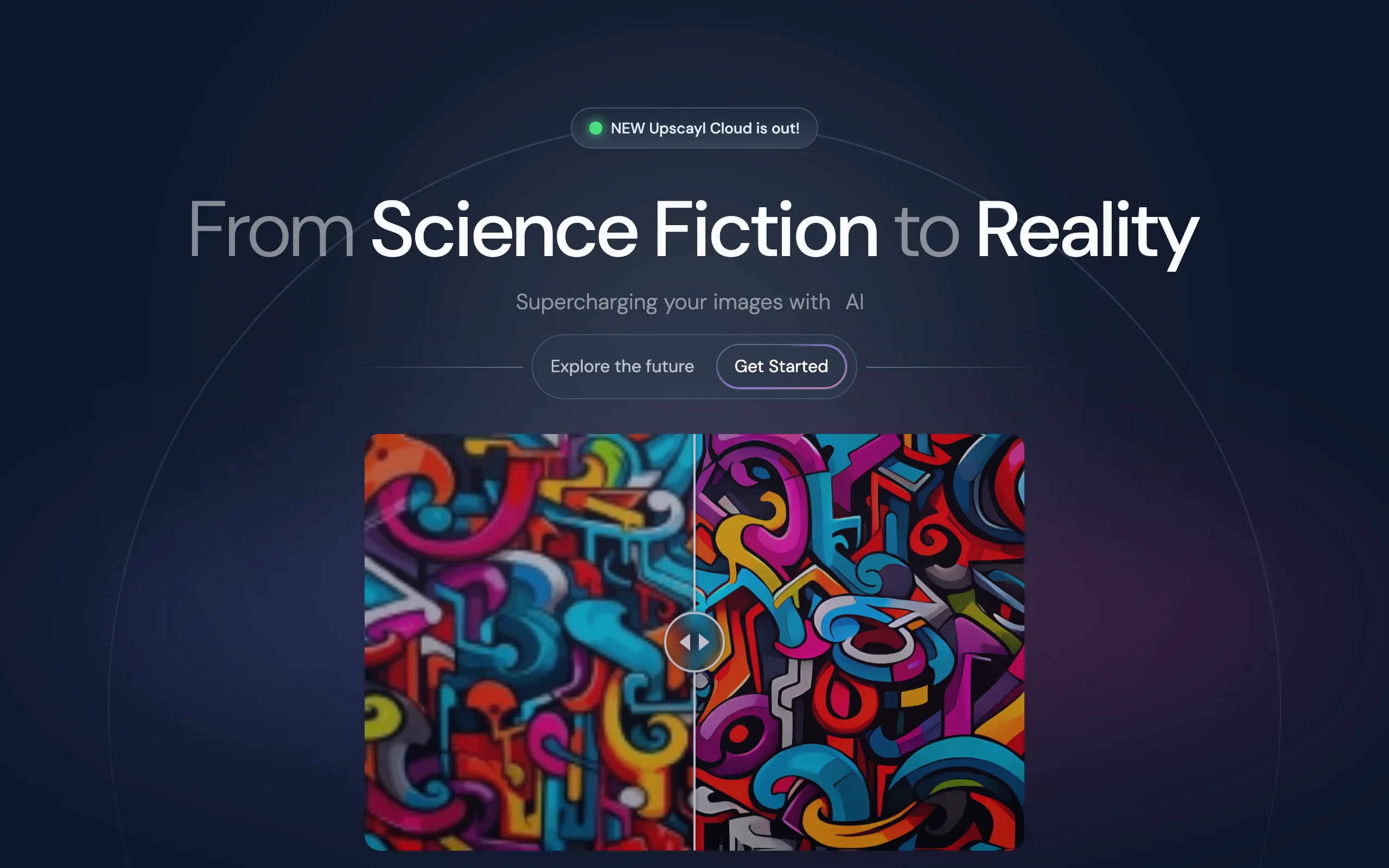
Upscayl is the go-to open-source option. It is an open-source desktop app for Windows, macOS, and Linux that upscales images locally using Real-ESRGAN models, up to 16x, with no watermarks, no account, and no usage limits. Because everything runs on your own GPU, nothing leaves your machine, which matters for private or sensitive images. It is not the most polished experience, but for the price (nothing) the quality is remarkable.
Key features
- Fully free and open-source, no watermarks or limits
- Local, offline processing on your own hardware
- Multiple models (UltraSharp, Remacri, High Fidelity, and more)
- Batch upscaling and up to 16x enlargement
- Optional Upscayl Cloud for faster processing (from about $12/mo)
Best for
- Budget-conscious users and hobbyists
- Anyone who needs offline, private processing
- Developers comfortable with an open-source tool
Pricing
- Desktop app: free, open-source, no subscription
- Upscayl Cloud (optional): from around $12/mo for faster, higher-output processing
Pros
- Genuinely free with no catches on the desktop app
- Private and offline, nothing uploaded
- Surprisingly strong results for the price
Cons
- Speed and quality depend heavily on your GPU
- Sparser interface and fewer guardrails than paid tools
5. Let's Enhance, best browser-based batch upscaling
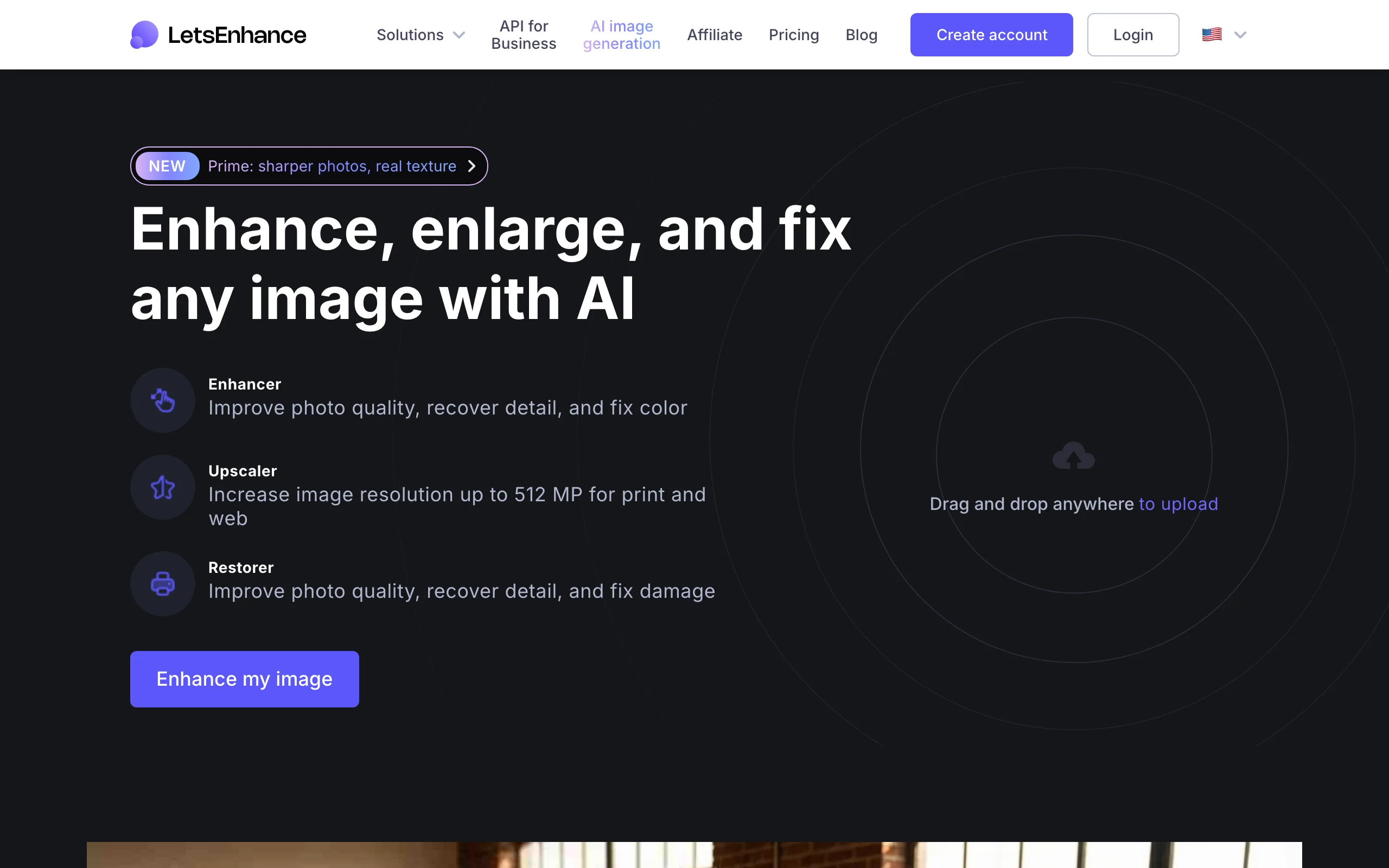
Let's Enhance is a web app built around volume. There is nothing to install: upload images in the browser, pick a preset, and download enlarged results, with a workflow tuned for e-commerce catalogs and bulk jobs. Its credit system (one credit per image) and rollover make it easy to budget for a known number of images per month, and it upscales up to very high megapixel counts on paid plans.
Key features
- Browser-based, no software to install
- Batch upload and processing for large sets
- One credit per image, with unused credits rolling over on paid plans
- Upscaling up to 512 megapixels on the top plan
- Presets for photos, digital art, and e-commerce product shots
Best for
- Online shops upscaling product catalogs in bulk
- Teams that want a simple, no-install web tool
- Users who process a predictable number of images monthly
Pricing
- Starter $9/mo annual ($12 monthly), 100 credits
- Pro $24/mo annual ($32 monthly), 300 credits; Max $34/mo annual ($45 monthly), 500 credits
Pros
- Frictionless browser workflow with real batch support
- Predictable credit pricing with rollover
- Solid results on product and photo images
Cons
- Credit model gets expensive at very high volumes
- Less fine control than desktop pro software
6. Krea AI, best for generation plus upscaling in one suite
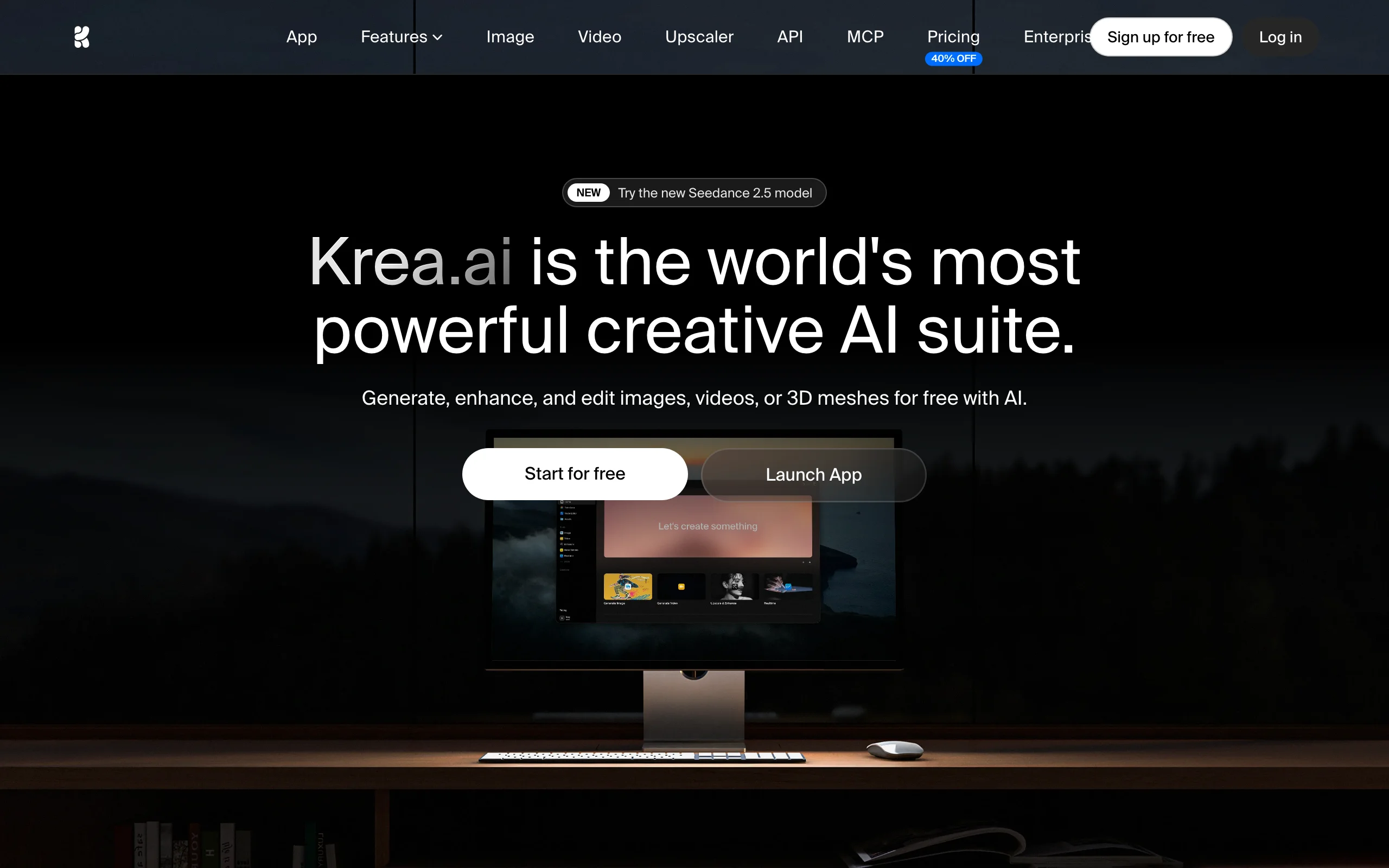
Krea AI blends real-time image generation with a strong built-in upscaler, so you can create and enhance in the same place. Its upscaler pushes images to very large sizes (up to 22K), and its lower tiers are unusually generous, with daily compute units and 2K upscaling included. For creators who generate their own visuals and then want them enlarged, it removes the need for two separate subscriptions.
Key features
- Built-in AI upscaler up to 22K resolution
- Real-time image generation and multiple models
- Video generation and other creative tools in one subscription
- Daily compute units on lower tiers
- Polished, modern interface
Best for
- Creators who both generate and upscale images
- Users who want a modern all-in-one creative playground
- Anyone testing upscaling on a low starter tier before committing
Pricing
- Basic $9/mo, Pro $35/mo, Max $70/mo, Business $200/mo
- Up to 40% off with annual billing
Pros
- One of the most generous lower tiers among paid tools
- Excellent upscaler bundled with generation
- Very high maximum output resolution
Cons
- Sprawling feature set can overwhelm if you only want to upscale
- Compute-unit limits on lower tiers cap heavy use
7. Remini, best for photo and portrait restoration
Remini is the app that goes viral every year for rescuing blurry selfies and old family photos. It is less a general upscaler and more a restoration specialist: its models are tuned to reconstruct faces, sharpen soft portraits, and clean up damaged or low-resolution pictures. It is mobile-first with a web version, which makes it the easy pick for personal photo fixes rather than professional or batch work.
Key features
- Face and portrait restoration tuned for people
- Old-photo repair for damaged or very low-resolution images
- Mobile apps (iOS and Android) plus a web version
- One-tap enhance with minimal settings
- Batch enhancement on paid tiers
Best for
- Restoring old or blurry family and personal photos
- Sharpening portraits and selfies
- Casual users who want a one-tap mobile fix
Pricing
- Web Personal from $6.99/week, Business from $9.99/week
- Yearly billing saves up to 50%; prices vary by region and app store
Pros
- Outstanding on faces, portraits, and old-photo restoration
- Dead simple, one-tap workflow
- The lowest tier is enough for occasional fixes
Cons
- Can over-smooth or alter faces, so results are not always faithful
- Weekly pricing and app-store billing add up, and it is not built for professional batch work
How to choose the best AI image upscaler for your workflow
The right tool depends on what you are actually enlarging and why. Test a few real images before you subscribe, most tools let you try a low starter tier first, and the difference between them is obvious on your own photos.
1) Are you creating content or fixing existing images?
- If you are producing social videos and visuals and want them sharp from the start: use ClipNova, which exports finished content at up to 4K so you skip upscaling entirely.
- If you have a specific existing photo or render to enlarge: use a dedicated upscaler (Topaz, Upscayl, Let's Enhance) instead.
2) Faithful enlargement or creative reinvention?
- If you need the result to match the original (photography, product shots, documents): choose Topaz Gigapixel for fidelity, or Upscayl for a free local option.
- If you want the tool to invent new, believable detail (AI art, concept renders): choose Magnific AI, or Krea if you also generate images.
3) How many images, and on what device?
- One-off personal fixes on your phone: Remini for portraits and old photos, or Upscayl on a desktop.
- Bulk e-commerce or catalog jobs in the browser: Let's Enhance, with its credit rollover and batch upload.
- High-volume pro work with big files: Topaz Gigapixel's local rendering handles it best.
4) What is your budget?
- Lowest cost: Upscayl (offline, open-source) or Krea's lower tiers, with generation included.
- Low monthly: Let's Enhance and Krea start at $9/mo; Topaz is $19/mo billed annually.
- Premium creative: Magnific runs from $39/mo for its generative detail.
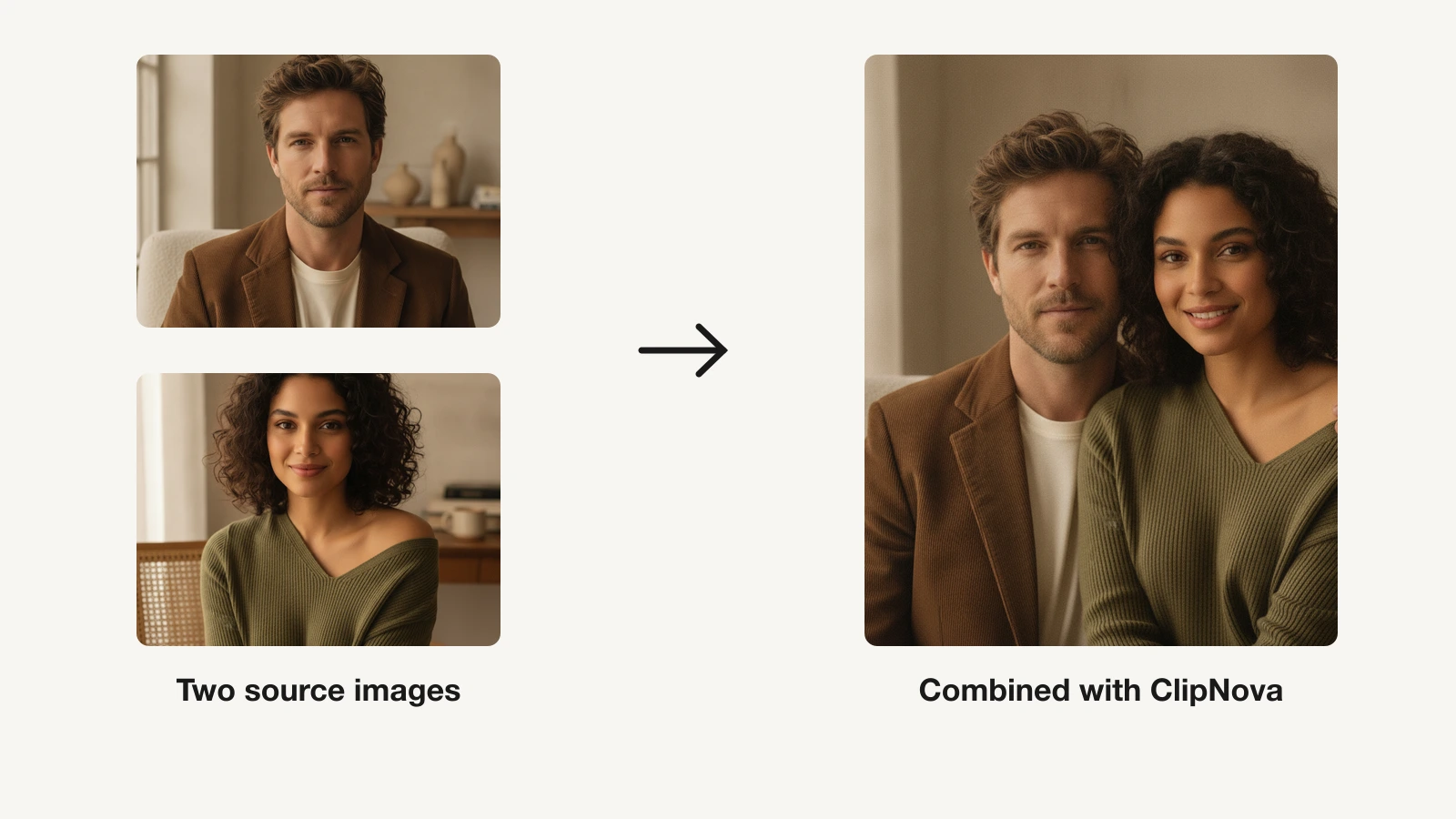
For most creators, the cheapest high-quality path is to generate visuals that are already high-resolution, then reach for a dedicated upscaler only when you have a specific image to enlarge. If your work leans toward producing content at volume, start with ClipNova's AI creation tools and add a specialist upscaler when a one-off photo needs it. And if you frequently combine or edit source images, our roundup of the best AI image combiners covers the tools that pair well with an upscaler.
Frequently asked
What is an AI image upscaler?
An AI image upscaler enlarges an image while adding sharp, believable detail instead of just stretching existing pixels. It uses machine-learning models trained on millions of photos to reconstruct texture, edges, and faces, so a small or blurry image can become a crisp, higher-resolution version suitable for print, web, or zooming in.
What is the best AI image upscaler in 2026?
It depends on the job. Topaz Gigapixel AI is best for faithful professional photo and print upscaling, Magnific AI for creative detail on AI art, Upscayl for a free offline option, and Let's Enhance for browser-based batch jobs. If your goal is producing sharp social content rather than enlarging one photo, an all-in-one creator suite like ClipNova exports finished visuals at up to 4K so you skip upscaling entirely.
Which AI image upscalers run offline versus in the browser?
Upscayl is an open-source desktop app that upscales entirely offline on your own computer, with no watermarks or usage limits, which keeps private images on your machine. Krea AI and Let's Enhance run in the browser with cloud processing, so they need no install but do upload your images. Topaz Gigapixel is a desktop app with local rendering built for large, high-megapixel batches. Pick offline tools for privacy and big files, and browser tools for convenience and quick jobs.
What's the difference between Topaz Gigapixel and Magnific AI?
Topaz Gigapixel is a faithful enlarger: it recovers realistic detail without changing what is in the photo, which is why photographers use it for print. Magnific AI is a generative upscaler: it invents new, plausible detail as it enlarges, which is great for AI art and 3D renders but wrong when you need the result to match the original exactly.
Can AI upscalers fix blurry or old photos?
Yes, within limits. Tools like Remini specialize in restoring faces and repairing old, damaged, or very low-resolution portraits, and general upscalers like Topaz and Upscayl sharpen soft images well. Results depend on how much detail survives in the original; upscalers reconstruct plausible detail but cannot recover information that was never captured.
Do AI image upscalers work for print?
The best ones do. Topaz Gigapixel is built for print-grade enlargement with faithful texture, and Let's Enhance and Magnific reach very high megapixel outputs suitable for large formats. For print, favor faithful upscalers over aggressive generative ones, and always check the result at 100 percent before sending it to the printer.
Can I upscale AI-generated images?
Yes, and some tools are designed for it. Magnific AI and Krea AI shine at enlarging Midjourney or Stable Diffusion output, adding the fine detail that generators often miss. If you generate visuals inside an all-in-one tool like ClipNova, the output is already exported in high resolution, so you often do not need a separate upscaling step.
If I mainly need sharp visuals for social content, what should I use?
Use ClipNova. Rather than generating a small image and enlarging it afterward, ClipNova produces finished, publish-ready video and image content and exports it watermark-free at up to 4K, with captions, voiceover, and music included. Plans start at $19/mo, so you can create high-resolution social content without a separate upscaler in the loop.