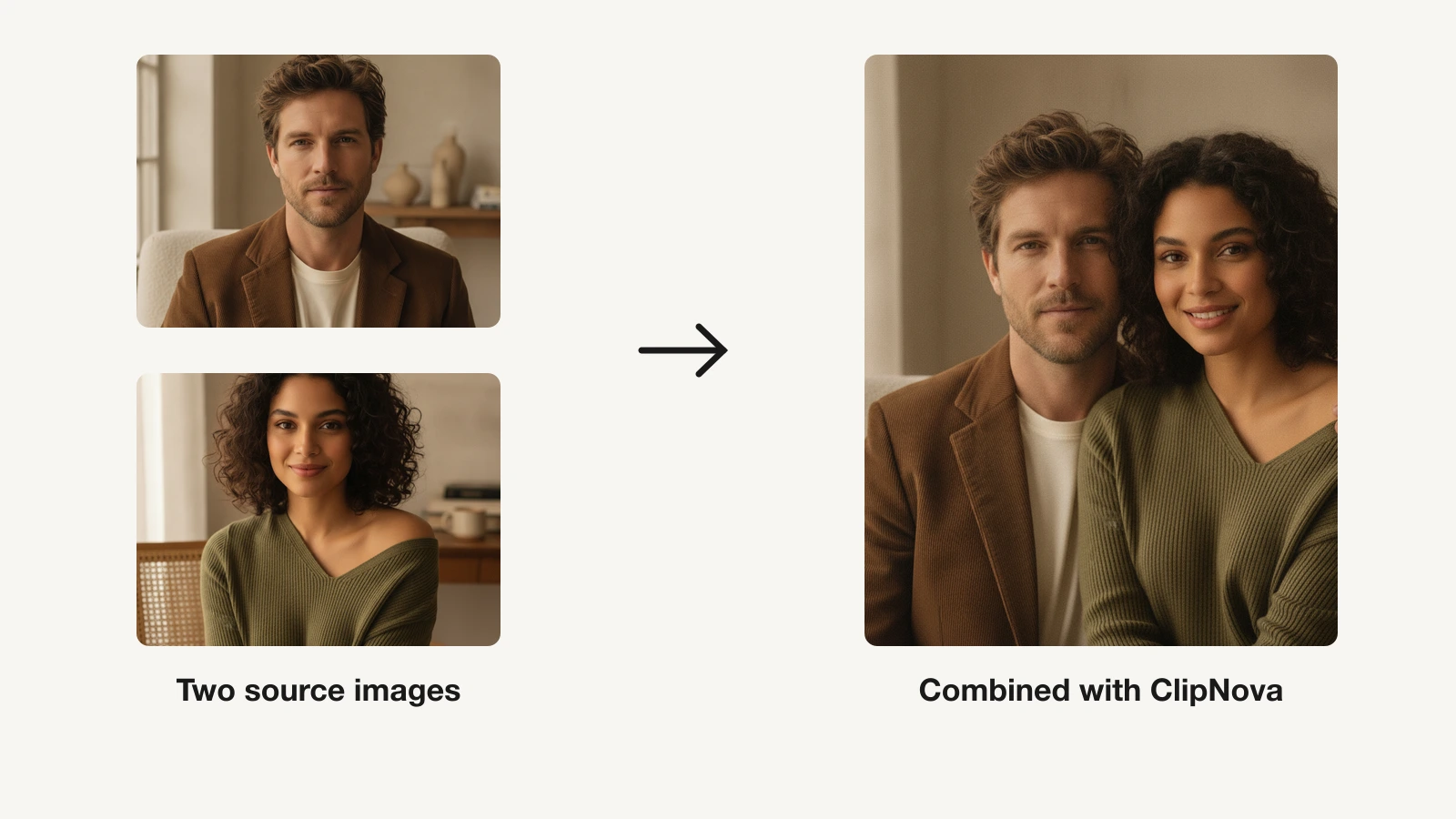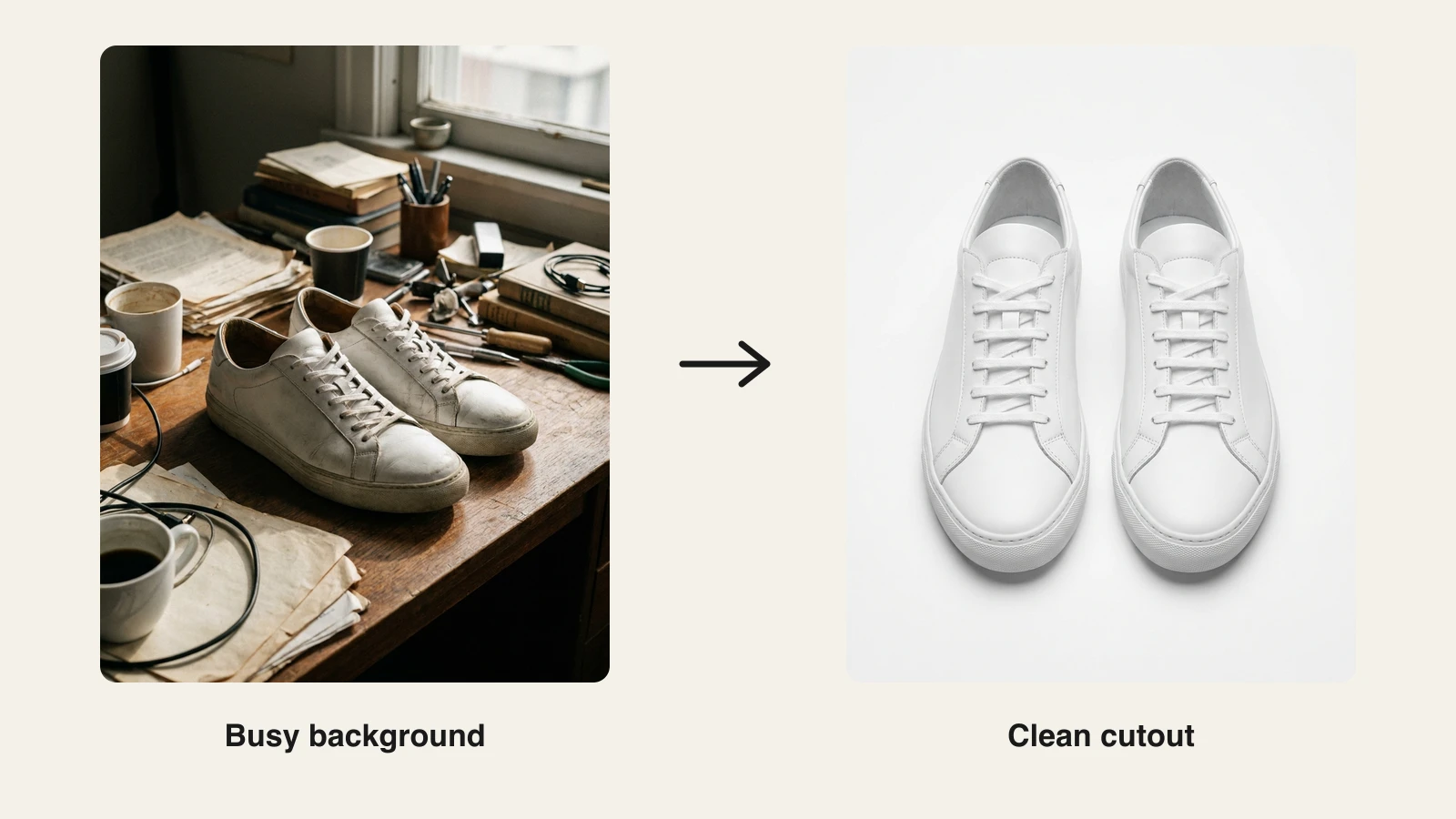
A clean cutout is the first step in a hundred different jobs: a product shot for a store, a thumbnail with the subject popped onto a new backdrop, a transparent PNG for a slide, a headshot dropped into an ad. An AI background remover does that cutout in one click, tracing hair and soft edges that used to take a designer ten minutes with the pen tool.
But the tools split into two camps. Some are built to churn out thousands of catalog cutouts through an API. Others are built so removal is step one of making finished content: cut the subject out, then restyle the scene, upscale it, or turn it into a video. Picking the wrong camp wastes money.
This guide compares the 8 best AI background removers in 2026, with real pricing, honest cons, and a decision framework so you can match a tool to how you actually work.
Best AI background removers: a quick overview
ClipNova: Best overall for creators and marketers who remove a background as step one of making finished content, then restyle, upscale, or animate the cutout in the same place.
remove.bg: Best for developers who need bulk, API-driven cutouts at scale.
Photoroom: Best for e-commerce product photos and AI-generated scenes.
Adobe Express: Best free still-image removal plus video background removal inside a full design suite.
Canva: Best for teams already designing in Canva.
Pixelcut: Best cheap, watermark-free removal on mobile.
Slazzer: Best low-cost, remove.bg-style API alternative.
Erase.bg: Best free, watermark-free HD removal with pay-as-you-go credits.
| Tool | Best for | Starting price | Free option | Output |
|---|---|---|---|---|
| ClipNova | Removal inside a full content workflow | From $19/mo | 70 credits, no card | HD, watermark-free, full rights |
| remove.bg | Bulk API cutouts | ≈$9/mo (40 credits) | Unlimited 0.25MP previews | HD up to 25MP |
| Photoroom | E-commerce product photos | ≈$7.50/mo annual | Free web/app removal | HD (Pro), batch ≈500 |
| Adobe Express | Free removal in a design suite | $9.99/mo Premium | Free still removal, no card | HD; video removal (Premium) |
| Canva | Teams already in Canva | ≈$15/mo annual | A few Magic Studio credits | HD in-editor |
| Pixelcut | Cheap mobile removal | $8/mo annual | Limited removal, no watermark | HD, batch (Pro) |
| Slazzer | Cheap API alternative | $13.20/mo (100 credits) | 2 credits + 0.25MP previews | HD up to 25MP |
| Erase.bg | Free HD, pay-as-you-go | ≈$5 / 10 credits | 3 credits + free web tool | HD transparent PNG |
1. ClipNova, best overall for removal inside a content workflow
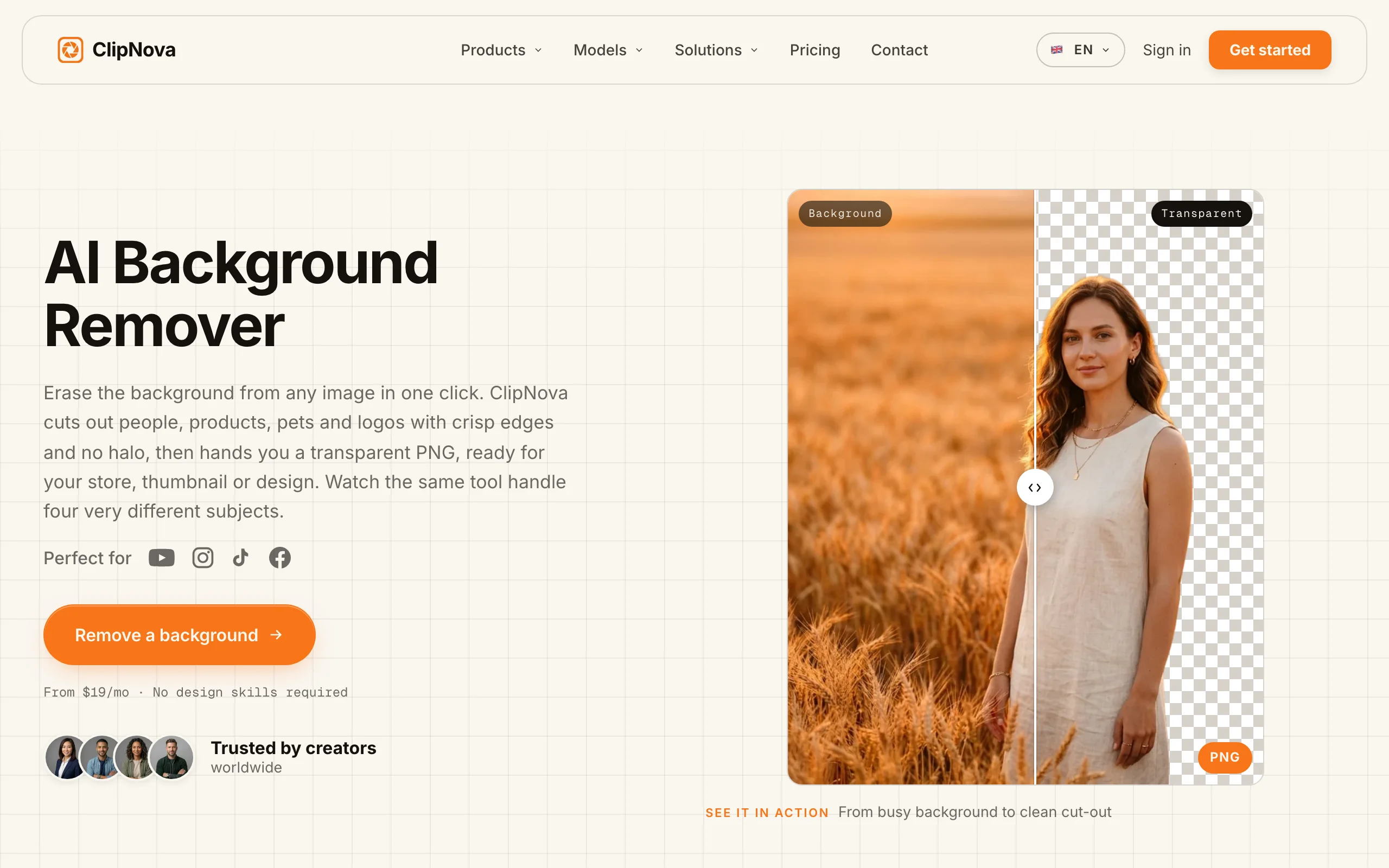
Most background removers stop the moment the subject is cut out. ClipNova treats that cutout as the starting line. Its background remover isolates any subject, a person, a product, a pet, onto a clean transparent background, and then you keep going in the same place: drop the cutout into image to image to restyle it, use Edit Image to replace the scene with a plain-language instruction, upscale the result, or even turn it into a short video.
That matters because a cutout is rarely the finished asset. You want the subject on a new backdrop, color-matched, sharpened, and sized for the channel. ClipNova closes that whole loop, so you are not exporting a PNG and bouncing it between four apps.
It is not a bulk-catalog API, and it does not pretend to be. If your job is running 10,000 product shots through an endpoint overnight, a dedicated API below fits better. ClipNova is the pick when removal is one move inside making a finished piece of content.
Key features:
- One-click background removal with clean hair and edge detection
- Restyle or replace the scene with plain-language edits in Edit Image
- Recompose the cutout onto new scenes with image to image
- Built-in upscaler to sharpen and enlarge the result
- Turn a still cutout into a short video without leaving the app
- Watermark-free output with full commercial rights on every plan
Best for:
- Creators making thumbnails, posts, and shorts who need the subject on a fresh background
- Marketers building ad creative from a product cutout through to a finished frame
- Anyone who wants removal, restyle, upscale, and video in one workflow instead of four tools
Pricing:
- Hobby: $19/mo for 1,000 credits
- Starter: $49/mo for 2,500 credits; Growth $99/mo for 5,000; Ultra $199/mo for 10,000
- Yearly billing is 20% off; every plan includes the full feature set and full commercial rights
- No free trial and no free tier
Pros:
- Removal is step one of a full pipeline: restyle, replace the scene, upscale, animate
- Watermark-free with full commercial rights on the entry plan, not just top tiers
- Plain-language scene edits mean no manual masking or layer work
Cons:
- Not a bulk-catalog API; if you need thousands of cutouts through an endpoint, use a dedicated API tool
- Newer brand than remove.bg or Adobe, and priced as a full content suite rather than a single-purpose $9 remover
2. remove.bg, best for bulk API cutouts
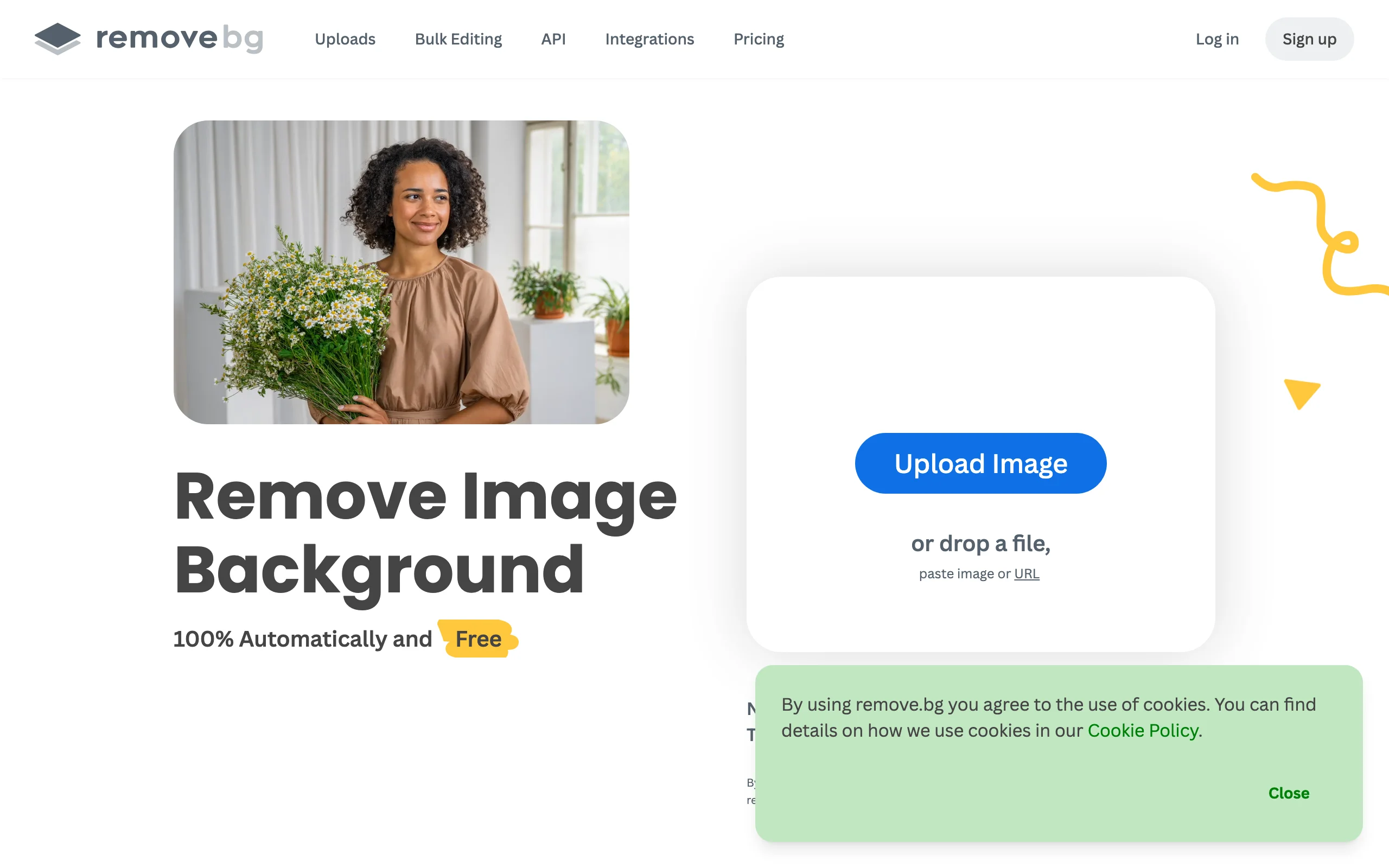
remove.bg is the original one-click remover and is now owned by Canva. It is the reference tool for edge and hair detection, and its real strength is scale: a REST API, Photoshop and Figma plugins, a bulk uploader, and Zapier support let you wire removal into an existing pipeline.
It is removal-only. You get a transparent PNG, and anything beyond that, restyling, scene replacement, upscaling, happens elsewhere. Full-resolution output is gated behind credits, which is the main thing to budget for.
Key features:
- REST API with strong hair and edge detection
- Photoshop and Figma plugins plus Zapier integration
- Bulk uploader for batches
- Background replace with solid colors or images
Best for:
- Developers embedding removal into an app or pipeline
- Teams processing large image volumes programmatically
Pricing:
- Subscriptions from ≈$9/mo for 40 credits (≈$8.10/mo annual), up to ≈$39/mo for 200 credits
- Pay-as-you-go packs around $1.99 per credit; 1 credit = 1 HD image up to 25MP (fractional by resolution)
- Free: unlimited low-res 0.25MP previews watermark-free, plus 1 free HD credit on signup; API gives 50 free preview calls a month
Pros:
- Best-in-class edge and hair detection
- Mature API and plugin ecosystem for automation
Cons:
- Full-resolution output is locked behind credits
- Removal-only; no editing, restyle, or upscale in the same tool
3. Photoroom, best for e-commerce product photos
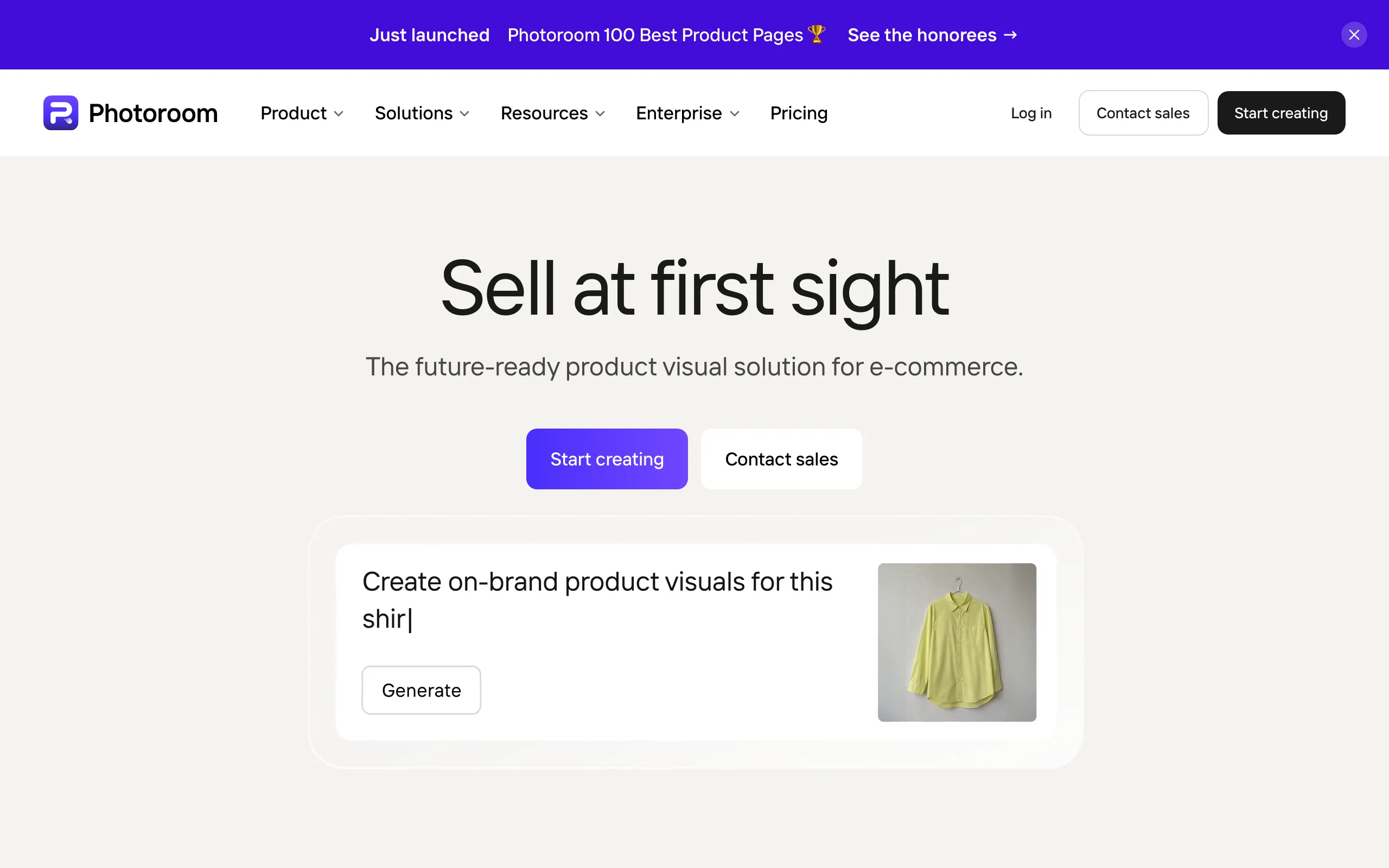
Photoroom is built for sellers. Beyond removal, it generates AI backgrounds and staged product scenes, so a phone photo of a product becomes a studio-style shot with a matching backdrop. Batch removal handles catalogs, and a large template library speeds up marketplace listings.
It also offers an API priced separately, so it can bridge from a consumer app to programmatic use. The catch: the best exports and batch processing sit behind Pro, and the wallet-based API pricing takes some reading.
Key features:
- One-tap removal plus AI background generation and product staging
- Batch removal (around 500 images on Pro)
- Replace backgrounds with 1,000-plus templates
- HD export and an API with MCP support
Best for:
- E-commerce sellers and marketplace listers
- Small brands producing product photography at volume
Pricing:
- Pro from ≈$7.50/mo annual (around $12.99 monthly)
- Free removal on web and app; watermark-free HD and batch require Pro
- API priced separately, per image
Pros:
- Strong AI scene generation tuned for products
- Batch processing built for catalogs
Cons:
- Best exports and batch are Pro-gated
- Wallet-based API pricing is complex to model
4. Adobe Express, best free removal in a design suite
Adobe Express offers one-click still-image removal for free with no card required, which makes it one of the most generous free options here. Step up to Premium and you also get video background removal, background replace, and 250 monthly generative credits inside a full design editor.
It is not a bulk or API tool, so high-volume catalog work is not its lane. But for a creator who wants free still removal today and the option to remove video backgrounds later, it is hard to beat.
Key features:
- One-click still-image removal, free, no card
- Video background removal on Premium
- Background replace and a full design editor
- 250 generative credits a month on Premium
Best for:
- Creators who want free still removal plus occasional video removal
- Designers already in the Adobe ecosystem
Pricing:
- Premium: $9.99/mo (250 generative credits, video background removal, 100GB storage)
- Free: watermark-free still-image removal with no card
Pros:
- Genuinely free, watermark-free still removal
- Video background removal without a separate app
Cons:
- Not built for bulk or API workflows
- Video removal and advanced features need Premium
5. Canva, best for teams already in Canva
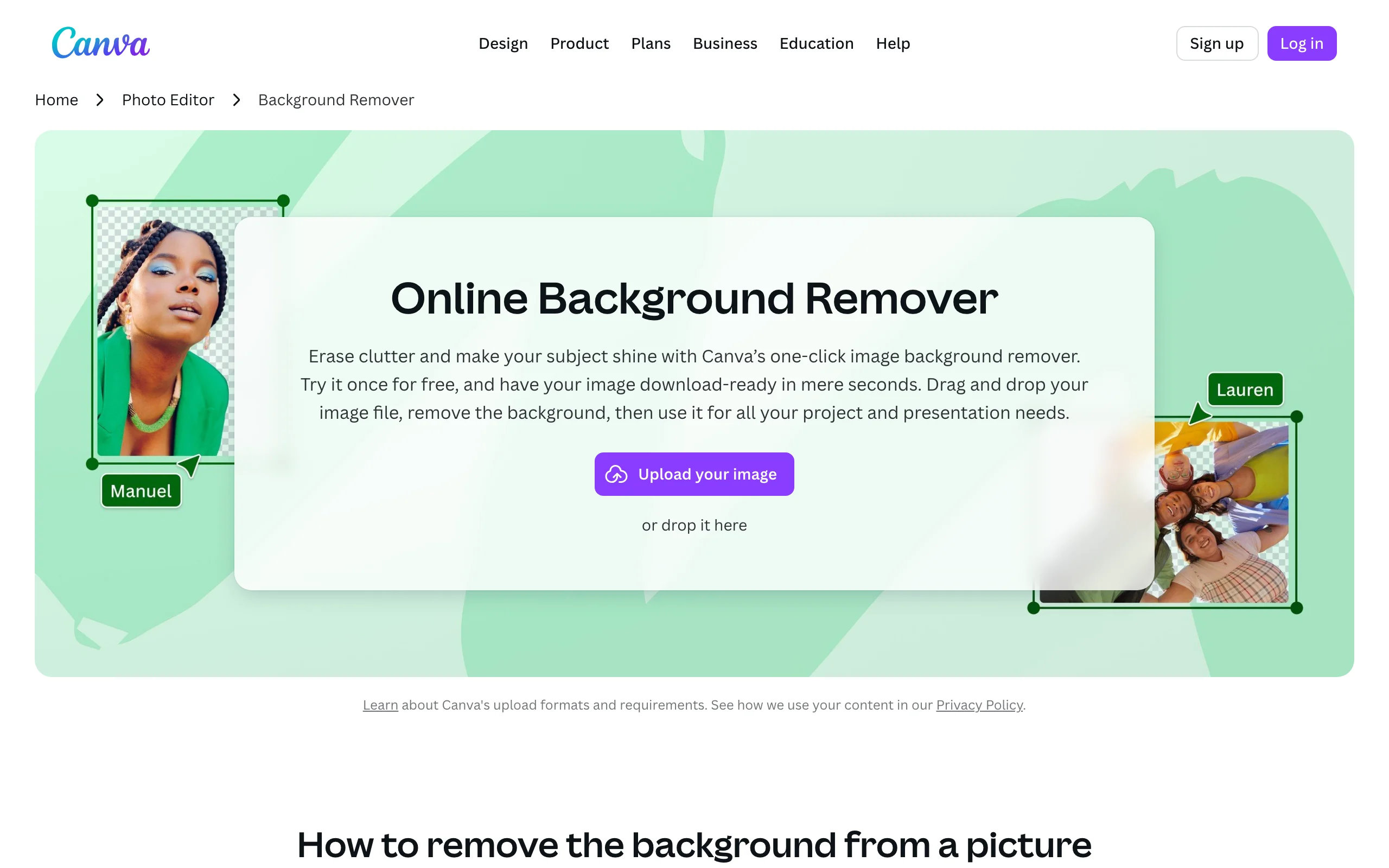
If your team already designs in Canva, the Background Remover is right there in the editor. One click via Magic Studio, then instantly drop the subject onto a template, add text, and hand it off to a teammate. Magic Eraser and Magic Grab handle finer object edits, and Bulk Create scales simple layouts.
Background removal is included in Canva Pro. The free plan now covers only a few removals through limited Magic Studio credits, and there is no standalone API, so this is a fit for design work inside Canva, not a headless pipeline.
Key features:
- One-click Magic Studio background removal
- Magic Eraser and Magic Grab for object edits
- Instant replace with a huge template library
- Collaborative editor with Bulk Create
Best for:
- Teams and social managers who live in Canva
- Non-designers who want removal plus layout in one place
Pricing:
- Pro: ≈$15/mo annual ($120/yr) or $18/mo monthly for 1 user; Background Remover included
- Free: a few Magic Studio AI credits cover some removals
Pros:
- Removal, layout, and collaboration in one tool
- No learning curve if you already use Canva
Cons:
- No standalone API for programmatic use
- Free removal is now credit-limited
6. Pixelcut, best cheap mobile removal
Pixelcut is a consumer-friendly, mobile-first app that keeps removal cheap and export watermark-free even on lower tiers. Beyond the one-tap cutout, it bundles a background changer with AI product backdrops, an upscaler, and a magic eraser, which makes it a handy all-rounder for sellers working from a phone.
Batch processing (1,000 images on Pro, 2,000 on Business) covers small catalogs. The main gap is documentation: per-tier HD specs are not clearly published, so verify output quality on your own images first.

Key features:
- One-tap removal with watermark-free export
- Change Background and AI product backgrounds
- Built-in upscaler and magic eraser
- Batch removal (1k Pro / 2k Business) and an API
Best for:
- Mobile sellers and creators on a budget
- Anyone wanting removal plus quick product backdrops on a phone
Pricing:
- Pro: $8/mo annual ($10 monthly); Business adds larger batch
- Free: limited removal and upscale with watermark-free export
Pros:
- Cheap and watermark-free even on free export
- Bundles removal, backgrounds, and upscaling in one app
Cons:
- Per-tier HD specs are undocumented
- Consumer and mobile focus rather than pro pipelines
7. Slazzer, best cheap API alternative
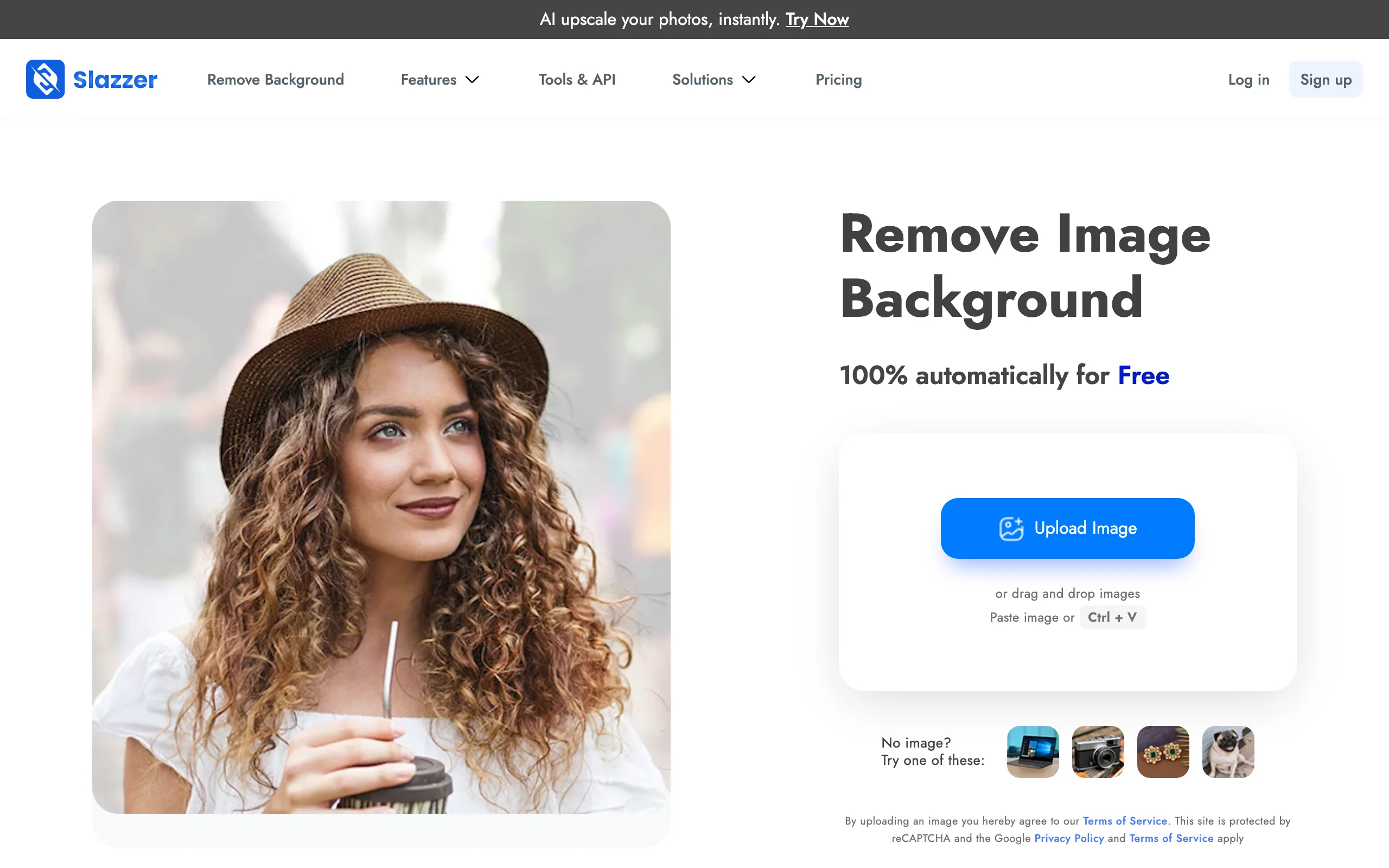
Slazzer is a lower-cost, remove.bg-style tool aimed at developers. It offers a REST API, bulk processing, desktop apps for Windows, Mac, and Linux, and a Photoshop plugin, with hair and edge detection and background replace. Credits are cheap at volume: from ≈$0.13 per image down to ≈$0.04 at 50,000, and they stay valid for two years with rollover up to 6x.
For teams that want remove.bg-style automation at a lower price, it is a strong pick. Free output is capped at 0.25MP, and edge quality can trail remove.bg on tricky hair, so test your hardest images before committing.
Key features:
- REST API and bulk processing
- Desktop apps (Windows, Mac, Linux) plus a Photoshop plugin
- Hair and edge detection with HD output
- Background replace
Best for:
- Developers wanting cheaper API-driven removal
- Teams processing large volumes on a budget
Pricing:
- Lowest subscription $13.20/mo for 100 credits (≈$0.13/image), down to ≈$0.04/image at 50k
- Pay-as-you-go from ≈$0.72 to ≈$0.04 per image; credits valid 2 years, rollover up to 6x
- Free: 2 credits on signup plus unlimited 0.25MP previews; 1 credit = 1 HD removal
Pros:
- Much cheaper than remove.bg at volume
- Broad platform support with desktop and Photoshop options
Cons:
- Free output limited to 0.25MP
- Edge quality can trail remove.bg on difficult hair
8. Erase.bg, best free HD with pay-as-you-go
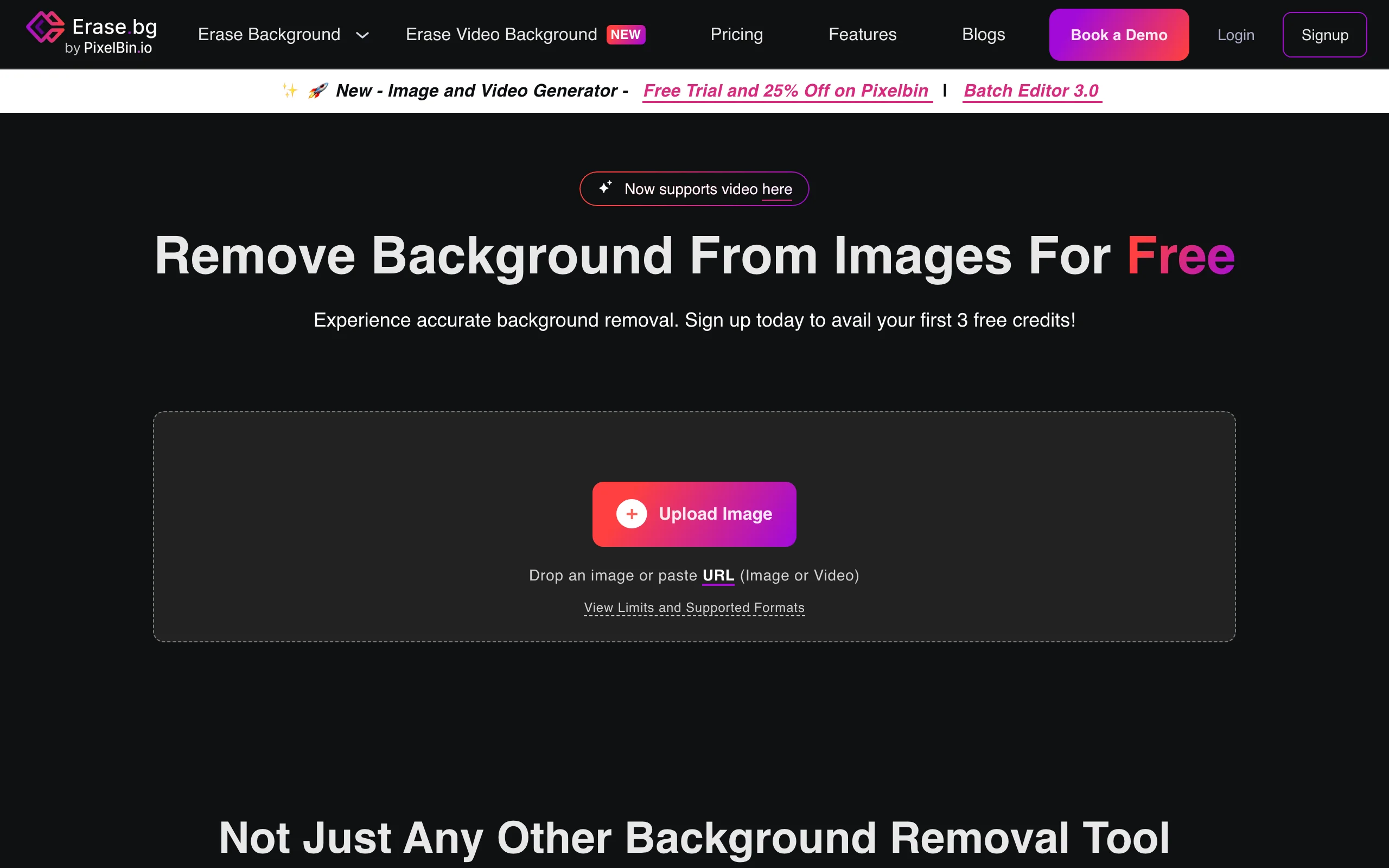
Erase.bg, from the InVideo and Pixelbin group, stands out for a genuinely useful free web tool: watermark-free removal at higher resolution than most free peers. Paid use is pure pay-as-you-go credits rather than a monthly subscription, which suits occasional or spiky workloads. It handles HD output, batch, hair and edge detection, and clean transparent PNGs.
The trade-off is there is no true unlimited-monthly plan, so heavy daily users pay per image. There are also fewer surrounding tools than an all-in-one suite: it removes backgrounds well, but you finish the content elsewhere.
Key features:
- Free web tool with watermark-free, higher-res output
- HD transparent PNG export
- Batch processing and hair/edge detection
- API access
Best for:
- Occasional users who want free HD removal
- Buyers who prefer paying per image, not monthly
Pricing:
- Credit-based pay-as-you-go: ≈$5 for 10 credits (≈$0.42 each), 100 credits ≈$8.33 (≈$0.08), 1,000 ≈$16.67 (≈$0.02)
- Credits valid 1 year; enterprise is custom; 1 credit = 1 removal
- Free: 3 credits / 3 HD downloads on signup plus the free web tool
Pros:
- Better free-tier resolution than most peers
- Pay only for what you use, no subscription
Cons:
- No true unlimited-monthly plan for heavy users
- Fewer surrounding tools than a full suite
How to choose the best AI background remover for your workflow
The right tool depends on what happens after the cutout. Work through these three questions.
1) Is removal the whole job, or step one of making content?
- If you just need a transparent PNG and nothing else: any single-purpose remover works, and Adobe Express or Erase.bg get you there free.
- If removal feeds a bigger piece, a restyled scene, a new backdrop, an upscale, a short video: pick a tool that closes the loop. ClipNova removes the background and then lets you restyle, replace the scene, upscale, and animate the cutout in the same place, so you are not exporting to four apps. Try the background remover on a real subject and follow it through an edit.
2) Do you need bulk or an API?
- If you are processing thousands of catalog images programmatically: remove.bg for best-in-class edges, or Slazzer for the same model at a lower price. Photoroom and Pixelcut also expose APIs.
- If you work image by image inside a design or content tool: skip the API tier and pick Canva (if your team lives there), ClipNova, or Adobe Express.
3) What is your budget and volume?
- Occasional and free: Adobe Express (free still removal, no card) or Erase.bg (free HD web tool, 3 credits on signup).
- Cheap and mobile: Pixelcut at $8/mo annual, watermark-free.
- High volume on a budget: Slazzer drops to ≈$0.04 per image at scale.
- A full content pipeline for one price: ClipNova from $19/mo, watermark-free with full commercial rights on every plan and the same feature set on all tiers, useful whether you make content for content creators or for marketing agencies.
A practical tip: run your three hardest images (fine hair, a fuzzy pet, a glass product) through two or three tools before you pay. Edge quality varies more than price, and the winner on your real images is the one to buy. If your removal always leads into editing, cross-check a tool that handles both, and if you often merge subjects onto new scenes, our roundup of the best AI image combiners and top AI image upscalers covers the follow-on steps.