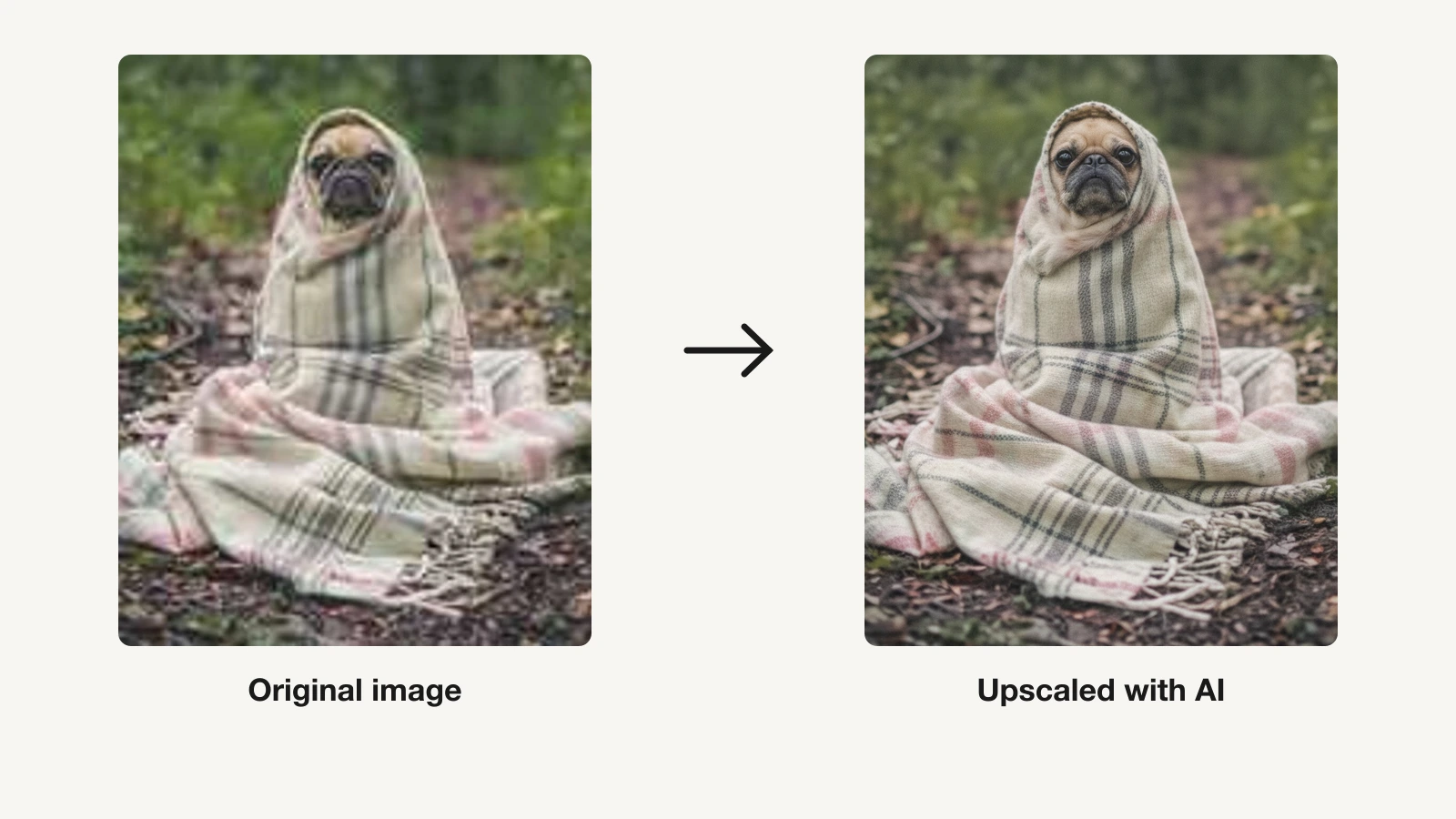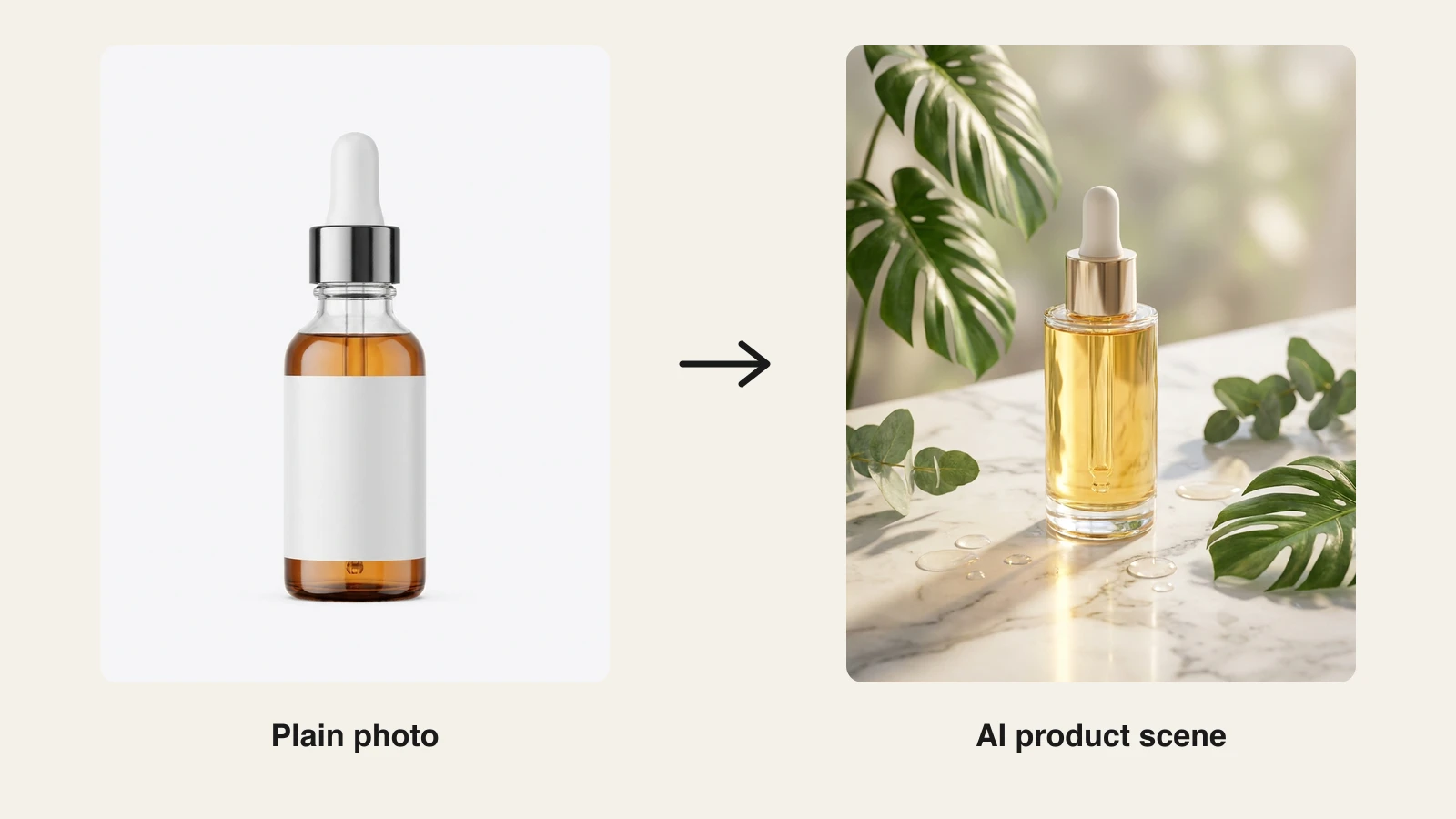
A good product photo used to mean a studio, a lightbox, and hours of retouching. An AI product photo generator turns a plain phone snap, or even just a text prompt, into clean catalog stills and lifestyle scenes in minutes, so you can list faster and test more angles without a photographer.
The catch is that most of these tools stop at the still image. You still need another app to make the short video that marketplaces and social feeds now reward. This guide compares the 7 best AI product photo generators in 2026 on price, features, output rights, and honest trade-offs, and flags the one that also turns your finished shot into a product video so you are not stitching tools together.
Best AI product photo generators: a quick overview
Here is the short version before the deep dive. Each tool gets one clear "best for" so you can jump to the right pick.
- ClipNova: Best overall for sellers who want product stills and product video in one place: generate a scene from a prompt, restyle your own photo, remove the background, upscale, then turn the shot into a short video.
- Photoroom: Best for high-volume marketplace sellers batch-editing hundreds or thousands of listings a month.
- Pebblely: Best budget one-click scenes for small shops and side hustles that want a real free tier.
- Flair AI: Best for brand and creative control, with custom product models and a scene editor.
- Pixelcut: Best mobile-first, watermark-free editing you can do from your phone.
- Claid.ai: Best API and automation for large catalogs and developer-driven pipelines.
- Mokker AI: Best one-click template-to-scene for fast, no-prompt lifestyle shots.
| Tool | Best for | Starting price | Free option | Commercial rights |
|---|---|---|---|---|
| ClipNova | Stills plus product video in one workflow | From $19/mo | 70 credits, no card | Included, every plan |
| Photoroom | High-volume batch listing edits | $12.99/mo ($7.50 annual) | Free, watermarked, no commercial use | Paid plans only |
| Pebblely | Budget one-click scenes | $9/mo | 40 images/mo, no watermark | Yes |
| Flair AI | Brand and creative control | From $8/mo annual | 1 model, 5 images, 1 video | Pro+ and up |
| Pixelcut | Mobile-first editing | $10/mo ($8 annual) | Watermark-free, capped daily | Paid plans |
| Claid.ai | API and catalog automation | ≈$15/mo (≈$9 annual) | 50-credit trial, no ongoing free tier | Paid plans |
| Mokker AI | One-click template scenes | $13/mo (≈$10 annual) | 20 one-time photos, no card | Paid plans |
1. ClipNova, best overall for product stills and product video in one workflow
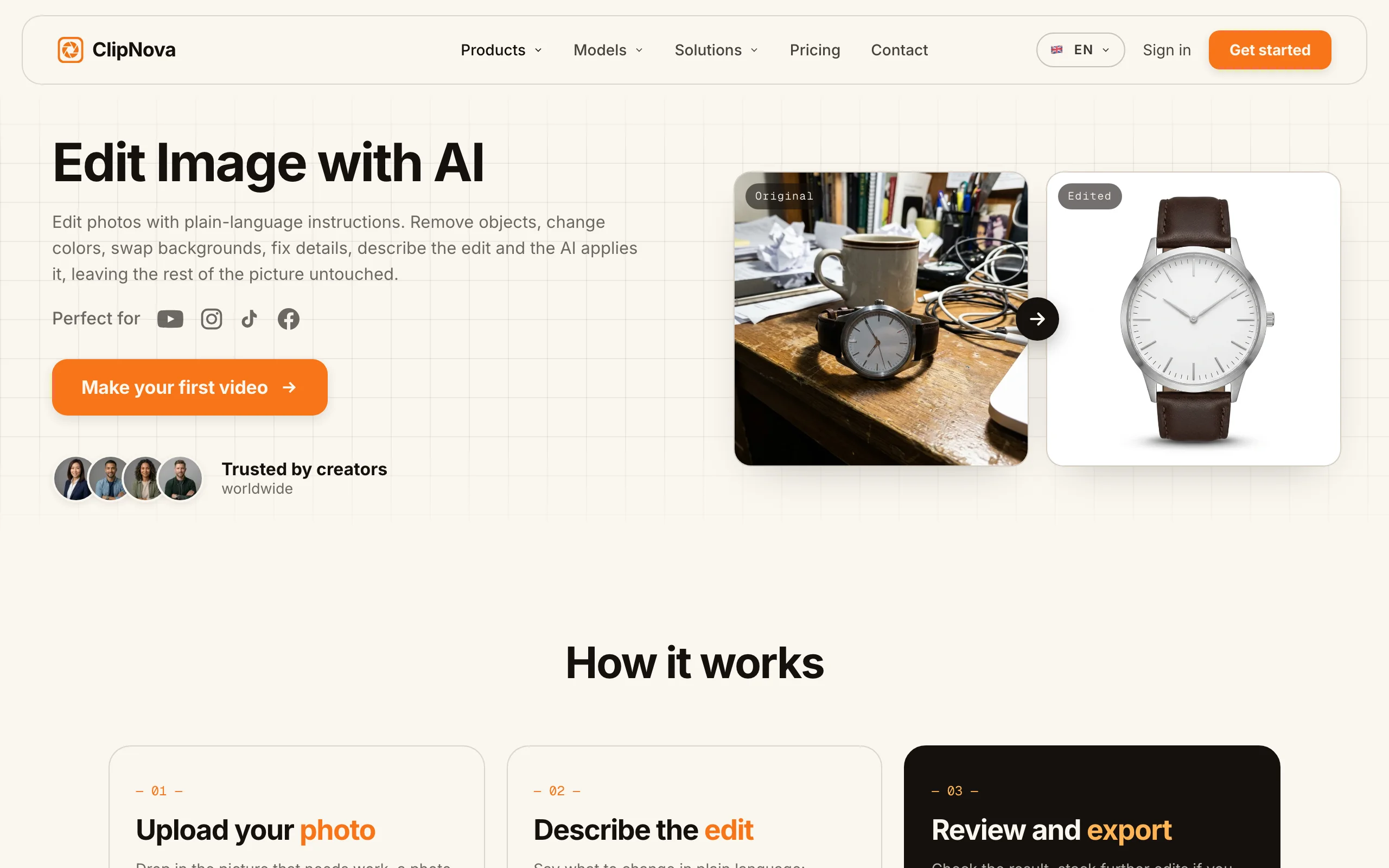
ClipNova is the only tool here that takes a product from a bare photo to a finished video without switching apps. You can generate a product scene from a text prompt, drop in your own product shot and restyle or replace the background with plain-language edits, strip backgrounds, upscale to print resolution, and then animate the finished still into a short product clip. For a seller, that means one subscription covers the still for the listing and the moving version for TikTok, Reels, and ad placements.
The workflow is deliberately plain-English. Describe the scene you want ("my sneaker on wet concrete at sunrise") with the text to image generator, or upload the real product and tell the AI image editor to swap the backdrop, fix the lighting, or remove clutter. When the still is ready, the AI product video generator turns it into motion. Every export is watermark-free at 1080p or 4K with full commercial rights, on every plan.
Key features:
- Text to image for building product scenes from a prompt, no source photo needed
- Image to image and edit-by-instruction to restyle or replace the background of your own product shot
- One-click background remover and AI upscaling for clean, print-ready cutouts
- Turns any finished still into a short product video for social and ads
- Watermark-free 1080p and 4K export with full commercial rights on every plan
- 32-language voiceover if you add narration to the product video
Best for:
- Etsy, Shopify, and Amazon sellers who need both the listing photo and the promo video
- Small brands that want one tool instead of a photo editor plus a separate video app
- Creators repurposing one product shot across a static listing and short-form clips
Pricing:
- Hobby: $19/mo, 1,000 credits
- Starter: $49/mo, 2,500 credits
- Growth: $99/mo, 5,000 credits; Ultra: $199/mo, 10,000 credits
- Yearly billing saves 20 percent; every plan includes the full feature set, only monthly credits differ
- Start free with 70 credits (no card required), then paid plans; no ongoing free tier
Pros:
- Only tool in this list that covers stills and video end to end, so you skip the second app
- Full commercial rights and watermark-free 4K on the entry plan, not just top tiers
- Plain-language editing means no masking or layer work to learn
Cons:
- No free-forever tier for ongoing use, though 70 free signup credits let you test it before paying
- A general creative suite, not a marketplace batch tool, so it is not built to re-shoot 5,000 SKUs in one job the way Photoroom is
2. Photoroom, best for high-volume marketplace batch editing
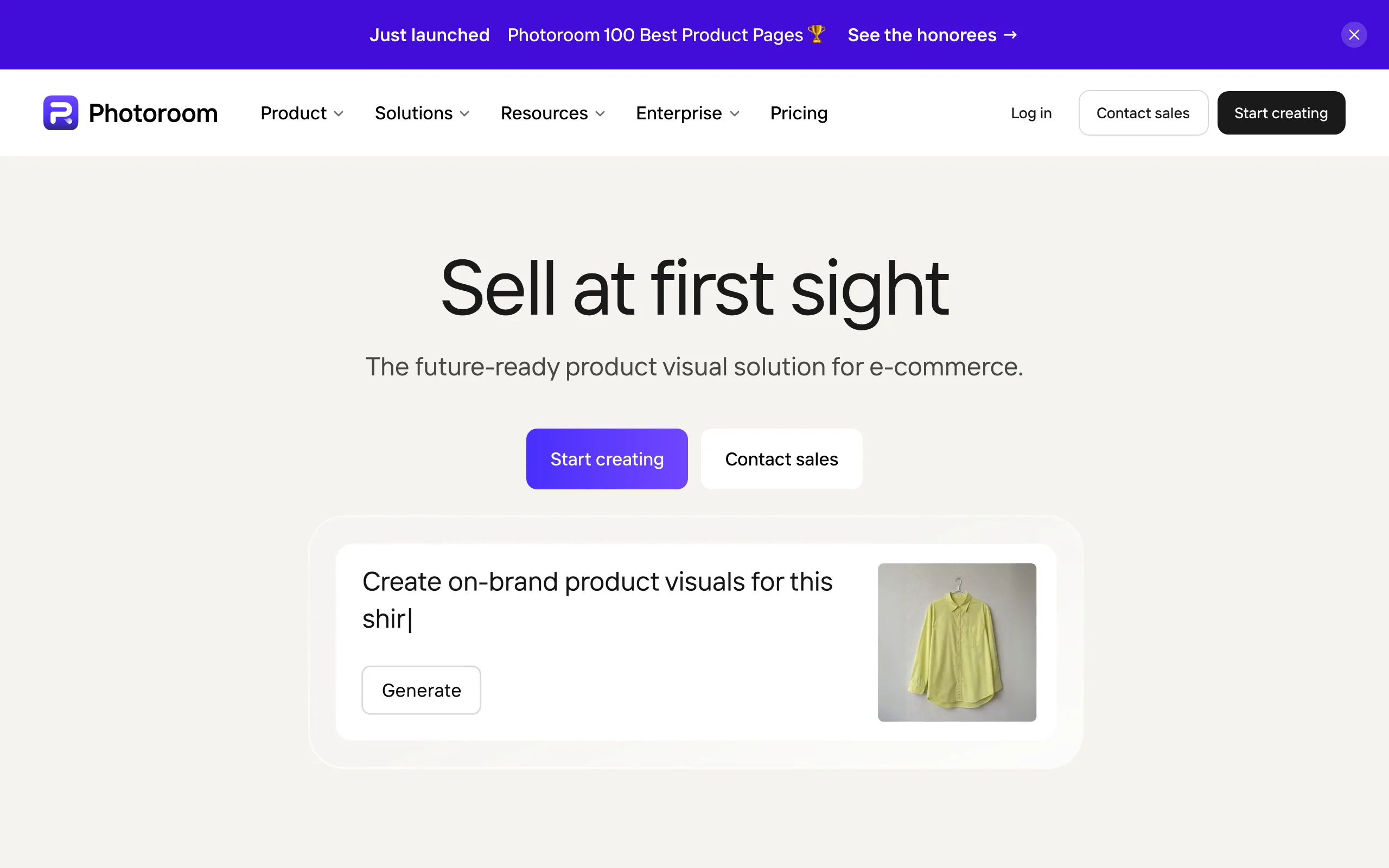
Photoroom is the workhorse for sellers who list at scale. Its strength is volume: batch background removal and staging across hundreds or thousands of images at once, backed by more than 1,000 templates and a separate pay-per-image API for teams that want to wire it into their listing pipeline. If your day is turning a folder of raw product shots into clean marketplace-ready photos, this is the most efficient option here.
Key features:
- AI background removal and AI Backgrounds and scenes
- Product Staging and Virtual Model for on-body or in-context shots
- AI Shadows, Fill, and Expand for realistic compositing
- Batch processing from 1,000 up to 10,000 exports a month
- 1,000-plus templates and a separate pay-per-image API
Best for:
- Marketplace sellers editing hundreds to thousands of listings monthly
- Resellers and dropshippers who need consistent white-background cutouts fast
- Teams that want an API for automated listing edits
Pricing:
- Pro: $12.99/mo, or $7.50/mo billed annually
- Free plan exports are watermarked and cannot be used commercially
- 7-day trial auto-charges the full annual price if you do not cancel
Pros:
- Genuinely fast at bulk edits, the best batch throughput here
- Deep staging toolkit (shadows, fill, expand, virtual models)
- Huge template library shortens the path to a finished scene
Cons:
- Two overlapping meters (AI credits plus an export cap) make it hard to predict usage
- The 7-day trial rolls into a full annual charge, an easy accidental bill
- No video output, so promo clips still need another tool
3. Pebblely, best budget one-click scenes for small shops
Pebblely keeps things simple and cheap. Upload a product, pick from 40-plus background themes or write a short prompt, and it generates lifestyle scenes with the background removed automatically. The free tier is unusually generous for this category: 40 AI images a month, no credit card, and no watermark, which makes it a real starting point for a side hustle rather than a locked demo.

Key features:
- 40-plus ready-made background themes plus custom prompts
- Automatic background removal on upload
- Bulk generate and custom sizes for different marketplaces
- Reference images to guide the style of a scene
Best for:
- Small shops and solo sellers on a tight budget
- Sellers who want quick lifestyle scenes without learning an editor
- Anyone who wants to test AI product photos free before paying
Pricing:
- Lite: $9/mo; Basic: $19/mo; Pro: $39/mo
- Free: 40 AI images a month, no card, no watermark
- Credits reset monthly and do not roll over
Pros:
- Real, watermark-free free tier with no card required
- Very easy: pick a theme, generate, done
- Cheapest paid entry point of the dedicated tools here
Cons:
- Thinner feature set than Photoroom or Flair
- Credits do not roll over, so an unused month is lost
- No video, and less fine control over the final composition
4. Flair AI, best for brand and creative control
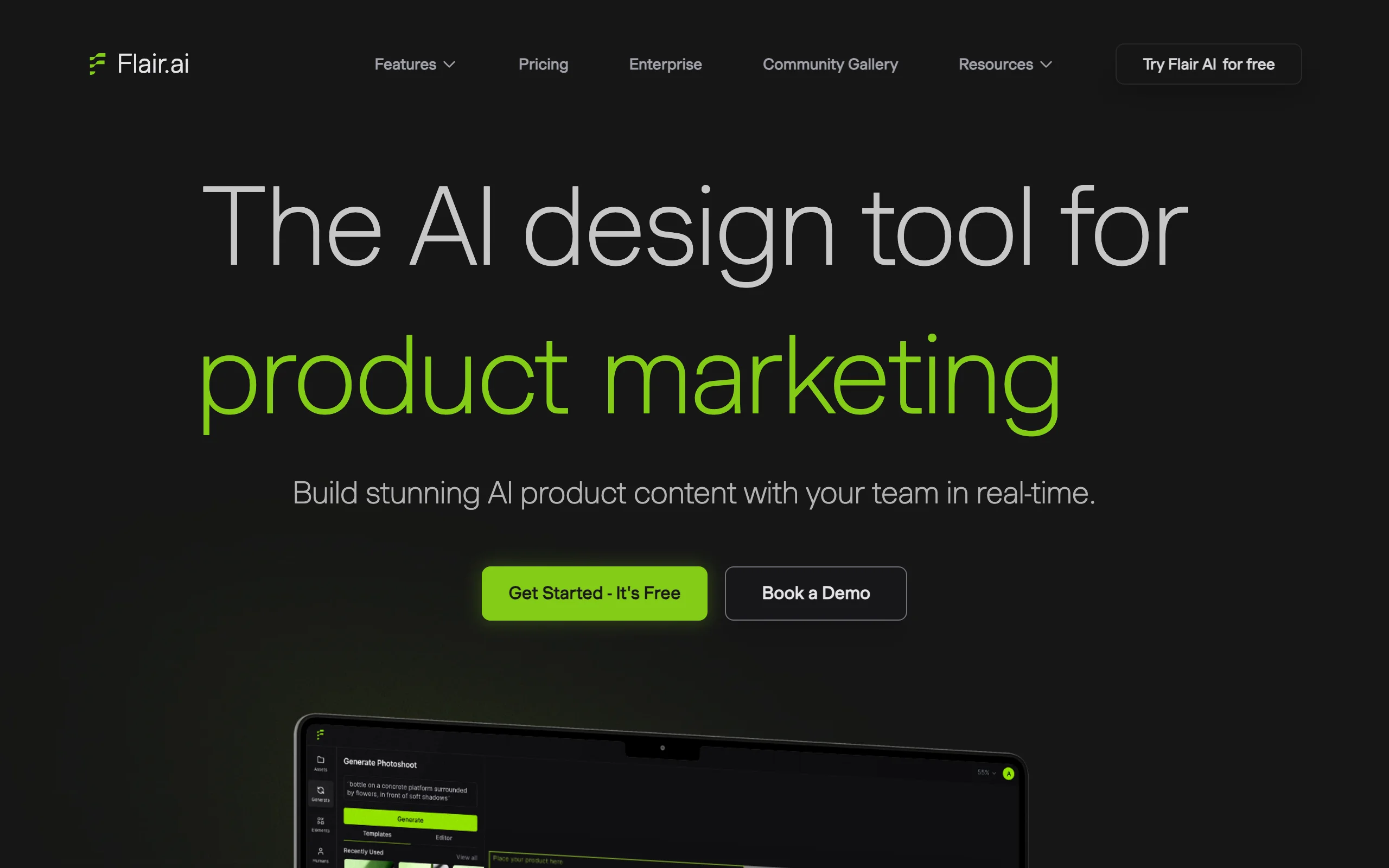
Flair AI is the pick when you care about art direction. It lets you train custom AI product models, then arrange scenes in a drag-and-drop editor with precise control over placement, props, and lighting, rather than accepting a one-click template. It also generates upscales, variations, and AI video, and offers a product-photography API on its top tier, so a brand team can lock in a repeatable look.
Key features:
- Custom AI product models trained on your item
- Drag-and-drop scene editor for precise composition
- Upscales and variations from a single setup
- AI video generation alongside stills
- Product-photography API on the Scale tier
Best for:
- Brands that need a consistent, art-directed look across shots
- Creative teams that want to place products deliberately, not randomly
- Studios building a repeatable scene system
Pricing:
- Pro: from $8/mo billed annually; Pro+: $26/mo; Scale: $38/mo
- Free forever: 1 custom model, 5 images, 1 video
- Commercial license starts on the Pro+ tier
Pros:
- The most creative control of the dedicated tools here
- Custom models keep a brand look consistent across products
- Free forever tier lets you trial the model workflow
Cons:
- Image quotas are low for large catalogs
- Commercial rights require Pro+, not the cheapest plan
- The scene editor has a steeper learning curve than one-click tools
5. Pixelcut, best mobile-first watermark-free editing
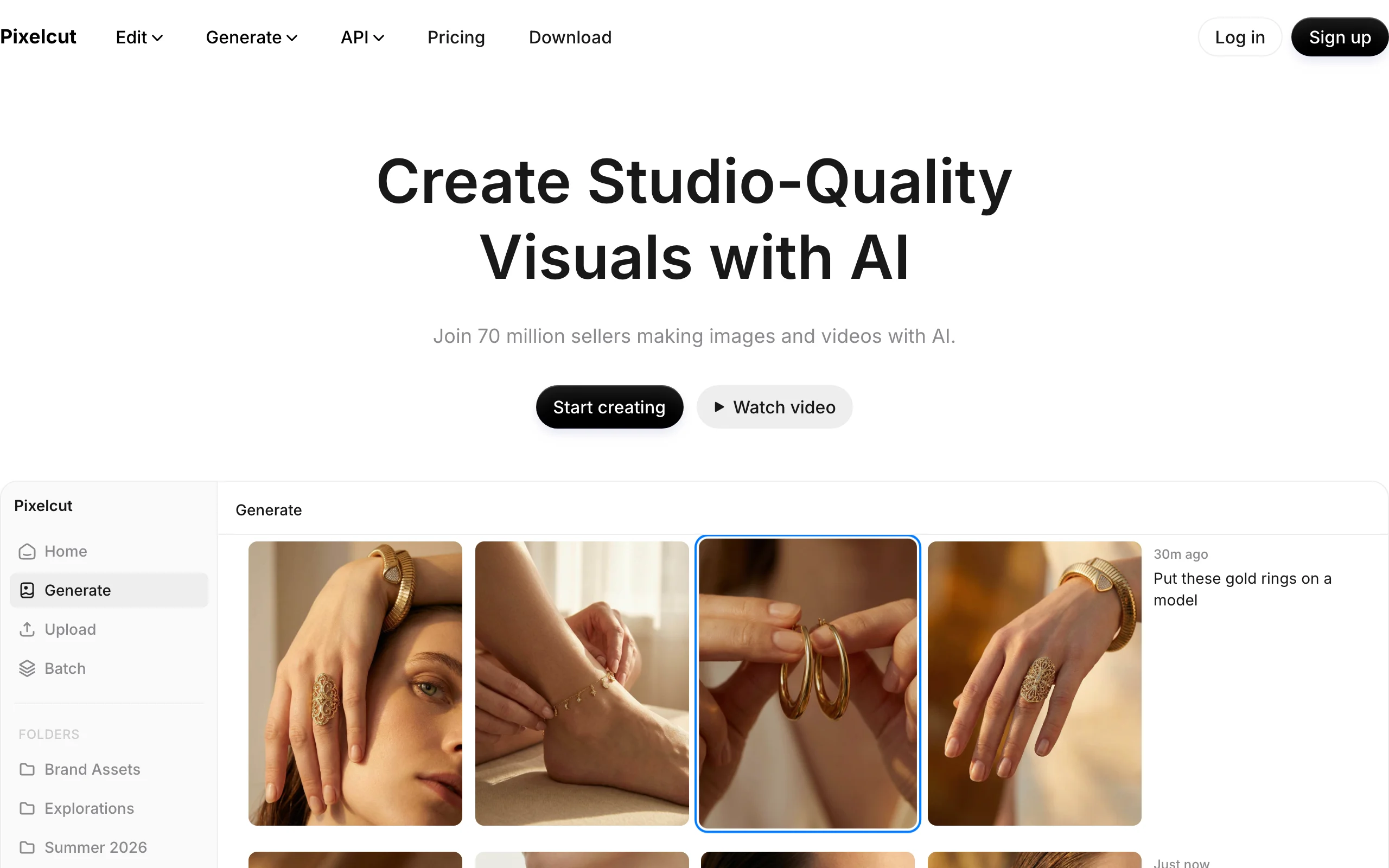
Pixelcut is built for editing from your phone. Its AI Product Photography, unlimited background removal on paid plans, upscaling, and Magic Eraser all run in a mobile-first app, and even the free tier exports without a watermark (premium tools are capped daily). For a seller who photographs and lists on the go, it removes the desktop step entirely.
Key features:
- AI Product Photography scenes on mobile and web
- Unlimited background removal on paid plans
- Upscaling and Magic Eraser for cleanup
- Batch exports (1,000 on Pro, 2,000 on Business)
Best for:
- Sellers who shoot and list from a phone
- Resellers who want quick cleanup without a computer
- Anyone who wants watermark-free exports on a free plan
Pricing:
- Pro: $10/mo, or $8/mo annually
- Business: $30/mo, or $24/mo annually
- Free: watermark-free exports, with premium tools capped daily
Pros:
- Truly mobile-first, fast for on-the-go listing
- Watermark-free even on the free tier
- Commercial license included on paid plans
Cons:
- Product-photo depth is lighter than specialists like Photoroom or Flair
- Best results still lean on the paid tiers
- No integrated video workflow
6. Claid.ai, best API and automation for catalogs at scale
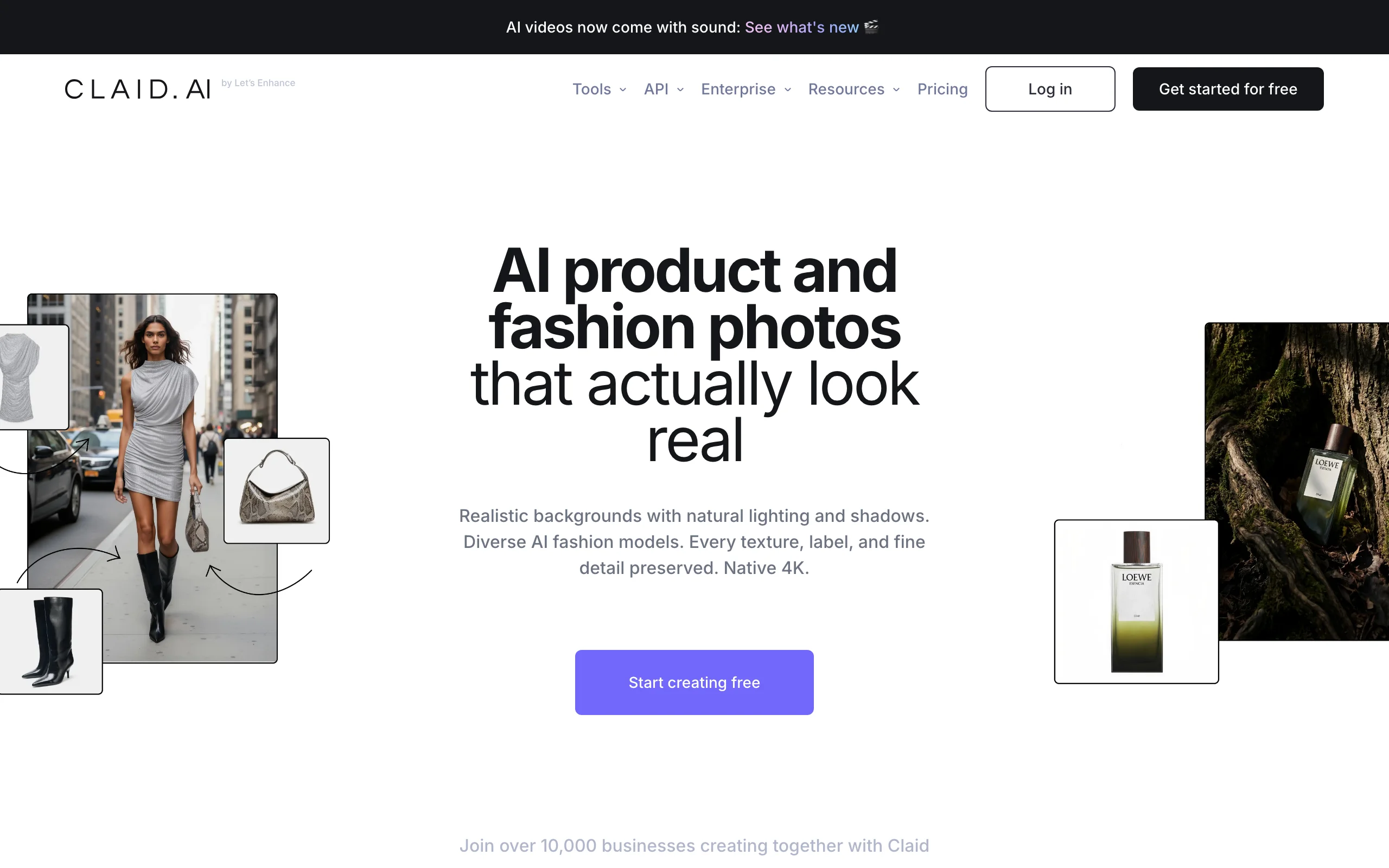
Claid.ai is the developer's choice. Its AI Photoshoot and product backgrounds, background removal, AI upscaling, batch processing, and brand kits are all exposed through a REST API, so you can process a whole catalog programmatically instead of clicking through a UI. Larger accounts get custom models on the Business tier. If you run an ecommerce backend and want product images generated automatically, Claid is built for that.
Key features:
- AI Photoshoot and AI product backgrounds
- Background removal and AI upscaling
- Batch processing on Pro and brand kits
- REST API for automation; custom models on Business
- AI video generation
Best for:
- Developers and ops teams wiring image generation into a catalog
- Marketplaces and large stores processing images at scale
- Teams that need brand-consistent output via an API
Pricing:
- Essentials: about $15/mo, or about $9/mo annually
- Pro: about $49/mo, or about $39/mo annually; Business: custom
- Free trial: 50 credits, up to 5 product images, with no ongoing free tier
Pros:
- Strong REST API for full automation
- Brand kits keep large catalogs consistent
- Upscaling and batch built in for production pipelines
Cons:
- Production API pricing is "contact sales," so budgeting takes a conversation
- Per-operation credits get complex to estimate
- Overkill if you are not automating and just want a few good shots
7. Mokker AI, best one-click template-to-scene
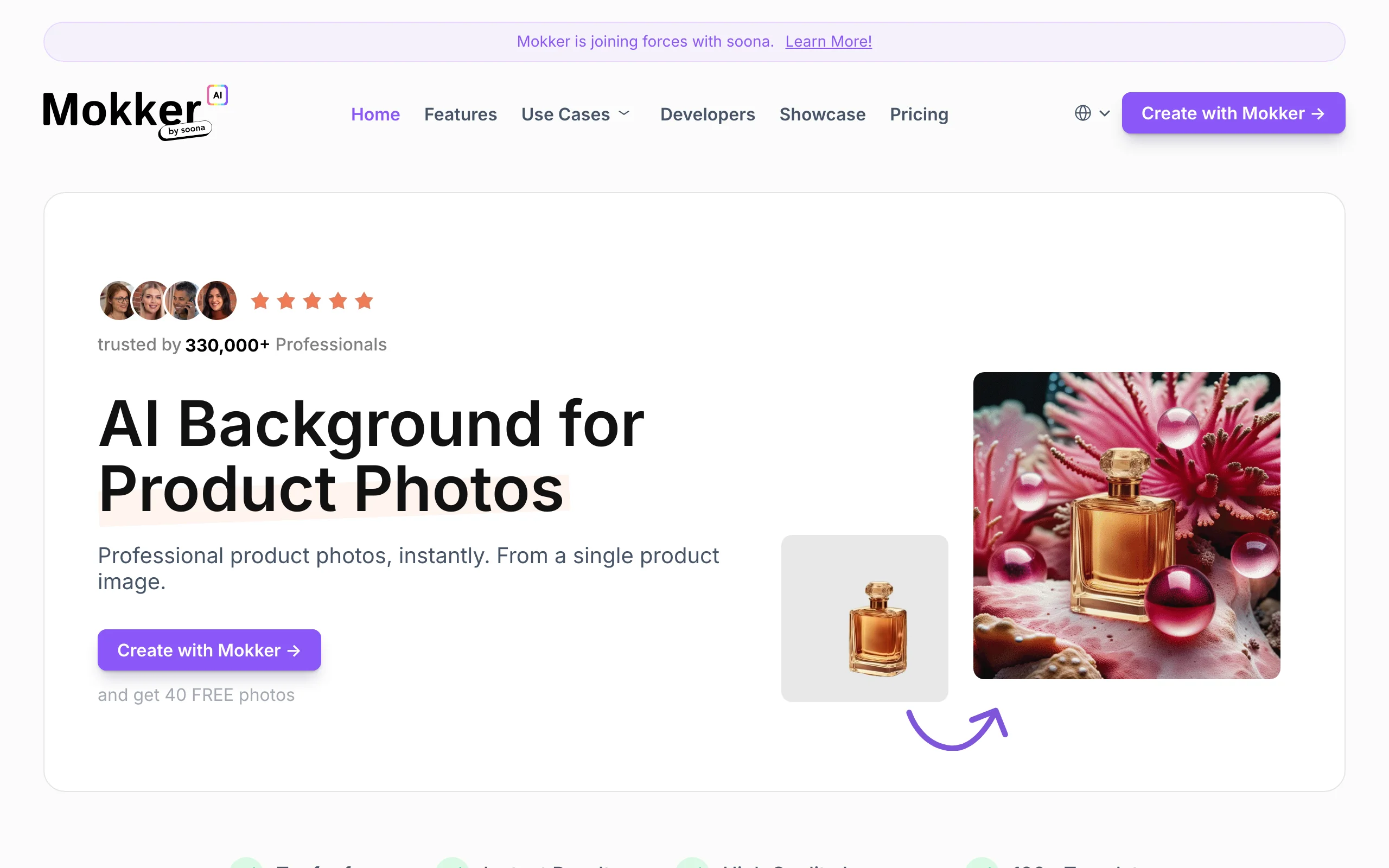
Mokker AI is the fastest path from a plain product photo to a lifestyle scene. Upload an image, the background is removed automatically, and you pick from more than 100 industry scene templates to drop the product into context, no prompt required. The free tier gives you 20 one-time photos with all templates and no card, so you can see the output before committing.
Key features:
- Automatic background removal on upload
- 100-plus industry scene templates
- Custom prompts on paid plans
- High-resolution export and bulk generation on team tiers
Best for:
- Sellers who want lifestyle scenes without writing prompts
- Small teams standardizing on a set of scene templates
- Anyone who prefers picking a template to editing one
Pricing:
- Starter: $13/mo, about $10/mo annually
- Team: $29 per user a month; Organization: $83.25 per user a month
- Free: 20 one-time photos, all templates, no card
Pros:
- Truly one-click: template in, scene out
- Large template library covers many product categories
- Generous no-card free trial to evaluate quality
Cons:
- Starter's monthly photo cap is not published, so limits are unclear upfront
- Per-user pricing gets expensive for teams
- No video output for promo clips
How to choose the best AI product photo generator for your workflow
The right tool depends on what you sell, how many listings you run, and whether you also need video. Use these questions to narrow it down.
1) Do you need product video, not just stills?
- If you want both the listing photo and a short promo clip from the same shot: ClipNova, which is the only tool here that generates the still and then turns it into a video. See how to make a product video with AI for the full flow.
- If you only ever need static images: any of Photoroom, Pebblely, Flair, Pixelcut, Claid, or Mokker will do, so pick on volume and budget.
2) How many listings do you process a month?
- Hundreds or thousands: Photoroom for its batch throughput, or Claid.ai if you want to automate it through an API.
- A handful at a time: Pebblely or Mokker AI for quick one-click scenes, or Pixelcut if you work from a phone.
3) How much creative control do you want?
- Precise art direction and a consistent brand look: Flair AI with custom models and a scene editor.
- Fast, good-enough scenes with minimal fuss: Mokker AI or Pebblely templates.
4) What is your budget and how important are commercial rights?
- Tightest budget with a real free tier: Pebblely (40 free images) or Mokker AI (20 free photos).
- Commercial rights on the cheapest plan without a watermark: ClipNova includes full commercial rights and watermark-free 4K on every plan, whereas Photoroom, Flair, and Claid gate commercial use or rights behind specific tiers. Compare tiers on ClipNova pricing.
Whatever you shortlist, generate 5 to 10 real shots of your actual product before you subscribe. Cutout quality, shadow realism, and how well a tool handles reflective or transparent items vary a lot by product, and the free trials exist precisely so you can test that on your own SKUs.