Which AI is best for animated videos depends on one question most comparisons skip: do you need a finished video, or a few seconds of animated footage? A kids channel needs a whole episode with the same mascot, a narrator, and captions. An animator testing a shot needs one great five-second clip. The best AI for one is the wrong AI for the other.
So this guide answers by use case. Find the kind of animation you are making, and you get the tool that fits, what it costs, and how to make it.
The short answer
- For finished animated videos in most styles, use ClipNova. One prompt becomes a narrated, captioned animation up to 5 minutes long, in 3D, 2D cartoon, anime, claymation, or stop motion.
- For a single expressive clip, use Kling. Strong character motion, cheap, but you assemble the video yourself.
- For animating your own performance, use Runway. Act-Two maps your face and body onto a character.
- For corporate character explainers, use Vyond. Built for training and business teams, priced like it.
| What you are making | Best pick | Why | Starting price |
|---|---|---|---|
| Kids cartoons and nursery rhymes | ClipNova | Same mascot every episode, narrator, captions | From $19/mo |
| Anime shorts | ClipNova | Dedicated anime tool, voice and music included | From $19/mo |
| Pixar-style 3D stories | ClipNova | Disney / Pixar 3D style, multi-scene, up to 5 min | From $19/mo |
| Stop motion and claymation | ClipNova | Stop Motion and Claymation style presets | From $19/mo |
| One expressive animated clip | Kling | Character motion in 5 to 10 second clips | $8.80/mo after a $6.99 first month |
| Character driven by your acting | Runway | Act-Two performance capture | $15/mo ($12 yearly) |
| Business explainers with characters | Vyond | Template characters for training and comms | $99/mo ($58 yearly) |
Finished videos vs clips: the decision that matters
There are two kinds of AI animation tools, and mixing them up is the most common way people waste a month of credits.
Clip models (Kling, Runway, Veo, Sora) generate 5 to 10 seconds of footage from a prompt or an image. The quality can be excellent. But a 60-second cartoon is six to twelve clips, and keeping the same character across them, adding a voice, music, and captions, and cutting it together is your job.
Finished-video tools do that assembly for you. You describe the story, and the tool writes the script, keeps the characters consistent, animates every scene, voices it, adds music, burns in captions, and exports one file.
If you post animated videos on a schedule, you want the second kind. If you are an animator who needs one hero shot for an edit you are already doing, the first kind is fine.
Best AI for kids cartoons
Kids cartoons are the most-made kind of animation on ClipNova, and they have one hard requirement: the mascot has to look the same in every scene and every episode, or children stop recognizing the channel.
Best pick: ClipNova. The AI kids video generator writes a short, simple script with a clear lesson, designs an original mascot, animates gentle 3D or 2D scenes, and adds a slow narrator or a sing-along, with large captions for early readers.
Keep two rules in mind for YouTube: set the video as made for kids when it is aimed at children, and write your own characters. Copying a famous cartoon character is a fast way to lose the channel.
Best AI for anime videos
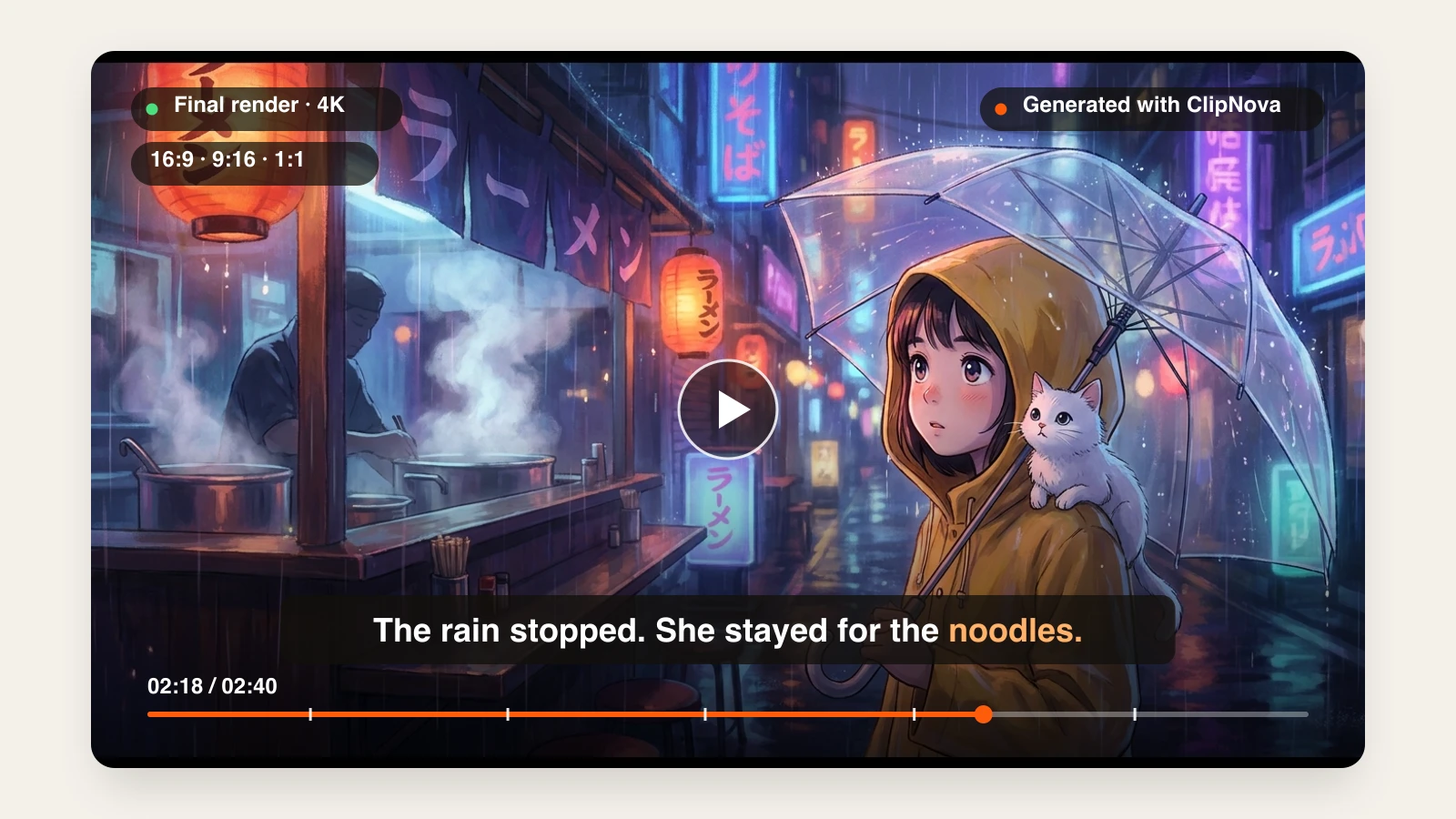
Generic text-to-video models tend to produce a glossy "AI anime" look: neon glow, plastic shading, oversaturated colors. Real anime has painted backgrounds, thin line art, and soft natural light.
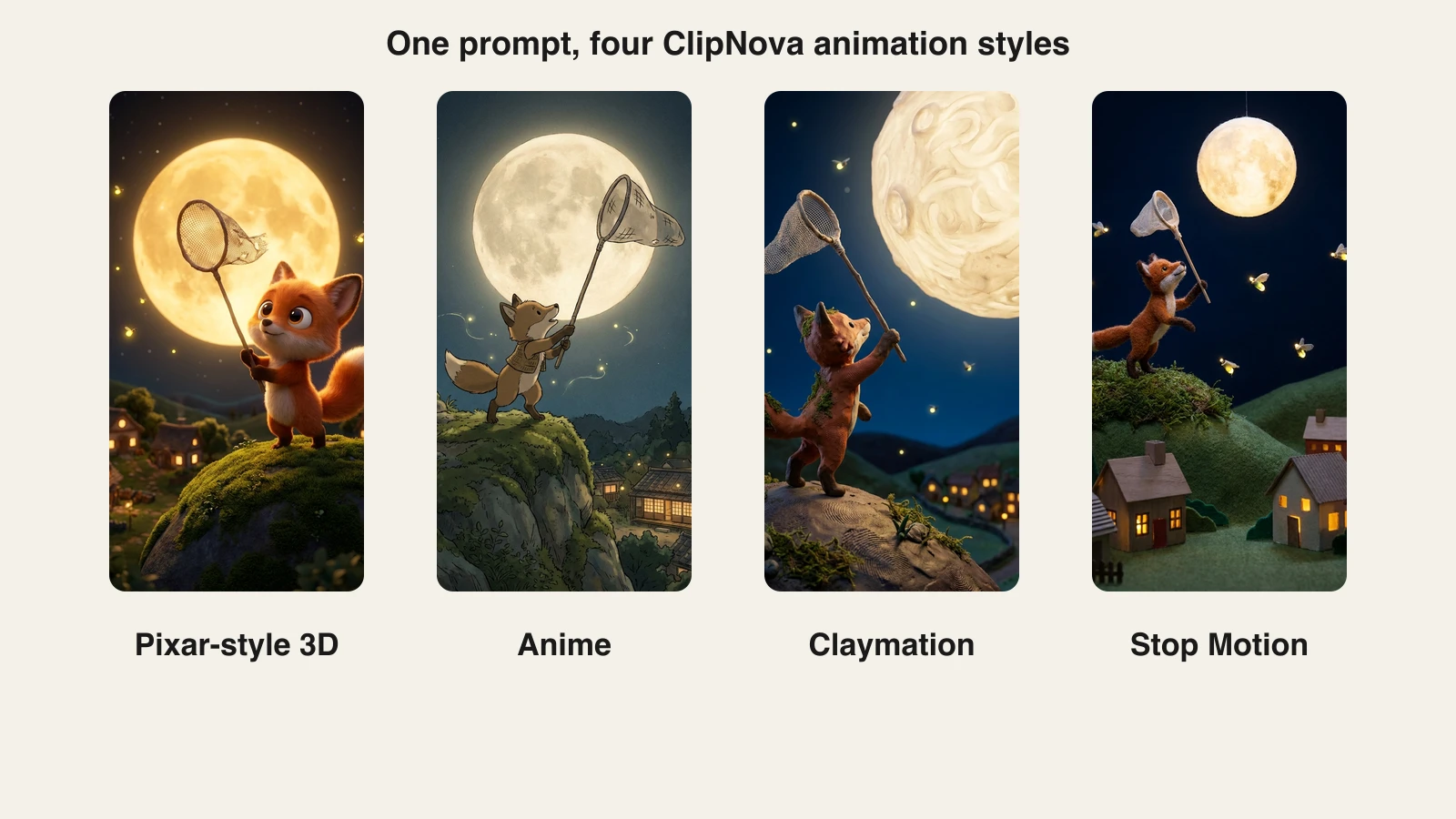
Best pick: ClipNova. The AI anime video generator is tuned for an authentic hand-drawn anime film look and keeps the art style consistent through the video. Name the subgenre (slice-of-life, shonen, cyberpunk) and one clear action, and add narration and captions in the same project.
Alternative: if you already have live-action footage and want to restyle it as anime, a video-to-video tool such as DomoAI fits better than a text-to-anime generator.
Best AI for Pixar-style 3D animation
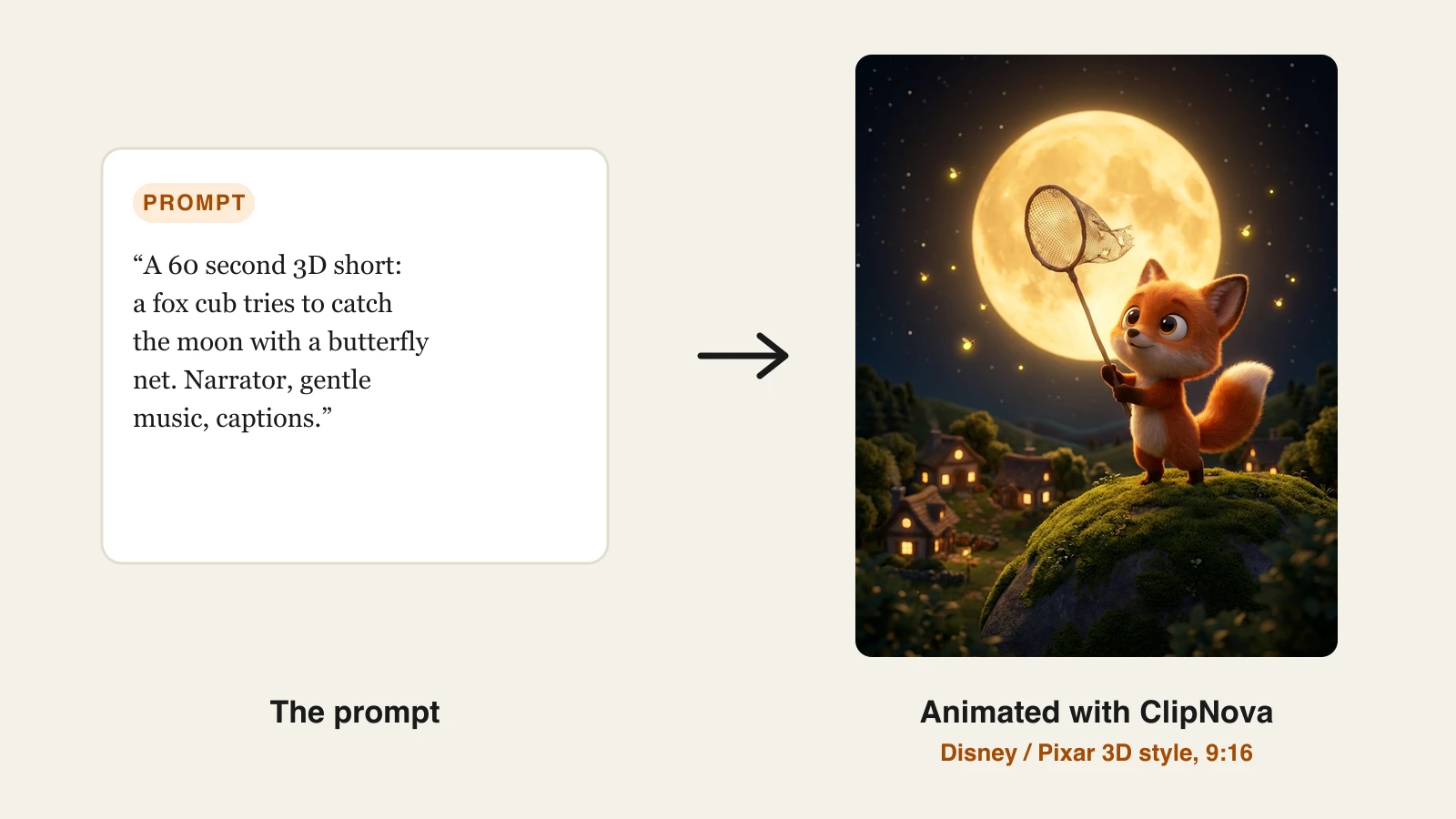
3D character stories (a fox cub chasing the moon, a talking teapot, a red panda inventor) are where AI animation looks closest to a studio film, and where consistency matters most.
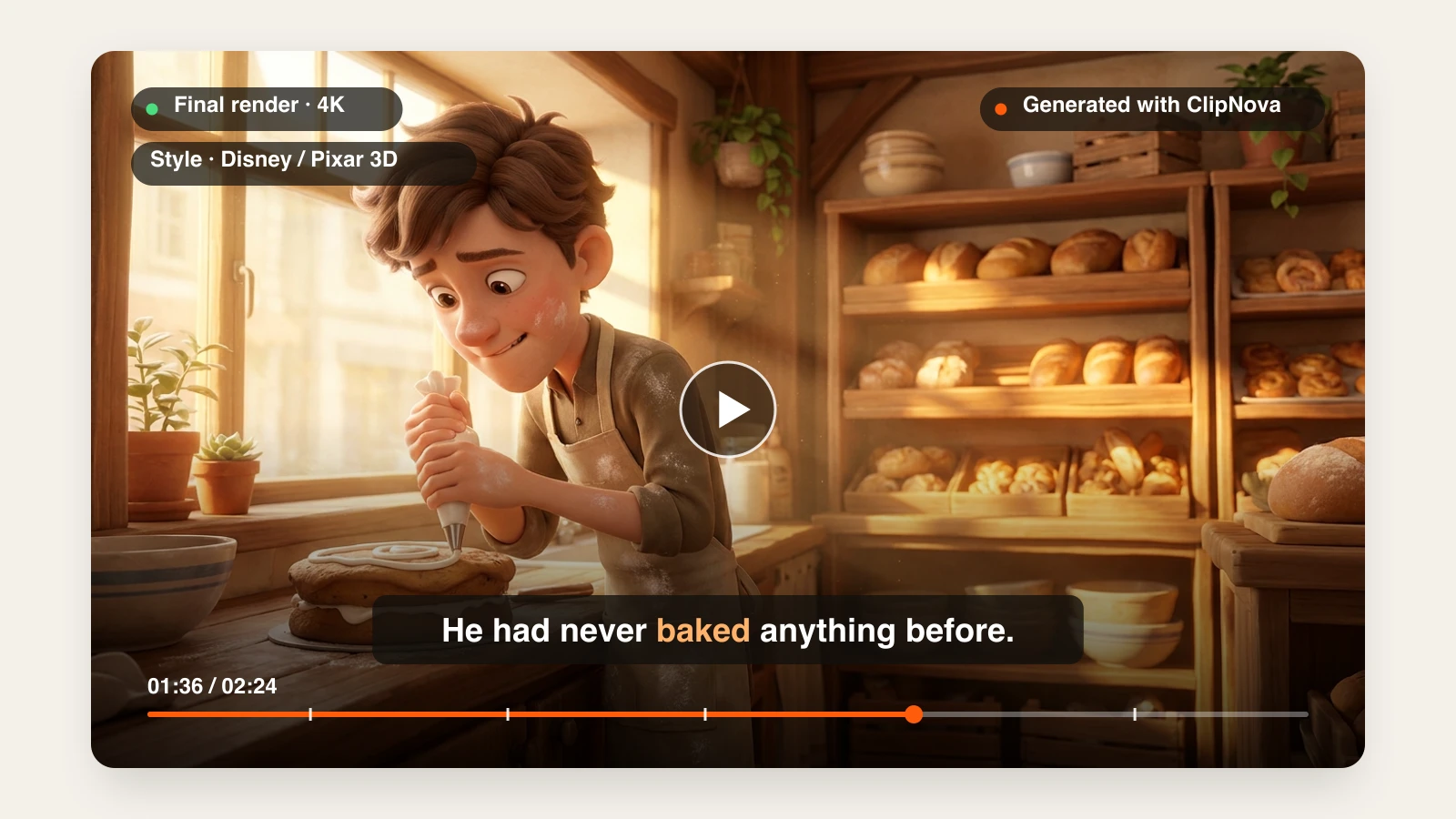
Best pick: ClipNova. In Prompt to Video, the Disney / Pixar 3D style gives soft rounded characters, big expressive eyes, and warm cinematic light, and the video runs up to 5 minutes with voices and music. The AI 3D Animation Generator is built for this look and keeps your character the same in every shot. Our roundup of AI Disney and Pixar style video generators compares the other options.
Alternative: Kling makes excellent single 3D character clips if you only need one shot.
Best AI for 2D cartoons and comedy skits
Talking animals, fruit soap operas, and cartoon skits need exaggerated expressions, quick timing, and a different voice per character.
Best pick: ClipNova. The AI Cartoon Video tool renders a playful 2D or 3D cartoon look with bold outlines and bouncy motion, and adds voiceover, music, and captions. For a wider comparison, see our best AI cartoon video generators.
Best AI for stop motion and claymation
Real stop motion means photographing a puppet thousands of times. AI gets you the look (handmade puppets, miniature sets, slightly choppy frame-by-frame motion) from a sentence.
Best pick: ClipNova. Prompt to Video has both a Stop Motion and a Claymation style preset, so the whole video keeps the tactile, handcrafted look. If you are new to the format, the stop motion glossary entry explains what makes it read as real.
Best AI for animated explainers
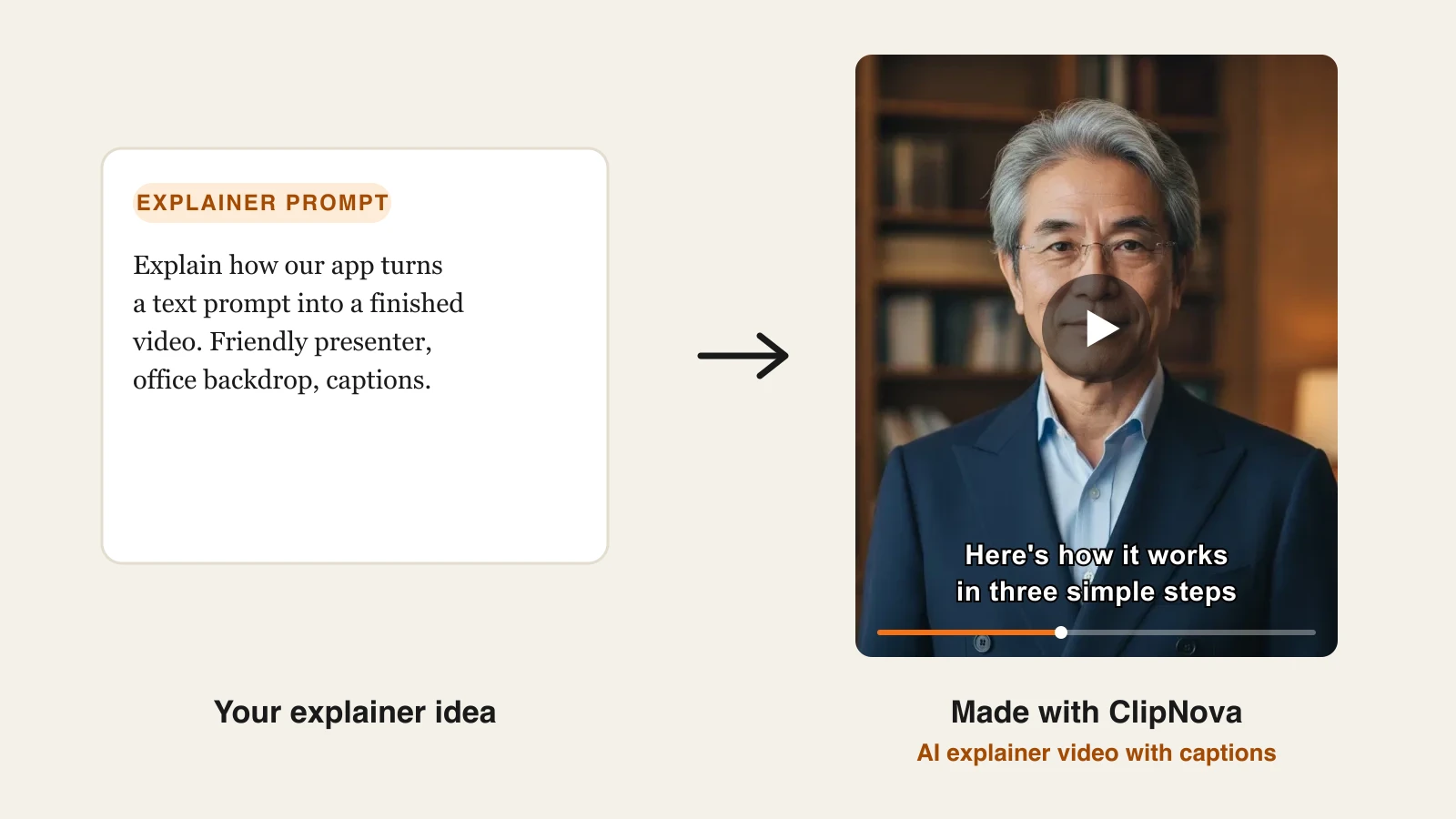
Explainers split in two. Creators making stickman or whiteboard-style money, science, and history explainers are well served by ClipNova's AI animation generator, which voices the narration and burns in captions.
Business teams making training videos with recurring office characters, a brand kit, and a review workflow are the audience Vyond is built for. It costs more ($99 a month, or $58 billed yearly, on Starter), but it is designed for that job. Our AI explainer video generator comparison covers the rest.
Best AI for animating your own performance
If you want a character to move exactly the way you do, with your timing, your facial expressions, and your gestures, you need performance capture rather than a prompt.
Best pick: Runway. Act-Two takes a video of you acting and transfers head, face, body, and hand motion to a character. Plans start at $15 a month ($12 yearly). You still edit the clips into a video yourself.
How to make an animated video with ClipNova
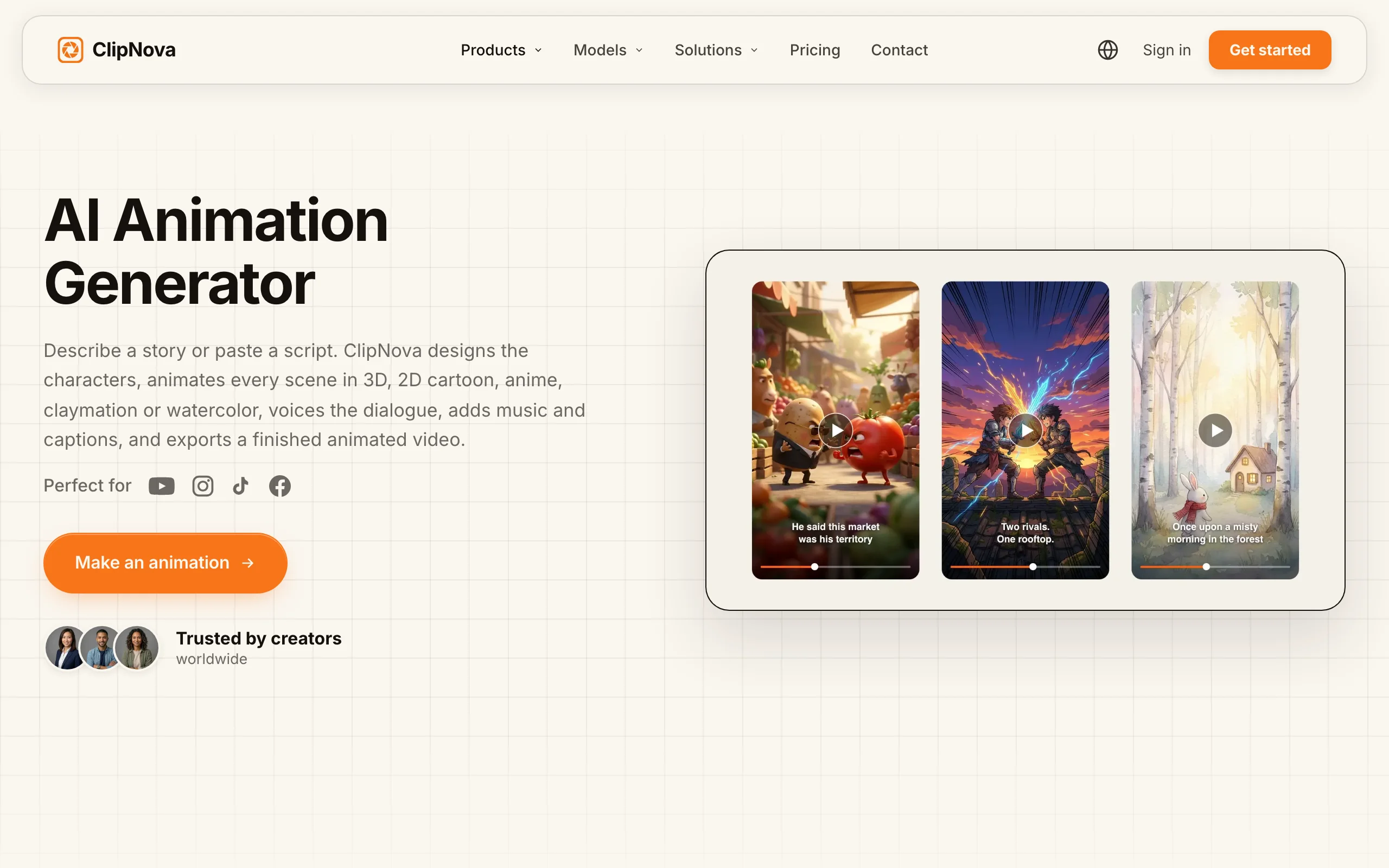
- Sign in at app.clipnova.io. Plans start at $19/mo.
- Open AI Video Studio.
- Pick the tool for your style: AI Cartoon Video, AI Anime Video Generator, or Prompt to Video with a Style preset such as Disney / Pixar 3D, Claymation, Stop Motion, or Watercolor.
- Describe the story in one paragraph: who the character is, what they want, and what goes wrong.
- Choose 9:16 for Shorts, TikTok, and Reels, or 16:9 for YouTube, and set the length.
- Switch on narration, background music, and captions.
- Generate, watch it with the sound on, and regenerate any scene that breaks character.
Every plan includes full commercial rights, from $19 a month. The pricing page has the credit breakdown.
How to choose in 30 seconds
- You post animated videos on a schedule: pick a finished-video tool. ClipNova.
- You need one shot for an edit you are already making: pick a clip model. Kling for character motion, Runway if you want to act it out.
- You are a company making training videos: Vyond.
- You are not sure: write one 60-second story and render it in two styles. The style your audience watches to the end is the answer, and it costs a few credits to find out.
Frequently asked
Which AI is best for animated videos?
For finished animated videos with a story, voice, music, and captions, ClipNova is the best fit because it animates every scene and assembles the video for you in 3D, 2D cartoon, anime, claymation, or stop motion. For single animated clips, Kling is strong on character motion, and Runway is best when you want to act out the performance yourself.
Which AI is best for cartoon videos for kids?
A tool that keeps the same mascot in every scene and adds a slow narrator and large captions. ClipNova's AI kids video generator does all three in one project. Mark the video as made for kids on YouTube and use your own original characters.
Which AI is best for anime videos?
One tuned for a real anime film look rather than generic glossy AI shading. ClipNova's AI Anime Video Generator targets hand-drawn cel animation with painted backgrounds. If you want to restyle existing footage as anime, a video-to-video tool like DomoAI is the better fit.
Can AI make a full animated video, not just a clip?
Yes. Finished-video tools like ClipNova write the script, animate each scene with the same characters, add voices, music, and captions, and export one file up to 5 minutes long. Clip models such as Kling and Runway make 5 to 10 second shots that you edit together yourself.
Can I monetize AI animated videos on YouTube?
Yes, if the stories and characters are original and each video is made with care. YouTube excludes mass-produced and repetitive content from monetization, so avoid near-identical uploads and copied characters. ClipNova exports carry full commercial rights on every plan.
If I want to start an animated channel, what should I use?
Start with ClipNova. Write three short stories, render them in the style your niche expects (3D for kids, anime for fandoms, claymation for comedy), and post them as a small batch. Plans start at $19 a month.