A good explainer video makes a product, a process, or an idea click in under 90 seconds. Writing the script, recording a voiceover, sourcing visuals, and syncing captions the old way could take a full day per video.
AI explainer video generators collapse that into minutes. You type what you want explained, and the tool writes the script, narrates it, assembles the visuals or an on-screen presenter, and burns in captions, ready to publish or embed.
This guide compares the best AI explainer video generators for 2026: what each one actually outputs (a finished video, an avatar presenter, or animated characters), what it costs, and which fits your workflow, whether you are making product walkthroughs, onboarding clips, training modules, or social explainers. If your walkthrough is really a sales demo, our list of the best AI product demo makers goes deeper on that use case.
Best AI explainer video generators: a brief overview
- ClipNova: Best overall: turns one text prompt into a finished explainer with script, AI voiceover, visuals, music, and captions in a single pass.
- Synthesia: Best for avatar-led corporate training and internal comms explainers with a polished on-screen presenter.
- invideo AI: Best for prompt-to-video marketing and social explainers built from stock and AI footage.
- Pictory: Best for turning an existing script or blog post into a narrated explainer.
- Vyond: Best for classic animated character and whiteboard explainers.
- Steve AI: Best budget option for cartoon and animated explainers.
- Fliki: Best for narrated, multilingual explainers with lifelike text-to-speech.
| Tool | Best for | Starting price | Explainer style |
|---|---|---|---|
| ClipNova | Long finished explainer videos with consistent characters | From $19/mo | Prompt to finished voiced video |
| Synthesia | Avatar-led training and comms | From $29/mo | AI presenter, 1080p |
| invideo AI | Prompt-to-video marketing clips | From $17/mo (annual) | Stock + AI footage |
| Pictory | Script or blog to video | From $29/mo | Stock footage + narration |
| Vyond | Animated character explainers | From $99/mo | True character animation |
| Steve AI | Budget animated explainers | From $10/mo (annual) | Cartoon / animation |
| Fliki | Multilingual narrated explainers | From $28/mo (annual) | Narrated slideshow + TTS |
1. ClipNova, best overall AI explainer video generator
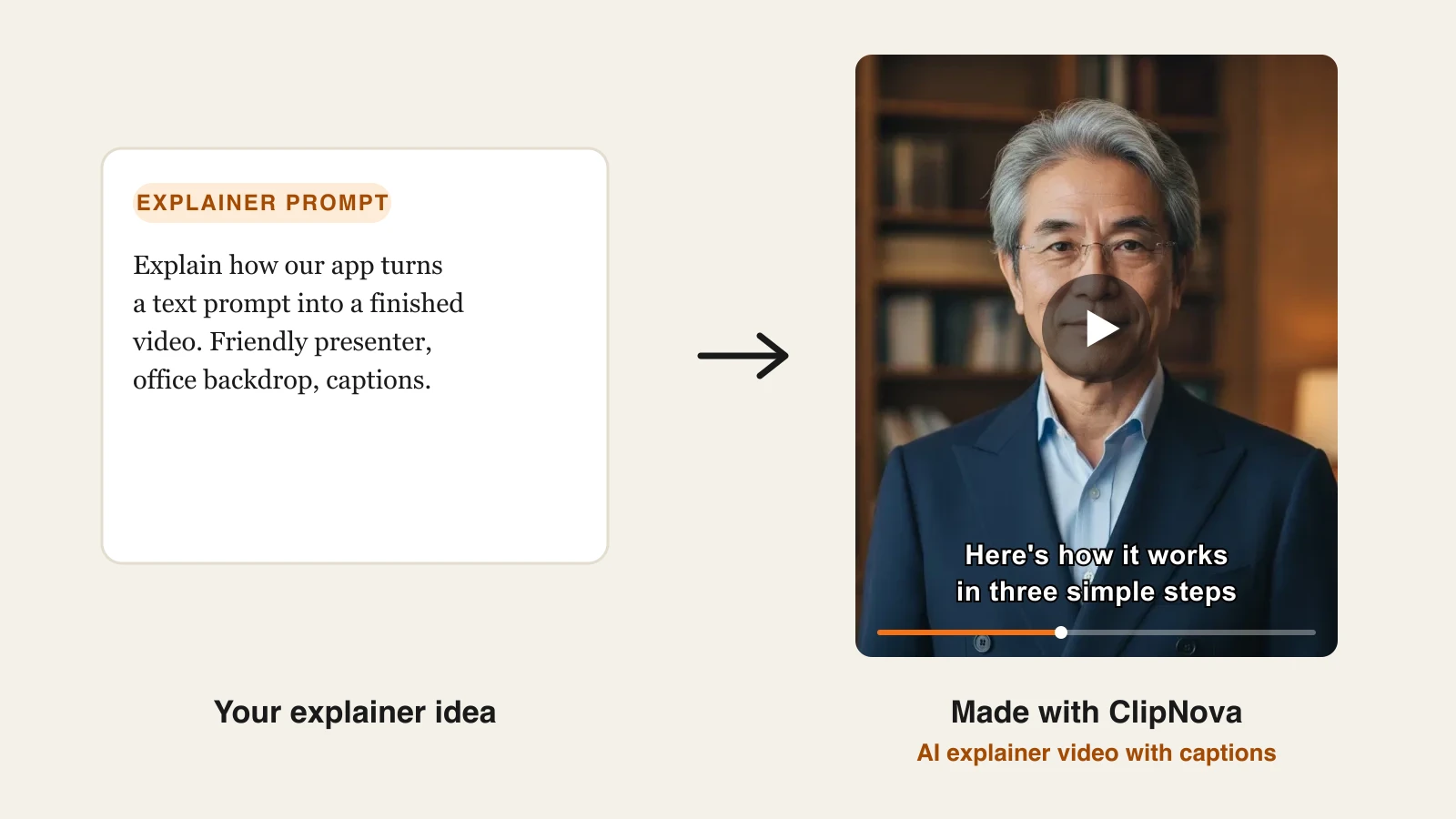
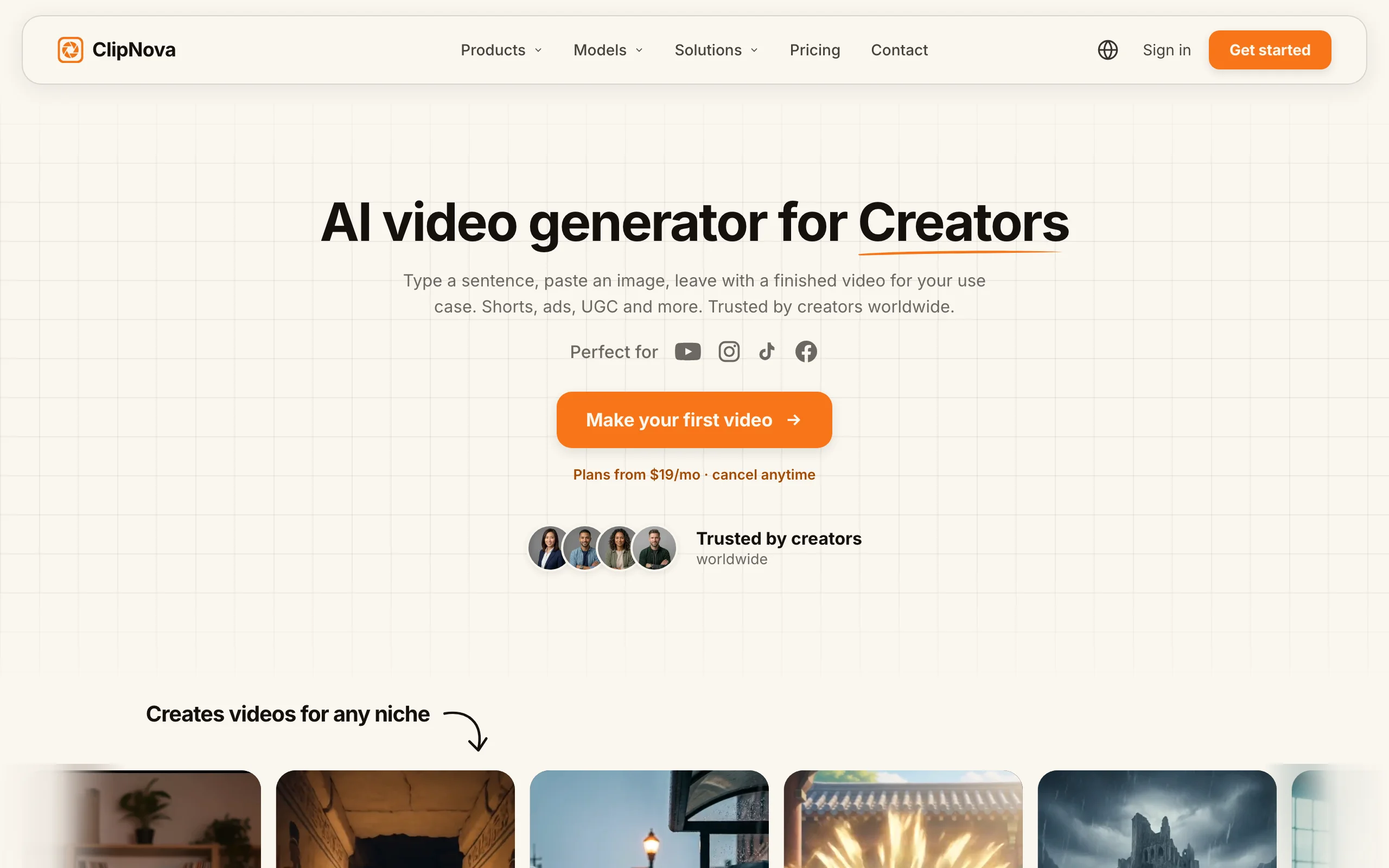
ClipNova turns a single prompt into a finished explainer video: it writes the script, generates an AI voiceover, assembles the visuals or B-roll, adds background music, and burns in captions, all in one pass, with a saved presenter or character keeping the same face in every scene. You describe what you want explained ("how our app turns a text prompt into a finished video, friendly presenter, office backdrop"), and you get a publish-ready video back in a few minutes, not a raw clip you still have to edit. The AI explainer video generator also starts from a script, a brief, or a PDF. If the script is already written, the script to video generator builds the scenes, voiceover, and subtitles from it.
For founders and marketing teams, the same engine also makes finished video ads with the same face and the same product in every version, so the explainer and the ads that promote it come from one place.
- Finished: a script or a one-line brief becomes a narrated explainer of up to 5 minutes through prompt-to-video, and a product photo becomes a short animated ad clip with music.
- Same face, same product: save a presenter once in Talking Avatar and it fronts every explainer in your library, while product clips keep your product's shape, colours and label as in your photo.
- More versions to test: re-run an explainer in another of the 18 narration languages or at another length, and choose 9:16, 16:9 or 1:1 for each version you publish.
That end-to-end output is what sets it apart for explainers. Most tools hand you one piece of the pipeline (footage, or a voice, or an avatar) and leave the assembly to you. ClipNova ships the whole thing, tuned for vertical formats on TikTok, Reels, and Shorts as well as standard landscape. It also does music-to-video, talking avatars, and AI UGC-style ads, so the same subscription covers explainers and the rest of your content.
Key features
- Prompt to finished explainer: script, AI voiceover, visuals, music, and captions generated together
- Auto subtitles on every plan, styled and burned in for silent-scroll viewing
- AI voiceovers in 18 languages for localized versions of the same explainer
- Talking avatars from your own presenter photo, with a saved avatar library, when you want an on-screen presenter
- Watermark-free 1080p on every plan
- Full commercial rights on every plan, so client and monetized work is covered
Best for
- Founders and marketers who need product walkthroughs and onboarding explainers without an editor
- Agencies producing explainer content for multiple clients at volume
- Creators localizing one explainer into several languages
Pricing
- Hobby: $19/mo for 1,000 credits, with the full feature set (every plan includes all features; only monthly credits differ)
- Starter $49/mo (2,600 credits), Growth $99/mo (5,750), Ultra $199/mo (12,000)
- Yearly billing is 20% off. See ClipNova pricing for the current breakdown
Pros
- Only tool here that returns a complete, captioned, voiced explainer from a prompt, no assembly step
- Every feature is included on the $19/mo entry plan; plans differ only in credits
- Cheap multilingual explainers via 18-language narration
Cons
- Newer brand than Synthesia or Vyond, and no ready-made presenter library like a dedicated avatar platform (you bring your own presenter photo)
- Focused on generation, not a full timeline editor for frame-level tweaks
Try it with the AI text-to-video generator, or add an on-screen presenter with the talking avatar generator.
2. Synthesia, best for avatar-led training explainers
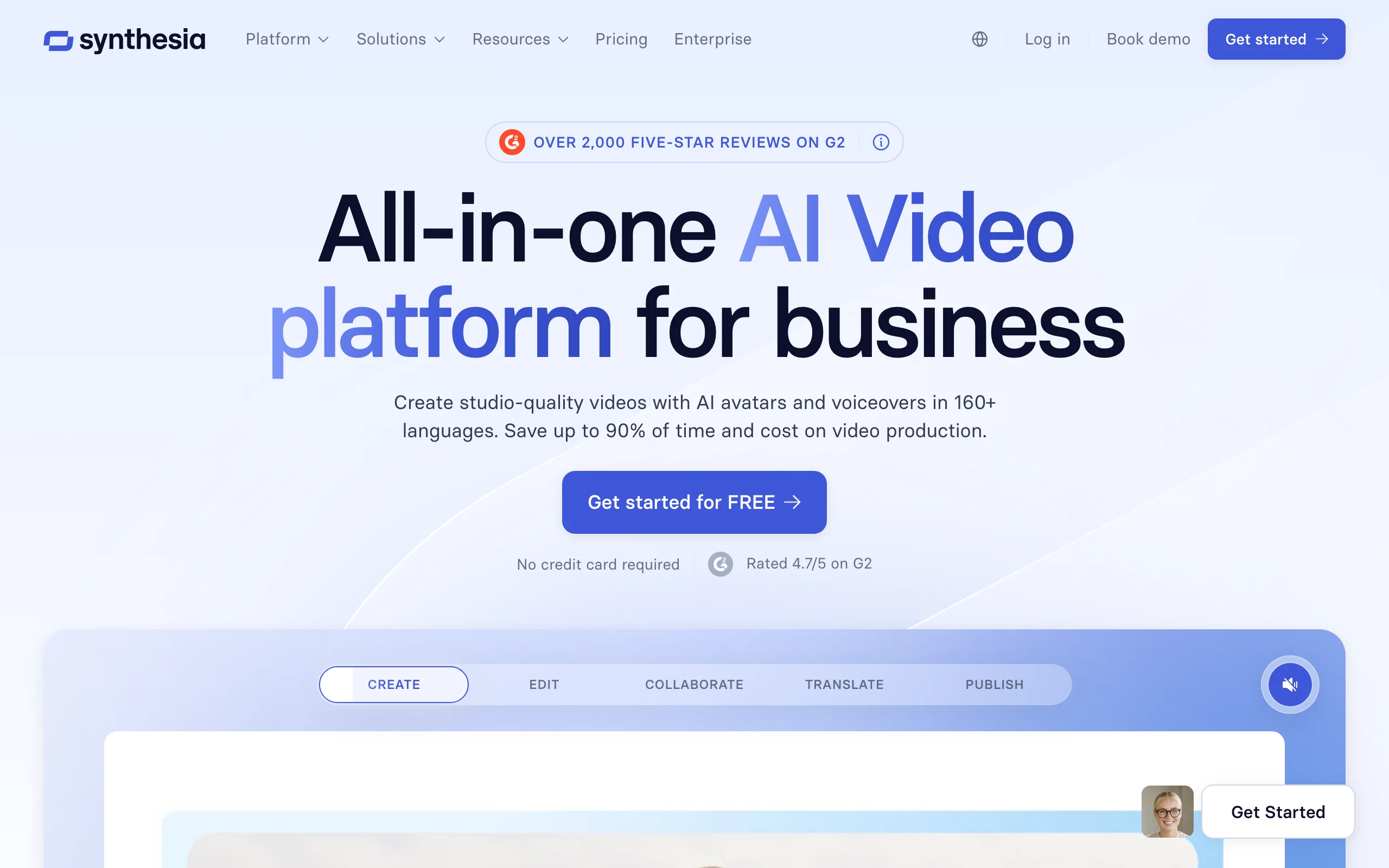
Synthesia is the enterprise standard for avatar-led video. You pick from 125+ AI presenters, type or generate a script, and the avatar delivers it in any of 160+ languages. For corporate training, HR onboarding, and internal how-to videos, the talking-head format is exactly what viewers expect.
Its AI Screen Recorder (a Chrome extension) is a strong fit for software explainers: capture a product walkthrough, then have an avatar narrate over it. Templates, brand kits, and SCORM export round out the enterprise toolset.
Key features
- 125+ AI avatars plus custom avatars on paid tiers
- AI Video Assistant that drafts a script from a prompt
- AI Screen Recorder for narrated software walkthroughs
- 60+ templates and AI dubbing across 160+ languages
Best for
- L&D and HR teams building training and onboarding libraries
- Companies standardizing internal comms across languages
Pricing
- Starter from $29/mo (about $18/mo billed annually) for roughly 120 minutes of video per year
Pros
- Best avatar realism and language coverage for presenter-style explainers
- Enterprise features (SCORM, brand kits, collaboration) built in
Cons
- Presenter-only format; no true motion-graphic animation
- Minute and credit caps are tight on lower tiers
3. invideo AI, best for prompt-to-video marketing explainers
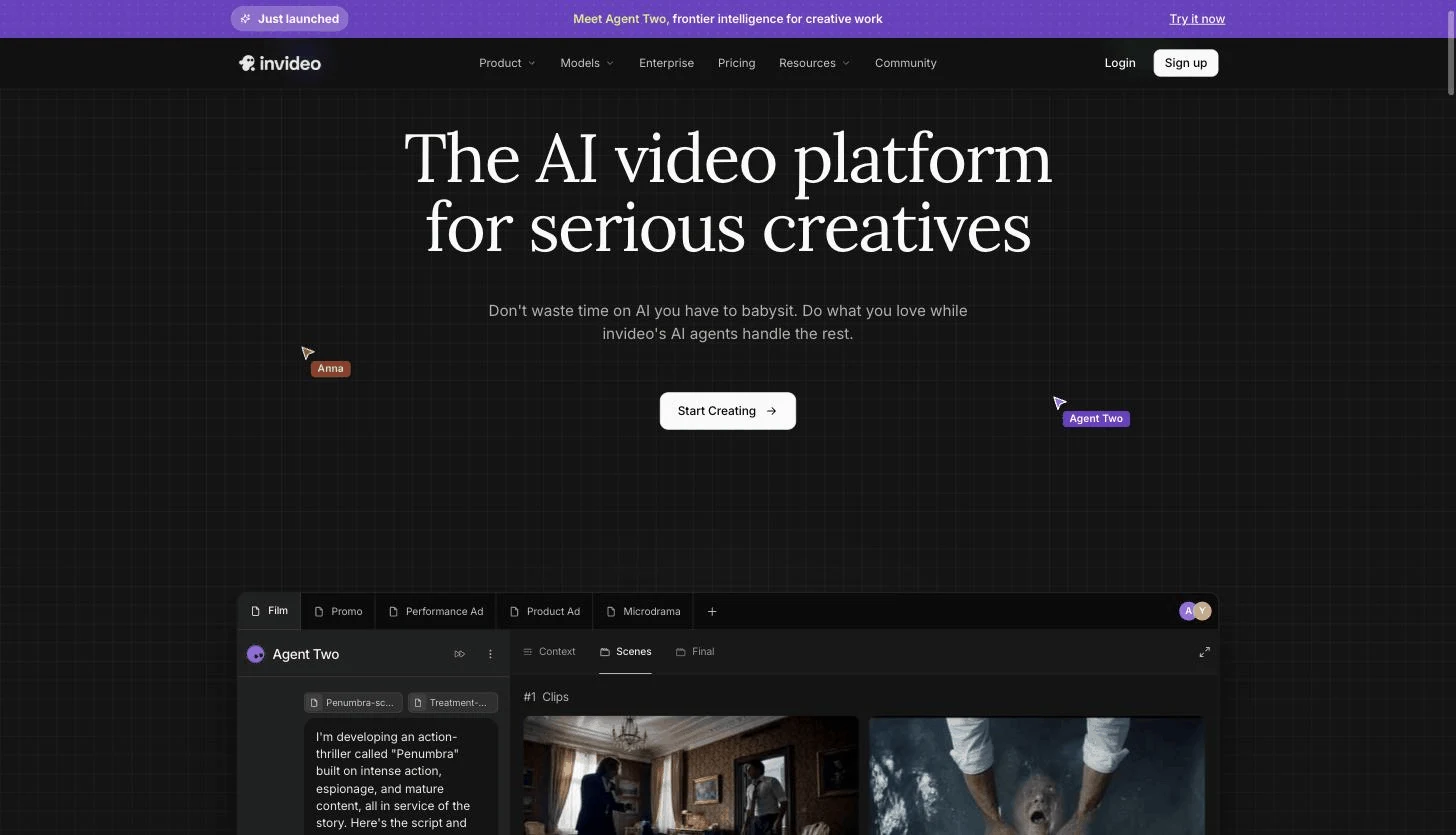
invideo AI is the closest prompt-to-video workflow to ClipNova's. Describe the video, and it writes a script, picks scenes, pulls stock footage, adds an AI voiceover, and edits it together. For marketing explainers where a polished stock-and-text look is fine, it is fast and flexible, and you can refine the result with plain-text commands.
Key features
- Text prompt to full video with script, scenes, and iStock footage
- AI voiceover and automatic editing
- Access to underlying video models on paid tiers
- Plain-text editing commands to revise the cut
Best for
- Marketers making social and website explainers from a brief
- Teams that want a large stock library baked in
Pricing
- Plus from $17/mo billed annually (roughly $25 month to month), 750 credits, watermark-free
Pros
- Fast prompt-to-video with a huge stock and template library
- Conversational editing lowers the learning curve
Cons
- Output can look "stocky" rather than purpose-built
4. Pictory, best for turning a script or blog post into an explainer
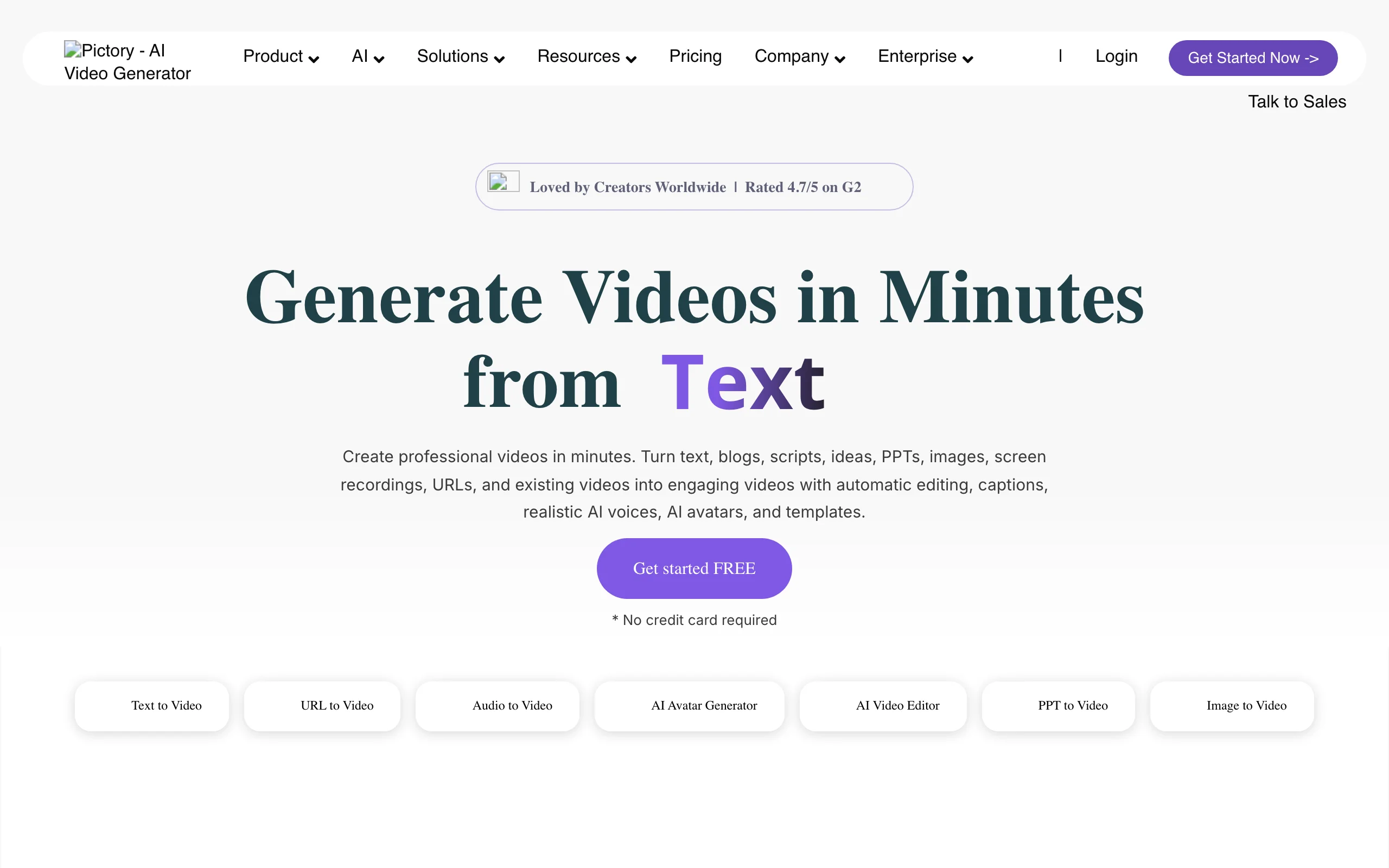
Pictory shines when you already have the words. Paste a script, a blog post, or an article URL, and it turns the text into a narrated video with matched stock footage, auto captions, and highlights. It is a repurposing engine rather than a from-scratch generator, which makes it ideal for content teams turning written explainers into video.
Key features
- Script-to-video and article/blog-to-video workflows
- Auto-sync for uploaded voiceovers
- Custom avatars and voice cloning on higher tiers
- Large stock library with automatic scene matching
Best for
- Content and SEO teams converting written explainers into video
- Marketers repurposing webinars and long articles
Pricing
- Starter from $29/mo (about $25/mo billed annually), 200 video minutes per month
Pros
- Excellent at summarizing long text into a tight video
- Strong auto-captioning and stock matching
Cons
- Stock-driven, not custom animation
- Avatars and voice cloning are gated to the Professional tier and up
5. Vyond, best for animated character explainers
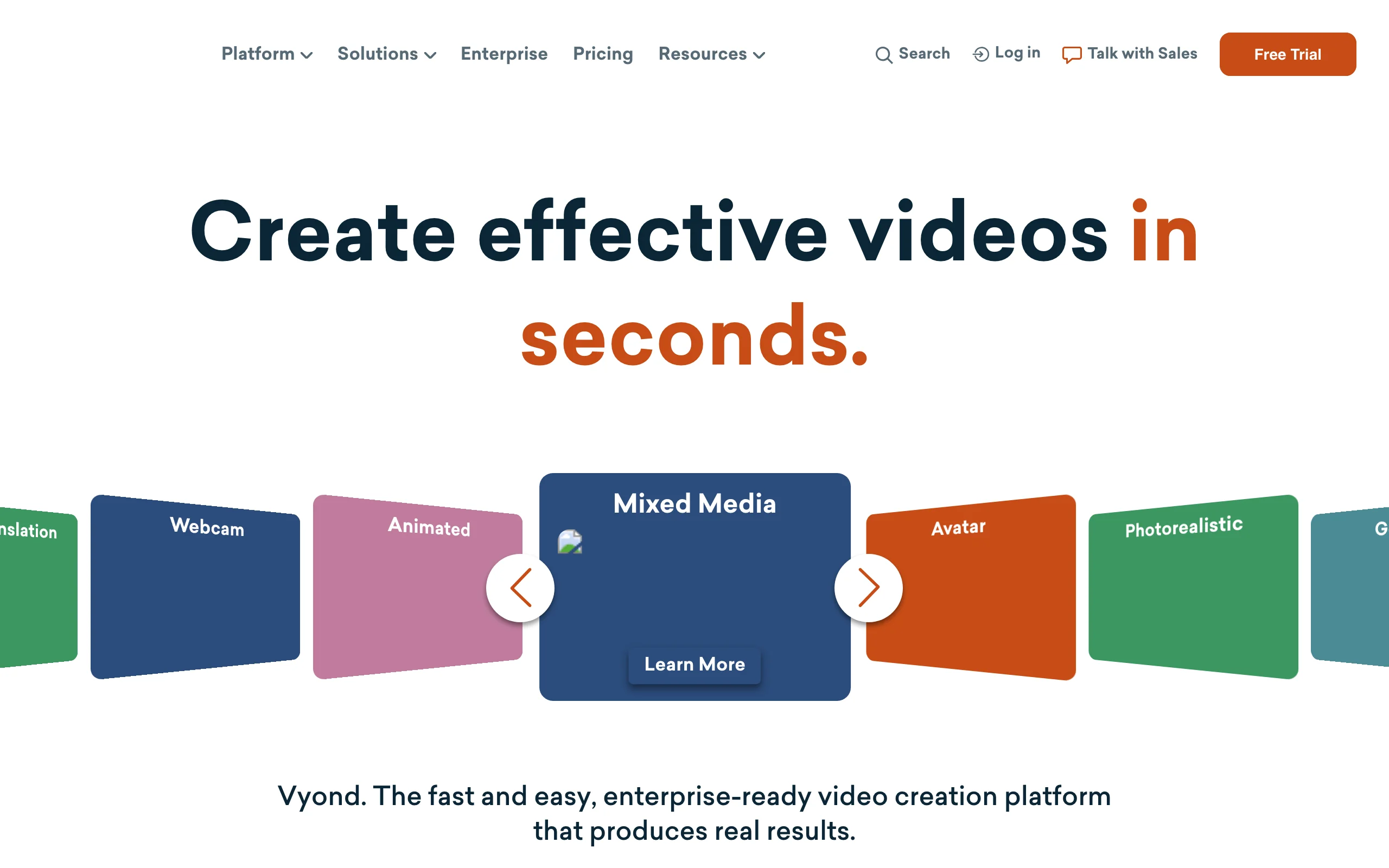
Vyond is the pick when you want a true animated explainer, the kind with characters, props, and motion graphics rather than stock clips or a talking head. Its style libraries (Whiteboard, Contemporary, Business Friendly) cover the classic explainer looks, and Vyond Go can generate a first draft from text, a document, or a URL.
Key features
- True character animation in multiple explainer styles
- 1,300+ avatar and character options
- Vyond Go AI for text, document, script, or URL to video
- 650+ text-to-speech voices
Best for
- Teams that need branded animated explainers and training
- Agencies producing motion-graphic explainer series
Pricing
- Starter from $99/mo (about $58/mo billed annually), with a 25-minute export cap
Pros
- The most capable true-animation explainer tool here
- Deep control over characters, scenes, and motion
Cons
- The highest price floor of the group
- Export length is capped by tier, and custom avatars need a sales conversation
6. Steve AI, best budget animated explainer tool
Steve AI delivers animated and cartoon explainers at the lowest entry price on this list. Type a script or upload audio, and it generates an animated video with characters, callouts, and text animation. It is a practical choice for creators and small teams who want the animated-explainer look without Vyond's price tag.
Key features
- Text/script-to-animation and audio-to-video
- 100+ animated characters, scaling to 300+ on higher tiers
- Cartoon and live-video styles
- Text-animation tools for explainer callouts
Best for
- Creators and startups on a tight budget
- Anyone testing the animated-explainer format cheaply
Pricing
- Basic from $10/mo (billed annually), capped at 720p; 1080p on Starter and up
Pros
- Cheapest entry point for animated explainers
- Fast script-to-animation workflow
Cons
- 720p cap on the Basic tier
- Template and asset library feels dated next to Vyond
7. Fliki, best for multilingual narrated explainers
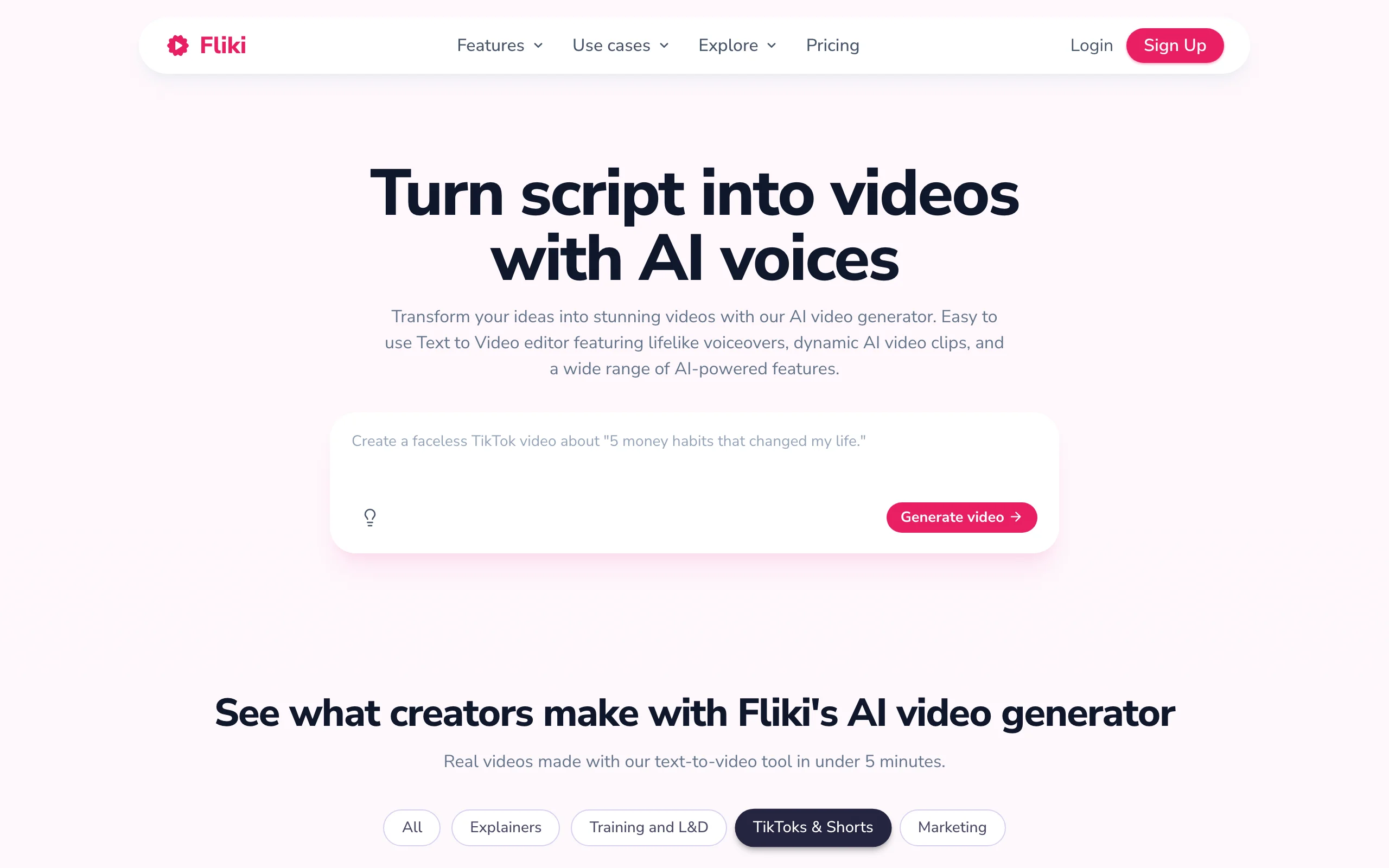
Fliki centers on lifelike text-to-speech. Paste a script or blog post and it builds a narrated video with matched visuals in 80+ languages, drawing on 1,000+ voices. For explainers where the voiceover carries the message and you need many language versions, Fliki is efficient.
Key features
- Text, blog, and script to video with lifelike TTS
- 1,000+ voices across 80+ languages
- AI avatars on the Premium tier
- Voice cloning and AI image generation for scenes
Best for
- Teams localizing narrated explainers into many languages
- Podcasters and writers turning audio or text into video
Pricing
- Standard from about $28/mo billed annually, 180 credits per month, 1080p up to 15 minutes
Pros
- Outstanding voice quality and language range
- Simple text-to-video flow
Cons
- More narrated-slideshow than true animation
- Avatars and voice cloning are gated to higher tiers
How to choose the best AI explainer video generator for your workflow
The right tool depends on what your explainer needs to look like and how much of the work you want the AI to do. Use these questions to narrow it down.
1) Do you want a finished video, or one piece of the pipeline?
- If you want to type a prompt and get a complete, captioned, voiced explainer back: ClipNova is the most end-to-end option, and it also handles product videos and social content in the same subscription.
- If you only need footage, a voice, or an avatar and will assemble the rest yourself: invideo, Fliki, or Synthesia each cover one stage well.
2) What should be on screen: a presenter, characters, or footage?
- Avatar presenter (training, comms): Synthesia leads, with ClipNova a cheaper alternative for shorter clips.
- Animated characters and motion graphics: Vyond for premium animation, Steve AI on a budget.
- Stock and AI footage from a prompt: invideo or Pictory.
3) How many languages do you need?
- One or two languages: any tool here works.
- Many languages from one script: ClipNova (18-language narration), Fliki (80+ languages), or Synthesia (160+) make localization cheap. For agencies running this at scale, ClipNova's per-credit model keeps costs predictable, which is why it is a common pick for marketing agencies.
4) What is your budget per video?
- Translate each plan's credits or minutes into videos per month before subscribing. Steve AI and invideo are the cheapest starts; Vyond is the priciest floor at $99/mo.
- ClipNova's $19/mo Hobby plan includes every feature (only credits scale up), so you are not paying extra to unlock captions, avatars, or watermark-free 1080p.
Whichever you shortlist, generate three to five test explainers on your actual topic before you commit. For a wider look at prompt-based tools, see our roundup of the best text-to-video AI tools.
Frequently asked
What is an AI explainer video generator?
It is a tool that turns a text prompt, script, or article into a short video that explains a product, process, or idea. Depending on the tool, the output is a fully voiced and captioned video, an AI avatar presenter, or an animated sequence with characters and motion graphics.
What is the best AI explainer video generator?
ClipNova is the best overall pick because it returns a finished explainer, script, AI voiceover, visuals, music, and captions, from a single prompt, rather than one piece of the pipeline. Synthesia is best for avatar-led training explainers, and Vyond is best for true animated explainers.
What is the cheapest AI explainer video tool?
Steve AI has the lowest entry price at about $10/mo (billed annually) for animated explainers, though it caps the Basic tier at 720p. ClipNova starts at $19/mo with every feature included and no watermark, and invideo AI's Plus plan is around $17/mo billed annually.
Can I make an explainer video from just a text prompt?
Yes. Prompt-to-video tools like ClipNova and invideo AI write the script, generate a voiceover, assemble visuals, and add captions from a short description. ClipNova returns a finished, publish-ready video, while some tools hand you a draft you refine.
Do I need editing skills to make an AI explainer video?
No. These tools handle scripting, narration, visuals, and captioning automatically. You review and tweak the result rather than editing on a timeline, which is why a single explainer takes minutes instead of a day.
Can I make explainer videos in multiple languages?
Yes. ClipNova narrates in 18 languages, Fliki covers 80+, and Synthesia supports 160+. That lets you generate localized versions of the same explainer from one script, which is far cheaper than re-recording voiceovers.
Do I own the videos and can I use them commercially?
With ClipNova, every plan includes full commercial rights to the videos you generate. Other tools vary by plan, so check each vendor's terms on watermarks and commercial use before publishing client or monetized work.
If I mainly need finished explainer videos fast, what should I use?
ClipNova. You type what you want explained and get back a complete video with script, voiceover, visuals, music, and captions, ready to publish, starting at $19/mo with all features included.