Nobody reads spec sheets. Shoppers watch a product move before they buy it, and software buyers click through a product before they book a call. A demo, not a description, is what converts, and making demos used to be the expensive part.
AI product demo makers now collapse that cost from a studio day or an engineering favor to a few minutes. The best AI product demo maker for you depends on what you are demoing: a physical product that needs a video, a SaaS app that needs an interactive walkthrough, or a feature that needs a talking presenter. This guide compares the strongest option in each lane, with real pricing and a decision framework.
Best AI product demo makers: a brief overview
Demo videos for physical products
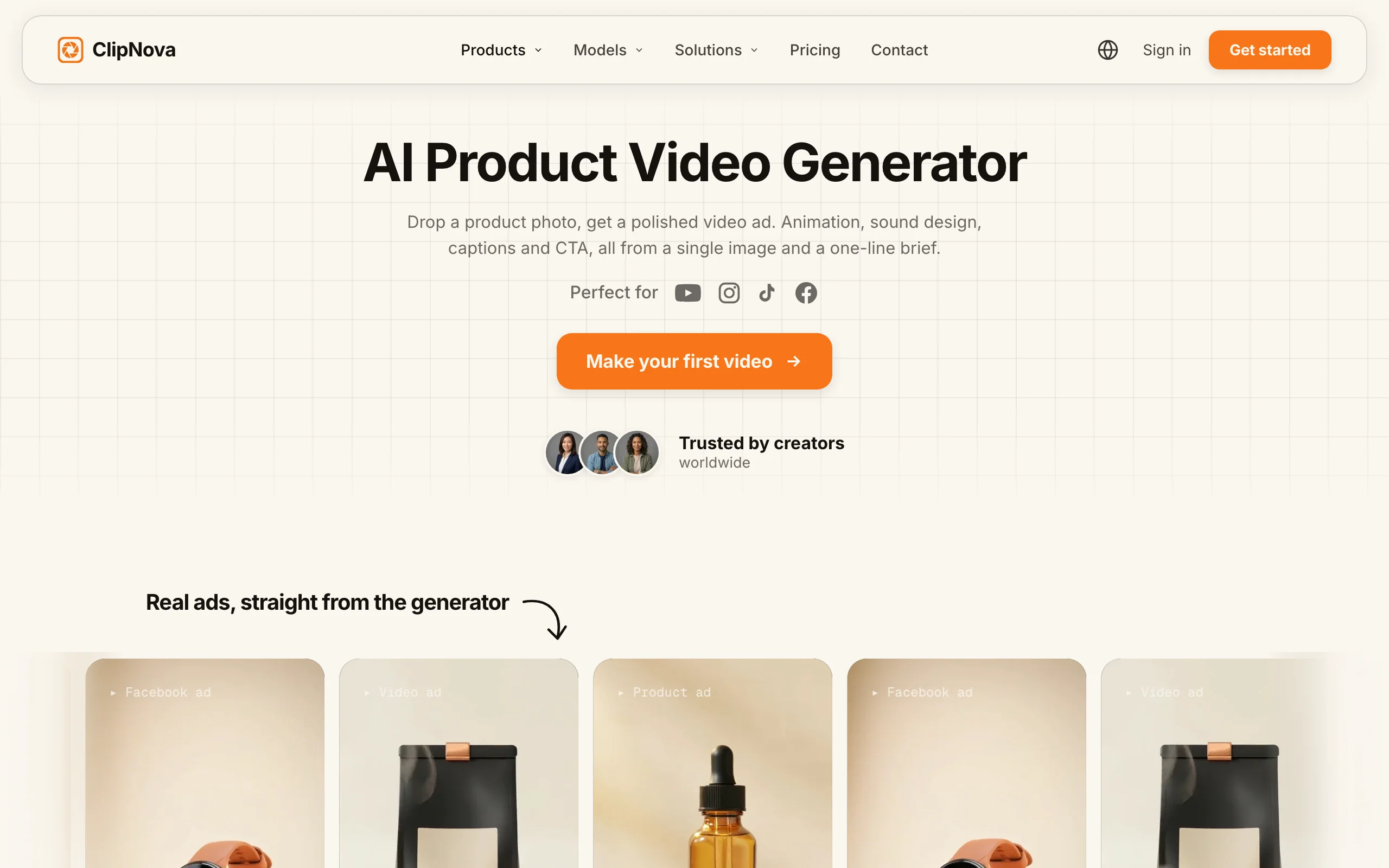
- ClipNova: Best overall for product demo videos. One product photo becomes a finished demo clip with motion and music, plus UGC-style versions of the same product for ads.
Interactive click-through demos for software
- Supademo: Best value for interactive SaaS demos. AI voiceovers and translations on affordable per-creator pricing.
- Arcade: Best for polished, marketing-grade interactive demos. Beautiful embeds for landing pages and emails.
- Storylane: Best for sales teams running personalized demos. Strong lead capture and buyer analytics.
- Navattic: Best for enterprise pre-sales at scale. HTML capture with unlimited seats on flat pricing.
Presenter-led demo videos
- Synthesia: Best for structured product walkthroughs. Avatar-led feature tours in 140+ languages.
- HeyGen: Best for localizing one demo into many markets. Avatar demos with class-leading translation and lip-sync.
| Tool | Best for | Starting price | Demo type |
|---|---|---|---|
| ClipNova | Product demo videos from a photo | From $19/mo | Video, vertical and widescreen |
| Supademo | Value interactive SaaS demos | $27/creator/mo | Interactive click-through |
| Arcade | Marketing-grade interactive demos | From $42.50/seat/mo (yearly) | Interactive click-through |
| Storylane | Sales-led personalized demos | $50/mo | Interactive click-through |
| Navattic | Enterprise pre-sales demos | ≈$500/mo flat | Interactive HTML |
| Synthesia | Avatar feature walkthroughs | $29/mo ($18 yearly) | Avatar video |
| HeyGen | Localized avatar demos | $29/mo ($24 yearly) | Avatar video |
Reading the table: the interactive tools capture a demo of software you already have on screen. ClipNova is the row for everything physical: it generates the demo footage itself from a photo, so there is nothing to record.
1. ClipNova, best overall for product demo videos
If your product is a thing rather than an app, a demo means video: the product rotating, the texture up close, the item in use. ClipNova generates all of that from one photo. Upload a product shot, describe the demo, and it returns a finished clip with motion and music that keeps your product's shape, colours, and label, in vertical for TikTok and Reels or widescreen for your product page.
For a store, that means finished demo and ad videos with the same product in every version, and the same face whenever a creator presents it.
- Finished: one photo becomes a 3 to 12 second demo clip with music (up to 30 seconds on Ultra quality); for a software feature tour, the explainer generator narrates a script into a video of up to 5 minutes.
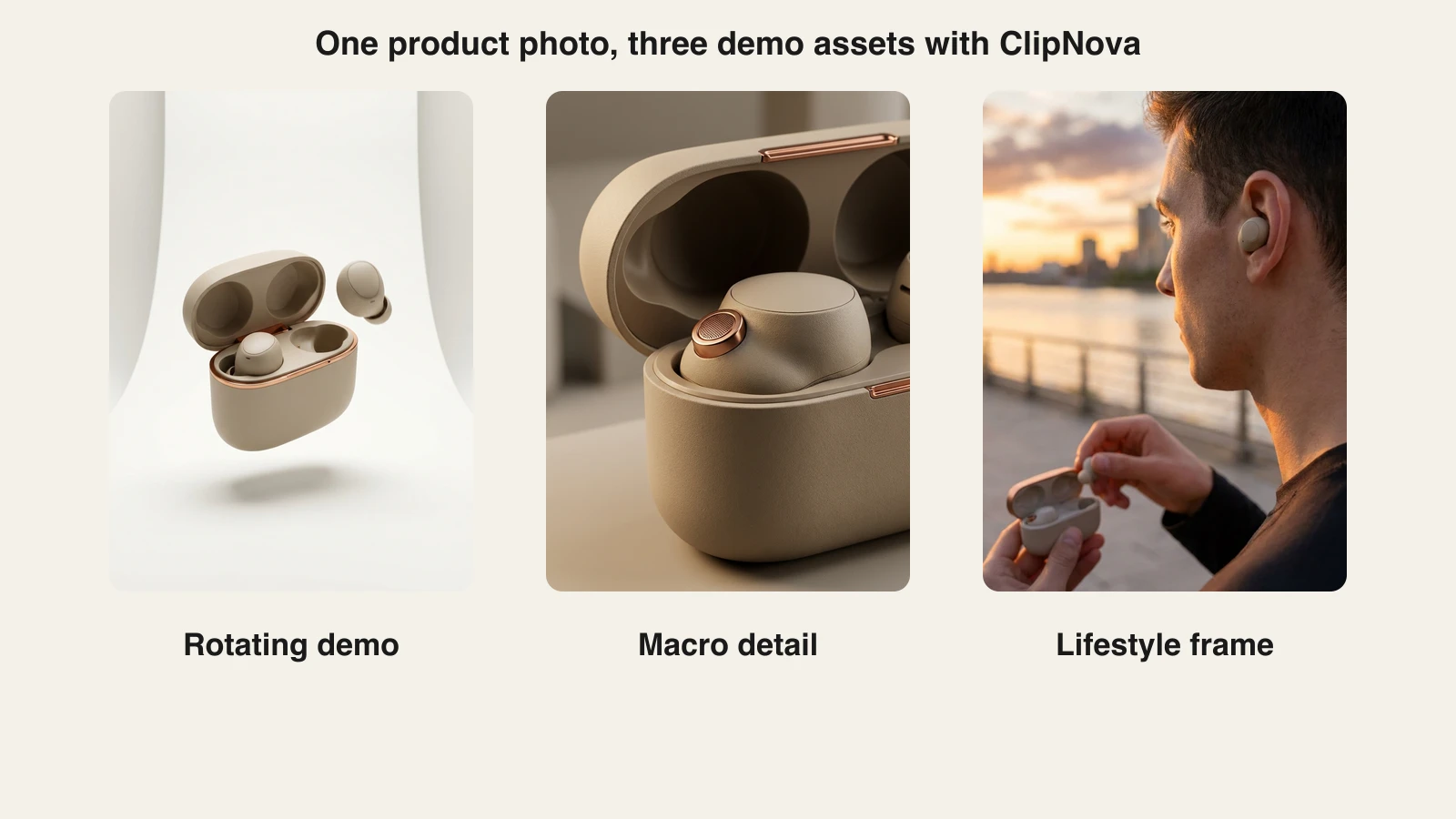
- Same face, same product: the item looks the same across the rotating, macro, and lifestyle cuts, and creator versions reuse one photo of your presenter so that person never changes.
- More versions to test: re-run the photo with a new brief or ratio for each surface, or as creator ads of 15 to 45 seconds in four tones.
The same photo also feeds the AI UGC video generator, so, with a creator photo added, the rotating demo for your product page and the creator-style ad presenting the product to camera come from the same tool, in the same session. For a software product, the AI explainer video generator turns a script or feature brief into a narrated walkthrough.
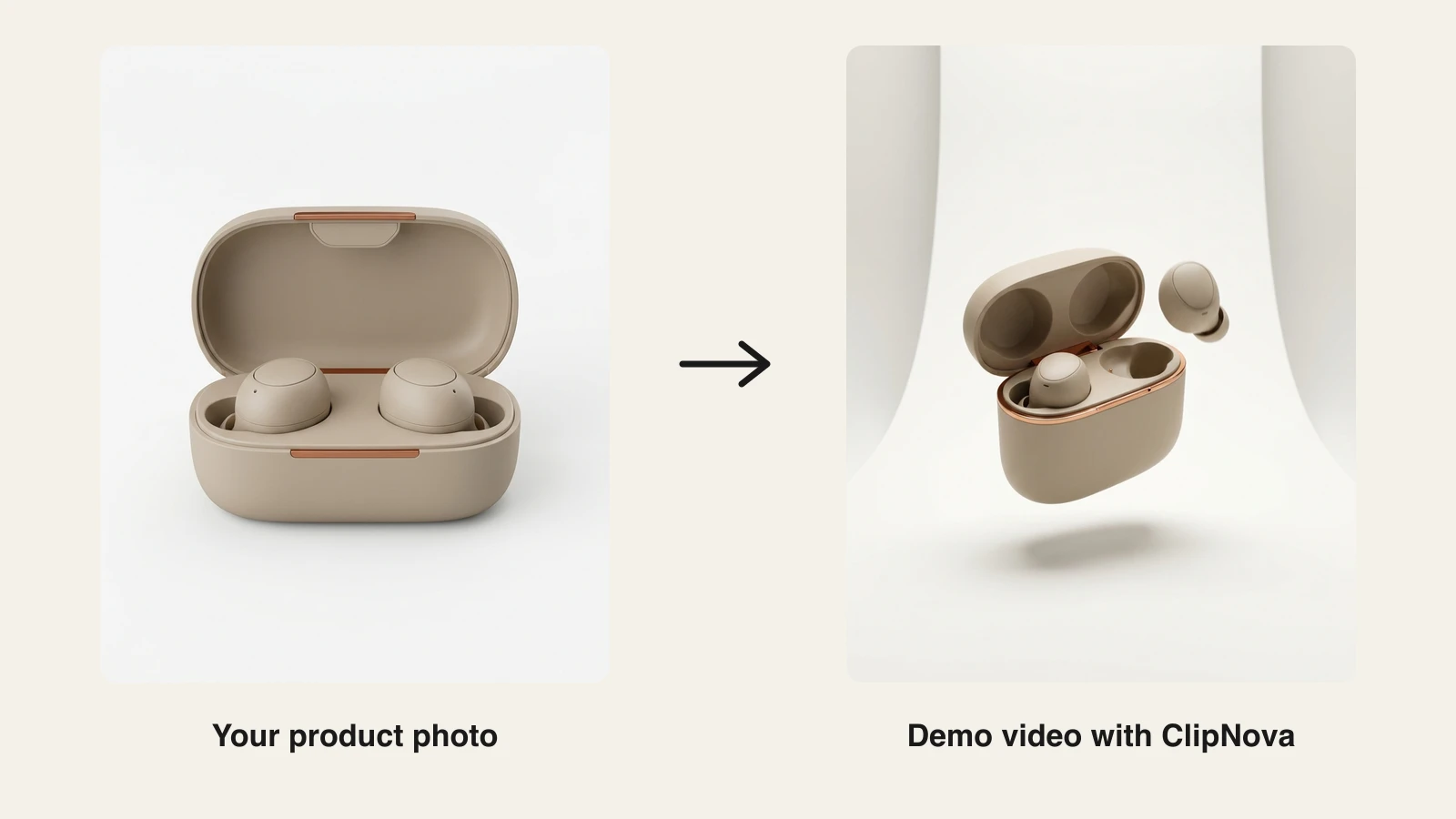
Here is the idea with a real product. One catalog photo of wireless earbuds became three demo assets: a clean rotating demo for the product page, a macro detail shot for the feature cut, and a lifestyle frame for the social version.
How to make a product demo with ClipNova
- Sign up at app.clipnova.io and open the product video maker.
- Upload your sharpest product photo.
- Describe the demo: what to show, the pacing, and where it will run.
- Pick the format (9:16, 1:1, or 16:9) and the length, 3 to 12 seconds (up to 30 on Ultra quality).
- Generate and export, then drop the file on your product page, ads, or socials.
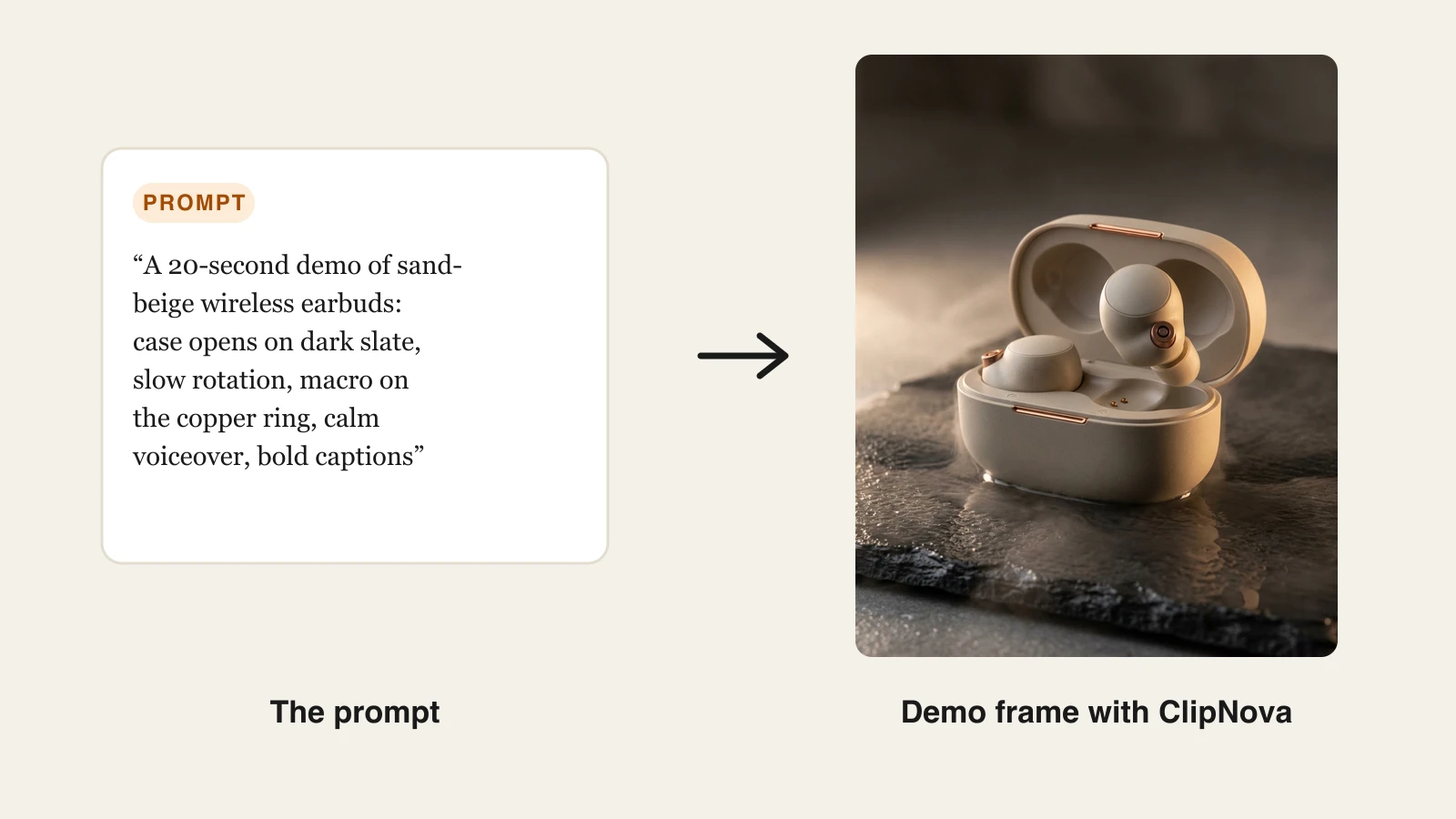
The prompt behind the demo frame above:
Key features
- One photo in, finished demo out: motion and music in a single generation
- UGC-style demo ads with a creator from your photo presenting the product
- Every leading video and image model in one subscription, so demo footage, ad thumbnails, and product images come from one place
- Narrated explainer videos in 18 languages through prompt-to-video, for software or longer demos
- Watermark-free 1080p with full commercial rights on every plan
Best for
- E-commerce and DTC brands that need product-page and ad demos without a studio
- Sellers demoing many SKUs, where per-product production cost decides the catalog's depth
Pricing
- Hobby $19/mo (1,000 credits), Starter $49/mo (2,600), Growth $99/mo (5,750), Ultra $199/mo (12,000)
- Full feature set on every plan, only credits differ; yearly billing is 20% off (see ClipNova pricing)
Pros
- No filming: products that are hard to shoot (liquids, small details, in-use scenes) are generated instead
- Demo, ad, and product imagery stay visually consistent because one tool makes them all
- Fast enough to give every SKU its own demo, not just the bestsellers
Cons
- Not built for software: it cannot capture your app's UI as an interactive walkthrough
- Short-form focus; long tutorial-style demos are better served by presenter tools
2. Supademo, best value for interactive SaaS demos
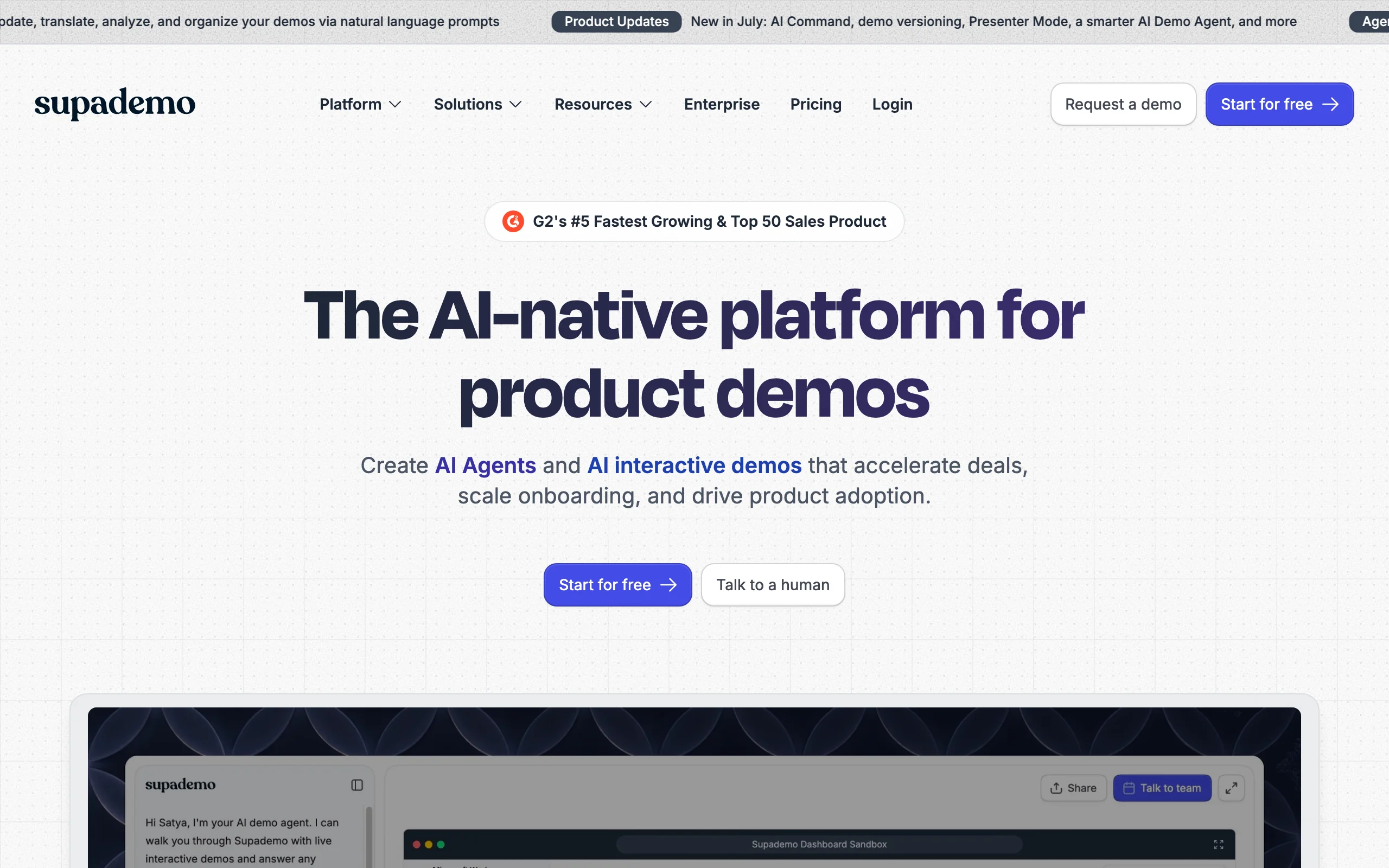
Supademo turns a screen recording into an interactive, clickable product demo, then layers AI on top: auto-generated annotations, AI voiceovers, and one-click translations. For small teams that want a professional interactive demo without enterprise pricing, it is the value pick in this list.
Key features
- Record once, get a clickable step-by-step demo with hotspots
- AI voiceover and 15+ language translation of demo text
- Conditional branching and dynamic variables on the Scale plan
- Share as link, embed, or export
Best for
- Startups and SMB SaaS teams adding a "see it in action" demo to the site
- Support and onboarding teams turning tickets into guided walkthroughs
Pricing
- Pro $27/creator/mo; Scale $38/creator/mo billed annually ($50 monthly) adds HTML capture and branching
Pros
- The cheapest serious path to an interactive demo on this list
- AI translation makes multilingual demo libraries realistic for small teams
Cons
- HTML capture (true interactive UI, not screenshots) is locked to the Scale tier
- Analytics are lighter than the sales-focused platforms
3. Arcade, best for marketing-grade interactive demos
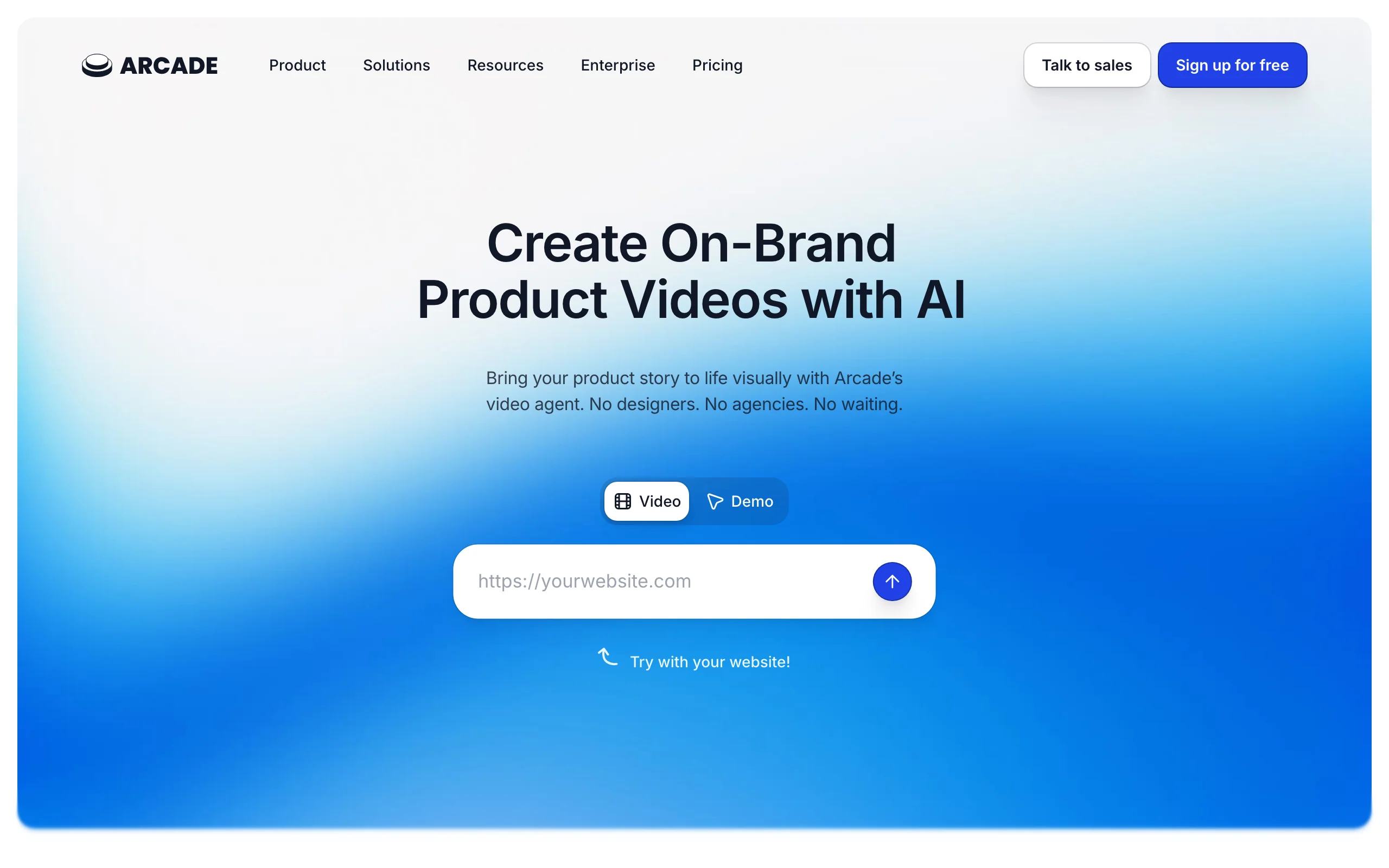
Arcade makes the interactive demos you see embedded on polished SaaS landing pages: smooth pans, zooms, and hotspots over your real product. Its editor prioritizes visual quality, and its AI can generate voiceover and synced captions over the flow you record.
Key features
- Chrome capture with automatic pan and zoom effects
- AI voiceover, captions, and video export of interactive flows
- Embeds for websites, emails, and docs with engagement analytics
Best for
- Product marketing teams that treat the demo as a first impression
- Websites where the embedded demo replaces a hero video
Pricing
- Paid from about $42.50/seat/mo billed yearly ($50 monthly)
Pros
- The most polished visual output among the interactive tools
- Doubles as a video exporter, so one capture serves both formats
Cons
- Per-seat pricing climbs quickly for larger teams
- Focused on capture-based demos; no generated footage for physical products
4. Storylane, best for sales-led personalized demos
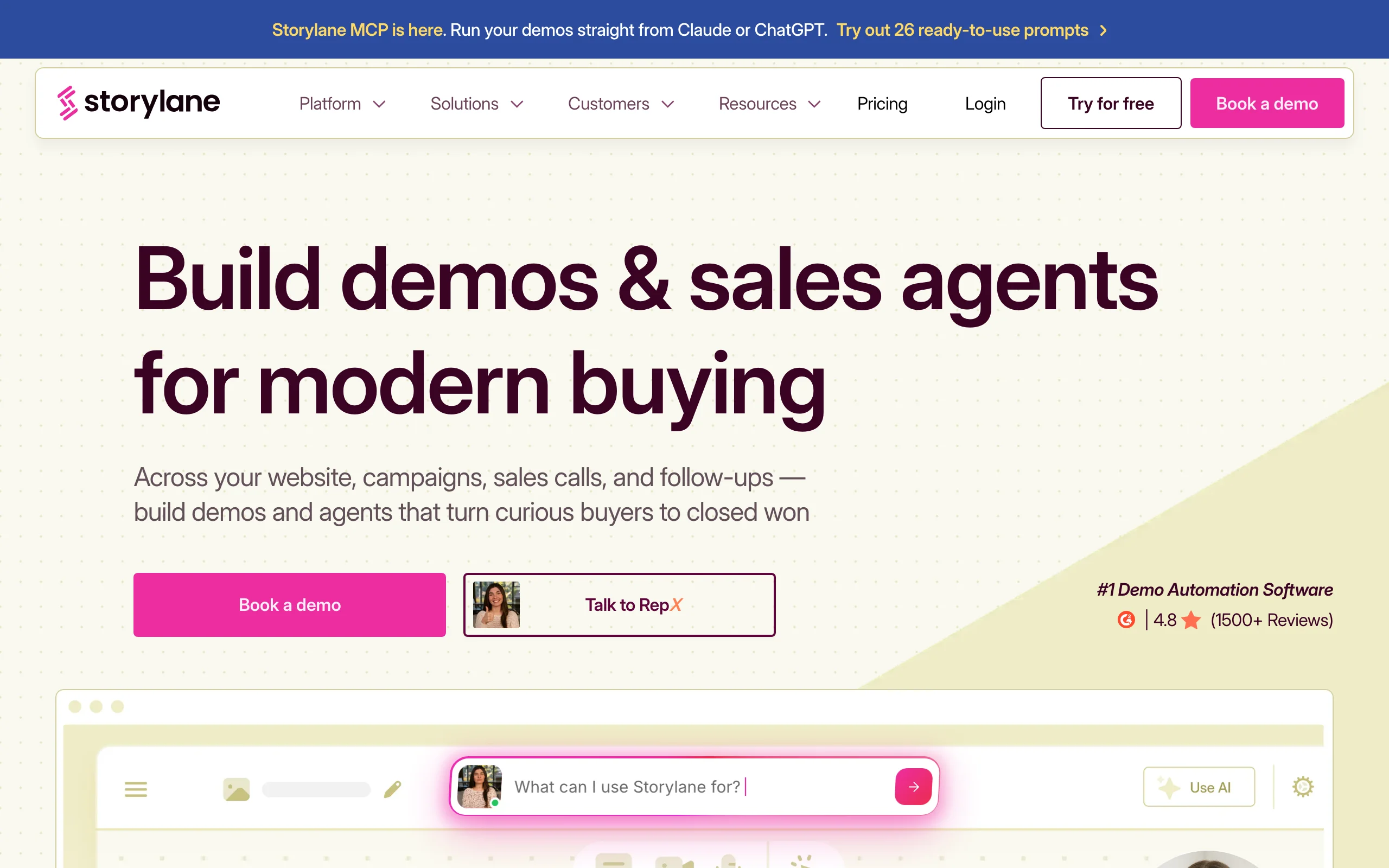
Storylane points the interactive demo at the sales process. Reps clone a base demo, personalize it per prospect (logo, data, use case), and track exactly which buyer clicked what. AI assists with demo copy and voiceovers, and lead-capture forms sit inside the demo itself.
Key features
- Personalized demo links per prospect with buyer-level analytics
- In-demo lead capture and CRM integrations
- AI-assisted demo text and voiceover
Best for
- B2B sales teams sending demos before and after calls
- Growth teams gating high-intent content behind interactive demos
Pricing
- Starter $50/mo (additional seats $40/user); Growth from $500/mo adds HTML capture at scale
Pros
- The strongest buyer-tracking of the interactive tools
- Personalization at the rep level without engineering help
Cons
- Per-user pricing makes wide rollouts expensive
- Overkill for a simple marketing-site demo
5. Navattic, best for enterprise pre-sales demos
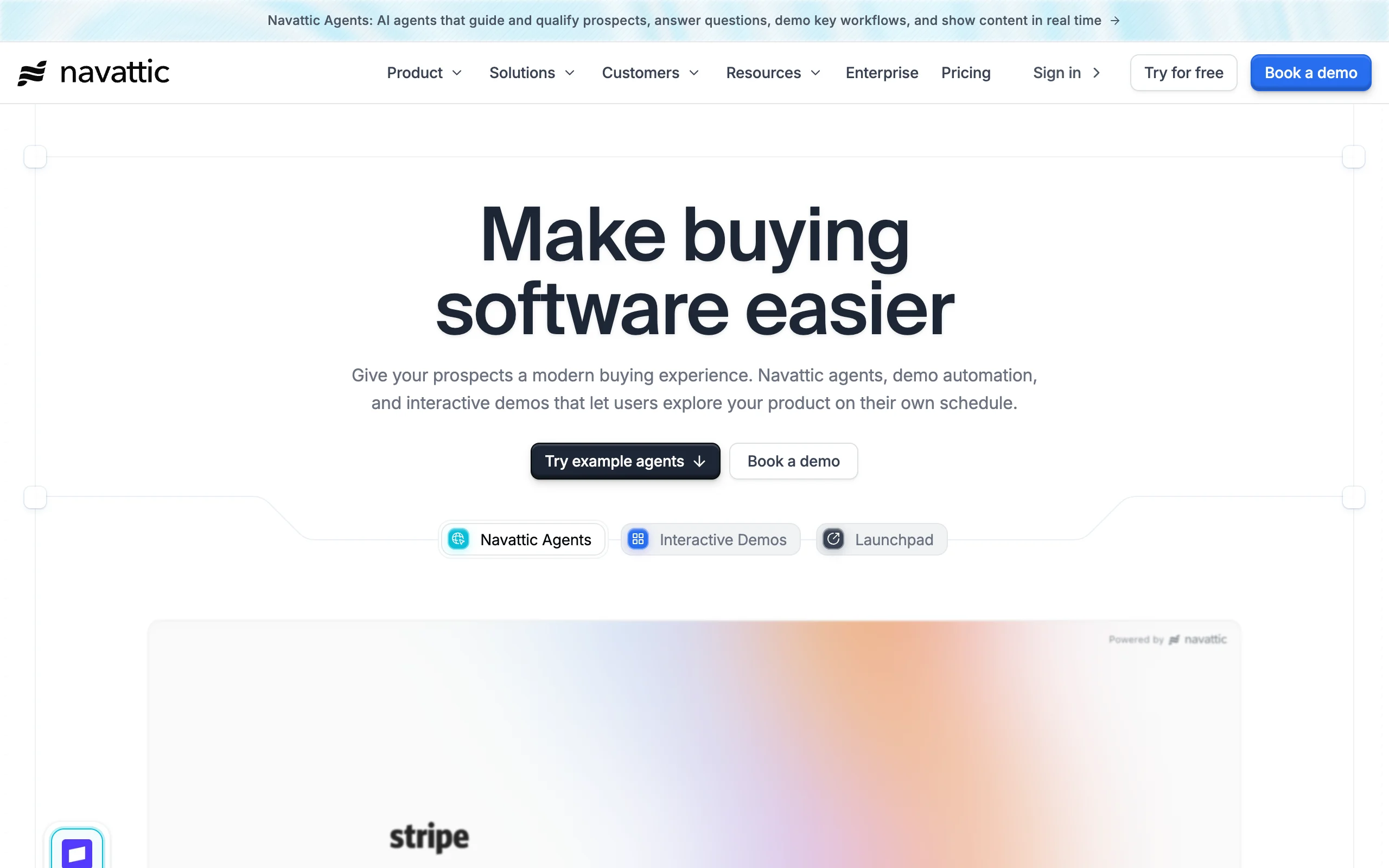
Navattic captures your app as true HTML, so the demo feels like the real product: every element renders crisply at any screen size, and prospects click through actual UI states. Flat pricing with unlimited seats suits teams where marketing, sales, and CS all publish demos.
Key features
- Full HTML capture with editable UI elements
- Unlimited users, demos, and views on paid plans
- A/B testing and integrations with the enterprise stack
Best for
- Mid-market and enterprise SaaS with many demo publishers
- Products whose UI complexity breaks screenshot-based tools
Pricing
- Paid plans are sales-led, historically around $500/mo (Base) and $1,000/mo (Growth), billed annually
Pros
- Unlimited seats means no per-user math as adoption spreads
- HTML demos hold up better than screenshots for complex apps
Cons
- Sales-led pricing with annual commitment; no self-serve paid tier
- The heaviest option here for a small team's needs
6. Synthesia, best for avatar feature walkthroughs
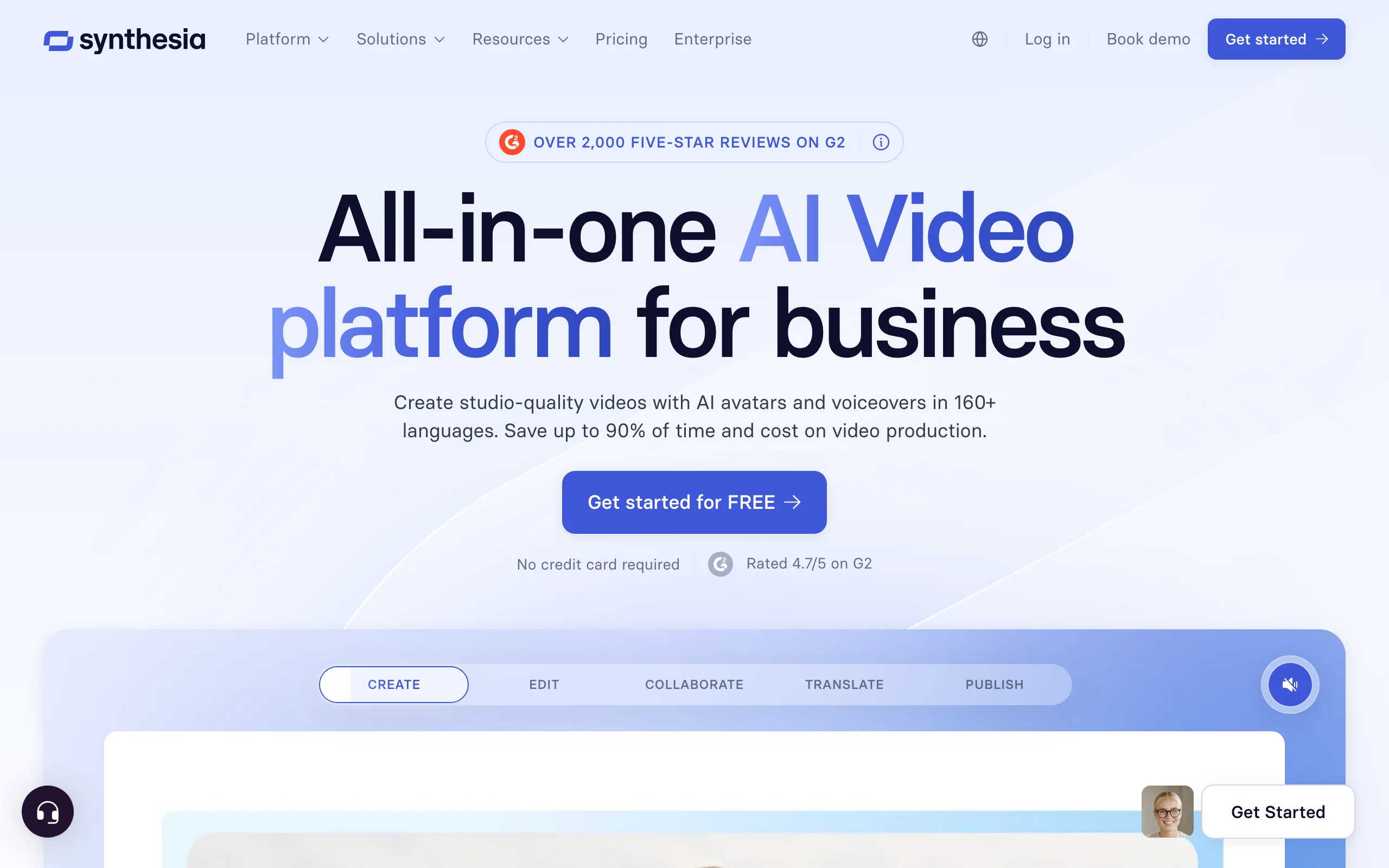
Synthesia builds presenter-led demo videos: an AI avatar walks viewers through your product with a script you type, in 140+ languages. For structured walkthroughs (onboarding, feature announcements, help-center videos) it replaces the webcam recording nobody wants to film.
Key features
- Realistic avatars presenting over slides and screen recordings
- 140+ languages from one script
- Templates for product tours and onboarding
Best for
- Product and enablement teams producing structured walkthrough libraries
- Companies replacing filmed talking-head updates
Pricing
- Starter $29/mo, or $18/mo billed yearly (120 video minutes/year)
Pros
- Polished presenter output with no camera or studio
- One script localizes a walkthrough into every market
Cons
- Minute-capped plans need budgeting for long demo libraries
- Avatars present the product; they do not generate product footage
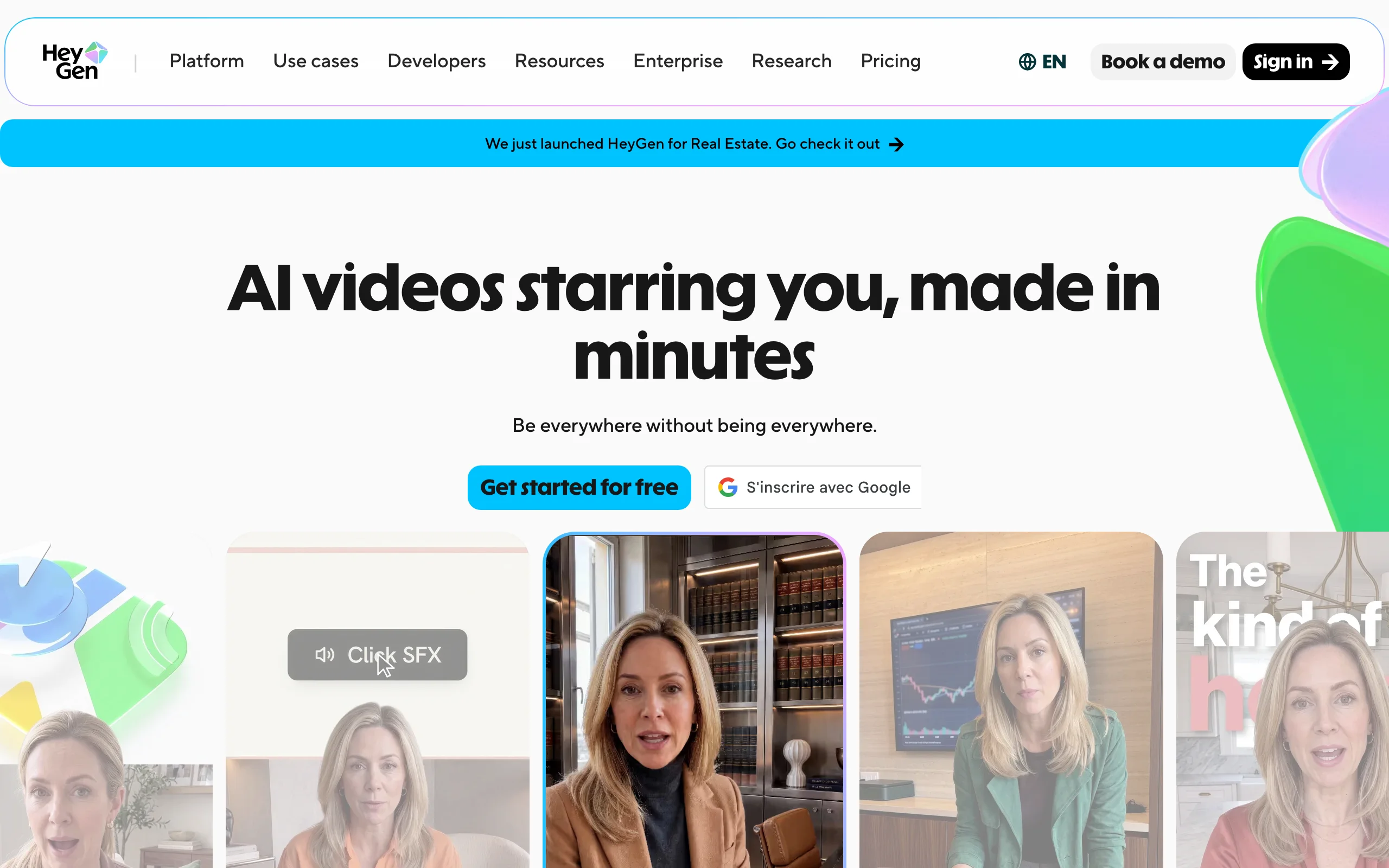
7. HeyGen, best for localizing demos into many markets
HeyGen overlaps with Synthesia on avatar-led demos but pulls ahead on translation: its video-translate feature re-voices an existing demo with lip-sync in 175+ languages, so a demo you already have becomes a localized library.
Key features
- Avatar spokespersons presenting product features
- Video translation with lip-sync for existing demo footage
- Interactive avatar experiences for landing pages
Best for
- Teams with one strong demo video and many target markets
- Marketing sites that want a presenter, not a silent screen capture
Pricing
- Creator $29/mo, or $24/mo billed yearly, with watermark-free export
Pros
- Best-in-class translation quality turns one demo into dozens
- Fast avatar generation for quick feature announcements
Cons
- Credit-metered avatar engines make heavy use hard to predict
- Like all avatar tools, it needs existing footage or slides to present over
How to choose the best AI product demo maker for your workflow
Three questions sort the whole category.
1) What are you demoing?
- A physical product: ClipNova. It generates the demo footage from a photo, which no capture-based tool can do. See our guide to making a product video with AI for the full workflow.
- A software product: Supademo or Arcade for marketing embeds, Storylane for sales outreach, Navattic for enterprise scale.
- A feature that needs explaining by a person: Synthesia or HeyGen.
2) Who consumes the demo, and where?
- Shoppers on product pages and social feeds: ClipNova's vertical-first demos and UGC-style variants match how those surfaces work.
- Prospects on your website: an interactive embed from Arcade or Supademo outperforms a static video.
- Buyers in a sales cycle: Storylane's personalized links give reps signal on who engaged.
3) Do the per-demo math
- ClipNova's $19/mo Hobby plan covers a steady stream of product demos, cheaper than a single studio hour.
- Supademo's $27 Pro tier is the low-risk interactive entry; Navattic's ≈$500/mo only pays off when several teams publish demos.
- Avatar tools meter minutes or credits, so estimate your monthly library before choosing a tier.
Whatever you pick, run one real product through the tool before subscribing. A demo maker earns its plan when the output goes straight to your product page or ad account without a re-edit.
Frequently asked
What is the best AI product demo maker?
It depends on the product. For physical products, ClipNova is the strongest pick because it generates a finished demo video from one product photo, with motion and music. For software, Supademo and Arcade lead for marketing embeds, Storylane for sales outreach, and Navattic for enterprise HTML demos. For presenter-led walkthroughs, Synthesia and HeyGen are the avatar leaders.
What is the difference between a demo video and an interactive demo?
A demo video is a rendered clip viewers watch, which suits product pages, ads, and social. An interactive demo is a clickable walkthrough of a software interface that prospects drive themselves, which suits SaaS websites and sales cycles. Physical products need video; software benefits from both.
Can AI make a product demo video from just a photo?
Yes. ClipNova turns one product photo into a finished demo clip with motion and music, in vertical or widescreen. That makes it possible to give every SKU its own demo without filming, which is impractical with a camera-based workflow.
What is the cheapest way to make product demos at scale?
For physical products, ClipNova's Hobby plan at $19/mo generates demo videos per photo at a fraction of studio cost. For software, Supademo's $27/creator Pro plan is the value pick, while flat-priced Navattic only makes sense once several teams publish demos.
Can I use AI product demos in paid ads?
Check the license on your plan. ClipNova includes watermark-free export and full commercial rights on every plan, so demo videos and UGC-style variants can run as paid ads. Check other tools' plans for watermarks, which platforms and audiences read as unfinished.
Do interactive demos work for physical products?
Not really. Interactive demo tools capture software interfaces, so there is nothing to click through for a physical item. Physical products convert with video: rotation, texture close-ups, and in-use scenes, which is the lane generated video tools like ClipNova cover.
If I mainly need product demo videos for my store or ads, what should I use?
ClipNova. Upload a product photo, describe the demo, and export a finished clip with motion and music, plus UGC-style ad versions of the same product from the same tool. Plans start at $19/mo and every plan includes full commercial rights.