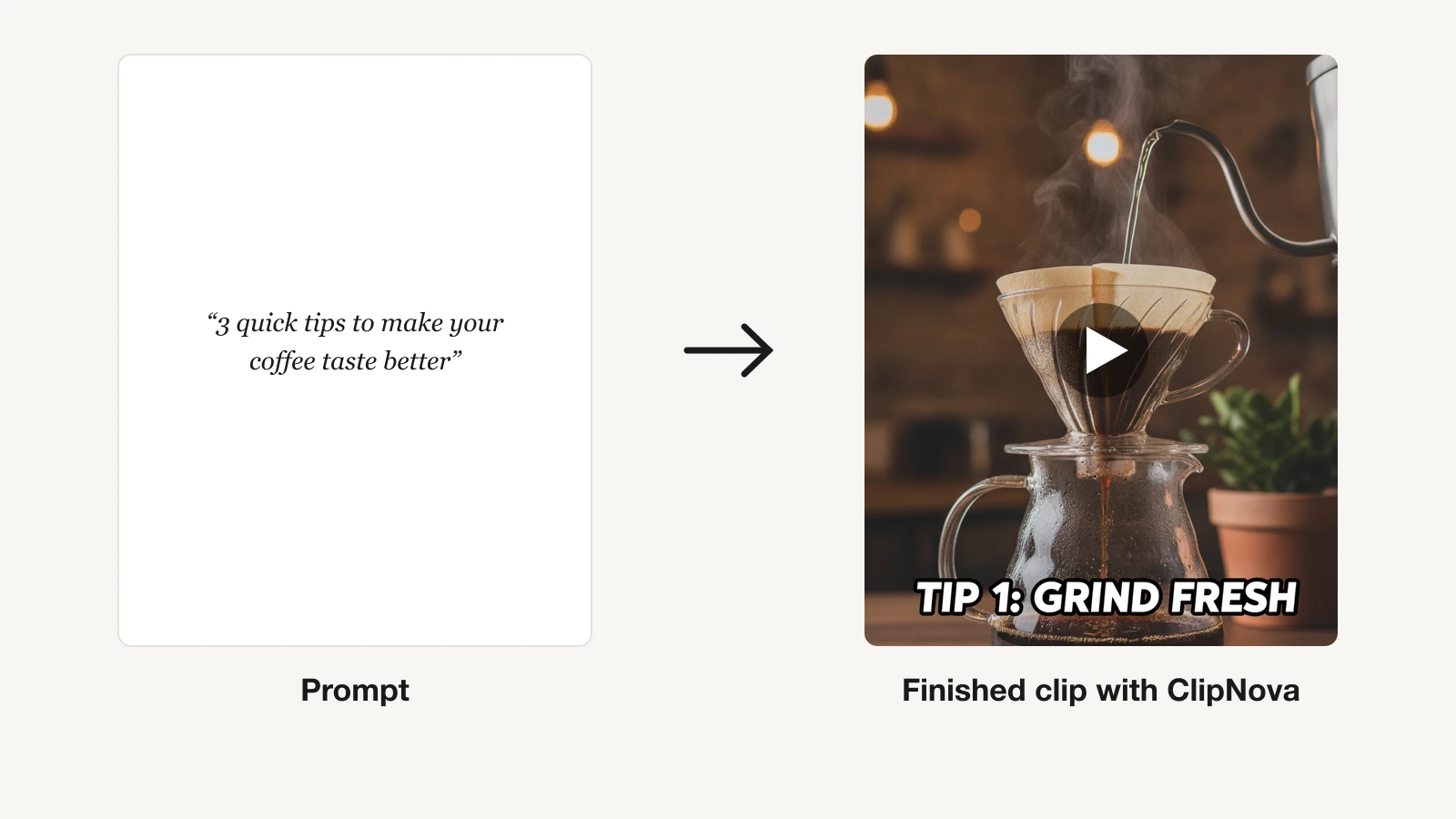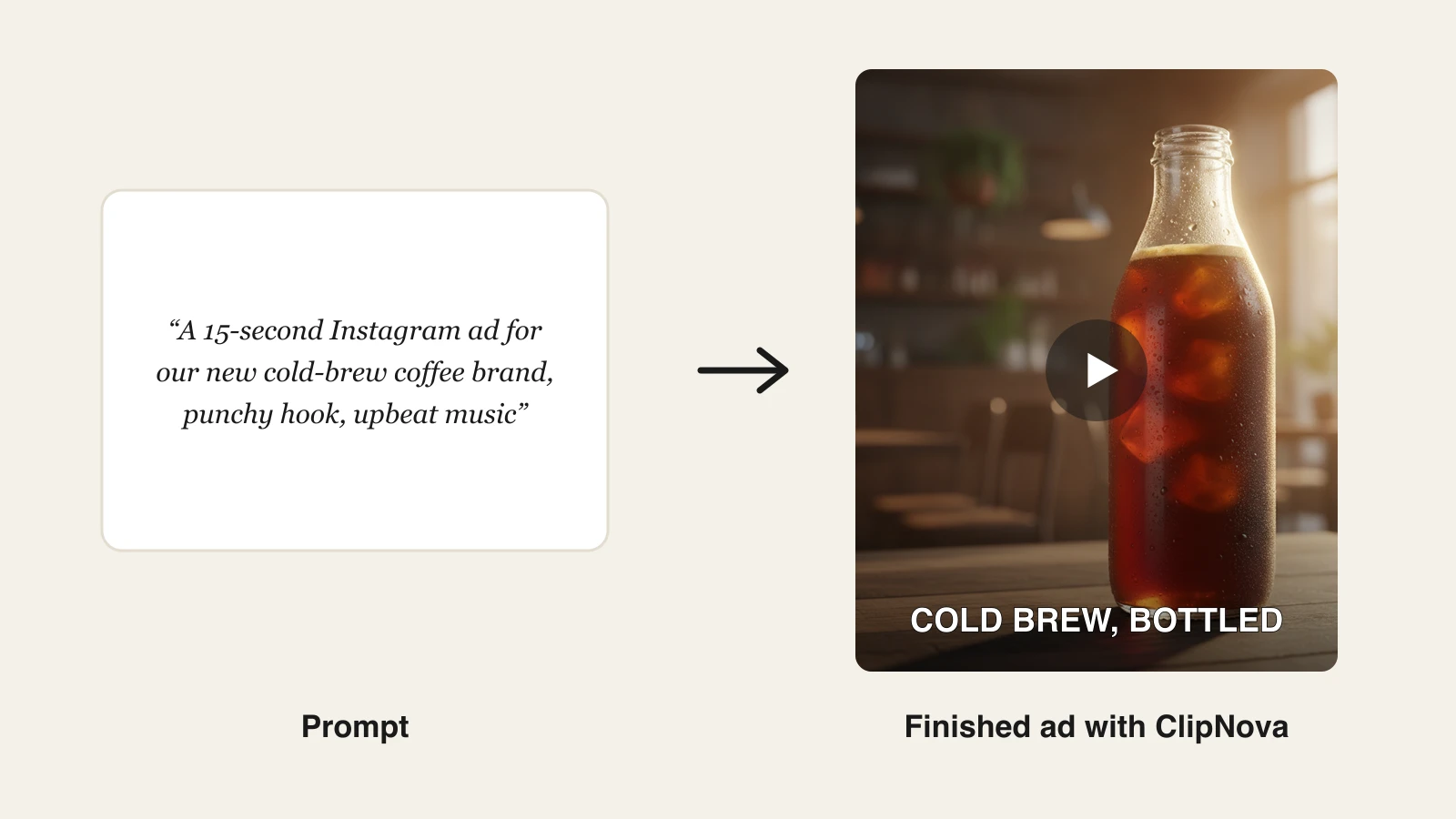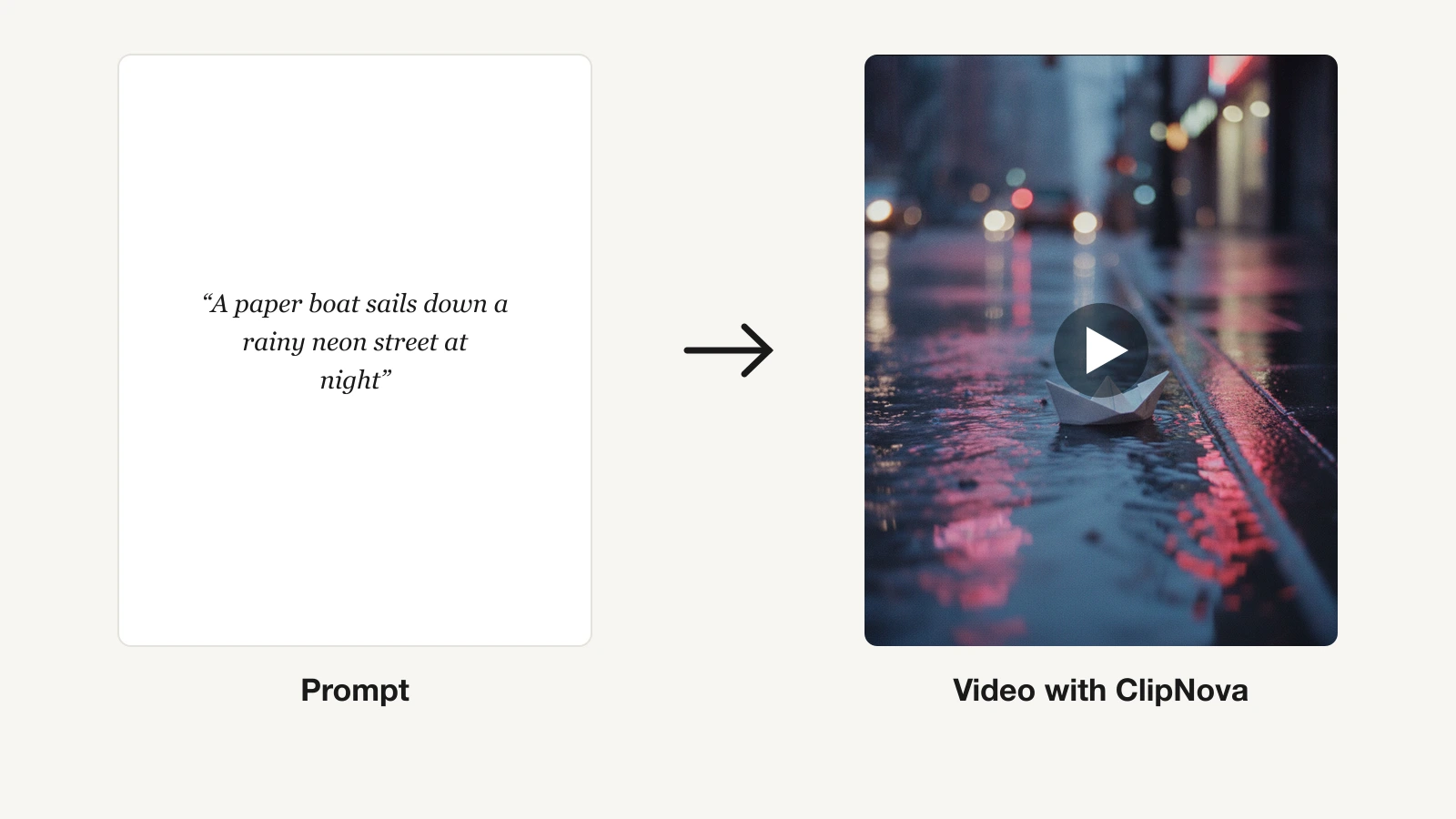
Type a sentence, get a video. That is the promise of text-to-video AI, and in 2026 it mostly delivers, but the tools behind that promise do very different jobs. Some turn a prompt or a full script into a finished, captioned video you can post today. Others turn a prompt into a few seconds of raw cinematic footage you still have to edit, narrate, and caption yourself.
Pick the wrong type and you either overpay for polish you do not need, or you buy a clip generator when you needed a whole video.
This guide compares the 9 best text-to-video AI tools on pricing, output, and real-world fit, so you can match one to how you actually publish, whether that is daily Shorts or a single hero clip.
Best text-to-video AI tools: a brief overview
For a finished video from a prompt or script
- ClipNova: Best overall. Turns one prompt into a complete vertical video with script, AI voiceover, captions, and music, on simple credit plans where every tier gets every feature.
- Fliki: Best for turning long scripts and blog posts into narrated videos with lifelike text-to-speech.
For cinematic clips from a text prompt
- Google Veo 3.1 (Flow): Best for frontier realism with native audio generated inside the clip.
- Runway: Best for filmmakers who want VFX-grade control over AI footage from a prompt.
- Seedance 2.0: Best for fast, multi-shot realistic clips through Dreamina, CapCut, or API.
For realistic motion on a budget
- Kling AI: Best quality per dollar for realistic human motion, paid from $10 a month.
- Hailuo AI (MiniMax): Best for expressive character motion and cheap experimentation.
For image-led and effect-driven clips
- Luma Dream Machine: Best for animating a still or concept image into natural motion.
- Pika: Best budget pick for playful, effect-driven social clips.
| Tool | Best for | Starting price | Text-to-video output |
|---|---|---|---|
| ClipNova | Finished short-form from a prompt | From $19/mo | 1080p and 4K, up to 5 min |
| Google Veo 3.1 (Flow) | Frontier realism with native audio | From $19.99/mo (AI Pro) | Short clips with native audio |
| Runway | Cinematic control from a prompt | From $15/mo | Raw clips, 4K upscaling |
| Kling AI | Realistic motion on a budget | From $10/mo | 1080p/4K, extensions to 3 min |
| Hailuo AI (MiniMax) | Expressive character motion | From $7.99/mo (promo) | 6 to 10 sec, up to 1080p |
| Seedance 2.0 | Fast multi-shot clips | From $0.081/sec (API) | 3 to 10 sec, up to 1080p |
| Luma | Image-to-video animation | From $30/mo | Short clips, Ray + third-party |
| Pika | Effect-driven social clips | From $8/mo (yearly) | 1080p, watermark-free on paid |
| Fliki | Scripts and blogs to narrated video | From $28/mo | 1080p, 900+ voices |
Reading the table: the cheaper rows usually cover one step of the job — a raw clip, captions, or an editor you still have to drive. ClipNova's price is for the finished video: script, voiceover, captions, and music in one generation, watermark-free. None required.
1. ClipNova, best overall text-to-video tool for creators
ClipNova answers the text-to-video prompt the way most creators actually mean it: not "give me a clip," but "give me a video I can post." Type an idea into the prompt to video workflow and it writes the script, records an AI voiceover, assembles the visuals, burns in captions, and lays music underneath, in a single pass, up to 5 minutes long.
That end-to-end pipeline is what separates it from the raw-clip models below. The output is vertical-first and tuned for TikTok, Reels, and Shorts, with multi-format export when you need other ratios. Marketers use the same engine for talking avatars and UGC-style ads, and musicians get a dedicated music to video generator.
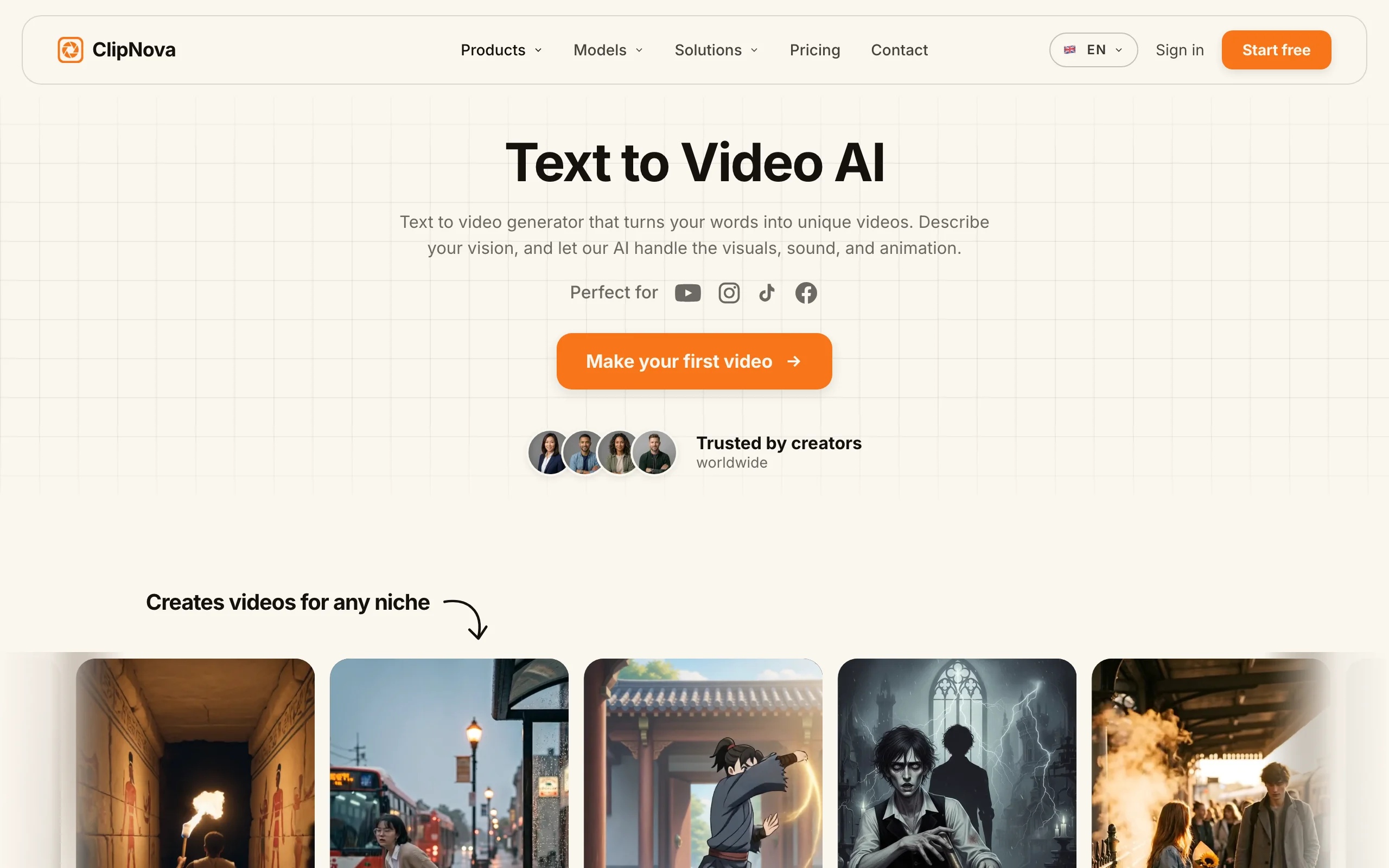
How to generate a video from text with ClipNova
- Log in to the ClipNova app.
- Open AI Video Studio from the sidebar.
- Pick the Prompt to Video tool.
- Type what the video should show.
- Generate, then download the finished clip.
Key features
- One prompt in, finished video out: script, AI voiceover, visuals, subtitles, and music together
- Vertical-first output with multi-format export for TikTok, Reels, and Shorts
- AI voiceovers in 32 languages, so one video localizes into many markets
- Talking avatars and AI UGC ad generation for performance marketers
- Access to every image and video model on every plan, not gated by tier
- Watermark-free 1080p and 4K export with full commercial rights included
Best for
- Creators and faceless-channel operators publishing short-form daily without filming or editing
- Agencies and marketers producing client videos and UGC-style ads at volume
Pricing
- Start free with 70 credits (no card required), then from $19/mo: Hobby $19 (1,000 credits), Starter $49 (2,500), Growth $99 (5,000, most popular), Ultra $199 (10,000); see current ClipNova pricing
- Every plan includes the full feature set; tiers differ only in monthly credits. Yearly billing takes 20% off
- Enterprise adds custom credit volume, unlimited seats, and custom voice and avatar training
Pros
- No editing skills or camera needed; the gap between a text prompt and a published video is one step
- Simple plan logic: no feature gating to decode, you only pick a credit volume
- 32-language narration makes localized versions of a winning video cheap to produce
Cons
- Newer brand than Runway or Fliki, with a smaller community and template ecosystem
- Built for short-form generation, not long-form timeline editing of your own footage
- Credit-based, so heavy daily volume can push you toward a higher tier
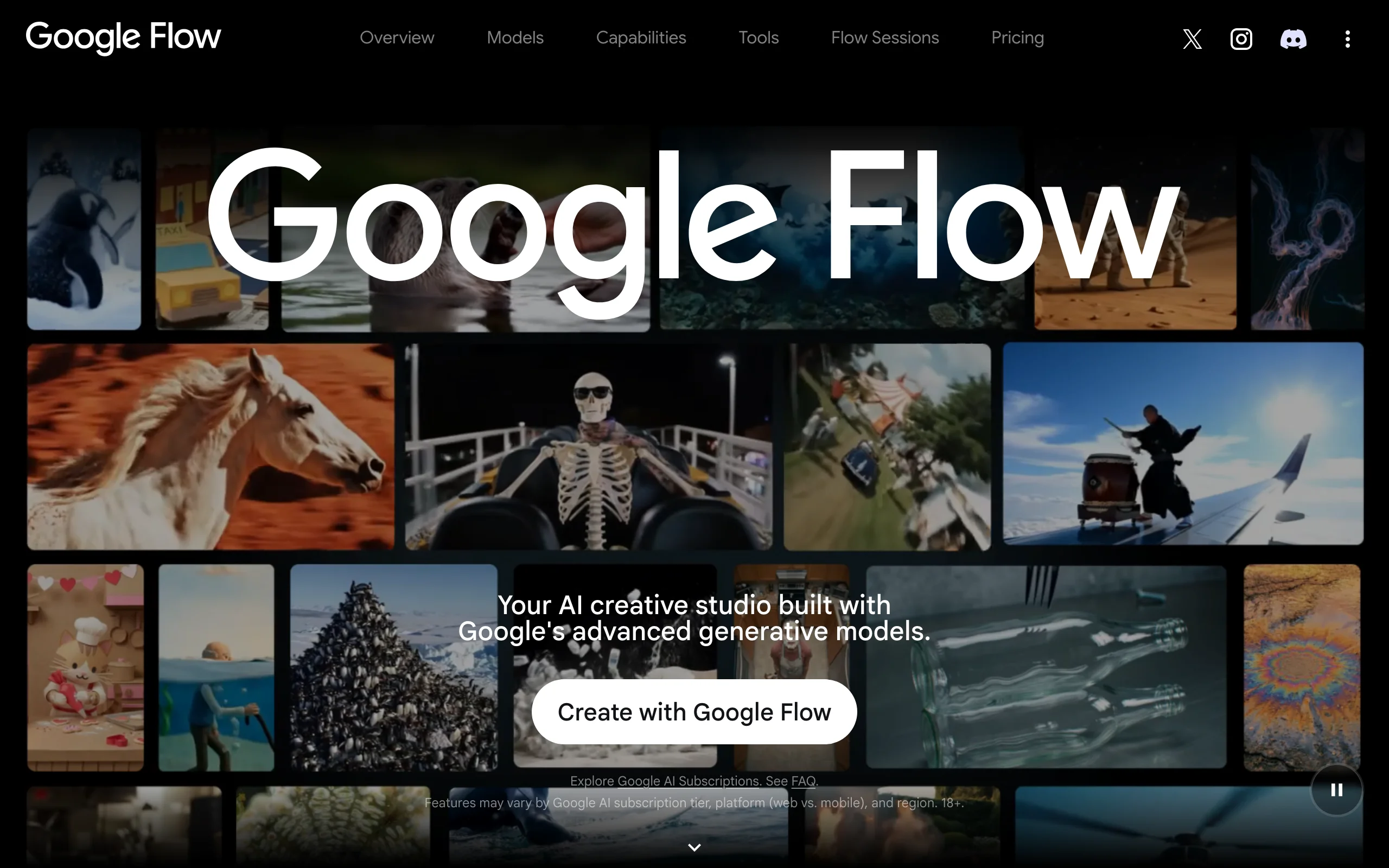
2. Google Veo 3.1 (Flow), best for frontier realism with native audio
Google Veo 3.1 is the text-to-video model to beat on raw fidelity. Describe a scene and it returns short clips with sound baked in: dialogue, ambient noise, and effects come out of the model natively, which no other mainstream tool does as cleanly. You drive it through Flow, Google's storyboard-style filmmaking tool, where clips extend and sequence into scenes.
The catch is that access is bundled into Google AI subscriptions rather than sold standalone, and like the other models here it outputs footage, not a captioned social video.
Key features
- Native audio generation: dialogue, sound effects, and ambience inside the clip itself
- Flow storyboard tool for extending clips and building scenes from prompts
- Photo-to-video generation on the Ultra tier
- Bundled with Gemini and Google's wider AI stack
Best for
- Creators chasing maximum realism per clip, especially where sound matters
- Anyone already paying for a Google AI subscription
Pricing
- Google AI Pro $19.99/mo includes 1,000 Flow credits a month
- Google AI Ultra $249.99/mo includes up to 25,000 Flow credits and the highest model limits
- No standalone Veo plan; credits are part of the broader Google AI bundle
Pros
- Best-in-class realism with sound, which saves a separate sound-design pass
- Strong value on AI Pro if you already use Gemini
Cons
- Clip generator, not a video pipeline; no captions, voiceover tracks, or publishing flow
- Serious volume requires the $249.99 Ultra tier
3. Runway, best for cinematic control from a prompt
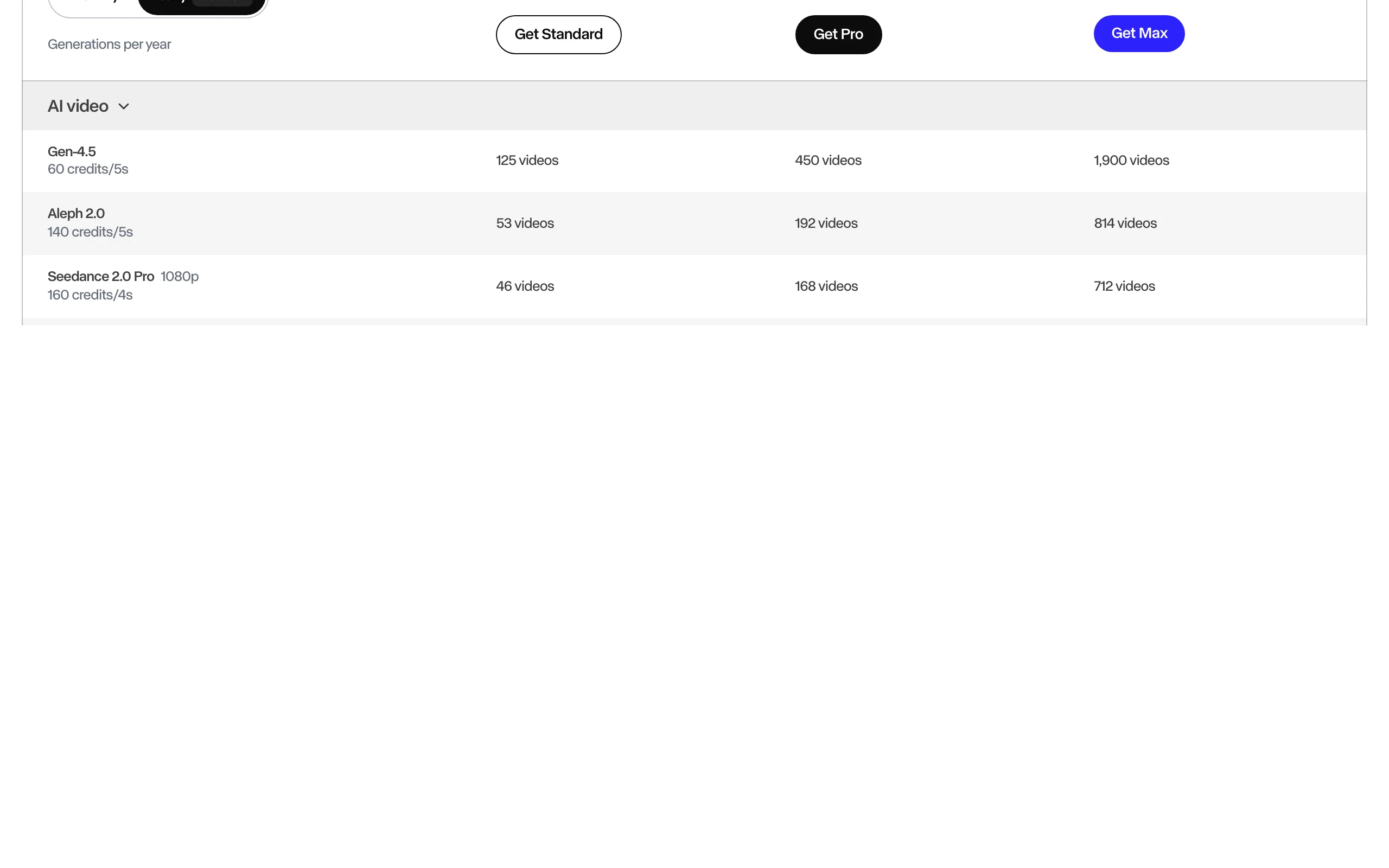
Runway is the tool serious filmmakers reach for when a prompt has to become a directed shot. Its Gen-4.5 model produces some of the most controllable text-to-video footage available, and it sits inside a full creative suite with camera controls, motion tools, and an editor that lets you shape a scene rather than just roll the dice on a prompt.
The trade-off is cost and scope. Runway makes footage, not finished social videos, and at 60 credits per 5-second clip of Gen-4.5, heavy generation adds up fast.
Key features
- Gen-4.5 text-to-video and image-to-video with strong prompt adherence
- Camera controls and motion tools for directing shots
- Editing suite around the models, including 4K upscaling
- Multi-seat workspaces for teams on Standard and up
Best for
- Filmmakers, directors, and video artists making cinematic sequences
- Studios adding AI-generated shots and VFX to real footage
Pricing
- Standard $15/mo (625 credits), Pro $35/mo (2,250), Max $95/mo (9,500); annual billing drops these to $12, $28, and $76
- Gen-4.5 costs 60 credits per 5-second clip, so Standard's monthly credits cover roughly 50 seconds of flagship footage a month
Pros
- Among the best visual quality and shot control in the industry
- The surrounding toolset suits professional editing pipelines
Cons
- Raw clips only; scripting, voiceover, captions, and publishing stay your job
- Credit math is punishing at volume for a daily-posting creator
4. Kling AI, best quality per dollar for realistic motion
Kling AI, built by Kuaishou, turns text prompts into surprisingly realistic human motion and physics at prices well below Western rivals. The Standard plan is $10 a month for 660 credits, roughly 33 videos at 720p, and paid plans unlock 1080p and 4K generation, watermark removal, and video extensions up to 3 minutes.
The lowest tier is not licensed for commercial use, which matters the moment you monetize.
Key features
- Realistic human motion and physics from the latest Kling video models
- Video extension for building shots up to 3 minutes
- 1080p and 4K generation with watermark removal on paid plans
- Lip-sync and voice control features on current models
Best for
- Budget-conscious creators who need realistic raw clips at volume
- Longer single AI shots that most clip models cannot sustain
Pricing
- The lowest tier does not license generated content for commercial use
- Standard $10/mo (660 credits), Pro $37/mo (3,000), Premier $92/mo (8,000), Ultra $180/mo (26,000)
- Yearly billing is about 34% off, and first-subscription promos discount the opening month
Pros
- The strongest quality-per-dollar ratio among the big text-to-video models
- Extensions to 3 minutes suit narrative shots
Cons
- Raw clips only; no script, voiceover, or caption workflow
- Queue times on cheap tiers, and billing or support can feel rough for Western users
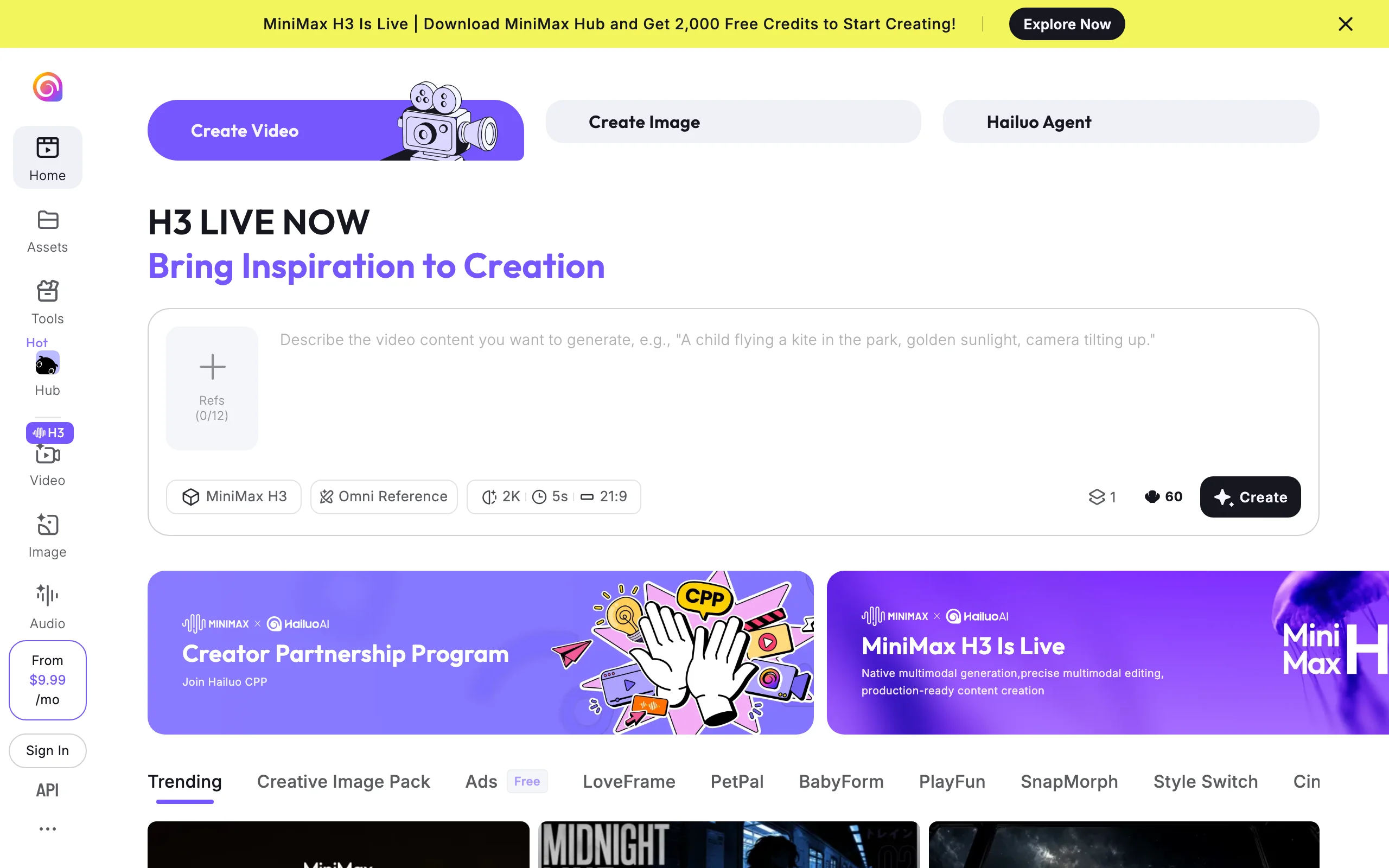
5. Hailuo AI (MiniMax), best for expressive character motion
Hailuo AI, from MiniMax, is a favorite for one thing: expressive, character-driven motion. Prompts featuring people and animals tend to come out with more lifelike faces and gestures than you would expect at the price, which is why it is popular for cheap experimentation before committing footage to a pricier model.
The limits are length and credit friction. Cheaper plans cap clips at six seconds, 1080p costs more credits per clip, and failed generations still burn credits, so budget for waste.
Key features
- Expressive character and creature motion with strong facial detail
- Text-to-video and image-to-video from a single prompt
- Multiple Hailuo model versions selectable by tier
- Watermark removal and commercial rights on paid plans
Best for
- Creators who want lifelike character clips without frontier-model prices
- Cheap prototyping before spending on a longer or higher-fidelity render
Pricing
- Standard $14.99/mo (often promoted at $7.99): 1,000 credits, six-second cap, commercial rights
- Pro $54.99/mo (promo $24.99): 4,500 credits, ten-second 1080p; Max $199.99/mo: 20,000 credits
- Credits reset monthly and do not roll over
Pros
- Standout expressive motion for the money
- A low promotional entry price makes it easy to test
Cons
- Short clips (six to ten seconds) and no captioning or narration pipeline
- Credits expire monthly and failed renders still cost credits
6. Seedance 2.0, best for fast multi-shot clips
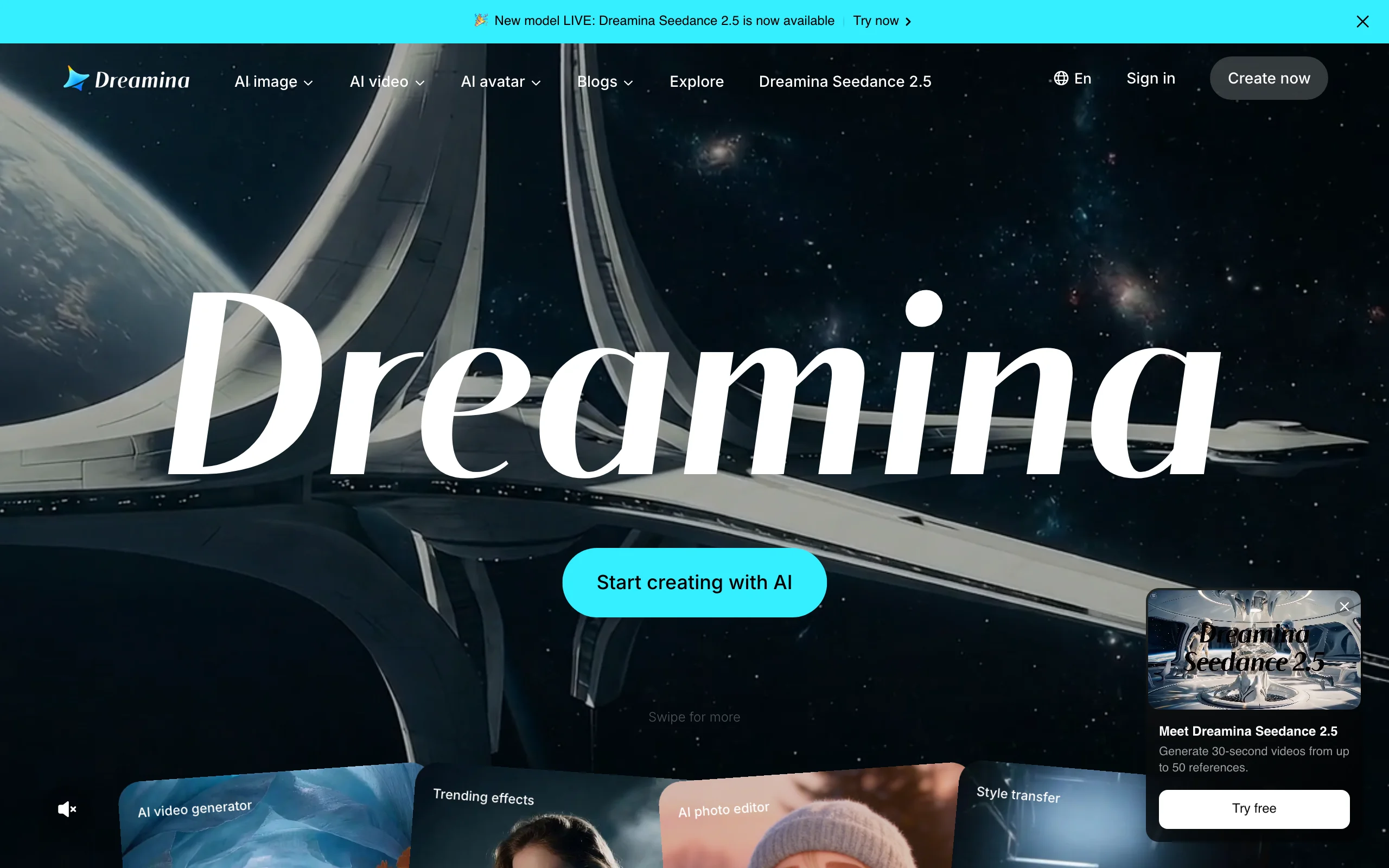
Seedance 2.0, ByteDance's text-to-video model, is built for speed and coherent multi-shot sequences. Rather than a standalone app, you reach it through Dreamina (ByteDance's web platform), the CapCut editor, or an API, which makes it convenient if you already live in that ecosystem or ship videos programmatically.
Because there is no dedicated Seedance subscription, pricing depends on where you run it: Dreamina and CapCut bundle credit allowances into their plans, while API access is pay-as-you-go per second.
Key features
- Fast generation with coherent multi-shot sequencing from a prompt
- Access through Dreamina, CapCut, or a pay-as-you-go API
- Output at 480p, 720p, and 1080p in 3 to 10 second clips
- Multiple aspect ratios including 9:16 for vertical
Best for
- CapCut and Dreamina users who want generation inside a familiar editor
- Developers wiring text-to-video into their own tools via API
Pricing
- Dreamina and CapCut: credit quotas set by each platform, with paid top-ups
- API: roughly $0.10 per second (standard) or $0.081 per second (fast variant), no monthly commitment
- No standalone Seedance subscription; billing follows the platform you use
Pros
- Fast, budget-friendly generation priced cleanly by the second
- API pricing scales cleanly for programmatic and batch work
Cons
- Fragmented access; features and limits vary by platform
- Short clips only, with no built-in narration or captioning
7. Luma Dream Machine, best for image-led text-to-video
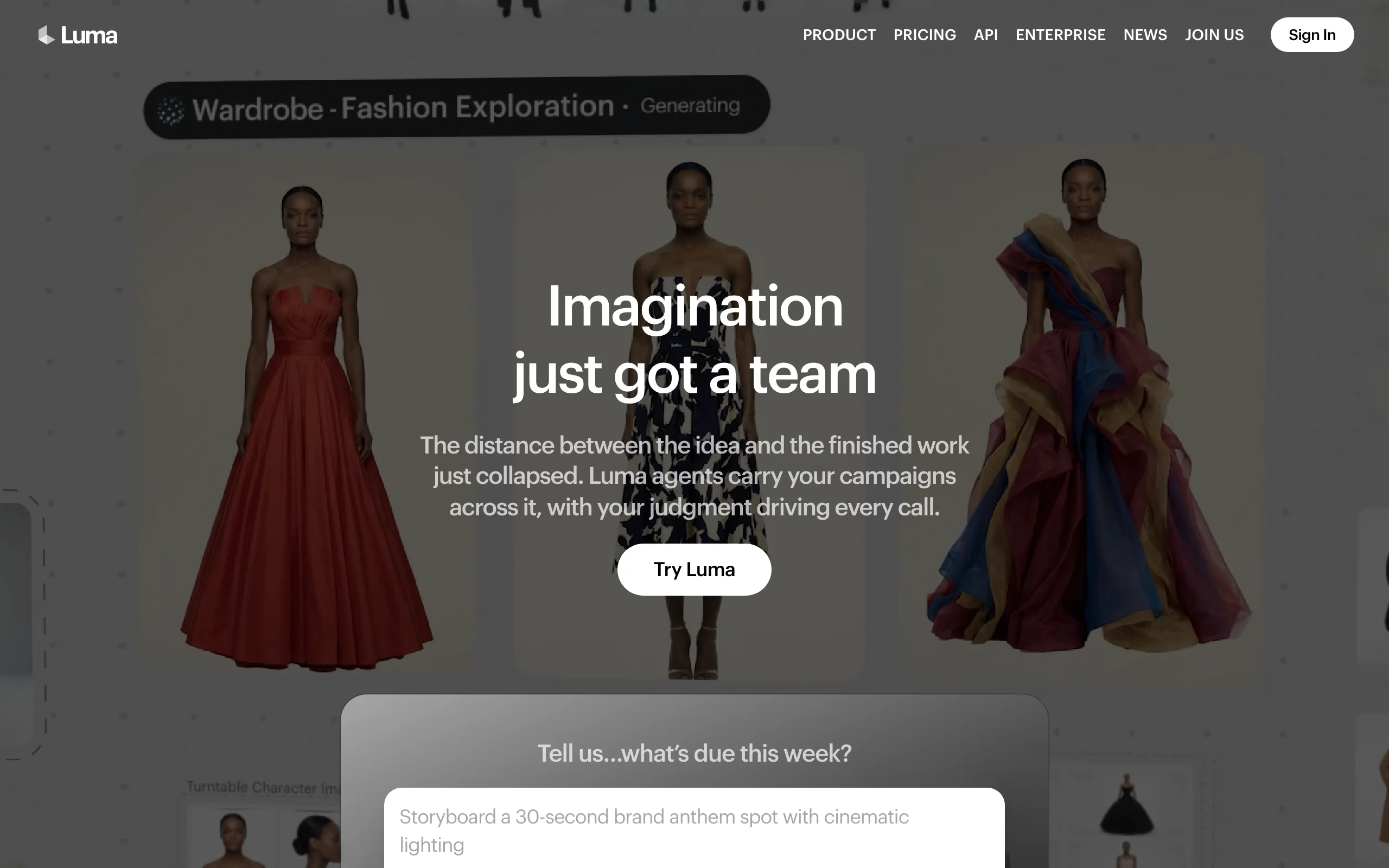
Luma (the company behind Dream Machine) pairs its own Ray models with third-party models under one subscription, and its standout skill is turning an image into motion. Prompt it with a still or concept frame and it produces natural, coherent movement, which makes it a go-to for animating concept art, product shots, and B-roll ideas that started as a picture.
Its plans center on a shared credit pool spanning multiple models, with commercial use included from the base paid tier.
Key features
- Strong image-to-video with natural motion from the Ray model family
- Access to Luma and third-party models on one plan
- Fast iteration for visual experiments and look development
- Commercial use included on paid plans
Best for
- Designers and creators animating stills, concept art, and product imagery
- Rapid visual testing before committing budget to a bigger render
Pricing
- Plus $30/mo (10,000 credits; $25/mo billed yearly)
- Pro $90/mo (40,000 credits) and Ultra $300/mo (150,000 credits) add multiplied usage
Pros
- One subscription covers several models while the model race keeps shifting
- Image-to-video quality holds up against pricier rivals
Cons
- Raw clips; everything after generation is manual
- Entry price is higher than Kling, Hailuo, or Pika for casual use
8. Pika, best budget pick for effect-driven clips
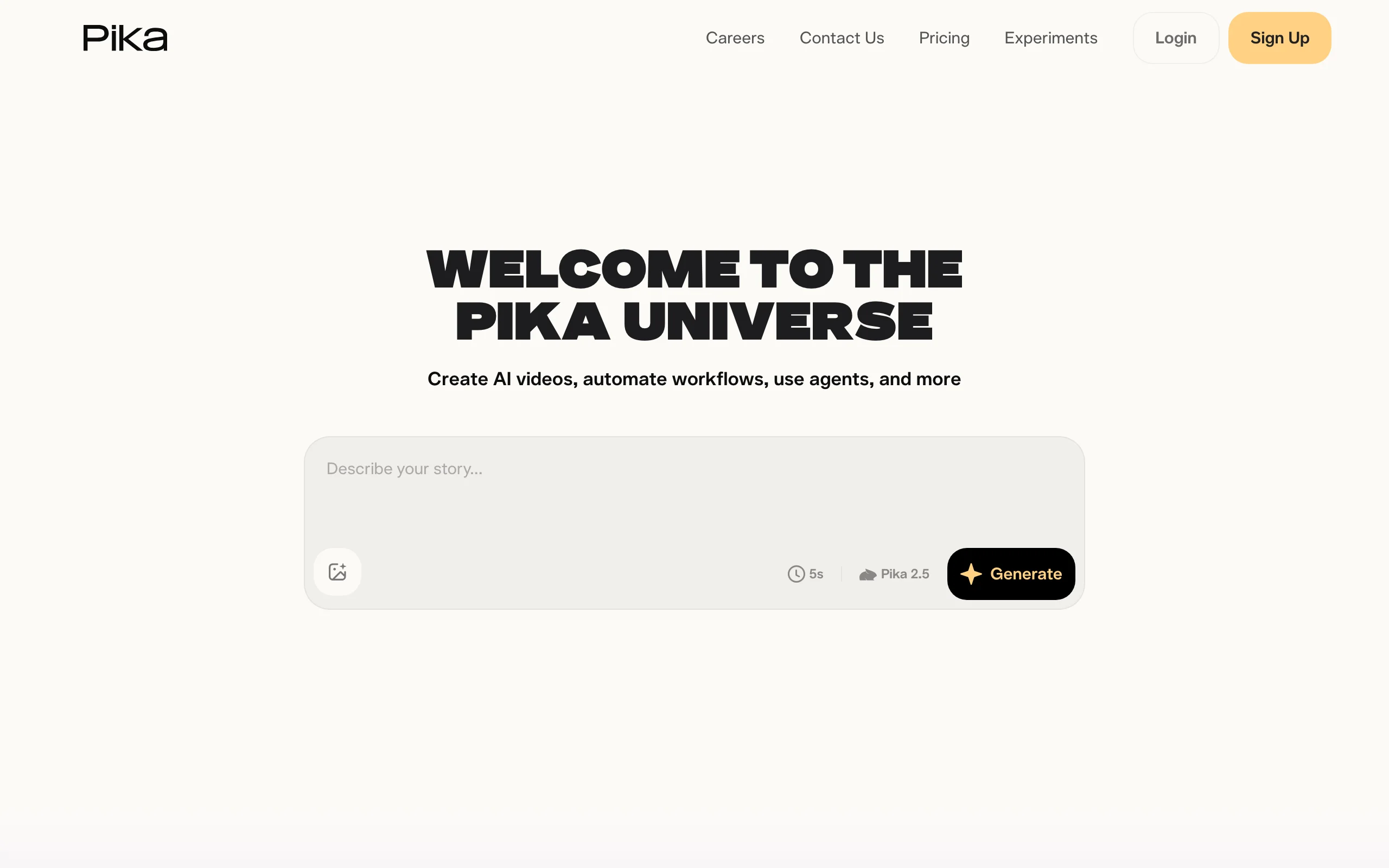
Pika made its name on fun: meme-able effects, quick transformations, and an interface anyone can learn in minutes. It is the cheapest paid entry on this list at $8 a month billed yearly, and its effect templates are built for the visual gags that travel on TikTok, so a plain prompt becomes something shareable with almost no skill.
The lowest tier is limited to 480p image-to-video, and watermark-free downloads plus commercial use are reserved for higher paid plans.
Key features
- Effect templates (Pikaffects) for viral-style transformations
- Text-to-video and image-to-video generation
- Watermark-free downloads and commercial use on all paid tiers
- Simple, playful interface with a shallow learning curve
Best for
- Casual creators testing text-to-video without a real budget
- Meme pages and social accounts built on effect-driven clips
Pricing
- Basic $8/mo, Standard $28/mo (700 credits), Pro $76/mo (2,300 credits), all billed yearly
- Commercial use and watermark removal start at the paid tiers
Pros
- Lowest entry price of any paid plan here
- Effects produce scroll-stopping clips with near-zero skill
Cons
- Short raw clips only; no narration or caption pipeline
- The lowest tier caps output at 480p, too limited to judge real quality
9. Fliki, best for turning scripts and blogs into narrated video
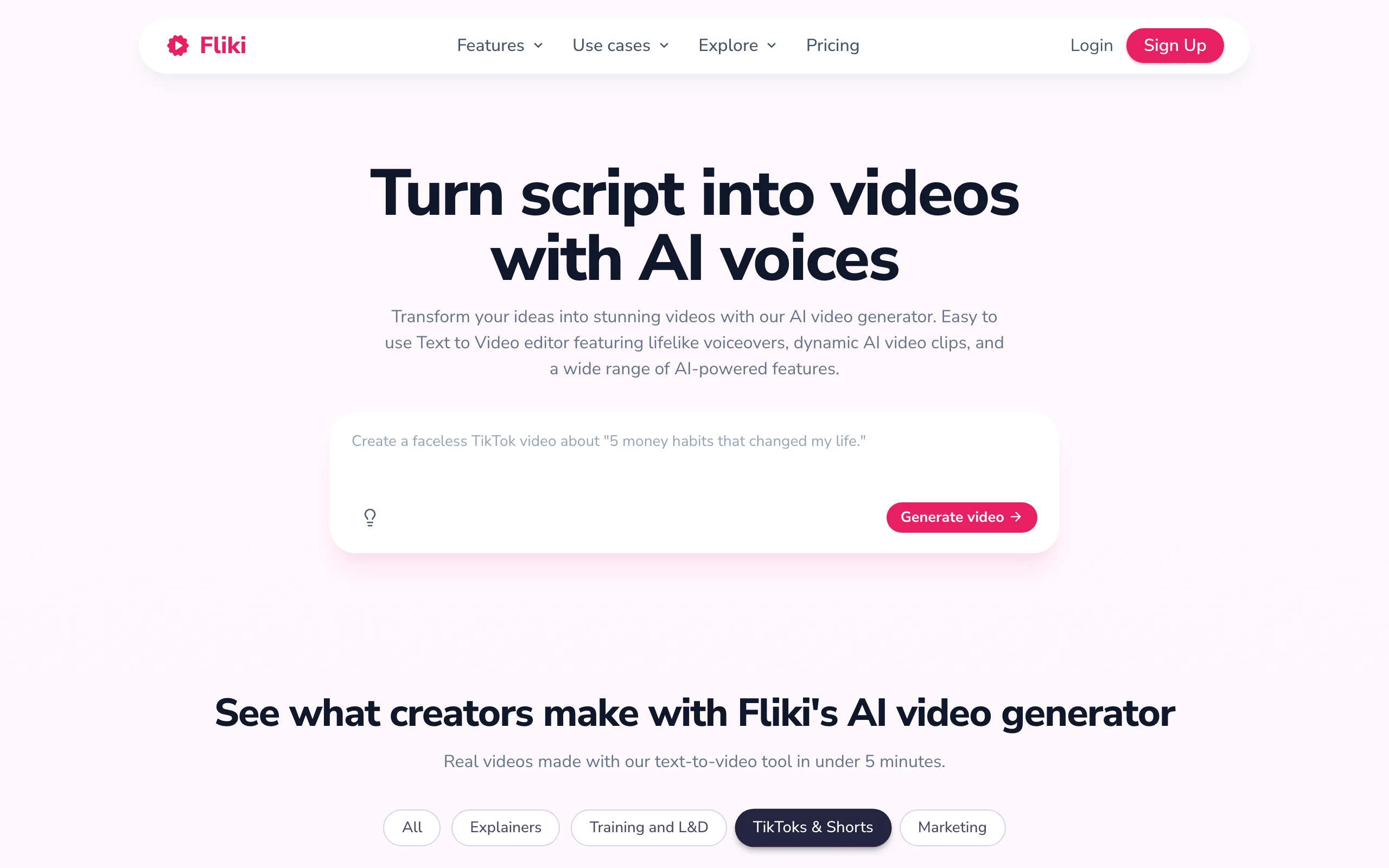
Fliki approaches text-to-video from the script side. Paste a blog post or a written script and it produces a narrated video, matching lifelike text-to-speech to stock visuals and on-screen text. With 900+ voices across 75+ languages, it is the strongest pick when the words matter more than cinematic footage, for explainers, listicles, and faceless narration.
The output leans on stock media and slideshow-style assembly rather than generative video, so it looks less like a frontier model and more like a polished, voiced presentation.
Key features
- Script-to-video and blog-to-video with lifelike text-to-speech
- 900+ voices across 75+ languages
- Custom AI voice cloning on the Premium tier
- Large stock media library for backing visuals
Best for
- Marketers and bloggers repurposing written content into narrated videos
- Faceless channels that lead with a voiceover over stock footage
Pricing
- Standard $28/mo ($21/mo billed yearly): 120 minutes a month, 1080p, no watermark, 900+ voices
- Premium $88/mo ($66/mo yearly): 600 minutes, voice cloning, commercial rights; Enterprise custom
Pros
- Best-in-class text-to-speech makes script-driven videos sound professional
- Minutes-based pricing is easy to budget for a steady publishing cadence
Cons
- Slideshow-style output; limited native generative video versus the models above
- Watermark and voice limits on the lowest tier
How to choose the best text-to-video AI tool for your workflow
The category hides two different products: pipelines that hand you a finished video, and models that hand you a clip. Answer these questions before paying for anything.
1) Do you need a finished video or raw footage?
- If you want to type a prompt and publish the result: ClipNova outputs the complete package (script, voice, captions, music), and Fliki covers the script-narration case with stock visuals.
- If you want footage to edit yourself: Google Veo 3.1, Runway, Kling, Hailuo, Seedance, Luma, and Pika all generate clips, and the editing, narration, and captioning stay in your hands.
2) How much do you actually publish?
Do the price-per-video math against your real cadence, not the sticker price. A daily short-form schedule is 30 videos a month; at that pace, per-second credit models like Runway's flagship or the frontier tiers get expensive, while Kling's $10 Standard plan or ClipNova's credit tiers stretch much further. Raw clips also carry a hidden cost: the hours you then spend narrating and captioning.
- Posting daily or running multiple channels: ClipNova for finished videos, or Kling and Hailuo for cheap raw volume.
- A few hero clips a month: Runway or Veo, where quality per clip beats quantity.
3) Prompt-only, or starting from an image or script?
- From a text prompt to a posted video: ClipNova's AI Shorts generator runs the whole pipeline without a camera.
- From an image or concept frame: Luma leads on image-to-video, with Runway and Kling close behind.
- From a written script or blog: Fliki turns the words into a narrated video fastest. For the faceless-narration playbook, this guide to the best faceless AI video generators goes deeper.
4) What rights and platforms do you need?
Check the commercial-use fine print before you monetize. Kling's lowest tier excludes commercial use, Pika and Hailuo reserve it for paid tiers, and ClipNova includes full commercial rights on every plan with watermark-free 1080p and 4K export. Then test before committing: generate 3 to 5 videos in your actual niche on a starter month, post them, and let retention data pick your tool.
Related reading: 9 best AI image-to-video tools in 2026.
Frequently asked
What is a text-to-video AI tool?
A text-to-video AI tool turns a written prompt or script into video. The category splits in two. Pipeline tools like ClipNova and Fliki return a finished video with narration, captions, and music from your text. Generative models like Google Veo 3.1, Runway, Kling, Hailuo, Seedance, Luma, and Pika turn a prompt into raw footage you then edit yourself.
What is the best text-to-video AI tool in 2026?
It depends on your deliverable. For a finished, publish-ready short-form video from one prompt, ClipNova is the strongest pick because it writes the script, adds voiceover and captions, and exports watermark-free. For cinematic raw clips, Google Veo 3.1 and Runway lead on quality, with Kling AI as the budget alternative.
What is the cheapest text-to-video AI tool?
Among paid subscriptions, Pika is the cheapest entry at $8 per month billed yearly, and Kling AI's $10 Standard plan buys the most raw-clip volume for the money. Hailuo AI often runs a $7.99 promotional tier, and Seedance's API runs about $0.081 per second with no monthly commitment. Compare cost per finished video, though, since raw clips still need editing and narration.
What happened to OpenAI Sora?
OpenAI discontinued the Sora web and app experience on April 26, 2026, and the Sora API is scheduled to shut down on September 24, 2026. If you relied on Sora for text-to-video, the closest replacements for frontier clip quality are Google Veo 3.1, Runway, and Kling AI, while ClipNova covers the case where you need finished videos rather than raw clips.
Which text-to-video AI tools export watermark-free video?
ClipNova exports watermark-free 1080p and 4K on every plan, with full commercial rights included. Among the clip models, Kling AI and Hailuo AI remove watermarks on their paid tiers, Pika unlocks watermark-free downloads on any paid plan, and Fliki drops the watermark from its Standard tier up. Always confirm the specific tier, since watermark rules vary by plan.
What is the difference between a text-to-video model and a text-to-video generator?
A text-to-video model (Veo, Runway's Gen-4.5, Kling, Seedance) turns a prompt into seconds of raw footage. A text-to-video generator in the full sense wraps a workflow around models, adding scripting, voiceover, captions, music, and export formats. If your deliverable is a published TikTok or Short rather than a clip on a timeline, you want the workflow, not just the model.
Can I use text-to-video AI for commercial and monetized content?
Usually, but rights depend on the plan. Kling AI's lowest tier excludes commercial use, and Pika and Hailuo reserve it for paid tiers. ClipNova includes full commercial rights on every plan, including watermark-free 1080p and 4K export. Always check the license of the specific tier you are on before running ads or monetizing a channel.
If I mainly need finished TikToks and YouTube Shorts from a prompt, what should I use?
Use ClipNova. It is built for exactly that: type a prompt, get a vertical video with script, AI voiceover, captions, and music, then export watermark-free for TikTok, Reels, and Shorts. Plans differ only in monthly credits, so you scale volume without losing features, and you can test it on your niche before scaling up.