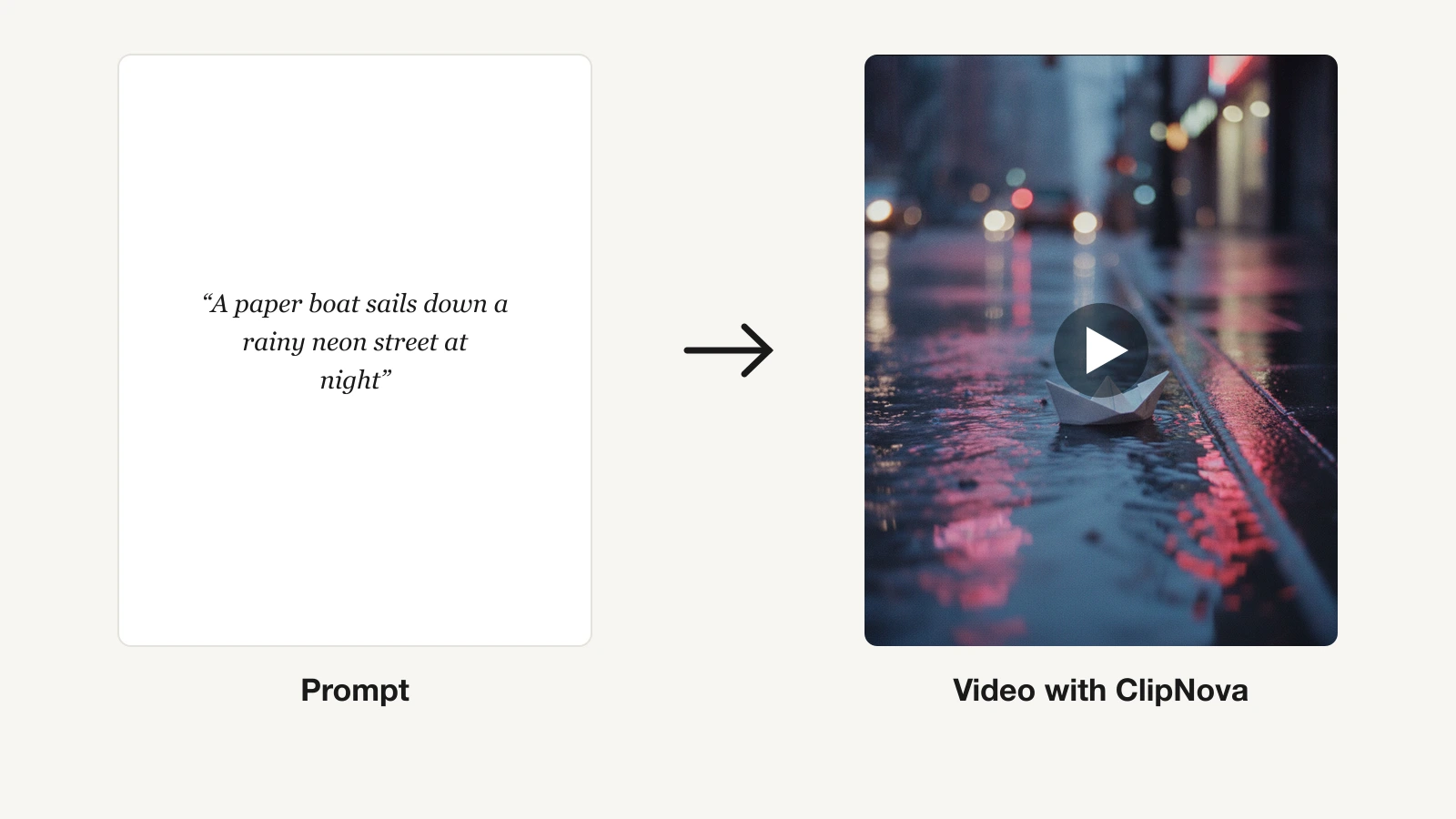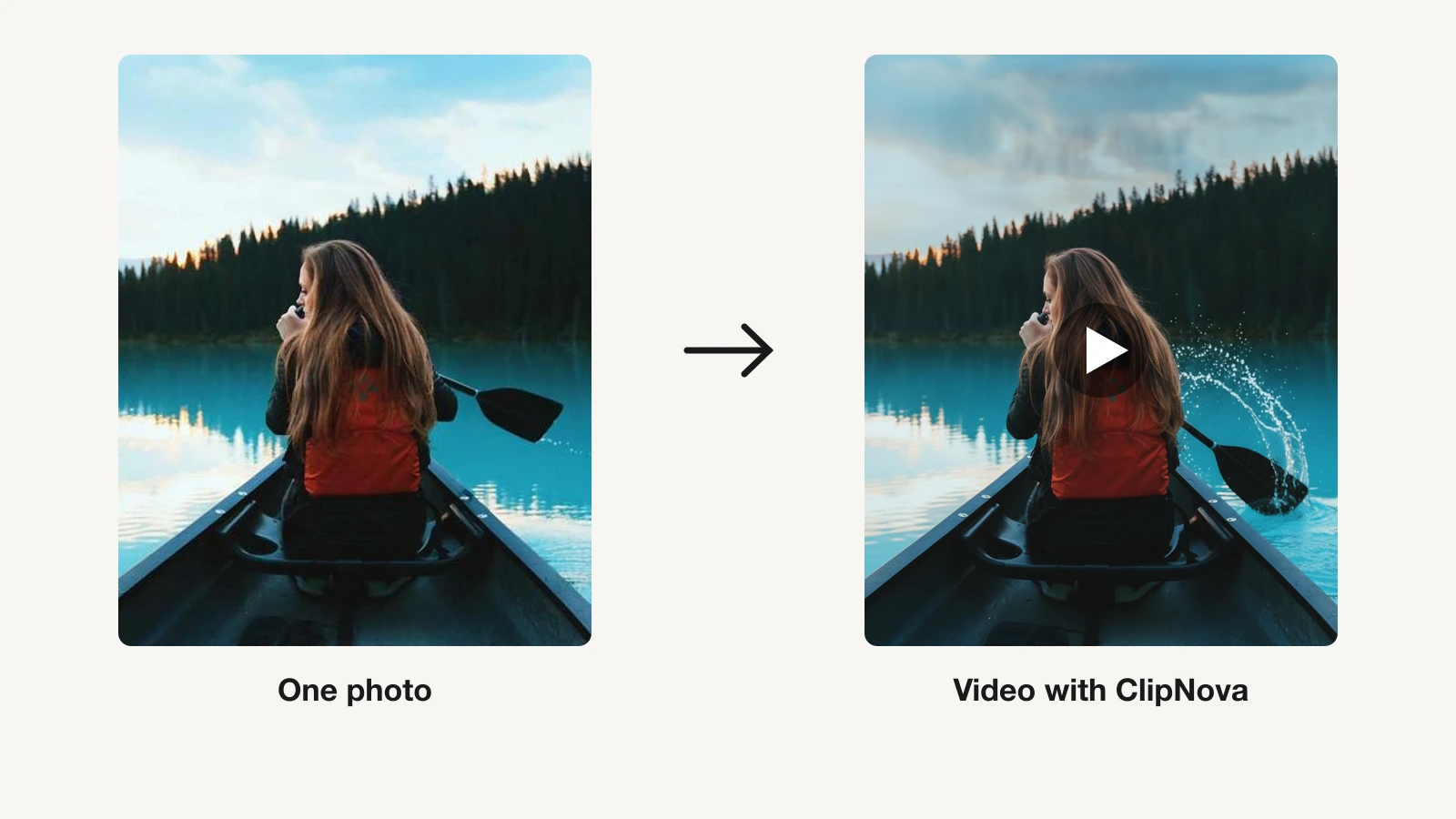
The best Runway alternative in 2026 depends on what you publish. ClipNova is the strongest overall switch: it turns a prompt into a finished video with script, voiceover, captions, and music, and it hosts frontier models such as Veo 3.1, Sora 2, and Kling 3.0 inside one subscription from $19/mo. If you only need raw cinematic clips, Kling AI and Google's Veo 3.1 are the closest direct model swaps.
Runway earned its place. Gen-4.5 footage looks superb, and tools like Act-Two and Aleph give filmmakers control no rival matches. But that control comes with credit math and a learning curve that many creators never signed up for.
This guide compares the 6 best Runway alternatives with verified pricing, honest limits, and a decision framework, so you switch to the tool that fits how you actually publish.
Why creators switch away from Runway
Three complaints drive most searches for apps like Runway:
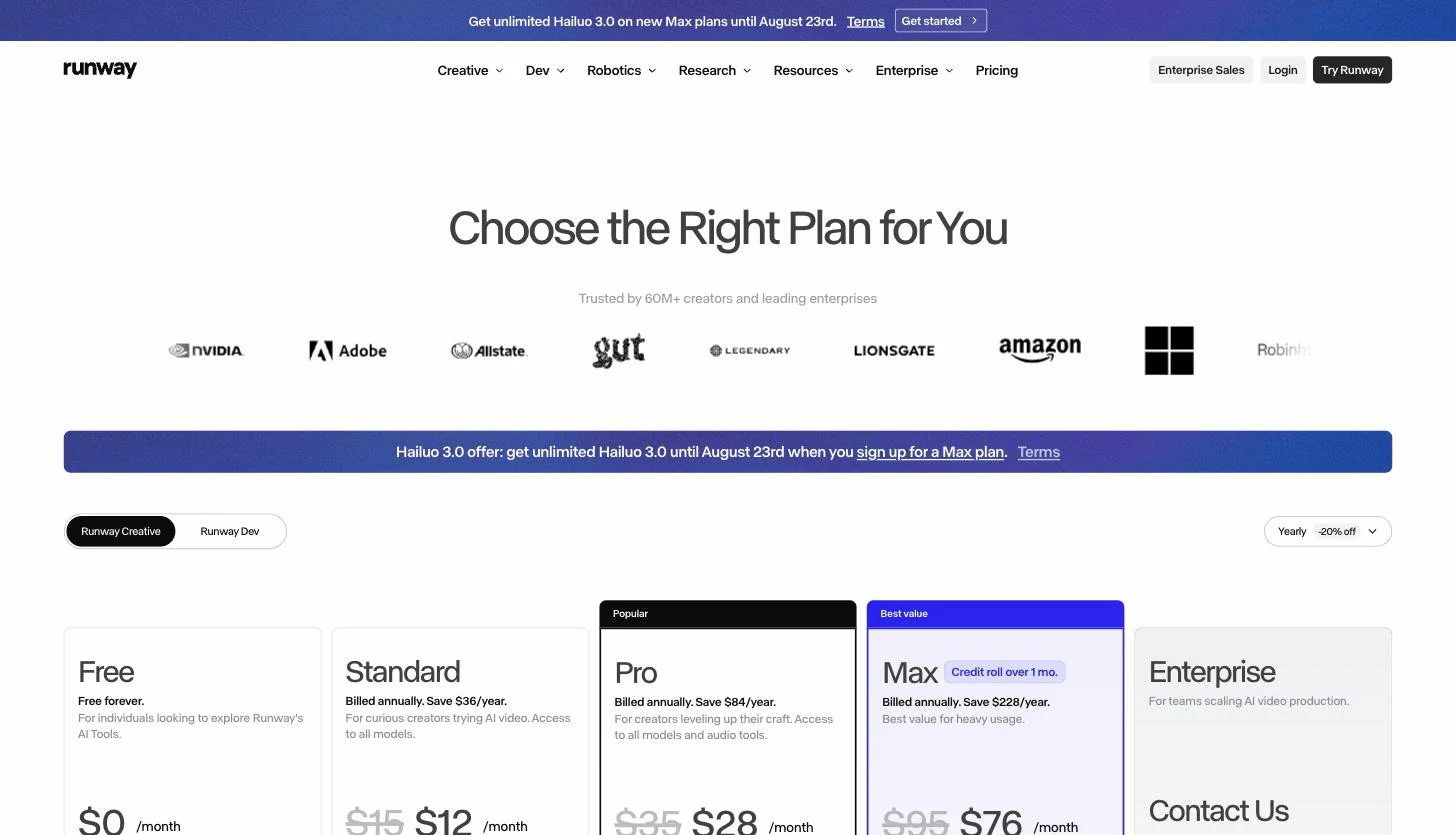
- Credit costs. Runway's $15/mo Standard plan includes 625 credits, and flagship Gen-4.5 generation burns through them at a rate that covers well under a minute of footage per month. Serious volume pushes you toward the $35 Pro or $95 Max plan.
- Raw clips, not finished videos. Runway outputs footage. The script, voiceover, captions, music, and assembly still happen somewhere else, which adds an editor and hours to every publish.
- Learning curve. Runway is a pro creative suite. Motion brush, keyframes, and workflow nodes reward film experience and punish anyone who just wants a video out the door.
If one of those is your reason for leaving, the list below is organized so you can pick the alternative that fixes it.
Best Runway alternatives: a brief overview
- ClipNova: Best overall Runway alternative. Turns one prompt into a finished, captioned, voiced video and hosts Veo 3.1, Sora 2, and Kling 3.0 inside one plan from $19/mo.
- Kling AI: Best quality-per-dollar for realistic motion. Kling 3.0 delivers lifelike movement and lip sync at some of the lowest clip prices around.
- Google Veo 3.1 (Gemini and Flow): Best for cinematic clips with native audio. Google's flagship model generates dialogue, sound effects, and ambience in the shot.
- Luma Dream Machine: Best for fast image-to-video iteration. The Ray model family animates stills with natural motion at a low entry price.
- Pika: Best budget clips and effects. The cheapest way to experiment with AI video, with a big library of viral effect templates.
- Hailuo AI (MiniMax): Best for expressive character motion on a small budget. Dramatic, physics-aware movement from about $10/mo.
| Tool | Best for | Starting price | Output |
|---|---|---|---|
| ClipNova | Long finished videos with consistent characters, plus top models | From $19/mo | 1080p videos up to 5 min, no watermark |
| Kling AI | Realistic motion per dollar | From $10/mo | Raw clips, native audio on newer models |
| Google Veo 3.1 | Cinematic clips with native audio | From $7.99/mo | Raw clips with sound, up to 1080p |
| Luma Dream Machine | Image-to-video iteration | From $9.99/mo | Raw clips, HDR on Ray3 |
| Pika | Budget clips and effects | From $10/mo | Short raw clips, watermark-free on paid plans |
| Hailuo AI | Expressive motion on a budget | From ≈$10/mo | Raw clips up to 1080p |
Reading the table: every row except ClipNova produces a raw clip you still have to script, voice, caption, and cut. ClipNova's price covers the finished video, and its credits also run the same class of frontier models the other rows sell.
1. ClipNova, best overall Runway alternative
Most people leave Runway for one of two reasons: the credits are expensive, or the output is only the start of the work. ClipNova fixes both. Describe the video in a sentence and its prompt to video generator returns the finished piece: script written, voiceover recorded, visuals generated around a saved character that stays consistent, captions burned in, music added, up to 5 minutes long and formatted for TikTok, Reels, and Shorts.
Put simply, ClipNova makes finished long videos with consistent characters, where a Runway session usually ends with a folder of clips.
- Long: One script or idea becomes a finished video of up to 5 minutes, instead of 5 to 10 second generations you string together yourself.
- Consistent characters: Save a character once, picture and locked look, and it keeps the same face and outfit across scenes without re-prompting every shot; Series carries the cast and the plot into every episode.
- Finished: Script, scenes, voiceover, captions and music arrive in one pass, and Studio lets you fix one scene without rerunning the whole video.
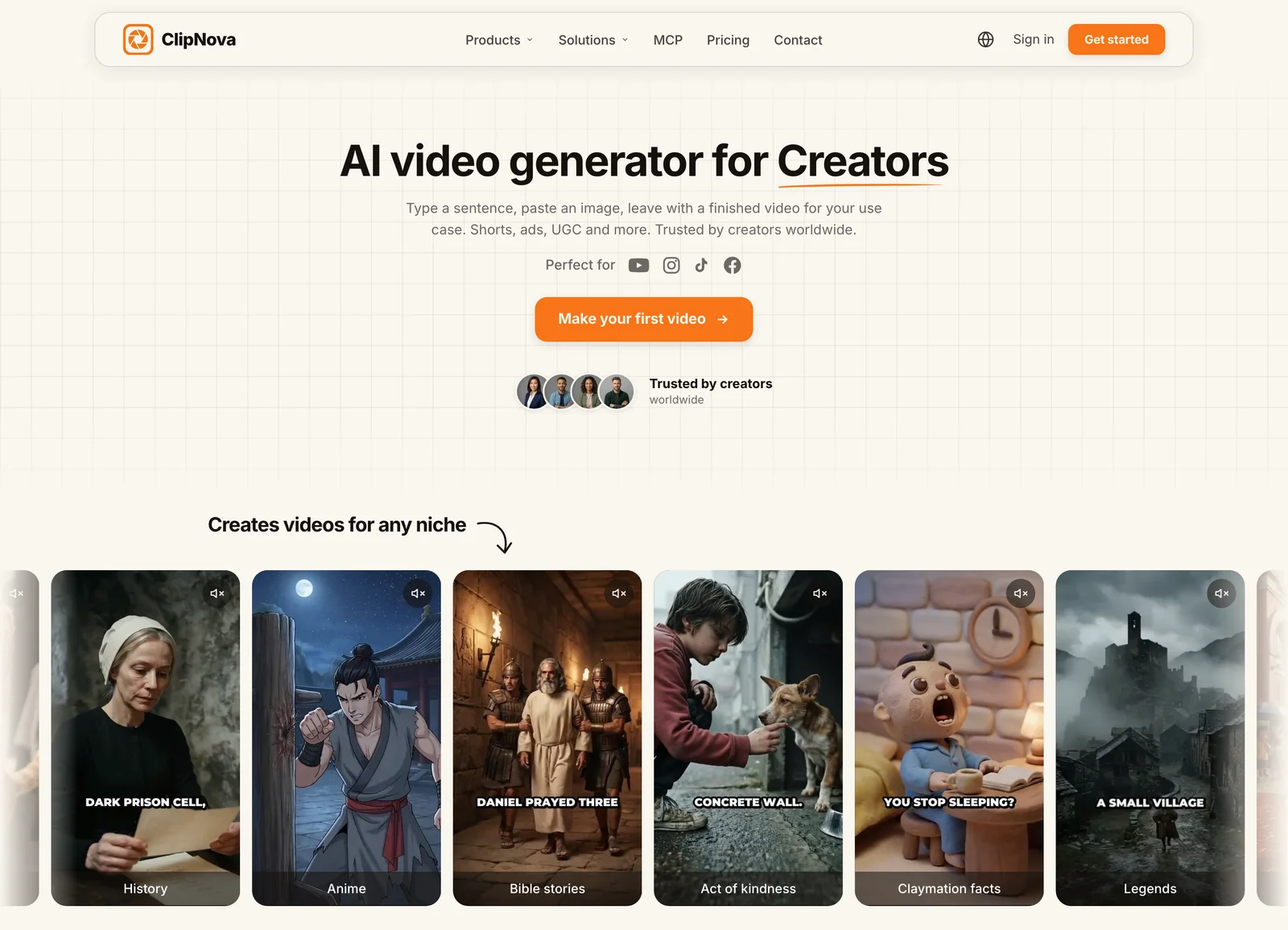
The part switchers care about: you do not give up frontier model quality. ClipNova hosts the top video models inside the product, Veo 3.1, Sora 2, Kling 3.0, Seedance 2.5, Pixverse v6, Vidu Q2, and more, on every plan. Runway sells access to hosted models too, but wraps them in a pro editing suite. So does Higgsfield, which layers camera-motion presets on top; our Higgsfield alternative page compares that approach. ClipNova wraps them in a publishing pipeline, which is the better trade if your deliverable is a posted video rather than a film shot. If you are torn between two of those models, our Sora 2 vs Veo 3.1 breakdown covers the biggest matchup.
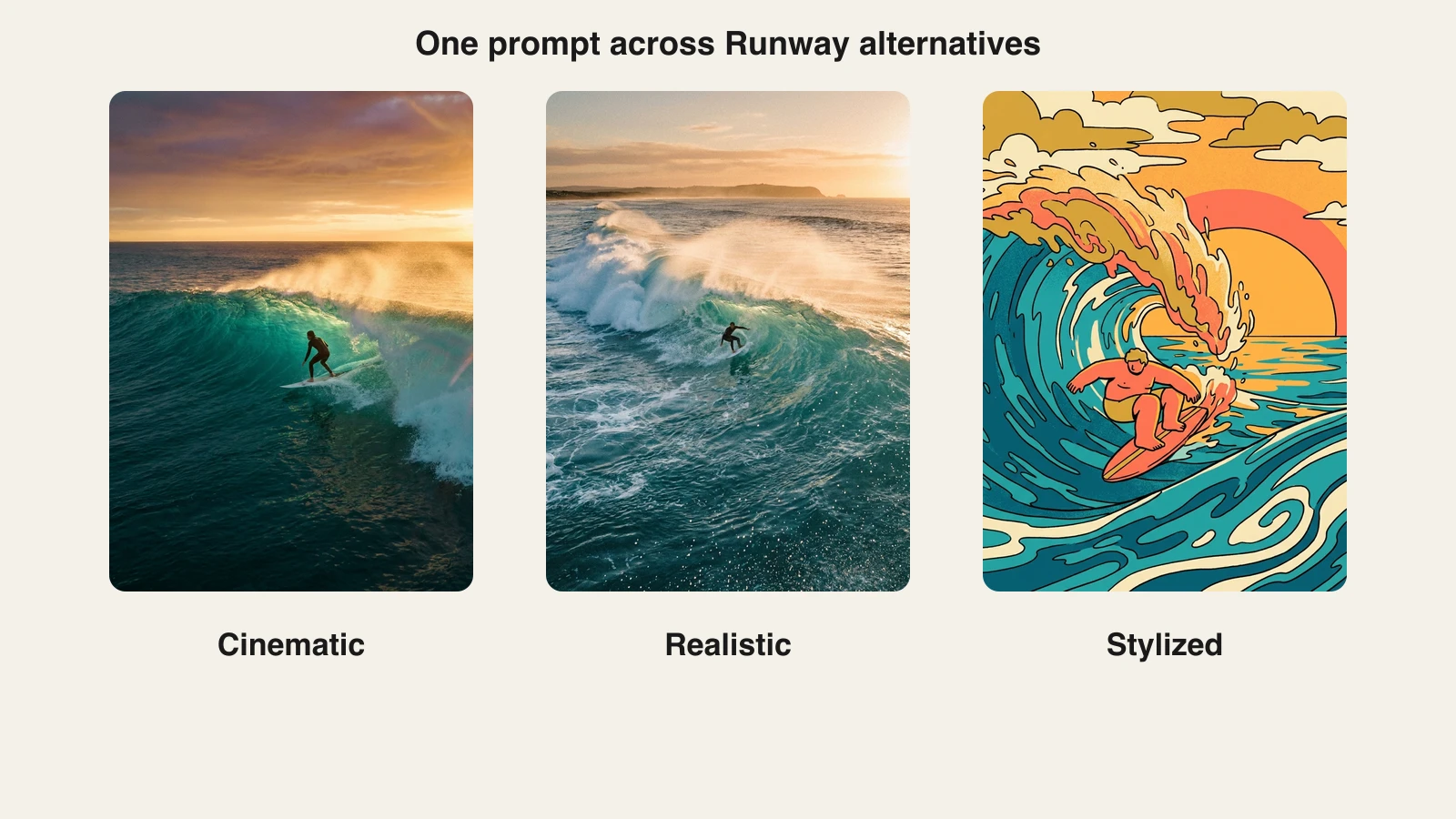
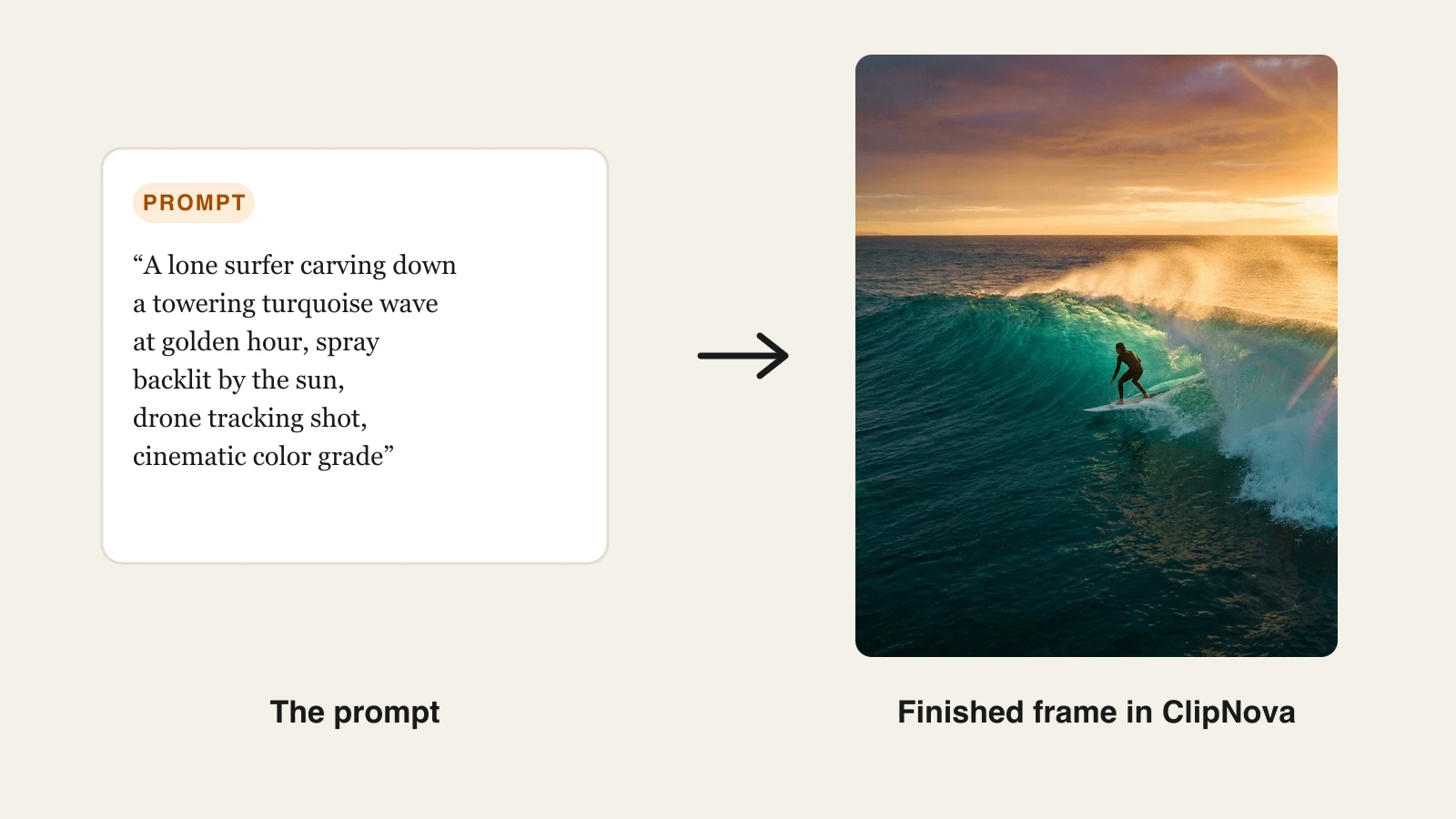
Here is one prompt and the frame that came back:
How to replace your Runway workflow with ClipNova
- Sign in to the ClipNova app and open the AI Video Studio.
- Pick a tool from the studio grid — for a text prompt, choose Prompt to Video (the studio also has AI Storytelling, Image to Video, AI Talking Avatar, and more).
- Paste your prompt. The one above was: "A lone surfer carving down a towering turquoise wave at golden hour, spray backlit by the sun, drone tracking shot, cinematic color grade."
- Set the output: pick the aspect ratio (Portrait, Landscape, or Square), a style preset, and the render quality. You don't choose a model here — ClipNova handles the visuals. Its hosted frontier models (Veo 3.1, Kling 3.0, Sora 2, and more) live on the separate Models page if you'd rather drive one directly.
- Choose a narrator voice (18 languages) and a caption style, or turn narration off for a pure cinematic cut.
- Generate. The finished video arrives with voiceover, captions, and music already in place.
- Export vertical for TikTok, Reels, and Shorts, or 16:9 for YouTube, watermark-free in 1080p.
Key features
- One prompt to a complete video: script, voiceover, visuals, captions, and music in a single pass
- Hosts frontier video models (Veo 3.1, Sora 2, Kling 3.0, Seedance 2.5, and more) under one subscription
- Vertical-first export for TikTok, Reels, and Shorts, plus 16:9
- AI narration in 18 languages for localized versions of the same video
- Watermark-free 1080p with full commercial rights on every plan
Best for
- Creators and faceless channels leaving Runway because they need posted videos, not raw footage
- Marketers who want frontier-model visuals inside an ad and UGC pipeline
- Anyone tired of doing credit math across two or three model subscriptions
Pricing
- Hobby $19/mo (1,000 credits), Starter $49/mo (2,600 credits), Growth $99/mo (5,750 credits), Ultra $199/mo (12,000 credits)
- Every plan includes the identical feature set, only monthly credits differ; yearly billing is 20% off
Pros
- The only tool in this list whose output is ready to publish without an editor
- Frontier models and the finishing pipeline live under one flat subscription
- Commercial rights and watermark-free export start on the cheapest plan
Cons
- No frame-level VFX control like Runway's motion brush or Act-Two; direction happens through prompts and settings
- Runway's own Gen-4.5 model is exclusive to Runway, so exact Gen-4.5 looks are not reproducible
2. Kling AI, best quality-per-dollar for realistic motion
Kling AI, built by Kuaishou, is the model that made "cheaper than Runway, looks as good" a serious conversation. Its Kling 3.0 generation produces lifelike human motion, coherent physics, and strong lip sync, with paid plans starting at $10/mo.
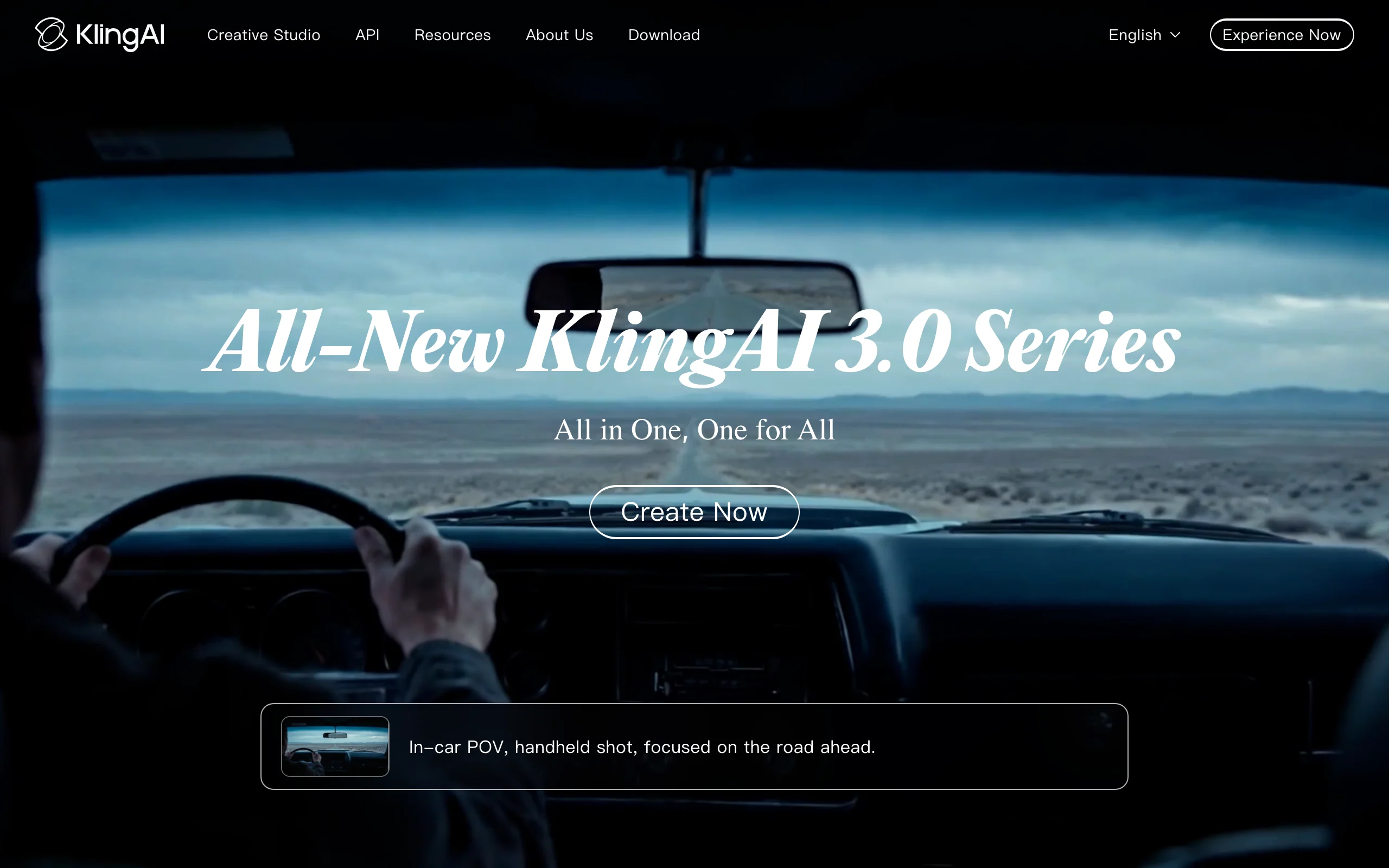
The trade-offs are operational rather than visual. Generation queues stretch on cheaper tiers, the interface is less polished than Runway's, and Western billing and support can be rough. If Kling's look is what you want without the platform quirks, ClipNova hosts Kling as one of its models with the finishing pipeline attached.
Key features
- Kling 3.0 model line with realistic motion and physics
- Native audio generation on newer models
- Strong lip sync for character and avatar-style shots
- Image-to-video and text-to-video with extendable shot length
Best for
- Creators who want realistic human movement at the lowest serious price
- High-volume clip testing before committing to a bigger plan
Pricing
- Standard $10/mo (660 credits), Pro $37/mo (3,000 credits), Premier $92/mo (8,000 credits)
- First-month discounts are common (Standard has renewed near $8.80), and annual billing saves around 34%
Pros
- Arguably the best realism-per-dollar in AI video right now
Cons
- Raw clips only: no script, voiceover, or caption pipeline
- Queues on cheaper tiers and uneven Western support
3. Google Veo 3.1, best for cinematic clips with native audio
Veo 3.1 is Google's flagship video model, and its signature trick is generating the sound with the picture: dialogue, ambience, and effects synchronized in the clip. You reach it through the Gemini app or through Flow, Google's scene-builder that stitches Veo shots into sequences with ingredient and camera controls.
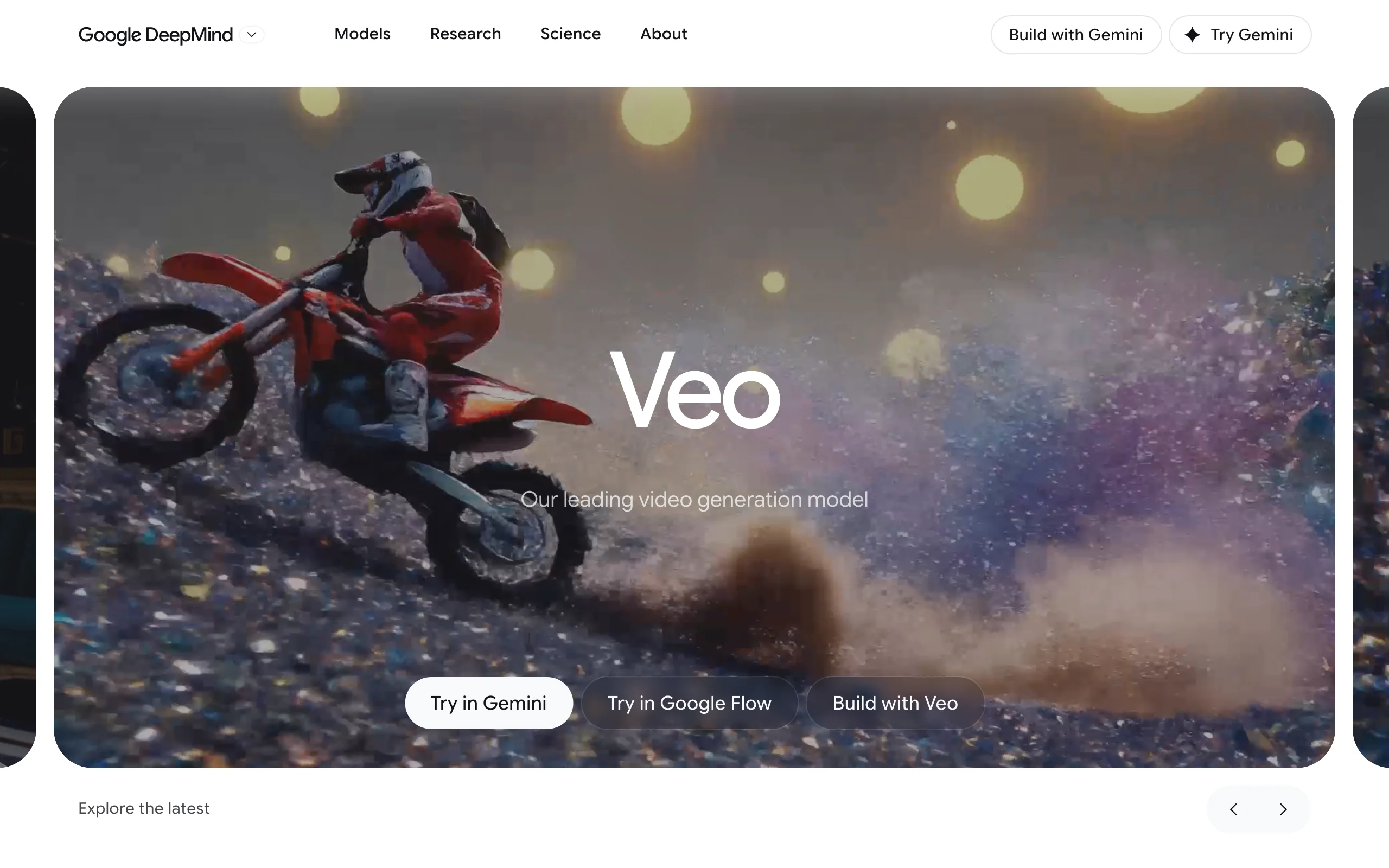
Access is subscription-gated. Google AI Plus at $7.99/mo includes limited Veo 3.1 Fast generation, Google AI Pro at $19.99/mo carries 1,000 monthly AI credits (roughly 10 top-quality Veo clips), and the $249.99/mo Ultra tier unlocks the highest limits. Veo output is a clip with audio, not a finished social video, and monthly credit ceilings arrive faster than most switchers expect. ClipNova hosts Veo 3.1 as well, so you can drive the same model inside a finishing pipeline.
Key features
- Native synchronized audio: dialogue, sound effects, and ambience generated with the video
- Strong prompt adherence and cinematic camera behavior
- Flow scene-builder for multi-shot sequences with consistent ingredients
- Up to 1080p output, vertical support included
Best for
- Cinematic shots where in-clip sound matters (dialogue scenes, ambience-heavy b-roll)
- Creators already paying for Google AI subscriptions
Pricing
- Google AI Plus $7.99/mo (limited Veo 3.1 Fast), Google AI Pro $19.99/mo (1,000 monthly credits), Google AI Ultra $249.99/mo (25,000 credits)
- Veo is also metered per second through the Gemini API for developers
Pros
- The most convincing native audio in any video model today
- Cheapest entry point to a frontier model on this list at $7.99/mo
Cons
- Credit ceilings on Plus and Pro are tight for daily publishing
- Clips still need editing, captions, and assembly into a publishable video
4. Luma Dream Machine, best for image-to-video iteration
Luma's Dream Machine made its name on speed of iteration: drop in a still, describe the motion, and get a natural-looking animation back fast. The Ray model family (Ray3 is the current flagship) focuses on physically plausible motion and supports HDR output, and the keyframe and extend tools make it easy to steer a shot without a full editor.
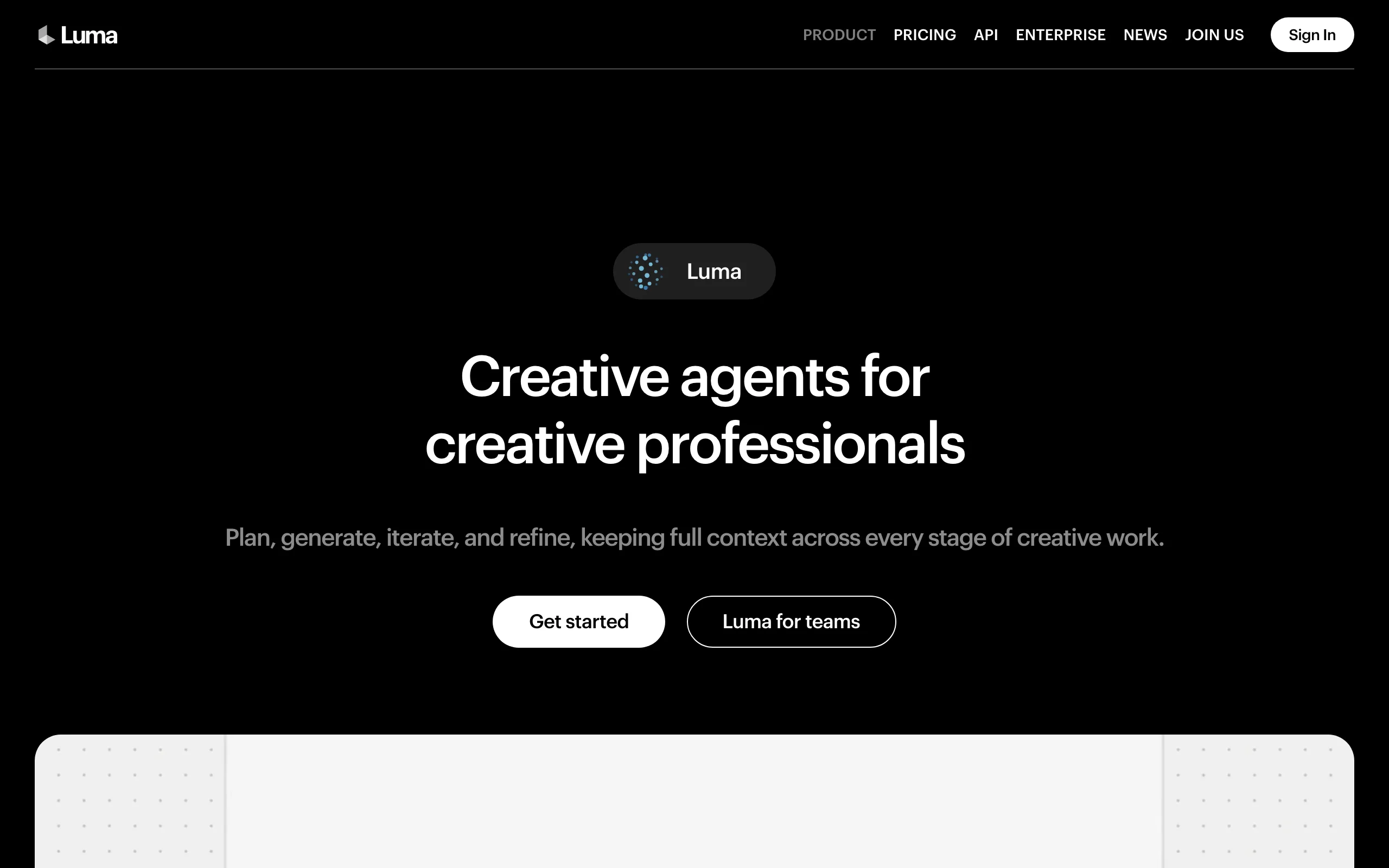
Luma is mid-transition in 2026: the legacy Dream Machine plans (Lite $9.99/mo, Plus $29.99/mo, Unlimited $94.99/mo) still run, while new "Luma Agents" plans launched in March 2026 at $30 to $300/mo target heavier agentic use. Check which ladder you are being offered before subscribing.
Key features
- Fast, natural image-to-video animation
- Ray3 flagship model with HDR output
- Keyframes, shot extension, and loop tools
Best for
- Animating product shots, artwork, and b-roll stills quickly
- Concept and mood exploration before committing to a bigger production
Pricing
- Legacy Dream Machine: Lite $9.99/mo, Plus $29.99/mo, Unlimited $94.99/mo
- New Luma Agents plans: $30/mo to $300/mo
Pros
- One of the smoothest image-to-video results at the price
- Low-friction workflow that non-editors pick up in minutes
Cons
- Raw clips with no narration or caption pipeline
- The dual plan ladder makes pricing confusing for new users
5. Pika, best budget clips and effects
Pika is the cheapest reasonable way to make AI video clips, and it leans into fun. Pikaffects templates (explode it, melt it, cake-ify it) turn stills into shareable moments with zero skill, and standard text-to-video and image-to-video cover the basics on its Pika 2.5 model.
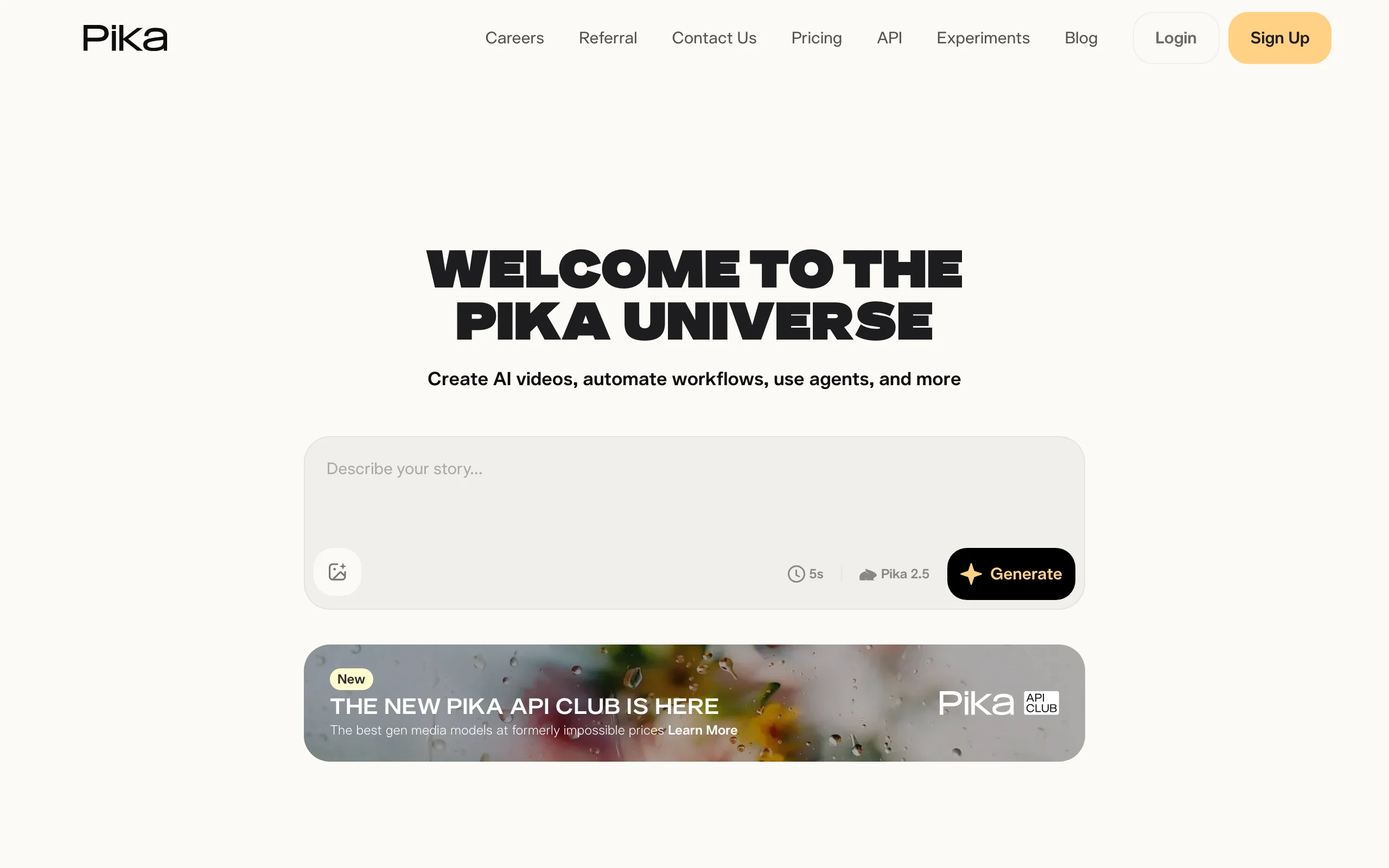
Every paid plan, starting with the $10/mo Standard tier, includes commercial use and watermark-free downloads, which keeps Pika's real monetization price at the headline number.
Key features
- Text-to-video and image-to-video on Pika 2.5
- Pikaffects viral effect templates and scene transitions
- Keyframe-style Pikaframes for start and end control
Best for
- Meme-adjacent social clips and effect-driven experiments
- Creators testing AI video on a small budget
Pricing
- Standard $10/mo ($8/mo yearly, 700 credits), Pro $35/mo ($28/mo yearly, 2,300 credits), Fancy $95/mo ($76/mo yearly, 6,000 credits)
- Commercial use and watermark-free downloads are included on every paid tier
Pros
- Lowest-friction entry into AI video generation
- The effect library produces genuinely shareable results fast
Cons
- Output realism trails Kling, Veo, and Runway's Gen-4.5
6. Hailuo AI, best for expressive motion on a budget
Hailuo AI, from Chinese AI lab MiniMax, punches far above its price on expressive, physics-aware character motion: fabric, hair, and dramatic camera moves that many pricier models flatten. Paid plans start around $10/mo.
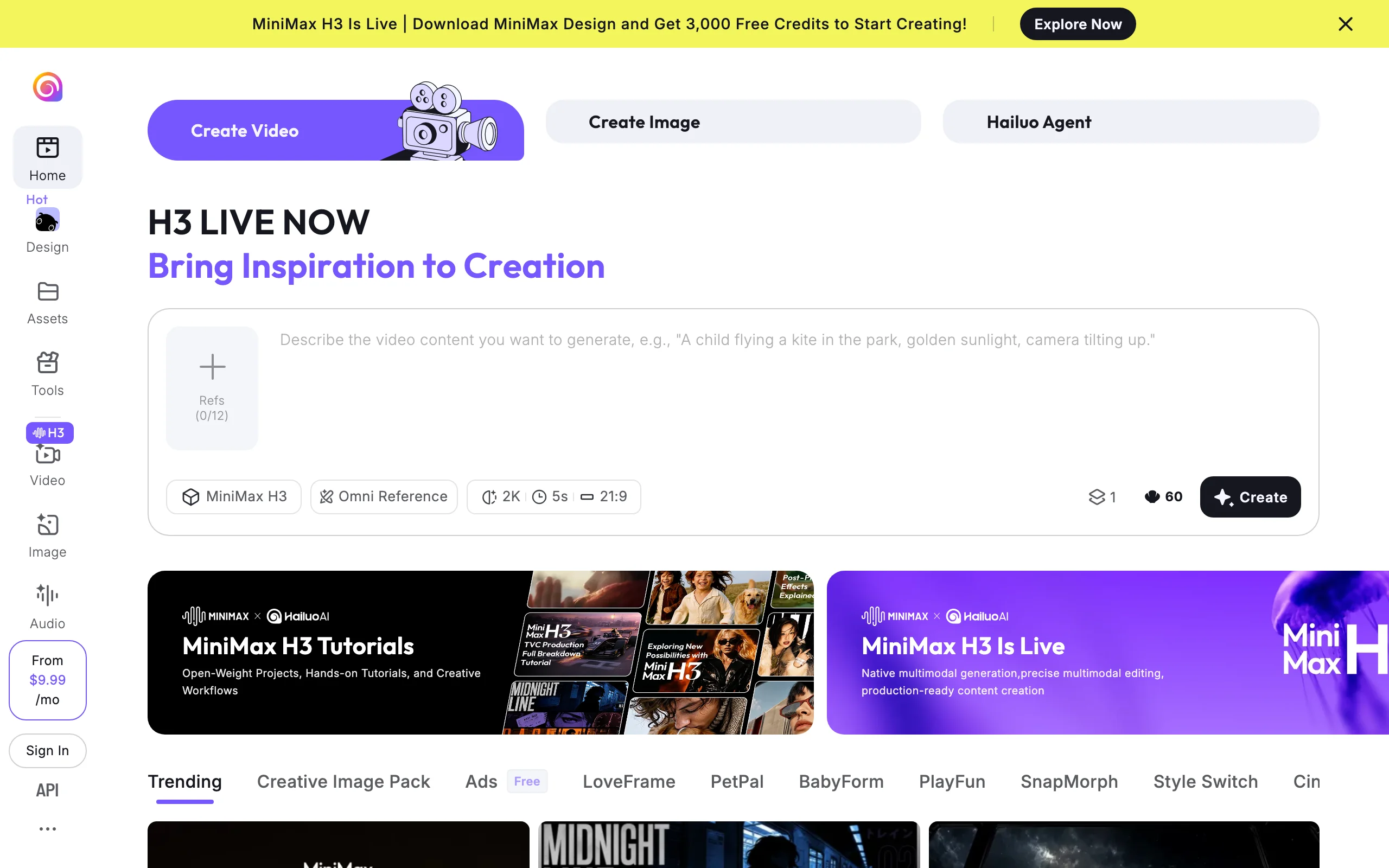
The caveats mirror Kling's: it is a raw clip generator with queues at busy hours, and its pricing has been notably volatile through 2025 and 2026 (the Standard tier has been listed anywhere from $7.99 to $14.99), so confirm the current number at checkout.
Key features
- Expressive, dramatic character and camera motion
- Text-to-video and image-to-video up to 1080p
- Subject reference for keeping a character consistent across clips
Best for
- Stylized character clips and dramatic short shots on a small budget
- Creators supplementing another tool with a cheap second model
Pricing
- Standard around $8 to $10/mo (about 1,000 credits), Pro $24.99/mo (4,500 credits); promotional and quarterly discounts are common
- Pricing shifts frequently; verify on the site before subscribing
Pros
- Motion quality that embarrasses its price tag
Cons
- Raw clips only, with no finishing pipeline
- Volatile pricing and thinner English-language support
How to choose the right Runway alternative
1) Do you need finished videos or raw footage?
- If your deliverable is a posted video: ClipNova is the only option here that outputs one, captions and voiceover included.
- If you cut your own edits and only need shots: Kling for realism per dollar, Veo 3.1 for audio-in-clip, Luma for animating stills.
2) What is driving you off Runway: price, output, or complexity?
- Price: Kling, Pika, and Hailuo all start at or under $10/mo, and ClipNova's $19/mo Hobby plan replaces both the model and the editor line items. The math is broken down further in our cheapest AI video generator comparison.
- Output type: if every Runway clip still costs you an editing session, a finished-video platform saves more time than any cheaper clip model.
- Complexity: Luma and Pika are the gentlest learning curves; ClipNova removes the editing skill requirement entirely.
3) Do you still want frontier-model quality after switching?
- Runway's hosted-model catalog is part of its value, and the alternatives split into two camps: single-model products (Kling, Luma, Pika, Hailuo, Veo) and multi-model platforms.
- ClipNova is the multi-model camp: Veo 3.1, Sora 2, Kling 3.0, Seedance 2.5, and more under one subscription, so you keep model choice without stacking subscriptions.
4) What does your real cost per published video look like?
Run the numbers on your actual cadence before subscribing. A daily short on Runway means Gen-4.5 credits plus your editing time; on Kling or Veo it means cheap clips plus the same editing time; on ClipNova the $19/mo Hobby plan's 1,000 credits cover the whole finished video. Whichever way you lean, generate the same three test prompts on your top two candidates first. Model quality varies by niche far more than the demo reels suggest.
Related reading: Runway vs Kling: cinematic control vs motion (2026).
Frequently asked
What is the best Runway alternative?
For most creators it is ClipNova, because it replaces Runway's raw clips with finished videos (script, voiceover, captions, and music included) and still gives you frontier models like Veo 3.1, Sora 2, and Kling 3.0 inside one subscription from $19/mo. If you specifically want a raw clip model, Kling AI and Google's Veo 3.1 are the strongest direct swaps.
Why do people switch away from Runway?
Three reasons come up again and again, credit costs, output type, and learning curve. Runway's $15 Standard plan includes 625 credits, which covers well under a minute of flagship Gen-4.5 footage per month, the output is a raw clip you still have to script, voice, and caption elsewhere, and the pro-grade interface takes real time to learn.
What is the cheapest Runway alternative?
On headline price, Hailuo AI's Standard plan (around $8 to $10/mo) and Pika's Standard at $10/mo are the cheapest paid entries, and Google AI Plus offers limited Veo 3.1 Fast access at $7.99/mo. On price per published video, ClipNova at $19/mo is usually cheaper, because the credit covers the whole finished video instead of a silent clip you still have to produce around.
Can I use the same AI models as Runway without a Runway subscription?
Largely yes. Runway's edge is partly that it hosts third-party models such as Veo 3.1 and Kling alongside its own Gen-4.5. ClipNova does the same from the other direction, hosting Veo 3.1, Sora 2, Kling 3.0, Seedance 2.5, and more inside one plan, and Google's Veo is available directly through the Gemini app and Flow. Only Runway's own Gen models stay exclusive to Runway.
What is the best Runway alternative for realistic motion?
Kling AI is the standout for realistic human motion and physics on a budget, with its Kling 3.0 generation and strong lip sync. Google's Veo 3.1 is the pick when you want cinematic shots with native synchronized audio. Both produce raw clips, so plan for editing, voiceover, and captions separately, or use them inside ClipNova where that pipeline is built in.
Is Runway still worth it in 2026?
For filmmakers and VFX-heavy teams, yes. Gen-4.5, Act-Two performance capture, and Aleph video editing remain excellent, and no alternative matches Runway's pro toolset depth. But if you mainly publish social content, you are paying for control you rarely use, and a finished-video platform or a cheaper clip model fits better.
If I mainly need finished social videos instead of raw clips, what should I use?
Use ClipNova. Instead of generating a silent clip and finishing it in an editor, you describe the video and get the complete vertical back, script, voiceover in any of 18 languages, captions, and music included, with watermark-free 1080p export and full commercial rights from the $19/mo Hobby plan.