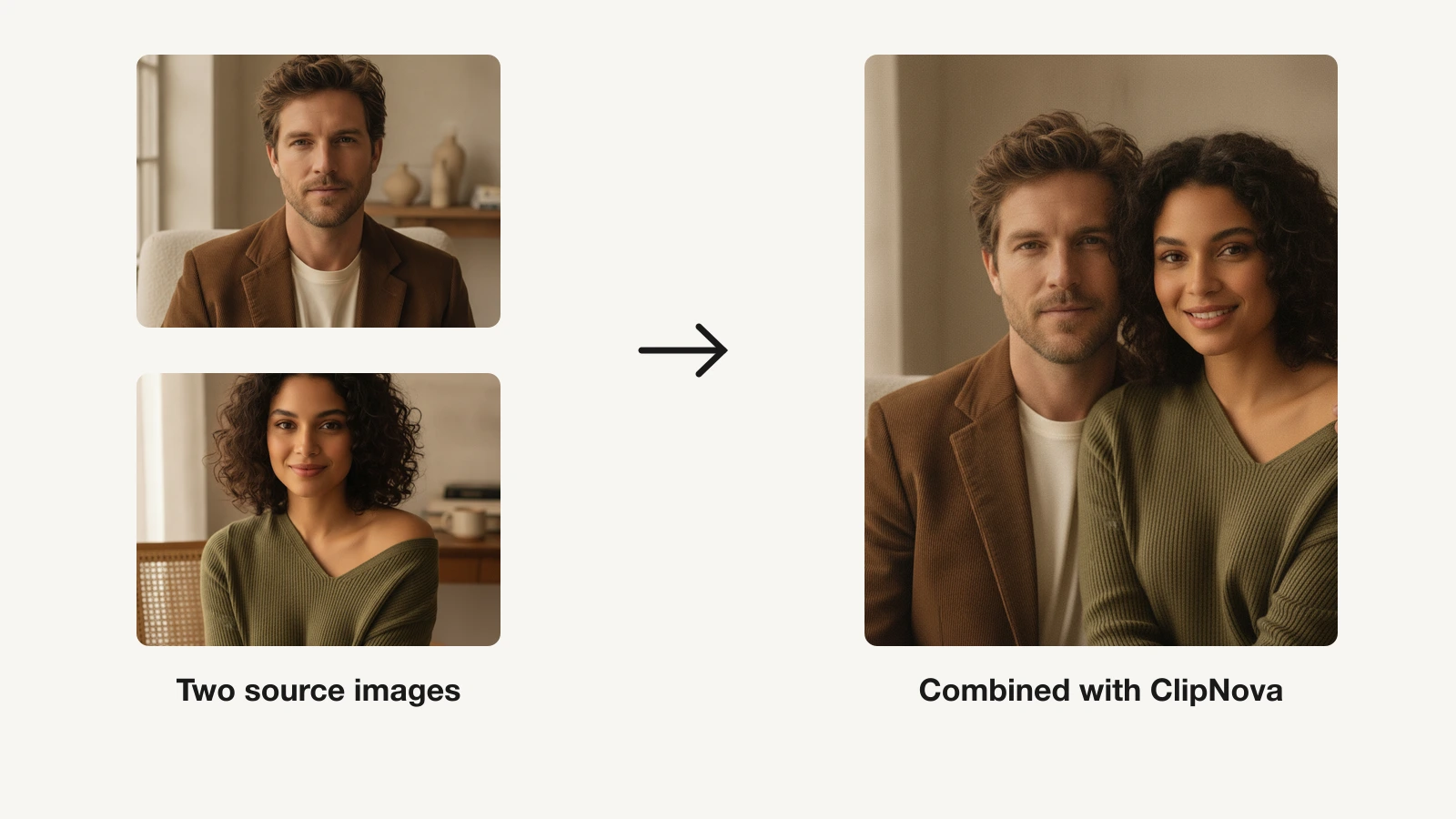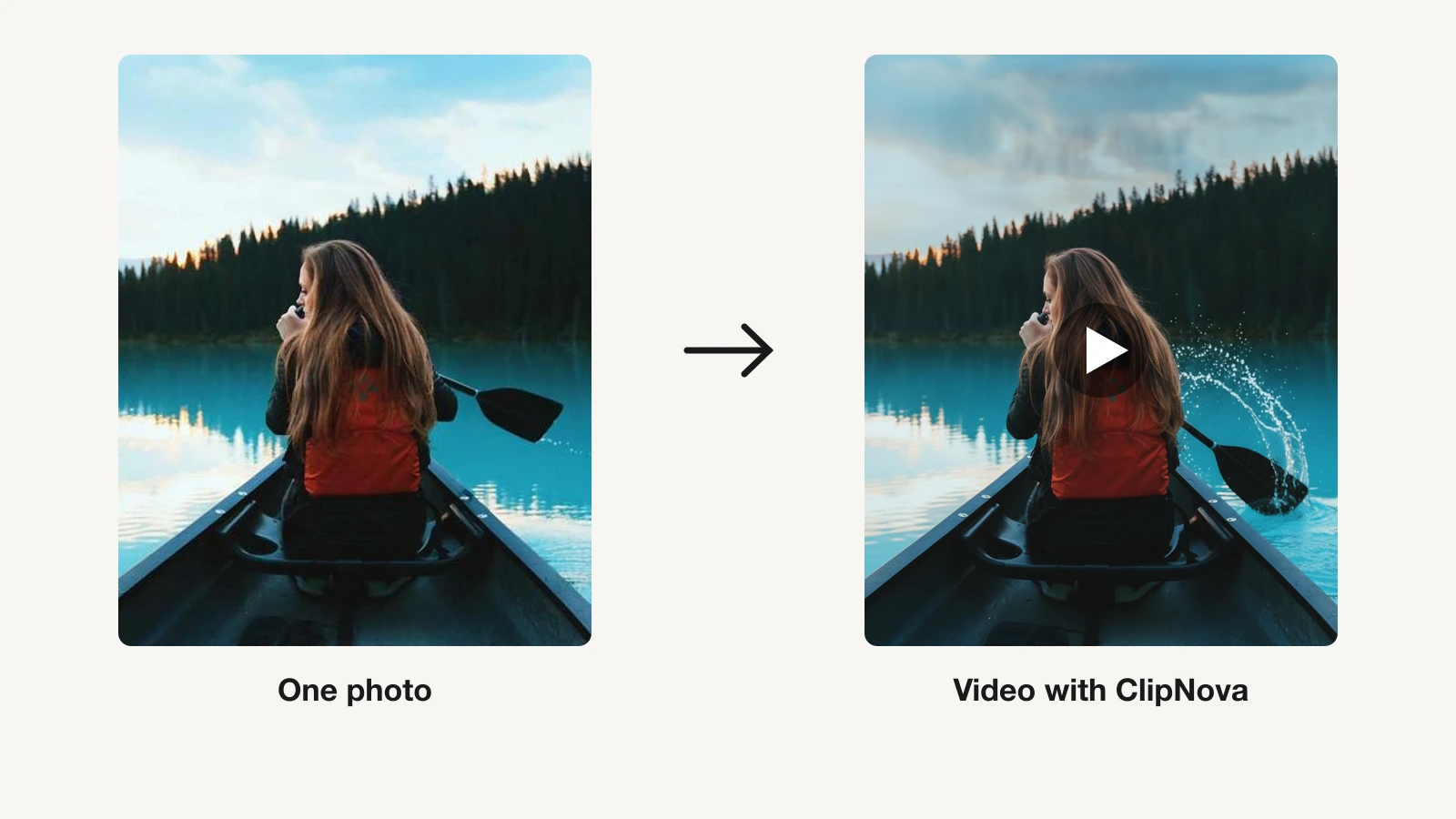
You have one photo you love: a portrait, a product shot, an old family picture, and you want it to move. AI photo-to-video tools do exactly that. You upload a single still, describe the motion (or add an audio clip), and the model animates it into a short video, adding camera moves, subtle life to a face, or a full talking performance.
The catch is that "animate a photo" means different things across these tools. Some turn a product still into a scroll-stopping clip, some make a portrait talk or sing, and a few only hand you raw footage you still have to caption and post.
This guide compares the 8 best AI tools to animate a photo into video in 2026, with pricing verified in September 2026, on what kind of motion each produces from a still, resolution, and whether the result is ready to publish or just a starting point.
Best AI tools to animate a photo into video: a brief overview
For a finished, publish-ready clip from a photo
- ClipNova: Best overall. Turns a photo and an idea into a complete short video with motion, voiceover, captions, and music, ready to post to TikTok, Reels, or Shorts.
For animating a portrait or product still into raw footage
- Runway: Best for cinematic, directed motion from a photo, with camera controls and character animation.
- Kling AI: Best realistic motion per dollar, with the Kling 3.0 models and paid plans starting under $10 a month.
- Hailuo (MiniMax): Best for lively subject and character motion from a reference photo.
- Luma Dream Machine: Best for natural, high-quality animation of a still image.
For talking, singing, and stylized photo animation
- Hedra: Best for turning a single portrait into a talking or singing character from audio.
- Pika: Best budget option for playful, effect-driven photo animation.
- Pixverse: Best for anime and stylized photo animation, with a strong mobile app.
| Tool | Best for | Starting price | Photo-to-video output |
|---|---|---|---|
| ClipNova | Finished clips from a photo | From $19/mo | 1080p, full clip with voice, captions, music |
| Runway | Cinematic, directed motion | From $15/mo | 720p base, 5-10s, 4K upscale |
| Kling AI | Realistic motion on a budget | From $6.99 first month | 1080p/4K, extend up to 3 min |
| Hailuo (MiniMax) | Character motion from a reference | From $9.99/mo | Up to 2K, ~5s clips |
| Luma Dream Machine | Natural high-quality animation | From $30/mo | 1080p, clips up to ~18s |
| Hedra | Talking or singing portraits | From $15/mo | Up to 1080p, portrait + audio |
| Pika | Effect-driven photo clips | From $8/mo (yearly) | Up to 1080p on paid |
| Pixverse | Anime and stylized animation | From $8/mo (yearly) | Up to 1080p, ~5-8s clips |
Reading the table: the cheaper rows animate your photo into a raw clip a few seconds long. ClipNova's price is for the finished video built around it: script, voiceover, captions, and music included.
1. ClipNova, best overall tool to animate a photo into video
ClipNova is the only tool here that treats your photo as the start of a finished video, not the end of a raw clip. Drop a still into the Image to Video AI tool, describe what should happen, and it animates the image, writes a script, records a voiceover, adds captions, and lays music underneath, in one pass. What comes out is a vertical video you can post, not footage you still have to edit.
That makes it a fit for the three most common reasons people animate a photo. For a portrait, the talking avatar generator brings a face to life reading your script. For a product, the AI product video generator turns a single packshot into a moving ad. For a character you want to reuse, the Consistent Character AI Video Generator takes a few photos of the same subject and puts them in new scenes with the same face. For a memory or a concept, the same engine adds motion, narration, and a soundtrack.

How to turn a photo into a video with ClipNova
- Log in to the ClipNova app.
- Open AI Video Studio from the sidebar.
- Pick the Image to Video tool.
- Upload your photo and describe the motion you want.
- Generate, then download the animated clip.
Key features
- Animate a photo into a complete video: motion, script, AI voiceover, captions, and music in one pass
- Talking avatars that turn a portrait into a presenter reading your script
- Product-photo-to-video for moving ads from a single packshot
- Vertical-first output with multi-format export for TikTok, Reels, and Shorts
- AI voiceovers in 18 languages, so one animated photo localizes into many markets
- Watermark-free 1080p export with full commercial rights on every plan
Best for
- Creators and marketers who want a photo turned into a ready-to-post clip, not raw footage
- Faceless-channel operators and DTC brands animating portraits and product shots at volume
Pricing
- Hobby $19/mo, Starter $49/mo, Growth $99/mo, Ultra $199/mo; see current ClipNova pricing
- Every plan includes the full feature set and differs only in monthly credits; annual billing takes 20% off
Pros
- The only tool here that returns a publish-ready video, not a clip you still have to caption
- One workflow covers portraits, products, and memories, so you do not juggle three apps
- 18-language voiceover makes localized versions of an animated photo cheap to produce
Cons
- Newer brand than Runway or Luma, with a smaller community and template ecosystem
- Built for short-form output rather than long, single-shot cinematic sequences
- Plans are metered by monthly credits, so the highest-volume months may need the Growth or Ultra tier
2. Runway, best for cinematic, directed motion from a photo
Runway is the tool to reach for when you want to direct how a photo moves, not just accept what the model gives you. Its latest Gen-4.5 model produces some of the most controllable image-to-video available, and its Act-Two feature can drive a character in your photo with a performance. Camera controls let you push in, orbit, or pan across a still.
The trade-off is that Runway outputs footage, not a finished social video. There is no script, voiceover, or caption layer, and heavy generation burns credits fast at 60 credits per 5 seconds on the flagship model.
Key features
- Gen-4.5 image-to-video with strong prompt adherence and camera controls
- Act-Two performance capture to animate a character from a photo
- 5 or 10 second clips at 720p base, with 4K upscaling on paid plans
- Editing and motion tools around the model for professional pipelines
Best for
- Filmmakers and video artists animating a still into a cinematic shot
- Studios adding AI-generated motion to real footage
Pricing
- Standard $15/mo (625 credits), Pro $35/mo (2,250 credits), Max $95/mo (9,500 credits); annual billing drops these to $12, $28, and $76
- Commercial-use rights on every paid tier
Pros
- Among the best visual quality and shot control for animating a still
- You keep ownership and commercial rights even on the lowest tier
Cons
- Raw clips only; scripting, voiceover, and captions stay your job
- Credit costs climb quickly for anyone animating photos at volume
3. Kling AI, best realistic motion per dollar
Kling AI, from Kuaishou, delivers some of the most realistic human and physical motion in the category for the price. Feed it a portrait or a scene and it animates natural movement, with motion controls and lip-sync for talking shots. Paid plans start well under most rivals, which makes it the value pick for high-volume photo animation.
The current Kling 3.0 and 3.0 Omni models add synchronized audio, element references, and motion control on top of native 4K output on paid tiers, and clips can be extended up to three minutes. The catch is that the cheapest prices are first-month promos.
Key features
- Kling 3.0 image-to-video with lifelike human motion, physics, and synchronized audio
- Motion Control and lip-sync for talking portraits
- Native 1080p and 4K generation on paid tiers, video extension up to 3 minutes
Best for
- Creators animating realistic human motion on a tight budget
- High-volume users who need the most clips per dollar
Pricing
- Standard $6.99 first month, then $8.80/mo ($10 list, 660 credits); Pro $25.99 first month, then $32.56/mo (3,000 credits); Premier $64.99 then $80.96/mo; Ultra $127.99 then $159.99/mo
- Annual billing up to 34% off; commercial rights and watermark removal on paid plans
Pros
- Excellent realism-per-dollar for animating human subjects
- Video extension turns a photo into a longer sequence, up to 3 minutes
Cons
- Clip generator only; no script, voiceover, or captions
- Cheapest prices are first-month promos, and Western billing and support can be rough
4. Hailuo (MiniMax), best for character motion from a reference photo
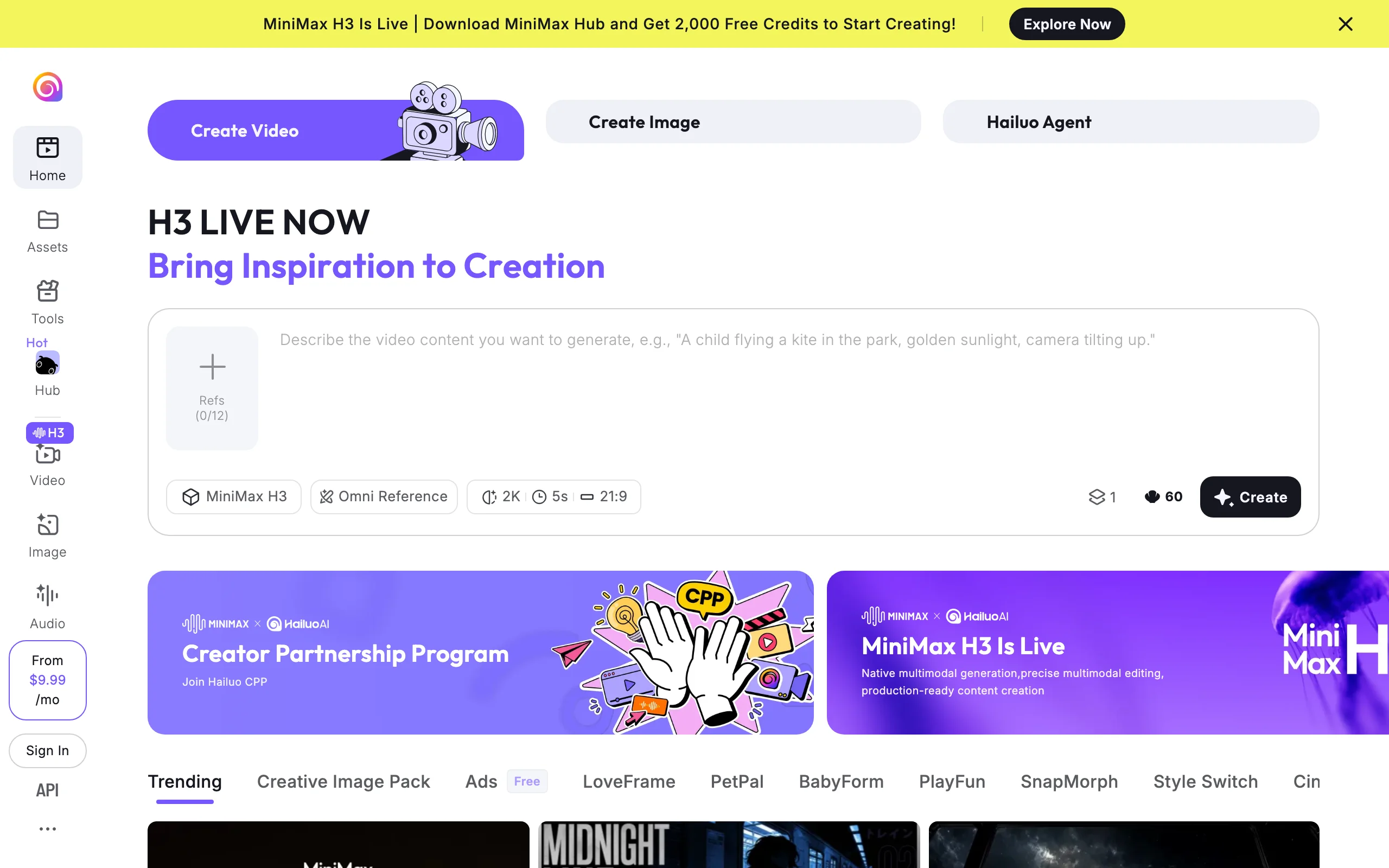
Hailuo, the video app from MiniMax, is built around bringing characters and subjects to life from a reference image. Its latest MiniMax H3 model uses an Omni Reference system: give it a photo of a person, character, or object and it animates that exact subject with lively, coherent motion rather than a loose interpretation.
Output tops out around 2K with roughly five-second clips. Like the other model-first tools, it hands you a clip, not a captioned, narrated video.
Key features
- MiniMax H3 model with Omni Reference for faithful subject animation
- Up to 2K output with strong prompt and character consistency
- Roughly five-second clips, extendable through the app
Best for
- Creators animating a specific character or mascot from a reference photo
- Users who want expressive subject motion over cinematic camera work
Pricing
- Paid plans from $9.99/mo, scaling up to a top tier around $199.99/mo
- Paid plans unlock commercial use and watermark-free output
Pros
- Omni Reference keeps your subject recognizable across the animation
- Quick five-second renders make iterating on a subject fast
Cons
- Short clip length and a clip-only workflow with no captions or narration
- Plan names and promo pricing shift often; confirm the current tier before buying
5. Luma Dream Machine, best for natural, high-quality animation
Luma Dream Machine animates a still with some of the most natural motion in the category. Its Ray model line handles image-to-video smoothly, with believable physics and camera movement, and the latest version pushes native resolution and faster generation. It is a strong pick when you want a photo to move convincingly at high quality rather than with heavy stylization.
Luma now leads with its Agents plans, which bundle Ray alongside third-party models like Veo and Kling in one workspace. The lowest tiers are watermarked and non-commercial.

Key features
- Ray model image-to-video with natural motion and physics
- 1080p output on the Agents plans and clips up to roughly 18 seconds
- Agents plans that route credits across Ray plus third-party models
- Fast iteration for testing different animations of the same photo
Best for
- Creators who want high-quality, believable motion from a still
- Users who want several models in one subscription
Pricing
- Plus $30/mo ($25/mo annual, 10,000 credits), Pro $90/mo ($75/mo annual, 40,000 credits), Ultra $300/mo ($250/mo annual, 150,000 credits)
- Commercial rights included on all paid Agents plans
Pros
- Natural, high-quality motion that avoids an over-stylized look
- One subscription reaches multiple video models
Cons
- Paid entry at $30/mo is higher than most single-model rivals
- Still a clip generator; you add narration and captions elsewhere
6. Hedra, best for talking and singing portraits
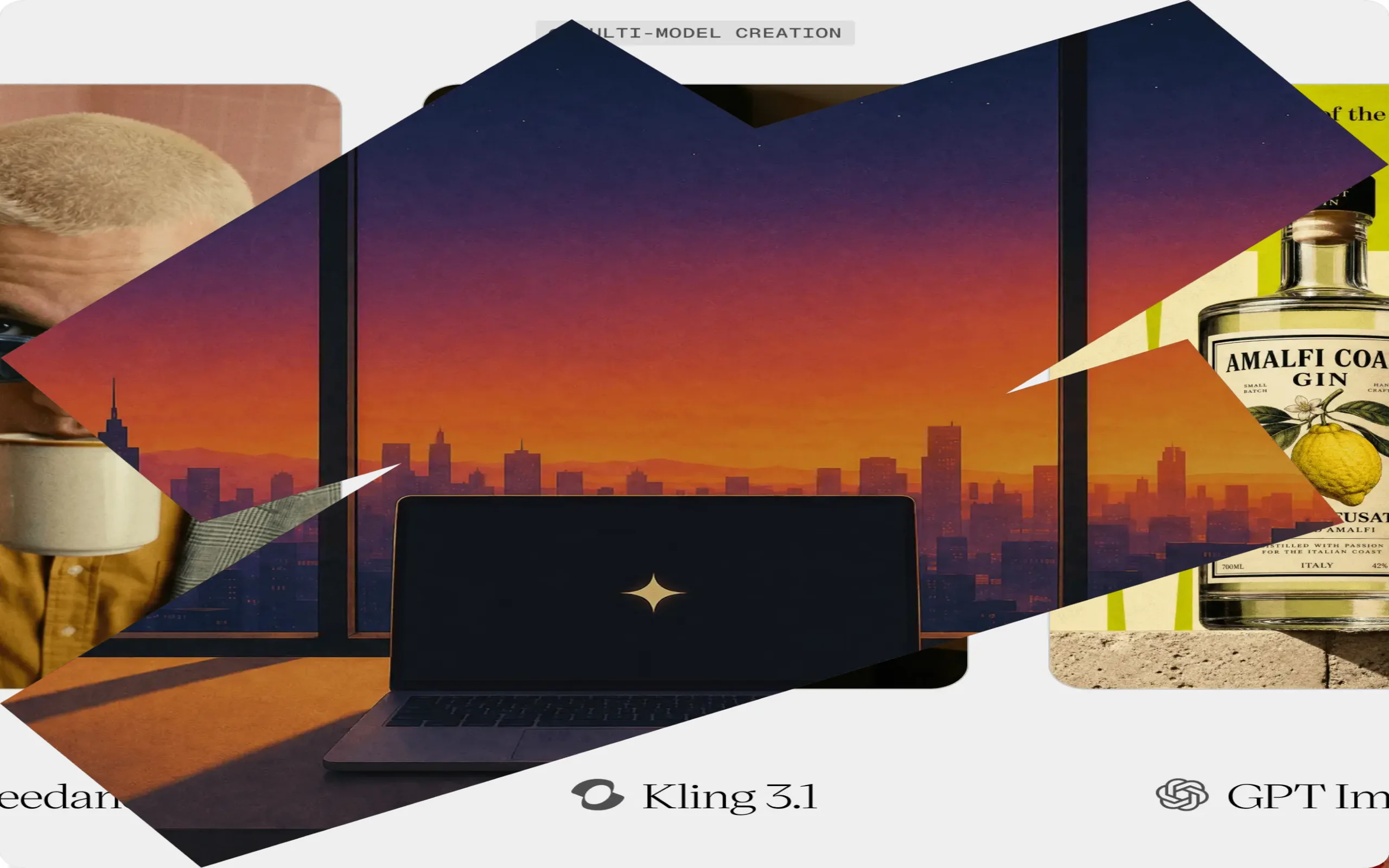
Hedra solves a specific version of photo-to-video: making a single portrait talk or sing. Its Character-3 model takes one front-facing photo plus an audio file and animates a synced performance, matching lip movement, expression, and head motion to the voice or song. If your goal is a face that speaks rather than a scene that moves, Hedra is the most focused tool here.
Output runs up to 1080p in portrait, square, or landscape framing. A paid tier is needed for anything you publish, since the lowest tier is watermarked and non-commercial.
Key features
- Character-3 model animates a single portrait from audio
- Synced lip movement, expression, and head motion
- Up to 1080p in 1:1, 16:9, and 9:16 framing
- Credit-based generation billed by video length
Best for
- Creators making a portrait or avatar speak or sing
- Musicians turning a still into a lip-synced performance clip
Pricing
- Basic $15/mo (1,500 credits), Creator $30/mo (5,400 credits), Professional $75/mo (14,400 credits)
- Commercial-use rights on paid plans; generation runs about 8 credits per second
Pros
- The most focused, reliable tool for animating a talking or singing portrait
- Simple audio-plus-photo workflow with no timeline editing
Cons
- Narrow scope; it animates faces, not full scenes or products
- Monthly credits do not roll over
7. Pika, best budget option for effect-driven photo animation
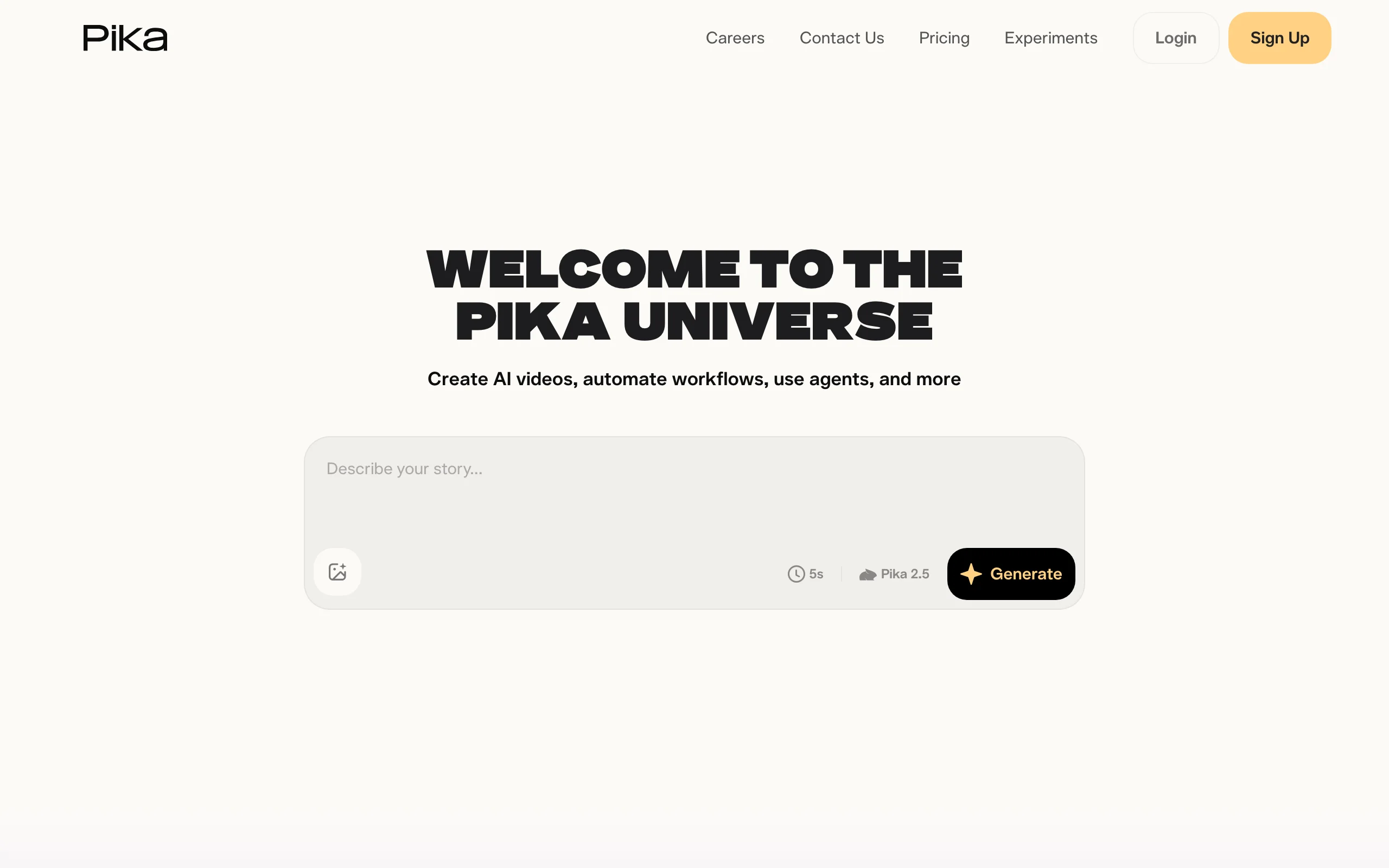
Pika is the playful, low-cost way to animate a photo. Beyond standard image-to-video, its signature Pikaffects apply physics-style transformations to a still, inflating, melting, exploding, or crushing whatever is in the frame. It is built for fun, shareable clips rather than polished narration, and it is one of the cheapest paid entries in the category.
The latest Pika model outputs up to 1080p on paid plans, with a non-removable watermark and no commercial use on lower tiers.
Key features
- Image-to-video plus Pikaffects transformations from a single photo
- Viral effect templates that are easy to learn
- Up to 1080p, watermark-free output on paid plans
- Cheap yearly entry point
Best for
- Creators making fun, meme-able clips from a photo
- Anyone testing photo animation on a small budget
Pricing
- Standard $10/mo ($8/mo yearly, 700 credits), Pro $35/mo ($28/mo yearly), Fancy $95/mo ($76/mo yearly)
- Commercial rights and watermark removal on all paid tiers
Pros
- Cheapest serious entry point for animating photos
- Pikaffects produce eye-catching clips no other tool matches
Cons
- Short, effect-driven clips rather than narrated content
- Output caps at 1080p, short of the 4K frontier tools
8. Pixverse, best for anime and stylized photo animation
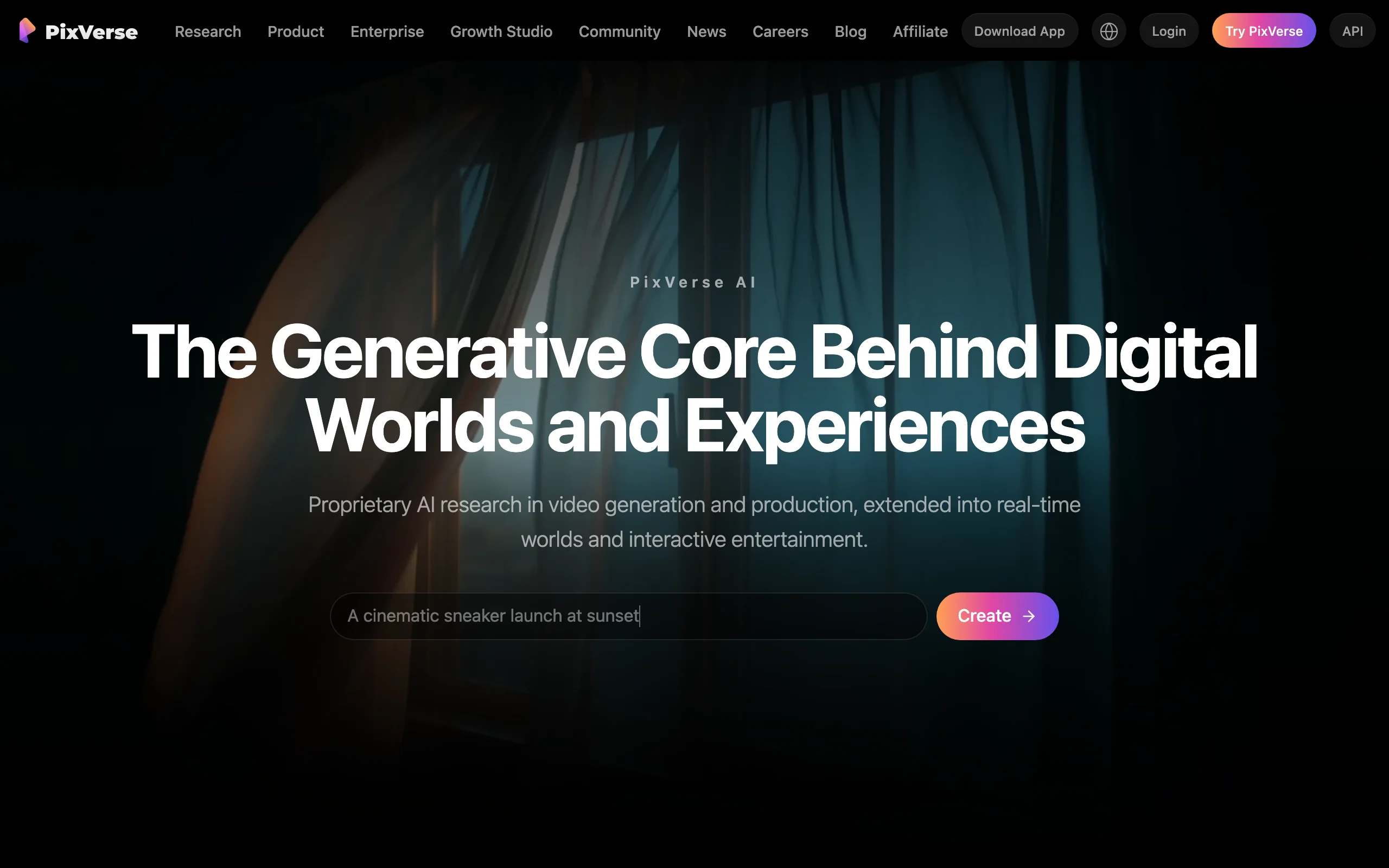
Pixverse leans into stylized photo animation, with strong anime and effects rendering and one of the best mobile apps in the category. Upload a photo, pick an effect or a prompt, and it animates the still with a distinct creative look, which makes it popular for character and fandom content. It also hosts newer third-party models, including Seedance 2.5 for longer takes, alongside its own PixVerse V6.
Paid plans reach up to 1080p, with 4K upscaling on higher tiers, and clips run roughly five to eight seconds. Lower tiers run at 540p with a watermark and no commercial use.
Key features
- Image-to-video with strong anime and stylized effects
- Dedicated effects endpoint for one-tap transformations
- Up to 1080p output, roughly 5 to 8 second clips
- Polished mobile app plus web
Best for
- Anime, character, and fandom creators animating stylized stills
- Mobile-first creators who want to animate photos on the go
Pricing
- Standard $10/mo ($8/mo yearly), Pro $30/mo, Premium $60/mo, Ultra $199/mo
- Commercial rights and watermark removal on paid plans; annual billing saves roughly 20%
Pros
- Best-in-class stylized and anime animation from a photo
- Strong mobile app plus 4K upscaling on higher tiers
Cons
- Short clips and a clip-only workflow with no narration or captions
- Realistic output trails the frontier models for photorealism
How to choose the best AI tool to animate a photo into video
The label "photo-to-video" hides four different jobs. Answer these questions before paying for anything.
1) Do you need a finished video or raw footage?
- If you want to animate a photo and post the result: ClipNova returns the complete package (motion, voiceover, captions, music), so there is nothing left to edit.
- If you want footage to edit yourself: Runway, Kling, Hailuo, Luma, Pika, and Pixverse all output clips, and the narration, captions, and publishing stay in your hands. For the broader landscape of clip and pipeline tools, this roundup of the best AI video generators goes deeper.
2) What is in the photo?
- A portrait you want to talk or sing: Hedra is the most focused, and ClipNova's talking avatars cover it inside a full video.
- A product shot: ClipNova's product-video workflow animates a packshot into an ad; Runway and Luma give raw motion if you plan to edit.
- A character or mascot: Hailuo's Omni Reference keeps the subject faithful, and Pixverse nails stylized and anime looks.
3) How much do you publish, and on what budget?
Do the price-per-video math against your real cadence. For daily posting, Kling's sub-$10 intro tier and ClipNova's included-everything plans stretch furthest, while per-second credit models like Runway's flagship get expensive fast. For a few hero clips a month, Runway or Luma buy the highest quality per generation.
4) What rights and resolution do you need?
Check the commercial-use fine print before you monetize. Kling, Pika, and Pixverse exclude commercial use and add watermarks on their lower tiers, and Hedra's lowest tier is watermarked too. ClipNova includes full commercial rights and watermark-free 1080p and 4K on every plan. Then test before committing: animate three to five of your real photos on a starter month, post them, and let the results pick your tool.
Related reading: 9 best AI image-to-video tools in 2026.
Frequently asked
What is the best AI tool to animate a photo into a video in 2026?
It depends on the outcome you want. For a finished, publish-ready clip from a single photo, ClipNova is the strongest pick because it animates the still and adds voiceover, captions, and music in one pass. For raw cinematic motion you plan to edit, Runway and Luma Dream Machine lead on quality, with Kling AI as the budget option. For making a portrait talk or sing, Hedra is the most focused tool.
How do AI photo-to-video tools actually work?
You upload a single still image and either describe the motion you want or provide an audio clip. The model then generates a short video that animates the photo, adding movement, camera motion, facial expression, or a lip-synced performance. Model-first tools like Runway, Kling, and Luma return a raw clip, while a pipeline tool like ClipNova wraps that animation in a script, voiceover, captions, and music so the result is ready to post.
Can I turn a portrait photo into a talking video?
Yes. Hedra's Character-3 model is built for exactly this: it takes one front-facing portrait plus an audio file and animates a lip-synced talking or singing performance. ClipNova covers the same job inside its talking avatar workflow and then adds captions and export formatting, which is useful if the talking portrait is part of a larger short-form video.
What is the cheapest way to animate a photo into a video?
Kling AI's Standard plan starts at $6.99 a month as a first-subscription promo, and Pika and Pixverse both start around $8 a month on annual billing. Most tools also have low-cost entry tiers, though their lower tiers are usually watermarked, non-commercial, and capped at lower resolution. Compare cost per finished video rather than sticker price, since raw clips still need captions and narration.
Can I use AI-animated photos commercially?
Sometimes, but it depends on the plan. Kling, Pika, and Pixverse exclude commercial use on their lower tiers, and Hedra's lowest tier is watermarked and non-commercial. Runway grants commercial rights even on its lowest tier, and ClipNova includes full commercial rights and watermark-free export on every plan. Always confirm the license of the specific tier you are on before monetizing.
What resolution can AI photo-to-video tools output?
Most tools reach 1080p on paid plans, with several offering 4K through upscaling. Hailuo's MiniMax H3 outputs up to 2K, Luma and Kling reach 4K on higher tiers, and ClipNova exports watermark-free 1080p and 4K on every plan. Lower tiers are usually limited to 480p to 720p with a watermark.
Is animating a product photo different from animating a portrait?
Yes. Animating a portrait is about faces: expression, head motion, and lip-sync, which tools like Hedra specialize in. Animating a product photo is about camera motion and showcasing an object, which ClipNova's product-video workflow and general models like Runway and Luma handle. Pick a tool by what is in the frame, not just by price.
If I mainly want to turn a photo into a ready-to-post clip, what should I use?
Use ClipNova. It animates your photo and returns a complete vertical video with voiceover, captions, and music, whether the still is a portrait, a product shot, or a memory, then exports watermark-free for TikTok, Reels, and Shorts. Plans start at $19/mo with every feature included.