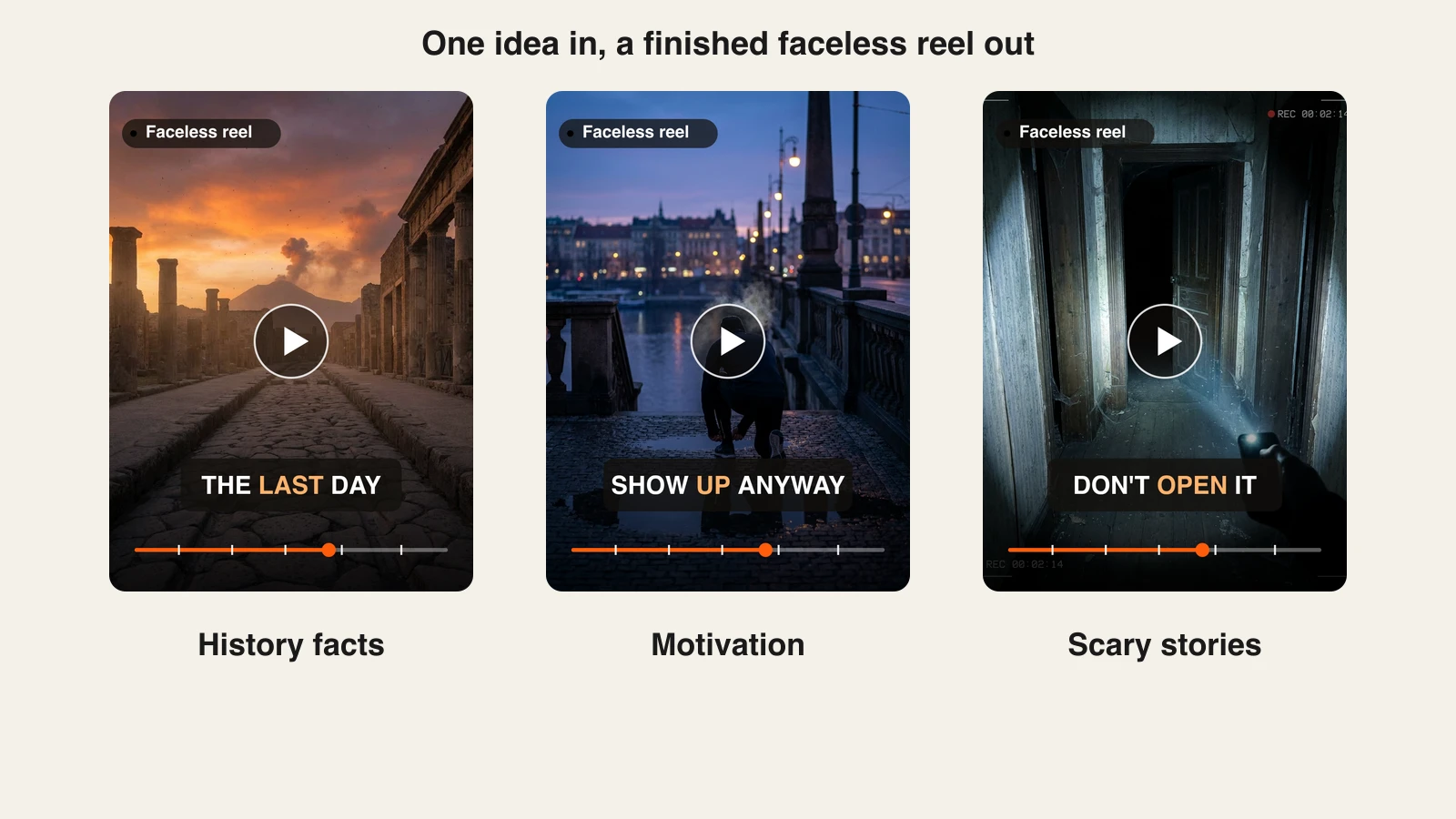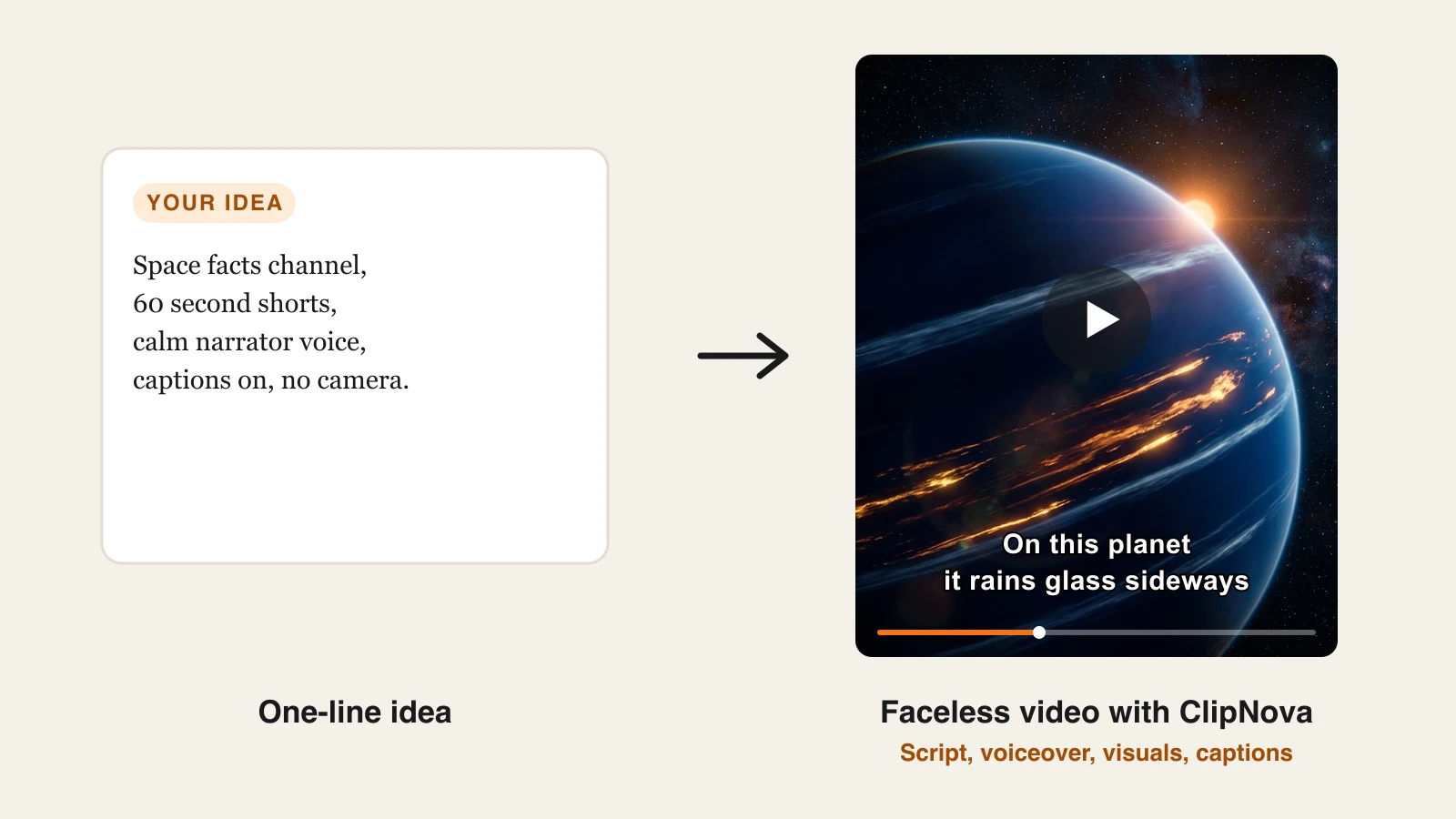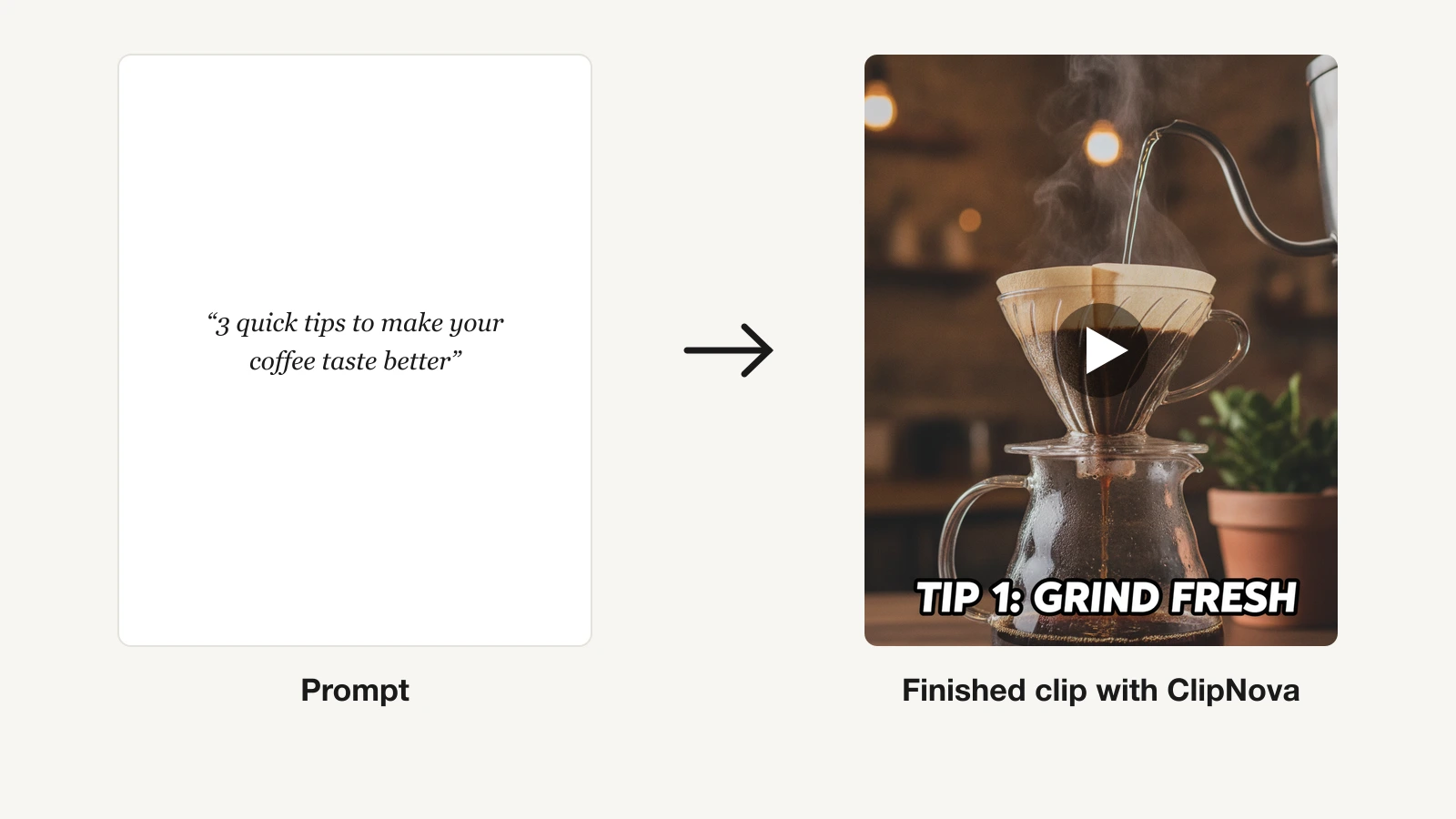
"AI clip generator" means two different things depending on what you start with. If you start from an idea, you want a tool that generates a finished clip from a prompt: script, voiceover, captions, and visuals in one pass. If you start from a two-hour podcast or stream, you want a tool that finds the best moments in existing footage and cuts them into vertical shorts. Both are called clip generators, and mixing them up wastes money.
This guide covers both jobs and groups the tools accordingly. For short-form creators generating clips from scratch, the best AI clip generator is the one that ships a publish-ready video, not a five-second raw shot you still have to edit. For podcasters and streamers repurposing long-form, an OpusClip-style clipper wins outright. We compare 7 tools on pricing, output, and which intent each one serves, so you can match the tool to your workflow.
Best AI clip generators: a brief overview
The tools below split cleanly by intent. Generate-from-scratch tools take a prompt or an image and produce new footage. Repurposing tools take a long video you already have and cut it into shorts. ClipNova covers that side too: its AI clip generator finds the best 15 to 60 second moments in a long video and cuts them to 9:16.
Generate clips from a prompt or image
- ClipNova: Best overall AI clip generator. One prompt returns a finished vertical clip with script, voiceover, captions, and music, in watermark-free 1080p with full commercial rights.
- Runway: Best for cinematic AI footage. Frontier Gen-4.5 model with camera and motion controls for filmmakers who want raw generative shots.
- Pika: Best for playful effect clips. Cheap entry point with viral Pikaffects for meme-able social experiments.
- Kling AI: Best for realistic motion on a budget. Strong human movement and lip-sync at the lowest paid price in this list.
- Luma Dream Machine: Best for image-to-video animation. Turns a still image into a moving clip with natural motion, ideal for B-roll.
Turn long videos into short clips
- OpusClip: Best for repurposing long-form into shorts. Auto-clips podcasts and streams with a virality score, auto captions, and reframing.
- Vizard: Best for multilingual clipping. Cuts webinars and interviews into shorts and translates captions across languages for global distribution.
| Tool | Best for | Starting price | Output type |
|---|---|---|---|
| ClipNova | Long finished videos with consistent characters, not just clips | From $19/mo | Publish-ready 1080p, up to 5 min |
| OpusClip | Clipping long video into shorts | From $15/mo | Reframed shorts with captions |
| Vizard | Multilingual clipping | From $29/mo ($14.50/mo yearly) | Shorts, 4K on paid, translated captions |
| Runway | Cinematic AI footage | From $15/mo ($12/mo yearly) | Raw generative clips, seconds long |
| Pika | Playful effect clips | From ~$10/mo ($8/mo yearly) | Short raw clips and effects |
| Kling AI | Realistic motion on a budget | From ~$7/mo | Raw clips with lip-sync |
| Luma Dream Machine | Image-to-video animation | From $9.99/mo | Raw clips from text or image |
Reading the table: the cheaper rows usually cover one step of the job — a raw clip, captions, or an editor you still have to drive. ClipNova's price is for the finished video: script, voiceover, captions, and music in one generation, watermark-free.
1. ClipNova, best overall AI clip generator
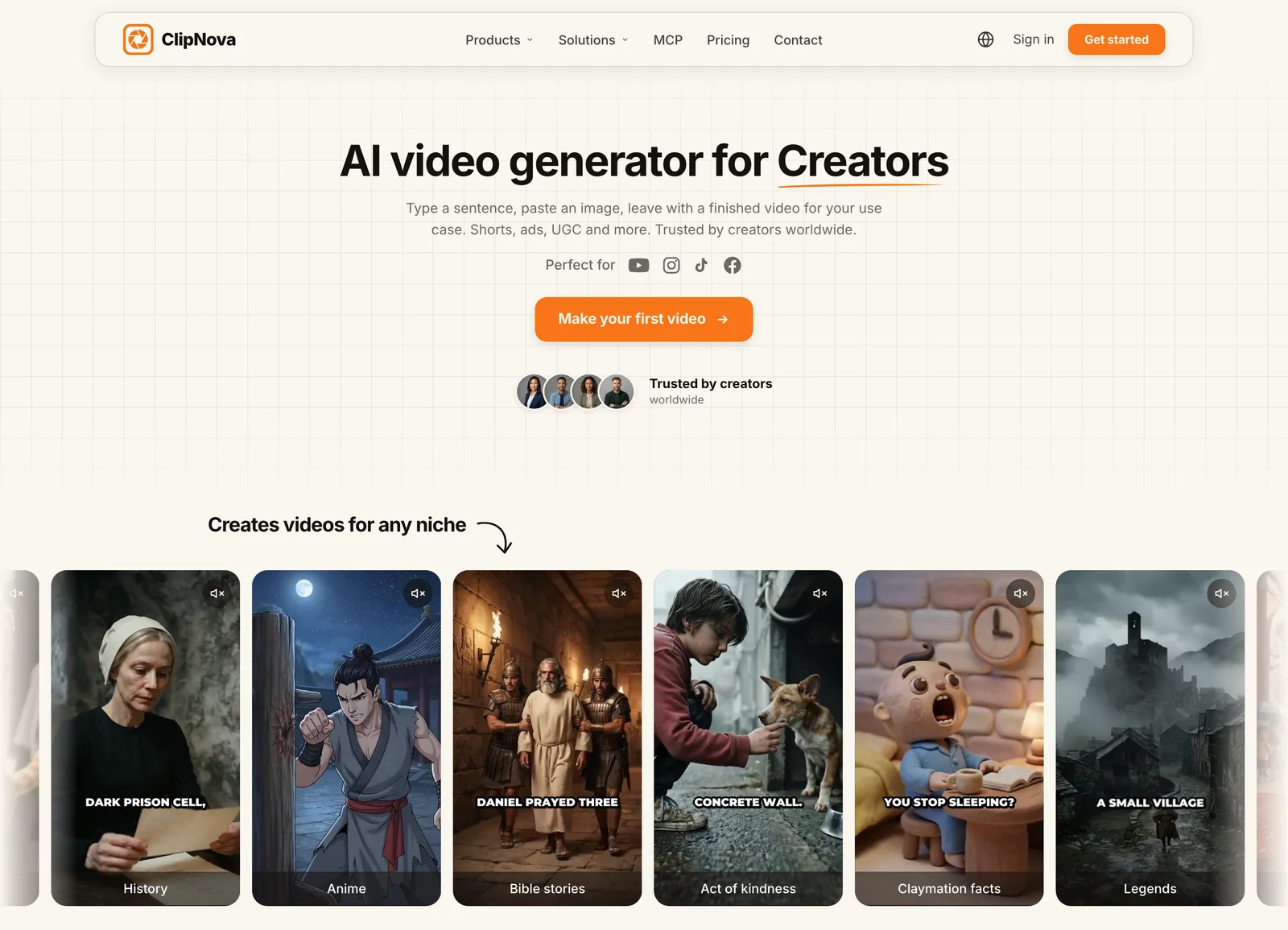
How to generate clips with ClipNova
- Log in to the ClipNova app.
- Open AI Video Studio from the sidebar.
- Pick the AI Shorts Generator tool.
- Describe what the clip should be about.
- Generate, then download the finished vertical clip with captions and voiceover.
Most tools in this category hand you a raw ingredient. ClipNova hands you the finished dish. You type what the clip should be about, and it returns a complete vertical video, with a saved character looking the same in every clip: the script written, the narration voiced, captions burned in, and matching visuals and music already assembled. There is no timeline to edit and no separate captioning pass, which is the difference between a clip you can post and a clip you still have to build a video around.
Clips are where most creators start, and ClipNova is built to take them further: finished long videos with consistent characters.
- Long: when a short clip idea grows into a full story, the same project goes up to 5 minutes.
- Consistent characters: save a character once and the same face and outfit show up in every clip; Series keeps the cast and the plot running across episodes.
- Finished: script, scenes, voiceover, captions and music come back in one pass, and Studio lets you fix one scene before you post.
That end-to-end approach is what makes it the strongest fit for creators who publish daily. The output is vertical-first and exports for TikTok, Reels, and Shorts from the same generation, and the prompt to video engine handles pacing and hooks so each clip lands as a self-contained short. Narration comes in 18 languages, so one idea can ship as localized clips without re-recording anything.
Key features
- Prompt-to-clip pipeline: script, AI voiceover, visuals, captions, and music in one pass
- Vertical-first output with multi-format export for TikTok, Reels, and Shorts
- AI voiceovers in 18 languages for localized versions of the same clip
- Auto subtitles on every plan, no separate captioning step
- Music-to-video mode that builds beat-matched visuals from a track
- Watermark-free 1080p export with full commercial rights on every plan
Best for
- Short-form creators generating finished clips from scratch, daily
- Faceless channel operators who want a posted clip, not raw footage to edit
- Teams localizing one clip concept into several languages
Pricing
- Hobby $19/mo (1000 credits), Starter $49/mo (2600 credits), Growth $99/mo (5750 credits), Ultra $199/mo (12000 credits)
- Every plan includes the full feature set; plans differ only in monthly credits, and yearly billing is 20% off (see ClipNova's plans)
Pros
- The output is genuinely publish-ready, which removes the edit-and-caption step other clip generators leave to you
- Simple pricing with no feature gating and no per-seat contracts; credits map directly to your posting calendar
- Full commercial rights and watermark-free export on every tier, including the entry plan
Cons
- Newer brand than Runway, so its raw generative model is not marketed as a frontier film tool
- Built for finished short-form clips, not long-form editing or cutting your own uploaded footage
- Credit-based tiers rather than unlimited generation, so heavy publishers should size their plan to volume
2. OpusClip, best for turning long videos into shorts
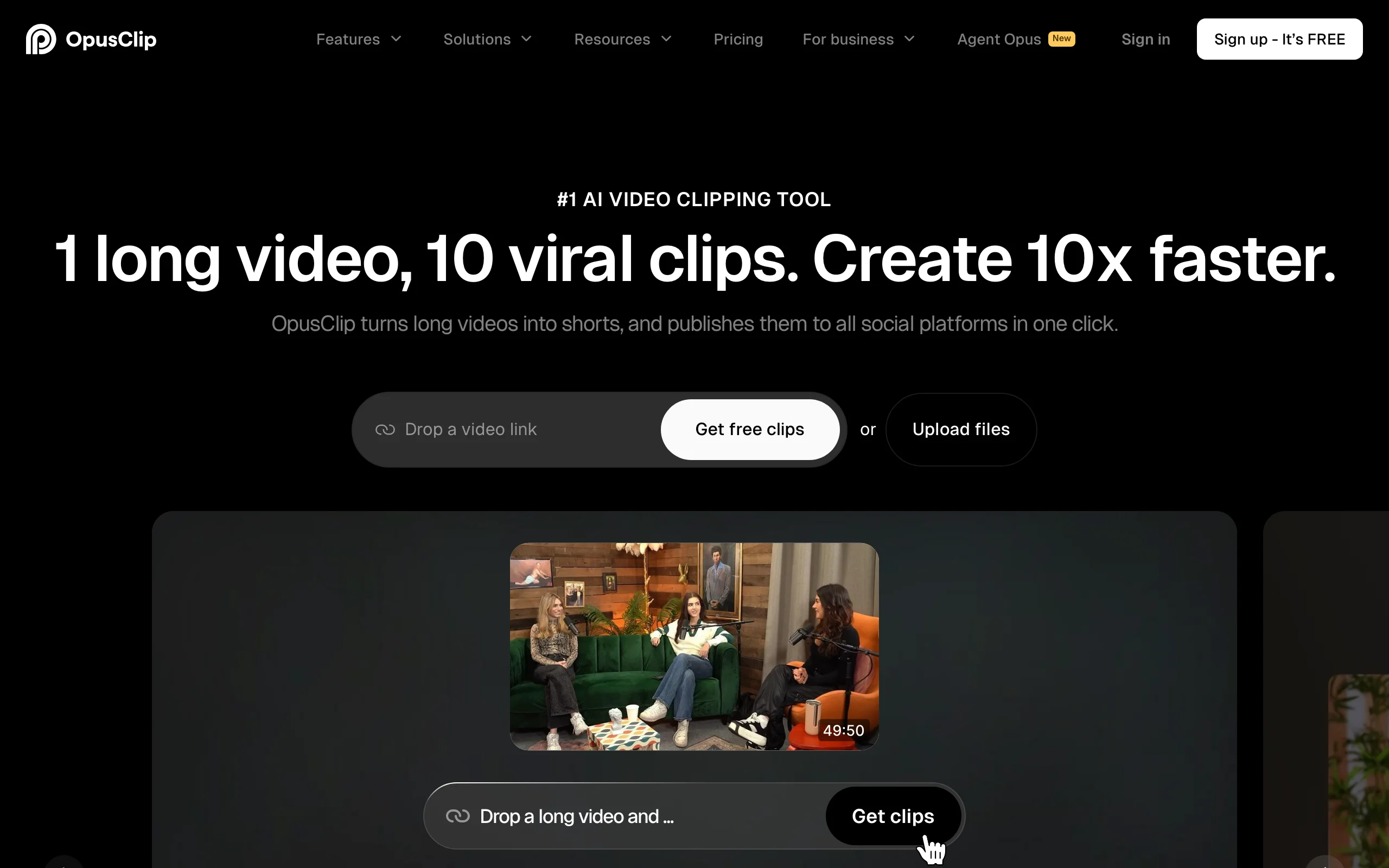
If your raw material is a podcast, a stream, or a webinar you already recorded, OpusClip is the category leader. You paste a long video, and it identifies the moments most likely to perform, cuts them into vertical shorts, reframes the speaker to stay centered, and adds animated captions. Each clip gets a virality score so you can prioritize what to post. It generates nothing from scratch, which is the point: it is a repurposing engine, not a creation engine.
Key features
- Auto-clipping that finds high-potential moments in long video
- Virality score on each clip to rank what to post
- Auto captions and active-speaker reframing to vertical
- AI B-roll and brand templates on paid tiers
Best for
- Podcasters and streamers turning long-form into a weekly batch of shorts
- Interviewers and webinar hosts mining recordings for clips
Pricing
- Starter $15/mo for 150 credits; Pro $29/mo for 300 credits (cheaper on annual billing)
- Credits are consumed by upload length, so long files drain them fast
Pros
- Best-in-class at finding and cutting the right moments from long footage
- Fast batch output from a single upload
- Reframing and captions are reliable with little manual cleanup
Cons
- Requires existing footage; it creates nothing from a prompt
- Credit use scales with video length, so heavy podcast archives get expensive
3. Vizard, best for multilingual clipping

Vizard does the same core job as OpusClip, turning long video into captioned shorts, and leans hard into languages and distribution. It clips webinars, interviews, and sales calls, then translates captions across languages so one recording can feed audiences in several markets. Its credit model counts uploaded minutes rather than output clips, which suits teams processing long meetings and events.
Key features
- Long-video-to-shorts clipping with auto captions and reframing
- Caption translation across languages for global reach
- Team collaboration, brand kits, and multi-account management on Business
- 4K export and watermark-free output on paid plans
Best for
- Marketing teams repurposing webinars and interviews for global audiences
- Podcasters who publish translated clips across regions
Pricing
- Creator $29/mo ($14.50/mo on annual billing) for 600 credits, 4K, no watermark
- Business $39/mo ($19.50/mo annual) adds teams, brand kits, and up to 20 accounts
Pros
- Strong caption translation for multi-market distribution
- Minute-based credits fit long recordings better than per-clip pricing
- The lowest tier is affordable for evaluating the workflow before scaling up
Cons
- Repurposing only; it does not generate original footage
- Clip selection is solid but generally rated a step behind OpusClip
4. Runway, best for cinematic AI footage

Runway is the frontier-model pick for creators who want raw generative shots with real directorial control. Its Gen-4.5 model produces high-fidelity clips, and the suite adds camera moves, a motion brush, and editing tools that pros lean on for VFX-grade work. As of 2026 a subscription also routes to other models like Veo and Kling from one dashboard. The output is raw footage measured in seconds, so you assemble the finished video yourself.
Key features
- Gen-4.5 generative video with strong visual fidelity
- Camera controls and motion brush for directed shots
- Multi-model access (Veo, Kling, Seedance) in one workspace
- Professional editor integrations
Best for
- Filmmakers and creatives wanting cinematic AI shots and VFX control
- Editors building sequences from generated B-roll
Pricing
- Standard $15/mo ($12/mo annual) for 625 credits
- Pro $35/mo ($28/mo annual) for 2,250 credits; 1 second of Gen-4.5 costs 25 credits
Pros
- Among the best generative model quality in the category
- Fine-grained control over camera and motion
- One subscription now spans several leading models
Cons
- Produces raw clips with no script, voiceover, or caption pipeline
- Credits vanish quickly at 25 per second of top-model video
5. Pika, best for playful effect clips
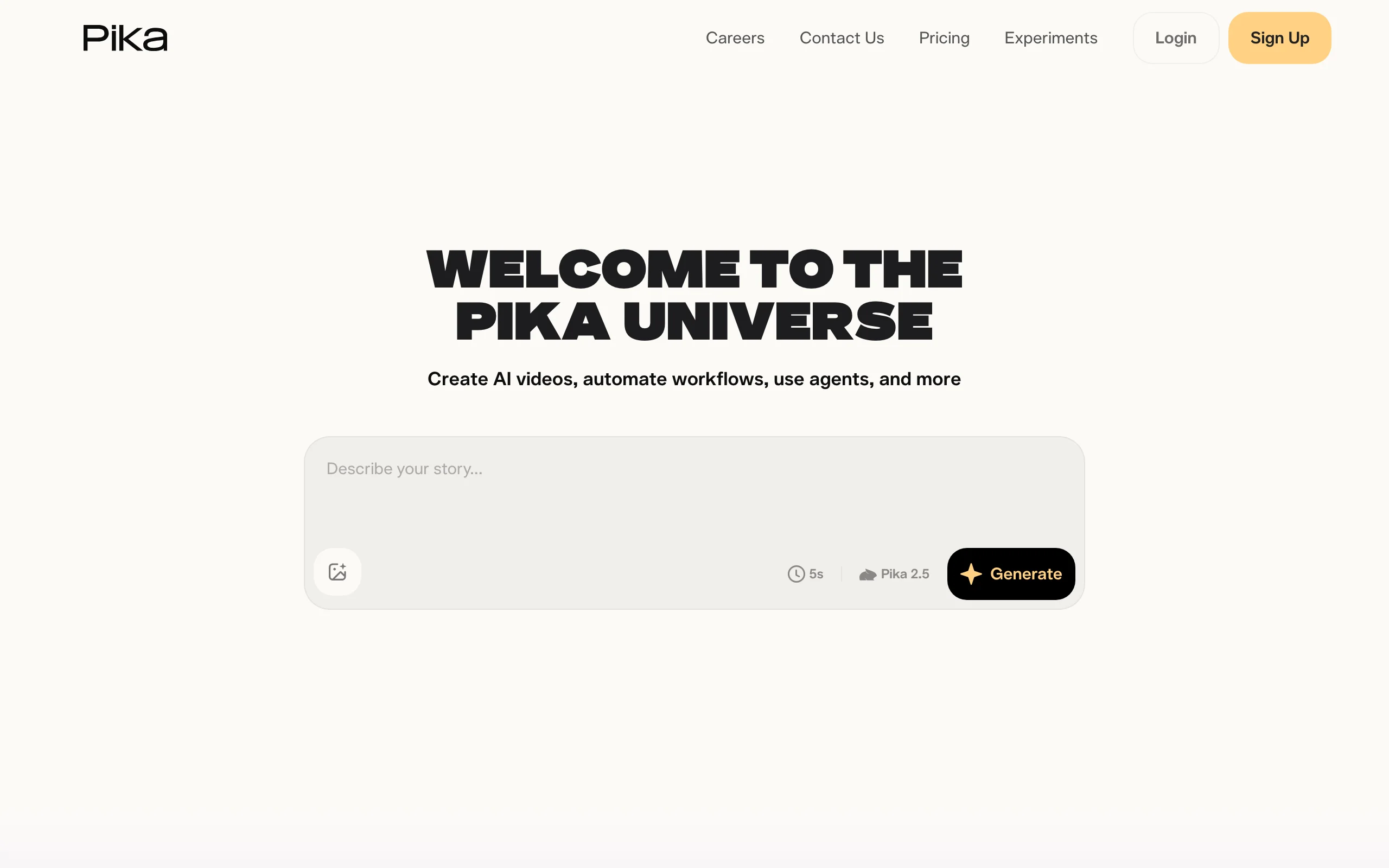
Pika is the accessible, fun end of clip generation. It is cheap to start, easy to learn, and built around viral effects, its Pikaffects let you inflate, crush, melt, or transform a subject for meme-able social clips. It produces short raw clips rather than narrated, captioned videos, so it fits quick experiments more than a daily publishing pipeline.
Key features
- Pikaffects library of one-tap viral effects
- Pika 2.5 model with fast generations
- Pikadditions and Pikaswaps for editing existing clips
- Watermark-free downloads and commercial rights on Pro
Best for
- Creators making meme-able effect clips for TikTok and Reels
- Anyone testing quick visual ideas on a small budget
Pricing
- Standard ~$10/mo ($8/mo annual) for 700 credits
- Pro ~$35/mo ($28/mo annual) for 2,300 credits, rollover, and commercial use
Pros
- Low entry price and a gentle learning curve
- Effect templates reliably produce shareable clips
- Fast iteration for experimentation
Cons
- Short raw clips only, with no voiceover or caption workflow
- Not built for narrated content at volume
6. Kling AI, best for realistic motion on a budget
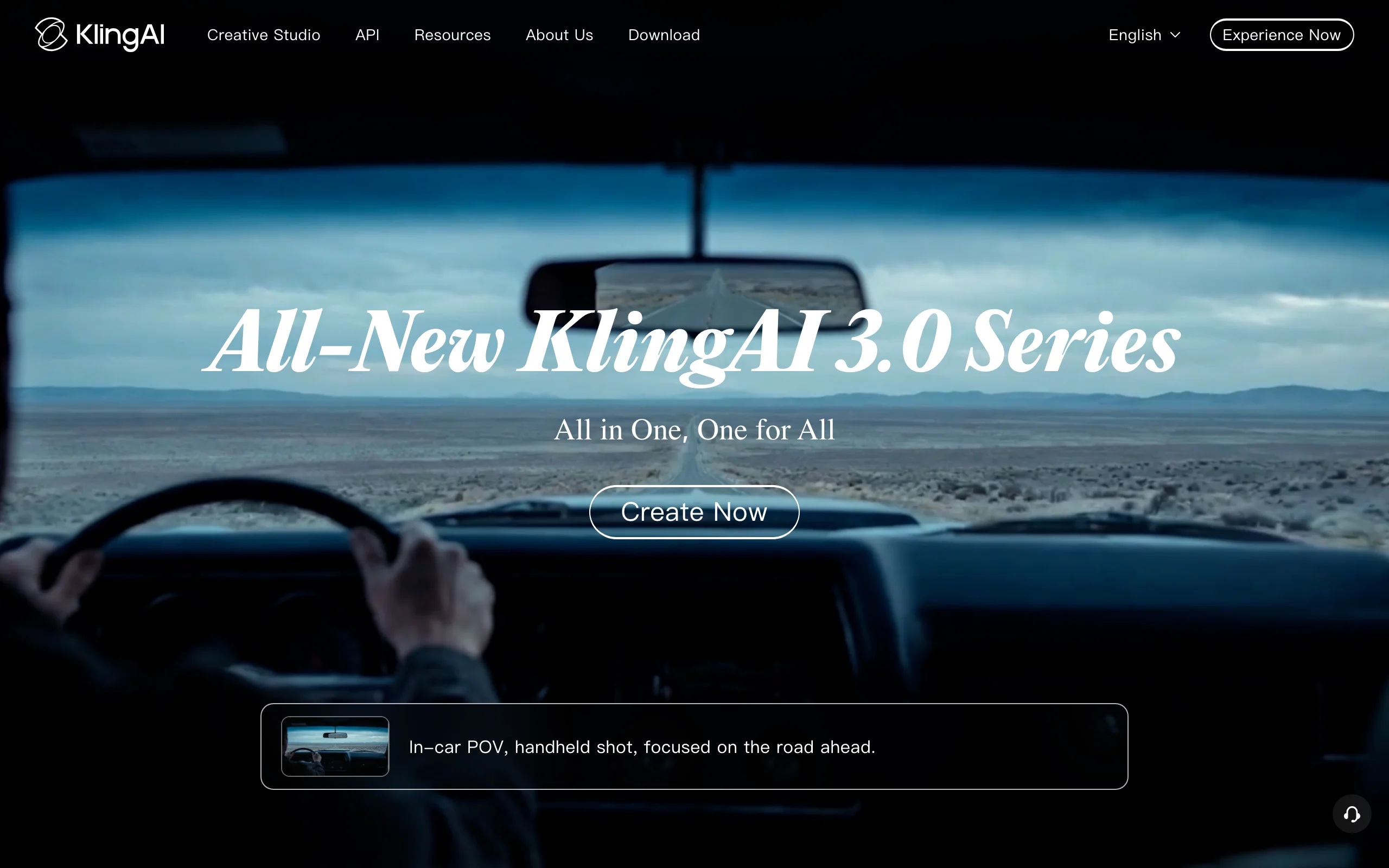
Kling AI, from Kuaishou, delivers impressive quality per dollar, especially for realistic human motion and lip-sync. It has the lowest paid entry price in this roundup, and its higher tiers hold up against pricier frontier models for single-shot realism. Like the others in this group it outputs raw clips, and lower tiers can sit in a generation queue.
Key features
- High-realism motion and physics on single shots
- Lip-sync for talking-character clips
- Multiple tiers from a low-cost entry to high-volume plans
- Image-to-video and text-to-video modes
Best for
- Budget-conscious creators wanting realistic motion clips
- Experiments with lip-synced characters on a low monthly spend
Pricing
- Standard around $7/mo (renews near $8.80) for entry-level generation
- Pro around $26/mo, with higher Premier and Ultra tiers above
Pros
- Excellent realism for the price
- Lip-sync and motion quality punch above the tier
- Low-cost entry tier for testing
Cons
- Raw clip generator with no finished-video pipeline
- Queue times on lower tiers; Western billing and support can be rough
7. Luma Dream Machine, best for image-to-video animation

Luma Dream Machine, powered by the Ray model, shines at turning a still image into a moving clip with natural, believable motion. That makes it a favorite for animating existing artwork, product stills, and concept frames into B-roll. It is a raw clip generator, so like Runway, Pika, and Kling it hands you footage to assemble rather than a finished short.
Key features
- Strong image-to-video with natural motion
- Text-to-video and storyboard mode on higher tiers
- Fast iteration for concept and B-roll shots
- HDR output on Pro
Best for
- Creators animating stills, artwork, or product frames into clips
- Concept and B-roll generation for larger edits
Pricing
- Lite $9.99/mo for entry-level use
- Plus around $30/mo for watermark-free commercial output; Pro around $90/mo
Pros
- Best-in-class image-to-video animation
- Natural motion with quick turnaround
- Affordable Lite entry point
Cons
- Raw clips only, with no script, voiceover, or captions
- Commercial rights and watermark removal require a paid tier
How to choose the best AI clip generator for your workflow
The right tool depends first on what you feed it and what you need back. Work through these questions before subscribing.
1) Are you generating from an idea or repurposing existing footage?
- If you start from a prompt and want a finished, captioned clip: ClipNova. One idea becomes a publish-ready vertical with voiceover and music, no editor required.
- If you start from a podcast, stream, or webinar: OpusClip for the best clip selection, or Vizard if you need translated captions for multiple markets.
- If you start from a prompt but only need raw footage to edit yourself: Runway, Pika, Kling, or Luma.
2) Do you need a finished video or raw clips?
- Finished, ready to post: ClipNova produces the whole short in one pass. OpusClip and Vizard produce posting-ready clips from your uploads.
- Raw footage you will assemble: Runway for cinematic control, Luma for animating stills, Pika for effects, Kling for realistic motion on a budget.
- If your goal is a steady stream of finished shorts without on-camera filming, the workflow in our guide to faceless reels generators maps closely to this decision.
3) What is your publishing volume and budget?
- High volume of finished clips: translate each plan's allowance into clips per month. ClipNova's Starter gives 2,600 credits a month, and every feature is included at every tier, so cost is predictable.
- Occasional raw clips: Kling and Pika start cheapest, but credits burn fast on frontier models like Runway at 25 credits per second.
- Heavy long-form archives: OpusClip and Vizard bill by upload length, so price scales with how much footage you process.
4) Which platform and format are you targeting?
- TikTok, Reels, and Shorts as finished verticals: ClipNova exports all three from one generation, and the dedicated AI Shorts generator and AI TikTok video generator tune hooks and pacing per platform.
- Cinematic or experimental clips for a larger edit: Runway and Luma.
- Quick viral effects: Pika.
Whichever you pick, generate three to five test clips on your actual niche on the lowest tier before you scale up. Clip selection, motion quality, and caption accuracy vary enough that a short hands-on test tells you more than any spec sheet.
Related reading: 7 best AI content generators in 2026.
Frequently asked
What is an AI clip generator?
An AI clip generator is a tool that produces short video clips using AI, but the term covers two different jobs. One kind generates a new clip from a text prompt or an image, creating footage that did not exist before. The other kind takes a long video you already have, like a podcast or stream, and cuts it into short vertical clips. Knowing which job you need is the first step to choosing the right tool.
What is the difference between generating clips and clipping long videos?
Generating clips means creating new footage from scratch, from a prompt or a still image, using tools like ClipNova, Runway, Pika, Kling, and Luma. Clipping long videos means finding the best moments in existing footage and cutting them into shorts, which is what OpusClip and Vizard do. A generator needs only an idea; a clipper needs a recording to work from. Many creators use one of each.
What is the best AI clip generator for making clips from a prompt?
ClipNova is the strongest pick for turning a prompt into a finished clip. Instead of a raw five-second shot, it returns a complete vertical video with script, AI voiceover, captions, visuals, and music in one pass, ready to post to TikTok, Reels, or Shorts. Runway, Pika, Kling, and Luma also generate from prompts, but they output raw footage you still have to edit, voice, and caption yourself.
What is the best tool for clipping podcasts and streams into shorts?
OpusClip is the category leader for repurposing long-form video. It finds high-potential moments, scores each clip for virality, reframes the speaker, and adds captions automatically. Vizard does the same core job and adds caption translation across languages, which suits teams distributing to several markets. Both need existing footage and generate nothing from scratch.
What is the cheapest AI clip generator?
Among raw-clip generators, Kling AI starts around $7 a month and Pika around $10, though both output short unfinished clips. For clipping long videos, OpusClip starts at $15 a month and Vizard at $14.50 on annual billing. Cheapest per finished clip depends on your workflow, so translate each plan's credit allowance into clips per month before comparing, since credit costs vary widely by model and upload length.
Can I use an AI clip generator for TikTok and Reels?
Yes. Finished-clip tools like ClipNova export vertical 9:16 video sized for TikTok, Reels, and Shorts directly, with captions and voiceover already in place. Raw generators like Runway, Pika, Kling, and Luma produce footage you can crop to vertical but will need to caption and voice yourself. Clippers like OpusClip and Vizard output reframed vertical shorts built for those platforms.
Do I own the clips an AI tool generates?
Ownership varies by tool and plan, so check each one. ClipNova includes full commercial rights on every plan, including the entry tier. Pika, Luma, and Runway grant commercial use on higher tiers but restrict or watermark output on their lowest tiers. Always confirm the rights terms before building a business on any generator's lower tiers.
If I mainly need finished clips from a prompt, what should I use?
ClipNova is the best fit. One prompt returns a complete vertical clip with script, voiceover in any of 18 languages, captions, and music, in watermark-free 1080p with full commercial rights. The $19 Hobby plan's 1,000 monthly credits cover a steady posting schedule, every feature is included on every tier, and the low entry price lets you test your niche first.