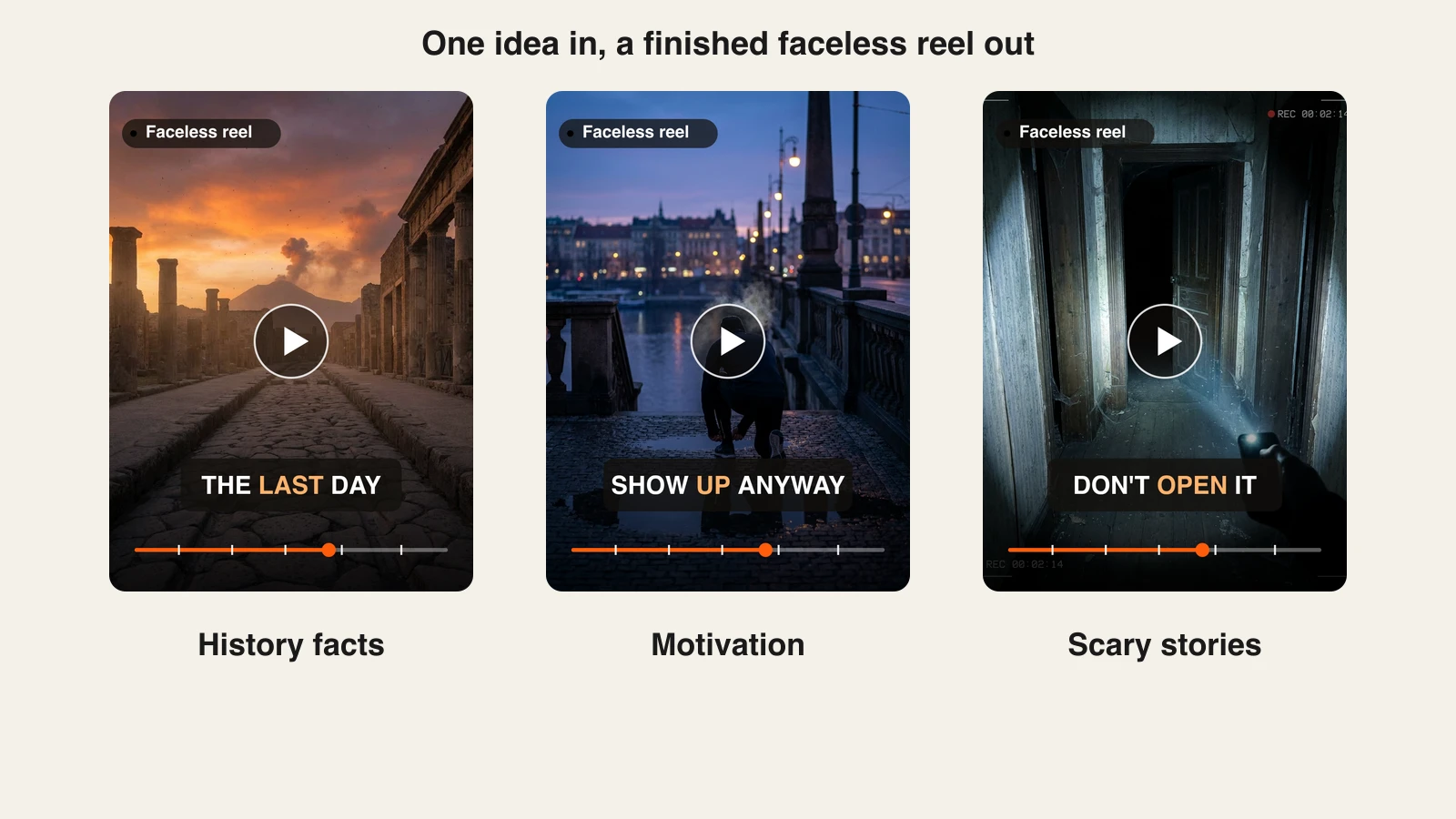
A faceless reels generator does one specific job: it turns an idea into a vertical video you can post without ever pointing a camera at yourself. The niche has exploded because Reels, TikTok, and Shorts reward daily posting, and nobody can film, voice, and edit a video every single day by hand.
The tools in this category are not interchangeable. Some hand you a finished, captioned video from a prompt, some auto-post an entire channel on a schedule, and some repurpose blogs or long-form videos into clips.
This guide compares the 6 best faceless reels generators in 2026 on monthly pricing, automation, voices, and output, so you can match a tool to your publishing cadence.
Turn one prompt into a finished, captioned reel
ClipNova writes the script, voices it in 18 languages, adds word-by-word captions and music, and exports a vertical video ready for Reels, TikTok, and Shorts. Plans from $19/mo.
Best faceless reels generators: a brief overview
- ClipNova: Best overall. One prompt returns a publish-ready faceless reel with script, narration, word-by-word captions, and music, plus a Studio editor for scene-level changes.
- Revid: Best for remixing what already goes viral. Builds reels from text or links, lets you remix from a library of 3M+ viral videos, and publishes straight to TikTok, Instagram, and YouTube.
- StoryShort: Best for story series with consistent characters. Set a series once and it writes, makes, and auto-posts videos with the same characters in every scene.
- Zebracat: Best for scheduling approved reels. Prompt, blog, or audio to video, then schedule and post approved videos to your social channels.
- Pictory: Best for repurposing long-form into reels. Turns scripts, blogs, and URLs into stock-footage verticals with licensed Getty and Storyblocks media.
- HeyGen: Best for avatar-presented reels. An AI avatar fronts the video so you never film yourself, with voices in 175+ languages and dialects.
| Tool | Best for | Cheapest monthly plan | Max output |
|---|---|---|---|
| ClipNova | Long finished faceless videos with consistent characters | From $19/mo | 1080p, up to 5 min, 9:16 / 16:9 / 1:1 |
| Revid | Remixing viral formats | From $39/mo | Short-form, model-dependent quality |
| StoryShort | Story series with consistent characters | From $39/mo | Shorts plus 8 to 10 min long-form |
| Zebracat | Scheduling approved reels | From $39/mo | 1080p, 2 min on Cat Mode (5 min on higher tiers) |
| Pictory | Repurposing long-form into reels | From $29/mo | 1080p, up to 30 min |
| HeyGen | Avatar-presented reels | From $29/mo | 1080p on Creator, up to 30 min |
Reading the table: prices are each tool's cheapest plan billed monthly, checked on the official pricing pages in October 2026. ClipNova's price is for the finished video: script, voiceover, captions, and music in one generation.
Get a finished faceless reel, not raw clips
Type the topic, pick a voice, and ClipNova returns the full vertical video with narration, captions, and music. Fine-tune any scene in the Studio editor. Plans from $19/mo.
1. ClipNova, best overall faceless reels generator
The faceless format lives or dies on output volume, and ClipNova is built around that constraint: you type what the reel should be about, and it delivers the finished vertical, script written, narration voiced, word-by-word captions in place, matching visuals and music already added, with a saved character keeping one face across the whole reel. You choose whether the visuals are full AI video or moving AI images, and if a scene needs a tweak, the Studio editor lets you change it without starting over.
Behind that is the idea ClipNova is built on, finished long videos with consistent characters, so a faceless reel format can grow into a series.
- Long: Most reels run under a minute, but when a short idea grows into a full story, the same project goes up to 5 minutes.
- Consistent characters: Save a recurring character once, picture and locked look, and it keeps the same face and outfit across scenes; with Series, the cast and the plot carry into every part you post.
- Finished: Script, scenes, voiceover, captions and music arrive in one pass, so the only step left is posting the reel.
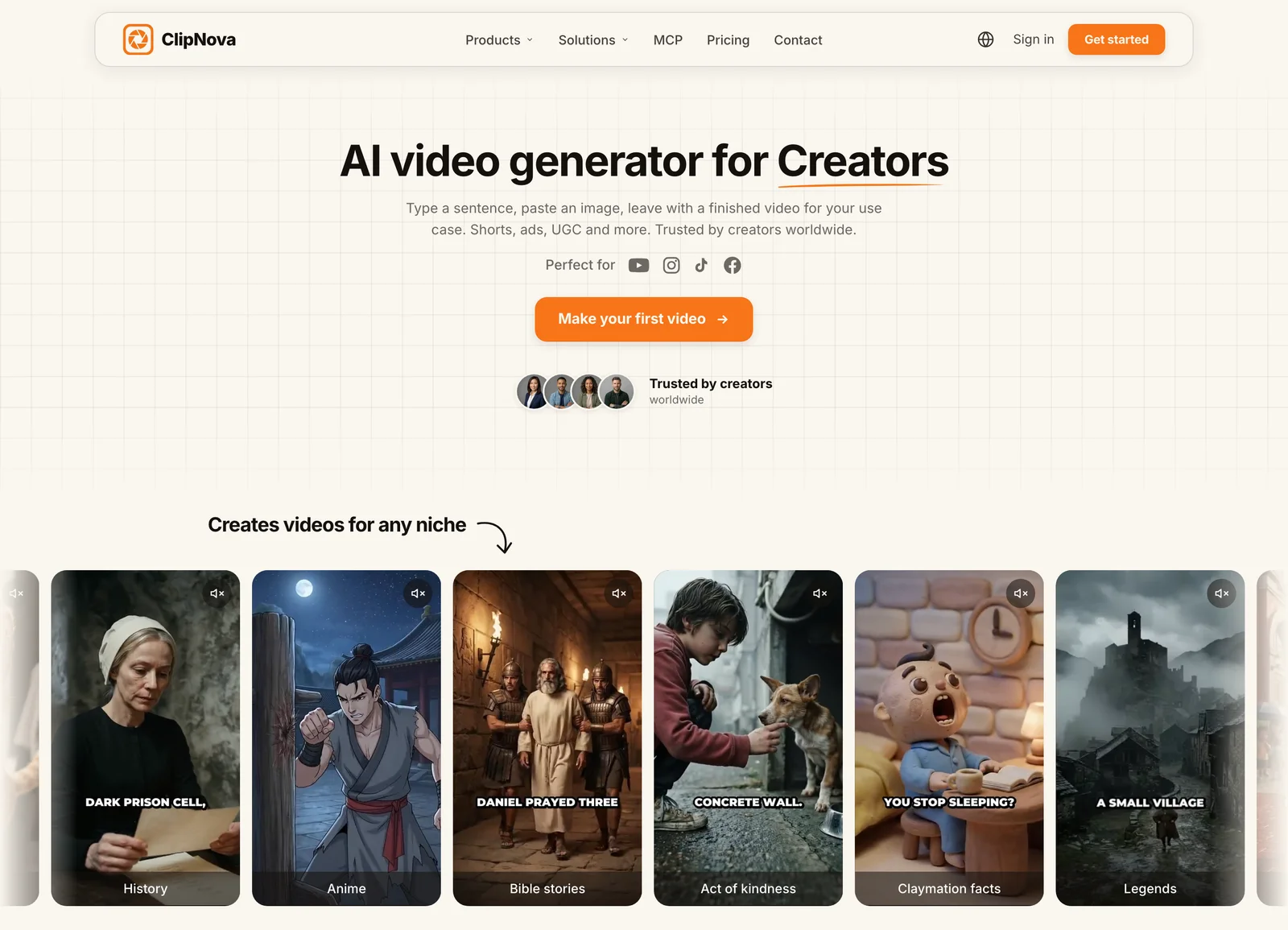
It is vertical-first by design. The same generation works for Reels, TikTok, and Shorts, and the faceless reels generator is set up specifically for this workflow. Narration comes in 18 languages, so one faceless concept can ship as localized versions without re-editing anything.
Key features
- Prompt-to-reel pipeline: script, AI narration, visuals, captions, and music in one pass
- Full AI video or moving AI images, your choice per video
- AI narration in 18 languages for localized faceless channels
- Word-by-word captions on every plan, no separate captioning step
- Studio editor for scene-level changes after generation
- 1080p export in 9:16, 16:9, or 1:1, videos up to 5 minutes
Best for
- Faceless channel operators posting daily to Reels, TikTok, and Shorts
- Creators who want a finished video, not raw clips that still need editing
- Teams localizing one faceless format into multiple languages
Pricing
- Hobby $19/mo, Starter $49/mo, Growth $99/mo, Ultra from $199/mo
- Every plan includes the full feature set and commercial rights; plans differ only in credits, and yearly billing is 20% off (see ClipNova's plans)
Pros
- The output is genuinely publish-ready, which removes the editing station from a faceless workflow entirely
- Simple pricing: no feature gating, credits map directly to your posting calendar
- You own the videos you make, on every tier including the entry plan
Cons
- Newer brand than Pictory or HeyGen, with a smaller template ecosystem
- No built-in auto-posting scheduler yet, you publish the exported file yourself
2. Revid, best for remixing viral formats
Revid starts from what is already working. You create videos from text or links, or pick from a library of 3M+ viral videos and remix the format for your own channel. Paid plans also watch a set of channels for viral ideas and publish finished videos directly to TikTok, Instagram, and YouTube with post stats, so you can see which remix landed.
Key features
- Text or link to video, plus remixing from 3M+ viral videos
- 100+ AI video tools, including avatars, face swaps, and podcasts
- Voiceovers in 70+ languages
- Direct publishing to TikTok, Instagram, and YouTube with post stats
- Auto-Mode workers that keep producing on autopilot
Best for
- Creators who want to copy proven formats and test them fast
- Operators who want generation and publishing in one tool
Pricing
- Hobby $39/mo for hands-on creation; Growth listed at $39/mo (down from $99) with 2,000 AI credits, or $32/mo billed yearly
- Ultra $199/mo for 12,000 credits ($166/mo billed yearly)
Pros
- The viral library and channel watching shortcut the hardest part, knowing what to make
- Publishing and post stats are built in, so you do not need a separate scheduler
Cons
- Credit-based generation means heavy use of premium models drains a plan quickly
- The breadth of tools can feel busy if all you want is one reel format
3. StoryShort, best for story series with consistent characters
StoryShort is built for story-driven faceless channels. You set up a series once, and it picks the next topic in your niche, writes it, makes it, and posts it to TikTok, YouTube, and Instagram on your schedule. Its standout is continuity: it decides what your characters look like before generating the first image, so the same face appears in every scene, and characters can speak on screen with a consistent voice.
Key features
- Series automation with auto-posting to TikTok, YouTube, and Instagram
- Consistent characters across scenes, with on-screen speaking characters
- Repurpose a video that did well into your own version
- Voice library plus voice cloning from a short recording
- Word-timed captions and a chat-based AI editor for redoing single shots
- Long-form videos of 8 to 10 minutes alongside shorts
Best for
- Story, drama, and character-led faceless channels
- Creators who want a channel to run on a schedule with light oversight
Pricing
- Starter $39/mo for about 26 videos of 30 seconds (or 16 of 60 seconds) a month and 1 series; $23/mo billed yearly
- Growth $69/mo, Influencer $129/mo, and Ultra $199/mo add more videos and series
Pros
- Character consistency is a real differentiator for story formats
- No watermark and both auto-post and download on every plan
Cons
- Series-based plans limit how many niches you can run at once
- The video allowance on Starter is tight for daily posting across several channels
4. Zebracat, best for scheduling approved reels
Zebracat sits between a creation tool and an automation tool. You generate reels from a prompt, a blog post, or an audio file, edit the text, visuals, voice, and pacing, and then let it schedule and post the approved videos to your social channels.

Key features
- Prompt-to-video, blog-to-video, and audio-to-video
- Generative AI credits for models such as Veo 3, Kling, and Seedance
- Standard AI voices in 170+ languages
- Scheduling and posting of approved videos to connected social channels
- Video translation into 25+ languages on higher tiers
Best for
- Creators posting several reels a week who want to review each one
- Repurposing written content into faceless verticals
Pricing
- Cat Mode $39/mo: 15 videos and 350 generative AI credits a month, 1080p, 2-minute videos; $23/mo billed yearly
- Super Cat $99/mo (40 videos, 5-minute videos) and Unlimited Cat $199/mo
Pros
- The full pipeline, generate, edit, schedule, post, lives in one product
- Commercial rights are listed on its plans
Cons
- Double metering: both video counts and credits cap your month
- 1080p maximum, and Cat Mode caps videos at 2 minutes
5. Pictory, best for repurposing long-form into reels
Pictory approaches faceless content from the repurposing side: feed it a script, blog URL, or document and it cuts a stock-footage video with captions and a voiceover, resized for every major platform. Its media licensing is the standout, 5 to 18 million Getty Images and Storyblocks clips depending on plan, which matters if you worry about rights on a monetized faceless account.

Key features
- Script, blog, URL, and document to video conversion
- Licensed Getty Images and Storyblocks stock, 5M clips on Starter and 18M on Professional
- ElevenLabs voices in 29 languages, metered by plan
- Automatic subtitles with subtitle export
- 9:16, 1:1, and 16:9 export at 1080p
Best for
- Bloggers and podcasters converting an existing content library into reels
- Brands that need licensed stock media on a monetized channel
Pricing
- Starter $29/mo with 200 video minutes, 60 minutes of ElevenLabs voices, and 100 AI credits a month; $25/mo billed annually
- Professional $59/mo with 600 video minutes and 18M stock clips; $35/mo billed annually
Pros
- Generous video minutes relative to price
- Licensed media removes a real legal worry for monetized channels
Cons
- Premium ElevenLabs voice minutes are tightly metered, 60 minutes a month on Starter
- Stock-first output that can look templated next to generative tools
6. HeyGen, best for avatar-presented reels
HeyGen solves the faceless problem differently: instead of narration over visuals, an AI avatar presents the reel, so the video has a speaker without you ever filming. Its Video Agent and AI voice-over tools build the video from a prompt, and voice cloning plus 175+ languages and dialects make it easy to localize one script.
Key features
- AI avatars, including unlimited photo avatars and Avatar IV video generation
- AI video generator and AI voice-over
- Voice cloning and 175+ languages and dialects on Creator
- Videos up to 30 minutes, 1080p export on Creator
- Watermark removal on paid plans
Best for
- Explainer and education reels that benefit from an on-screen presenter
- Brands localizing the same presenter-led video into many languages
Pricing
- Creator $29/mo with 600 credits, or $24/mo billed yearly
- Pro $49/mo with 1,000 credits and higher-resolution export; Business $149/mo plus $20 per extra seat
Pros
- Purpose-built for avatars and lip-sync, the only presenter-led tool in this list
- Wide language coverage on the entry plan
Cons
- Avatar-led videos are a different look from classic narrated faceless reels
- No built-in posting to social channels, you publish the export yourself
How to choose the best faceless reels generator for your workflow
1) Do you want to make videos or run an autopilot channel?
- If you want creative control over every reel: ClipNova gives you a finished video per prompt that you approve and post, and Zebracat adds scheduling on top of a hands-on editor.
- If you want the channel to run itself: StoryShort and Revid generate and post on a schedule; pick StoryShort for character-led stories, Revid for remixing viral formats.
2) How many reels does your calendar actually need?
Do the price-per-video math before subscribing. Zebracat's Cat Mode is 15 videos a month, about a twice-weekly cadence. StoryShort's Starter is about 26 videos of 30 seconds a month. ClipNova and Revid run on credits, so check the credit cost of your usual video length in the app before you pick a tier. If you cross-post the same reel to TikTok, Instagram, and YouTube, one generated video counts three times on your calendar, which changes the math in favor of tools that give you a finished file.
3) Does your niche need languages?
- English-only channels: any tool here works; pick on workflow instead.
- Localized or multilingual channels: HeyGen (175+ languages and dialects), Zebracat (170+ voice languages), and Revid (70+) lead on raw coverage; ClipNova narrates in 18 languages with captions that follow the voice word by word.
4) Are you generating from scratch or repurposing?
- From an idea: ClipNova for finished reels, StoryShort for recurring story series, HeyGen if you want a presenter on screen.
- From existing content: Pictory is strongest for blogs, docs, and URLs; Zebracat handles blog-to-video, and Revid turns links and viral videos into new reels.
Whatever you pick, generate a few test videos in your actual niche before paying for a year. Faceless formats are unforgiving about pacing and voice quality, and a tool that nails true crime narration can fall flat on finance explainers.
Related reading: 7 best AI content generators in 2026 and 7 best AI talking avatar generators, picked by Reddit (2026).
Frequently asked
What is a faceless reels generator?
A faceless reels generator is an AI tool that produces vertical short-form videos, for Instagram Reels, TikTok, and YouTube Shorts, without anyone appearing on camera. It combines an AI-written or user-written script with an AI voiceover, visuals (generated or stock), captions, and music. Some tools stop at the finished file, while others also schedule and auto-post the videos to your accounts.
Can faceless reels be monetized on Instagram and TikTok?
Yes, faceless accounts monetize through the same paths as any creator: TikTok's Creator Rewards, Instagram bonuses and brand deals, affiliate links, and selling products. Platforms police low-effort mass-produced content rather than the faceless format itself, so original scripts and consistent quality are what keep an account eligible. With ClipNova you own the videos you generate and every plan includes commercial rights, which keeps the ownership side simple.
Do AI-generated faceless reels get suppressed by the algorithm?
Platforms do not penalize AI tooling as such; they penalize unoriginal and repetitive content, whoever made it. Reels that reuse identical templates, voices, and stock clips at volume tend to plateau because viewers skip them, not because of an AI flag. Realistic synthetic media may require an AI disclosure label, and stylized or clearly narrated content generally does not.
How much does a faceless reels generator cost?
Billed monthly, ClipNova starts at $19, Pictory and HeyGen at $29, and Revid, StoryShort, and Zebracat at $39. The cheapest plan per published reel depends on your cadence, so translate each plan's allowance (videos, minutes, or credits) into videos per month before comparing prices.
Can I auto-post faceless reels without touching them?
StoryShort and Revid are built for that: StoryShort runs a series that writes, makes, and posts videos to TikTok, YouTube, and Instagram on your schedule, and Revid publishes directly to the same platforms. Zebracat schedules videos after you approve them. ClipNova, Pictory, and HeyGen produce the finished file and leave publishing to you or your scheduler.
Do I own the videos these tools generate?
Check each tool's terms, because it varies. ClipNova's terms state that you own the videos you generate, and every plan includes commercial rights. Revid advertises 100% content ownership and Zebracat lists commercial rights on its plans. For the others, read the plan terms before building a business on them.
If I want to post finished faceless reels every day, what should I use?
ClipNova is the strongest fit. One prompt returns a complete vertical reel with script, narration in any of 18 languages, word-by-word captions, and music, and the Studio editor handles scene fixes without regenerating the whole video. Plans start at $19/mo with every feature included, so you can test your niche on the lowest tier before scaling up.