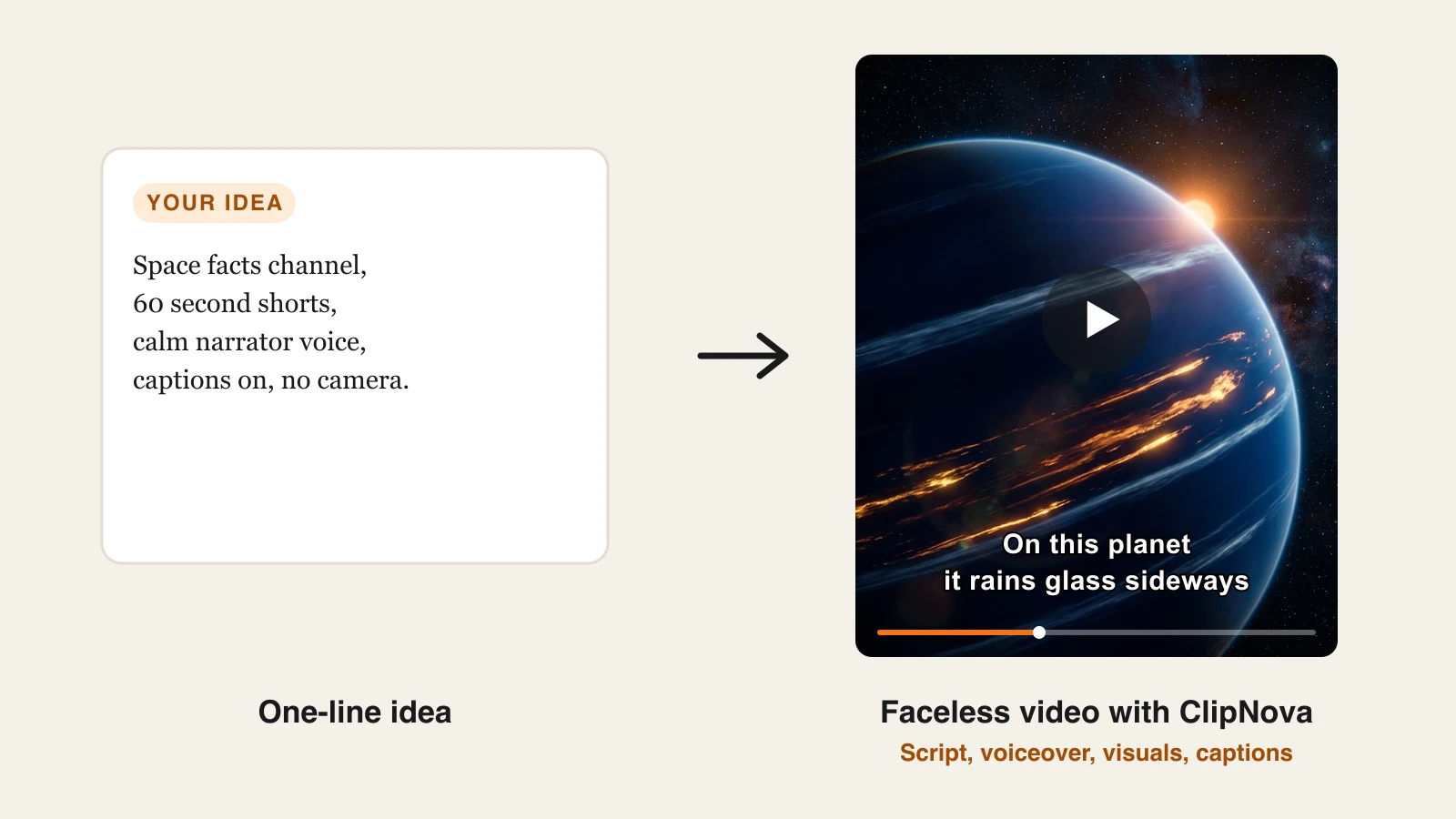
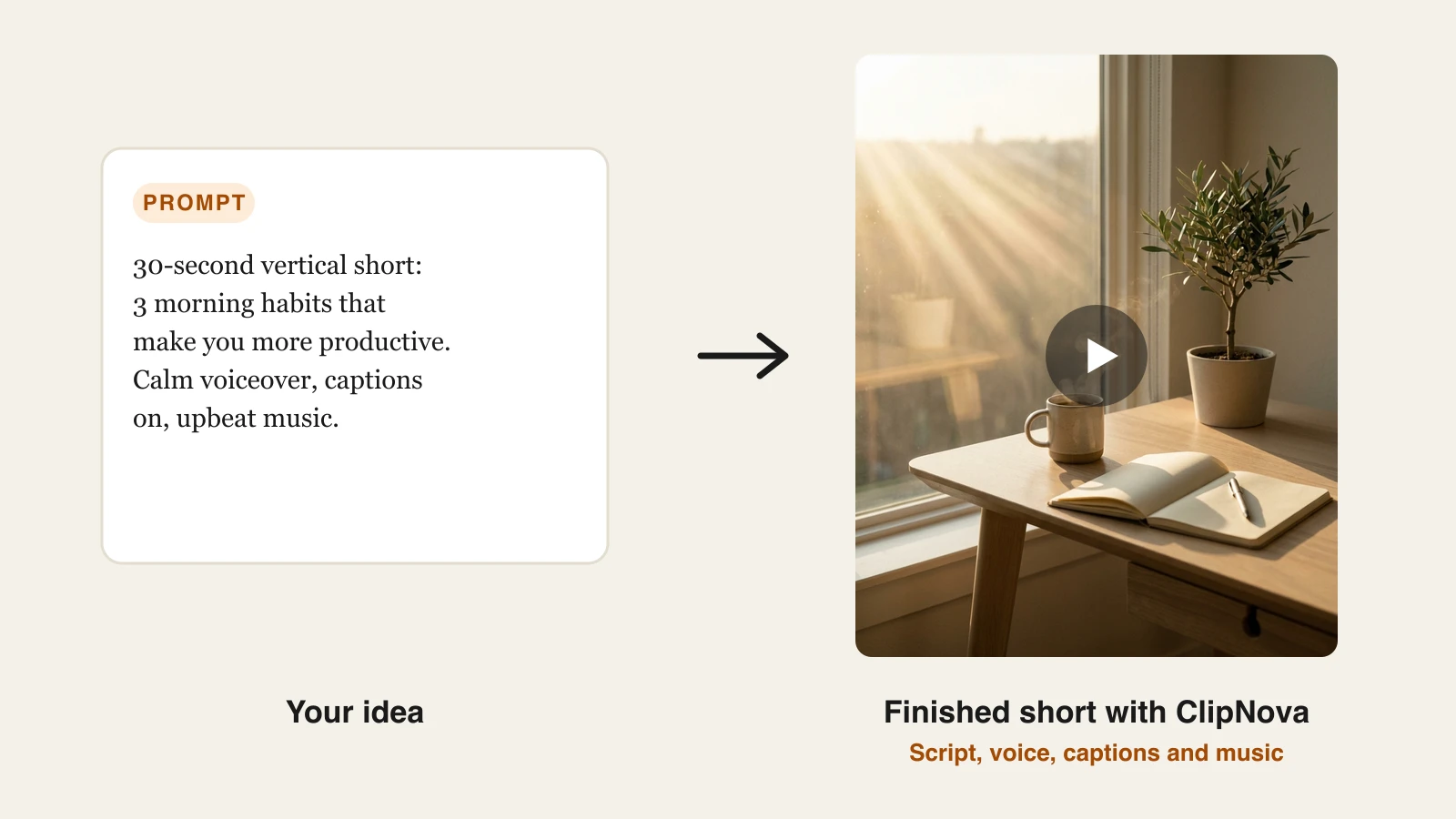
Recording a presenter video means a camera, lighting, and re-takes, and most creators do not have time for that every day. AI talking avatar generators turn a script into a lip-synced presenter video in minutes, no filming required. The catch is that quality, pricing, and licensing vary wildly, and the "best" tool depends entirely on whether you want a realistic spokesperson, a training video, or a finished short you can post today.
To cut through the marketing, we cross-checked this roundup against what people actually recommend on Reddit (r/artificial, r/SideProject, and creator subreddits), then verified every price and feature from each tool's own site. Below you will find the best AI talking avatar generators compared on realism, price, and the workflow they fit, plus a decision framework so you can pick fast.
Best AI talking avatar generators: a brief overview
- ClipNova: Best overall for creators who need a finished video: it generates the avatar plus voiceover, captions, and music in one pass, not just a raw clip.
- HeyGen: Best for realistic custom avatars and multilingual content, and Reddit's most-recommended pick for talking-head realism.
- Synthesia: Best for corporate training, onboarding, and internal comms at enterprise scale.
- D-ID: Best for talking photos and developers who want a simple avatar API on a tight budget.
- Vidnoz: Best budget pick, with low-cost paid plans and a very large avatar library.
- Captions: Best for creators who film themselves and want AI editing, dubbing, and eye contact fixes.
- Veed: Best browser-based editor that bundles avatars with strong subtitle and editing tools.
| Tool | Best for | Starting price | Output |
|---|---|---|---|
| ClipNova | Long finished avatar videos with a consistent presenter | From $19/mo | Watermark-free HD, up to 5 min |
| HeyGen | Realistic custom avatars, 175+ languages | From $29/mo | HD, credit-based |
| Synthesia | Corporate training and comms | From ≈$29/mo | HD, minutes-based |
| D-ID | Talking photos and API use | From ≈$4.70/mo | HD, minutes-based |
| Vidnoz | Low-cost avatar clips | From ≈$14.99/mo | Up to 1080p on paid |
| Captions | Editing your own on-camera footage | From ≈$10/mo | HD, mobile and web |
| Veed | Browser editing with avatars | From ≈$12/mo | Up to 4K on paid |
Reading the table: the cheaper rows animate an avatar and stop there. ClipNova's price is for the finished avatar video: script, voiceover, captions, and music in one generation, watermark-free.
1. ClipNova, best overall for finished talking avatar videos
ClipNova treats the avatar as one step in a full pipeline instead of the finished product. You write or paste a script, pick a presenter who stays identical from scene to scene, and it returns a talking avatar video with AI voiceover, auto subtitles, and background music already assembled, exported vertical for TikTok, Reels, and Shorts. That is the difference most daily posters care about: other tools hand you a bare avatar clip you still have to caption and edit, while ClipNova hands back something you can publish. Need a presenter who is not a real person? Create one with the AI Influencer Generator, then make it talk here.
The bigger idea is that ClipNova makes finished long videos with consistent characters, so a presenter can carry a full explainer and not only a hook.
- Long: one script becomes a finished video of up to 5 minutes, not a 5 to 10 second avatar clip.
- Consistent characters: save your presenter once, with a picture and a locked look, and the same face and outfit appear in every video; with Series, the same cast returns episode after episode.
- Finished: script, scenes, voiceover, captions, and music come back in one pass, and you can fix any single scene in Studio before you publish.
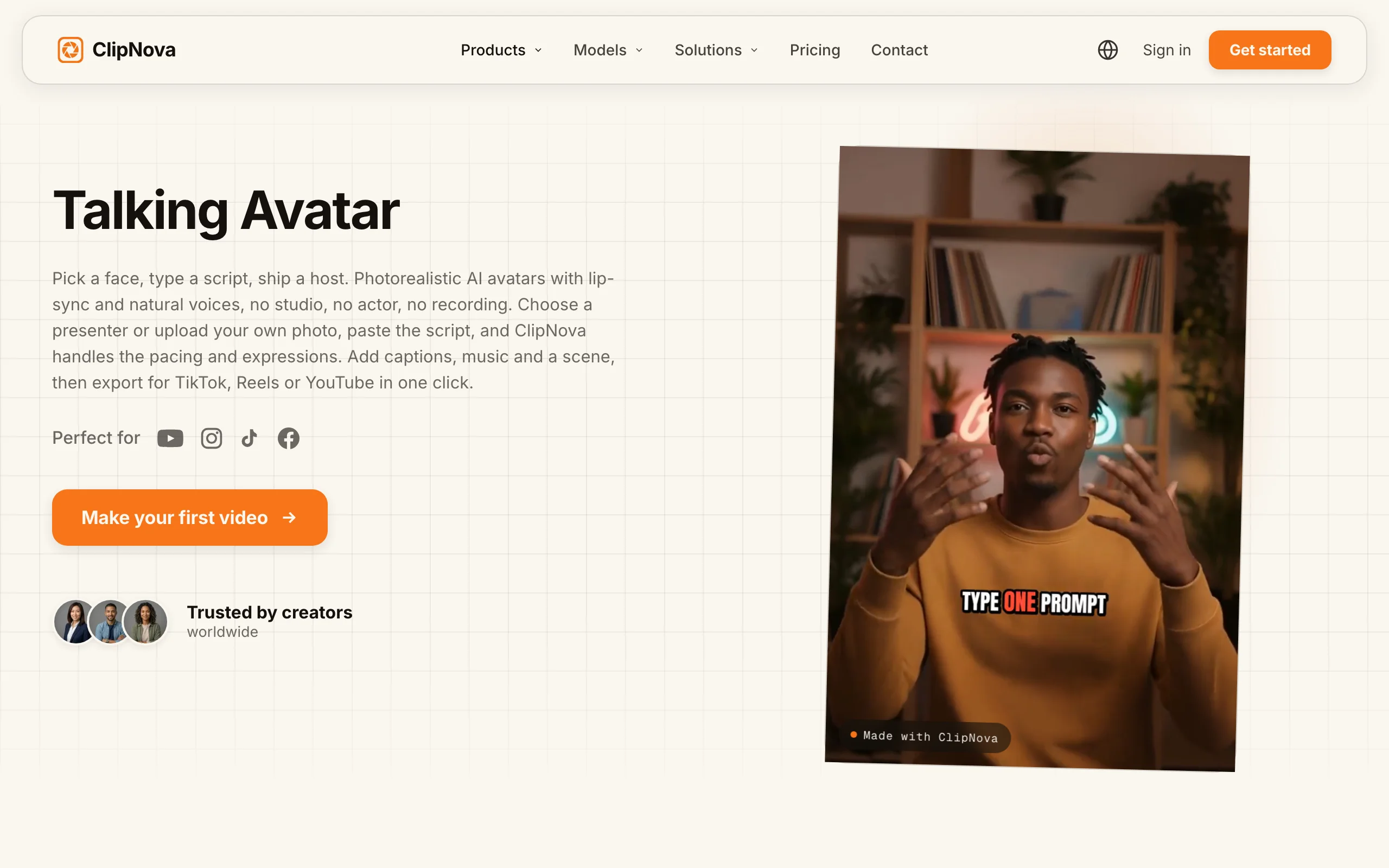
How to make a talking avatar with ClipNova
- Log in to the ClipNova app.
- Open AI Video Studio from the sidebar.
- Pick the Talking Avatar tool.
- Upload a portrait and add the script it should speak.
- Generate, then download the lip-synced avatar video. To make a face speak audio you already recorded, use the AI lip sync tool instead.
Key features
- Script-to-avatar video with voiceover, captions, and music in one pass
- AI voiceovers in 18 languages for localized versions of the same video
- Auto subtitles on every plan, tuned for short-form
- Multi-format export for TikTok, Reels, and Shorts
- Also covers prompt-to-video, music-to-video, and AI UGC in the same account
Best for
- Faceless creators shipping presenter videos daily
- Marketers who need captioned avatar clips without an editor
- Anyone localizing one script into several languages
Pricing
- Paid plans from $19/mo (Hobby), then Starter $49, Growth $99, and Ultra $199
- Every plan includes the full feature set, watermark-free HD export, and full commercial rights; plans differ by monthly credits. Yearly billing is about 20% off
Pros
- Outputs a finished, captioned video, not a raw avatar clip
- Watermark-free from the entry paid tier
- One subscription also covers text-to-video, music video, and UGC ads
Cons
- Newer brand than HeyGen or Synthesia, with a smaller avatar library
- Built around short-form output, not long-form corporate courses
What Reddit says: ClipNova is a newer name in avatar threads, but the recurring creator advice on Reddit maps to its pitch: people repeatedly favor tools that return a finished, captioned video over ones that stop at a silent avatar clip. If your goal is volume for TikTok or Shorts, that end-to-end workflow is the point. You can start with the talking avatar generator on the $19 Hobby plan.
2. HeyGen, best for realistic custom avatars
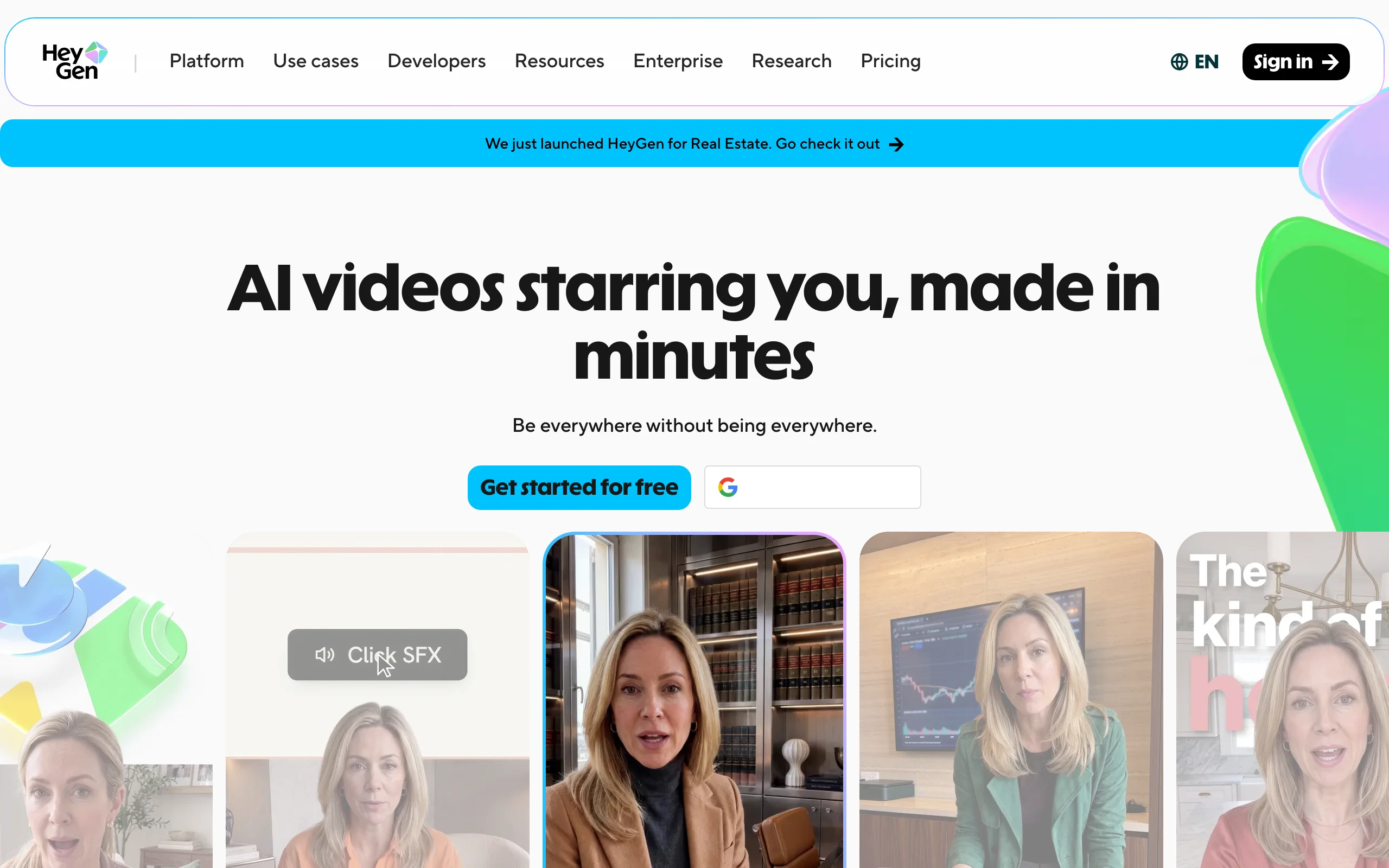
HeyGen is the tool Reddit reaches for when realism matters. Its Avatar IV generation scores highest in community and hands-on tests for talking-head believability, with facial micro-expressions and gesture control, plus custom avatars cloned from your own footage. Language support is the other headline: 175+ languages and dialects with voice cloning, which makes it a favorite for spokesperson marketing and translating existing videos.
Key features
- Avatar IV for high-realism talking heads
- Custom avatars from a short recording, with voice cloning
- Video translation and lip-sync across 175+ languages
- API for programmatic generation
Best for
- Spokesperson-style marketing videos
- Teams translating existing footage with tight lip-sync
- Anyone who needs a realistic clone of a specific person
Pricing
- Creator $29/mo (600 credits), Pro $49/mo (1,000 credits), Business $149/mo (1,500 credits)
Pros
- Best-in-class talking-head realism, per Reddit and testers
- Huge language and voice-cloning range
Cons
- Credit math is harder to budget than minutes
- Avatar-centric: general B-roll and text-to-video are secondary
What Reddit says: HeyGen is the most-upvoted all-rounder in 2026 avatar threads, praised for realism and for not forcing an upgrade mid-test. The common gripe is credits running out faster than expected on the Creator plan.
3. Synthesia, best for corporate training
Synthesia is the enterprise answer, and the tool Reddit circles back to whenever the use case is training, onboarding, or internal communications. It leans into structured presenter videos with a large avatar roster, 120+ languages, and enterprise plumbing like brand kits, collaboration, and SCORM export for learning systems. It is less about viral short-form and more about turning a document into a polished course module.
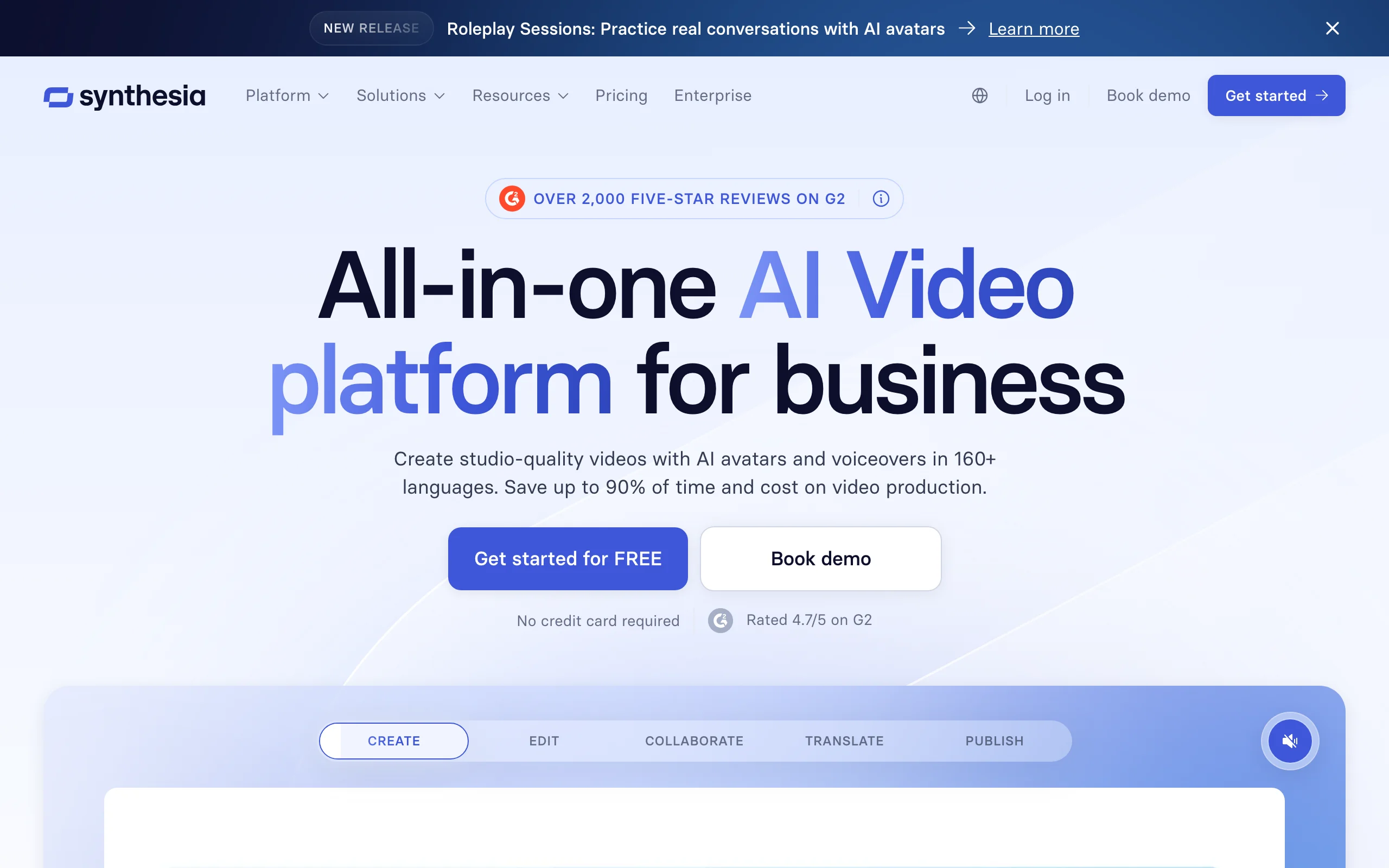
Key features
- Large library of presenter avatars
- 120+ languages for localized training
- Brand kits, collaboration, and SCORM for L&D
- Minutes-based plans that are easy to budget
Best for
- L&D and HR teams building training and onboarding
- Internal comms and how-to libraries
- Enterprises that need governance and collaboration
Pricing
- Paid from about $29/mo; enterprise pricing is custom
Pros
- Minutes-based billing is simpler to plan than credits
- Strong enterprise, localization, and L&D features
- Reliable, professional presenter output
Cons
- Presenter format is not built for organic TikTok-style content
What Reddit says: Synthesia is the default recommendation for training and corporate video, with users praising consistency and localization. The pushback is price and the talking-head look, which some find too formal for social.
4. D-ID, best for talking photos and developers
D-ID specializes in animating a single still photo into a talking avatar, and it is Reddit's pick for the cheapest talking-photo videos and the simplest avatar API. It is popular with developers building interactive agents and with creators who want to make one image speak without cloning a full avatar. Real-time Visual AI Agents are a differentiator if you need an avatar that responds live.
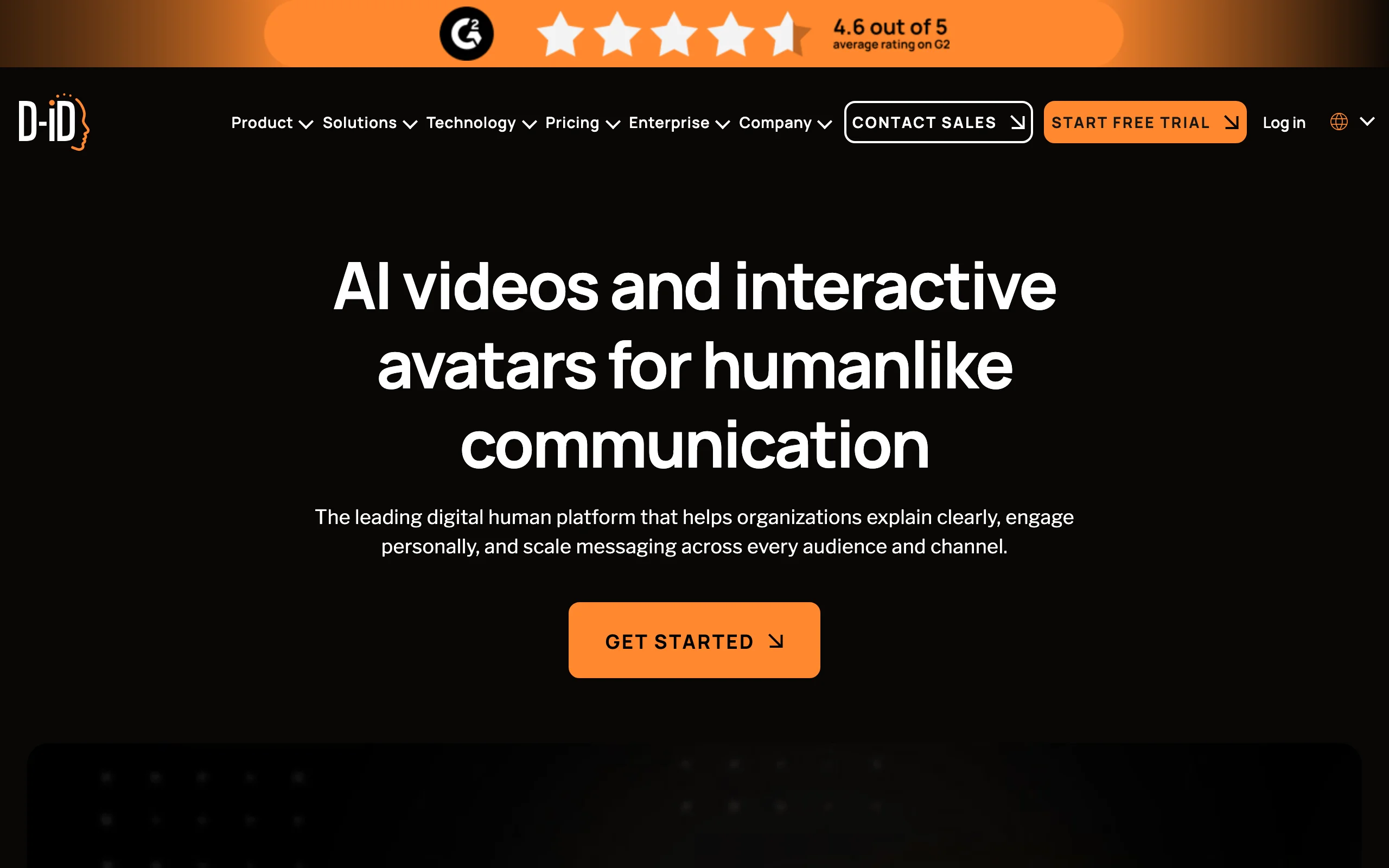
Key features
- Talking-photo animation from a single image
- Simple, well-documented avatar API
- Real-time Visual AI Agents
- Standard and premium voice options
Best for
- Developers adding avatars to apps
- Talking-photo clips on a tight budget
- Interactive, real-time avatar agents
Pricing
- Paid plans roughly from $4.70/mo up to about $108/mo
Pros
- Cheapest entry point in the category
- Clean API for developers
- Real-time agent capability
Cons
- Talking-photo realism trails full custom avatars
- Caps on lower tiers
What Reddit says: D-ID is the go-to when budget or a talking-photo effect is the priority, and developers like the API. The realism is described as good for a photo, not as lifelike as HeyGen's custom avatars.
5. Vidnoz, best budget pick
Vidnoz wins the budget bracket. Paid plans start around $14.99/mo and come with a very large avatar library, which makes it a common Reddit recommendation for hobbyists and anyone producing simple avatar clips at low cost.
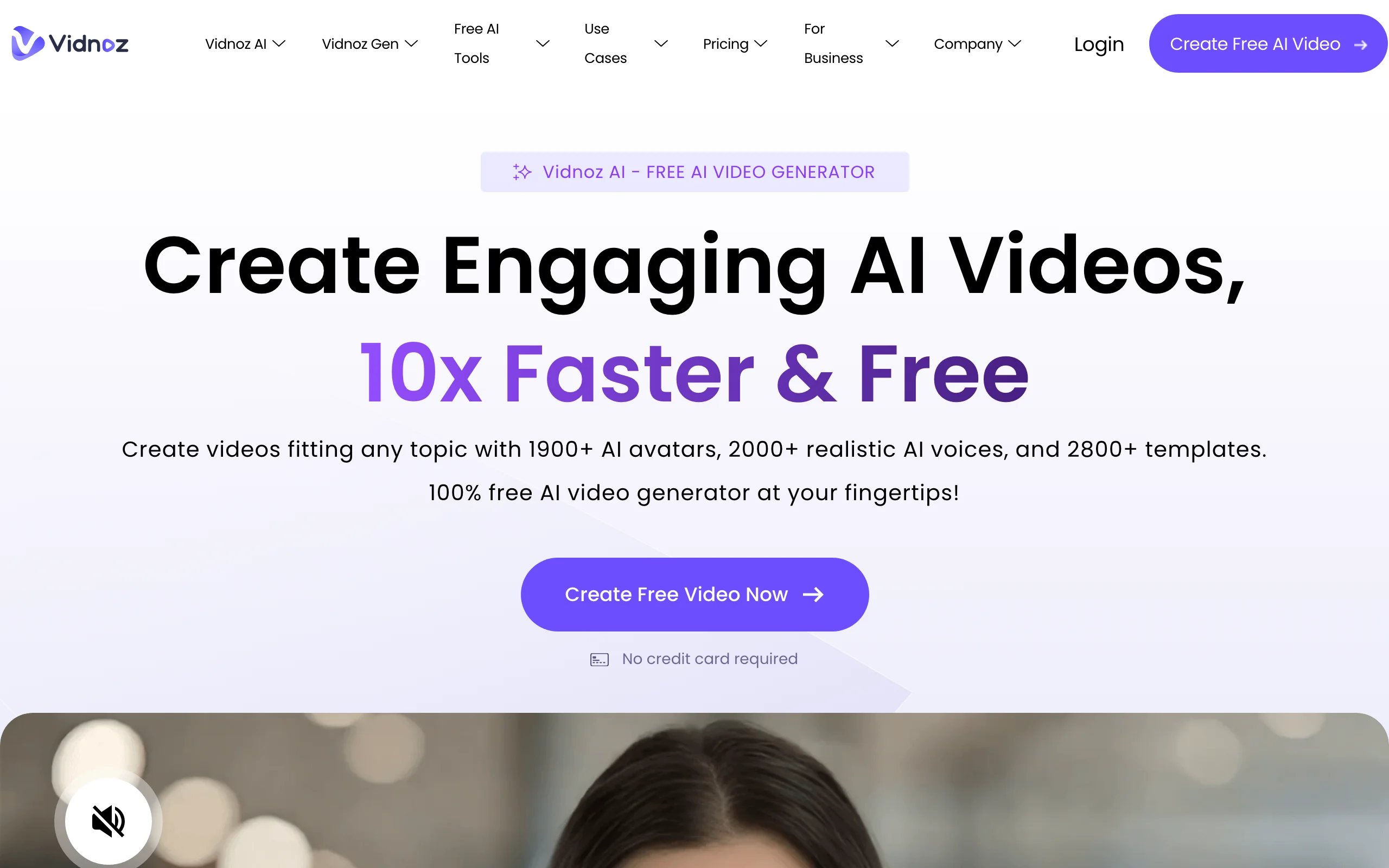
Key features
- 1,900+ avatars and a large template set
- 1080p export on paid plans
- Low-cost entry tier
Best for
- Hobbyists and first-time avatar users
- High-volume simple clips on a budget
- Drafting scripts before moving to a premium tool
Pricing
- Paid from about $14.99/mo
Pros
- Very large avatar library
- Cheap paid plans
Cons
- Realism and polish trail the premium tools
What Reddit says: Vidnoz comes up whenever the thread is about cheap avatars, and the low price is the selling point. Users note the output looks more templated than HeyGen or Synthesia.
6. Captions, best for editing your own footage
Captions is built for creators who record themselves and want AI to clean it up: auto captions, dubbing, and eye-contact correction so you appear to look at the lens. It also offers AI avatars, but its core strength is enhancing your real on-camera footage rather than generating a presenter from scratch. That makes it a strong fit for talking-head creators who still want to be on camera.
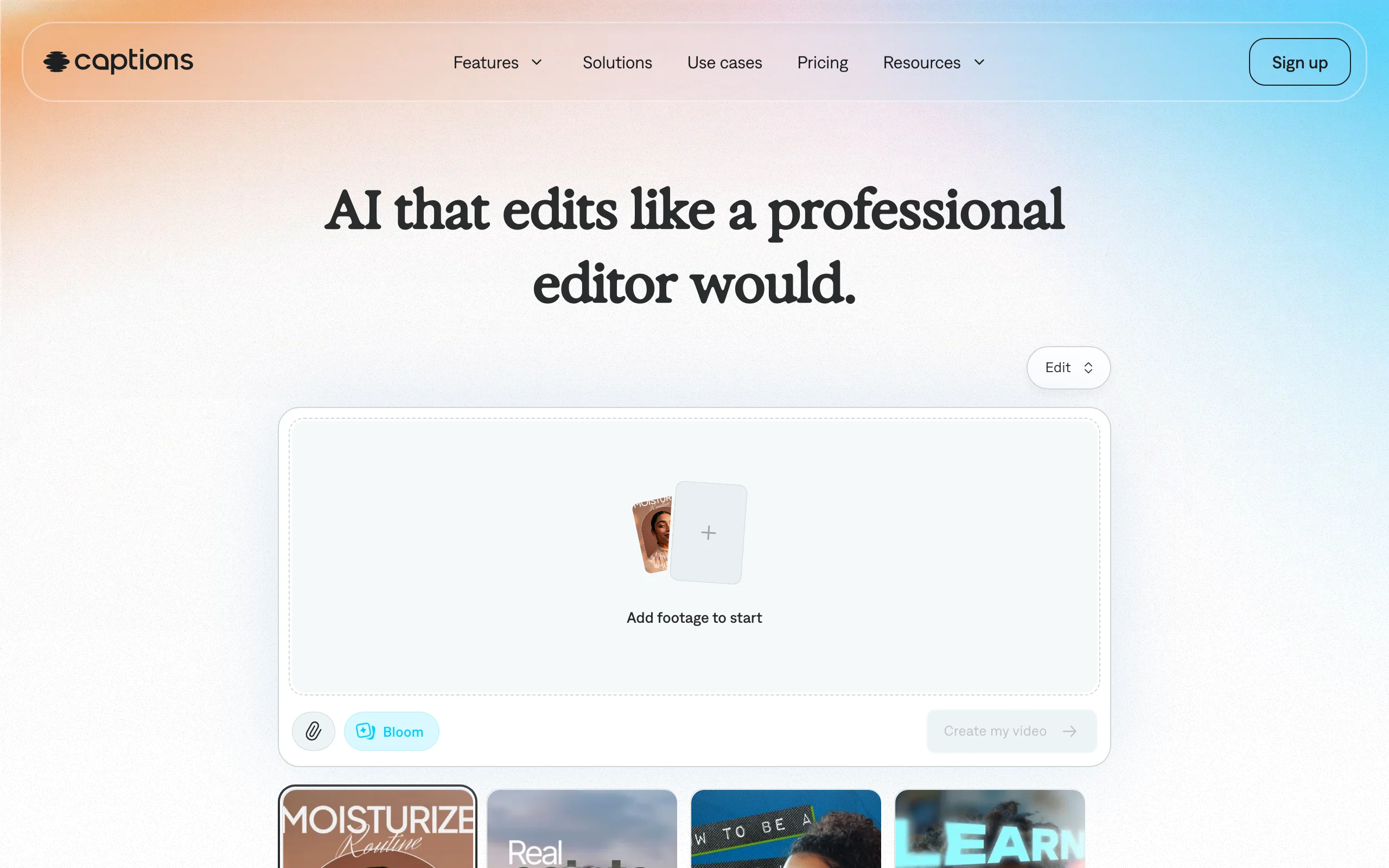
Key features
- AI captions and auto-editing for talking videos
- Dubbing and translation of your own footage
- Eye-contact correction and filler-word removal
- Mobile-first with a web app
Best for
- Creators who film themselves daily
- Talking-head content that needs fast captioning
- Dubbing your own videos into new languages
Pricing
- Paid roughly from $10/mo, with app and web tiers
Pros
- Excellent captions and self-footage editing
- Strong dubbing and eye-contact tools
- Fast mobile workflow
Cons
- Built around your own footage, not faceless generation
- Less useful if you never want to be on camera
What Reddit says: Captions is a creator favorite for editing real footage and dubbing, not for fully synthetic avatars. Reviewers flag that it shines when you are on camera, and is the wrong tool for pure faceless output.
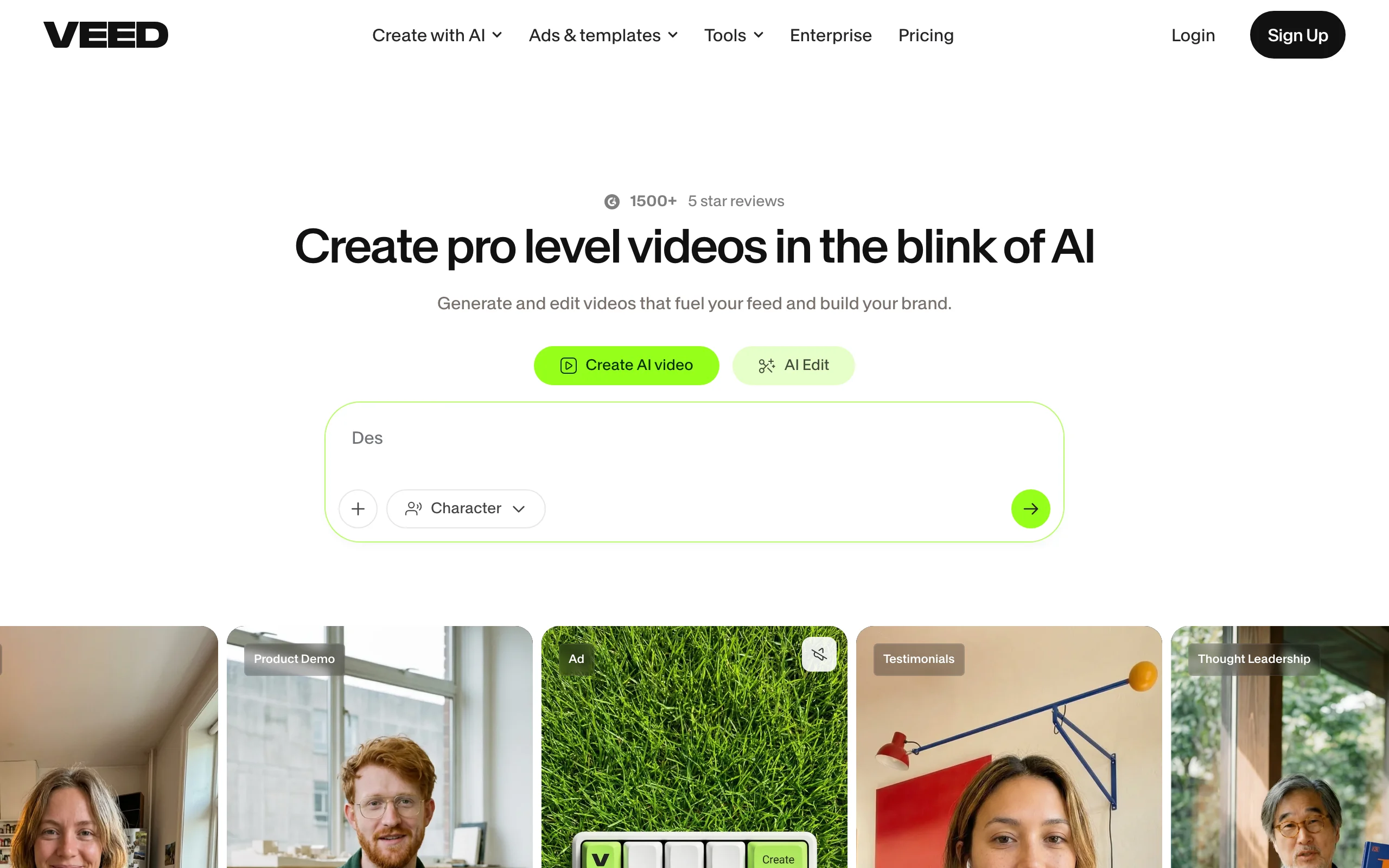
7. Veed, best browser editor with avatars
Veed is a full online video editor that has folded avatars and text-to-speech into a mature editing suite. If you want to generate an avatar and then trim, brand, subtitle, and polish it in the same browser tab, Veed covers the whole edit without desktop software. It is editor-first, so the avatar is one feature among many rather than the headline.
Key features
- Full browser video editor with avatars and TTS
- Best-in-class auto subtitles
- Brand kit and team features
- Up to 4K export on paid plans
Best for
- Creators who want editing and avatars in one place
- Teams that subtitle and brand every video
- Turning avatar clips into finished, edited videos
Pricing
- Paid roughly from $12/mo up to team tiers
Pros
- Complete editor, not just a generator
- Excellent subtitles and export options
- Good collaboration features
Cons
- Editor-first: you still do the editing
- Avatar generation is less advanced than HeyGen
What Reddit says: Veed is recommended as an all-in-one browser editor with solid subtitles, with the caveat that its avatars are a convenience feature rather than a reason to choose it over a dedicated avatar tool.
How to choose the best AI talking avatar generator for your workflow
The right pick comes down to what you want to walk away with. Use these four questions to decide fast.
1) Do you want a finished video or a raw avatar clip?
- If you want a publish-ready, captioned video with voiceover and music: use ClipNova, which assembles the whole thing in one pass.
- If you only need the avatar clip and will edit it yourself: HeyGen or Synthesia give you the cleanest presenter output to drop into an editor.
2) What is the video for?
- Social and faceless channels: ClipNova for finished shorts, HeyGen for a realistic spokesperson.
- Corporate training and onboarding: Synthesia, purpose-built for L&D.
- Ads and UGC-style marketing: pair an avatar with ClipNova's AI UGC generator for bulk variations. For more faceless workflows, see our guide to tools for faceless YouTube channels.
3) What is your budget and volume?
- Cheapest: D-ID for the lowest paid entry, Vidnoz for low-cost plans with a large avatar library.
- Best value for finished daily videos: ClipNova from $19/mo, watermark-free with commercial rights. Compare tiers on the ClipNova pricing page and translate credits into how many videos you actually publish per month.
4) Are you on camera or fully faceless?
- On camera: Captions to fix and dub your real footage, or Veed to edit it.
- Fully faceless: ClipNova, HeyGen, Synthesia, D-ID, or Vidnoz, depending on realism and budget.
Whatever you shortlist, generate three to five test videos on your real script before you pay. Avatar realism and lip-sync vary a lot by face, voice, and language, and the tool that wins a demo is not always the one that fits your niche.
Frequently asked
What is the best AI talking avatar generator?
It depends on the job. Reddit threads consistently rank HeyGen highest for realistic custom avatars and 175+ languages, Synthesia for corporate training, and D-ID for cheap talking photos. If you want a finished, captioned video (not just a raw avatar clip), ClipNova generates the avatar plus voiceover, subtitles, and music end to end.
What do people on Reddit recommend for talking avatar videos?
Across r/artificial, r/SideProject, and creator subreddits, the recurring picks are HeyGen for realism and languages, Synthesia for training and internal comms, D-ID for talking-photo and API use, and Vidnoz when budget is the deciding factor. The common warning is to test your own script first, since avatar realism and lip-sync vary a lot by face and voice.
HeyGen vs Synthesia: which is better?
HeyGen is the Reddit favorite for realistic custom avatars, voice cloning, and 175+ languages. Synthesia is the enterprise pick for training, onboarding, and internal comms, with strong brand-kit and collaboration features (paid from about $29 a month). Choose HeyGen for marketing and multilingual content, Synthesia for structured corporate video.
Do I own the videos I make with an AI talking avatar generator?
Usually yes for content you create from your own script, but licensing varies by tool and by whether you use a stock avatar or a custom one, so check each tool's terms. ClipNova grants full commercial rights on every plan. When you clone your own likeness or voice, most tools require consent and verification before they will generate with it.
Are AI talking avatars good enough for YouTube and TikTok?
For faceless channels, explainers, and ads, yes, and many creators run them daily. The realism gap is smallest on talking-head and talking-photo formats. For organic short-form, the key is pairing the avatar with a strong script, tight captions, and good pacing, which is why creators often prefer a tool that outputs a finished captioned video rather than a bare avatar clip.
I mainly need finished, captioned avatar videos to post daily. What should I use?
Use ClipNova. It turns a script into a talking avatar video with AI voiceover, auto subtitles, and music in one pass, exports vertical for TikTok, Reels, and Shorts, from $19/mo. You get a publish-ready video instead of a raw avatar clip you still have to caption and edit.