Being a solo content creator in 2026 means running a one-person studio: you ideate, script, shoot or generate, edit, caption, design the thumbnail, and publish, usually before lunch, so you can do it again tomorrow. The platforms reward whoever posts consistently, and no single app does the whole job well.
That is why the best AI tools for content creators are a stack, not one product. Each one owns a stage of the workflow, from turning an idea into a finished video to scheduling the post that ships it.
This guide compares eight AI content creation tools across the full creator pipeline, with pricing re-verified in September 2026, honest trade-offs, and a framework for picking the ones your workflow actually needs.
Best AI tools for content creators: a brief overview
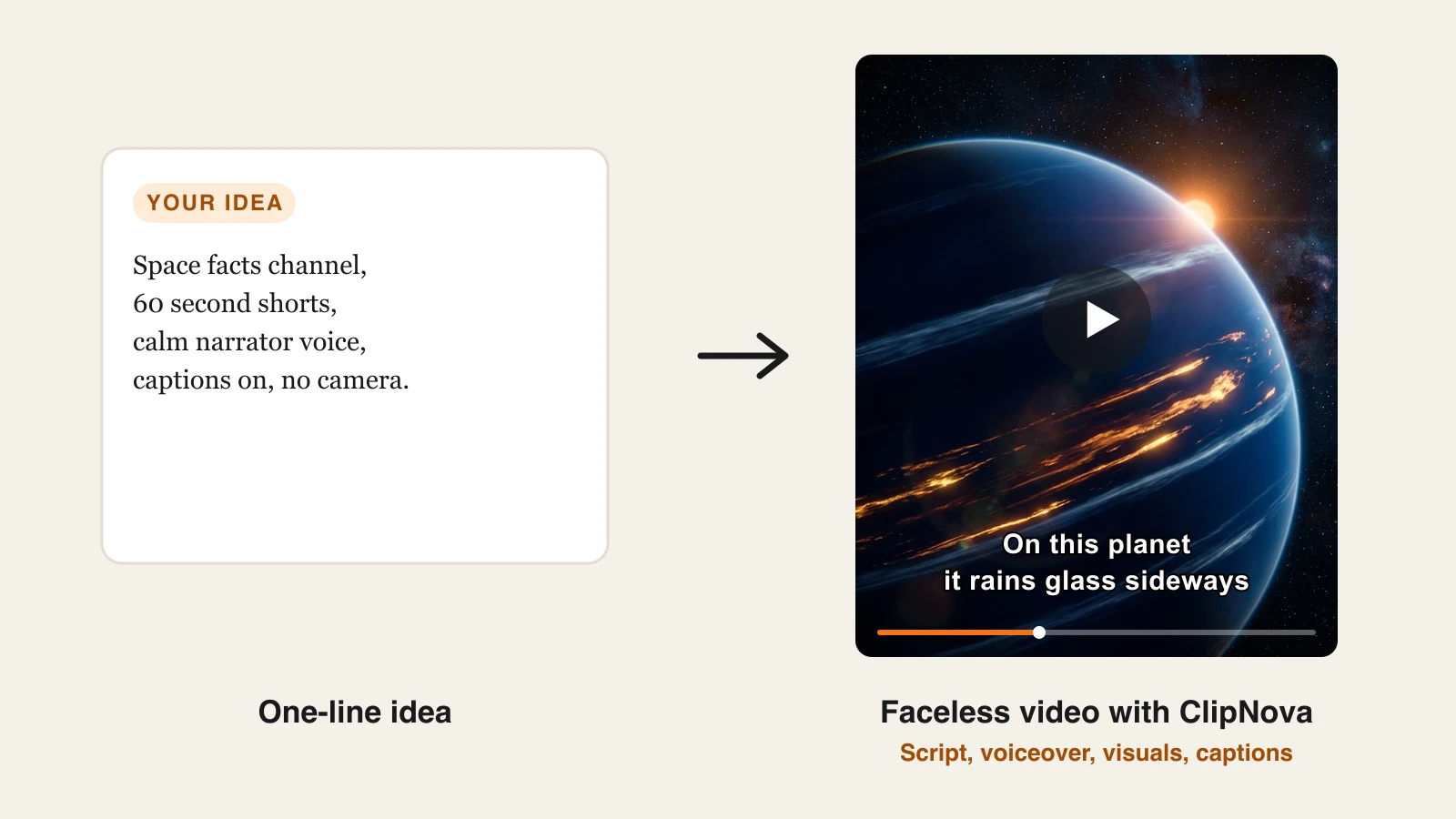
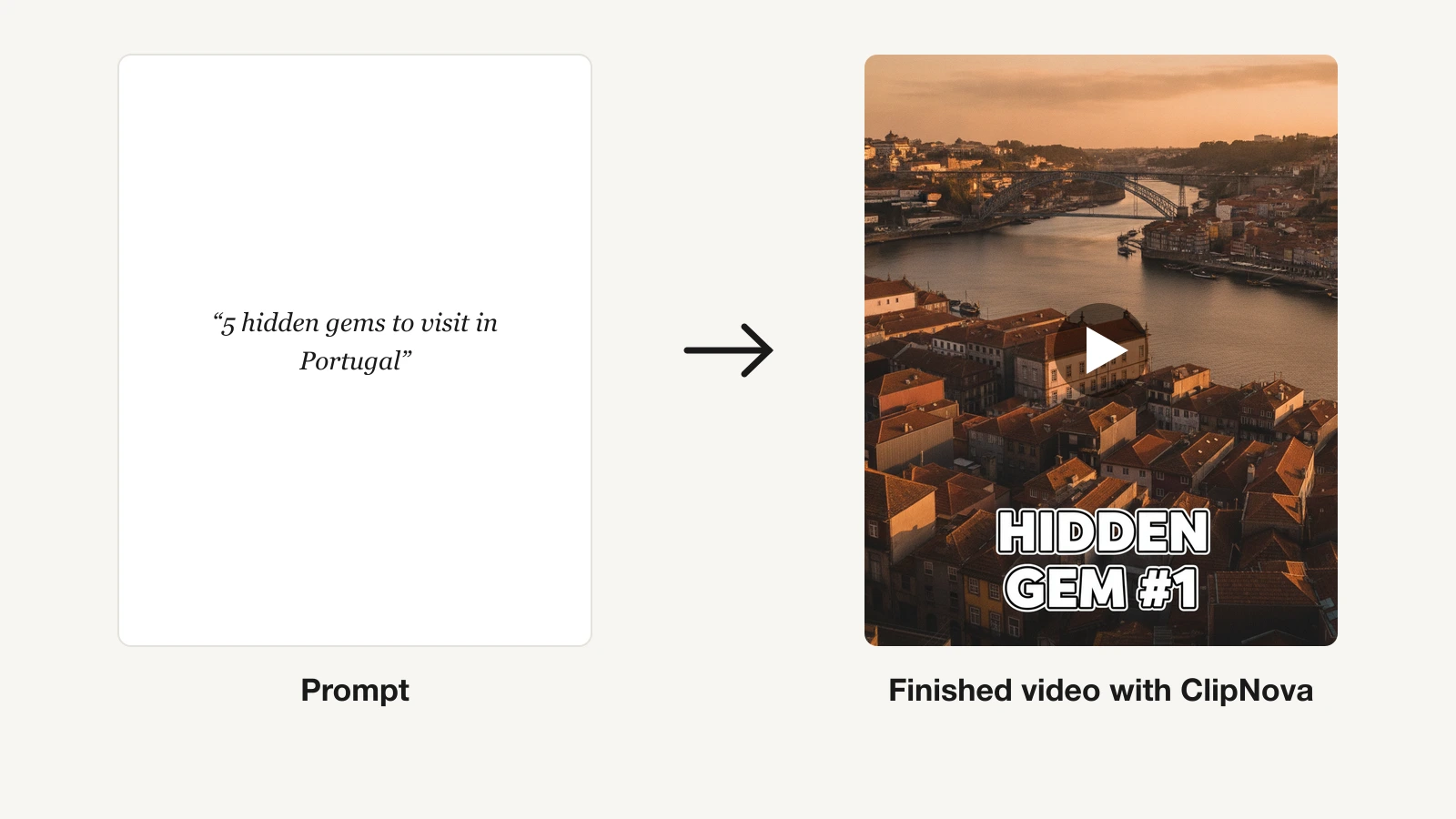
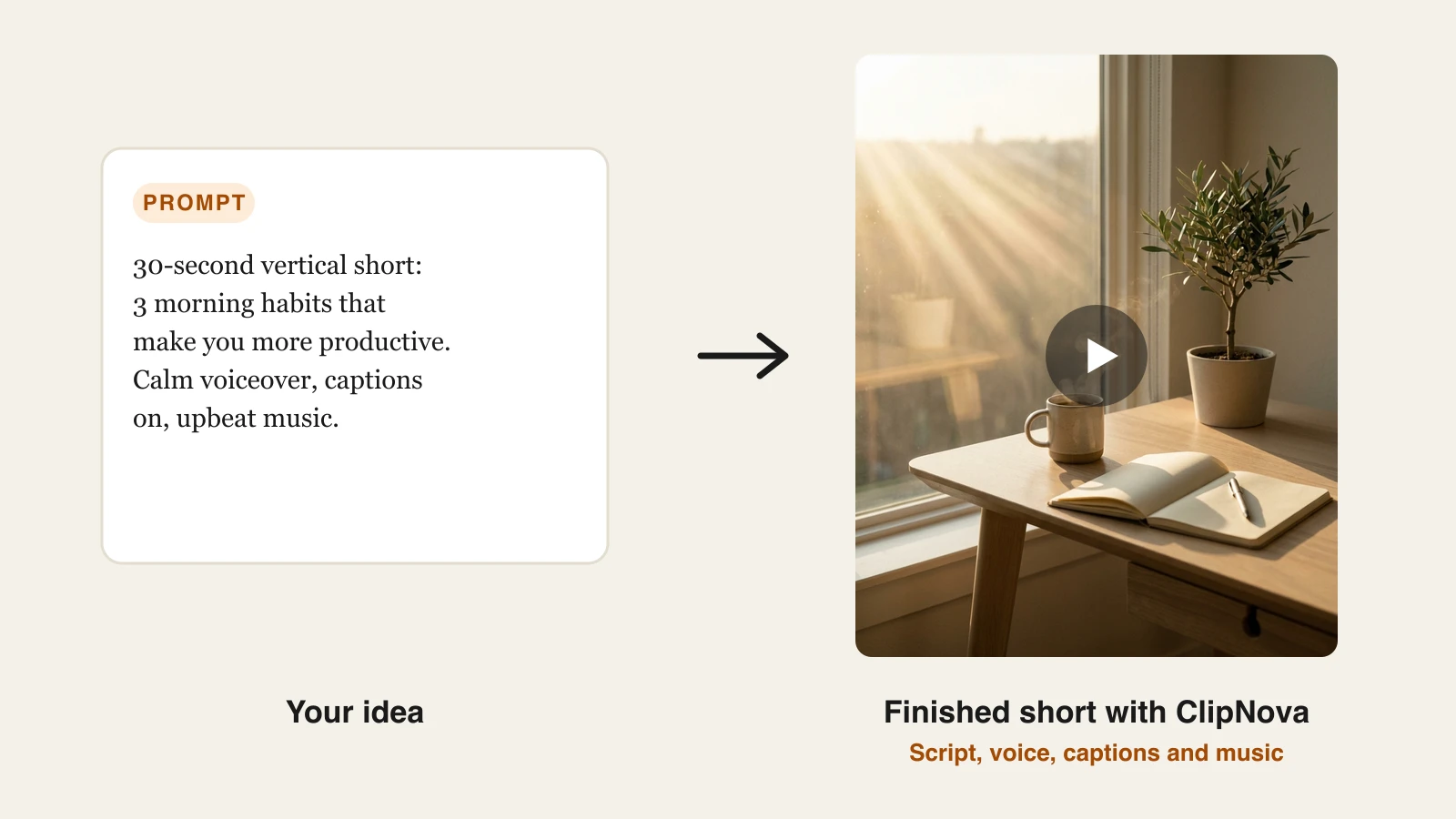
- ClipNova: Best for creating finished videos from a prompt. Type an idea and get the whole video back, script, voiceover, captions, and music, ready to post.
- OpusClip: Best for clipping long videos into shorts. Turns one podcast or stream into ranked, captioned vertical clips.
- Descript: Best for editing video and audio by text. Edit a recording like a document, cut filler words, and fix mistakes by typing.
- ElevenLabs: Best for AI voiceover. The most human synthetic voices for narration, dubbing, and voice cloning.
- Captions: Best for on-camera talking videos. AI editing, eye contact, and dubbing built around footage of yourself.
- Canva: Best for thumbnails and design. Thumbnails, channel art, carousels, and templates in one drag-and-drop workspace.
- CapCut: Best for mobile editing. Fast trims, effects, and trending templates edited from your phone.
- Buffer: Best for scheduling and publishing. Queue and cross-post to every platform from one calendar.
| Tool | Best for | Starting price | Category |
|---|---|---|---|
| ClipNova | Long finished videos with consistent characters | From $39/mo | Video generation |
| OpusClip | Long video into shorts | From $15/mo | Clipping |
| Descript | Editing by text | From $24/mo | Editing |
| ElevenLabs | AI voiceover and narration | From $6/mo | Voice |
| Captions | On-camera talking videos | From $9.99/mo | Talking video |
| Canva | Thumbnails and design | From $18/mo | Design |
| CapCut | Mobile editing | From $9.99/mo | Mobile editing |
| Buffer | Scheduling and publishing | From $6/mo per channel | Publishing |
Reading the table: the cheaper rows usually cover one step of the job — a raw clip, captions, or an editor you still have to drive. ClipNova's price is for the finished video: script, voiceover, captions, and music in one generation, watermark-free.
1. ClipNova, best for creating finished videos from a prompt
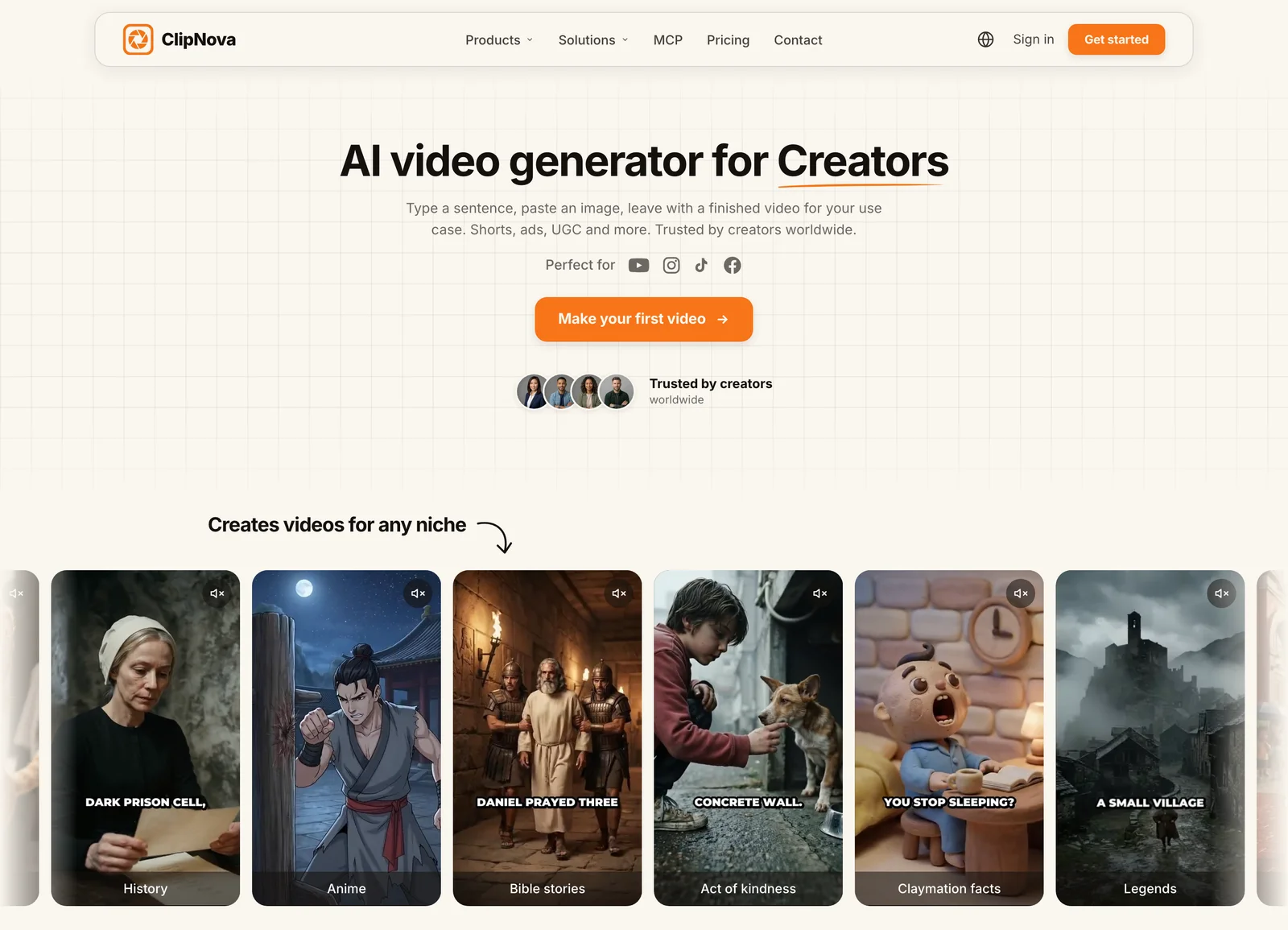
How to make a video with ClipNova
- Log in to the ClipNova app.
- Open AI Video Studio from the sidebar.
- Pick the AI Shorts Generator tool.
- Describe what the video should be about and pick a voice.
- Generate, then download the finished vertical video with captions, voiceover, and music.
Most tools on this list improve one stage of a video. ClipNova produces the entire video. You type the idea, and it writes the script, generates an AI voiceover, assembles the visuals with any saved character kept the same in each shot, burns in captions, and lays music underneath, all in one pass. There is no timeline to edit, no camera to set up, and no separate captioning step.
Underneath, ClipNova makes finished long videos with consistent characters, which matters once your posts turn into a recurring format.
- Long: when a short idea grows into a full story, the same project goes up to 5 minutes, so you are not capped at a 5 to 10 second clip.
- Consistent characters: save a host or mascot once and the same face and outfit show up in every scene; with Series, the same cast carries into every episode, with story memory for the plot.
- Finished: script, scenes, voiceover, captions, and music come back in one pass, and you can fix any single scene in Studio before posting.
That end-to-end text-to-video workflow is what makes daily posting realistic for one person. A creator can turn a morning idea into a captioned, voiced vertical video in minutes, then generate the next one, which is how you feed TikTok, Reels, and Shorts at the cadence they reward. Output runs up to five minutes, vertical or widescreen, and narration comes in 18 languages so the same video can ship to several markets. If your channel is audio-first, the AI podcast generator turns a topic, article, or PDF into a two-host podcast with a captioned video.
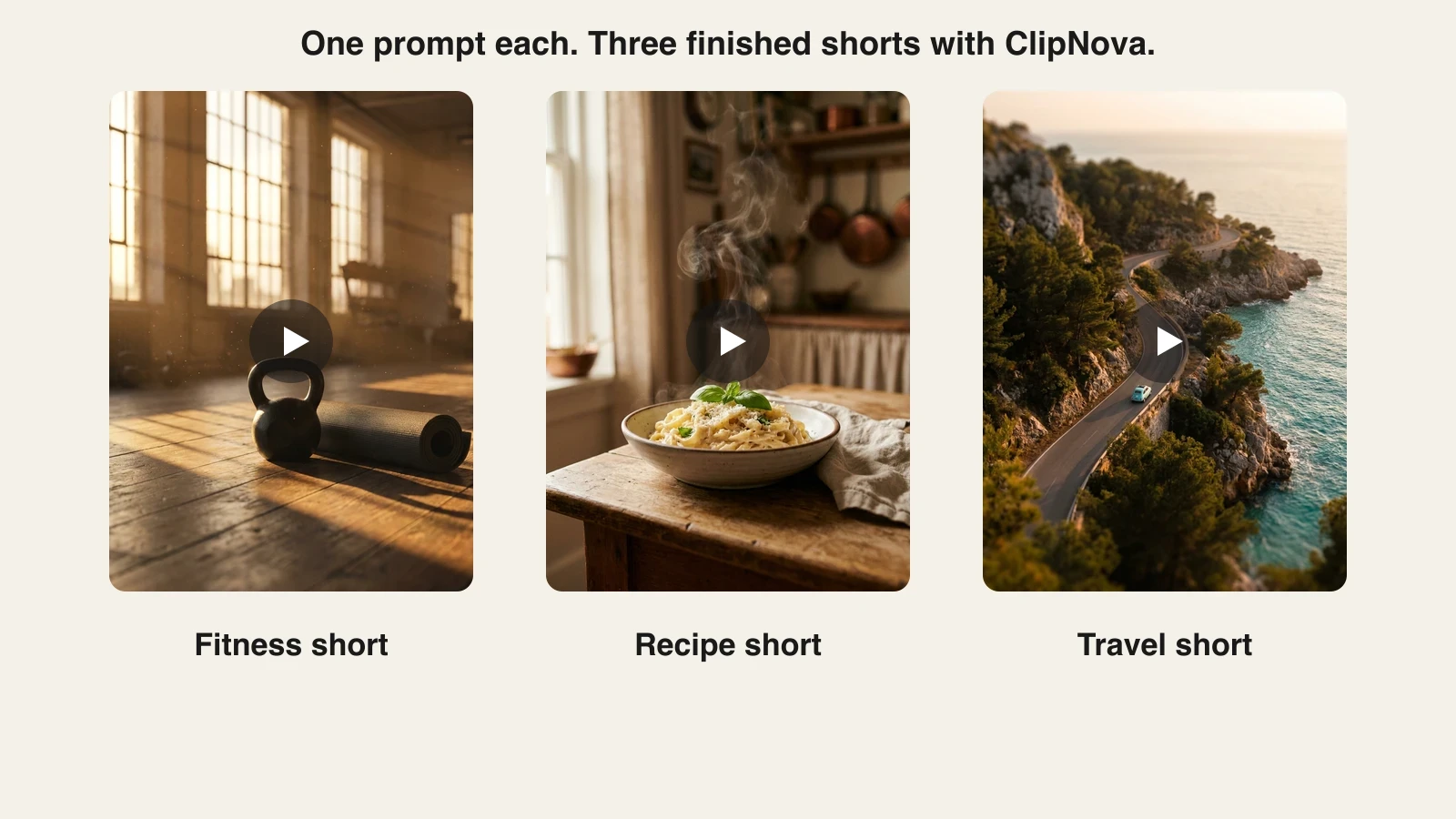
The same workflow holds across niches. A fitness creator, a food creator, and a travel creator each type one prompt and get back a finished short in their own visual style, which is why one person can run a channel in each without a camera.
Key features
- One prompt to a finished video: script, voiceover, visuals, captions, and music
- Vertical-first export for TikTok, Reels, and Shorts, plus widescreen
- AI voiceover narration in 18 languages for localized versions
- Music-to-video with beat-matched visuals for musicians and audio creators
- Watermark-free 1080p with full commercial rights on every plan
Best for
- Solo creators publishing daily who need finished videos, not raw clips to edit
- Creators localizing one video into several languages to grow reach
Pricing
- Hobby $39/mo (1,000 credits), Starter $49/mo (2,600 credits), Growth $99/mo (5,750 credits), Ultra $199/mo (12,000 credits)
- Every plan includes the identical full feature set; only monthly credits differ, and yearly billing is 20% off (see ClipNova's plans)
Pros
- Collapses the script, voice, edit, and caption chain into a single generation, which is the bulk of a creator's daily workload
- Flat credit tiers make cost per video predictable as you scale from a few posts a week to daily
Cons
- Focused on short-form generation, so long-form beyond five minutes still needs stitching or a separate editor
- Newer brand than incumbents like Descript or Canva
2. OpusClip, best for clipping long videos into shorts
If you already produce long-form, the fastest way to feed short-form is repurposing, and OpusClip is the tool built for it. Drop in a podcast, livestream, or long YouTube video and it finds the moments most likely to perform, cuts them into vertical clips, reframes the subject, adds animated captions, and scores each clip for viral potential.
It does not generate anything from scratch, which keeps it focused: it turns footage you already have into a week of shorts. For creators sitting on a back catalog of long videos, that is the highest-leverage tool in the stack.
Key features
- AI clipping that finds and ranks the strongest moments in long video
- Auto reframing to vertical with active-speaker tracking
- Animated captions and a virality score per clip
- Direct posting to YouTube, TikTok, and Instagram, plus AI voice-over and AI B-roll on paid tiers
Best for
- Podcasters and streamers with long recordings to slice into shorts
- Creators who want a repurposing pipeline rather than a generator
Pricing
- Starter $15/mo for watermark-free clips, direct posting, AI voice-over, and a small AI B-roll allowance (3 clips a month)
- Pro $29/mo lifts the limits and unlocks the fuller editor, all aspect ratios, and more B-roll; credits are metered by source-video length, roughly one credit per minute
Pros
- Excellent at surfacing clip-worthy moments you would miss scrubbing manually
- Captions and reframing are handled automatically, saving the tedious part of shorts
Cons
- Requires existing footage; it creates nothing from a blank page
- The fuller editor and meaningful B-roll volume sit on the pricier Pro tier
3. Descript, best for editing video and audio by text
Descript rethinks editing: it transcribes your recording, then lets you edit the video or audio by editing the transcript. Delete a sentence in the text and the corresponding footage disappears. It removes filler words like "um" across a whole recording in one click, and its Overdub and voice tools can fix a flubbed line by typing the correction.
For talking-head creators, podcasters, and tutorial makers, this turns hours of timeline scrubbing into document editing anyone can do. It is a genuine editor with multitrack support, screen recording, and AI cleanup, not a generator.
Key features
- Text-based editing: cut video and audio by editing the transcript
- One-click filler-word and gap removal
- Studio Sound for cleaning up rough audio
- Screen recording, multitrack timeline, and AI eye contact
Best for
- Podcasters and YouTubers who record long talking segments
- Creators who want editing that feels like word processing, not video software
Pricing
- Hobbyist $24/mo ($16/mo billed annually) for 10 hours of media, 400 AI credits, and 1080p export
- Creator $35/mo ($24/mo annually) raises that to 30 hours, 800 AI credits, and 4K; Business $65/mo ($50/mo annually) for teams
Pros
- The text-based workflow is dramatically faster for dialogue-heavy content
- Filler-word removal and Studio Sound noticeably raise production quality
Cons
- Priced per user, and both media hours and AI credits are metered, so heavy editors can hit caps
- Overkill if you mostly make short generated clips rather than edit recordings
4. ElevenLabs, best for AI voiceover and narration
When the voice carries the video, ElevenLabs produces the most convincing AI narration available. Its voices handle intonation and pacing well enough to front a faceless channel, and its cloning can reproduce your own voice so you never have to re-record a script. It also dubs existing videos into other languages while keeping the original delivery.
Many creators use it as the voice layer feeding another editor, though tools like ClipNova already include narration end to end. ElevenLabs earns its spot when the voice is the product: audiobooks, narration niches, and signature-voice channels.
Key features
- Highly realistic text-to-speech in dozens of languages
- Professional voice cloning to reproduce your own voice
- Video and audio dubbing that preserves delivery across languages
- A large library of ready-made voices with adjustable style
Best for
- Faceless and narration channels where the voiceover is the main draw
- Creators who want a consistent cloned voice across every video
Pricing
- Starter $6/mo (30,000 credits) with a commercial license
- Creator $22/mo (121,000 credits, often discounted for the first month) adds professional voice cloning; Pro $99/mo and up for heavy narration volume
Pros
- The realism gap over other TTS engines is audible, especially for long narration
- Voice cloning keeps a channel's sound consistent without recording sessions
Cons
- A single-purpose voice tool; you still need an editor or generator around it
- Credits are consumed by characters, so long scripts burn through allowances quickly
5. Captions, best for on-camera talking videos
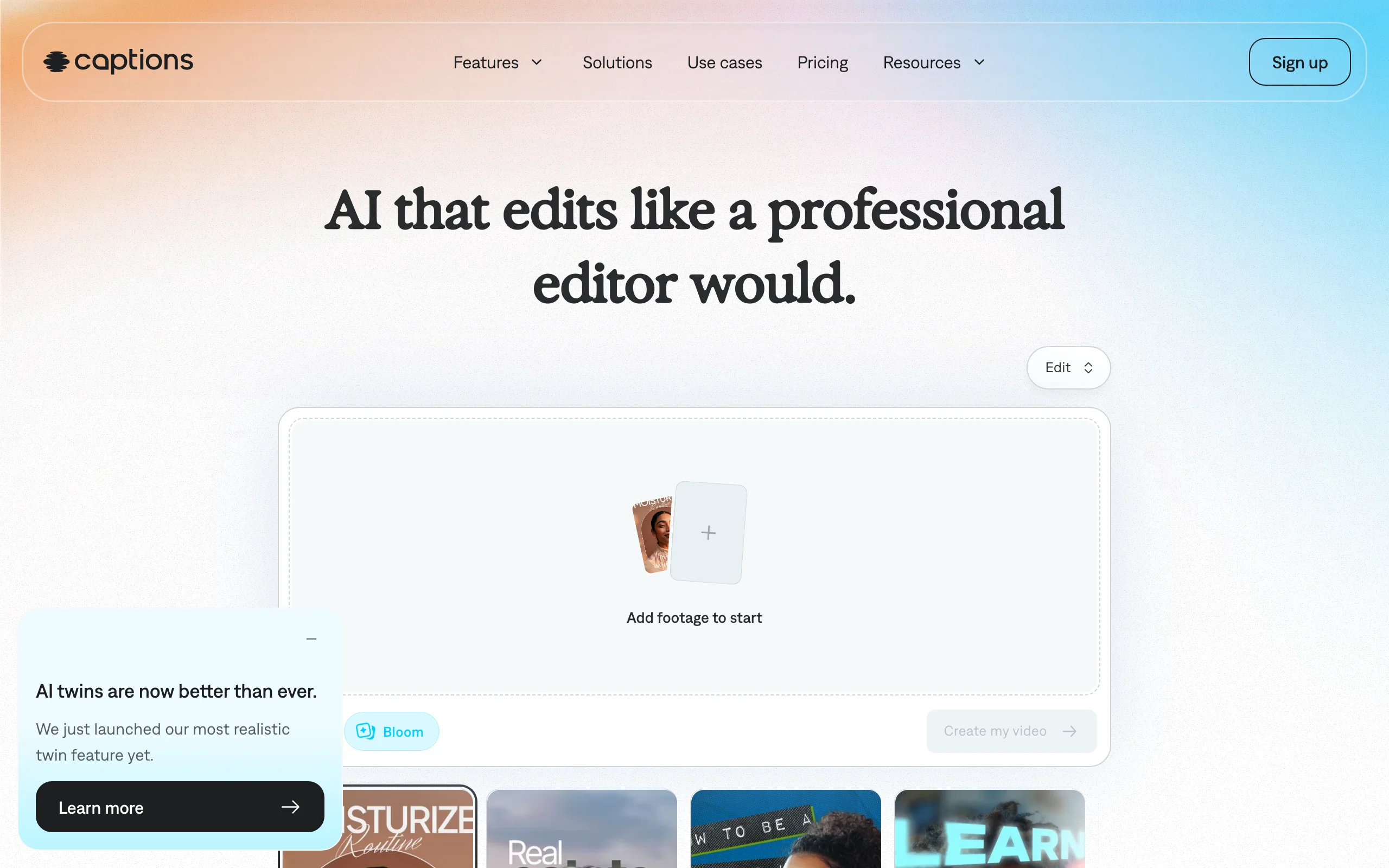
For creators who film themselves, Captions is an AI studio built around your own footage. It generates animated captions automatically, corrects eye contact so you look at the lens even while reading a script, removes filler and dead air, and can dub your video into other languages using your own voice and synced lips. It is mobile-first, which suits creators shooting selfie-style content on a phone.
Where ClipNova generates a faceless video from a prompt, Captions polishes the video you recorded of yourself. The two solve opposite halves of the on-camera versus faceless split.
Key features
- Automatic animated captions in 100+ languages, tuned for social video
- AI eye contact correction for reading off-script
- Filler-word and silence removal
- AI dubbing, lip sync, and AI twins on the credit-based tiers
Best for
- On-camera creators who record talking-head content on their phone
- Creators who want AI polish on real footage rather than generated video
Pricing
- Entry paid tier $9.99/mo for captions, caption styling, basic editing, and watermark-free export
- Max $24.99/mo with 500 monthly credits unlocks the generative features (AI edit styles, dubbing, AI twins); Scale tiers from $69.99/mo add larger credit buckets
Pros
- Eye-contact correction and auto captions save real editing time for talking videos
- Genuinely mobile-first, so you can shoot and finish on one device
Cons
- Built around footage of yourself; it is not a faceless or generative-first tool
- The AI features most creators want sit on the credit-metered Max tier, and prices can differ between the app store and the web
6. Canva, best for thumbnails and design
Video gets the views, but the thumbnail and graphics decide the click. Canva is the design workspace most solo creators already live in: thumbnails, channel banners, carousel posts, logos, and story graphics from millions of templates and assets, all drag and drop. Its Magic Studio AI adds background removal, one-click resizing across formats, and text-to-image generation.
For a creator with no design background, Canva is the difference between a thumbnail that gets scrolled past and one that earns the click, without opening professional design software.
Key features
- Millions of templates for thumbnails, carousels, and channel art
- Background remover, Magic Resize, and transparent-background exports
- Magic Studio AI for text-to-image and quick edits
- Brand Kit to keep fonts, colors, and logos consistent
Best for
- Creators packaging videos with click-worthy thumbnails and channel art
- Anyone making carousels, covers, and graphics without a designer
Pricing
- Canva Pro is $18/mo billed monthly or $144/yr (about $12/mo) for one person, adding premium assets and the full AI toolkit
- Teams pricing scales per seat for collaborators; Canva has raised Pro pricing more than once since 2024 and it varies by region
Pros
- The template library makes on-brand design fast even with zero design skill
Cons
- A design tool, not a video pipeline; it does not generate or edit your videos
- Premium assets and the best AI features sit behind Pro, and monthly billing costs 50% more than annual
7. CapCut, best for mobile editing
CapCut is the editor a huge share of short-form creators actually use on their phone. It handles trims, transitions, effects, auto captions, and trending template edits with a touch interface, and its library of viral templates lets you drop clips into a format that is already performing. It is fast, forgiving, and built for the vertical formats social platforms reward.
For creators who film and finish on mobile, or who want to apply a trending edit style without rebuilding it, CapCut is the quickest path from raw clip to posted short. Note that its subscription was restructured in 2026, splitting the old Pro tier into a cheaper Standard plan and a pricier Pro.
Key features
- Full mobile editor with trims, transitions, and effects
- Trending template library for one-tap viral edit styles
- Auto captions and text-to-speech
- Background removal, 4K export, and AI effects on paid tiers
Best for
- Creators who shoot and edit entirely on a phone
- Anyone chasing trending edit formats without building them from scratch
Pricing
- Standard $9.99/mo for watermark-free export plus extra effects and transitions
- Pro $19.99/mo, or $179.99/yr (about $15/mo), for 4K export, the full AI toolkit, and cloud storage; app-store prices vary by region and can run higher than the web
Pros
- The entry tier is unusually capable for a mobile editor
- Trending templates cut the time from raw footage to a polished short
Cons
- The 2026 price restructure pushed the full toolkit into the pricier Pro tier
- Mobile-first editing gets cramped for longer or more complex projects
8. Buffer, best for scheduling and publishing

Making the video is only half the job; getting it live consistently across platforms is the other half. Buffer is the publishing layer: connect your accounts, queue posts to a calendar, and cross-post the same short to TikTok, Instagram, YouTube, and more without logging into each app. It handles the boring but essential last step, so posting stays consistent even on days you are heads-down producing.
For a solo creator, an automated queue is what turns "post when I remember" into a schedule the algorithm can rely on. Buffer's pricing scales by the number of channels you connect.
Key features
- Schedule and queue posts across all major social platforms
- Cross-post one piece of content to multiple channels at once
- A simple content calendar and basic analytics
- An AI assistant for captions and post ideas
Best for
- Solo creators who want a set-and-forget posting schedule
- Anyone publishing the same content across several platforms
Pricing
- Essentials $6/mo per channel ($5 billed annually) for unlimited scheduling and analytics
- Team $12/mo per channel ($10 annually) adds unlimited team members and approval workflows; per-channel rates drop above 10 channels
Pros
- Per-channel pricing keeps it cheap until you genuinely need more platforms
Cons
- Priced per channel, so costs climb as you add platforms
- A scheduler only; it does not create or edit the content you post
How to choose the best AI tools for content creators for your workflow
You do not need all eight. The right stack depends on how you make content and how much you ship. Use these questions to narrow it down.
1) Do you generate videos or record them?
- If you want finished videos without a camera: start with ClipNova, which produces the script, voiceover, captions, and music from one prompt. Add its AI Shorts generator workflow for daily vertical output.
- If you film yourself on camera: pair Captions for talking-head polish with Descript for longer, dialogue-heavy edits.
- If your voice is the product: layer ElevenLabs underneath either path for narration and cloning.
2) Do you make content from scratch or repurpose long-form?
- If you have a back catalog of podcasts, streams, or long videos: OpusClip is the highest-leverage pick, turning one recording into a week of ranked, captioned shorts.
- If you start from a blank page each time: a generator like ClipNova beats a clipper, because there is no source footage to cut from. This is the same logic behind a good faceless YouTube channel stack, where generation replaces filming entirely.
3) Where do you edit, and how much?
- If you work from your phone: CapCut for quick mobile edits and trending templates.
- If you edit long dialogue on a desktop: Descript's text-based editing is far faster than a traditional timeline.
- If you barely want to edit at all: generation-first tools remove the editing stage rather than speed it up.
4) Which stages are you still doing by hand?
- Thumbnails and graphics: Canva, whose Pro tier is cheapest on annual billing.
- Scheduling and cross-posting: Buffer, from $6 per channel a month.
- Map each stage of your pipeline, ideation, production, editing, packaging, publishing, to one tool, and drop any tool that overlaps a stage another already covers.
A practical starting point for solo content creators: one generator or editor for the video, Canva for thumbnails, and Buffer for publishing, then add ElevenLabs or OpusClip only when the voice or a back catalog justifies it. ClipNova's $39 Hobby plan is enough to generate test videos on your actual niche before scaling up. Translate each tool's credits into videos per month so you know your real cost per post before you subscribe.
Related reading: 8 best AI tools for Instagram content creation in 2026.
Frequently asked
What are the best AI tools for content creators in 2026?
The strongest creator stack in 2026 combines a video generator like ClipNova, a clipper like OpusClip, an editor like Descript, a voice tool like ElevenLabs, a design tool like Canva, a mobile editor like CapCut, and a scheduler like Buffer. Each owns one stage of the pipeline. Most solo creators only need three or four of them, matched to how they actually make content.
What is the best AI tool for creating videos from scratch?
ClipNova is the strongest single tool for creating finished videos from a prompt, because it writes the script, generates the voiceover, assembles visuals, adds captions, and lays music in one pass. Clippers like OpusClip need existing footage, and editors like Descript need a recording, so they cannot start from a blank page the way a generator can.
How do I keep the cost of an AI creator stack low?
Map your pipeline first, then pay only for the stages you actually run at volume. Most solo creators need three or four tools, not all eight, so the spend concentrates where it matters. ClipNova starts at $39 a month, and most paid plans in this guide begin between $6 and $49 a month, so a focused stack stays affordable.
What is the cheapest AI tool for content creators?
ElevenLabs has the lowest paid entry at $6 a month, and Buffer starts at $6 per channel, while Captions and CapCut both begin at $9.99. The cheapest complete setup pairs low-cost design and scheduling plans with one generator or editor for the video itself.
What is the difference between an AI video generator and an AI clipper?
A generator like ClipNova creates a new video from a text prompt, producing script, voice, visuals, and captions with no source footage. A clipper like OpusClip does the opposite: it takes long video you already recorded and cuts it into short vertical clips. Use a generator when you start from an idea, and a clipper when you have long-form to repurpose.
Can I use AI-generated videos commercially and monetize them?
Yes, but check each tool's terms. ClipNova includes full commercial rights on every plan, and ElevenLabs requires at least its $6 Starter plan for commercial voice use. Most creators can monetize AI content on YouTube and TikTok as long as it is original and adds value; platforms target mass-produced, repetitive uploads, not the use of AI itself.
What AI tools do solo YouTubers and short-form creators need?
A solo creator posting short-form daily typically needs a video tool (ClipNova to generate, or Descript and CapCut to edit), Canva for thumbnails, and Buffer to schedule. Add ElevenLabs if the voice is central and OpusClip if you have long-form to repurpose. Keep the stack minimal so each tool covers a distinct stage.
I mainly need to produce finished short-form videos fast. What should I use?
Use ClipNova. It turns a single prompt into a complete, captioned, voiced vertical video with music, which is exactly what daily short-form posting demands from a solo creator. Because every plan includes the full feature set and only monthly credits differ, your cost per video stays predictable as you scale.