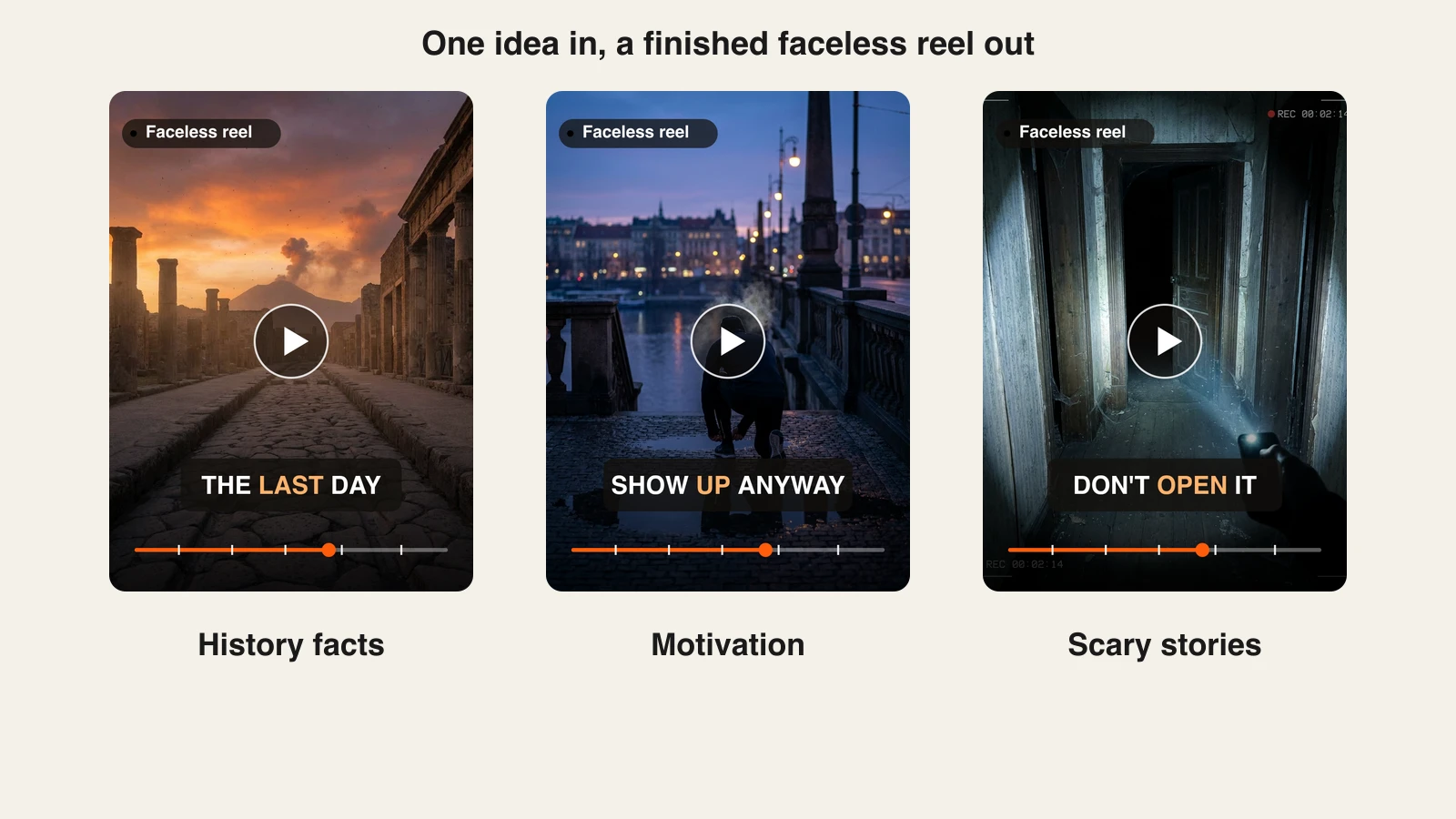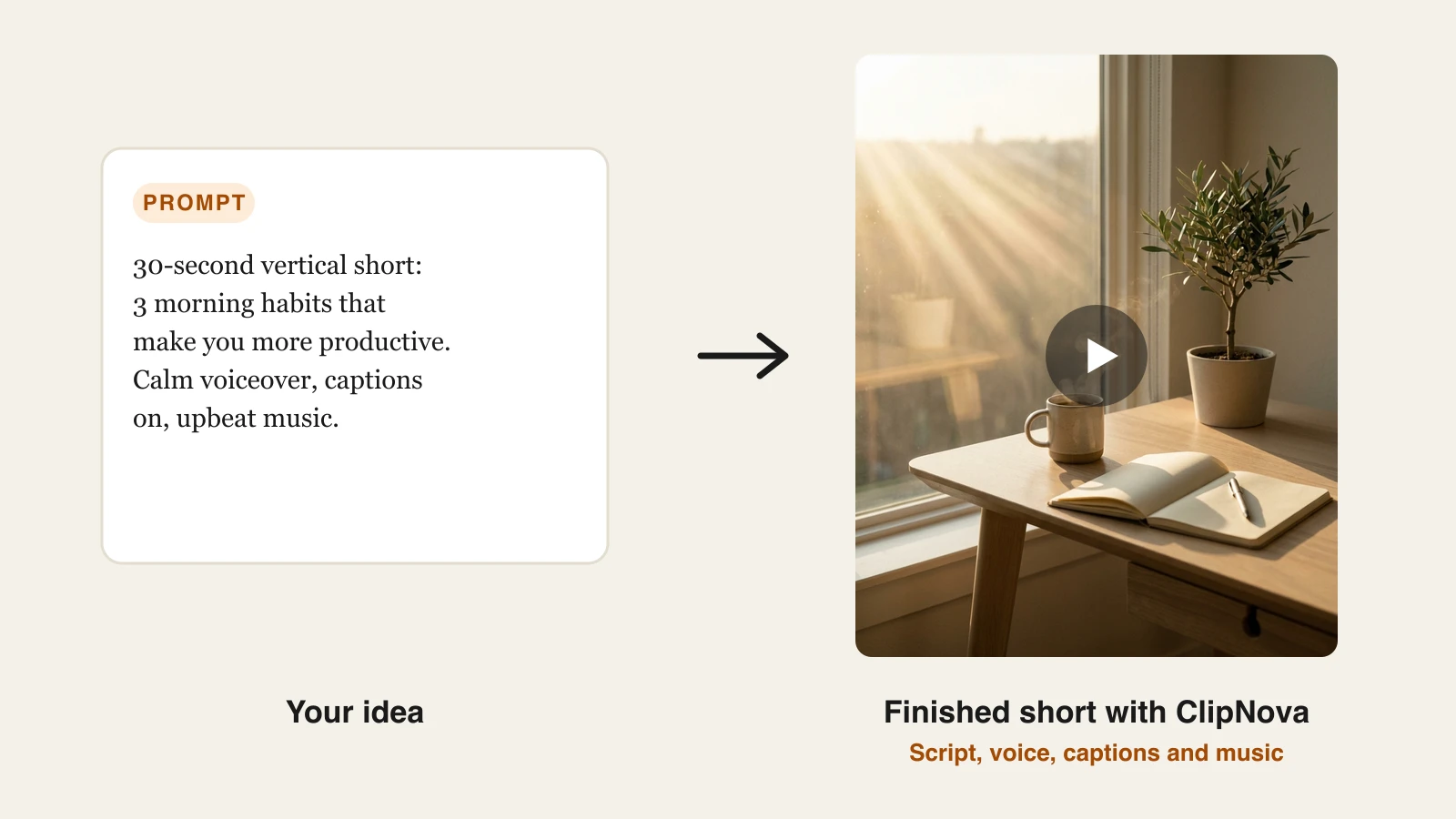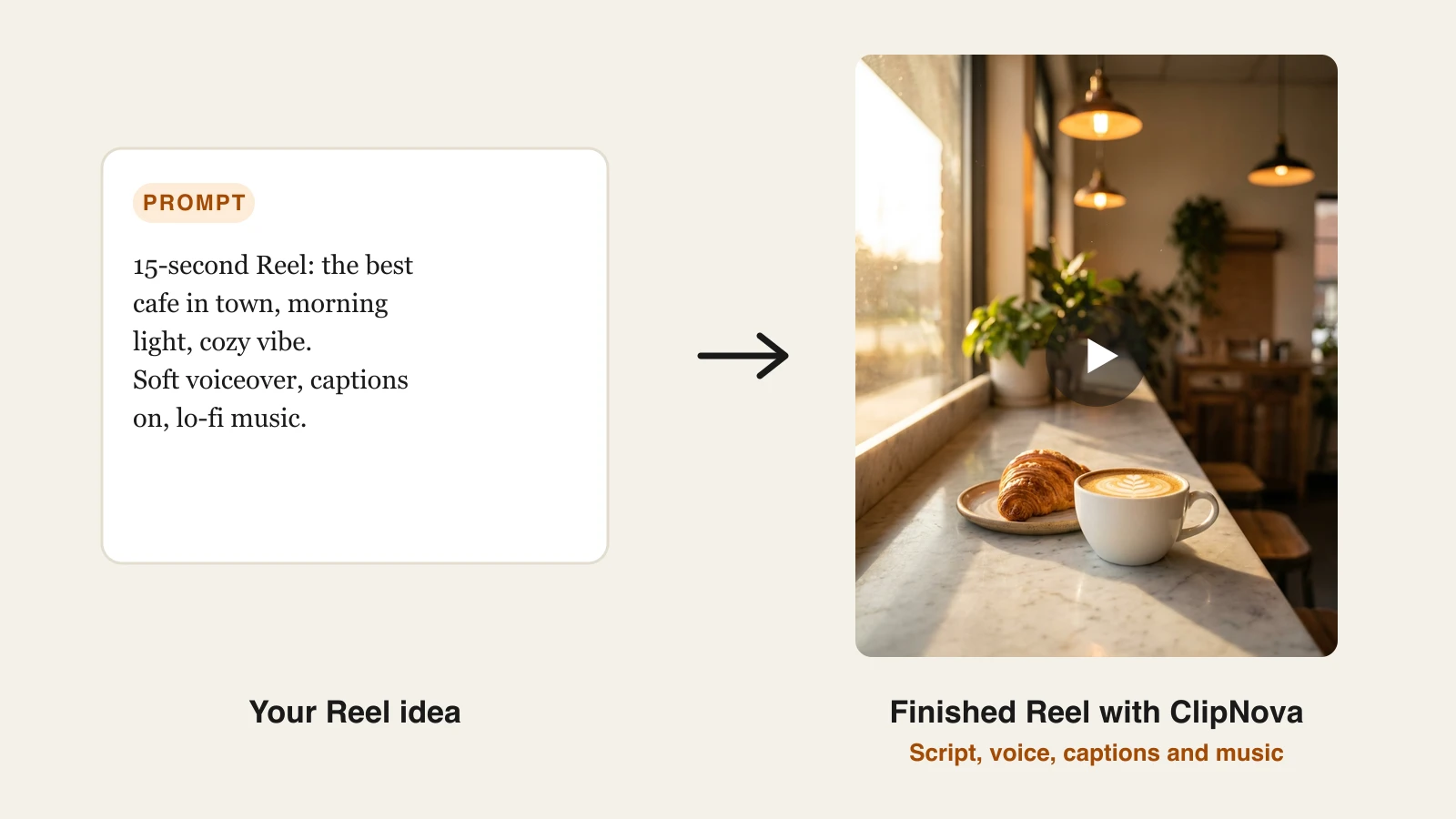
Instagram now asks one account to feed four formats at once: Reels for reach, carousels for saves, Stories for the daily touchpoint, and a feed that still has to look coherent when someone lands on your profile. Doing all of that by hand, every day, is how most creators and small brands burn out or go quiet.
The best AI tools for Instagram content creation split that load. One turns an idea into a finished Reel, another builds the carousel, another fixes the product photo, and another schedules the week so the account posts even when you do not.
This guide compares eight AI tools for Instagram content creation across the whole pipeline, with pricing verified in September 2026, honest trade-offs, and a short framework for choosing the two or three your account actually needs.
Best AI tools for Instagram content creation: a brief overview
- ClipNova: Best for finished Reels from a prompt. Type the idea and get back a captioned, voiced vertical video with music, ready to post.
- Canva: Best for carousels, Stories, and feed graphics. Templates plus Magic Studio AI for every static format Instagram has.
- CapCut: Best for editing Reels on your phone. Trending templates, auto captions, and effects in a touch-first editor.
- Captions: Best for talking-head Reels. Eye-contact correction, AI captions, and dubbing built around footage of yourself.
- Predis.ai: Best for generating feed posts and carousels from a line of text. Brand-styled posts, captions, and hashtags in one go.
- Photoroom: Best for product photos. Background removal and AI scenes that make one phone photo look like a studio shoot.
- Flick: Best for hashtags, captions, and Instagram analytics. Data-backed hashtag sets and post tracking for growth.
- Later: Best for Instagram-first scheduling. Visual planner, best time to post, and a link in bio page.
| Tool | Best for | Starting price | Instagram formats |
|---|---|---|---|
| ClipNova | Finished Reels and long videos with consistent characters | From $19/mo | Reels, Stories (video) |
| Canva | Carousels, Stories, feed graphics | From $18/mo | Carousels, Stories, feed, Reels covers |
| CapCut | Editing Reels on your phone | From $9.99/mo | Reels, Stories |
| Captions | Talking-head Reels | From $9.99/mo | Reels, Stories |
| Predis.ai | AI-generated feed posts and carousels | From $24/mo | Feed, carousels, short video |
| Photoroom | Product photos | From $12.99/mo | Feed, shop, Stories |
| Flick | Hashtags, captions, analytics | From £11/mo (annual) | Feed, Reels, carousels |
| Later | Instagram-first scheduling | From $25/mo | All formats (scheduling) |
Reading the table: most rows cover one Instagram format or one stage of the job. ClipNova's price is for the finished Reel: script, voiceover, captions, and music in one generation, watermark-free.
1. ClipNova, best for finished Reels from a prompt
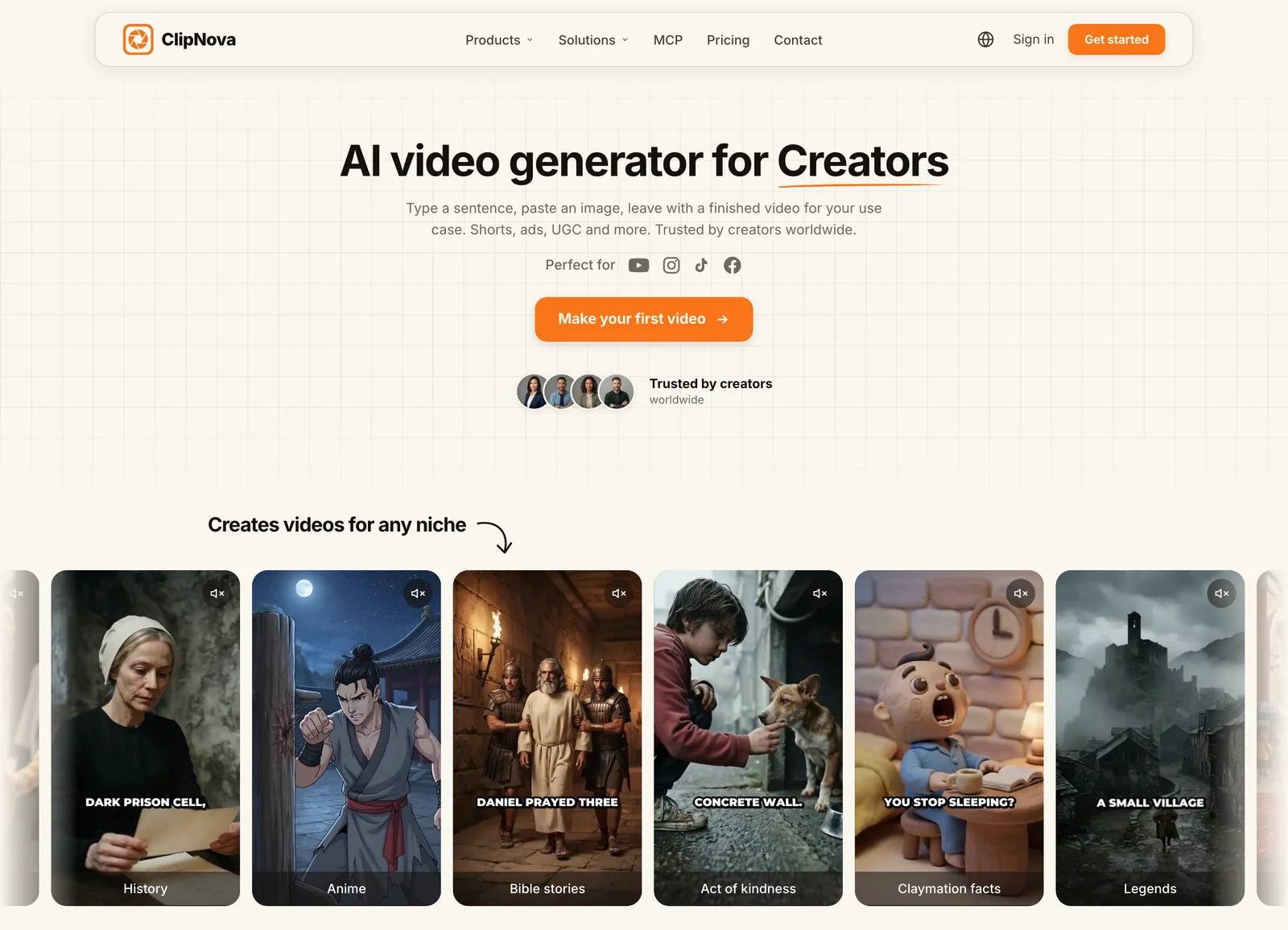
How to make an Instagram Reel with ClipNova
- Log in to the ClipNova app.
- Open AI Video Studio from the sidebar.
- Pick the AI Shorts Generator tool.
- Describe the Reel, choose a voice, and keep the vertical 9:16 format.
- Generate, then download the finished Reel with captions, voiceover, and music.
Reels are the format Instagram pushes to people who do not follow you yet, and they are also the format that takes the longest to make by hand. ClipNova removes the production step. You describe the Reel, and it writes the script, records an AI voiceover, assembles the visuals, starring a saved character who looks the same in each scene, burns in captions, and lays a music bed underneath, all in one generation. There is no timeline, no camera, and no separate captioning app.
The idea behind it: ClipNova makes finished long videos with consistent characters, so a Reel series keeps the same face from post to post.
- Long: when a short Reel idea grows into a full story, the same project goes up to 5 minutes.
- Consistent characters: save your creator persona or brand mascot once and it keeps the same face and outfit in every scene; with Series, the same cast and story memory carry into each new Reel episode.
- Finished: script, scenes, voiceover, captions, and music come back in one pass, and you can fix any single scene in Studio before it reaches your grid.
That is what makes a daily Reel realistic for a solo account. A creator can type three ideas over coffee and have three vertical videos ready before the first Story of the day, using the same prompt to video engine for each one. Output runs up to five minutes, so the same tool covers a 15-second hook Reel and a 3-minute explainer, and narration in 18 languages lets one Reel ship to several markets without re-recording.

The visual style follows the niche. A skincare account, a home decor account, and a travel account each get a Reel that looks like it belongs on their grid, from one prompt each, which is why ClipNova is built for content creators running an account alone.
Key features
- One prompt to a finished Reel: script, voiceover, visuals, captions, and music
- Vertical-first 9:16 export for Reels and Stories, plus widescreen for other platforms
- Auto captions on every plan, which matters because most Reels play muted
- AI voiceover in 18 languages for localized versions of the same Reel
- Watermark-free 1080p with full commercial rights on every plan
Best for
- Solo creators and small brands who want a Reel a day without filming
- Accounts localizing one Reel into several languages to grow beyond one market
Pricing
- Hobby $19/mo (1,000 credits), Starter $49/mo (2,600 credits), Growth $99/mo (5,750 credits), Ultra $199/mo (12,000 credits)
- Every plan includes the identical full feature set; only monthly credits differ, and yearly billing is 20% off (see ClipNova's plans)
Pros
- Turns the slowest Instagram format into the fastest one, because the whole Reel arrives finished
- Predictable cost per Reel from flat credit tiers, so daily posting does not become a budget surprise
Cons
- A video tool: carousels, feed graphics, and product photos still need Canva, Predis.ai, or Photoroom
- Newer brand than incumbents like Canva or CapCut
2. Canva, best for carousels, Stories, and feed graphics
Carousels earn the most saves on Instagram, and Stories are the daily touchpoint, and both are static formats Canva was practically built for. It has Instagram-sized templates for every one of them: carousel decks, Story frames, quote posts, Reel covers, and profile highlight icons, all editable with drag and drop. Magic Studio adds background removal, Magic Resize to turn one design into a Story, a square post, and a Reel cover in a click, and text-to-image for filler visuals.
For creators without a designer, Canva is the difference between a grid that looks like a brand and a grid that looks like a camera roll. It is the default packaging layer around whatever video tool you use.
Key features
- Instagram-sized templates for carousels, Stories, feed posts, and Reel covers
- Magic Resize to repurpose one design across every Instagram format
- Background remover, Magic Media text-to-image, and Magic Write for captions
- Brand Kit to lock fonts, colors, and logos across the grid
Best for
- Creators and small brands publishing carousels and Stories several times a week
- Anyone keeping a consistent grid aesthetic without design skills
Pricing
- Canva Pro is $18/mo billed monthly or $144/yr (about $12/mo) for one person
- Pro adds premium assets, Brand Kit, and the full Magic Studio toolkit; Teams pricing is per seat
Pros
- Magic Resize saves the most tedious job in Instagram design: rebuilding one post in three sizes
Cons
- A design tool, not a video pipeline; Reels editing in Canva is basic compared with CapCut or a generator
- Monthly billing is 50% more expensive than annual, and the best AI features sit behind Pro
3. CapCut, best for editing Reels on your phone
If you film your own Reels, CapCut is the editor most of Instagram is already using. It handles trims, transitions, speed ramps, and effects with a touch interface, adds auto captions, and its template library lets you drop clips into a trending Reel format that is already performing. The result is a fast path from a phone clip to a Reel that looks native to the feed.
Where ClipNova generates a Reel from a prompt, CapCut polishes footage you recorded. For creators who shoot and finish on mobile, it is the quickest way to keep up with trending audio and edit styles.
Key features
- Full mobile editor with trims, transitions, speed ramps, and effects
- Trending template library for one-tap Reel edit styles
- Auto captions and text-to-speech
- Background removal, 4K export, and AI effects on paid tiers
Best for
- Creators who shoot Reels on a phone and edit on the same device
- Anyone chasing trending Reel formats without rebuilding them from scratch
Pricing
- Standard $9.99/mo for watermark-free export plus extra effects and transitions
- Pro $19.99/mo, or $179.99/yr (about $15/mo), for 4K export, the full AI toolkit, and cloud storage; app-store prices vary by region
Pros
- The entry tier is unusually capable for a mobile editor
- Trending templates cut the time from raw clip to a posted Reel
Cons
- The 2026 price restructure moved the full toolkit to the pricier Pro tier
- It needs footage to start; there is no generate-from-text pipeline for a faceless account
4. Captions, best for talking-head Reels
Talking-head Reels build the parasocial trust that sells on Instagram, and Captions is an AI studio built around exactly that footage. It adds animated captions automatically, corrects your eye line so you look at the lens while reading a script, removes filler words and dead air, and can dub the Reel into other languages using your own voice and synced lips. It is mobile-first, which suits selfie-style Reels recorded on a phone.
Captions solves the on-camera half of the split, and ClipNova solves the faceless half. Many accounts run both: a generator for daily volume, Captions for the personal Reels that build the relationship.
Key features
- Automatic animated captions in 100+ languages
- AI eye contact correction for reading a script off-screen
- Filler-word and silence removal
- AI dubbing, lip sync, and AI twins on the credit-based tiers
Best for
- Coaches, founders, and creators recording talking-head Reels on a phone
- Accounts that want AI polish on real footage rather than generated video
Pricing
- Entry paid tier $9.99/mo for captions, caption styling, basic editing, and watermark-free export
- Max $24.99/mo with 500 monthly credits unlocks the generative features (AI edit styles, dubbing, AI twins); Scale tiers from $69.99/mo add larger credit buckets
Pros
- Eye-contact correction and auto captions save real editing time on every talking Reel
- Genuinely mobile-first, so you can record and finish on one device
Cons
- Built around footage of yourself; it does not generate Reels from a blank page
- The AI features most creators want sit on the credit-metered Max tier
5. Predis.ai, best for AI-generated feed posts and carousels
Predis.ai is the generator for the static side of Instagram. Type a line about the post you need, or paste a product URL, and it returns a branded feed post or multi-slide carousel with the design, caption, and hashtags already written, in your brand's colors and fonts. It also produces short branded videos and can post directly to Instagram on the higher tier, so a small brand can go from "we need something for Tuesday" to a scheduled carousel in a few minutes.
Compared with Canva, it trades design control for speed: you get finished posts rather than templates to fill in. It is the tool for accounts that need volume on the feed without a designer in the loop.
Key features
- One-line prompt to a finished feed post or carousel with caption and hashtags
- Brand kit that applies your colors, fonts, and logo to every generation
- Short branded video and faceless video generation on credits
- Competitor analysis and direct scheduling to Instagram on the Rise tier and above
Best for
- Small brands and agencies that need several feed posts and carousels a week
- Creators who want captions and hashtags generated with the design, not after it
Pricing
- Core $24/mo ($19/mo billed annually) for one brand and 1,300 credits, roughly 86 images or 9 short videos a month
- Rise $55/mo ($40/mo annually) for four brands, 3,200 credits, and auto-posting
Pros
- Generates the caption and hashtags in the same pass as the design, which removes two separate tasks
- Carousel generation is the fastest in this list for save-worthy multi-slide posts
Cons
- Credits burn quickly on video (200 credits per 8 seconds), so it is a feed tool more than a Reels tool
- Auto-posting is gated to the Rise tier and above
6. Photoroom, best for product photos
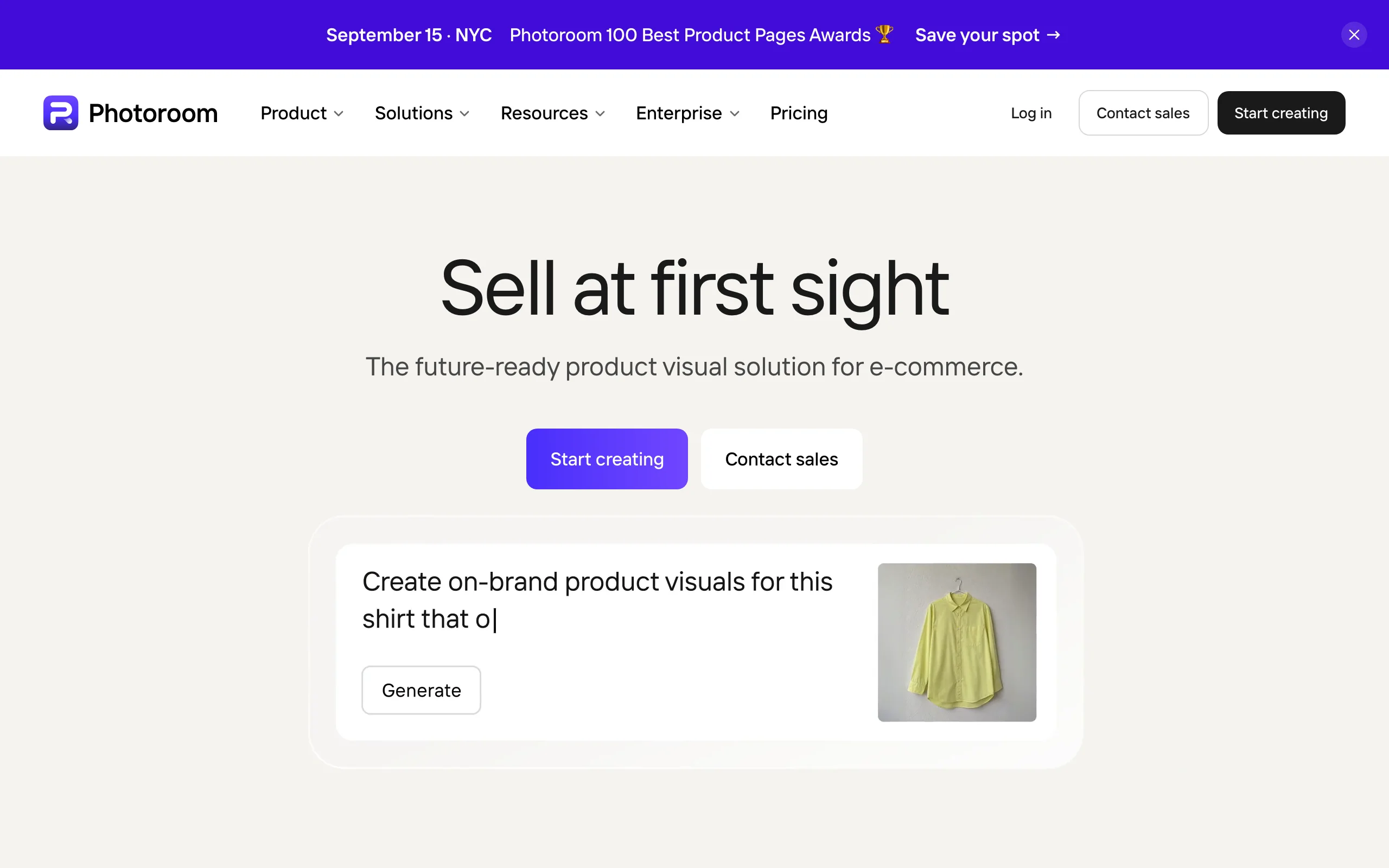
If you sell anything on Instagram, the product photo is the post, and Photoroom turns a phone snapshot into one. It removes the background in a tap, drops the product into an AI-generated scene (a marble counter, a beach, a studio sweep), fixes lighting and shadows, and batch-processes a whole catalog so every product in the shop tab matches. It also expands and resizes images so one shot fits the feed, a Story, and a shop listing.
For small brands and resellers, that replaces a studio day with a few minutes on a phone, and it keeps the grid consistent even when the products were photographed in different rooms.
Key features
- One-tap background remover and AI backgrounds for product scenes
- AI shadows, retouch, and image enhancer to make phone photos look studio-lit
- AI Expand and Resize to fit feed, Story, and shop formats from one image
- Batch editing for whole catalogs and a Shopify integration on Max
Best for
- Shops, resellers, and DTC brands posting product photos to the feed and shop tab
- Creators who need clean, consistent product imagery without a photographer
Pricing
- Pro $12.99/mo billed monthly or about $7.50/mo billed yearly, with 8,000 AI credits and 1,000 exports a month
- Max (most popular) adds up to 50 video generations and Shopify integration; Ultra adds 4K output
Pros
- The fastest way in this list to make a phone product photo look professional
- Batch editing keeps a whole catalog consistent, which is what a shoppable grid needs
Cons
- A photo tool: Reels and video are limited to a small generation allowance on Max
7. Flick, best for hashtags, captions, and Instagram analytics
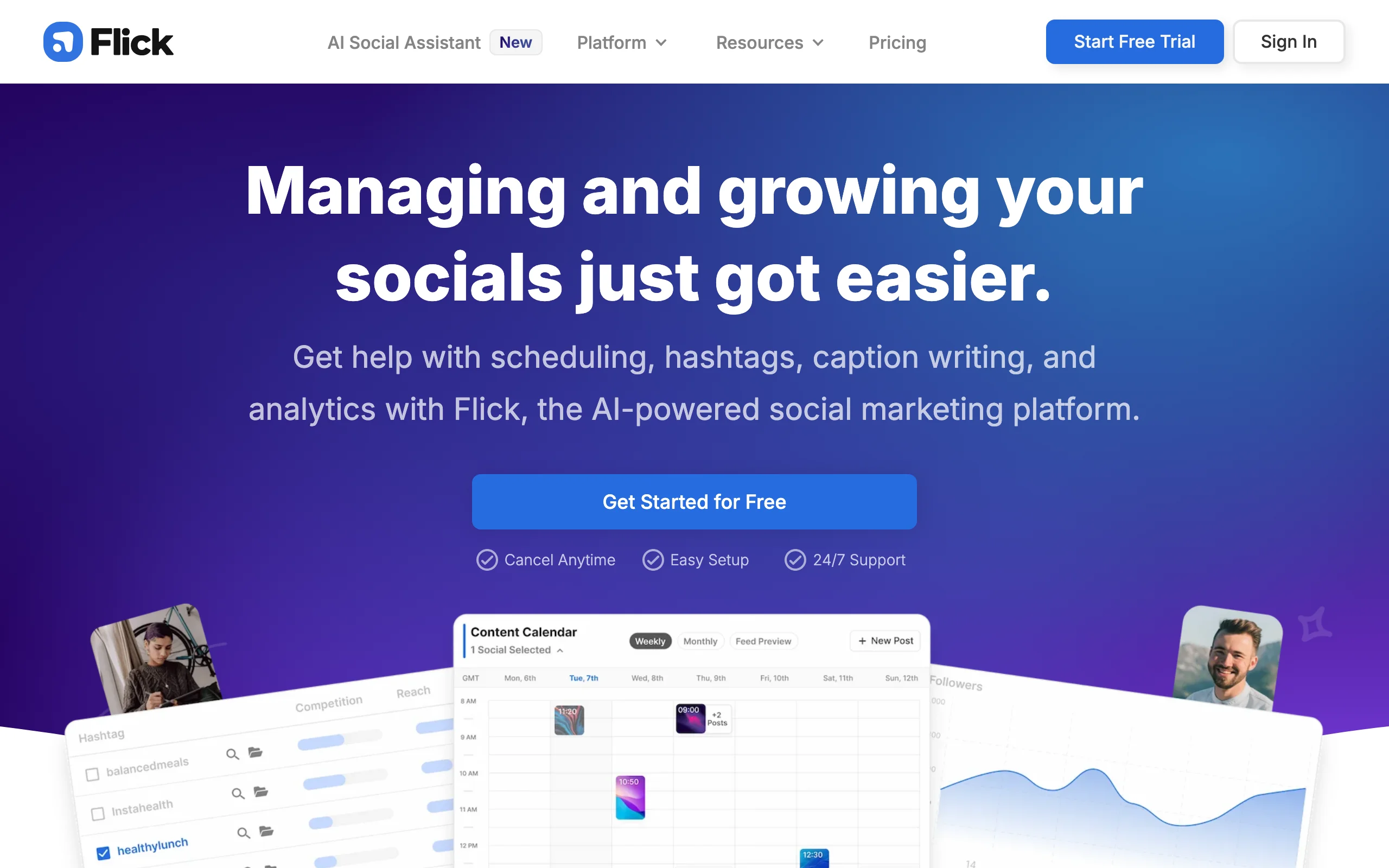
Making the post is half the job; getting it found is the other half. Flick is the Instagram-first growth layer: it searches hashtags by real competition and reach data, builds collections you can reuse, tracks which sets actually drove impressions on your posts, and audits your existing hashtags for banned or dead tags. Its AI content lab drafts captions and post ideas, and it schedules across Instagram, Facebook, TikTok, and LinkedIn.
It does not make visuals or video. Flick is what you add once you are producing consistently and want the distribution side handled with data rather than guesswork.
Key features
- Hashtag search ranked by competition, reach, and relevance
- Post tracking that shows which hashtag sets performed
- Hashtag auditing for banned and low-value tags
- AI caption and content ideas, plus scheduling and analytics
Best for
- Creators past the setup phase who want hashtag and caption decisions backed by data
- Accounts in competitive niches where discovery still depends on the right tags
Pricing
- Solo £11/mo billed yearly (four profiles, 30 scheduled and tracked posts a month); Pro £24/mo billed yearly (eight profiles, unlimited scheduling and tracking, all hashtag tools)
- Agency £55/mo billed yearly for 20 profiles; monthly billing is about 20% more
Pros
- The hashtag tracking closes the loop between what you posted and what got reach
- Scheduling and analytics are included, so a solo creator may not need a separate scheduler
Cons
- Priced in GBP, so the dollar cost moves with the exchange rate
- No design or video tools; it only helps content you have already made
8. Later, best for Instagram-first scheduling
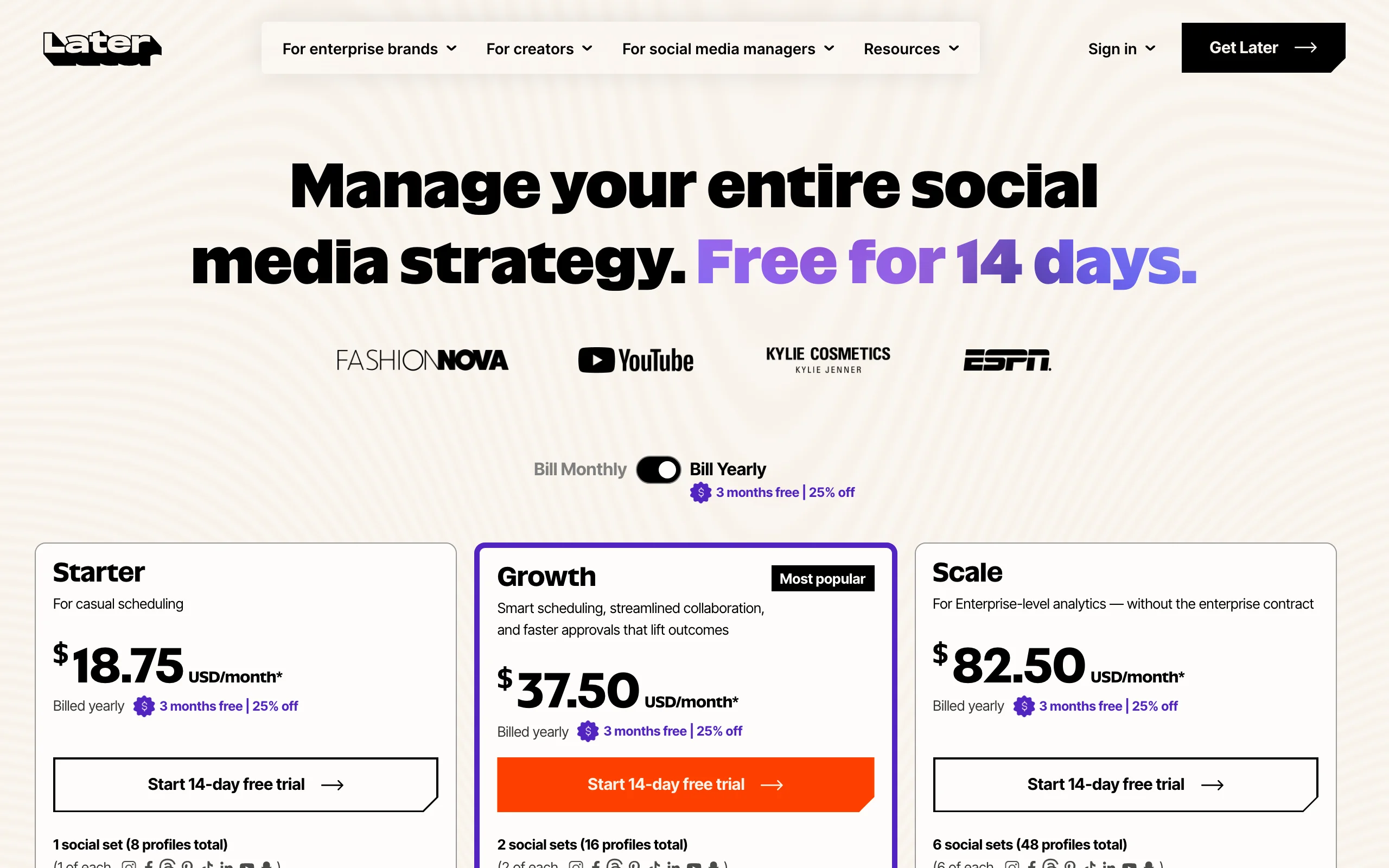
Later started as an Instagram scheduler and it still shows: a visual grid planner that previews how the feed will look, Best Time to Post based on your audience, a Link in Bio page that turns posts into clickable landing pages, product tagging, and an AI caption writer. It schedules Reels, carousels, and Stories, and it cross-posts the same content to TikTok, Facebook, Pinterest, and more from one calendar.
For a solo creator, an automated queue is what turns "post when I remember" into a schedule the algorithm can rely on. For a brand, the planner is what keeps the grid on-brand before anything goes live.
Key features
- Visual planner that previews the grid before you publish
- Best Time to Post and Link in Bio for driving clicks from the profile
- AI caption writer with credits on every plan
- Auto-publishing for Reels, carousels, and Stories across platforms
Best for
- Creators and brands who plan the grid a week or a month ahead
- Accounts that drive traffic from Instagram and need a link in bio page
Pricing
- Starter $25/mo ($18.75/mo billed yearly) for one social set (up to 8 profiles), 30 posts per profile, and 5 AI caption credits a month
- Growth $50/mo ($37.50/mo yearly) for two social sets, 180 posts per profile, and 50 AI credits; Scale $110/mo ($82.50/mo yearly) for unlimited posts
Pros
- The grid preview and Best Time to Post are genuinely Instagram-specific, not generic scheduling
- Link in Bio removes the need for a separate link tool
Cons
- The Starter plan's 30 posts per profile runs out fast for a daily Reels and Stories cadence
- A scheduler only; it does not create the Reel, carousel, or photo you post
How to choose the best AI tools for Instagram content creation for your account
You do not need all eight. Map your account's formats to stages, then pick one tool per stage.
1) Which format is your growth engine?
- If Reels drive your reach: start with ClipNova for finished Reels from a prompt, or CapCut if you film them yourself. Add Captions when you are on camera and the eye line and captions matter.
- If carousels and saves are your engine: Canva for hand-built decks, or Predis.ai when you need several a week without a designer.
- If you sell products: Photoroom for the photos, then Canva for the promo frames around them.
2) Faceless or on-camera?
- Faceless: a generator like ClipNova does the whole Reel, and the same logic behind a good faceless Reels stack applies here, where generation replaces filming entirely.
- On camera: Captions for polish, CapCut for trending edits, and a phone. The tool spend stays under $30 a month combined.
3) How much do you post?
- One Reel a day: a generator pays for itself quickly. Translate ClipNova's credits into Reels per month before picking a tier, and compare that with the hours a filmed Reel costs you.
- A few posts a week: Canva Pro plus an entry-level scheduler plan is enough to start; add paid tools only when a format proves it drives followers.
4) What still happens by hand?
- Hashtags and captions: Flick when you want data behind them, Predis.ai or Later's AI writer when you just want them written.
- Scheduling: Later for an Instagram-first planner, or the scheduler inside Flick if you already pay for it.
- Growth strategy: tools produce the content, but the hook, the posting cadence, and the format mix are still yours to decide, and our guide to going viral on Instagram covers that side.
A practical starting stack for one person: ClipNova for Reels, Canva for carousels and Stories, and Later to schedule the week, then add Photoroom if you sell products and Flick once discovery becomes the bottleneck. Generate three to five test Reels on your real niche, post them, and let the reach data decide which paid plans earn their place.
Frequently asked
What are the best AI tools for Instagram content creation in 2026?
The strongest Instagram stack in 2026 pairs a Reel generator like ClipNova with Canva for carousels and Stories, CapCut or Captions for filmed Reels, Predis.ai for AI-generated feed posts, Photoroom for product photos, Flick for hashtags and analytics, and Later for scheduling. Each owns one format or one stage. Most accounts only need three of them, matched to the formats that actually drive their growth.
Can AI make Instagram Reels for me?
Yes. A generator like ClipNova turns a text prompt into a finished vertical Reel with the script, AI voiceover, visuals, captions, and music already in place, so there is nothing left to edit. Tools like CapCut and Captions take the other route and use AI to caption, cut, and polish Reels you filmed yourself. Which one fits depends on whether your account is faceless or on camera.
What is the best AI tool for Instagram carousels?
Canva is the best pick when you want control over the design, because its Instagram-sized carousel templates and Magic Resize make multi-slide decks fast to build and repurpose. Predis.ai is the better pick when you want volume without a designer, since it generates the whole carousel, caption, and hashtags from one line of text in your brand's colors.
Which AI tool writes Instagram captions and hashtags?
Flick is the most data-driven option: it ranks hashtags by competition and reach, tracks which sets performed on your posts, and drafts captions in its AI content lab. Predis.ai writes the caption and hashtags in the same pass as the post design, and Later includes an AI caption writer with a monthly credit allowance on every plan.
What is the cheapest AI tool for Instagram content?
CapCut and Captions both start at $9.99 a month, Photoroom Pro is $12.99 monthly or about $7.50 a month on annual billing, and Flick's Solo plan is £11 a month billed yearly. ClipNova starts at $19 a month with the full feature set on every plan.
Can I use AI-generated Reels on Instagram and still get reach?
Yes. Instagram does not penalize AI-made video as a category; it suppresses low-effort, repetitive, or reposted content regardless of how it was made. Original AI Reels with a real hook, captions, and a clear point perform like any other Reel. Keep the topic specific to your niche, vary the visuals, and post consistently, and the format works.
Do I own the Reels I generate with AI tools?
Check each tool's terms. ClipNova includes full commercial rights and watermark-free export on every plan, so the Reels are yours to post and monetize. Some tools restrict commercial use or add watermarks on lower tiers, so confirm before you build a brand account on one.
I mainly need to post a Reel every day. What should I use?
Use ClipNova. It turns one prompt into a finished, captioned, voiced vertical Reel with music, which is exactly what a daily posting cadence demands from one person. Generate three to five Reels on your real niche, then pick a plan by how many Reels a month the credits translate into.