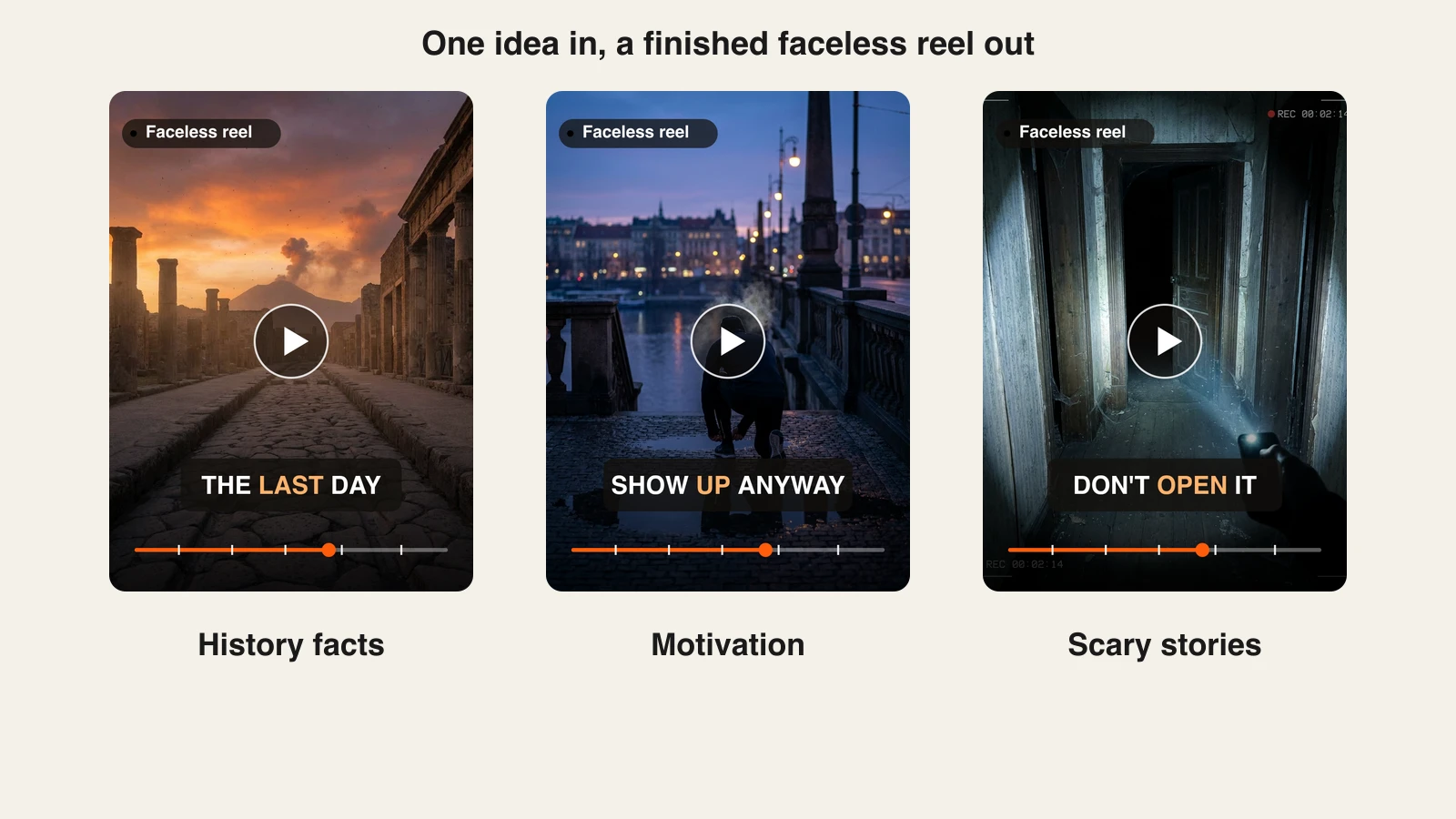
Going viral on Instagram in 2026 rarely means one lucky post. It means a Reel that Instagram keeps showing to people who do not follow you, over hours, until the view count runs into the hundreds of thousands. The lever that makes that happen is Reels, because the Reels and Explore surfaces are built to push short video to strangers who have never heard of you. That is where a small account can outrank a big one on a single clip.
This guide is a practical playbook for creators and small brands who want more reach on Instagram. You will learn how the 2026 algorithm actually ranks Reels, a seven-step process to make videos that travel, how to use AI to produce enough content to get real reps, and the mistakes that quietly cap your views. No hacks, no follow-for-follow, just the signals Instagram rewards and a workflow to hit them consistently.
How the Instagram algorithm decides what goes viral in 2026
Instagram does not run one algorithm. It runs separate ranking systems for Feed, Reels, Stories, and Explore, and the Reels and Explore systems are the ones built for discovery, or what Instagram calls unconnected reach. When you post a Reel, it goes into an audition: Instagram shows it to a small test group, mostly non-followers, and watches how they respond. Strong signals trigger a wider audition, then a wider one, which is exactly why a brand-new account can suddenly go viral off one clip.
Adam Mosseri has been consistent about what those signals are. The three that matter most across surfaces are watch time, sends per reach (shares to other people in DMs), and likes per reach. Here is how each one plays out for Reels.
- Watch time and retention. Completion rate is the single most powerful signal for Reels. Instagram weighs whether viewers keep watching past the first few seconds and whether they finish. A shorter Reel that people watch to the end often beats a longer one they drop halfway.
- Sends and shares. A send is when someone DMs your Reel to a friend, and Mosseri has called it the strongest quality signal there is. A Reel with 1,000 likes and 50 sends can out-reach one with 5,000 likes and zero sends. Shares mean the content was worth passing on, which is what discovery feeds want.
- Saves. A save signals long-term value: recipes, tutorials, checklists, anything people want to come back to. Saves tell Instagram the content is a reference, not just a scroll.
- Original content. Instagram now favors original content and suppresses reposts, watermarked video, and aggregator pages. Reposting other people's clips at volume can get an account excluded from recommendations. Making your own footage is no longer optional if you want Explore reach.
- Consistency. Accounts that post several Reels a week tend to get more reach than accounts that post once and disappear. Frequency gives the algorithm more auditions to run and more chances for one clip to break out.
The takeaway: you are optimizing for a clip that holds attention, gets sent to a friend, and gets saved, published often enough that the audition system has plenty of shots. The rest of this playbook is how to do that on purpose.
The viral Instagram playbook: 7 steps
1. Pick a clear niche and angle
Explore is interest-based, so Instagram needs to know who to show your Reels to. A vague account confuses that. Pick one niche and one recognizable angle inside it, for example not "fitness" but "5-minute kitchen-counter workouts for busy parents." A tight angle makes every Reel legible to the algorithm and gives strangers a reason to follow after the first clip. Post 80 percent of your content on that core theme and reserve a little room to experiment.
2. Nail the hook in the first 2 to 3 seconds
The first frames decide your retention, and retention decides your reach. Roughly half of Instagram video is watched on mute, so the hook has to work visually and in text, not just in a voiceover. Put a bold text hook on the opening frame that states the payoff or the tension: "The caption mistake killing your reach," not "Hi guys, today I want to talk about." Open on motion or a result, not a slow intro. If someone cannot tell what the Reel is about in three seconds, they scroll, and the audition ends early.
3. Create enough content to get reps
Virality is partly a numbers game. The audition system rewards volume because every post is another lottery ticket with better odds each time you learn what lands. Posting one Reel a week gives you about four auditions a month. Posting four or five a week gives you 16 to 20, plus far faster feedback on which hooks and formats work. The bottleneck for most creators is production time, and that is where AI changes the math. Instead of spending an evening editing one clip, you can generate a batch of finished, captioned Reels in an afternoon. The next section walks through that workflow in detail.
4. Optimize captions, audio, and hashtags
Give the algorithm and the viewer context. Write a caption with a hook line and a soft call to send or save ("send this to the friend who needs it"). Add on-screen captions to every Reel, since so many people watch on mute and captions lift completion rate. Use trending or original audio: trending sounds can add a discovery boost, and Instagram exports need clean vertical 9:16 framing so the audio and visuals stay synced. Keep hashtags relevant and modest, three to five topical tags that describe the content, rather than a wall of generic ones.
5. Post consistently at the right cadence
Consistency beats intensity. Four to five strong Reels a week is a realistic target that keeps the audition engine fed without burning you out. Four good Reels will always beat seven rushed ones, so protect quality. Pick a schedule you can actually sustain for months, because the algorithm rewards the accounts that keep showing up, and one viral clip means little if the account goes quiet the following week. If you also publish to other platforms, batching lets you keep every channel on cadence at once.
6. Drive sends and saves with shareable content
Since sends are the top signal, design Reels people want to pass on. The formats that get shared tend to be relatable ("this is so me" POV clips), highly useful (tutorials, listicles, checklists worth saving), or mildly polarizing enough to spark a comment thread. Ask yourself before posting: would a viewer DM this to one specific friend, or save it to try later? If neither, the reach ceiling is low. Reply to early comments fast, ideally in the first hour, because conversation gives the Reel another burst of engagement while it is still auditioning.
7. Analyze and iterate
Treat every batch as an experiment. In Instagram Insights, watch three numbers per Reel: retention or average watch time, sends, and saves. Find your top few Reels each month and ask what they share, a hook style, a topic, a length, then make more of that and cut what flops. Virality compounds when you double down on proven angles instead of guessing. Over a few months this loop matters more than any single trick, because you are training your content to fit both your audience and the algorithm.
Using AI to create viral Reels at volume
Steps 3 and 5 both come down to output: you cannot get reps or stay consistent if each Reel takes hours. This is where an AI video tool like ClipNova turns the volume problem into an afternoon of work.
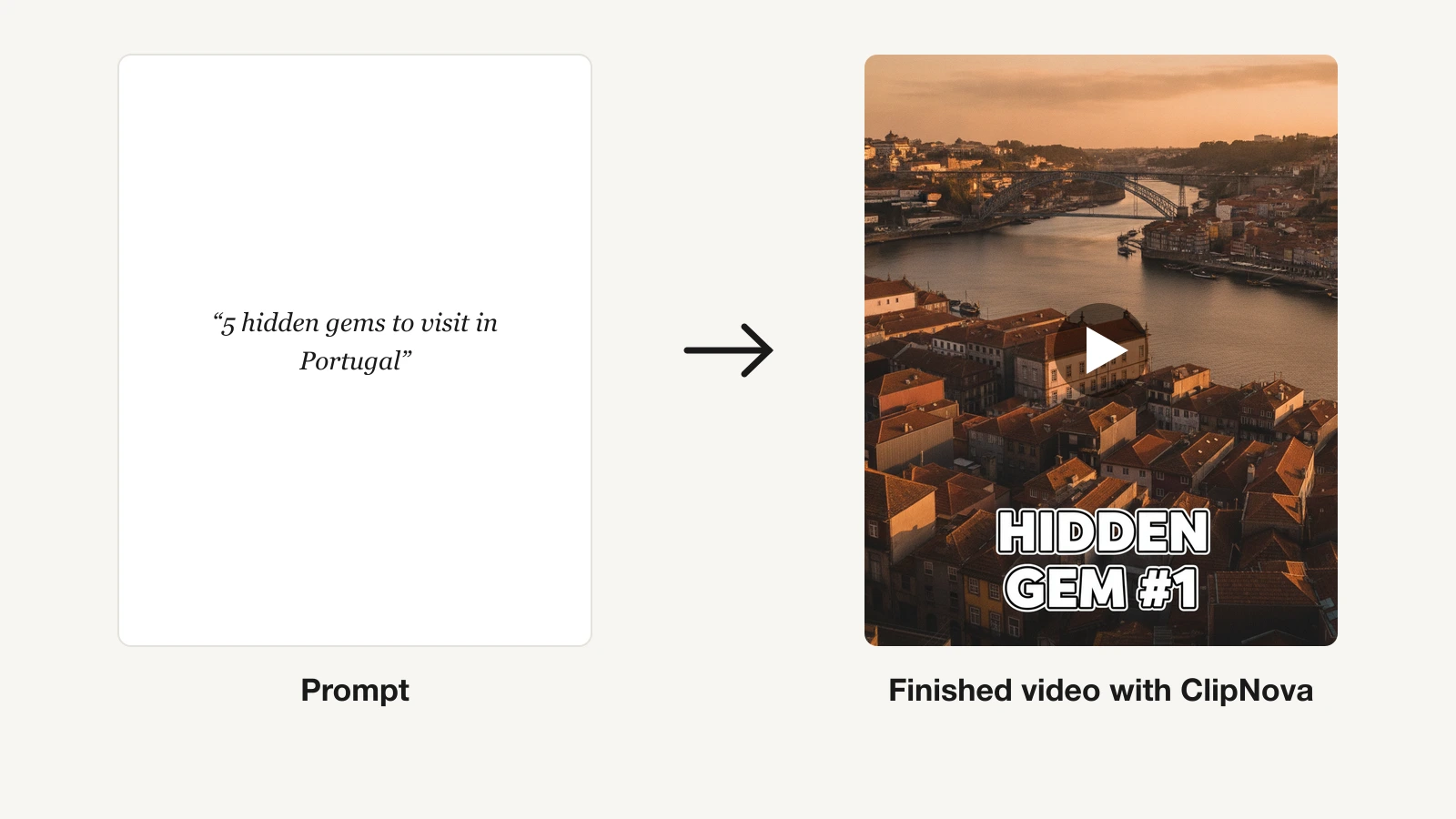
The core workflow is prompt to video. You type an idea, and ClipNova's prompt-to-video generator produces a finished, publish-ready Reel: script, AI voiceover, visuals, background music, and auto captions, in minutes rather than an evening. Because captions are burned in automatically, every Reel is already optimized for the roughly half of viewers who watch on mute. Output is vertical-first and exports clean 9:16 at 1080p, so your clips are Reels-ready and trending-audio friendly out of the box.
A practical batch cycle looks like this:
- Brainstorm 10 hooks for your niche in one sitting, one clear angle per Reel.
- Generate the videos with the AI Shorts generator, producing a week of Reels in a single session instead of one clip a night.
- Add AI visuals and B-roll where you need original imagery, so you are not reposting stock or someone else's footage, which keeps you on the right side of the original-content signal.
- Localize the winners. ClipNova narrates in 18 languages, so a Reel that performs in English can be regenerated for Spanish, Portuguese, or French audiences to widen reach without reshooting.
- Repurpose across platforms. The same vertical export drops straight into TikTok and Shorts, so you can publish everywhere at once and multiply the odds one clip breaks out.
Every ClipNova plan includes the full feature set and differs only in monthly credits: Hobby at $19/mo (1,000 credits), Starter at $49/mo (2,600), Growth at $99/mo (5,750), and Ultra at $199/mo (12,000), with 20 percent off on yearly billing. Start on Hobby to test a few Reels on your actual niche before committing to a bigger tier. The point is not to replace your voice, it is to remove the production bottleneck so you can run the numbers game the audition system rewards.
Common mistakes that kill reach
Even good content stalls when it trips the algorithm's suppression signals or wastes the audition window. Watch for these.
- A slow hook. Spending the first three seconds on a logo, an intro, or "hey guys" tanks retention before the audition can build. Lead with the payoff.
- Reposting and watermarks. Sharing TikTok exports with the TikTok watermark, or reposting others' clips at volume, gets Reels suppressed and can pull an account out of recommendations entirely. Post original, watermark-free video.
- Posting once and vanishing. Inconsistent posting starves the audition system. One viral Reel followed by two weeks of silence does not compound into growth.
- No captions. Skipping on-screen text loses the muted-scroll audience and drags down completion rate, your most important signal.
- Chasing every trend off-niche. Jumping on unrelated trending audio confuses Instagram about who to show your content to and rarely converts strangers into followers.
- Ignoring sends and saves. Optimizing only for likes leaves the two strongest signals on the table. If a Reel is not worth sending to a friend or saving for later, rework it before you post.
- Quitting after a flop. Individual Reels are lottery tickets, and a few duds in a row are normal. The creators who go viral are the ones still posting when the breakout finally hits.
Frequently asked
What actually makes a Reel go viral on Instagram in 2026?
A Reel goes viral when Instagram's audition system keeps expanding its reach to non-followers, and that happens when the clip holds attention and gets passed around. The signals that drive it are watch time and completion rate, sends (DM shares to other people), and saves. Original, watermark-free content and a fast hook in the first two to three seconds are what push those numbers up.
How many Reels should I post per week to grow?
Aim for four to five Reels a week. Accounts that post several Reels weekly tend to get more reach than those posting once, because each post is another audition for the algorithm to run. That said, quality wins: four strong Reels will out-reach seven rushed ones, so pick a cadence you can sustain for months.
Are sends more important than likes on Instagram Reels?
Yes. Instagram head Adam Mosseri has repeatedly called sends the strongest quality signal, because DMing a Reel to a friend is a stronger vote than a like. A Reel with fewer likes but many sends can out-reach one with more likes and no sends. Design content people want to share with one specific person, and add a soft "send this to a friend" prompt.
Does reposting or using watermarked videos hurt my reach?
It does. Instagram favors original content and suppresses reposts and watermarked video, and accounts that repost at volume can be pulled out of recommendations entirely. If you cross-post from TikTok, export a clean version without the TikTok watermark, and make your own footage or AI visuals rather than reusing other people's clips.
How can I create enough Reels to stay consistent without burning out?
Use an AI video tool to batch production. With ClipNova you type an idea and get a finished, captioned vertical Reel with voiceover, visuals, and music in minutes, so you can generate a week of Reels in one session instead of one clip a night. It also narrates in 18 languages, so you can localize your best clips for wider reach.
What's the difference between going viral on Instagram and on TikTok?
The mechanics rhyme, since both push short vertical video to strangers based on watch time and engagement, but Instagram leans heavily on sends and saves and rewards original, non-watermarked content across Reels and Explore. TikTok's discovery engine is even more aggressive at testing content with new viewers. See our TikTok guide for that platform's specifics, then keep your Instagram strategy Reels-first.
How much does ClipNova cost?
Start on the $19 Hobby plan to test a few Reels on your niche. All plans include the full feature set and differ only in monthly credits: Hobby is $19/mo for 1,000 credits, Starter is $49/mo for 2,600, Growth is $99/mo for 5,750, and Ultra is $199/mo for 12,000. Yearly billing takes 20 percent off.