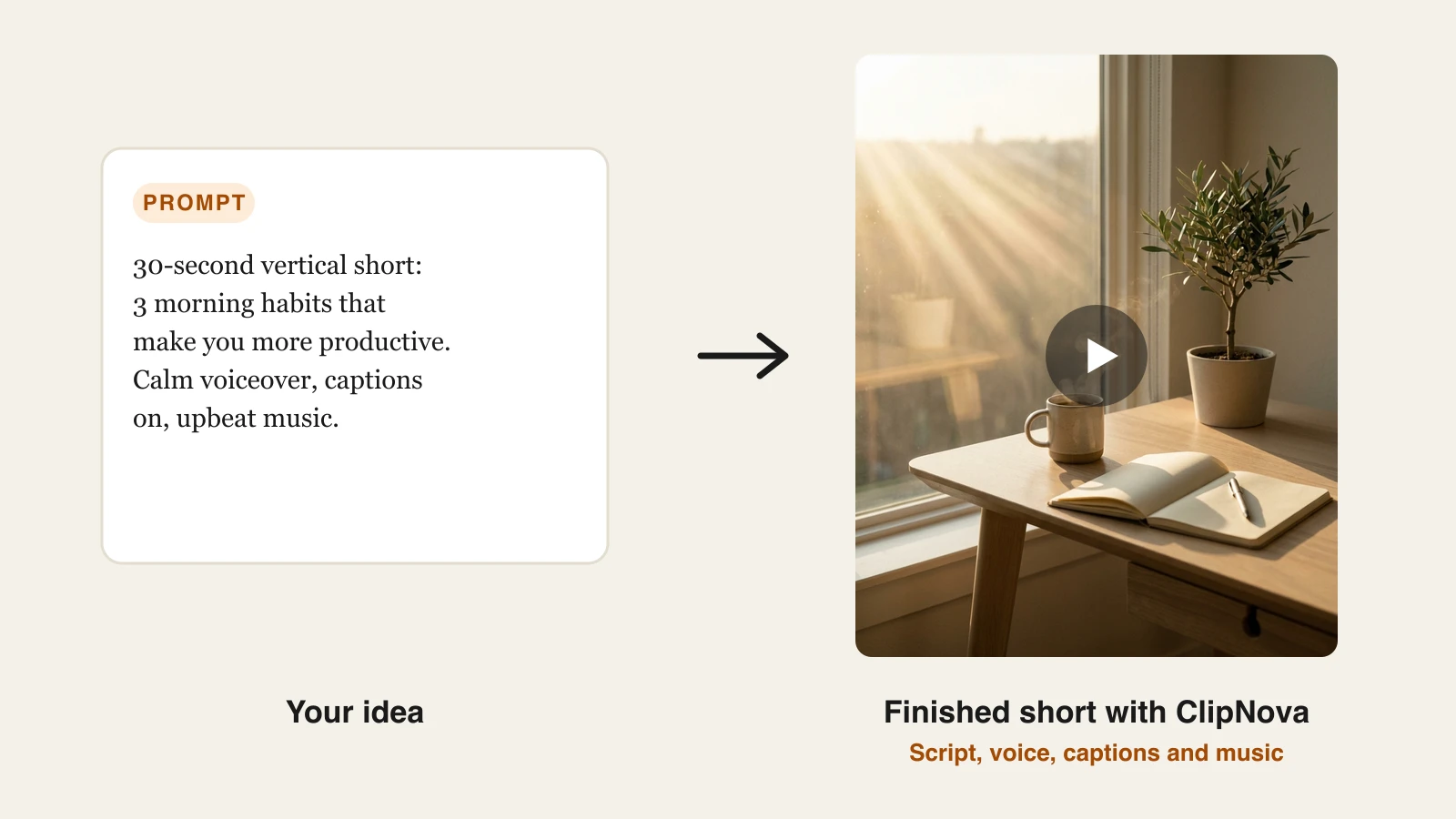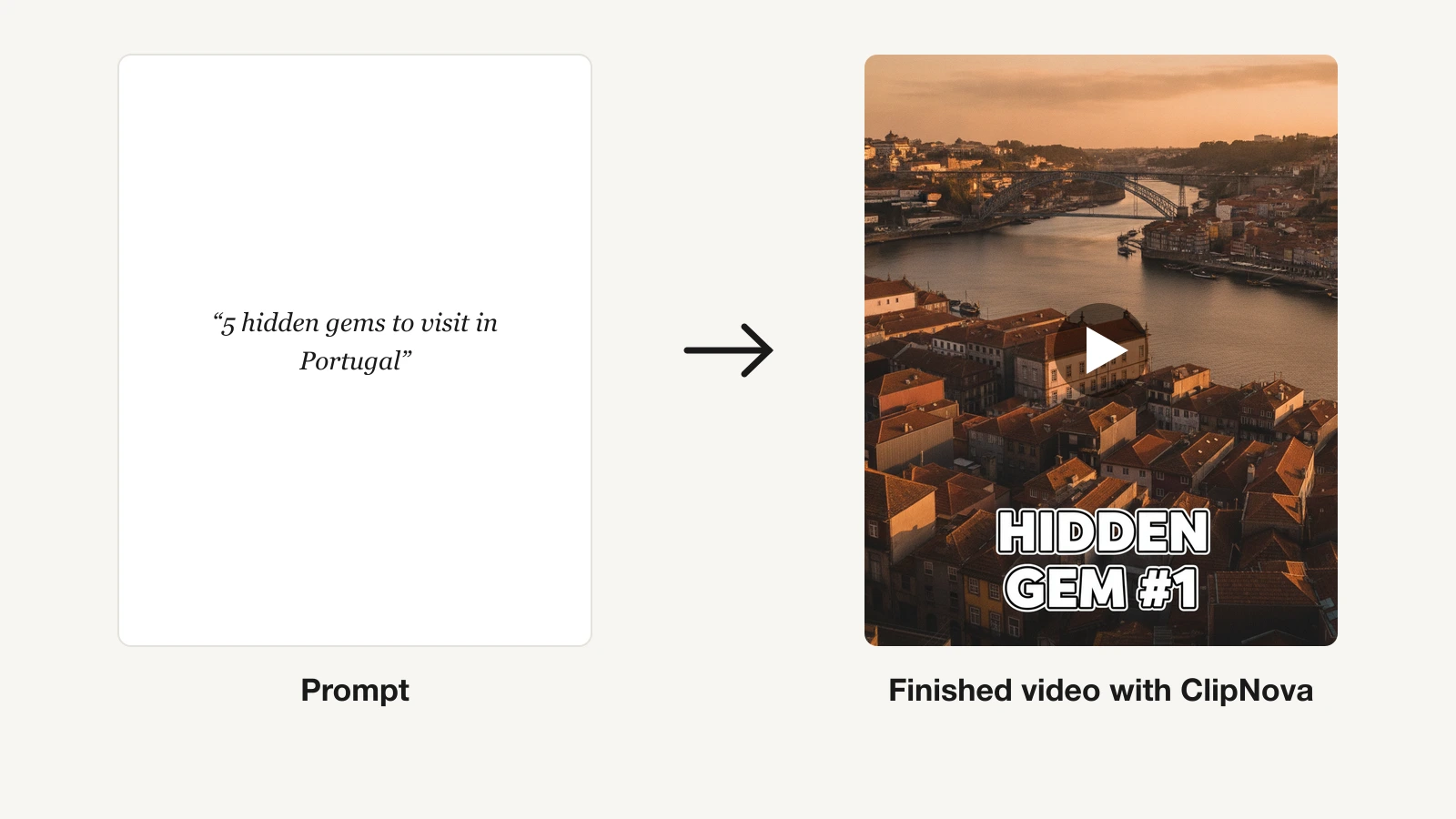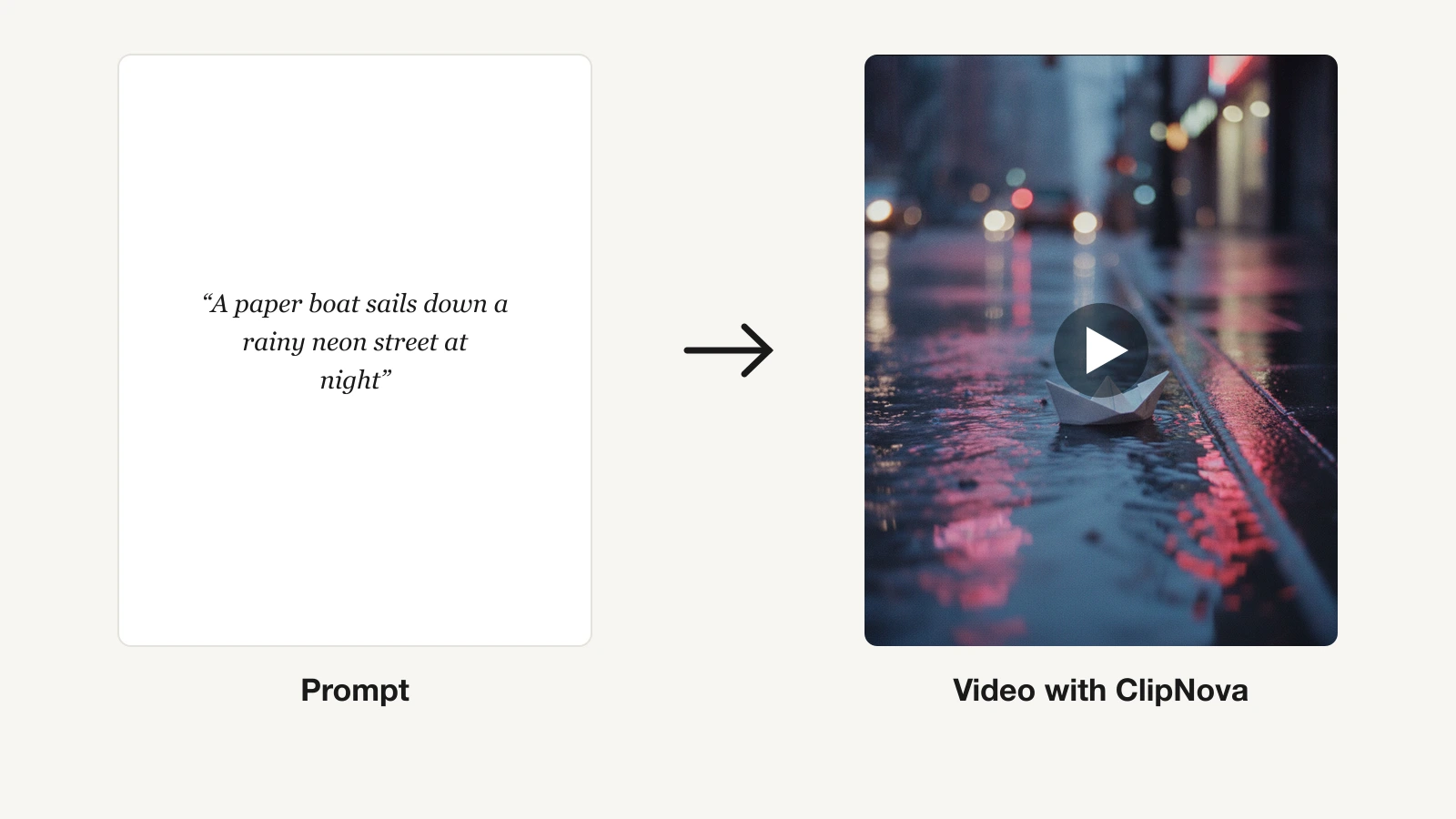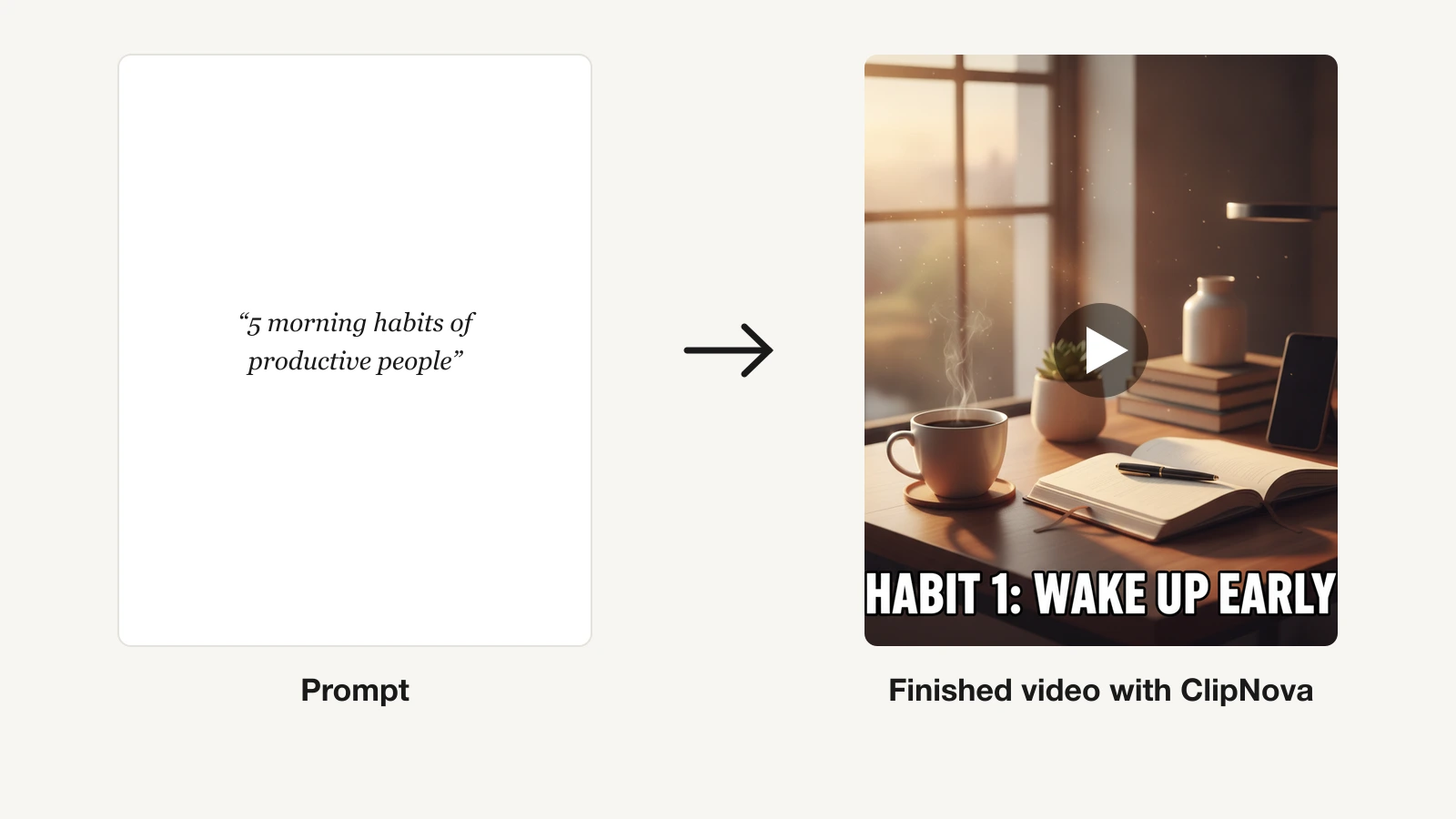
"AI content generator" means two different products in 2026. One writes: blog posts, captions, ad copy. The other produces the finished media, a narrated video, an avatar presenter, a designed graphic, from a single prompt.
Which one you need depends on what you actually publish. A short-form channel needs videos, not paragraphs. A marketing team needs both, but on different days. Buying the wrong category is the most common and most expensive mistake here.
This guide compares the 7 best AI content generators with a bias toward the tools that make postable content, not just drafts, with verified pricing and honest limits so you match the tool to your output.
Best AI content generators: a brief overview
For finished video content
- ClipNova: Best overall. Turns a text idea into a complete short-form video, scenes, script, voiceover, captions, and music, ready for TikTok, Reels, and Shorts.
- InVideo AI: Best for prompt-to-editable video. Generates a full video from a prompt, then lets you revise it with text commands.
- Pictory: Best for turning scripts and blogs into video. Strong for repurposing written content into narrated clips.
- Synthesia: Best for avatar and training video. A realistic presenter reads your script in 140+ languages.
For copy, design, and everything else
- Canva Magic Studio: Best for on-brand graphics and social posts. AI design, copy, and image tools inside the editor most teams already use.
- Jasper: Best for marketing copy at scale. Brand-voice writing for blogs, ads, and campaigns.
- ChatGPT: Best all-purpose starting point. Writes, brainstorms, and generates images conversationally.
| Tool | Best for | Starting price | Output |
|---|---|---|---|
| ClipNova | Long finished videos from a prompt, with consistent characters | From $19/mo | Captioned vertical video with voice and music |
| InVideo AI | Prompt-to-editable video | From $17/mo (annual) | Editable video, watermark-free |
| Pictory | Script and blog to video | From $25/mo (annual) | Narrated video from text, no watermark |
| Synthesia | AI avatar and training video | From $18/mo (annual) | Avatar presenter, 140+ languages |
| Canva Magic Studio | On-brand graphics and posts | $120/yr (~$10/mo) | Designs, images, short AI video |
| Jasper | Marketing copy at scale | From $59/seat/mo | Brand-voice written copy |
| ChatGPT | All-purpose drafting and images | Go from $5.50/mo | Text and images |
Reading the table: the copy and design tools give you words or a graphic you still have to turn into a post. ClipNova's price covers the finished video itself, script, voiceover, captions, and music included, which is the step the others leave to you.
1. ClipNova, best overall AI content generator
Most "AI content generators" hand you a draft: a paragraph, a script, a still. ClipNova hands you the finished video. Give its AI video studio a one-line idea and it builds the whole thing, stylized scenes, a written and voiced script, burned-in captions, and music, vertical-first for short-form, with a saved character keeping the same look in every post.
As content goes, that means finished long videos with consistent characters, ready for any channel.
- Long: one script or idea becomes a finished video of up to 5 minutes, so a single brief fills a full post instead of a 5 to 10 second clip.
- Consistent characters: save a host or mascot once and the same face and outfit appear in every scene; Series carries that cast through each episode.
- Finished: script, scenes, voiceover, captions and music arrive in one pass, and you can fix any single scene in Studio before it goes out.
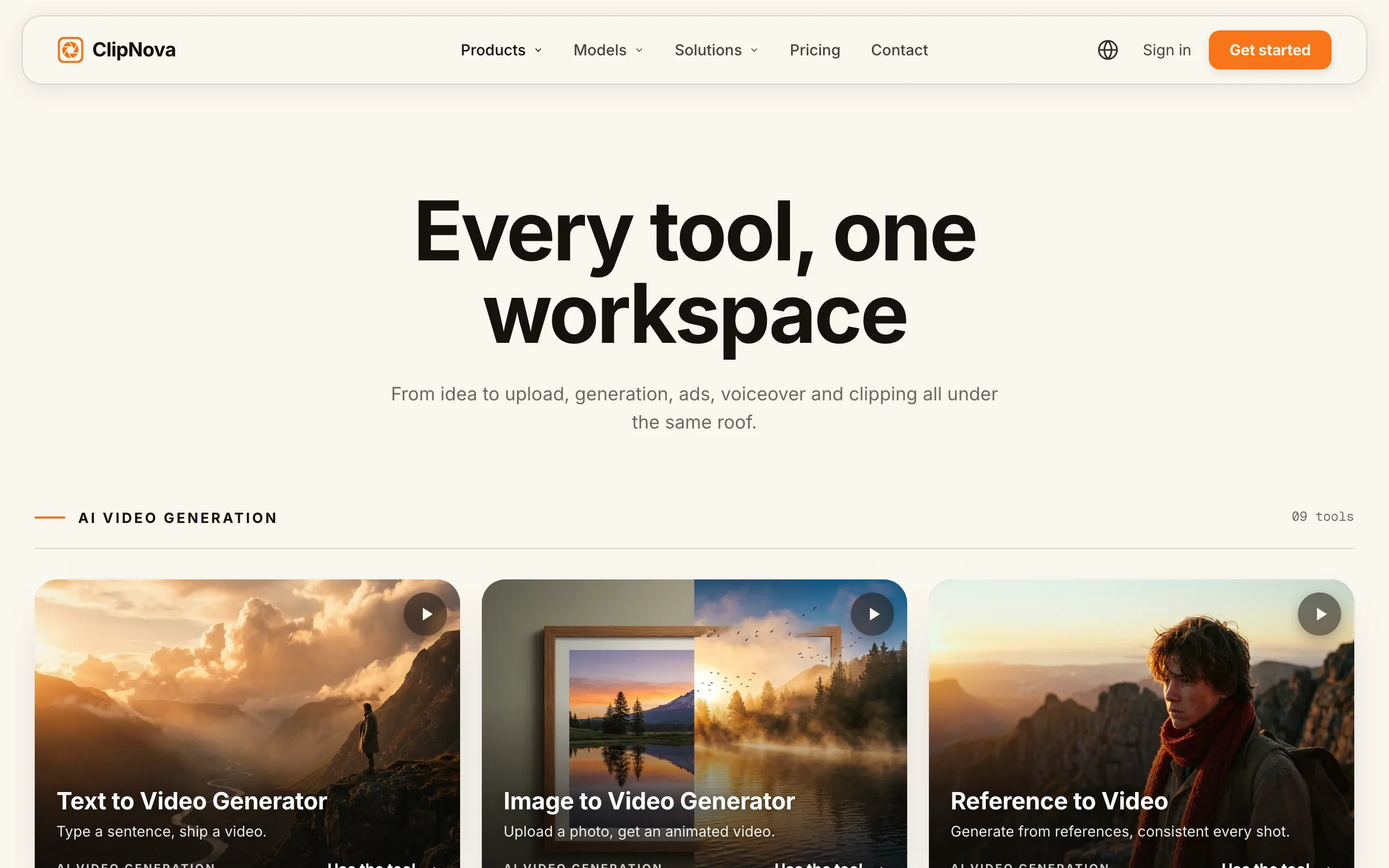
It works from either starting point: type a prompt and ClipNova generates the scene, or upload a photo and it builds around it, then adds the narration, captions, and music automatically so the clip is postable the moment it finishes.
How to make content with ClipNova
- Log in to the ClipNova app.
- Open AI Video Studio and write your idea in a sentence or a short paragraph.
- Pick a visual style and a narrator voice (18 languages available).
- Generate: the finished video arrives with voiceover, burned-in captions, and music, up to 5 minutes long.
- Export vertical for TikTok, Reels, and Shorts, or 16:9 for YouTube.
Because output is vertical-first, the same video posts across TikTok, Reels, and Shorts without reframing, and narration in 18 languages lets one script run localized channels. If you also need written content, ClipNova generates the script hooks and captions that go with the video, so the caption and the clip come from the same brief.
Key features
- One prompt to a complete video: scenes, voiceover, captions, and music in a single generation
- Multiple visual styles, from cinematic to animated and 2D looks
- Vertical-first export for TikTok, Reels, and Shorts, plus 16:9 for YouTube
- AI narration in 18 languages for localized content
- Watermark-free 1080p with full commercial rights on every plan
Best for
- Short-form channels and brands that need postable videos on a daily or near-daily schedule
- Creators who want a finished clip, not a script or a stock timeline to assemble
Pricing
- Hobby $19/mo (1000 credits), Starter $49/mo (2600 credits), Growth $99/mo (5750 credits), Ultra $199/mo (12000 credits)
- Every plan has the identical feature set, only credits differ; yearly billing is 20% off
Pros
- The only tool here that outputs a finished, captioned video rather than pieces of one
- Flat, predictable plans with commercial rights from the entry tier
Cons
- Frame-level editing control is lighter than a manual editor like InVideo
- Credits are consumed per generation, so the lowest tier suits testing more than high volume
2. InVideo AI, best for prompt-to-editable video
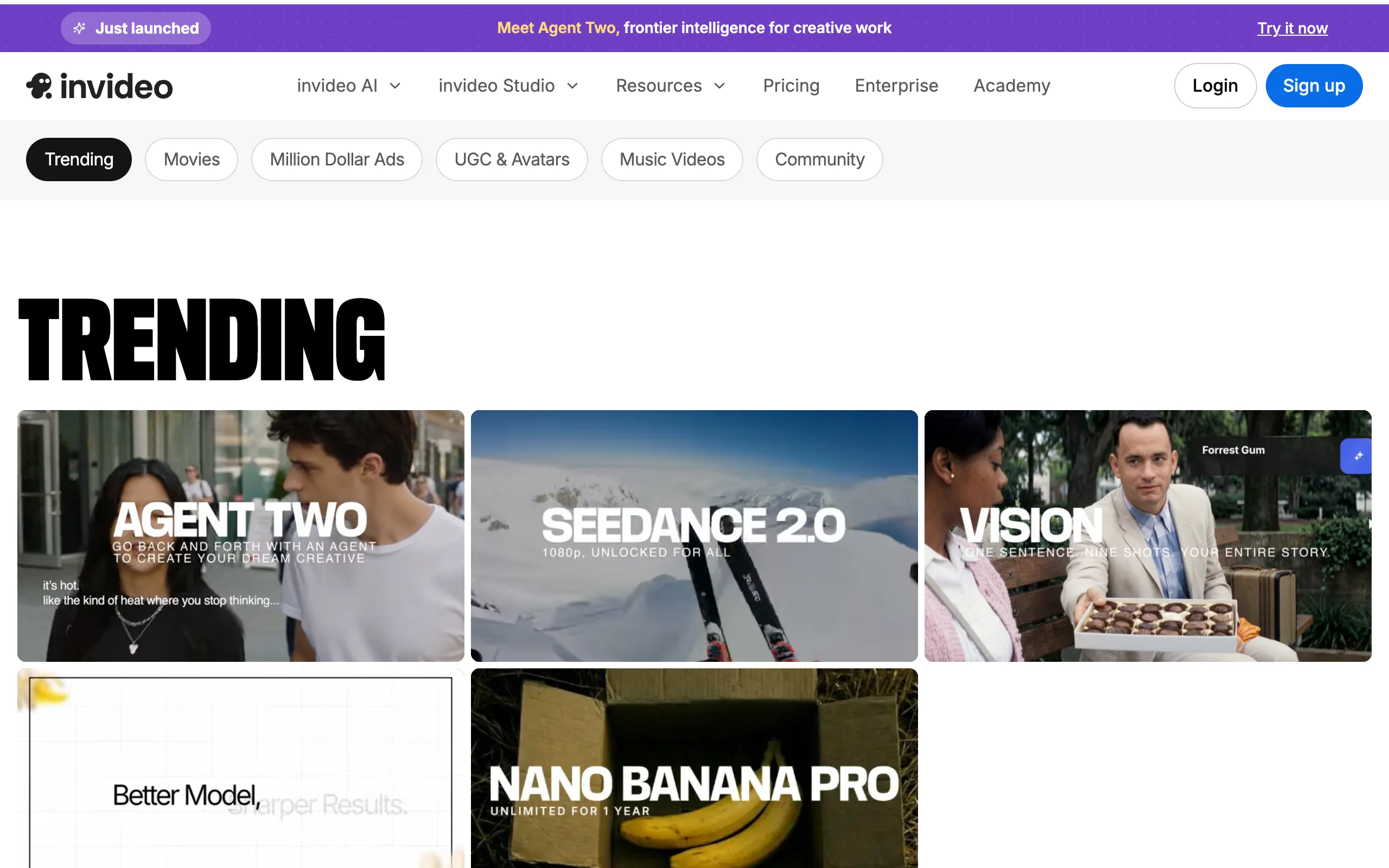
InVideo AI generates a full video from a text prompt, script, stock footage, voiceover, and captions, then lets you revise it by typing commands like "make the intro shorter" or "change the voice." It leans editable, closer to an AI editor than a one-shot generator, with access to premium models like Veo, Kling, and Seedance on paid plans.
Key features
- Prompt to full video with AI script, footage, voice, and captions
- Text-command editing to revise scenes without a manual timeline
- Access to 200+ image, video, and audio models on paid plans
- AI avatars and voice clones (4 on the entry tier)
- Watermark-free exports on every paid plan
Best for
- Creators who want an AI first draft they can refine, not a fixed output
- Longer talking-style or faceless videos assembled from stock
Pricing
- Plus $17/mo (billed $200/yr): 75 credits/mo, 4 avatars, watermark-free
- Max $85/mo and Generative $170/mo add more credits, models, and storage
- Credit top-ups are available
Pros
- Text-command editing is the most flexible revision loop in this list
- Watermark-free from the entry plan, with premium video models included
Cons
- Credits burn fast on higher-end models, so heavy use gets expensive
- The generate-then-edit loop takes longer than ClipNova's one-pass finish
3. Pictory, best for turning scripts and blogs into video
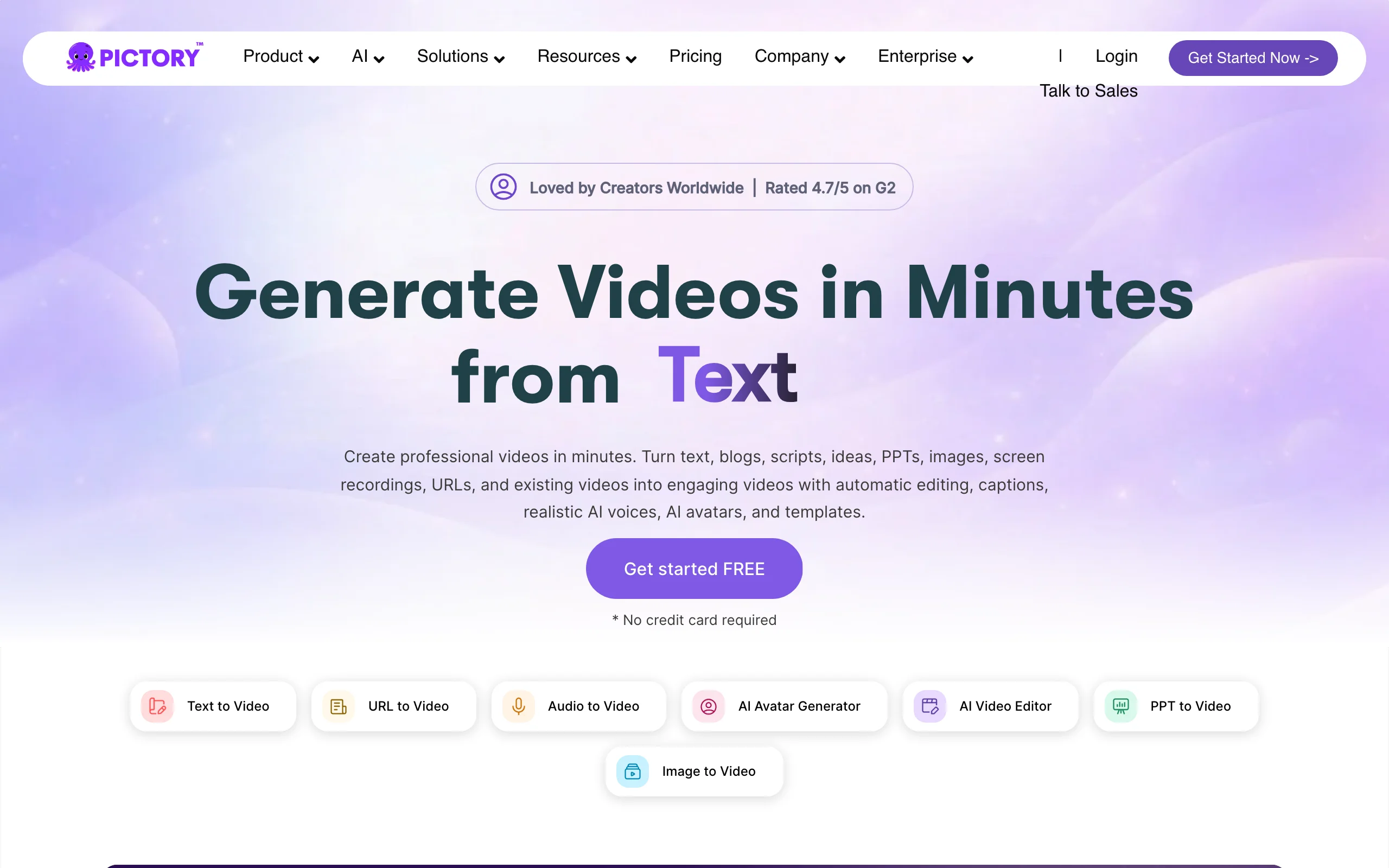
Pictory specializes in repurposing: paste a blog post, script, or long recording and it pulls the key points, adds stock footage, AI voiceover, and captions, and returns a narrated video. It is less a from-scratch storyteller than a content-to-video converter, which makes it a favorite for marketers turning articles into social clips.
Key features
- Script, blog, and URL to narrated video
- Auto-highlight that cuts long videos into short clips
- AI voiceover plus 18M+ Getty and Storyblocks stock clips
- Auto-captioning and reusable brand kits
- No watermark on any tier
Best for
- Content teams repurposing written posts into video
- Podcasters and webinar hosts cutting long recordings into shorts
Pricing
- Starter $25/mo (annual; $29 monthly): 2,400 minutes/yr, no watermark
- Professional $35/mo (annual; $59 monthly) adds voice cloning and custom avatars
- Team $119/mo (annual); Enterprise is custom-priced
Pros
- The cleanest blog-to-video workflow of any tool here
- Watermark-free even on the entry plan
Cons
- Output looks like narrated stock, not original scenes
- Minutes and AI credits are capped per year, which limits high volume
4. Synthesia, best for avatar and training video
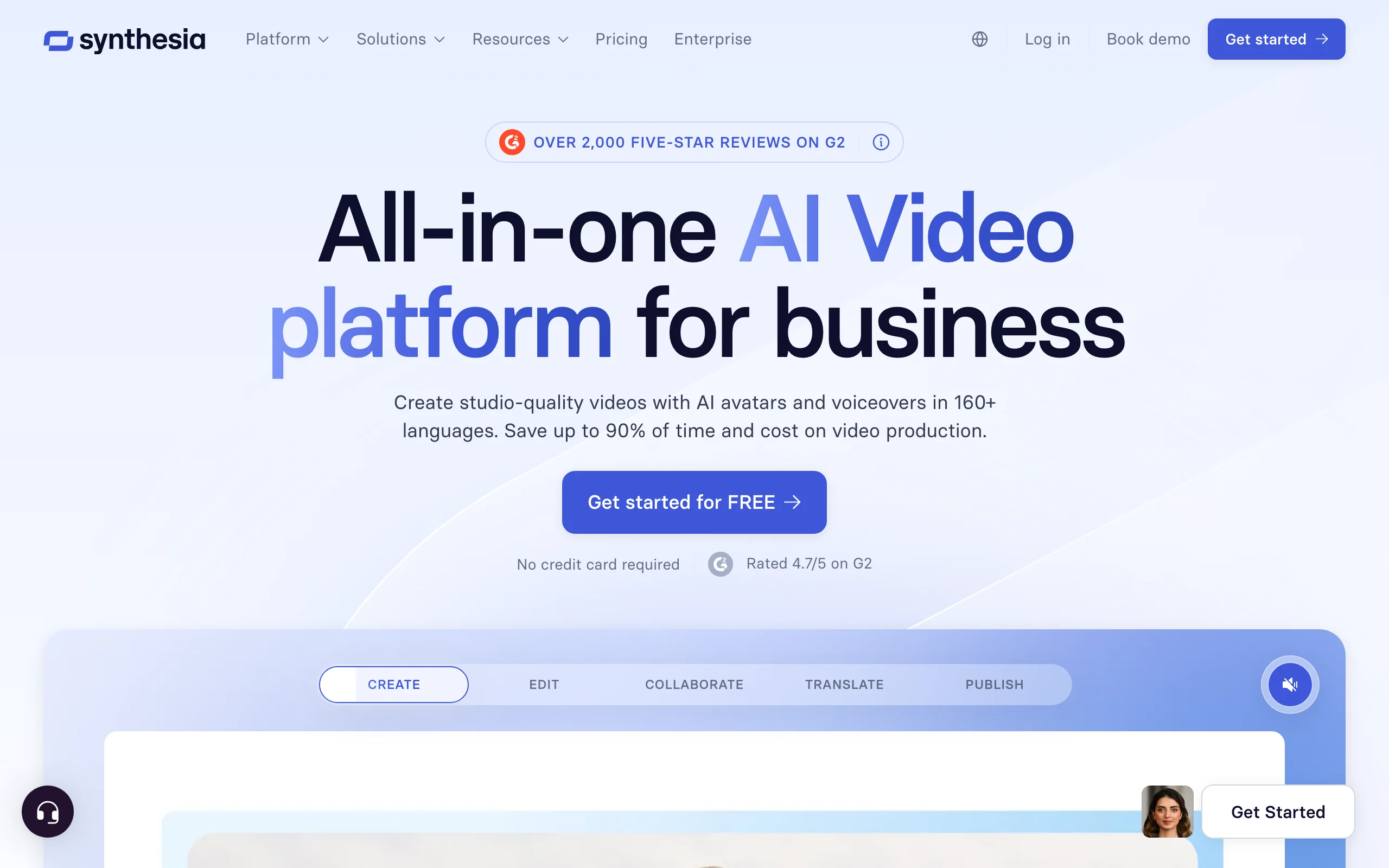
Synthesia turns a script into a video of a realistic AI presenter speaking to camera, in 140+ languages. It owns the corporate and training niche: onboarding, product explainers, and localized courseware where a talking human is the format. Pick an avatar or clone yourself, paste a script, and it renders a polished spokesperson video.
Key features
- 180+ stock avatars plus custom personal avatars
- Text-to-speech in 140+ languages with 1-click translation
- Templates for training, explainers, and product updates
- Screen recording and slide import for courseware
- MP4 export at 1080p on paid tiers
Best for
- L&D, HR, and product teams making training and explainer video
- Brands that need a consistent on-camera presenter without filming
Pricing
- Starter $18/mo (annual; $29 monthly), Creator $64/mo (annual; $89 monthly)
- Enterprise is custom, with unlimited minutes and SSO
Pros
- The most convincing AI presenter, with unmatched language coverage
Cons
- It is avatars only, with no b-roll storytelling or scene generation
- Per-minute video caps make high-volume social content impractical
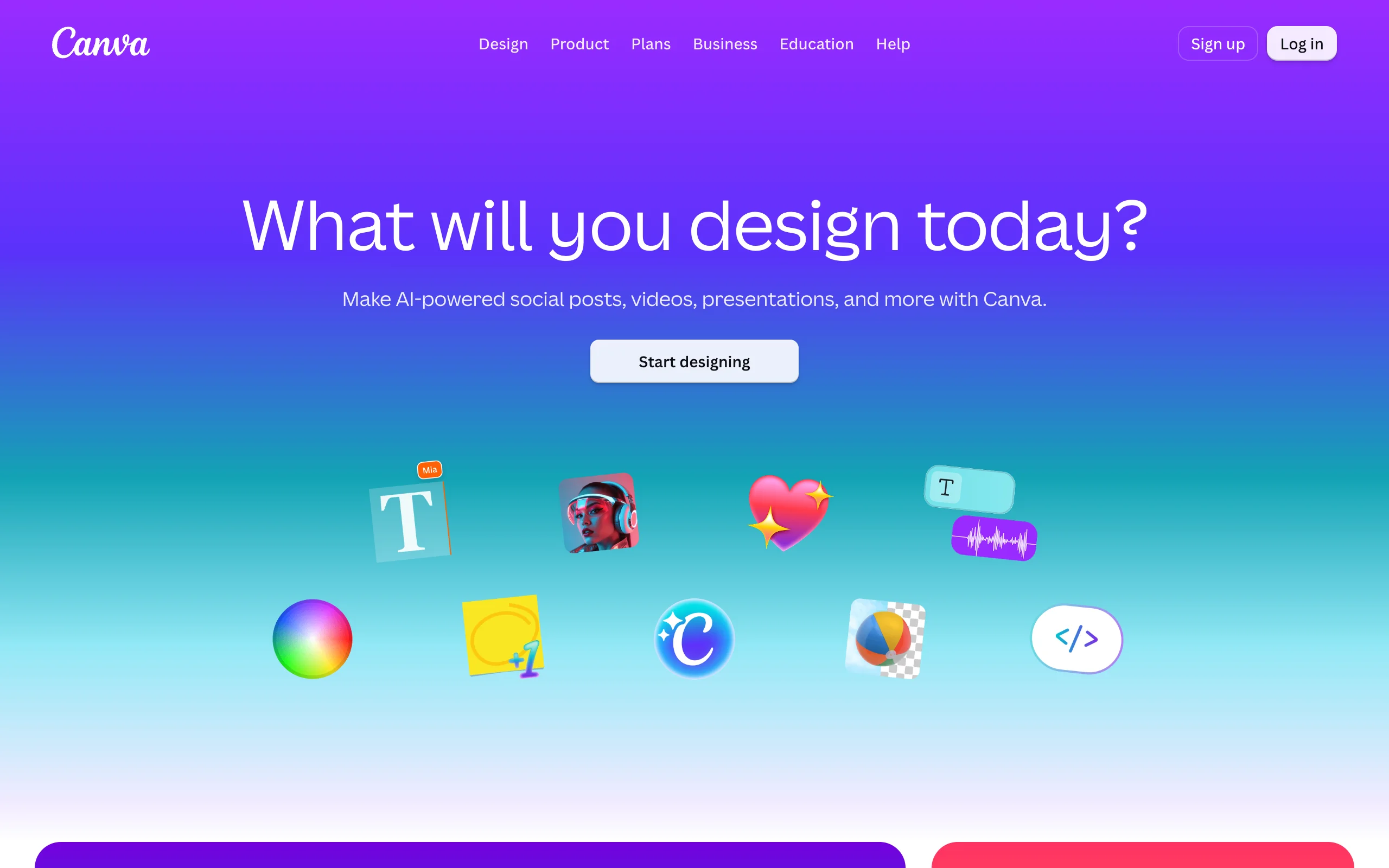
5. Canva Magic Studio, best for on-brand graphics and social posts
Canva Magic Studio bundles AI writing, image generation, and short video into the editor most teams already use. Magic Write drafts copy, Magic Media generates images and clips, and AI tools resize and restyle designs to stay on brand. It is the best pick when your content is graphics and posts rather than narrated video.
Key features
- Magic Write for copy and captions inside any design
- Magic Media text-to-image and text-to-video
- One-click resize and brand-kit enforcement
- A huge template and stock library
- AI ad and social-post generation
Best for
- Social and brand teams producing graphics, carousels, and posts
- Non-designers who want on-brand output fast
Pricing
- Pro $120/yr per person; Business $210/yr per person
- AI uses are a shared monthly allowance, not unlimited; an AI Pass add-on buys more
Pros
- One familiar tool for design, copy, and light video
- Strong brand controls keep a team's output consistent
Cons
- AI video is short and basic next to a dedicated generator
- The AI allowance is metered, and the best models sit behind add-ons
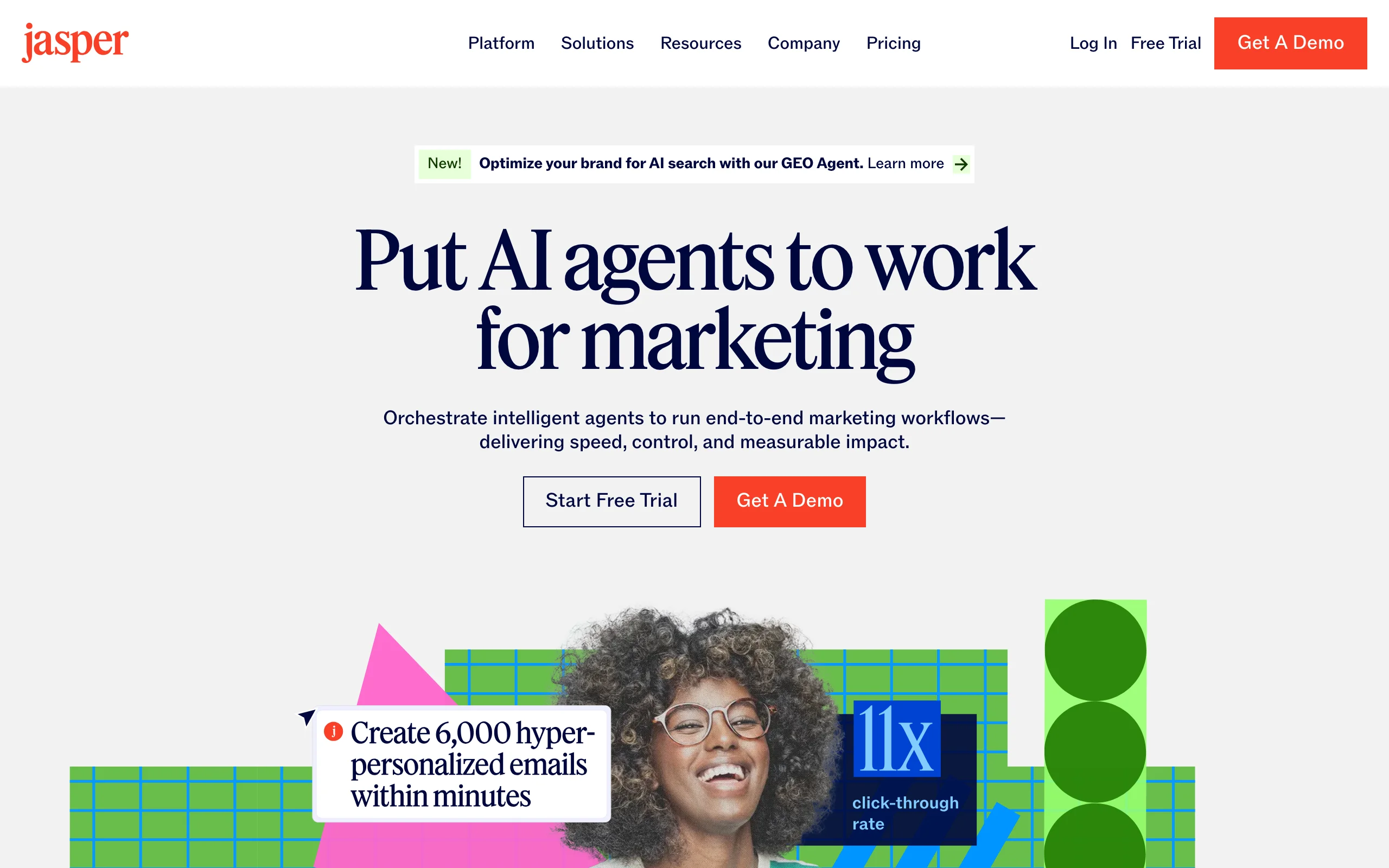
6. Jasper, best for marketing copy at scale
Jasper is a marketing-copy platform: blog posts, ad variations, emails, and landing-page copy written in your brand voice, with workflow agents that run campaigns end to end. It makes no video, but for the copy half of a content operation it is one of the most capable options.
Key features
- Brand-voice writing across blogs, ads, and email
- Marketing-workflow agents and a Canvas planning surface
- Built-in image generation and a browser extension
- Integrations with common marketing stacks
- Multiple brand voices on paid plans
Best for
- Marketing teams producing high volumes of on-brand copy
- Businesses that want AI drafting inside a governed workflow
Pricing
- Pro $59/seat/mo (annual; $69 monthly)
- Business is custom-priced with a 12-month minimum
Pros
- Brand-voice consistency is stronger than general chat tools
- Agents automate repetitive campaign writing
Cons
- No video output; it is a copy tool only
- Per-seat pricing gets expensive for small teams, and some Business features are usage-metered
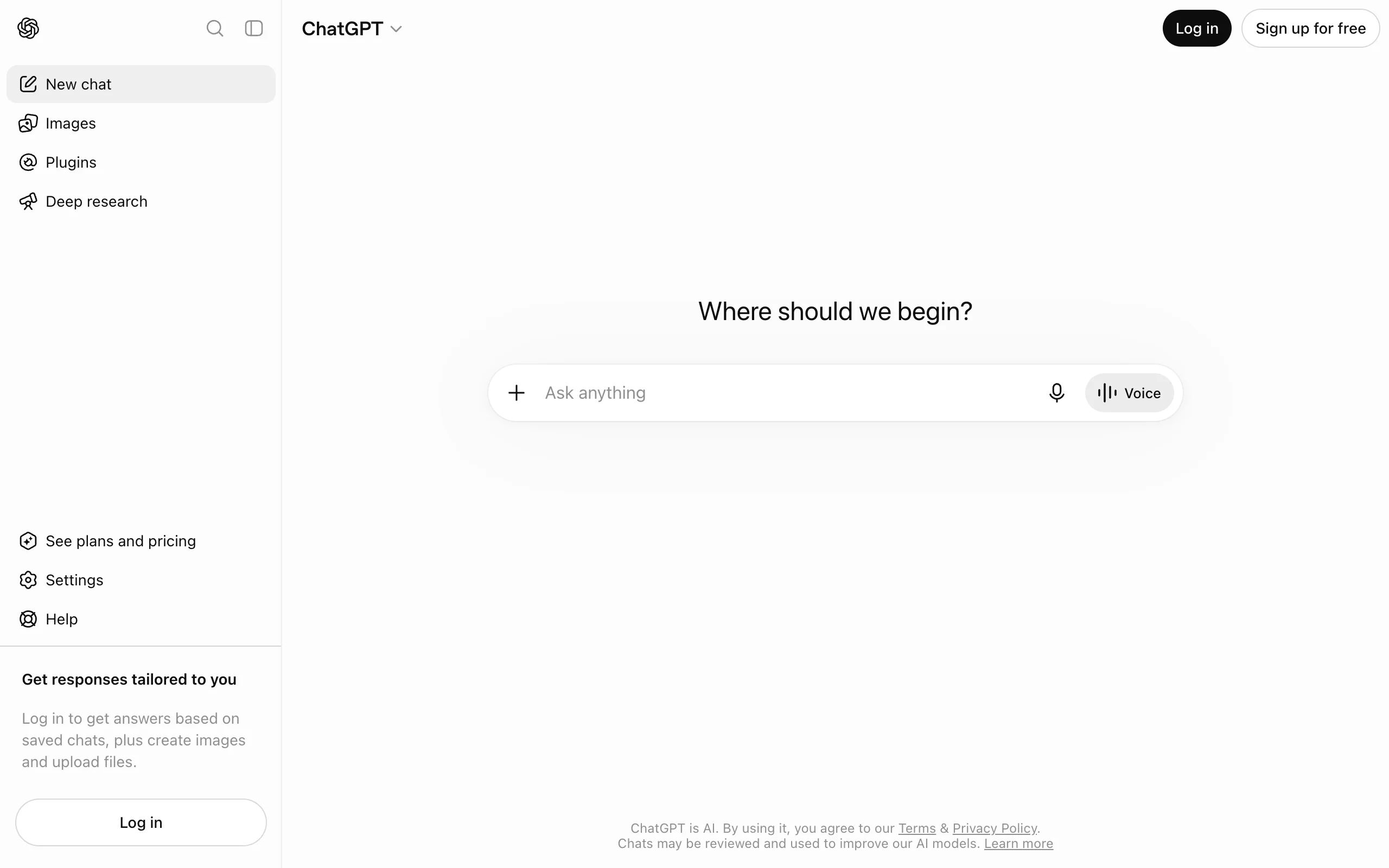
7. ChatGPT, best all-purpose starting point
ChatGPT is the tool most people already have when they need content, and it is genuinely good as a first stop: it drafts scripts, brainstorms hooks, rewrites captions, and generates images conversationally. It is a generalist, not a video pipeline, so the finished post, editing, captions, and timing, is still your job. If you are choosing between ChatGPT and its rivals, our benchmark of the leading AI models compares accuracy, speed, and cost.
Key features
- Conversational writing, brainstorming, and rewriting
- Image generation across tiers, faster on paid plans
- Custom GPTs, projects, and scheduled tasks on Plus
- Handles research, outlines, and repurposing in one thread
Best for
- Drafting scripts and copy before moving to a dedicated tool
- One-off images and idea generation
Pricing
- Go from $5.50/mo, Plus $20/mo, Pro from $100/mo
- OpenAI's Sora handles AI video separately from these chat tiers
Pros
- The lowest barrier to entry and the widest general range
Cons
- No native short-form video pipeline: no captions, timing, or export presets
- Output is raw material you still have to assemble into a post
How to choose the best AI content generator for your workflow
1) Do you need finished media or a draft?
- If the deliverable is a postable video: ClipNova generates the whole thing, script to captions, in one pass.
- If you want to generate then edit: InVideo AI for prompt-to-editable video, Pictory for turning a script or blog into narrated clips.
- If you need words or a graphic, not motion: Jasper for marketing copy, Canva Magic Studio for on-brand design, ChatGPT for general drafting.
2) Who is the content for, and in what format?
- Short-form social (TikTok, Reels, Shorts): ClipNova is built vertical-first and captions automatically.
- Training, explainers, or a spokesperson: Synthesia's avatars read a script in 140+ languages.
- Blog-to-video repurposing: Pictory pulls the highlights and narrates them.
3) What does your budget work out to per published piece?
Translate plans into output before paying. ClipNova's $19 Hobby plan covers a daily short-form channel with 1,000 credits and full rights included. Synthesia and Jasper price higher because they target teams. ChatGPT's $20 Plus is a cheap way to draft copy and images in one subscription, but you assemble the final post yourself.
4) Do you need one tool or a stack?
- One tool, finished output: ClipNova covers idea to captioned video without add-ons.
- A stack: many teams pair a copy tool (Jasper or ChatGPT) with a video generator (ClipNova) and a design tool (Canva). Decide which step is your bottleneck and buy there first.
Before subscribing anywhere, run the same idea through two or three tools and post the results. Audiences react to pacing, hook, and voice as much as production polish, and a strong opening line often moves retention more than an extra rendering tier. For a wider view of the creator stack, see our guide to the best AI tools for content creators and our roundup of the best AI video generators.
Frequently asked
What is an AI content generator?
An AI content generator turns a prompt, script, or file into finished content. Some produce text such as copy and captions, while others produce media like video, avatar presenters, or graphics. The right fit depends on whether you need words or something postable.
What is the best AI content generator?
For finished short-form video, ClipNova is the best overall because it outputs a captioned, narrated video from a single prompt. For copy, Jasper or ChatGPT are strong; for design, Canva Magic Studio; for avatar and training video, Synthesia.
What is the cheapest AI content generator for video?
Among finished-video tools, ClipNova ($19/mo) and InVideo AI ($17/mo on annual billing) are the lowest realistic entry points. ChatGPT Go is cheaper at $5.50/mo but does not export finished video.
Can AI generate a complete video from text?
Yes. ClipNova generates a full short-form video, including scenes, voiceover, captions, and music, from a text idea. InVideo AI and Pictory also produce full videos, though they lean toward editing and repurposing.
Do AI content generators add a watermark?
It varies. ClipNova, InVideo AI, and Pictory export watermark-free on paid plans, with ClipNova watermark-free on every plan.
Can I use AI-generated content commercially?
Usually yes on paid plans, but check each tool's terms. ClipNova includes full commercial rights on every plan.
Which AI content generator is best for TikTok and Reels?
ClipNova, because it is vertical-first and captions automatically, so the output posts to TikTok, Reels, and Shorts without reframing.