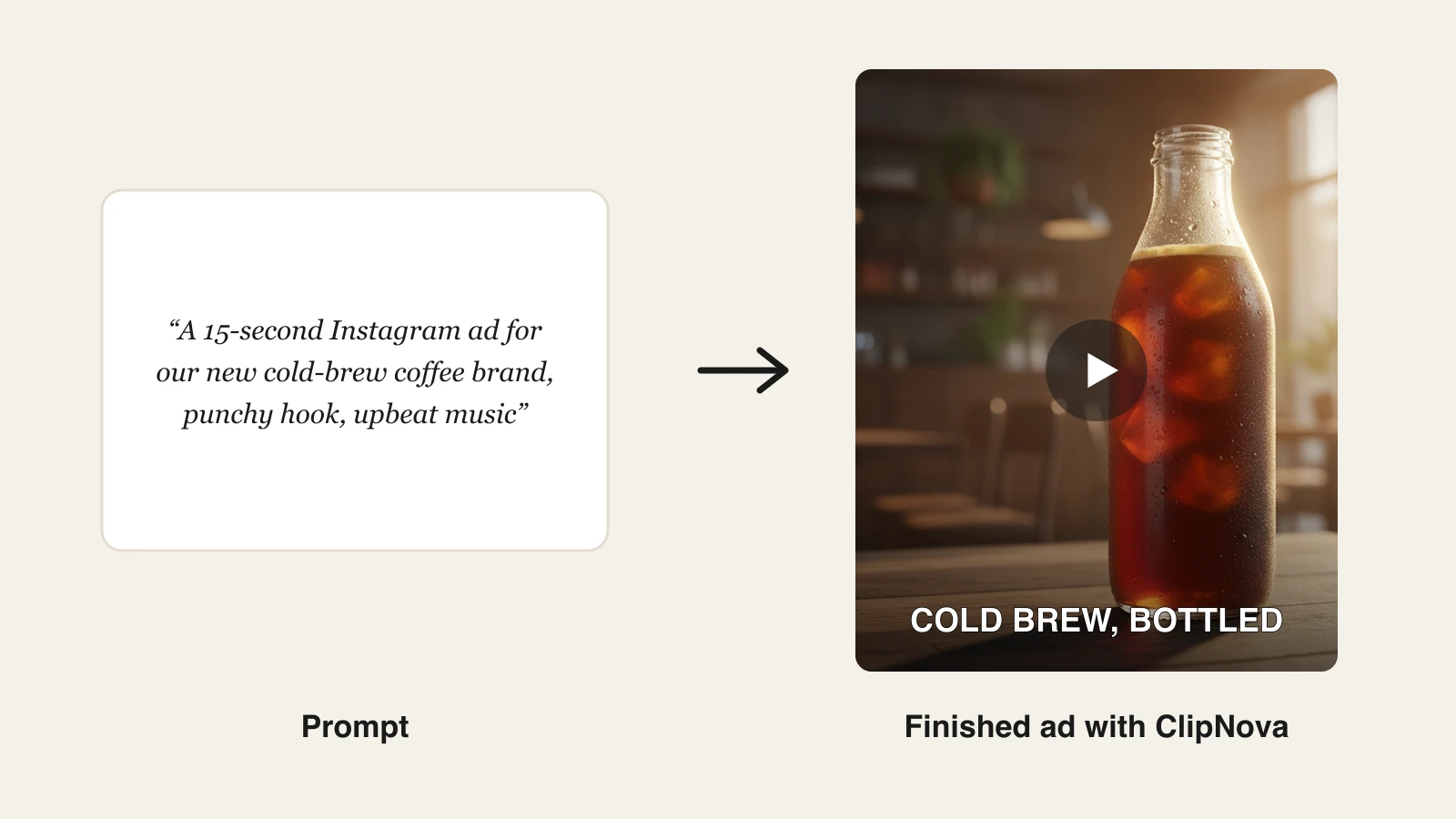
The best AI video generator for business in 2026 is ClipNova: it turns a plain-language brief into a finished promo, ad, or social video with the script, voiceover, and captions included, from $19 a month with full commercial rights on every plan. Synthesia and HeyGen lead for avatar-led training and spokesperson videos, while InVideo AI and Pictory fit template and repurposing workflows.
Video is no longer optional for a small business. Product pages with video convert better, social feeds bury static posts, and ad platforms keep shifting budget toward video placements. What has changed is the cost side: an AI video generator now does the scripting, footage, voiceover, and captions that used to require a freelancer or an agency. For a tool-by-tool look at what that costs, see what AI video generators really cost in 2026.
This guide compares the 7 best AI video generators for business, from solo owners making their first promo to marketing teams shipping ads and training content weekly, with verified pricing and honest limits for each.
Best AI video generators for business: a brief overview
For solo owners and small teams
- ClipNova: Best overall business video maker. One brief becomes a finished promo, ad, or social video with voiceover and captions, and one subscription covers every video type a small business posts.
- InVideo AI: Best for template-driven social promos. Prompt-to-video with a huge template library and stock integration at the lowest paid entry here.
- Canva: Best if your business already designs in Canva. AI video clips and a simple editor inside the design suite your team knows.
For marketing and training teams
- Synthesia: Best for employee training and internal comms. Presenter avatars, 160+ languages, and SCORM export on its Enterprise plan for learning systems.
- HeyGen: Best for spokesperson videos and localization. Realistic custom avatars and video translation with lip-sync.
- Pictory: Best for repurposing webinars and blog posts. Turns long-form content you already have into short branded clips.
- Runway: Best for premium brand footage. Frontier-model clips for businesses that want cinematic product shots.
| Tool | Best for | Starting price | Output allowance |
|---|---|---|---|
| ClipNova | All-round business videos | From $19/mo | 1080p, videos up to 5 min |
| Synthesia | Training and internal comms | From $29/mo ($18 yearly) | 120 video min/year on Starter |
| HeyGen | Spokesperson and localization | From $29/mo ($24 yearly) | 600 credits/mo, 1080p |
| InVideo AI | Template social promos | From $17/mo | 75 credits/mo on Plus |
| Pictory | Repurposing long-form content | From $29/mo ($25 yearly) | 200 video min/mo on Starter |
| Canva | Video inside a design suite | Pro $18/mo | Capped premium AI uses/mo |
| Runway | Premium brand footage | From $15/mo ($12 yearly) | 625 credits/mo, 4K upscaling |
Reading the table: most rows solve one slice of business video: avatars, templates, repurposing, or raw footage. ClipNova's price covers the finished video across all of those jobs, script to captions, with commercial rights on every plan.
1. ClipNova, best overall AI video generator for business
A small business does not need five video tools, it needs this week's promo posted. ClipNova is built around that reality: you describe the video in plain language, a grand-opening promo, a product ad, a customer FAQ explainer, and it returns the finished piece with the script written, the voiceover recorded, the visuals assembled, and the captions burned in. For ads, one spokesperson photo and one product photo carry through every version.
For a small business, the ad side of that comes down to finished video ads with the same face and the same product in every version, so customers recognise the brand wherever the ad runs.
- Finished: a brief becomes a narrated promo with captions and music, and a product photo becomes a 3 to 12 second ad clip, both ready to post the same day.
- Same face, same product: one photo of you or a staff member drives every UGC ad or Talking Avatar video, and your product keeps its shape, colours, and label from the photo.
- More versions to test: re-run a UGC ad with a different tone or a length of 15 to 45 seconds, and choose 9:16, 1:1, or 16:9 for each placement.
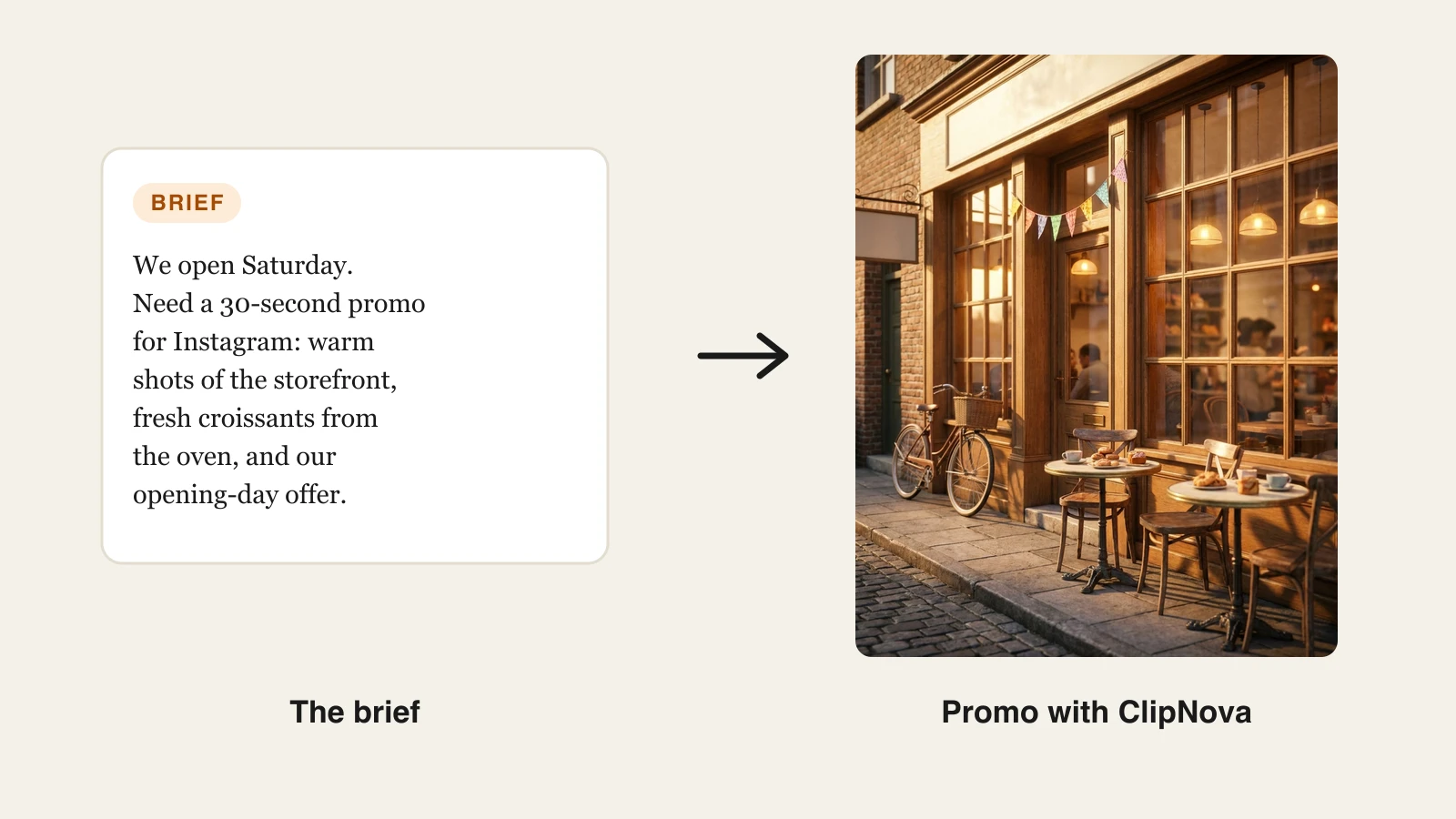
The range is the point. The same subscription covers an AI ads generator for paid campaigns, product and promo videos for your site, vertical clips for TikTok, Reels, and Shorts, and talking avatars for quick training or FAQ videos. ClipNova also hosts the top video models inside it, Sora 2, Veo, Kling, and more, so you get frontier footage quality without juggling separate accounts.
How to make a business promo with ClipNova
- Go to the ClipNova app.
- Open AI Video Studio and pick the format: promo, ad, or social clip.
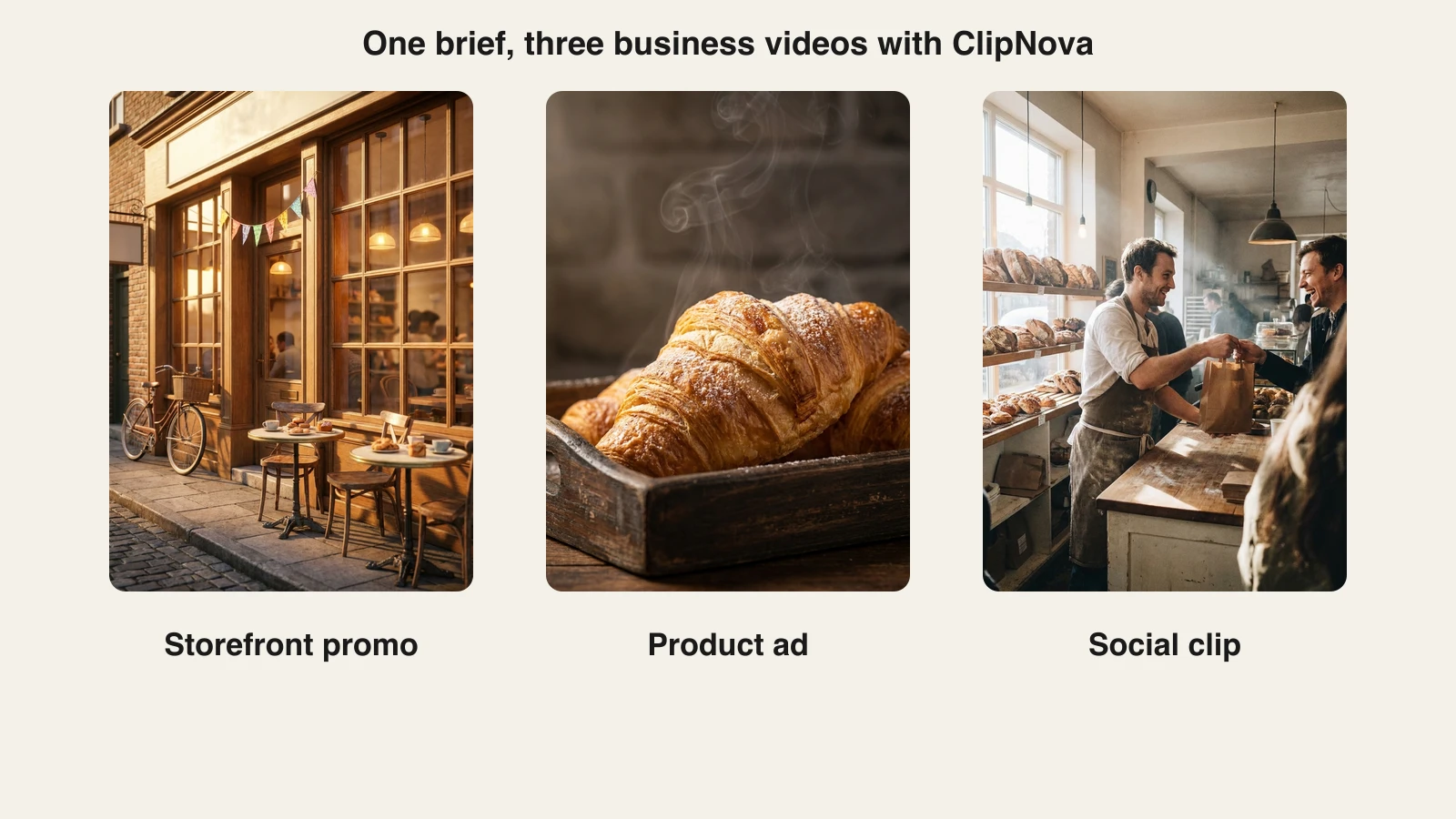
- Paste your brief. The one above was: "A warm 30-second grand-opening promo for a small artisan bakery: golden-hour shots of the storefront, fresh croissants coming out of the oven, the baker greeting customers, ending on an opening-day offer."
- Pick a voice (18 languages available) and an aspect ratio: vertical for social, square for feed ads, 16:9 for your website.
- Generate, review the draft, and regenerate any scene you want changed.
- Export watermark-free in 1080p and post. Commercial rights are included on every plan.
One brief also stretches across formats. From the same bakery brief, ClipNova produced a storefront promo, a product close-up ad, and a behind-the-counter social clip:
Key features
- Brief to finished video: script, voiceover, visuals, captions, and music in one pass
- Covers promos, product videos, ad creatives, social clips, and avatar explainers in one tool
- Hosts top video models (Sora 2, Veo, Kling, and more) inside one subscription
- AI voiceovers in 18 languages for localized versions of the same video
- Watermark-free 1080p export with full commercial rights on every plan
Best for
- Small businesses that need promos, ads, and social clips from one affordable tool
- Marketing teams of one to five people shipping weekly without an editor on staff
Pricing
- Hobby $19/mo (1,000 credits), Starter $49/mo (2,600 credits), Growth $99/mo (5,750 credits), Ultra $199/mo (12,000 credits)
- Every plan has the identical feature set, only monthly credits differ; yearly billing is 20% off
Pros
- The only tool here that covers ads, promos, social, and avatar explainers at one flat price
- Commercial rights and watermark-free 1080p from the $19 entry plan, not a premium tier
- Priced per plan, not per seat, so a small team shares one subscription
Cons
- A newer brand than Synthesia or Runway, with a smaller template ecosystem
- Focused on videos up to 5 minutes, so full-length training courses need a dedicated platform
2. Synthesia, best for employee training and internal comms
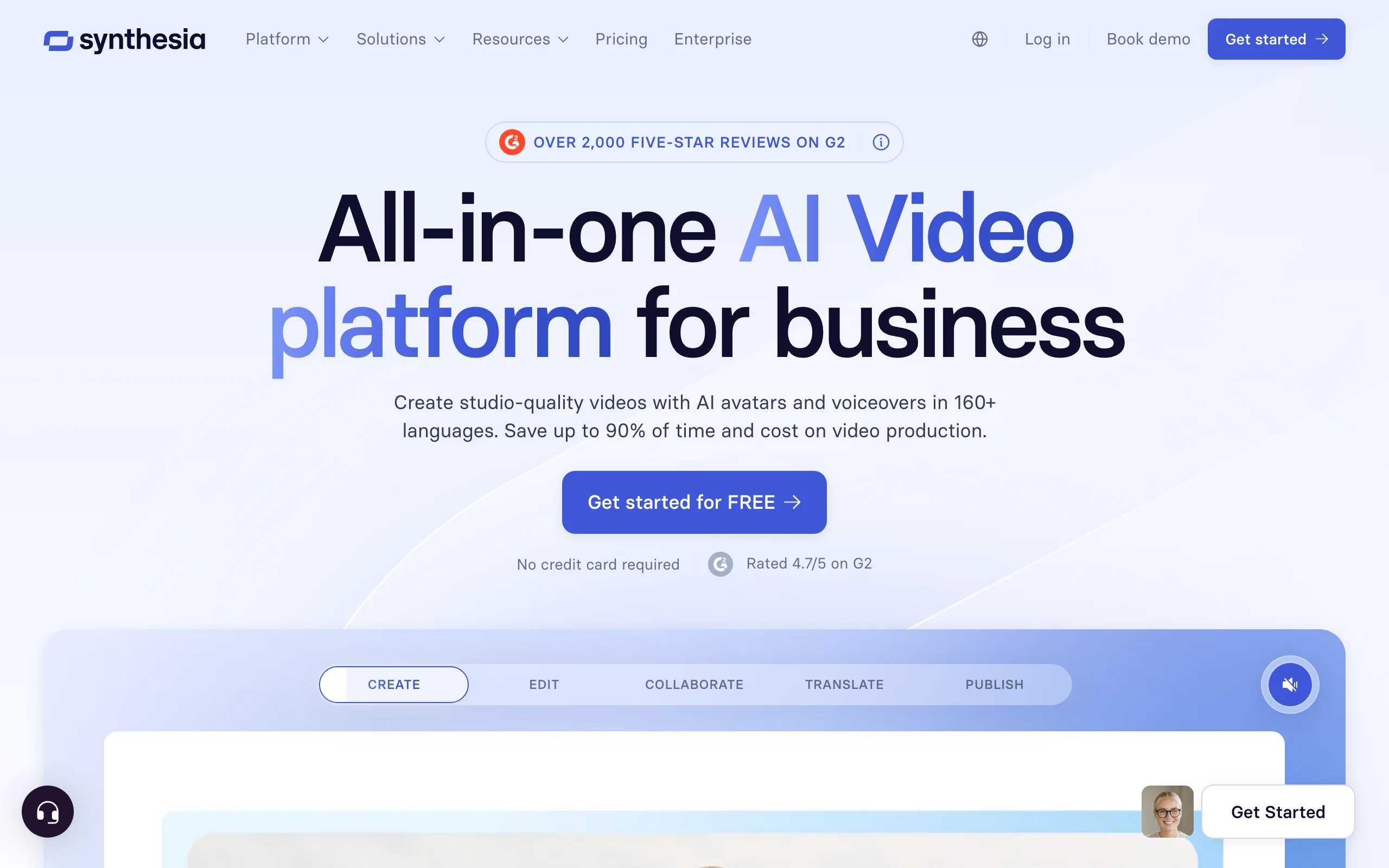
Synthesia is the enterprise standard for avatar-led business video. You write or paste a script, pick a presenter avatar, and it produces a polished talking-head video in any of 160+ languages. For structured training it is genuinely unmatched: on the Enterprise plan, SCORM export drops videos straight into learning systems, and workspaces keep departments organized.
Key features
- 125+ stock presenter avatars on paid plans, plus personal avatar options
- Script-to-video in 160+ languages with natural AI voices
- SCORM export (Enterprise plan) and quiz elements for corporate learning systems
- Templates for training, onboarding, and internal comms
- Collaboration, commenting, and brand workspaces
Best for
- HR, L&D, and operations teams producing structured training at scale
- Companies replacing filmed talking-head updates with faster avatar versions
Pricing
- Starter $29/mo (or $18/mo billed yearly) for 120 video minutes a year; Creator $89/mo (or $64/mo yearly) for 360 minutes a year
- Enterprise: custom pricing with unlimited minutes
Pros
- The most professional avatar output and the deepest enterprise feature set here
- Language coverage that makes localized training far cheaper to produce
Cons
- Presenter-style format only: it does not make promos, product ads, or social-first content
- Minutes are metered per year on paid tiers, and 120 minutes runs out fast at a weekly cadence
3. HeyGen, best for spokesperson videos and localization
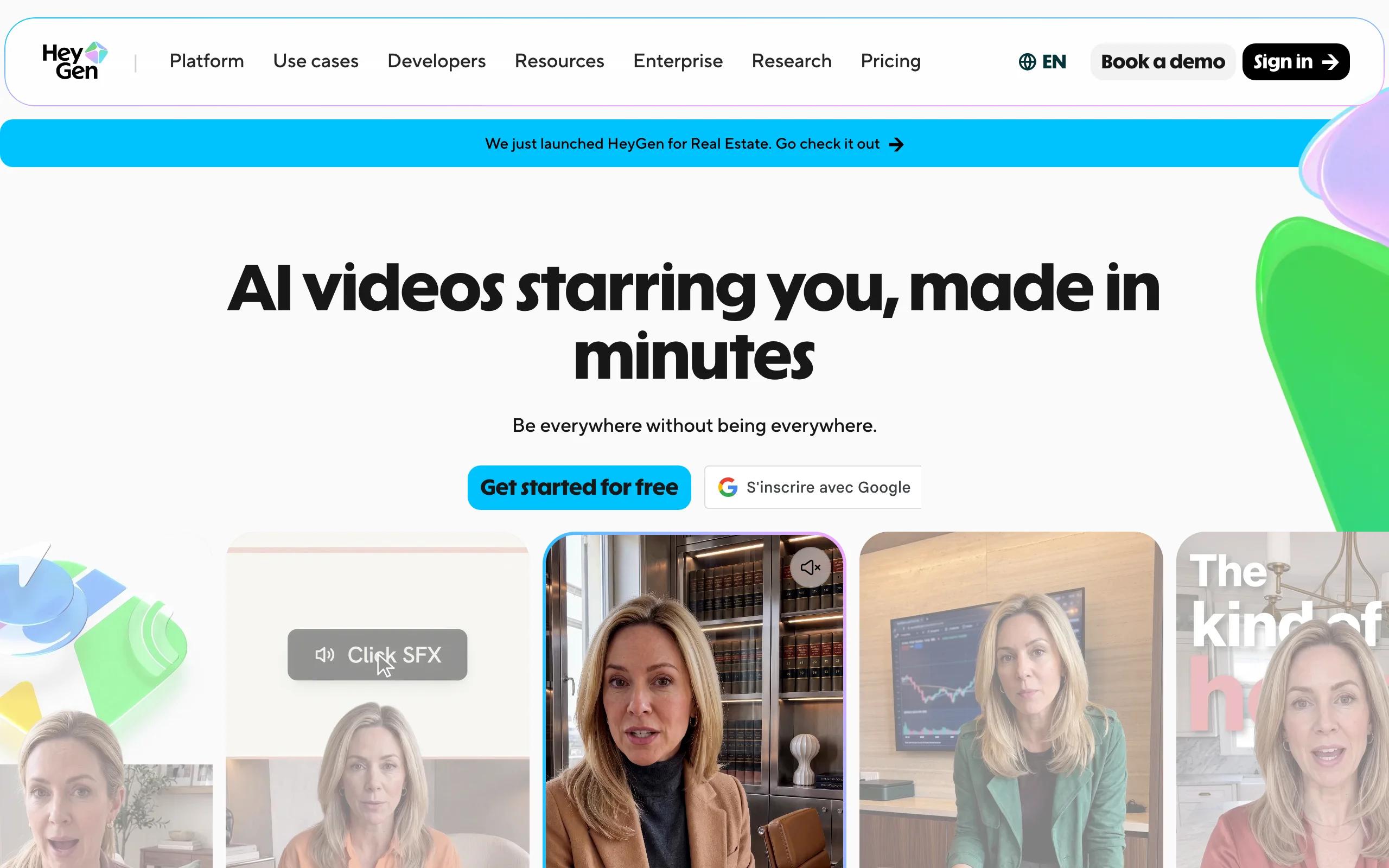
HeyGen puts a face on your business without filming anyone. Its custom avatars are among the most realistic available, so a founder can record five minutes once and become a reusable digital presenter. The standout for business is video translation: it re-voices existing footage into other languages with lip-sync, which turns one testimonial or explainer into a multilingual asset.
Key features
- Realistic custom avatars built from a short recording of you or your team
- Video translation with lip-sync across 175+ languages
- 500+ stock avatars and voice cloning
- Interactive avatar and API options for product demos and support
Best for
- Founder-led brands that want a consistent on-camera presence without repeated filming
- Businesses localizing testimonials, demos, and explainers for new markets
Pricing
- Creator $29/mo (or $24/mo billed yearly) for 600 credits, watermark-free 1080p; Pro $49/mo for 1,000 credits and 4K
- Business $149/mo for 1,500 credits and team features, plus $20 per additional seat
Pros
- Best-in-class custom avatars and the strongest video translation in this list
- Credit system spans avatar video, translation, and generative tools flexibly
Cons
- Avatar-centric: general promo and product footage is secondary to talking-head content
- Premium avatar engines burn credits much faster, so effective minutes vary widely
4. InVideo AI, best for template-driven social promos
InVideo AI is the closest overlap with ClipNova in this list: type a prompt, get an edited social video with stock footage, voiceover, and text. Its strength is the mature template library and stock integration, which suits businesses that want conventional promo formats, listicles, explainers, holiday posts, without design decisions. If you are comparing the two directly, see how ClipNova compares as an InVideo alternative.
Key features
- Prompt-to-video with automatic script, stock footage, and voiceover
- Large template library across promo, explainer, and social formats
- Access to current AI models (Veo, Kling, and others) on paid plans
- Edit-by-command workflow: type changes instead of using a timeline
Best for
- Small businesses that want familiar, template-shaped promos quickly
- Teams that lean on stock footage rather than generated visuals
Pricing
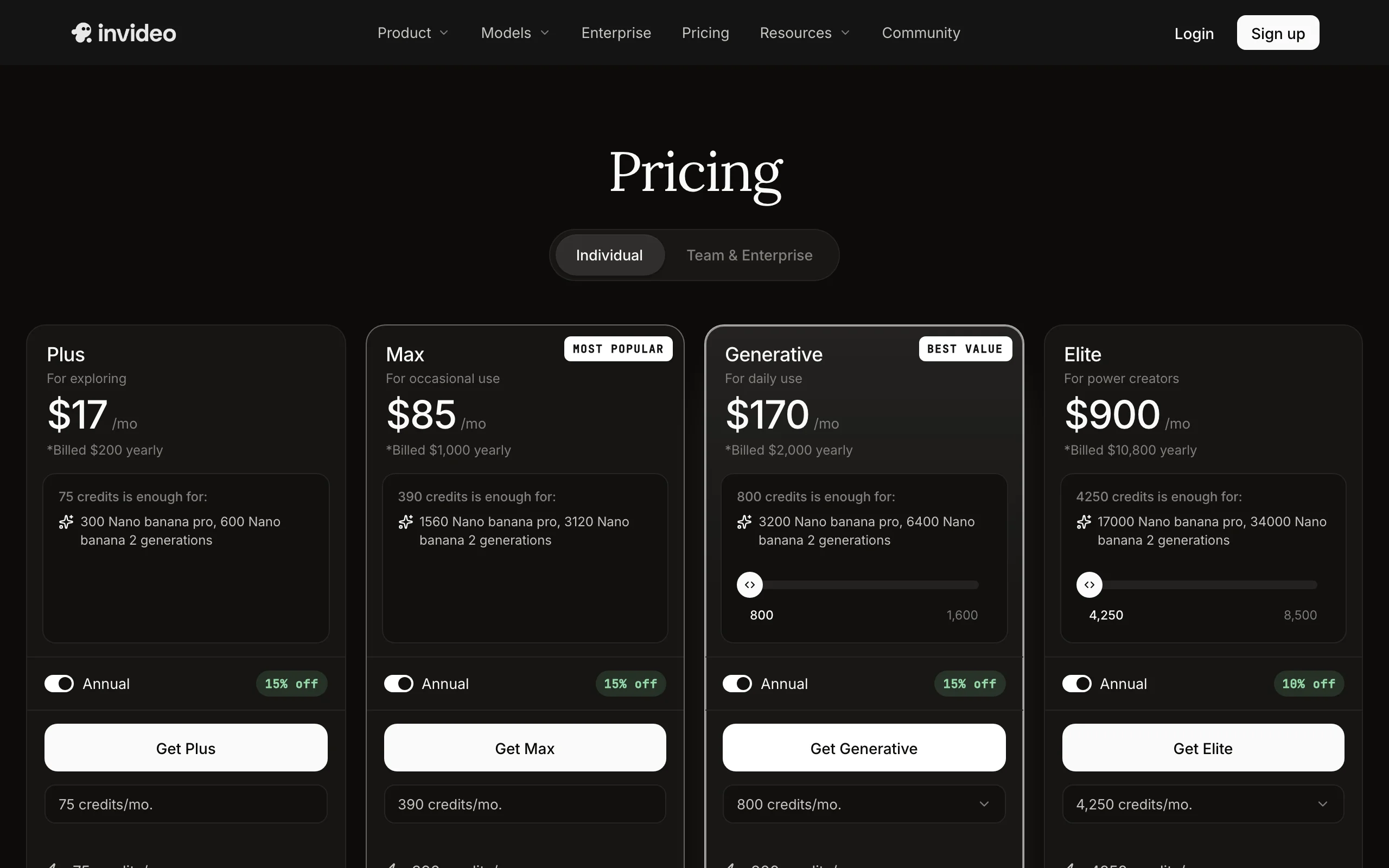
- Plus $17/mo (billed yearly at $200) for 75 credits a month; Max $85/mo for 390 credits
- Generative $170/mo for 800 credits; unused credits do not roll over
Pros
- Low entry price for watermark-free, template-driven social video
- Mature product with a large stock library and steady model updates
Cons
- Output leans on stock clips, so videos can look generic next to generated footage
- 75 credits on the entry plan is a tight monthly allowance once you iterate
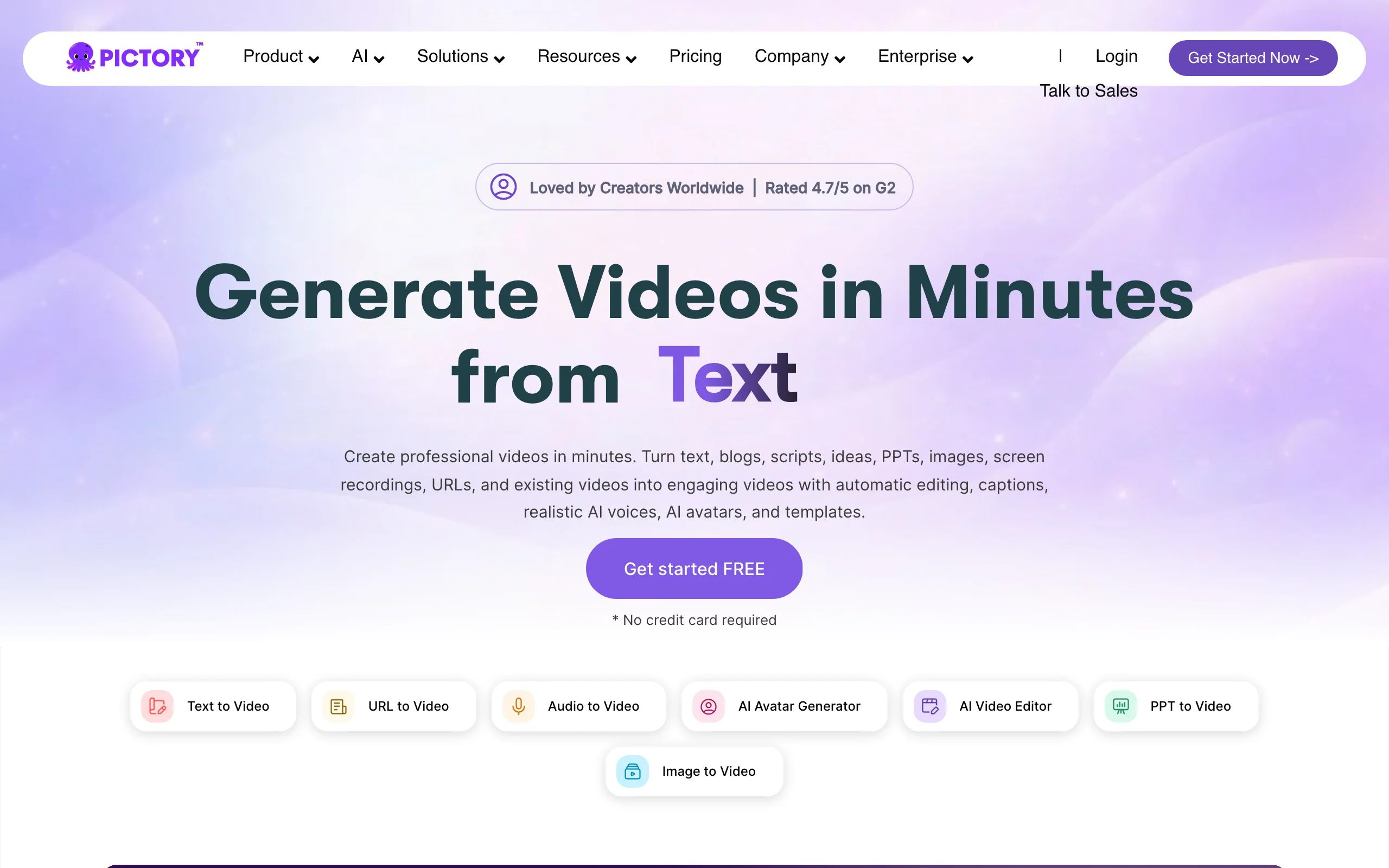
5. Pictory, best for repurposing webinars and blog posts
Pictory answers a different business question: what about the content you already have? Feed it a webinar recording, a Zoom call, or a blog post URL and it extracts highlight clips, adds captions and branding, and outputs social-ready videos. For service businesses sitting on hours of recorded expertise, it is the fastest path from archive to feed.
Key features
- Article-to-video and script-to-video with automatic scene selection
- Long-form video to branded highlight clips with auto captions
- Bulk captioning and transcript-based editing
- Stock library and brand kit for consistent output
Best for
- Consultants, coaches, and B2B teams repurposing webinars and podcasts
- Content teams turning a blog archive into a steady video pipeline
Pricing
- Starter $29/mo (or $25/mo billed yearly) for 200 video minutes a month
- Professional $59/mo (or $35/mo yearly) for 600 minutes; Team $199/mo (or $119/mo yearly) for 3+ users
Pros
- Generous minute allowances compared with credit-based rivals
- Repurposing workflow that needs no editing skill at all
Cons
- A repurposing tool, not a generator: it needs source content to work from
- Template aesthetics look dated next to generative tools
6. Canva, best for businesses already designing in Canva
Canva earns its slot through gravity: millions of small businesses already make their menus, flyers, and posts in it. Its AI video tools, clip generation, an easy timeline editor, auto-captions, and brand kits, live inside that same workspace, so video becomes another export next to your existing designs rather than a new tool to learn.
Key features
- AI video clip generation plus a simple drag-and-drop video editor
- Brand kits keep fonts, colors, and logos consistent across designs and video
- Templates for promos, ads, and social formats in every platform size
- Team collaboration on the Business tier
Best for
- Small businesses that live in Canva and want video without new software
- Teams where the same person makes the flyers, the posts, and now the videos
Pricing
- Pro $18/mo or $144/year
- Business $25 per user per month with brand controls and approvals
- AI video generation draws from a capped monthly allowance of premium AI uses
Pros
- Zero learning curve for existing Canva users, and design plus video in one subscription
- Strong brand-consistency tooling for the price
Cons
- Generative video allowances are tight, and heavy AI use needs paid add-ons
- An editor with AI assists, not an end-to-end generator: you assemble the video yourself
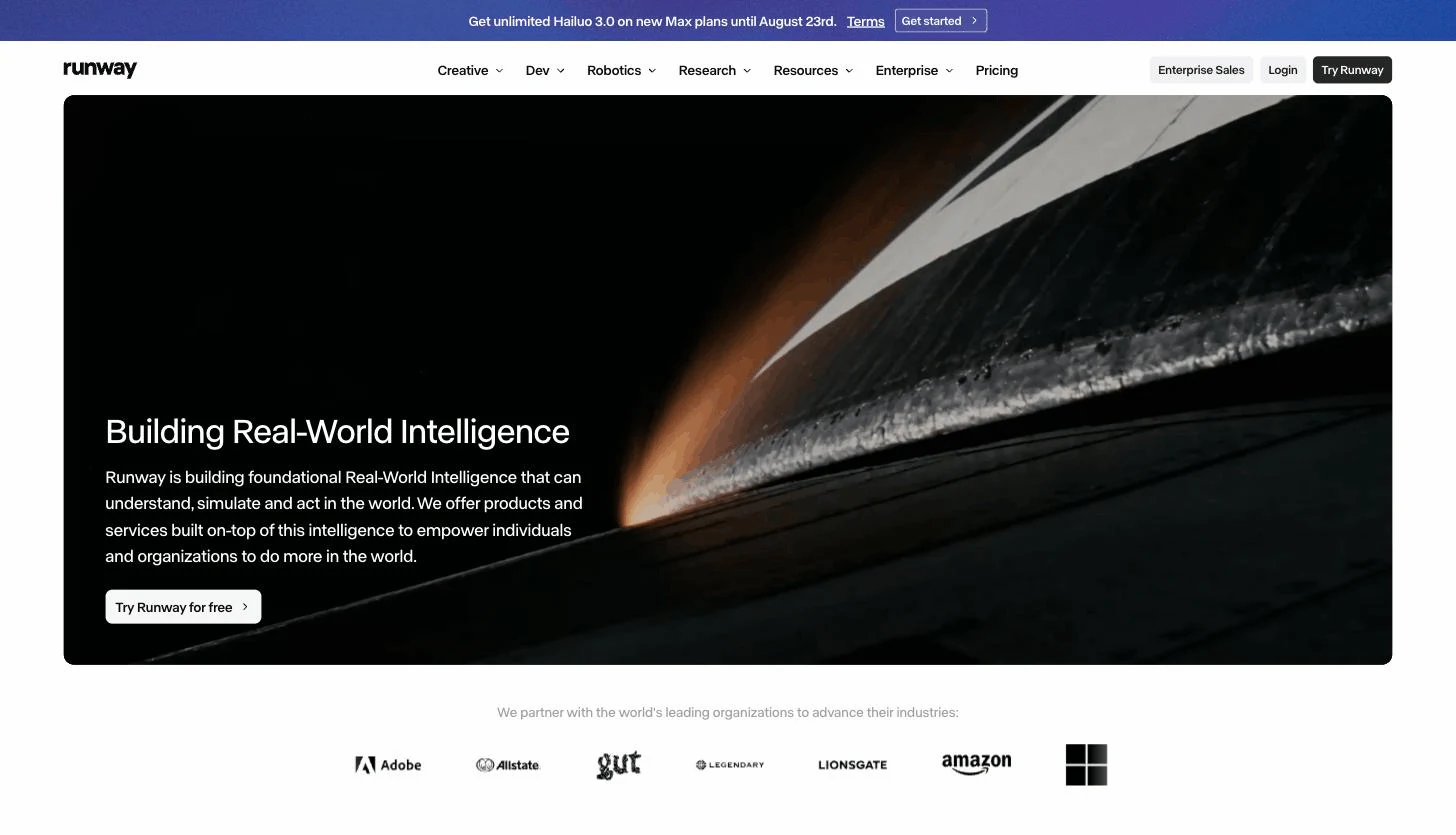
7. Runway, best for premium brand footage
Runway sits at the opposite end of the spectrum from templates. Its frontier models generate cinematic footage, product shots with dramatic lighting, brand-film moments, stylized b-roll, that no stock library matches. For a business, it is a footage source rather than a video maker: clips come out raw, and you cut them into finished ads or promos elsewhere.
Key features
- Frontier generative models plus access to third-party models (Veo and more)
- Camera controls and motion tools for art-directed shots
- 4K upscaling and watermark-free output on every paid tier
- Custom voice and lip-sync tools on higher plans
Best for
- Brands producing hero footage for campaigns and websites
- Businesses with an editor (in-house or freelance) who can assemble raw clips
Pricing
- Watermark-free export starts on Standard
- Standard $15/mo (or $12/mo billed yearly) for 625 credits; Pro $35/mo (or $28/mo yearly) for 2,250 credits
- Max $95/mo (or $76/mo yearly) for 9,500 credits with rollover; Enterprise custom
Pros
- The highest footage ceiling in this list for product and brand visuals
- Cheap entry point to frontier models for experimentation
Cons
- Raw clips only: no script, voiceover, caption, or assembly pipeline
- Credit burn is fast at high quality, so finished-ad math gets expensive
What a small business should actually budget for video
Sticker prices mislead because allowances differ wildly. Translate each plan into published videos before you commit:
- Under $20/mo, solo owner: ClipNova Hobby ($19, 1,000 credits) or InVideo AI Plus ($17, 75 credits). ClipNova's allowance sustains a steady posting habit with commercial rights included; InVideo's entry credits suit a few videos a month.
- $20 to $50/mo, one marketer: ClipNova Starter ($49, 2,600 credits) covers promos, ads, and social in one line item. Synthesia Starter ($18/mo yearly) makes sense only if everything you make is avatar training video, and 120 minutes a year is roughly two short videos a month.
- $50 to $150/mo, small team: ClipNova Growth ($99) for daily output across formats, HeyGen Business ($149 plus seats) if spokesperson and localization content dominates, or Pictory Team ($119/mo yearly) if repurposing is the pipeline.
- The hidden line items: per-seat fees (HeyGen $20 a seat, Canva $25 a user), watermark removal gated to paid tiers, and credits that expire monthly. ClipNova's plans are flat and shared, with current pricing here.
A useful rule: budget for the months you will actually post. A $19 plan used weekly beats a $99 plan used once.
How to choose the best AI video generator for your business
1) What kind of videos will you actually publish?
- Promos, ads, and social clips across the board: ClipNova generates all of them finished, and its AI product video generator handles the e-commerce side of the same workload.
- Structured training and internal comms: Synthesia, with HeyGen as the pick when the presenter should look like your founder.
- Clips from content you already recorded: Pictory.
- Cinematic hero footage for campaigns: Runway, with an editor to finish the job.
2) Who is going to make them?
- The owner, between everything else: ClipNova, InVideo AI, or Canva. All three return a usable video from a prompt or template without editing skills.
- A marketer who owns the content calendar: ClipNova for output volume, plus Pictory if a webinar archive exists.
- A team with review workflows: Synthesia and HeyGen both offer collaboration and brand controls on business tiers.
3) Do the rights and watermark rules survive contact with ads?
Anything you put media spend behind must be watermark-free with commercial rights. ClipNova includes both on every plan. Elsewhere, check the tier: watermark removal and commercial use often depend on the plan, and Canva's AI allowances cap quickly. Never run a watermarked video as a paid ad.
4) Test with a real job before subscribing
Pick this month's actual video, a promo, a product ad, a training explainer, and produce it in two finalists on their cheapest plan. Judge the draft you would genuinely publish, not the demo reel. For a broader look at the marketing stack around video, see our guide to the best AI tools for marketers.
For most small businesses and lean marketing teams, the answer lands in the same place: one tool that turns this week's brief into this week's posted video. That is the job ClipNova is built for, and at $19 a month, the test costs you one brief.
Frequently asked
What is the best AI video generator for business?
ClipNova is the best overall AI video generator for business in 2026. It turns a plain-language brief into a finished promo, ad, or social video with the script, voiceover, and captions included, starts at $19 a month, and every plan carries full commercial rights. Synthesia and HeyGen are the stronger picks when your videos are specifically avatar-led training or spokesperson content.
Can a small business make professional videos with AI?
Yes. Modern AI video generators produce watermark-free 1080p and 4K output that holds up on social feeds, ad placements, and websites. The practical shift is that you no longer need a camera, an editor, or an agency: you describe the video, review the draft, and export. Quality now depends more on a clear brief and a real offer than on production budget.
How much does an AI video generator cost for a small business?
Budget $17 to $29 a month for a solo owner and $49 to $150 a month for a small marketing team. ClipNova's Hobby plan is $19 a month with 1,000 credits and full commercial rights, InVideo AI's Plus is $17, and Synthesia's Starter is $29 (or $18 a month billed yearly). Watch the allowance, not the sticker price: some entry tiers cap you at a handful of videos a month.
Do I own the rights to AI videos I make for my business?
It depends on the tool and the tier, so check before you run paid ads. ClipNova includes full commercial rights on every plan, including the $19 Hobby tier. Other tools tie commercial use or watermark removal to specific paid tiers, and a watermarked video looks unprofessional in ads and on your website.
Which AI video generator is best for training videos?
Synthesia is the strongest dedicated tool for structured employee training: presenter avatars in 160+ languages, SCORM export for learning systems on its Enterprise plan, and enterprise controls. For lighter needs, a quick how-to or an onboarding explainer, ClipNova's talking avatars cover it inside the same subscription you use for promos and ads, without a separate training-video tool.
Can AI make video ads for Facebook and Instagram?
Yes. Tools like ClipNova generate ready-to-run vertical and square video ads from a text brief, with voiceover and captions burned in, or from a product photo as a short animated clip with music. Because most feed video is watched on mute, baked-in captions matter more than production polish. Generate several hooks against the same offer and let the ad platform's testing decide the winner.
Do I need video editing skills to use a business video maker?
No, not for the tools in this list. Prompt-based generators like ClipNova and InVideo AI return a finished, edited video, and avatar tools like Synthesia and HeyGen work from a script and a template. The exception is Runway, which produces raw cinematic footage you still need to cut into a finished video in an editor.
If I run a small business and can only pay for one video tool, which should I get?
ClipNova. One subscription covers the whole spread a small business actually posts: promos, product and ad videos, social clips, and avatar-led explainers, plus access to top video models like Sora 2, Veo, and Kling inside the same app. The $19 Hobby plan includes commercial rights, so you can test it on a real promo.