Marketing work fractured into a dozen jobs, and no single app does all of them well. A campaign now needs ad video, UGC creative, landing copy, design assets, SEO-optimized articles, and a fast assistant to glue it together, and the teams that ship fastest run a small stack of specialists rather than one bloated suite. The best AI tools for marketers each own one job and do it better than a generalist could.
That is good news for your budget, because you can assemble a lean stack that covers the whole funnel without paying for overlap. This guide compares eight AI marketing tools across video, copy, design, ads, SEO, and assistants, with verified 2026 pricing and a framework for deciding which ones your team actually needs.
We led with the tools that move performance metrics first, so you can build the stack from the paid-media outward.
Best AI tools for marketers: a brief overview
- ClipNova: Best for AI video and UGC-style ads. One prompt returns a finished vertical ad with script, voiceover, captions, and music, plus talking avatars and UGC creative from the same credit pool.
- Jasper: Best for on-brand marketing copy at scale. Brand voices and marketing agents keep campaign copy consistent across a whole team.
- Canva Magic Studio: Best for design and brand assets. Templates, brand kits, and 20-plus AI tools cover the everyday design load.
- HeyGen: Best for spokesperson videos and translation. Realistic avatars and lip-synced translation of existing footage.
- Creatify: Best for UGC product ads from a URL. Paste a product link, get batches of UGC-style ad variations fronted by AI actors.
- AdCreative.ai: Best for paid-social static creative. Generates on-brand ad banners and images with conversion scoring.
- Surfer SEO: Best for SEO content optimization. Real-time content scoring against the pages already ranking for your keyword.
- ChatGPT: Best AI assistant for marketing workflows. The default reasoning layer for briefs, research, and ad-hoc drafting.
| Tool | Best for | Starting price | Category |
|---|---|---|---|
| ClipNova | AI video and UGC-style ads | From $39/mo | Video and UGC ads |
| Jasper | On-brand marketing copy at scale | From $49/mo | Copywriting |
| Canva Magic Studio | Design and brand assets | From $15/mo | Design |
| HeyGen | Spokesperson videos and translation | From $29/mo | Avatars and translation |
| Creatify | UGC product ads from a URL | From $39/mo | UGC video ads |
| AdCreative.ai | Paid-social static creative | From $39/mo | Static ad creative |
| Surfer SEO | SEO content optimization | From $19/mo | SEO |
| ChatGPT | AI assistant for marketing | From $20/mo | AI assistant |
Reading the table: the cheaper rows usually cover one step of the job — a raw clip, captions, or an editor you still have to drive. ClipNova's price is for the finished video: script, voiceover, captions, and music in one generation, watermark-free.
1. ClipNova, best for AI video and UGC-style ads
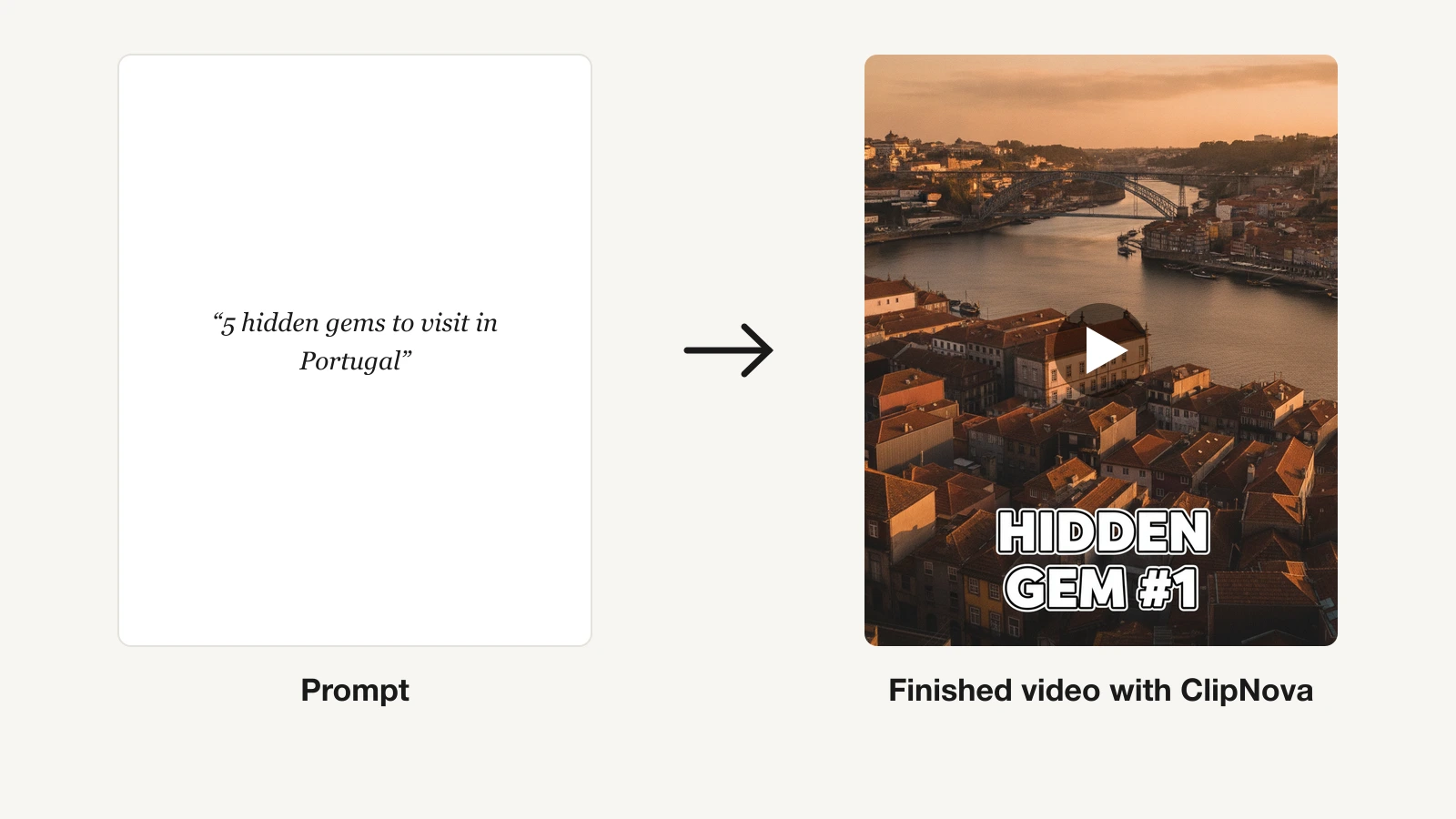
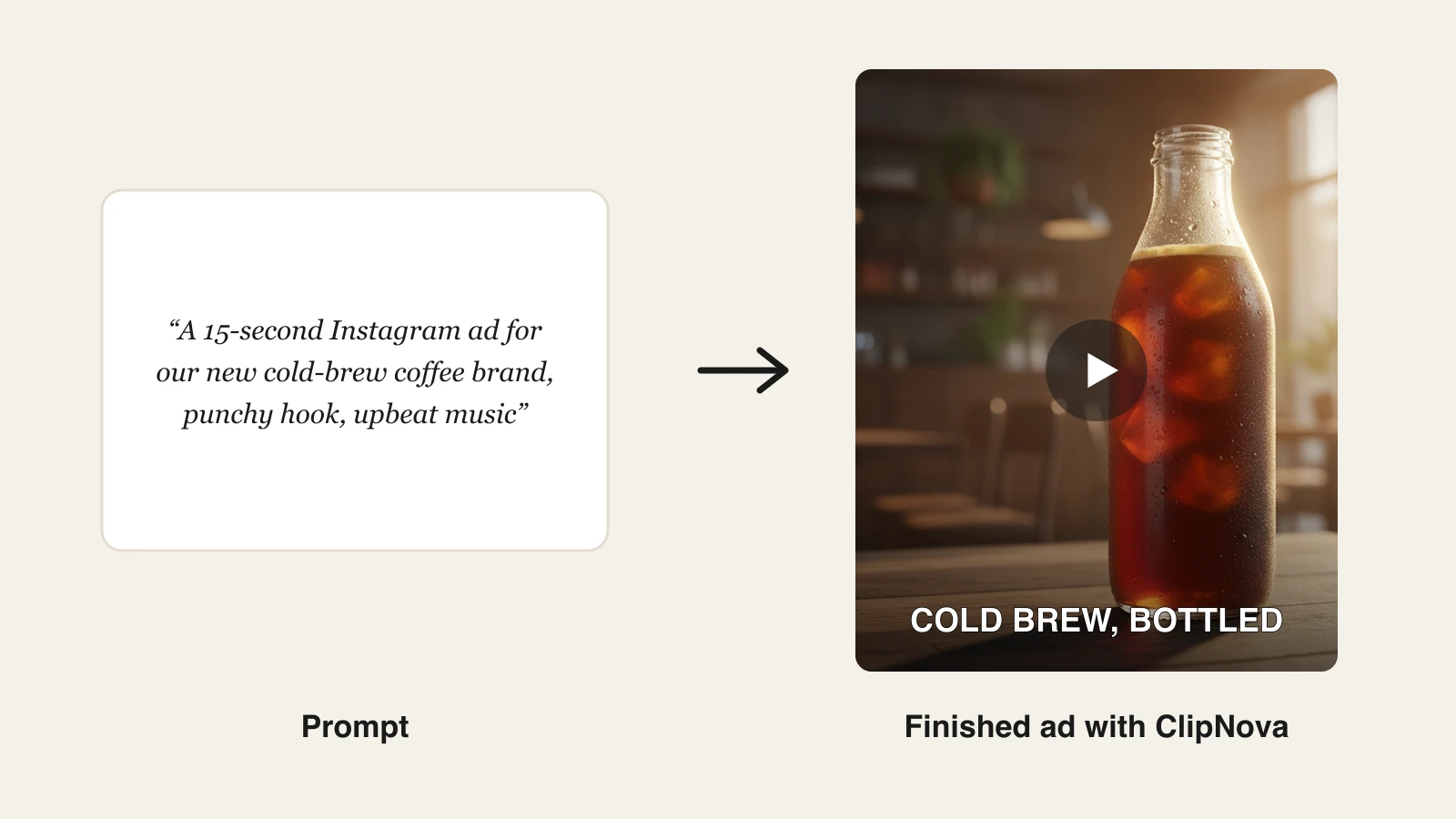
Video is the format that moves performance metrics and the one most marketing stacks cannot produce in-house, and that is the exact slice ClipNova owns. Type a prompt for a social campaign and it returns a finished vertical video: hook and script written, voiceover recorded, visuals assembled, captions burned in, music matched. No editor, no shoot, no camera. For paid social specifically, it generates UGC-style ad creative and talking-avatar spokesperson clips from the same workspace, reusing one creator photo and one product photo across every variation, so a performance marketer can spin up 5 to 20 ad variations a week without a production line. The AI video ads hub shows every format it covers, from creator-style ads to product and spokesperson cuts.
For a marketing team, the point is finished video ads with the same face and the same product in every version, so the brand stays recognisable while the creative rotates.
- Finished: a prompt becomes a narrated vertical video with captions and music, and a creator photo plus a product photo becomes a lip-synced UGC ad, both ready to traffic.
- Same face, same product: reuse one creator photo, or a saved avatar in Talking Avatar, and your spokesperson stays identical from campaign to campaign while the product keeps its shape, colours, and label.
- More versions to test: re-run a UGC ad with another tone (Excited, Calm, Won over, Problem first) or a length from 15 to 45 seconds, and choose the format per platform.
Because every plan carries full commercial rights and watermark-free export, the videos are ready to run as ads the moment they finish. ClipNova is built for performance marketers who live on creative volume, and its AI UGC generator and AI ads generator turn a product idea into testable ad variations in minutes. For a deeper category breakdown, see our roundup of the best AI TikTok ad generators.
Key features
- Prompt to finished ad: script, AI voiceover, visuals, captions, and music in one pass
- UGC-style ad creative and talking avatars for spokesperson-led campaigns
- Vertical-first output for TikTok, Reels, and Shorts, with 16:9 or 1:1 chosen per video
- Narration in 18 languages for prompt-made campaign videos
- Watermark-free 1080p with full commercial rights on every plan
Best for
- Performance marketers testing 5 to 20 ad creatives a week on paid social
- Social teams turning one campaign idea into a three-platform vertical rotation
Pricing
- Hobby $39/mo (1,000 credits), Starter $49/mo (2,600 credits), Growth $99/mo (5,750 credits), Ultra $199/mo (12,000 credits)
- Every plan carries the identical feature set; only monthly credits differ, and yearly billing is 20% off
Pros
- Produces finished, ad-ready video, the format the rest of this list cannot complete end to end
- Flat credit plans suit the high-volume creative testing paid social demands
Cons
- Video-focused: you still need a copy or SEO tool for text-heavy work
- Younger product than Canva or Jasper, with a smaller template ecosystem
2. Jasper, best for on-brand marketing copy at scale
Jasper is the copy engine for marketing teams that need output to sound the same across every writer and channel. Its brand voice feature learns your tone and vocabulary once, then applies it to blog posts, email sequences, ad copy, and landing pages, so a five-person team does not produce five different-sounding brands. Marketing-specific agents and campaign workflows go beyond a blank chat box, structuring the work around actual deliverables.
It is copy-first, so video, design, and paid-media creative sit outside its scope, and the price reflects a team tool rather than a solo one.
Key features
- Brand voice that enforces tone and terminology across all copy
- Campaign and marketing agents built around real deliverables
- Templates for ads, emails, blogs, and product descriptions
- Team collaboration, style guides, and knowledge base
Best for
- Content and lifecycle teams producing high copy volume on a consistent brand voice
- Marketers who want structured campaign workflows, not a raw chat interface
Pricing
- Creator from $49/mo per seat ($39/mo on annual billing)
- Pro from $69/mo per seat ($59/mo on annual billing); Business is custom-quoted for larger teams
Pros
- Brand voice consistency is genuinely hard to match with a general chatbot
- Purpose-built for marketing output rather than adapted from a coding assistant
Cons
- Text only: no video, design, or ad-creative generation
- Higher entry price than a general assistant that also writes copy
3. Canva Magic Studio, best for design and brand assets
Canva Magic Studio is the AI layer inside Canva, the design tool most marketing teams already open daily. Magic Write drafts copy in context, Dream Lab generates images, and Magic Resize, Magic Edit, and background removal handle the repetitive work between an idea and a finished asset. Brand kits keep colors, fonts, and logos locked across everything a team produces, which is the real reason marketing departments standardize on it.
Its AI allowance is shared across tools and capped per plan, so heavy generative use runs into limits that dedicated generators do not have.
Key features
- 20-plus Magic Studio AI tools folded into the standard editor
- Brand kits for consistent colors, fonts, and logos across a team
- Magic Resize to adapt one design to dozens of ad and social formats
- Huge template library for social, ads, decks, and print
Best for
- Marketing teams that need everyday design and social assets without a designer
- Brands standardizing visuals across many people and channels
Pricing
- Pro from $15/mo (about $10/mo billed annually at $119.99/year)
- Business tier for larger teams with advanced brand controls
Pros
- Almost no learning curve; most marketers already know Canva
- Brand kit plus AI in one place covers the bulk of routine design
Cons
- Shared AI credits cap heavy generative use
- Not built for finished, voiced video or performance ad creative
4. HeyGen, best for spokesperson videos and translation
HeyGen specializes in two jobs marketing teams keep needing: a realistic AI spokesperson reading a script, and translating existing video into other languages with matched lip-sync. Record or generate an avatar once and it can front product explainers, sales enablement, and localized announcements without booking talent. Its video translation is the standout feature, turning one testimonial or demo into a dozen language versions that still look like the original speaker.
The product is avatar-centric, so general text-to-video B-roll and finished social ads are secondary to the talking-head format.
Key features
- Realistic stock and custom avatars for spokesperson videos
- Video translation with lip-sync into many languages
- Script-to-video from a text input
- API access for programmatic video generation
Best for
- Teams localizing one video into many markets without re-shooting
- Product and enablement marketers needing a consistent on-screen presenter
Pricing
- Creator from $29/mo ($24/mo on annual billing)
- Business and enterprise tiers for higher volume and seats
Pros
- Best-in-class video translation for cheap localization
- Custom avatars give a repeatable brand spokesperson
Cons
- Avatar-first: not designed for organic short-form or B-roll-driven ads
- Credit and minute caps add up on premium avatar generations
5. Creatify, best for UGC product ads from a URL
Creatify compresses UGC ad production into a single input: paste a product URL and it pulls the images and copy, then generates UGC-style video ads fronted by AI actors. For e-commerce and DTC marketers, that URL-to-ad flow plus batch variation is the whole value, letting one person produce dozens of ad angles to feed a testing budget.
Its scope is deliberately narrow, ads only, so organic content, music-driven video, and long-form sit outside it.
Key features
- URL-to-ad workflow that builds creatives from a product page
- 300-plus AI actors for UGC-style spokesperson ads
- Batch variations to generate many ad angles at once
- Ad-focused templates and formats
Best for
- E-commerce and DTC teams making UGC ad variations at scale
- Marketers who want product-page-to-ad in one step
Pricing
- Starter from $39/mo (100 credits, watermark removed)
- Pro $99/mo (300 credits, roughly 15 videos)
Pros
- URL-to-ad is genuinely fast for product marketers
- Deep AI-actor library for varied UGC angles
Cons
- Ads-only scope; no organic or music-driven video
- Credit-per-video pricing gets expensive at high testing volume
6. AdCreative.ai, best for paid-social static creative
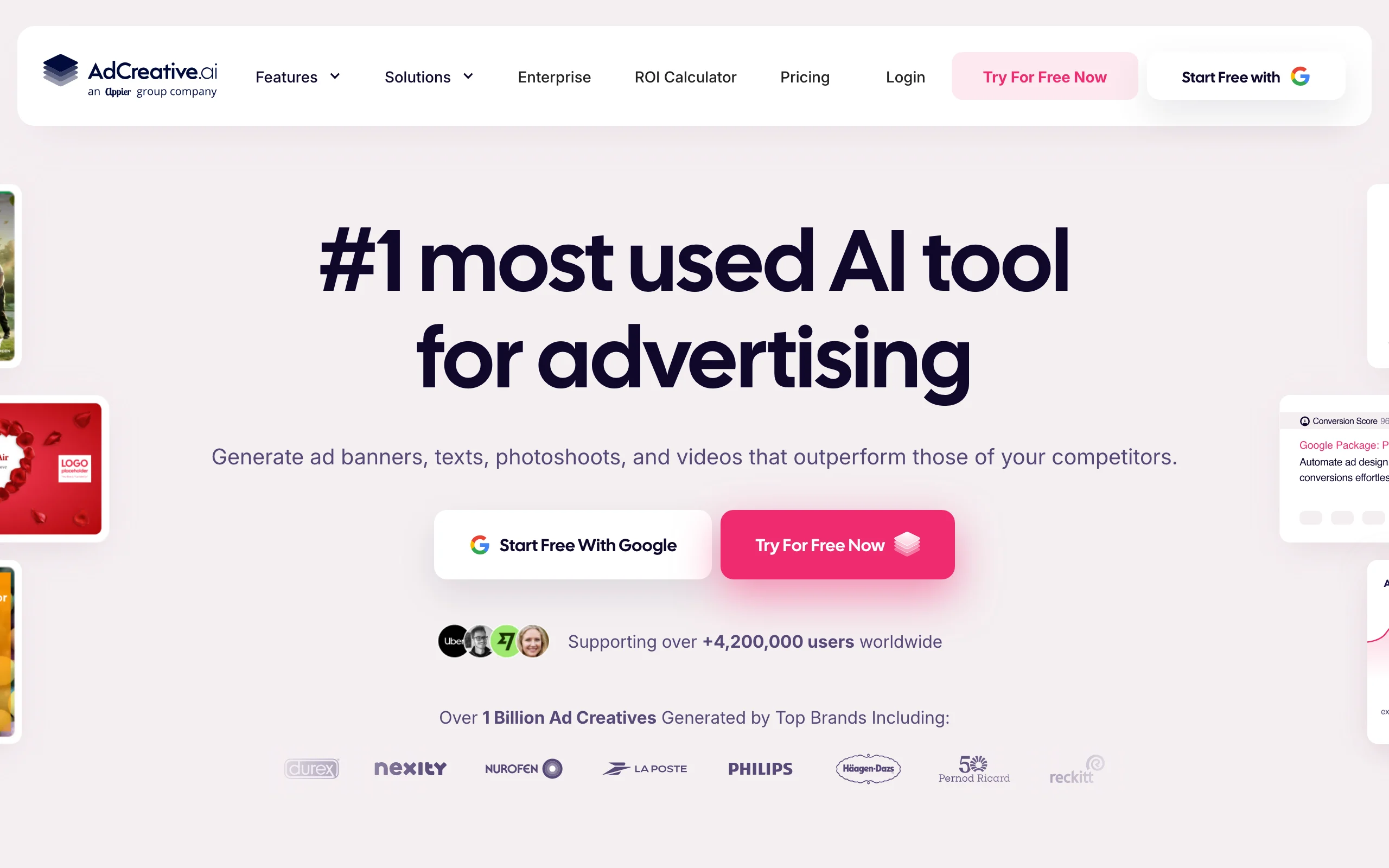
AdCreative.ai focuses on the static side of paid media: on-brand ad banners, social images, and display creative, generated in batches and scored for likely conversion. It ingests your brand colors, fonts, and logo, then produces sized-to-platform variations so a media buyer can populate a whole ad set quickly. The conversion-scoring layer ranks generated creatives so you can prioritize which to test first.
It is a static-creative specialist, so video and copy live outside its remit.
Key features
- On-brand static ad and social banners in platform sizes
- Conversion scoring to rank generated creatives
- Brand ingestion for consistent colors, fonts, and logos
- Bulk generation for full ad sets
Best for
- Media buyers who need volumes of static display and social creative
- Performance teams that A/B test static ads heavily
Pricing
- Starter from $39/mo (about $20/mo on annual billing, 2 users)
- Multiple higher tiers scaling credits and seats
Pros
- Fast batch generation of on-brand static ad creative
- Conversion scoring helps prioritize what to test
Cons
- Static-only: no video or long-form copy
- Conversion scores are directional, not guaranteed
7. Surfer SEO, best for SEO content optimization
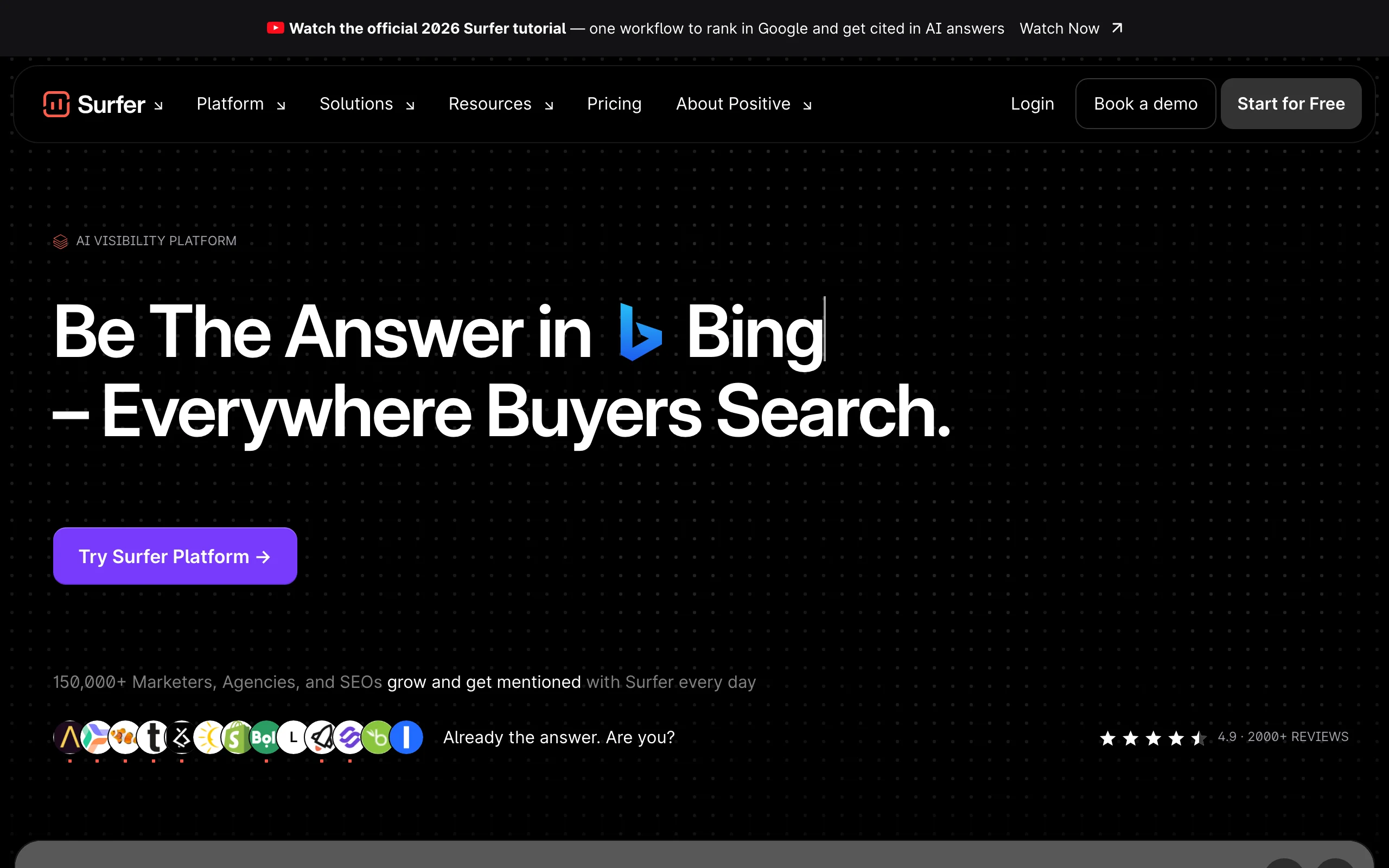
Surfer SEO is the optimization layer for organic content: give it a target keyword and it analyzes the pages already ranking, then scores your draft in real time against their structure, terms, and depth. For content marketers, that turns SEO from guesswork into a checklist, showing which topics and phrases to add before you publish. It plugs into a normal writing workflow rather than replacing it, so writers keep control of the prose.
It optimizes content but does not generate finished video, design, or ads, so it sits alongside the creative tools rather than replacing them.
Key features
- Real-time content score against currently ranking pages
- Keyword and topic research for content briefs
- Content editor with term and structure suggestions
- Audit tools for existing pages
Best for
- Content teams that publish SEO articles and need on-page guidance
- Marketers optimizing existing pages to recover or grow rankings
Pricing
- Discovery from $49/mo, Standard $99/mo, Pro $182/mo (annual commitment)
- Higher Peace of Mind and Enterprise tiers for agencies
Pros
- Data-backed on-page guidance that measurably helps rankings
- Fits into any writing workflow without forcing a new editor
Cons
- Optimization only: it does not create video, design, or ad creative
- Entry price is steep for a single content optimizer
8. ChatGPT, best AI assistant for marketing workflows
ChatGPT is the general reasoning layer most marketing stacks now assume: drafting briefs, summarizing research, brainstorming angles, cleaning up copy, and answering the constant stream of ad-hoc questions a campaign throws off. It is not a specialist at finished video or brand-consistent copy the way the tools above are, but as a flexible assistant that touches every stage of the workflow, nothing else is as fast to reach for. For how GPT-5.4 stacks up against Gemini, Claude, and Grok on accuracy, speed, and price, see our 2026 AI model comparison.
Its output is generic without careful prompting, and it does not produce publish-ready creative on its own, so it complements the specialists rather than replacing them.
Key features
- Fast drafting, summarizing, and research across any marketing task
- Custom GPTs and projects to standardize repeatable prompts
- Image generation and data analysis alongside text
- Web browsing and file uploads for grounded answers
Best for
- Marketers who want one assistant for briefs, research, and ad-hoc drafting
- Teams standardizing prompts and workflows with custom GPTs
Pricing
- Plus from $20/mo; Go from $8/mo; Business from $25/mo per seat ($20 annual)
- Pro and Enterprise tiers for heavy and organization-wide use
Pros
- The most flexible tool in the stack; useful at every stage
- Low entry price for broad daily utility
Cons
- Generic output without careful prompting and brand context
- Produces no finished, publish-ready creative on its own
How to choose the best AI marketing tools for your workflow
You do not need all eight. The right stack depends on where your bottleneck is and what channels you run. Use these questions to narrow it down.
1) What is your biggest production bottleneck?
- If it is ad and social video: start with ClipNova, which turns a prompt into a finished, captioned, voiced vertical ad, then layer a copy or SEO tool as needed.
- If it is written volume: Jasper for brand-consistent team copy, or ChatGPT if a general assistant with careful prompting is enough.
- If it is everyday design: Canva Magic Studio covers social, decks, and static assets with almost no learning curve.
2) Which channels are you actually optimizing?
- Paid social with heavy creative testing: ClipNova for UGC and avatar video, Creatify for URL-to-UGC product ads, and AdCreative.ai for static banners.
- Organic search: Surfer SEO to optimize content against what already ranks.
- Multi-market localization: ClipNova narration in 18 languages for prompt-made videos, or HeyGen for translating existing spokesperson footage.
3) How do you want to pay for volume?
- Do the price-per-asset math before you commit. Credit-per-video tools like Creatify get expensive fast at testing volume, while ClipNova's flat credit plans (1,000 to 12,000 credits a month) keep the cost predictable as you scale from testing to always-on production.
- General assistants and design tools are cheap per seat, so add them freely; the real budget decision is which video and ad-creative engine anchors your paid-media testing.
4) How to test before you buy
- Generate 3 to 5 real assets on your actual product or niche in each tool's lowest tier before committing to an annual plan. Start on the lowest tier of ClipNova, HeyGen, and Creatify to judge fit on your own creative rather than a demo reel.
- Pick the anchor tool first (usually your video or ad-creative engine), prove it against a live campaign, then add copy, design, SEO, and assistant tools around it only where a real gap remains.
Related reading: 7 best AI tools for ecommerce in 2026 and 8 best AI tools to animate a photo into video in 2026.
Frequently asked
What are the best AI tools for marketers in 2026?
The best stack depends on your bottleneck, but a lean cross-category set covers most teams: ClipNova for AI video and UGC-style ads, Jasper for brand copy, Canva Magic Studio for design, HeyGen for spokesperson and translated video, Creatify and AdCreative.ai for ad creative, Surfer SEO for content optimization, and ChatGPT as a general assistant. Most marketers combine three or four of these rather than paying for one bloated suite.
What is the best AI tool for marketing video and ads?
ClipNova is the strongest pick for marketers because it turns a prompt into a finished vertical ad with script, voiceover, captions, and music, and adds UGC-style creative and talking avatars from the same credit pool. Every plan includes watermark-free export and full commercial rights, so the output is ready to run as a paid ad immediately.
How much do AI marketing tools cost?
Entry pricing in 2026 ranges widely: ChatGPT from $20/mo, Canva Pro from $15/mo, HeyGen from $29/mo, Creatify and AdCreative.ai from $39/mo, Surfer SEO from $49/mo, ClipNova from $39/mo, and Jasper from $69/mo. A practical full-funnel stack usually lands between $100 and $250 a month depending on how many categories you cover.
Do I need separate AI tools for video, copy, and design?
Usually yes. AI marketing tools have specialized, so a single generalist rarely matches a focused tool on video, copy, design, ads, and SEO at once. The efficient approach is to pick the best tool per job you actually do and skip the categories you do not, rather than buying one suite that does everything adequately and nothing exceptionally.
How should I test AI marketing tools before committing?
Pick the anchor tool for your biggest bottleneck first, usually your video or ad-creative engine, then generate 3 to 5 real assets on your own product using its lowest tier. ClipNova starts at $39/mo, Canva Pro at $15/mo, ChatGPT at $20/mo, and HeyGen at $29/mo, so you can prove fit on the lowest tier before scaling up. Judge output quality on your actual creative rather than a demo reel before committing to an annual plan.
Are AI-generated marketing videos safe to use in paid ads?
Yes, when the tool grants commercial rights and you follow each platform's disclosure rules for synthetic media. ClipNova includes full commercial rights and watermark-free export on every plan, so its videos can run as ads directly. On platforms like TikTok and Meta, label realistic AI-generated people where required and avoid implying a synthetic actor is a real customer.
Can AI tools replace a marketing team?
No. AI tools compress production, drafting, and testing, but they do not set strategy, own brand judgment, or read campaign results in context. The teams getting the most value use these tools to remove production bottlenecks, then spend the saved time on positioning, offers, and analysis that AI cannot do reliably.
If I mainly need marketing video and ad creative, what should I use?
Use ClipNova. It generates finished vertical ads, hook, script, voiceover, captions, and music, plus UGC-style and avatar formats in the same credit pool, with full commercial rights on every plan. Plans differ only in monthly credits, so scaling from creative testing to always-on production is a tier change, not a new tool.