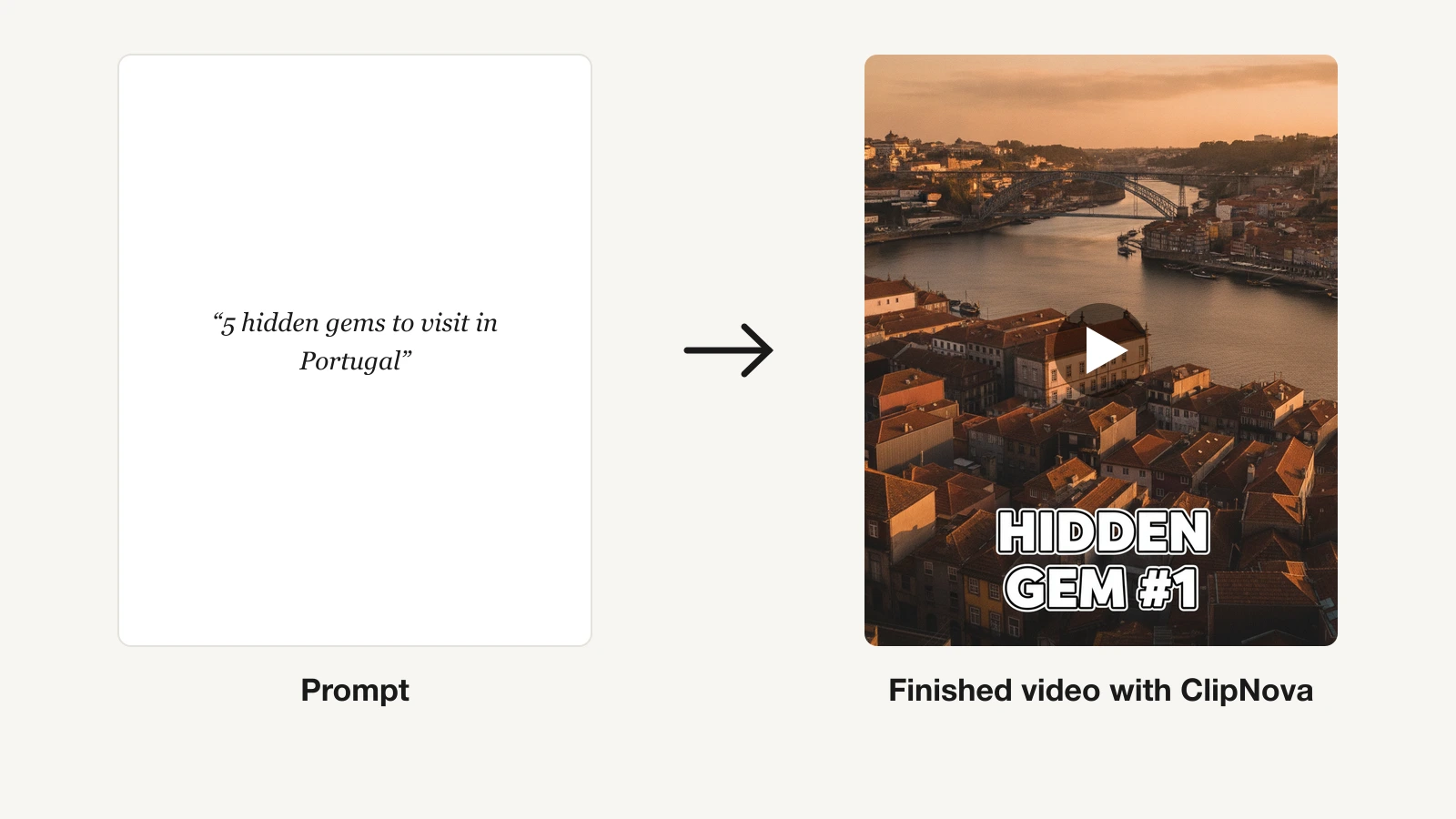
An AI cartoon video generator turns a written idea into animation you can publish, without a storyboard artist, a voice actor, or a timeline. In 2026 that phrase covers three very different products, and picking the wrong one is why so many cartoon projects stall at a folder of pretty stills.
Some tools hand you a finished episode: scenes, narration, captions, and music in a single pass. Some are full animation studios with character builders, where AI drafts a video you then edit frame by frame. And some are art-first image models that now animate their own output into short clips.
This guide ranks the 8 best AI cartoon video generators across all three, with verified pricing and honest limits, so you buy the one that produces your actual deliverable, not the category next door.
Best AI cartoon video generators: a brief overview
Finished cartoon videos in one pass
- ClipNova: Best overall. Turns a story idea into a complete cartoon video, scenes, narration, captions, and music included, ready for TikTok, Reels, and Shorts.
Cartoon animation studios
- Vyond: Best for corporate explainers and training. A full animation studio with character creator, lip sync, and enterprise controls.
- Animaker: Best budget cartoon video maker. DIY character builder and template-driven 2D animation from $15 a month.
Art-first tools that animate their own stills
- Pika: Best for animating cartoon stills. Turns a character image into a moving clip at the lowest paid entry price here.
- Midjourney: Best cartoon art to animate. The strongest stylized rendering, with SD and HD clips on paid plans.
- Leonardo AI: Best for a consistent cartoon character. Train a personal model, then generate and animate it in any scene.
- Magnific: Best for directing consistent cartoon characters. Build reusable characters and styles, generate cohesive scenes, then animate them with multiple video models.
- ChatGPT: Best for cartooning a photo first. Restyle in plain chat, then animate through Sora from the Plus tier.
| Tool | Best for | Starting price | Video output |
|---|---|---|---|
| ClipNova | Long finished cartoon videos with consistent characters | From $39/mo | Finished video up to 5 min, with voice, captions, music |
| Vyond | Corporate explainer cartoons | From $99/mo ($58/mo yearly) | 1080p video, up to 25 min |
| Animaker | Budget DIY cartoon animation | From $15/mo (yearly) | HD to 2K video (4K Enterprise) |
| Pika | Animating cartoon stills | From $10/mo ($8/mo yearly) | ~5s clips; watermark-free from Pro |
| Midjourney | Cartoon art you then animate | From $10/mo | SD clips on Basic, SD + HD from Standard |
| Leonardo AI | Consistent cartoon characters | From $12/mo | Token-metered clips from your own model |
| Magnific | Directing consistent cartoon characters | From €15/mo (yearly) | Image-to-video with Kling, Seedance, Wan, Veo, and more |
| ChatGPT | Cartooning a photo first | From $5.50/mo | Sora video from the $20 Plus tier |
Reading the table: the bottom five rows give you seconds of motion you still have to script, voice, caption, and assemble. Only the top three output something a viewer would sit through, and only ClipNova writes and voices the script for you.
1. ClipNova, best overall AI cartoon video generator
Cartoon channels do not run on pretty frames, they run on finished episodes, and that is the gap ClipNova fills. Give its AI cartoon video generator a premise and a style, and it builds the whole video: stylized scenes, a written and voiced script, burned-in captions, and music. If your channel needs a recurring star, design them first with the AI Character Generator in a cartoon look such as Pixar or Flat Animation.
That is the core idea: finished long cartoon episodes with characters who look the same every time.
- Long: one premise becomes a cartoon episode of up to 5 minutes, not a 5 to 10 second loop.
- Consistent characters: save your star once with a picture and a locked look, and the face and outfit hold across every scene; with Series the cast returns each episode and story memory keeps the plot straight.
- Finished: scenes, script, voiceover, captions and music come out of one generation, and Studio lets you swap any single scene before you post.
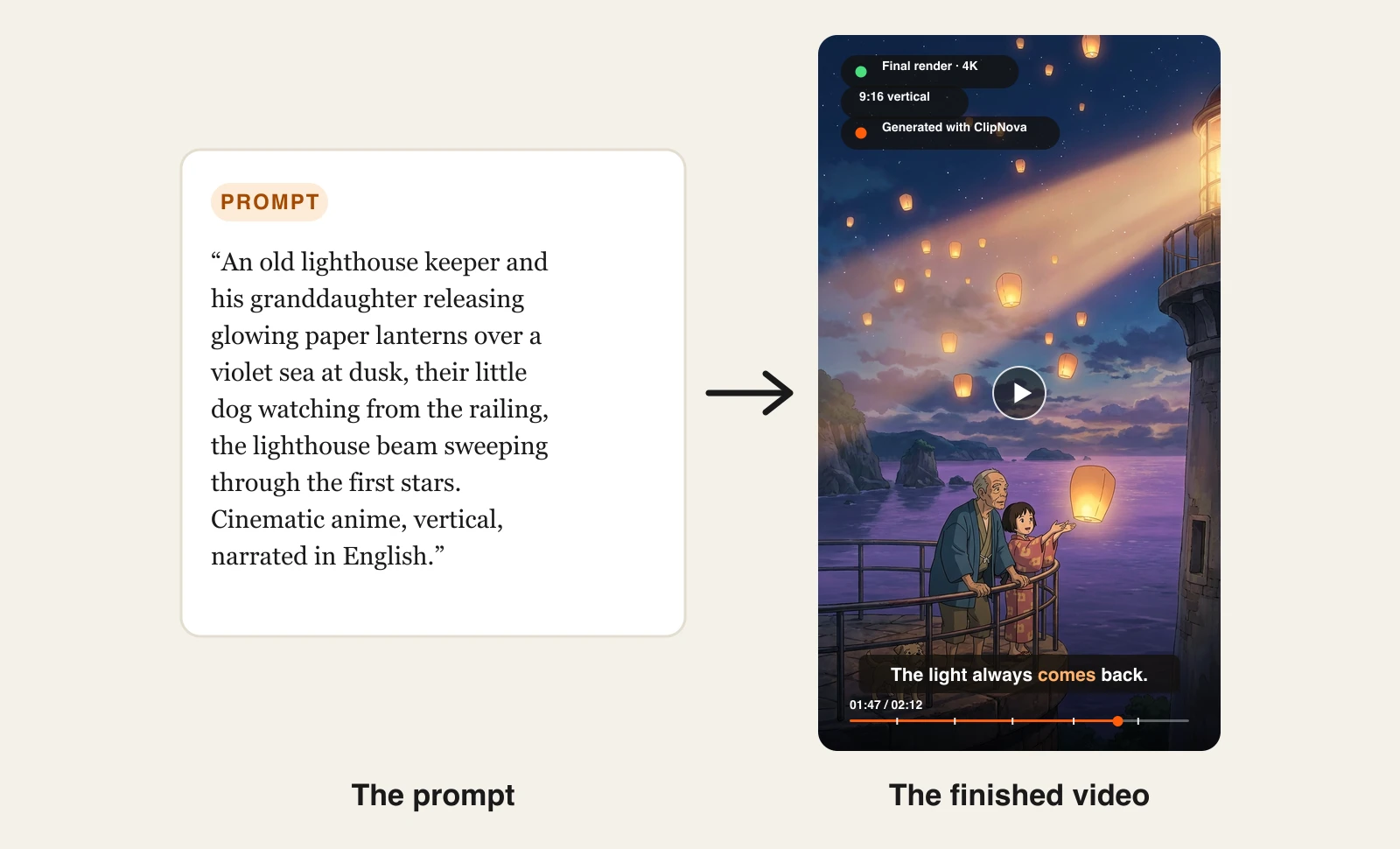
It works from either starting point: type a prompt and ClipNova draws the scene, or upload a photo and it redraws it as a cartoon before animating. Here is one prompt and the vertical episode that came back — scenes, voiceover and burned-in captions in a single generation:
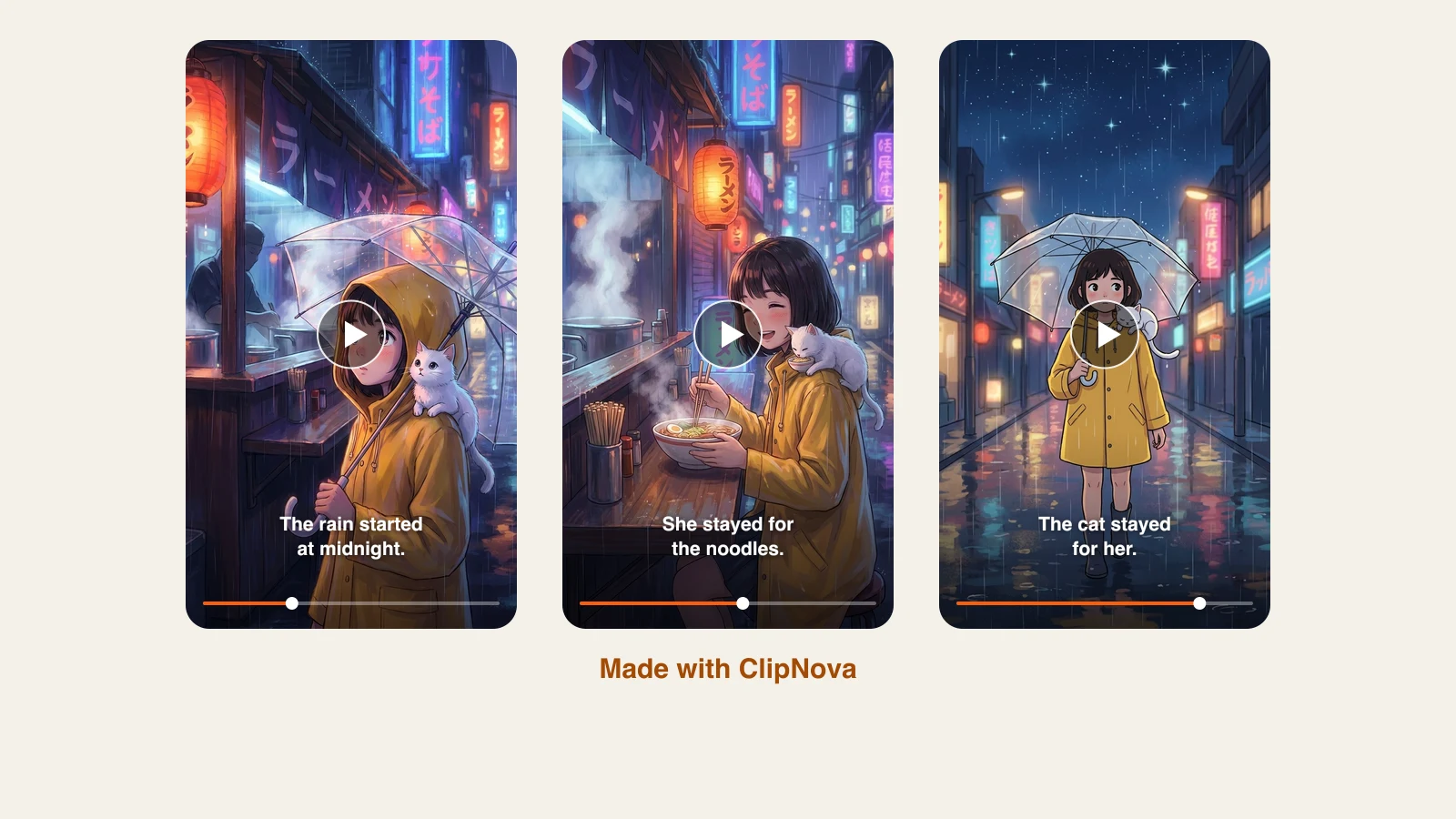
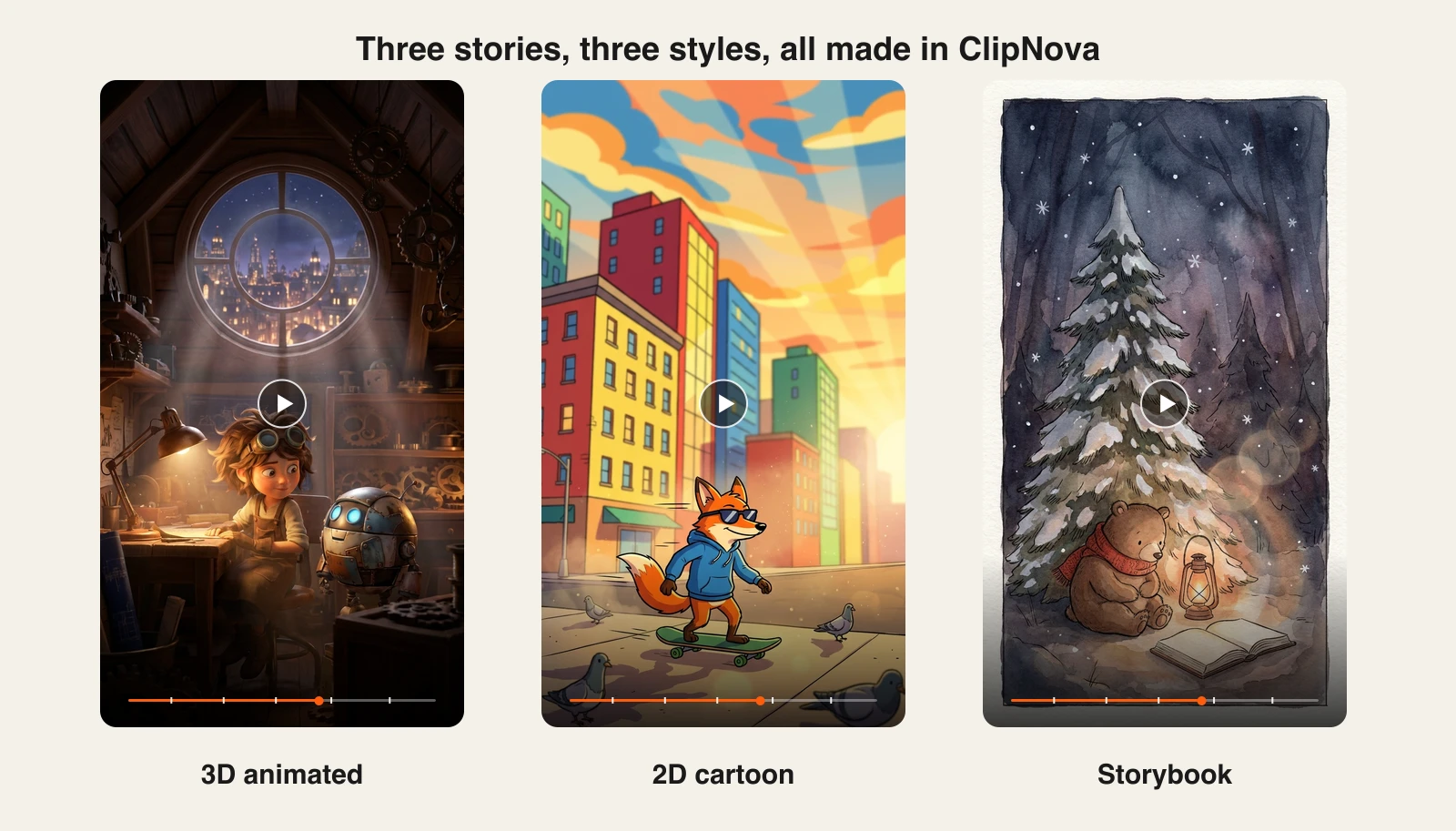
The style setting is not a filter painted over one house look — it changes what the renderer draws. Three different stories in three styles, each from a single prompt:
How to make a cartoon video with ClipNova
- Log in to the ClipNova app.
- Open AI Video Studio — the cartoon video maker.
- Write your story in a paragraph: characters, setting, and the beat you want. ClipNova breaks it into scenes with consistent character design.
- Pick the cartoon style and a narrator voice (18 languages available).
- Generate. The finished episode arrives with voiceover, burned-in captions, and music, up to 5 minutes long.
- Export vertical for TikTok, Reels, and Shorts, or 16:9 for YouTube.
Starting from a photo instead? Run it through Image to Cartoon first — 3D animated, anime, 2D flat, or storybook — then send the result into AI Video Studio as the opening frame of an episode.
Because output is vertical-first, the same episode exports for TikTok, Reels, and Shorts without reframing, and it handles anime-style videos alongside 3D and 2D cartoon looks. For the Pixar-style 3D look specifically, the AI 3D Animation Generator shows that workflow step by step. Narration in 18 languages means one cartoon series can run localized channels from the same scripts.
Key features
- Story prompt to complete cartoon episode: scenes, voiceover, captions, and music in one generation
- Multiple cartoon styles, from 3D animated looks to anime and 2D
- Vertical-first export for TikTok, Reels, and Shorts
- AI narration in 18 languages for localized cartoon channels
- Watermark-free 1080p with full commercial rights on every plan
Best for
- Animated faceless channels that need episodes on a daily or near-daily schedule
- Creators and brands who want a postable cartoon video, not assets to assemble
Pricing
- The lowest tier covers testing and light use; higher plans unlock volume and full export
- Hobby $39/mo (1000 credits), Starter $49/mo (2600 credits), Growth $99/mo (5750 credits), Ultra $199/mo (12000 credits)
- Every plan has the identical feature set, only credits differ; yearly billing is 20% off
Pros
- The only tool in this list that outputs a finished cartoon video rather than pieces of one
- Flat, predictable plans with commercial rights from the entry tier
Cons
- Scene-level art direction is coarser than a hands-on animation suite like Vyond
- Credits are consumed per generation, so the lowest tier suits testing more than high volume
2. Vyond, best for corporate explainer cartoon videos
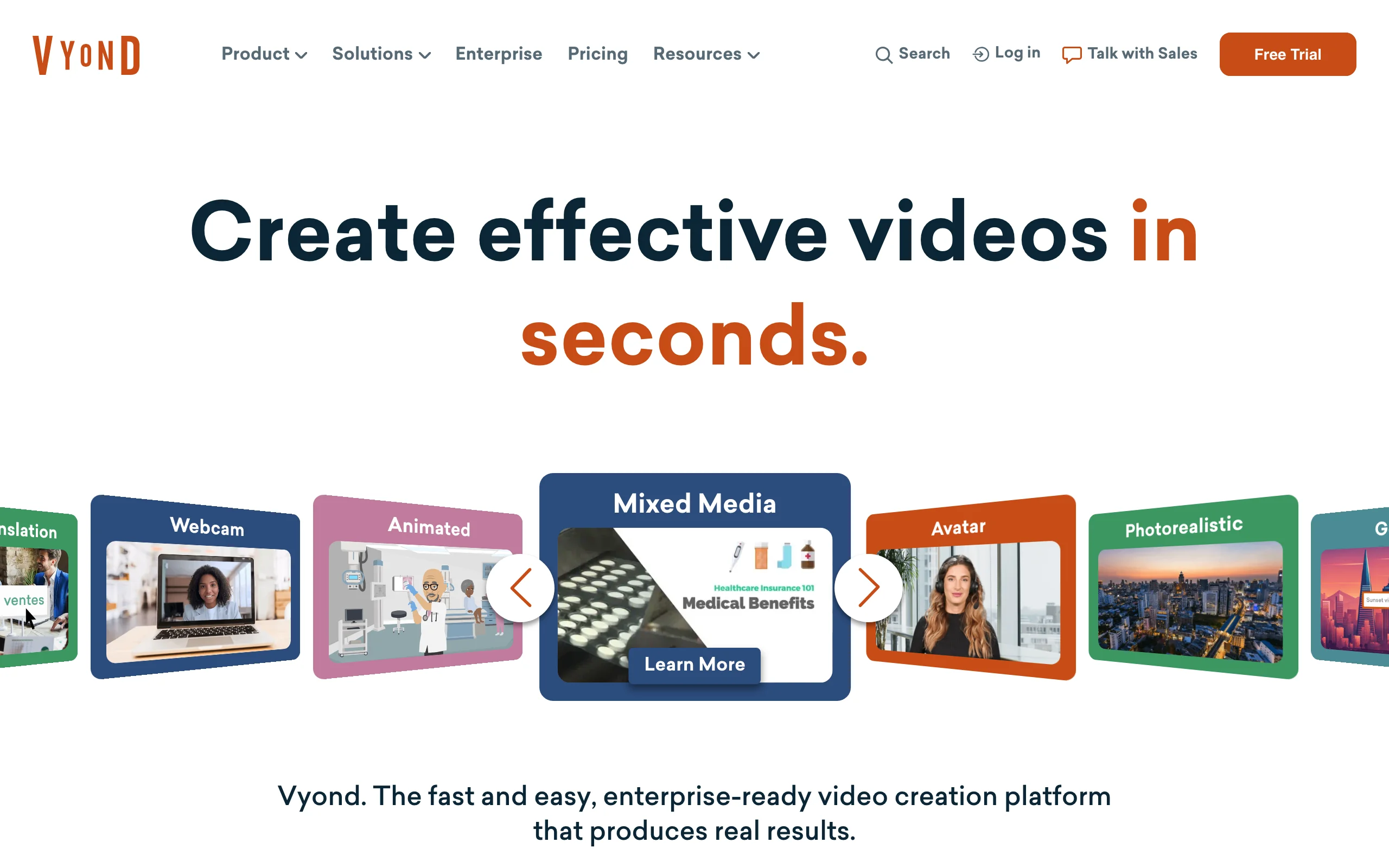
Vyond is the incumbent of business cartoon animation, and it has aged into an AI-heavy suite. Vyond Go drafts a video from a text prompt, a doc, or a URL; the classic studio then gives you frame-level control with a character creator, automatic lip sync to uploaded voiceovers, and 650+ text-to-speech voices. Its "AnyStyle" system spans classic 2D cartoon, mixed media, and photorealistic looks.
Key features
- Prompt, script, doc, and URL to video with editable results
- Character Creator with customizable faces, outfits, and body types, plus automatic lip sync
- 650+ TTS voices, with instant translation into 95 languages on Professional
- Template library across eLearning, marketing, and storytelling
- Exports to MP4, GIF, transparent WEBM, SCORM, and more at 1080p
Best for
- L&D, HR, and internal comms teams producing training explainers
- Agencies making client cartoons (the Agency tier includes unlimited rights transfers)
Pricing
- Starter $99/mo, or $58/mo billed yearly at $699
- Professional $199/mo, or $100/mo billed yearly, adds collaboration, Shutterstock assets, and translation
Pros
- The deepest editing control of any tool here, with enterprise security and SCORM export for courseware
- You retain rights to your videos even after the subscription ends
Cons
- The most expensive entry point in this list, and AI features are credit-metered even on paid plans
- 1080p is the export ceiling; no 4K on any published tier
3. Animaker, best budget cartoon video maker
Animaker delivers the largest slice of Vyond's use case at a fraction of the price. Its character builder assembles custom cartoon characters from hundreds of costumes, expressions, and actions, with one-click lip sync to any voiceover, and its AI generates videos from text prompts with auto subtitles. TTS coverage is huge: 1,800+ voices across 180+ languages.
Key features
- Custom cartoon character builder with automated lip sync
- Text-prompt video generation plus thousands of 2D, whiteboard, and explainer templates
- 1,800+ TTS voices in 180+ languages
- 100M+ stock assets, 30K+ music tracks, and auto subtitles
- Up to 2K export on Pro, 4K on Enterprise
Best for
- Educators, small businesses, and YouTubers making explainer cartoons on a budget
- Creators who want hands-on character customization without pro animation skills
Pricing
- Basic $15/mo, Starter $25/mo, Pro $43/mo on yearly billing (the page advertises 45% yearly savings; month-to-month rates are not clearly published)
- Watermark-free video starts on the Starter tier; commercial rights start on Pro
Pros
- The best price-to-capability ratio for DIY cartoon animation
- The inexpensive Basic tier is enough to learn the editor before scaling up
Cons
- Tight download quotas at every tier, even Pro caps at 30 premium downloads a month
- Commercial rights are gated to Pro and above, and generative video seconds are heavily metered
4. Pika, best for animating cartoon stills
Pika occupies a specific slot in a cartoon video workflow: you have a character image, and you want it to move. Its image-to-video generation, effect templates, and scene tools turn stills into short animated clips, at the cheapest paid entry in this list. It is a clip generator rather than a video maker, so scripts, voiceover, and captions stay your problem.
Key features
- Image-to-video that preserves cartoon character detail
- Effect templates (Pikaffects), scene transitions, and keyframe-style Pikaframes
- Text-to-video on paid plans, about 20 credits for a 5-second 720p clip
- Fast iteration loop suited to social experiments
Best for
- Creators animating existing character art into short loops and reactions
- Meme-adjacent cartoon clips where speed beats fidelity
Pricing
- Standard $10/mo, or $8/mo billed yearly; Pro $35/mo ($28/mo yearly)
- Watermark-free downloads and commercial use start on the Pro plan, not Standard
Pros
- Lowest paid entry price of any video tool here
- The effect library makes stills feel genuinely animated with zero skill
Cons
- Commercial use and watermark removal require the $35 Pro tier as of mid-2026, so the $10 plan is a testing tier
- Short clips only, with no narration, captions, or assembly into episodes
5. Midjourney, best cartoon art to animate
For pure drawing quality, Midjourney is still the bar. Cartoon character sheets, stylized portraits, thumbnails, and poster art come out with a polish other models chase, and its style-reference tools keep a look consistent across a batch. All plans now include video generation, so a favorite frame can become a short SD or HD clip, though it remains an art tool with a motion feature bolted on, not a video pipeline.
Key features
- Best-in-class stylized image quality across cartoon, anime, and painterly looks
- Style references and character references for visual consistency
- SD video on Basic, SD and HD video on Standard and above
- Web editor with region-based retouching
Best for
- Character designers and thumbnail artists who want the strongest cartoon frames
- Building the visual identity a real video tool then animates
Pricing
- Basic $10/mo (or $8/mo billed yearly, 20% off) with limited fast generations
- Standard $30/mo adds unlimited relax-mode images and HD video
Pros
- Quality that consistently wins A/B tests on covers and thumbnails
- Commercial use on every paid plan
Cons
- Companies over $1M revenue must buy Pro or Mega for commercial rights
- Stills-first: no narration, captions, or editing anywhere in the product
6. Leonardo AI, best for consistent cartoon characters
The hardest problem in AI cartooning is drawing the same character twice, and Leonardo AI attacks it directly: train a personal AI model on your character, then generate it in any pose, scene, or outfit, and animate the results. Paid plans include 10 to 50 personal models, alongside image generation, a canvas editor, and metered video generation.
Key features
- Personal AI models trained on your own character or style
- Cartoon, anime, and illustration presets with fine-grained control
- Canvas editing for fixing frames and compositing
- Token-based image and video generation with rollover banking
Best for
- Series creators and brands that need one mascot rendered consistently across episodes
- Artists building a repeatable house style
Pricing
- Essential $12/mo for 8,500 tokens and 10 personal models; Premium $30/mo for 25,000 tokens and 20 models
- Yearly billing advertised at up to 20% off
Pros
- Custom models solve character consistency better than prompt tricks in any general tool
- Commercial use is allowed even on the lowest tier
Cons
- Lower-tier generations can be public and remixable by other users; private ownership requires a higher plan
- Video generation is token-hungry, and there is no narration or captioning pipeline
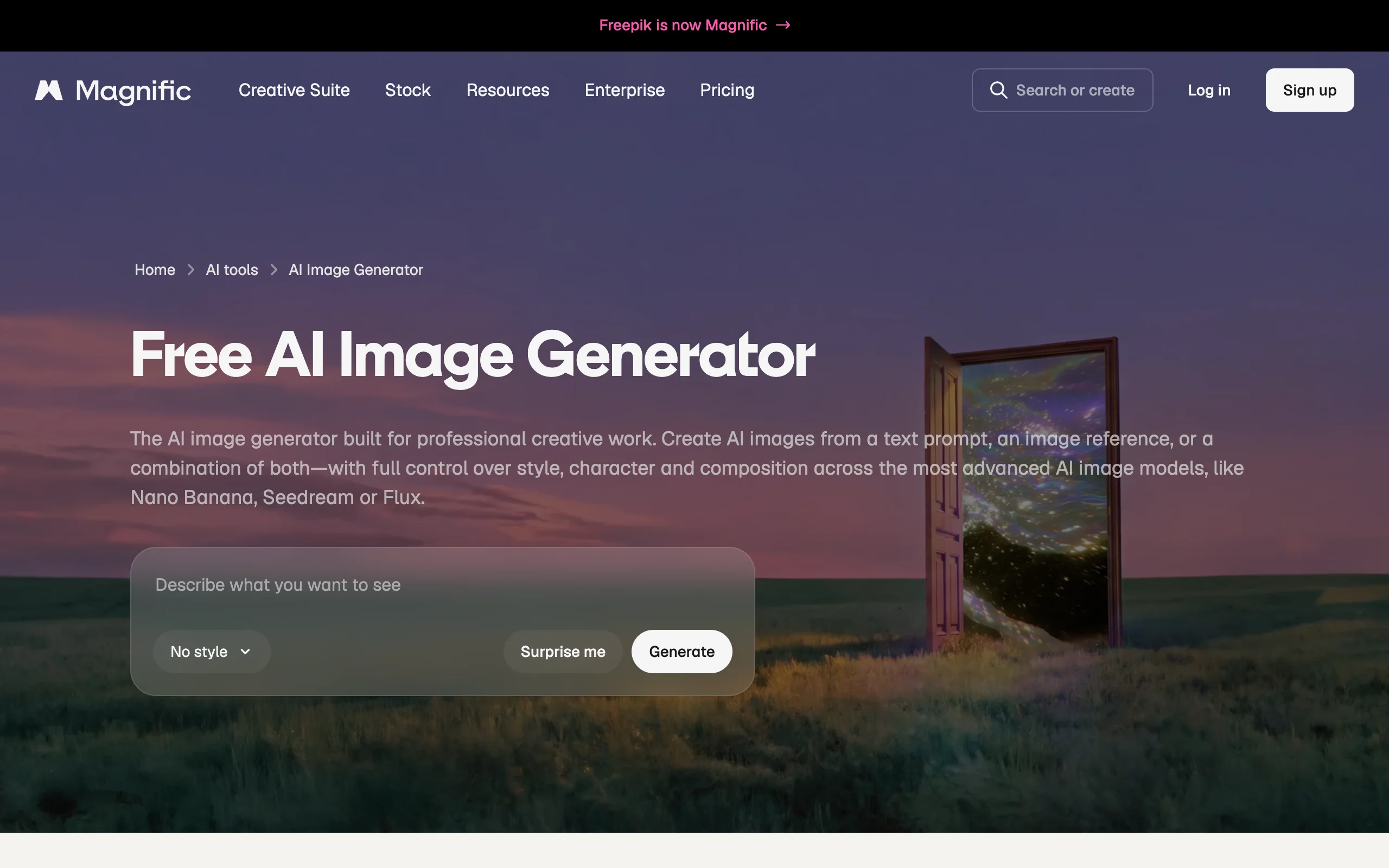
7. Magnific, best for directing consistent cartoon characters
Magnific (the company formerly known as Freepik) is the pick when you need to direct a cartoon cast rather than roll the dice on one frame. You build reusable characters and visual styles once, generate cohesive scene artwork from a text prompt, an image reference, or both, and then animate those stills through image-to-video, with visual references and a choice of video models, all from one account.
Key features
- Trainable AI characters and reusable styles that keep one cartoon lead on-model across scenes
- Generation from a text prompt, an image reference, or both, on models like Nano Banana, Seedream, and Flux
- Image-to-video on several video models, including Kling, Seedance, Wan, Google Veo 3.1, and MiniMax Hailuo
- Image editing, upscaling, relighting, and camera changes in the same suite
Best for
- Series creators who storyboard a recurring cartoon cast scene by scene before animating
- Illustrators who want to pick the video model per shot instead of being locked into one
Pricing
- Paid plans are credit-based and billed yearly: Premium €15/mo, Premium+ €34/mo, Pro Starter €83/mo (list prices, often discounted)
- Every paid plan includes a commercial AI license; music rights start on Premium+
Pros
- The widest choice of video models of any art-first tool here, so each shot can use the engine that animates it best
- Character training and style reuse tackle consistency directly instead of relying on prompt tricks
Cons
- Premium video models burn credits fast, and character training costs 3,000 credits per character
- Like the other art-first tools, it animates shots, not episodes: no script, narration, or captioning pipeline
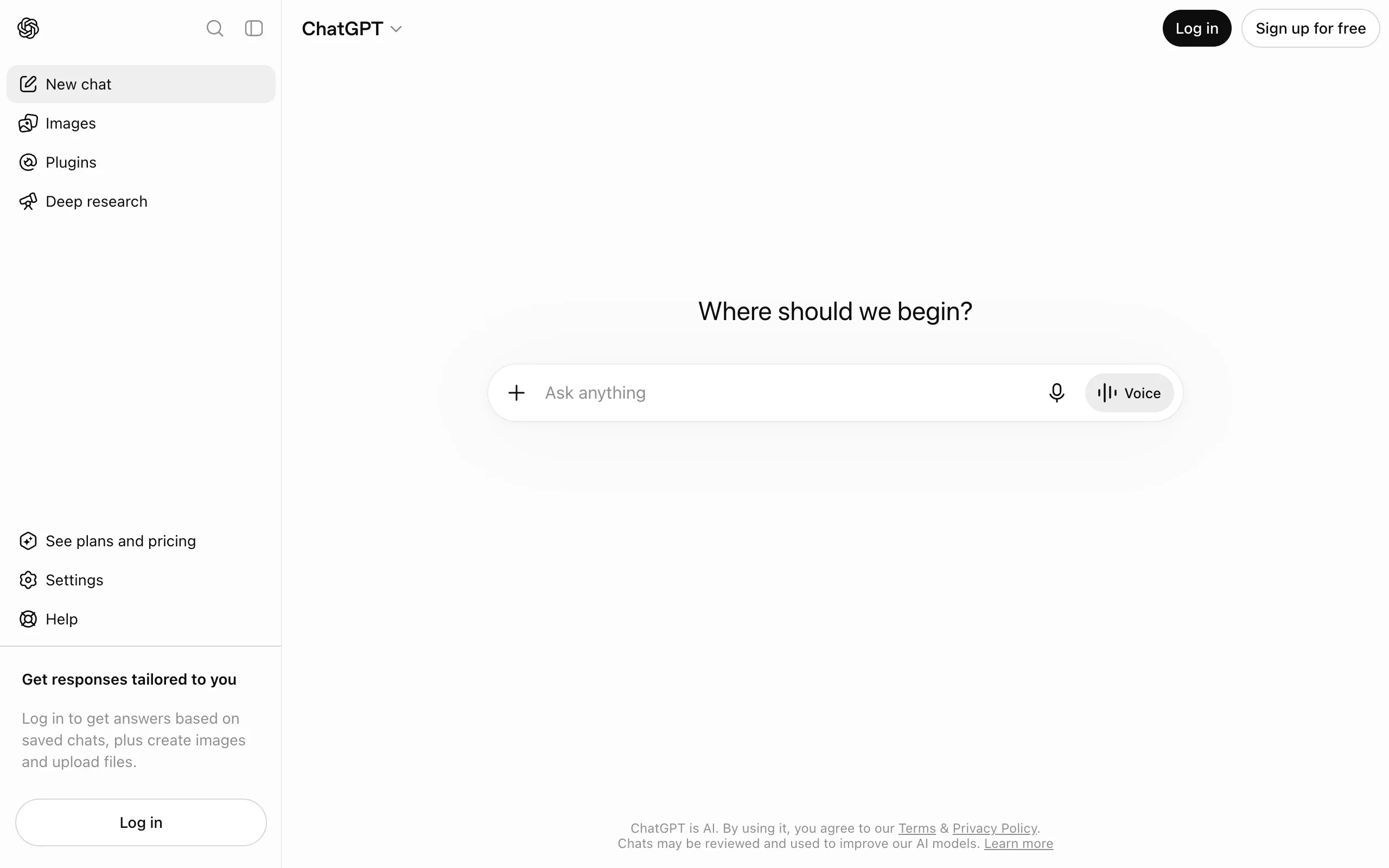
8. ChatGPT, best for cartooning a photo first
ChatGPT is the tool most people already have when they first want a cartoon, and for photo-to-cartoon conversions it is genuinely good. Upload a picture, describe the style, and iterate in plain conversation: rounder eyes, softer palette, same character but waving. Image generation is available on every tier; video arrives through Sora from the Plus plan up.
Key features
- Conversational image generation and editing, no prompt engineering needed
- Photo-to-cartoon restyling with iterative refinement
- Character stays consistent across a chat session for multi-image sets
- Video generation via Sora available from the Plus tier
Best for
- Casual users cartooning family photos, avatars, and one-off images
- Drafting character concepts before committing to a dedicated video tool
Pricing
- Go $5.50/mo increases image creation limits; Plus $20/mo adds Sora video access
- No annual billing discount on any consumer tier
Pros
- The lowest barrier to entry of any tool here, and the lowest tier is enough for one-off cartoons
- Editing by conversation beats sliders for non-designers
Cons
- Render quality trails Midjourney and Leonardo for polished character art
- Rate limits on the lower tiers are not published numerically, so heavy use is unpredictable
How to choose the best AI cartoon video generator for your workflow
1) What does the tool actually hand you at the end?
- A postable cartoon video: ClipNova generates the whole thing, script to captions, in one pass.
- A project you finish yourself with frame-level control: Vyond, or Animaker on a budget.
- Seconds of motion you still have to script, voice, caption, and assemble: Pika, Midjourney, Leonardo, Magnific, and ChatGPT's Sora access.
That last group is where most cartoon channels quietly die. A five-second clip is a shot, not an episode, and the work between the two is the part a video generator is supposed to absorb.
2) How much does character consistency matter?
- A recurring mascot or series lead: Leonardo's personal models and Magnific's trained characters are built for exactly this, and Vyond and Animaker sidestep the problem with reusable built characters. If you are planning a whole kids show with the same cast every week, see our guide to the best AI for kids cartoon series.
- One-off stories where each episode can look fresh: ClipNova and Midjourney give the best look-per-effort.
If the look you are after is specifically 3D-animated-feature rather than flat 2D, a Pixar style AI video generator is a closer match than the general cartoon options here.
3) What does your budget per published video work out to?
Translate plans into output before paying. ClipNova's $39 Hobby plan covers a daily short-form cartoon channel with 1,000 credits and full rights included. Vyond's $58/mo yearly Starter makes sense only if you publish long explainers. Pika's real price is the $35 Pro tier, since its $10 Standard plan is watermarked and non-commercial. Animaker's $15 Basic cannot be used commercially at all, its rights start at the $43 Pro tier.
4) Who owns what you make?
- Monetized channels and client work: ClipNova (every plan), Vyond (rights survive cancellation, Agency tier for client transfers), and Midjourney paid plans are the clean options.
- Watch the fine print elsewhere: Animaker gates commercial use to Pro and above, Pika gates it to Pro, and Leonardo's lower tiers can make your generations public and remixable.
Before subscribing anywhere, generate the same test story in two or three tools and post the results. Cartoon audiences react to pacing and voice as much as art style, so the faceless-channel playbook moves retention more than an extra rendering tier will.
Frequently asked
What is an AI cartoon video generator?
An AI cartoon video generator turns a text prompt, a script, or a photo into animated cartoon video. The category splits into three types: finished-video tools like ClipNova that output a complete episode with narration and captions, animation suites like Vyond and Animaker built around character builders and timelines, and art-first tools like Midjourney, Leonardo AI, and Pika that generate cartoon frames and animate them into short clips you assemble yourself.
Can I turn a photo into a cartoon video with AI?
Yes. ClipNova's Image to Cartoon tool converts an uploaded photo into a cartoon in your chosen style — 3D animated, anime, 2D flat, or storybook — and the result can go straight into AI Video Studio to become a full cartoon video with narration and captions. Pika is the cheapest way to add motion to a cartoon still you already have, and ChatGPT is a good conversational option for creating the still in the first place.
Which AI cartoon video generator is the cheapest to start with?
ClipNova starts at $39/mo and returns a finished cartoon video with voiceover and captions. Pika advertises $10/mo, but watermark-free commercial downloads start on its $35 Pro plan, so $35 is the real entry price for publishable clips. Animaker's $15 Basic is cheaper still but cannot be used commercially until the $43 Pro tier. Match the lowest tier that actually produces your deliverable rather than the cheapest headline price.
Can I monetize AI cartoon videos on YouTube and TikTok?
Yes, provided you own commercial rights to the output and the content is original enough to pass platform monetization review. Rights vary sharply by tool and tier: ClipNova and Midjourney include commercial use on every paid plan, while Pika requires its $35 Pro tier and Animaker requires Pro or above. Original scripts and consistent characters also matter, since platforms demonetize repetitive template content.
How do I keep an AI cartoon character consistent across videos?
Use a tool with a persistence mechanism rather than re-prompting and hoping. Leonardo AI lets you train a personal model on your character, Midjourney offers character and style references, and builder-based tools like Vyond and Animaker reuse the exact same rigged character every time. In video generators, keeping a fixed style descriptor and character description in every prompt gets most of the way there.
Do I need animation skills to make cartoon videos with AI?
No. Prompt-based generators like ClipNova produce the finished video, timing, transitions, lip-synced narration, and captions included, with no timeline editing. Vyond and Animaker sit in the middle: their AI drafts a video that you refine with drag-and-drop editing, which takes an afternoon to learn rather than an animation degree.
If I want to run a daily cartoon channel, which tool should I pick?
ClipNova fits that cadence best. Each prompt returns a complete episode with scenes, voiceover in any of 18 languages, captions, and music, and the $39 Hobby plan's 1,000 monthly credits sustain daily vertical episodes with full commercial rights included. Test two or three styles in your niche on a starter month, and scale the plan to your calendar.