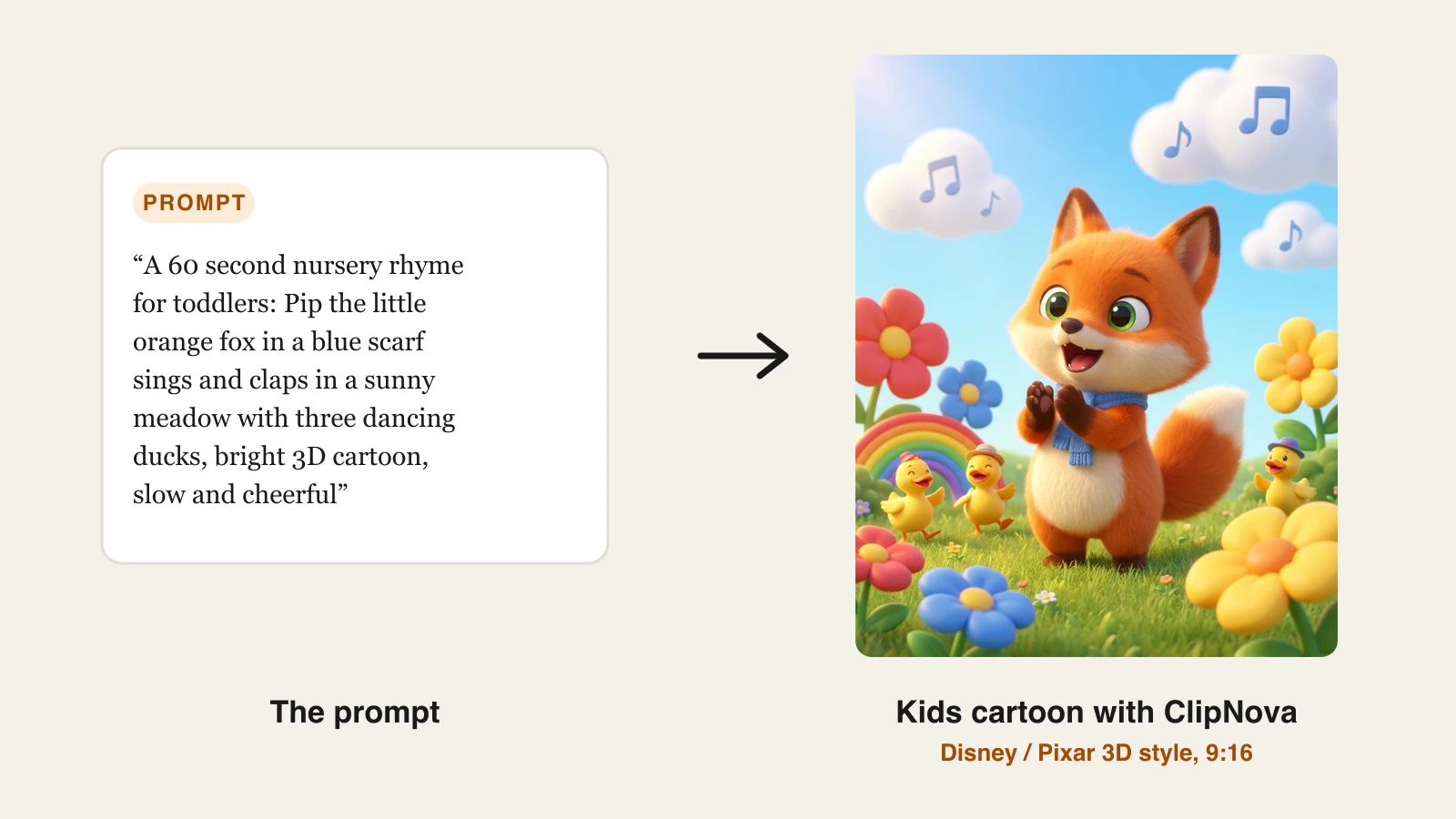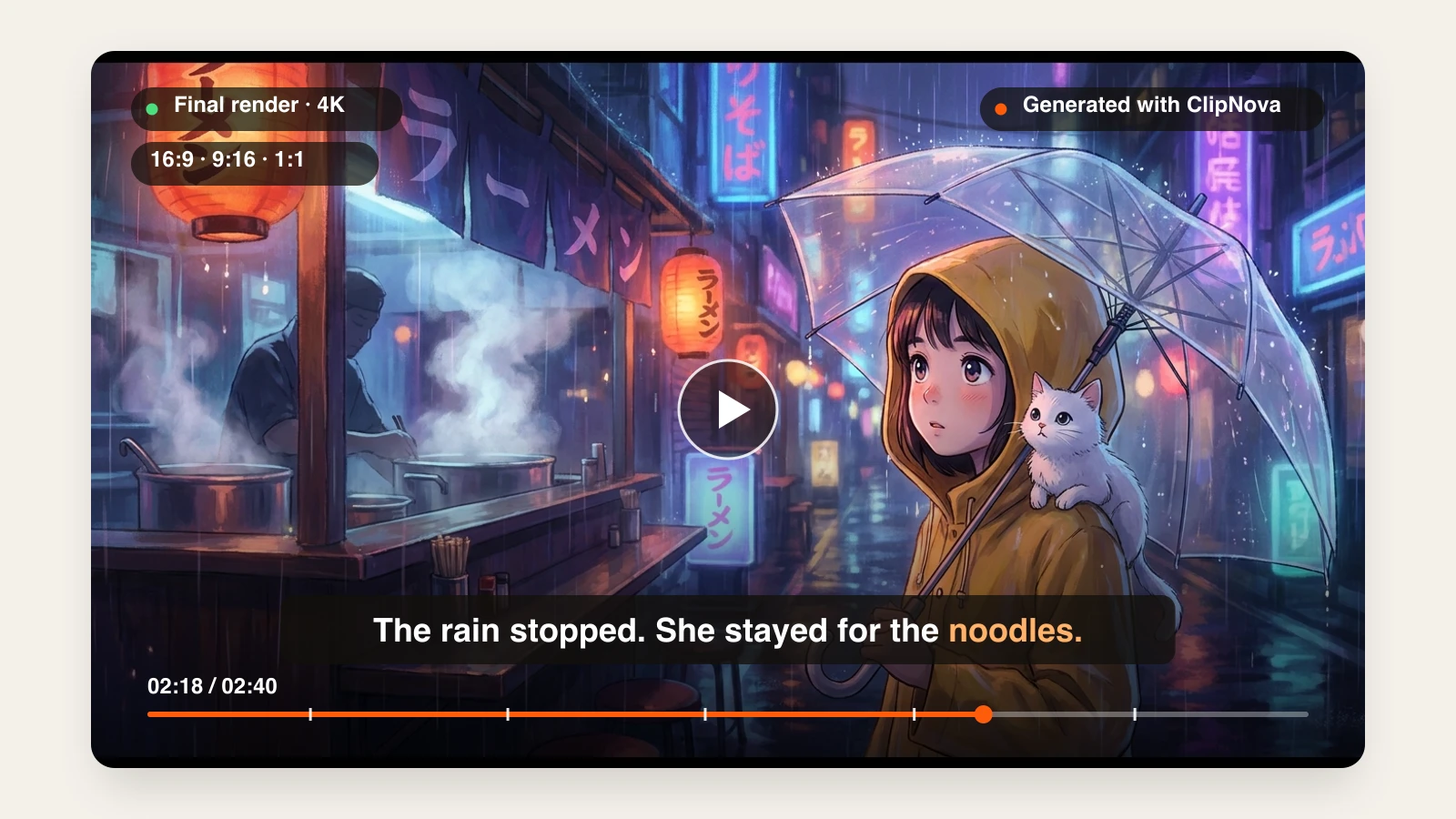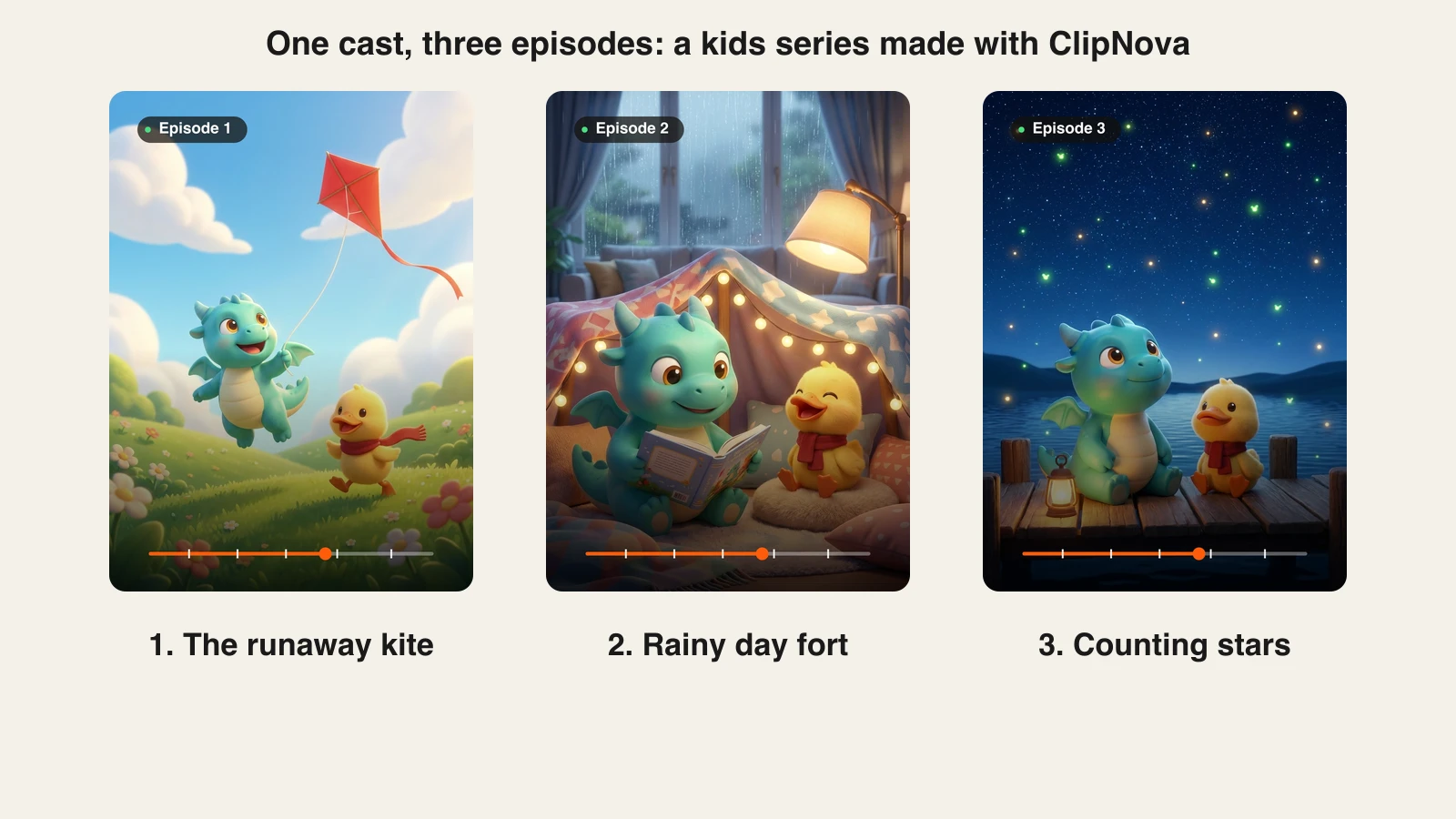
A kids channel lives or dies on recognition. Children come back for the same bunny, the same voice and the same silly catchphrase, week after week. Most AI video tools forget your characters the moment a video ends, so episode 2 shows a slightly different bunny and episode 5 shows a stranger.
The best AI for kids cartoon series fixes that with a saved cast: named characters with a locked look that you reuse in every episode, ideally with some memory of what already happened. We compared six tools on exactly that, plus voices, episode length and what a month of episodes really costs. Every price below comes from the vendor's own pricing page.
Best AI for kids cartoon series: a brief overview
- ClipNova: Best overall for a weekly kids series. A saved show with a named cast, numbered episodes and story memory, and each episode comes back finished with narration, music and captions.
- StoryShort: Best for hands-off posting. Set a series up once and it picks topics, makes the videos and posts them on a schedule.
- AnimateAI: Best for designing characters by hand. Build each character's style, outfit and voice, save them, then reuse them across multi-episode stories.
- LTX Studio: Best for shot-by-shot control. A storyboard workspace with saved Elements for characters, aimed at creators who want to direct every frame.
- Vyond: Best for long, dialogue-heavy episodes. Rigged characters with automatic lip sync and episodes up to 25 minutes on the entry plan.
- Revid: Best for volume across several channels. Cartoon videos from one line, auto-mode workers and direct publishing.
| Tool | Best for | Starting price | Keeps characters across episodes | Max length |
|---|---|---|---|---|
| ClipNova | Weekly kids series, finished episodes | Plans from $19/mo | Yes, saved cast + story memory | 5 min, 1080p |
| StoryShort | Autopilot series posting | $39/mo | Yes, per series | 60 s (long-form on Ultra) |
| AnimateAI | Hand-designed reusable characters | $39.99/mo | Yes, saved characters | About 30 s, up to 10 scenes |
| LTX Studio | Shot-by-shot directing | $35/mo (Standard) | Yes, saved Elements | Built shot by shot |
| Vyond | Long dialogue episodes | $99/mo | Yes, saved custom characters | 25 min on Starter |
| Revid | High-volume cartoon posting | $39/mo | Within a video, plus image references | 5 min |
1. ClipNova, best overall for a weekly kids cartoon series
ClipNova has a dedicated Series workspace built for exactly this job. You save a show once: its name, a kind of show (there is a Kids stories template), a visual style such as Disney / Pixar 3D, a narration language, a format and an episode length. Then you cast your characters. Each one gets a name, a role, a locked look, a personality and a catchphrase, plus a picture: pick one from your AI Characters, create one drawn in the show's style, or upload your own.
The result is what kids channels need most: finished long episodes with characters children recognize every time.
- Long: one episode idea becomes a finished cartoon of up to 5 minutes, long enough for a full bedtime story.
- Consistent characters: the locked look keeps each character's face and outfit the same in every scene and every episode.
- Finished: script, scenes, narration, captions and music arrive in one pass, and you can fix any single scene in Studio before it reaches your audience.
From there every episode is one sentence away. You type the episode idea, mention characters with @Name, and ClipNova builds the episode with the same faces, style and voice settings. After each episode it writes a short story memory (two or three sentences on what happened), and the most recent summaries are passed to the next episode, so episode 4 can remember the lost kite from episode 1. You can edit that memory yourself.
How to make a kids cartoon series with ClipNova
- Open Series in the app sidebar and click New series.
- Name the show and pick the Kids stories template (gentle stories for ages 3 to 8 with a small lesson at the end).
- Under How should it look and sound?, keep the 3D style or pick another, then choose the narration language, format (9:16 for Shorts, 16:9 for YouTube), episode length and quality.
- Under Cast your characters, click Add a character, give each one a name, a look and a picture, then click Create series.
- In Make episode 1, write the episode idea, type @ to mention a character, and generate.
- When it is ready, click Make episode 2. The cast, style and story memory carry over.
- Key features
- Saved series with a named cast, each character with a locked look, personality and catchphrase
- Story memory: a summary of each episode is fed into the next ones, and you can edit it
- @Name mentions in the episode idea and a "Who's in it" picker
- Episode lengths from 30 seconds to 5 minutes (presets 30 s, 1, 2, 3 and 5 min)
- Two ways to make an episode: AI Video (fully animated shots) or Moving AI Images (images with camera motion, about three times cheaper), switchable per episode
- Narration in 18 languages and animated captions burned in; with AI Video on any quality, characters can speak on screen with lip sync, each with their own voice
- Best for
- Faceless kids channels posting one or more episodes a week with the same mascots
- Parents, teachers and small studios who want bedtime stories with recurring characters
- Pricing
- Hobby $19/mo (1,000 credits), Starter $49/mo (2,600), Growth $99/mo (5,750), Ultra from $199/mo (12,000, adjustable up to 145,000 credits for $1,999/mo); yearly billing is 20% off
- A one-minute episode at Base quality costs about 189 credits as Moving AI Images or about 550 as AI Video. That is about 5 image episodes a month on Hobby, 13 on Starter and 30 on Growth, or 4 fully animated episodes on Starter and 10 on Growth
- Pros
- The only tool here that remembers the plot, not just the faces
- Each episode comes back finished, with narration, music and captions, so there is no editing step
- Moving AI Images makes a weekly series affordable on the entry plan
- Cons
- No autopilot: you write each episode idea yourself (one sentence is enough), and you upload the episode to YouTube yourself
- Characters talking on screen with lip sync works with AI Video only, not with the cheaper Moving AI Images
- Output tops out at 1080p and 5 minutes per episode
If you want to see the cast feature on its own, the consistent character AI video generator page shows how ClipNova keeps one face across scenes, and the AI kids video generator covers single kids videos.
2. StoryShort, best for hands-off series posting
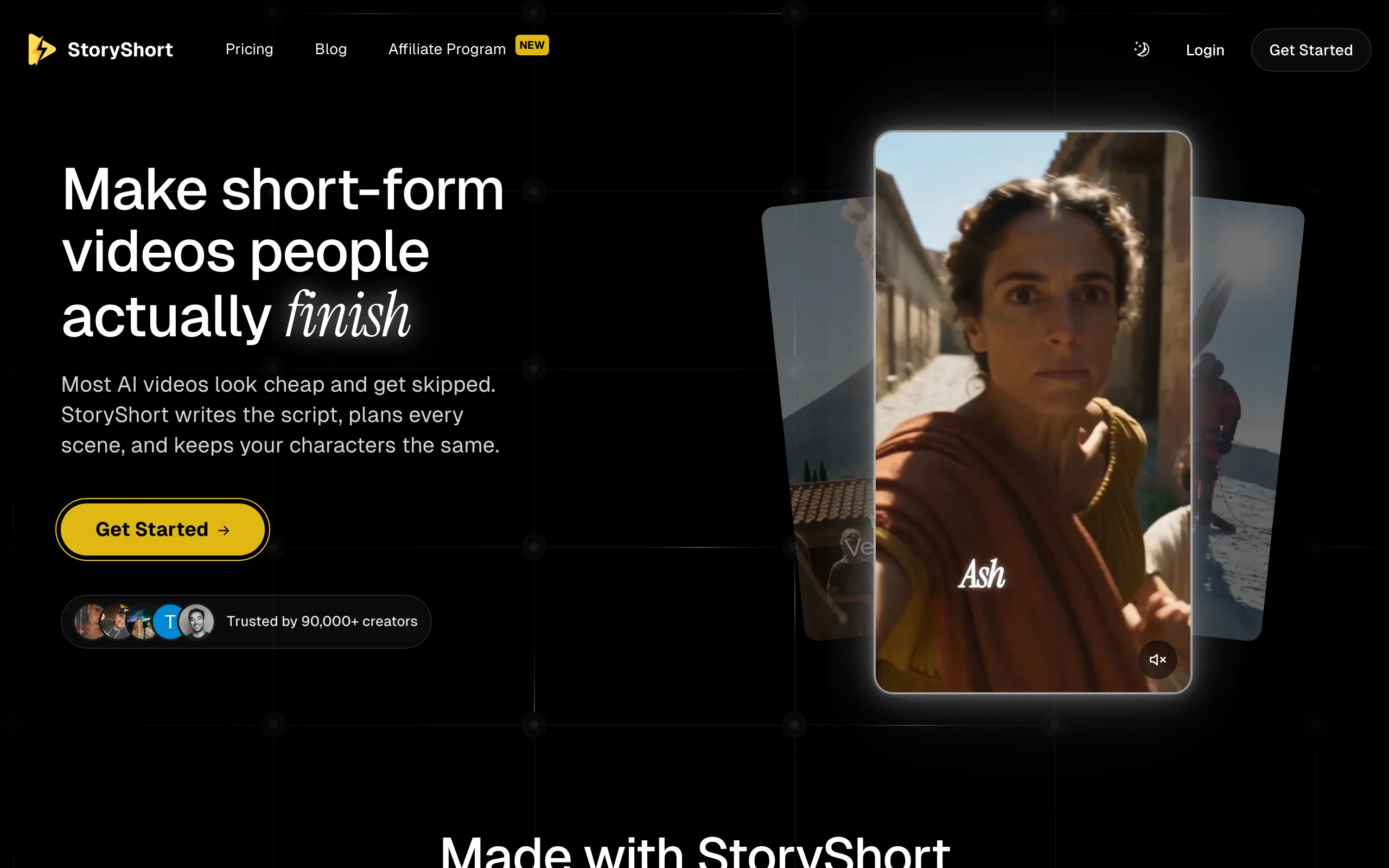
StoryShort is built around the idea of a series that runs itself. You set a series up once, and StoryShort picks the next topic in your niche, writes it, makes it and posts it without you opening the app. It decides what your characters look like before it makes the first image and keeps them consistent, and each character keeps the same voice through a video.
That makes it a fit for owners who want a kids channel on autopilot rather than a show they write themselves. The trade-off is control: StoryShort chooses the topics, and short plans cap you at 60-second videos.
- Key features
- Series autopilot: topic, script, video and posting handled for you
- Consistent characters, with each character keeping one voice
- Cartoon styles including 3D animation, classic cartoon, claymation and watercolor
- Scheduling for YouTube and TikTok
- Best for
- Channel owners who want daily kids uploads without writing each episode
- Pricing
- Starter $39/mo: 400 credits, 1 series, about 16 one-minute videos a month
- Growth $69/mo (2 series), Influencer $129/mo (3 series), Ultra $199/mo (4 series and long-form)
- Pros
- Truly hands-off once the series is set
- Series count is clear on every plan
- Cons
- You give up control of what each episode is about
- 60-second cap below the Ultra plan, and the number of series is limited per plan
3. AnimateAI, best for hand-designed reusable characters
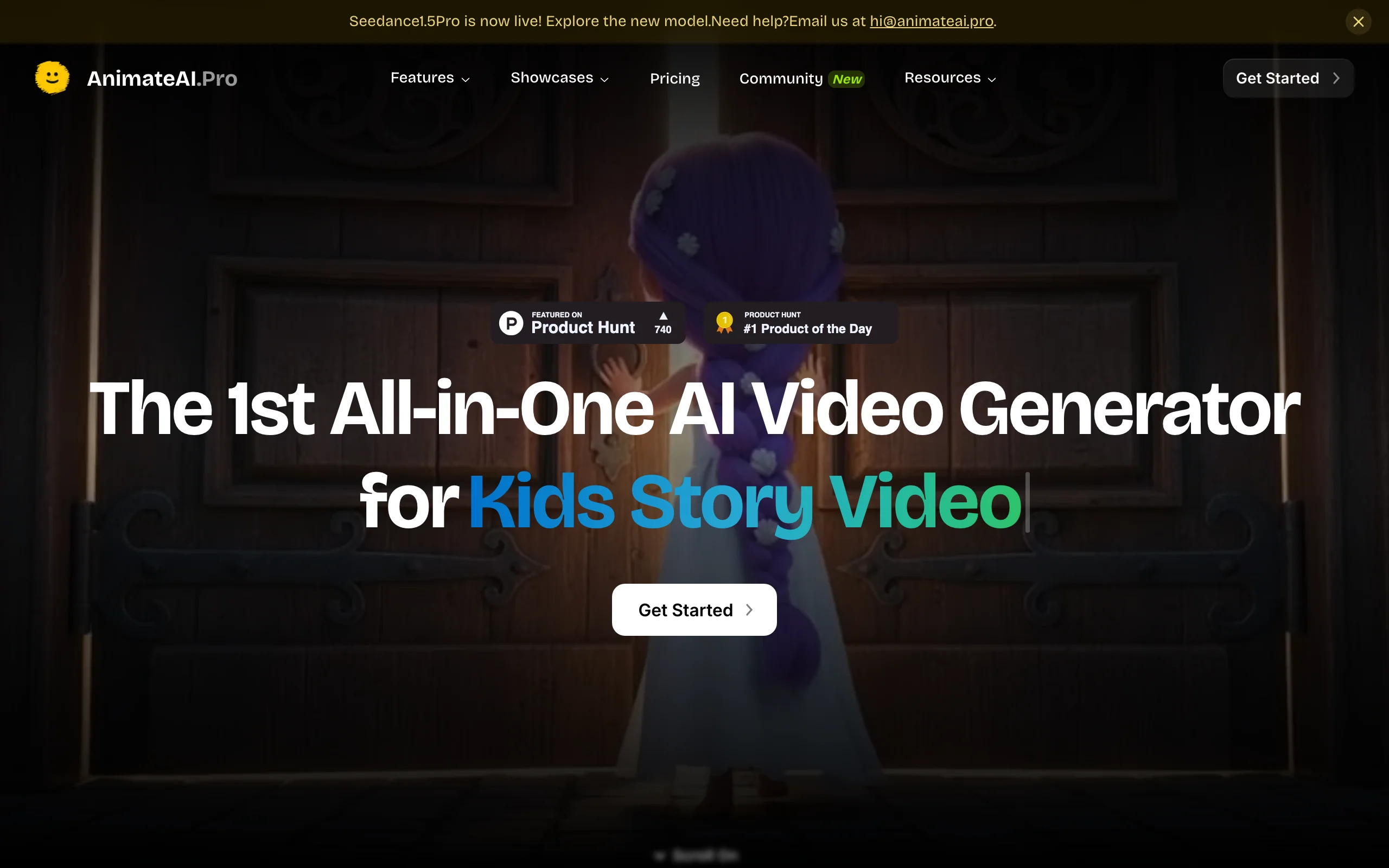
AnimateAI calls itself an all-in-one AI video generator for animated series, and its homepage leads with kids story videos. You design characters with their own styles, outfits and voices, save them for reuse, and drop them into multi-episode stories. It also turns scripts into editable storyboards with scene descriptions, narration and voiceovers.
It suits creators who enjoy designing each character in detail. Videos are short, though: the site describes 30-second videos and up to 10 scenes in a full video.
- Key features
- Character builder with saved styles, outfits and voices
- AI storyboard from a script, editable scene by scene
- Templates for kids bedtime stories and animation stories
- Best for
- Creators who want to design every character by hand before episode 1
- Pricing
- Standard $39.99/mo: 500 credits plus 60 daily-login credits, up to 10 scenes per video, no watermark
- Pro $99.99/mo: 2,000 credits
- Pros
- Character design tools are front and center
- Storyboard step lets you fix scenes before rendering
- Cons
- Short videos (about 30 seconds) make longer bedtime episodes harder
- Credits are tight on the entry plan for a weekly schedule
4. LTX Studio, best for shot-by-shot control
LTX Studio is a storyboard-first workspace. You save characters as Elements and reuse them across shots, then build each scene with a choice of video models. For a kids series that means you can keep a mascot consistent and direct every camera move, but you are assembling episodes yourself rather than receiving a finished one.
Saved Elements, AI Storyboards and the commercial use license start on the Standard plan, so that is the real entry point for a monetized channel.

- Key features
- Saved Elements for consistent characters
- AI Storyboards and node-based Flows
- Several video models in one place, including Kling 3.0 Pro and Seedance 2.0 on Standard
- Best for
- Creators who want to plan each shot and do not mind editing
- Pricing
- Standard $35/mo: 28,000 credits, Elements, AI Storyboards, commercial use license
- Pro $125/mo: 110,000 credits and Veo 3.1 models
- Pros
- The most control over framing and camera of any tool here
- Elements make one mascot reusable across many shots
- Cons
- No narrated, captioned episode at the end: you assemble and finish it yourself
- More learning time than a prompt-to-episode tool
5. Vyond, best for long, dialogue-heavy episodes
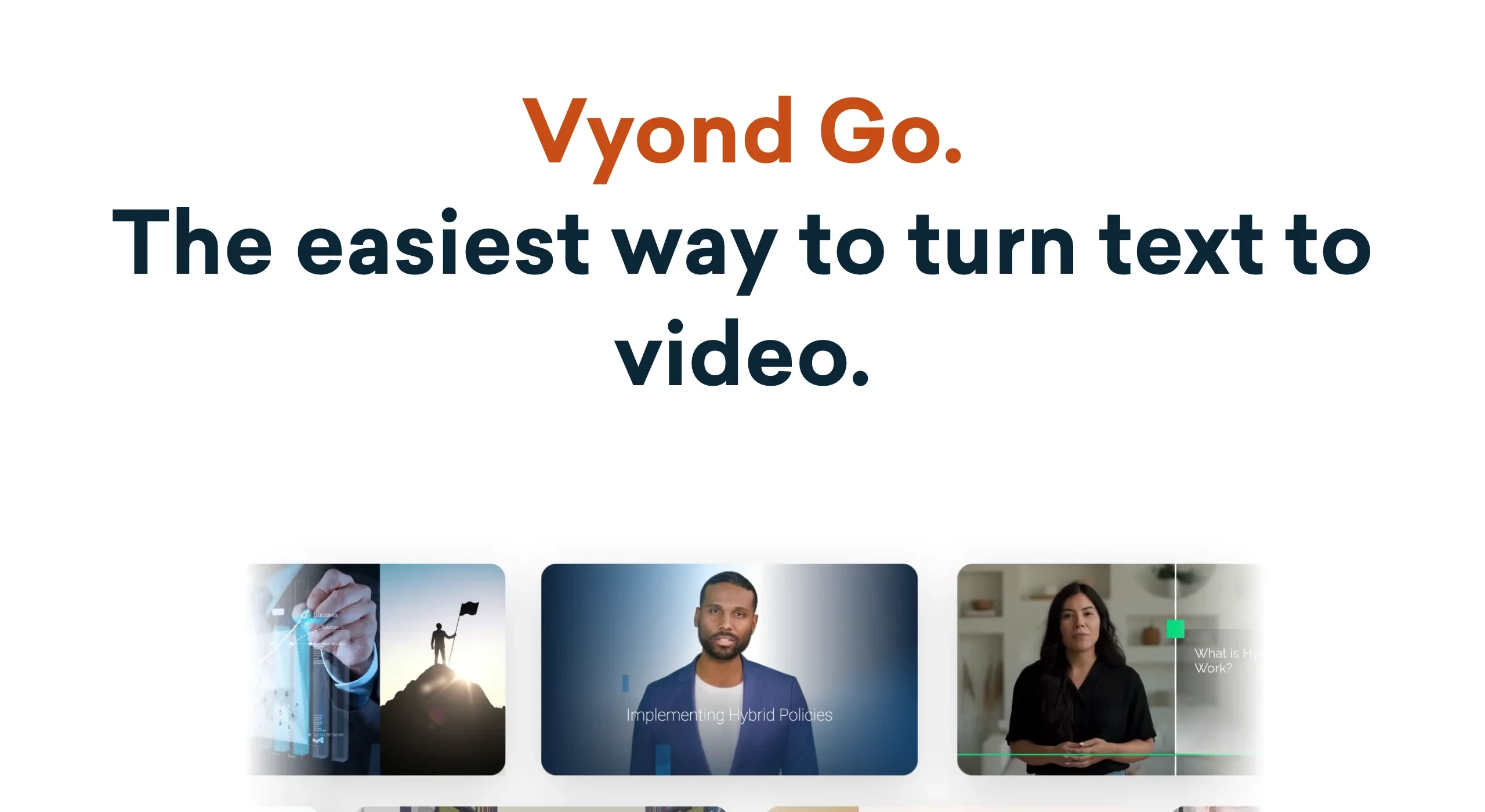
Vyond comes from the classic animation-builder world. You create your own characters, save them to your library and reuse them in every scene and every video. Characters lip sync automatically to text-to-speech voices, which makes conversation scenes easy. Vyond Go turns text into a draft video that you then refine in Vyond Studio.
The look is flat business animation rather than 3D kids cartoon, and the price reflects a corporate audience. In return you get very long videos.
- Key features
- Custom characters saved to your library and reused
- Automatic lip sync with 650+ text-to-speech voices
- Timeline editing in Vyond Studio
- Best for
- Educational kids series with lots of dialogue and longer runtimes
- Pricing
- Starter $99/mo: 25-minute videos, 1080p, 10,000 credits
- Professional $199/mo: 40-minute videos, 20,000 credits
- Pros
- Exact same rigged character every time
- Episodes up to 25 minutes on the entry plan
- Cons
- Highest entry price on this list
- Business-style look; less of the 3D cartoon style young kids expect
6. Revid, best for high-volume cartoon posting
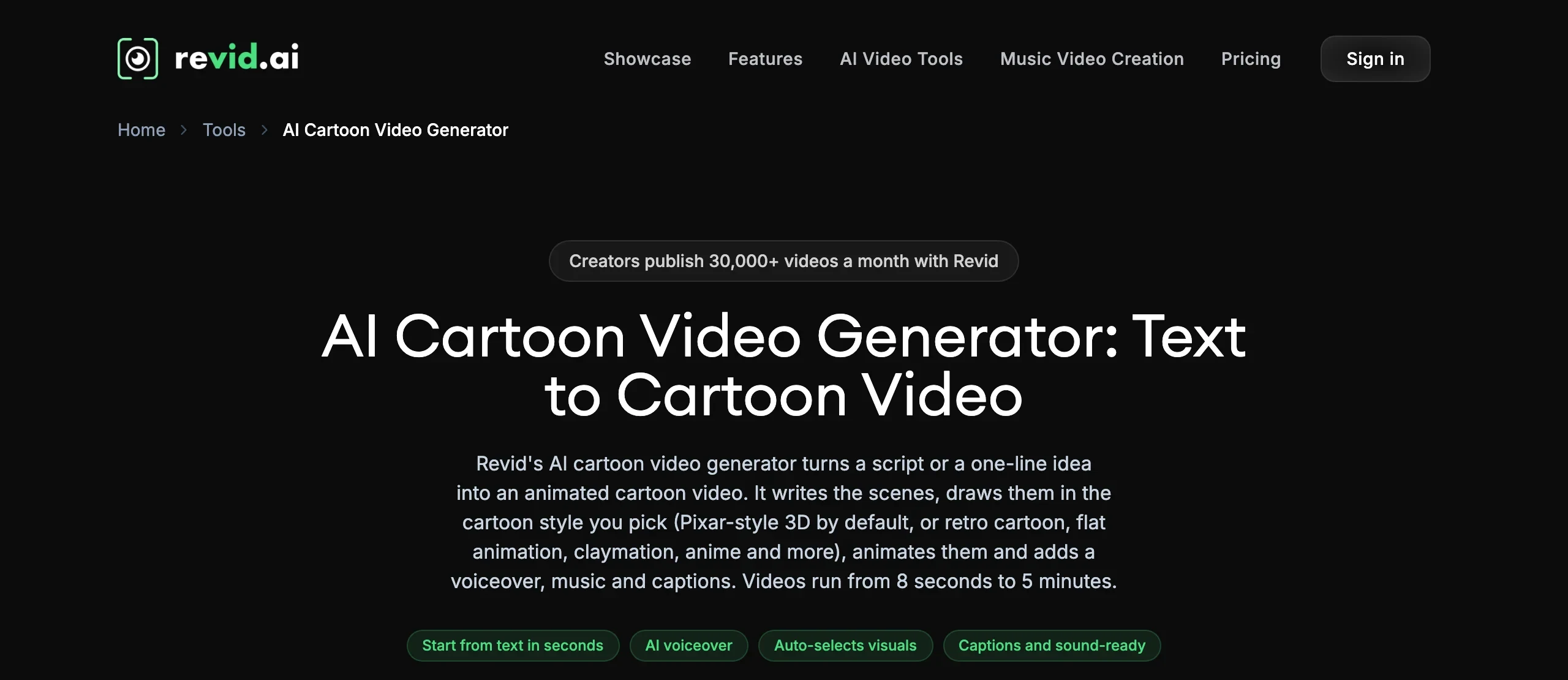
Revid turns a script or a one-line idea into a cartoon video with voiceover, music and captions, in Pixar-style 3D by default or other cartoon styles. Its cartoon page promises consistent character design, and you can attach images as visual references for characters. Auto-mode workers and direct publishing to TikTok, Instagram and YouTube make it a volume tool.
Revid even showcases a full animated series made with it. What it does not describe is a saved cast that carries over automatically from one episode to the next, so you attach your references again each time.
- Key features
- Cartoon styles including Pixar-style 3D, retro cartoon, claymation and anime
- Image references for characters or settings
- Auto-mode workers and direct publishing
- Best for
- Operators running several cartoon channels at once
- Pricing
- Growth $39/mo: 2,000 credits, 3 auto-mode workers
- Ultra $199/mo: 12,000 credits, 10 workers
- Pros
- Strong automation and publishing for volume
- Videos up to 5 minutes
- Cons
- No saved series cast or story memory between episodes
- Built for volume across niches rather than one show
How to choose the best AI for a kids cartoon series
1) Do you want to write the episodes or let the tool decide?
- If you want your own stories with your own mascots: ClipNova, where each episode is one sentence and the story memory keeps the plot straight.
- If you want a channel that runs itself: StoryShort picks topics and posts on schedule.
2) How much does each episode need to move?
- If gentle bedtime stories are enough: ClipNova's Moving AI Images keeps faces consistent at about a third of the cost of full animation, which matters on a weekly schedule.
- If every scene needs full motion: ClipNova's AI Video, or LTX Studio if you want to direct each shot yourself.
- If characters must talk to each other on screen: Vyond's lip sync, or ClipNova's talking characters with AI Video on any quality.
3) How long are your episodes?
- 30 seconds to 5 minutes: ClipNova or Revid.
- Long educational episodes of 10 minutes and up: Vyond.
- Under a minute: StoryShort and AnimateAI fit.
4) What does a month really cost?
Translate credits into episodes before you subscribe. On ClipNova's $19 Hobby plan, a one-minute Moving AI Images episode is about 189 credits, so roughly five episodes a month; Starter at $49 covers about 13. StoryShort's $39 Starter lists about 16 one-minute videos but only one series. Make two or three test episodes with your real characters before committing, and remember to set your audience to made for kids in YouTube Studio when you publish.
For style ideas beyond 3D, see our roundup of the best AI cartoon video generators, and for writing the stories themselves, our guide on how to make kids cartoon videos with AI. If you want the Pixar-style look specifically, try the AI 3D animation generator, or browse every AI cartoon video generator style.
Frequently asked
What is the best AI for a kids cartoon series?
For a series you write yourself, ClipNova is the strongest fit because it saves the whole show: a named cast with locked looks, the style and voice settings, numbered episodes and a story memory that carries the plot forward. StoryShort is the pick if you want the tool to choose topics and post for you, and Vyond suits long, dialogue-heavy educational episodes.
How do I keep the same cartoon characters in every episode?
Use a tool with a saved cast instead of re-describing characters in each prompt. Give every character a name, a fixed look in words and a reference picture, and reuse that saved character each time. ClipNova's Series, AnimateAI's saved characters, LTX Studio's Elements and Vyond's character library all work this way.
Can AI remember the story between episodes?
Most tools only remember faces, not events. ClipNova writes a short summary of each finished episode and feeds the most recent summaries into the next one, so later episodes can refer back to what happened earlier. You can read and edit that story memory before making the next episode.
How much does it cost to make a weekly kids cartoon series with AI?
On ClipNova, a one-minute episode at Base quality costs about 189 credits as Moving AI Images or about 550 as fully animated AI Video. The $19 Hobby plan's 1,000 credits cover about five image episodes a month, and the $49 Starter plan's 2,600 credits cover about 13. StoryShort's $39 Starter lists about 16 one-minute videos a month for one series.
Can AI cartoon characters talk with lip sync?
Yes, on some tools. Vyond lip syncs its characters to text-to-speech voices automatically. In ClipNova, AI Video episodes on any quality can have the characters speak on screen with lip sync, each with their own voice, or use one narrator voice over the episode.
How long can an AI kids cartoon episode be?
It depends on the tool. ClipNova episodes run from 30 seconds to 5 minutes, Revid also goes up to 5 minutes, StoryShort caps at 60 seconds below its Ultra plan, and Vyond allows 25-minute videos on its Starter plan.
Do I need to mark AI kids cartoons as made for kids on YouTube?
If children are the primary audience, yes. YouTube requires every creator to set the audience of their channel or videos, and content aimed at kids must be marked made for kids, which turns off features such as comments and personalized ads. Clearly animated cartoons generally do not need the altered or synthetic content label.
If I mainly want a kids cartoon series with the same mascots every week, what should I use?
ClipNova. Set the show up once with the Kids stories template, add your characters with a picture each, and every new episode is one sentence. Moving AI Images keeps a weekly schedule affordable on the entry plan, and the episodes come back narrated, captioned and ready to upload.