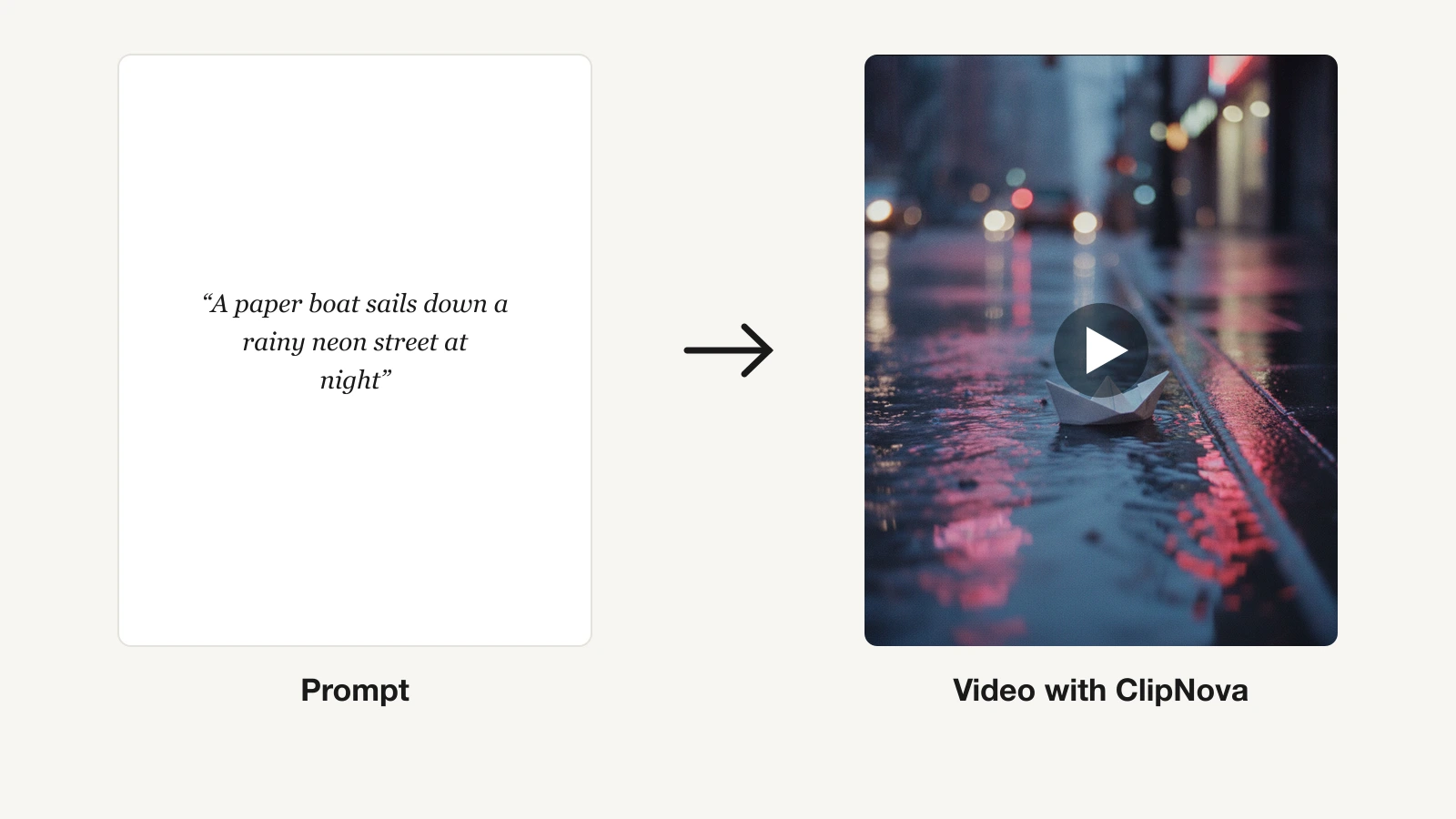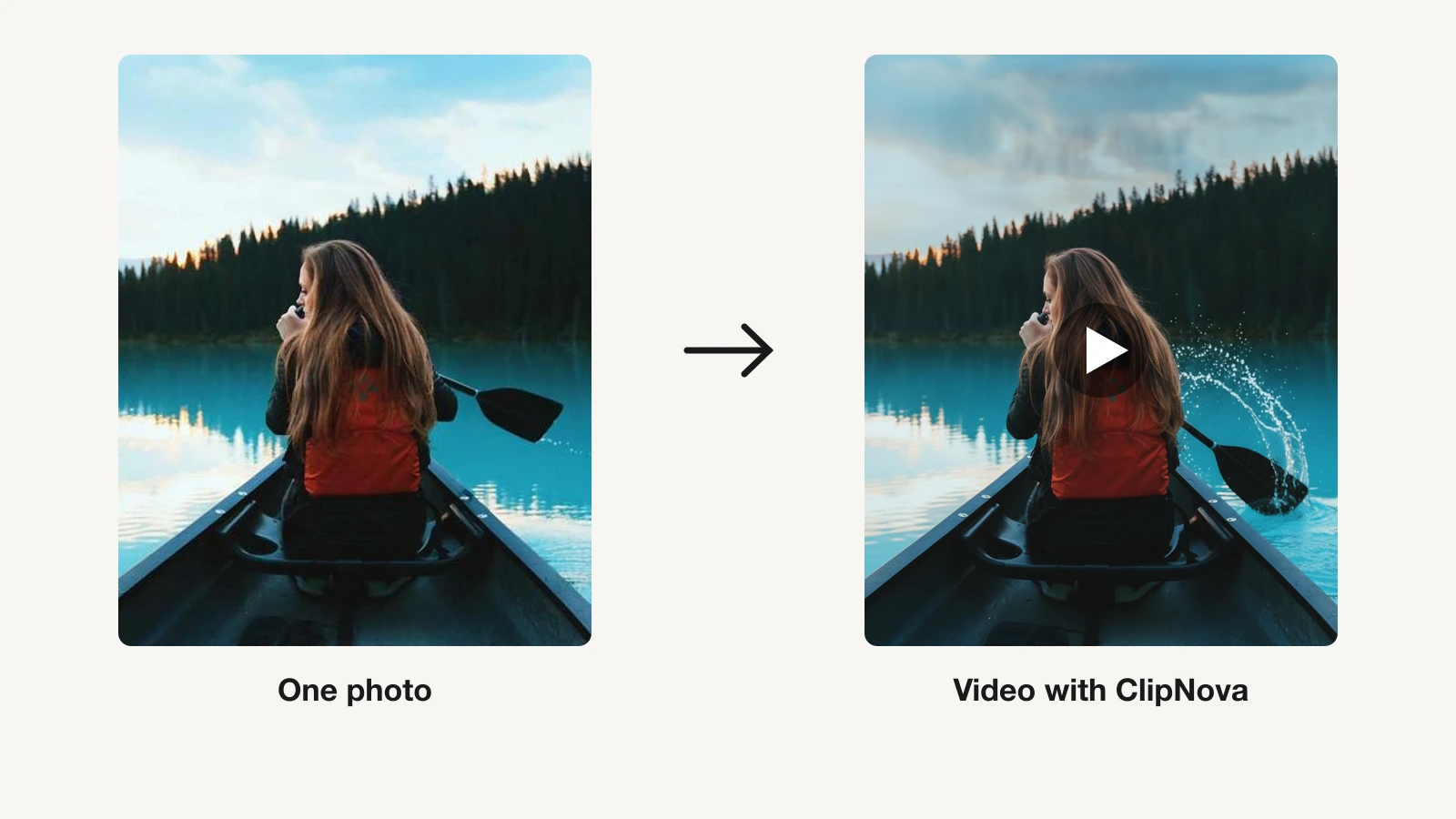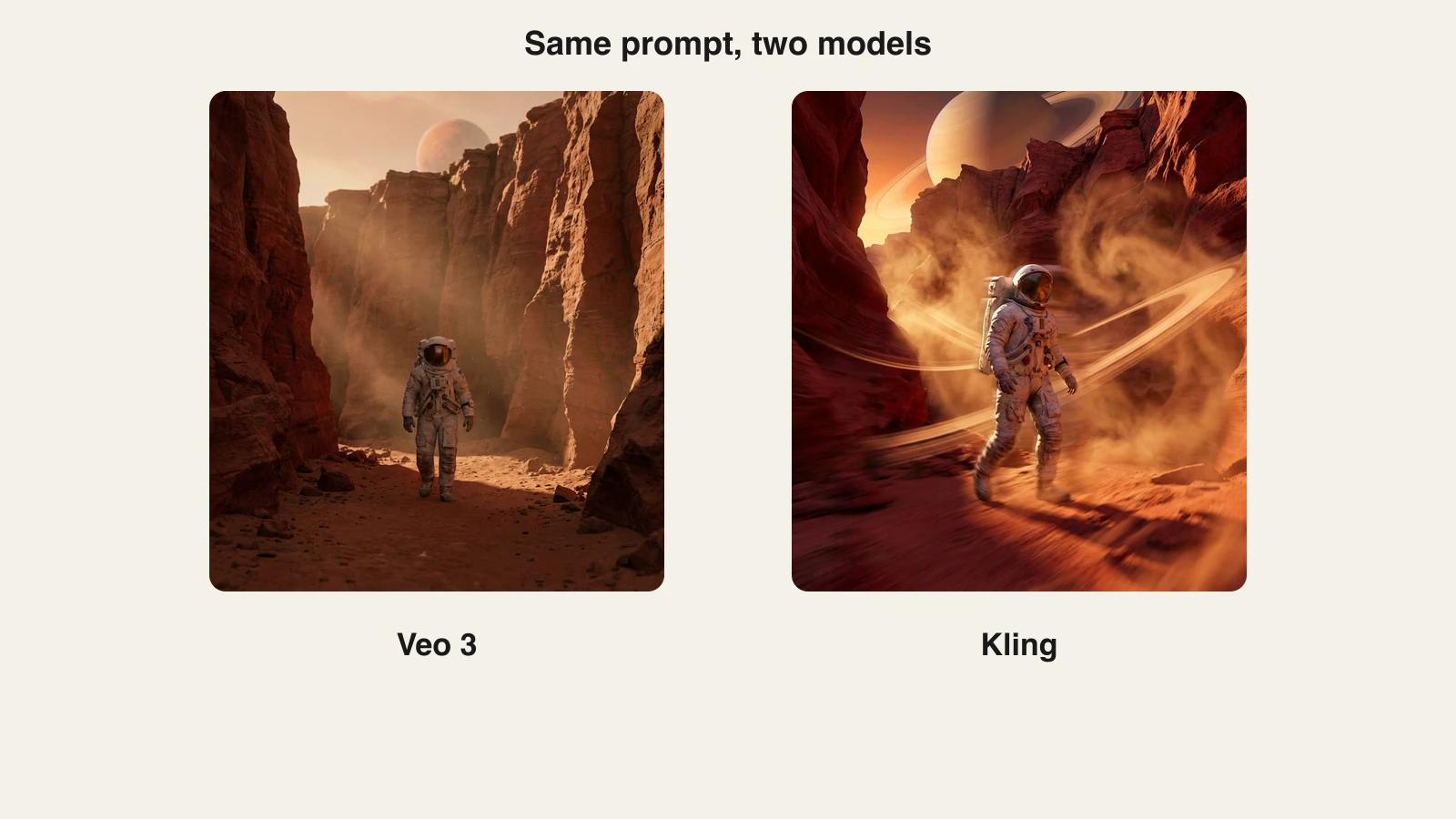
Veo 3 (now shipping as Veo 3.1) and Kling 3.0 are the two strongest text-to-video models you can use in 2026, and they win at different things. Veo leads on photoreal detail, native synced audio, and first-pass prompt adherence, while Kling leads on dynamic motion, clip length (up to 15 seconds), native 4K output, and price per clip. If you do not want to pick one, ClipNova hosts both models in a single subscription from $39 a month, so you can run the same prompt through each and keep the better take.
This comparison covers what each model actually does well, what direct access costs in 2026, and a side-by-side render of the same prompt, so you can decide with evidence instead of hype.
Veo 3 vs Kling: the quick verdict
Choose Veo 3.1 when the clip has to look like real footage: product shots, talking scenes with dialogue, anything where lighting, physics, and lip-sync are the whole point.
Choose Kling 3.0 when the clip has to move: sports, dance, action sequences, stylized social edits, or any shot longer than 8 seconds where you want 4K without an upscaling pass.
| What matters | Veo 3.1 | Kling 3.0 |
|---|---|---|
| Made by | Google DeepMind | Kuaishou |
| Released | October 2025 | February 2026 |
| Max resolution | 1080p | Native 4K, up to 60fps |
| Clip length | About 8s, extendable in Flow | Up to 15s |
| Native audio | Yes, synced dialogue and SFX | Yes, multi-language |
| Strongest at | Realism, audio, prompt adherence | Motion, length, resolution |
| Cheapest direct access | Google AI Plus, $7.99/mo | Standard, $10/mo |
| Inside ClipNova | Yes (Veo 3.1, Fast, Lite, Veo 3) | Yes (Kling 3.0) |
Both models are clip generators, not editors. Neither writes your script, voices a narrator, or burns in captions; they return raw footage. Keep that in mind when you compare their subscription prices with end-to-end tools.
Where Veo 3 wins
Photorealism and physics. Veo 3.1 is the current benchmark for footage that reads as filmed rather than generated. Lighting stays consistent across a shot, faces hold their identity frame to frame, and materials like water, fabric, and hair behave the way a camera would capture them. Independent head-to-head tests in 2026 consistently score Veo ahead on realism and temporal consistency. For how it fares against OpenAI's model, see our Sora vs Veo comparison.
Native audio that syncs. Veo 3 introduced audio generated in the same pass as the video, and Veo 3.1 refined it: ambient sound, effects, and lip-synced dialogue come out already aligned with the picture. If your clip includes a character speaking, this is the single biggest practical gap between the two models. Kling 3.0 added native multi-language audio, but reviewers still rate Veo's dialogue sync ahead.
First-pass prompt adherence. Veo 3.1 follows detailed cinematography instructions (lens, lighting, camera move, framing) with fewer retries. When a prompt specifies "golden hour, soft shadows, slow push-in," Veo tends to deliver it on the first generation, which matters when every generation costs credits.
The Flow toolset. Through Google's Flow app, Veo 3.1 supports Ingredients to Video (reference images to lock characters and style), Frames to Video (bridge a start and end frame), and Extend (continue a shot past its base length). For multi-shot storytelling with consistent characters, that toolset is ahead of most rivals. Outside Flow, an AI video extender continues any clip from its last frame.
The trade-offs. Base clips are short at roughly 8 seconds, output tops out at 1080p, and the cheap Google tiers are heavily capped. Generous Veo 3.1 usage sits behind Google AI Ultra, which starts at $100 a month after Google's May 2026 price restructure. If Veo's look is what you want without Google's stack, the Veo 3 alternative page breaks down your options.
Where Kling wins
Motion energy. Kling built its reputation on fluid, dynamic human movement, and Kling 3.0 extends that lead. Action shots, sports, dance, and fast camera moves come out with an energy that Veo's more restrained, naturalistic style often smooths over. For social content designed to stop a scroll, that punch is a feature.
Longer clips at higher resolution. Kling 3.0 generates up to 15 seconds in a single pass, at native 4K and up to 60fps. Veo 3.1 needs Flow's Extend feature to pass 8 seconds and caps at 1080p. If your deliverable is a 15-second 4K product loop, Kling gets there in one generation.
Multi-shot direction. Kling 3.0's headline feature is sequence planning: it can break a prompt into a multi-shot scene the way a director would, cutting between angles inside one generation. Kuaishou pitches it as "everyone can be a director," and for narrative micro-scenes the result is genuinely ahead of single-shot models.
Price per clip. Kling's direct plans undercut Google's at every level: Standard is $10 a month for 660 credits, and Pro is $37 for 3,000. Comparable Veo 3.1 volume through Google means a $19.99 Pro or $100+ Ultra subscription. At iteration-heavy workloads, Kling is simply cheaper to experiment with.
The trade-offs. Complex multi-character scenes can still show brief artifacts, abstract atmosphere prompts land less reliably than on Veo, and Kling 3.0 launched as an Ultra-tier early access before rolling out more widely. Western billing and support remain rougher than Google's. If you like Kling's output but not its platform, see the Kling AI alternative breakdown.
Same prompt, two models
The fastest way to understand the difference is to render one prompt through both. We used this prompt:
A skateboarder in a red jacket jumps a rain-flooded neon street at night, water spray fanning out from the board, reflections rippling in the wet asphalt, cinematic lighting.
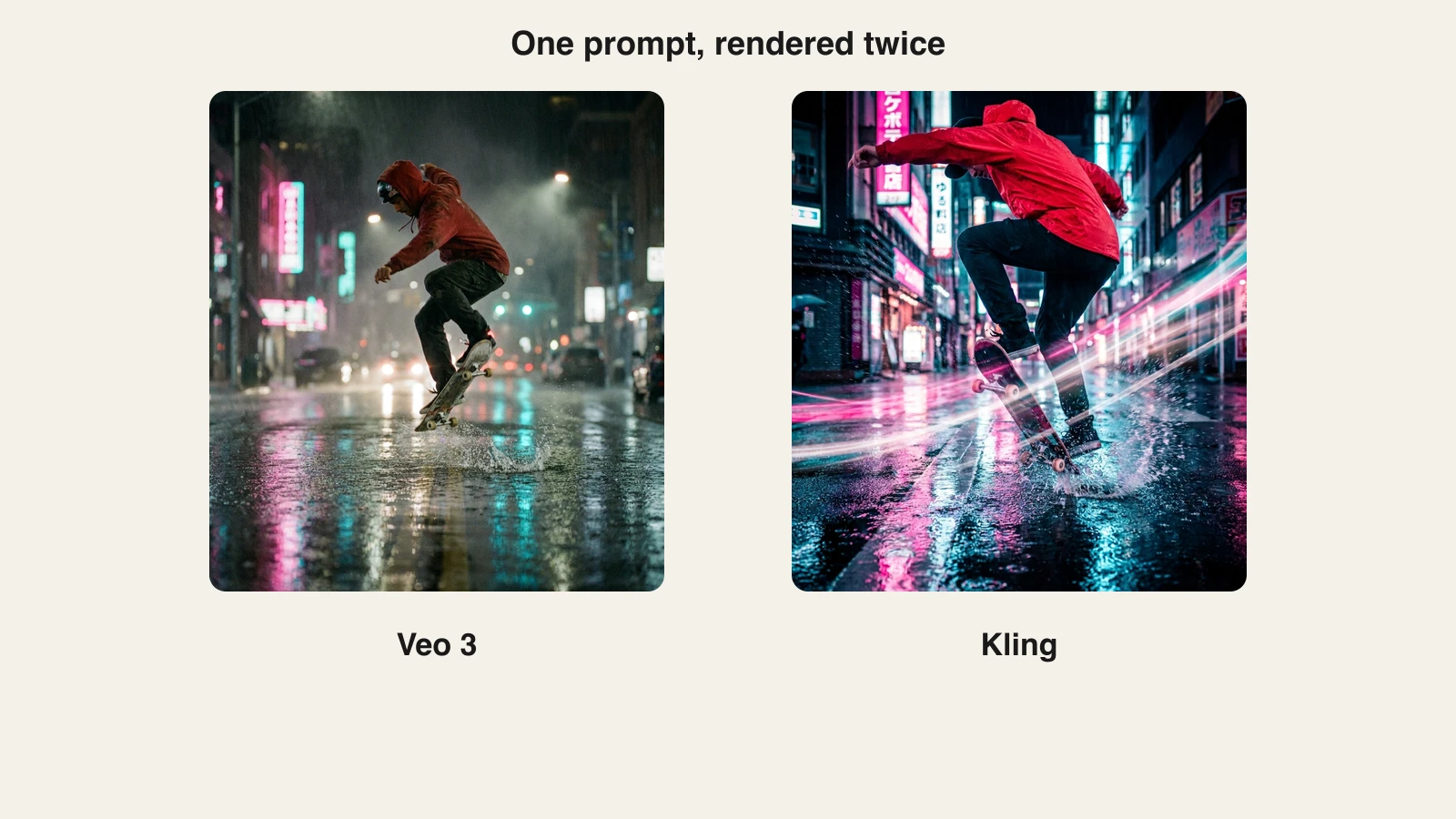
The pattern holds across most prompts. The Veo-side frame reads like a film still: restrained grade, believable streetlight falloff, physically plausible spray. The Kling-side frame reads like a hero shot: saturated neon, exaggerated motion blur, a lower and more dramatic angle. Neither is wrong. One is a documentary camera, the other is a music video camera, and the right pick depends on the brief in front of you.
That is also why "which model is best" is the wrong question for working creators. On some briefs you will keep the Veo take, on others the Kling take, and you only find out by running both.
How to try both inside ClipNova
Running both models normally means two subscriptions and two credit systems. ClipNova hosts Veo 3.1 (plus Veo 3.1 Fast, Veo 3.1 Lite, and Veo 3) and Kling 3.0 side by side in one models hub, together with Seedance, Flux-3, and Pixverse, on a single plan that starts at $39 a month. Here is the exact workflow:
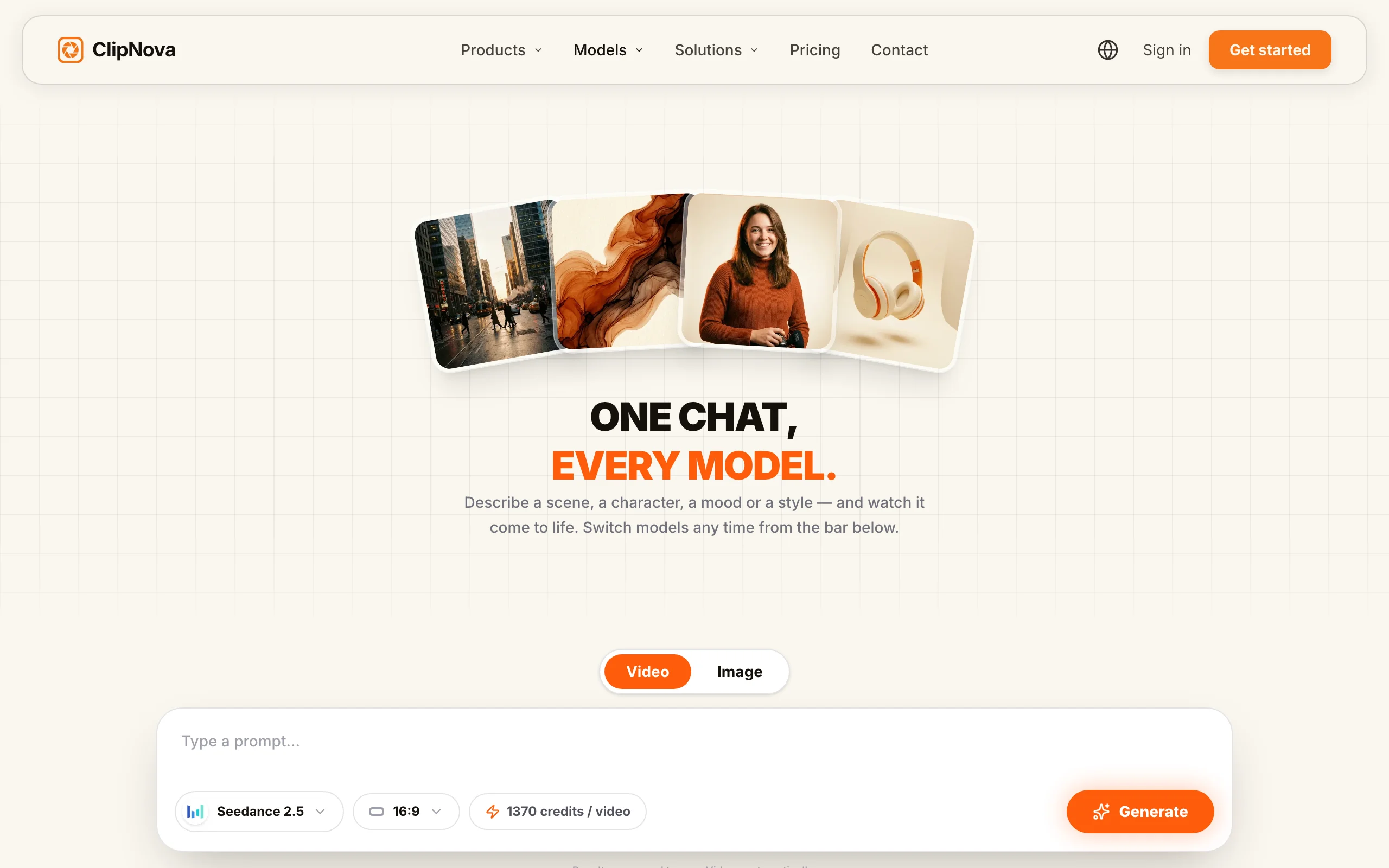
- Go to app.clipnova.io.
- Open the models chat and pick Veo 3.1 from the model bar.
- Paste the prompt. Ours was: "A skateboarder in a red jacket jumps a rain-flooded neon street at night, water spray fanning out from the board, reflections rippling in the wet asphalt, cinematic lighting."
- Generate, then switch the model bar to Kling 3.0 and run the identical prompt in the same thread.
- Compare the takes side by side in the conversation. Tweak wording per model if needed: Veo rewards precise camera and lighting language, Kling rewards action verbs.
- Download the winner watermark-free and publish. Every export carries full commercial rights.
Because both renders live in one thread, A/B testing prompts across models takes minutes instead of juggling two accounts. Cheaper variants (Veo 3.1 Fast and Lite) are useful for drafts before you spend credits on a full-quality take. And if the clip is part of a bigger piece, ClipNova's text to video tools can wrap it with script, voiceover, and captions.
How to choose between Veo 3 and Kling
1) What is the clip for?
- If it is an ad, a product demo, or anything with spoken dialogue: Veo 3.1. Native lip-synced audio and photoreal lighting carry commercial work.
- If it is a high-energy social clip, sports or dance content, or a stylized edit: Kling 3.0. Motion and punch beat subtle realism on a phone screen.
2) How long and how sharp does it need to be?
- If 8 seconds at 1080p covers it: either model works, decide on look.
- If you need up to 15 seconds in one pass, or native 4K: Kling 3.0, no contest.
- If you need a continuing scene with consistent characters across shots: Veo 3.1 in Flow, using Extend and Ingredients to Video.
3) How many generations will you burn?
- If you iterate heavily, Kling's cheaper credits make experimentation affordable.
- If you write one careful prompt and expect it to land, Veo's higher first-pass adherence can cost less in practice despite pricier access.
4) Do you really have to pick?
- If you publish regularly, the honest answer is that the "best" model changes per brief. Running both through ClipNova from $39 a month costs less than Google AI Ultra, and includes the rest of the video pipeline. Check current plans on the ClipNova pricing page.
Test both models on three or four prompts from your actual content calendar before committing to either look. The render you keep will tell you more than any benchmark.
Related reading: Runway vs Kling: cinematic control vs motion (2026).
Frequently asked
Is Veo 3 better than Kling?
Neither wins outright in 2026. Veo 3.1 leads on photorealism, native lip-synced audio, and following detailed prompts on the first try. Kling 3.0 leads on dynamic motion, clip length up to 15 seconds, native 4K output, and cost per generation. Match the model to the brief, or run both on the same prompt inside ClipNova and keep the better take.
What is the difference between Veo 3 and Veo 3.1?
Veo 3.1 is the October 2025 update to Veo 3. It keeps the native synced audio Veo 3 introduced and adds richer sound, better prompt adherence, and new Flow capabilities like Ingredients to Video, Frames to Video, and Extend. Veo 3 remains available as a proven, slightly cheaper option, and ClipNova hosts both alongside the Fast and Lite variants.
How long can Veo 3 and Kling 3.0 videos be?
Veo 3.1 generates clips of roughly 8 seconds and can extend a scene further through Flow's Extend feature. Kling 3.0 generates up to 15 seconds in a single pass, so it holds the edge for longer single shots without stitching.
Does Kling 3.0 generate audio like Veo 3?
Yes. Kling 3.0 added native audio generation across multiple languages and accents, closing one of the biggest gaps with Veo. Reviewers still rate Veo 3.1 ahead for lip-synced dialogue, since its audio ships in the same pass as the video with tight sync.
How much does Veo 3 cost in 2026?
Direct access runs through Google's AI plans: Google AI Plus at $7.99 a month is the cheapest entry, Google AI Pro at $19.99 adds more generations, and generous Veo 3.1 limits sit in Google AI Ultra, which starts at $100 a month after the May 2026 price cut. API pricing runs roughly $0.03 to $0.40 per second of output depending on variant and audio.
How much does Kling AI cost in 2026?
Kling's plans run Standard at $10 a month for 660 credits, Pro at $37 for 3,000, Premier at $92 for 8,000, and Ultra at $180 for 26,000, with first-month discounts and roughly 34 percent off annual billing on most tiers.
Can I use Veo 3 and Kling without two separate subscriptions?
Yes. ClipNova hosts Veo 3.1 (plus the Fast and Lite variants and Veo 3) and Kling 3.0 in one models hub, on one subscription starting at $39 a month. You can run the same prompt through both models in a single chat and download the better result watermark-free with full commercial rights.
Which is better for TikTok and Reels, Veo 3 or Kling?
Kling 3.0 usually fits short-form better. Its saturated, high-energy motion reads well on a phone screen, and 15-second clips match common Reels and TikTok lengths without stitching. Use Veo 3.1 when the short needs spoken dialogue or a realistic, filmed look, such as UGC-style product clips.