Kids' channels are one of the biggest categories on YouTube, and the videos that do well follow a simple formula: a friendly recurring character, bright gentle visuals, a song or a short story, and a new episode every week. Animating that by hand costs a small studio. An AI kids video generator lets one person do it from a written idea: you describe the episode, pick a look, and the tool returns the scenes, the narrator, the music, and the captions.
The tools that show up for "AI kids video generator" do very different jobs, though. Some return a finished episode. Some are built around nursery-rhyme music videos. Others are template editors or clip models you still have to assemble.
This guide compares the 7 best AI kids video generators in 2026, with verified pricing, what each one actually outputs, and a framework for choosing one for your channel, classroom, or family videos.
Best AI kids video generators: a brief overview
Finished kids episodes from a prompt
- ClipNova: Best overall. One prompt becomes a complete kids video in a preschool-friendly style (Pixar-style 3D, watercolor, claymation), with the same mascot in every scene, a narrator in 18 languages, music, and captions.
- Atlabs: Best for nursery-rhyme music videos, with song-driven workflows, singing characters, and lip sync on its Pro plan.
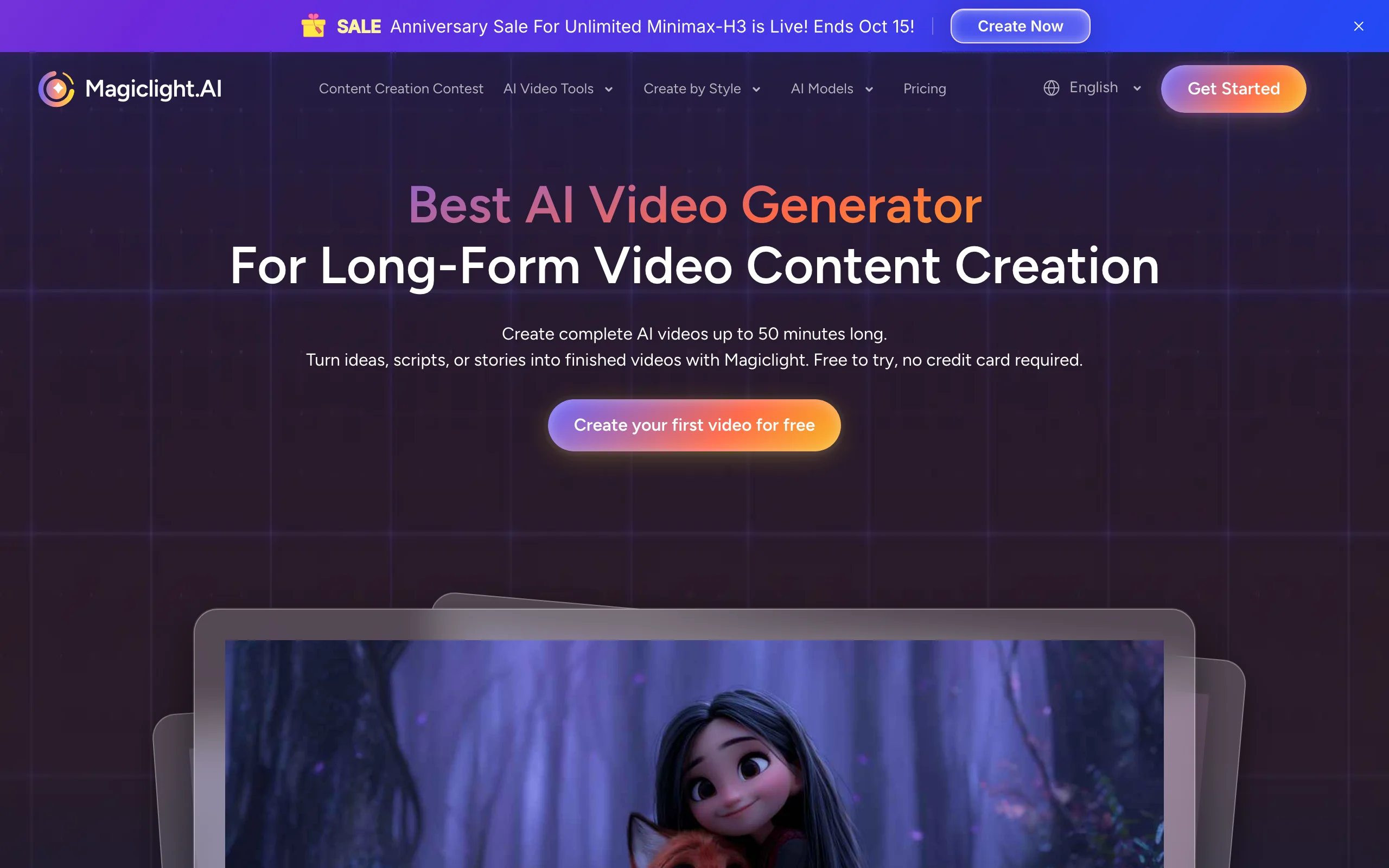
- MagicLight AI: Best for long kids story episodes, with story templates and videos that can run far past the usual few minutes.
Templates and classroom tools
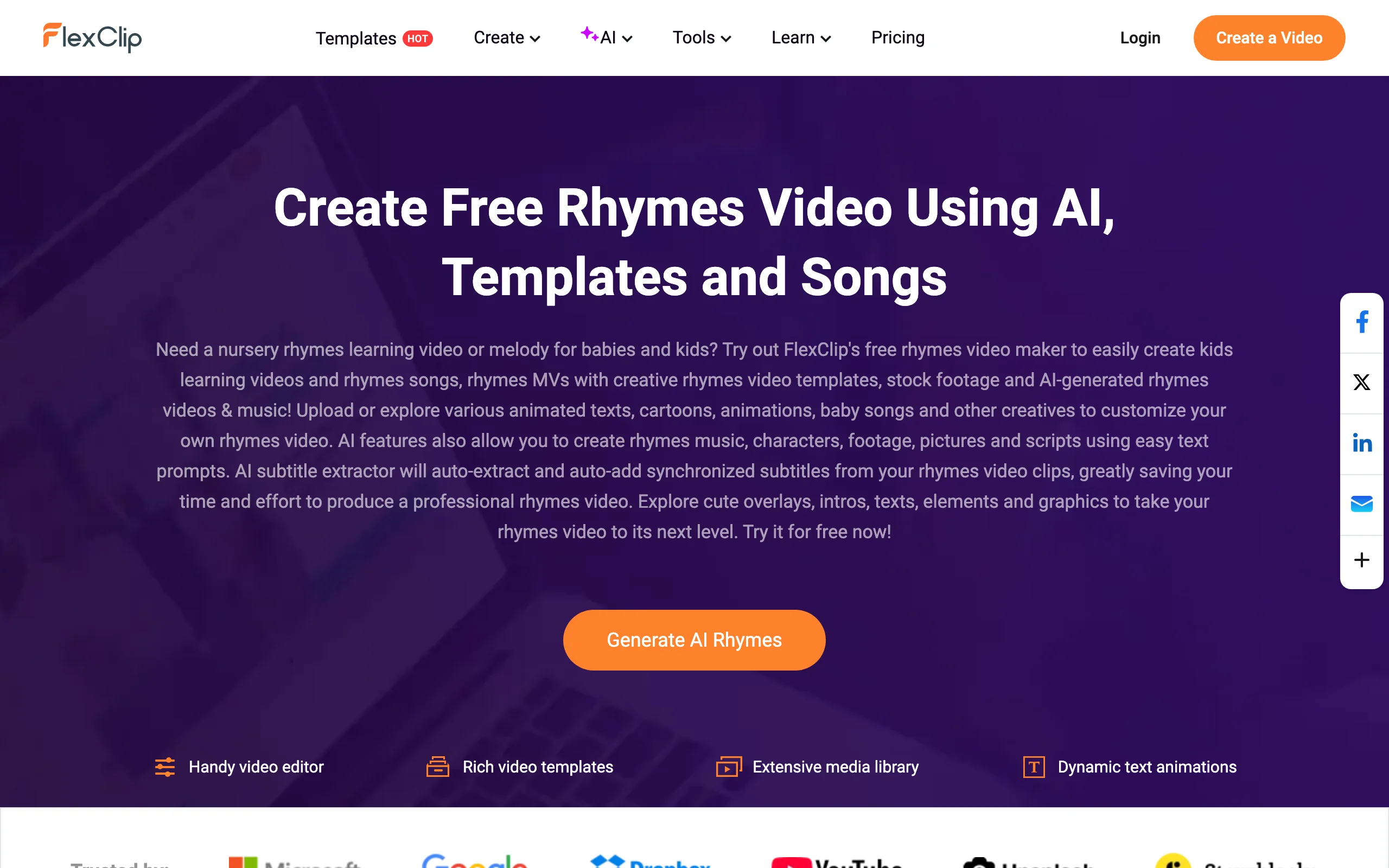
- FlexClip: Best low-cost starting point for simple rhyme videos built from templates, stock cartoons, and AI-generated songs.
- Canva: Best for teachers making short learning videos, with Canva Education for eligible K-12 educators.
Characters and shots you assemble yourself
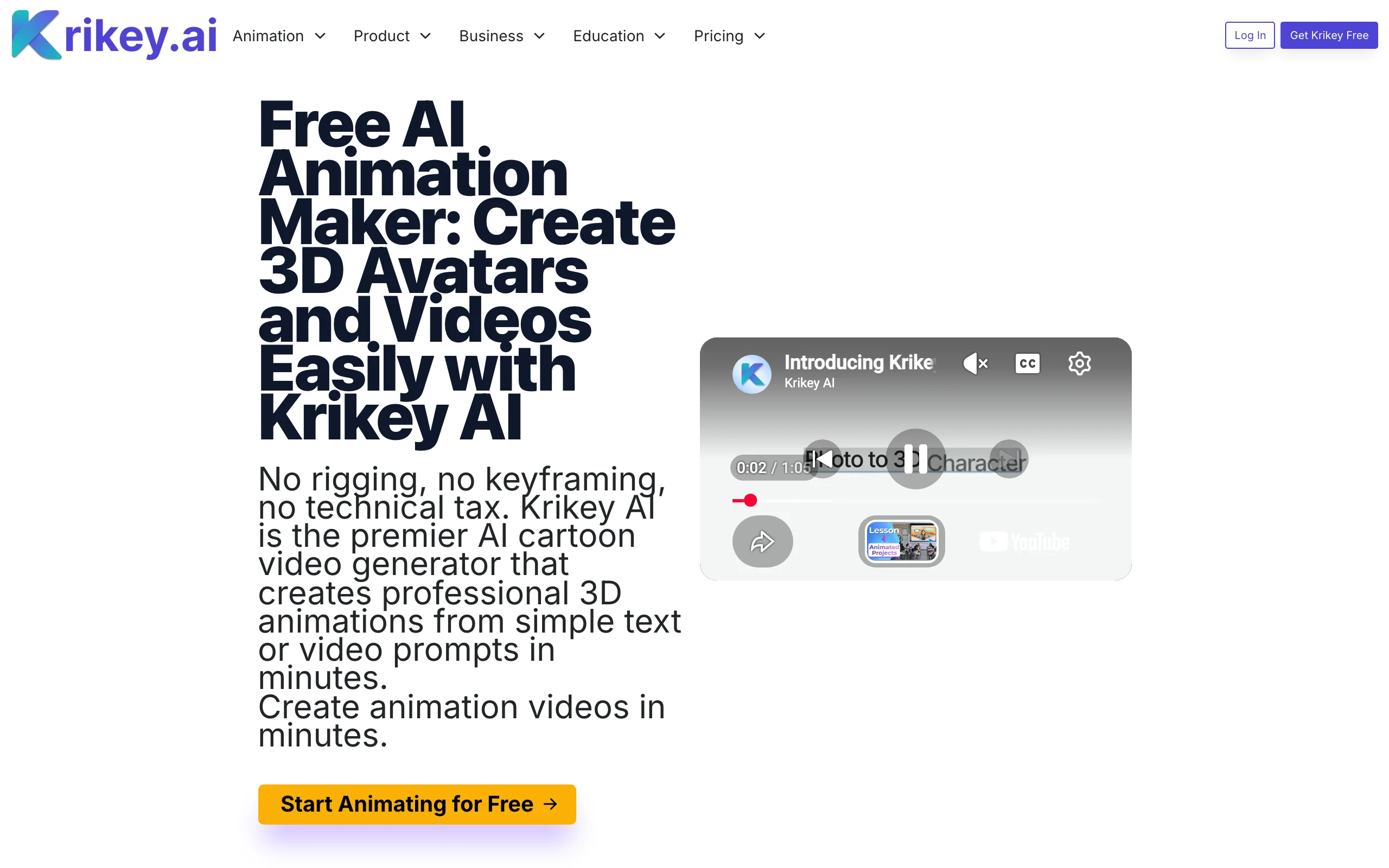
- Krikey AI: Best for animating a 3D character with gestures and voice, exportable to other tools.
- Kling: Best for single high-quality 3D cartoon shots you edit into your own episode.
| Tool | Best for | Starting price | Output |
|---|---|---|---|
| ClipNova | Finished kids episodes with a recurring mascot | From $19/mo | Full video up to 5 min, narration, music, captions |
| Atlabs | Nursery-rhyme music videos | $19/mo ($15 yearly) | Up to 2 min at 720p on Lite, 5 min at 1080p on Pro |
| MagicLight AI | Long kids story episodes | $15/mo ($7.50 yearly promo) | Long-form story videos, 1080p, no watermark on paid |
| FlexClip | Template-based rhyme videos | $11.99/mo yearly ($19.99 monthly) | Edited video, 1080p to 4K by plan |
| Canva | Classroom learning videos | Pro about $15/mo | Edited video from templates |
| Krikey AI | 3D character animation | $15/mo | 3D animation, MP4, GIF and FBX export |
| Kling | Single 3D cartoon shots | $10/mo | 5-10s clips, 1080p |
Reading the table: only the first three rows return an episode a child could watch from start to finish without more work. The others are the right choice if you enjoy editing, teach in a classroom, or want to build your own pipeline, but expect to assemble the video yourself.
1. ClipNova, best overall AI kids video generator
Most kids channels are built around one character the audience comes back for. ClipNova is designed around that. You describe the episode in a short paragraph (the mascot, the setting, the lesson or the song), choose a Style preset, and ClipNova writes the script, animates every scene with the same character design, adds a warm narrator, background music, and big readable captions. Pick 16:9 for the main YouTube channel or 9:16 for Shorts.
A kids channel runs on exactly what ClipNova is built for: finished long videos with consistent characters.
- Long: a bedtime story or a lesson becomes a full episode of up to 5 minutes, not a 5 to 10 second clip.
- Consistent characters: save your mascot once (a picture plus a locked look) and it keeps the same face and outfit in every scene; with Series, the same cast returns in every episode and the story picks up where the last one ended.
- Finished: script, scenes, narrator, captions, and music come back together, and you can fix any single scene in Studio before a child ever sees it.
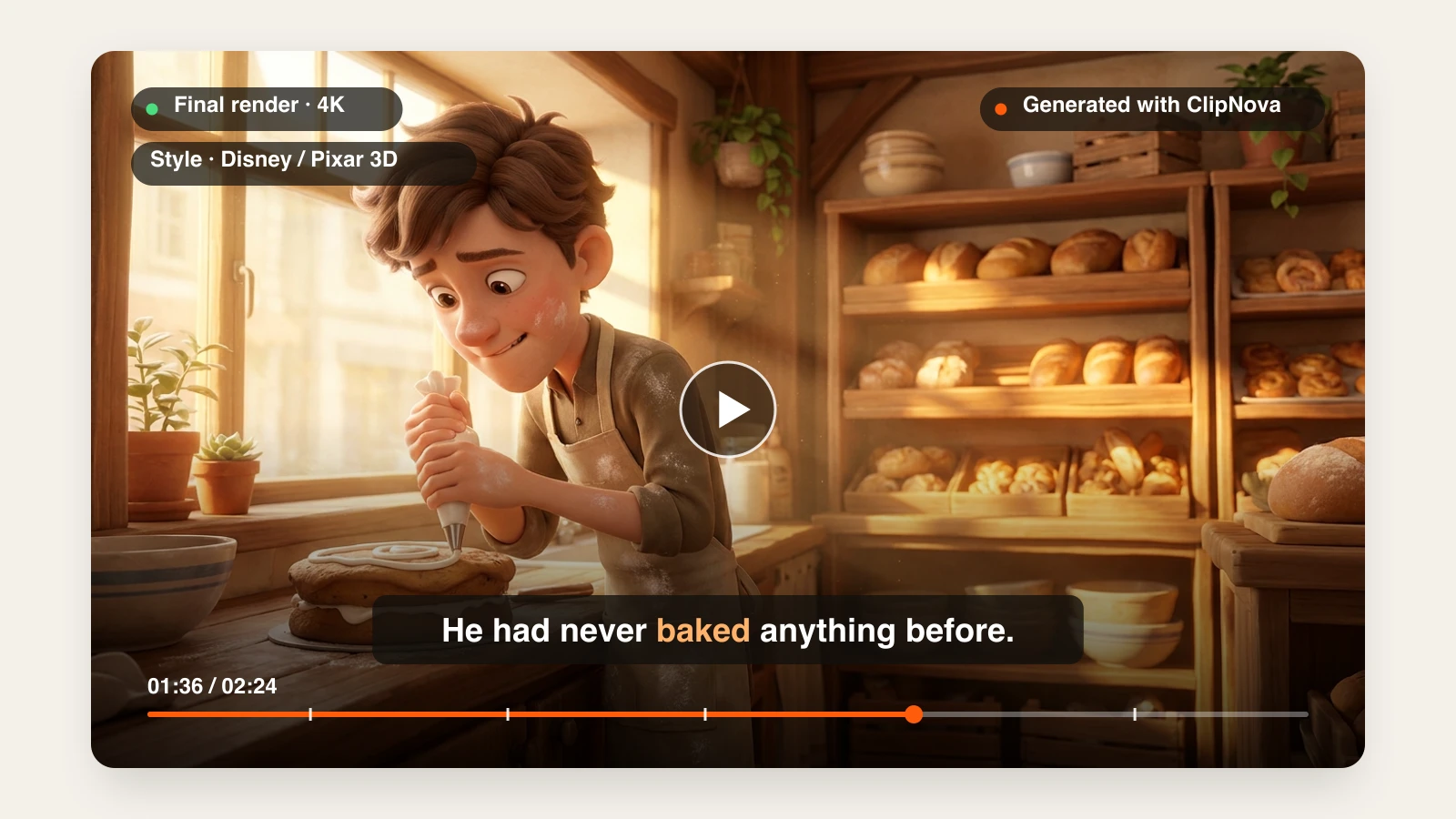
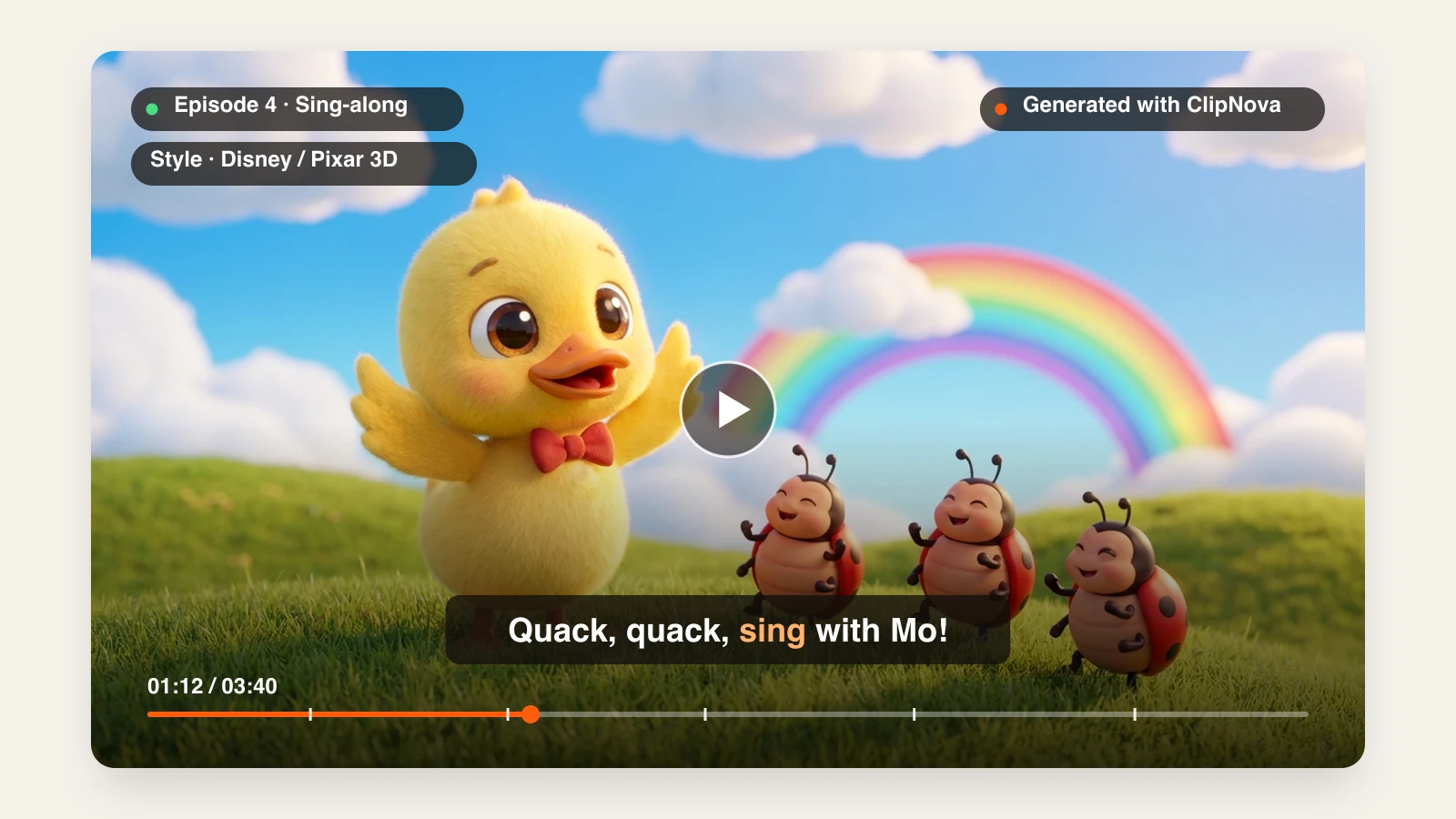
For kids content the style presets do most of the work. Disney / Pixar 3D gives you the classic preschool look, Watercolor suits calm bedtime stories, and Claymation gives a handmade feel, all from the same prompt. For 3D episodes, the AI 3D Animation Generator builds a character sheet for your mascot before animating, so it looks the same in every scene. Narration comes in 18 languages, so the same episode can go out in English, Spanish, Hindi, and Arabic without re-animating anything. For narrated bedtime stories specifically, start from the AI story video generator.
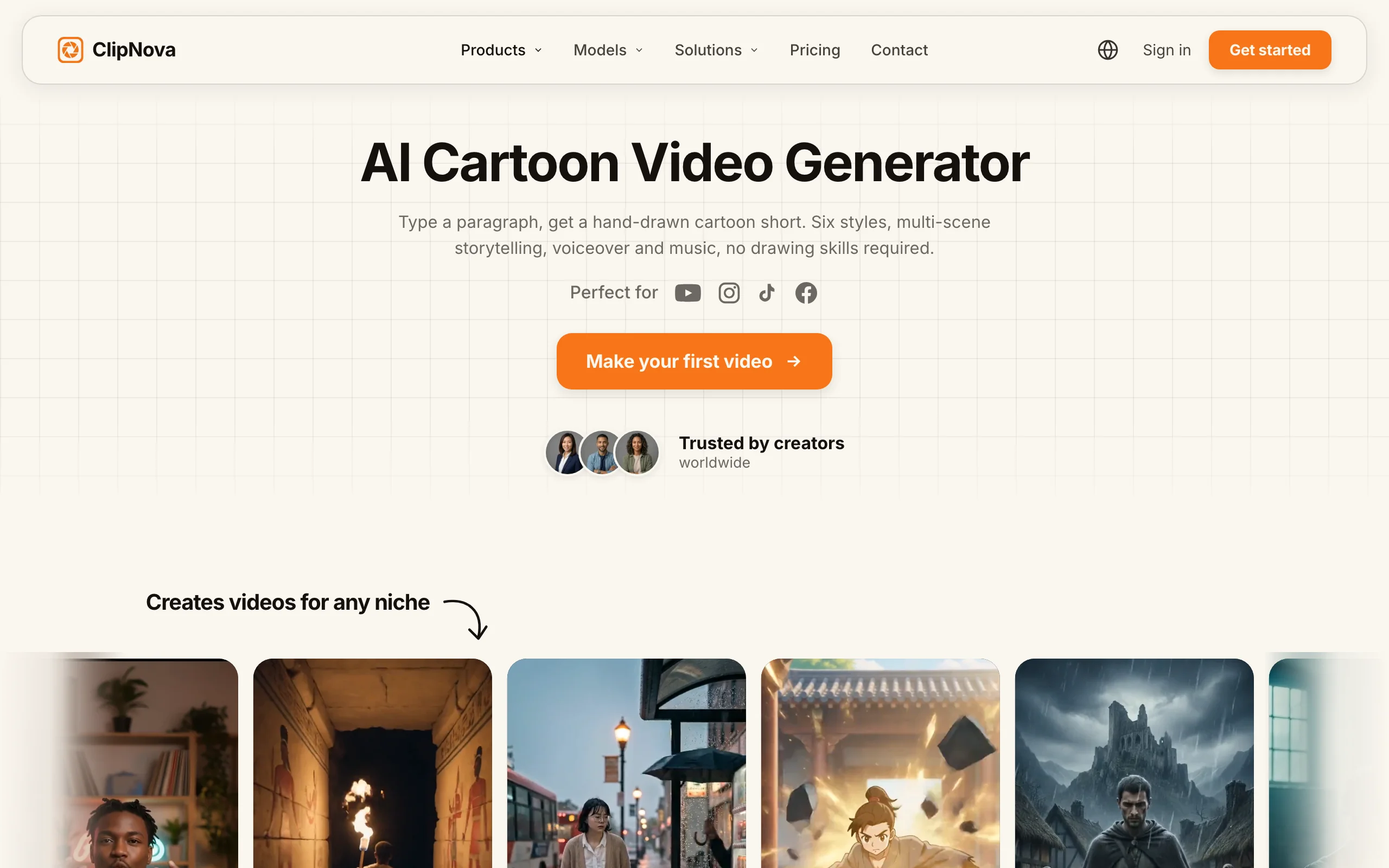
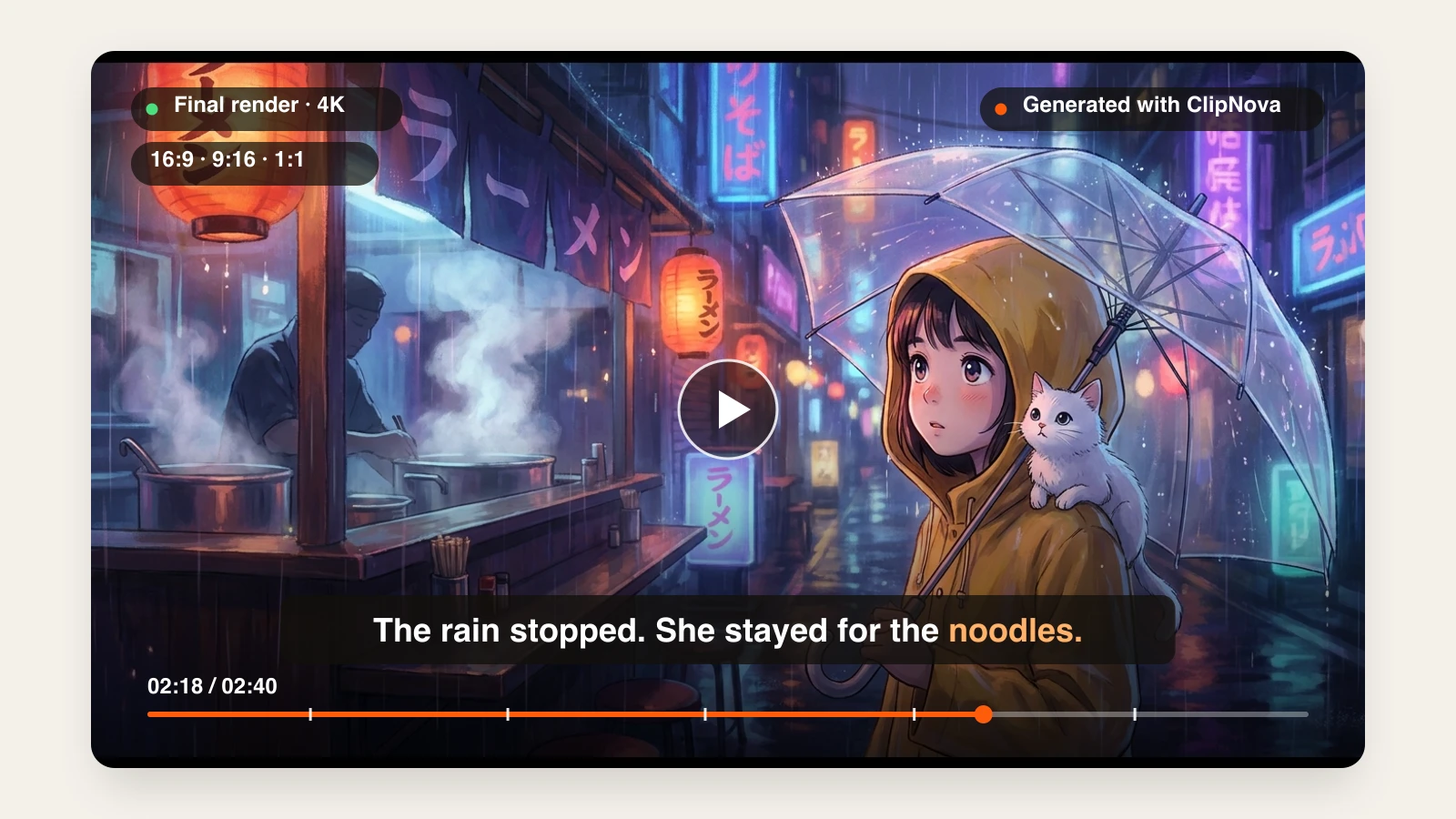
Here is a bedtime-story prompt with the Watercolor preset, and the video that came back:
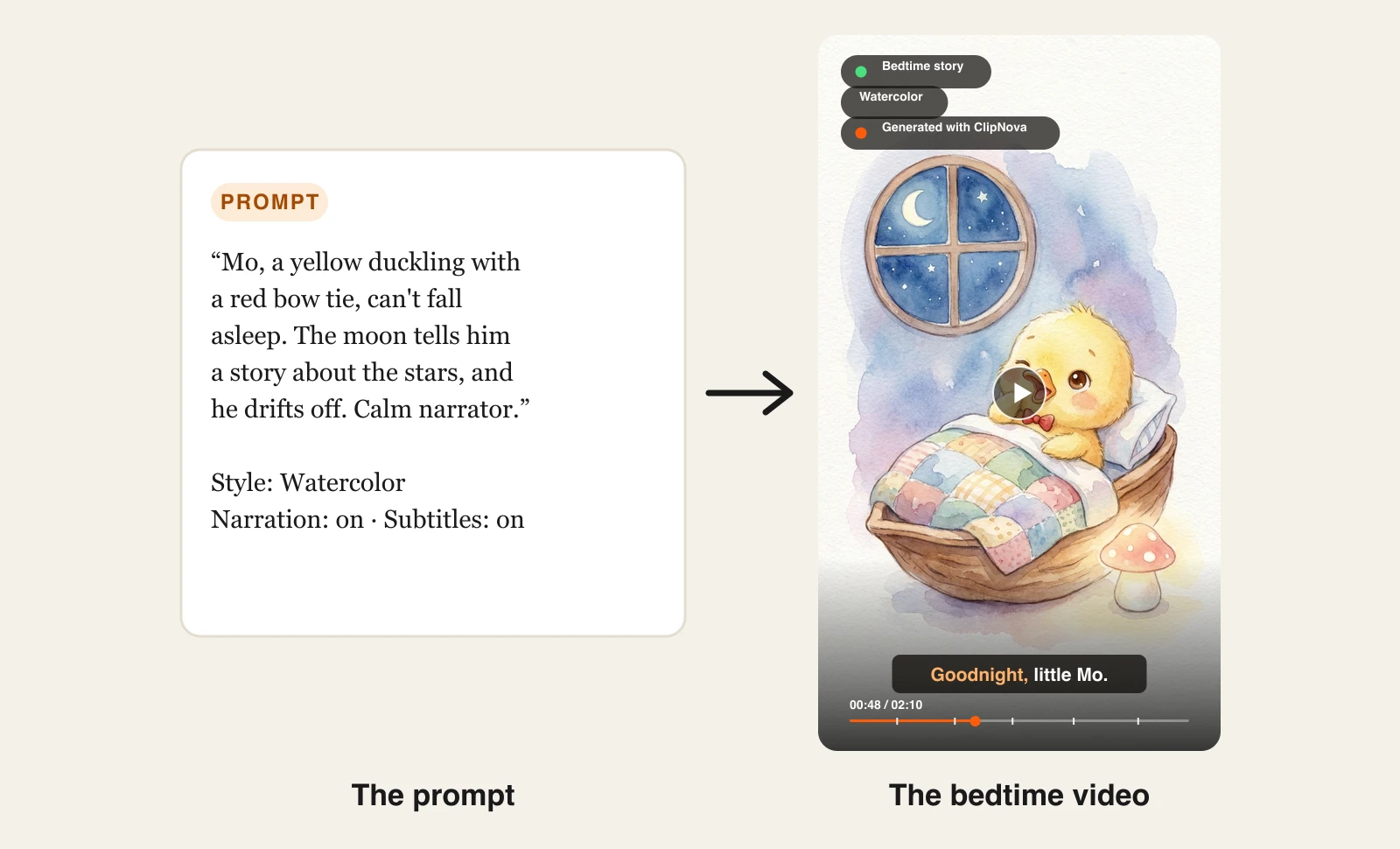
Keep the same mascot sentence and change the episode, and the character carries into every format your channel needs:
How to make a kids video with ClipNova
- Sign up for the ClipNova app. Plans start at $19/mo.
- Open AI Video Studio and choose Prompt to Video for a narrated episode, or AI Cartoon Video for a quick cartoon clip.
- Describe the episode in a short paragraph, and write one fixed sentence for your mascot (species, colour, one signature item) that you paste into every episode.
- Under Style preset, pick Disney / Pixar 3D, Watercolor, or Claymation.
- Choose 16:9 for YouTube or 9:16 for Shorts, set the length, and keep narration and Subtitles on.
- Generate, watch it through once as a parent would, regenerate any scene that looks off, and export.
For a walkthrough of scripting, episode formats, and YouTube's made-for-kids settings, see our guide on how to make kids cartoon videos with AI.
Key features
- One prompt returns a complete episode: script, animated scenes, narrator, music, captions
- Preschool-friendly style presets, switchable on the same prompt
- The same mascot design across every scene of a video
- Narration in 18 languages for localized versions of each episode
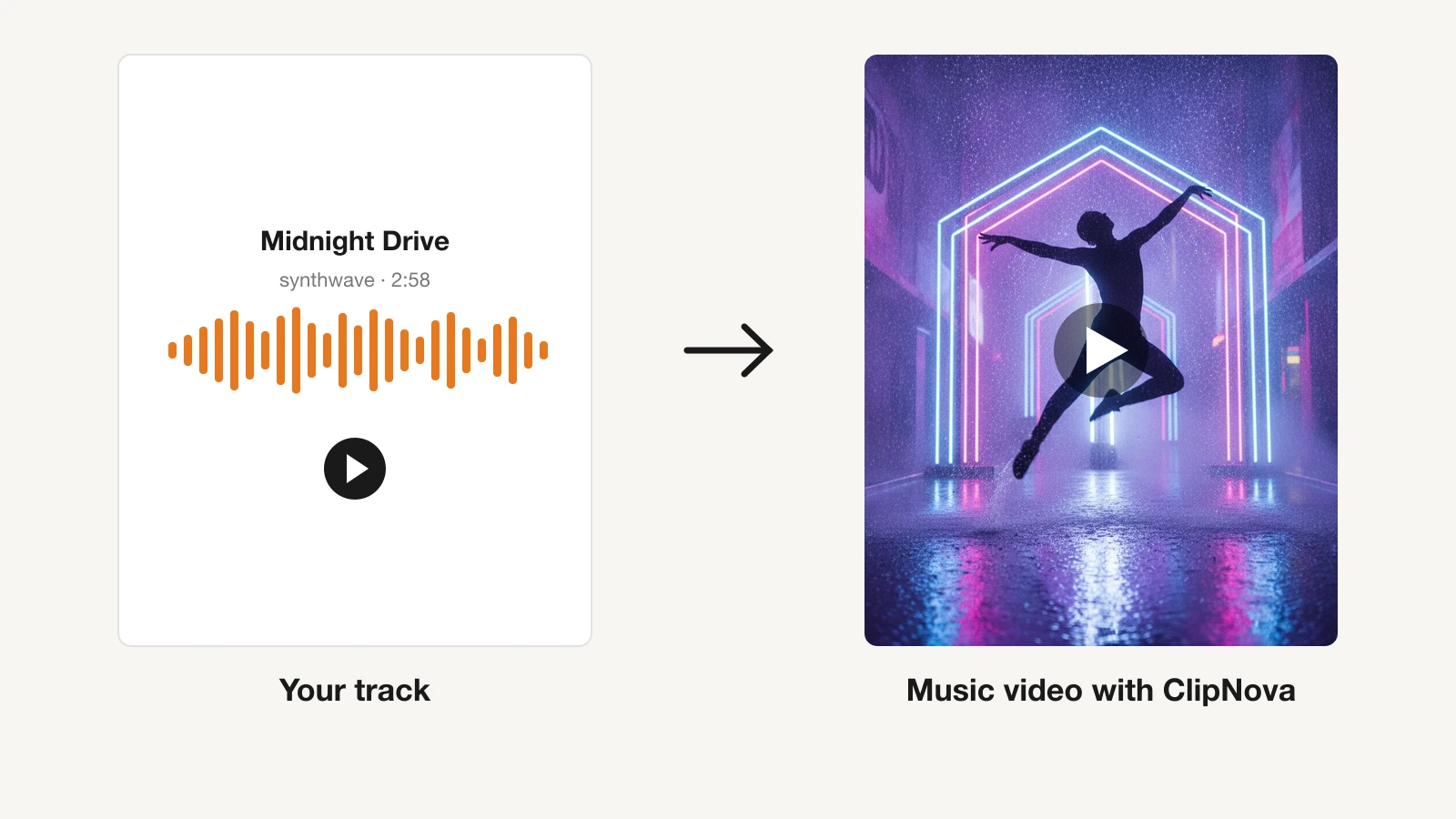
- Music to Video for turning your own song into a visual sing-along
- Videos up to 5 minutes, 16:9 or 9:16
Best for
- Creators launching a YouTube kids channel who want one new episode a week without an animation team
- Parents and teachers who want a custom story or lesson video in their own language
- Channels that publish the same episode in several languages
Pricing
- Hobby $19/mo (1,000 credits), Starter $49/mo (2,600), Growth $99/mo (5,750), Ultra $199/mo (12,000); yearly billing saves 20%
- Commercial rights on every plan, so episodes can be monetized
Pros
- The only tool here where a single prompt returns a watchable episode with narration, music, and captions
- Style presets remove the need to learn prompt vocabulary for a kid-friendly look
- Cheap localization: one episode, many narration languages
Cons
- No dedicated nursery-rhyme singing workflow; for rhymes you bring your own song through Music to Video or use narration
- Mascot consistency is strongest when you save the mascot as a character or set up a Series; a one-off prompt with no saved character can drift between videos
- A newer brand than Canva or FlexClip
2. Atlabs, best for nursery-rhyme music videos
Atlabs is the tool most focused on the music side of kids content. Its Music to Video workflows include a kids music mode: you bring a rhyme or a song, cast characters once, and it builds an animated music video with motion and lip sync. For channels whose whole format is sing-along rhymes, that song-first approach is the main reason to pick it.
It also covers general text-to-video, explainers, and ads, with a large set of visual styles and more than 100 AI models to choose from. The kids features sit on the paid tiers, so check which plan you need before committing.
Key features
- Music to Video workflows with a kids music mode and "Kids Edutainment Music videos" on Pro
- Cast characters and keep them consistent (Pro and up)
- AI motion and lip sync videos for singing characters
- 30+ visual styles and 300+ voices; 40+ languages on Pro
Best for
- Channels built entirely on nursery rhymes and sing-alongs
- Creators who already have a song and need visuals that follow it
Pricing
- Lite $19/mo or $15/mo billed yearly: 720p export, videos up to 2 minutes
- Pro $39/mo or $29/mo yearly: kids music workflows, consistent characters, 1080p, up to 5 minutes; Plus $79/mo ($59 yearly), Max $249/mo ($189 yearly)
Pros
- Song-first workflow built for rhyme channels
- Singing characters with lip sync
Cons
- The kids music features, character consistency, and 1080p all require Pro
- Lite is capped at 720p and 2-minute videos
3. MagicLight AI, best for long kids story episodes
MagicLight AI is a story video generator that stands out on length. Its paid plans generate long story videos (the site advertises videos up to 50 minutes), with character and image generation included, so it suits full bedtime-story episodes and compilations rather than 60-second Shorts. It offers purpose-built templates for kids stories and a Jingles mode for kids songs and nursery rhymes, plus style pages such as Picture Book, 3D Cartoon, and Pixar-style.
Key features
- Long-form story videos from an idea or script
- Templates for kids stories, plus a Jingles mode for songs and rhymes
- Picture Book, 3D Cartoon, and Pixar-style looks
- 1080p, no watermark, and a general commercial license on paid plans
Best for
- Channels that publish long bedtime stories or story compilations
- Creators who want a story template to start from
Pricing
- Standard $15/mo, or $7.50/mo billed yearly during the current 50%-off promotion (8,000 credits a month, about 130 minutes of generation)
- Plus $28/mo ($14 yearly promo), Pro $44/mo ($22), Ultra $90/mo ($45), Ultimate $150/mo ($75)
Pros
- Very long videos per project
- Low yearly price while the promotion runs
Cons
- Credit use depends on the underlying model you pick, so minutes per plan vary
- Yearly promo pricing is labeled limited-time; budget on the monthly price
4. FlexClip, best for template-based rhyme videos
FlexClip is an online video editor with a dedicated rhymes video maker. You start from a nursery-rhyme template, add stock cartoons and footage, and use its AI tools to generate rhyme music, characters, scripts, and synchronized subtitles. It is not a one-prompt episode generator; it is a fast editor with AI helpers, which many parents and teachers prefer for short, simple videos.
Key features
- Rhymes video templates and a stock media library
- AI-generated rhymes music, characters, and scripts
- Auto subtitles from your audio
- Browser editor with text animations and overlays
Best for
- Parents and teachers making a quick, low-cost rhyme video
- Creators who want to hand-edit every scene from a template
Pricing
- Plus $11.99/mo billed yearly ($143.88) or $19.99 monthly: 1080p
- Business $19.99/mo billed yearly ($239.88) or $29.99 monthly: 4K
Pros
- The lowest-cost way to a finished rhyme video
- Full manual control over every scene
Cons
- You assemble the video yourself; AI helps rather than directs
- Template cartoons are shared by every FlexClip user, so a unique mascot takes extra work
5. Canva, best for classroom learning videos
Canva is where many teachers already make worksheets and slides, and its video editor plus AI features cover short learning videos: an alphabet song slideshow, a counting video, or a class story. The big advantage for schools is Canva Education, which opens most premium features to eligible K-12 teachers and their students.
Key features
- Video editor with education templates and animations
- AI generation features inside the editor
- Classroom sharing and assignments through Canva Education
- Canva Education is FERPA and COPPA compliant
Best for
- K-12 teachers making lesson videos for their own class
- Schools that need a compliant tool students can use too
Pricing
- Pro about $15/mo (around $10/mo billed yearly); Business about $20/mo
- Canva Education: available to eligible K-12 teachers, students, and schools
Pros
- Canva Education for teachers, with the privacy compliance schools ask for
- Most teachers already know the editor
Cons
- Builds videos from templates and clips rather than generating an animated episode
- Not designed around a recurring animated character
6. Krikey AI, best for 3D character animation
Krikey AI animates 3D characters from text and video: you pick or build an avatar, type what it should do and say, and it produces the animation with voice in 20+ languages. Exports include MP4 and FBX, so a creator can bring the character into another editor or a game engine. For a kids channel it works best as a character-animation layer inside a bigger workflow.
Key features
- Text and video to 3D character animation
- Voice AI in 20+ languages
- MP4, GIF, PNG, and FBX export
Best for
- Creators who want a 3D host character to present lessons
- Teams that edit in other tools and need animated character assets
Pricing
- Pro $15 per person per month (165 credits); Teams plan available
Pros
- Saved 3D avatar keeps the character identical across videos
- Flexible exports for other tools
Cons
- Character animation, not full episodes with scenes and story
7. Kling, best for single 3D cartoon shots
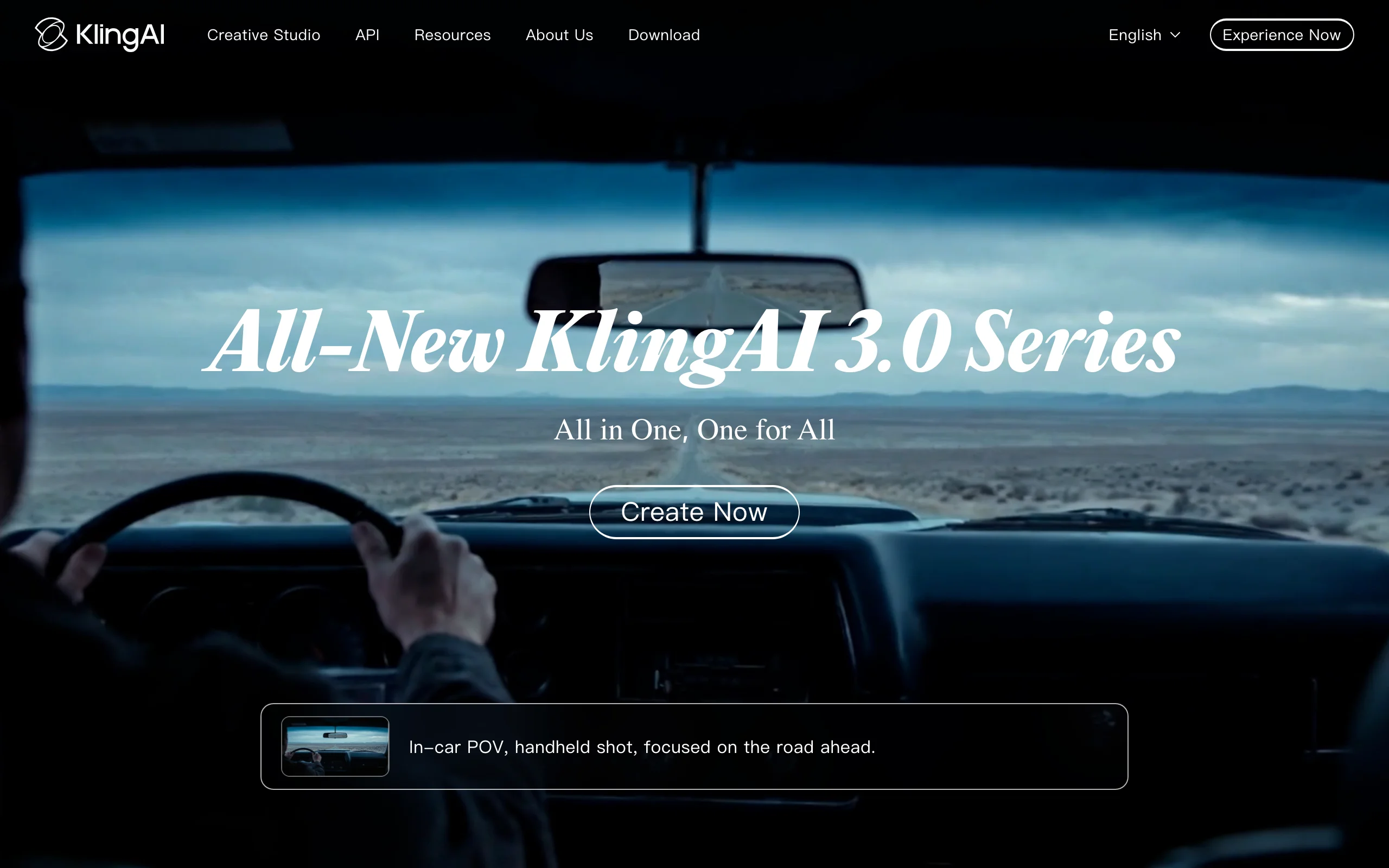
Kling is a general AI video model with strong character motion, and it renders cute 3D cartoon animals well. Each generation is a 5 to 10 second shot, so a kids episode means generating many shots, keeping the character consistent with reference images, and editing them together with your own voice and music.
Key features
- High-quality character motion in 5-10 second clips
- Image-to-video and reference images for character consistency
- 1080p output on paid plans
Best for
- Editors who want the best-looking individual shots and will assemble the episode themselves
Pricing
- Standard $10/mo (660 credits); Pro $37/mo; Premier $92/mo
Pros
- Excellent motion quality for short shots
- Low entry price
Cons
- No script, narration, music, or captions; you build the episode
How to choose the best AI kids video generator for your channel
1) Do you want finished episodes or raw material?
- If you want to upload a new episode every week with minimal editing: ClipNova (story and learning episodes) or MagicLight AI (long story episodes).
- If your format is sing-along rhymes built on a song: Atlabs on its Pro plan, or ClipNova's Music to Video with your own track.
- If you like to edit every scene yourself: FlexClip, or Kling shots assembled in an editor.
2) Can you keep the same mascot in every episode?
Kids come back for a character they know, so consistency matters more here than in any other niche. Write one fixed mascot sentence and reuse it every time in ClipNova, or start from a reference image with Reference to Video. Atlabs (Pro) and Krikey AI save characters; Kling needs reference images per shot. Whatever you pick, generate three test episodes with the same mascot before you commit.
3) Who is the audience?
- A YouTube channel for children: YouTube requires you to mark each video as made for kids or not, and cartoon characters aimed at young children count as made-for-kids signals. Made-for-kids videos lose comments and personalized ads, so plan revenue around views.
- A classroom: Canva Education covers eligible teachers and meets the privacy rules schools ask for.
- Your own family: FlexClip's template editor is enough to make a personal story video, and ClipNova's Hobby plan ($19/mo) covers several full episodes.
4) Can you monetize it?
YouTube's monetization policy now calls mass-produced, repetitive uploads "inauthentic content", and a channel focused on low-quality made-for-kids content can be removed from the Partner Program. Original stories, a recurring character, and a real lesson in each episode are what keep a kids channel eligible. Check that your plan includes commercial rights: ClipNova and the paid plans of MagicLight AI and FlexClip do.
If you want to try the full workflow first, the AI kids video generator page shows how a single prompt becomes an episode, and plans start at $19/mo.
Frequently asked
What is an AI kids video generator?
An AI kids video generator turns a written idea into a children's video, such as a cartoon story, a nursery rhyme, or a counting lesson. You describe the characters and what happens, choose a kid-friendly style, and the tool generates the scenes. Full-pipeline tools like ClipNova also add a narrator, music, and captions, so the result is ready to watch.
What is the best AI video generator for kids content in 2026?
ClipNova is the best overall choice if you want finished episodes, because one prompt returns a complete kids video with a consistent mascot, narration in 18 languages, music, and captions. Atlabs is the strongest pick for nursery-rhyme music videos, and MagicLight AI suits very long story episodes.
Can I make nursery rhyme videos with AI?
Yes. Atlabs has a song-first kids music workflow with singing characters on its Pro plan, and FlexClip has rhyme templates with AI-generated music. With ClipNova you can upload your own song to Music to Video for beat-matched visuals. Stick to public-domain rhymes or original songs to avoid copyright claims.
How do I keep the same cartoon character in every episode?
Write one fixed description of your mascot (species, colour, one signature item) and paste it into every prompt, or start from a reference image. ClipNova holds one character design across every scene of a video, and tools like Atlabs and Krikey AI let you save a character. Test three episodes with the same mascot before you commit to a tool.
Do I have to mark AI kids videos as made for kids on YouTube?
Yes, if the video is aimed at children. YouTube requires every creator to set whether each video is made for kids, and cartoon characters aimed at young children are one of the signals it looks for. Made-for-kids videos have comments and personalized ads turned off.
Can I monetize AI-generated kids videos?
You can, as long as the content is original and your plan includes commercial rights. YouTube removes channels built on mass-produced or low-quality made-for-kids content from the Partner Program, so original stories, a recurring character, and a real lesson in each episode matter. ClipNova includes commercial rights on every plan.
If I want to start a kids YouTube channel, which tool should I use?
ClipNova fits a weekly publishing schedule best, because each prompt returns a complete episode with your mascot, a narrator, music, and captions, from $19 a month. Make three episodes with the same mascot in two styles, and see which one your audience watches longest.