Making a character is the easy part now. Any image model will draw you a freckled host, a penguin in a red scarf, or a lemon with a dramatic face. The hard part comes next: getting that same character to walk through a new scene, say a line, or come back next week looking like itself. That is where most character tools stop and where a channel either builds a recurring face or keeps starting from zero.
This guide ranks the 6 best AI character generators for video in 2026. Every pick lets you design or upload a character and then put it on screen, whether that means a full narrated story, a talking clip, a dance, or an acted scene. Pricing was checked on each vendor's live pages in October 2026.
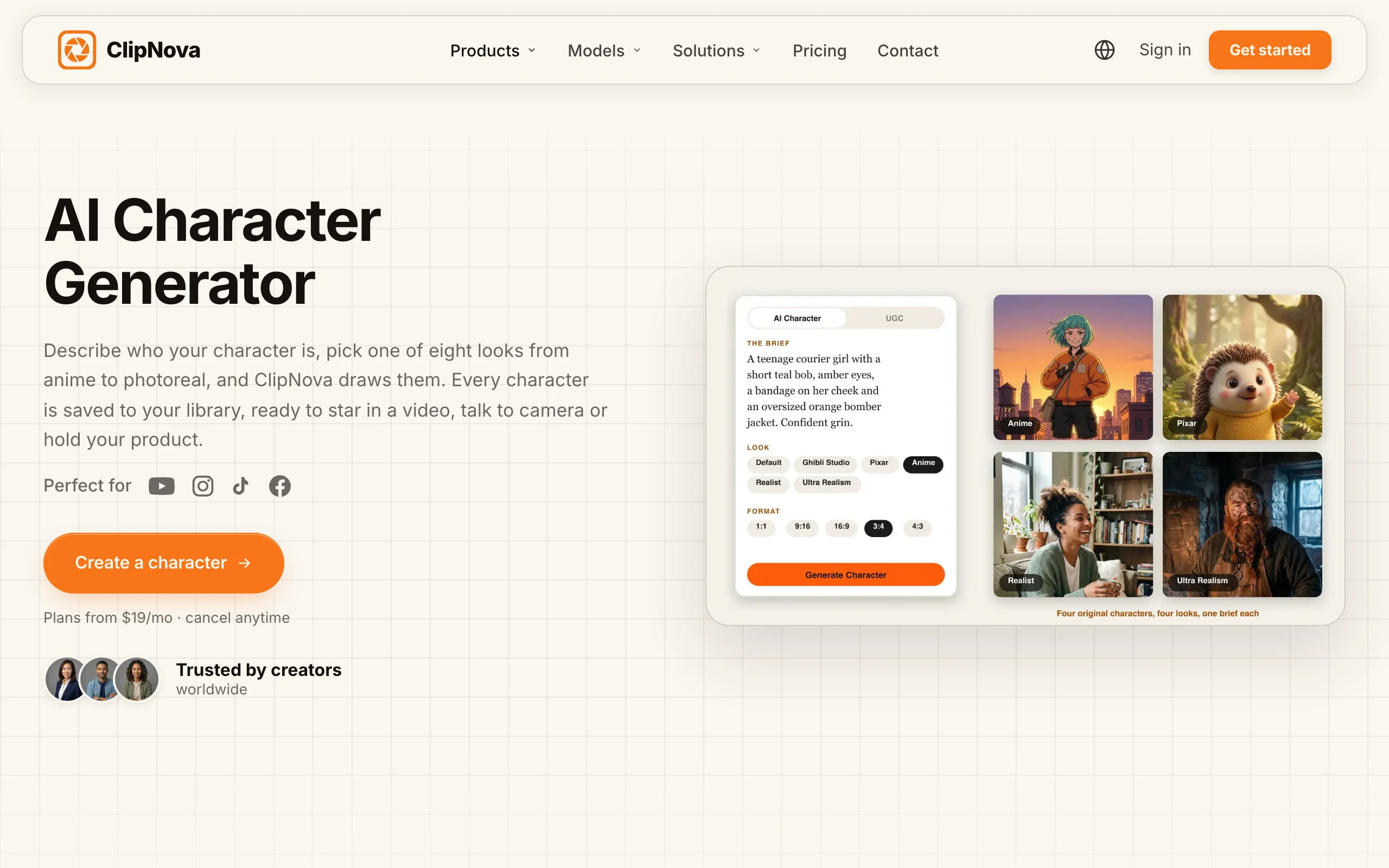
Want a character that keeps its face in every video? Start with ClipNova's AI Character Generator: describe your character, pick a look such as Realist, Pixar, or Anime, then put it into new scenes, make it talk, or hand it a product for an ad. Plans from $19/mo.
Best AI character generators for video: a brief overview
Create a character and build whole videos around it
- ClipNova: Best overall. Design a character in eight looks, then reuse it in new video scenes, talking clips, UGC ads, and full narrated stories, all in one app.
- Kling AI: Best for cinematic clips with a reusable character Element that can carry its own voice.
- OpenArt: Best for building a saved cast of characters and turning them into one-minute stories.
Bring a character you already have to life
- Hedra: Best for talking and singing characters, with avatar videos up to 10 minutes.
- Viggle: Best for making any character dance or move by copying a motion video.
- Runway: Best for acting a scene yourself and transferring the performance onto a character.
| Tool | Best for | Starting price | What you get back |
|---|---|---|---|
| ClipNova | Character to finished videos | From $19/mo | Character images, scene clips, talking videos, full videos up to 5 min in 1080p |
| Kling AI | Character Elements with a voice | $10/mo | Clips up to 15 s, extendable to 3 min |
| OpenArt | A saved cast and one-minute stories | $14/mo ($13/mo yearly) | Character images, video clips, about 1 min stories |
| Hedra | Talking and singing characters | $20/mo | Lip-synced avatar videos up to 10 min |
| Viggle | Character motion and dance | $9.99/mo ($7.99/mo yearly) | Character swaps and motion clips, no watermark on paid plans |
| Runway | Performance capture on a character | $15/mo ($12/mo yearly) | Act-Two performances, Gen-4 References clips |
How to read the table: the first three tools help you invent a character and keep it consistent across many videos. The last three are strongest when you already have the character image and need one specific kind of motion: speech, dance, or acting.
1. ClipNova, best overall for character videos
ClipNova treats a character as something you cast once and then keep using. In AI Characters you describe who you want, choose one of eight looks (Default, Ghibli Studio, Educational, Pixar, Anime, Realist, Ultra Realism, Flat Animation), pick a format from square to portrait or landscape, and generate one take per run. You can also start from a photo you upload or a webcam shot. Every result is saved to your character library.
The payoff is a finished long video where the character you cast stays the same.
- Long: a script starring your character becomes a finished video of up to 5 minutes, not a single 5 to 10 second clip.
- Consistent characters: the saved picture and locked look keep the same face and outfit across scenes, and Series puts the same cast in every episode with story memory for the plot.
- Finished: script, scenes, voiceover, captions and music land in one pass, and you can fix any single scene in Studio before posting.
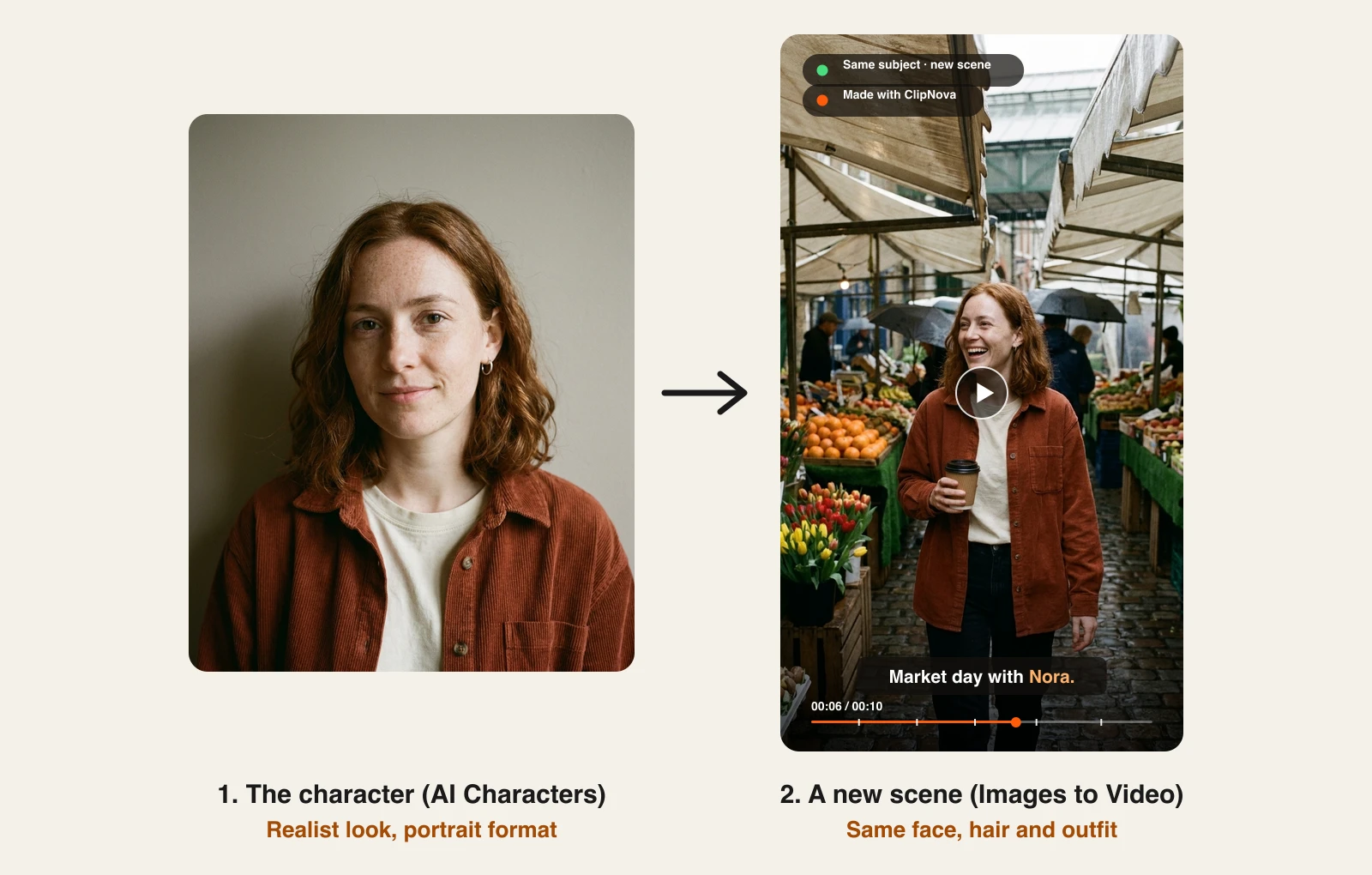
From there the character goes to work. Image to Video has an Images to Video mode built for "same subject, new scene": upload a few images of your character, describe what happens and where, and the video keeps the face, hair, and outfit while everything around it changes. The same character can also go straight to the talking avatar tool or into a UGC ad holding a product. When you want a whole story instead of one clip, Prompt to Video writes the script and builds a narrated, captioned video up to 5 minutes long in a style preset such as Disney / Pixar 3D or Anime.
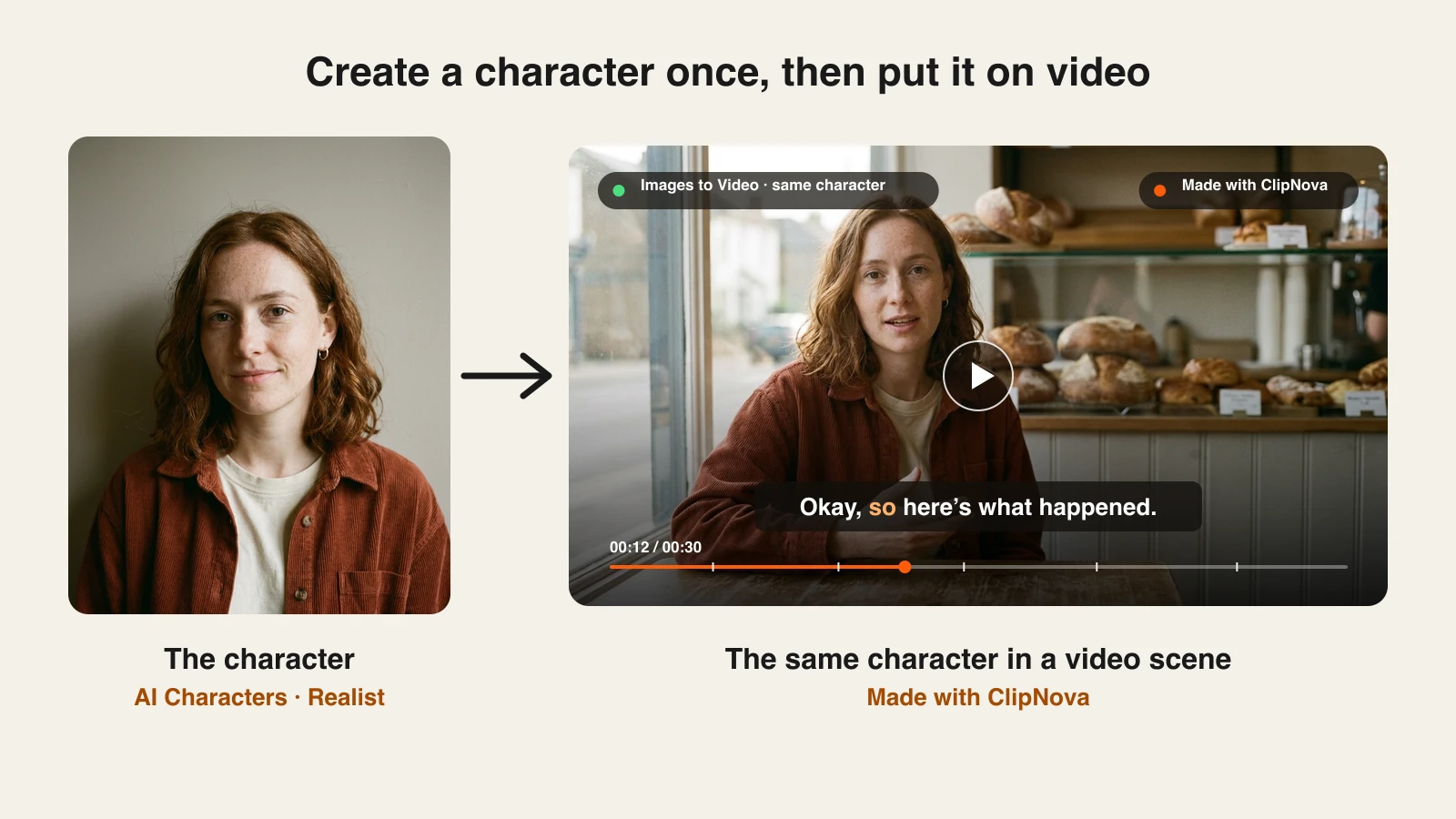
Here is that loop with one fictional character, Nora. She was made in AI Characters with the Realist look, then placed in a brand new scene with Images to Video:
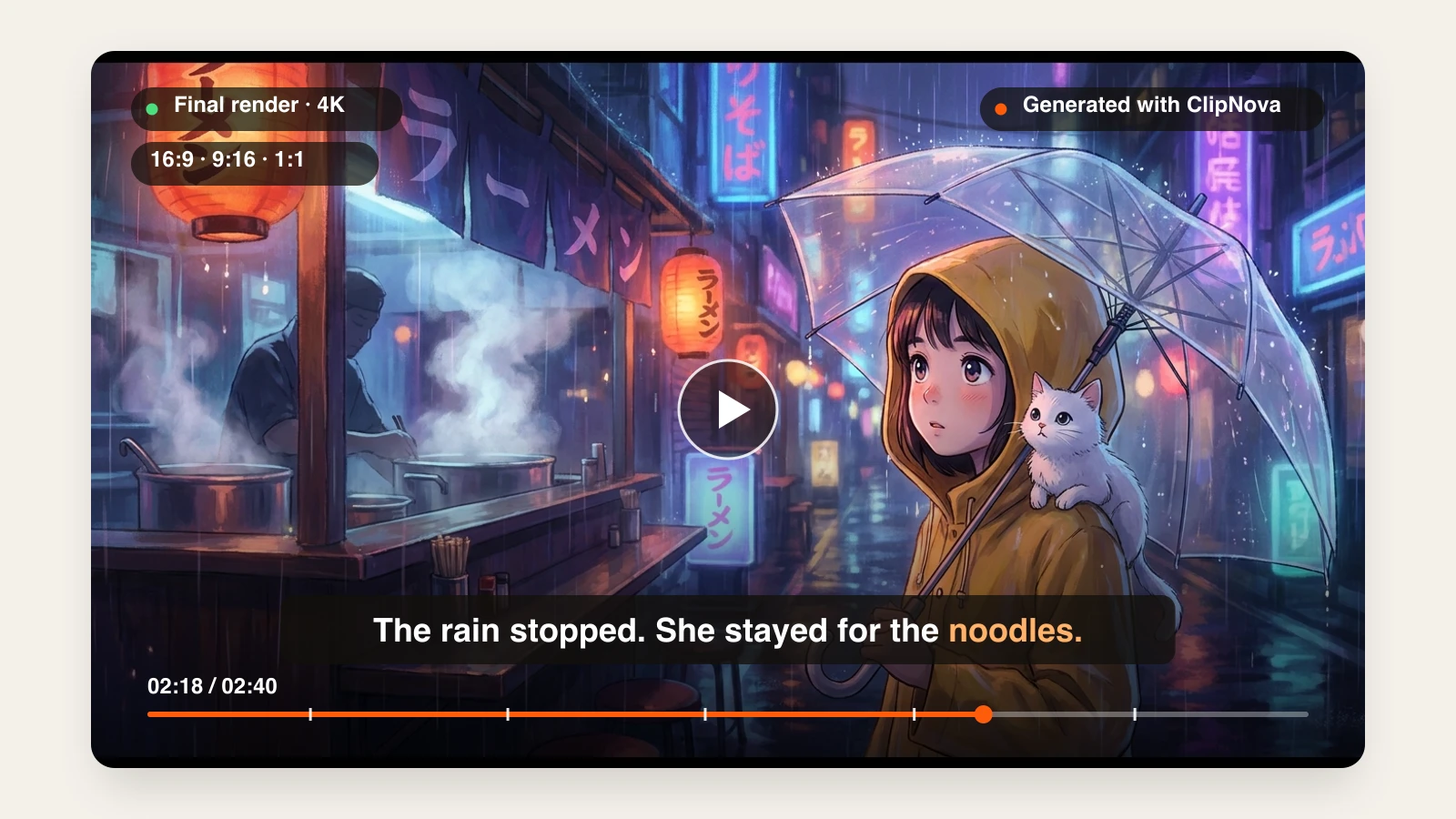
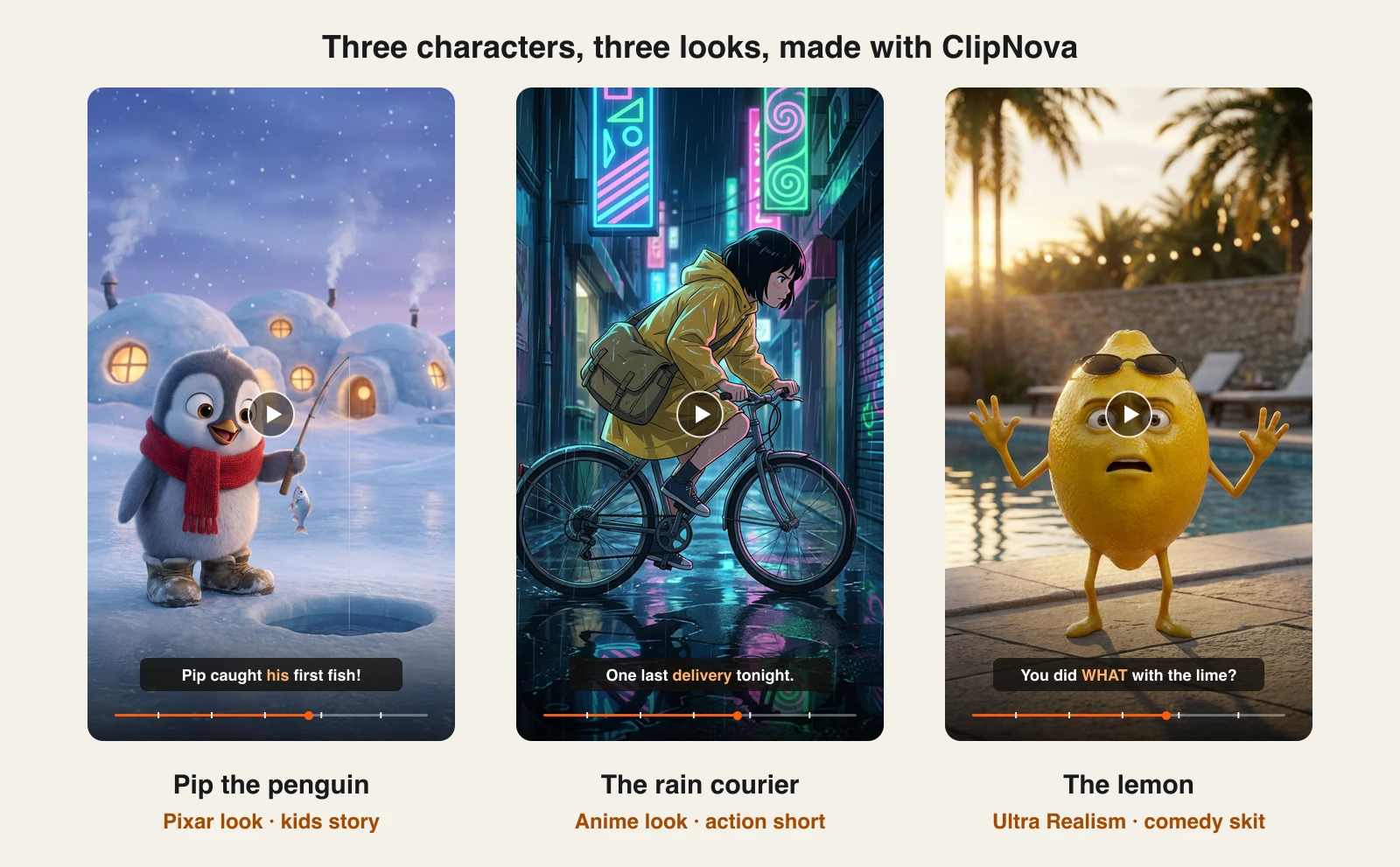
The look you pick decides the kind of channel you can build. These three characters match three of the most common kinds of character videos: kids stories, anime shorts, and talking fruit comedy skits.
How to create a character and put it on video with ClipNova
- Sign up for the ClipNova app and choose a plan (from $19/mo).
- Open AI Characters, choose AI Character (or UGC for a phone-photo look), and describe your character: age, face, hair, outfit, and one detail people will remember.
- Pick a Look (for example Realist, Pixar, or Anime) and a Format, then generate. Keep the take you like; it is saved to your characters.
- Open Image to Video, choose the Images to Video mode (same subject, new scene), upload your character images, and describe the scene: action, setting, and camera.
- Pick the quality tier and length, add music or subtitles, and generate. Repeat step 4 for every new scene.
- To make the character speak, use Make it talk from AI Characters; to put a product in its hands, use Hand it a product for a UGC ad.
Key features
- Character creation in eight looks, from photoreal to Pixar, anime, Ghibli, and flat animation
- Reference video that keeps the same character across new scenes (Consistent Character AI Video Generator)
- One click from a saved character to a talking avatar or a UGC ad
- Full story videos with script, narration in 18 languages, music, and captions, up to 5 minutes
- 1080p video with no watermark and full commercial rights on every plan
Best for
- Faceless channels that want a recurring host or mascot instead of stock footage
- Kids and animation channels running the same Pixar-style or anime character every week
- Brands and UGC creators who need one consistent spokesperson across many ads
Pricing
- Hobby $19/mo (1,000 credits), Starter $49/mo (2,600), Growth $99/mo (5,750)
- Ultra from $199/mo (12,000 credits), up to 145,000 credits for $1,999/mo
- Yearly billing saves 20%; every plan includes every feature, only credits differ
Pros
- The only tool here where the character, the scene clips, the talking video, and the finished story live in one app
- Looks are one click, so you can test whether your niche wants a realistic host or a cartoon before committing
- Vertical-first output fits TikTok, Reels, and Shorts without re-editing
Cons
- Long, many-scene stories with one character still take a few passes: you generate scene clips one at a time
- No fine control over body poses or keyframes; you direct the character with words and images
2. Kling AI, best for cinematic clips with a character Element
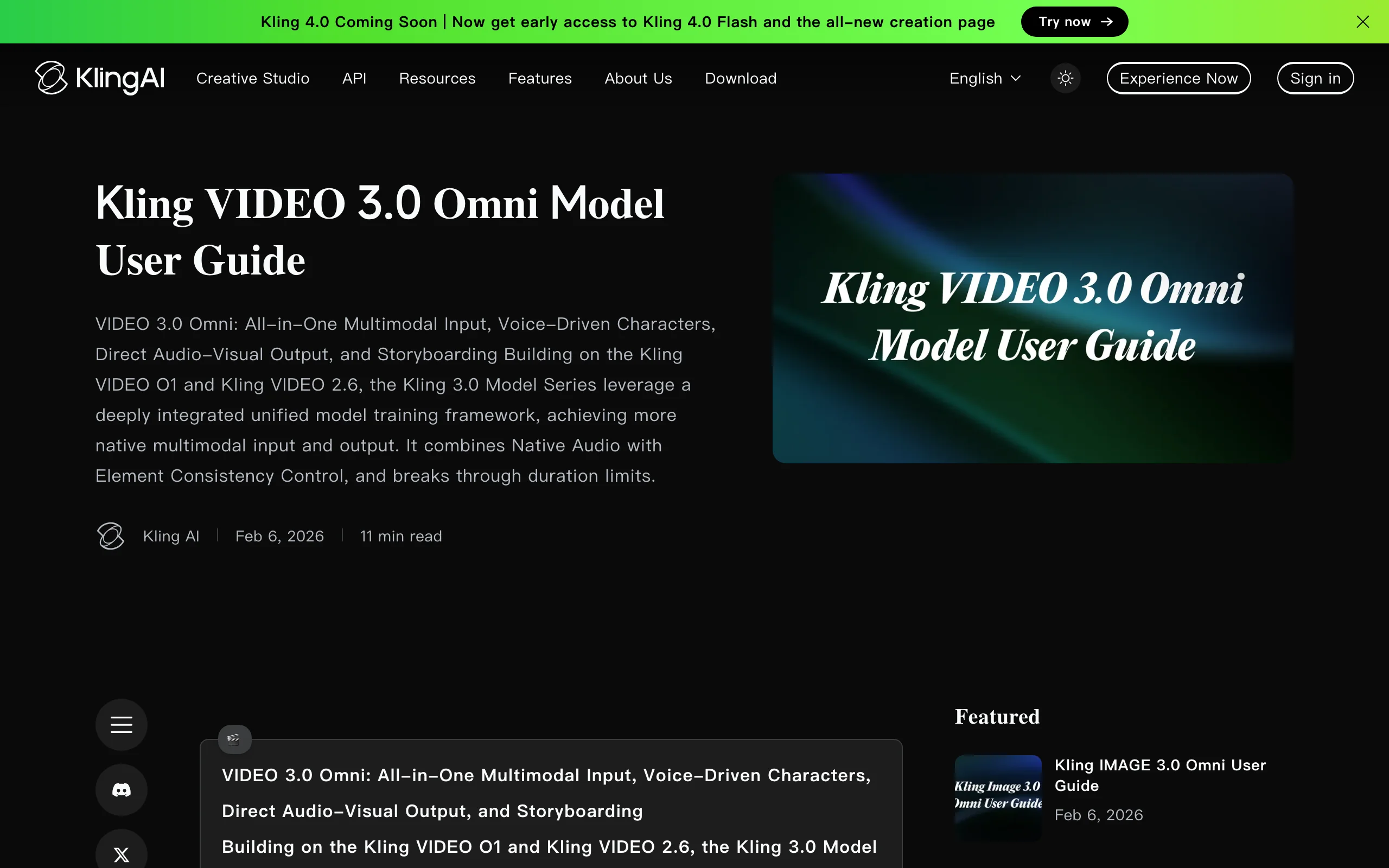
Kling AI solves consistency with Elements: reusable character or object assets you build once and drop into any generation. In the Kling VIDEO 3.0 Omni model you create a character Element from up to four images taken from different angles, or from a 3 to 8 second clip of the character, which gives the model more to work with. You can also bind a 5 to 30 second voice sample so the character sounds the same in every video, not just looks the same.
Clips run up to 15 seconds with custom multi-shot control over each shot's framing, angle, and camera move, and Kling's Video Extension can stretch a sequence to 3 minutes. It is the strongest pick here for cinematic, film-like shots. It does not write a script or narrate a story for you, so longer videos mean stitching shots in an editor.
Key features
- Character Elements from up to 4 images or a 3 to 8 second video
- Voice binding, so a character keeps the same voice across videos
- Multi-shot generation with per-shot framing and camera control
- Clips up to 15 seconds, 1080p or 4K, with extension up to 3 minutes
Best for
- Short filmmakers who need the same hero across cinematic shots
- Creators comfortable assembling shots into a sequence in an editor
Pricing
- Standard $10/mo, Pro $37/mo, Premier $92/mo (App Store subscription prices)
- Credit top-ups from $5 for 330 credits
Pros
- Video-based Elements capture how a character moves, not just how it looks
- Voice binding is rare among character tools
Cons
- Clip by clip: no script, narration, or captions for a finished story
- Credit costs vary by model and length, so budgeting takes some testing
3. OpenArt, best for building a saved cast of characters
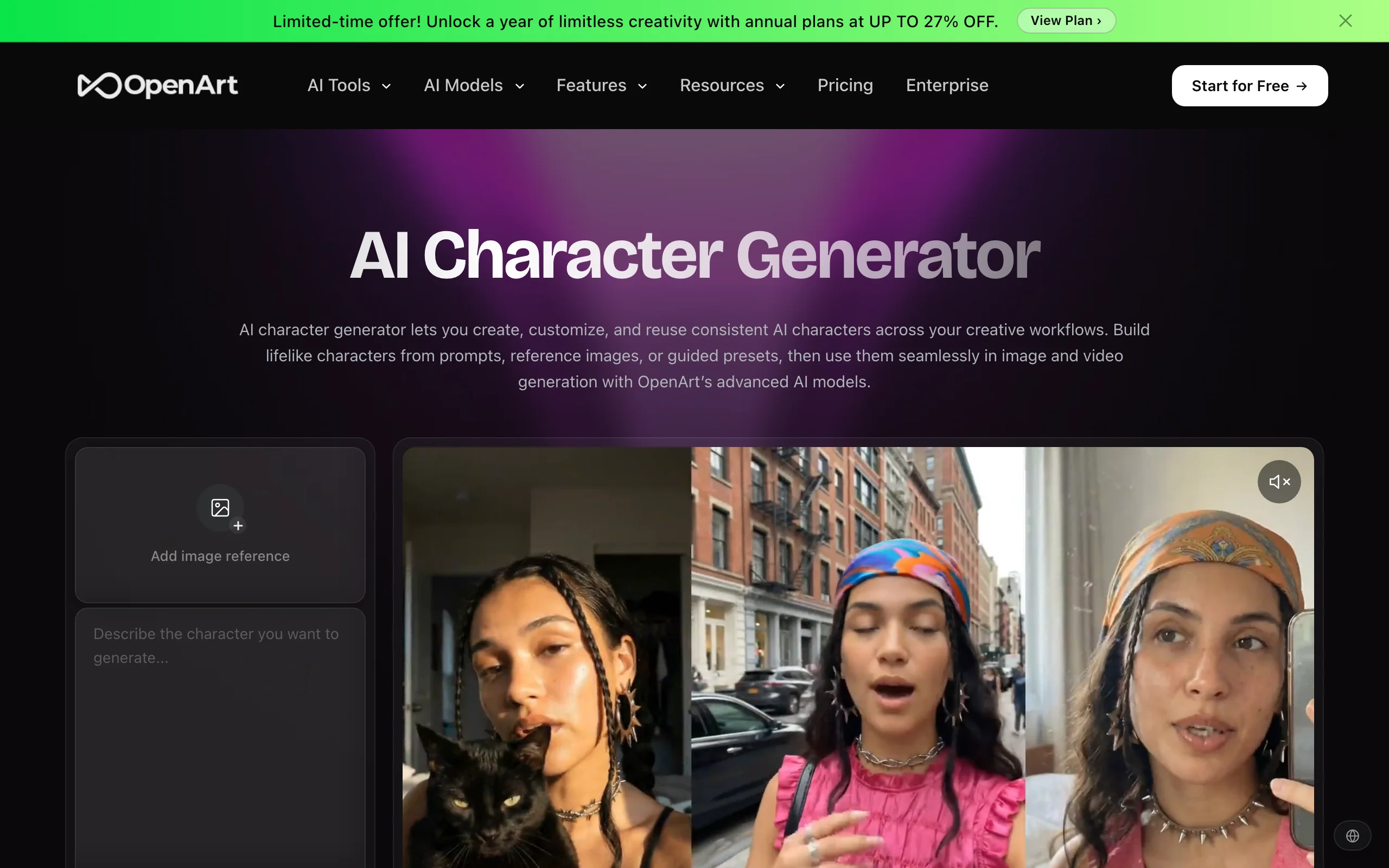
OpenArt is built around a character library. Its character generator lets you create a character from a prompt, a reference image, or presets, then reuse it across image and video generation with the same appearance. Plans cap how many consistent characters you can keep, from about 13 on Starter to about 353 on Wonder, which makes it a good fit if your channel has an ensemble rather than a single host.
Its One-Click Story turns a sentence, script, or song into a video of about one minute with motion, music, and a narrative arc, using templates such as Character Vlog and Music Video. You can put several consistent characters in one story. For anything past a minute or for narration in many languages, you will be working outside the one-click flow.
Key features
- Character library with reuse across image and video models
- One-Click Story: about 1 minute videos with Character Vlog, Music Video, and Explainer templates
- Multiple consistent characters in one story
- Access to many third-party image and video models in one place
Best for
- Creators running a recurring cast across comics, images, and short videos
- Character vlog and music-video formats under a minute
Pricing
- Starter $14/mo ($13/mo yearly): 4,000 credits, about 13 characters, about 5 One-Click Stories
- Plus $34/mo ($27/mo yearly): 12,000 credits, about 40 characters
- Pro $56/mo ($44/mo yearly): 24,000 credits, about 80 characters; Wonder $240/mo ($175/mo yearly)
Pros
- Character count limits are spelled out per plan, so you know how big a cast you can keep
- Strong for still images and video from the same saved character
Cons
- One-Click Stories top out around one minute
- The model menu is broad, which means more choices to learn before your first good result
4. Hedra, best for talking and singing characters
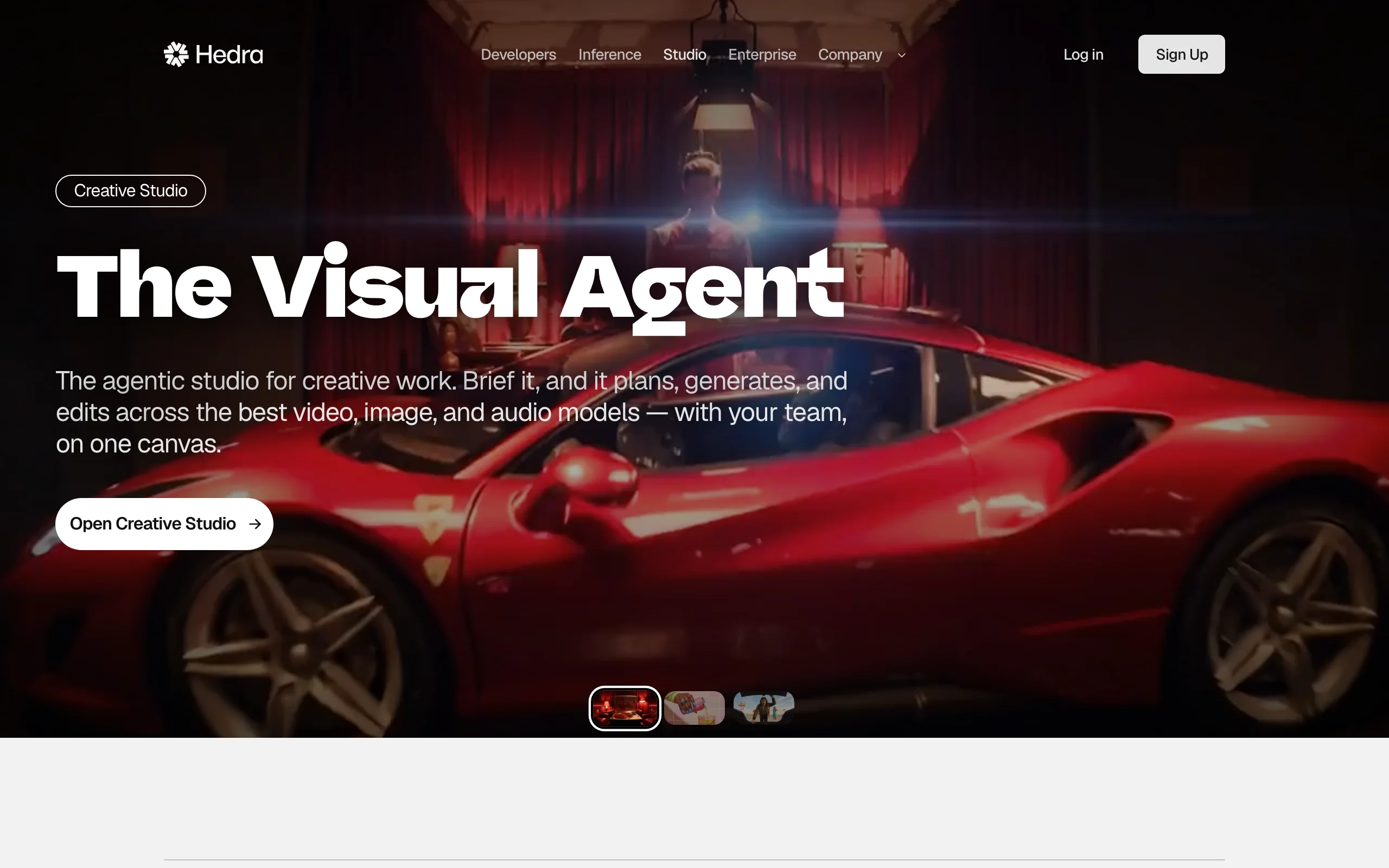
Hedra is the specialist for characters that speak. Upload a character image, add audio or type a script, and its models drive lip sync, blinks, gaze, and expressions from the sound itself. Its Character-3 model was introduced as an omnimodal model that reasons over image, text, and audio together, and the newer Hedra Avatar model handles long-form talking and singing video up to 10 minutes with multi-language support and speaker selection.
Hedra has since grown into an agent-style creative studio with outside image and video models on one canvas, but character performance is still the reason most people pick it. It does not build the character's scenes or story around the talking clip.
Key features
- Image plus audio or text to a lip-synced character performance
- Hedra Avatar: talking and singing videos up to 10 minutes, multi-language
- Works with realistic people, cartoons, mascots, and stylized characters
- Commercial use on every paid plan
Best for
- Podcast clips, explainers, and storytime videos fronted by a character
- Music creators who want a character to sing a track
Pricing
- Basic $20/mo (2,000 credits), Pro $50/mo (7,200), Ultra $100/mo (18,000)
- Teams $75/mo (14,400 credits); Enterprise is custom
Pros
- Long talking videos in one generation, where most tools cap out in seconds
- Expressions follow the audio closely, which sells comedy and music
Cons
- Mostly a talking-head frame: the character performs, the scene stays simple
- You bring the character image and the audio or script yourself
5. Viggle, best for character motion and dance
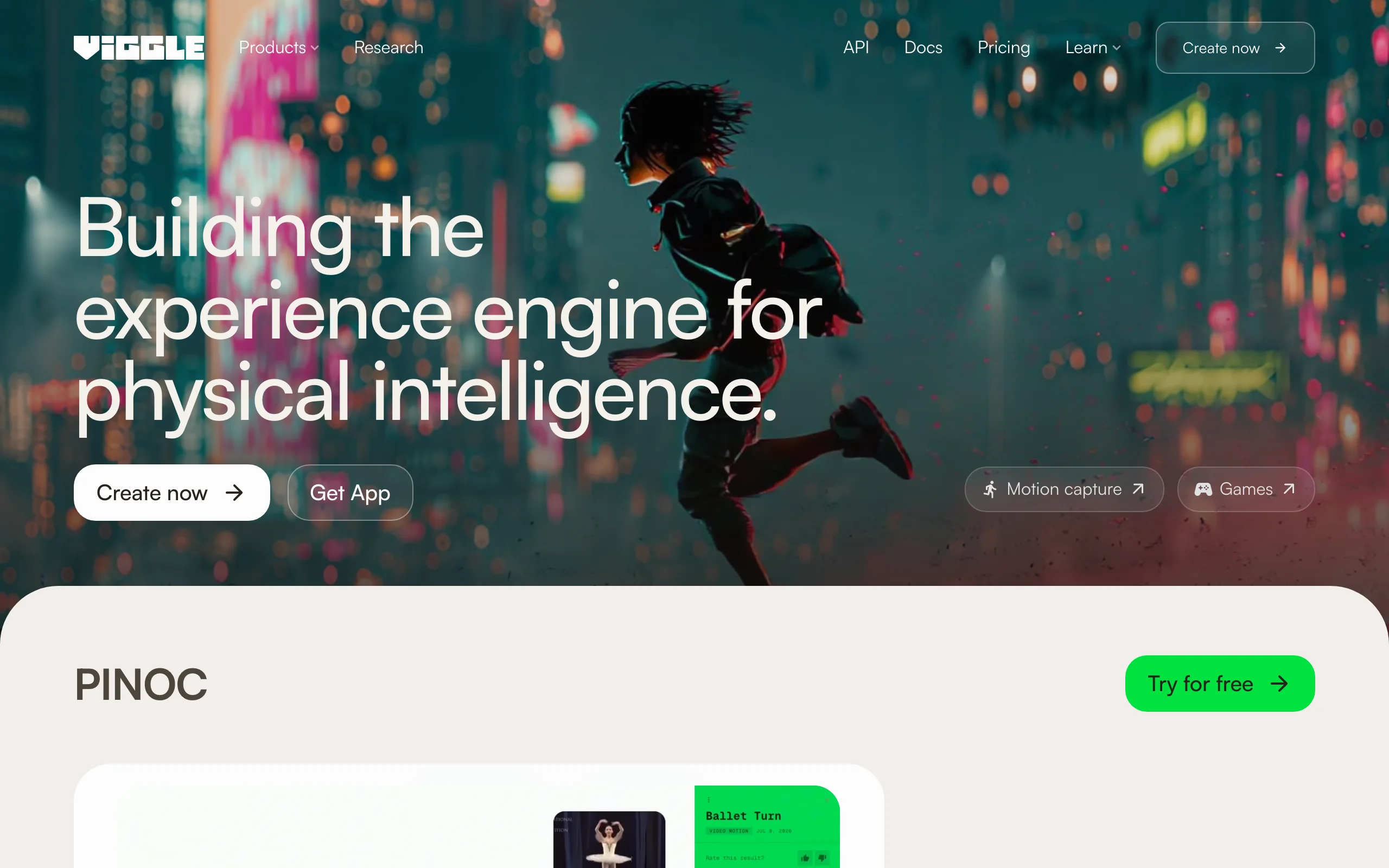
Viggle makes a character move the way someone else moved. Upload a character image and a motion video, and Mix puts your character into that motion: a dance, a meme moment, a sports clip. Viggle says its own Joint Space-Time model generates characters, motion, and scenes together, and it now also offers other models such as Kling and Veo on paid plans. Multi-track sessions handle more than one character, and Real-Time Swap lets you become a character live.
It is the fastest route from a still character to a viral motion clip. It is not built for narrative, dialogue, or long videos.
Key features
- Mix: put any character into the motion of an uploaded video
- Multi-track sessions for several characters in one clip
- Real-Time Swap to perform as a character live
- Motion video uploads up to 10 minutes on paid plans
Best for
- Meme pages and dance trends starring a mascot or cartoon character
- VTubers and streamers who want to perform as a character in real time
Pricing
- Pro $9.99/mo ($7.99/mo yearly): 80 credits, no watermark
- Live $19.99/mo ($15.99/mo yearly): 200 credits, all models including Seedance
- Max $79.99/mo ($63.99/mo yearly): 800 credits
Pros
- Lowest entry price in this list
- Motion transfer gives you exact choreography that prompts cannot describe
Cons
- You need a motion video for every clip you make
- Little control over story, dialogue, or scene design
6. Runway, best for acting out your character's performance
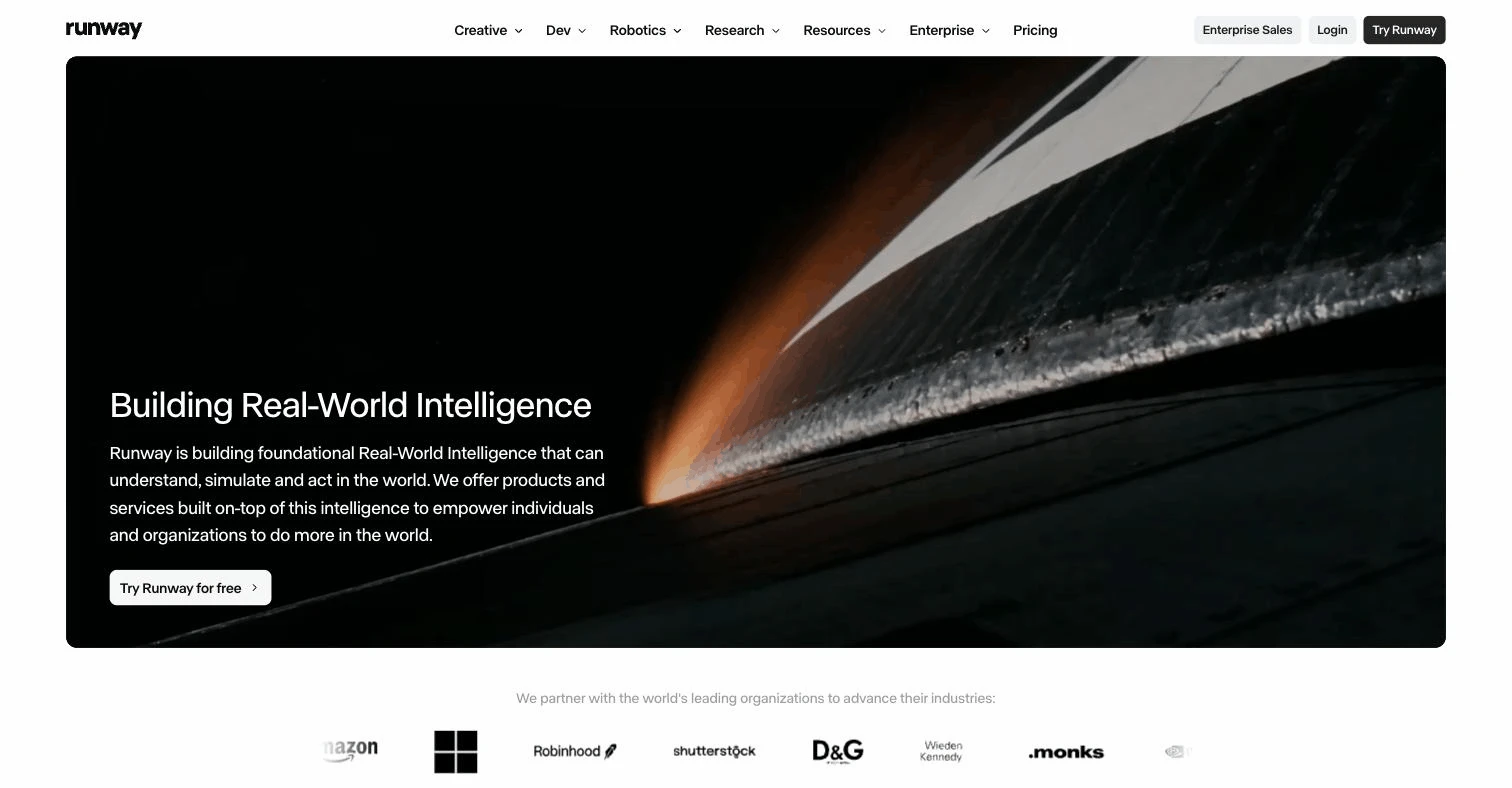
Runway gives you two character tools. Gen-4 References generates consistent characters and locations from a reference image, so the same person or creature shows up across shots. Act-Two is performance capture: record yourself on a webcam or phone and Runway transfers your head, face, body, and hand movement onto a character image, so you can act every line yourself.
That makes Runway the pick for filmmakers who care about acting more than speed. The company's focus has broadened toward an agent for marketing campaigns and real-time Runway Characters for developers, and its pricing still reads like a creative suite: credits shared across many models and tools.
Key features
- Act-Two: transfer your recorded performance onto a character, including hands and body
- Gen-4 References for consistent characters and locations across shots
- Gen-4.5 video with a first-frame image option
- Voice changes inside Act-Two
Best for
- Short films and sketches where a character needs real acting
- Teams already using Runway for editing and effects
Pricing
- Standard $15/mo ($12/mo yearly): 625 credits
- Pro $35/mo ($28/mo yearly): 2,250 credits, 1 custom voice clone
- Max $95/mo ($76/mo yearly): 9,500 credits, up to 3 custom voice clones
Pros
- Your own performance drives the character, so timing and emotion are exactly yours
- Mature toolset for editing around the generated clips
Cons
- Every performance needs you on camera, which slows down volume work
- Credits go fast at the entry tier, so a series gets expensive
How to choose a character tool for your videos
1) Do you need a whole video or one kind of motion?
- If you want the character, the scenes, the voice, and the captions in one place: ClipNova.
- If you need one specific motion and will edit the rest: Hedra for speech, Viggle for dance and memes, Runway for acted performances.
- If you want cinematic shots and are happy to assemble them: Kling AI.
2) One host or a whole cast?
- One recurring host, mascot, or spokesperson: ClipNova keeps them in your character library and carries them into new scenes, talking clips, and ads.
- An ensemble with many named characters: OpenArt spells out how many characters each plan keeps.
- If the character is a stylized fantasy hero you mainly need as still art, a fantasy character art generator may be all you need.
3) Which look does your niche want?
Pick the look before the tool. Kids stories lean Pixar 3D, anime shorts need clean cel shading, comedy skits work with ultra-realistic objects that talk, and UGC or faceless channels want a photoreal person shot like a phone video. ClipNova switches between these in one setting, so you can test three looks on the same idea in an afternoon.
4) What does a month of videos cost?
- Count clips, not plans. A weekly character series with six scenes per episode is roughly 24 scene clips a month plus narration.
- ClipNova at $19/mo covers character images, scene clips, and talking videos from the same credits, so one plan runs the whole series.
- Viggle at $9.99/mo is the cheapest way to post motion clips; Hedra at $20/mo is the cheapest way to post long talking clips.
- Before you subscribe anywhere, make the same character in two tools and generate three scenes with each. Consistency problems show up by the third scene.
Frequently asked
What is the best AI character generator for video?
ClipNova is the best overall pick because the character, the video scenes, the talking clips, and the finished narrated story all happen in one app. You create the character in AI Characters, then reuse it with Images to Video, the talking avatar tool, or a UGC ad. Kling AI is best for cinematic clips, Hedra for talking characters, Viggle for dance and memes, and Runway for acted performances.
How do I keep the same AI character in every video?
Generate one clear image of the character first, ideally a few angles in the same outfit and lighting, and keep reusing those images as references instead of re-describing the character in text. Tools with a reference or element system (ClipNova Images to Video, Kling Elements, OpenArt characters, Runway References) hold the face, hair, and clothes far better than prompts alone.
What is the difference between an AI character generator and an AI avatar generator?
An AI character generator designs a new character, realistic or stylized, that you can place in any scene or story. An avatar generator usually produces a presenter who talks to the camera in a fixed frame. Several tools now do both: in ClipNova a character you create can become a talking avatar with one click.
Can I make an AI cartoon character talk?
Yes. Hedra lip-syncs cartoon, mascot, and realistic characters from an audio file or a typed script, with videos up to 10 minutes. ClipNova sends a saved character straight to its talking avatar tool, and Kling can bind a voice sample to a character Element so it sounds the same in every clip.
Which AI character style works best for YouTube Shorts and TikTok?
It depends on the niche. Pixar-style 3D characters suit kids stories, anime suits action and drama shorts, ultra-realistic talking objects like fruit suit comedy skits, and a photoreal host suits faceless explainers and UGC ads. Test two looks on the same idea before committing, because a channel's character style is hard to change later.
Can I use AI-generated characters commercially?
On paid plans, usually yes. ClipNova includes full commercial rights on every plan, and Hedra lists commercial use on all paid plans. Keep the character original: copying a famous film or game character can break copyright and trademark rules even if the image is AI-made.
Do AI character generators work with my own photo?
Yes. ClipNova's AI Characters accepts an uploaded photo or a webcam shot as the starting character, Hedra and Viggle animate any image you upload, and Runway Act-Two maps your recorded performance onto a character image. Only use photos of yourself or of people who have agreed to it.
If I want a recurring character for a faceless channel, what should I use?
ClipNova fits a publishing schedule best, because you design the character once in eight looks, keep it in your character library, and reuse it in new scenes, talking clips, and narrated stories in 18 languages. Plans start at $19 a month and every plan includes every feature.