Anime is one of the most requested styles on every AI video tool, and one of the hardest to get right. Most models drift toward glossy 3D or flat cartoon, lose the character's face between shots, or add neon glow that no real anime studio would ship. The best AI anime video generators hold a hand-drawn look, keep one character recognizable, and give you something you can actually post.
The tools that rank for this search are not doing the same job. A few return a finished anime short with voices, music, and captions. Most return a few seconds of beautiful motion you still have to edit, and one or two restyle footage you already shot.
This guide compares the 7 best AI anime video generators in 2026, with live-verified pricing, what each one outputs, and a framework for choosing the right one for your channel.
Best AI anime video generators: a brief overview
Finished anime shorts from a prompt
- ClipNova: Best overall. A scene description becomes an anime short in an authentic hand-drawn film look, with narration, music, and captions, ready for TikTok, Reels, and Shorts.
Anime clip models you direct shot by shot
- Vidu: Best for keeping the same anime character across shots, using several reference images at once.
- PixVerse: Best for fast, effect-driven anime clips for social feeds, with many models on one credit balance.
- Kling: Best for anime action and fight choreography.
- Hailuo: Best for expressive character acting and emotional close-ups.
Specialist anime tools
- Midjourney: Best for art-directing the anime look first, then animating your best frames.
- DomoAI: Best for turning real footage into anime.
| Tool | Best for | Starting price | Output |
|---|---|---|---|
| ClipNova | Finished anime shorts with voice and captions | From $19/mo | Full video up to 5 min, narration, music, captions |
| Vidu | Consistent anime characters | $8/mo yearly ($10 monthly) | Clips up to 16s, 1080p, multi-reference |
| PixVerse | Fast anime clips and effects | $8/mo yearly ($10 monthly) | Short clips, 720p on Standard, 1080p on Pro |
| Kling | Anime action and fights | About $9/mo (Standard) | 5-10s clips, 1080p |
| Hailuo | Expressive character acting | From $9.99/mo | Short clips up to 2K |
| Midjourney | Art-directed anime frames to animate | $10/mo ($8 yearly) | Image-to-video, 5s extendable to about 21s |
| DomoAI | Real footage to anime | $9/mo yearly ($13 monthly) | Restyled clips, 4K upscale |
Reading the table: only ClipNova returns a video a viewer watches from start to finish without more work. The rest return shots you assemble, voice, and caption yourself. That is the right choice if you want to direct every beat, and a lot of extra work if you wanted an episode.
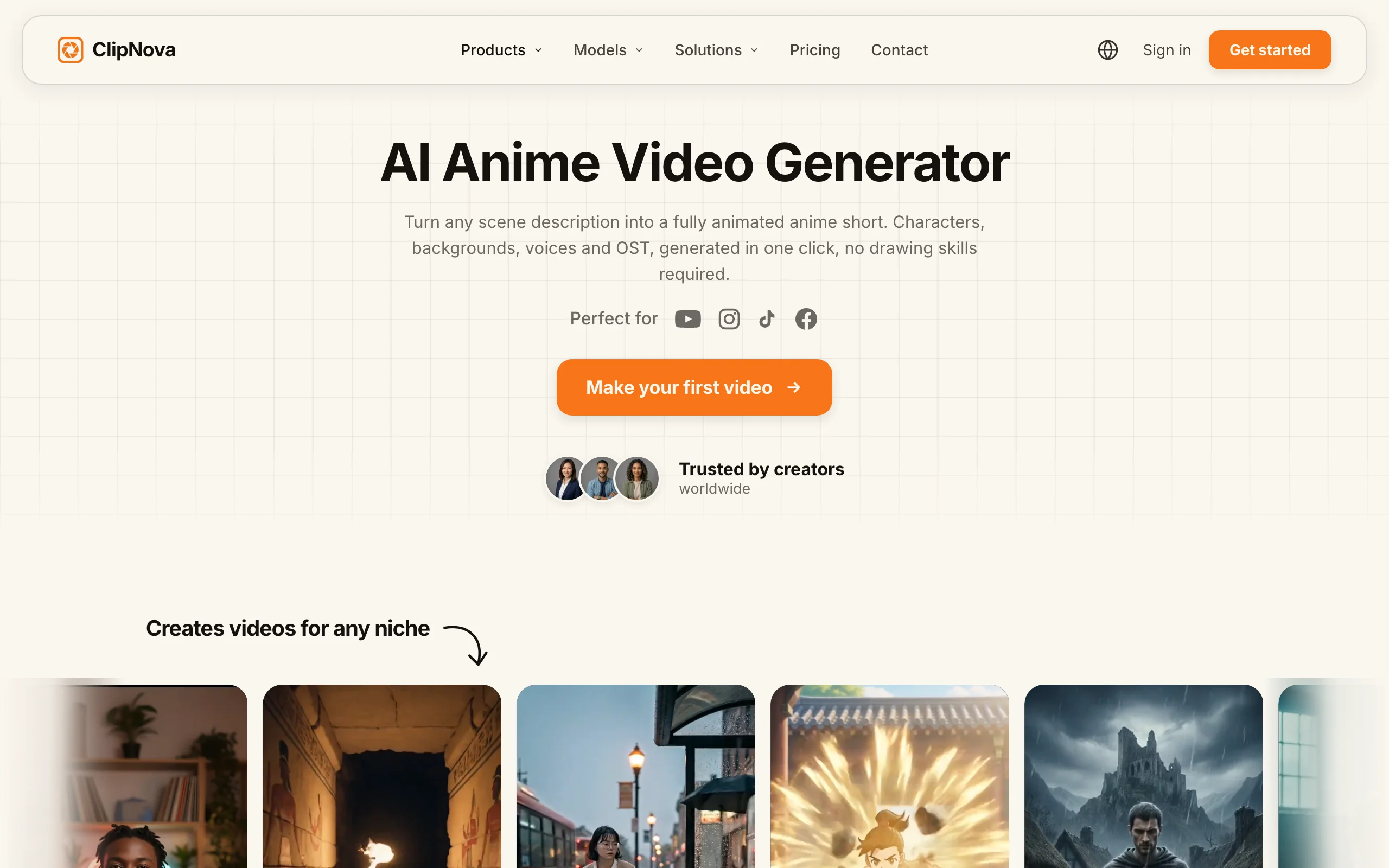
1. ClipNova, best overall AI anime video generator
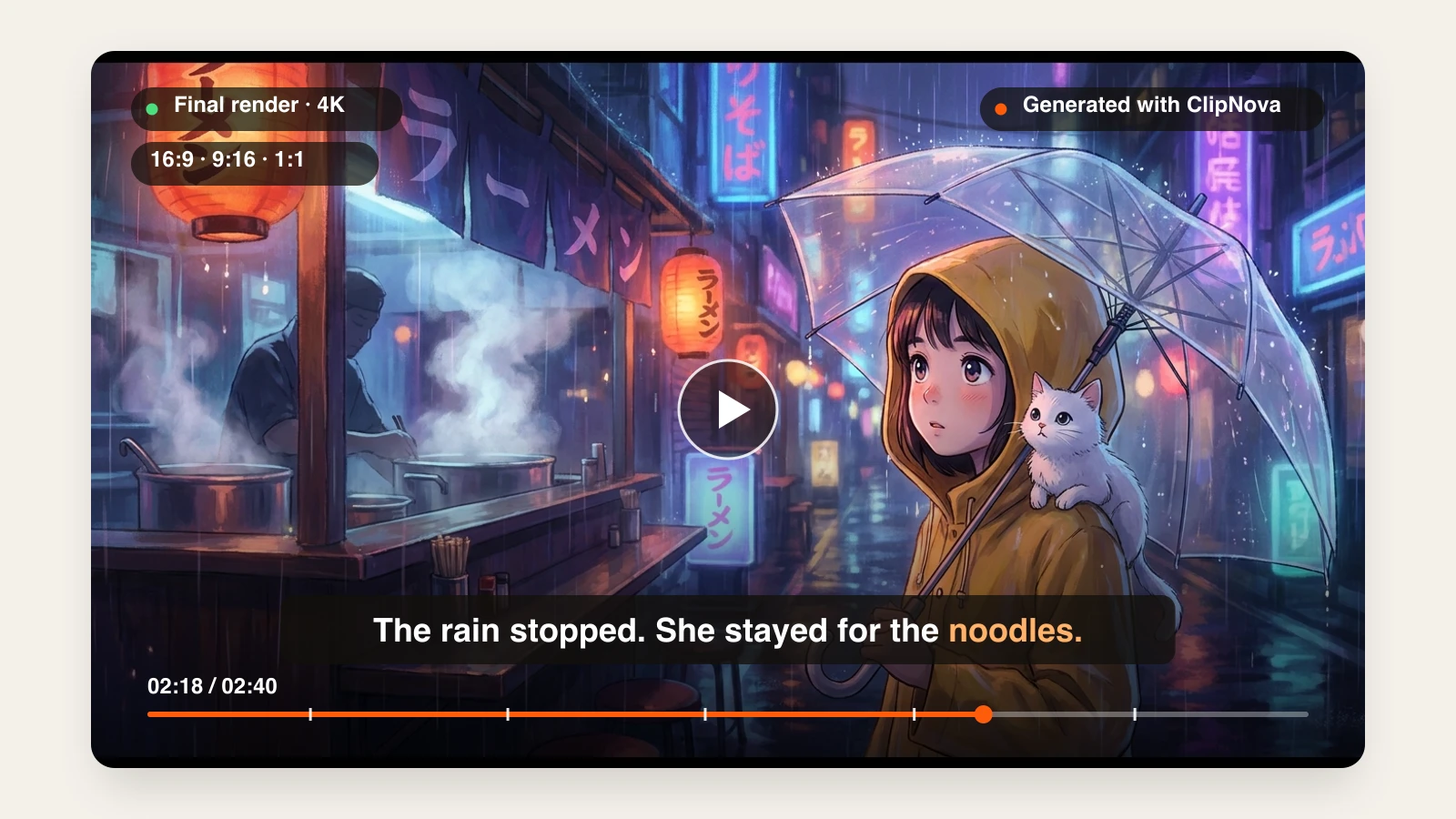
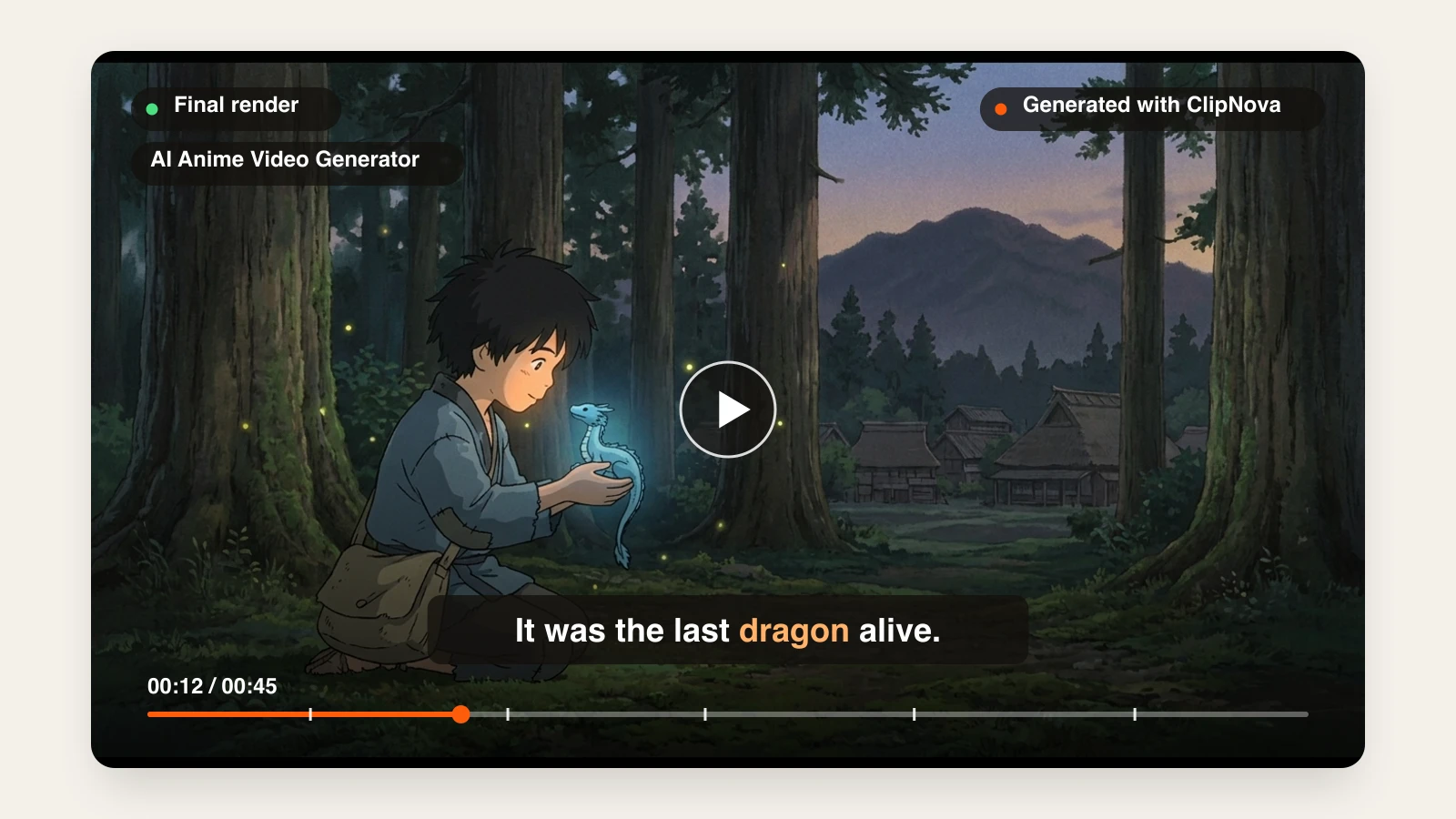
Most anime tools stop at the shot. ClipNova delivers the short. You describe the scene in plain words, and the AI anime video generator renders it in an authentic Japanese film look: hand-drawn cel animation, painted backgrounds, muted natural colors, and clean thin line art, with no neon glow or plastic 3D sheen. Turn on narration, background music, and captions, and the clip comes back ready to post, with a saved character drawn the same way in every scene.
Behind the anime look sits what ClipNova does best: finished long videos with characters who stay the same.
- Long: when a short anime scene grows into a full story, the same project runs up to 5 minutes.
- Consistent characters: save your lead once and the same face, hair and outfit carry from scene to scene; Series keeps the whole cast for every episode and remembers the plot.
- Finished: script, anime scenes, voiceover, captions and music arrive together, and you can rework any one scene in Studio before posting.
For longer stories, the same look is available as the Anime and Ghibli Style presets in Prompt to Video, which writes the script, animates every scene with one consistent character, voices it, and burns in captions.
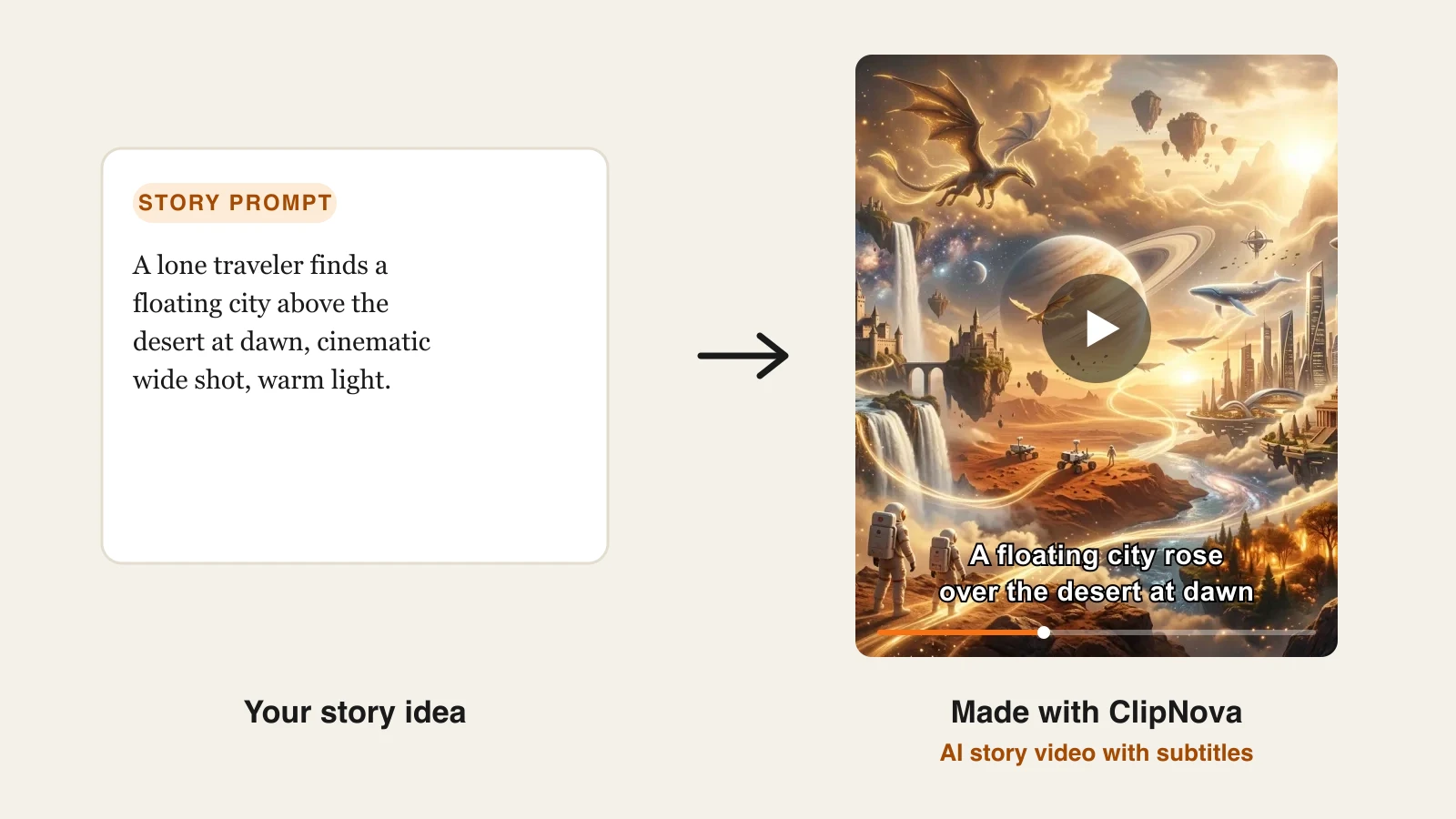
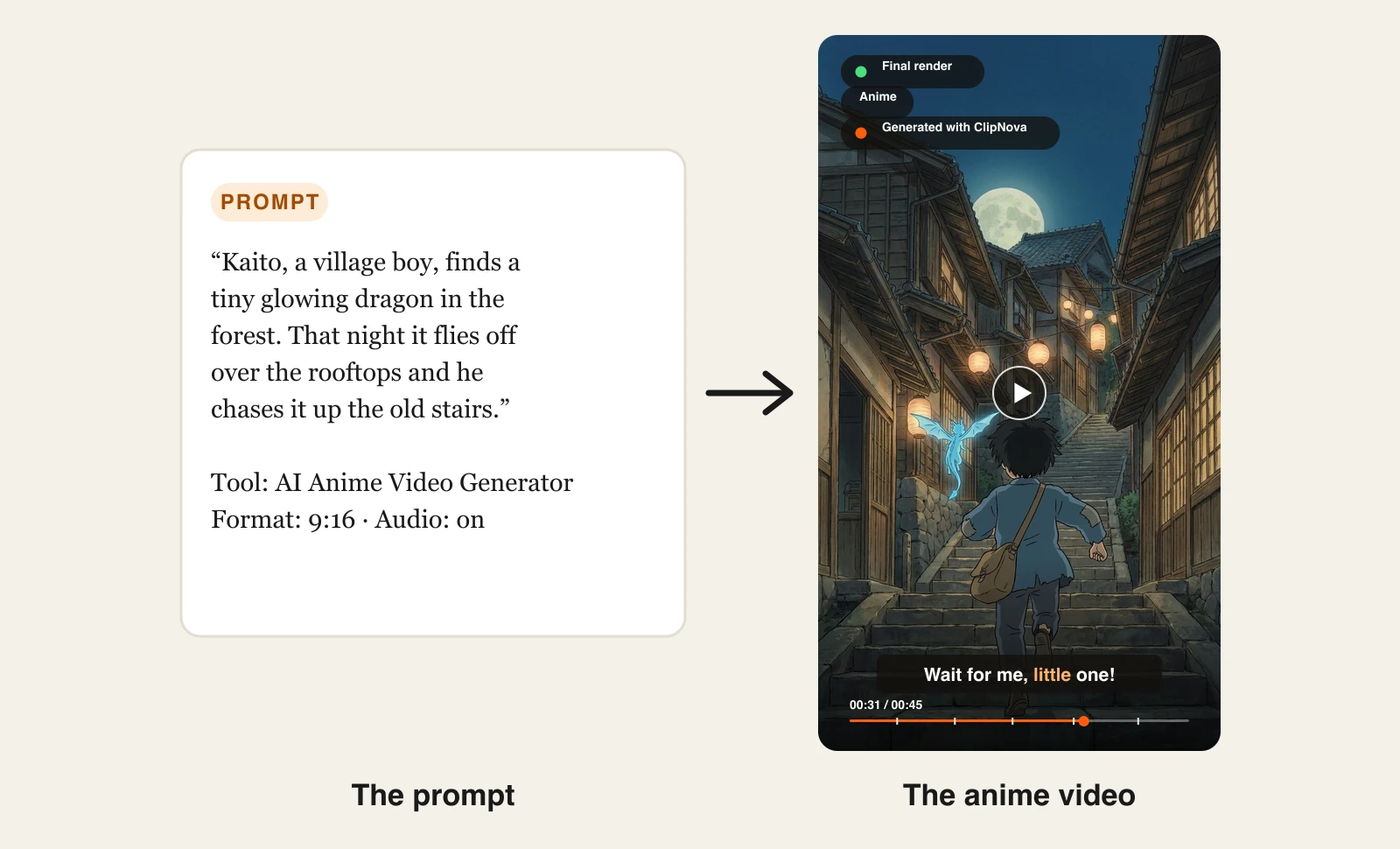
Here is one short scene description and the anime video that came back:
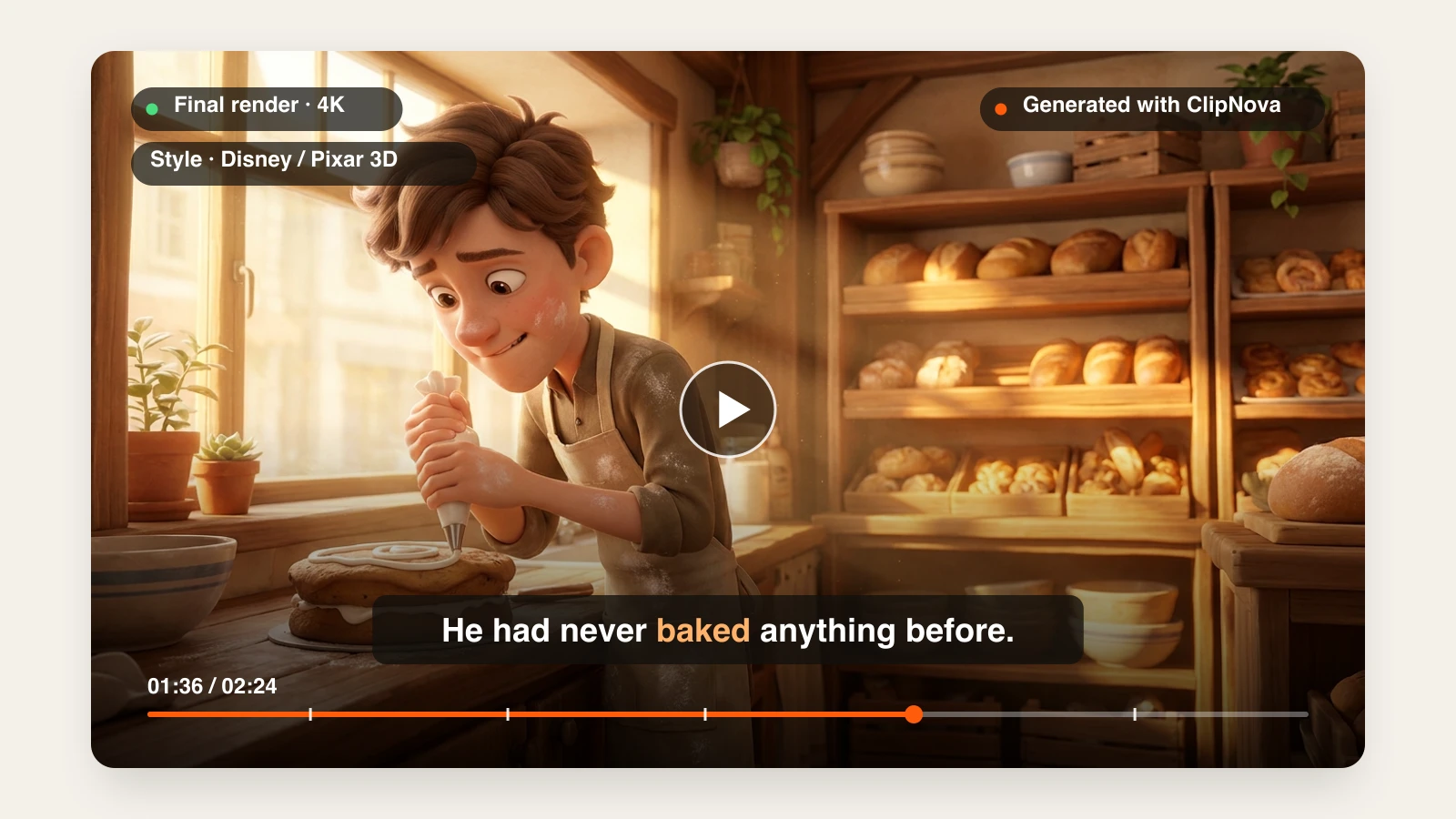
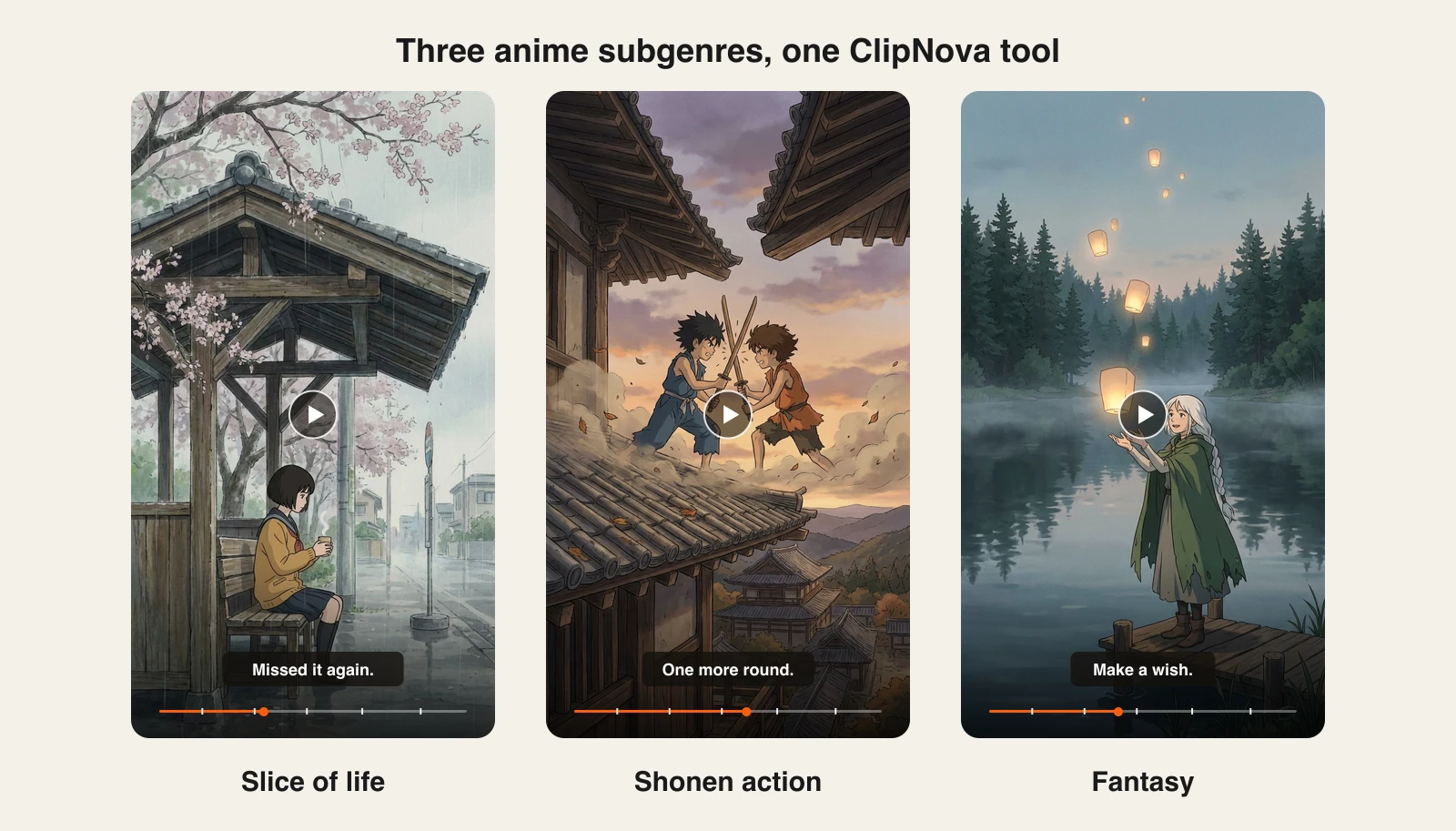
The same tool covers the subgenres anime channels actually post, from quiet slice-of-life to shonen fights and fantasy:
How to make an anime video with ClipNova
- Sign up for the ClipNova app.
- Open AI Video Studio and choose AI Anime Video Generator.
- Describe one scene: the character, the place, the time of day, and the single action that happens. Naming the subgenre (slice-of-life, shonen, fantasy) sharpens the look.
- Pick AI Video for full animation or Moving AI Images for a cheaper animated-panel style, then choose a quality tier.
- Switch on Narrate the story, add background music if you have a track, and keep Captions on.
- Generate, then download the 9:16 video for TikTok, Reels, and Shorts.
To pick between anime and other looks (3D, claymation, watercolor) on the same story, see the AI animation generator.
Key features
- An authentic hand-drawn anime film look instead of generic 3D or flat cartoon
- Anime and Ghibli Style presets for multi-scene stories up to 5 minutes
- Narration in 18 languages, background music, and word-synced burned-in captions
- AI Video or Moving AI Images, with Base, Pro, and Ultra quality tiers
- Vertical-first output for Shorts, Reels, and TikTok
Best for
- Anime story and lore channels posting several videos a week
- Creators who want an original anime character, not a restyle of existing footage
- Non-Japanese creators narrating anime shorts in their own language
Pricing
- Hobby $19/mo (1,000 credits), Starter $49/mo, Growth $99/mo, Ultra $199/mo; 20% off yearly
- Every plan includes the full feature set and commercial rights; plans differ only in credits
Pros
- The only tool here that returns a narrated, captioned anime short from one description
- Holds a restrained, film-like anime look without prompt engineering
- One subscription covers anime plus every other ClipNova tool
Cons
- Not built for frame-by-frame directing; use a clip model if you want to control every shot
- Newer brand than Kling or Midjourney, with a smaller community of shared prompts
2. Vidu, best for consistent anime characters
Vidu, from ShengShu, has a strong reputation with anime creators because its models hold an illustrated style well and its reference-to-video mode takes several images of the same character at once. That makes it one of the better clip tools for keeping a face, hairstyle, and outfit stable across a sequence of shots.
It is a clip generator: each generation is a short shot, and you assemble, voice, and caption the sequence in an editor.
Key features
- Reference-to-video with multiple character reference images for consistency
- Text-to-video and image-to-video in anime and illustrated styles
- Clips up to 16 seconds, up to 1080p
- Commercial use on paid plans
Best for
- Creators building a recurring anime character across many short shots
- Artists who already have character sheets and want them animated faithfully
Pricing
- Standard $8/mo billed yearly ($96/yr), or $10 monthly, with 800 credits
- Premium $28/mo and Ultimate $79/mo billed yearly
Pros
- Among the strongest character consistency for illustrated and anime styles
- Low entry price for the credit allowance
Cons
- Returns clips, not finished videos; voice, music, and captions are on you
- Credit costs rise quickly with longer or higher-resolution shots
3. PixVerse, best for fast anime clips and effects
PixVerse is built for speed and social formats. Its own models handle anime and stylized looks well, and its effect templates (transformations, hugs, fights) are popular for short anime edits. The app also hosts several third-party models, including Kling and Sora 2, on the same credit balance, so you can try a shot in more than one engine.
Key features
- Anime and stylized generation from text or an image
- One-click effect templates for short social edits
- Several third-party models (Kling, Sora 2, and others) in the same app
Best for
- Anime edit accounts that post quick effect-driven clips every day
- Creators who want to compare several models without separate subscriptions
Pricing
- Standard $8/mo billed yearly ($10 monthly): 1,200 credits a month, no watermark
- Pro $24/mo and Premium $48/mo billed yearly
Pros
- Fast generations
- Effect templates make trend formats a one-click job
Cons
- Standard exports at 720p; 1080p needs Pro
- Effect-driven clips can look samey across accounts using the same templates
4. Kling, best for anime action and fights
Kling is one of the strongest general video models for motion, and that carries over to anime: sword clashes, running, and fast camera moves hold together better than on most models. It is a favorite for anime fight scenes and "character vs character" battle edits, which are among the most requested anime prompts.
Key features
- Strong, coherent motion for action and camera moves
- Text-to-video and image-to-video, with start and end frames
- 5 to 10 second clips at up to 1080p
Best for
- Anime battle and fight edits
- Creators who design key frames in another tool and need them animated with energy
Pricing
- Standard is about $9/mo ($6.99 for the first month, then $8.80), with 660 credits
- Higher Pro and Premier tiers for more credits
Pros
- Among the best motion quality for fast action
- Low cost to start
Cons
- Leans toward realism unless you prompt the anime style carefully
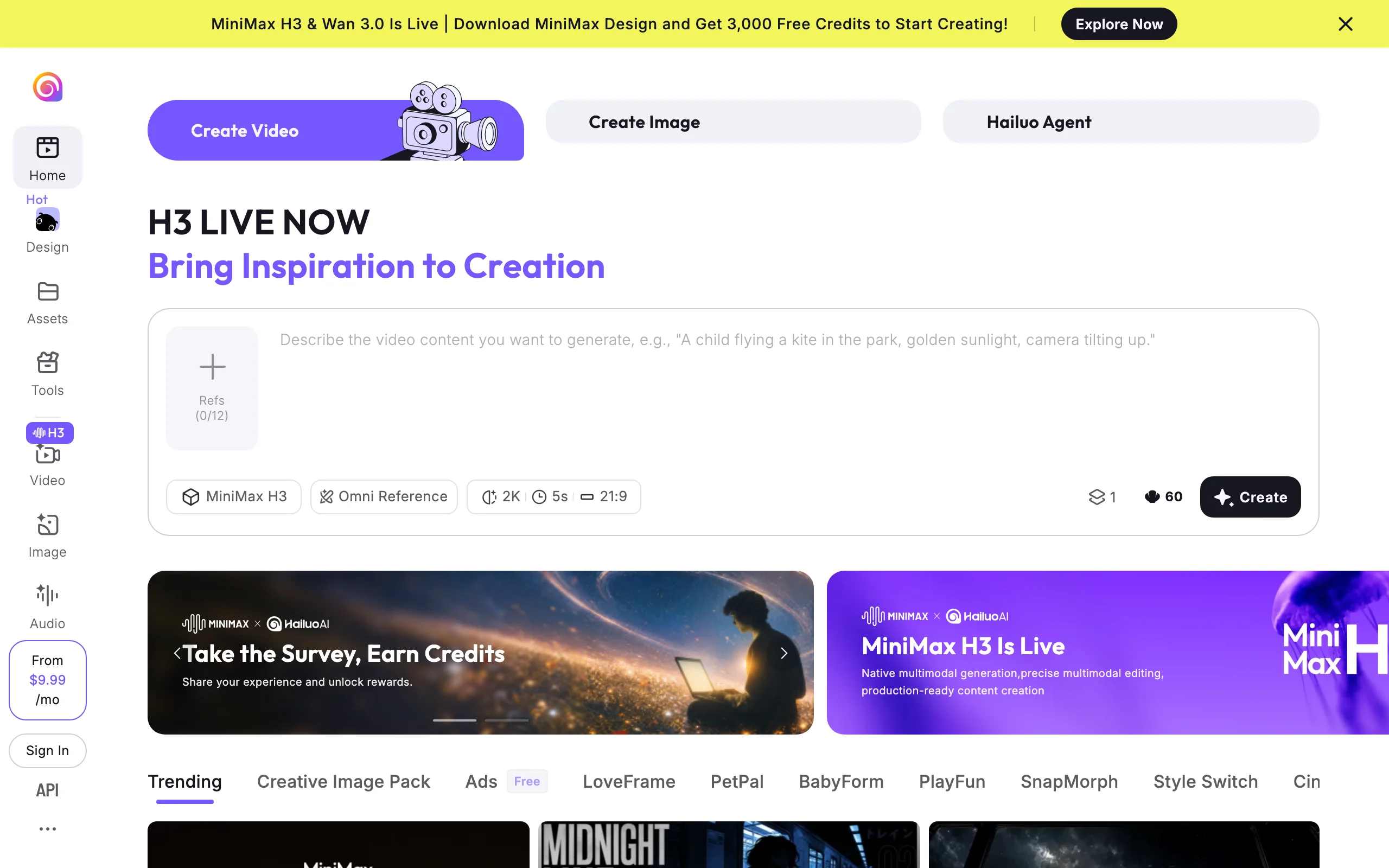
5. Hailuo, best for expressive character acting
Hailuo, from MiniMax, is known for faces and emotion: small expressions, tears, glances, and reactions come through clearly, which suits dramatic anime moments and romance scenes. The latest MiniMax models accept multiple reference images, which helps keep a character on model.
Key features
- Expressive facial animation and emotional close-ups
- Omni Reference with multiple reference images
- Short clips up to 2K, in several aspect ratios including cinematic 21:9
Best for
- Emotional anime scenes, confessions, and dramatic reveals
- Creators animating their own anime character designs
Pricing
- Plans from $9.99/mo
Pros
- Some of the best facial expression among clip models
- Wide aspect-ratio support for cinematic framing
Cons
- Short clips only; you still edit, voice, and caption
- Action scenes are less reliable than Kling's
6. Midjourney, best for art-directing the anime look
Midjourney is where many anime artists design their look before animating it. Its anime-focused niji model produces some of the most polished anime illustration available, and the built-in video model animates any image into a short clip. The workflow is image first, motion second, which gives you exact control over the frame but not over a full scene.
Key features
- niji model for high-end anime illustration
- Image-to-video: 5-second clips, extendable to about 21 seconds
- Style and character references for a consistent look
Best for
- Anime artists who care about the exact frame composition
- Creators building thumbnails, key art, and short animated loops
Pricing
- Basic $10/mo ($8/mo billed yearly), Standard $30/mo, Pro $60/mo, Mega $120/mo
Pros
- Best-in-class anime illustration quality
- Video is included in the same subscription as images
Cons
- Animation is short and image-driven, with no story, voice, or captions
7. DomoAI, best for turning real footage into anime
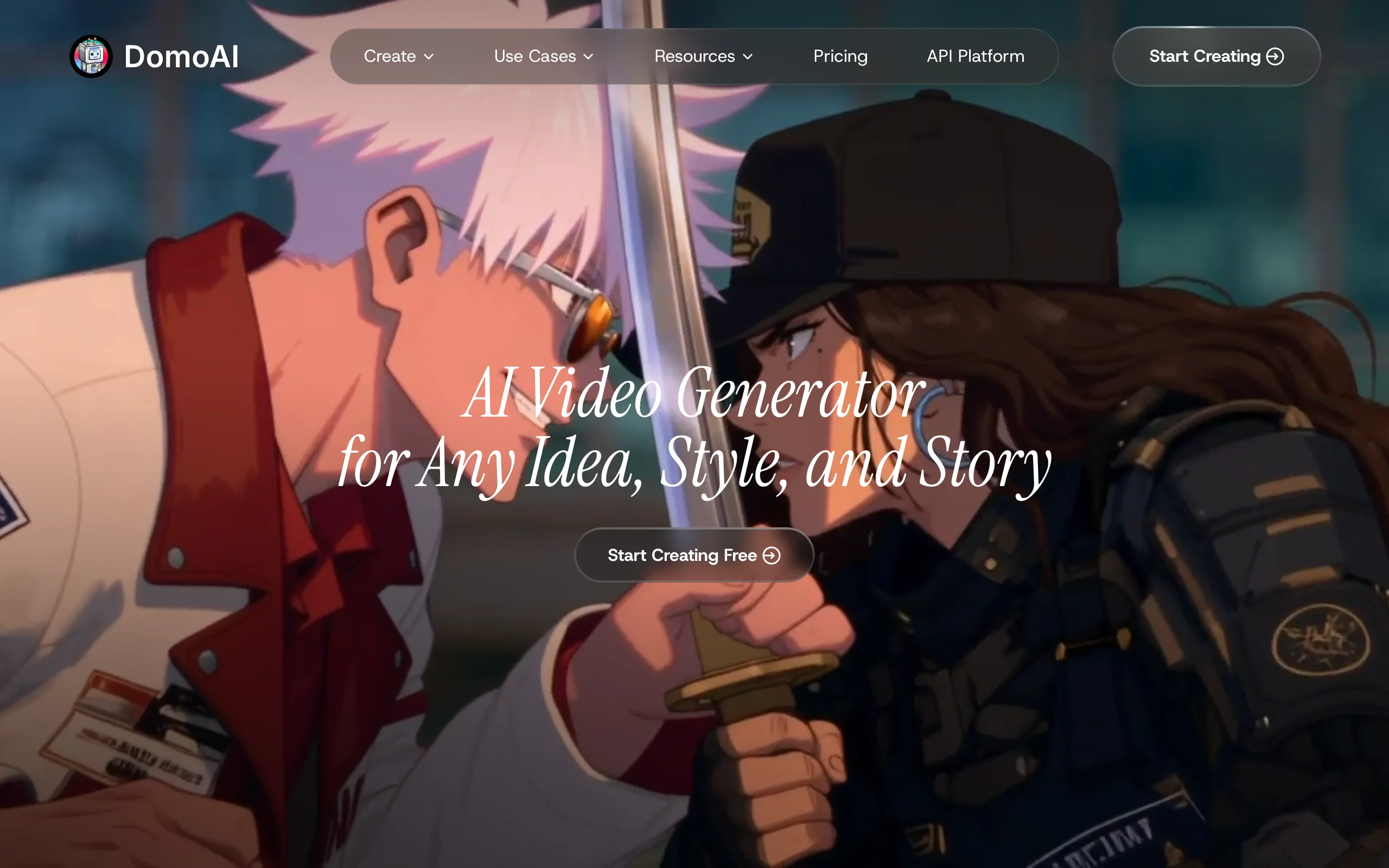
DomoAI takes the opposite route: instead of generating anime from text, it restyles video you already have. Film yourself, a dance, or a scene with friends, and DomoAI converts it into anime and other illustrated looks while keeping the original motion. That makes it popular for anime transformation trends.
Key features
- Video-to-anime restyling that keeps your original motion
- 50+ style templates, including several anime looks
- Image animation and 4K video upscaling
Best for
- Creators who perform the motion themselves and want an anime version
- Anime transformation and dance trends
Pricing
- Basic $9/mo billed yearly ($13 monthly): 600 credits
- Standard $29/mo and Pro $99/mo billed yearly
Pros
- The easiest way to turn real performance into anime motion
- Keeps timing and choreography from your source video
Cons
- You need source footage; it does not invent scenes from text as its main job
- Output quality depends on how clean the original video is
How to choose the best AI anime video generator for your workflow
1) Do you want a finished short or raw shots?
- If you want a video you can post today, with narration, music, and captions: ClipNova.
- If you want to direct every shot and edit it yourself: Vidu, Kling, or Hailuo, plus an editor.
2) Are you inventing a character or restyling footage?
- If the character is original and lives in your prompt: ClipNova, Vidu, or Midjourney to design it first.
- If you are performing the motion yourself: DomoAI converts your footage into anime.
3) What kind of anime scene is it?
- Action and fights: Kling for motion, or ClipNova with "shonen" in the description for a finished edit.
- Emotional close-ups: Hailuo.
- Quick trend edits and effects: PixVerse.
- Quiet slice-of-life and lore narration: ClipNova, where the narration carries the story.
4) How many videos do you publish?
Price per finished video matters more than price per clip. A 45-second anime short built from 5-second clips means 9 or more generations, plus editing, voice, and captions. If you post several times a week, a tool that returns the finished video usually costs less in time and credits. Test on your real niche first: ClipNova's $19/mo Hobby plan is enough to test full shorts, and the $8/mo entry plans on Vidu and PixVerse are a cheap way to compare single shots. For more animated looks beyond anime, see the best AI cartoon video generators.
Frequently asked
What is an AI anime video generator?
An AI anime video generator turns a text description, an image, or a video into animated footage in an anime style, without drawing frames. You describe the characters and the action and the model renders the motion. Some tools, like ClipNova, return a finished short with narration, music, and captions; most return a few seconds of footage you edit yourself.
What is the best AI anime video generator in 2026?
ClipNova is the best overall AI anime video generator if you want finished videos, because one scene description returns an anime short in an authentic hand-drawn film look with narration, music, and captions. Vidu is the strongest clip tool for character consistency, Kling for action and fights, and DomoAI for turning your own footage into anime.
How do I keep the same anime character across a video?
Use a tool with a consistency mechanism and describe the character the same way every time (hair, outfit, one signature detail). ClipNova holds one character design across every scene of a Prompt to Video story. Vidu and Hailuo accept several reference images of the character, and Midjourney uses character and style references.
Can AI turn my own video into anime?
Yes. DomoAI is built for this: it restyles footage you already shot into anime while keeping your original motion and timing. Generators like ClipNova, Vidu, and Kling create anime from a text description instead, which is better when the character and scene only exist in your head.
Can I use copyrighted anime characters in AI videos?
You should not. Prompting for existing characters from well-known series can infringe copyright and trademarks, and platforms can remove or demonetize those videos. Original characters are safer to publish and monetize, and they build a channel identity you own.
Can I monetize AI anime videos on YouTube and TikTok?
Yes, when your plan includes commercial rights and the content is original. ClipNova includes commercial rights on every plan, while on other tools commercial use depends on your tier. Platforms also demonetize repetitive templated content, so original stories and a recurring character matter.
If I want to run an anime story channel, which tool should I use?
ClipNova fits a publishing schedule best, because each description returns a narrated, captioned anime short, and the Anime and Ghibli presets extend the same look to multi-scene stories up to 5 minutes. Start on the Hobby plan and post two or three test shorts in your niche before scaling up.