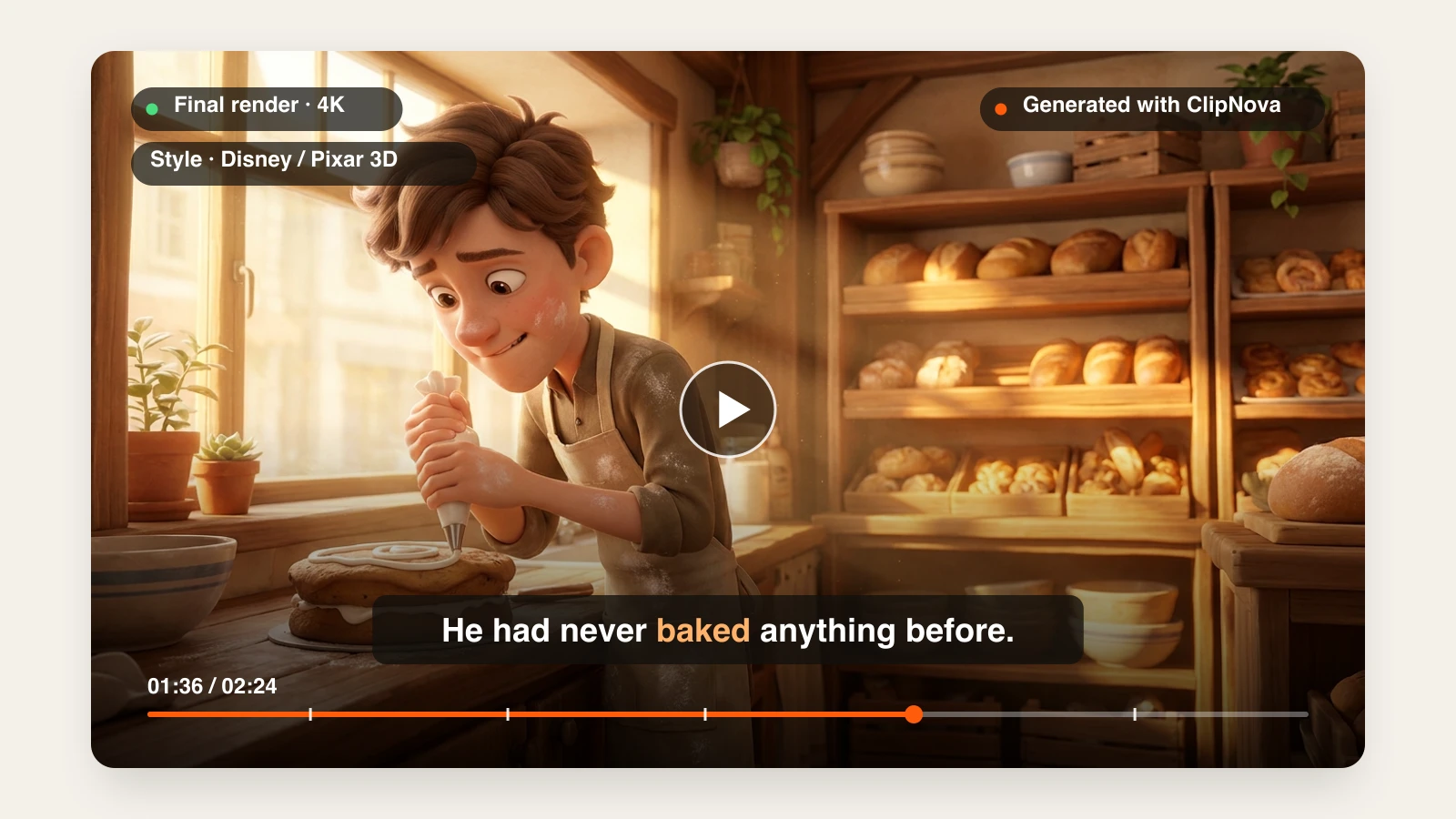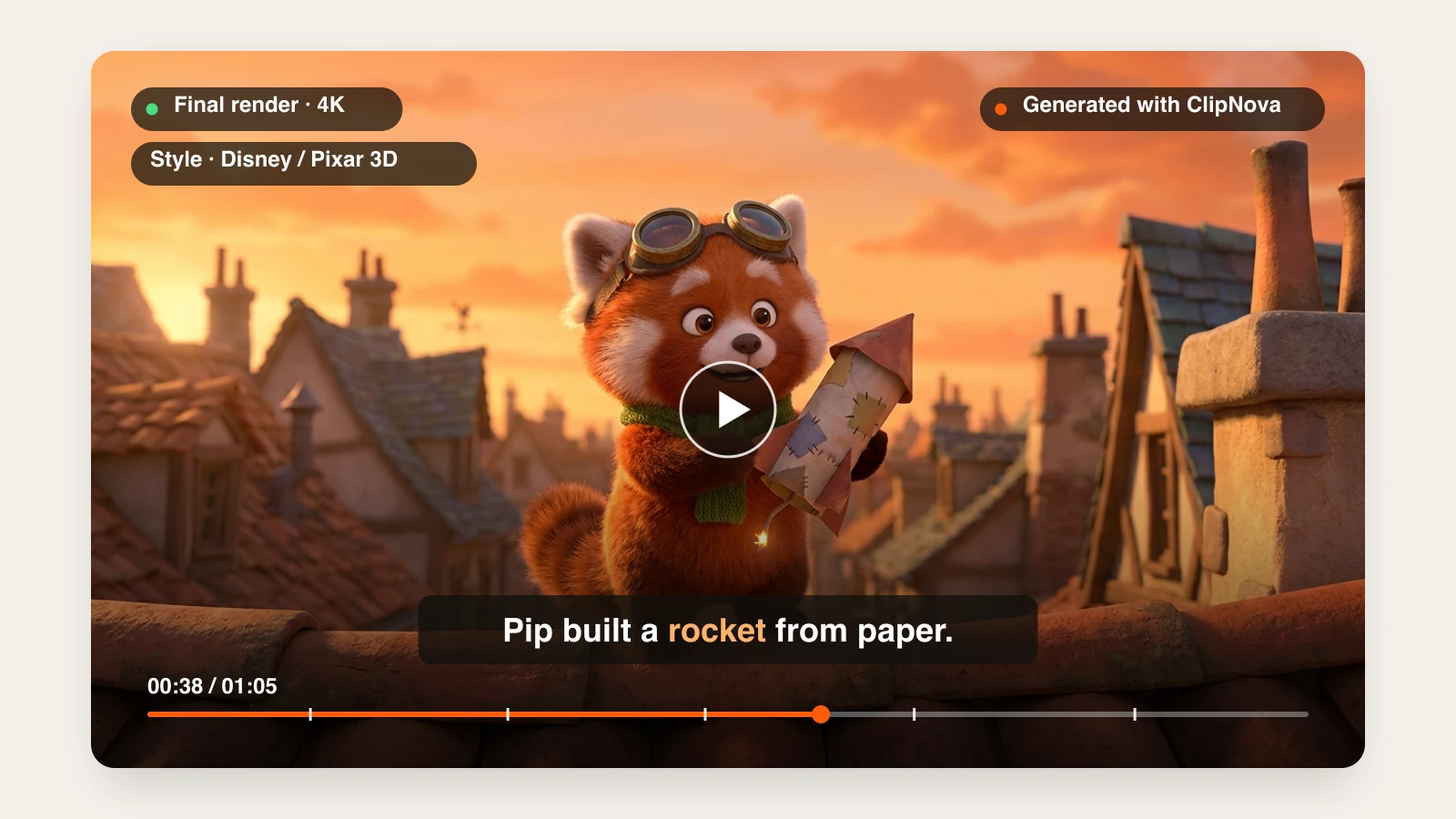
Animation used to mean months of drawing, rigging, and rendering for a few minutes of footage. An AI animation generator compresses that into a prompt: you describe a character and what happens, pick a look, and the tool renders the motion. The same idea can come back as a Pixar-style 3D short, a hand-drawn anime scene, a claymation episode, or a watercolor storybook.
The tools that rank for "AI animation generator" are not doing the same job, though. Some return a finished video with a story, voices, music, and captions. Some return a few seconds of beautiful motion you still have to edit. Others animate a 3D avatar or restyle footage you already shot.
This guide compares the 7 best AI animation generators in 2026, with verified pricing, what each one actually outputs, and a framework for picking the right one for your channel or project.
Best AI animation generators: a brief overview
Finished animated videos from a prompt
- ClipNova: Best overall. One prompt becomes a complete animated video in the style you pick (Pixar-style 3D, anime, Ghibli, watercolor, claymation, pixel art), with the same character in every scene, voices, music, and captions.
- Renderforest: Best for template-driven explainers. Text to 2D, 3D, whiteboard, or anime scenes inside a full editor with stock assets and a brand kit.
Animation models you direct shot by shot
- Adobe Firefly: Best for commercially safe animation inside Adobe workflows, with several partner video models on one credit balance.
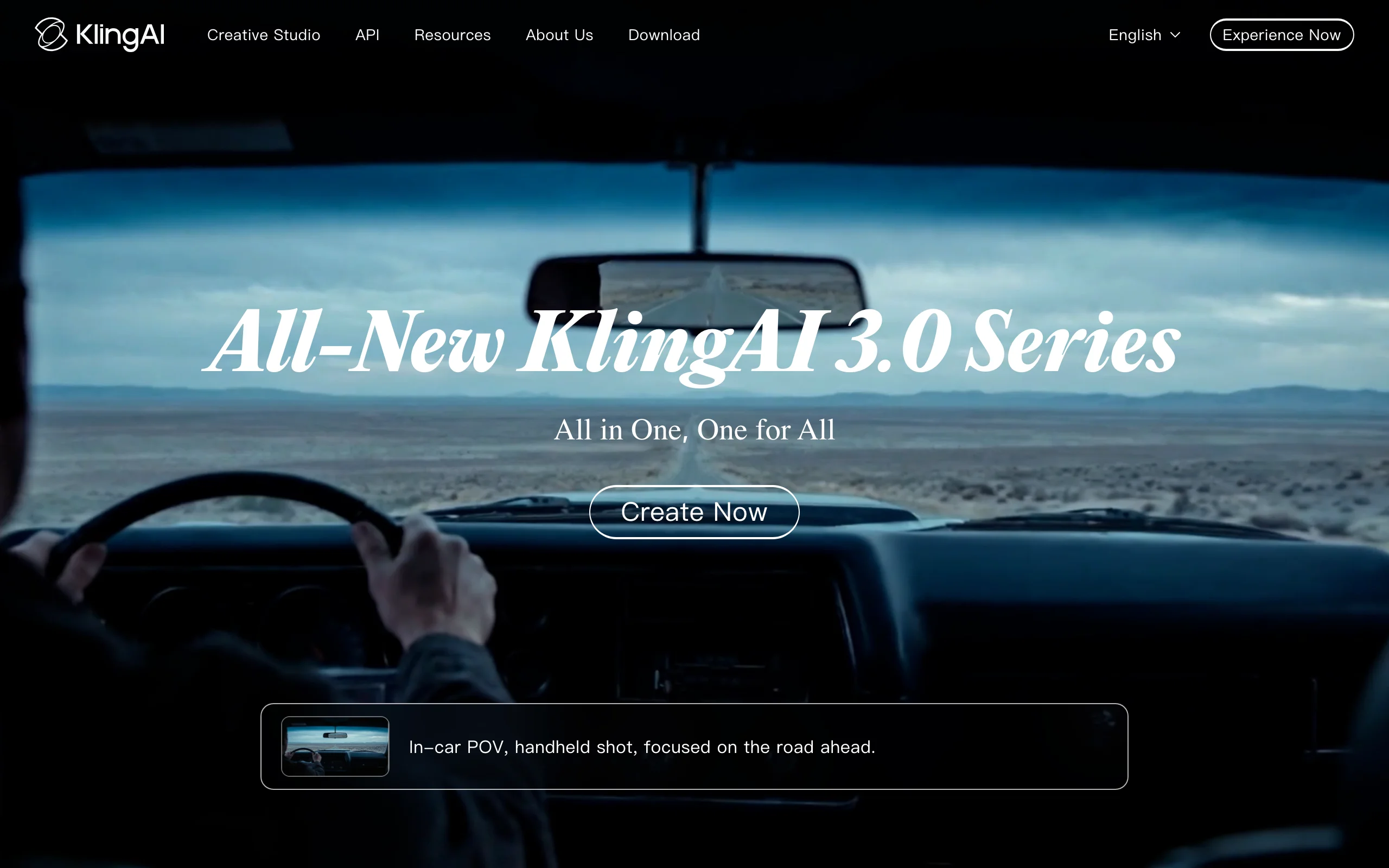
- Kling: Best for expressive character motion in short 3D and cartoon clips.
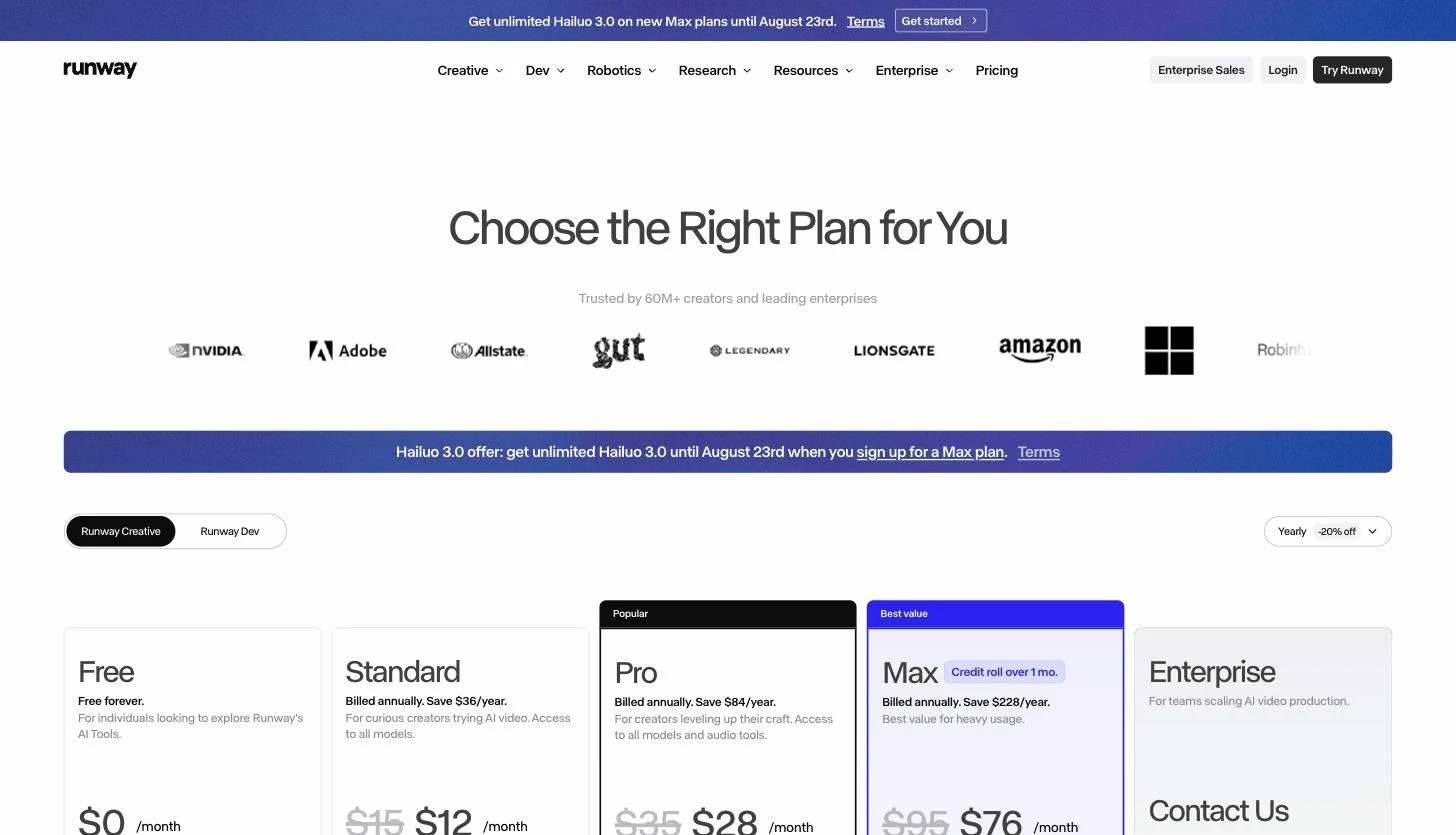
- Runway: Best for performance-driven character animation, where your own acting drives the character.
Specialist animation tools
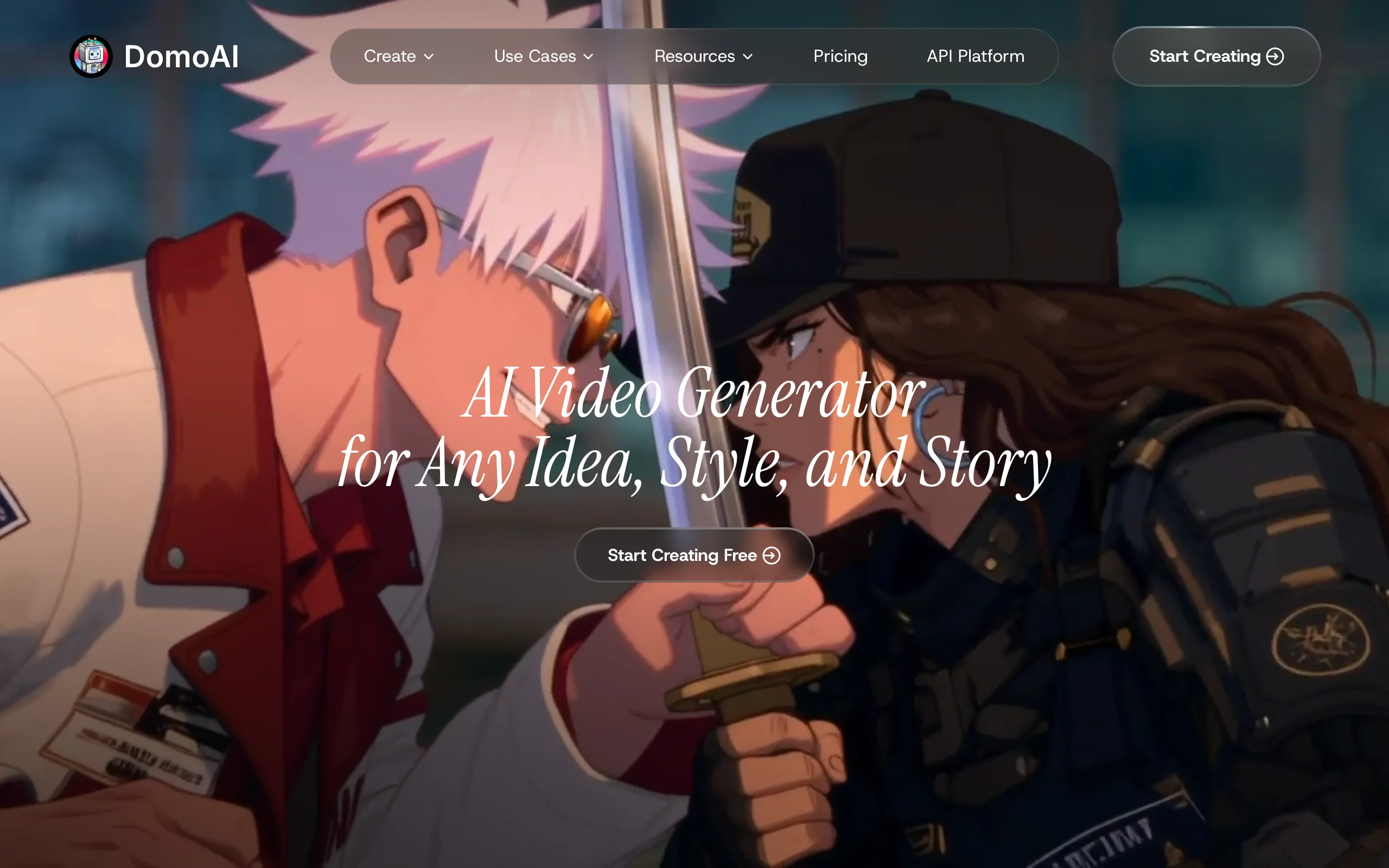
- DomoAI: Best for turning real footage into anime and other animated styles.
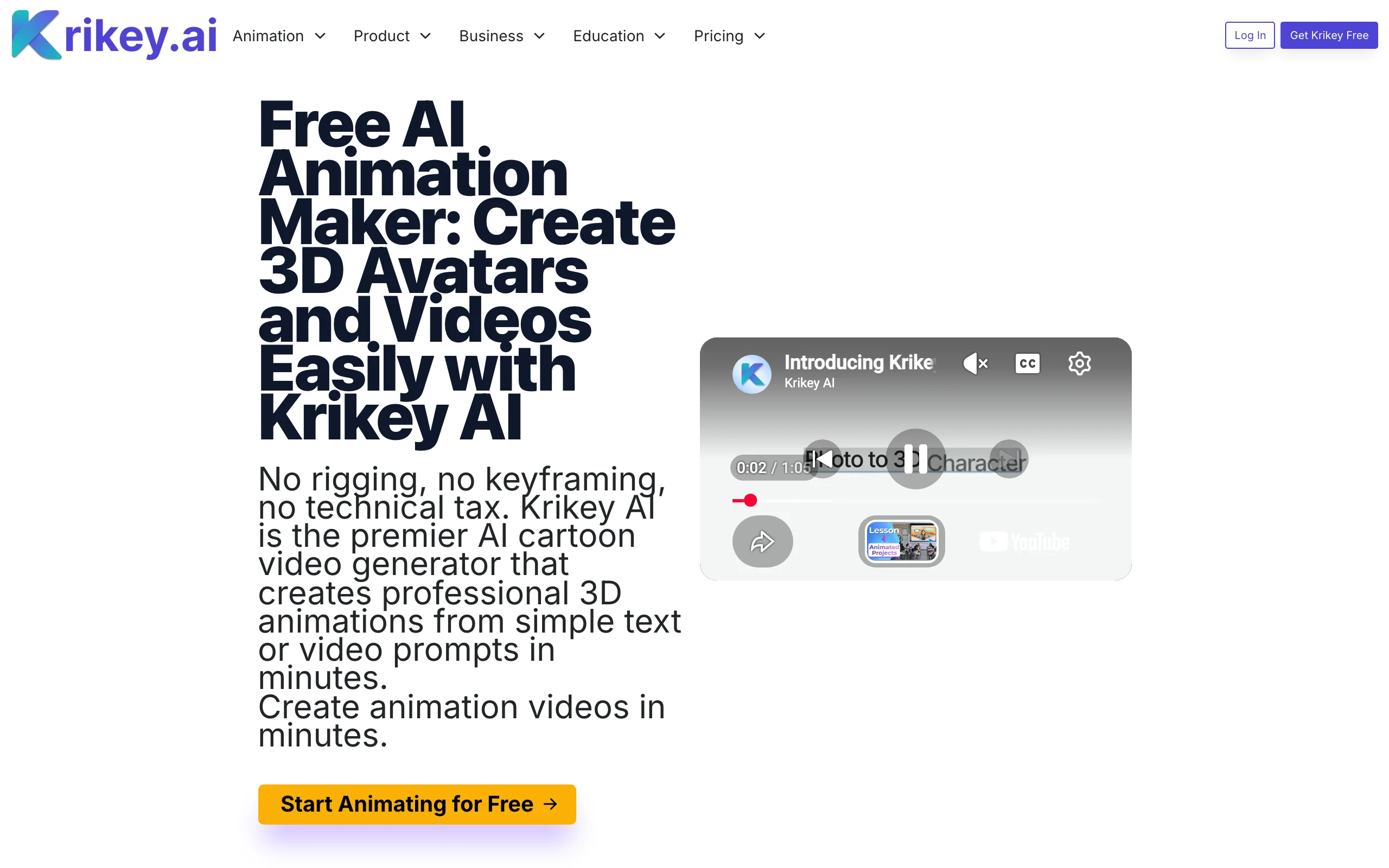
- Krikey AI: Best for 3D avatar animation you can export to game engines and editing tools.
| Tool | Best for | Starting price | Output |
|---|---|---|---|
| ClipNova | Finished animated videos in any style | From $19/mo | Full video up to 5 min, voices, music, captions |
| Renderforest | Template-driven animated explainers | $8/mo (billed yearly) | Edited video, HD720 to 4K by plan |
| Adobe Firefly | Commercially safe animation in Adobe apps | $9.99/mo | 5-second 1080p clips, several models |
| Kling | Expressive character motion | $10/mo | 5-10s clips, 1080p |
| Runway | Performance-driven characters | $15/mo ($12 yearly) | Clips, Act-Two performance capture |
| DomoAI | Footage to anime styles | $9/mo yearly ($13 monthly) | Restyled clips, up to 4K upscale |
| Krikey AI | 3D avatar animation | $15/mo | 3D animation, MP4 and FBX export |
Reading the table: only the first two rows return a video a viewer would watch from start to finish without more work. The rest return shots or animated assets. That is the right choice if you want to edit and direct every beat, and a lot of extra work if you wanted a finished episode.
1. ClipNova, best overall AI animation generator
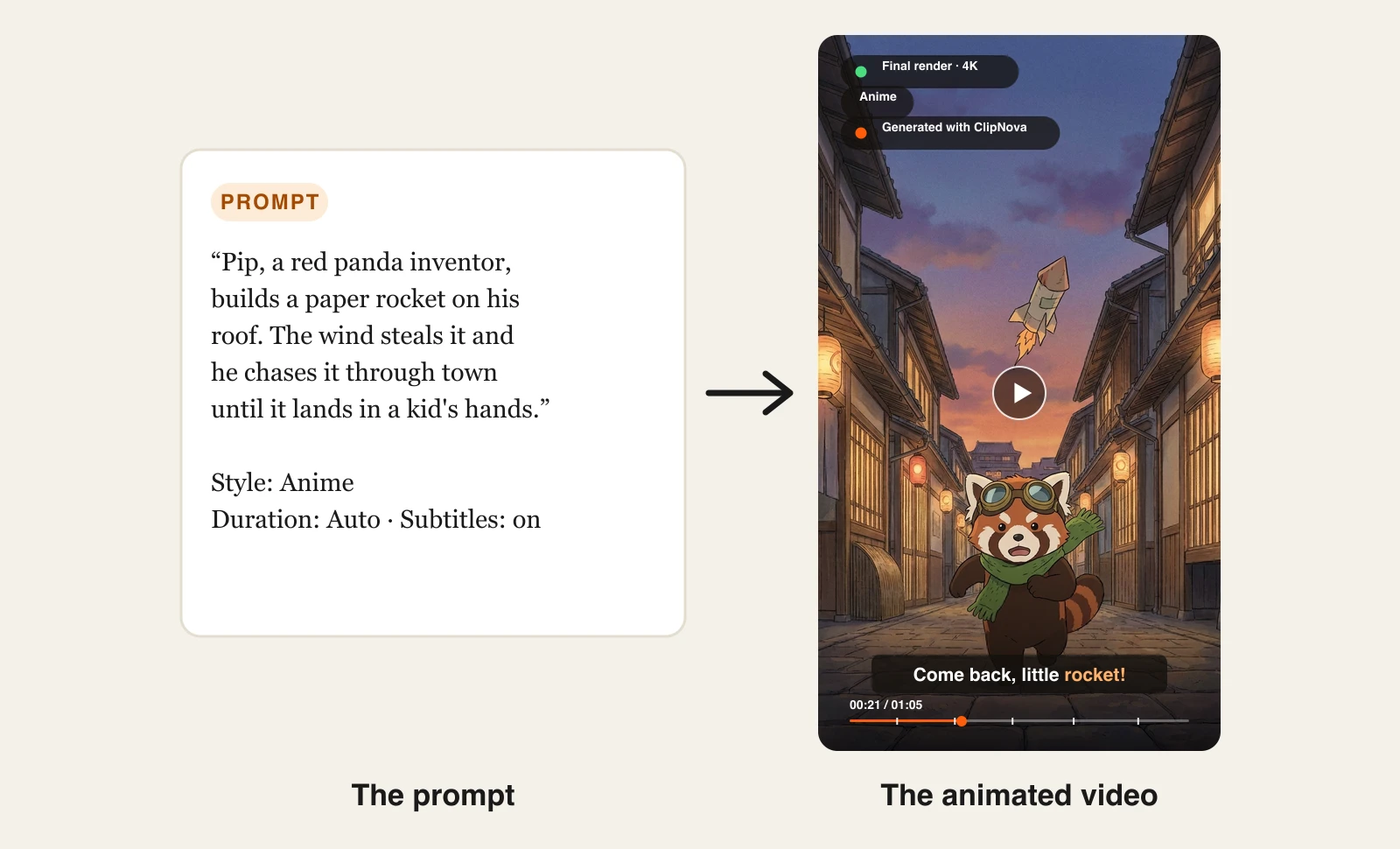
Most AI animation tools stop at the shot. ClipNova delivers the episode. You write the story in a paragraph, choose a Style preset, and ClipNova writes the script, animates every scene with one consistent character design, voices the dialogue or narration, adds music, and burns in captions. Videos run up to 5 minutes, in 9:16 for TikTok, Reels, and Shorts or 16:9 for YouTube.
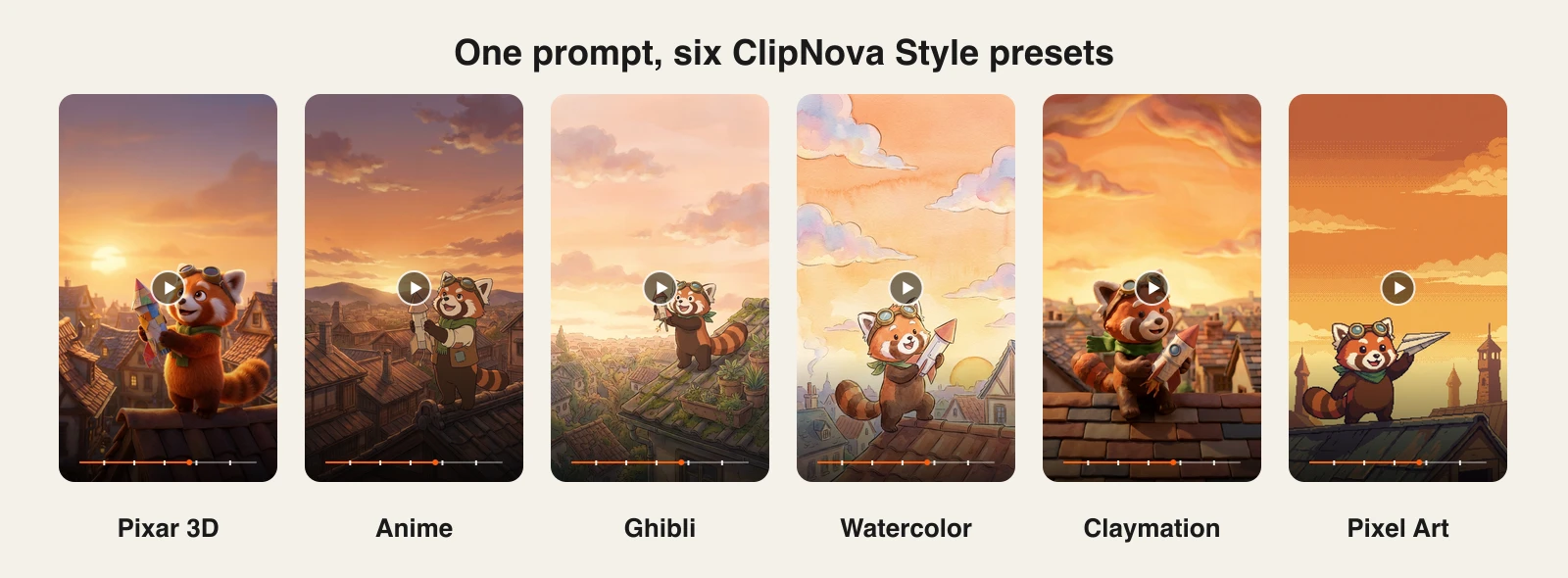
The style presets are what make it an animation tool rather than a clip generator. The same prompt with a different preset comes back as Pixar-style 3D, hand-drawn anime, Ghibli-style painting, watercolor, claymation, or pixel art. You never have to learn the vocabulary ("subsurface scattering", "cel shading", "visible fingerprints") that raw models need to hold a look. For 3D characters specifically, the AI 3D Animation Generator builds a character sheet first, so your hero looks the same in every scene.
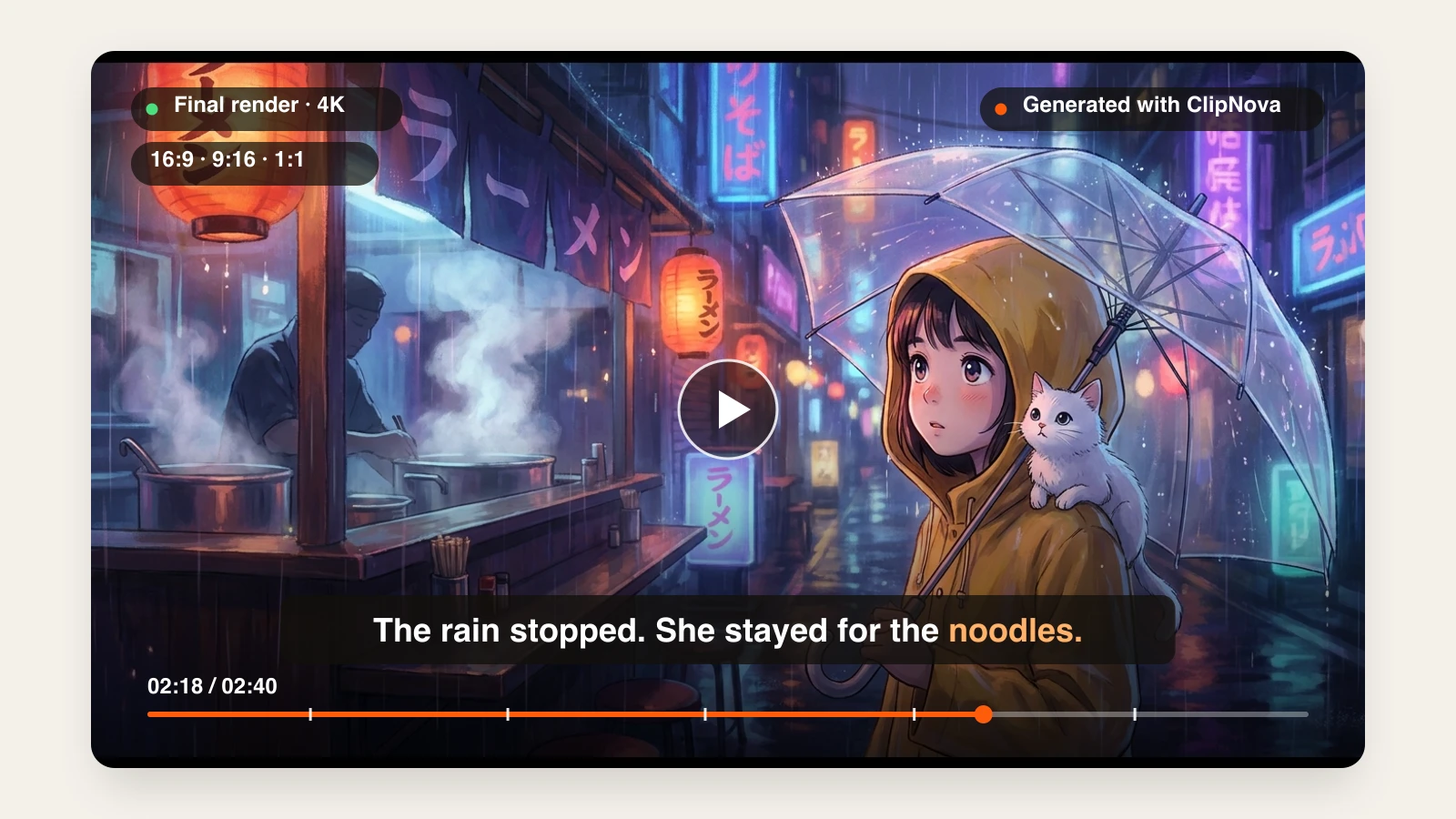
Here is one short story prompt with the Anime preset selected, and the video that came back:
Keep the prompt and switch the preset, and the same character comes back in a completely different animation style:
How to make an animated video with ClipNova
- Sign up for the ClipNova app and pick a plan (from $19/mo).
- Open AI Video Studio and choose Prompt to Video.
- Describe your story in a short paragraph: who the character is, where they are, and what happens.
- Under Style preset, pick the animation look (Disney / Pixar 3D, Anime, Ghibli, Watercolor, Claymation, Pixel Art, and more).
- Set the duration (Auto sizes the video to the script), choose a quality tier, and leave Subtitles on.
- Generate, then export vertical for Shorts and Reels or 16:9 for YouTube.
For a 2D cartoon look with hand-drawn outlines, the dedicated AI cartoon video generator has six cartoon styles of its own. Everything else lives on the AI animation generator page.
Key features
- Text to animation: a paragraph becomes a scripted, multi-scene animated video
- Style presets for 3D, anime, Ghibli, watercolor, claymation, pixel art, and more
- One character design held across every scene of a video
- Voices, narration in 18 languages, music, and word-synced captions included
- Up to 5 minutes per video, 9:16 or 16:9, 4K export
Best for
- Animated story and kids channels publishing several episodes a week
- Creators testing which animation style their niche responds to before committing
- Talking-character skits (fruit dramas, animal comedies) that need dialogue and captions
Pricing
- Hobby $19/mo (1,000 credits), Starter $49/mo, Growth $99/mo, Ultra $199/mo; 20% off yearly
- Every plan has the full feature set and commercial rights; plans differ only in credits
Pros
- The only tool here that returns a finished, voiced, captioned episode from one prompt
- Style is a single setting, so switching looks does not mean rewriting prompts
- Flat pricing from $19 a month with no per-feature gating
Cons
- Less shot-by-shot control than directing a model like Runway or Kling yourself
2. Renderforest, best for template-driven animated explainers
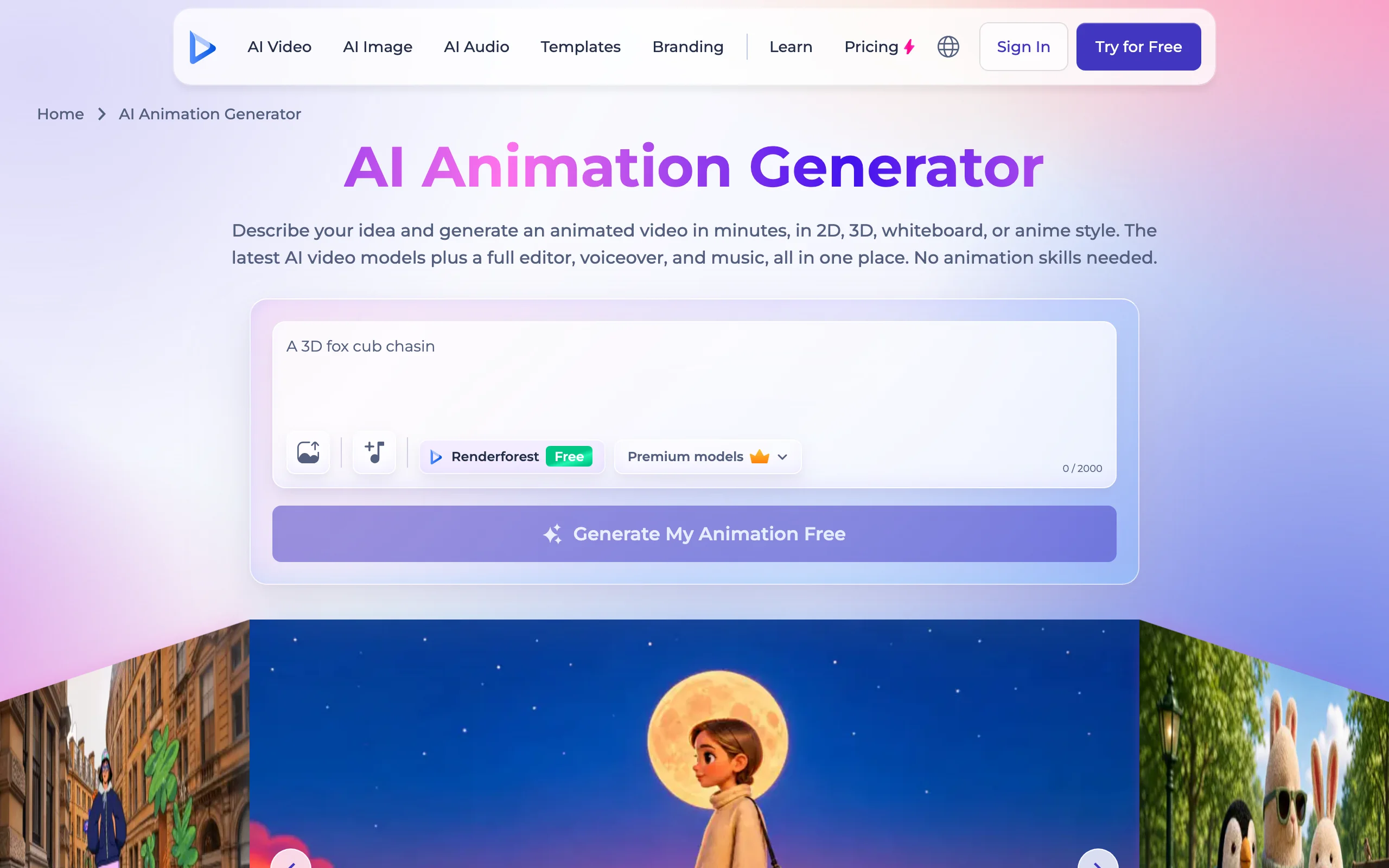
Renderforest has been an animation maker since long before generative video, and its AI animation generator sits on top of that heritage. You describe an idea, choose 2D, 3D, whiteboard, or anime, and it builds scenes you then refine in a full editor with stock footage, music, voiceover in 50+ languages, and brand colors. It also lets you switch between several third-party video models per scene, including Kling and MiniMax.
It suits marketers and educators who want an animated explainer that looks on-brand more than creators chasing a cinematic look.
Key features
- Text or idea to animated video in 2D, 3D, whiteboard, or anime style
- Full editor with templates, stock assets, subtitles, and a brand kit
- Several AI video models available per scene
- AI voiceover in 50+ languages
Best for
- Business explainers, product walkthroughs, and training videos
- Teams that want to edit every scene after generation
Pricing
- Lite $8/mo, Pro $19/mo, Business $39/mo when billed yearly
- AI credits per year by plan (4,800 on Lite, 19,200 on Pro, 36,000 on Business); export quality rises from HD720 to 4K
Pros
- Mature editor and template library around the AI generation
- Whiteboard style, which few AI tools offer
Cons
- Output leans toward explainer templates rather than character-driven stories
- Yearly billing needed for the advertised prices
3. Adobe Firefly, best for commercially safe animation in Adobe workflows
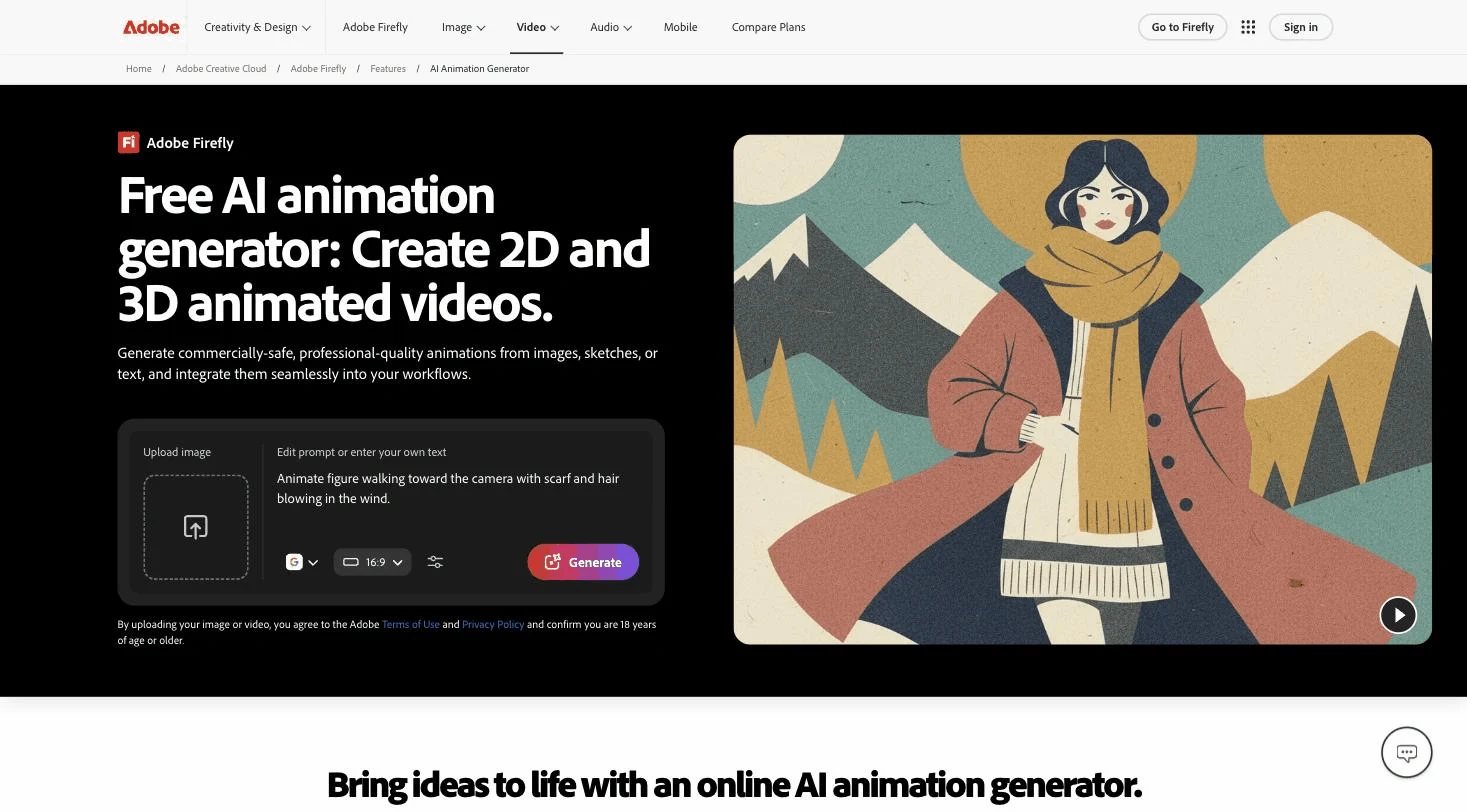
Adobe Firefly generates 2D and 3D animated clips from text, images, or sketches, using Adobe's own Firefly Video Model plus partner models such as Google Veo, Luma, Kling, and Runway on the same credit balance. Adobe positions the Firefly model as commercially safe because it is trained on licensed content, which matters to brands and agencies.
Clips drop straight into Premiere Pro, After Effects, and Adobe Express, so it fits teams already living in Creative Cloud.
Key features
- Text, image, or sketch to animated clip
- Firefly Video Model plus partner models in one app
- Direct handoff to Premiere Pro, After Effects, and Express
- Commercially safe positioning for the Firefly model
Best for
- Designers and agencies already paying for Creative Cloud
- Brand work where training-data provenance matters
Pricing
- Firefly Standard $9.99/mo with 2,000 generative credits (about 20 five-second 1080p videos)
- Firefly Pro $19.99/mo with 4,000 credits; Pro Plus and Premium above that
Pros
- Several leading models behind one subscription
- Tight integration with professional editing tools
Cons
- Video burns credits fast, so the entry plan covers only a couple of dozen short clips
- Returns clips, not a scripted, voiced episode
4. Kling, best for expressive character motion
Kling is the model many animation creators reach for when a character needs to act: exaggerated expressions, comic timing, and body motion that reads well in a 3D cartoon style. You direct it one shot at a time with text or a reference image, and it returns 5 to 10 second clips.
Key features
- Text to video and image to video with strong character motion
- Start and end frame control for planned transitions
- Reference images to keep a character's look
- 1080p output on paid plans
Best for
- Animators who want to direct every shot and edit the sequence themselves
- Short character gags where expression sells the joke
Pricing
- Standard from $10/mo (660 credits), Pro $37/mo, Premier $92/mo
Pros
- Some of the most expressive character animation per credit
- Low entry price
Cons
- Clips only: script, voices, captions, and editing are on you
5. Runway, best for performance-driven character animation
Runway is a full creative suite, but its standout animation feature is Act-Two: you record yourself performing a line, and Runway transfers your head, face, body, and hand motion onto any character image. It is the closest thing here to motion capture without a suit, and it pairs with Runway's Gen-4.5 model for the shots around the performance.
Key features
- Act-Two performance capture onto any character
- Gen-4.5 text and image to video
- References for consistent characters across shots
- Upscaling and a built-in editor
Best for
- Creators who want a character to deliver lines with their own timing and acting
- Short films and music videos with a planned shot list
Pricing
- Standard $15/mo ($12 yearly) with 625 credits; Pro $35/mo; Max $95/mo
- Act-Two uses 5 credits per second of output
Pros
- Performance capture gives characters natural acting that prompts struggle to produce
- Professional-grade shot control
Cons
- Credits go quickly on longer projects
- You still assemble, voice, and caption the final video
6. DomoAI, best for turning footage into anime styles
DomoAI made its name with video-to-video restyling: upload a clip of yourself or your footage and it comes back as anime, Ghibli-like painting, 3D cartoon, or dozens of other templates. It has since added text to video, image to video, character-to-video, and talking avatars on top of several hosted models.
Key features
- Video to animation restyling with 50+ style templates
- Text and image to video on several hosted models
- Talking avatars and character-to-video
- Relax Mode for unlimited slower generations on Standard and above
Best for
- Creators turning live-action clips, dances, or skits into anime
- High-volume experimentation on a budget thanks to Relax Mode
Pricing
- Basic $9/mo billed yearly ($13 monthly) with 600 credits
- Standard $29/mo yearly ($42 monthly) with 2,200 credits and unlimited Relax generations
- Pro $99/mo yearly ($142 monthly) with 8,000 credits
Pros
- Excellent at restyling real footage into a consistent animated look
- Relax Mode removes the per-clip credit anxiety on higher plans
Cons
- Short clips; no script, narration, or story structure
- The monthly price is much higher than the advertised yearly rate
7. Krikey AI, best for 3D avatar animation
Krikey AI animates customizable 3D avatars from text prompts or a reference video, with a library of motions, lip-synced voices in 20+ languages, and backgrounds. Unusually, it exports FBX files as well as video, so animations can go into Blender, Unity, or Unreal. It is popular with teachers and small teams making talking-character explainers.
Key features
- Text to animation and video to animation for 3D avatars
- Custom avatar builder and animation library
- Voice AI with lip sync in 20+ languages
- MP4, GIF, PNG, and FBX export
Best for
- Educators and trainers who want a friendly 3D presenter
- Game and 3D creators who need animation files, not just video
Pricing
- Pro $15/mo per person with 165 credits a month; Teams plan for groups
Pros
- FBX export makes the animation reusable outside the tool
- Simple enough for classrooms
Cons
- The avatar look is stylized and recognizably "Krikey"
- Small monthly credit allowance on Pro
How to choose the best AI animation generator for your project
The right tool depends less on which model is "best" and more on what you need at the end: a finished video, a set of shots, or an animated asset.
1) Do you need a finished video or footage to edit?
- If you want an episode you can post today, with story, voices, music, and captions: ClipNova. Renderforest also returns an edited video, closer to an explainer template.
- If you enjoy editing and want to direct every shot: Kling or Runway, then assemble the clips in an editor.
- If you only need animated assets for a larger production: Adobe Firefly or Krikey AI (FBX).
2) Which animation style does your audience want?
- Pixar-style 3D, anime, Ghibli-style, watercolor, claymation, or pixel art from one setting: ClipNova style presets. Test two or three looks on the same story before you commit a channel to one.
- Whiteboard and corporate 2D: Renderforest.
- Anime from real footage you shot: DomoAI.
- Clay and puppet looks specifically: see our roundup of AI stop motion video generators.
3) How will the character stay the same across episodes?
Character drift is the main reason animated channels look amateur. ClipNova holds one character design across every scene of a video, and you keep it across episodes by reusing the same character description and preset. Kling and Runway rely on reference images per shot; Krikey uses a saved avatar. If you are building a recurring mascot, test consistency over at least three videos before subscribing.
4) What does one published video cost?
Translate credits into finished videos, not clips. A 60-second animated short made from 5-second model clips needs 12 or more generations plus retakes, voiceover, and editing time. On ClipNova, the same 60 seconds is one generation that already includes voices, music, and captions, and the Hobby plan starts at $19 a month. Use an entry month on two tools (Standard on Kling or Runway, Hobby on ClipNova) to make the same short and compare the real cost.
If you mostly make 2D cartoons, our comparison of AI cartoon video generators goes deeper on that style.
Frequently asked
What is an AI animation generator?
An AI animation generator turns a text prompt, an image, or a video into animated footage without drawing or rigging. You describe the characters and action, choose a look such as Pixar-style 3D, anime, or claymation, and the model renders the motion. Some tools, like ClipNova, return a finished video with voices, music, and captions; most return short clips you edit yourself.
What is the best AI animation generator in 2026?
ClipNova is the best overall AI animation generator if you want finished videos, because one prompt returns a complete animated episode in the style you pick with a consistent character, voices, music, and captions. Kling and Runway are the strongest choices if you prefer to direct and edit individual shots, and Adobe Firefly suits teams already in Creative Cloud.
How does text to animation AI work?
Text to animation AI reads your description, plans the scenes, and generates each frame sequence with a video model trained on motion. Tools that handle the whole pipeline also write a script, keep the same character design across scenes, generate voices, and add captions. Clip-only tools render the motion for one shot at a time.
Can AI keep the same character across an animated series?
Yes, if the tool has a consistency mechanism. ClipNova holds one character design across every scene of a video, and you carry it into new episodes by reusing the same character description and style preset. Kling and Runway use reference images per shot, and Krikey AI uses a saved avatar.
Can I make anime with an AI animation generator?
Yes. ClipNova has an Anime style preset and a Ghibli-style preset for text to video. DomoAI is strong at turning real footage into anime, and Renderforest offers an anime style for templated scenes. Avoid prompting for copyrighted characters; original characters are safer to publish and monetize.
Can I monetize AI animated videos on YouTube and TikTok?
Yes, when your plan includes commercial rights and the content is original. ClipNova includes commercial rights on every plan; check the license terms of other tools' plans before you publish. Platforms also demonetize repetitive templated content, so original stories and a recurring character help.
If I want to run an animated story channel, which tool should I use?
ClipNova fits a publishing schedule best, because each prompt returns a complete animated episode in your chosen style, with narration in 18 languages, music, and captions, from $19 a month. Start on the Hobby plan and test two or three style presets on the same story to see which one your audience prefers.