You already did the hard part: the script is written, the hook is tight, and every line is timed. What's left is the part that eats a weekend: finding visuals for each line, recording the voiceover, syncing captions, and exporting a vertical and a horizontal version. Script to video AI tools do that part for you. You paste the script, and they return a narrated, captioned video.
The tools that show up for "script to video AI" work very differently, though. Some generate new scenes for every beat of your script. Some match your lines to stock footage. Some put an avatar on camera to read it. And they differ on one detail that matters if you already approved every word: whether the voiceover reads your text exactly or a narration written from it.
This guide compares the 8 best script to video AI tools in 2026, with prices checked on each vendor's site, what each one does with your script, and a framework for picking the right one.
Best script to video AI tools: a brief overview
Your script becomes a finished video
- ClipNova: Best overall. Your script becomes newly generated scenes for every beat, a narration written from it, and word-by-word captions, as a vertical Short or a horizontal video up to 5 minutes.
- Pictory: Best for long scripts, articles, and documents matched to licensed stock footage.
- Kapwing: Best for editing a frame-by-frame storyboard before you spend any credits.
- InVideo AI: Best for an AI agent that mixes stock footage and several generative models in one edit.
- Visla: Best for business teams turning scripts, PDFs, and slide decks into videos.
Your script is read by a presenter
- HeyGen: Best for an AI avatar that delivers your script on camera.
Your script inside an editor you already use
- CapCut: Best for short ad scripts inside a full-featured editor.
- Canva: Best if your brand kit and designs already live in Canva.
| Tool | Best for | Starting price | What your script becomes |
|---|---|---|---|
| ClipNova | Finished videos with generated scenes | From $19/mo | Narrated video up to 5 min, generated scenes, captions |
| Pictory | Long scripts to stock footage | $25/mo yearly ($29 monthly) | Stock-footage video, AI voice, captions |
| Kapwing | Storyboard control before generating | $16/mo yearly ($24 monthly) | Editable storyboard, B-roll, voice, captions |
| InVideo AI | Agent edits with stock and AI footage | $9/seat/mo yearly | Edited video with multiple AI models |
| Visla | Scripts, PDFs, and decks for teams | $15/mo yearly ($22 monthly) | Stock or AI footage, voice, subtitles |
| HeyGen | An avatar presenter | $24/mo yearly ($29 monthly) | Talking-head avatar video |
| CapCut | Short ad scripts in an editor | $19.99/mo or $179.99/yr | Stock-footage video in the CapCut editor |
| Canva | Brands that design in Canva | $18/mo ($144/yr) | Avatar video via the HeyGen app in Canva |
Reading the table: only ClipNova generates brand-new scenes for every line of your script and delivers the finished video in one step. Pictory, Visla, and CapCut lean on stock footage, which is fast but repeats across channels. HeyGen and Canva put a presenter on screen instead of scenes.
1. ClipNova, best overall script to video AI tool
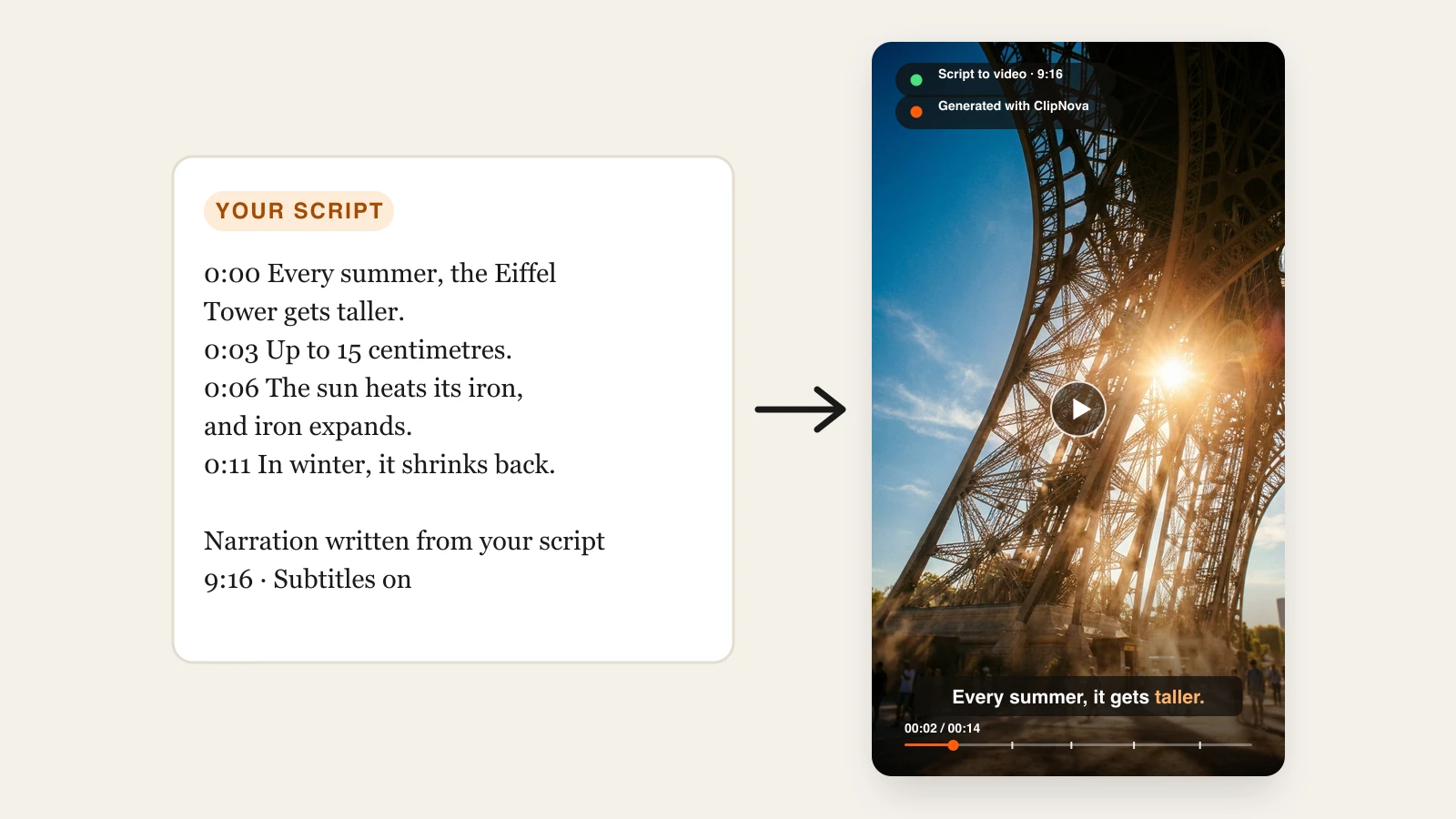
Most script to video tools treat your script as a list of keywords for stock search. ClipNova treats it as a storyboard. In Prompt to Video you paste your script, or upload it as a PDF, a Word document (.docx), or a text file (the first 5,000 characters are used). ClipNova generates a new scene for each beat, with saved characters keeping their look, follows your timestamps to set the video's length, and writes the narration from your script: it keeps your structure and timing, strips labels and stage directions such as "Scene 1" or "[cut to]", and fits the voiceover to the video. Captions light up word by word as the narration is spoken, and a music track you add is lowered automatically under the voice.
Put another way, ClipNova makes finished long videos with consistent characters, which is what a written script usually needs.
- Long: A script becomes a finished video of up to 5 minutes, so a full explainer or story runs as one piece instead of a pile of short clips.
- Consistent characters: Save your script's recurring characters once, each with a picture and a locked look, and they keep the same face and outfit in every scene; Series keeps the cast and the plot steady across episodes.
- Finished: Scenes, voiceover, captions and music come back built around your script, and Studio lets you fix any single scene before you publish.
If every word must be delivered exactly as written, record it yourself and choose Upload audio instead: ClipNova then uses your recording as the voiceover and builds the scenes and captions around it.
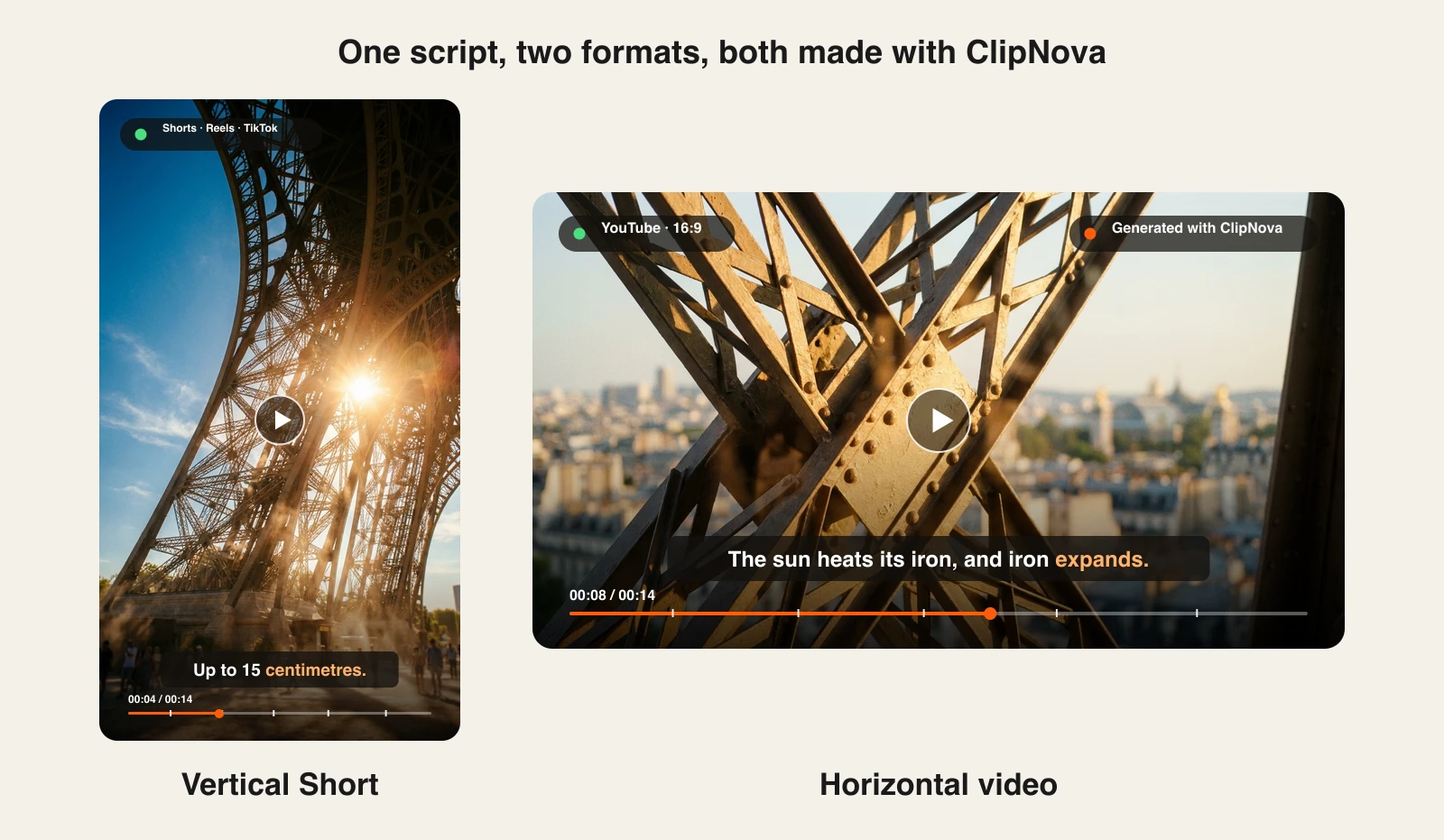
The same 14-second fact script, turned into a vertical Short and a horizontal video:
How to turn your script into a video with ClipNova
- Sign up for the ClipNova app.
- Open AI Video Studio and choose Prompt to Video.
- Paste your script into the prompt, or upload it as a PDF, .docx, or .txt file. If the PDF is a report or whitepaper rather than a script, the PDF to video tool writes the script from it first.
- In Voice, music & captions, keep Narrate on and pick a voice; ClipNova writes the narration from your script. To use your exact words, choose Upload audio instead and add your own recording.
- Choose 9:16 for Shorts, Reels, and TikTok, or 16:9 for YouTube, and keep captions on.
- Generate, review each scene, and regenerate any that miss the line.
Every step of that pipeline, from script upload to export, is explained on the script to video AI page.
Key features
- A new scene generated for every beat of your script, timed to your timestamps
- Upload a script as a PDF, Word document, or text file, or paste it
- New scenes generated for your script, not recycled stock clips
- Word-by-word burned-in captions, with your music track lowered automatically under the voice
- Narration written from your script in 18 languages, or your own uploaded recording
- Vertical or horizontal, up to 5 minutes per video
Best for
- Faceless channels that write their own scripts and post several Shorts a week
- Explainer and story channels with a structured, timestamped script
- Creators who want one script as both a Short and a YouTube video
Pricing
- Hobby $19/mo (1,000 credits), Starter $49/mo (2,600), Growth $99/mo (5,750), Ultra from $199/mo (12,000); yearly billing saves 20%
- Every plan includes every feature and commercial rights; plans differ only in credits
Pros
- The only tool here that turns a script into generated scenes, narration, and captions in one step
- Your structure and timing carry through, with labels and stage directions cleaned out
- No stock-footage repetition across channels that use the same library
Cons
- 5 minutes per render, so a 20-minute script is produced in parts
- The AI voice speaks a narration written from your script, not your exact text; for word-for-word delivery you upload your own recording
- Generated scenes are illustrations, so a script about a specific real product or person needs your own footage too
2. Pictory, best for long scripts matched to stock footage
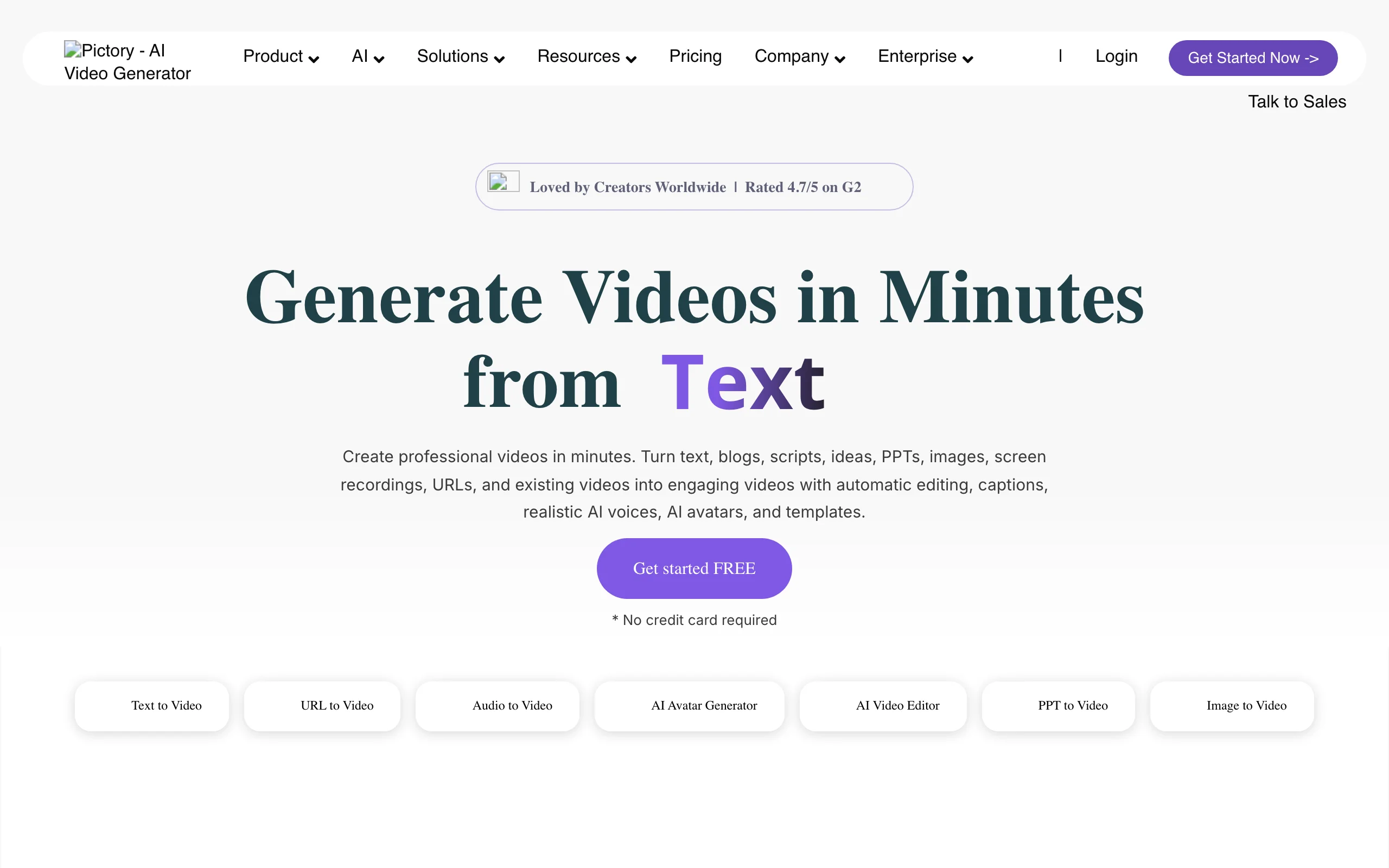
Pictory is one of the oldest script to video tools, and it shows in the breadth of inputs: a script, a blog URL, a document, a PDF, a slide deck, or an audio file. You paste the script, Pictory splits it into scenes, and it matches each scene to stock footage. The Professional plan adds Getty Images and Storyblocks libraries and ElevenLabs voices, which makes it a solid choice for long, informational scripts where real-world footage fits.
Key features
- Script, URL, document, PDF, PPT, and audio to video
- Automatic scene splitting and stock-footage matching
- Getty Images and Storyblocks on Professional
- ElevenLabs AI voices, uploaded voiceovers, and auto captions
- Brand kits for consistent intros, fonts, and colors
Best for
- Training, education, and B2B teams turning long scripts and articles into videos
- Scripts about real places and industries where stock footage looks right
Pricing
- Starter $25/mo billed yearly ($29 monthly)
- Professional $35/mo billed yearly ($59 monthly)
Pros
- Handles long scripts and many input formats
- Premium stock libraries on the Professional plan
Cons
- Stock footage repeats across every channel that uses the same library
- Nothing is generated for scenes that were never filmed
3. Kapwing, best for editing the storyboard before you spend credits
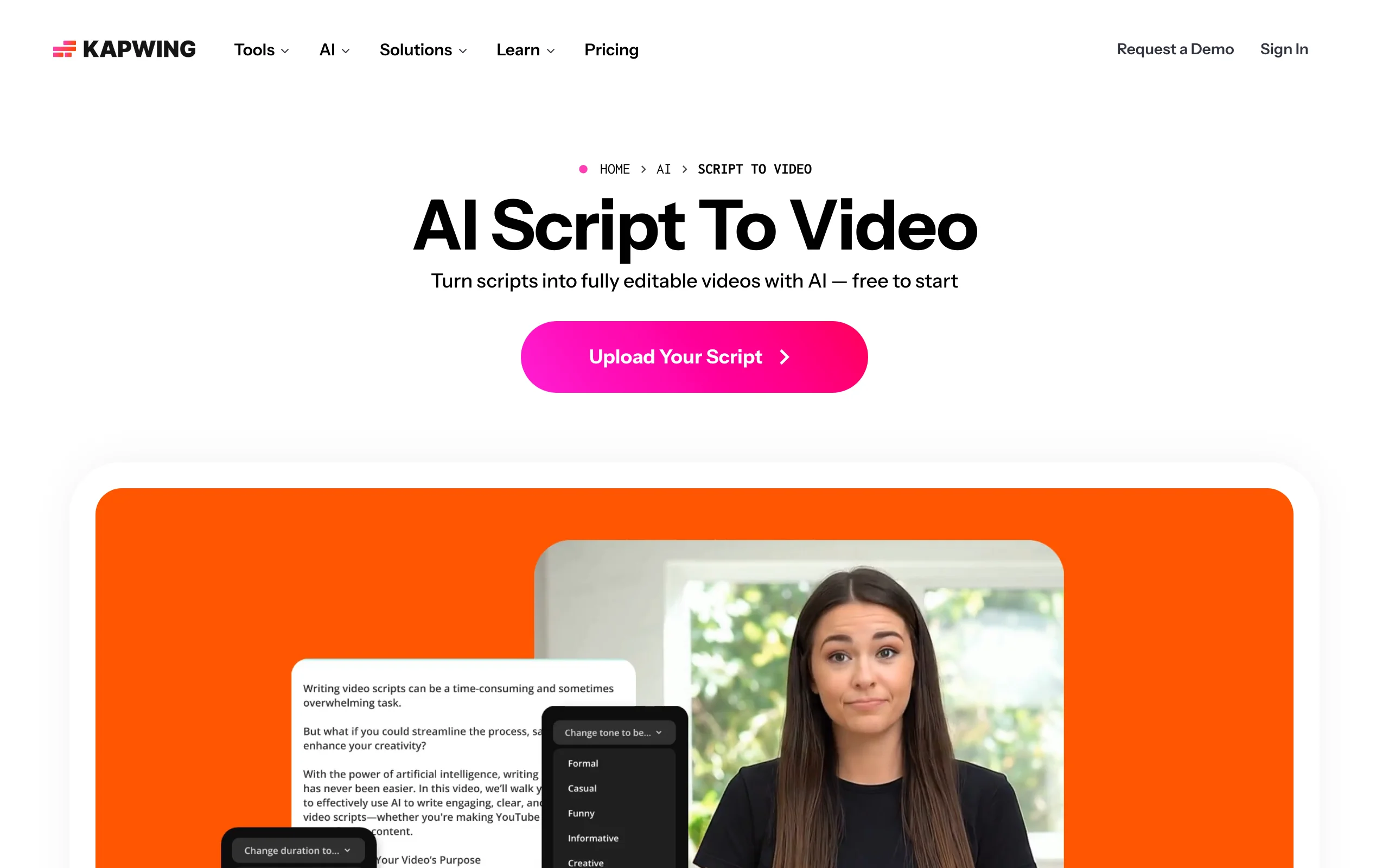
Kapwing turns a pasted script into a frame-by-frame storyboard first, and lets you fine-tune the voiceover, the shot list, the aspect ratio, the subtitles, and AI characters before any credits are used. It then fills scenes with licensed stock or AI-generated B-roll, and everything stays editable in Kapwing's browser editor afterwards. AI characters can deliver lines with lip-synced speech in more than 40 languages.
Key features
- Script to storyboard, editable before generation
- Licensed stock or AI-generated B-roll per scene
- AI characters with lip-synced speech, voices in 40+ languages
- Full browser editor for cuts, captions, and resizing afterwards
- Export in 9:16, 16:9, 1:1, and more
Best for
- Editors who want to approve each shot before paying for it
- Small teams sharing one workspace
Pricing
- Pro $16 per member/mo billed yearly ($24 monthly), 1,000 credits
- Business $50 per member/mo billed yearly ($64 monthly), 4,000 credits
Pros
- Storyboard control before credits are spent
- A capable editor in the same tool
Cons
- Per-member pricing adds up for teams
4. InVideo AI, best for agent-driven edits with stock and AI footage
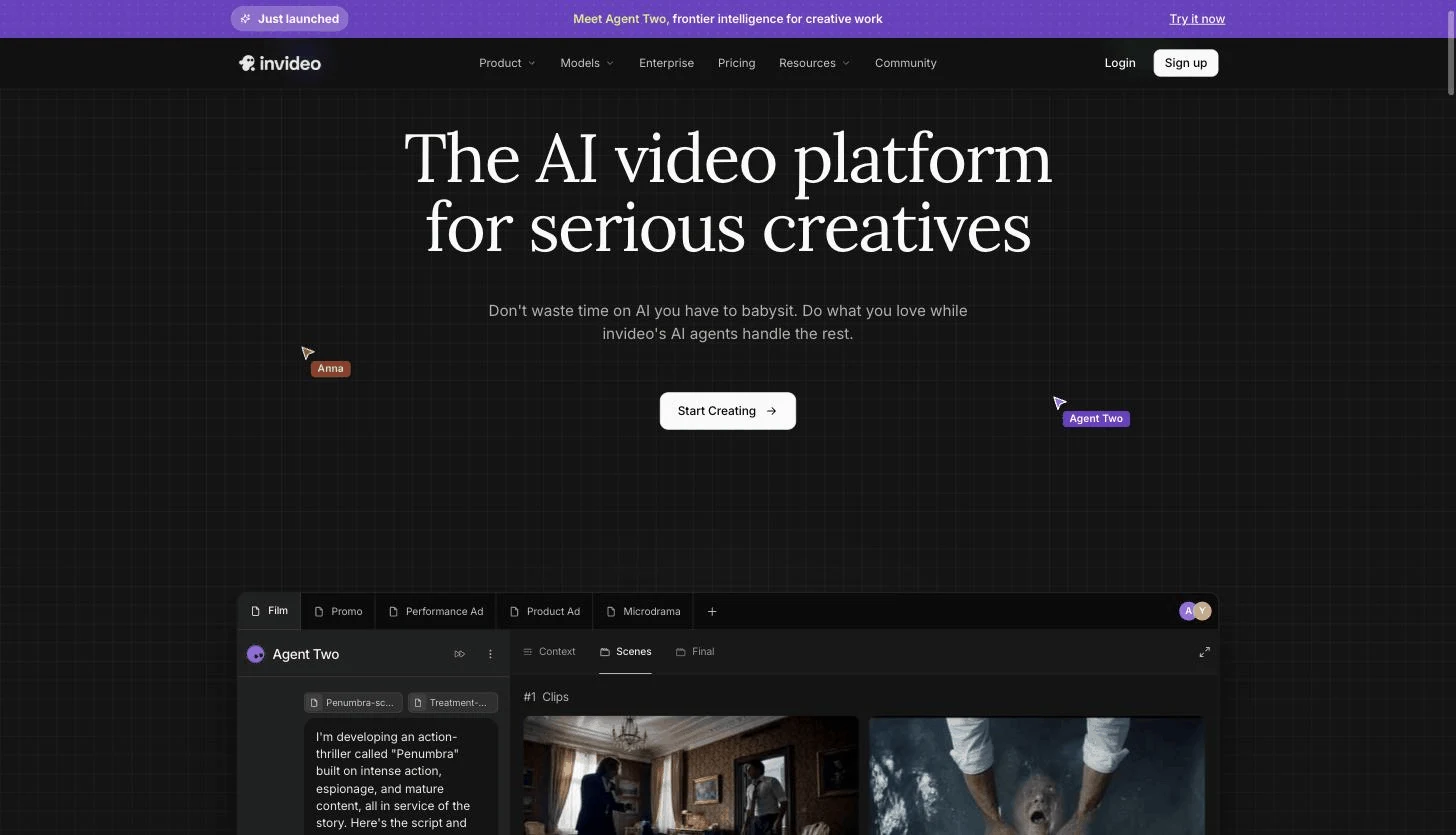
InVideo AI works through an AI agent: you give it your script and instructions, and it sources media, edits, and assembles the video, mixing stock footage with generative models from several providers (Veo 3.1, Sora 2, Kling, Seedance, and more) under one credit balance. You then change the result with text commands, such as "use a warmer voice" or "replace scene 4".
Key features
- AI agent that scripts, sources, and edits from your instructions
- Several generative video models on one plan
- Stock media alongside generated shots
- Edit the result by typing commands
Best for
- Creators who want real stock footage for most lines and AI shots for the rest
- Teams comfortable steering an agent with instructions
Pricing
- Basic $9 per seat/mo billed yearly (190 credits)
- Pro $25 per seat/mo billed yearly ($30 monthly), 1,000 credits
- Ultra $60 per seat/mo billed yearly ($80 monthly), 3,000 credits
Pros
- One subscription covers many premium video models
- Flexible mix of stock and generated footage
Cons
- The agent may rephrase your script unless you tell it to keep it as written
- Credits vary by model, so the cost of a video is harder to predict
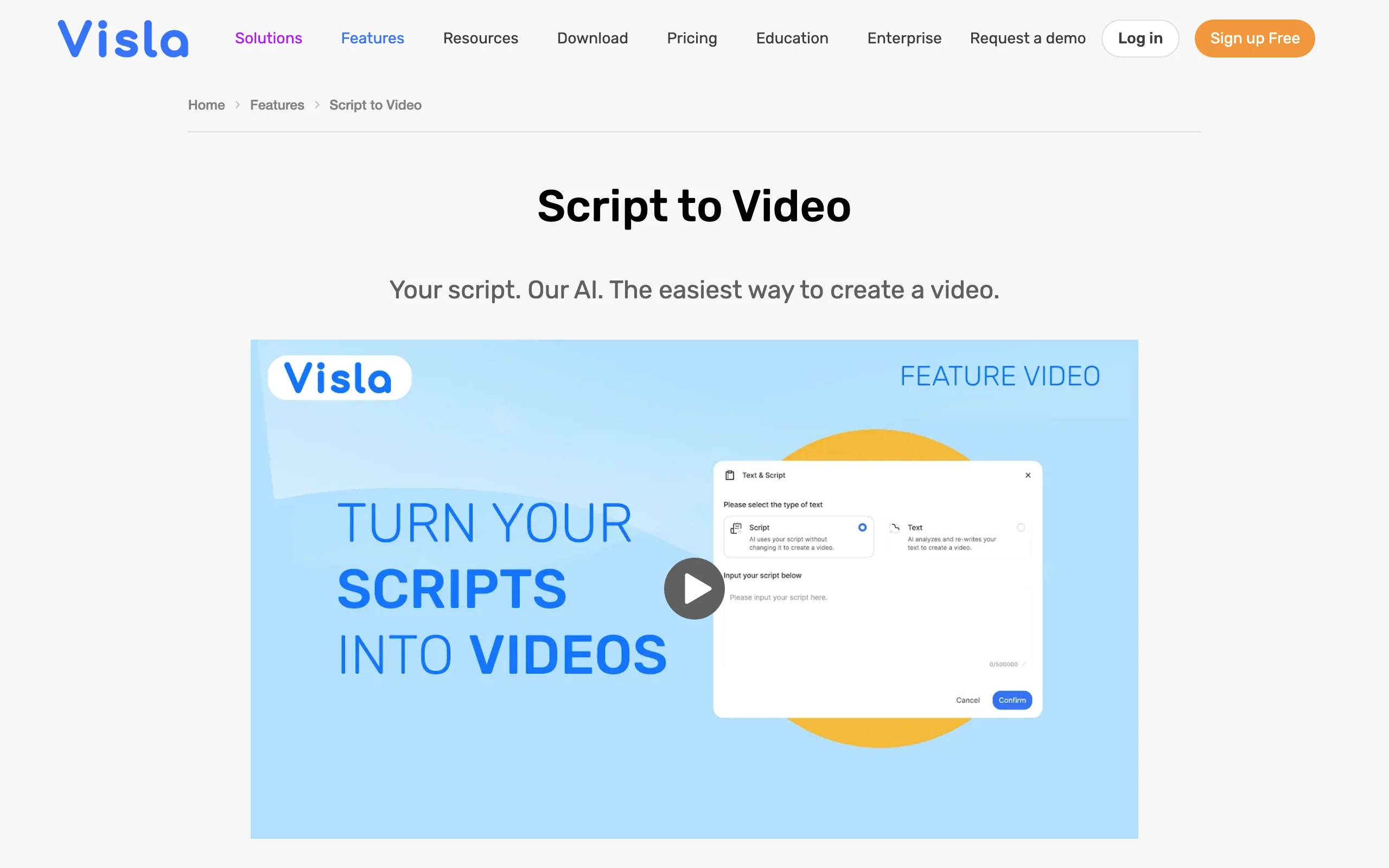
5. Visla, best for business teams turning documents into videos
Visla is built for company video: you can start from a script, an idea, a webpage, a PDF, or a slide deck, and it assembles a video from stock footage, your own media, or AI-generated clips in its AI Director mode. Around the generator sit business features: screen recording, a teleprompter, voice cloning, custom avatars, a shared stock library, and brand kits.
Key features
- Script, idea, webpage, PDF, and PPT to video
- Stock-based "Create Video" or AI-generated "AI Director" mode
- 2 million Storyblocks clips on Pro, Getty Images on Business
- Voice cloning and custom avatars on higher plans
- Screen recording and teleprompter in the same app
Best for
- Operations, sales, and training teams producing internal and customer videos
- Companies that already have the content as documents and decks
Pricing
- Pro $15/mo billed yearly ($22 monthly), 10,000 credits a month
- Business $39/mo billed yearly ($59 monthly), 20,000 credits a month
Pros
- Stock-based videos are cheap: about 200 credits per minute, so roughly 50 minutes a month on Pro
- Strong business tooling around the generator
Cons
- AI-generated footage costs about 5,000 credits per minute, around 2 minutes a month on Pro
- More suited to corporate video than to social-first Shorts
6. HeyGen, best for an AI avatar that presents your script
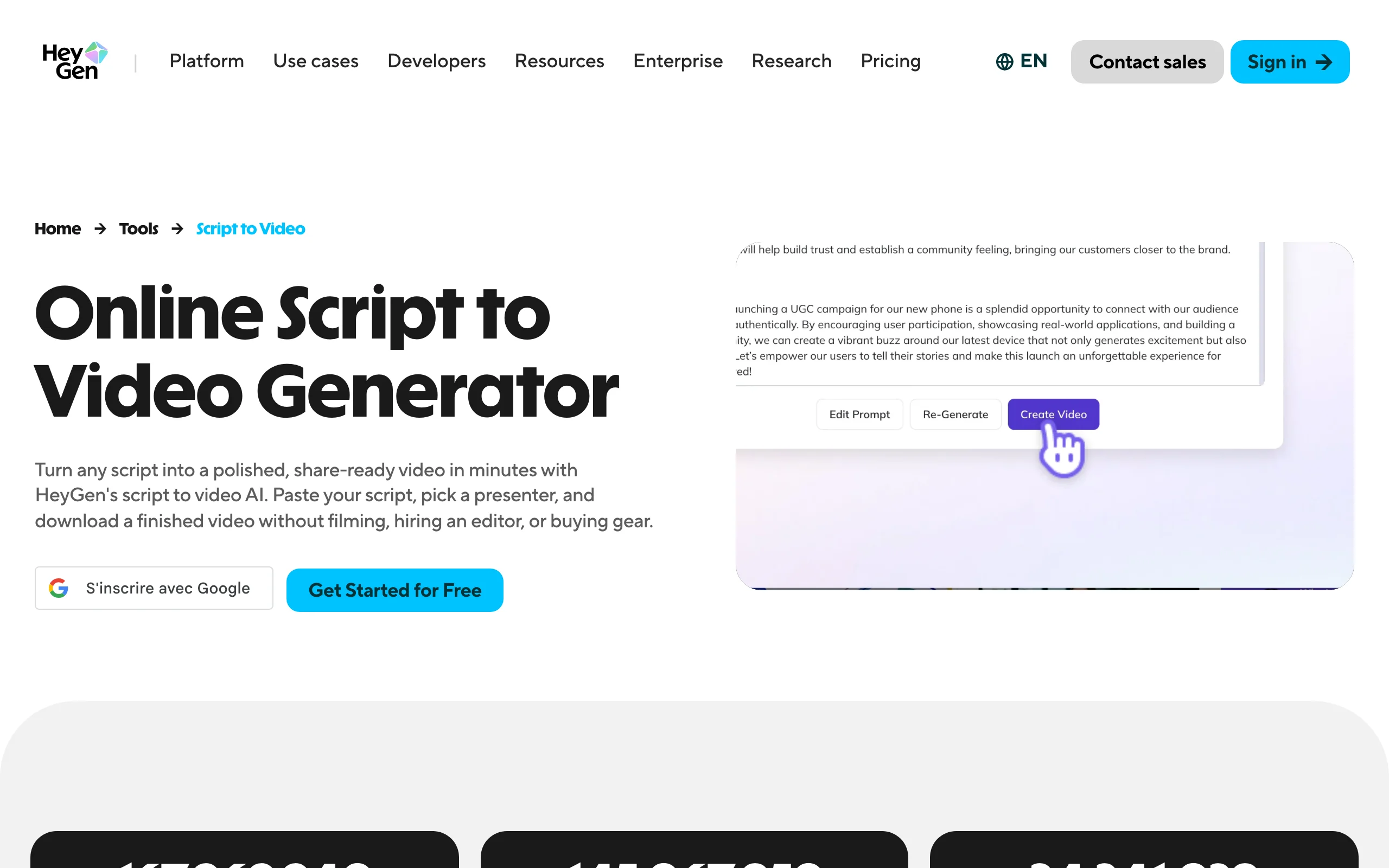
HeyGen answers a different question: not "what should viewers see while the script plays" but "who should say it". You paste your script, pick an avatar (a stock presenter or a custom one made from your own footage), and HeyGen renders a talking-head video with lip-synced speech. It also translates videos into other languages with lip sync.
Key features
- Paste a script, pick a presenter, generate a talking-head video
- 500+ stock avatars and custom video avatars
- Voice cloning and 175+ languages on paid plans
- Video translation with lip sync
Best for
- Training, onboarding, and sales videos where a presenter builds trust
- Founders who want to "record" updates without filming
Pricing
- Creator $29/mo ($24/mo billed yearly), 600 credits, videos up to 30 minutes, 1080p
- Pro $49/mo with 4K export; Business $149/mo plus $20 per extra seat
Pros
- The most convincing avatar presenters in this list
- Long videos (up to 30 minutes) on the Creator plan
Cons
- A talking head is the whole video; there are no generated scenes around it
7. CapCut, best for short ad scripts inside a full editor
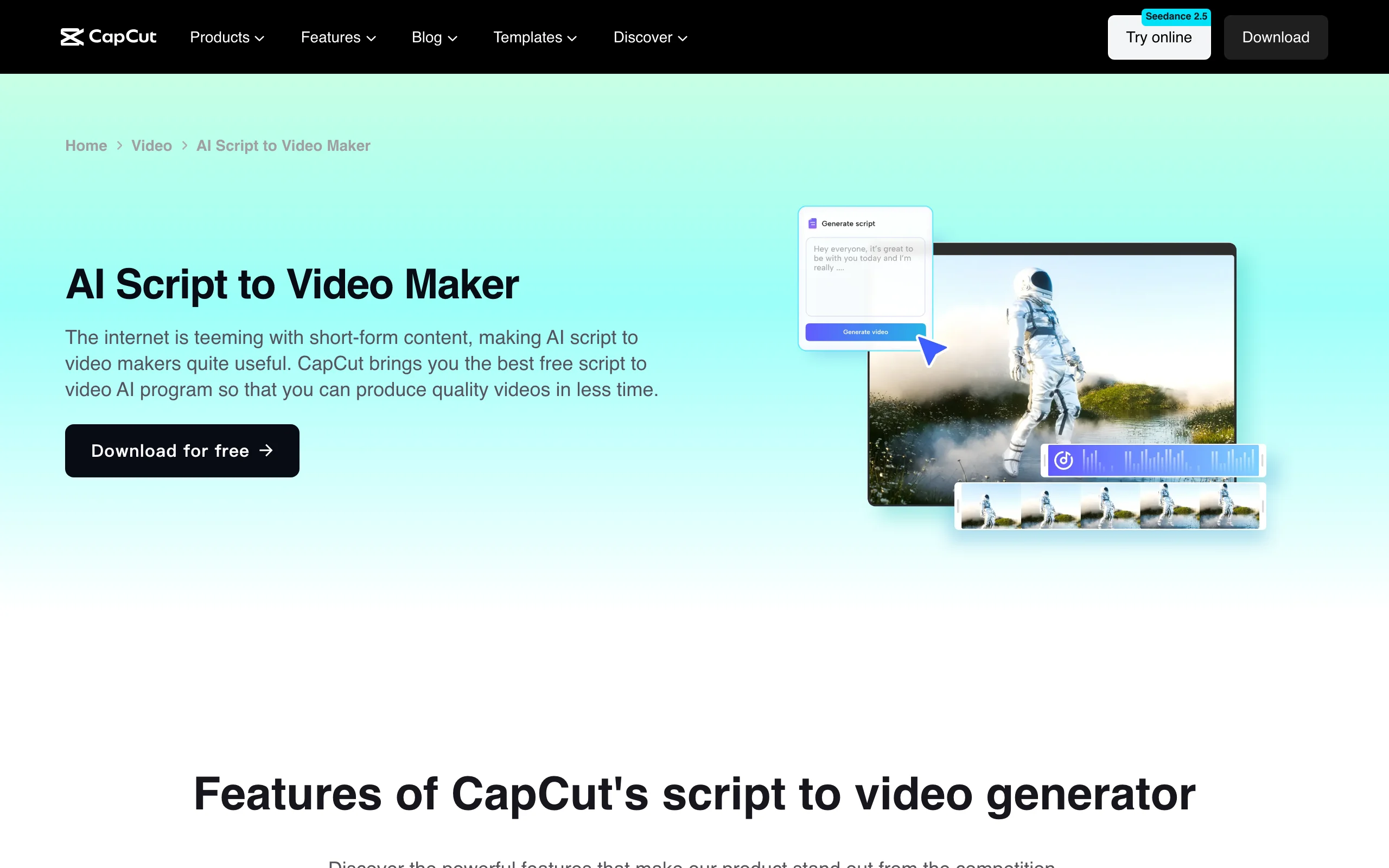
CapCut's script to video maker is built around product and ad scripts. You describe your offering, CapCut writes several scripts in a Narration or Commercial style (or you enter your own in Commercial mode), and "Generate video" assembles a draft from stock footage. The draft opens in the CapCut editor, which is where the tool shines: captions, effects, templates, and trending audio.
Key features
- AI script writing in Narration or Commercial mode
- One-click draft from stock footage
- Full CapCut editor on desktop, web, and mobile
- Auto captions, templates, and effects
Best for
- TikTok sellers and small brands making short product videos
- Creators who want to finish every video by hand in an editor
Pricing
- CapCut Pro $19.99/mo or $179.99/yr for individuals; prices vary by region and platform
- Some templates and effects are for personal use only
Pros
- A powerful editor around every draft
- Good for fast iteration on short ads
Cons
- Stock-based drafts; nothing is generated for your specific lines
- Built for short commercial scripts more than long narration
8. Canva, best if your brand already lives in Canva
Canva's script to video feature runs through the HeyGen app inside Canva: you paste your script, choose an avatar and an AI voice, and generate a talking-head video that drops straight into your Canva design. From there you add your brand fonts, colors, and templates in Canva's editor.
Key features
- Script to avatar video through the HeyGen app in Canva
- Canva's editor, templates, and brand kit around the video
- Easy to combine with slides, social posts, and designs
Best for
- Marketing teams whose brand assets already live in Canva
- Presentations and social posts that need a short presenter clip
Pricing
- Pro $18/mo or $144/yr; Business $25/mo or $250/yr per person
- AI Pass add-on available at extra cost for heavier AI use
Pros
- Everything stays inside one design tool
- Low price if you already pay for Canva
Cons
- The script-to-video output is an avatar clip, not scenes
- Heavy AI use pushes you toward the paid AI Pass add-on
How to choose the best script to video AI tool
1) Must your script be spoken word for word?
- If every line is legally approved (ads, client work, compliance videos) and must be spoken exactly: record the voiceover yourself and upload it (ClipNova's Upload audio instead builds scenes and captions around your recording), or use an avatar tool such as HeyGen, which reads the pasted text. In InVideo AI, tell the agent explicitly not to change the script.
- If your script sets the structure and timing but the wording can be tightened: ClipNova writes the narration from your script, keeps the beats and timestamps, and generates a scene for each one.
- If you only have an outline: let the tool write the narration. ClipNova, CapCut, and Pictory all draft a voiceover from an idea.
2) Generated scenes, stock footage, or a presenter?
- If your script talks about things no stock library has (a story, a historical event, a character): you need generated scenes. ClipNova generates them for every line; Kapwing and InVideo AI can generate some shots.
- If your script is about real industries and places: Pictory, Visla, and CapCut match it to stock footage quickly.
- If trust depends on a face: HeyGen, or Canva if you work in Canva, puts an avatar on camera. ClipNova's talking avatar covers the same need.
3) Where will the video be published?
- Shorts, Reels, and TikTok: generate in 9:16 with captions on. For a prompt-first workflow without a finished script, ClipNova's AI text to video generator is the faster path.
- YouTube: generate in 16:9 and keep scripts under 5 minutes per render in ClipNova, or edit longer projects in Pictory or Kapwing.
4) What does one video really cost?
Translate credits into videos before you subscribe. Visla's Pro plan covers about 50 minutes a month of stock-based video but only about 2 minutes of AI-generated footage. On ClipNova, one short script becomes a finished Short, so the $19/mo Hobby plan is an inexpensive way to test your own script before scaling up. If you are still choosing between prompt-first tools, our comparison of the best text to video AI tools covers that side of the market.
Frequently asked
What is script to video AI?
Script to video AI turns a written script into a finished video. You paste or upload the script, and the tool adds visuals for each line (generated scenes, stock footage, or an avatar presenter), an AI voiceover, captions, and often music. The best tools let the voice read your script exactly as written.
What is the best script to video AI tool in 2026?
ClipNova is the best overall choice, because your script becomes newly generated scenes for every beat, a narration written from it, and word-by-word captions, as a vertical Short or a horizontal video up to 5 minutes. Pictory is better for long scripts that suit stock footage, and HeyGen is the pick if you want an avatar presenter to read the script.
Can AI read my script word for word?
It depends on the tool. Avatar tools such as HeyGen read the text you paste. In ClipNova's Prompt to Video, the AI narration is written from your script (keeping its structure and timing), so for exact wording you record the voiceover yourself and choose Upload audio instead. Agent-based tools may rephrase your script, so tell them explicitly to keep it as written.
Can I upload a script as a PDF or Word document?
Yes. ClipNova's Prompt to Video accepts PDF, Word (.docx), and text files (it uses the first 5,000 characters), and Pictory and Visla also take documents and slide decks. Scanned PDFs without selectable text need to be converted or pasted as text first.
How long can a script to video be?
It depends on the tool. ClipNova renders up to 5 minutes per video, which fits Shorts and most YouTube explainers; longer scripts are made in parts. HeyGen's Creator plan allows avatar videos up to 30 minutes, and editors like Pictory and Kapwing handle long projects built from stock footage.
What is the difference between script to video and text to video?
Text to video starts from a short prompt and lets the AI decide what to say. Script to video starts from your finished script and turns its structure and lines into a narrated video. If you have not written a script yet, a text to video tool is faster; if you have, script to video keeps your wording.
Can I monetize videos made from my script with AI?
Generally yes on paid plans, as long as the script and the result are original. Check each tool's license: ClipNova includes commercial rights on every plan, while some CapCut templates and effects are for personal use only. On YouTube, disclose realistic AI-generated content when you upload.
I already have a script for a Short. What should I use?
Use ClipNova. Paste the script, keep Narrate on (or upload your own recording if every word must stay exact), choose 9:16, and keep captions on.