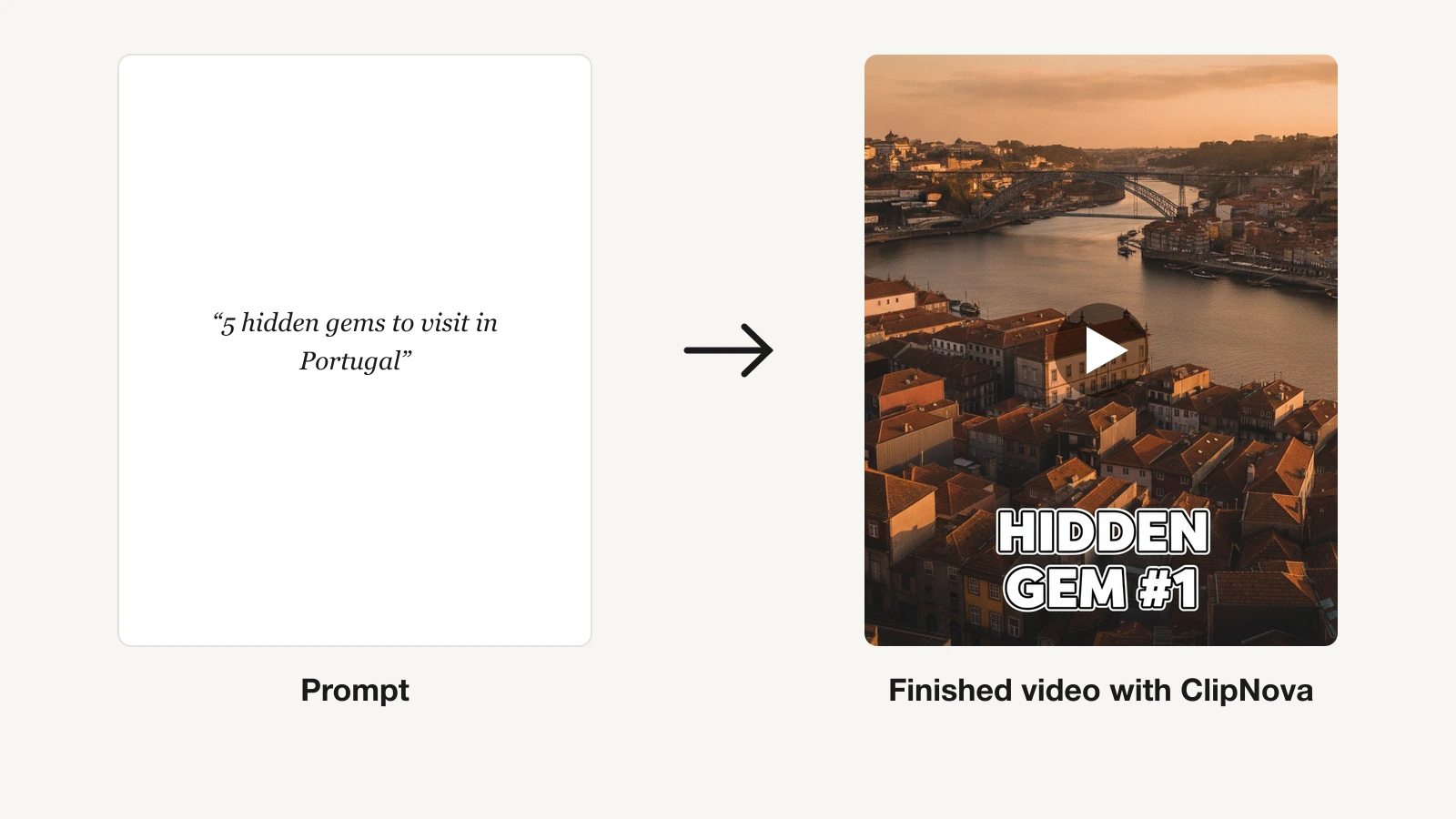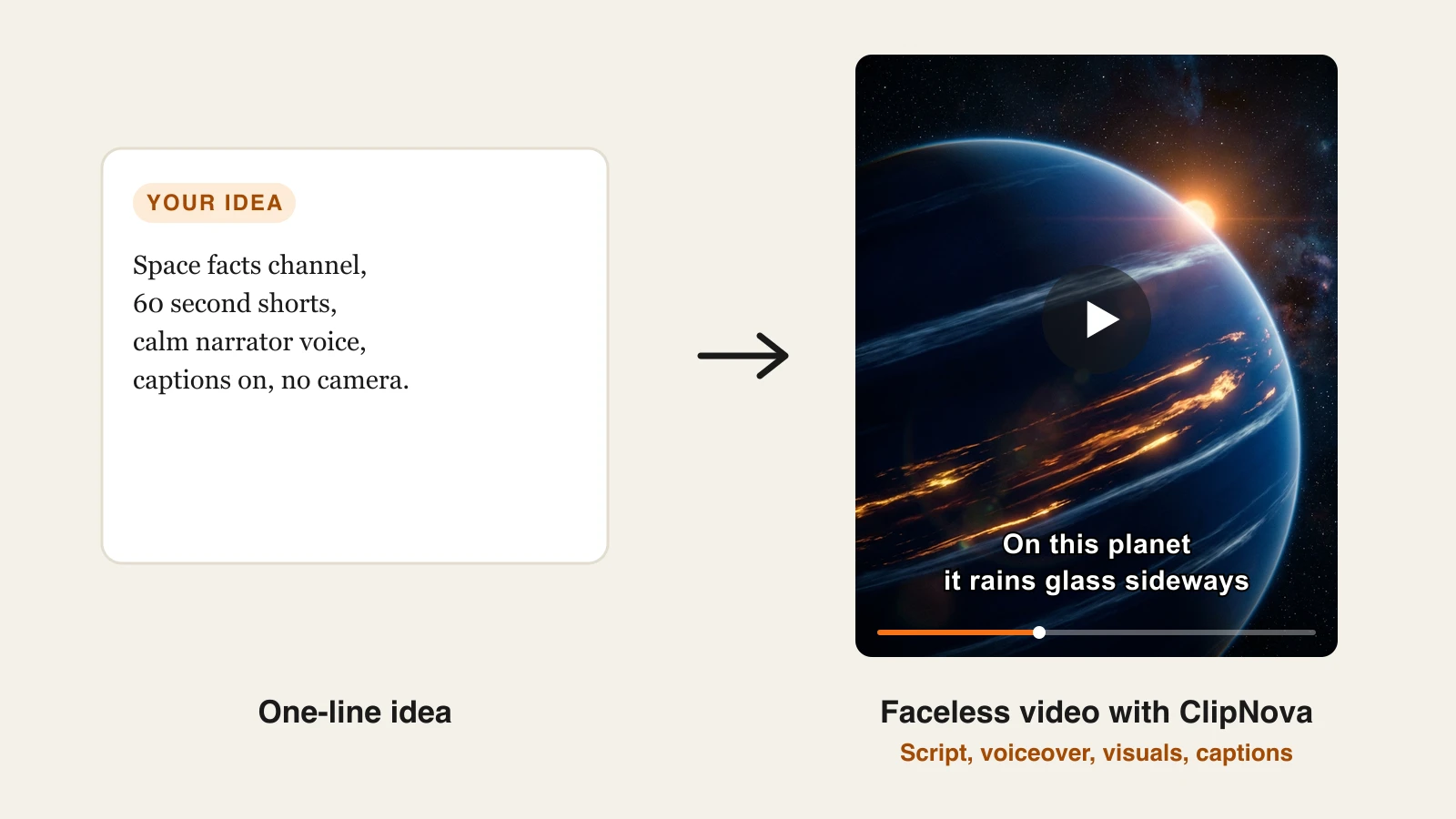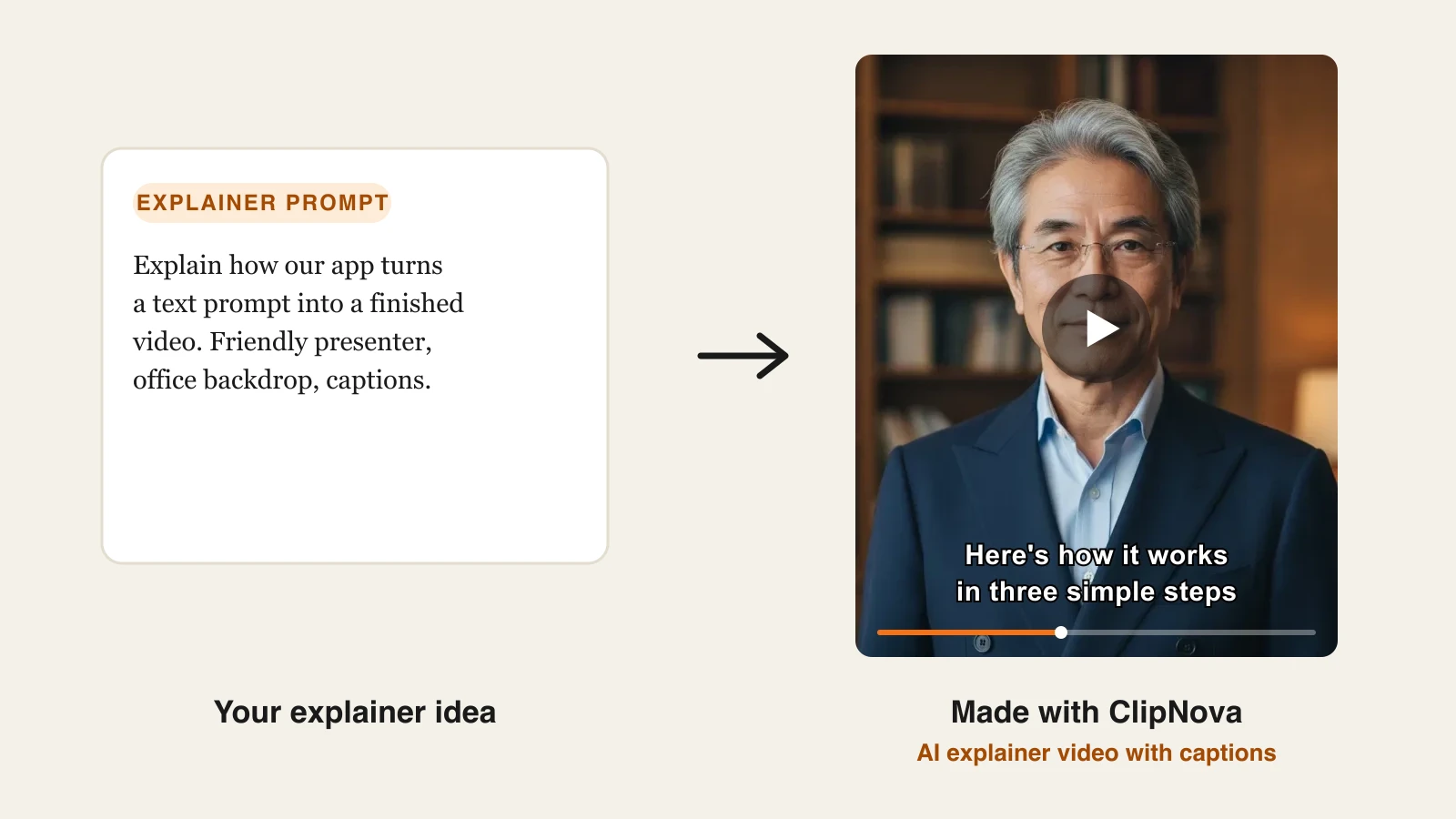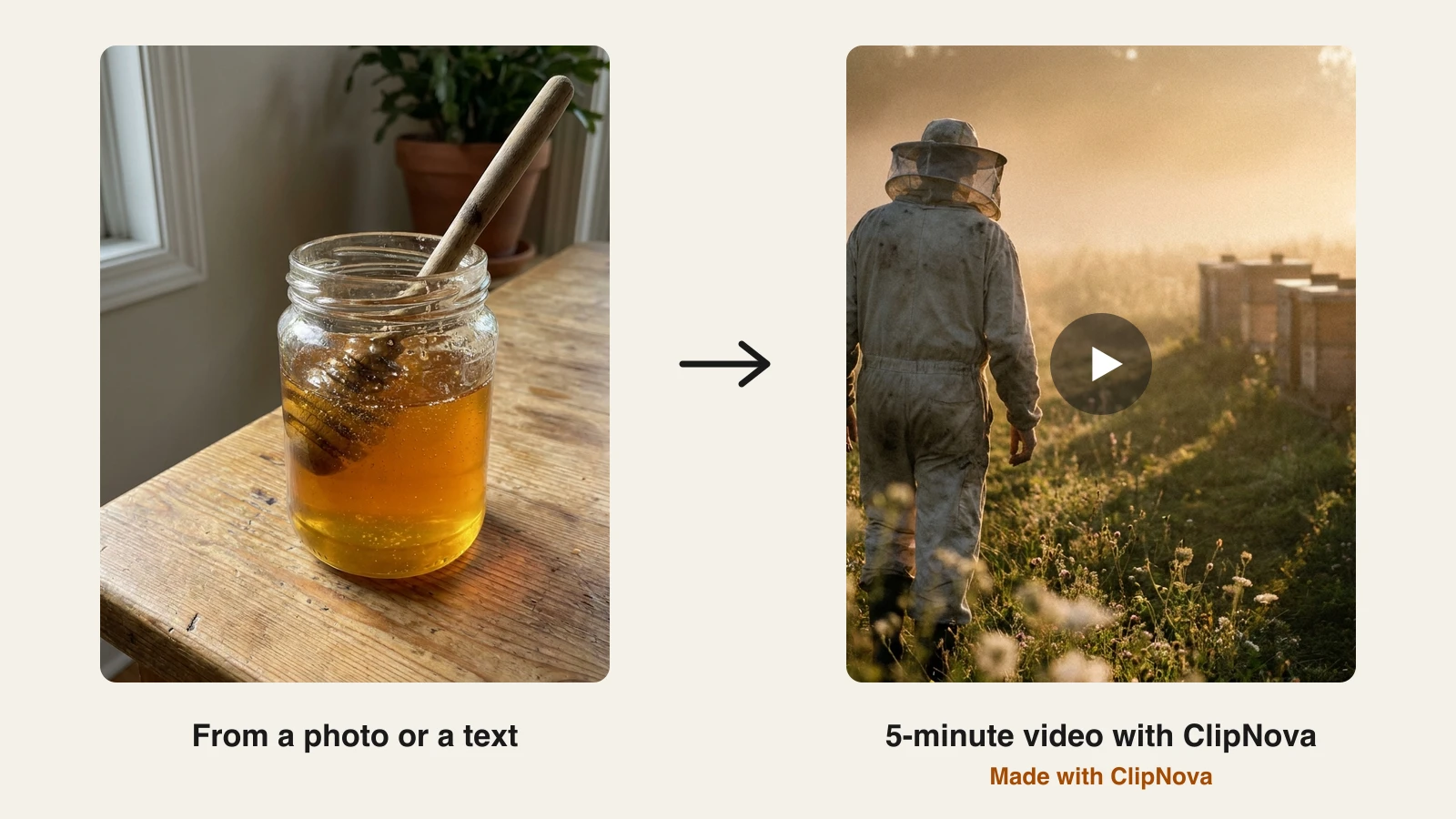
The best AI video generator for long videos in 2026 is ClipNova: give it a paragraph or a photo and it returns a finished multi-minute video, storyboard, scenes, voiceover, music, and captions included, up to 5 minutes per render from $19/mo. The other six tools here win narrower jobs, from 30-minute agentic edits to avatar-led training courses and cinematic shots you drop into a longer cut.
Long videos are a different problem from clips. A text-to-video model gives you 5 to 15 seconds of footage, which is a shot, not a video. A 5-minute YouTube explainer needs a structure that holds attention, scenes that stay consistent with each other, narration that carries the story, music that follows it, and captions that keep it watchable on mute. Most "AI video generators" solve the shot and leave you the rest.
This guide compares the 7 best AI video generators for long videos on maximum length per video, what you actually get back (a finished cut or a folder of clips), monthly minute allowances, and verified pricing, then closes with a decision framework built around the kind of long video you make.
Best AI video generators for long videos: a brief overview
- ClipNova: Best overall. One brief becomes a chaptered, narrated, captioned video up to 5 minutes per render, exported 16:9 for YouTube or 9:16 and 1:1 for social, with every feature on the $19 plan.
- InVideo AI: Best agentic editor for long prompt-to-video. Its Agent One plans and edits videos up to 30 minutes from a single prompt, with 200+ bundled models and a real timeline.
- Pictory: Best for turning scripts and articles into narrated long-form. Paste a blog post or script and get a stock-backed video up to 30 minutes with 200 export minutes a month on the entry plan.
- Fliki: Best voice-first script-to-video. The largest voice catalog in this lineup, with videos up to 15 minutes on Standard and 40 minutes on Premium.
- Synthesia: Best for avatar-led training and course videos. Enterprise-grade presenter avatars in 160+ languages, priced by minutes per month.
- HeyGen: Best for long spokesperson videos and translation. Realistic custom avatars, videos up to 30 minutes on Creator, and lip-synced translation of finished videos.
- Runway: Best for cinematic shots inside a long edit. Frontier clip quality and camera control, but you assemble the long video elsewhere.
| Tool | Best for | Starting price | Free option | Max length per video |
|---|---|---|---|---|
| ClipNova | Finished long-form videos end to end | From $19/mo | 70 credits, no card | 5 min per render, 4K |
| InVideo AI | Agentic prompt-to-video with model bundles | From $9/seat/mo (yearly) | Free plan (watermark) | 30 min from one prompt |
| Pictory | Scripts and articles to narrated video | From $25/mo (yearly) | Free trial | 30 min; 200 min/mo on Starter |
| Fliki | Voice-first script-to-video | From $28/mo | Free, 720p (watermark) | 15 min Standard, 40 min Premium |
| Synthesia | Avatar-led training and courses | From $29/mo ($22 yearly) | Free plan (limited minutes) | 10 min/mo Starter, 30 min/mo Creator |
| HeyGen | Long spokesperson videos and translation | From $29/mo ($24 yearly) | Free plan (watermark) | 30 min on Creator |
| Runway | Cinematic shots inside a long edit | From $12/mo (yearly) | 125 one-time credits | Clips of seconds; about 52 s of Gen-4.5 per month on Standard |
Reading the table: "max length" means two different things here. For ClipNova, InVideo, Pictory, and Fliki it is the longest finished video the tool returns. For Synthesia and HeyGen it is avatar minutes. For Runway it is raw generated footage, which you still have to cut into a video.
1. ClipNova, best overall AI video generator for long videos
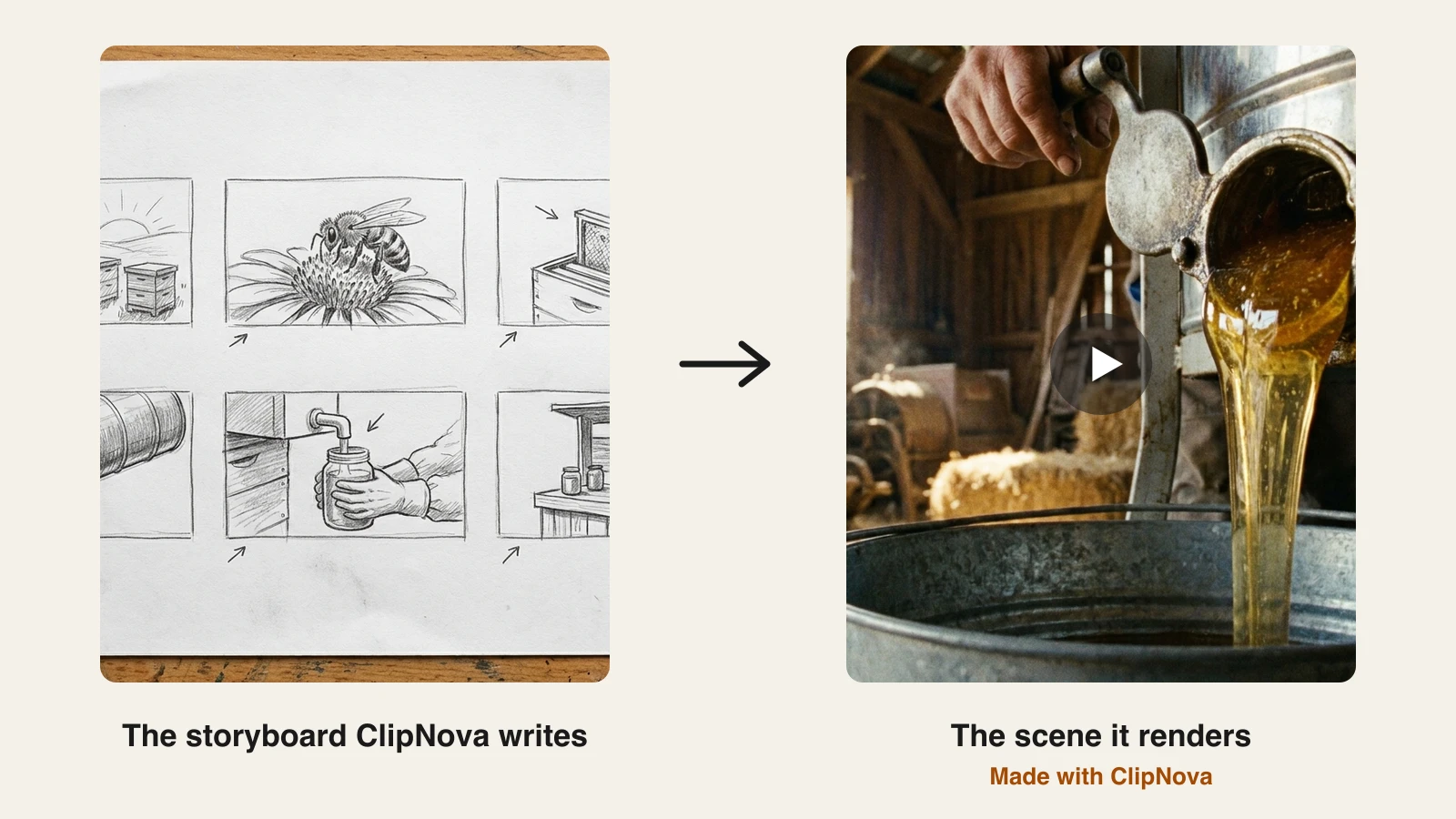
ClipNova treats a long video as one job instead of a pile of prompts. Upload a photo or type a paragraph that says what the video is about, how long it should run, and who it is for. ClipNova writes a scene-by-scene storyboard first, then renders every scene against that plan with a consistent look, records the narration, scores the music, syncs the captions, and assembles the finished cut with chapters. The long-form AI video generator page walks through that pipeline step by step with the same example project.
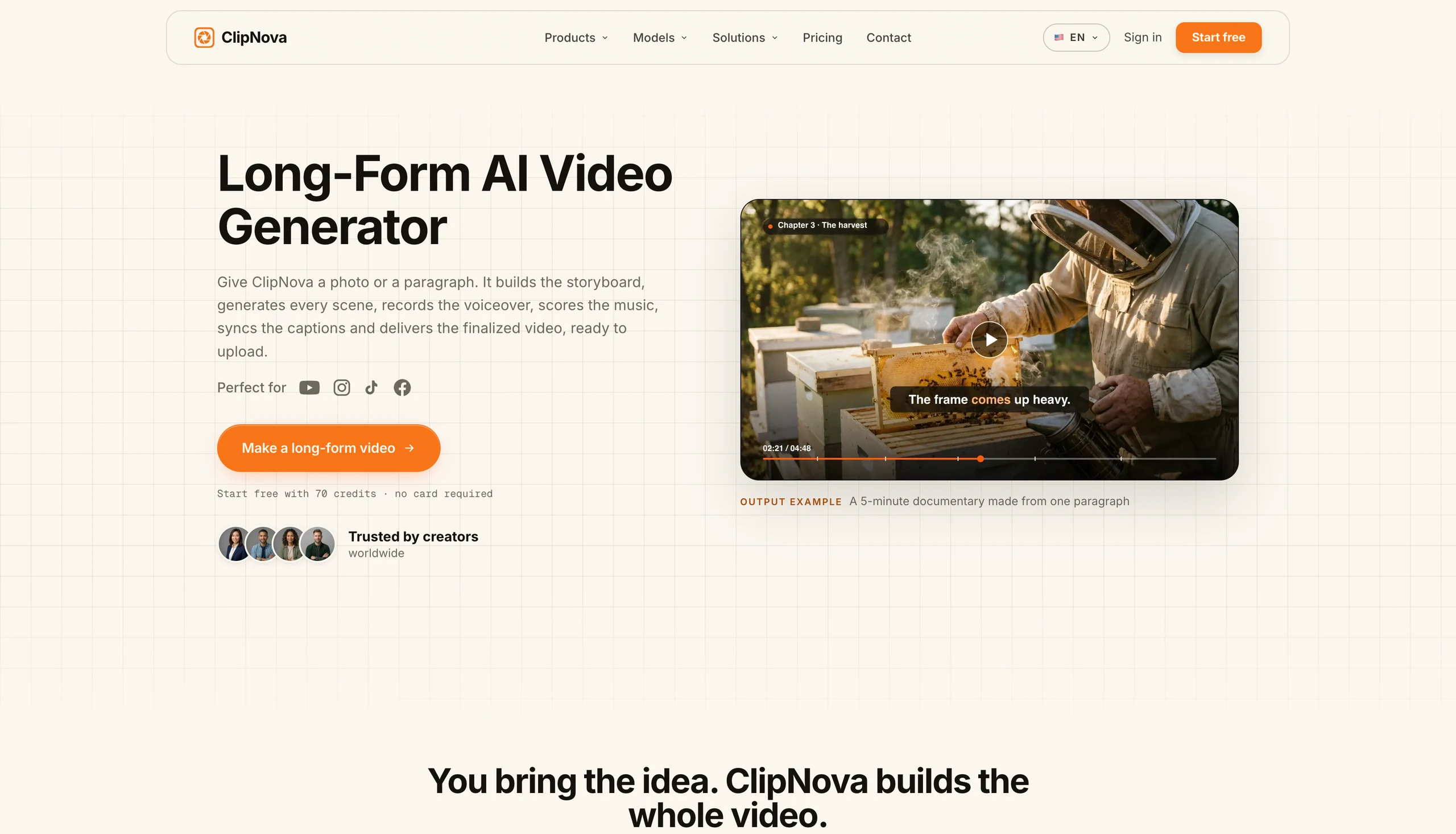
The storyboard-first approach is what makes minutes 3 through 5 hold up. A 60-second cut usually gets four to eight scenes, a 5-minute video uses up to twenty scenes organized in chapters, and each chapter keeps its own visuals so a long runtime never feels like a loop. Because the plan is text, changing the video is editing text: shorten a chapter, move the call to action earlier, swap the narrator's language, and re-render.
How to make a long video with ClipNova
- Log in to the ClipNova app (new accounts start with 70 free credits, no card required).
- Start a new video and paste your brief. The brief used for the example below: "A 5-minute documentary on how honey is made, from the hive to the jar. Warm, calm narration, six chapters, 16:9 for YouTube."
- Optionally upload a photo (a product shot, a founder portrait, a reference frame). ClipNova builds the storyboard around it and keeps its subject consistent across scenes.
- Review the storyboard, pick a narrator voice (32 languages), and generate.
- Export 16:9 for YouTube, 9:16 for social, or 1:1, up to 4K, watermark-free.
Here is the storyboard ClipNova wrote for that brief, next to one of the scenes it rendered from it:
And three chapters from the finished 5-minute cut, each with its own location and light but the same grade from first scene to last:

Key features
- Storyboard first: a scene-by-scene plan with runtime, camera move, and narration line per scene, editable before anything renders
- Up to 5 minutes per render, up to twenty scenes in chapters; longer projects chain renders with consistent characters and locations
- Scenes rendered with current video models (Veo 3.1, Kling 3.0, Sora 2) under one shared look and grade
- Narration in 32 languages with voice cloning; re-voice a finished video for another market without re-rendering scenes
- Auto music bed ducked under the voice, and captions transcribed from the narration so both switch together
- 16:9, 9:16, and 1:1 export up to 4K, watermark-free, with full commercial rights on every plan
Best for
- YouTube explainers and documentaries of 3 to 5 minutes made from a topic, without filming a frame
- Faceless channels publishing chaptered story and list videos on a schedule from text briefs
- Product walkthroughs, course modules, and brand stories that start from a single photo
Pricing
- Start free with 70 credits, no card required; ongoing use needs a paid plan
- Hobby $19/mo (1,000 credits); Starter $49/mo (2,500), Growth $99/mo (5,000), and Ultra $199/mo (10,000) add volume
- Every plan has the identical feature set, only monthly credits differ; yearly billing is 20% off (see ClipNova pricing)
Pros
- The only tool in this list that returns a finished, chaptered long video from a brief rather than clips or a slideshow
- Consistency across scenes is planned, not hoped for, so a 5-minute cut does not drift in style halfway through
- Watermark-free 4K and commercial rights start at $19, not on a top tier
Cons
- Credits are consumed per render, and a 5-minute video costs more than a Short, so Hobby suits a few long videos a month rather than daily uploads
- A single render caps at 5 minutes; a 15-minute video means chaining renders and joining them
- Newer brand than Synthesia or Runway, with a smaller template and community footprint
2. InVideo AI, best agentic editor for long prompt-to-video
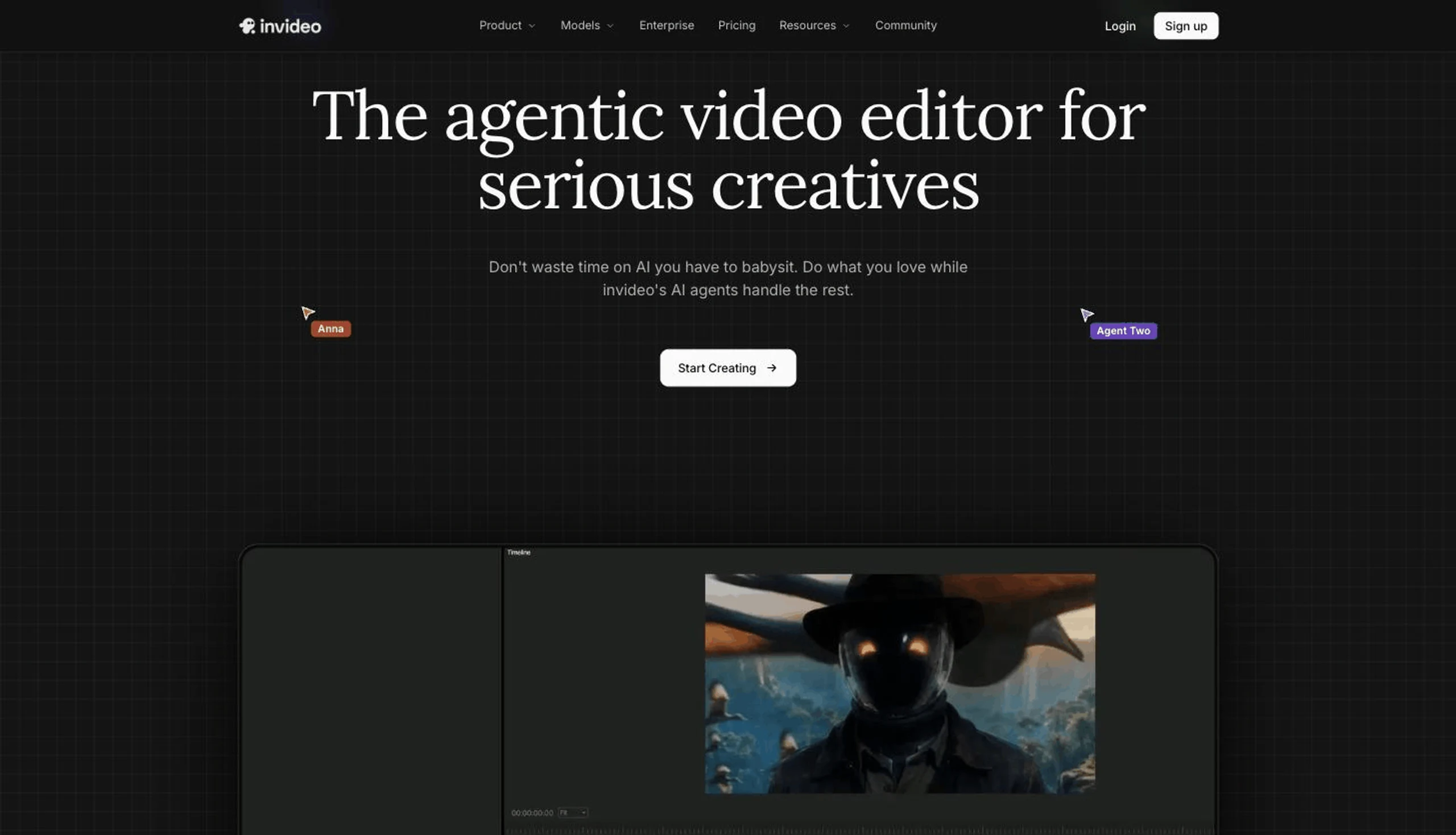
InVideo AI is the closest thing to ClipNova in this list and the most ambitious on raw length. Its Agent One plans, generates, and edits a complete video from a single brief, selecting a model per shot from a bundle of 200+ (Veo 3.1, Sora 2, Kling 3.0, Seedance 2), and can produce up to 30 minutes from one prompt. You refine the result with text commands, and when text is not enough, every plan includes a full multiplayer timeline editor. Our InVideo alternative page goes deeper on where the two differ.
Key features
- Agent One: brief to planned, generated, and edited video up to 30 minutes
- 200+ bundled image, video, audio, and music models on paid plans
- Timeline editing, multiplayer collaboration, your own footage, and 4K export from the Basic plan
- AI avatars, voice cloning, subtitles, and video translation in the same editor
- Text-command revisions plus a conventional timeline for manual fixes
Best for
- Creators who want prompt-to-video but expect to open a timeline and fix scenes by hand
- Teams that need seats, shared projects, and a broad model catalog under one subscription
Pricing
- Basic $9 per seat/mo (190 credits); Pro $25 per seat/mo billed yearly or $30 monthly (1,000 credits); Ultra $60 per seat/mo billed yearly or $80 monthly (3,000 credits); yearly billing is 25% off
- Free plan exports carry a watermark; plan names changed recently, so confirm the current tiers on the pricing page
Pros
- The longest single-prompt output in this comparison, with a serious editor behind it
- Model bundling gives real generative footage instead of stock
Cons
- Credit math is opaque: cost per video changes with the model and quality you pick, so two users on the same plan get very different minutes
- Undirected generations can still lean on stock and templates and look generic
3. Pictory, best for turning scripts and articles into narrated long-form
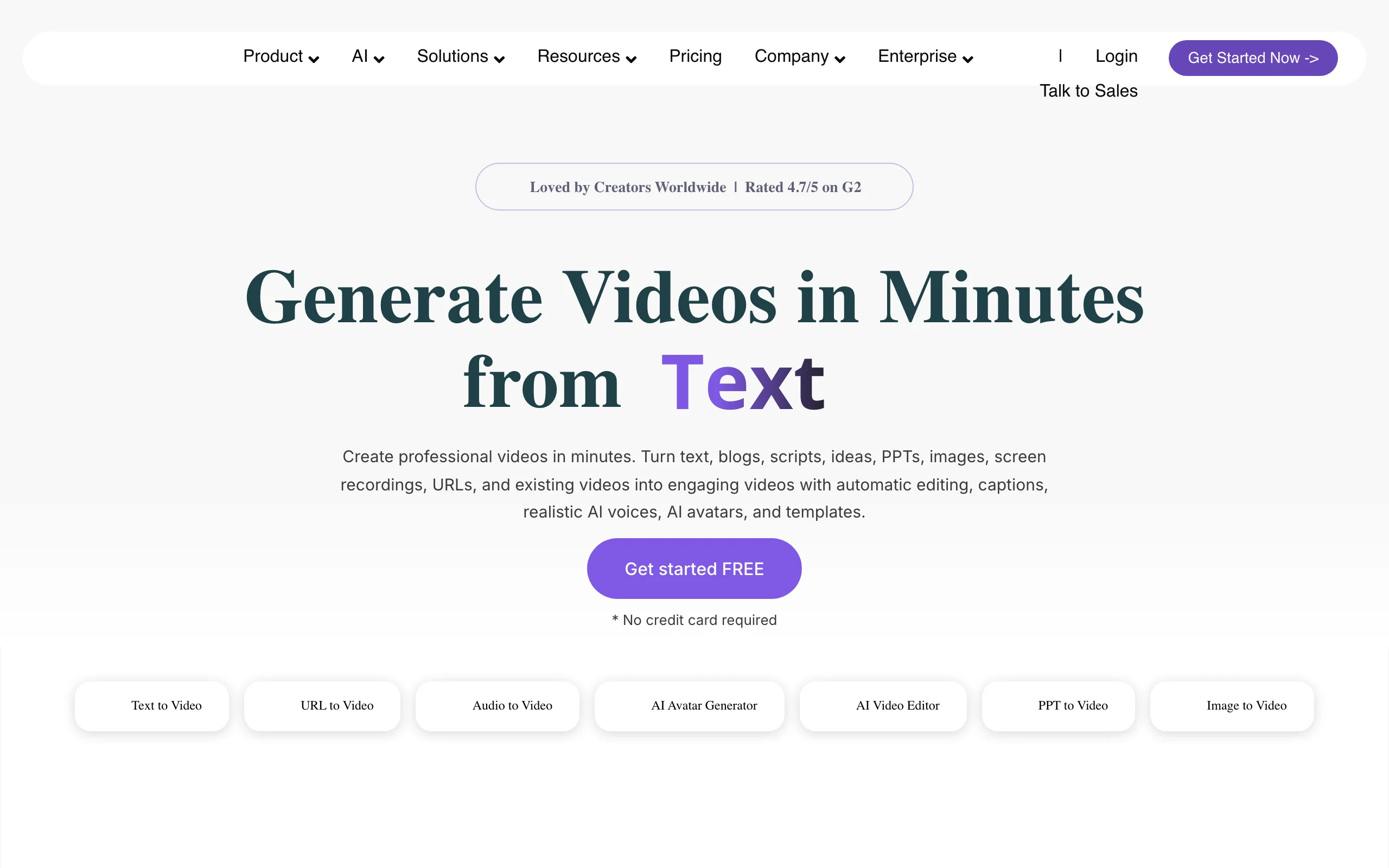
Pictory starts from text you already have. Paste a script, a blog post URL, or a PowerPoint deck and it breaks the text into scenes, matches each with stock footage from Getty and Storyblocks, adds an ElevenLabs voiceover and captions, and exports a video up to 30 minutes long. For content teams repurposing a library of articles into YouTube videos, it is the fastest path from text to something publishable. If the stock look is the sticking point, see our Pictory alternative comparison.
Key features
- Script, article URL, or PPT to scene-by-scene video with auto-selected stock visuals
- Videos up to 30 minutes on every paid plan; 200 export minutes a month on Starter, 600 on Professional
- ElevenLabs voices (up to 120 minutes a month on Starter) plus auto subtitles
- Getty Images and Storyblocks libraries included on Professional
- Edit existing recordings by editing the transcript
Best for
- Blogs and publishers converting written archives into 5- to 20-minute narrated videos
- Marketing teams producing webinar recaps and explainers from decks and scripts
Pricing
- Starter $25/mo billed yearly ($29 monthly) with 2,400 video minutes a year; Professional $35/mo billed yearly ($59 monthly) with 7,200 minutes a year; Teams $119/mo billed yearly ($199 monthly)
- Free trial available; annual plans front-load the full yearly minute allowance
Pros
- Generous minute allowances make long videos cheap per minute
- Transcript-based editing is genuinely fast for talking content
Cons
- Output is stock footage and text overlays, so videos can look templated next to generative tools
- Starter exports top out at 720p
4. Fliki, best voice-first script-to-video
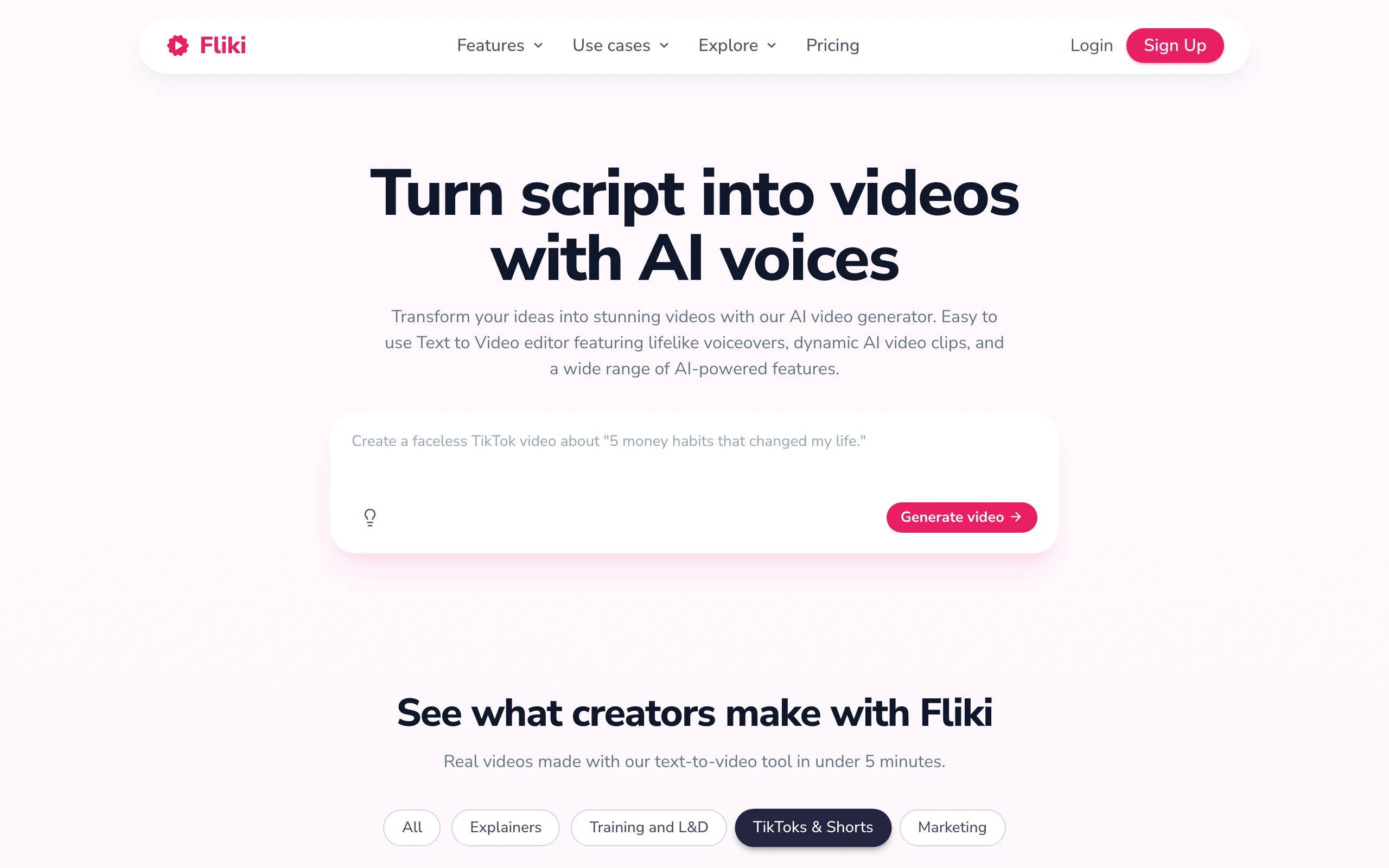
Fliki is built around narration. Paste or write a script, choose from about 1,500 text-to-speech voices across 80+ languages on Standard, and it assembles a subtitled video over stock media and AI clips. Long videos are a first-class option: Standard allows videos up to 15 minutes and Premium up to 40, which covers most narrated explainers, audiobook-style channels, and course lessons. We compare it head-to-head on our Fliki alternative page.
Key features
- Script, blog post, or prompt to narrated, subtitled video
- Videos up to 15 minutes on Standard, up to 40 minutes on Premium
- About 1,500 voices on Standard, 2,000+ on Premium, 80+ languages and 100+ dialects
- Voice cloning (1 clone on Standard, 3 on Premium)
- Stock library with per-scene media control
Best for
- Multilingual narrated channels where voice quality and language coverage matter most
- Writers converting long scripts and lessons into videos without touching an editor
Pricing
- Standard $28/mo (1080p, 180 minutes a month); Premium $88/mo (longer videos, more voices and clones); yearly billing is about 25% off
- Free plan: 720p, videos up to 1 minute, watermarked
Pros
- Strong text-to-speech quality and the widest voice catalog here
- Commercial use included on paid plans
Cons
- Visuals are slideshow-style stock with limited native generative video, so long videos can feel static
- Official pricing renders client-side, so dollar figures are confirmed via third-party listings
5. Synthesia, best for avatar-led training and course videos
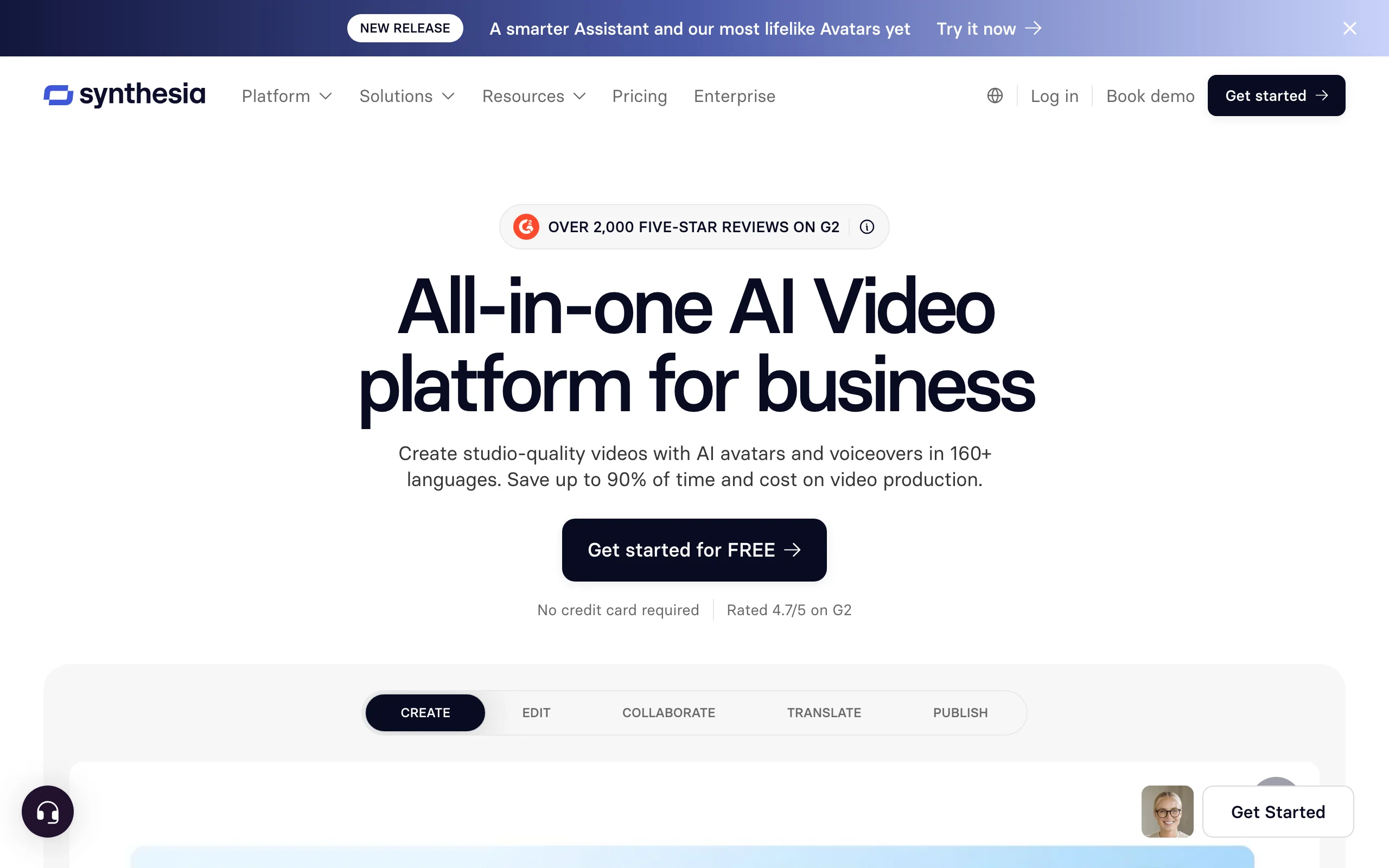
Synthesia is the enterprise standard for presenter-style video. Pick an avatar, paste a script in any of 160+ languages, and it produces a studio-look talking video with slides, screen recordings, and brand kits around the presenter. Long-form here means multi-chapter training modules and internal comms rather than YouTube storytelling, and the pricing follows that: you buy minutes per month, and the Enterprise tier goes unlimited. Our roundup of the best AI talking avatar generators covers the avatar category in more depth.
Key features
- Studio-quality avatars (including personal avatars) with voiceover in 160+ languages
- Scene-based editor with slides, media, and brand kits for course-style videos
- Collaboration, comments, and guest reviewers for team workflows
- AI dubbing of existing videos, deducted from the same minute pool
- API access on Creator and above
Best for
- L&D and enablement teams producing chaptered training that updates often
- Companies localizing one presenter video into many languages
Pricing
- Starter $29/mo or $264 a year (10 minutes of video a month, 120 a year on annual); Creator $89/mo or $804 a year (30 minutes a month, 360 a year); Enterprise custom with unlimited minutes
- Free plan with a small monthly minute allowance to test
Pros
- The most polished avatar output and the deepest enterprise feature set
- Minute-based limits are predictable and only count new seconds when you edit
Cons
- 10 minutes a month on Starter is a single long video; serious long-form volume needs Creator or Enterprise
- Presenter format by design; not built for narrated documentary or story visuals
6. HeyGen, best for long spokesperson videos and translation
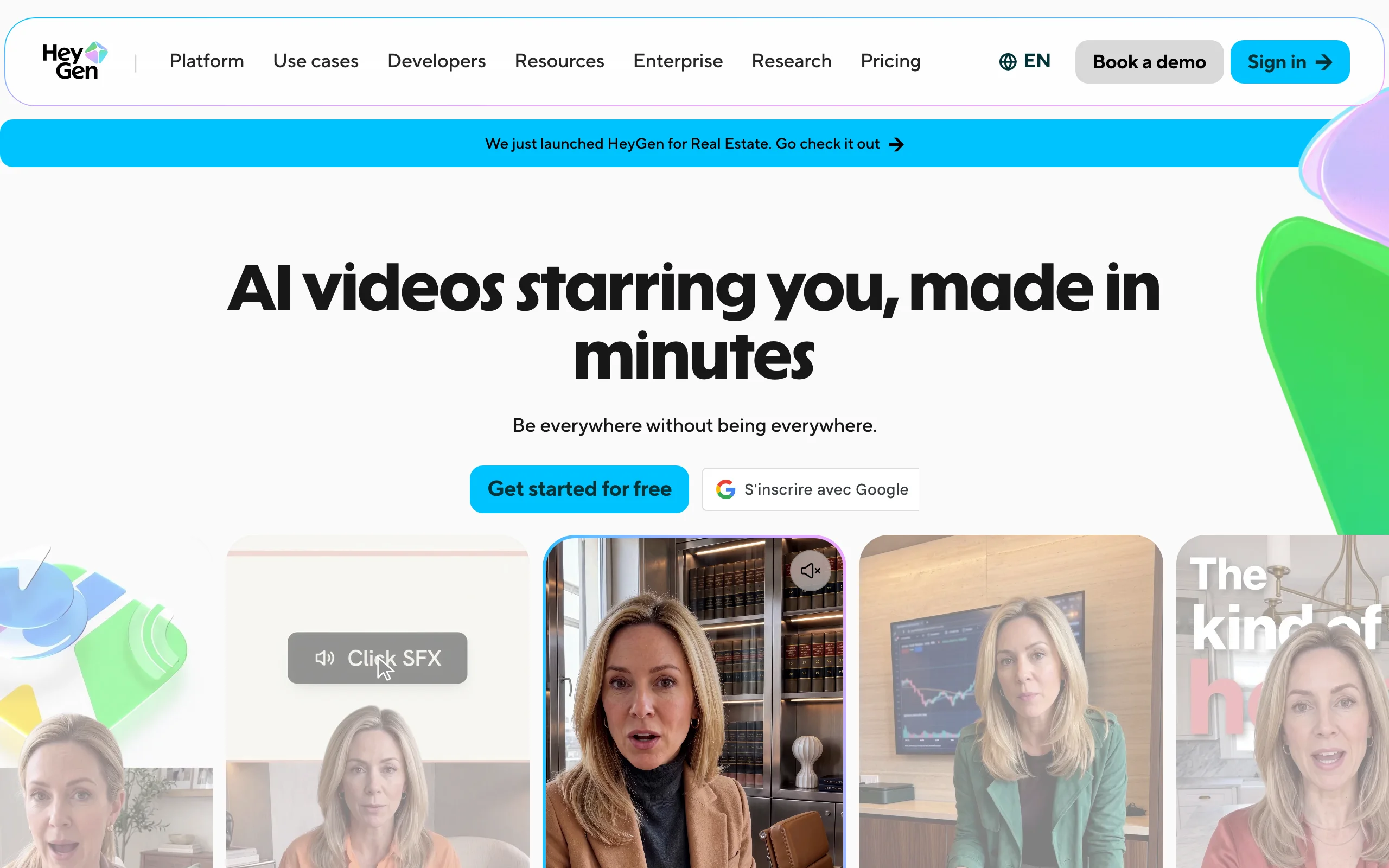
HeyGen makes a realistic avatar of you (or a stock presenter) deliver a script, then lets you translate the finished video into other languages with matched lip movement. Videos on the Creator plan can run up to 30 minutes, which makes it a practical pick for product walkthroughs, long-form sales videos, and course lessons fronted by a face. See where it falls short in our HeyGen alternative comparison.
Key features
- Realistic AI avatars, including a custom avatar trained from your own footage
- Videos up to 30 minutes per project on Creator
- Video translation that preserves voice and lip sync
- Screen-recording and slide integration for walkthroughs
- API and workflow integrations on higher tiers
Best for
- Founders and educators who want an on-screen presenter without recording every video
- Localizing one long spokesperson video into many languages
Pricing
- Creator $29/mo, or $24/mo billed yearly; Pro $49/mo; Business $149/mo with $20 per additional seat
- Free plan exists with watermarked, limited output
Pros
- The most natural avatar lip sync in this lineup, and translation is a real differentiator for long videos
- Long per-video cap on an entry-level plan
Cons
- Avatar minutes are credit-metered, so the 30-minute cap and the monthly allowance are different numbers; check both before planning a course
- Avatar-first: b-roll, scene visuals, and non-presenter formats are secondary
7. Runway, best for cinematic shots inside a long edit
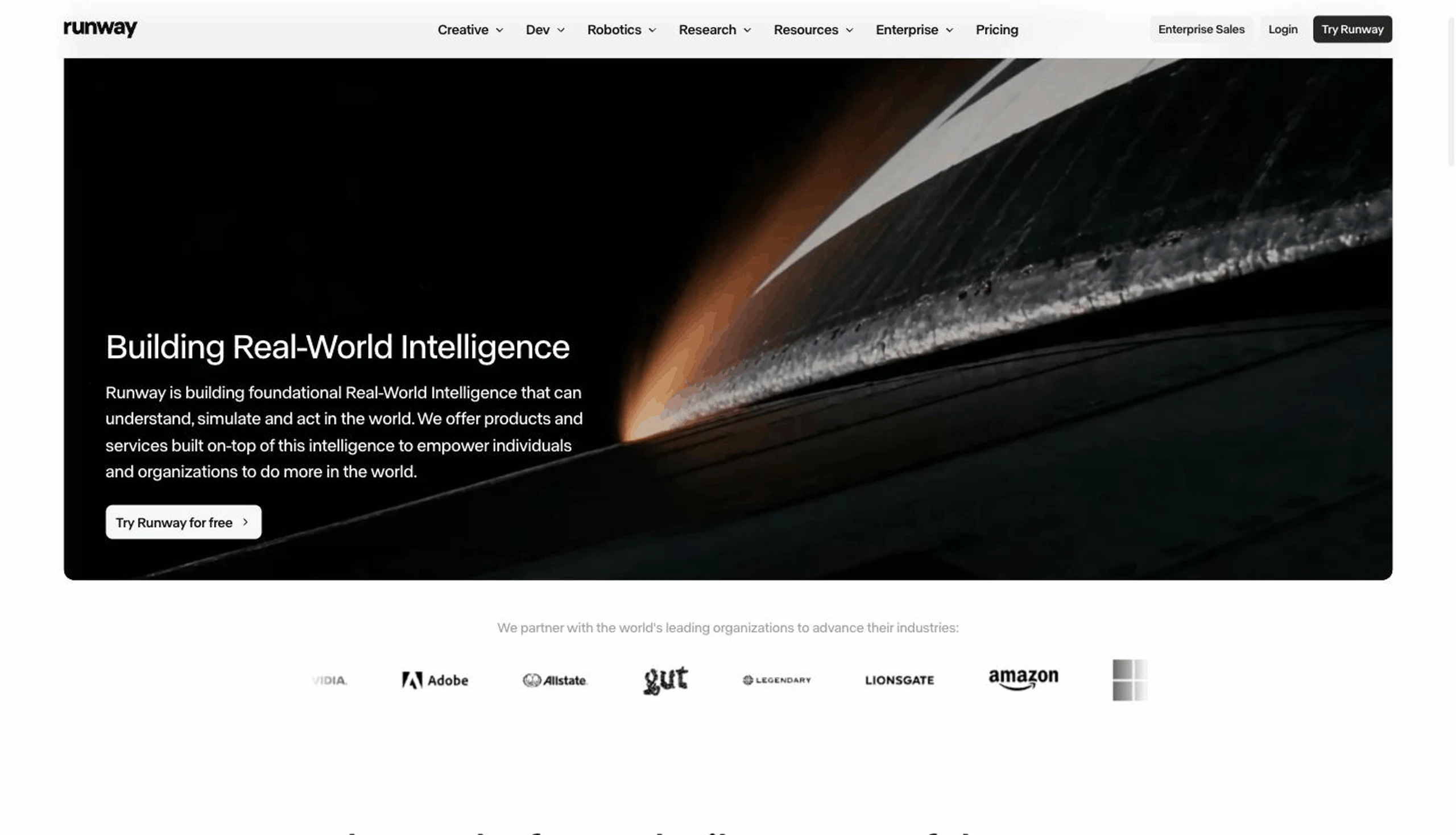
Runway is the frontier model in this list, and it is here for a specific reason: long videos still need hero shots. Gen-4.5 delivers cinematic footage with camera controls and references that keep a character consistent across shots, and its editing tools handle the polish. What it does not do is assemble a long video: each generation is a clip of seconds, so you plan, narrate, and cut the long video elsewhere. Our guide to the best Runway alternatives covers the tools that do the assembly.
Key features
- Gen-4.5 text- and image-to-video with camera control and reference-based consistency
- Motion tools, inpainting, and upscaling for finishing individual shots
- Credit-based generation across several model tiers (Gen-4 Turbo is cheaper per second than Gen-4.5)
- Asset storage and team workspaces on paid plans
Best for
- Filmmakers and channels that want a few standout generative shots in an otherwise assembled long video
- Creatives who already own the storyboard, voice, and edit and only need footage
Pricing
- Standard $12/mo billed yearly ($15 monthly) with 7,500 credits a year; Pro $28/mo billed yearly ($35 monthly) with 27,000 credits a year; Max $76/mo billed yearly ($95 monthly) with 114,000 credits a year
- Free plan with 125 one-time credits
Pros
- Best-in-class clip quality and control for hero shots
- Reference tools keep a character or location consistent between generations
Cons
- At about 12 credits per second on Gen-4.5, a Standard plan buys under a minute of top-tier footage a month, nowhere near a long video
- No script, narration, captions, or assembly; it is one ingredient, not the meal
How to choose the best AI video generator for long videos
1) Do you want a finished video or footage?
- A finished, chaptered video from a brief: ClipNova returns the whole cut; InVideo AI does too, with a timeline for manual fixes.
- A narrated video from text you already have: Pictory and Fliki turn scripts and articles into stock-backed videos with little setup.
- Hero shots for an edit you control: Runway, then assemble in an editor or drop the clips into one of the tools above.
2) Narrated visuals, a presenter, or both?
- Narrated documentary and story visuals: ClipNova generates the scenes and the narration together; our guide to the best AI tools for faceless YouTube channels covers that workflow end to end.
- An on-screen presenter: Synthesia for training and enterprise, HeyGen for spokesperson videos and translation.
- Both: generate the narrated cut in ClipNova and add an avatar intro from HeyGen, or use InVideo's built-in avatars inside the same edit.
3) How many long minutes do you publish a month?
Do the minute math before subscribing, because caps show up in three places: per video, per month, and per credit. Synthesia's Starter buys 10 minutes a month, which is one long video. Runway's Standard buys under a minute of Gen-4.5 footage. Pictory's Starter allows 200 minutes a month but at 720p. ClipNova's $19 Hobby plan covers a few finished long videos a month with 4K and rights included, and Starter at $49 is the plan for a weekly 5-minute upload. InVideo's Pro at $25 a seat is competitive if you are comfortable estimating credits per model.
4) Which format and languages?
- YouTube 16:9 with chapters: ClipNova, InVideo AI, Pictory, and Fliki all export it; ClipNova also re-cuts the same project to 9:16 and 1:1.
- Many languages from one video: HeyGen and Synthesia translate presenter videos with lip sync; ClipNova and Fliki re-voice narrated videos in 32 and 80+ languages respectively.
- Rights: ClipNova includes full commercial rights on every plan; check tier fine print on watermarks and commercial use elsewhere.
Whichever way you lean, give two finalists the same brief for a 5-minute video and watch both cuts all the way through. The first minute of any AI video looks good in 2026. It is minute four that tells you which tool you can publish with.