3D cartoon videos are one of the fastest-growing formats on YouTube, TikTok, and Reels: Pixar-style kids stories, talking-animal comedy, cosy claymation episodes, and family-film shorts with a recurring character. A year ago that look meant Blender, a render farm, and weeks of work. Today an AI 3D cartoon video generator can return it from a paragraph of text.
The tools are not all doing the same job, though. Some hand you a finished episode with voices, music, and captions. Others hand you one 5-second clip at a time, and the editing, narration, and consistency are on you. Picking the wrong kind is the difference between posting daily and stitching clips all weekend.
This guide ranks the 7 best AI 3D cartoon video generators in 2026, with pricing checked on each vendor's own pages in October 2026, so you can see which job each tool does before you pay.
Want a finished 3D cartoon video from one prompt? Open ClipNova's AI 3D Animation Generator: describe a story, pick the Disney / Pixar 3D or Claymation style, and get a voiced, captioned video with music, ready for YouTube, TikTok, Reels, and Shorts. Plans from $19/mo.
Best AI 3D cartoon video generators: a brief overview
Finished 3D cartoon episodes from a prompt or script
- ClipNova: Best overall. One story prompt returns a complete Pixar-style or claymation video with scenes, voiceover, music, and captions.
- LongStories.ai: Best for long 3D story videos and series, up to 15 minutes per video.
- MagicLight: Best for very long bedtime-story episodes you fine-tune in a storyboard.
- Atlabs: Best for kids cartoon episodes and music videos with consistent characters and lip sync.
- Krikey AI: Best for 3D talking characters you place and direct in a browser editor.
3D cartoon clips you assemble yourself
- Kling AI: Best for expressive 3D cartoon character motion, one shot at a time.
- Pollo AI: Best for trying many video models in one place on a small budget.
| Tool | Best for | Starting price | Output |
|---|---|---|---|
| ClipNova | Finished 3D cartoon videos | From $19/mo | Full video up to 5 min, voice, captions, music, 1080p |
| LongStories.ai | Long 3D story videos and series | $59/mo | Videos up to 10-15 min with narrator and character voices |
| MagicLight | Very long bedtime-story episodes | $15/mo ($7.50/mo yearly) | Story videos up to 50 min, 1080p |
| Atlabs | Kids cartoon episodes and music videos | $29/mo | Videos up to 5-15 min, 1080p, lip sync |
| Krikey AI | 3D talking characters | $15/mo | MP4, GIF, PNG, FBX |
| Kling AI | Expressive 3D character clips | $10/mo | 5-10 s clips, 1080p |
| Pollo AI | Many video models in one app | $15/mo | Clips from several models, no watermark |
Reading the table: the first five rows return a video with a story around it. Kling and Pollo return short clips, so a 60-second cartoon means a dozen or more generations plus your own voiceover, music, and editing.
1. ClipNova, best overall AI 3D cartoon video generator
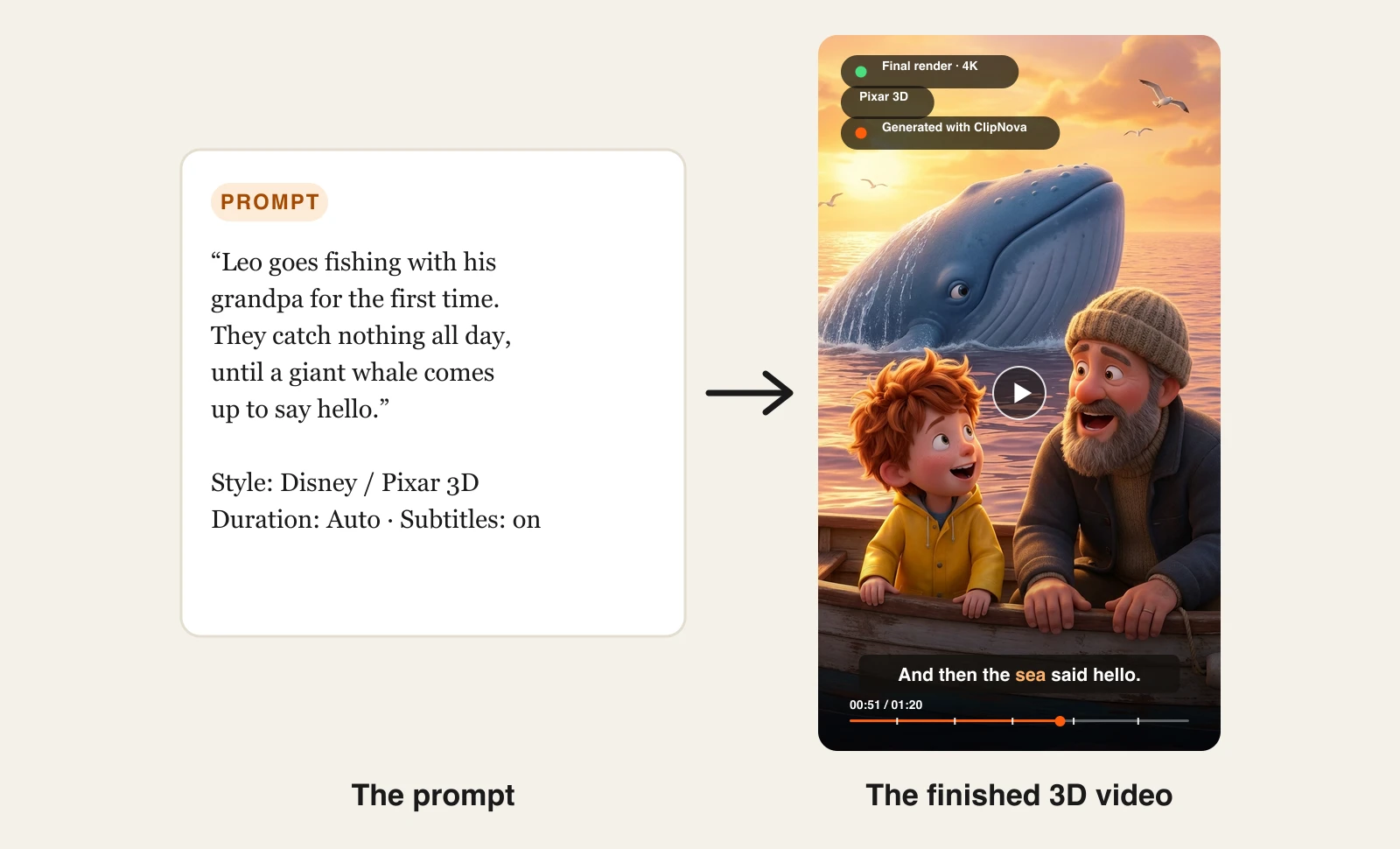
Most tools that rank for 3D cartoon video hand you one part of the job. ClipNova hands you the episode. You describe a story, set the Style preset to Disney / Pixar 3D or Claymation, and it writes the script, generates every scene with the same character design, voices the narration, adds music, and burns in captions.
For a 3D cartoon channel, the point is a finished long episode where your hero looks the same in every shot.
- Long: one story idea becomes a finished 3D cartoon episode of up to 5 minutes, not a 5 to 10 second clip.
- Consistent characters: save your hero once with a picture and a locked look, and they keep the same face and outfit in every scene; with Series the same cast returns each episode and story memory carries the plot.
- Finished: script, 3D scenes, voiceover, captions and music arrive in one pass, and you can redo any single scene in Studio before you post.
You never touch a rig, a timeline, or a render queue. ClipNova makes the soft rounded characters, expressive eyes, and cinematic lighting viewers associate with family films, without building a 3D scene. That is also its limit: it makes video, not 3D models or motion files, so it is the wrong pick if you need assets for a game engine.
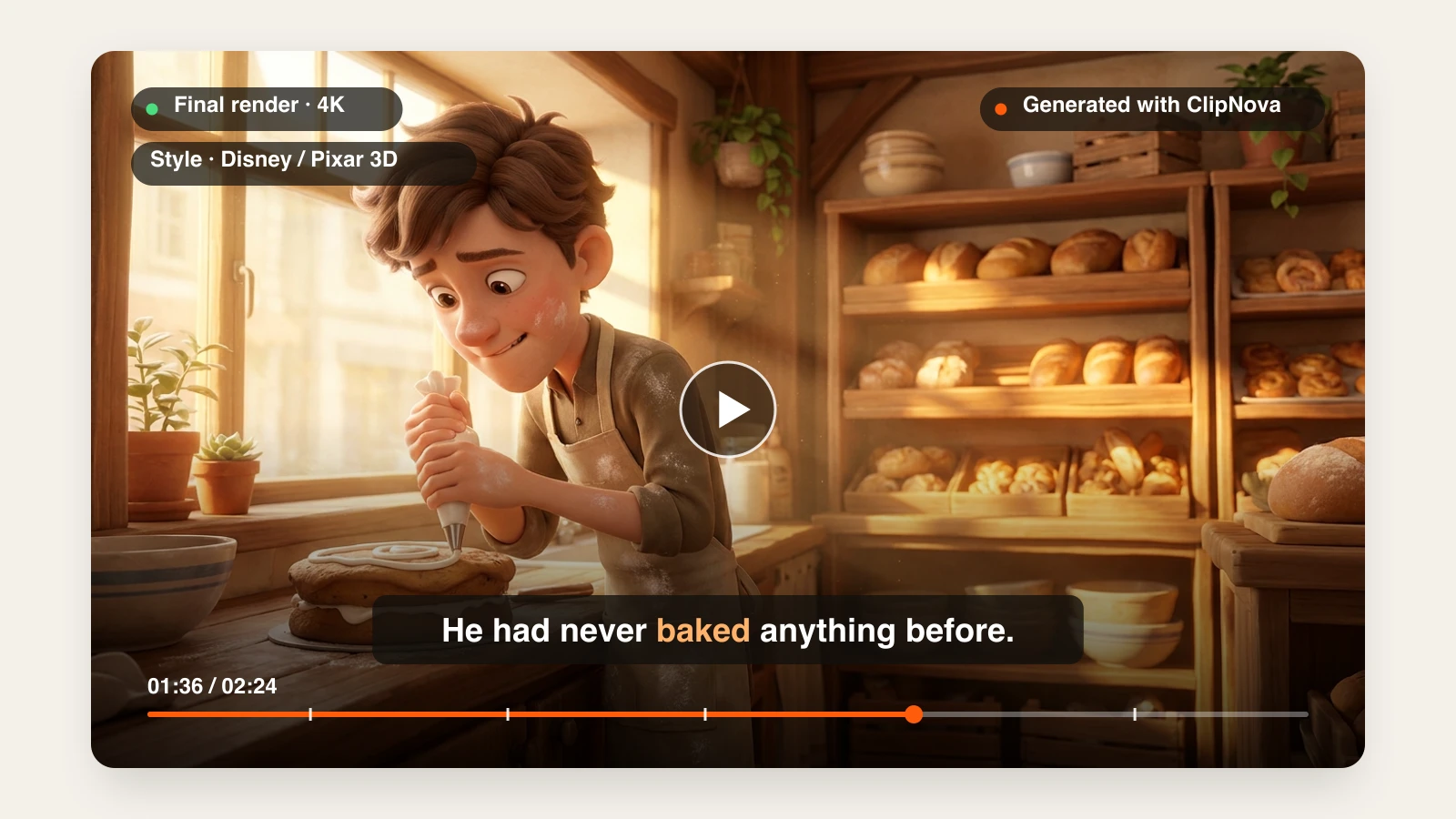
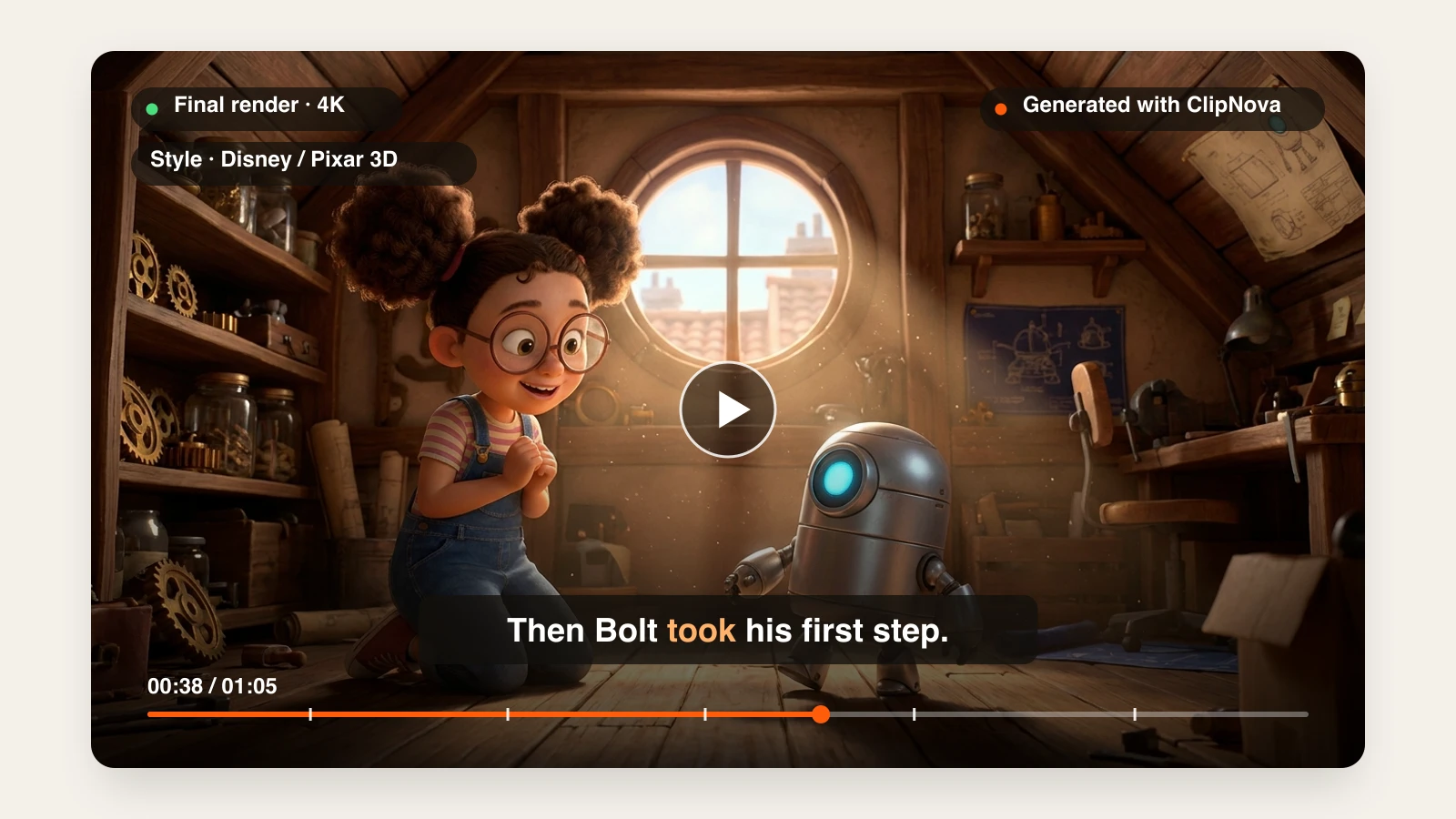
Here is one story prompt with the Disney / Pixar 3D style selected, and the video that came back:
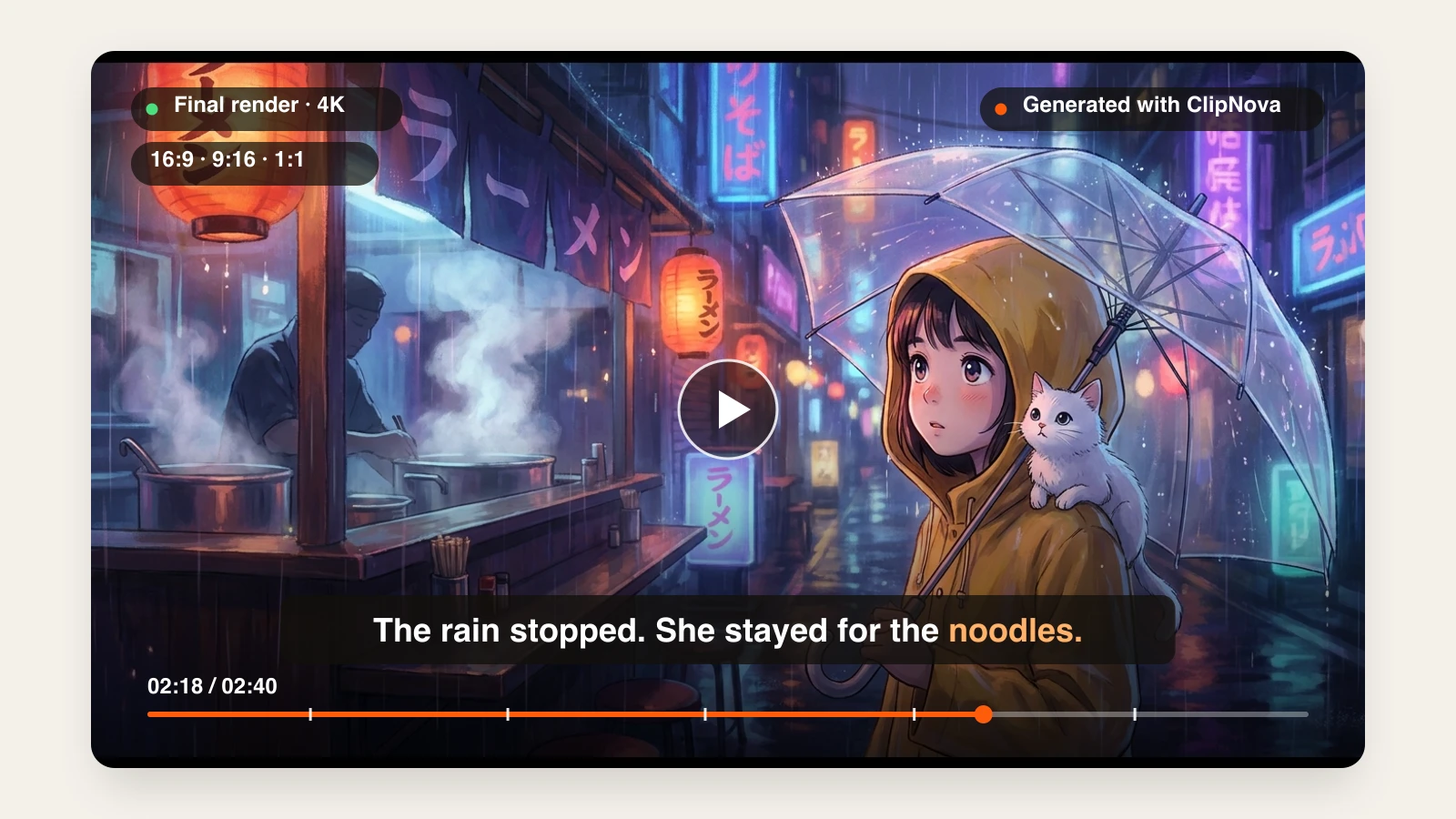
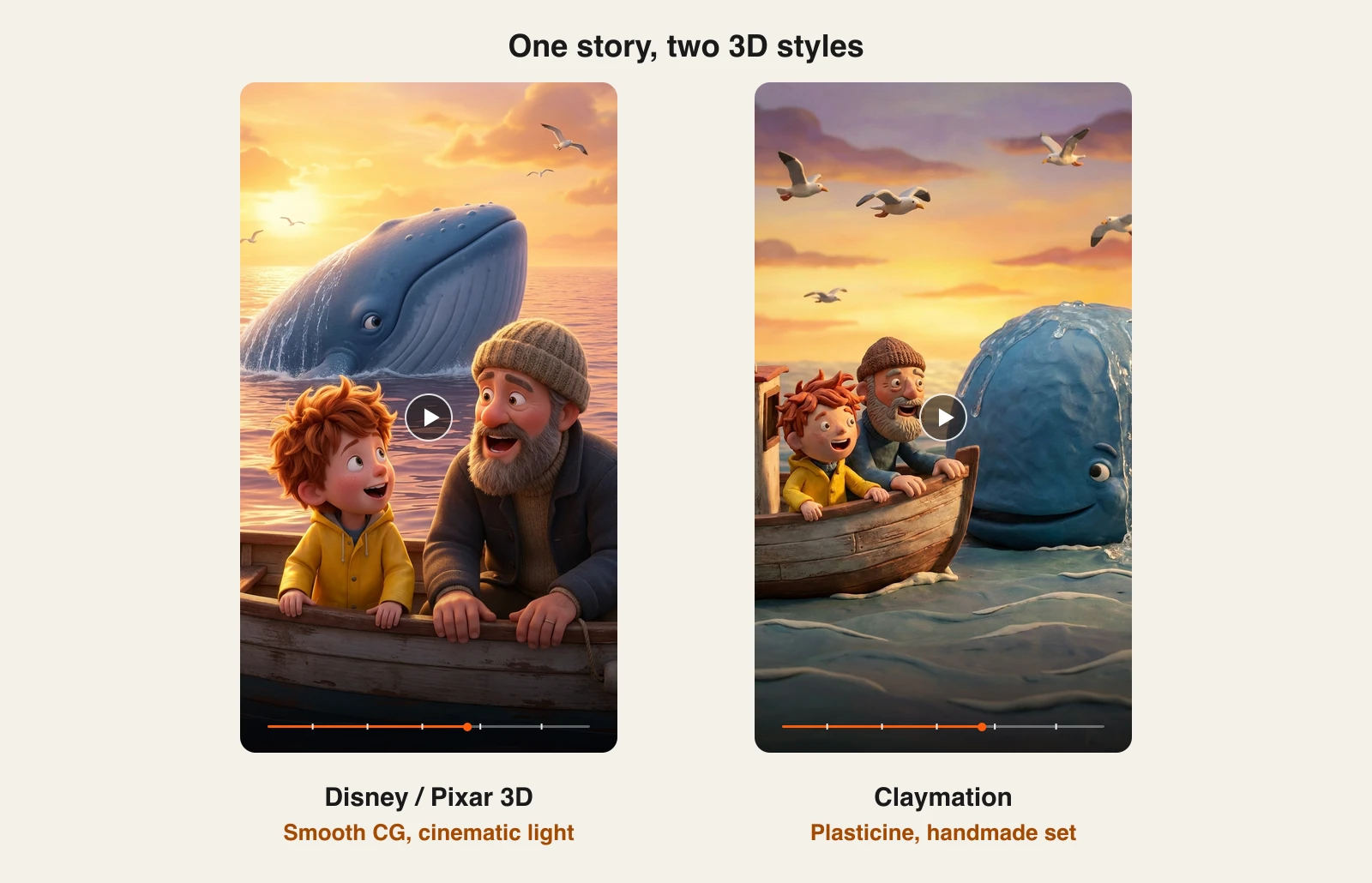
Keep the story, change one setting, and the same scene comes back in a different 3D look. Smooth CG suits family stories and kids content; claymation suits cosy, handmade, or comedic channels:
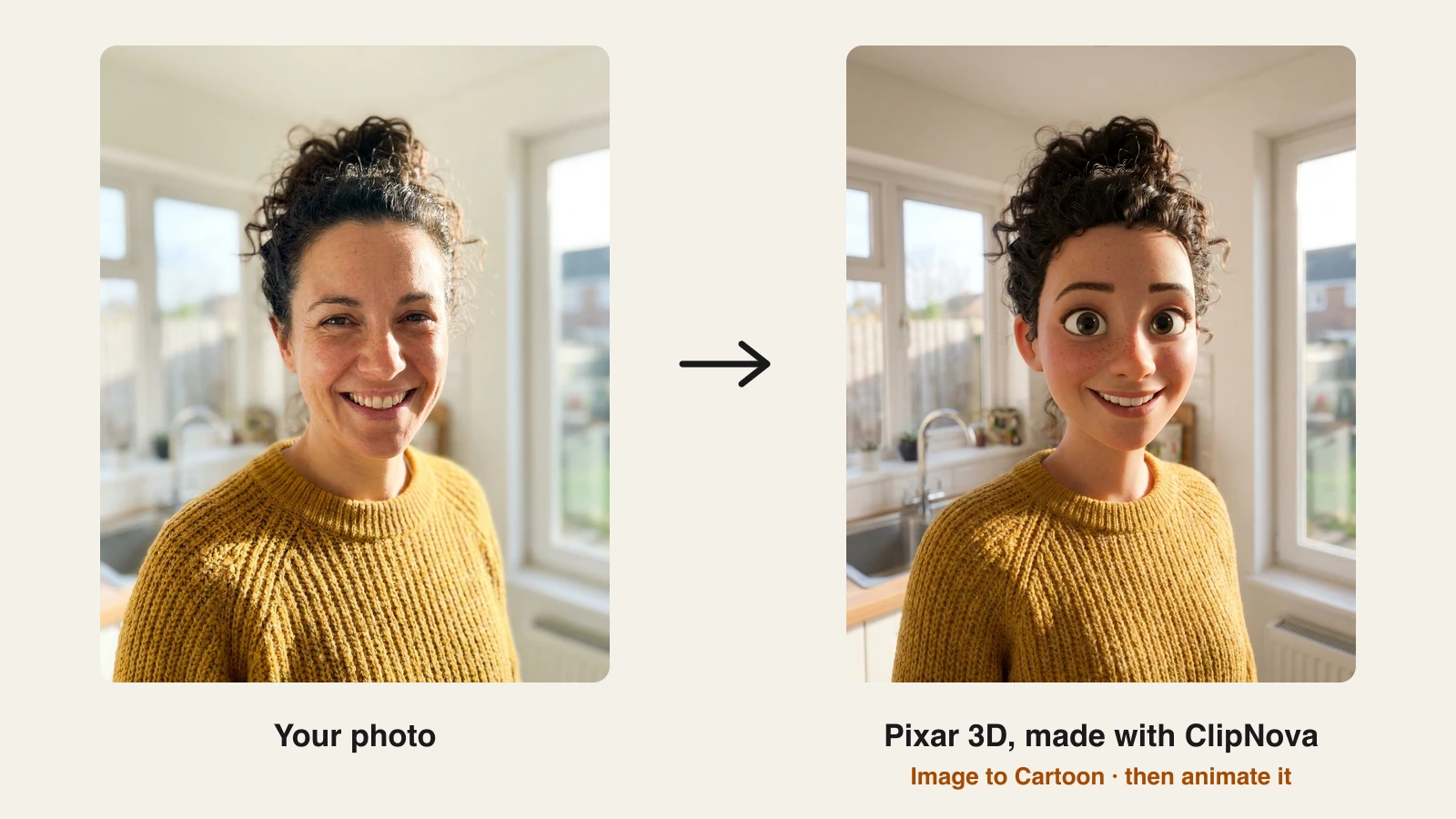
Want yourself, a customer, or a mascot as the 3D cartoon character? Image to Cartoon has a Pixar 3D style that turns a photo into an animated-film version of the same person, which you can then bring to life in Image to Video:
How to make a 3D cartoon video with ClipNova
- Sign up for the ClipNova app and choose a plan (from $19/mo).
- Open AI Video Studio and choose Prompt to Video.
- Write your story in a short paragraph: who the characters are, where they are, and what happens.
- Under Style preset, pick Disney / Pixar 3D for smooth CG or Claymation for a handmade 3D look.
- Set the duration (Auto sizes the video to the script), choose a quality tier, and leave Subtitles on.
- Generate, then export vertical for TikTok, Reels, and Shorts, or 16:9 for YouTube.
To star a real person, run their photo through Image to Cartoon with the Pixar 3D style first, then open Image to Video, upload the 3D character, and pick the same style so the motion keeps the look.
Key features
- Story prompt to finished 3D cartoon video: scenes, voiceover, music, and captions in one generation
- Disney / Pixar 3D and Claymation as one-click Style presets, no prompt engineering
- Consistent character design across every scene of a video
- Photo to 3D cartoon character with Image to Cartoon, then animate it
- Narration in 18 languages, 1080p with no watermark, full commercial rights on every plan
Best for
- Faceless YouTube and TikTok channels publishing 3D cartoon stories every week
- Parents, teachers, and kids creators who want Pixar-style shorts without learning Blender
- Brands that want a 3D cartoon explainer or mascot story without hiring a studio
Pricing
- Hobby $19/mo (1,000 credits), Starter $49/mo (2,600), Growth $99/mo (5,750)
- Ultra from $199/mo (12,000 credits), up to 145,000 credits for $1,999/mo
- Yearly billing saves 20%; every plan includes every feature, only credits differ
Pros
- The only tool here that goes from one sentence to a captioned, narrated 3D cartoon video
- Switching between smooth 3D and claymation is a single setting, so testing a niche is cheap
- Vertical-first output fits Shorts, Reels, and TikTok without re-editing
Cons
- Makes video only: no 3D models, rigs, or motion files
- You direct the story, not individual shots, so frame-precise character acting is out of scope
2. LongStories.ai, best for long 3D story videos and series
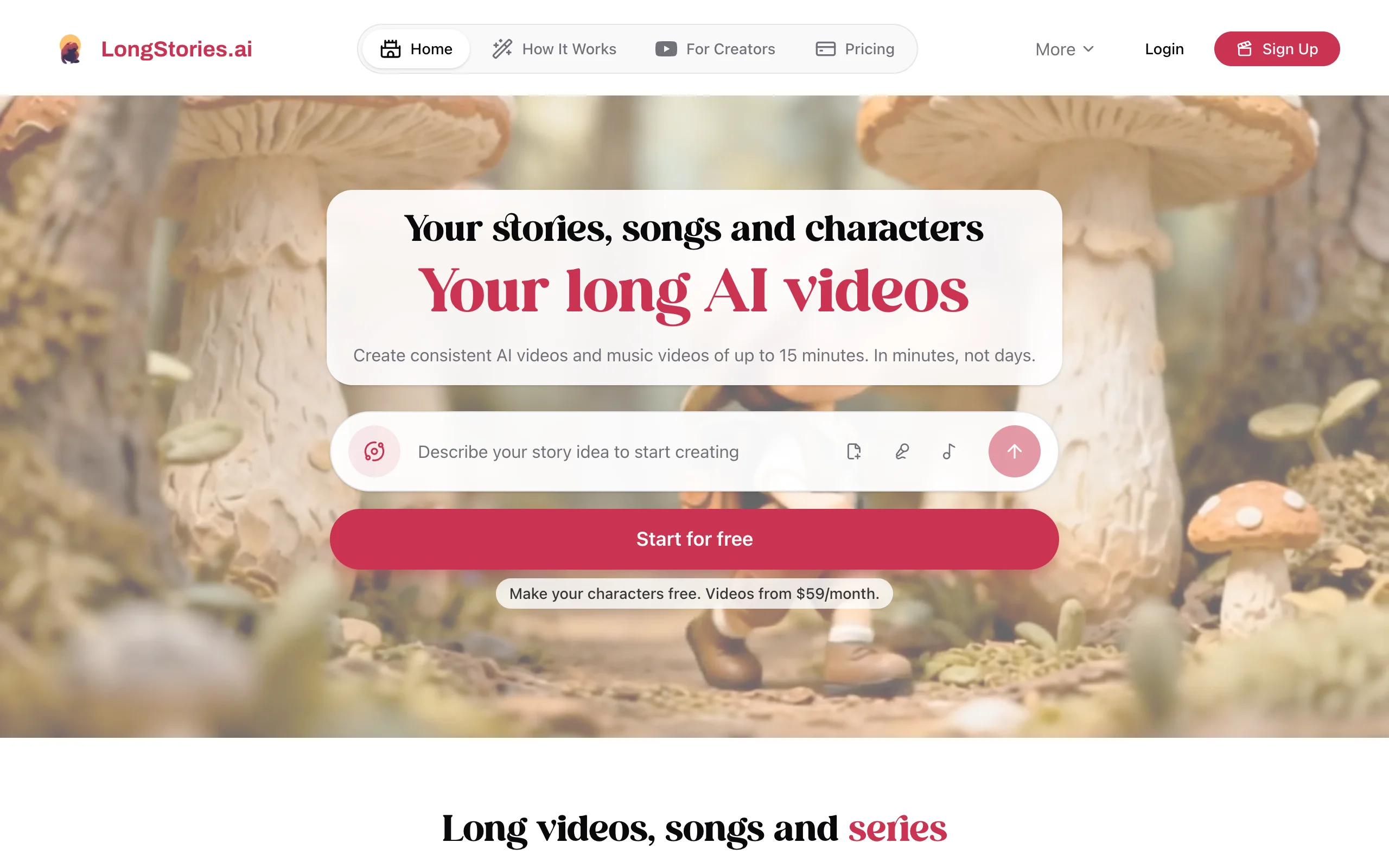
LongStories.ai is built for creators who want length and a recurring cast. You describe a story idea, create characters once, and it produces long AI story videos and music videos with a narrator and character voices. Its homepage promises consistent videos of up to 15 minutes, and its Pixar-style generator page is aimed squarely at 3D animated storytelling.
The trade-off is price and resolution. Plans start at $59 a month, and videos render at 480p by default, with upscaling to 1080p, 2K, or 4K costing extra credits.
Key features
- Story idea to long AI video with a narrator and character voices
- Reusable characters for series and recurring casts
- Videos up to 10 minutes on most plans and 15 minutes on Creator Max
- Upscaling to 1080p, 2K, or 4K at 30 or 60 fps for extra credits
Best for
- 3D story channels that publish 8 to 15 minute episodes
- Creators building a series around the same characters
Pricing
- Pro $59/mo (4,500 credits, about 7 minutes of Pro video at 480p)
- Creator $99/mo (8,500 credits), Creator Max $199/mo (17,000 credits)
- Studio $299/mo and Studio Max $499/mo; yearly billing saves 25%
Pros
- Long runtimes with the same characters throughout
- Narrator and character voices built in
Cons
- Highest entry price on this list
- 480p by default; 1080p and above costs extra credits
3. MagicLight, best for very long bedtime-story episodes
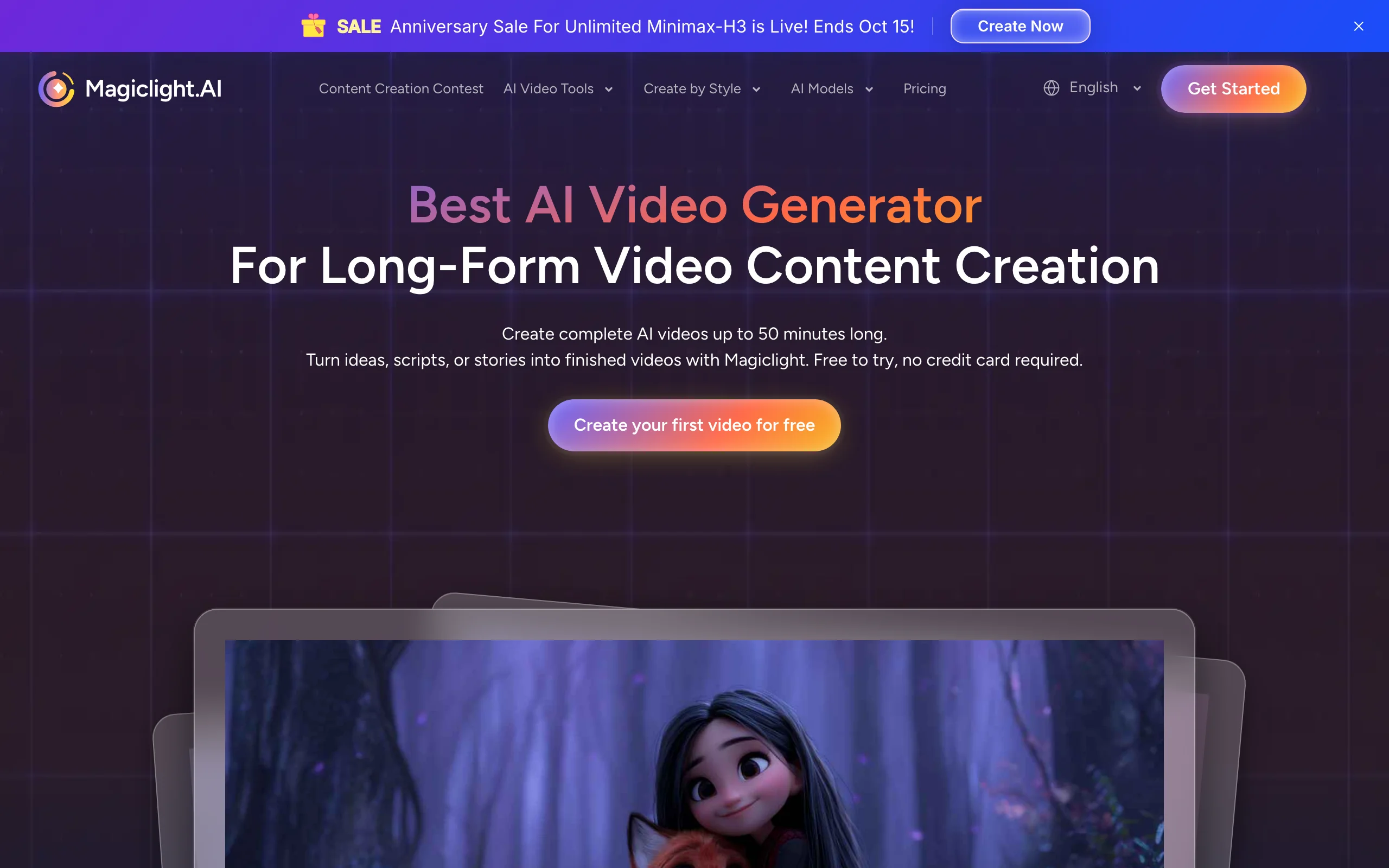
MagicLight is built for story channels that want length. You pick or write a script, choose a story model and a visual style, refine the characters' voices and looks, then edit scene by scene in a storyboard before exporting. Its 3D cartoon styles sit alongside realistic, comic, and kids' story looks, and the company says videos can run up to 50 minutes with characters and backgrounds kept consistent throughout.
Where ClipNova is tuned for finished shorts and mid-length videos, MagicLight leans toward long bedtime stories and serialized episodes. The trade-off is more hands-on storyboard work per video and a credit system that takes some math to translate into minutes.
Key features
- Script to 3D cartoon story video with a storyboard editor for expressions, clothing, and poses
- 9 story models and 20+ visual styles, including 3D cartoon looks
- Videos up to 50 minutes with consistent characters across scenes
- Voiceover, lip sync, 16 subtitle styles, and 40 music tracks built in
Best for
- Bedtime-story and kids channels publishing 10 to 30 minute episodes
- Creators who want to fine-tune each scene in a storyboard before export
Pricing
- Standard $15/mo, or $7.50/mo billed yearly ($90/yr), 8,000 credits a month (up to 130 minutes of generation)
- Plus $28/mo, Pro $44/mo, Ultra $90/mo, Ultimate $150/mo, each half price on yearly billing
- 1080p without watermark and a general commercial license on paid plans
Pros
- Length ceiling far above typical short-form tools
- Storyboard control over each scene without leaving the browser
Cons
- More manual steps per video than a one-prompt workflow
- Output tops out at 1080p
4. Atlabs, best for kids cartoon episodes and music videos
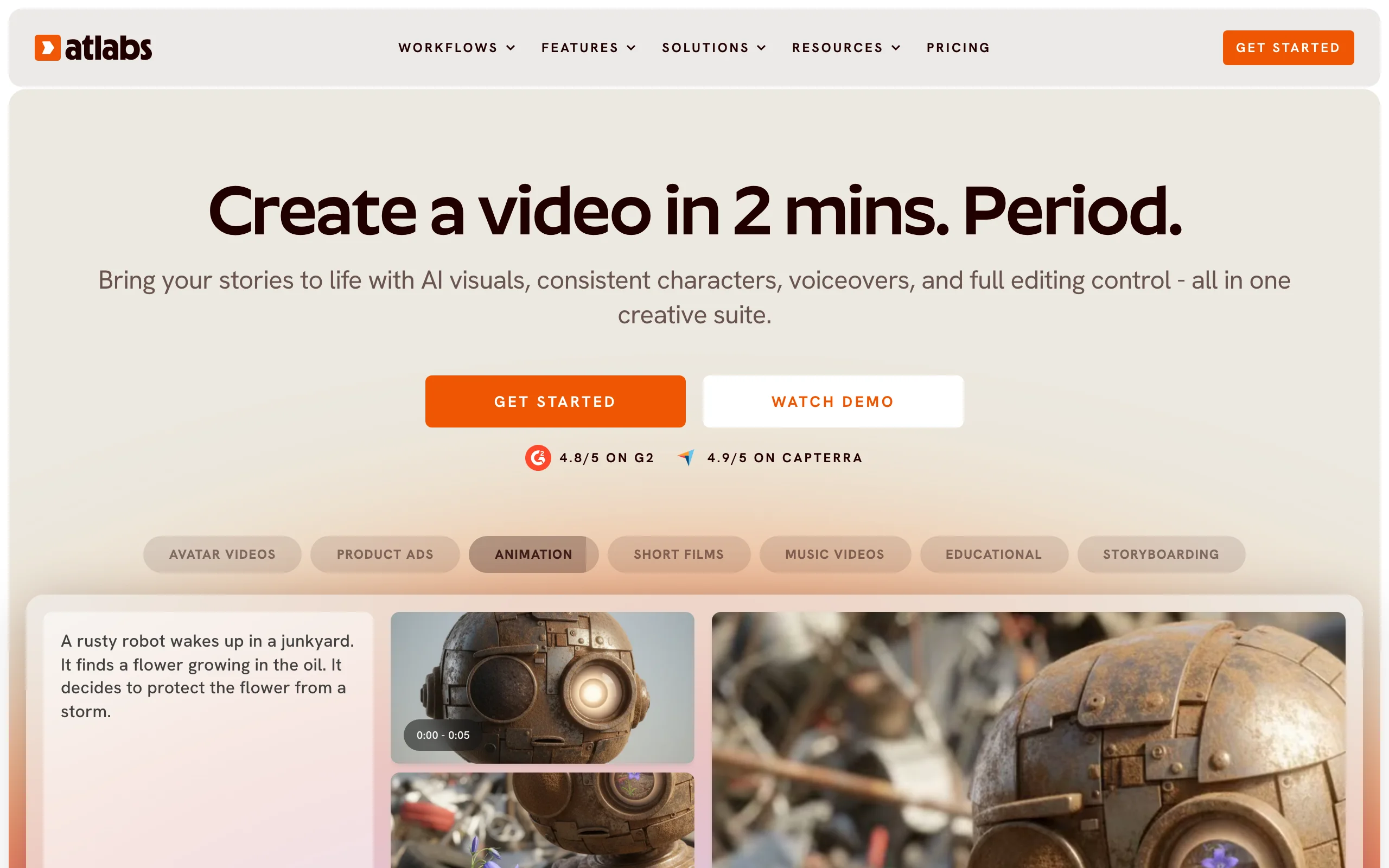
Atlabs is an all-in-one AI video suite with workflows for animation, short films, music videos, and educational content. You bring a story or song, and it builds the video with AI visuals, consistent characters, voiceovers, and an editor for full control. Its kids-focused workflows, a Kids Music Video Agent and kids edutainment music videos, make it a natural fit for nursery-rhyme and preschool channels.
Multi-character animated videos and multi-character music videos with AI lip sync unlock on the higher plans, so a cast of recurring 3D cartoon characters costs more than a single narrator story.
Key features
- Story or song to animated video with consistent characters and voiceover
- Kids Music Video Agent and kids edutainment music videos (Pro and up)
- Multi-character animated videos and AI lip sync (Plus and up)
- 1080p export with commercial use on paid plans
Best for
- Nursery-rhyme, preschool, and kids edutainment channels
- Creators who want an editor after the AI draft
Pricing
- Lite $29/mo (videos up to 5 minutes), Pro $59/mo (up to 10 minutes)
- Plus $189/mo and Max $249/mo (up to 15 minutes)
- Yearly billing saves 25%
Pros
- Kids music and edutainment workflows built in
- Lip sync and multi-character scenes for a recurring cast
Cons
- The multi-character features most cartoon channels want start at $189/mo
- More editing steps than a single prompt-to-video run
5. Krikey AI, best for 3D talking characters
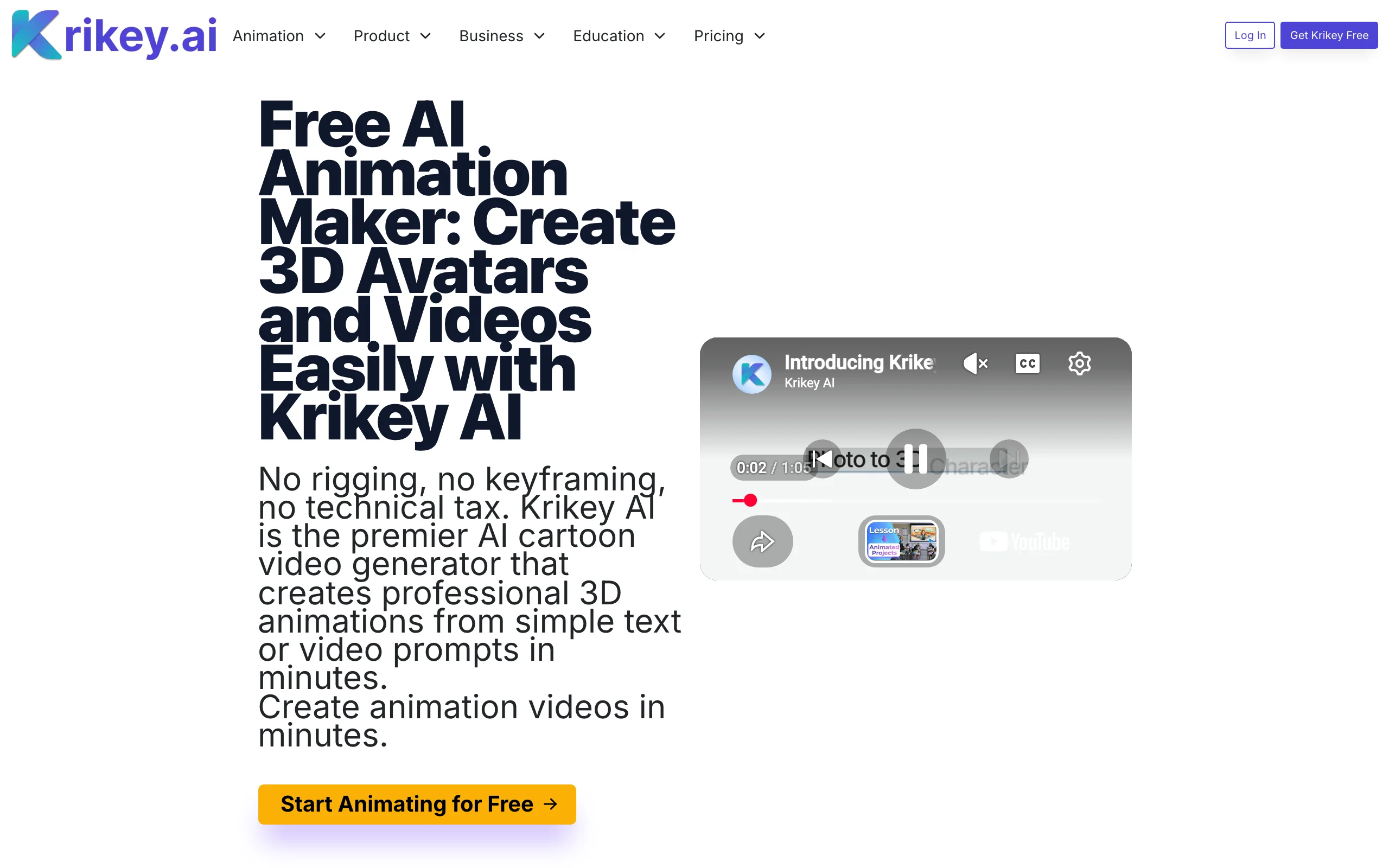
Krikey AI sits between video tools and 3D tools. It gives you a library of 100+ ready-rigged 3D characters (or a custom one built from a photo), lets you animate them from a text prompt or from video of yourself, and places them in a browser-based 3D video editor with camera angles, backgrounds, and facial expressions. Lip sync and AI voices in 20+ languages make it a natural fit for talking-character explainers and lessons.
It also exports FBX, which is rare among video-first tools and handy if you want to carry a motion into another 3D app. The look is clean and game-like rather than film-like, so it suits explainers and education more than Pixar-style storytelling.
Key features
- 100+ pre-rigged 3D characters plus custom characters from photos
- Text to animation and video to animation for character motion
- Lip sync and AI voices in 20+ languages
- No-code 3D editor with camera shots, backgrounds, and expressions
- Exports MP4, GIF, PNG, and FBX
Best for
- Teachers and trainers making 3D character lessons
- Marketing teams producing talking-mascot explainers
Pricing
- Pro $15/mo with 165 credits a month, watermark removal, and FBX export; yearly billing saves 16%
- Teams $10 per person per month with 200 credits
- Enterprise on request; one-time credit packs also available
Pros
- Rigged characters out of the box, so motion works immediately
- Bridges both worlds: publishable video plus FBX export
Cons
- You assemble scenes yourself in the editor; there is no one-prompt story video
- Visual style is closer to a game cutscene than a feature film
6. Kling AI, best for expressive 3D cartoon character clips
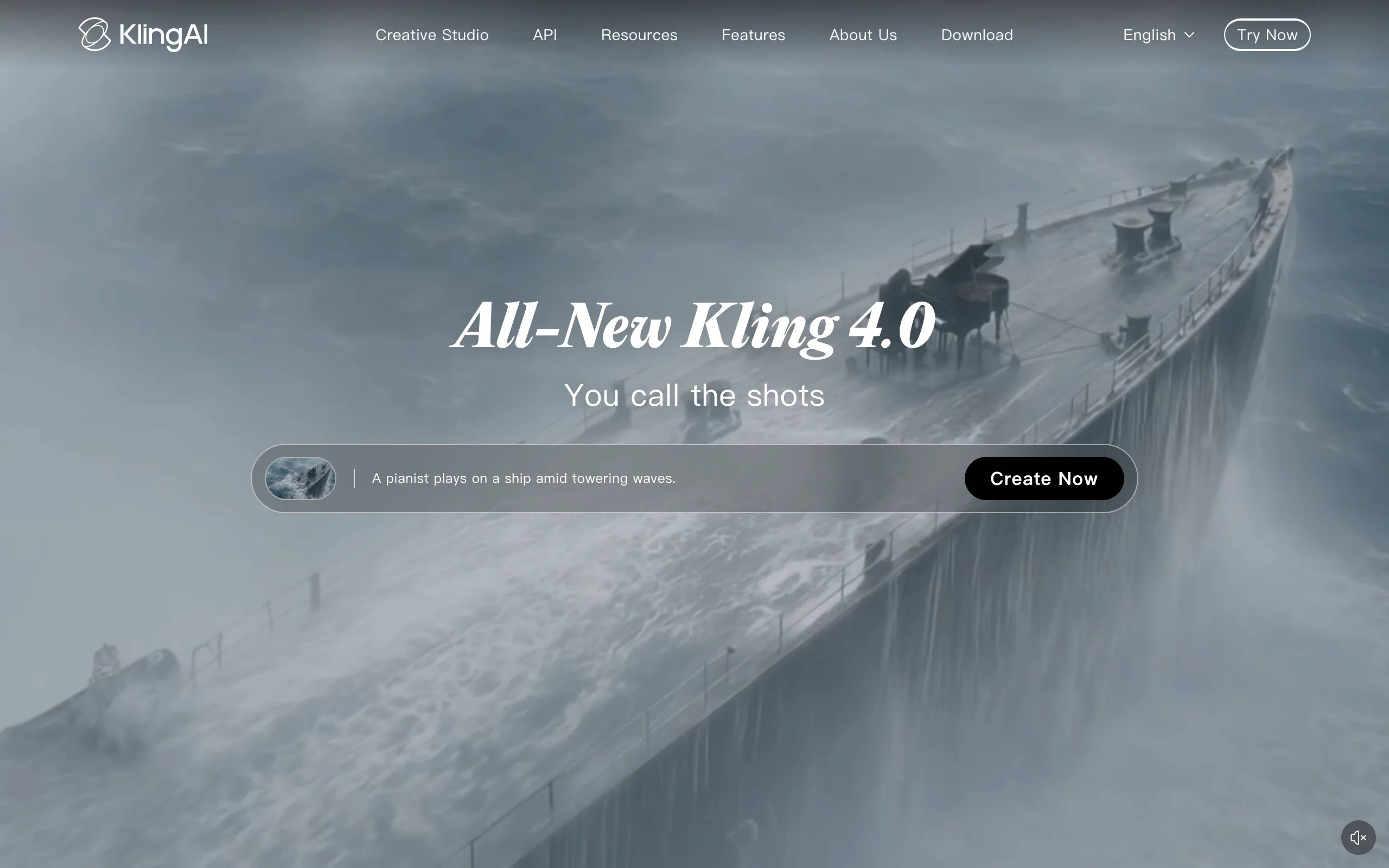
Kling AI is the video model many cartoon creators reach for when a character needs to act: exaggerated expressions, comic timing, and body motion that reads well in a 3D cartoon style. Its homepage now leads with Kling 4.0. You direct it one shot at a time with a text prompt or a reference image, and it returns short clips you edit together yourself.
That makes Kling a strong shot generator and a weak episode maker. A 60-second cartoon is a dozen or more generations, and the script, voices, music, captions, and keeping the character consistent across shots are all on you.
Key features
- Text to video and image to video with strong character motion
- Start and end frame control for planned transitions
- Reference images to keep a character's look between shots
- 1080p output on paid plans
Best for
- Animators who want to direct every shot and edit the sequence themselves
- Short character gags where the expression sells the joke
Pricing
- Standard $10/mo (660 credits), Pro $37/mo, Premier $92/mo
Pros
- Some of the most expressive character motion per credit
- Low entry price
Cons
- Clips only: script, voices, captions, and editing are on you
- Keeping one 3D character identical across many clips takes work
7. Pollo AI, best for many video models in one app
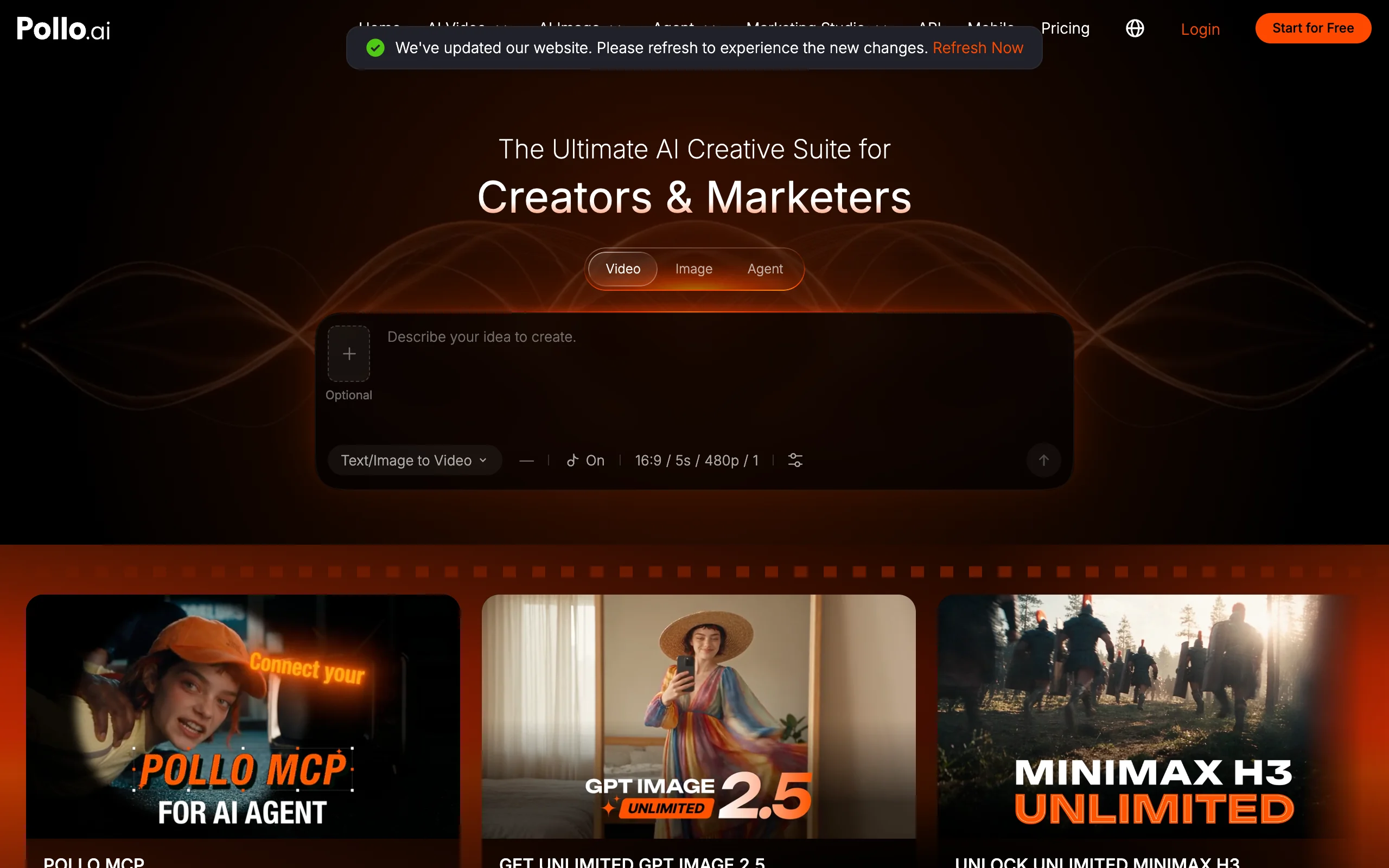
Pollo AI is an all-in-one AI video and image app that puts many third-party models behind one subscription, including Seedance 2.5, Wan 3.0, and MiniMax H3, alongside its own tools for text to video, image to video, reference to video, and an agent. For 3D cartoon work, that means you can run the same prompt through several models and keep the one that nails the look.
Like Kling, it returns clips rather than episodes. It is a good testing ground for finding the model that suits your 3D style, less so a way to publish a finished story every day.
Key features
- Access to many video models in one app, including Seedance 2.5, Wan 3.0, and MiniMax H3
- Text, image, and reference to video
- Watermark-free outputs on paid plans
- 2 to 6 parallel tasks depending on the plan
Best for
- Creators comparing models to find their 3D cartoon look
- Budget users who want many models without several subscriptions
Pricing
- Lite $15/mo (400 credits, up to 80 videos a month)
- Pro $29/mo (800 credits), Ultra $129/mo (5,000 credits)
- Yearly billing saves 50%
Pros
- One subscription, many models
- Low entry price for a lot of clip generations
Cons
- Clips only: no story, narration, or captions
- Results vary by model, so consistency across a series takes testing
How to choose the best AI 3D cartoon video generator
1) Do you want a finished episode or clips?
- If you want something to post today with voice, music, and captions: ClipNova, LongStories.ai, MagicLight, or Atlabs.
- If you want to direct each shot and edit the cartoon yourself: Kling AI or Pollo AI.
- If you want to place 3D characters, cameras, and dialogue by hand: Krikey AI.
2) How long are your videos?
- Shorts, Reels, TikToks, and videos up to 5 minutes: ClipNova returns them finished from one prompt.
- 10 to 15 minute episodes with a recurring cast: LongStories.ai or Atlabs.
- 30 minute or longer bedtime stories: MagicLight.
3) Which 3D look fits your channel?
- Smooth, Pixar-like 3D cartoons for family, kids, and feel-good stories: ClipNova's Disney / Pixar 3D style. For more tools in that exact look, see our guide to the best AI Disney Pixar video generators.
- Handmade clay for cosy or comedic content: ClipNova's Claymation style.
- If you are still deciding between 3D, anime, and 2D styles, our roundup of AI cartoon video generators compares tools across every look.
4) What does a month of content cost?
- Count finished videos, not clips. A 60-second cartoon made from 5-second clips needs 12 or more generations plus retakes, voiceover, and editing time.
- On ClipNova, the $19 Hobby plan is a low-risk way to test both 3D styles in your niche before moving up a tier. LongStories.ai and Atlabs make sense once you know you want long episodes.
A practical rule: if you want to publish every day, pick a tool that returns the whole episode. If you want to direct every shot, pick a clip model and budget the editing time.
Frequently asked
What is the best AI 3D cartoon video generator?
For a finished 3D cartoon video, ClipNova is the best overall pick because one story prompt returns Pixar-style or claymation scenes with voiceover, music, and captions. LongStories.ai and MagicLight are better for very long episodes, Atlabs for kids music videos, and Kling AI for directing expressive character clips one shot at a time.
Can AI make Pixar-style 3D cartoon videos?
Yes. ClipNova has a Disney / Pixar 3D style preset in Prompt to Video, so one setting gives every scene soft rounded characters, expressive eyes, and cinematic lighting while the story, voiceover, and captions are generated for you. Keep your characters original rather than copying existing film characters, which are protected.
What is the difference between a 3D cartoon video generator and a video model like Kling?
A 3D cartoon video generator such as ClipNova, LongStories.ai, or MagicLight returns a finished video with a story, voices, music, and captions. A video model such as Kling AI returns one short clip per prompt, so you generate many clips and add the script, narration, and editing yourself.
Can I turn a photo into a 3D cartoon character?
Yes. In ClipNova, run the photo through Image to Cartoon with the Pixar 3D style to get an animated-film version of the same person, then animate it in Image to Video. Krikey AI can also build a custom 3D character from a photo for its editor.
How do I keep the same 3D cartoon character across a whole series?
Use a tool that keeps characters consistent for you. ClipNova keeps one character design across every scene of a video, and LongStories.ai and MagicLight let you reuse characters across episodes. With clip models like Kling AI, use the same reference image for every shot.
Can I monetize AI 3D cartoon videos on YouTube?
Yes, if your plan includes commercial rights and the content is original. ClipNova includes full commercial rights on every plan, and MagicLight includes a general commercial license on paid plans. Original stories and recurring characters matter too, because platforms demonetize repetitive templated content.
If I want to run a 3D cartoon channel, which tool should I pick?
ClipNova fits a publishing schedule best, because each prompt returns a complete 3D cartoon episode with scenes, narration in 18 languages, music, and captions, in either the Disney / Pixar 3D or Claymation style. Plans start at $19 a month, and every plan includes every feature.