You typed "a cat," hit generate, and got something generic and flat. The model is not the problem — the prompt is. AI image generation prompts are instructions, and vague instructions get vague results. The difference between a throwaway render and a portfolio-worthy image is almost never the tool; it is how precisely you described what you wanted.
The good news is that prompting is a learnable skill with a repeatable structure. Once you understand the handful of ingredients every strong prompt shares — subject, style, composition, lighting, and technical detail — you can dial in exactly the image in your head instead of gambling on the model's guess.
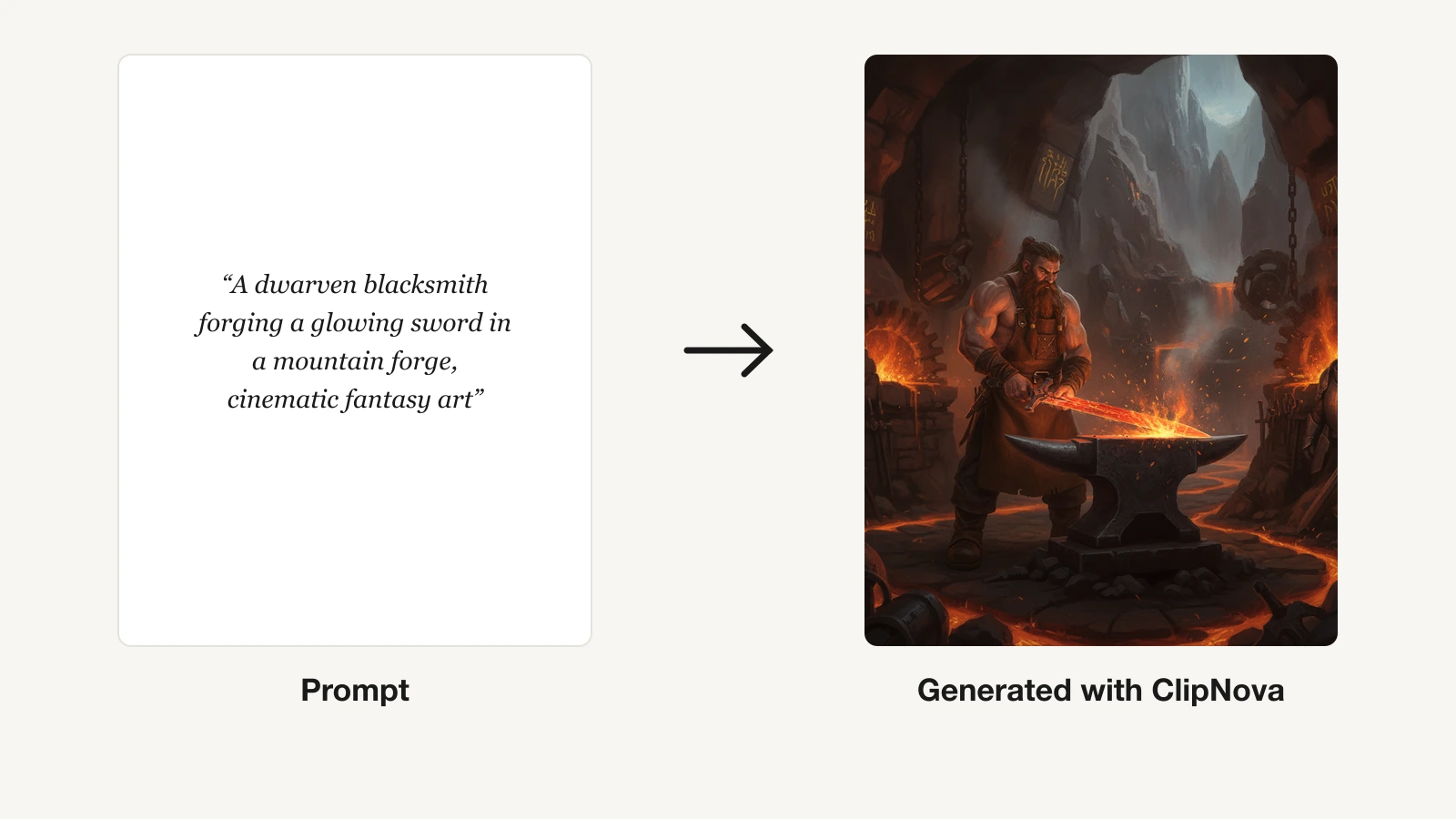
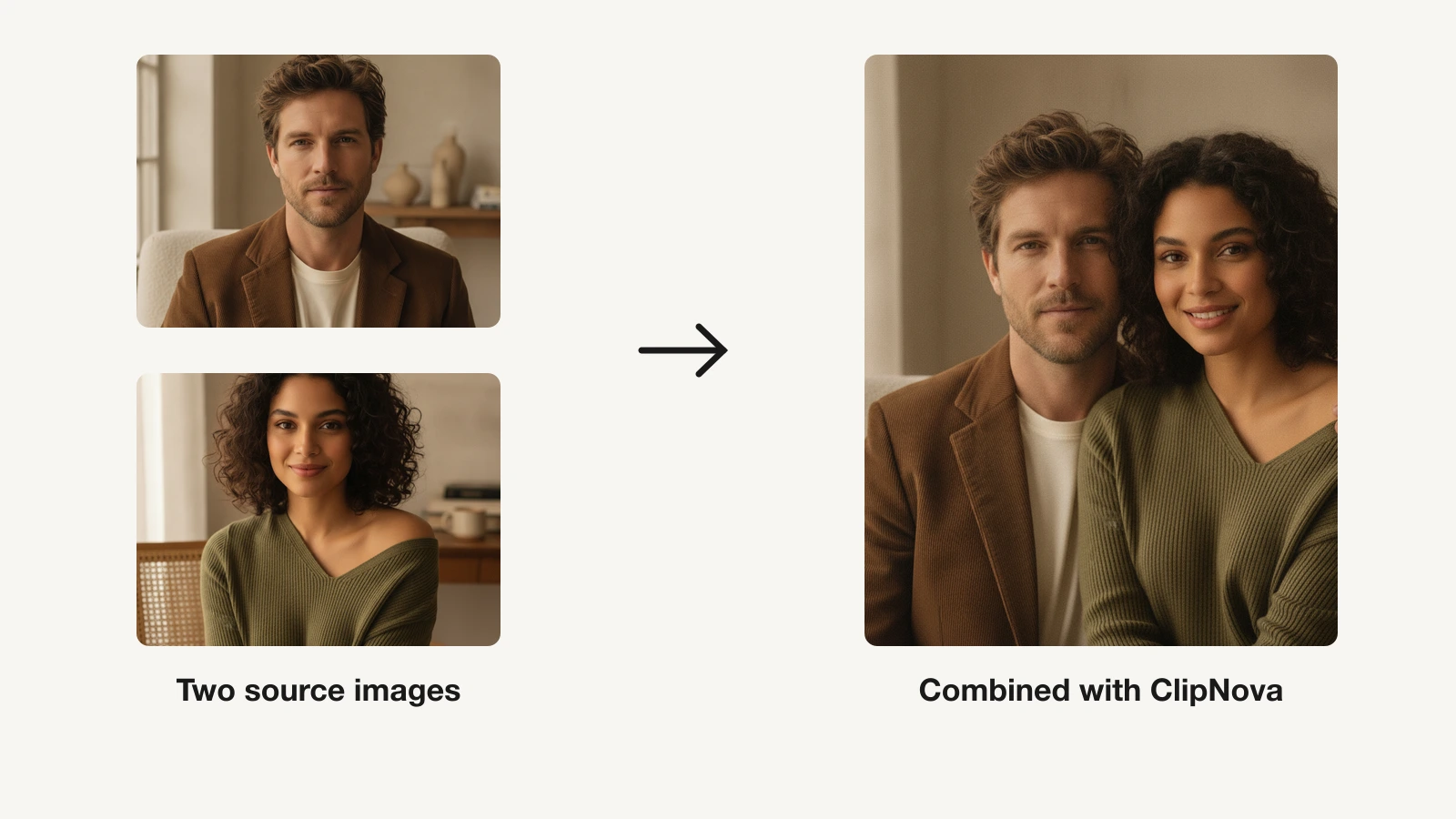
This guide breaks down that structure, gives you a copy-paste formula, and walks through how to refine a weak prompt into a strong one. Every example here works with ClipNova's AI image generator, where you can test a prompt across multiple models and iterate in seconds.
Table of Contents
- Why the prompt decides the image
- The anatomy of a strong image prompt
- A repeatable prompt formula
- How to write your first prompt, step by step
- Style and medium keywords that actually work
- Controlling composition, camera, and lighting
- Negative prompts: describing what to leave out
- Iterate, don't restart
- Common prompt mistakes to avoid
- Before and after: three prompts rewritten
- A prompt-writing checklist
<a id="why-the-prompt-decides-the-image"></a>
Why the prompt decides the image
An image model does not know what you meant — only what you said. It fills every gap you leave with the statistical average of its training data, and the average is always bland. "A woman in a city" could be anyone, anywhere, in any light, so the model gives you the most generic version of all three. Add "a woman in a red raincoat crossing a rain-slick Tokyo street at night, neon reflections, shot on 35mm film," and suddenly every decision is made for it.
Prompting well is really just the discipline of leaving fewer gaps. You are not writing poetry or casting a spell with magic words; you are giving a competent but literal collaborator a clear brief. The more of the creative decisions you make on purpose, the fewer the model makes for you by accident.
This is also why the same prompt can look brilliant in one generator and mediocre in another. Models weight your words differently. That is exactly why testing a prompt across several models in one place — as you can with ClipNova's AI image generator — beats guessing which tool "understands" you best.
<a id="the-anatomy-of-a-strong-image-prompt"></a>
The anatomy of a strong image prompt
Almost every high-quality prompt is built from the same five layers. You do not need all five every time, but naming them helps you spot what is missing when a result falls flat.
1. Subject — what is in the frame
The single most important layer: who or what the image is about, described concretely. Not "a dog" but "a wet golden retriever puppy mid-shake." Include the count, the action, and any defining traits. The subject is where specificity pays off fastest.
2. Style and medium — how it looks
Is this a photograph, an oil painting, a 3D render, a watercolor, a pixel-art sprite? Naming the medium anchors the entire aesthetic. Layer on an art movement, an era, or a named genre ("cyberpunk," "art deco," "1970s film photography") to sharpen it further.
3. Composition — how it is framed
Where the subject sits and how the shot is arranged: close-up, wide establishing shot, overhead flat-lay, rule-of-thirds, centered symmetry. Composition is what separates a snapshot from an image that feels designed.
4. Lighting and color — the mood
Lighting does more emotional work than any other layer. "Golden hour," "soft window light," "hard studio flash," "moody chiaroscuro," "neon backlight" each carry a whole mood. Pair it with a color direction — warm earth tones, cool teal-and-orange, muted pastels — to lock the feeling.
5. Technical and quality cues — the finish
The optional polish layer: camera and lens ("shot on 85mm, shallow depth of field"), render engine ("Octane render, 4K"), or quality tags ("highly detailed, sharp focus"). Use these to push realism or a specific rendered look, not as filler.
<a id="a-repeatable-prompt-formula"></a>
A repeatable prompt formula
When you are stuck, fall back on this order. It reads naturally and covers every layer:
[Subject + action], [style/medium], [composition/shot], [lighting], [color/mood], [technical details]
Worked example:
A lone lighthouse keeper reading a letter, digital painting in the style of a classic adventure poster, medium shot from a low angle, warm lantern light against a stormy dusk, deep blues and amber highlights, highly detailed, cinematic.
Notice how each comma introduces a new decision the model no longer has to guess. You can drop any clause you do not care about — but drop it on purpose, knowing you are handing that choice back to the model.
Keep the most important words near the front. Most generators weight earlier tokens more heavily, so lead with your subject and core style rather than burying them behind a wall of quality tags.
<a id="how-to-write-your-first-prompt-step-by-step"></a>
How to write your first prompt, step by step
Follow this and you will have a strong result in a couple of minutes.
- State the subject in one concrete sentence. Write what you want as if describing a photo to a friend on the phone. "An older man laughing at a kitchen table with a cup of coffee." Specific nouns beat adjectives.
- Add the medium and style. Decide whether it is a photo, illustration, or render, then name a style: "candid documentary photograph." This one addition changes more than any other.
- Frame the shot. Choose the distance and angle — close-up, waist-up, wide — and any composition note like "rule of thirds, subject on the left."
- Set the light and mood. Pick a lighting condition and a color direction: "warm morning light through a window, soft shadows."
- Add technical polish only if you need it. Realism cues like "shot on 50mm, shallow depth of field" or render tags like "Octane, 4K." Skip this for illustration unless you want a specific engine look.
- Generate, then read the result against your prompt. Ask which layer the model got wrong, and fix only that clause. With ClipNova's AI image generator you can send the next version and compare it against the last side by side.
Say what you want, not what you don't (at first)
Beginners often front-load a prompt with everything to avoid — "no blur, no extra fingers, not cartoonish." Save that for the negative prompt. Your main prompt should be a positive description of the target image; exclusions come later and separately.
<a id="style-and-medium-keywords-that-actually-work"></a>
Style and medium keywords that actually work
Style words are the highest-leverage tokens in any prompt. A few that reliably steer results:
- Photography: "candid photograph," "editorial fashion shoot," "product photography on white background," "35mm film," "long exposure," "macro."
- Illustration and paint: "flat vector illustration," "watercolor with visible paper texture," "oil painting, thick impasto," "children's book illustration," "ink and marker concept art."
- 3D and render: "3D render, soft global illumination," "clay render," "isometric miniature diorama," "Pixar-style character."
- Era and movement: "art deco poster," "1980s synthwave," "Ukiyo-e woodblock print," "brutalist," "cottagecore."
Name a real reference genre rather than inventing vague adjectives. "Cinematic" is weak on its own; "shot like a Wes Anderson film, symmetrical, pastel palette" is a direction the model can actually follow. If you want a specific illustrated look — say a cartoon or Disney-Pixar style — a purpose-built tool like ClipNova's AI cartoon video generator often lands it faster than fighting a general model.
<a id="controlling-composition-camera-and-lighting"></a>
Controlling composition, camera, and lighting
Once your subject and style are solid, these three levers give you the most control over how "designed" an image feels.
Composition and shot type
Borrow the language of film and photography: extreme close-up, medium shot, wide shot, overhead / bird's-eye, low angle, Dutch angle, rule of thirds, centered symmetry, negative space on the right. Telling the model where the subject sits and how much room surrounds it prevents the cramped, centered-blob look that screams "AI-generated."
Camera and lens cues
For photographic realism, lens language does real work. "85mm portrait, shallow depth of field, background bokeh" produces a flattering blurred backdrop; "wide-angle 24mm" exaggerates space and depth; "macro lens" gets you tight detail. You do not need to own a camera to use these — the model has learned what each look means.
Lighting recipes
Lighting is mood. A handful worth memorizing: golden hour (warm, low, flattering), blue hour (cool, moody dusk), soft window light (gentle, editorial), hard flash (crisp, high-contrast, fashion), rim / backlight (glowing edges), chiaroscuro (dramatic light-and-shadow). Change only the lighting clause and regenerate — it is often the fastest way to transform an image without touching anything else.
<a id="negative-prompts-describing-what-to-leave-out"></a>
Negative prompts: describing what to leave out
Many generators support a negative prompt — a separate field for what you do not want in the image. It is the cleanest way to suppress recurring artifacts without cluttering your main description.
Common, genuinely useful negatives: blurry, low quality, extra fingers, deformed hands, watermark, text, jpeg artifacts, oversaturated, extra limbs, cropped. If a specific problem keeps appearing — a stray hat, a busy background, an unwanted color — add that exact thing to the negative field rather than rewording your main prompt around it.
Do not overload it. A giant wall of negatives can wash out the model's focus and sometimes suppresses detail you actually wanted. Add negatives reactively, in response to problems you keep seeing, not preemptively.
<a id="iterate-dont-restart"></a>
Iterate, don't restart
The biggest beginner mistake is throwing away a whole prompt after one bad result and starting from scratch. Strong prompting is iterative: change one variable at a time so you can see what each edit does.
Got the right subject but the wrong mood? Keep every word and swap only the lighting clause. Composition is off? Change just the shot type. This controlled, one-lever-at-a-time approach turns prompting from guesswork into a feedback loop — you learn which of your words are pulling weight and which are dead.
Generating in one place makes this natural. Because ClipNova's AI image generator keeps your recent generations together, you can tweak a single clause, resend, and compare against the previous version instead of losing your place. When a render is almost right but a little soft, finish it with an AI upscaler rather than regenerating and rolling the dice on composition all over again.
<a id="common-prompt-mistakes-to-avoid"></a>
Common prompt mistakes to avoid
- Being too short. "A castle" hands every decision to the model. Add era, weather, angle, and light.
- Piling on contradictions. "Minimalist but highly detailed, realistic cartoon" confuses the model. Pick a lane.
- Magic-word stuffing. Chaining "masterpiece, 8k, ultra-realistic, trending, award-winning" rarely helps and often just dilutes your real subject.
- Vague adjectives instead of references. "Beautiful, epic, stunning" mean nothing to a model. "Art deco," "golden hour," "85mm" mean something specific.
- Changing everything between tries. If you rewrite the whole prompt each time, you never learn which word fixed or broke the image.
- Ignoring aspect ratio. A portrait subject in a wide frame gets awkward crops. Set the ratio to match the shot.
<a id="before-and-after-three-prompts-rewritten"></a>
Before and after: three prompts rewritten
1. A pet portrait Before: a dog. After: A close-up portrait of a wet golden retriever puppy mid-shake, candid photograph, shallow depth of field, soft overcast light, warm tones, shot on 85mm, highly detailed.
2. A product shot Before: a coffee cup. After: A ceramic pour-over coffee set on a marble countertop, product photography, overhead flat-lay, soft diffused studio light, minimal warm palette, sharp focus, negative space top-right for text.
3. A character illustration Before: a wizard. After: An elderly wizard studying a glowing map, digital painting in classic fantasy concept-art style, medium shot from a low angle, warm candlelight against cool shadow, deep blues and amber, highly detailed.
In each case nothing "clever" was added — just the five layers, filled in on purpose. If you want to see finished examples of what tight prompting produces in a specific niche, the best AI art generators for fantasy characters roundup is a useful reference point for the level of detail worth aiming at.
<a id="a-prompt-writing-checklist"></a>
A prompt-writing checklist
Before you hit generate, run through this:
- Subject: Is it concrete, with count and action, not just a noun?
- Style/medium: Have I named a specific medium and, ideally, a real reference genre?
- Composition: Did I choose a shot type and where the subject sits?
- Lighting/color: Is there a lighting condition and a color direction?
- Technical: If realism matters, did I add a lens or render cue — and skip filler if it doesn't?
- Front-loaded: Are the most important words near the start?
- Negatives: Are exclusions in the negative field, not the main prompt?
- One lever: For the next try, am I changing a single clause so I can see its effect?
Prompting is not a secret formula, and it is not luck. It is a brief. Describe the image you actually want — subject, style, composition, light, finish — leave fewer gaps than last time, and change one thing per try. Do that and the model stops surprising you and starts obeying you. Open ClipNova's AI image generator, start with the formula above, and iterate from there — it is free to begin, and the only way to get fluent is to generate.
Frequently asked
What makes a good AI image generation prompt?
A good prompt fills in the decisions the model would otherwise guess. The strongest prompts name five things — a concrete subject with an action, a style or medium, a composition or shot type, a lighting and color direction, and optional technical cues like a lens or render engine. Vague prompts get generic results because the model defaults to the average of its training data, so specificity in each of those layers is what separates a throwaway render from a polished image.
Is there a formula for writing image prompts?
Yes. A reliable order is: subject and action, then style or medium, then composition or shot, then lighting, then color and mood, then any technical details. For example, "A lone lighthouse keeper reading a letter, digital painting, medium shot from a low angle, warm lantern light, deep blues and amber, cinematic." Each comma hands the model one more decision so it stops guessing. Keep your most important words near the front, since most generators weight earlier tokens more heavily.
What is a negative prompt?
A negative prompt is a separate field for describing what you do not want in the image — things like blurry, extra fingers, watermark, text, or oversaturated. It is the cleanest way to suppress recurring artifacts without cluttering your main description. Add negatives reactively, in response to problems you keep seeing, rather than preemptively piling them on, since a huge list of negatives can wash out detail you actually wanted.
Why do my AI images look generic or bland?
Usually because the prompt is too short or too vague. If you type "a castle," the model makes every decision — era, weather, angle, light — and defaults to the blandest option for each. Fix it by naming the subject concretely, adding a specific style or reference genre instead of adjectives like "beautiful" or "epic," and setting a shot type and lighting condition. Then change one clause at a time so you can see which word improves the result.
Does the same prompt work across every AI image generator?
Not exactly. Models weight words differently, so an identical prompt can look brilliant in one generator and mediocre in another. That is why testing a prompt across several models in one place is more effective than guessing which tool understands you best. ClipNova's AI image generator lets you run one prompt across multiple models and compare the results side by side, so you can refine without losing your place. Plans start at $19/mo.