Designing a fantasy character used to mean hours in a sketchbook or a commission queue. AI art generators now turn a written prompt into a rendered elf ranger, a shadow-touched sorcerer, or a dragon-riding knight in seconds, which is a gift for D&D players, worldbuilders, and fantasy channel creators who need art faster than they can draw it.
The catch is that these tools do very different jobs. Some render painterly still frames, some keep one character consistent across a whole campaign, and some take that character all the way to a finished, narrated video. In this guide we compare the best AI art generator for fantasy characters options, with verified pricing, the standout strength of each, and a decision framework so you pick the one that matches how you actually publish.
Best AI art generators for fantasy characters: a brief overview
ClipNova: Best for bringing fantasy characters to life as animated videos: generates fantasy and anime-style visuals from a prompt and turns them into finished lore shorts and character intros.
Midjourney: Best painterly quality: the most artistic, illustration-grade renders for hero portraits and cover art.
Leonardo AI: Best for consistent characters and game assets: keeps one design stable across many images and props.
Adobe Firefly: Best for commercially safe art: trained on licensed data with generative credits inside Photoshop.
NightCafe: Best for style variety and community: dozens of models and styles in one credit-based playground.
DALL-E (ChatGPT): Best for conversational, beginner-friendly generation: describe and refine a character in plain chat.
Artbreeder: Best for character face design: blend and evolve faces and traits gene by gene.
| Tool | Best for | Starting price | Free option | Output |
|---|---|---|---|---|
| ClipNova | Fantasy characters as animated videos | From $19/mo | Free to start, no card | 1080p/4K video, up to 5 min |
| Midjourney | Painterly illustration quality | From $10/mo | No free tier | High-res stills, upscales |
| Leonardo AI | Consistent characters and game assets | From $12/mo | Free (150 tokens/day) | High-res stills |
| Adobe Firefly | Commercially safe fantasy art | From $9.99/mo | Free tier (limited credits) | High-res stills |
| NightCafe | Style variety and community | From $5.99/mo | Free (daily credits) | Stills, upscales |
| DALL-E (ChatGPT) | Conversational, beginner-friendly | From $20/mo (Plus) | Free tier (limited) | Stills in chat |
| Artbreeder | Character face and trait design | From $8.99/mo | Free (10 credits/mo) | Stills, animation frames |
1. ClipNova, best for bringing fantasy characters to life as animated videos
Most tools on this list stop at a still image. ClipNova is where a fantasy character starts moving and talking. Describe your character and setting in a prompt, and its pipeline generates fantasy and anime-style visuals, then assembles them into a finished video with a written script, AI narration, subtitles, and music. That makes it the natural fit for lore shorts, character intros, and faceless fantasy channels on TikTok, Reels, and YouTube Shorts, where the goal is a publish-ready clip rather than a single frame to print.
It is important to be clear about scope: ClipNova is a video platform, not a standalone still-image art generator. You control the look through the prompt, not through layers or brushes. If your end goal is animated fantasy content rather than a printable portrait, that trade is worth it, because you skip the separate art tool, editor, voiceover app, and caption tool entirely. Its anime and fantasy video generator is the entry point for stylized character work.
Key features:
- Prompt to finished video: fantasy or anime-style visuals plus script, voiceover, subtitles, and music in one pass
- Vertical-first export tuned for TikTok, Reels, and Shorts
- AI narration in 32 languages for localized lore videos
- Auto subtitles on every plan, useful for silent-autoplay feeds
- Watermark-free 1080p and 4K export with full commercial rights
Best for:
- Faceless fantasy channels posting lore explainers or character intros on a schedule
- D&D and TTRPG creators who want animated NPC or campaign recaps, not just tokens
- Worldbuilders turning written lore into narrated shorts
Pricing:
- Starter: $19/mo for 250 credits
- Creator: $99.99/mo for 500 credits, the most popular tier
- Studio: $199/mo for 1000 credits
- Free to start with no card, yearly billing saves 20 percent, every plan includes the full feature set and differs only in monthly credits
Pros:
- Only tool here that takes a fantasy character all the way to a finished, narrated video
- End-to-end workflow removes the need for a separate editor and voiceover tool
- Simple plans where every feature is included
Cons:
- Not built for high-resolution printable still art, so it is a poor fit if you need a poster or card illustration
- Image control is prompt-level, not layer-level, so you cannot fine-tune a single element the way a dedicated art tool allows
2. Midjourney, best painterly quality
Midjourney remains the reference point for illustration-grade quality. Its renders have a painterly, cohesive art direction that suits fantasy hero portraits, cover art, and moody environment pieces, and the community-driven aesthetic tends to produce results that look intentional rather than generic. For a single striking image of your character, few tools match its output.
It runs through a web app with prompt-based control, style references, and upscaling. The main friction is that control is still prompt and parameter driven rather than layer based, and getting one exact character repeated across many scenes takes effort compared with a consistency-focused tool.
Key features:
- Distinctive painterly rendering and strong default art direction
- Style reference and character reference parameters
- High-resolution upscales suitable for print
- Fast and relax generation modes depending on plan
Best for:
- Fantasy artists and authors who want one gallery-quality hero image
- Cover art and key art where visual polish matters most
Pricing:
- Basic: $10/mo with about 3.3 fast GPU hours
- Standard: $30/mo, Pro: $60/mo, Mega: $120/mo
- No free tier; yearly billing saves 20 percent
Pros:
- Best-looking painterly output in this roundup
- Print-ready resolution after upscaling
Cons:
- No free tier to test before paying
- Repeating one exact character across scenes is fiddly, and there is no video or narration pipeline
3. Leonardo AI, best for consistent characters and game assets
Leonardo AI is built for creators who need the same character to show up again and again. Its character reference and element features keep a design stable across poses and scenes, which is exactly what game developers, comic creators, and campaign masters need when one hero appears in dozens of images. It also handles game-ready assets like items, tiles, and concept sheets well.
The interface is more technical than a chat tool, with model choices, fine-tuned styles, and prompt controls that reward learning. The daily free tokens make it easy to trial.
Key features:
- Character reference for consistent faces and outfits across images
- Trained and community models tuned for fantasy and game art
- Asset and texture generation for game and tabletop use
- Canvas and editing tools for touch-ups
Best for:
- Indie game and TTRPG teams needing a repeatable character and matching props
- Comic and webtoon creators reusing one design across panels
Pricing:
- Free: 150 tokens per day
- Apprentice: $12/mo (8,500 tokens), Artisan: $30/mo (25,000 tokens), Maestro: $60/mo (60,000 tokens)
- Yearly billing lowers the effective monthly rate
Pros:
- Strong character consistency, the hardest problem in fantasy series art
- Generous daily free tier for testing
Cons:
- Steeper learning curve than chat-based tools
- Token math can be confusing when planning a big batch
4. Adobe Firefly, best for commercially safe fantasy art
Adobe Firefly is the pick when licensing peace of mind matters. Its models are trained on Adobe Stock and licensed content, which lowers the rights risk for anyone selling fantasy character art, merchandise, or published work. It also lives inside Photoshop through generative fill, so you can generate a character and then paint, composite, and correct it with real layer-based tools.
Output quality is solid rather than the most stylized, and it leans more general-purpose than fantasy-specialized, but the combination of safe training data and deep editing makes it a professional workhorse.
Key features:
- Generative image models trained on licensed data
- Generative fill and expand inside Photoshop
- Text effects and vector recolor across Creative Cloud
- Generative credit system across plans
Best for:
- Freelancers and studios selling fantasy art who need clean commercial rights
- Artists who want to refine AI output with true layer editing
Pricing:
- Standard: $9.99/mo (2,000 credits)
- Pro: $19.99/mo (4,000 credits) with Photoshop access
- Pro Plus: $49.99/mo (10,000 credits), Premium: $199.99/mo (50,000 credits)
- Free tier with limited monthly credits
Pros:
- Lower rights risk thanks to licensed training data
- Real layer-based editing through Photoshop integration
Cons:
- Less fantasy-specialized styling than Midjourney or Leonardo
- Best value assumes you already use Creative Cloud
5. NightCafe, best for style variety and community
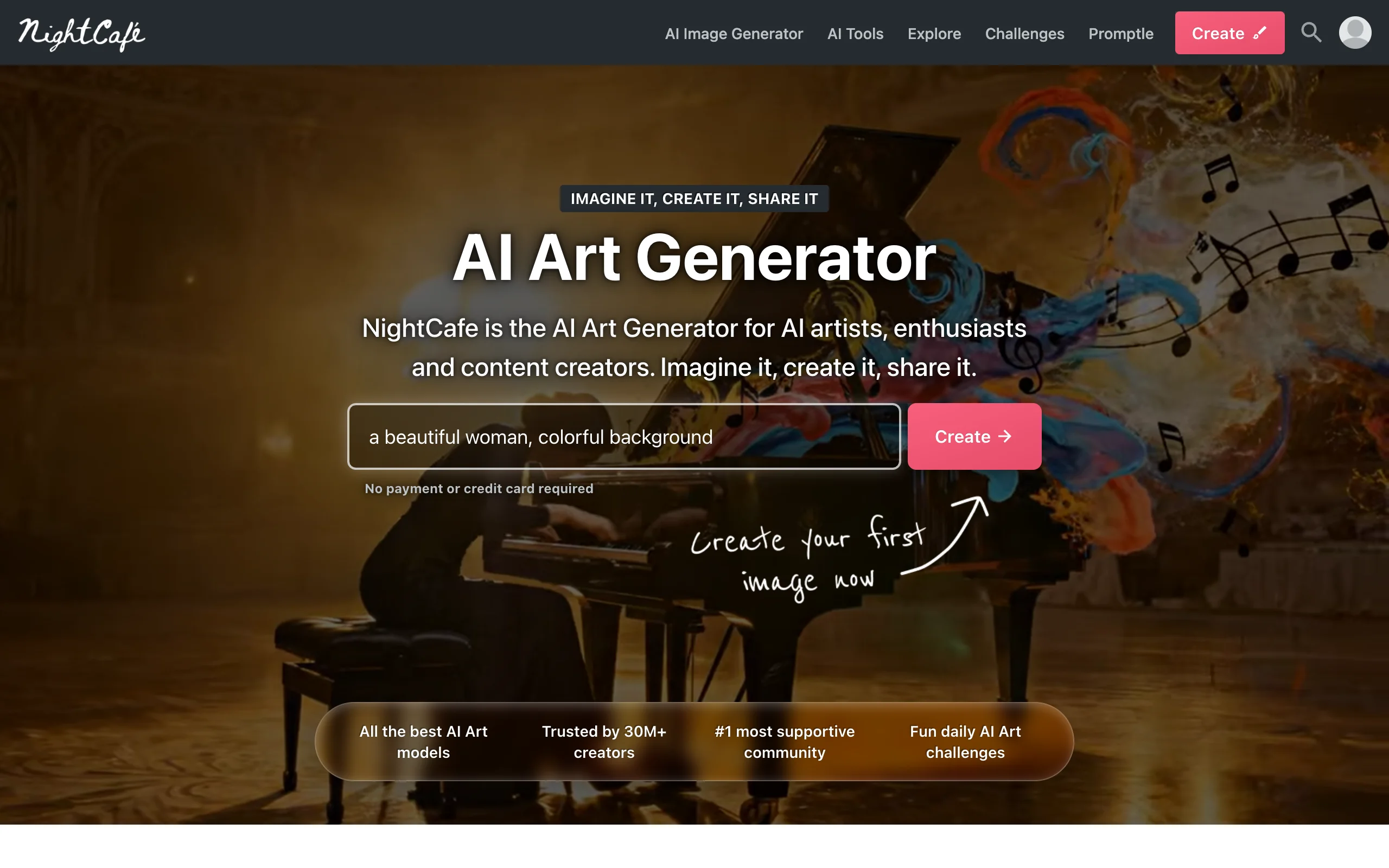
NightCafe is a playground of models and styles in one place. It offers access to many engines, including Stable Diffusion variants, Flux, DALL-E, and more, so you can push the same fantasy character prompt through wildly different aesthetics without switching apps. A large, active community and daily challenges make it a good place to learn what prompts produce which looks.
It runs on a credit system with daily free credits that do not expire, which keeps casual experimenting cheap. The trade-off is that it is a generalist, so it lacks the focused consistency or video features of specialist tools.
Key features:
- Access to dozens of image models in one interface
- Daily free credits that roll over on paid plans
- Style presets, upscaling, and bulk options
- Active community, challenges, and public feed
Best for:
- Hobbyists exploring many fantasy art styles cheaply
- Prompt learners who want feedback and inspiration
Pricing:
- Free: daily login credits
- AI Beginner: $5.99/mo, AI Hobbyist: $9.99/mo, AI Enthusiast: $19.99/mo, AI Artist: $49.99/mo
Pros:
- Widest model and style variety per dollar
- Friendly free tier and community for beginners
Cons:
- Generalist tool without character consistency or video output
- Credit and model sprawl can overwhelm newcomers
6. DALL-E (ChatGPT), best for conversational, beginner-friendly generation
For anyone who finds prompt syntax intimidating, DALL-E inside ChatGPT is the friendliest way in. You describe your fantasy character in plain conversation, then refine it by chatting: make the armor darker, add a glowing rune, change the background to a frozen keep. Because it is bundled with a ChatGPT plan you already have, there is nothing extra to set up.
Quality is good and iteration is easy, but it is not a fantasy specialist. It struggles with tight consistency across many images and offers no upscaling depth, layer editing, or video pipeline. It is a strong starting point, not a production art tool.
Key features:
- Natural-language image generation and editing in chat
- Iterative refinement through conversation
- Bundled with ChatGPT, no separate app
- Handles concept ideation and quick variations well
Best for:
- Beginners and DMs who want a character sketch fast, no prompt jargon
- Brainstorming a look before moving to a specialist tool
Pricing:
- Free tier with limited image generation
- ChatGPT Go: $8/mo, Plus: $20/mo, Pro: $200/mo
- Image generation is included in the paid ChatGPT tiers
Pros:
- Easiest learning curve of any tool here
- No extra subscription if you already pay for ChatGPT
Cons:
- Weak character consistency across a series
- No upscaling, layer editing, or video output
7. Artbreeder, best for character face and trait design
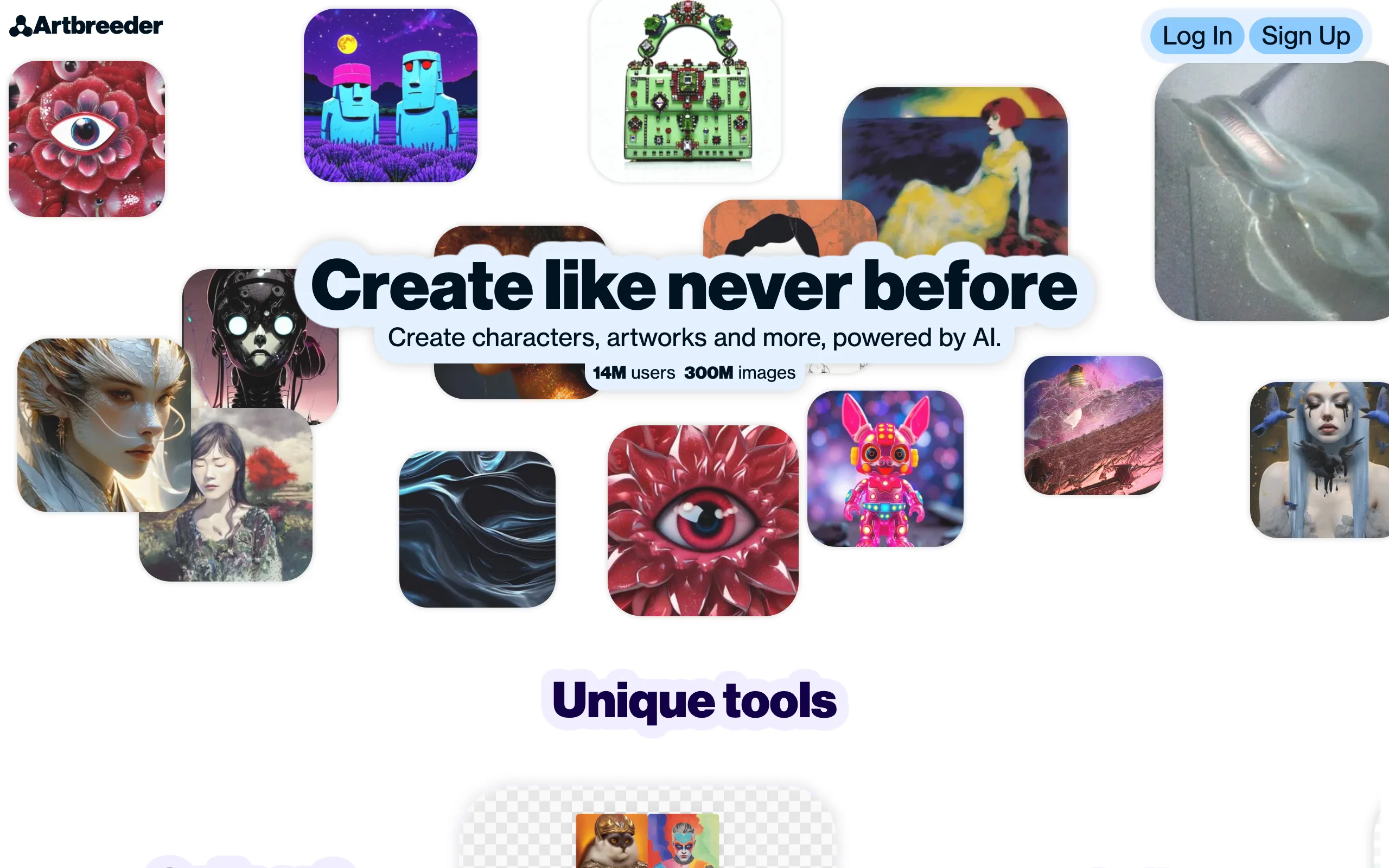
Artbreeder takes a different route. Instead of pure text prompts, it lets you blend and evolve images gene by gene, adjusting traits like age, expression, hair, and species to design a character face by mixing and mutating existing ones. For worldbuilders assembling a cast of distinct NPCs or a royal lineage, that trait-mixing approach is uniquely useful.
It also has prompt and collage tools, but its heart is the breeding and splicing workflow, which produces more portrait and face-focused results than sweeping fantasy scenes. It is a specialist for character design rather than a general fantasy illustrator.
Key features:
- Gene-based blending and trait sliders for faces
- Splicer and collager for mixing source images
- Prompter for text-based generation
- Animation frames on higher tiers
Best for:
- Worldbuilders designing a cast of related characters
- Writers who want to visualize a specific face and evolve it
Pricing:
- Free: 10 credits per month
- Starter: $8.99/mo (100 credits), Advanced: $18.99/mo (275 credits), Champion: $38.99/mo
- Yearly billing saves about 20 percent
Pros:
- Unmatched control over faces and inherited traits
- Very cheap entry with a free monthly allowance
Cons:
- Face and portrait focused rather than full fantasy scenes
- Output resolution and polish trail the frontier models
How to choose the best AI art generator for fantasy characters
The right tool depends less on which renders the prettiest single frame and more on what you do with your character after it exists. Use these questions to self-select.
1) Do you need a still image or a finished video?
- If you need a printable portrait, hero image, or card art: use Midjourney for painterly quality, Adobe Firefly for commercially safe output, or Leonardo AI for game-ready stills.
- If your character is destined for a lore short, character intro, or a faceless fantasy channel: use ClipNova, which generates the visuals and turns them into a narrated, captioned video. For a stylized-cartoon spin on the same idea, its AI cartoon video generator and our roundup of the best AI cartoon generators cover related workflows.
2) How many images of the same character do you need?
- One striking image: Midjourney or DALL-E.
- The same character across dozens of scenes, panels, or game assets: Leonardo AI for its character consistency features.
- A whole cast of related faces and NPCs: Artbreeder for trait blending.
3) How important are commercial rights and editing?
- Selling art, merch, or published work: Adobe Firefly for licensed training data and Photoshop-level control.
- Casual or personal use where cost matters most: NightCafe or Artbreeder free tiers.
4) How comfortable are you with prompt tools?
- New to AI art: start in DALL-E (ChatGPT) or NightCafe, both forgiving and cheap.
- Ready for finer control: Leonardo AI and Midjourney reward the learning curve.
A practical tip: generate three to five test characters on your actual concept, using each tool's free tier or cheapest month, before committing. If most of your output ends up as short-form video anyway, standardize on ClipNova so a fantasy character goes from prompt to published clip in one place instead of five.