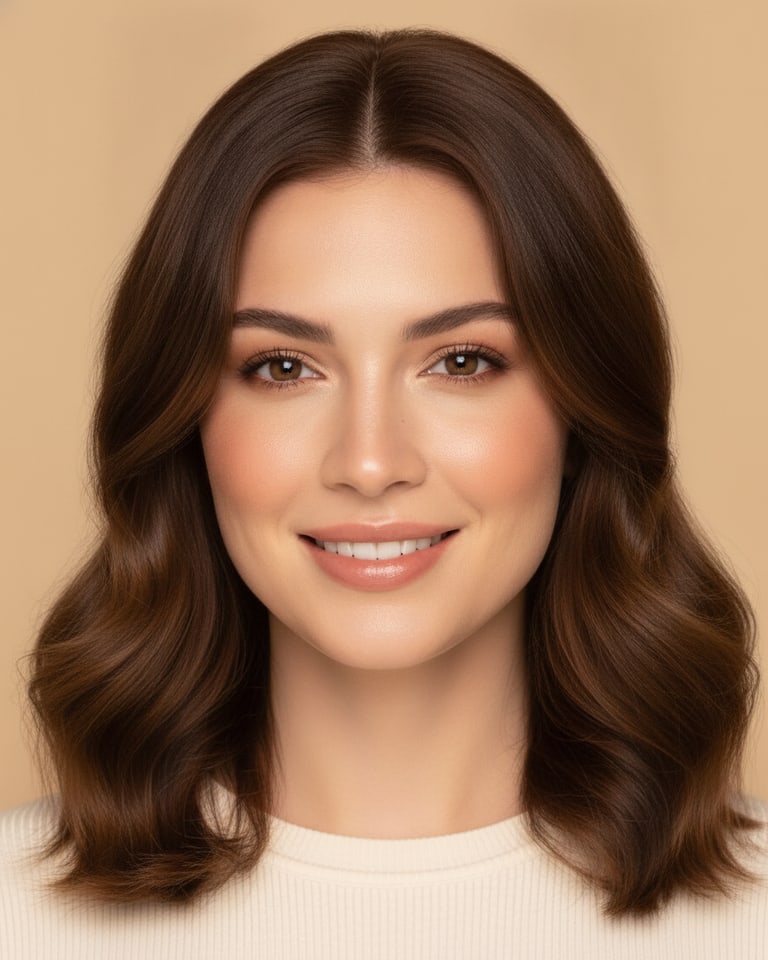
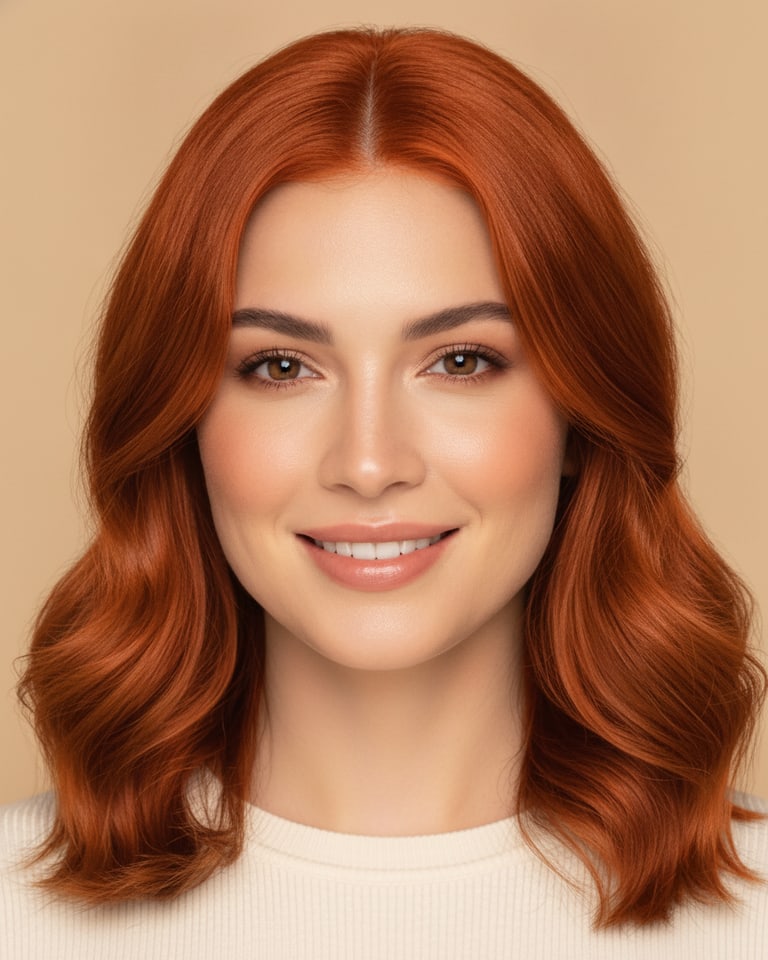
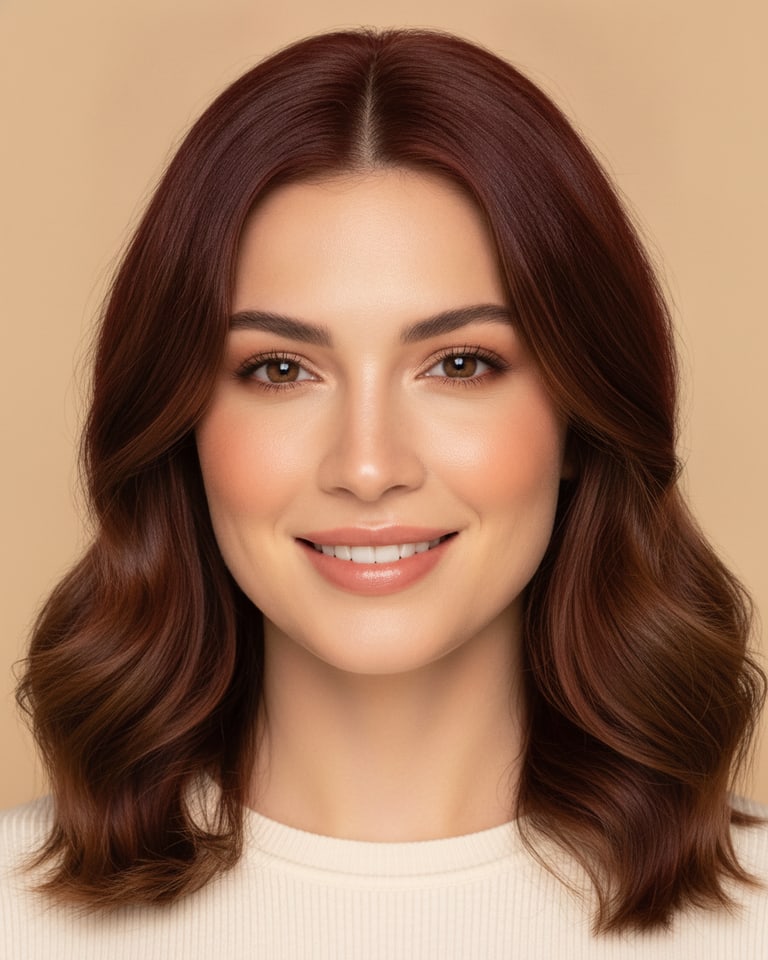
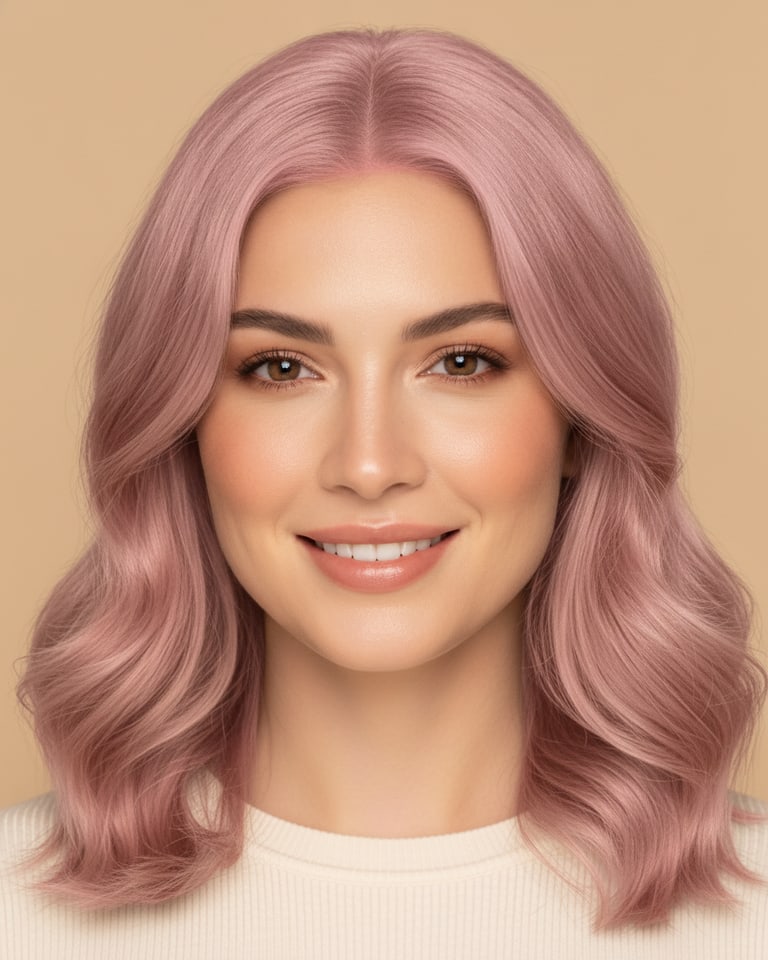
AI Hair Color Changer:
Try Any Color Before You Commit.

Change your hair color on any photo with AI. From platinum blonde to pastel pink, see a realistic salon-quality preview of yourself in seconds.

Perfect for
Make your first video
Trusted by creators
worldwide
How it works

From photo to new color in 4 steps.

  1. 01

    Upload photo

    Drop any clear photo, selfie, portrait or full-body. The AI finds your hair automatically.

  2. 02

    Choose shade

    Pick from 8 salon shades or describe any custom color you can imagine.

  3. 03

    AI processing

    The AI recolors only your hair in seconds, keeping face, skin and lighting identical.

  4. 04

    Compare & download

    Check the before/after, then download your new look in high resolution, watermark-free.

See yourself in a new hair color.

Your image

Upload the photo to recolor.

Sample 1
Sample 2
Drop or browse
Hair shade

Dimensions

Choose the shape of the generated image.
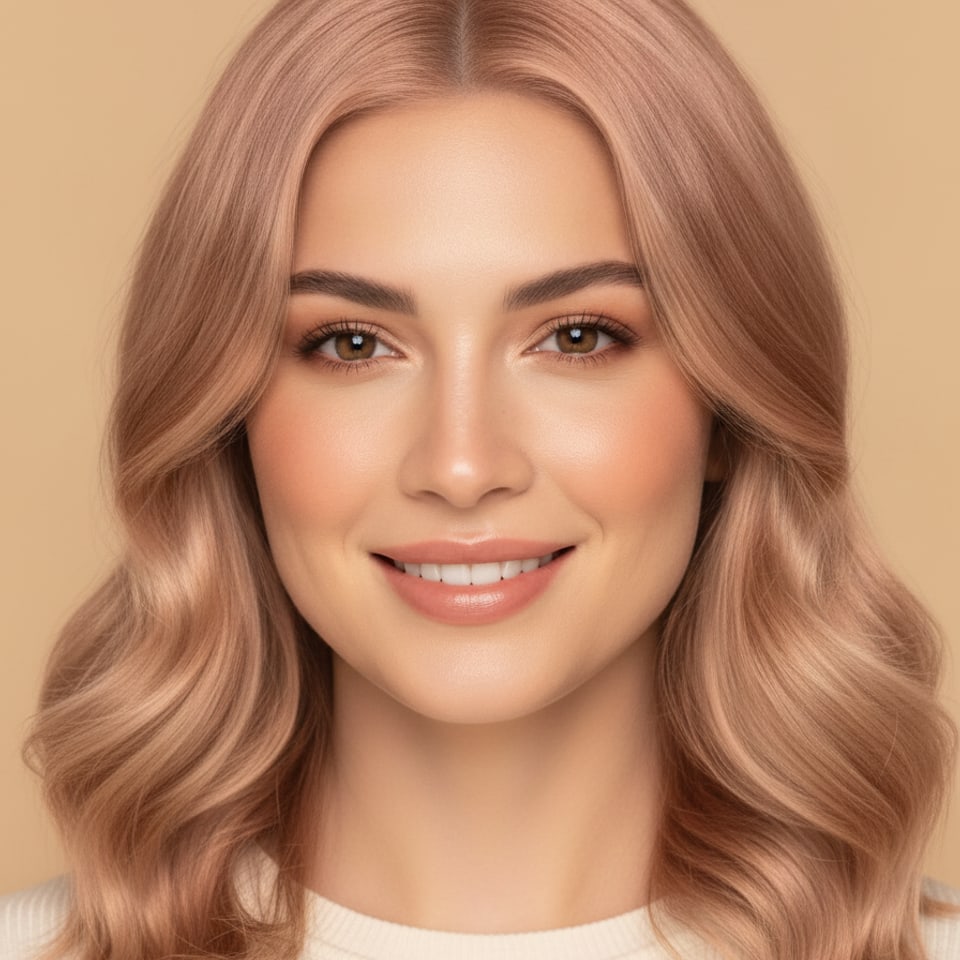
Hair color change output example
โ–ธ output1:1 ยท 4K
hair color
The shades

8 shades, one photo.

From icy platinum to midnight blue, see the exact same portrait in every color. Switch shades in a click and re-render instantly.

Original photo before Golden BlondeBefore
Golden Blonde cartoon styleAfter
Golden Blonde
Warm honey highlights
Original photo before PlatinumBefore
Platinum cartoon styleAfter
Platinum
Icy, cool-toned
Original photo before Chocolate BrownBefore
Chocolate Brown cartoon styleAfter
Chocolate Brown
Rich, glossy
Original photo before Copper RedBefore
Copper Red cartoon styleAfter
Copper Red
Warm, fiery
Original photo before AuburnBefore
Auburn cartoon styleAfter
Auburn
Mahogany undertones
Original photo before Pastel PinkBefore
Pastel Pink cartoon styleAfter
Pastel Pink
Soft rose tone
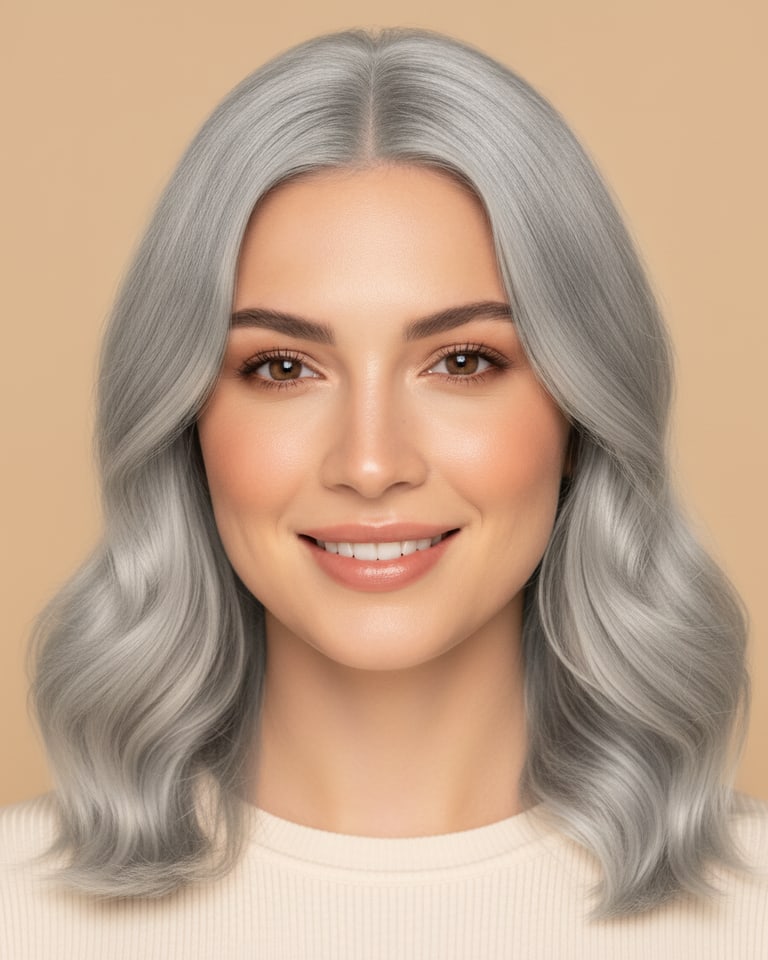
Original photo before Silver GreyBefore
Silver Grey cartoon styleAfter
Silver Grey
Sleek, modern
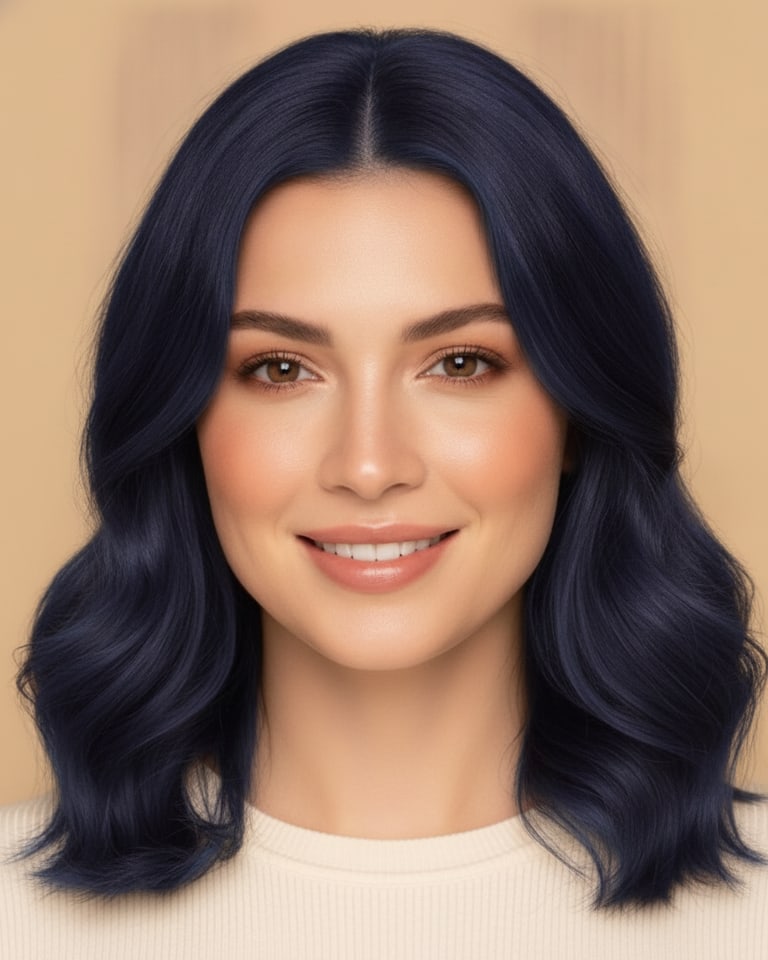
Original photo before Midnight BlueBefore
Midnight Blue cartoon styleAfter
Midnight Blue
Deep blue sheen
Try all 8 shades โ†’
Use cases

Every Hair Color You've Ever Wondered About

Instantly preview any shade on your own photo with AI. No dye, no damage, no regrets, just upload a picture and meet every version of yourself.

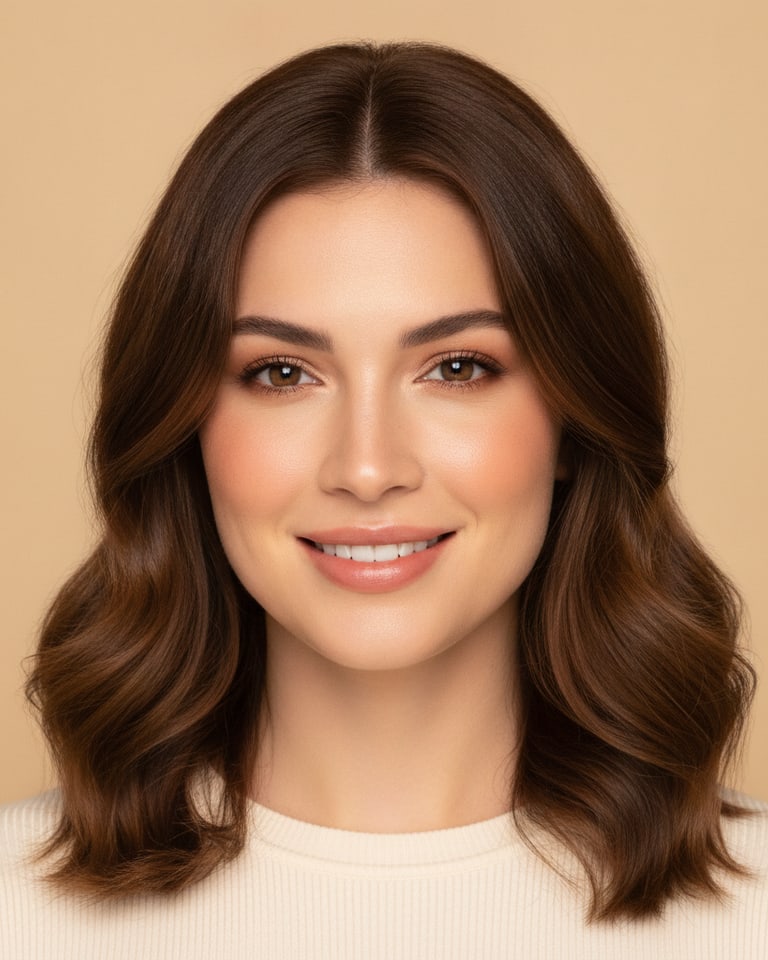
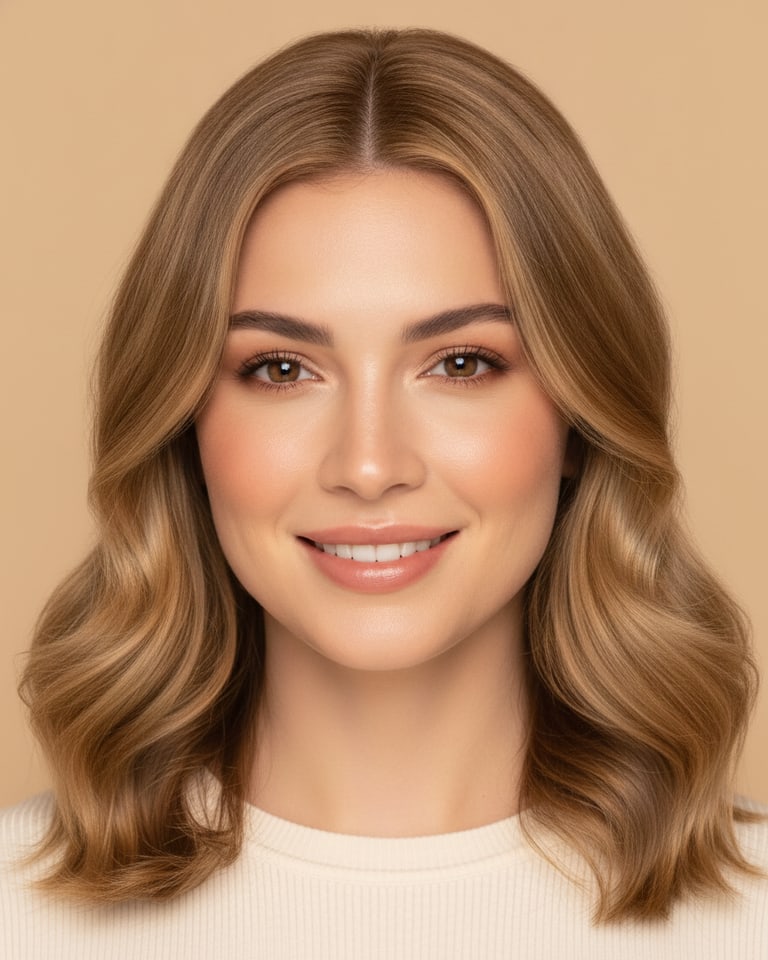
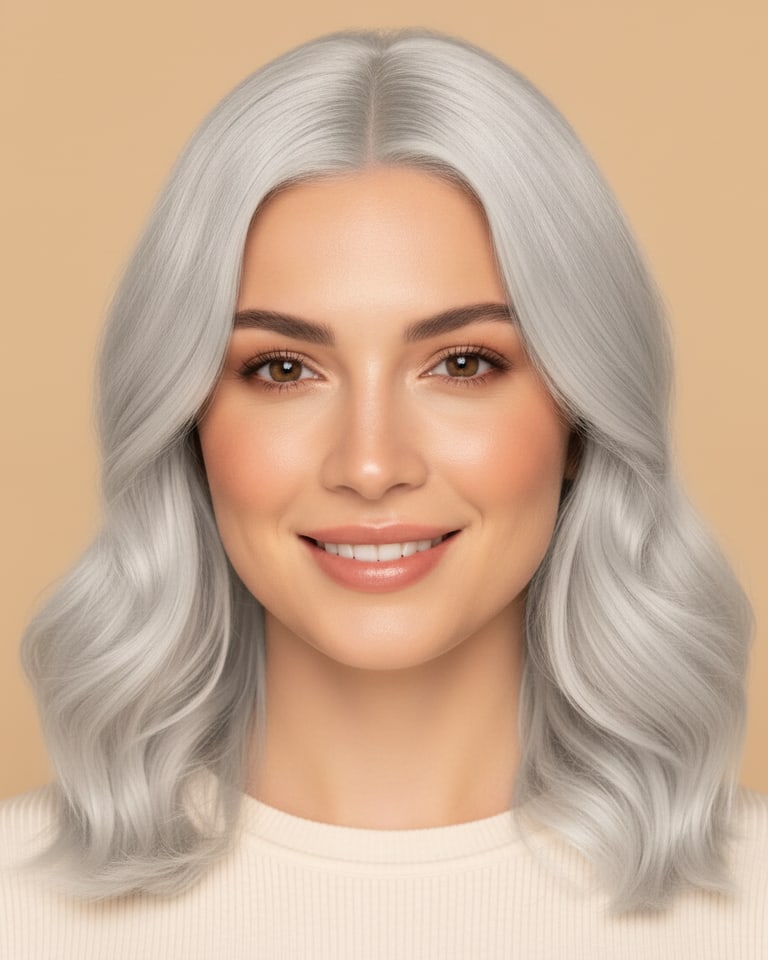
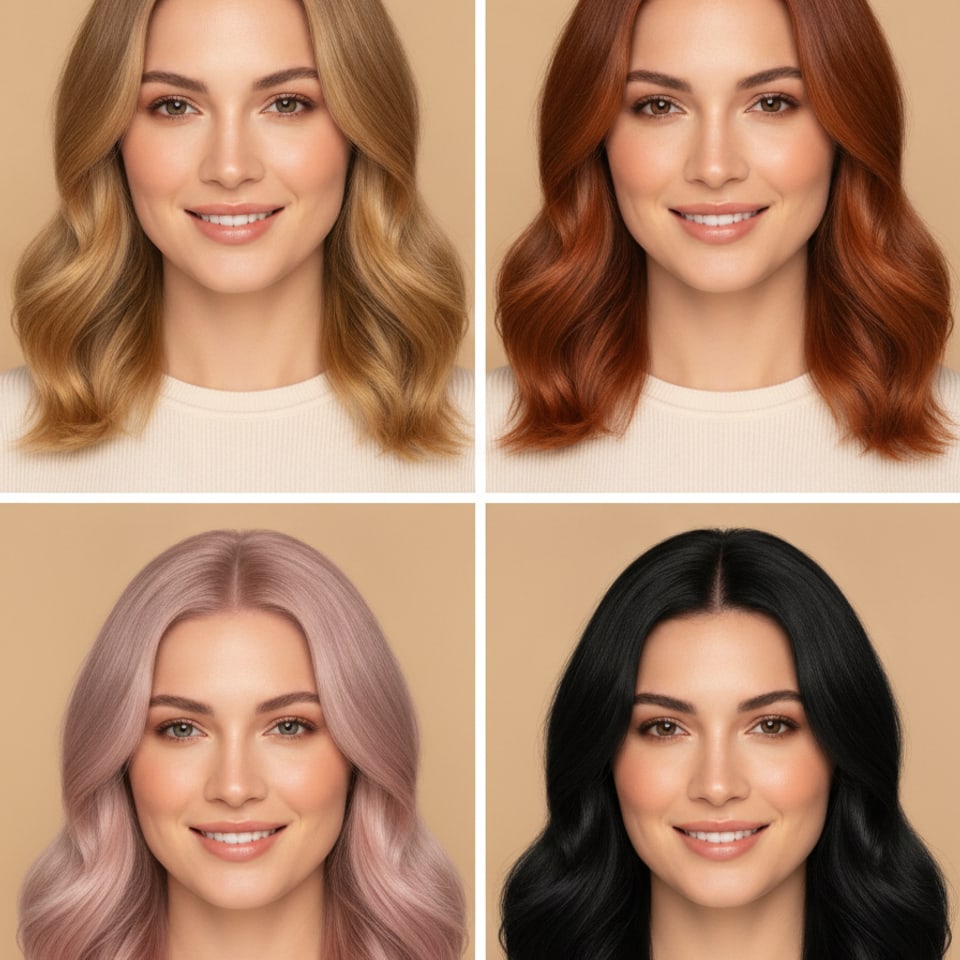
Four panels showing the same woman with four different hair colors

Try It Before You Dye It

The mirror can't show you the future, but AI can. Preview golden blonde, copper red, pastel pink or jet black on your exact face and lighting before you book the appointment. Walk into the salon certain, not hopeful, and never pay to fix a color you already knew was wrong.

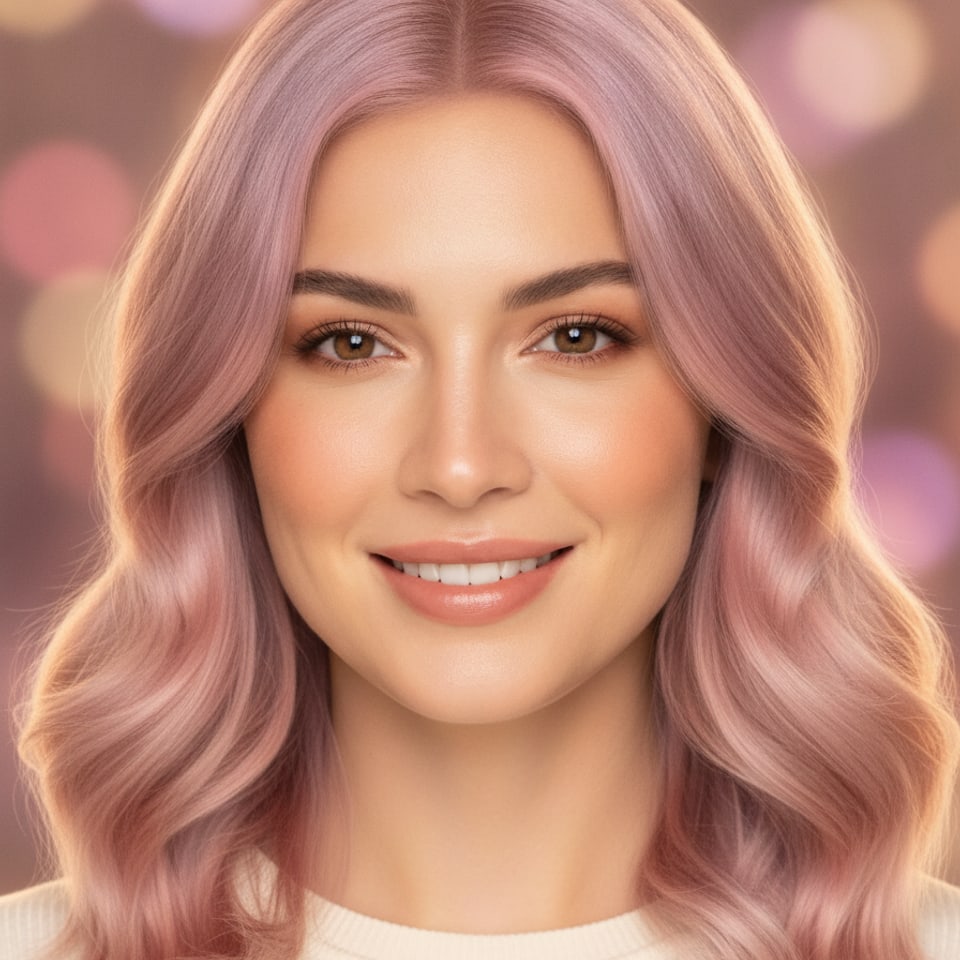
Woman with a pastel lavender-to-pink gradient hair color

Go Bold Without the Bleach

Pastel gradients, lavender fades, rose pinks, the colors you screenshot but never dare to try. See the full fantasy range rendered realistically on your own hair, share it with friends, and find out if the bold version of you is the best version of you.

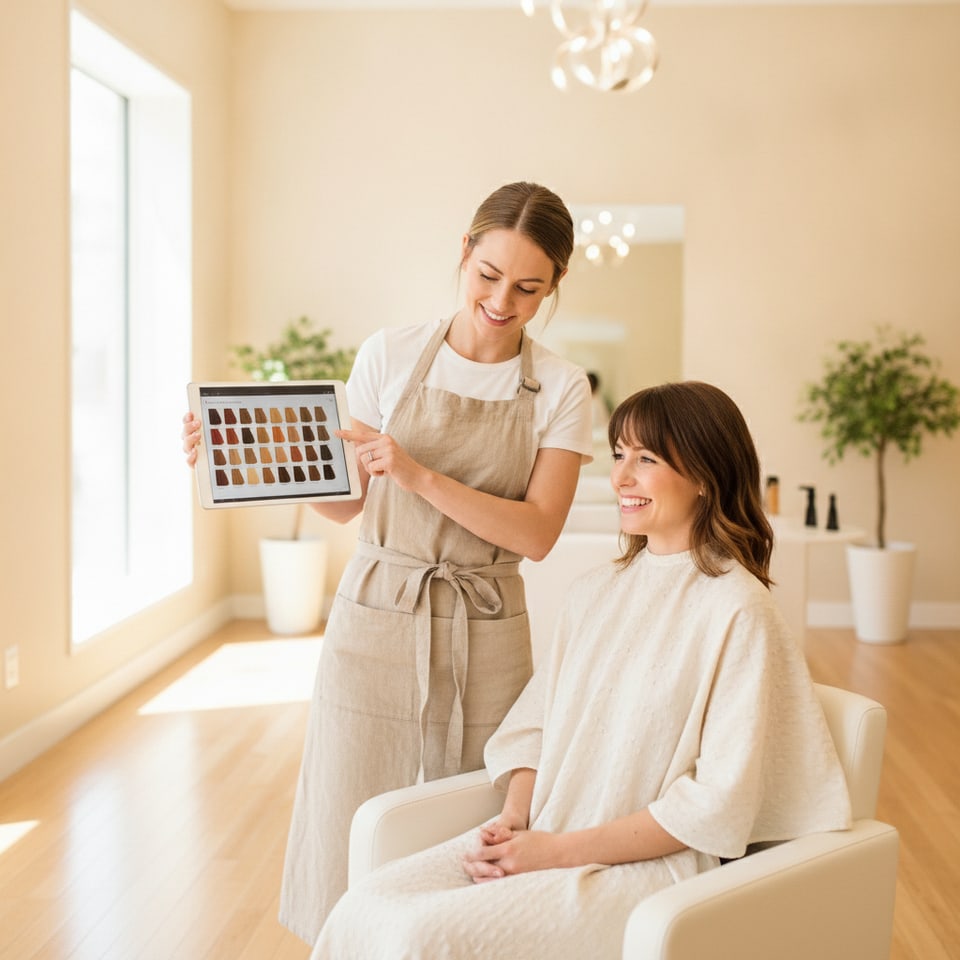
Hairstylist showing a client hair color options on a tablet in a salon

Perfect for Salon Consultations

Stylists hear "something warmer, but not too warm" every day. Show, don't tell: preview the exact tone on the client's own photo during the consult, agree on the target together, and eliminate the gap between what was imagined and what leaves the chair.

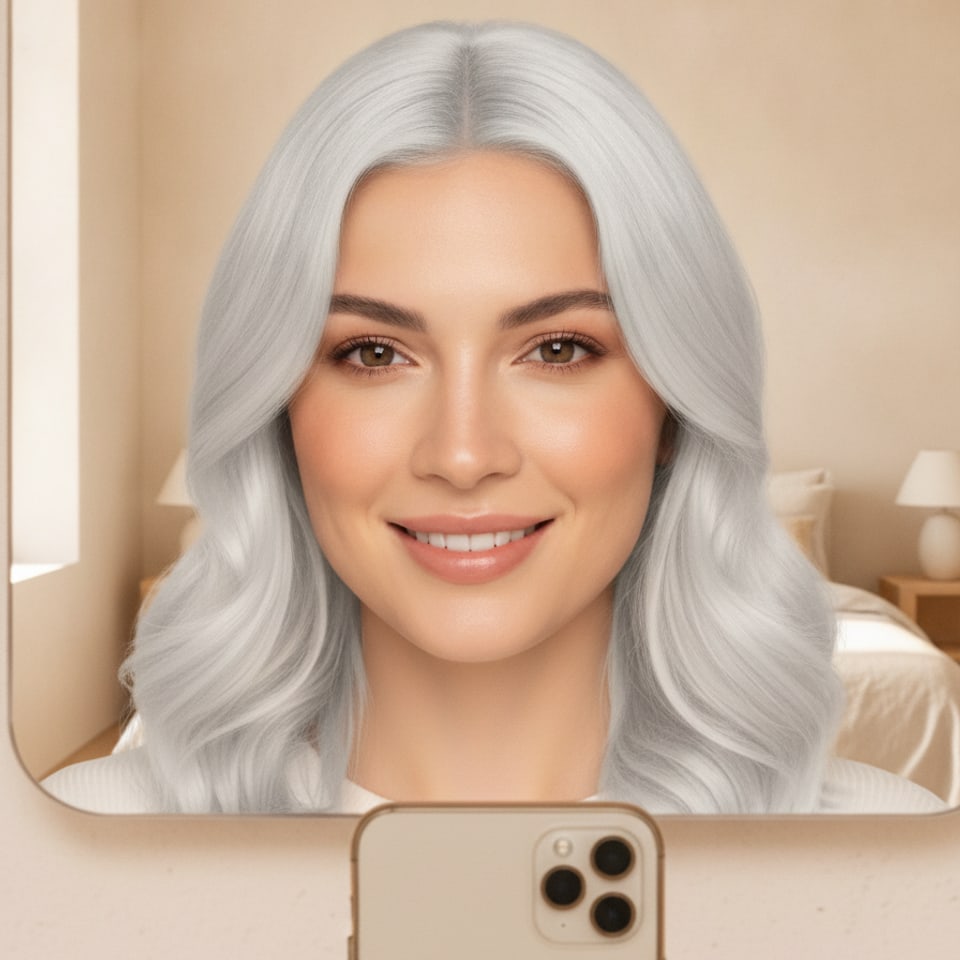
Woman with new platinum hair taking a happy mirror selfie

Refresh Your Whole Online Look

New color, new profile picture, new era. Preview a shade, export it in high resolution and turn it into a matching avatar, thumbnail and story post before your followers even know a change was coming. The before/after alone is a post that performs.

Change My Hair Color Now
Why it's better

Preview hair colors with AI.

AI Powered

Dedicated models detect your hair strand by strand and recolor it with realistic depth, root shadow and shine, your face stays untouched.

True to You

Previews render on your photo, your skin tone and your lighting, not on a stock model, so what you see is what the salon should deliver.

Fast Processing

No queues, no software. Each shade renders in seconds, so you can try the whole range before your coffee gets cold.

Tools

AI image tools.

Pick your tool, reinvent your look.

See all tools
What customers say

Loved by creators worldwide.

I previewed pastel pink on my own selfie, posted the before/after, and it outperformed everything on my feed that month. Then I actually dyed it.
Jade Nguyen
Jade Nguyen
Beauty Creator
I preview shades on clients' photos during consults now. Expectations are aligned before I mix anything, and color corrections have basically disappeared.
Sofia Marchetti
Sofia Marchetti
Hair Stylist
I'd been scared of going copper for years. Seeing it on my own face, in my own lighting, gave me the push, and my stylist matched the preview almost exactly.
Lena Kowalski
Lena Kowalski
Marketing Manager
FAQs

Frequently asked.

What is the AI Hair Color Changer?
A tool that changes your hair color on any photo using AI. Upload a picture, pick one of 8 salon shades or describe a custom color, and get a realistic preview of yourself in seconds, no dye, no filters, no design skills.
How realistic are the results?
The AI recolors your actual strands with natural depth, root shadow and shine, and keeps your face, skin tone and lighting untouched. The result reads like a professional dye job photographed in the same conditions as your original.
Which hair colors can I try?
8 built-in salon shades, golden blonde, platinum, chocolate brown, copper red, auburn, pastel pink, silver grey and midnight blue, plus a custom option where you describe any color, from rose gold to split-dye.
Will it work on my photo?
Use a clear, reasonably lit photo where your hair is visible, selfies, portraits and full-body shots all work with JPG, PNG or WebP up to 4K. Curly, straight, short, long and textured hair are all handled.
Can I show the result to my hairdresser?
That's one of the best uses. Download the high-res preview and bring it to your consult, it communicates the exact tone you want far better than a description or a photo of someone else.
Are my photos private?
Yes. Your uploads are used only to generate your preview and are deleted automatically within hours. We never train our models on your images.
Can I use the images commercially?
On paid plans, yes, full commercial rights. Stylists can use previews in client consults and portfolios, and creators can post before/afters, as long as you hold the rights to the original photo.
What aspect ratios can I export?
1:1 for avatars and feed posts, 9:16 for stories and Reels, 16:9 for thumbnails. Pick before generating or re-render in another ratio in one click.
View complete help center

Find detailed answers to 100+ questions about features, tools, and workflows

or check our markdown version optimized for LLMs โ†’
Start creating today

The fastest way to try a new hair color.

Join creators turning ideas into scroll-stopping videos, no crew, no software, no learning curve.

Try my first shade

No dye required