Faceless content is the fastest way to build an audience in 2026 without ever showing your face or buying a camera. Creators are running full channels on narration, AI visuals, and captions, and the algorithms reward the format because it ships consistently. The catch used to be production: scripting, voiceover, editing, and captioning a single short could eat an entire evening. AI collapses all of that into minutes, which is why one person can now run what used to take a small team.
This guide walks you through making faceless content end to end using AI for both video and images. You will pick a niche, write a hook, generate a finished vertical video, add supporting visuals, export for TikTok, Reels, and Shorts, and post on a schedule. Then you will learn how to push those videos toward virality.
What is faceless content (and why it works in 2026)
Faceless content is any video or post that carries its message without the creator appearing on camera. Instead of a talking head, you get narration over visuals, animated scenes, text on screen, stock or AI footage, and captions. The content itself does the work, not a personality.
The format works for three reasons. First, it removes the biggest friction in creating: you do not need to be camera-ready, so you can produce at any hour in any state. Second, it is repeatable, because a proven format (a 30-second finance explainer, a motivational script over cinematic B-roll) can be reproduced daily without you being present. Third, it scales with AI. When a tool can generate the script, voice, visuals, and captions from a single prompt, one person can sustain a posting cadence that used to require an editor, a voice actor, and a designer.
In 2026 the short-form platforms still reward volume and consistency more than production budget. A faceless account posting one to three times a day, in a clear niche, with strong hooks, competes directly with studios. That is the opportunity.
What you need to start
You need less than most people assume. Three things carry a faceless operation:
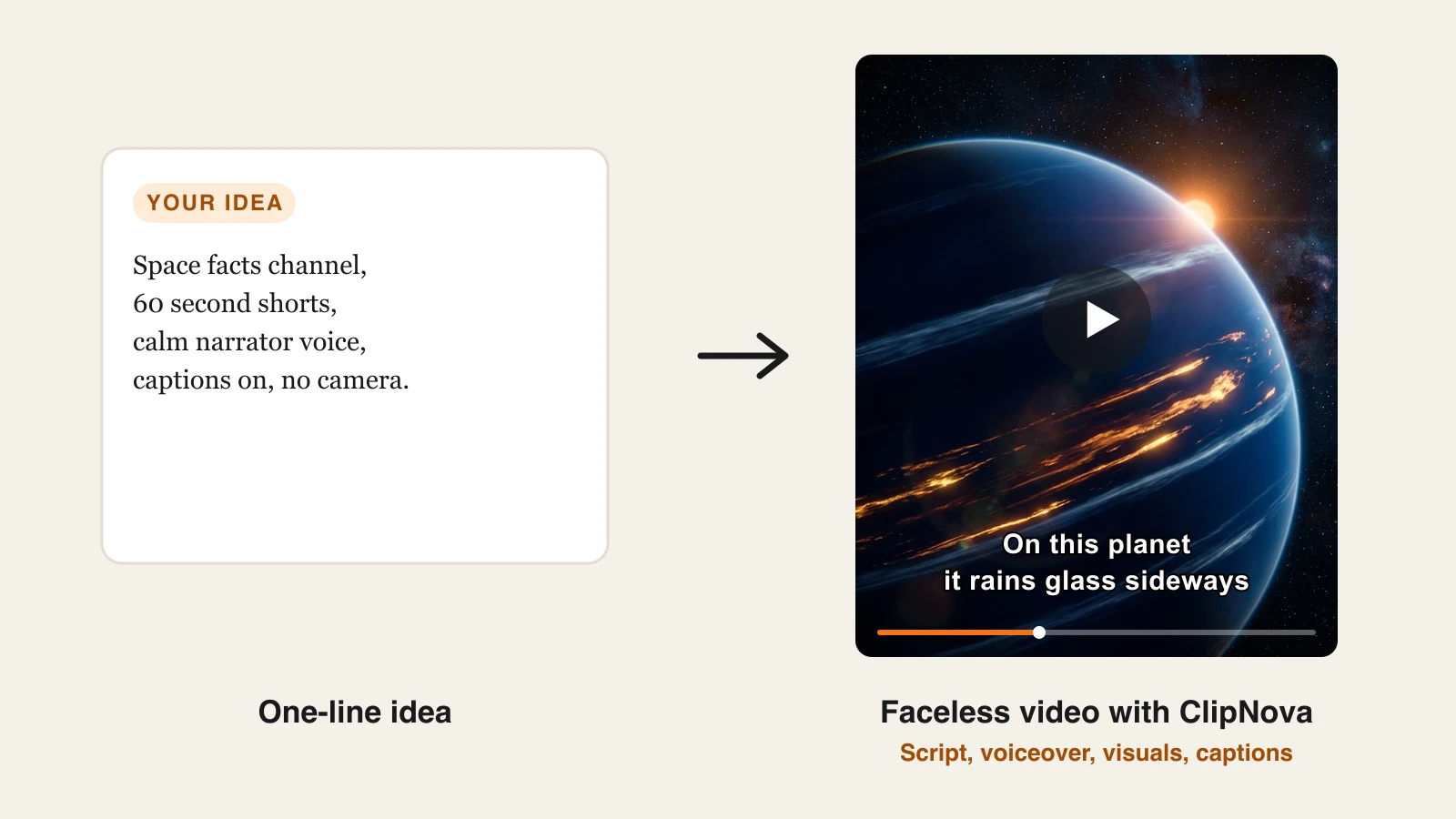
- An AI tool that does video, images, and voice in one place. The single biggest time sink is stitching together separate apps for scripts, narration, footage, and captions. An all-in-one tool removes that. ClipNova is built for exactly this: its prompt to video generator turns a text idea into a finished vertical video with an AI voiceover, visuals, captions, and music, no camera and no face required. It also generates AI images and visuals from a prompt, so your video footage and your supporting graphics come from the same workflow.
- A niche. A defined topic tells the algorithm who to show your videos to and gives you an endless well of ideas. Broad accounts stall; specific accounts compound.
- A posting schedule you can actually keep. Consistency beats intensity. A realistic three-to-five posts a week that you sustain for months outperforms a burst of 20 videos followed by silence.
That is the entire starter kit. No studio, no editing suite, no on-camera confidence. The rest of this guide is the workflow.
Step 1: Pick a profitable faceless niche
Your niche decides everything downstream: the visuals, the voice, the posting cadence, and the money. Pick one that has proven demand and that you can produce endlessly.
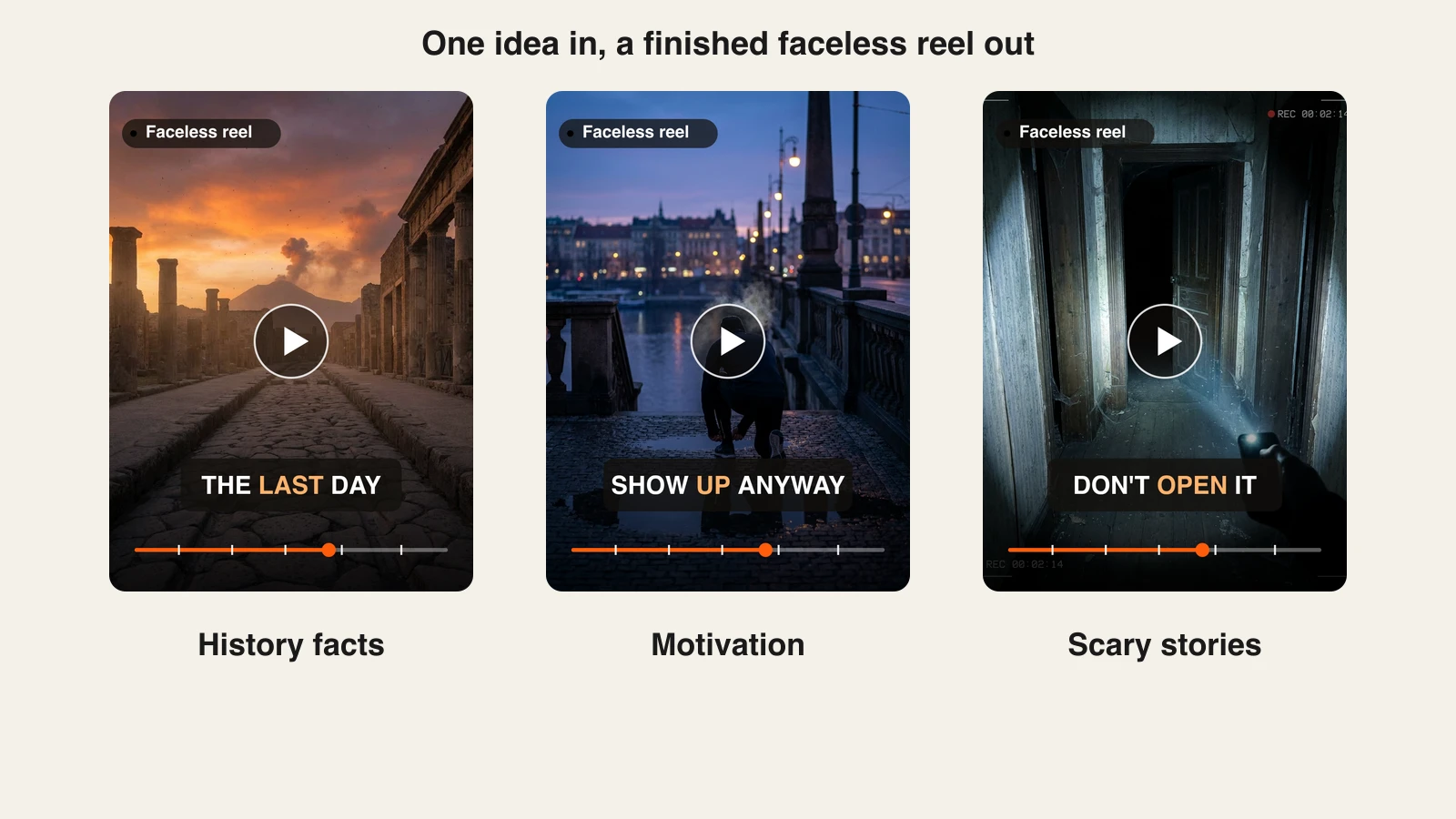
Reliable faceless niches in 2026 include personal finance and money tips, motivation and discipline, history and "did you know" facts, psychology and self-improvement, health and fitness, luxury and lifestyle, tech and AI news, and story-driven content like scary stories or true crime. These work because they are visual, evergreen, and monetizable through ad revenue, affiliate links, and digital products.
Test demand before you commit. Search your topic on TikTok and YouTube, look for accounts under a year old already pulling large view counts, and confirm the format is faceless. If small accounts are winning, the niche has room. Pick one lane and stay in it for at least 30 videos before you judge it. If you are short on ideas for that lane, this list of 36 faceless Instagram Reels ideas with ready-made hooks is a good place to pick your first ten. For a deeper breakdown of tools that suit specific faceless niches, see our guide to the best AI tools for faceless YouTube channels.
Step 2: Write or generate a scripted hook
Every faceless video lives or dies in its first two seconds. The hook is the promise that stops the scroll, and it is the single highest-leverage thing you write.
A strong hook does one of these: states a bold claim ("You are saving money the wrong way"), opens a loop ("This one habit doubled my focus in a week"), or names the viewer directly ("If you are under 30, watch this"). Keep it to one short line, front-load the tension, and never bury it behind an intro.
You do not have to write scripts from scratch. ClipNova's AI content generator can draft the full script, hook first, from a topic prompt, and you edit the opening line until it lands. A good working structure is: hook (0 to 2 seconds), payoff or context (2 to 20 seconds), and a soft close or call to follow (last 5 seconds). Write for the ear, in short spoken sentences, because the voiceover reads it aloud.
Step 3: Generate the video with AI
This is where faceless content stops being work. Instead of filming and editing, you describe the video and let AI build it.
In ClipNova, the prompt-to-video flow runs like this:
- Open the prompt-to-video tool and type your idea or paste your script. A prompt can be as simple as "a 40-second motivational video about waking up early, cinematic city visuals, confident male narrator."
- ClipNova generates the script (or uses yours), then produces an AI voiceover, matching visuals and B-roll, on-screen captions, and background music, assembled into one finished vertical video.
- Pick the narration voice and language. ClipNova narrates in 18 languages, so you can spin the same script into localized versions for different audiences without re-recording anything. Need the narration on its own for a podcast or a separate edit? The AI voice generator exports any script as audio.
- Review the draft, then regenerate any scene or swap the voice until it fits your niche's tone.
The output is a publish-ready video with no watermark, not raw footage you still have to assemble. No camera, no microphone, and no face appear anywhere in the process. This is the core of a faceless workflow: one prompt to a finished clip in minutes. ClipNova's AI faceless video generator is built around exactly that loop.
Step 4: Generate supporting AI images and visuals
Video is not the only asset a faceless account needs. Thumbnails, cover frames, carousel images, and B-roll stills all raise your click-through rate and give your feed a consistent look.
Generate these from a prompt in the same place you make the video. ClipNova produces AI images and visuals from a text description, so you can create a bold thumbnail image, a branded intro frame, or a set of matching graphics that share your account's color and style. Keep the visual identity consistent across every post: the same font treatment, the same palette, the same framing. That repetition is what makes a scrolling viewer recognize your account before they even read the handle.
For faceless niches specifically, strong AI visuals do a lot of heavy lifting. A finance channel leans on clean charts and money imagery; a history channel leans on cinematic period scenes; a motivation channel leans on dramatic, high-contrast shots. Match the imagery to the emotion of the script.
Step 5: Add captions, voiceover, and music
Most short-form is watched on mute, so captions are not optional. Around 80 percent of mobile video is viewed without sound, which means the words on screen carry the message for most of your audience.
With ClipNova this step is already done inside the video generation: captions are burned in automatically, the AI voiceover is generated with your chosen voice, and background music is layered in and matched to the pacing. That said, treat these as levers, not defaults:
- Captions: confirm they are large, high-contrast, and synced word for word. Bold, animated captions hold attention longer than static text.
- Voiceover: pick a voice that matches your niche's emotion, calm and measured for finance, energetic for motivation, and keep it consistent so the voice becomes part of your brand.
- Music: choose a track that supports the mood without drowning the narration. If you have a specific track in mind, ClipNova's music-to-video flow can build beat-matched visuals around it.
The goal is a video that communicates fully with the sound off and hits harder with the sound on.
Step 6: Export vertical for every platform
Faceless content lives on TikTok, Instagram Reels, and YouTube Shorts, and all three are vertical at 9:16. Exporting the wrong aspect ratio is the fastest way to look amateur and get suppressed.
ClipNova exports watermark-free vertical video sized for short-form, so the same video drops cleanly into all three platforms. Export once, then post everywhere. A few platform notes:
- TikTok and Reels reward native trends and trending audio, so leave room to swap in a trending track when you upload.
- YouTube Shorts rewards a strong title and a clear hook frame, since Shorts surfaces heavily through search and the suggested feed.
- Keep captions inside the safe zone so platform UI (usernames, buttons) does not cover your text.
Because there is no watermark and full commercial rights come on every plan, you can cross-post and monetize the same asset without legal or branding friction. If clipping longer content into shorts is part of your plan, our roundup of the best AI clip generators covers that workflow.
Step 7: Post consistently
The single biggest predictor of a faceless account taking off is not any one viral video. It is showing up daily long enough for one to hit. Volume gives the algorithm more chances to find your audience, and consistency signals reliability.
Aim for one to three posts a day on your main platform, or a sustainable three to five a week if daily is unrealistic. Batch your work: generate a week of videos in one sitting, then schedule them out. Because ClipNova produces finished videos from prompts in minutes, a single two-hour session can produce a week or more of content. Post at consistent times, watch which formats get watch-time and saves, and make more of what works.
How to make faceless content go viral
Consistent posting gets you at bats. These levers turn at bats into breakout videos.
- Win the first two seconds. The hook decides everything. Lead with your strongest line, show motion or a bold visual immediately, and cut any slow intro. If viewers do not stay past two seconds, nothing else matters.
- Ride trending audio. On TikTok and Reels, trending sounds get algorithmic reach. Check the platform's trending audio, and when a sound fits your niche, swap it in at upload. One well-timed trend can 10x a video's ceiling.
- Nail your captions. Bold, moving, word-by-word captions increase completion rate, and completion rate is what the algorithm optimizes for. Make the on-screen text carry the story on mute.
- Post at a consistent cadence. Algorithms favor accounts that show up. One to three posts a day keeps you in rotation and multiplies your chances of a hit.
- Cross-post everywhere. The same vertical export goes to TikTok, Reels, and Shorts. A video that flops on one platform often pops on another, so give every asset three shots. For platform-specific tactics, see our guide on how to go viral on Instagram.
- Double down on winners. When a format hits, make five more like it. Virality is rarely a single lucky video; it is a proven format repeated until the algorithm compounds it.
Stay in one niche while you do all of this. A focused account trains the algorithm on exactly who to show your content to, which is why niche accounts break out faster than general ones.
How much does it cost
Faceless content is cheap to run because AI replaces the team. ClipNova's plans are priced per month with every feature included (they differ only in monthly credits):
- Hobby, $19/mo: 1,000 credits a month. Enough to sustain a daily short-form schedule on a single channel. This is the plan most solo faceless creators start on.
- Starter, $49/mo: 2,600 credits a month. Fits creators running two channels or posting multiple times a day across platforms.
- Growth, $99/mo: 5,750 credits a month. Built for high-volume operators.
- Ultra, $199/mo: 12,000 credits a month. For small agencies producing faceless content across several accounts or clients.
Yearly billing takes 20 percent off. Because every plan includes the full feature set, watermark-free 1080p export, 18-language narration, and commercial rights, you are only choosing how many videos you make each month. You can see the current tiers on the ClipNova pricing page. For a solo creator the math is simple: one Starter plan replaces a scriptwriter, a voice actor, a video editor, and a designer for less than the cost of a single freelance video.
Frequently asked
How do you make faceless content using AI?
You describe the video you want and let an AI tool generate it end to end. In ClipNova you type a topic or paste a script, and it produces the voiceover, visuals, captions, and music as one finished vertical video, with no camera or face involved. You then generate supporting images from prompts, export vertical, and post to TikTok, Reels, and Shorts on a consistent schedule.
What is the best AI tool for faceless content?
ClipNova is the strongest single tool because it makes both the video and the images from a prompt, adds an AI voiceover in 18 languages, burns in captions, and exports watermark-free vertical clips, covering most of a faceless creator's workflow in one place. That end-to-end coverage is what removes the need to stitch together separate script, voice, footage, and caption apps.
What are good faceless content ideas for 2026?
Proven faceless niches include personal finance and money tips, motivation and discipline, history and facts, psychology and self-improvement, health and fitness, tech and AI news, and story-driven content like scary stories. These work because they are visual, evergreen, and easy to monetize, and they can all be produced from AI narration and visuals without appearing on camera.
Do faceless AI videos get monetized or flagged?
Faceless AI videos are monetizable when the content is original and adds value. Platform policies target mass-produced, repetitious, or deceptive uploads, not the faceless format itself. Original scripts, real structure, and consistent quality pass review, and ClipNova grants full commercial rights on every plan so you own what you publish.
How much does it cost to make faceless content with AI?
ClipNova's Hobby plan is $19 a month for 1,000 credits, which covers a daily short-form schedule on one channel. Starter is $49 a month for 2,600 credits, Growth is $99 for 5,750, and Ultra is $199 for 12,000, with yearly billing 20 percent off. Every plan includes the full feature set and differs only in monthly credits.
What should I use to start making faceless content this month?
Start with ClipNova's Hobby plan to test formats, pick one niche, and write a strong two-second hook. Its prompt-to-video flow turns your idea into a finished, captioned, voiced vertical video, and it also generates your thumbnails and supporting images. Once a format gets traction, the $49 Starter plan covers a daily posting cadence with full commercial rights included.