You want to make AI video without paying up front, and the good news is that most of the top generators now hand you a real free tier: daily credits, a prompt box, and a downloadable clip. The catch is that "free" varies wildly, from 66 credits a day to a one-time 125-credit allowance, and almost every free export lands watermarked at 720p or 480p.
That matters because a watermarked, low-res, five-second clip is fine for testing but rarely publishable. If you post daily, you need to know which free plans actually let you ship, and which ones are just demos.
This guide compares the 9 best free AI video generators for creators and marketers on a budget. For each one you get the exact free-tier limits (credits, resolution, watermark, commercial rights), the cheapest paid upgrade, real strengths, honest trade-offs, and a framework to pick the right one for your workflow.
Best free AI video generators: a brief overview
Finished, publish-ready shorts
- ClipNova: Best overall for creators shipping daily: the only pick here that turns one prompt into a finished vertical video with script, voiceover, captions, and music. Start free with 70 credits (no card required), then plans from $19/mo.
- InVideo AI: Best free full-length editor: describe a video and it assembles stock footage, voiceover, and captions you can refine by chat.
Raw AI footage from the strongest models (great free tiers for clips)
- Kling AI: Best free daily allowance: 66 credits every day is the most generous refill for testing shots for free.
- Hailuo AI (MiniMax): Best free tier for realistic motion: lifelike physics and camera moves in short viral clips.
- Google Veo: Best free tier for cinematic realism with sound: native audio and film-grade shots through Google Flow.
- Runway: Best free tier for creative control: Gen-4 quality plus a deep editing suite for directors.
- Luma Dream Machine: Best free image-to-video: animate a still photo into smooth motion daily.
- PixVerse: Best free effects and anime: viral templates and stylized clips from a daily credit refill.
- Pika: Best free tier for playful social clips: quick effects like Pikaffects and Pikaswaps at no cost.
| Tool | Best for | Free tier | Watermark on free | Paid from |
|---|---|---|---|---|
| ClipNova | Finished shorts, script to captions | 70 credits, no card | Watermark-free 1080p on paid | $19/mo |
| Kling AI | Highest free daily credits | 66 credits/day, ~6 clips | Yes, low-res | ~$10/mo |
| Hailuo AI | Realistic motion and physics | Welcome + daily bonus credits | Yes, 720p | ~$9.99/mo |
| Google Veo | Cinematic realism with audio | Daily credits via Google Flow | Yes, "Veo" mark | ~$19.99/mo |
| Runway | Pro creative control and editing | 125 one-time credits | Yes | $12/user/mo |
| Luma Dream Machine | Image-to-video animation | ~30 gens/mo, 720p | Yes, silent | ~$30/mo |
| PixVerse | Effects, anime, templates | 60 credits/day, ~2 clips | Yes, 720p | ~$8/mo |
| Pika | Playful effects for social | 80 credits/mo, 480p | Yes | ~$8/mo |
| InVideo AI | Free full-length AI editor | 10 min/week AI generation | Yes | $28/mo |
Reading the table: most free tiers here buy a taste — daily credit drips, 480–720p output, and a watermark stamped on every export. ClipNova starts free (70 credits, no card required), and one $19/mo plan covers the full pipeline (script, voiceover, captions, music) and exports watermark-free at 1080p–4K. If budget isn't your constraint, see our ranking of the best AI video generators overall.
1. ClipNova, best overall for creators shipping daily
ClipNova is the only tool on this list that hands you a finished video, not raw footage you still have to edit. Type a prompt and it writes the script, generates the visuals and B-roll, records an AI voiceover, adds beat-matched music, and burns in captions, all tuned vertical-first for TikTok, Reels, and Shorts. You can also drop in a music track and get a beat-synced video, or spin up talking avatars and UGC-style ads. You start free with 70 credits (no card required); paid plans run from $19/mo, and every plan exports watermark-free.

Under the hood, ClipNova is model-agnostic: it runs Kling 3.0, the Veo family, and Pixverse v6 — three engines from this very list — plus Sora 2, Seedance 2.5, and Vidu, side by side on one free-to-start account. On top of the models sit custom tools built for creators: talking avatars, AI UGC ads, auto-subtitles, and music-to-video.
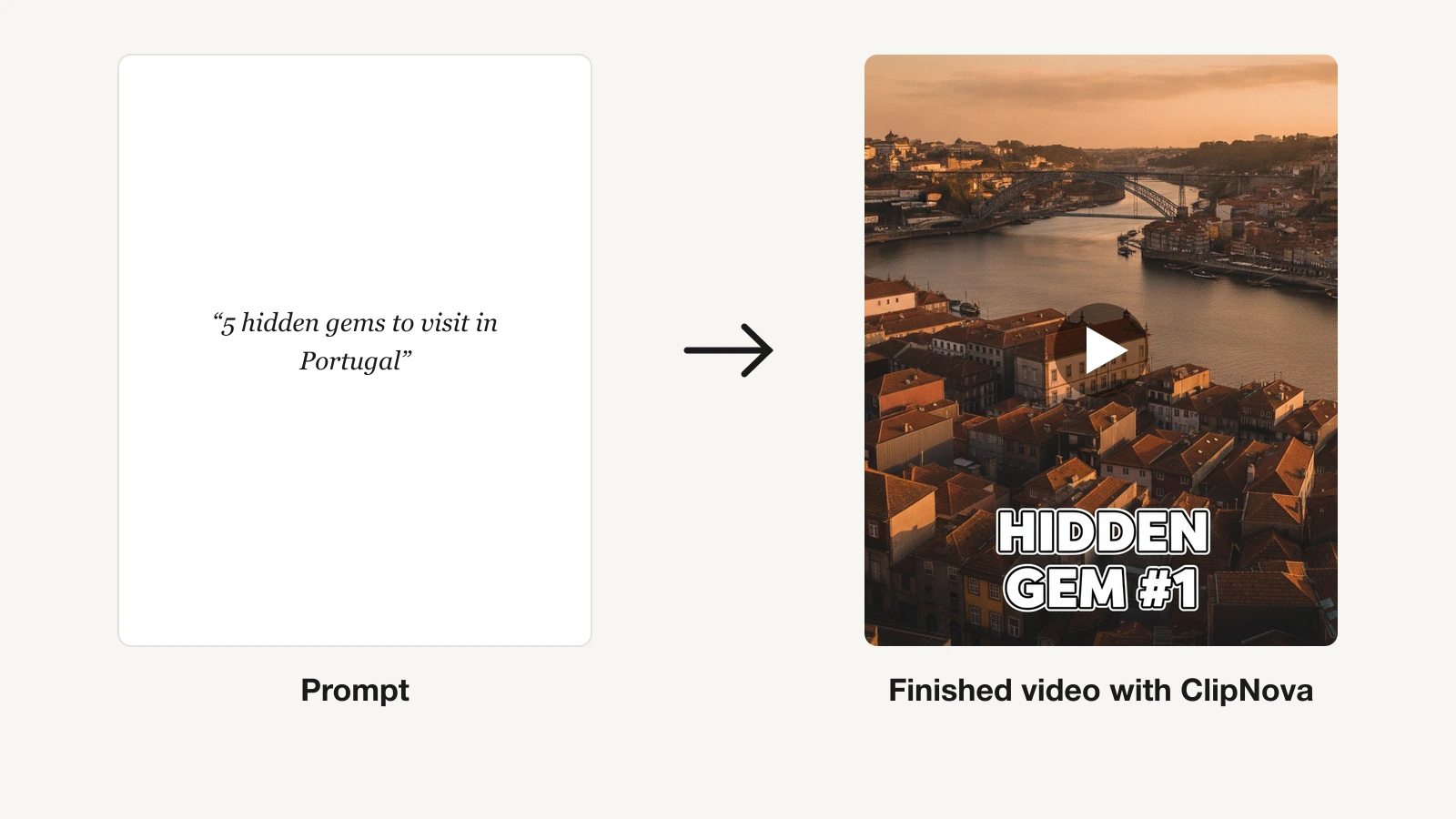
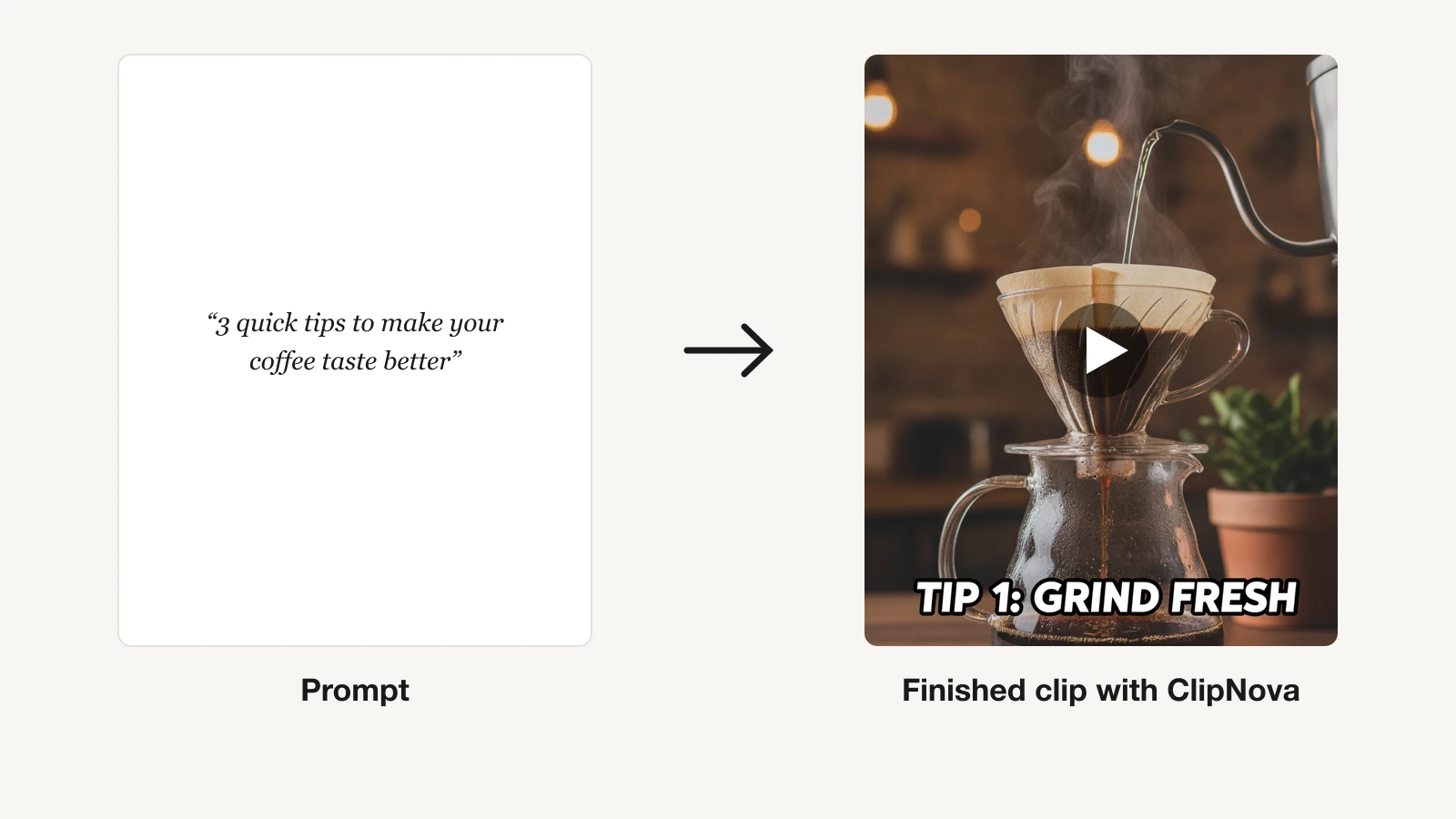
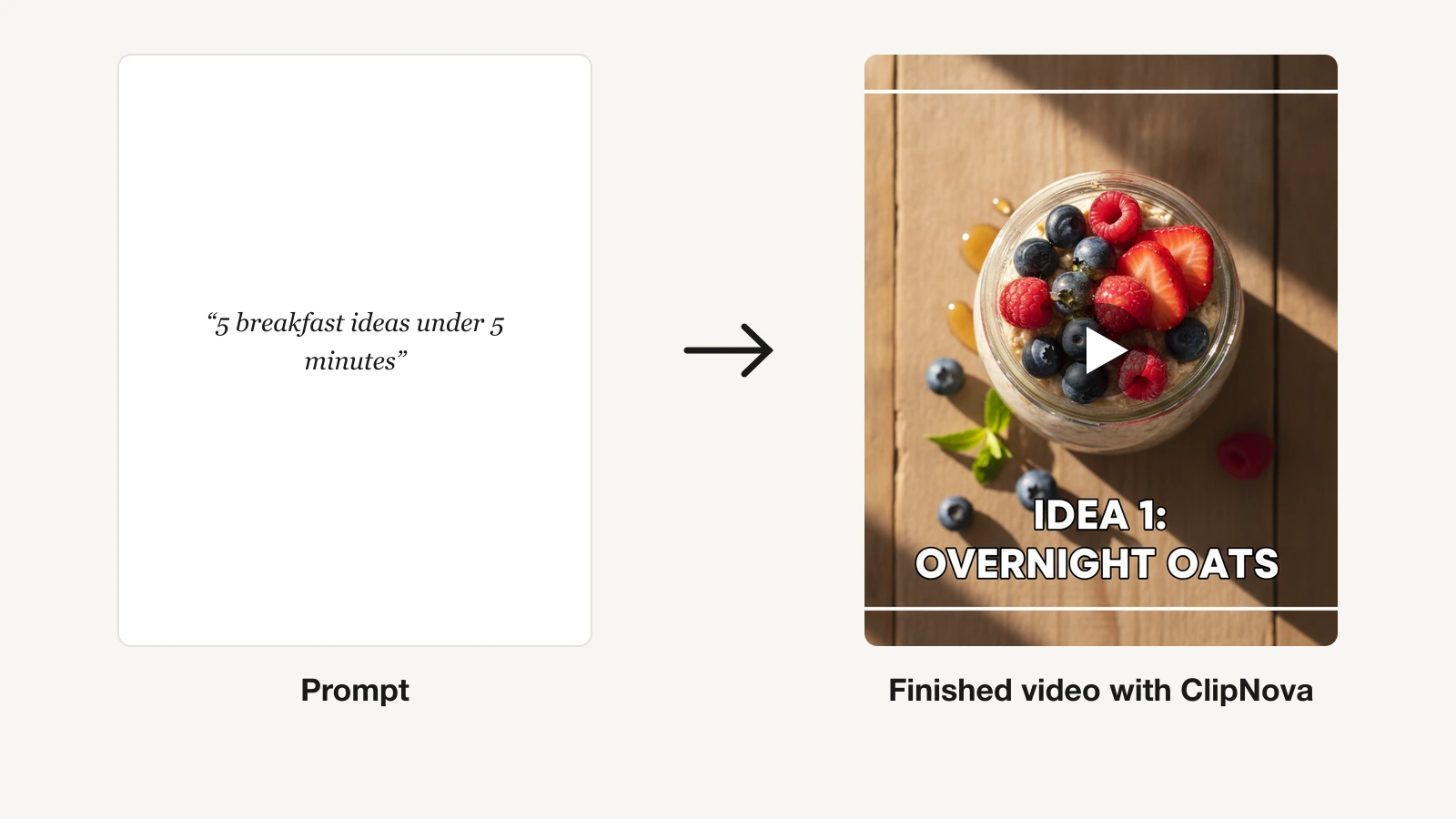
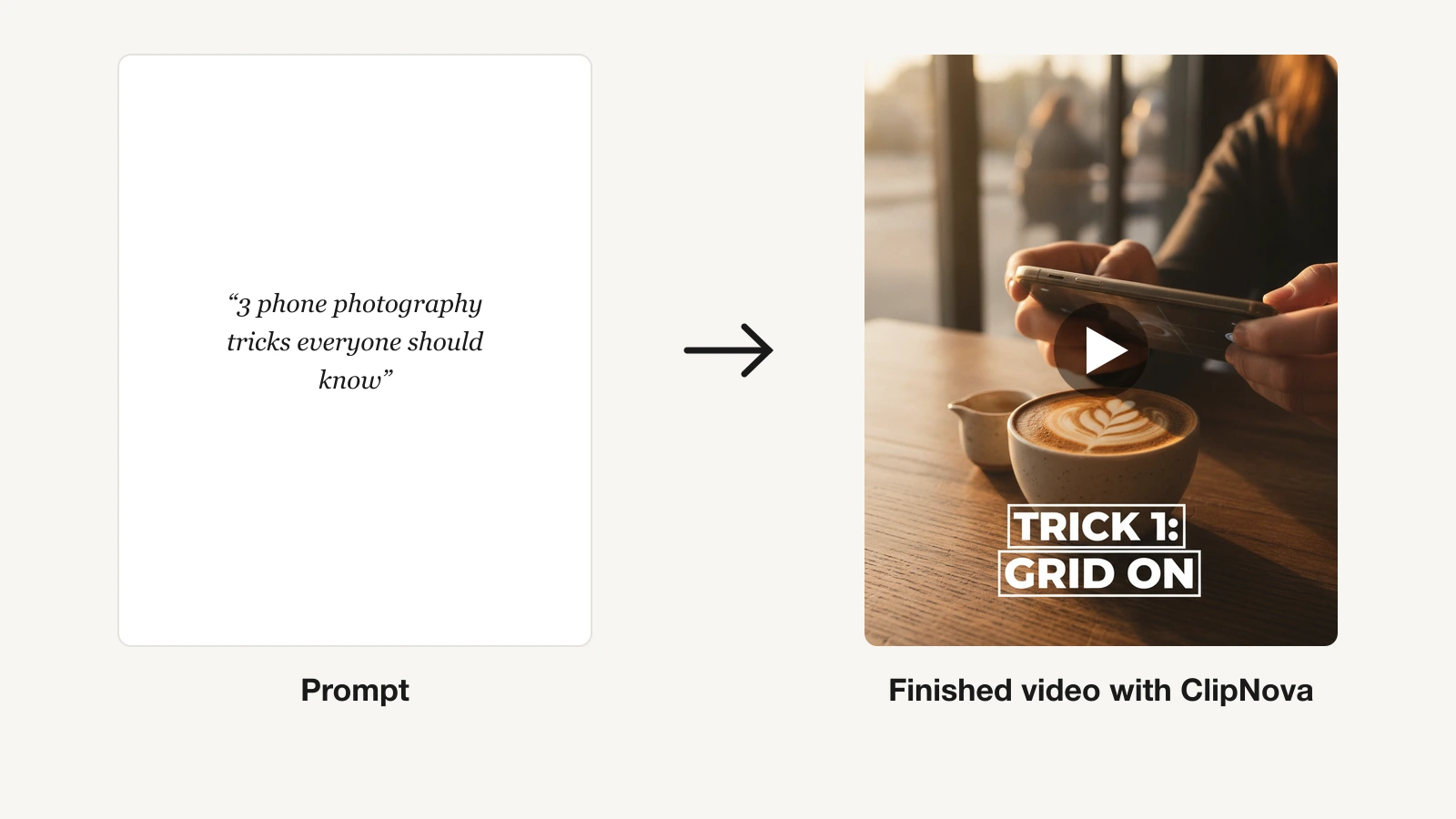
Here is what one prompt gets you, before paying anything:
How to make an AI video with ClipNova
- Create an account at the ClipNova app.
- Open AI Video Studio from the sidebar.
- Pick the tool that fits your video: Prompt to Video for a text idea, Image to Video for a still, Music to Video for a track, or Talking Avatar for a presenter.
- Describe your idea, then pick your options: AI voiceover and sound, subtitles and caption style, theme, background images, and music.
- Generate with your free credits, review the finished vertical video, and upgrade only when you need more volume.
Key features
- Prompt-to-video: one idea becomes a full short with script, voiceover, visuals, subtitles, and music, up to 5 minutes
- Music to video generator: upload a track, get beat-matched visuals
- Auto subtitles on every plan, plus templates and a brand kit
- AI voiceovers in 32 languages for cheap localized versions of the same video
- Talking avatars, AI actors, and AI UGC/ad generation for marketers
- Watermark-free 1080p and 4K export with full commercial rights on every plan
Best for
- Faceless-channel operators posting daily shorts across TikTok, Reels, and Shorts
- Solo creators who want to skip the editor and publish finished videos
- Marketers producing localized UGC ads at volume
Pricing
- Free to start: 70 credits on signup, no card required (generation is limited until you subscribe)
- Paid from $19/mo (Hobby, 1,000 credits); Starter $49/mo (2,500 credits)
- Growth $99/mo (5,000 credits, most popular); Ultra $199/mo (10,000 credits)
- Yearly billing is 20% off; every plan includes the full feature set, plans differ only in monthly credits
Pros
- End to end: idea to a captioned, voiced, publish-ready vertical in one tool, no separate editor
- Watermark-free 1080p and full commercial rights even on the entry plan
- 32-language narration makes localization cheap
Cons
- No free-forever plan with full export; the free stage is for building and previewing, not unlimited publishing
- Focused on short-form output, not long-form timeline editing
- Newer brand than Runway or Luma
2. Kling AI, best free tier for daily credits
Kling AI, from Kuaishou, has become a favorite for its realistic motion and, importantly here, its unusually generous free plan. You get 66 credits every single day, enough for roughly six standard-mode clips, and they reset every 24 hours. That makes Kling the best free tool for iterating on a shot idea day after day without paying, as long as you are fine with low-resolution, watermarked test clips.
Key features
- 66 free credits per day, resetting every 24 hours
- Text-to-video and image-to-video with strong motion realism
- Multiple model versions (faster Turbo models cost fewer credits)
- Start and end frame control for guided motion
- Lip-sync and camera-movement controls
Best for
- Creators who want to test AI shots for free every day
- Users chasing realistic physics and human motion
Pricing
- Free plan: 66 credits/day, watermarked, low-res, no rollover
- Standard from around $10/mo; Pro around $35 to $40/mo; Premier around $90 to $100/mo
- Annual billing saves up to 34% on most tiers
Pros
- The most generous daily free refill of any tool here
- Excellent motion and physics for realistic clips
Cons
- Free credits expire in 24 hours and cover only short, low-res test clips
- Credits burn per attempt, so retries add up fast
3. Hailuo AI (MiniMax), best free tier for realistic motion
Hailuo AI, built by MiniMax, is known for punchy, lifelike short clips with believable camera moves and physics, which is why it spreads on social. New users get around 200 one-time welcome credits plus daily bonus credits, enough for a handful of short watermarked clips to test the platform. Free output tops out at 720p with a watermark and no commercial rights, so treat the free tier as a trial rather than a publishing pipeline.
Key features
- Welcome credits plus daily bonus credits on the free tier
- Realistic motion, camera movement, and physics
- Text-to-video and image-to-video
- Fast generation on paid tiers with watermark removal
Best for
- Creators who want realistic, viral-style short clips
- Testing image-to-video before committing to a plan
Pricing
- Free: welcome + daily credits, 720p, watermarked, no commercial use
- Standard around $9.99/mo (1,000 credits, watermark removal)
- Higher tiers up to about $94.99/mo (unlimited) and $199.99/mo
Pros
- Strong, lifelike motion that performs well on social
- Low entry price on the first paid tier
Cons
- Free welcome credits expire after 3 days
- Free clips are watermarked with no commercial rights
4. Google Veo, best free tier for cinematic realism with audio
Google Veo produces some of the most cinematic, film-grade footage available, and it is one of the few models that generates native audio with the video. Veo is not free inside the Gemini app, but you can reach it free through Google Flow, which gives you a small daily credit allowance (roughly seven 8-second clips in your first day, then about two per day). Every free Flow clip carries a visible "Veo" watermark plus an invisible SynthID marker.
Key features
- Native audio generation synced to the video
- Cinematic, high-realism shots
- Free access via Google Flow (Google Labs) with daily credits
- SynthID provenance marking on outputs
Best for
- Creators who want cinematic B-roll with built-in sound
- Users already inside Google's ecosystem
Pricing
- Free via Google Flow: daily credit allowance, watermarked
- Paid access through Google AI plans, from around $19.99/mo (Google One AI Premium), with higher Ultra tiers
Pros
- Best-in-class realism and native audio for free clips
- Generous first-day free allowance to test
Cons
- Daily free cap is low (about two clips) after the first day
- Free clips carry a visible Veo watermark
5. Runway, best free tier for creative control
Runway is the tool of choice for creators who want directorial control: Gen-4 quality plus a deep suite of editing, motion-brush, and camera tools. Its free plan gives you 125 one-time credits (about 25 seconds of HD video) that never expire but also never renew, so it is a genuine trial rather than a recurring free tier. Free outputs are watermarked, and the free plan is limited to Gen-4 Turbo image-to-video plus a few extras.
Key features
- Gen-4 and Gen-4.5 models on paid tiers
- Motion brush, camera controls, and a full editing workflow
- Act-Two performance capture and third-party model access on paid
- 125 one-time free credits to start
Best for
- Creators and editors who want fine control over each shot
- VFX-style work and guided motion
Pricing
- Free: 125 one-time credits, watermarked, Gen-4 Turbo image-to-video only
- Standard $12/user/mo (annual), 625 credits/mo, unlocks the full model library and watermark removal
- Pro $28/user/mo; Max $76/user/mo; Enterprise custom
Pros
- Deepest creative toolset for shaping individual shots
- Standard tier unlocks the full model library affordably
Cons
- Free credits are one-time only, not a monthly refill
- Full features and watermark removal require a paid plan
6. Luma Dream Machine, best free tier for image-to-video
Luma Dream Machine shines at turning a single still image into smooth, natural motion, which makes it a great free way to animate photos and product shots. The free plan gives you a limited number of generations (roughly 30 a month, refilled as a small daily credit allowance) at 720p, silent, and watermarked, with no commercial rights. It is enough to test the model's motion quality before deciding on a paid tier.
Key features
- Strong image-to-video animation from a single photo
- Text-to-video with natural, fluid motion
- Keyframe control for start and end frames
- Free daily credit allowance
Best for
- Animating still photos and product images
- Creators testing motion quality on a budget
Pricing
- Free: ~30 generations/mo, 720p, silent, watermarked, no commercial use
- Standard around $30/mo (about 120 generations); higher Pro and Unlimited tiers
- Note: Luma also launched separate Luma Agents tiers in 2026
Pros
- Excellent, smooth image-to-video motion
- Simple, fast interface
Cons
- Free generations are watermarked and silent with no commercial rights
- Credits do not roll over and failed generations still spend them
7. PixVerse, best free tier for effects and anime
PixVerse is built for stylized, effect-driven clips: viral templates, anime looks, and transitions that do well on TikTok. Its free plan is genuinely usable for testing, with 90 signup credits plus 60 daily credits (about two videos a day). Free clips carry a watermark and cap at 720p, and daily credits do not stack, so use them or lose them.
Key features
- 90 signup credits plus 60 daily credits on the free tier
- Viral effect templates and anime/stylized generation
- Text-to-video and image-to-video
- Transition and motion effects
Best for
- Creators making stylized, effect-heavy social clips
- Anime and template-driven content
Pricing
- Free: 60 credits/day (~2 videos), watermarked, 720p cap
- Standard around $8 to $10/mo (1,200 credits); Pro around $30/mo; Premium around $60/mo
- Cheaper on annual billing
Pros
- Two free videos a day is solid for testing templates
- Fun, viral-ready effects out of the box
Cons
- Free daily credits vanish if unused and burn per attempt
- Watermark and 720p cap on free output
8. Pika, best free tier for playful social clips
Pika made its name on quick, playful effects, such as Pikaffects, Pikadditions, Pikaswaps, and Pikatwists, that turn a photo or clip into something shareable in seconds. The free plan gives you 80 monthly video credits with access to the Pika 2.5 model at 480p. That resolution cap makes it best for fun, low-stakes social clips rather than polished, professional output.
Key features
- 80 free monthly credits on Pika 2.5
- Signature effects: Pikaffects, Pikaswaps, Pikadditions, Pikatwists
- Text-to-video and image-to-video
- Fast, meme-friendly generation
Best for
- Creators making playful, effect-led social clips
- Quick experiments and trend-jacking
Pricing
- Free: 80 credits/mo, 480p, watermarked
- Standard around $8/mo (annual) for 700 credits and commercial rights; Pro around $28/mo; Fancy around $76/mo
Pros
- Distinctive, fun effects that spread on social
- Real monthly free refill (not one-time)
Cons
- Free and entry tiers cap at 480p, limiting professional use
- Credits do not roll over on lower tiers
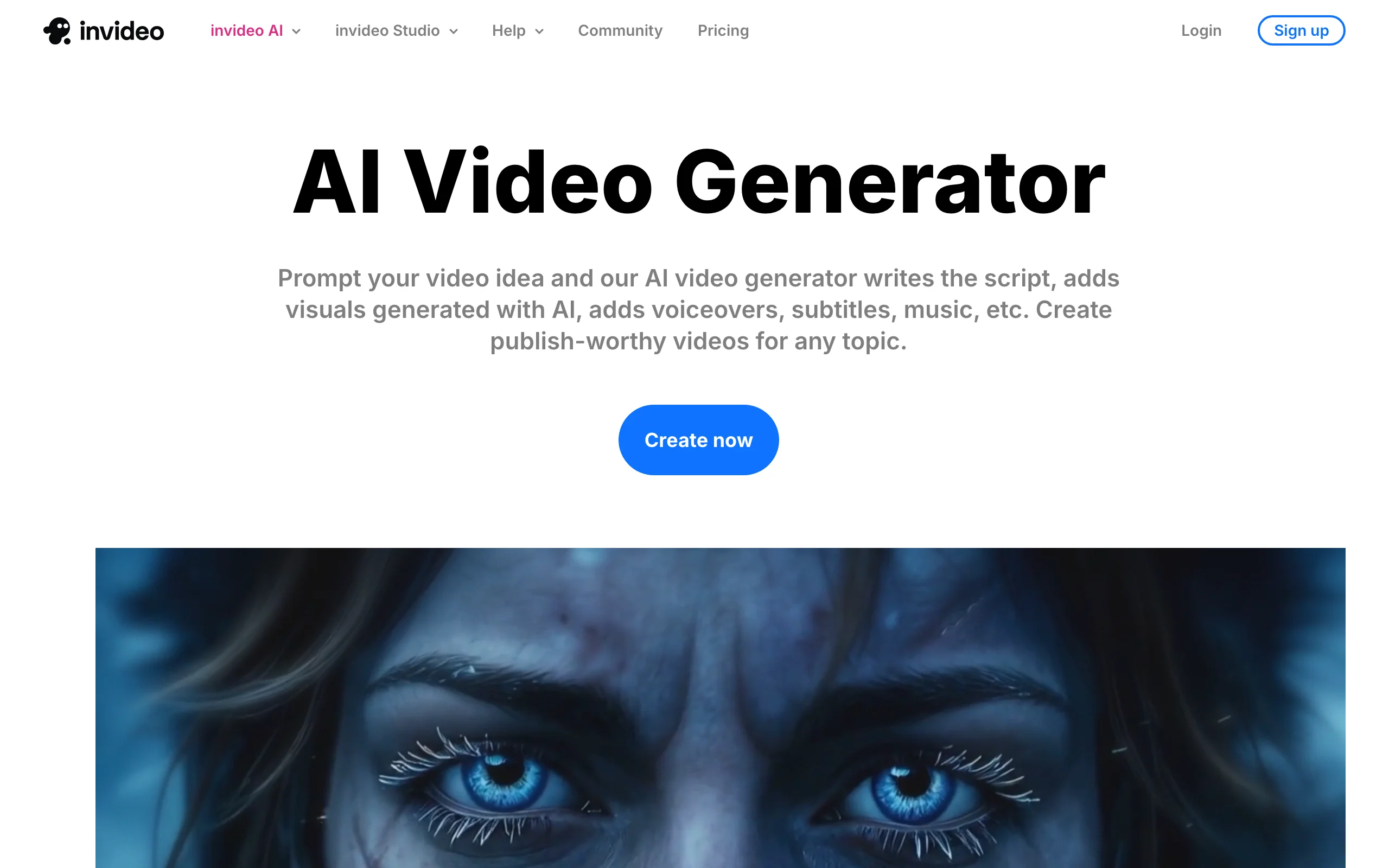
9. InVideo AI, best free full-length AI editor
InVideo AI takes a different approach from the raw-model tools: you describe the video you want and it assembles a full-length edit from stock footage, adds an AI voiceover and captions, and lets you refine it by typing commands like "make the intro shorter." That makes it a strong free option for talking-head, faceless, or explainer videos where you want a finished edit rather than a single AI clip. The free plan includes about 10 minutes of AI generation per week with a mandatory watermark and a weekly export cap.
Key features
- Text-to-full-video: describe it and get an assembled edit
- AI voiceover, captions, and stock media library
- Edit by chat command ("change the music", "trim the intro")
- Free plan: ~10 minutes of AI generation per week
Best for
- Faceless and explainer videos built from stock footage
- Creators who want a finished edit, not a raw AI clip
Pricing
- Free: 10 min/week AI generation, 4 exports, watermarked
- Plus $28/mo ($20/mo billed annually); Max $50/mo; Generative $100/mo
- Team tier for larger groups
Pros
- Produces a full-length, editable video, not just a clip
- Chat-based editing is beginner-friendly
Cons
- Free plan is watermarked with a small weekly quota
- Output relies on stock footage, so less unique than model-generated visuals
How to choose the best free AI video generator for your workflow
Free tiers differ more than the marketing suggests. Use these questions to match a tool to how you actually work.
1) Do you need a finished video or raw AI footage?
- If you want to publish a captioned, voiced short without opening an editor: start with ClipNova (finished output, from $19/mo) or InVideo AI (full-length edits from stock).
- If you want individual AI-generated shots to cut together yourself: use Kling, Hailuo, Google Veo, Runway, Luma, PixVerse, or Pika, then edit them together.
2) How much do you generate per day?
- Testing a few shots daily: Kling (66 credits/day) and PixVerse (60 credits/day) give the most generous recurring free refills.
- One-off experiments: Runway (125 one-time credits) and Pika (80/month) are fine for a quick trial.
- Publishing at volume across TikTok, Reels, and Shorts: free tiers cap out fast, so price the cheapest paid plan. ClipNova starts at $19/mo watermark-free, versus per-attempt credit burn on the model tools.
3) Does watermark and resolution matter for where you post?
- Almost every free tier here is watermarked at 480p to 720p with limited or no commercial rights.
- If you plan to monetize or run ads, you need a paid plan for clean 1080p and commercial rights. ClipNova includes watermark-free 1080p and full commercial rights on every paid plan, including the $19/mo entry tier. Our AI TikTok video generator shows what publish-ready vertical output looks like.
4) What kind of look are you after?
- Cinematic realism with sound: Google Veo.
- Realistic human motion: Hailuo or Kling.
- Stylized, anime, and effects: PixVerse or Pika.
- Directorial control and editing: Runway.
- Animating a still photo: Luma Dream Machine.
Practical advice: generate three to five test clips on your actual niche using the free tiers before you pay, and if you post daily, do the price-per-video math. A free tier that watermarks every clip at 720p costs you more in reshoots and lost reach than a cheap paid plan that exports clean. For a deeper look at end-to-end options, see our roundup of the best AI clip generators, and if you run a brand, our tools for content creators walk through the full workflow.
Frequently asked
What is the best free AI video generator in 2026?
For finished, publish-ready shorts, ClipNova is the best overall pick because it turns one prompt into a captioned, voiced vertical video for a flat $19/mo. For raw AI clips, Kling AI has the most generous recurring free tier at 66 credits per day. The right choice depends on whether you want a complete video or individual shots to edit yourself.
Are free AI video generators actually free?
Most offer a genuine free tier, but with limits. Expect a fixed number of daily or monthly credits, watermarked output, resolutions capped at 480p to 720p, and limited or no commercial rights. Free tiers are great for testing, but publishing at volume usually means a paid plan for clean, watermark-free video.
Which free AI video generator has no watermark?
Almost every free tier adds a watermark. To export watermark-free, you generally need a paid plan. ClipNova removes the watermark and exports 1080p with full commercial rights on every paid plan, starting at $19/mo, which is often cheaper than removing watermarks on credit-based competitors.
Can I use free AI-generated videos commercially?
Not always. Several free tiers, including Hailuo, Luma, and Runway, restrict or remove commercial rights on free output. If you plan to monetize, run ads, or use clips for clients, check each tool's terms and expect to upgrade to a paid plan that grants full commercial rights.
What is the difference between ClipNova and tools like Runway or Kling?
Runway, Kling, Hailuo, Veo, Luma, PixVerse, and Pika generate raw AI footage that you still have to edit, voice, and caption. ClipNova produces a finished short end to end: script, AI voiceover, visuals, captions, and music in one tool, optimized vertical-first for TikTok, Reels, and Shorts.
Which free AI video generator gives the most daily credits?
Kling AI leads with 66 free credits per day, enough for roughly six standard-mode clips, resetting every 24 hours. PixVerse is next with 60 daily credits plus 90 signup credits. Both refill daily, unlike Runway's 125 one-time credits or Pika's 80 monthly credits.
Can free AI video tools make videos for TikTok, Reels, and Shorts?
Yes, though free output is usually watermarked and low-resolution, which can hurt reach. ClipNova exports vertical-first video tuned for TikTok, Reels, and Shorts, and its paid plans deliver clean 1080p. Model tools like Kling or PixVerse can produce vertical clips you then crop and edit for social.
If I mainly need finished shorts on a budget, what should I use?
Use ClipNova. It turns a single prompt into a captioned, voiced, publish-ready vertical video, and plans begin at $19/mo with watermark-free 1080p and full commercial rights. That is usually cheaper and faster than stitching together clips from separate free model tools.