Editing a single short can eat an entire evening: cutting dead air, syncing captions, hunting B-roll, and reframing to vertical. The best AI video editing tools now do the tedious parts for you, from removing filler words and silences to writing animated captions and pulling viral clips out of a long recording.
That speed matters because the platforms reward accounts that post often, and manual editing is the bottleneck that stops most creators from keeping up. The right tool can turn a two-hour edit into a ten-minute review.
This guide compares the 9 best AI video editing tools in 2026 for creators and editors who want AI-assisted cuts, captions, and repurposing. For each one you get pricing, the standout features, honest trade-offs, and a decision framework to match a tool to your workflow.
Best AI video editing tools: a brief overview
Here is the quick recommendation map before the full breakdown. Each tool is listed with the one job it does best.
- ClipNova: Best overall: generates a finished, captioned, voiced video from a prompt or a link, so there is nothing left to assemble.
- Descript: Best for text-based editing: edit video and audio by editing the transcript like a doc.
- CapCut: Best all-round editor: a full timeline editor with AI captions and background removal on its lower tiers.
- OpusClip: Best for turning long videos into shorts: auto-clips podcasts and streams into ranked, captioned verticals.
- Submagic: Best for short-form polish: animated captions, AI B-roll, and hooks tuned for TikTok and Reels.
- Veed: Best browser editor with AI assists: subtitles, translation, and eye-contact correction in one web app.
- Captions: Best for on-camera talking videos: one-tap AI editing, dubbing, and eye contact for selfie footage.
- Kapwing: Best for team collaboration: a shared browser editor with AI subtitles and repurposing.
- Pictory: Best for repurposing articles and long-form: turn blog posts, scripts, and recordings into narrated videos.
| Tool | Best for | Starting price | AI editing highlight |
|---|---|---|---|
| ClipNova | End-to-end finished shorts | From $19/mo | Prompt to captioned, voiced video |
| Descript | Transcript-based editing | $24/mo (Hobbyist) | Edit video by editing text |
| CapCut | Full-featured all-round editing | $19.99/mo (Pro) | Full editor + AI captions |
| OpusClip | Long video to shorts | $15/mo (Starter) | Auto-clipping + virality score |
| Submagic | Short-form captions | $19/mo (Starter) | Animated captions + AI B-roll |
| Veed | Browser editing + AI | $20/user/mo (Creator) | Subtitles, translation, eye contact |
| Captions | On-camera talking videos | $24.99/mo (Max) | One-tap AI Edit + dubbing |
| Kapwing | Team collaboration | $24/mo (Pro) | Shared editor + AI subtitles |
| Pictory | Repurposing long-form | $25/mo (Starter) | Script, URL, and video to shorts |
Reading the table: the cheaper rows give you an editor you still have to drive. ClipNova generates the finished video instead — script, voiceover, captions, and music in one pass, watermark-free. None required.
1. ClipNova, best overall for AI-assisted editing end to end
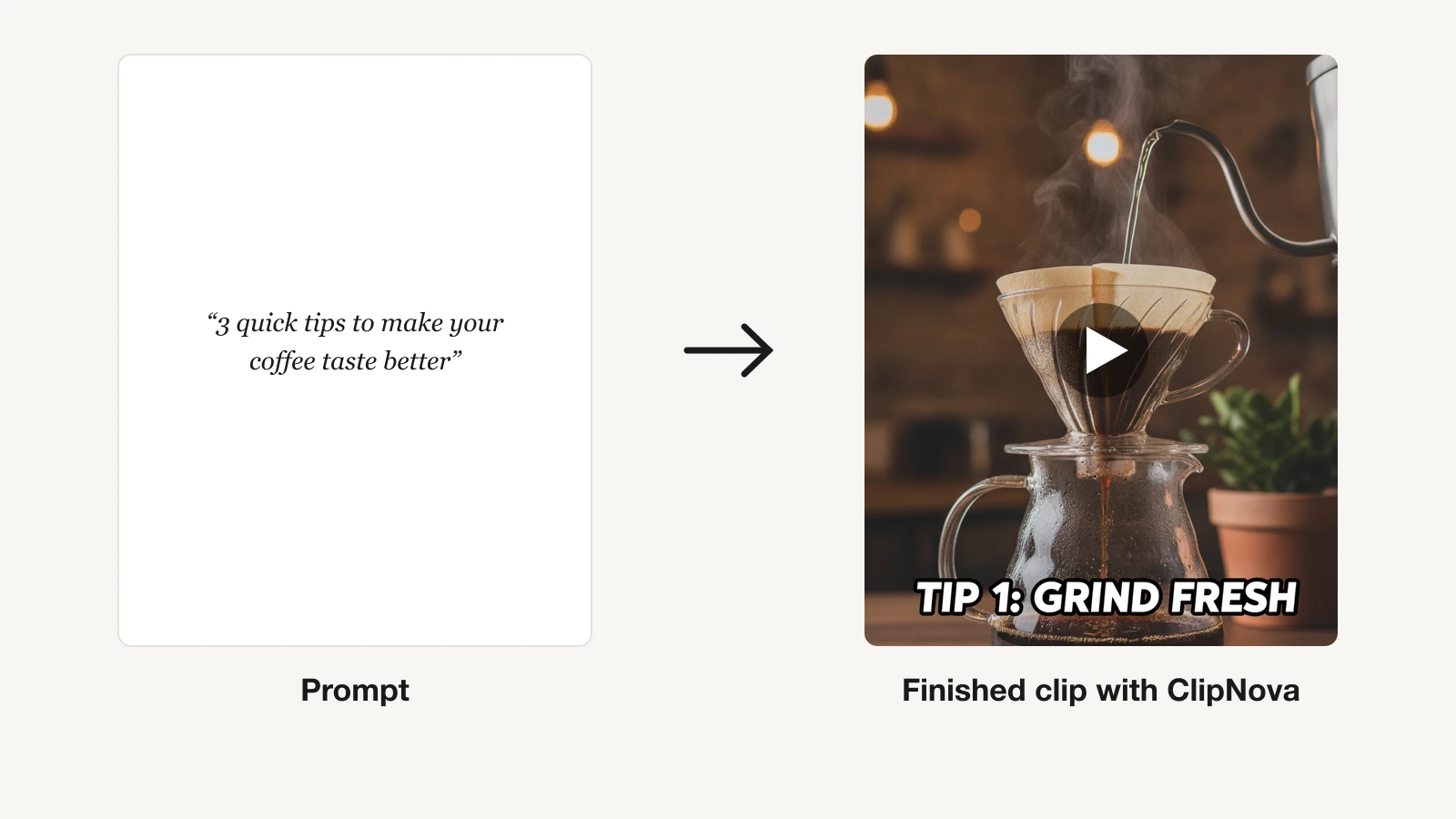
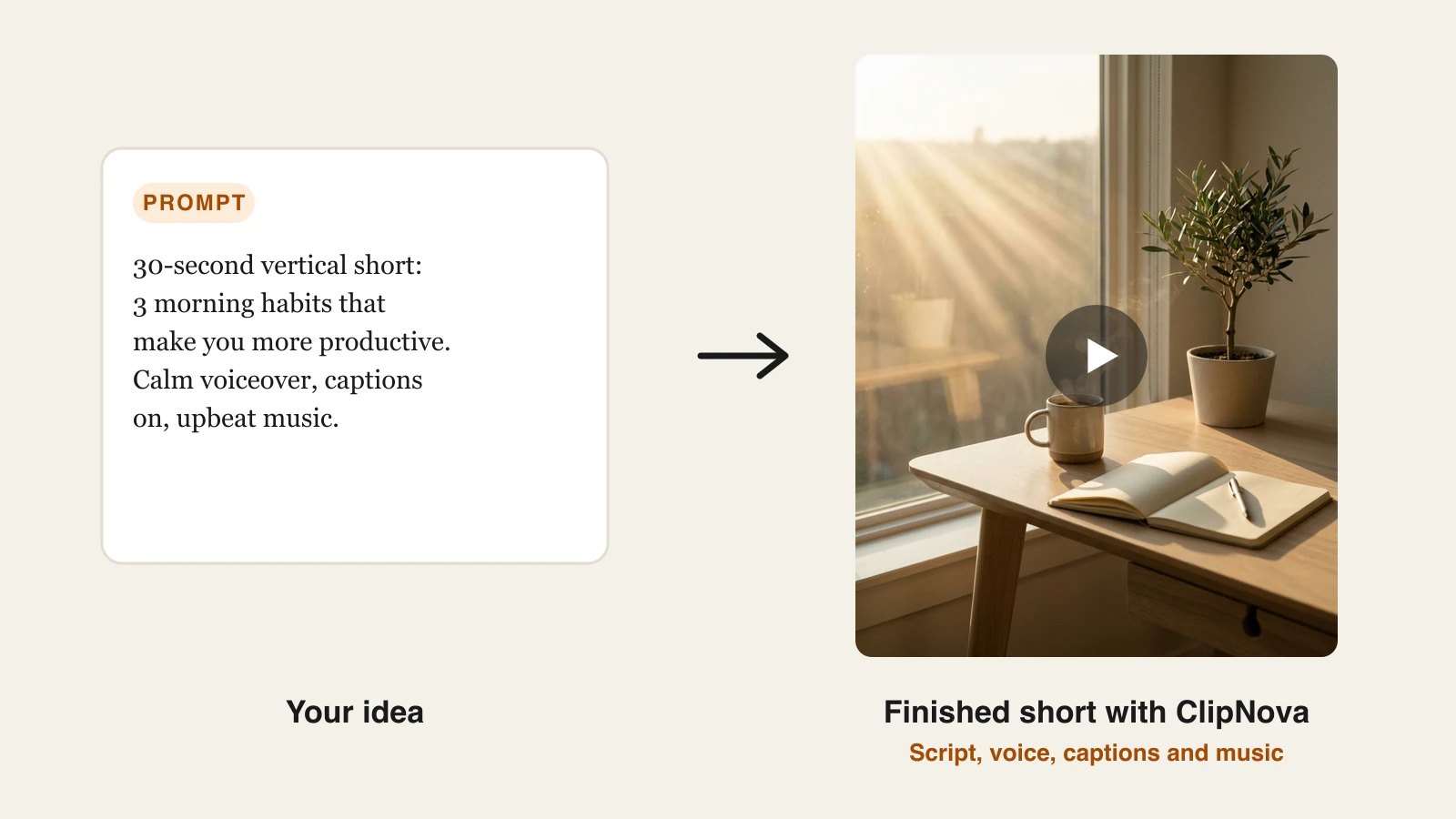
ClipNova approaches editing from the other direction: instead of handing you a timeline to cut, it assembles the finished video for you. Type an idea or paste a link and it writes the script, generates an AI voiceover, pulls matching visuals and B-roll, burns in captions, and lays down music, then hands you a publish-ready vertical. For creators whose real problem is the hours spent assembling a short, that removes the editing step rather than speeding it up.

It still gives you control where it counts: swap clips, re-record narration, adjust captions, and export in multiple aspect ratios. The result is closer to a repurposing-and-generation hybrid than a traditional editor, which is why it suits solo creators and faceless channels shipping daily. You can test the AI Shorts generator on the Hobby tier before scaling up.
Key features:
- Prompt-to-video and link-to-video: a finished short with script, voiceover, visuals, captions, and music in one pass
- Auto subtitles on every plan, styled for vertical feeds
- AI voiceovers in 32 languages for localized versions of the same edit
- Multi-format export for TikTok, Reels, and Shorts
- Watermark-free 1080p and 4K export on every plan
- Talking avatars and AI UGC for ad-style edits
Best for:
- Solo creators and faceless channels posting daily across platforms
- Marketers producing localized short-form at volume
- Anyone who wants to skip the timeline entirely and review a finished cut
Pricing:
- Start free with 70 credits (no card required), then plans from $19/mo
- From $19/mo: Hobby $19/mo, Starter $49/mo, Growth $99/mo, Ultra $199/mo, differing only in monthly credits; every plan includes the full feature set
- Yearly billing saves 20 percent, and Enterprise adds custom credit volume and seats
Pros:
- Removes the assembly step instead of just accelerating it
- One flat feature set means no capability is locked behind a higher tier
- Full commercial rights and watermark-free export from the entry plan
Cons:
- Built for short-form generation, not frame-level long-form editing on a traditional timeline
- Generation volume scales with your tier, so heavy output needs a higher plan
2. Descript, best for text-based editing
Descript turns video editing into word processing. It transcribes your footage, then lets you cut, rearrange, and delete on the transcript: remove a sentence and the matching video disappears. For dialogue-heavy content like podcasts, interviews, and tutorials, this is the fastest way to tighten a cut without scrubbing a timeline.
Its AI layer, Underlord, can suggest cuts and generate clips, and the standout cleanup tools (Studio Sound, filler-word removal, and eye-contact correction) fix the problems that make raw talking footage look amateur.
Key features:
- Text-based editing: edit the video by editing its transcript
- Filler-word and silence removal in a click
- Studio Sound to clean up noisy audio
- Eye-contact correction and green-screen removal
- Underlord AI co-editor for suggested cuts and clips
Best for:
- Podcasters and interviewers editing long dialogue
- Course creators and tutorial makers who work from a script
- Teams that want editors and non-editors on the same tool
Pricing:
- Hobbyist $24/mo (or $16/mo billed annually); Creator $35/mo; Business $65/mo
- Metering is now per media minute plus AI credits, so heavy AI use consumes credits faster
Pros:
- The fastest workflow for spoken-word content
- Excellent audio cleanup built in
- Approachable for people who have never used a timeline
Cons:
- Less suited to visual, fast-cut edits than a traditional NLE
- AI credits deplete quickly with heavy voice and generation use
3. CapCut, best all-round editor
CapCut is the default editor for a huge share of short-form creators, and for good reason: even its lowest tier is a genuinely capable timeline editor with transitions, keyframing, text, and a large template library. Its AI features (auto-captions, background removal, and motion tracking) cover most of what a creator needs day to day.
It runs on desktop, mobile, and web, so you can start an edit on your phone and finish it on a laptop. In 2026 CapCut restructured its plans, adding a Standard tier below an upgraded Pro that bundles commercial-use licensing and a larger pool of AI credits.
Key features:
- Full timeline editor with transitions, keyframes, and templates
- AI auto-captions and text-to-speech
- Background removal and motion tracking
- Cross-device editing on mobile, desktop, and web
- Large library of trend-driven templates
Best for:
- New creators who want a full-featured editor without a steep learning curve
- Mobile-first editing on the go
- Trend-led content that leans on templates
Pricing:
- Standard tier with core editing and basic AI
- Pro around $19.99/mo (or about $179.99/yr); Team pricing starts higher
- Prices vary by region and device, so check the in-app price for your account
Pros:
- One of the most capable all-round editors available
- Works across every device
- Deep template and effects library
Cons:
- Pricing is region-dependent and not published as a fixed global table
- Advanced AI and commercial-use assets now sit behind the upgraded Pro tier
4. OpusClip, best for turning long videos into shorts
OpusClip exists for one job: take a long video and cut it into short, captioned verticals ready to post. It analyzes a podcast, stream, or webinar, finds the moments most likely to perform, and returns clips with a virality score, animated captions, and auto-reframing to 9:16.
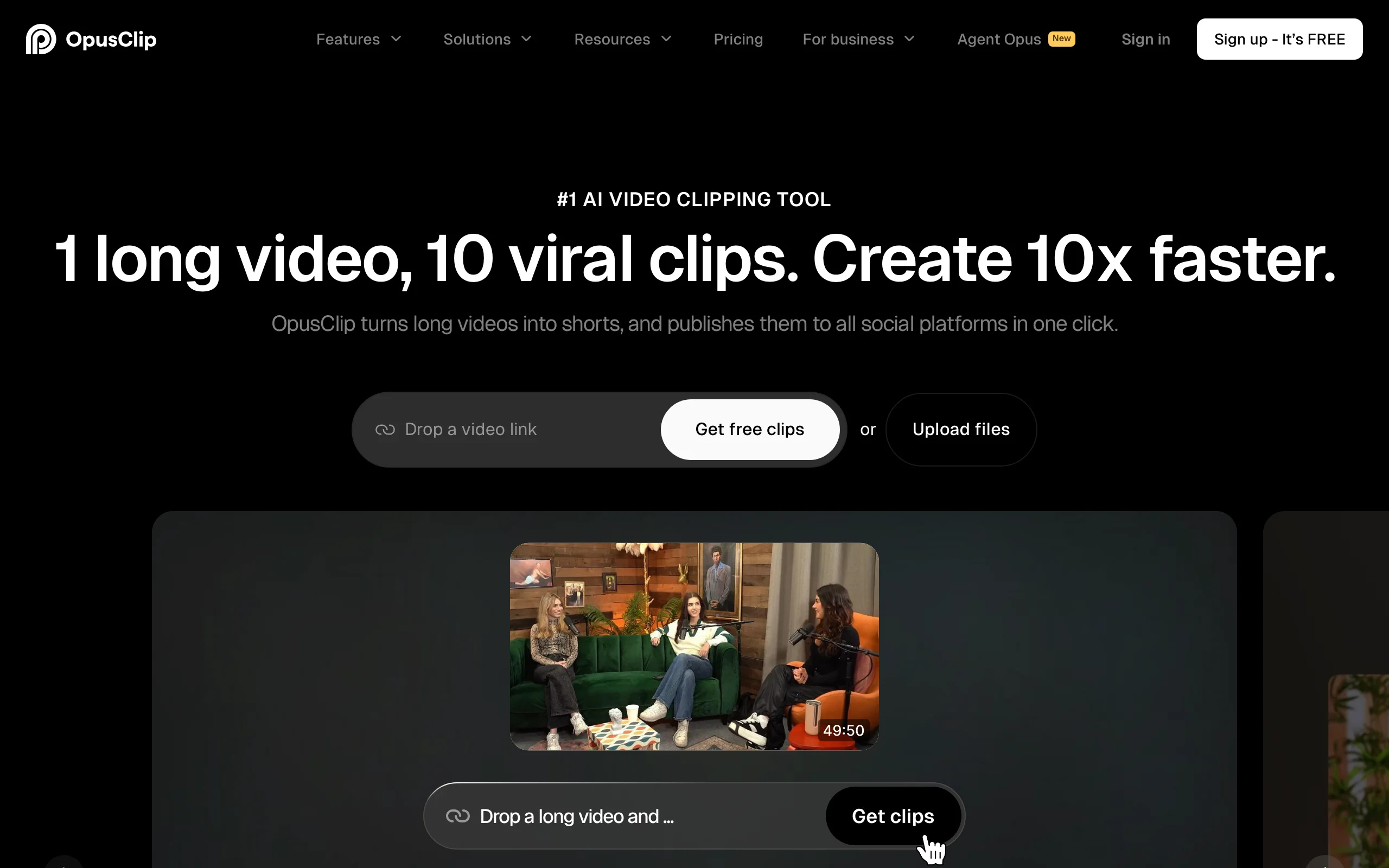
Its ClipAnything feature lets you clip by spoken words, on-screen objects, or emotion, which is useful when you want every mention of a topic pulled from a two-hour recording. It is a repurposing engine, not a general editor.
Key features:
- Auto-clipping of long video into ranked shorts
- Virality Score to prioritize which clips to post
- ClipAnything: clip by words, objects, sound, or emotion
- Auto-reframe and animated captions in multiple languages
- AI B-roll and a built-in social scheduler on Pro
Best for:
- Podcasters and streamers with a back catalog of long content
- Creators who want daily shorts from weekly recordings
- Repurposing existing footage rather than editing from scratch
Pricing:
- Starter $15/mo (month to month); Pro $29/mo (or $14.50/mo billed annually)
- Credits meter source-video length, so long uploads consume credits quickly
Pros:
- Best-in-class auto-clipping and virality ranking
- ClipAnything makes topic-based clipping fast
- Strong value for anyone sitting on long-form content
Cons:
- Generates nothing from scratch; you need existing footage
- Key features like scheduling and non-vertical ratios only unlock on Pro
5. Submagic, best for short-form polish
Submagic takes a rough vertical clip and makes it feel professionally edited: bold animated captions with emojis, AI B-roll cutaways, auto-zoom on emphasis, and clean audio, all applied in a couple of clicks. It is built specifically for the TikTok and Reels aesthetic rather than general editing.
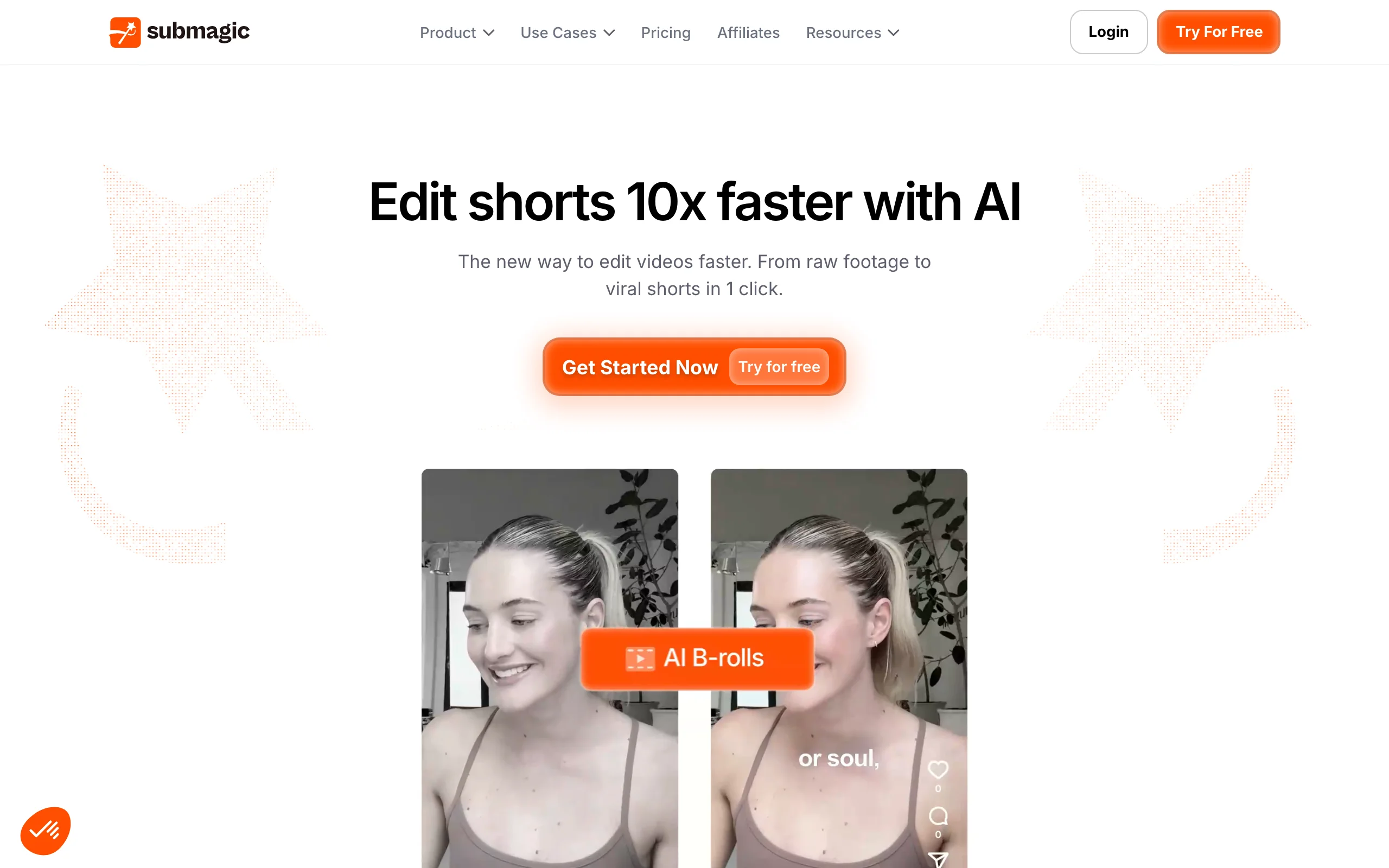
Its Magic Clips can also extract viral moments from a longer video, and AI hook titles help the opening seconds land. For creators who already record their own footage, Submagic handles the finishing pass.
Key features:
- Dynamic animated captions with emojis in dozens of languages
- AI B-roll generation and auto-zoom
- AI hook titles for stronger openers
- Clean audio and silence removal
- Magic Clips to extract viral moments from longer videos
Best for:
- Creators who film themselves and want a fast finishing pass
- Short-form editors who want on-trend captions without manual work
- Faceless channels adding B-roll at volume
Pricing:
- Starter $19/mo (or $12/mo billed annually); Pro $39/mo; Business $69/mo
- AI credits are separate from the monthly video quota and deplete with heavy use
Pros:
- Some of the best-looking automated captions available
- Genuinely fast finishing workflow
- Affordable entry tier
Cons:
- Narrow scope: a polish layer, not a full editor
- Per-video length caps are tight on lower tiers
6. Veed, best browser editor with AI assists
Veed is a full online video editor with a deep set of AI tools layered on top. You get a real timeline plus auto-subtitles, an AI video translator with dubbing, eye-contact correction, background removal, and clean-audio tools, all in the browser with nothing to install.
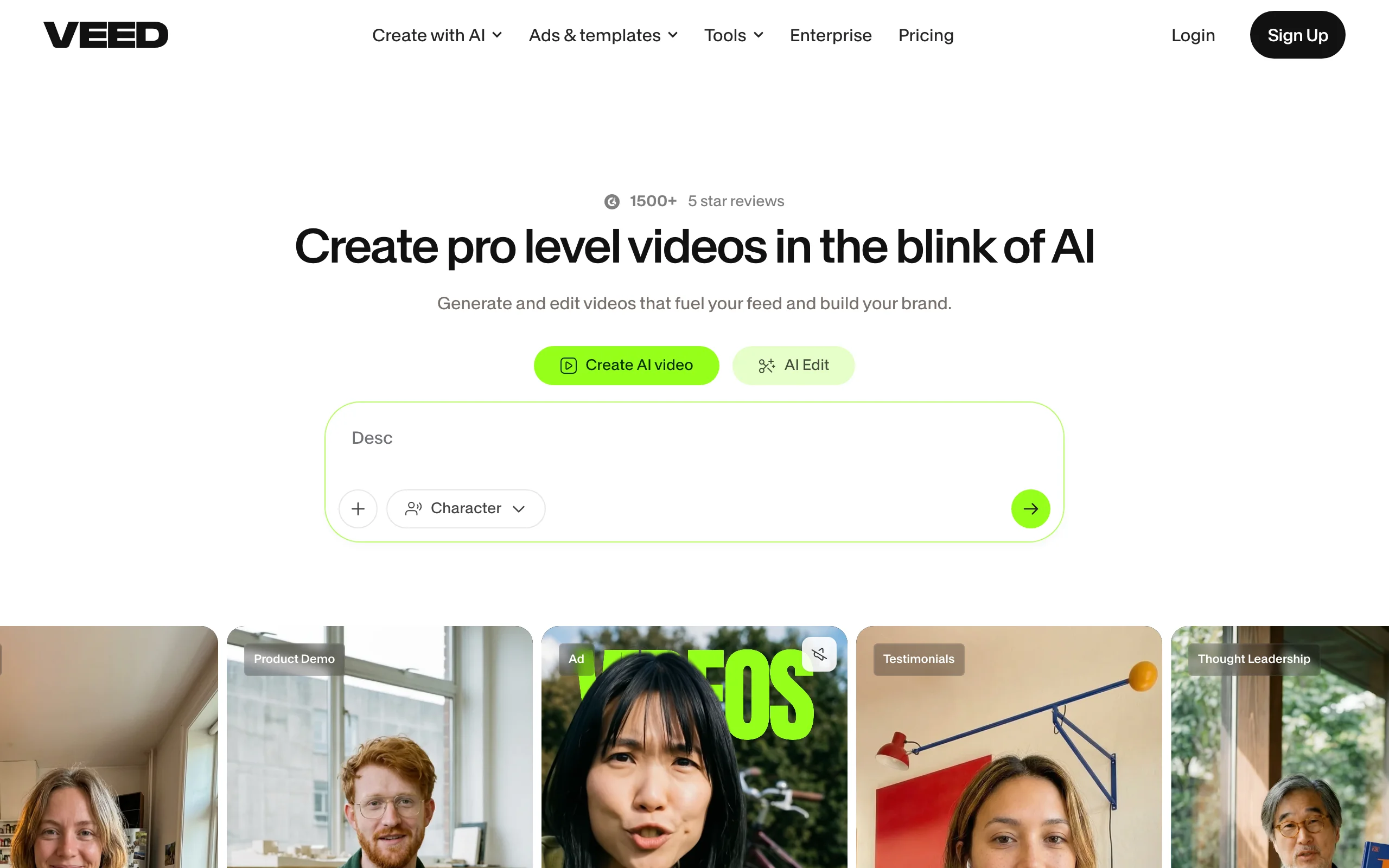
That mix makes it a strong pick when you want to do the editing yourself but lean on AI for the slow parts. Its translation and dubbing tools are particularly good for pushing one video into multiple languages.
Key features:
- Browser-based timeline editor, no download
- Auto-subtitle generator with high accuracy
- AI video translator and dubbing in many languages
- Eye-contact correction and background removal
- Clean-audio and noise-removal tools
Best for:
- Editors who want a real editor plus AI helpers
- Teams localizing content into several languages
- Marketing videos that mix recorded and generated clips
Pricing:
- Creator $20/user/mo (or $10 billed yearly); Pro $44/user/mo; Studio $70/user/mo
- Pricing is per user and uses a monthly credit allowance
Pros:
- One of the most complete browser editors
- Excellent subtitles and translation
- Good fit for team and marketing use
Cons:
- Editor-first: you still do the editing work
- Per-user pricing plus credits can add up for heavy users
7. Captions, best for on-camera talking videos
Captions is built around footage of you talking to the camera. Point it at a selfie video and its AI Edit cleans it up in one tap: cuts, captions, corrections, and pacing. AI Twin, dubbing with lip-sync, and eye-contact correction round out a toolkit aimed squarely at creators who appear on screen.
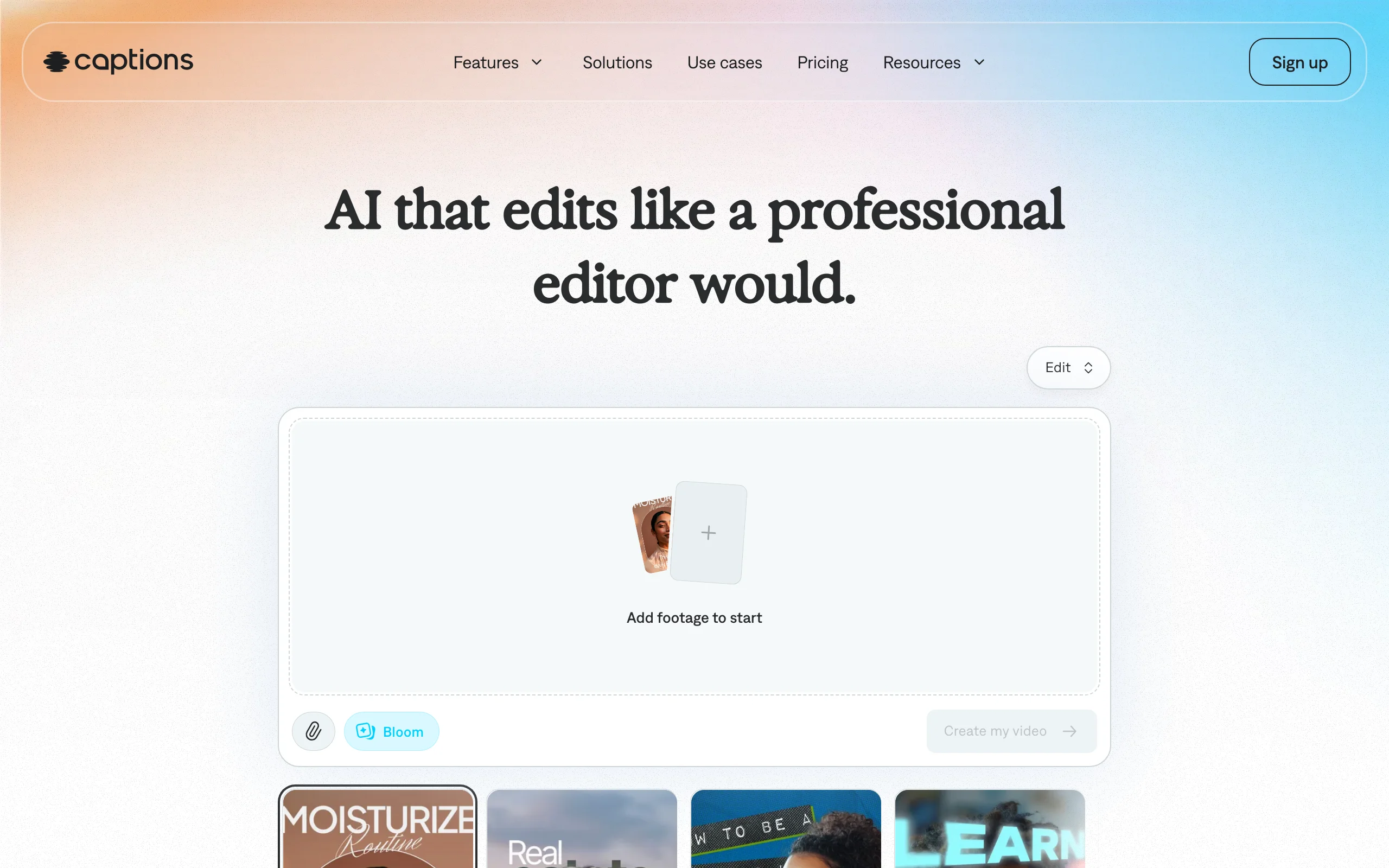
It leans mobile-first and generative, so it is less about a timeline and more about handing over raw talking footage and getting a finished clip back. Its auto-captions support more than a hundred languages.
Key features:
- AI Edit: one-tap editing of talking footage
- Auto-captions in 100-plus languages
- AI Translate and Lipdub for dubbing with matched lips
- Eye-contact correction for reading off-script
- AI Twin custom avatars and generative voiceover
Best for:
- Creators who film themselves regularly
- Talking-head content that needs fast, consistent editing
- Multi-language dubbing of personal-brand videos
Pricing:
- Max $24.99/mo with 500 credits and all premium AI features
- Scale tiers from $69.99/mo add more credits for heavy output
Pros:
- Excellent for on-camera creators
- Strong dubbing and eye-contact tools
- Very fast one-tap editing
Cons:
- Built around your own footage, not faceless or generative-first content
- Generative AI features only arrive on the $24.99 paid plan
8. Kapwing, best for team collaboration
Kapwing is a browser editor designed for teams. Multiple people can work in the same project, and it pairs a capable timeline with AI subtitles, background removal, voice cloning, dubbing, and long-video repurposing. It sits between a simple caption tool and a full editor, which makes it flexible for agencies and content teams.
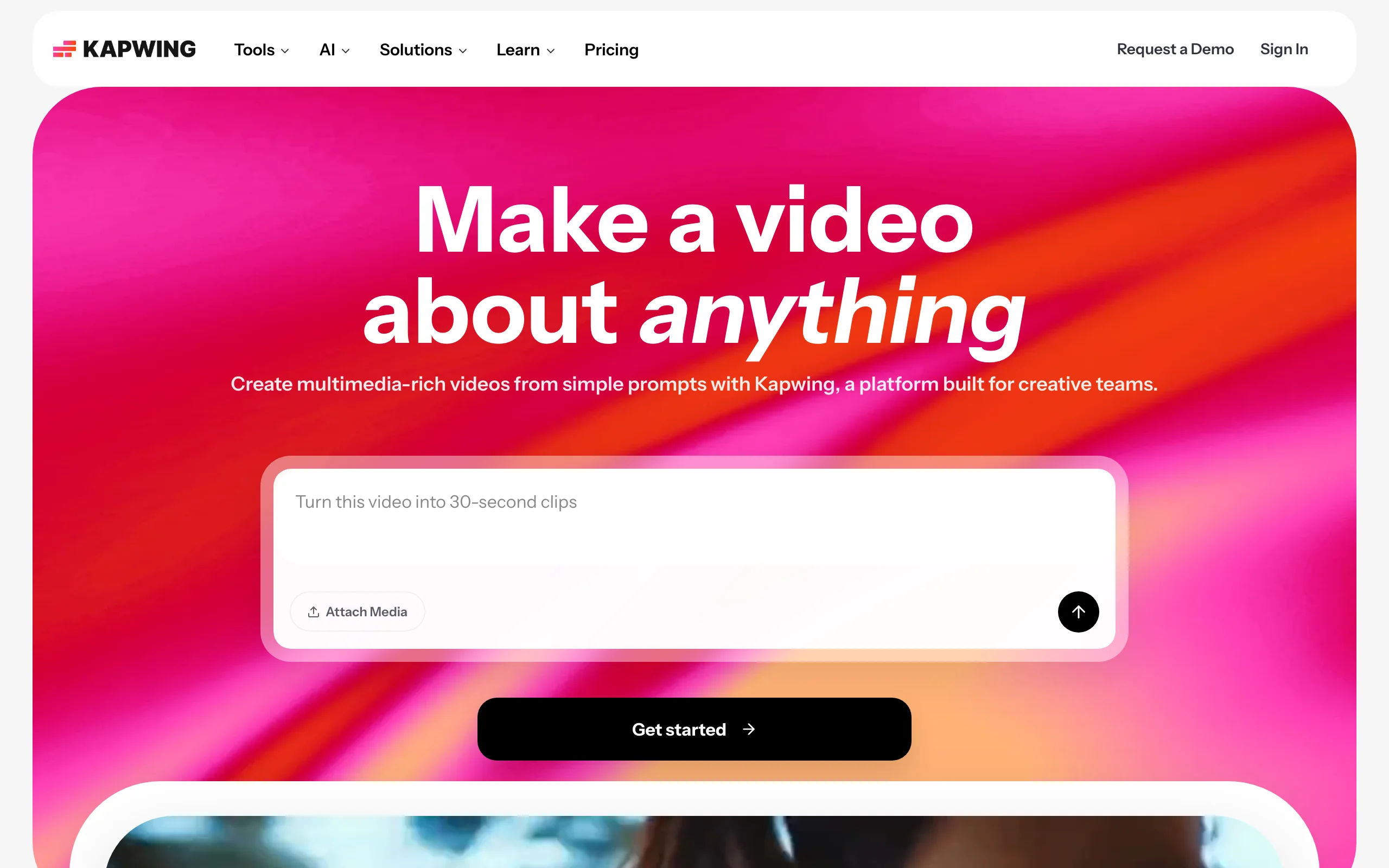
Its auto-subtitles support word-by-word timing and SRT export, and its repurposing tools can slice long videos into clips, so a team can run most of its short-form pipeline in one place.
Key features:
- Real-time collaborative browser editor
- Auto-subtitles with word-by-word timing and SRT export
- Long-video repurposing into clips
- Background remover, voice cloning, and lip-sync dubbing
- Text-to-video generation
Best for:
- Agencies and content teams working in the same project
- Editors who need subtitles plus a real timeline
- Repurposing plus editing in one browser tool
Pricing:
- Pro $24/mo (or $16/mo billed annually); Business $64/mo
- AI-credit allowances cap heavy generation on each tier
Pros:
- Genuinely collaborative, unlike most editors
- Broad AI toolkit in one place
- Good subtitle controls
Cons:
- Lower tiers cap export length and resolution (1 minute, 720p)
- Jack-of-all-trades rather than best-in-class at any one job
9. Pictory, best for repurposing long-form and text
Pictory specializes in turning things that are not video into video: paste a blog post, a script, a URL, or a slide deck and it builds a narrated, captioned video with matching stock footage. It also summarizes long recordings into short highlight clips, which makes it a repurposing workhorse for content marketers.
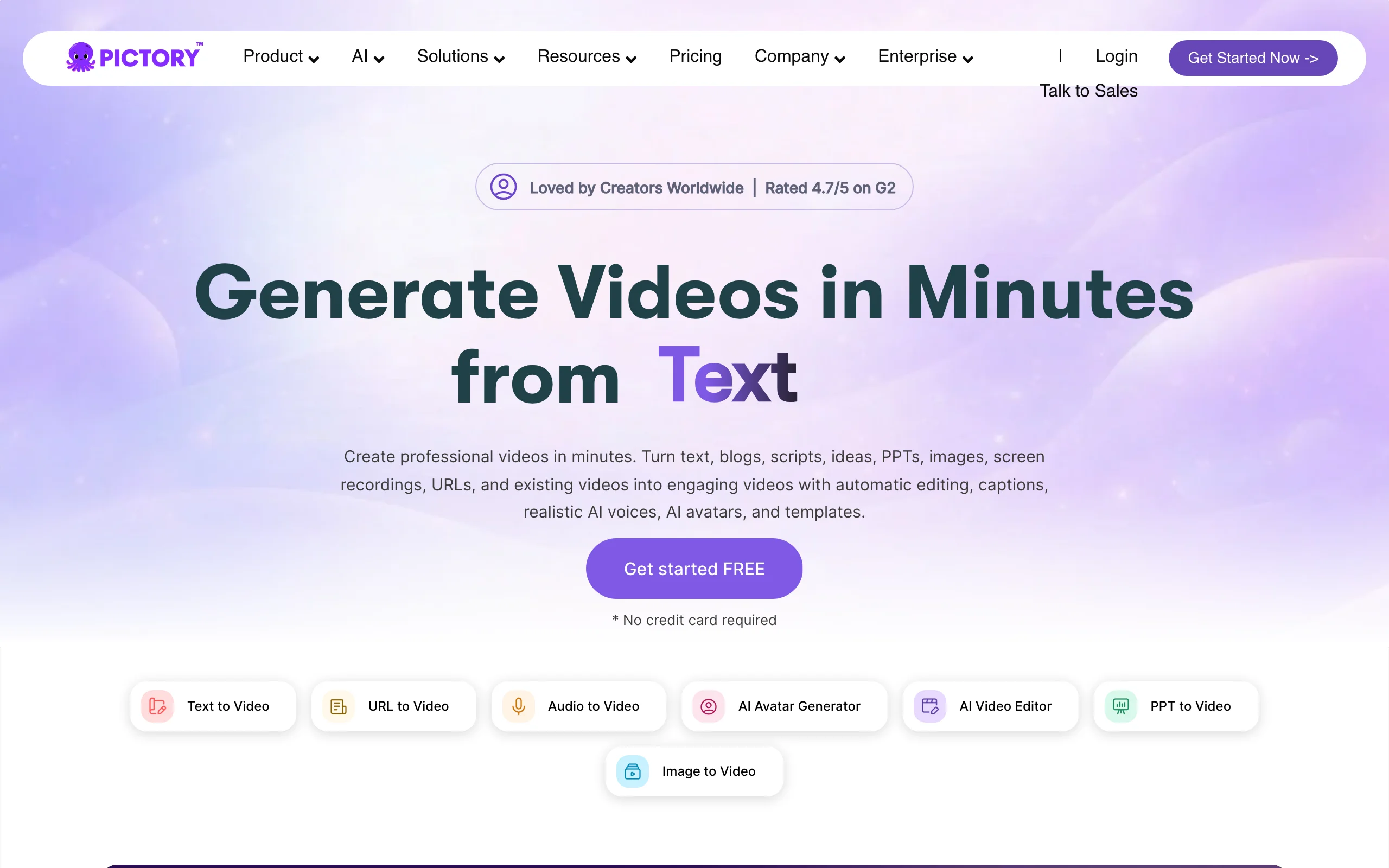
Its editing model is transcript-driven and template-based rather than a free timeline, so it trades fine control for speed. For teams repurposing articles and webinars at scale, that trade is worth it.
Key features:
- Script-to-video, URL-to-video, and PPT-to-video
- Long-video summarization into short clips
- Auto-captions and voiceover sync
- Custom avatars and voice cloning on higher tiers
- Large stock media library
Best for:
- Content marketers repurposing blogs and articles
- Teams turning webinars into short highlights
- Text-first workflows that need narrated video fast
Pricing:
- Starter $25/mo billed annually (or $29 month to month); Professional $35/mo annually (or $59 monthly)
- Team $119/mo billed annually; Enterprise is custom
Pros:
- Excellent article-to-video and summarization
- No watermark on paid plans
- Fast for text-first repurposing
Cons:
- Template-driven output can look generic without customization
- Leans on stock footage rather than original visuals
How to choose the best AI video editing tool for your workflow
The right tool depends less on features and more on where your bottleneck is. Work through these questions.
1) Do you want to edit footage, or skip editing entirely?
- If you want a finished video without touching a timeline: ClipNova generates the whole short (script, voice, captions, visuals) from a prompt or link, and Pictory does the same from text and articles.
- If you want to edit your own footage with AI help: CapCut, Veed, and Kapwing give you a real timeline plus AI assists.
- If your content is mostly you talking: Descript (transcript editing) and Captions (one-tap AI edit) are fastest.
2) Are you creating from scratch or repurposing?
- Repurposing long recordings into shorts: OpusClip for auto-clipping with virality ranking, or Kapwing and Pictory for clip-plus-edit.
- Finishing your own short clips: Submagic for captions and B-roll, Captions for talking footage.
- Creating from an idea with no footage at all: ClipNova is the only tool here that produces a complete video from a prompt.
3) What is your budget and volume?
- Lowest cost: CapCut has the most capable lower tiers; OpusClip and Submagic have affordable starter plans.
- Predictable pricing at volume: ClipNova includes every feature on all plans and only scales credits, so you are not paying to unlock capabilities. Translate any credit allowance into videos per month before you subscribe.
- Team or agency use: Kapwing and Veed price per seat with collaboration built in.
4) Do you need multiple languages?
- For localized versions of the same video: ClipNova narrates in 32 languages, and Veed, Captions, and Kapwing offer AI dubbing and translation.
A practical rule: generate or edit three to five real videos on your actual niche before you commit to a higher tier. Test the output on your content, not the demo reel. If your goal is publishing finished short-form daily with the least manual work, start with the AI content generator and see how far a prompt gets you, then layer in a dedicated editor only where you need finer control. Creators shipping at volume can compare notes in our roundups of the best AI clip generators and tools built for content creators.
Related reading: 9 best AI image-to-video tools in 2026.
Frequently asked
What is an AI video editing tool?
An AI video editing tool uses machine learning to automate slow parts of editing, such as generating captions, removing silences and filler words, reframing to vertical, and clipping long videos into shorts. Some tools go further and generate a finished video from a prompt or a transcript. They range from full editors with AI assists to one-click finishing tools.
What is the best AI video editing tool in 2026?
It depends on your workflow. ClipNova is the best overall for creators who want a finished, captioned, voiced video without touching a timeline. Descript is best for transcript-based editing of talking content, CapCut is the best all-round editor, and OpusClip is best for turning long videos into shorts.
What is the best AI video editing tool on a tight budget?
CapCut has the most capable lower tiers, offering a full timeline editor with AI captions and background removal. OpusClip and Submagic have affordable starter plans from $15/mo and $19/mo, and Kapwing starts at $24/mo. ClipNova starts at $19/mo, with higher plans unlocking more export volume.
Can AI video editing tools remove filler words and silences?
Yes. Descript removes filler words and silences directly from the transcript, and Submagic, Captions, and CapCut include silence and clean-audio tools. This is one of the biggest time savers, since manually cutting dead air is what makes editing talking footage so slow.
What is the difference between an AI video editor and an AI video generator?
An AI video editor works on footage you already have, adding captions, cuts, and effects, while an AI video generator creates new video from a prompt, script, or link. ClipNova blends both: it generates a finished short and still lets you edit the clips, captions, and voiceover afterward.
Do I own and can I monetize videos made with these tools?
Most paid plans grant commercial rights, but the terms vary, so check each tool before using clips in ads or monetized content. ClipNova includes full commercial rights on every plan, including the entry tier. Lower tiers on some tools add watermarks that you should remove before publishing commercially.
If I mainly want to publish finished short-form daily with the least editing, what should I use?
ClipNova is the strongest fit. It turns a prompt or a link into a finished vertical with script, AI voiceover, captions, visuals, and music, so there is no timeline to assemble. It exports watermark-free in multiple aspect ratios and starts at $19/mo, which makes it easy to test on your niche before scaling up.