A freelancer and an agency will never have the same requirements for a logo designer. The freelancer wants something quick and cheap that will get the job done once, while the agency needs a tool that can be used repeatedly with different clients without all the logos looking identical.
Rather than selecting a single 'winner', this guide assigns each tool to the business that can make the most of it. Below is a comparison table, a breakdown of the best option for six common business types, and the mistakes that trip people up even after they've picked a good tool.
Logo Makers Compared by Use Case
| Business Type | Recommended Tool | Why It Fits | Starting Price |
|---|---|---|---|
| Small businesses and startups | Design.com | Full brand kit and free vector downloads in one account | Free (paid plans from $3/mo) |
| Agencies and multi-brand teams | BrandCrowd | Designer-made templates and fast turnaround across clients | Free (paid plans from $3/mo) |
| Freelancers and solopreneurs | Fiverr Logo Maker | One-time cost with a human designer available as backup | From ~$30 |
| E-commerce businesses | Vistaprint | Free vector files that connect directly to printed products | Free |
| Businesses already using Canva | Canva | One familiar editor for the logo and all your other marketing content | $0 (Pro from $12.99/mo) |
| Businesses planning to scale | Adobe Express | Natural upgrade path into Adobe's Creative Cloud tools | $0 (Premium $9.99/mo) |
The Best Logo Maker for Every Type of Business
Design.com — Best for Small Businesses and Startups
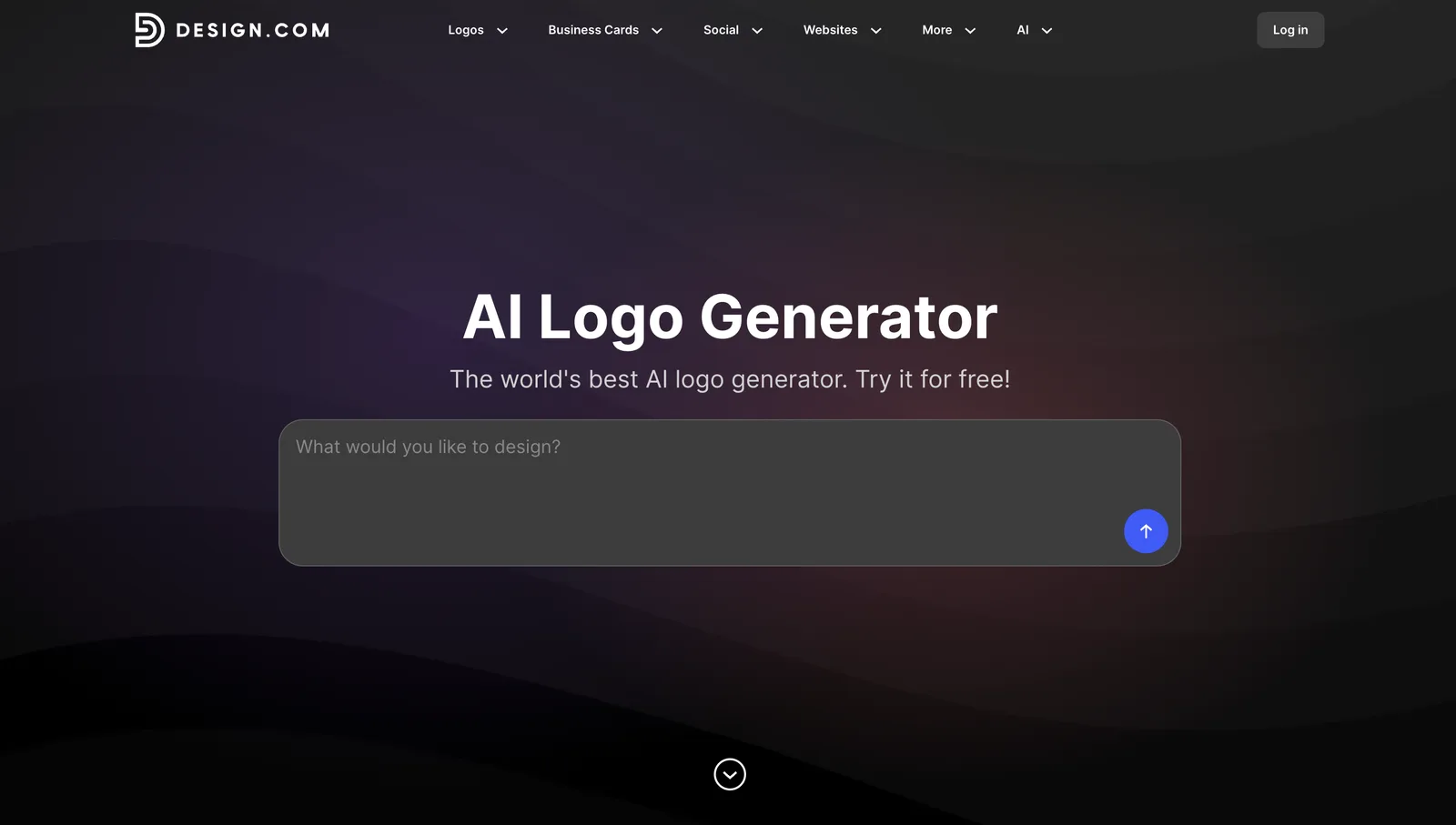
Design.com's AI logo generator creates a logo using your business name and preferences, drawing from a library of over 500,000 templates. Nearly all of the logos it generates require only minor adjustments rather than a complete redesign, and the same colors and fonts are automatically applied to business cards, social media posts, and letterheads. This kind of consistency is important for a new business that can't afford to hire separate people to handle each aspect of its branding.
A few things make it worth a closer look if you're just starting out:
- Downloads are genuinely free, and that includes full-resolution PNG, JPG, and vector files (SVG, EPS, PDF) with transparent backgrounds, not a stripped-down preview
- The editor has a chat feature, so you can type "make the icon smaller" instead of hunting through menus
- The same account comes with a free website builder, a link-in-bio page, and a digital business card, all using the logo's colors and fonts without extra setup
- You can get the finished logo printed on business cards, mugs, or apparel, with free delivery
- Support is available 24/7 by chat or email, even before you've paid anything
Monthly payment begins at $3 if you choose the annual plan, and this option gives you unlimited edits together with more than 50 other design tools. For a startup that wants to have its logo, its website, and its first set of business cards done within the same week, that means a large number of individual subscriptions have been combined into a single one.
BrandCrowd — Best for Agencies and Multi-Brand Teams
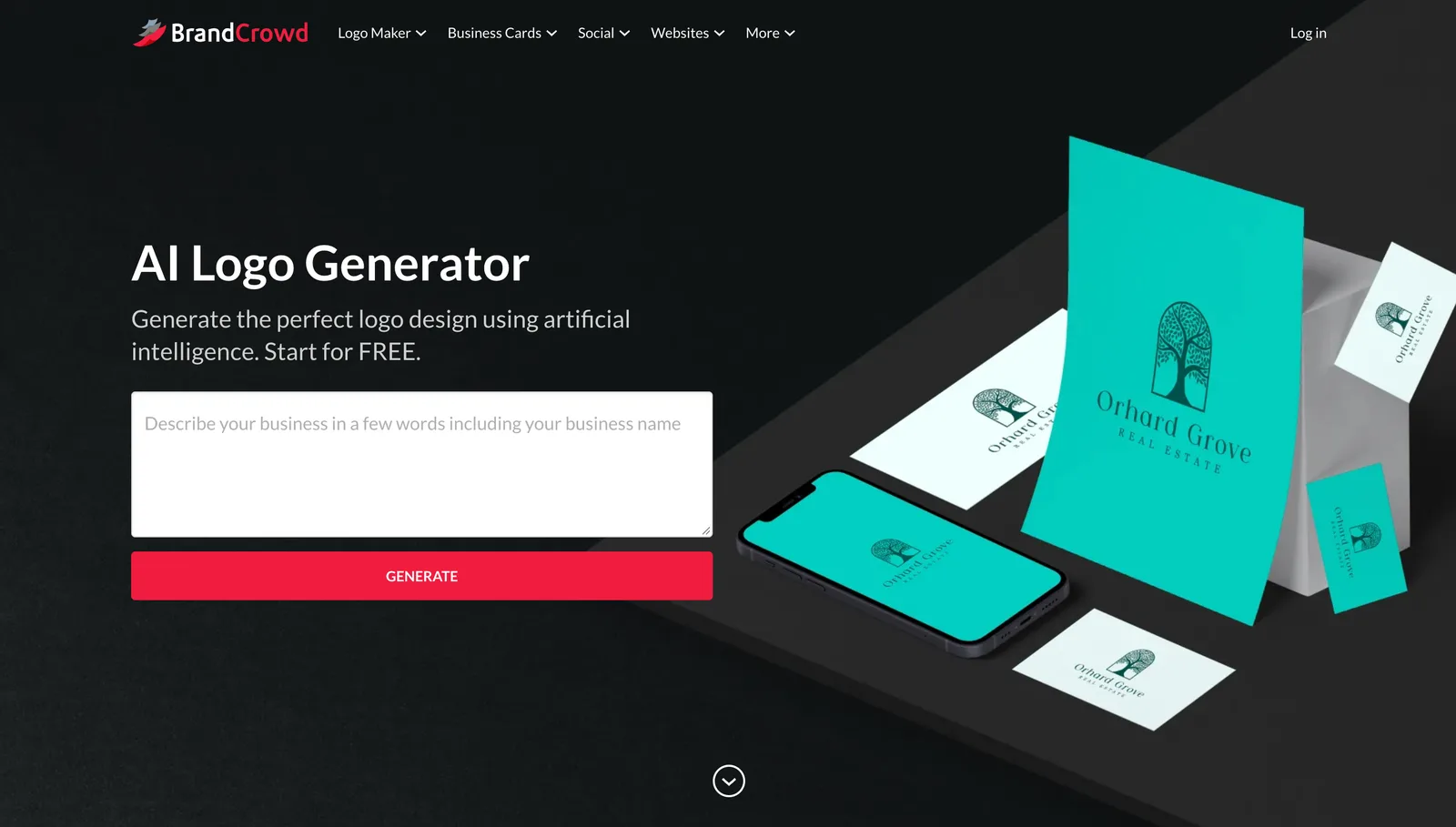
BrandCrowd's AI logo maker takes a different approach, using more than 300,000 templates created by real designers, so the logos tend to look more complete right from the start. This is important when you're coming up with several concepts for various clients in a single afternoon rather than perfecting a single one.
A few features make it particularly well-suited to agency work:
- Mockup previews let you show a client how their logo would look on a sign, a t-shirt, or packaging before anyone commits to anything
- You can register a domain and order printed products from the same place, so a design doesn't bounce between three different tools
- It has a 4.8 rating on Trustpilot based on more than 9,000 reviews, and it's reasonable to note that when you're recommending it to a client
- Downloads are free and full quality, so you can show a client a real option before they've paid a cent
Paid plans start at the same $3/month as Design.com, and honestly, that's why BrandCrowd is the clear runner-up throughout this guide. It's the same depth, just built around refining existing templates instead of generating from scratch every time.
Fiverr Logo Maker — Best for Freelancers and Solopreneurs
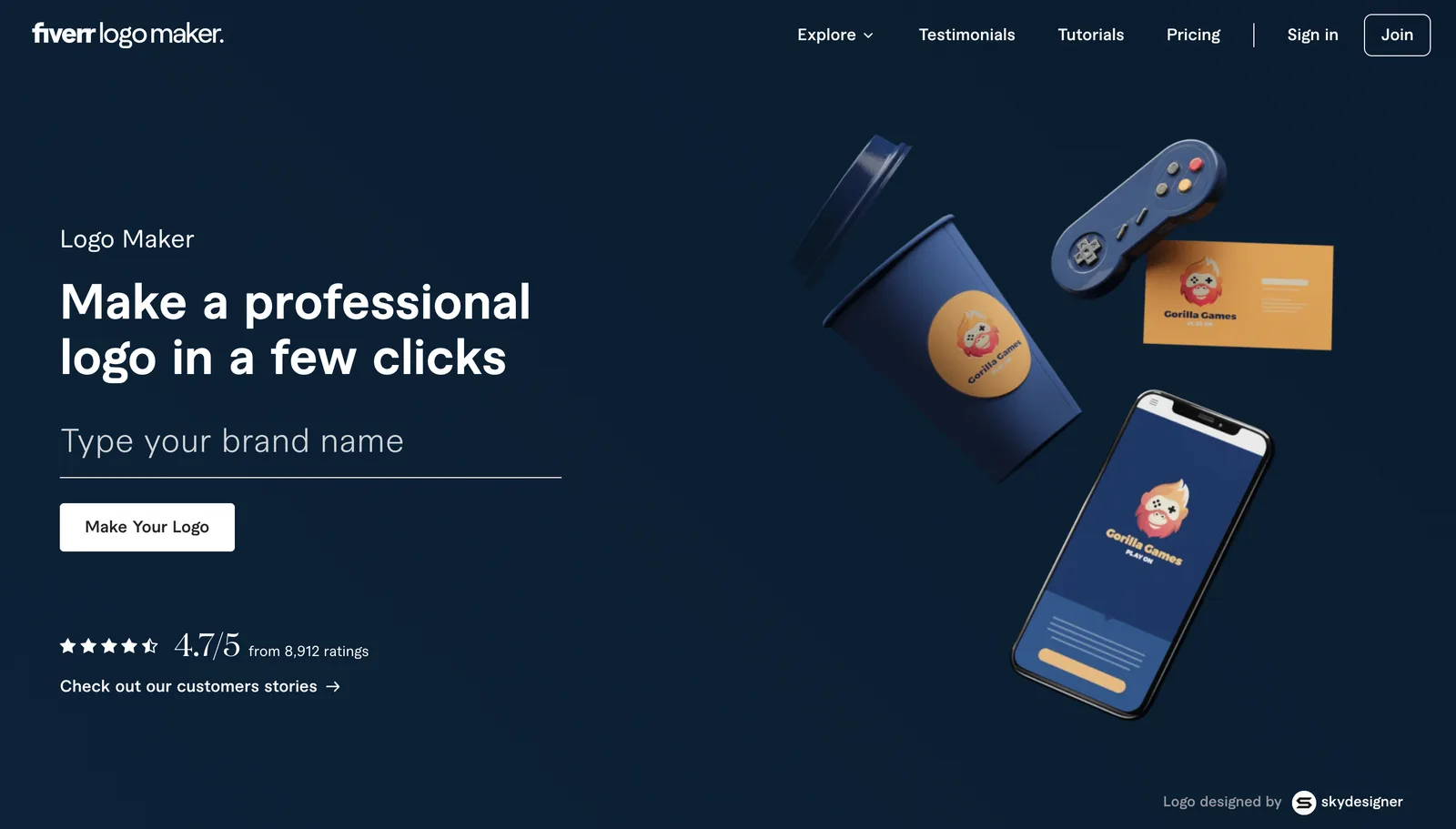
Fiverr's logo maker is based on a collection of over 30,000 logos created by the platform's designers, with the artificial intelligence selecting one of these to match your business. You are given a free editor so that you can adjust the colors, fonts, and layout before making any payment, which means that a single business owner can really see what they're going to get before paying money.
What makes this option worthwhile for freelancers is not the AI aspect. It's this:
- Every design traces back to an actual designer, so the starting point already looks intentional instead of generic
- Editing colors, fonts, layout, and backgrounds costs nothing upfront
- If the AI tweaks don't quite land, you can hire the original designer directly instead of giving up and starting over somewhere else
- Paid packages include vector files and a few extras, like a matching social media kit
Packages begin at $30, a cost that most freelance budgets can take in without having to give it much consideration. That is in fact the main attraction of the service, since it offers the possibility of having a real person to turn to if anything seems amiss, rather than requiring a full design team to be employed.
Vistaprint — Best for E-Commerce Businesses
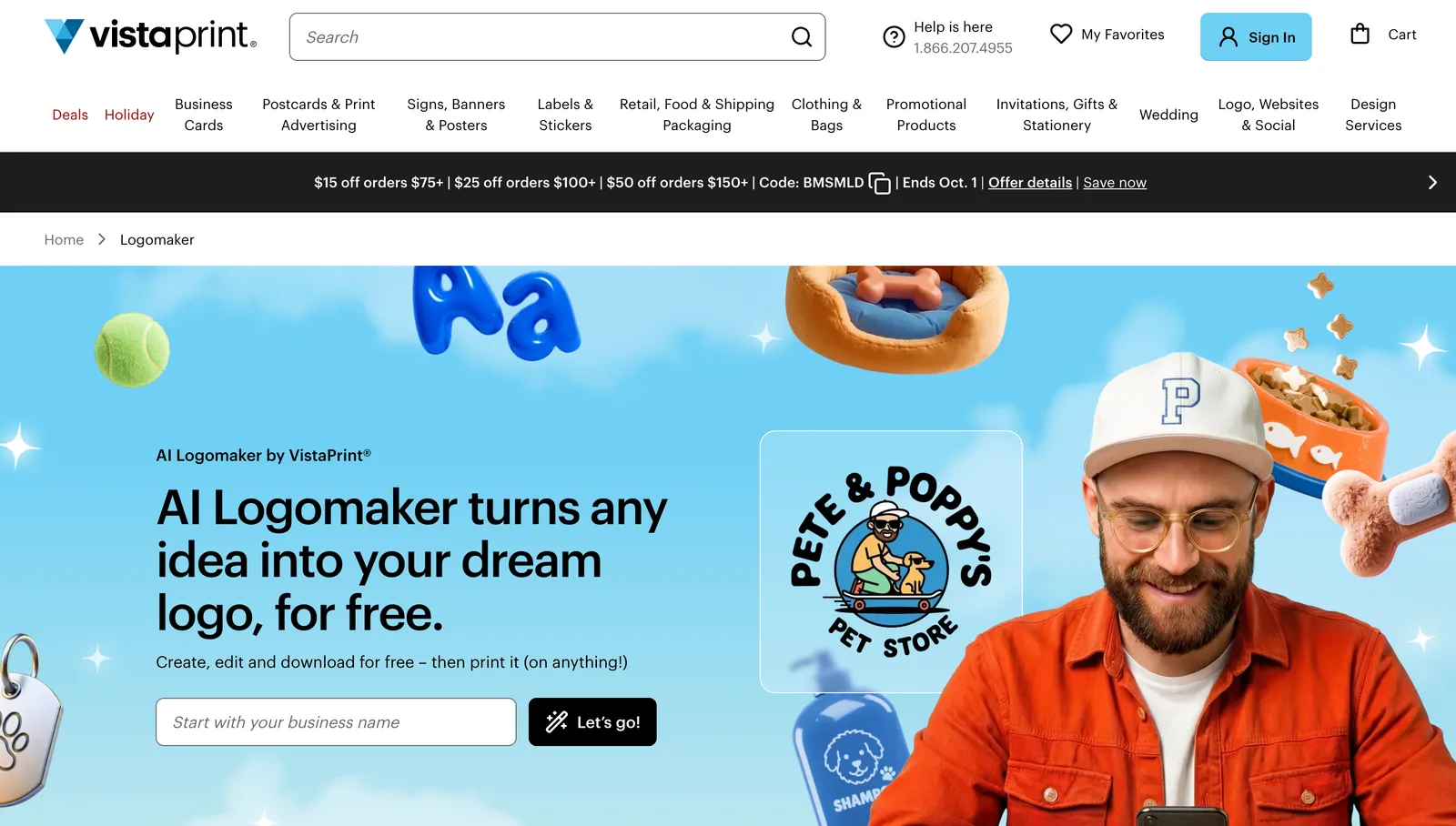
Vistaprint's logo maker works the way you'd expect: type in your business name, describe what you want changed, and it adjusts. What's notable is that the entire thing is free, including the download, and that includes the high-resolution files you'd normally pay extra for elsewhere.
A few specifics worth knowing if you're selling physical products:
- You get PNG, SVG, and PDF files, with colored and transparent background versions, no watermark anywhere
- The logo plugs directly into Vistaprint's printed products, business cards, packaging, and signage, without exporting a file and uploading it somewhere else
- A free Brand Kit keeps your colors and fonts consistent across whatever you print next
- The chat-based editing means you're describing changes instead of manually dragging things around
There is no paywall at any stage of this process. For a business which is already ordering packaging or labels, the direct route from logo to product eliminates the step that most other tools require you to work out for yourself.
Canva — Best For Businesses Already Using Canva For Other Content
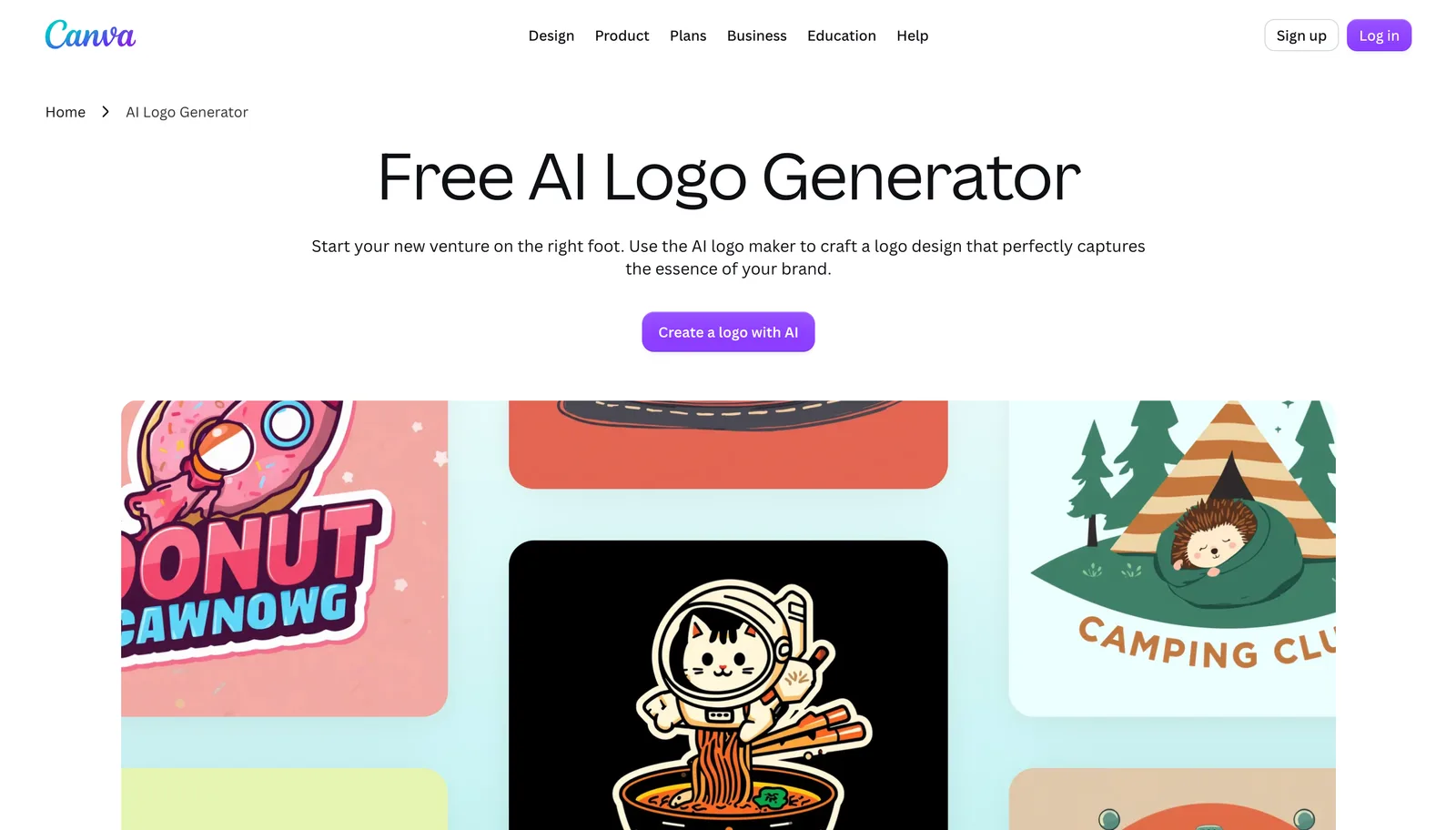
The logo maker offered by Canva is just one of the many features available on their larger design platform, and that is precisely the advantage if you are already creating other content like social media posts, presentations, or flyers within the same environment.
What makes it worth a look, specifically if Canva is already part of your workflow:
- The same account handles your logo, social posts, presentations, and other marketing material, all in one place
- Brand colors carry over automatically to everything you make afterward, no manual matching required
- There's no new tool to learn if you're already comfortable in Canva's editor
- The free plan is genuinely usable, not a stripped-down trial, if cost is also a factor
Canva Pro costs $12.99 per month if you later want access to more templates or the ability to export them as vectors. However, the real advantage isn't the price, it's the fact that you don't need to switch to a separate app just for your logo when all the other features are available within this one service.
Adobe Express — Best for Businesses Planning to Scale Their Design Work
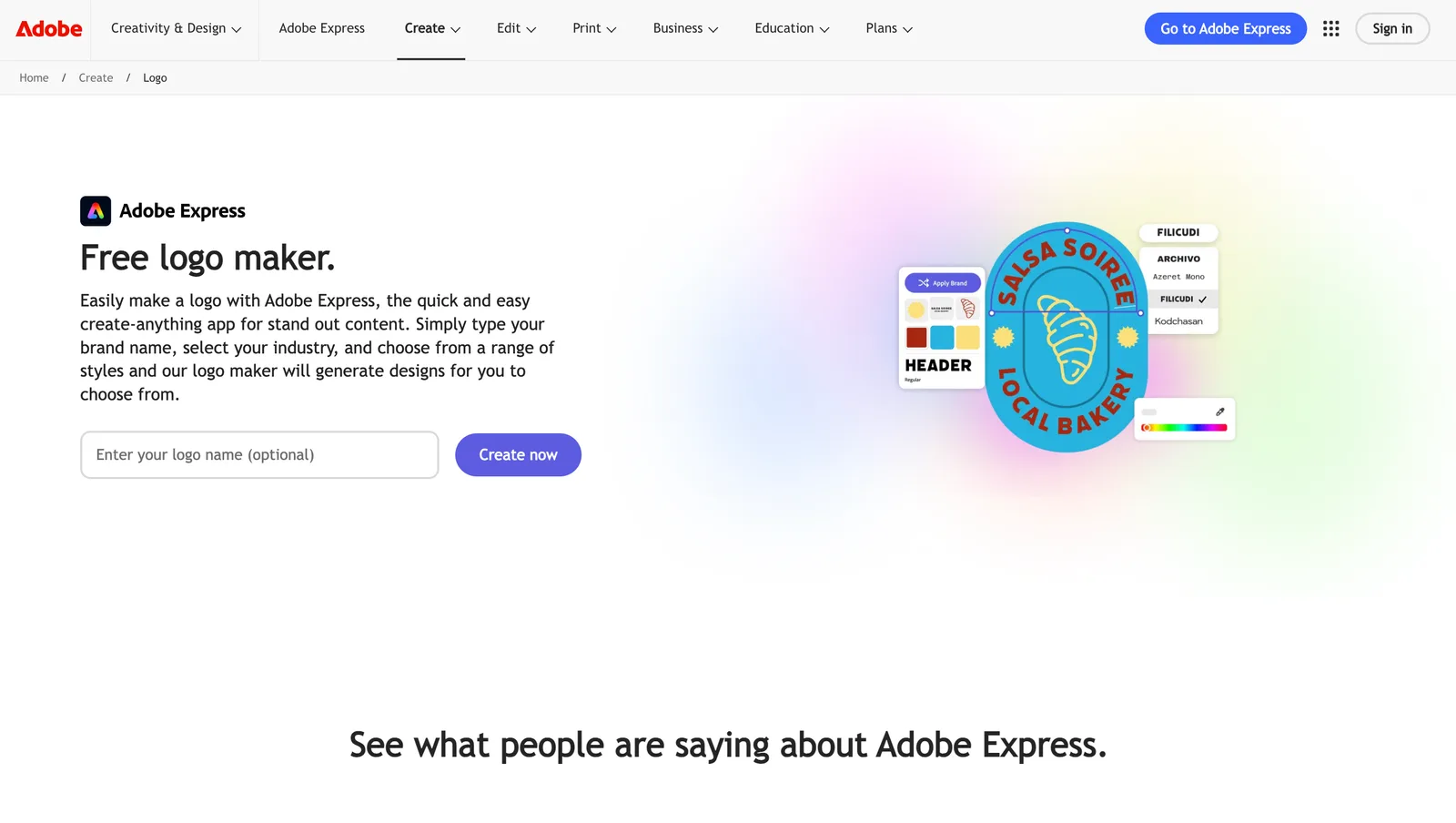
The free version of Adobe Express comes with more than 100,000 templates and some of the basic Firefly AI tools, which is sufficient to create a decent and usable logo without having to pay anything. The thing that sets this option apart isn't really what it provides at the moment. It's the direction it can take you in the future.
Here's what matters if you're thinking a few steps ahead:
- The free plan already includes AI tools alongside a sizable template library
- Premium adds 250 monthly AI credits, a bigger library, and brand kit features
- You also get 100GB of storage, useful once you're not just managing a single logo file
- Because it's an Adobe product, there's a clear path into Photoshop-level editing later, without switching to a completely different platform
The premium rate is $9.99 per month, a fair price for a business because it's likely to find that its design requirements will go beyond just a logo at some stage. In fact, that's exactly the kind of person this tool is intended for: someone who is planning in advance rather than addressing today's problem and then stopping.
Common Mistakes Businesses Make When Choosing a Logo Maker
Picking a good tool is only half the battle. How you use it matters just as much, and these are the slip-ups that catch people out most often, even after they've landed on a solid option.
Picking Based on Price Alone
The free-looking option isn't always free once you need the actual file. A lot of tools let you design something at no cost, then lock the vector file or commercial rights behind a paywall right at the finish line. Check what the free tier actually includes before assuming it covers what you need.
Skipping the File Format Check
A PNG appears satisfactory on a screen, but when enlarged for use as a sign or banner, it becomes distorted. Formats based on vectors, such as SVG, EPS, or PDF, do not have this issue, and many tools limit access to those formats for customers with paid plans. It's worth checking before you design anything that you plan to print in large quantities.
Choosing a Heavily Templated Tool Without Customizing It
Tools based on templates allow you to get a refined result quickly, but if you make no changes, there's a good chance another business will end up with a logo that is almost identical. A simple change of color or a different font generally solves this problem, but only if you actually carry out the change. Consider whatever version you get first as being just the beginning, not the final product.
Not Checking Commercial Usage Rights
The ability to design a logo is not the same as being allowed to use it commercially. With some free plans, you can only use the design for personal or preview purposes until you pay. It's important to read the terms that apply to your particular plan before using anything on a product or storefront.
Ignoring What Happens After the Logo
Most companies won't limit themselves to just a logo. Eventually, you'll need matching business cards, social media templates, and perhaps a website that uses the same colors. If the tool you've chosen doesn't provide a way to achieve any of these, you'll have to rebuild the consistency by hand elsewhere. By thinking one step ahead in this situation, you avoid having to do a second round of work later.
Assuming One Tool Fits Every Need
A company launching a new brand while also selling physical products may, in fact, require two different tools rather than just one. Attempting to get a single logo maker to handle all the tasks typically results in annoyance. There is no problem in using one tool for the brand kit and another for a more particular purpose.
Which Logo Maker Comes Out on Top Overall?
Matching a tool to your specific situation covers most of this decision, but not every business fits neatly into a single box.
For anyone looking for broad coverage rather than focusing on a single area, Design.com remains the best all-around option because it provides a complete brand kit, offers free vector downloads, and has a process that gets you to a usable result quickly.
BrandCrowd is a strong second option. The designer-made templates and quick turnaround make it a dependable pick even outside a strict agency setting.
Wherever your business falls, the six tools above should cover what you actually need. Start with whichever one matches your situation, and bring in another later if your needs change.
About the author: Hannah Suroy brings clarity to complex topics across entertainment, business, and creative industries. She specializes in translating industry trends and innovations into engaging content that helps readers understand the creative process behind the work they love.