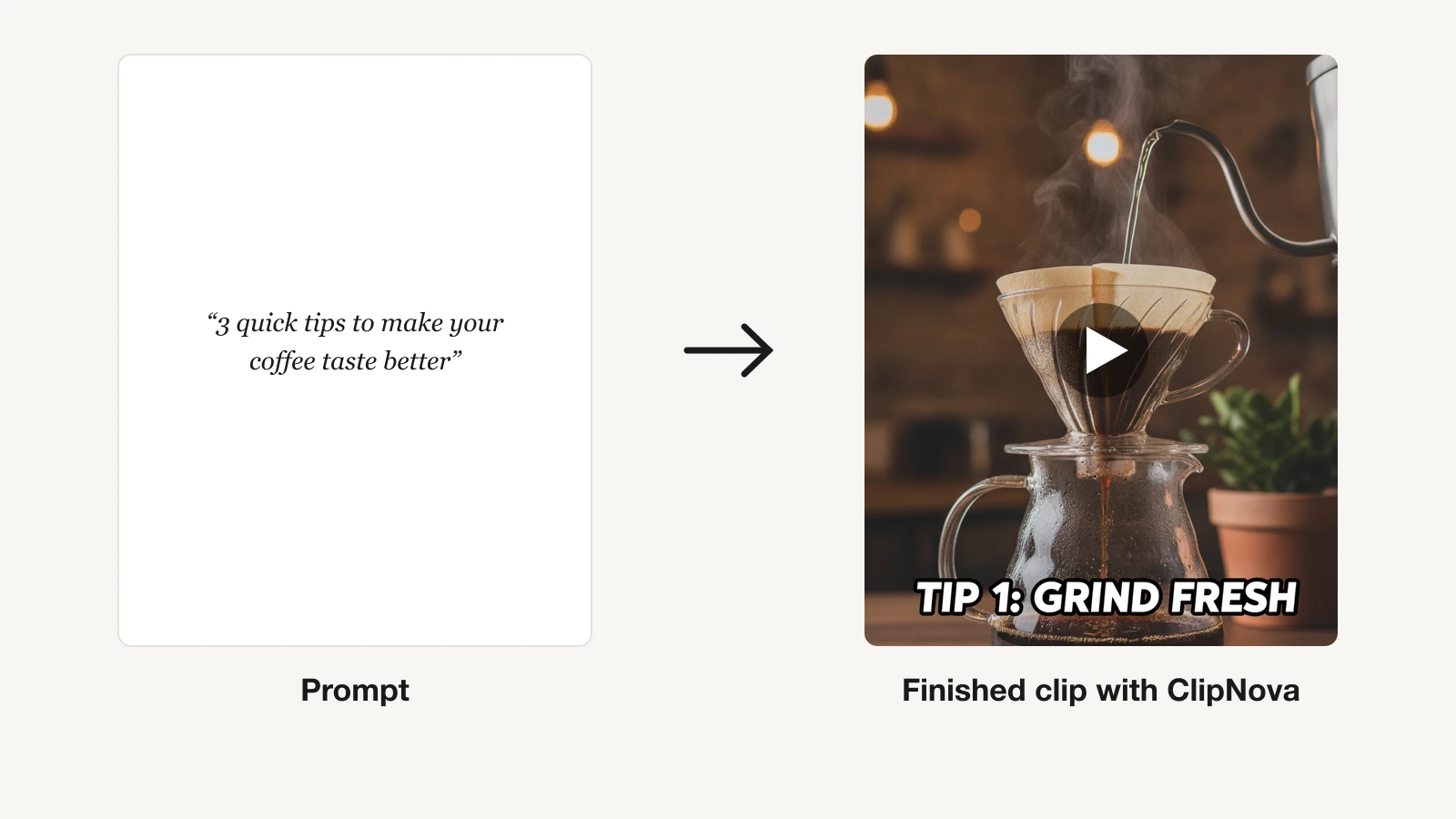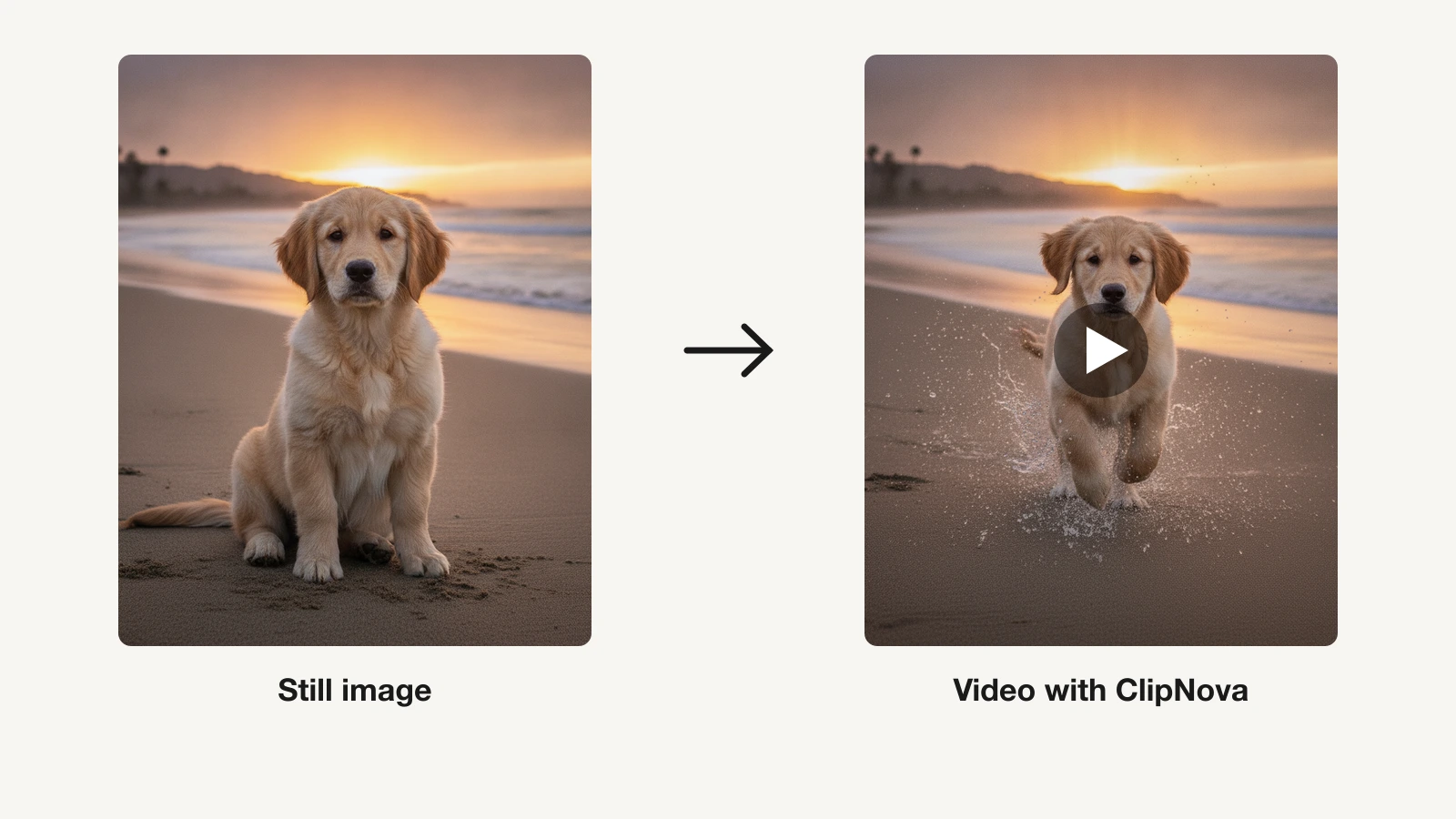
You have a photo you love: a product shot, a piece of concept art, a character render, a still from a shoot. The best AI image-to-video tools in 2026 take that single frame and give it motion, so the object turns, the camera pushes in, the subject blinks and moves. What used to need a film crew or a motion designer now takes one upload and a prompt.
But image-to-video is not one product. Some tools hand you a short, silent clip you still have to caption and edit. Others let you keyframe motion frame by frame. A few turn the still straight into a finished, captioned video you can post.
This guide compares 9 AI image-to-video tools on price, clip length, resolution, and how much control you get over the motion, so you can match a tool to what you actually need to ship.
Best AI image-to-video tools: a brief overview
For finished, ready-to-post video
- ClipNova: Best overall for creators and marketers. Drop in a still and it returns a complete video with motion, voiceover, captions, and music, not a raw silent clip.
For cinematic raw clips you edit yourself
- Runway: Best for directing the motion, with camera controls and motion tools around a pro model.
- Kling AI: Best quality per dollar for realistic human motion and physics from a still.
- Luma Dream Machine: Best for keyframed animation, with up to 16 keyframes per clip.
- Hailuo AI: Best for expressive character and subject motion from a single photo.
For budget, effects, and social speed
- Pika: Best budget pick for effect-driven clips that animate a still into a visual gag.
- Vidu: Best for multi-image reference-to-video, keeping a character or product consistent.
- Higgsfield: Best for cinematic camera-motion presets over your image.
- Pixverse: Best for fast social clips with transitions and in-clip audio.
| Tool | Best for | Starting price | Image-to-video highlight |
|---|---|---|---|
| ClipNova | Finished video from a still | From $19/mo | Photo in, captioned video out |
| Runway | Directing cinematic motion | From $15/mo | Gen-4.5 with camera controls |
| Kling AI | Realistic motion on a budget | From $10/mo | Start/end frame + Motion Control |
| Luma Dream Machine | Keyframed animation | From $30/mo | Up to 16 keyframes per clip |
| Hailuo AI | Expressive subject motion | From $9.99/mo | Camera moves + subject reference |
| Pika | Effect-driven social clips | From $8/mo | Pikaffects + start/end frames |
| Vidu | Reference-to-video consistency | From $8/mo | 3 to 7 reference images |
| Higgsfield | Cinematic camera presets | From $15/mo (yearly) | 70+ camera-motion presets |
| Pixverse | Fast social clips with audio | From about $10/mo | Start-end + reference, in-clip audio |
Reading the table: the cheaper rows animate your image into a raw clip a few seconds long. ClipNova's price is for the finished video built around it — script, voiceover, captions, and music included. Start free with 70 credits, no card required.
1. ClipNova, best overall AI image-to-video tool for creators
ClipNova is the only tool here that finishes the job. Most image-to-video models hand you a few seconds of silent footage you then have to caption, narrate, and edit. ClipNova takes your still, adds motion, and wraps it into a video you can post, with an AI voiceover, on-screen captions, and music laid underneath.
The clearest example is product imagery. Upload a photo to the AI product video generator and it removes the background, rebuilds the lighting, animates the shot, and renders a demo-style ad in 9:16, 1:1, and 16:9 at once. Feed it a character, a scene, or concept art instead and the same engine turns it into vertical, TikTok-ready content through the AI shorts generator.
How to turn an image into a video with ClipNova
- Log in to the ClipNova app.
- Open AI Video Studio from the sidebar.
- Pick the Image to Video tool.
- Upload your image and describe the motion you want.
- Generate, then download the animated clip.
Key features
- Still image in, finished video out: motion, AI voiceover, captions, and music in one pass
- Product photo to ad, with background removal and relit scenes, up to 10 style variants from one image
- Vertical-first output with 9:16, 1:1, and 16:9 rendered together for TikTok, Reels, and Shorts
- AI voiceovers in 32 languages, so one animated still localizes into many markets
- Access to all current image and video models under one subscription
- Watermark-free 1080p and 4K export with full commercial rights on every plan
Best for
- Marketers and DTC brands turning product photos into video ads without a studio
- Creators and faceless-channel operators animating stills into publish-ready shorts daily
Pricing
- From $19/mo. Hobby $19/mo (1,000 credits), Starter $49/mo (2,500), Growth $99/mo (5,000, most popular), Ultra $199/mo (10,000); see current ClipNova pricing
- Every plan includes the full feature set; tiers differ only in monthly credits. Yearly billing takes 20% off (about $15, $39, $79, and $159 per month)
- Enterprise adds custom credit volume and unlimited seats
Pros
- No editing pass needed: the gap between a still and a published video is one upload
- Simple plan logic, with no feature gating, so you only choose a credit volume
- 32-language narration makes localized versions of a working video cheap to produce
Cons
- Newer brand than Runway or Luma, with a smaller community and template ecosystem
- Built to finish short-form video, not to keyframe motion frame by frame like Luma
- Runs on a subscription, with the lowest tier capping monthly credits until you scale up
2. Runway, best for directing cinematic motion
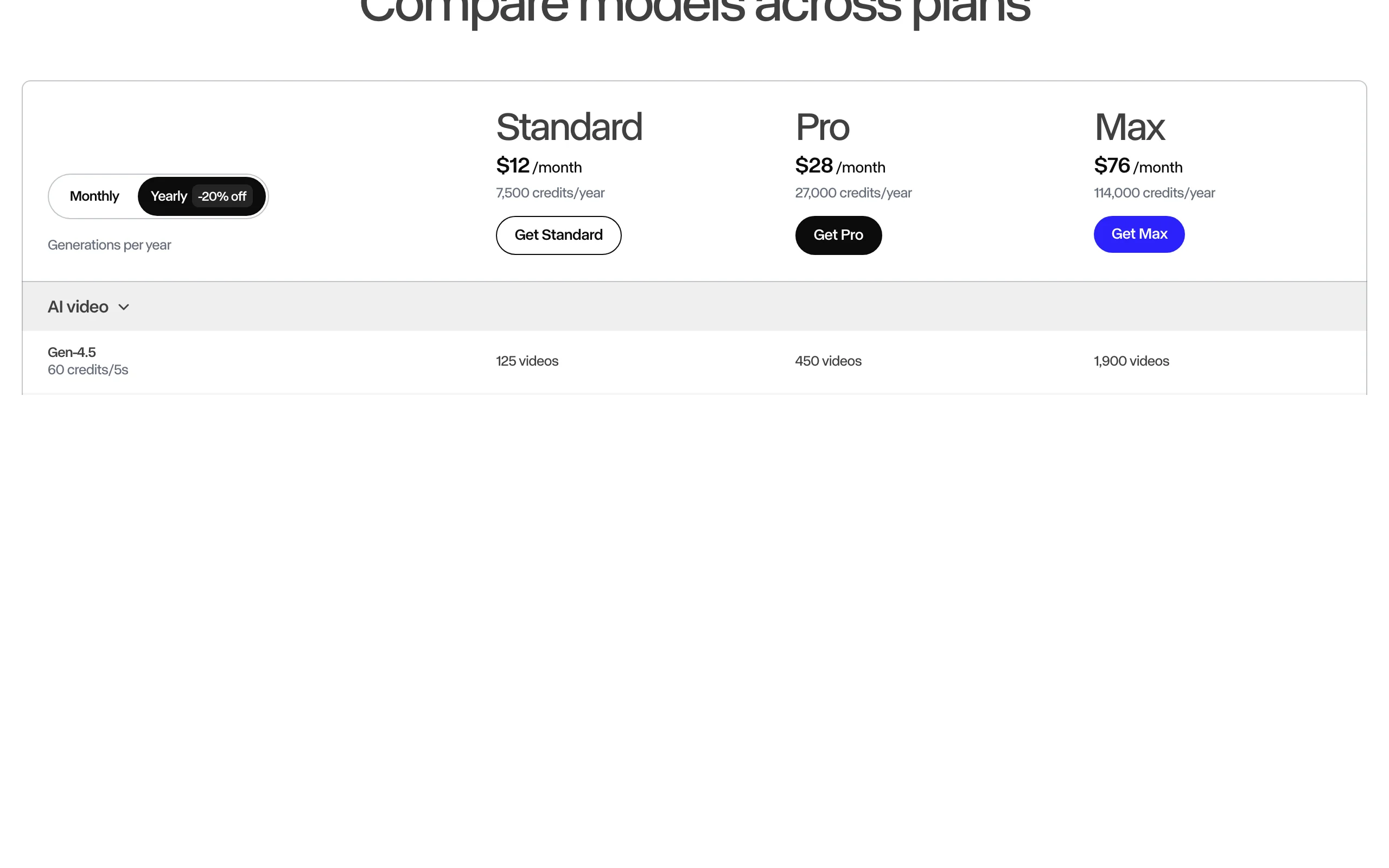
Runway is what serious filmmakers reach for when they want to control the motion, not just prompt it. Feed a still into its Gen-4.5 model and you get some of the most controllable image-to-video available, sitting inside a full suite with camera controls, motion tools, and 4K upscaling.
The trade-off is that Runway produces footage, not finished videos. There is no voiceover or caption pipeline, and at 60 credits per five seconds of Gen-4.5, heavy generation adds up fast.
Key features
- Gen-4.5 image-to-video with strong prompt adherence and shot control
- Camera controls and motion tools for directing how a still comes to life
- Hosted access to third-party models, including Kling 3.0 and Seedance 2.0
- Editing suite with 4K upscaling around the models
Best for
- Filmmakers and video artists animating stills into cinematic sequences
- Studios adding AI motion to concept art and real footage
Pricing
- Standard $15/mo (625 credits), Pro $35/mo (2,250), Max $95/mo (9,500); annual billing is 20% off, dropping these to $12, $28, and $76
- Gen-4.5 costs 60 credits per 5 seconds, so Standard covers roughly 50 seconds of flagship footage a month
Pros
- Among the best motion control and visual quality in the category
- The surrounding toolset suits professional editing pipelines
Cons
- Raw clips only; voiceover, captions, and publishing stay your job
- Credit math is punishing at volume for a daily-posting creator
3. Kling AI, best quality per dollar for realistic motion
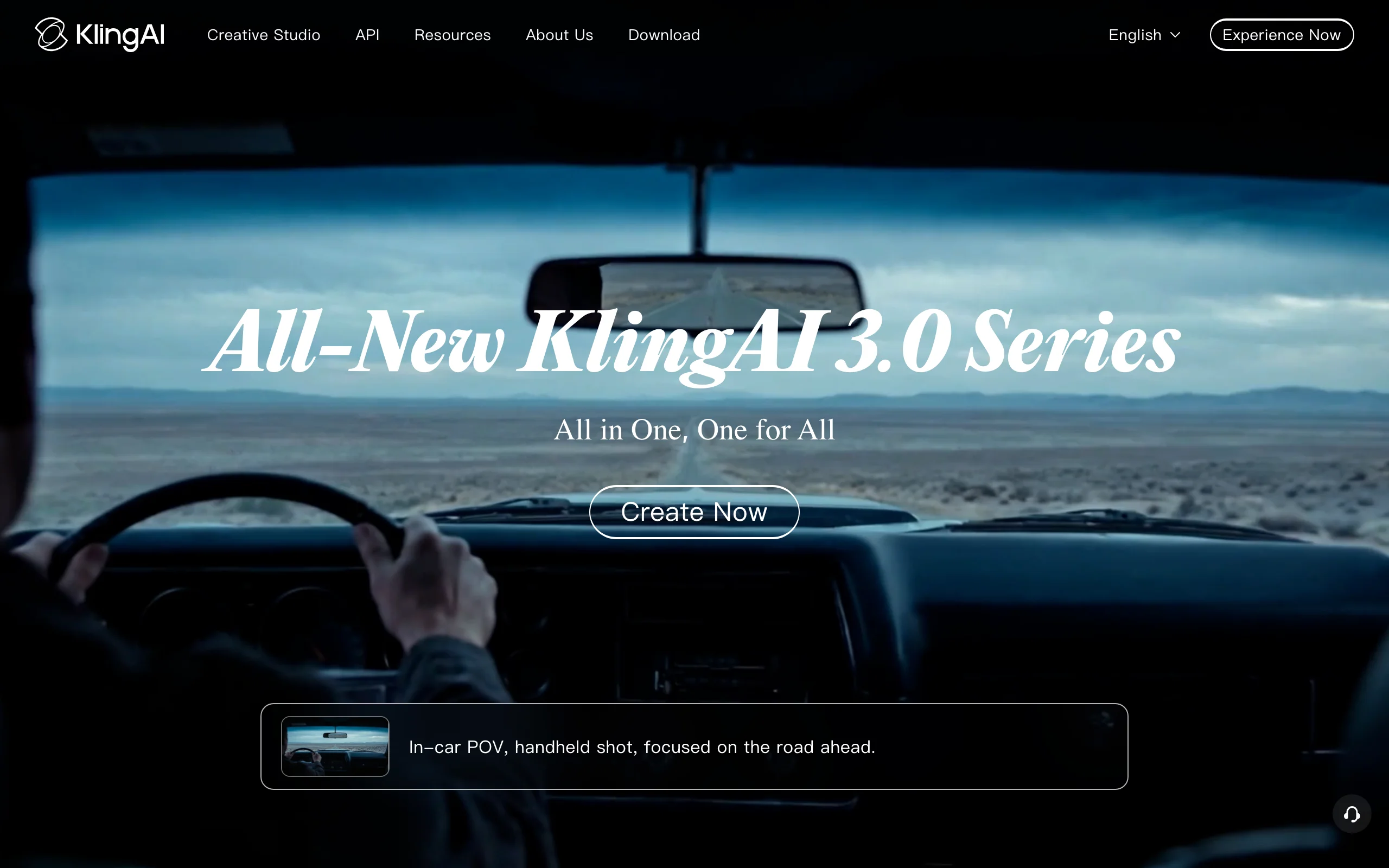
Kling AI, built by Kuaishou, animates a still into surprisingly realistic human motion and physics at prices well below Western rivals. Its start-and-end frame mode lets you set a first and last image and have the model interpolate the motion between them, while Motion Control transfers movement from a reference video onto your subject.
Commercial licensing kicks in on the paid tiers, so check the fine print before you monetize.
Key features
- Start-and-end frame mode: set two stills and interpolate the motion between them
- Motion Control to transfer movement from a reference clip onto your image
- Realistic human motion and physics from the latest Kling model (up to 3.0)
- Video extension for building shots up to 3 minutes on paid plans
Best for
- Budget-conscious creators animating stills into realistic clips at volume
- Longer single AI shots that most image-to-video models cannot sustain
Pricing
- Standard $10/mo (660 credits, about 33 clips), Pro $37/mo (3,000), Premier $92/mo (8,000), Ultra $180/mo (26,000)
- Yearly billing is about 34% off, and first-subscription promos discount the opening month; paid plans unlock 1080p and watermark removal
Pros
- The strongest quality-per-dollar ratio among the big image-to-video models
- Start/end frames and extensions to 3 minutes suit narrative shots
Cons
- Raw clips only; no script, voiceover, or caption workflow
- Queue times on cheap tiers, and billing can feel rough for Western users
4. Luma Dream Machine, best for keyframed animation
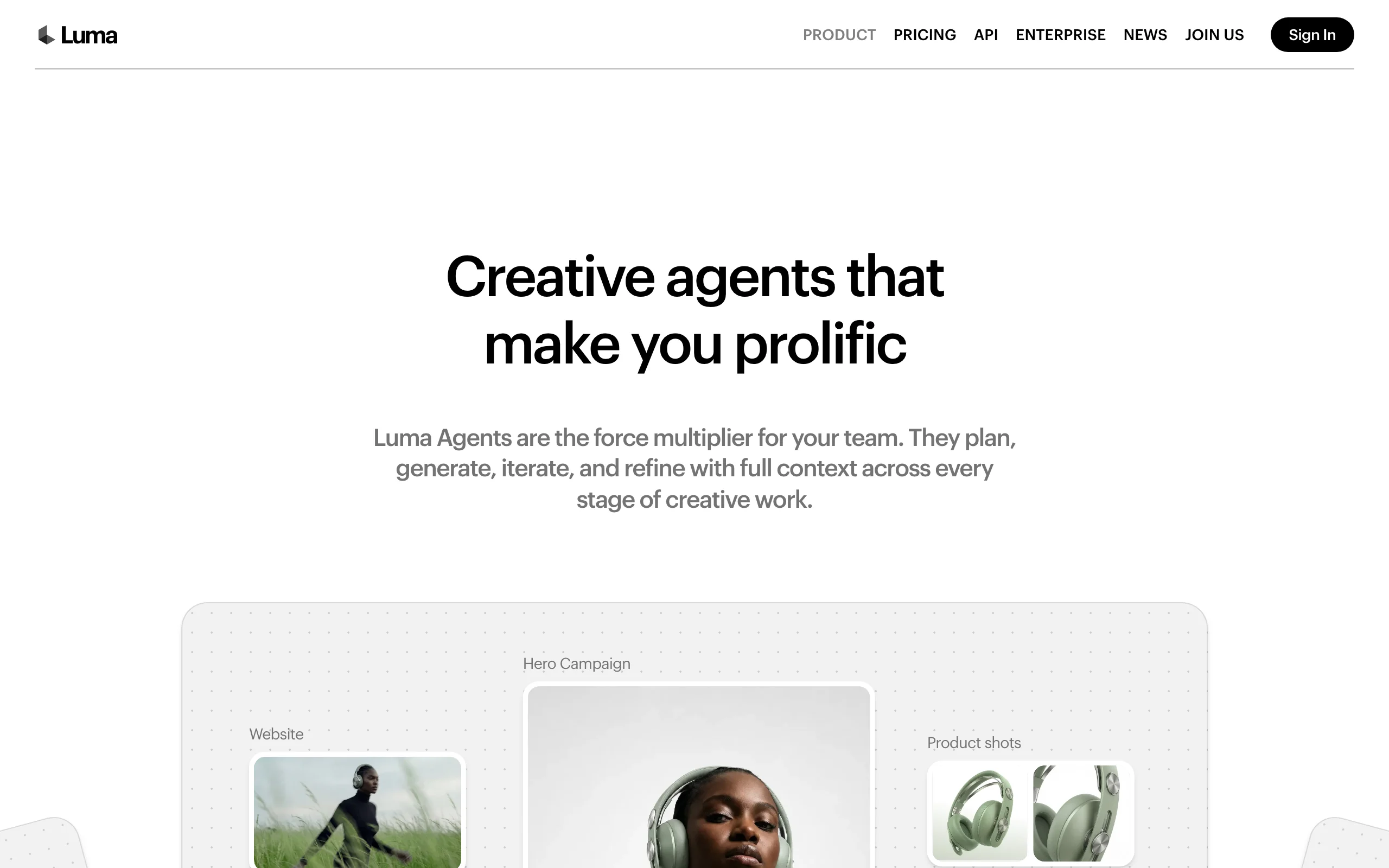
Luma Dream Machine has always been strongest at animating stills. Feed it an image and its Ray3 model produces natural, coherent motion, and its standout for 2026 is keyframing: you can set up to 16 keyframes in a single clip, guiding the motion through a sequence of stills rather than a single start frame.
Plans center on a large credit pool that spans Luma and third-party models, with commercial use included from the base paid tier.
Key features
- Up to 16 keyframes per clip for guided, multi-step motion
- Strong image-to-video with natural motion from the Ray3 model family
- Character reference to keep a subject consistent across shots
- Commercial use included on paid plans
Best for
- Designers and creators animating concept art, product imagery, and stills
- Anyone who wants to choreograph motion across several keyframes
Pricing
- Plus $30/mo (10,000 credits; $25/mo billed yearly)
- Pro $90/mo (40,000 credits) and Ultra $300/mo (150,000 credits) add multiplied usage
Pros
- Keyframing gives more directorial control than single-frame image-to-video
- One subscription covers several models while the model race keeps shifting
Cons
- Raw clips; everything after generation is manual
- Entry price is higher than Kling, Pika, or Vidu for casual use
5. Hailuo AI, best for expressive subject motion
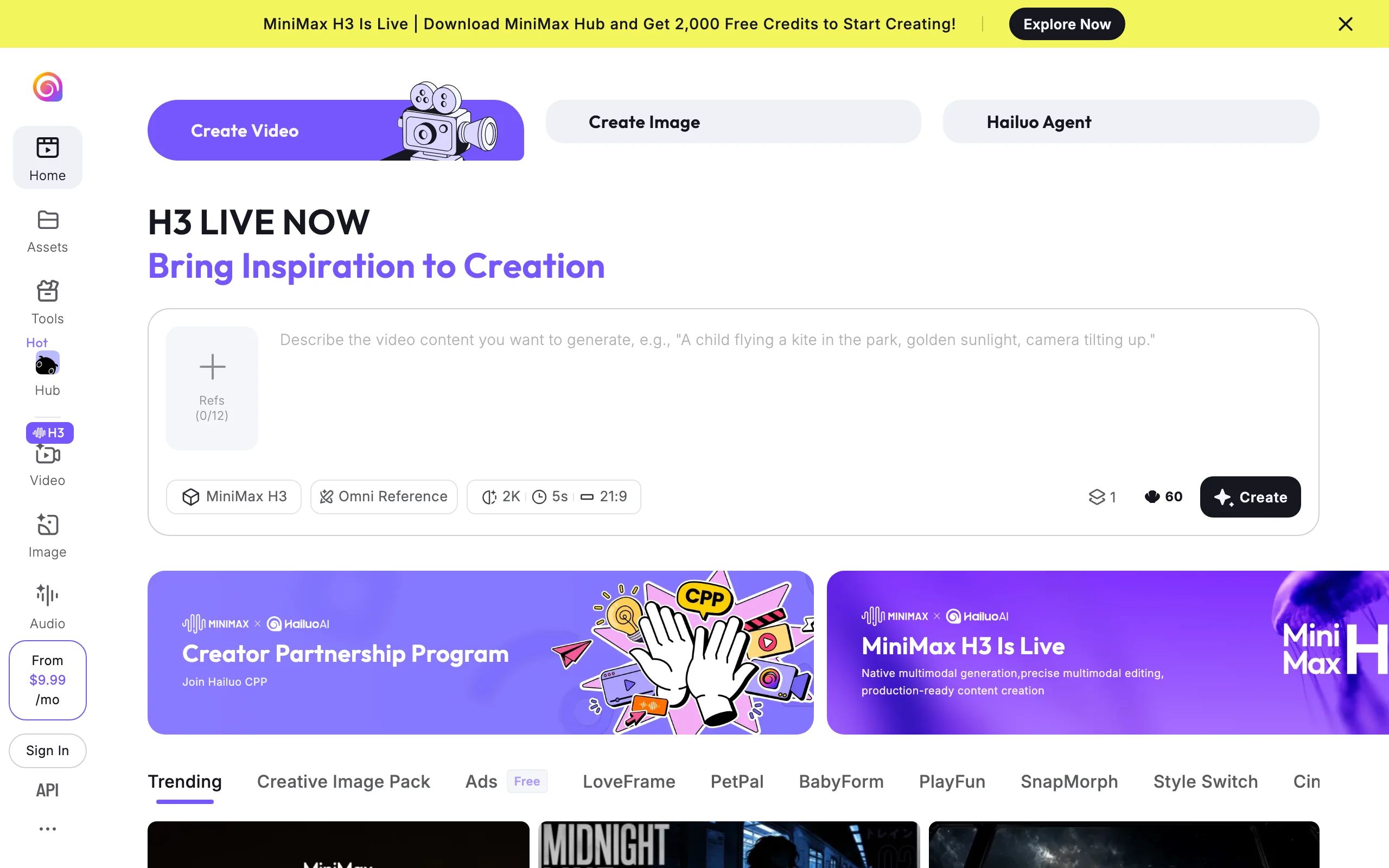
Hailuo AI, from MiniMax, is known for how expressively it animates people and characters from a single photo. Its latest MiniMax model (the H3 series, now live alongside Hailuo 2.3) reads a still and produces natural facial movement, gesture, and camera motion.
It works from a reference image plus camera and motion prompts, and an Omni Reference feature lets you add several images to keep a character consistent, which suits portraits and avatars better than building complex scenes.
Key features
- Expressive character and facial motion from a single still with the latest MiniMax model (H3 series)
- Camera moves and subject motion controlled by prompt
- Omni Reference to hold a character consistent across clips using several images
- Accepts JPG, PNG, and WEBP inputs
Best for
- Creators animating character art, portraits, and avatars
- Anyone who wants lifelike single-shot motion without keyframe setup
Pricing
- Advertised from $9.99/mo; the Standard tier is about $14.99/mo billed monthly (1,000 credits), with Pro $54.99/mo (4,500) and Master $119.99/mo (10,000)
- Paid tiers are watermark-free and retain commercial rights
Pros
- Best-in-class expressive motion for people and characters
- Reasonable entry price for watermark-free, commercial output
Cons
- Raw clips only; no captions, narration, or publishing flow
- Credit costs vary by model and resolution, so usage takes some tracking
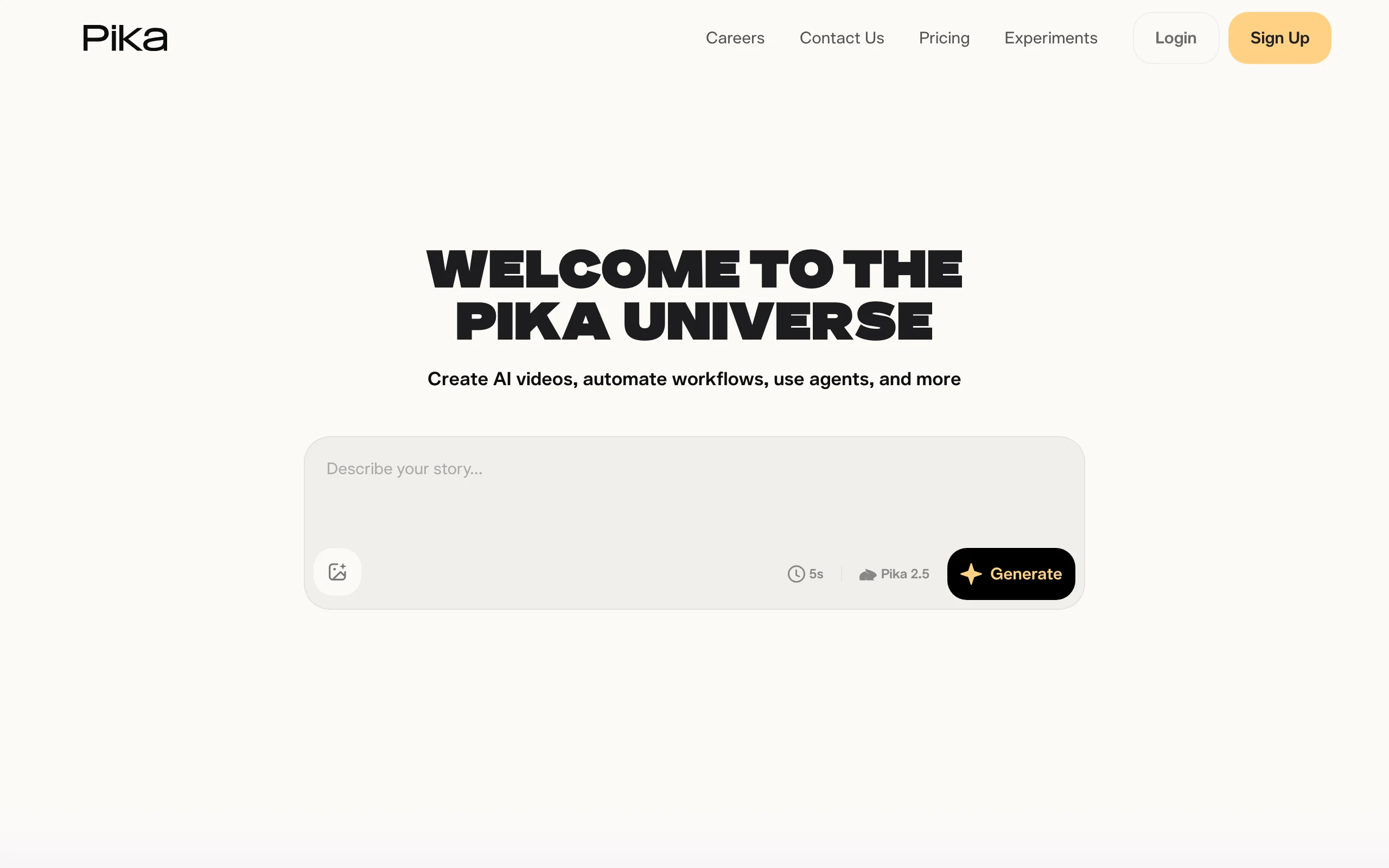
6. Pika, best budget pick for effect-driven clips
Pika made its name on fun. Feed it a still and its Pikaffects animate the image into meme-able transformations, melting, inflating, exploding, or crushing the subject, and Pikaframes let you set a start and end image to control the transition. At $8 a month billed yearly, it is the cheapest paid entry here.
The Standard plan is the entry point for full-resolution output and commercial rights, so plan on at least that tier for anything you intend to publish.
Key features
- Pikaffects that animate a still into viral-style transformations
- Pikaframes for start-and-end-frame keyframing
- Image-to-video generation with the Pika 2.5 model
- Watermark-free downloads and commercial use on all paid tiers
Best for
- Casual creators testing image-to-video without a real budget
- Meme pages and social accounts built on effect-driven clips
Pricing
- Standard $8/mo (700 credits), Pro $28/mo (2,300), Fancy $76/mo (6,000), billed yearly
- Commercial use and watermark removal start at the paid tiers
Pros
- Lowest entry price of any paid plan here
- Effects produce scroll-stopping clips from a still with near-zero skill
Cons
- Short raw clips only; no narration or caption pipeline
- Effects-first focus means less fine motion control than Runway or Luma
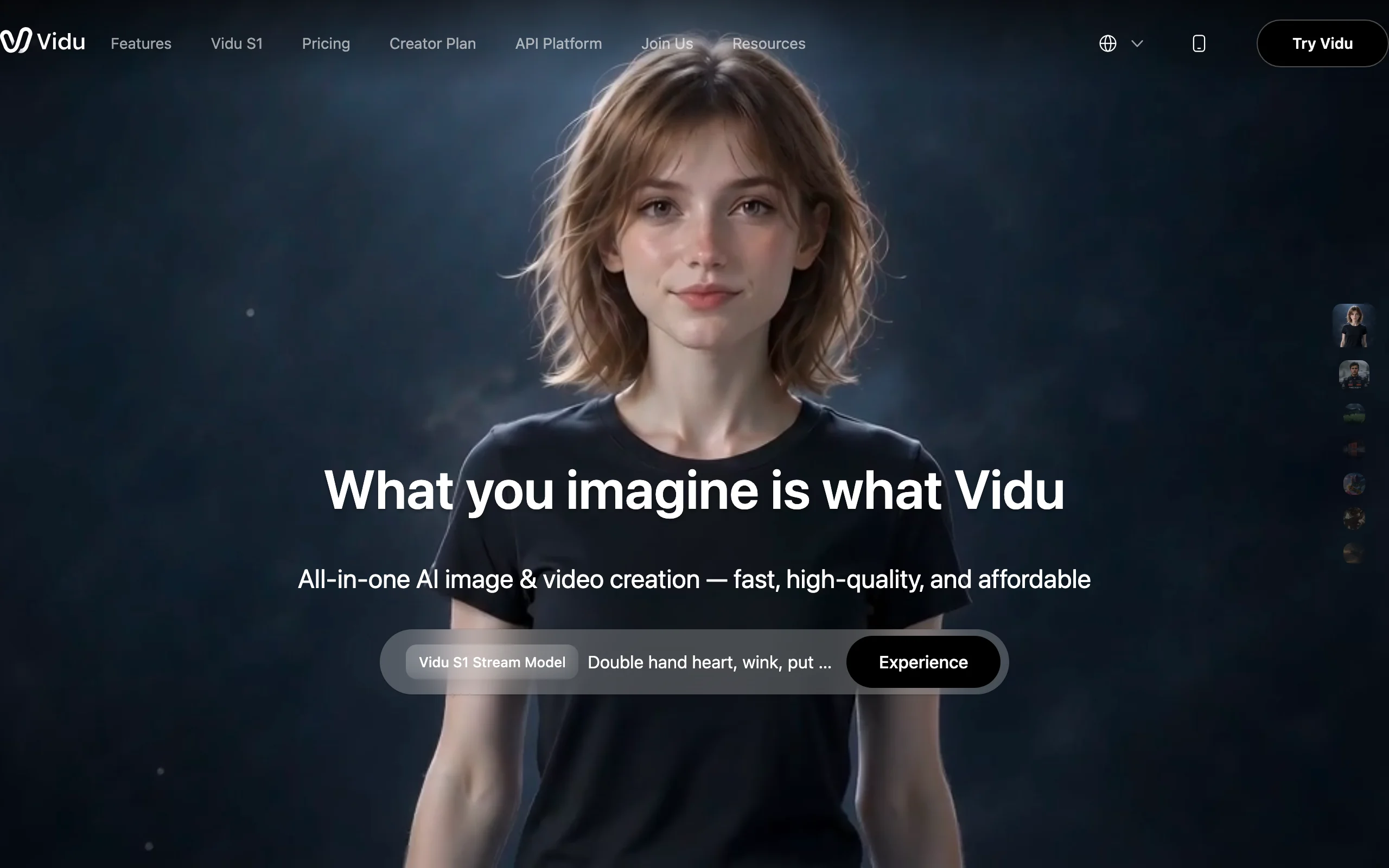
7. Vidu, best for reference-to-video consistency
Vidu, by ShengShu, solves the problem that breaks most image-to-video: consistency. Its reference-to-video mode takes 3 to 7 images of the same character, product, or object and keeps them coherent across the generated clip, so your subject does not morph between frames. Its Vidu Q3 model handles standard image-to-video too, at up to 1080p and clips up to 16 seconds.
Key features
- Reference-to-video using 3 to 7 images for character and product consistency
- Image-to-video and text-to-video with the latest Vidu Q-series model
- Up to 1080p output with clip lengths up to 16 seconds
- Watermark-free output with commercial use on paid plans
Best for
- Creators building series content around a consistent character or mascot
- Brands keeping a product identical across multiple animated shots
Pricing
- Standard $8/mo (800 credits), Premium $28/mo (4,000), Ultimate $79/mo (8,000)
- A 50 percent student and educator discount is offered on Standard
Pros
- Reference-to-video consistency is genuinely ahead of single-image rivals
- Low entry price for watermark-free, commercial clips
Cons
- Raw clips capped at 16 seconds; no caption or voiceover workflow
- Consumer pricing is less transparent than tools with a public pricing page
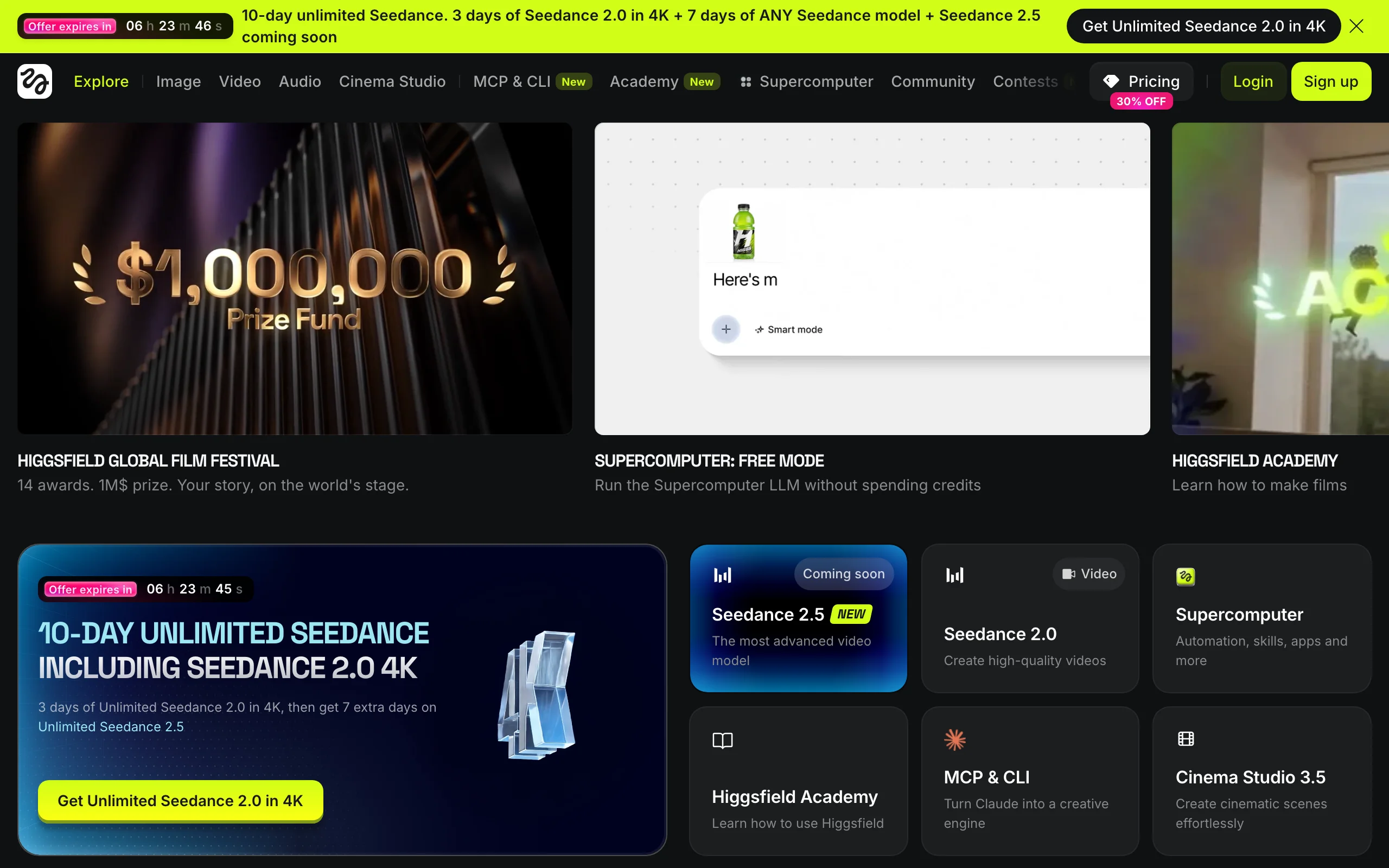
8. Higgsfield, best for cinematic camera-motion presets
Higgsfield treats image-to-video as a cinematography problem. Rather than train one model, it bundles many (Kling, Veo, Seedance, and more) under one subscription and layers 70+ camera-motion presets on top: crash zooms, dolly moves, orbits, and bullet-time, applied to your still with one click. Its Motion Control separates camera behavior from subject motion, which is unusually precise for social-first video.
The catch is bookkeeping. Different models draw different credit amounts, and the plan structure is billed annually.
Key features
- 70+ cinematic camera-motion presets applied to a still
- Motion Control that separates camera moves from subject motion
- One subscription across multiple bundled video models
- Watermark-free, commercial output on paid tiers
Best for
- Creators who want film-grade camera moves without a real camera
- Anyone comparing several frontier models under one plan
Pricing
- Starter $15/mo (200 credits), Plus $39/mo (1,000), Ultra $99/mo (3,000), billed annually
- Credits are spent at each bundled model's own rate
Pros
- The deepest library of camera-motion presets in the category
- Multi-model access is useful while the model landscape keeps shifting
Cons
- Credit consumption varies by model, making monthly cost hard to predict
- Raw clips only; no captioning or publishing pipeline
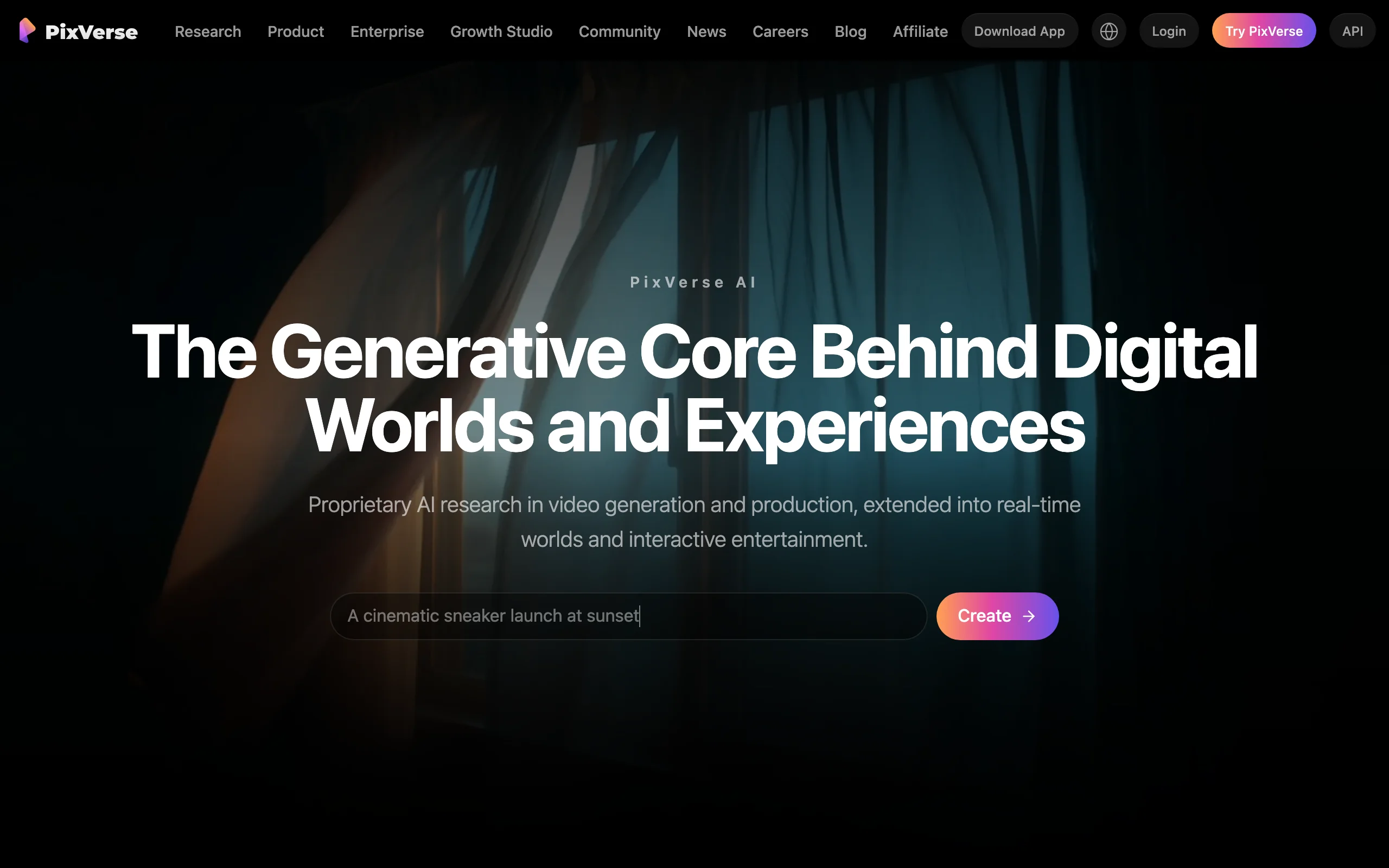
9. Pixverse, best for fast social clips with audio
Pixverse is built for speed and social output. Its V6 and C1 models cover image-to-video, start-and-end-frame transitions, and reference-to-video (Fusion), and they can generate audio in the same pass, so a still becomes a clip with sound without a separate step. Output runs up to 1080p with clips of roughly 5 to 10 seconds, tuned for quick TikTok and Reels turnaround.
Key features
- Image-to-video, start-end transitions, and reference-to-video with V6 and C1
- Optional in-clip audio generated alongside the video
- Up to 1080p output with clips up to about 10 seconds
- Fast renders tuned for quick TikTok and Reels turnaround
Best for
- Social creators who need fast, sound-on clips from a still
- Anyone who wants image-to-video with audio in a single pass
Pricing
- Standard about $10/mo (1,200 credits), Pro about $30/mo (6,000), Premium about $60/mo (15,000)
- Annual billing saves about 20 percent; paid tiers are watermark-free with commercial use
Pros
- In-clip audio and transitions speed up social turnaround
- Up to 1080p output covers most social placements
Cons
- Short clips; no narration script or caption workflow for finished videos
- Consumer plan pricing lives in the app rather than a public pricing page
How to choose the best AI image-to-video tool for your workflow
The category hides three different products. Answer these four questions before you pay for anything.
1) Do you need a finished video or a raw clip?
- If you want to upload a still and publish the result: ClipNova animates the image and returns the complete package, with motion, voiceover, captions, and music.
- If you want footage to edit yourself: Runway, Kling, Luma, Hailuo, Vidu, Higgsfield, and Pixverse all output clips, and the captioning, narration, and assembly stay in your hands. If your end goal is a fully edited video anyway, our roundup of the best AI video generators covers the finishing tools too.
2) How much control over the motion do you need?
- Single-frame motion, fast: Hailuo and Pixverse animate one still cleanly with minimal setup.
- Start-and-end control: Kling and Pika let you set a first and last frame and interpolate between them.
- Full keyframing: Luma's 16 keyframes and Runway's camera tools give the most directorial control.
3) Do you need your subject to stay consistent?
- Animating one hero image: any tool here works.
- Building a series with a recurring character or product: Vidu's reference-to-video (3 to 7 images) and Luma's character reference hold identity best. For product shots, ClipNova rebuilds the scene while keeping the product itself intact.
4) What resolution, rights, and budget do you need?
Check the commercial-use fine print before you monetize. Kling and Pixverse restrict commercial use on their lower tiers, Pika reserves it for paid plans, and ClipNova includes full commercial rights on every plan. If your source images are low-resolution, run them through an AI image upscaler first, since a sharper still animates into a cleaner clip. Then test before committing: animate 3 to 5 of your real images on a starter month, post them, and let retention data pick your tool.
Frequently asked
What is an AI image-to-video tool?
An AI image-to-video tool takes a single still image and generates motion from it, so the subject moves, the camera pans, or an effect plays out over a few seconds. Some tools output a short, silent clip you still edit and caption yourself, while a pipeline tool like ClipNova animates the still and returns a finished video with voiceover, captions, and music. The category splits by how much of the work the tool finishes for you.
What is the best AI image-to-video tool in 2026?
It depends on your deliverable. For a finished, publish-ready video from a photo, ClipNova is the strongest pick because one upload returns motion plus voiceover and captions. For directorial control over cinematic motion, Runway and Luma Dream Machine lead, with Kling AI as the best quality-per-dollar option and Hailuo AI for expressive character motion.
How do I turn a photo into a video with AI?
Upload your still to an image-to-video tool, describe the motion you want or pick a preset, and the model animates the frame into a clip. With ClipNova you upload the image and it adds motion, an AI voiceover, captions, and music, then exports watermark-free for TikTok, Reels, and Shorts. With raw-clip tools like Runway or Kling you get footage and add the narration and captions yourself.
What is the cheapest AI image-to-video tool?
Pika and Vidu are the cheapest paid entries at $8 per month, and Kling AI's Standard plan at about $10 per month buys the most raw-clip volume. Compare cost per finished video, though. Raw clips still need editing, narration, and captions, so a pipeline tool at a higher subscription can cost less per published video.
Can I use AI image-to-video clips commercially?
It depends on the plan. Kling AI and Pixverse restrict commercial use on their lower tiers, Pika reserves commercial rights for paid tiers, and Luma limits it on lower tiers too. ClipNova includes full commercial rights on every plan, with watermark-free 1080p and 4K export. Always check the license of the specific tier before you monetize.
What is the difference between image-to-video and text-to-video?
Text-to-video generates a clip from a written prompt alone, inventing the scene. Image-to-video starts from a still you provide and animates that exact frame, so you keep control of the look, the product, or the character. Image-to-video is the better fit when you already have artwork, a product photo, or a shot you want to bring to life.
Which AI image-to-video tool keeps a character consistent?
Vidu is the strongest for consistency, with a reference-to-video mode that uses 3 to 7 images of the same character or product to hold identity across the clip. Luma Dream Machine offers character reference too, and for product shots ClipNova rebuilds the scene while keeping the product itself intact.
If I mainly need finished videos from my photos, what should I use?
Use ClipNova. It is built for that job: upload a still, such as a product shot or a character render, and it adds motion, an AI voiceover, captions, and music, then exports watermark-free for TikTok, Reels, and Shorts. Plans differ only in monthly credits, so you scale volume without losing features, and you can test it on your own images before scaling up.