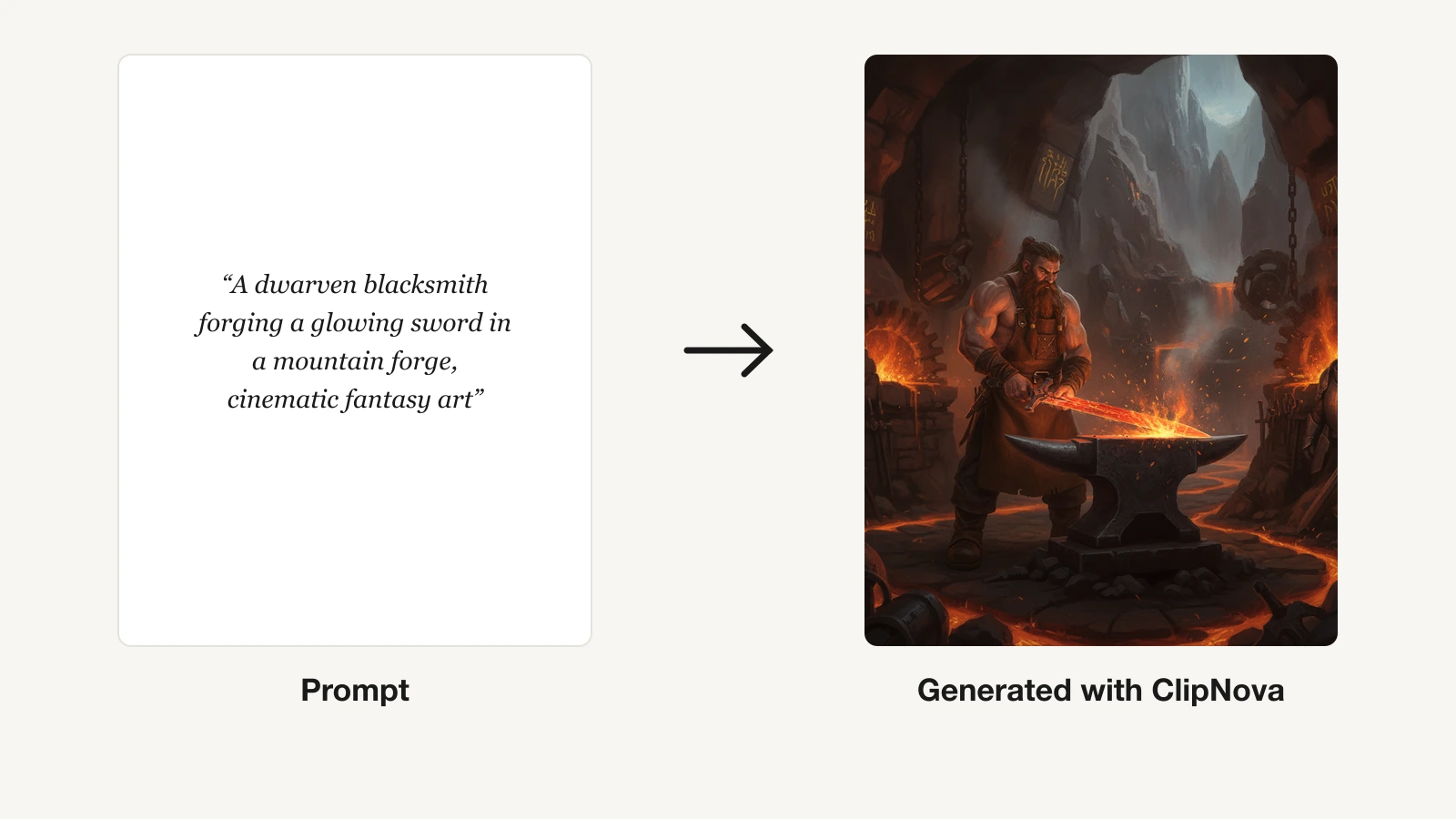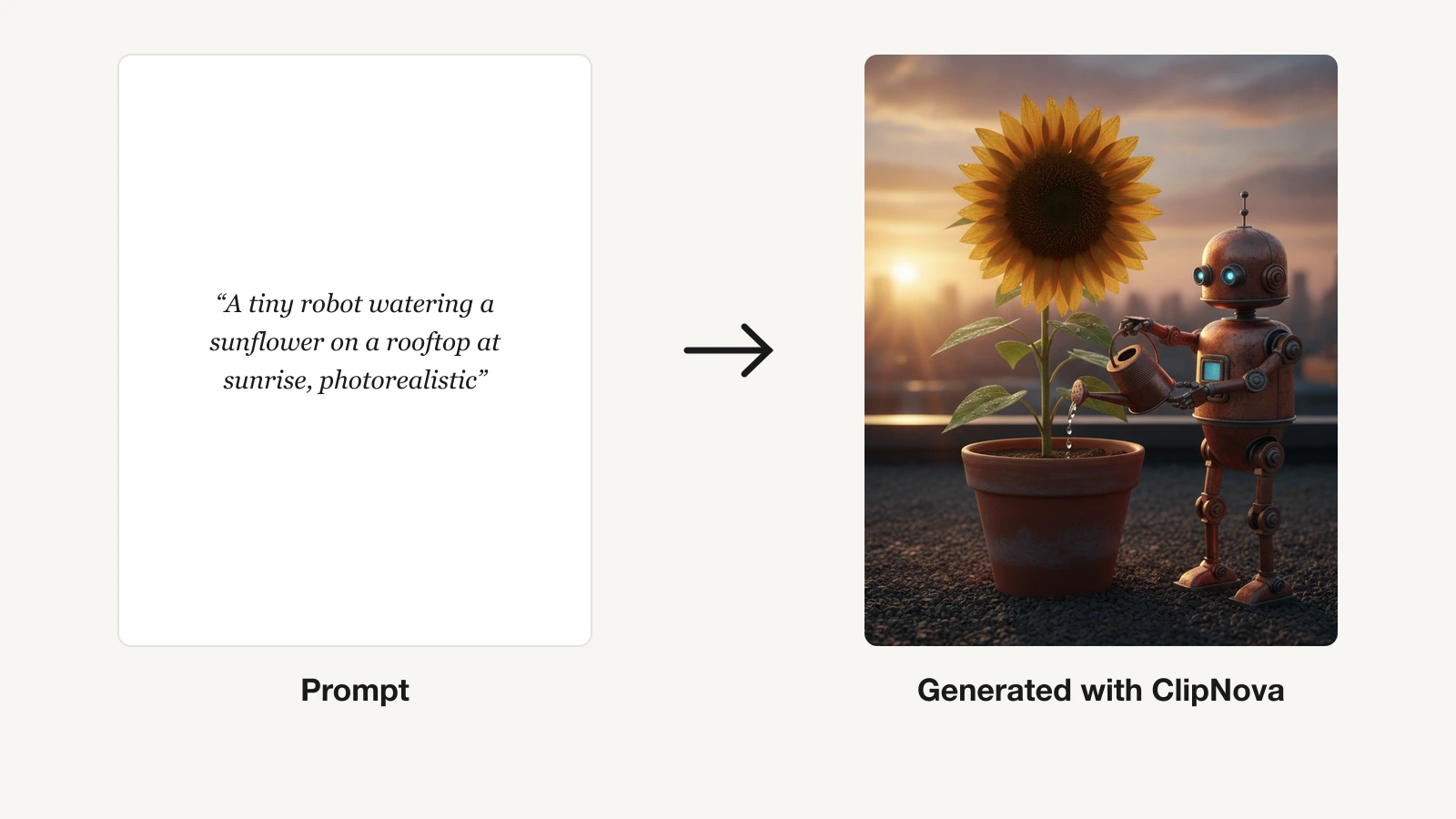
Typing a sentence and getting a finished image back has quietly become the fastest part of any creative workflow. The hard part now is choosing a tool: some AI image generators chase gallery-grade art, others prioritize commercially safe output, and a few are really built to feed social feeds and ads.
The choice matters because the right generator saves you hours a week and, just as important, keeps you on the right side of usage rights. In this guide we compare the best AI image generators of 2026 by price, image quality, commercial terms, and the kind of work each one is actually good at. You will also get a short decision framework at the end so you can pick in a couple of minutes.
Best AI image generators: a brief overview
- ClipNova: Best overall and best all-in-one: every top image model plus the ability to turn any picture into a finished video, on one plan.
- Midjourney: Best for pure artistic quality: the most striking, stylized images if you care about aesthetics above all.
- ChatGPT (GPT Image): Best for conversational editing: describe changes in plain language and refine an image turn by turn.
- Adobe Firefly: Best for commercially safe work: trained on licensed content and wired into Photoshop and Creative Cloud.
- Google Gemini (Nano Banana / Imagen): Best for free photorealism and quick edits: strong results with a genuinely usable free tier.
- Ideogram: Best for text inside images: readable logos, posters, and typography that most generators still botch.
- Leonardo AI: Best for fine control and game or 3D assets: reference guidance, custom models, and consistent characters.
| Tool | Best for | Starting price | Free option | Commercial use |
|---|---|---|---|---|
| ClipNova | All-in-one images and video for creators | From $19/mo | 70 credits, no card | Yes, every plan |
| Midjourney | Artistic, stylized image quality | From $10/mo | None | Yes (paid) |
| ChatGPT (GPT Image) | Conversational, multi-turn editing | $20/mo (Plus) | Free tier, daily caps | Yes |
| Adobe Firefly | Commercially safe, Creative Cloud | From $9.99/mo | 25 credits/mo | Yes, indemnified |
| Google Gemini | Free photorealism and editing | From $19.99/mo | Free tier, daily caps | Yes (SynthID mark) |
| Ideogram | Text and typography in images | From about $8/mo | Free tier (public) | Yes, all tiers |
| Leonardo AI | Fine control, game and 3D assets | From $12/mo | 150 credits/day | Yes (paid) |
1. ClipNova, best overall and best all-in-one
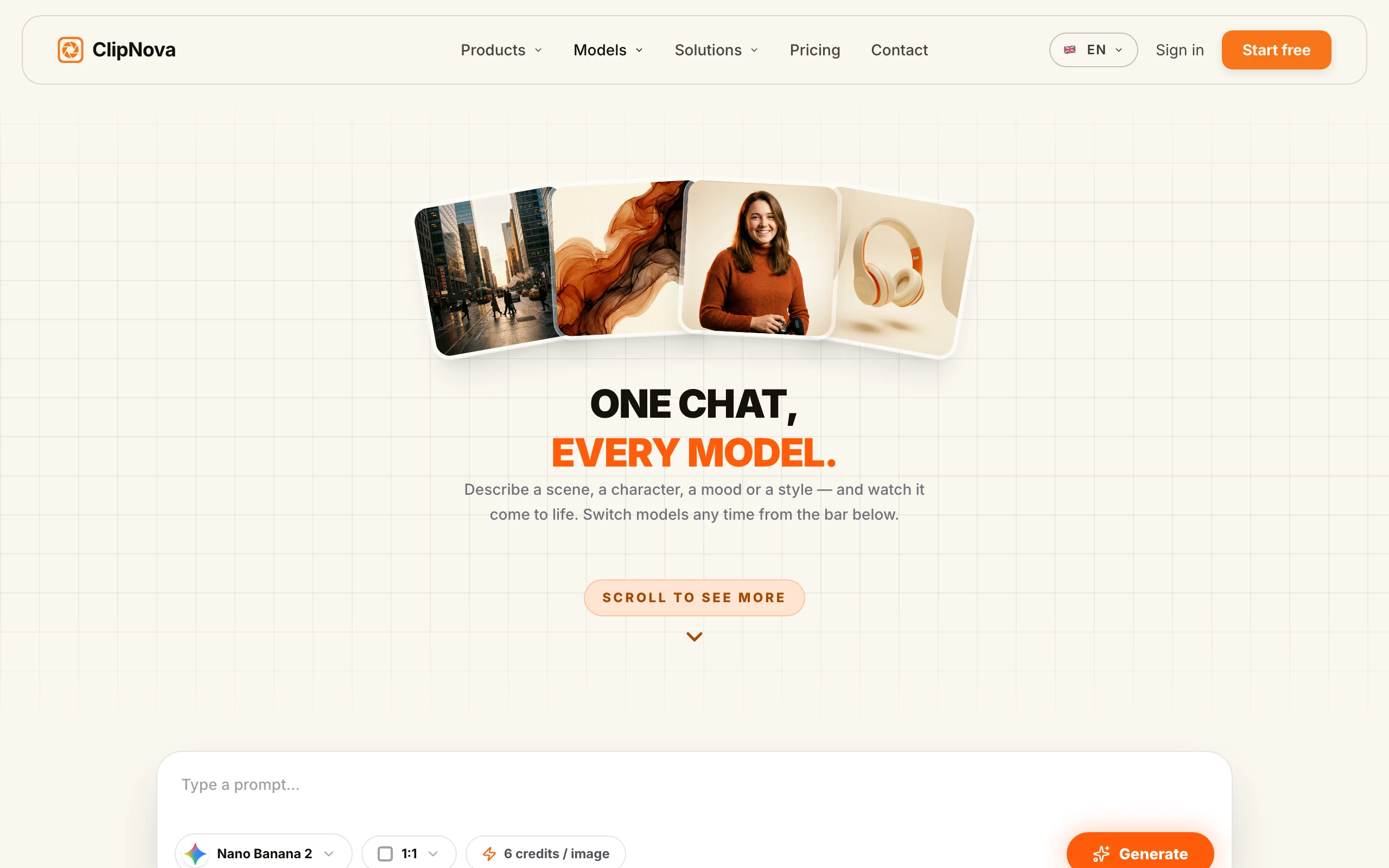
ClipNova is a model-agnostic creation platform: instead of locking you into one image model, it gives you the leading ones side by side, including Nano Banana Pro, Flux 2, Seedream, Ideogram V3, and GPT Image, in a single interface. You pick the model that suits the shot, generate, then refine, upscale, remove the background, or cartoon it without leaving the app. What sets it apart from a pure image tool is the next step: any still can be turned into a finished, captioned short with voiceover and music, which is why creators and marketers who publish daily gravitate to it. Explore the full lineup of AI image models to see what each one is tuned for.
Key features
- 14 image models in one place (Nano Banana Pro, Flux 2 Pro, Seedream 4.5, Ideogram V3, GPT Image, and more)
- Built-in editing tools: upscaler, background removal, image-to-cartoon, selfie generator
- Image-to-video in the same workflow, with captions, AI voiceover, and music
- Voiceovers in 32 languages for localized visual campaigns
- Watermark-free export at 1080p and 4K on every plan
Best for
- Creators and faceless channels who need images and short videos from the same tool
- Marketers producing ad and UGC visuals across several styles and formats
- Anyone tired of paying for three or four separate image subscriptions
Pricing
- Start free with 70 credits (no card required)
- Hobby $19/mo (1,000 credits); Starter $49/mo (2,500 credits)
- Growth $99/mo (5,000 credits) and Ultra $199/mo (10,000 credits); 20% off annual
- Every plan includes all image and video models, all tools, and full commercial rights; plans differ only in monthly credits
Pros
- The widest model choice of any option here, so you are not stuck with one house style
- The only pick that takes a still all the way to a publish-ready video, so you can turn any image into a video without a second tool
- Commercial rights and watermark-free export on the cheapest paid plan
Cons
- Newer brand than Midjourney or Adobe, with a smaller community and fewer tutorials
- Credit-based, so very heavy image runs use up an allowance rather than being flat-unlimited
2. Midjourney, best for artistic image quality
Midjourney remains the reference point for sheer aesthetic quality. Its images have a distinctive, painterly polish that still wins on style, mood, and composition, which is why concept artists, illustrators, and designers keep it in the rotation. It handles style and character references well and offers private generation on higher tiers.

Key features
- Best-in-class stylized, artistic output
- Style and character reference for consistent looks across a set
- Relax (unlimited slow) generation on Standard plans and up
- Stealth/private mode on Pro and Mega tiers
Best for
- Illustrators and concept artists who want the most striking single image
- Designers building moodboards and stylized visual worlds
Pricing
- No free trial; Basic $10/mo, Standard $30/mo, Pro $60/mo, Mega $120/mo
- 20% off with annual billing
- Commercial use included for subscribers; teams over $1M revenue must be on Pro or Mega
Pros
- The highest artistic ceiling of any tool on this list
- Strong reference controls for a consistent style across many images
Cons
- No free tier, and Fast GPU hours run out quickly on the Basic plan
- No built-in text-to-video or publishing pipeline: it makes stills only
3. ChatGPT (GPT Image), best for conversational editing
ChatGPT generates images directly inside the chat with OpenAI's GPT Image model, and its edge is the conversation. You can ask for a picture, then refine it turn by turn in plain language ("make it night, add rain, keep the character"), which makes iterative editing feel natural. It is also one of the stronger tools at rendering readable text inside an image.
Key features
- In-chat image generation with multi-turn, conversational editing
- Strong in-image text and inpainting-style edits
- Image-to-image edits from an uploaded reference
- Same subscription covers writing, coding, and analysis
Best for
- People who already live in ChatGPT and want images in the same place
- Iterative editing where each version builds on the last
Pricing
- Free tier includes image generation with tight daily caps and slower priority
- ChatGPT Plus $20/mo; Go $8/mo; Pro tiers for heavy use
- Users own and can commercially use the images they create
Pros
- The most natural editing loop: just describe the change you want
- No new app to learn if you already use ChatGPT
Cons
- Free and lower tiers throttle image counts and slow the queue
- Not a dedicated design tool: no brand kit, batch export, or publishing features
4. Adobe Firefly, best for commercially safe work
Adobe Firefly is built for professionals who need to know their images are safe to ship. It is trained on licensed Adobe Stock and public-domain content, and paid plans come with IP indemnification, which matters for agencies and brands. It lives inside Photoshop and Creative Cloud, so Generative Fill and Expand slot straight into existing design work.
Key features
- Trained on licensed and public-domain content, positioned as commercially safe
- Generative Fill and Generative Expand inside Photoshop
- A model picker that includes partner models alongside Firefly's own
- Text effects, vector, and template generation
Best for
- Agencies and brands that need indemnified, rights-clean images
- Designers already working in Photoshop and Creative Cloud
Pricing
- Free tier: 25 generative credits per month, no card
- Standard $9.99/mo (2,000 credits); Pro $19.99/mo adds Photoshop on the web; higher tiers for volume
- Commercial use with IP indemnification on paid plans
Pros
- The clearest commercial-safety story of any generator here
- Deep integration with the tools designers already use
Cons
- Credit metering is confusing: "unlimited" only covers base image generation
- Raw generative quality can trail Midjourney and the newest Google models on stylized work
5. Google Gemini (Nano Banana / Imagen), best for free photorealism
Google's image generation, delivered through Gemini's Nano Banana models and Imagen, has become one of the best free ways to make photorealistic images and edit existing ones. Conversational editing, multi-image blending, and character consistency are strong, and the free tier is genuinely usable for testing before you pay.
Key features
- Nano Banana and Nano Banana Pro for text-to-image and conversational edits
- Imagen for high-fidelity photorealistic generation
- Multi-image blending and character consistency
- Available free in the Gemini app with daily limits
Best for
- Anyone who wants strong photorealism without paying upfront
- Quick edits and blends rather than a full design pipeline
Pricing
- Free tier with daily image caps
- Google AI Pro around $19.99/mo adds more generation and higher-tier models; Ultra tiers for heavy use
- Personal and commercial use allowed; all output carries an invisible SynthID watermark
Pros
- Excellent free access to modern photorealistic models
- Fast, natural editing and blending
Cons
- Lineup changes quickly, and older models (like Imagen 3 and 4) are being retired
- No enterprise IP indemnity on consumer tiers, and every image is SynthID-marked
6. Ideogram, best for text in images
Ideogram solved the problem most generators still struggle with: putting correct, legible words inside an image. If you need a poster, a logo concept, a thumbnail, or ad creative where the text has to be right, Ideogram is the specialist. Its Magic Prompt feature also helps turn a rough idea into a detailed prompt.
Key features
- Best-in-class rendering of readable text and typography
- Magic Prompt to expand a short idea into a detailed prompt
- Style reference and style mixing
- Upscaling and batch generation on higher tiers
Best for
- Marketers making posters, thumbnails, and ads with real text
- Logo and typographic concept exploration
Pricing
- Free tier with slow credits; free images are public
- Paid plans from about $8/mo, with the Plus plan around $20/mo (1,000 credits)
- Commercial use allowed on all tiers, including free
Pros
- The most reliable in-image text of any generator here
- Commercial rights even on the free tier
Cons
- Credits expire monthly with no rollover, and cost per image varies widely by model
- Free-tier images are public and cannot be made private or deleted
7. Leonardo AI, best for fine control and assets
Leonardo AI is the tool for people who want to steer the model closely. Its Phoenix foundation model has strong prompt adherence, and Image Guidance gives ControlNet-style control over pose and composition. You can train custom models and keep characters consistent, which makes it a favorite for game art, 3D references, and asset production.
Key features
- Phoenix model with strong prompt adherence and in-image text
- Image Guidance for reference-based, ControlNet-style control
- Custom model training and consistent characters
- Alchemy enhancements and a universal upscaler
Best for
- Game and 3D artists producing consistent asset sets
- Creators who want granular control over pose and composition
Pricing
- Free tier: 150 tokens per day (no rollover); free outputs are public and not owned by you
- Apprentice $12/mo, Artisan $30/mo, Maestro $60/mo; roughly 20 to 30% off annually
- Paid users own their outputs with commercial rights and no revenue threshold
Pros
- The deepest control set here for pose, style, and custom models
- Generous daily free tokens for experimentation
Cons
- The token system depletes fast when you use premium models or upscaling
- On the free tier you do not own the images and they are public
How to choose the best AI image generator for your workflow
The right tool depends less on which model wins a single benchmark and more on what you do with the images after you make them. Use these questions to narrow it down.
1) Do you need images, or images that become content?
- If you need a single, gallery-grade still: Midjourney for artistry, or Google Gemini for free photorealism.
- If your images feed social posts, ads, or a channel: ClipNova, because it generates the image and turns it into a captioned, voiced video in the same place. Compare it against dedicated options in our roundup of the best AI art generators for fantasy characters.
2) How important are commercial rights and safety?
- If you work for clients or a brand: Adobe Firefly for indemnified, rights-clean output, or ClipNova and Leonardo's paid plans, which grant full commercial rights.
- If you are experimenting: free tiers on Google, Ideogram, or Leonardo are fine, but remember free images are often public and may not be yours to sell.
3) Does the image need readable text?
- If yes (posters, thumbnails, logos, ads): start with Ideogram, or a modern Google or GPT Image model.
- If no (scenes, characters, product shots): Midjourney, Gemini, or Leonardo will serve you better.
4) How much control do you want?
- If you want to steer pose, composition, and consistent characters: Leonardo AI, with reference guidance and custom models.
- If you want fast, conversational iteration: ChatGPT for turn-by-turn edits, or ClipNova to move quickly from prompt to finished asset.
A practical last step: generate three to five test images on your actual use case before subscribing, and check both the quality and the license terms. If your goal is publishing regularly rather than making one perfect still, an all-in-one workflow usually wins on time. You can compare plans on the ClipNova pricing page, where the cheapest tier already includes every image model and watermark-free export.