Scary stories are one of the most reliable niches on Shorts, TikTok, and Reels. A good hook, a slow build, and one twist can hold viewers to the last second, and none of it needs a face on camera. The hard part is volume: a horror channel that grows usually posts every day, and filming or editing that much by hand does not scale.
AI horror video generators close that gap, but they do different jobs. Some turn a story into a finished narrated short with dark visuals and captions. Some run a whole scary-story channel on autopilot. Others generate a few seconds of cinematic dread you still have to cut together.
This guide compares the 6 best AI horror video generators in 2026, with live-verified pricing, what each one actually outputs, and a framework for picking the right one for your horror channel.
Best AI horror video generators: a brief overview
Finished horror shorts from a story
- ClipNova: Best overall. A story idea or full script becomes a narrated horror short with dark cinematic scenes, a scary-stories tone, music, and word-synced captions. Start from the AI Horror Story Video Generator.
- AutoShorts.ai: Best for running a scary-story series on autopilot, with scheduled auto-posting to your channel.
- Revid.ai: Best for finding horror formats that already went viral and remixing them.
Horror clip models you direct shot by shot
- Kling: Best for realistic, unsettling motion in short cinematic horror shots.
- Runway: Best for performance-driven scares, where your own acting drives the character.
- Google Flow (Veo 3.1): Best for clips with native sound design, from creaks to whispers.
| Tool | Best for | Starting price | Output |
|---|---|---|---|
| ClipNova | Long finished horror stories with consistent characters | From $39/mo | Full video up to 5 min, narration, music, captions |
| AutoShorts.ai | Scary-story series on autopilot | $19/mo (3 posts/week) | Auto-posted faceless shorts |
| Revid.ai | Remixing viral horror formats | $39/mo | Edited shorts, up to 4K, auto-publish |
| Kling | Realistic unsettling motion | About $9/mo (Standard) | 5-10s clips, 1080p |
| Runway | Performance-driven scares | $15/mo ($12 yearly) | Clips, Act-Two performance capture |
| Google Flow | Clips with native sound | $19.99/mo (Google AI Pro) | Short clips with synced audio |
Reading the table: the first three rows return videos a viewer can watch start to finish. The last three return shots. Clip models give you more control over each scare, but you still write the narration, record or generate the voice, add captions, and edit the pacing yourself.
1. ClipNova, best overall AI horror video generator
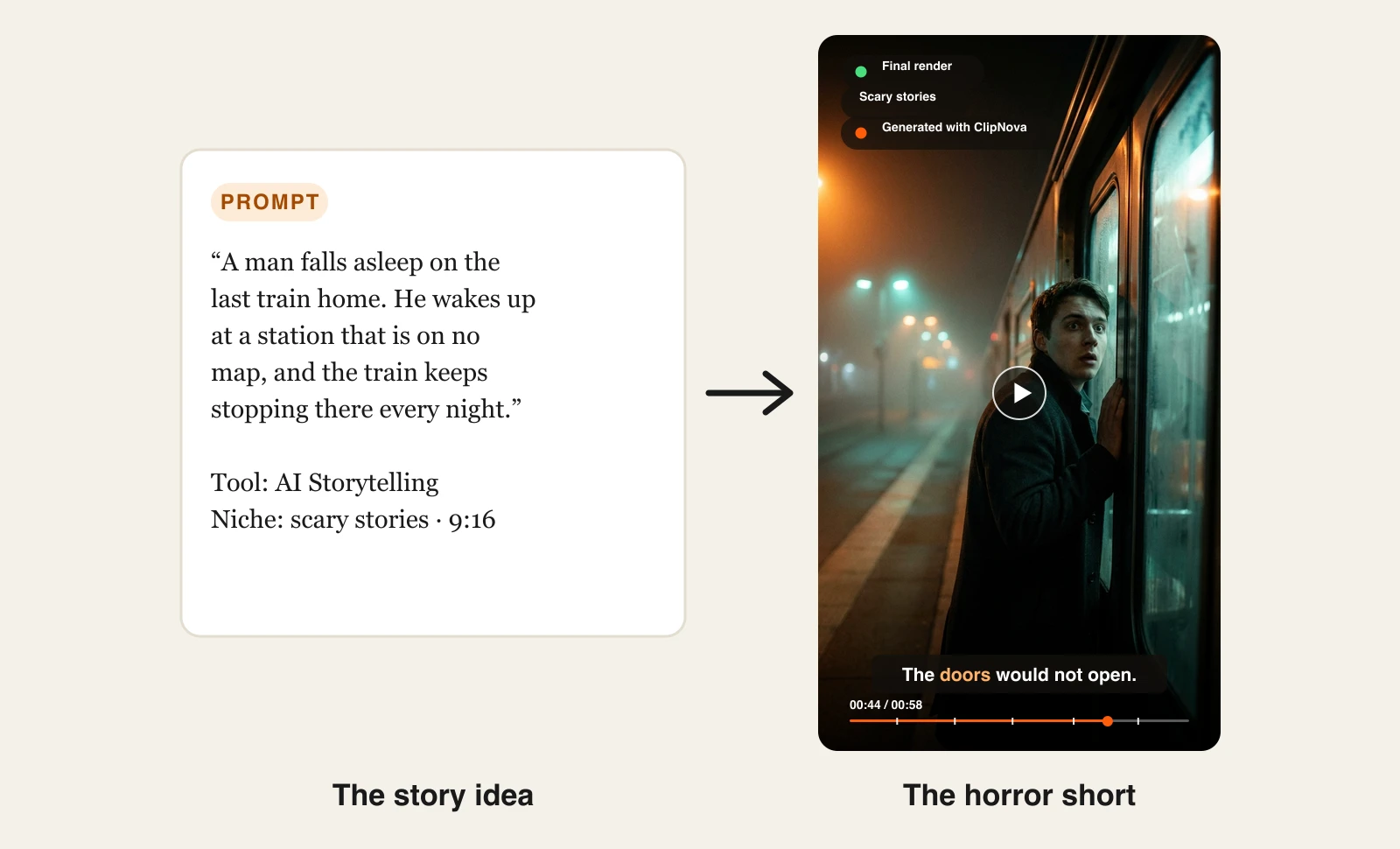
A horror short lives or dies on pacing: the hook in the first second, the slow build, the twist. ClipNova handles that whole arc. Paste a story or a one-line idea into AI Storytelling, pick the scary stories niche, and ClipNova shapes the narration toward suspense and an unsettling twist, generates a dark visual for every beat, keeping a saved victim or villain looking identical throughout, voices it with a narrator, adds music, and burns in captions that light up word by word. The result is a finished vertical short, not a folder of clips.
For horror channels, ClipNova makes finished stories with a cast that stays recognizable, from a quick scare to a long creepypasta.
- Long: when a two-line scare grows into a full story, the same project goes up to 5 minutes.
- Consistent characters: save your ghost, survivor or narrator once and the same face and outfit return in every scene; Series brings them back for the next episode, with story memory keeping the plot.
- Finished: script, dark scenes, voiceover, captions and music arrive in one pass, and Studio lets you redo one scene before you post.
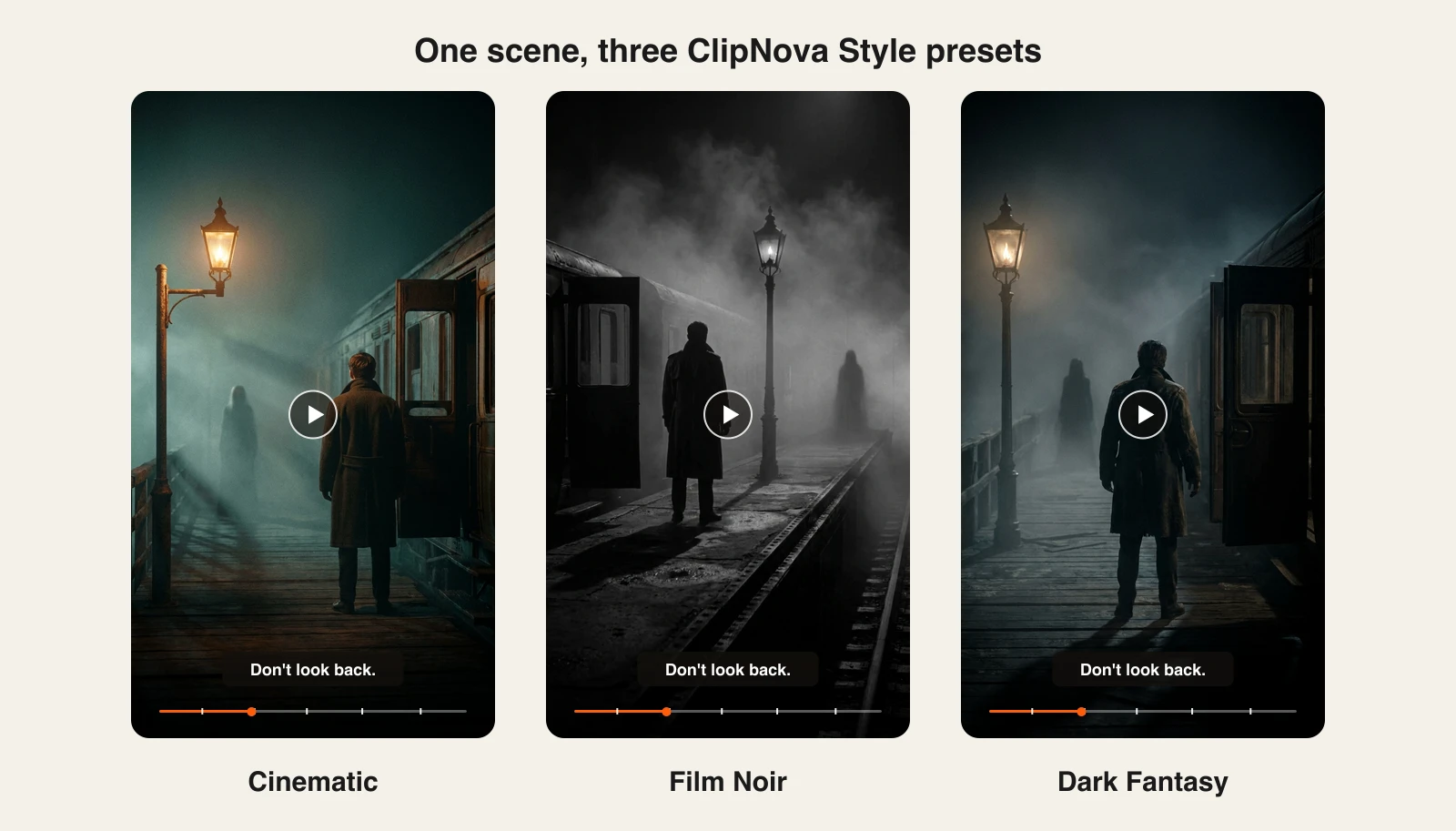
If you want more control over the look, Prompt to Video adds Style presets such as Cinematic, Film Noir, and Dark Fantasy for longer creepypasta-style stories.
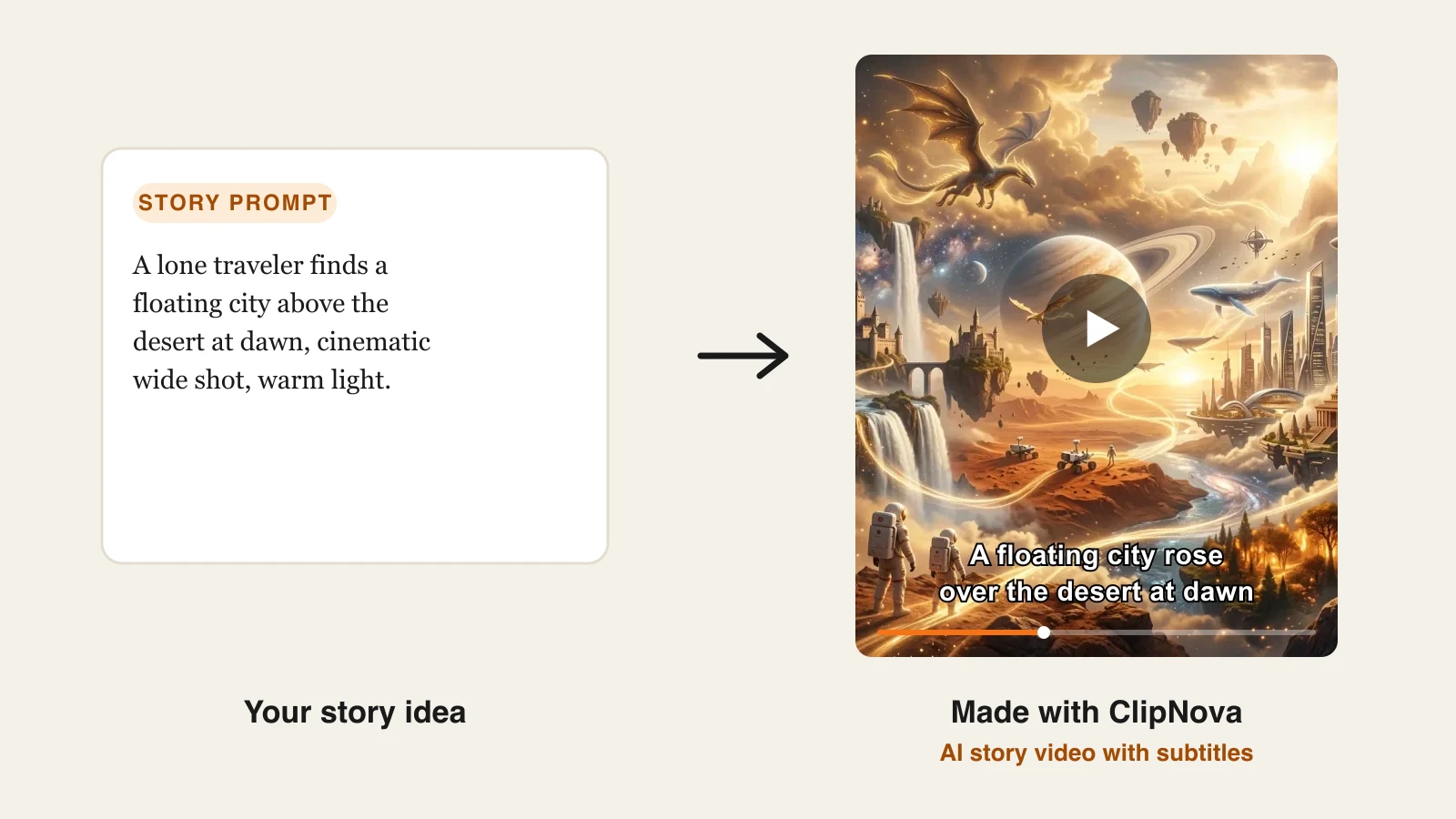
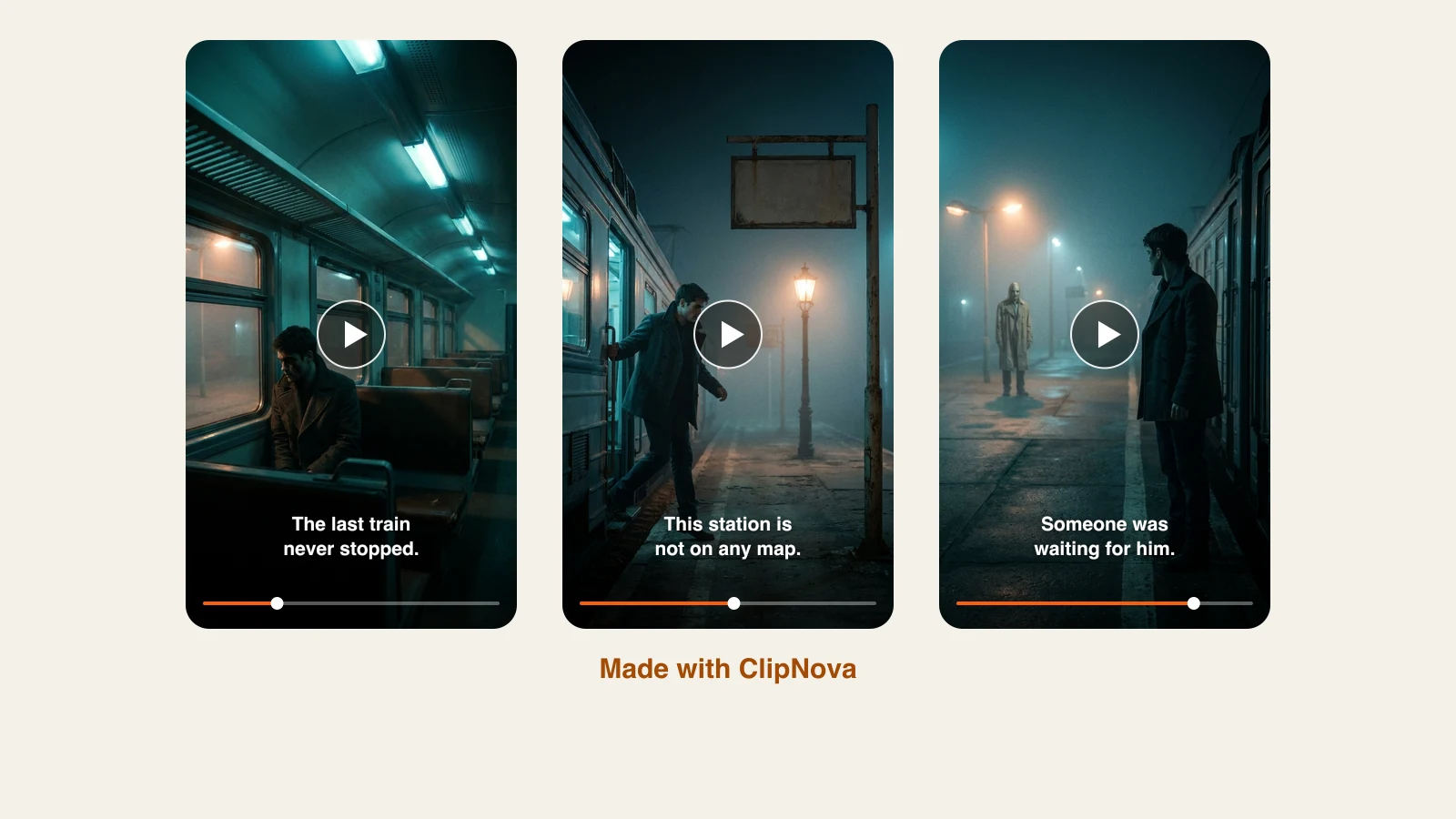
Here is a two-sentence story idea and the horror short that came back:
Change the Style preset in Prompt to Video, and the same scene takes on a different kind of fear:
How to make a horror video with ClipNova
- Sign up for the ClipNova app.
- Open AI Video Studio and choose AI Storytelling.
- Pick the scary stories niche. It sets the tone to suspense and a twist.
- Paste your story, or write one line and let the AI draft it. Start with the scariest sentence: that is your hook.
- Keep 9:16, switch on narration and captions, and generate.
- Post it as Part 1, then feed the ending into the next story to build a series.
The AI story video generator page walks through the full pipeline, and our guide on how to make AI horror story videos covers writing hooks and twists that keep viewers to the end.
Key features
- A scary stories niche that shapes narration toward suspense and a twist
- A dark visual for every story beat, in a cinematic or illustrated look
- Narrator voices in 18 languages, background music, and word-synced captions
- Cinematic, Film Noir, and Dark Fantasy Style presets in Prompt to Video, up to 5 minutes
- Vertical-first export for Shorts, TikTok, and Reels
Best for
- Faceless horror and creepypasta channels posting daily
- Creators narrating local ghost stories and urban legends in their own language
- Story series where each episode ends on a cliffhanger
Pricing
- Hobby $39/mo (1,000 credits), Starter $49/mo, Growth $99/mo, Ultra $199/mo; 20% off yearly
- Every plan includes the full feature set and commercial rights; plans differ only in credits
Pros
- Handles the whole story arc, not just the visuals
- Works in 18 languages, which matters for horror audiences outside English
- Commercial rights on every plan, so the videos are safe to monetize
Cons
- No built-in auto-posting; you download and post yourself
- For a single hand-directed jump scare, a clip model gives more shot-level control
2. AutoShorts.ai, best for a scary-story series on autopilot
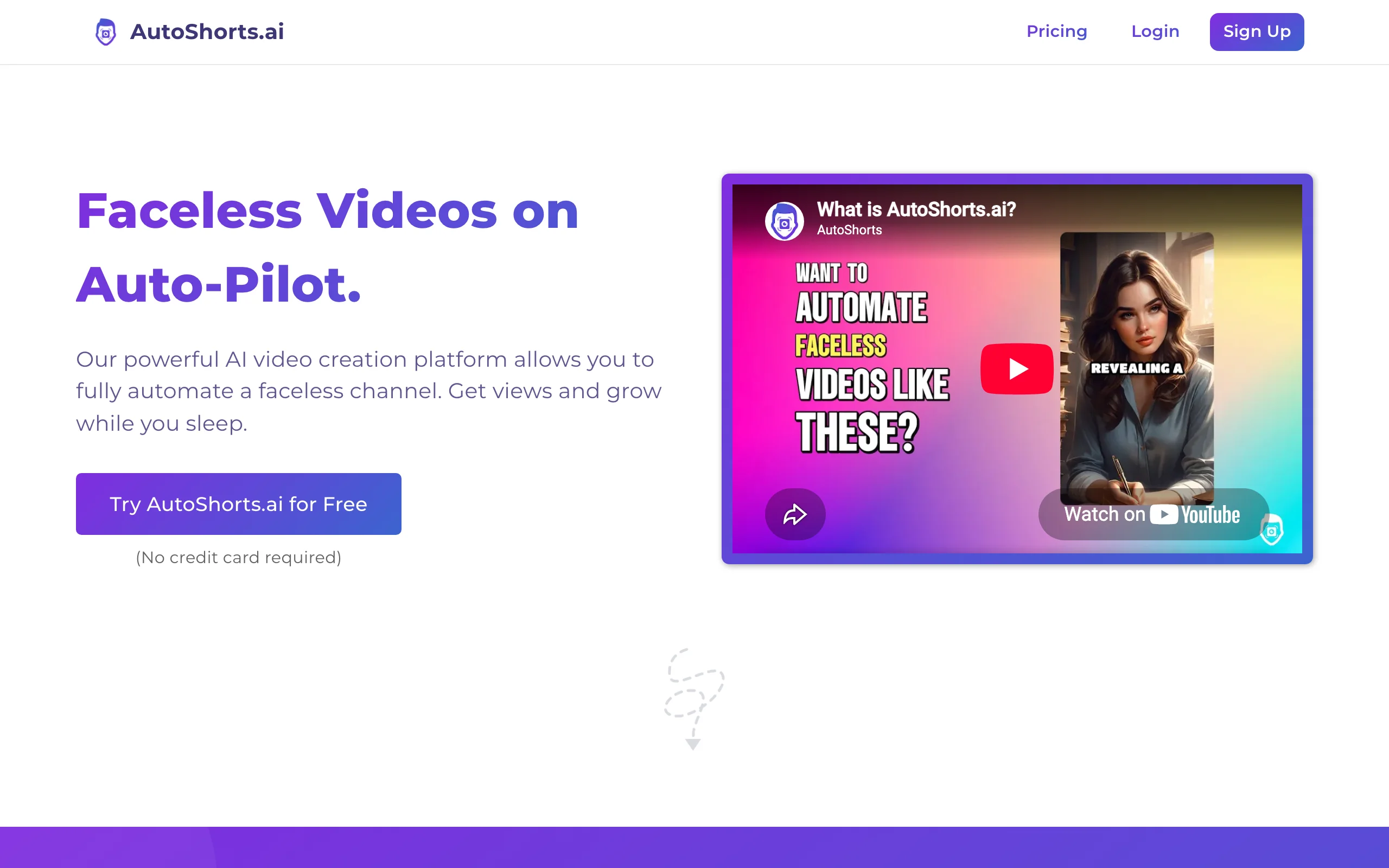
AutoShorts.ai is built around one idea: pick a niche, connect your channel, and let it post for you. Scary stories are one of its most common series. It writes the script, generates the voiceover and visuals, adds captions and music, and publishes on a schedule, so a horror channel can run without daily work.
Key features
- Series setup by niche, including scary stories
- Automatic posting to your channel on a schedule
- Voiceover, captions, background music, and voice cloning
- Edit and preview each video before it posts
Best for
- Creators who want a horror channel running with minimal hands-on time
- Testing whether a scary-story niche gets traction before investing more
Pricing
- Starter $19/mo: 3 posts a week; Daily $39/mo: 1 post a day; Hardcore $69/mo: 2 posts a day
- Yearly billing saves the cost of two months
Pros
- The most hands-off way to keep a horror channel posting
- Plans map directly to posting frequency, which makes budgeting simple
Cons
- One series per subscription
- Template-driven visuals can look similar to other channels using the same tool
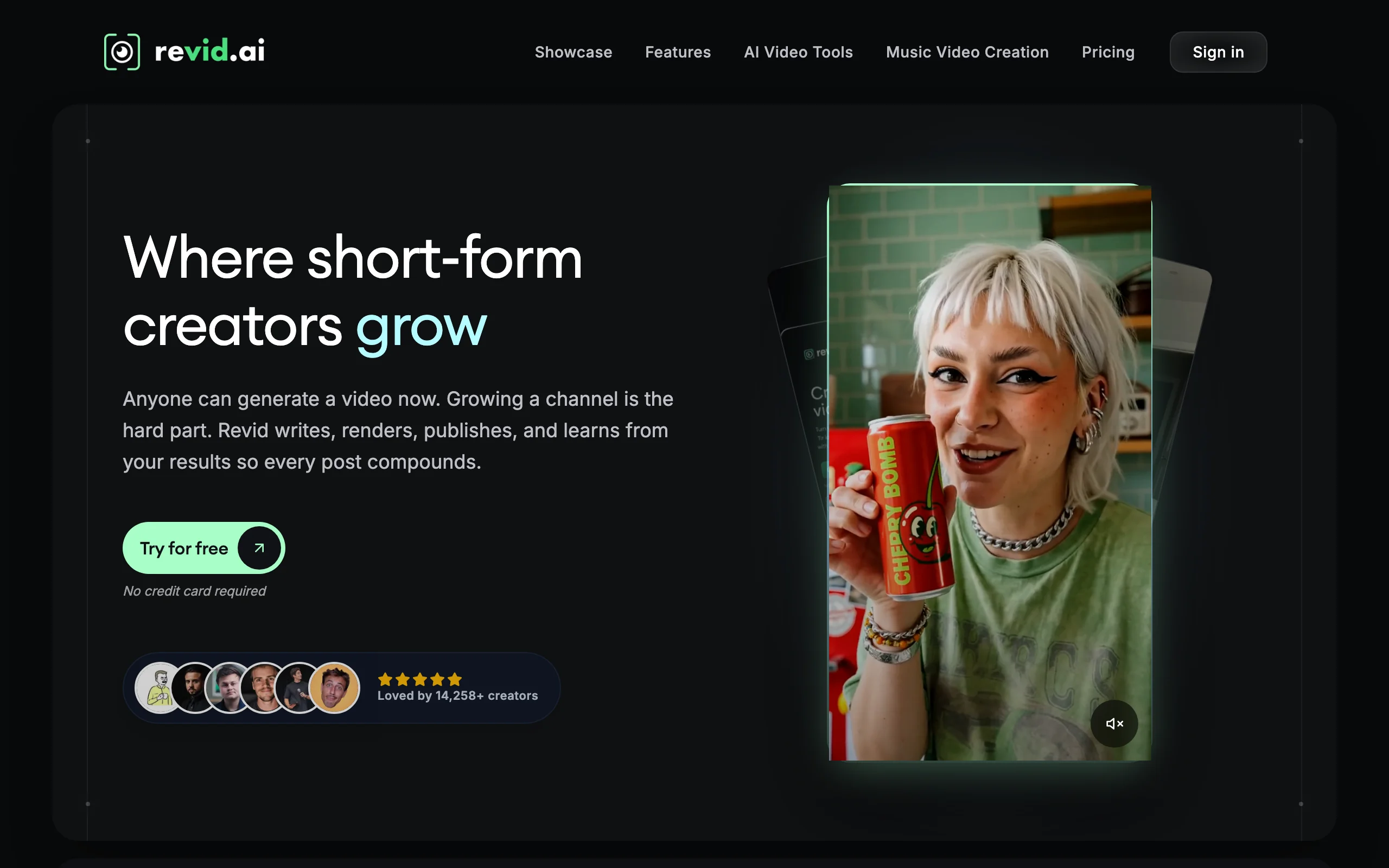
3. Revid.ai, best for remixing viral horror formats
Revid.ai starts from what already works. Its library of more than 3 million viral short videos lets you study which horror hooks and formats are pulling views, then remix one into your own video from text or a link. Higher plans add auto-mode workers that create and publish for you.
Key features
- 3M+ viral video library to find proven horror formats
- Text or link to video, with an editor for short-form
- Voiceovers in 70+ languages and video models up to 4K (Growth and up)
- Auto-mode workers and publishing to TikTok, Instagram, and YouTube (Growth and up)
Best for
- Horror creators who research trends before writing
- Teams running several faceless channels at once
Pricing
- Hobby $39/mo; Growth $99/mo (on promotion at $39/mo), 2,000 AI credits, 3 auto-mode workers
- Ultra $199/mo: 12,000 AI credits, 10 auto-mode workers
Pros
- Trend research and creation in the same tool
- Strong automation on higher plans
Cons
- Hobby is built for hands-on editing; monthly AI credits, 4K models, and automation start on Growth
- More features than a single-niche horror channel needs
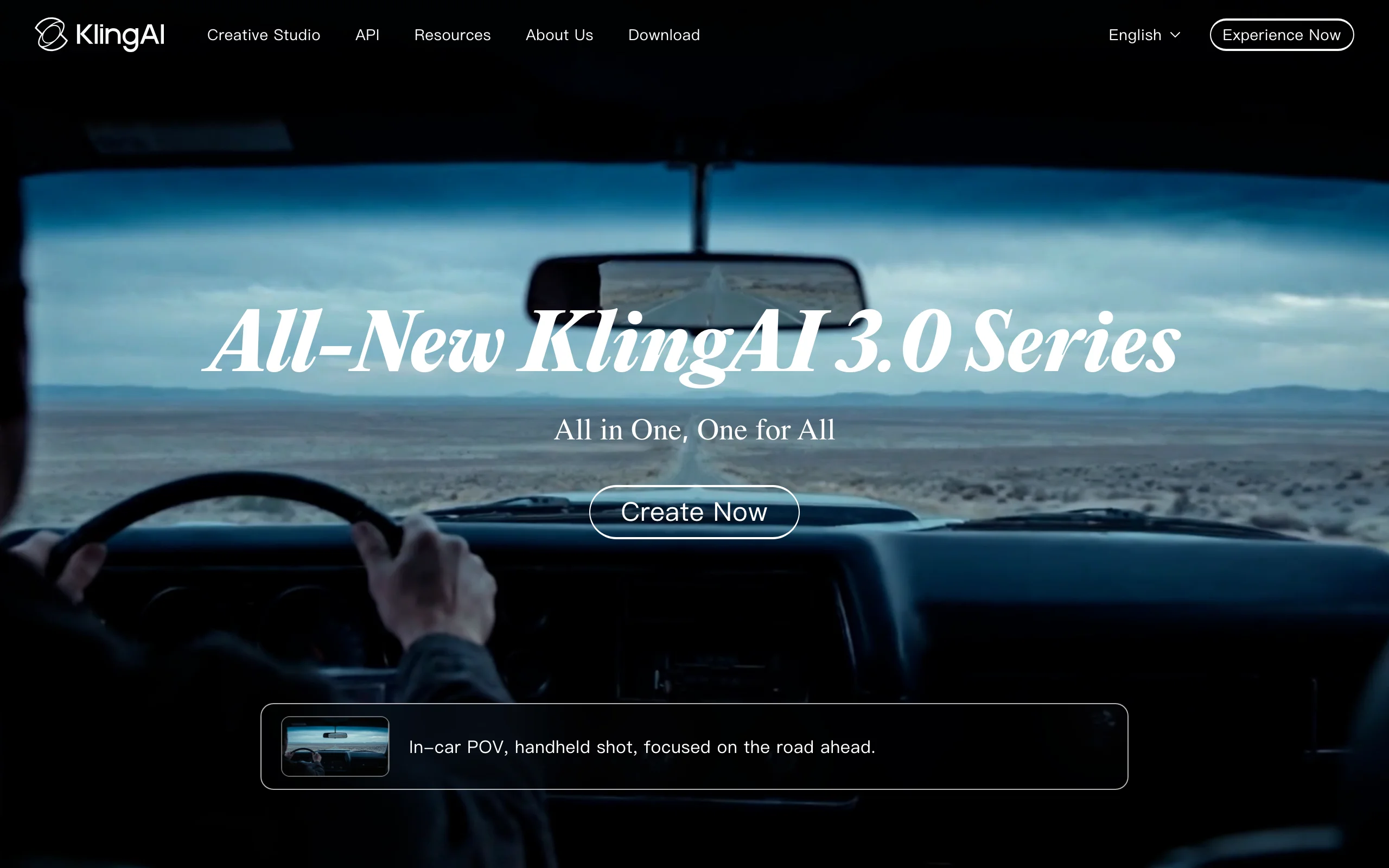
4. Kling, best for realistic, unsettling motion
Kling produces some of the most convincing motion of any video model, and in horror that realism is the point: a figure that turns its head too slowly, a door drifting open, fog rolling across a road. It is a clip generator, so you build the story from shots.
Key features
- Realistic, coherent motion for slow-building dread
- Text-to-video and image-to-video, with start and end frames
- 5 to 10 second clips at up to 1080p
Best for
- Cinematic horror shots and trailers
- Creators who storyboard each scare and edit the sequence themselves
Pricing
- Standard is about $9/mo ($6.99 for the first month, then $8.80), with 660 credits
Pros
- Realism that makes subtle scares land
- Inexpensive to start
Cons
- No narration, captions, or story structure; you assemble everything
5. Runway, best for performance-driven scares
Runway is a professional video suite, and its Act-Two performance capture is the standout for horror: you act the scene yourself on a webcam or phone (the slow head turn, the scream, the stare), and Runway transfers your face, body, and hand movement onto a generated character. That gives you timing control no text prompt can match.
Key features
- Act-Two performance capture: head, face, body, and hand tracking
- Text-to-video and image-to-video with strong cinematic control
- Editing tools in the same suite
Best for
- Horror filmmakers who want to direct the performance, not just the scene
- Short films and trailers with a few key character moments
Pricing
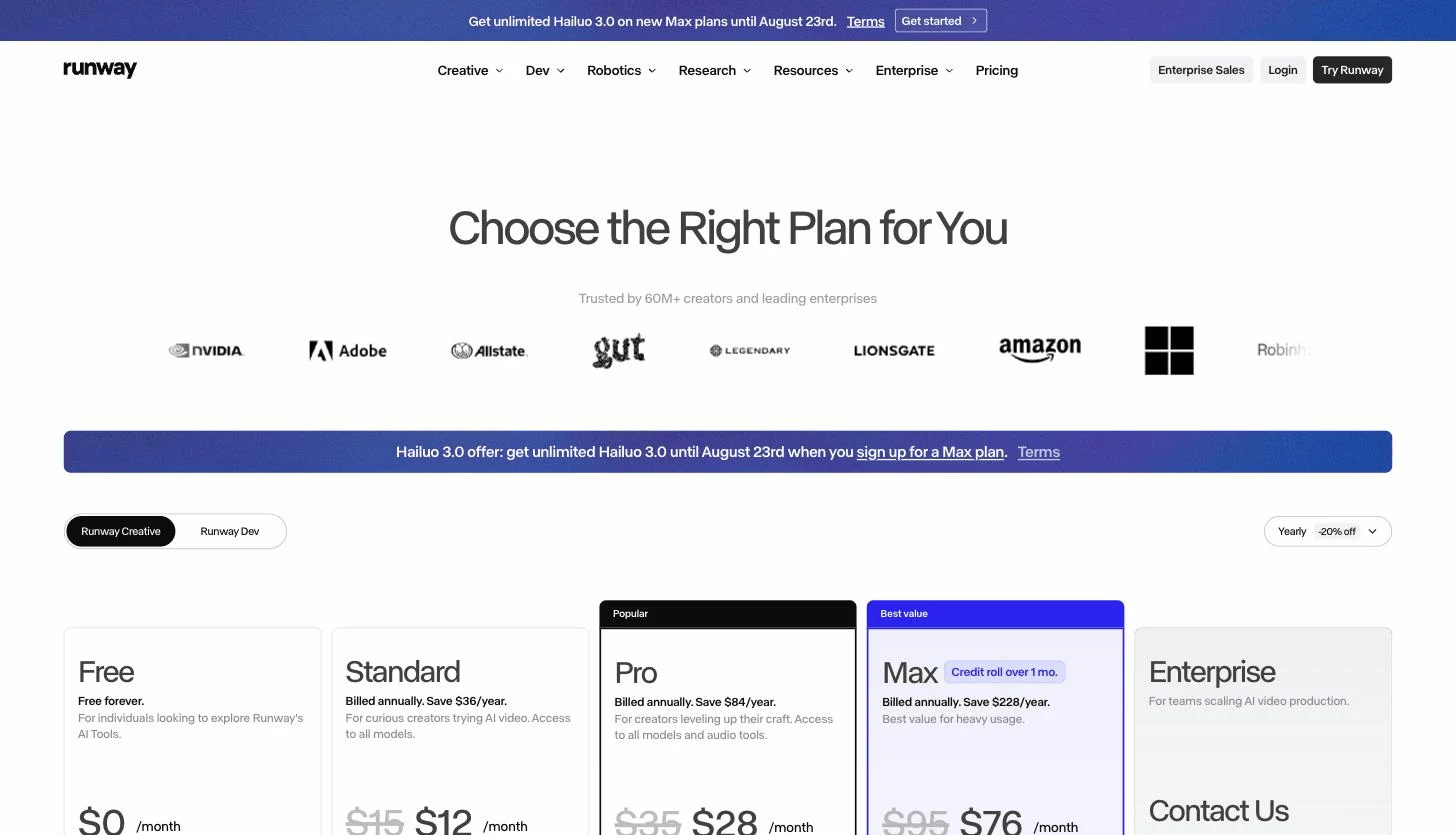
- Standard $15/mo ($12/mo yearly) with 625 credits; Pro $35/mo; Max $95/mo
Pros
- The most control over how a character moves and reacts
- Professional editing in the same place
Cons
- Credits go quickly on longer sequences
- A steeper learning curve than story-first tools
6. Google Flow (Veo 3.1), best for native sound design
Sound does half the work in horror, and Google Flow with Veo 3.1 generates audio in the same pass as the picture: footsteps, creaking floors, wind, whispers, and dialogue synced to the scene. For short atmospheric clips, that removes a whole sound-design step.

Key features
- Veo 3.1 with synced native audio and dialogue
- Flow scene builder for assembling shots
- 1080p on paid plans
Best for
- Atmospheric horror clips where sound carries the fear
- Creators already paying for Google AI plans
Pricing
- Google AI Pro $19.99/mo, with more credits on the higher Ultra plan
Pros
- Built-in sound effects and dialogue in every clip
- Realistic lighting and textures suit horror well
Cons
- Short clips; longer stories need stitching and narration elsewhere
- Credits on the Pro plan cover a limited number of generations
How to choose the best AI horror video generator for your channel
1) Do you want finished stories or raw scenes?
- If you want a narrated, captioned horror short from a story: ClipNova.
- If you want to direct every scare shot by shot: Kling, Runway, or Google Flow, plus an editor.
2) How hands-off do you want to be?
- Fully automatic posting to one channel: AutoShorts.ai.
- Trend research plus automation across several channels: Revid.ai (Growth and up).
- Control over every story, with finished videos in minutes: ClipNova.
3) What kind of horror do you make?
- Narrated scary stories, urban legends, true mysteries: ClipNova with the scary stories niche.
- Cinematic trailers and short films: Runway for performance, Kling for realism.
- Atmosphere-first clips where sound matters most: Google Flow.
4) What will each video cost you?
A 60-second horror short built from 5-second clips means 12 or more generations, plus voice, captions, music, and editing. If you post daily, a tool that returns the whole short usually wins on both time and credits. Test with a real story from your niche before committing: ClipNova's $39/mo Hobby plan returns full shorts. For more faceless niches that pair well with horror, see the best faceless YouTube Shorts niches, or build any faceless reel with the faceless reels generator.
Frequently asked
What is an AI horror video generator?
An AI horror video generator turns a scary story, a script, or a prompt into a horror video without filming. Story-first tools like ClipNova write or shape the narration, generate dark visuals for each beat, voice it, and add captions. Clip models like Kling and Runway generate short cinematic shots that you edit into a sequence yourself.
What is the best AI horror video generator in 2026?
ClipNova is the best overall AI horror video generator for faceless channels, because a story idea becomes a finished narrated short with a scary stories tone, dark visuals, music, and captions. AutoShorts.ai is best if you want a horror series posted on autopilot, and Runway or Kling are best for directing individual cinematic scares.
How do I make a scary story video with AI?
Write or pick a story with a strong first line, a slow build, and a twist. In ClipNova, open AI Storytelling, choose the scary stories niche, paste the story, keep 9:16 with narration and captions on, and generate. Post it as Part 1 and continue the story in the next video to build a series.
Can AI horror videos be monetized on YouTube and TikTok?
Yes, if your plan includes commercial rights and the stories are original or public domain. ClipNova includes commercial rights on every plan. Platforms can demonetize repetitive or templated uploads, so varied stories and a consistent narrator help a horror channel stay monetized.
Are AI horror videos allowed on YouTube Shorts and TikTok?
Horror content is allowed, but graphic violence and gore are restricted and can be age-limited or removed. Most successful horror shorts rely on suspense, sound, and shadows rather than blood, which is also what AI tools render most convincingly. Label realistic AI-generated scenes where the platform asks you to.
What makes a horror short go viral?
A hook in the first second, a question the viewer needs answered, and a twist or cliffhanger at the end. Keep narration tight, add captions for silent viewers, and use sound and darkness instead of shock visuals. Series with a Part 2 bring viewers back to your channel.
If I want to start a scary story channel, which tool should I use?
ClipNova fits a daily posting schedule best, because each story becomes a finished narrated horror short with captions in minutes, in 18 languages. Post three stories in different sub-genres (urban legend, true mystery, supernatural), and double down on the one your audience watches to the end.