A blank canvas used to mean hiring an illustrator or spending hours in Photoshop. AI art generators now turn a sentence into a finished image, from photoreal product shots to painterly concept art, in under a minute. That changes the economics of every thumbnail, ad, poster, and storyboard you make.
The catch is that these tools are not interchangeable. One nails typography, another owns cinematic quality, a third is the only one safe to use on a client brand. Pick wrong and you either overpay or ship art you can't legally use.
In this guide we compare the best AI art generators, with current pricing, real strengths, and a decision framework so you can match a tool to the art you actually need to make, whether that's a one-off logo or a daily feed of social visuals.
Best AI art generators: a brief overview
- ClipNova: Best overall for creators who want multiple top image models in one place and the option to animate stills into video, all on one subscription.
- Midjourney: Best for pure aesthetic quality: the most striking, gallery-grade art with fine stylistic control.
- ChatGPT (GPT Image): Best for conversational, everyday image-making and precise in-image text, right inside a chat you already use.
- Adobe Firefly: Best for commercially safe, brand-safe art trained on licensed content, with Photoshop and Express built in.
- Leonardo AI: Best for game assets, concept art, and consistent characters across a whole project.
- Ideogram: Best for text, logos, posters, and typography-heavy designs.
- Stable Diffusion: Best free and open-source option for anyone who wants total control and can run it themselves.
The right pick depends on what you're making and how much control (and legal safety) you need. The table below sums up the facts; the sections after it explain the fit.
| Tool | Best for | Starting price | Free option | Output focus |
|---|---|---|---|---|
| ClipNova | Multi-model art hub + animate to video | From $19/mo | 70 credits, no card | Images across top models, plus video |
| Midjourney | Highest artistic quality | From $10/mo | None | Stylized, gallery-grade art |
| ChatGPT (GPT Image) | Conversational art + text in images | ChatGPT Plus ~$20/mo | Free tier (capped) | General art, strong text rendering |
| Adobe Firefly | Commercially safe, brand-safe art | From $9.99/mo | Free tier (limited credits) | Licensed-data art, Photoshop fills |
| Leonardo AI | Game assets, consistent characters | From $12/mo | Free (150 tokens/day) | Concept art, characters, assets |
| Ideogram | Text, logos, posters | From $20/mo ($15 annual) | Free tier (slow queue) | Typography and graphic design |
| Stable Diffusion | Open-source, full control | Free (self-host) | Free (run locally) | Fully customizable, any style |
1. ClipNova, best overall for creators who want art and video in one place
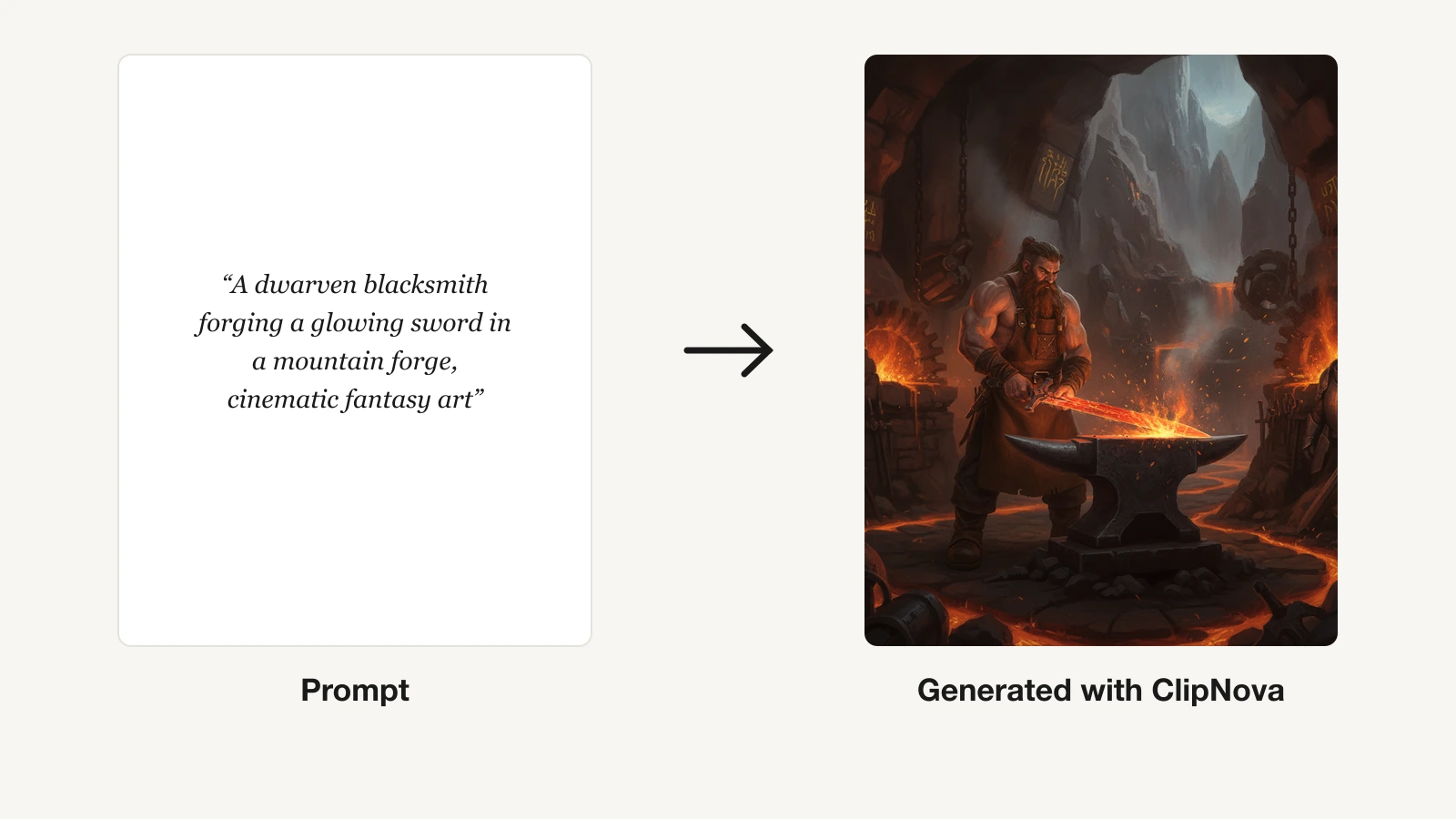
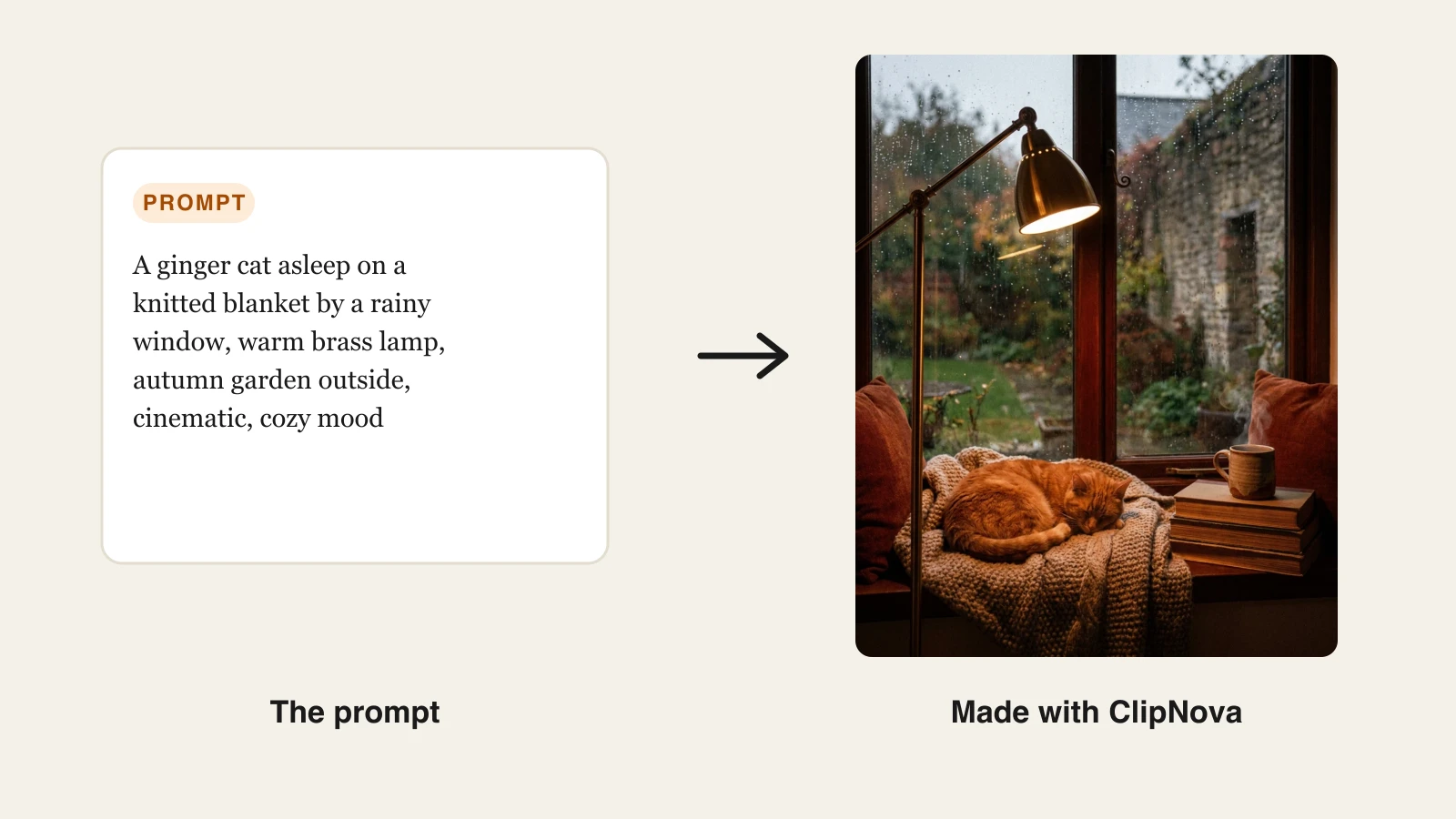
ClipNova treats image generation as one step in a creator's real workflow, not the whole job. Its models hub lets you generate art with several of the strongest image models on the market, Google's Nano Banana (Gemini), Flux, Seedream, Ideogram, and GPT Image among them, from a single account, then jump straight to turning that still into a moving clip. For anyone building thumbnails, ad creative, or social posts, that "prompt to picture to video" path is the reason to start here rather than juggling five subscriptions.
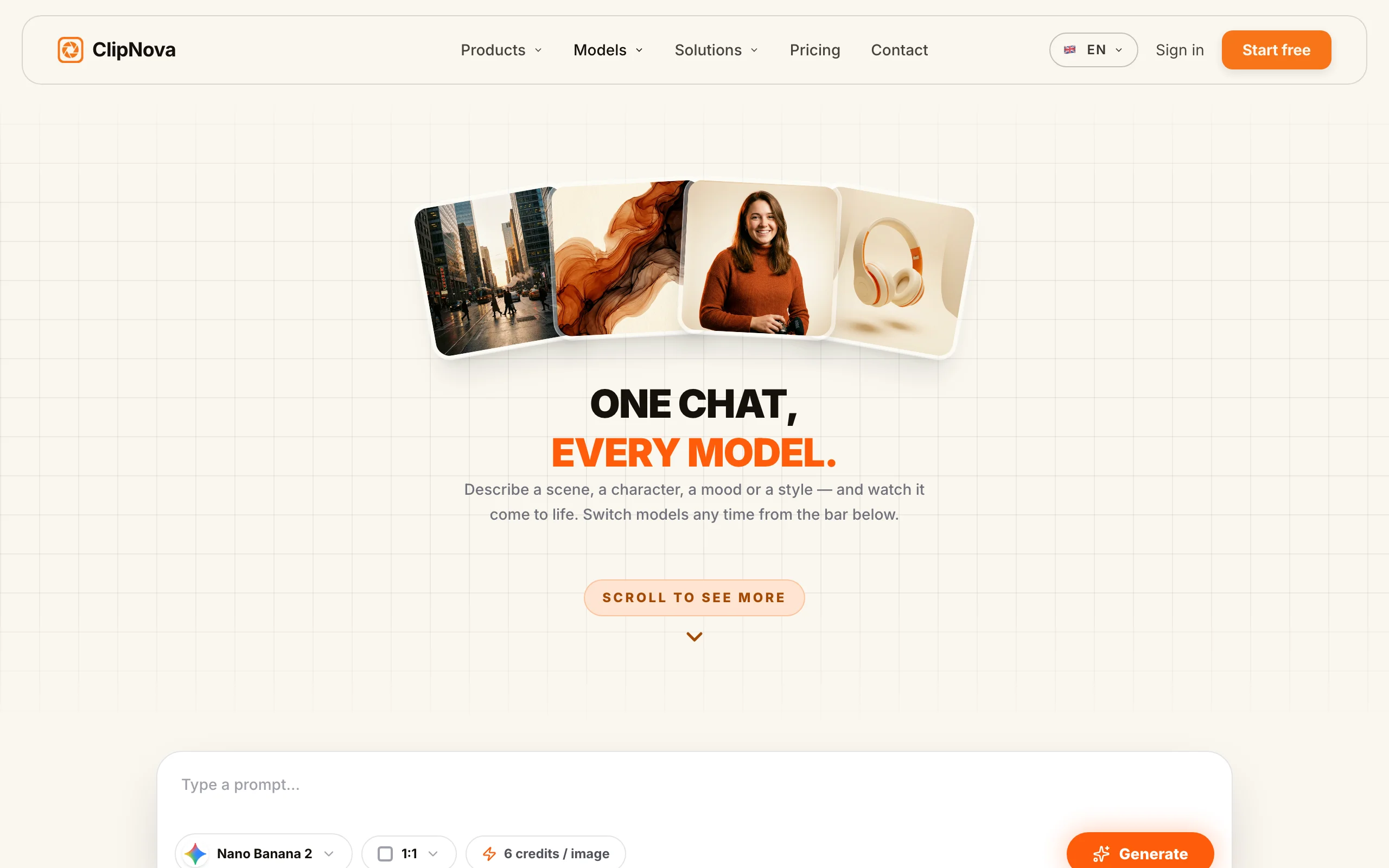
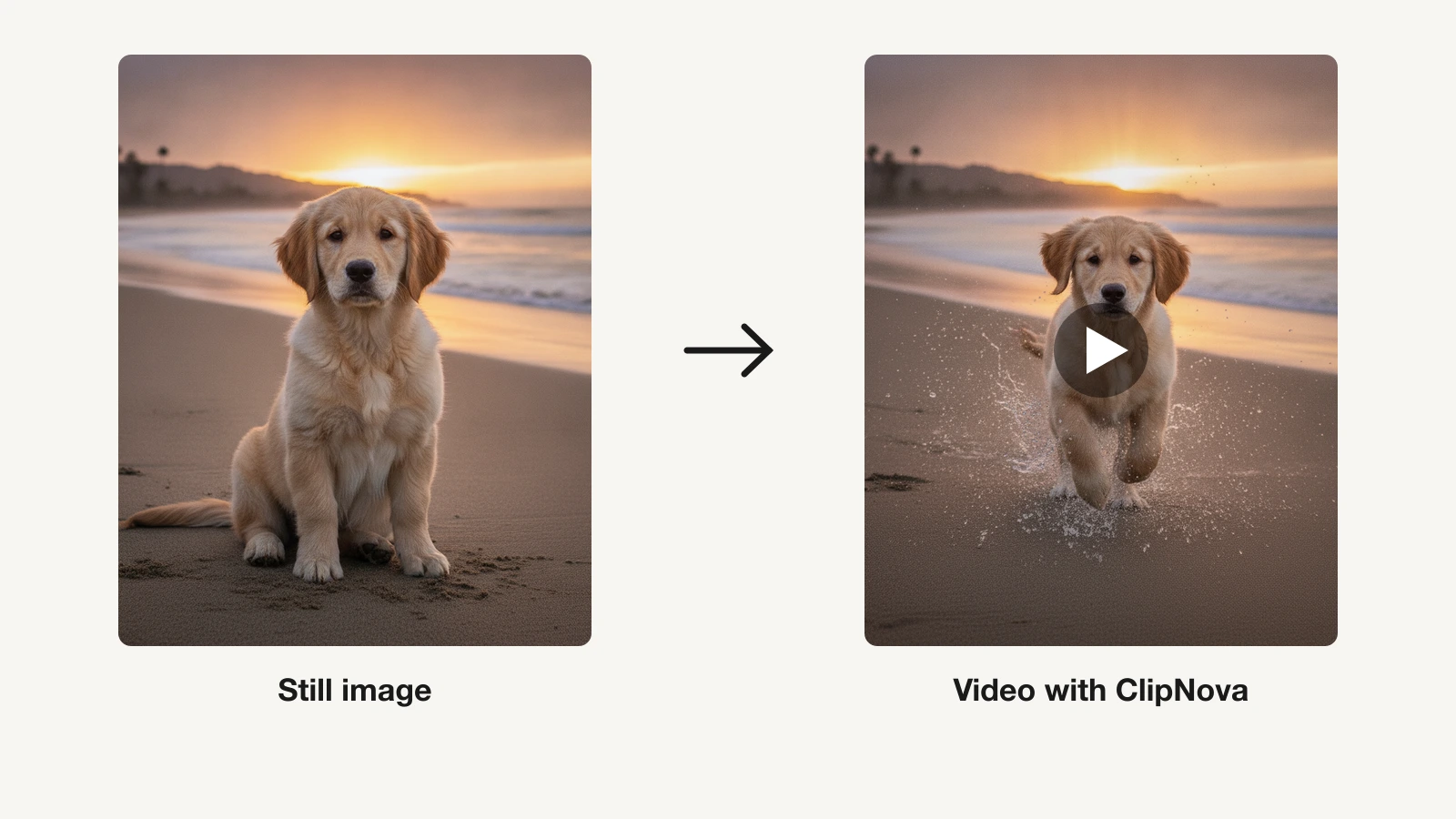
Because every ClipNova plan includes the full feature set and differs only in monthly credits, you're not gated out of a model or an export size by tier. You generate an image, refine it, then use the AI photo to video generator to add camera motion and sound, all watermark-free with full commercial rights.
Key features:
- One hub for multiple frontier image models (Nano Banana, Flux, Seedream, Ideogram, GPT Image) via the ClipNova models hub
- Text-to-image generation from a plain prompt
- Animate any generated still into video with motion, voiceover, and music
- Watermark-free 1080p and 4K export on every plan
- Full commercial rights on every plan, no tier gate
Best for:
- Creators and marketers who want art and short-form video from one tool
- Teams that would otherwise pay for several image apps separately
- Anyone who plans to turn stills into scroll-stopping video
Pricing:
- Hobby $19/mo (1,000 credits), Starter $49/mo (2,500), Growth $99/mo (5,000), Ultra $199/mo (10,000)
- Every plan includes all features; only monthly credits differ; yearly billing saves 20%
- Start free with 70 credits (no card required), then see the full ClipNova plans
Pros:
- Access to several top image models plus video in one subscription
- Simple plans, every feature included, commercial rights on all tiers
- The fastest route from a generated image to a finished, captioned video
Cons:
- Not a fine-art community with public galleries and remix culture like Midjourney
- Credit-based, so heavy generators should size their plan to their volume
2. Midjourney, best for pure artistic quality
Midjourney remains the reference point for how good AI art can look. Its models consistently produce the most striking lighting, composition, and texture, which is why concept artists, illustrators, and art directors keep it in the stack. The v7 model added better in-image text and a cleaner web app, so you no longer have to live inside Discord to use it.
Control is the other draw. Style references (--sref) let you lock a look across a series, and Omni Reference (--oref) in v7 helps keep a subject consistent. The trade-off is a real learning curve and no free way to try it.
Key features:
- Best-in-class aesthetic and artistic quality
- Style references (
--sref) to keep a consistent look across images - Omni Reference (
--oref) in v7 for subject consistency - v7 model with improved text rendering and a Draft Mode
- Modern web app plus unlimited Relax generations on higher tiers
Best for:
- Concept artists and illustrators who need gallery-grade output
- Art directors building a consistent visual style across a series
Pricing:
- No free tier or trial; Basic from $10/mo (~200 images)
- Standard $30/mo (unlimited Relax), Pro $60/mo (adds private Stealth Mode), Mega $120/mo
- Roughly 20% off with annual billing
Pros:
- The highest visual quality of any tool here, out of the box
- Strong, repeatable style and subject control for series work
Cons:
- No free tier and a steeper prompt/parameter learning curve
- Businesses over $1M in revenue need a Pro or Mega plan for commercial rights
3. ChatGPT (GPT Image), best for conversational, everyday art
If you already pay for ChatGPT, you have one of the best general art generators built in. OpenAI now uses native GPT Image generation (the successor to DALL·E 3, which is being retired through 2026), and its edge is the conversation: you describe an image, then refine it in plain language ("make it night, add a red jacket") without re-prompting from scratch.
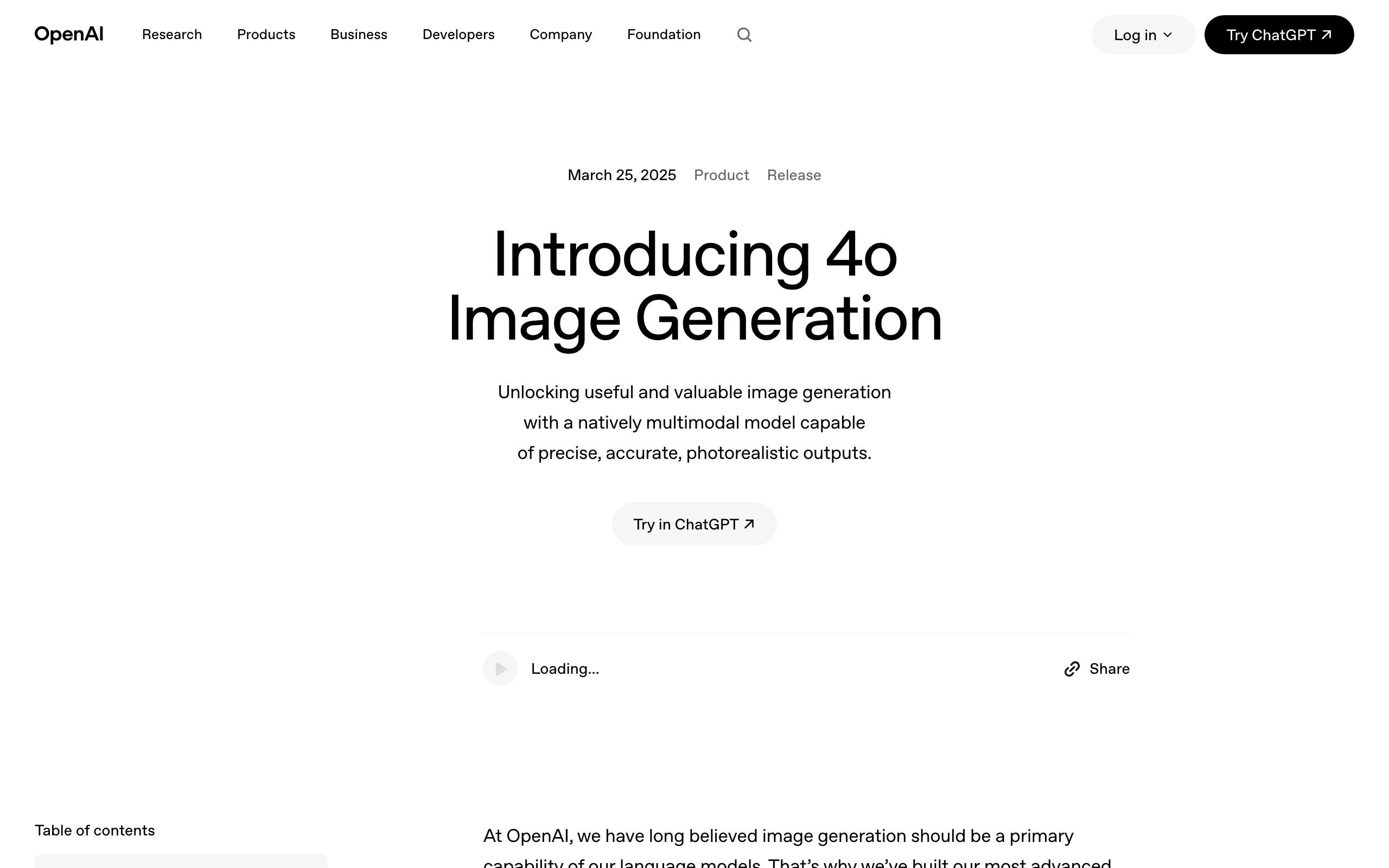
It also handles in-image text and multilingual signage better than most, and every output carries C2PA "Content Credentials" metadata. For social posts, blog headers, and quick concepts, it's often the fastest path from idea to usable image.
Key features:
- Native, conversational multi-turn editing of images
- Strong in-image text rendering, including multiple languages
- Photorealism plus visual reasoning for complex prompts
- Mask-based inpainting and image-reference editing
- C2PA Content Credentials on every generated image
Best for:
- Anyone who wants to generate and edit art inside a chat they already use
- Non-designers who prefer plain-language iteration over parameters
Pricing:
- Available in ChatGPT Free (tight caps), Plus (~$20/mo), and Pro ($200/mo)
- Also via the API (
gpt-image-2), priced per token - Free tier has real rate limits; Plus is the practical entry point
Pros:
- Effortless, conversational editing beats parameter-heavy tools for speed
- Bundled with a subscription many people already have
Cons:
- Content restrictions block some prompts other tools allow
- Less granular stylistic fine-control than Midjourney
4. Adobe Firefly, best for commercially safe, brand-safe art
Adobe Firefly is the pick when the art has to be legally clean. Its image models are trained on Adobe Stock, licensed, and public-domain content, and Adobe offers IP indemnification for enterprise customers, which matters when you're generating visuals for a paying client or a regulated brand. That "commercially safe" promise is Firefly's whole reason to exist.
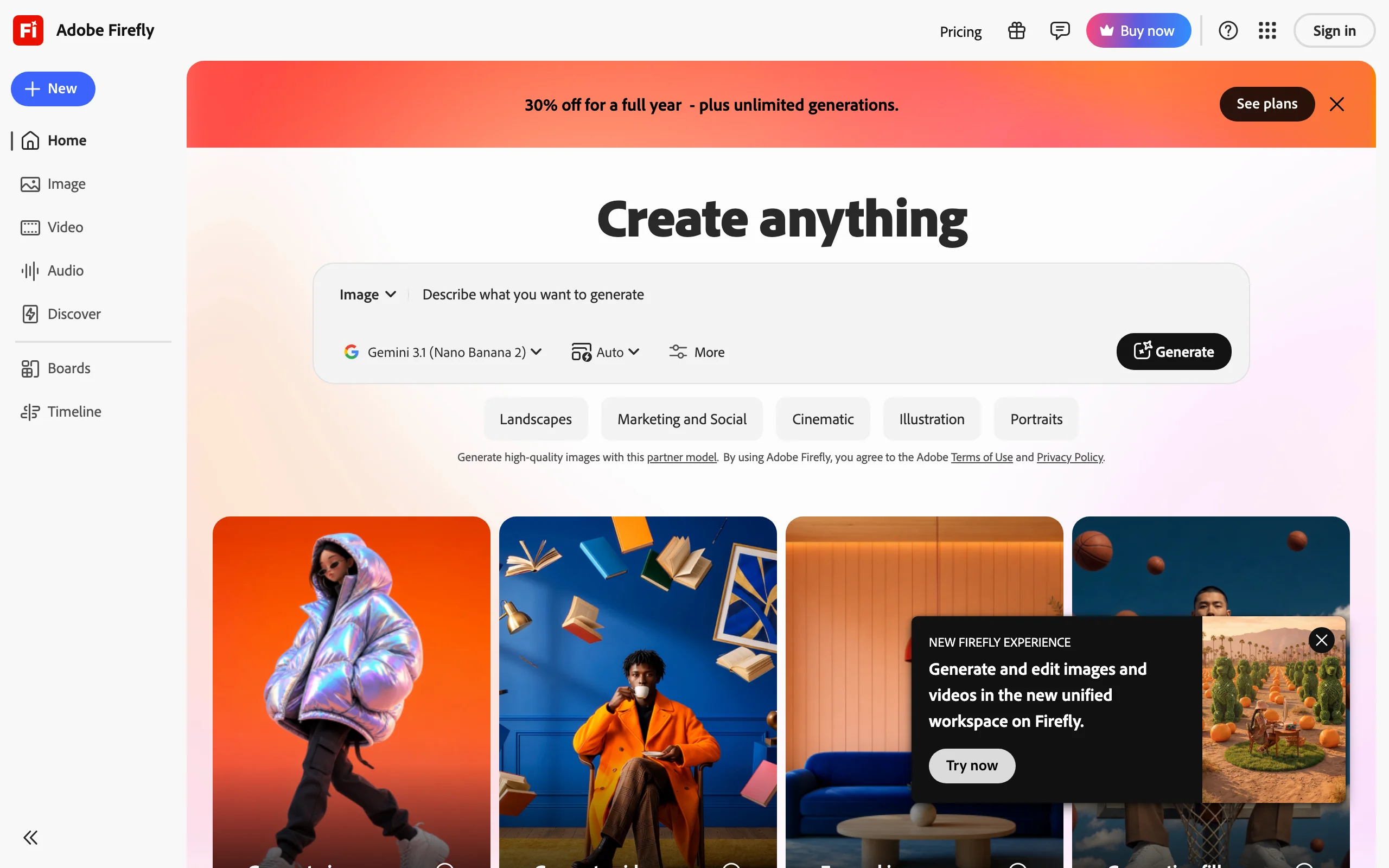
It's also the most integrated option. Generative Fill lives inside Photoshop, and Firefly connects to Express and Premiere, so generation sits next to the editing you already do. Recent versions even route to partner models for more range.
Key features:
- Trained on licensed and public-domain content for commercially safe output
- Generative Fill and expand inside Photoshop
- Deep integration with Express and Premiere
- Text effects and vector generation
- Access to partner image models for extra range
Best for:
- Agencies and brands that need indemnified, client-safe art
- Existing Creative Cloud users who want generation next to their edits
Pricing:
- Free tier with a limited monthly credit allowance
- Paid plans start at $9.99/mo (Firefly Standard, ~2,000 credits)
- Higher tiers scale credits up to 50,000 on the $199.99/mo Premium plan
Pros:
- The safest choice for commercial and client work, with IP indemnification
- Generation built into the Adobe tools designers already use
Cons:
- Credit caps throttle heavy image and video output
- Narrower stylistic range and less "wow" than Midjourney
5. Leonardo AI, best for game assets and consistent characters
Leonardo AI is built for people who make a lot of related art: game studios, concept artists, and worldbuilders. Its Consistent Character engine and custom model training (LoRA on your own references) let you lock a character, prop, or art style and reproduce it across an entire project, which general tools struggle to do. It's now owned by Canva but still runs as its own platform.
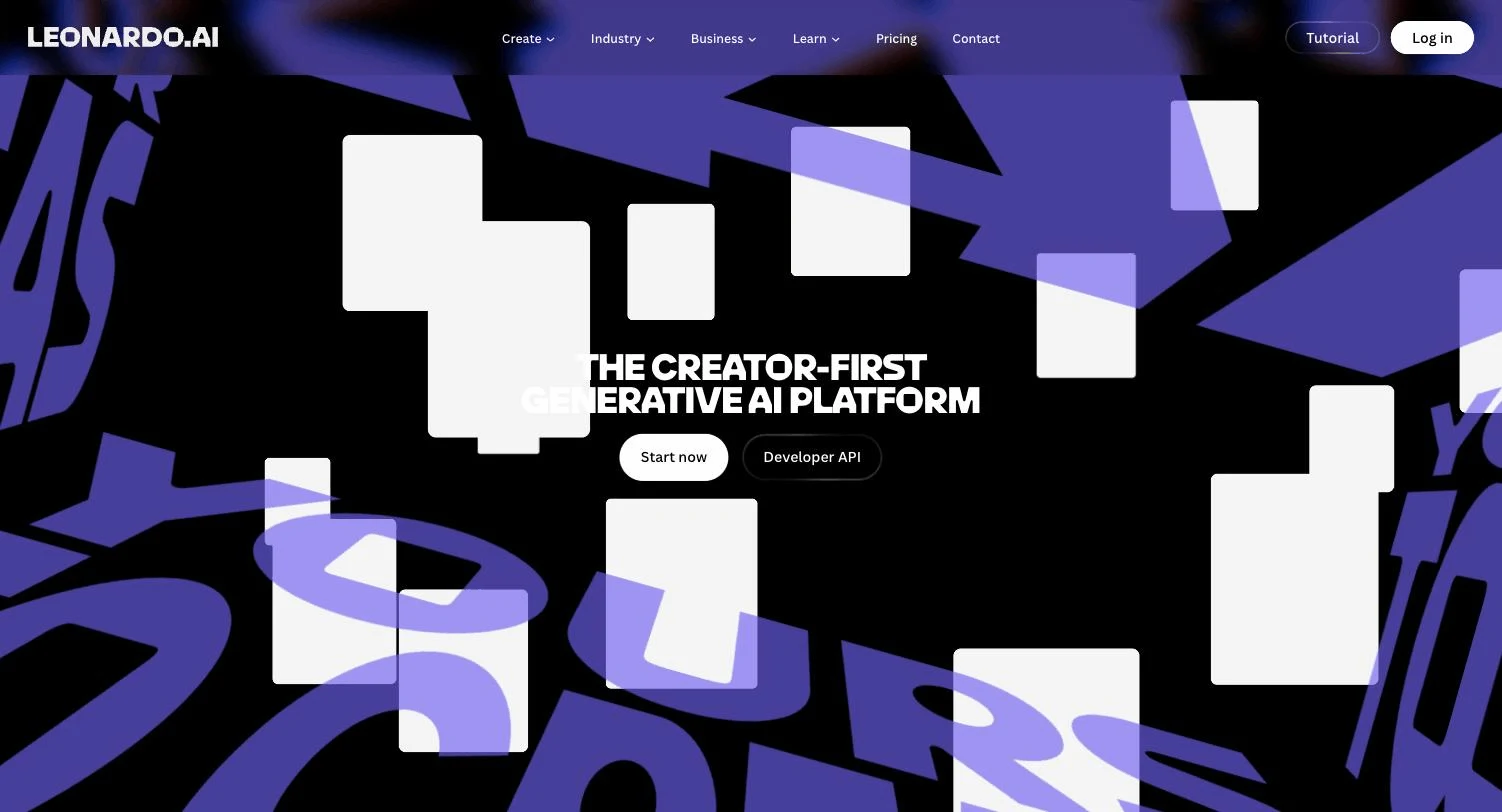
The Phoenix foundation model, ControlNet-style image guidance, and a real-time canvas give you fine control over pose and composition. A generous free tier makes it easy to test on real assets before paying.
Key features:
- Consistent Character engine to lock characters and props across images
- Custom model training via LoRA on your own reference art
- Phoenix foundation model plus integrated FLUX
- Image Guidance / ControlNet-style pose and composition control
- Real-time canvas for fast iteration
Best for:
- Game studios and concept artists building consistent asset libraries
- Creators who need the same character across many scenes
Pricing:
- Free tier with 150 tokens/day
- Paid plans from about $12/mo (Apprentice), $30/mo (Artisan), $60/mo (Maestro)
- Roughly 30% off with annual billing
Pros:
- Best-in-class character and asset consistency for project work
- Custom training and strong compositional controls
Cons:
- The token system is hard to predict across features
- Quality varies across community and fine-tuned models
6. Ideogram, best for text, logos, and typography
Most AI art generators still mangle words inside images. Ideogram is the specialist that gets them right, which makes it the go-to for posters, logos, signage, mockups, and any design where legible typography is the point. Its current Ideogram 4.0 model renders clean, correctly spelled text that you can actually ship.
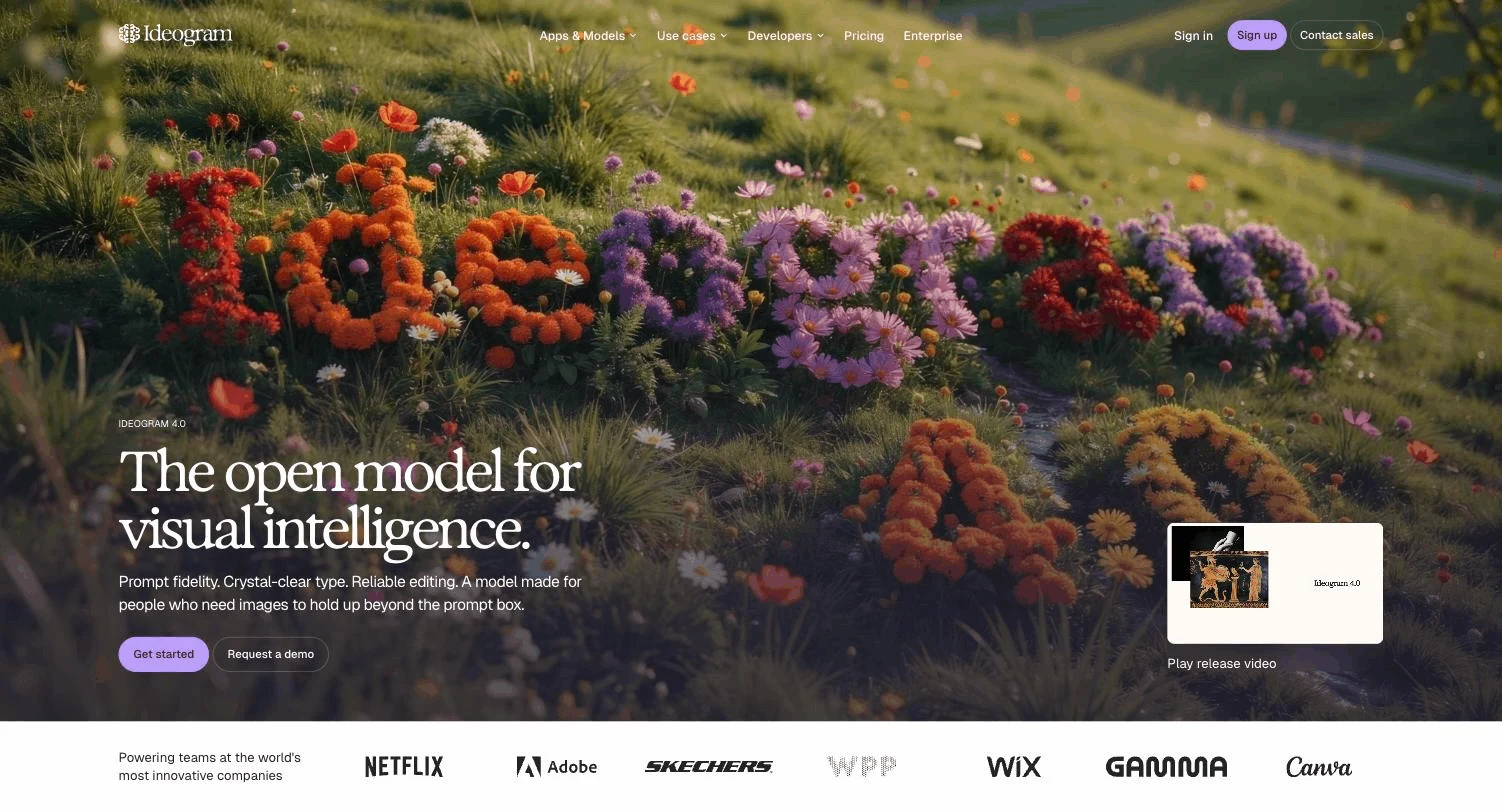
Around that core it has become a small design suite: editable text layers, character consistency, print-on-demand output, an ad resizer, and background/object removal. Magic Prompt fills in detail when your prompt is short.
Key features:
- Best-in-class in-image text rendering and typography
- Ideogram 4.0 flagship model
- Magic Prompt auto-enhancement and style references
- Editable text layers, print-on-demand, and an ad resizer
- Character consistency and object/background removal
Best for:
- Designers making logos, posters, and text-forward graphics
- Marketers who need on-brand, correctly-spelled visuals fast
Pricing:
- Free tier (slow queue, public generations)
- Plus $20/mo ($15/mo billed annually), Pro $60/mo ($42/mo annually)
- Team plans from $30/user/mo; Enterprise is custom
Pros:
- The most reliable text-in-image rendering available
- Practical design features beyond raw generation
Cons:
- Narrower than general art tools, tuned for graphic and text design
- Photorealism sits a notch below Midjourney
7. Stable Diffusion, best free and open-source option
Stable Diffusion is the open-weight foundation much of the AI art world is built on. The SD 3.5 family is free to download and run, so with a capable GPU you can generate unlimited images locally at no per-image cost, fully offline and with no content filter beyond what you set. For tinkerers and privacy-minded creators, nothing else offers this much control.
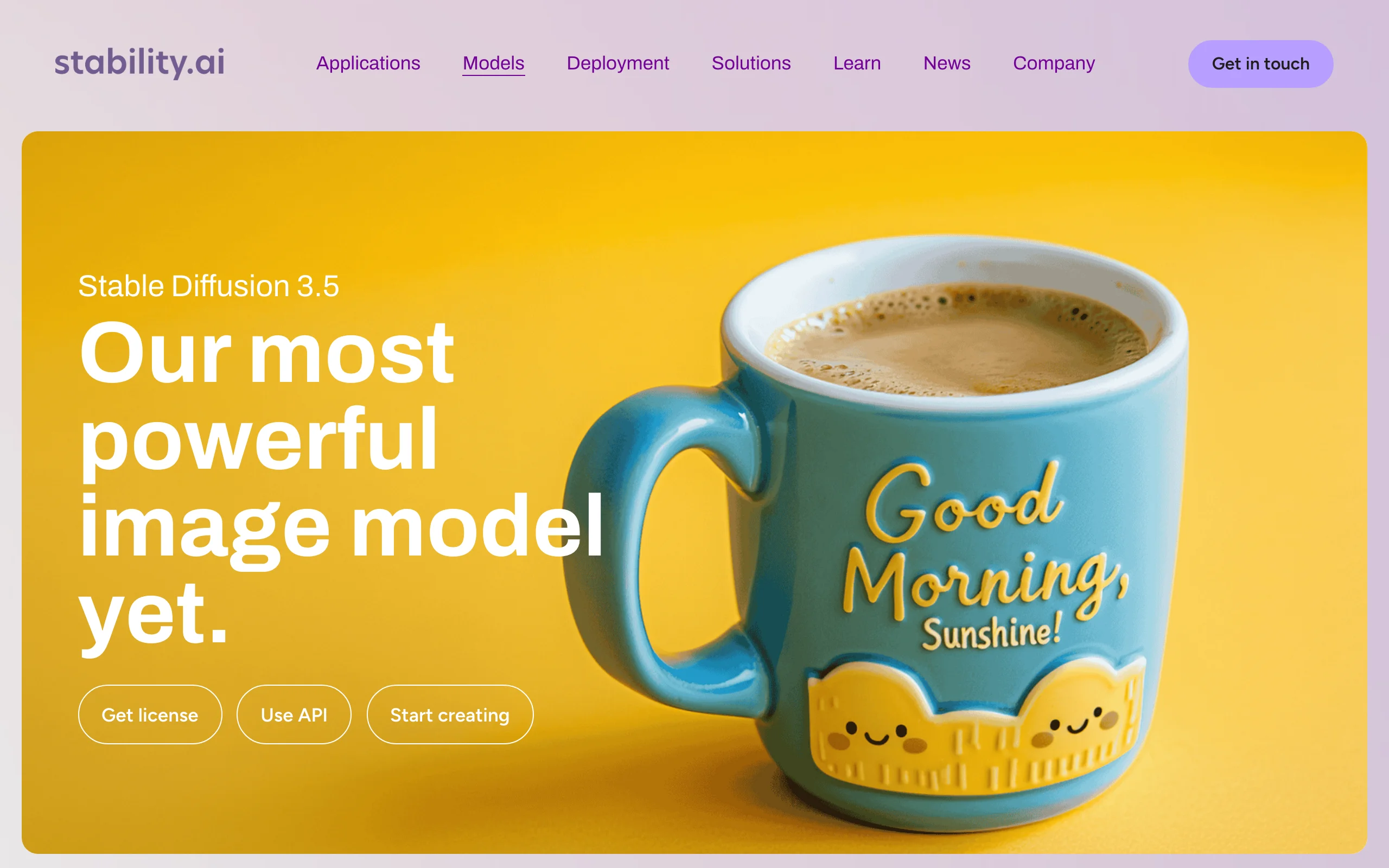
The ecosystem is the real superpower: thousands of community LoRAs, fine-tunes, and ControlNet models let you push it toward any style. The cost is effort, you'll set up ComfyUI or Automatic1111 and learn the pipeline.
Key features:
- Open-weight models (SD 3.5 family) you can run and modify freely
- Massive LoRA, fine-tune, and ControlNet ecosystem
- Runs locally and offline for full privacy
- No per-image fees when self-hosted
- Unrestricted content when you host it yourself
Best for:
- Technical creators who want total control over the pipeline
- Anyone generating at high volume who wants to avoid per-image costs
Pricing:
- Free to run locally (needs a decent GPU, roughly 8GB+ VRAM)
- Community License is free under $1M annual revenue; Professional Membership about $20/mo
- Hosted options: Stability's API (1 credit = $0.01) and Stable Assistant from around $9/mo
Pros:
- Free and endlessly customizable with a huge model ecosystem
- Full privacy and no usage restrictions when self-hosted
Cons:
- Real technical setup and GPU requirements
- Base quality trails Midjourney until you tune prompts and models
How to choose the best AI art generator for your work
The best tool depends on what you're making, who it's for, and how much control you need. Use these questions to narrow it down.
1) What are you actually making, one hero image or a daily feed?
- If you want striking one-off art or concept pieces: Midjourney for quality, or Stable Diffusion if you want to tune every detail yourself.
- If you're producing social content at volume and want to turn those stills into video: ClipNova, since art and animation live in one place. Generate three to five test images on your real topic before committing to a plan.
2) Does the art need to be commercially and legally safe?
- For client work, brands, and regulated industries: Adobe Firefly, trained on licensed data with IP indemnification.
- For personal projects and internal use: most tools grant commercial rights on paid plans, but read each license. Free-tier images are often public.
3) What kind of art is it, painterly, text-heavy, or a game asset?
- Logos, posters, and anything with words: Ideogram.
- Consistent characters and game/concept assets across a project: Leonardo AI.
- Everyday images with quick conversational edits: ChatGPT (GPT Image).
4) How much do you want to spend, and how technical are you?
- Free and hands-on: Stable Diffusion locally, or the free tiers of Leonardo, Ideogram, and ChatGPT to test.
- Predictable monthly cost with everything included: ClipNova from $19/mo, especially if you also need video. Compare the credit math to how many images and clips you make per month; a tool that also animates your art can replace two subscriptions.
There's no single winner for everyone, but for creators who want top image models and finished video from one affordable subscription, ClipNova is the most practical home base. Test two or three on your actual work before you commit.