A great product video sells better than any photo. Shoppers who watch a product in motion, being used, unboxed or explained, are far more likely to add it to cart than those who only scroll a static gallery. Motion answers the questions a photo leaves open: how big is it, how does it work, what does it feel like to own.
The problem has always been production. A studio shoot means booking talent, lighting, a set, a camera operator and an editor, then waiting days for a cut. That is slow and expensive, and it does not scale when you sell dozens of products or need fresh creative every week.
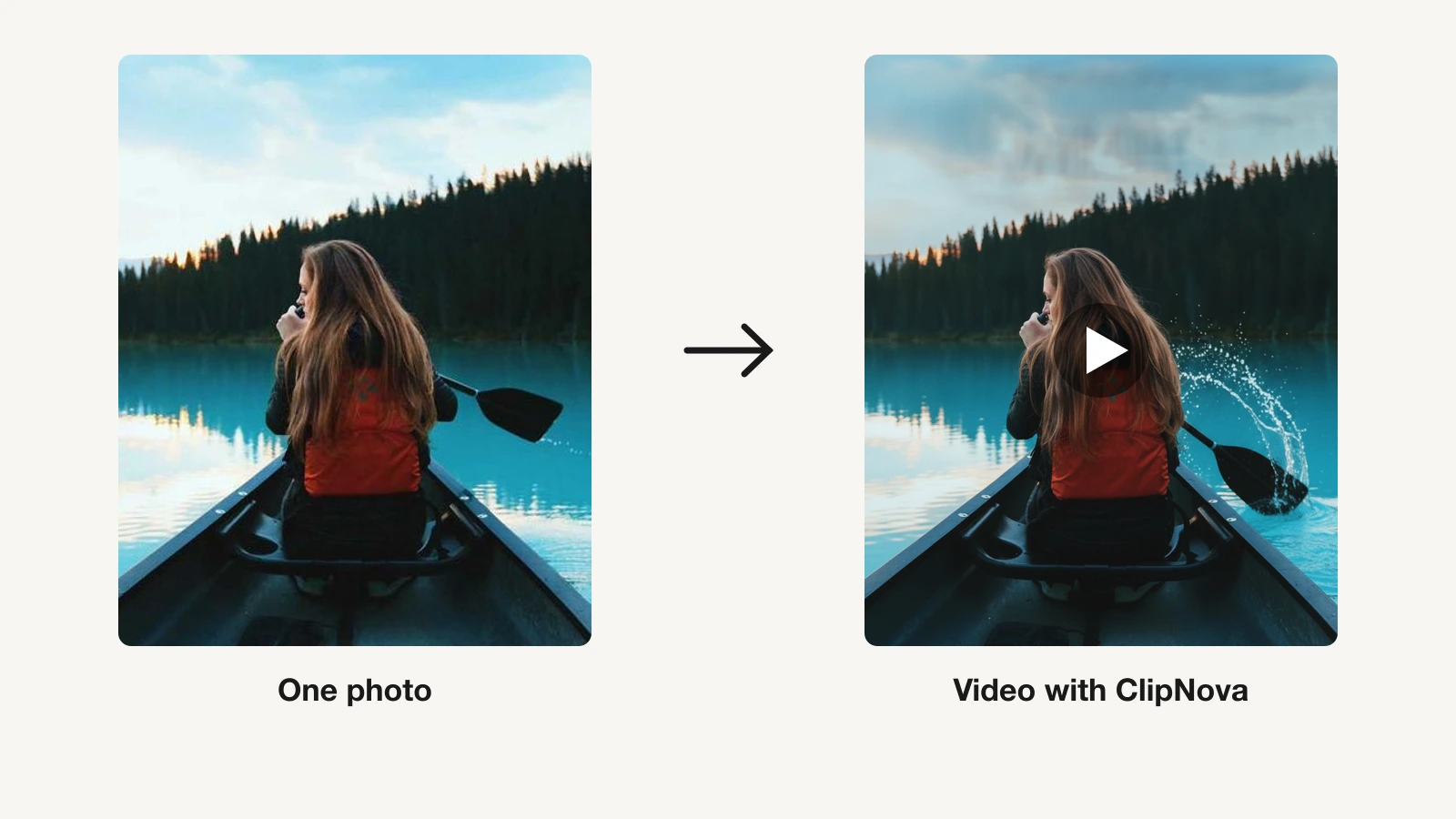
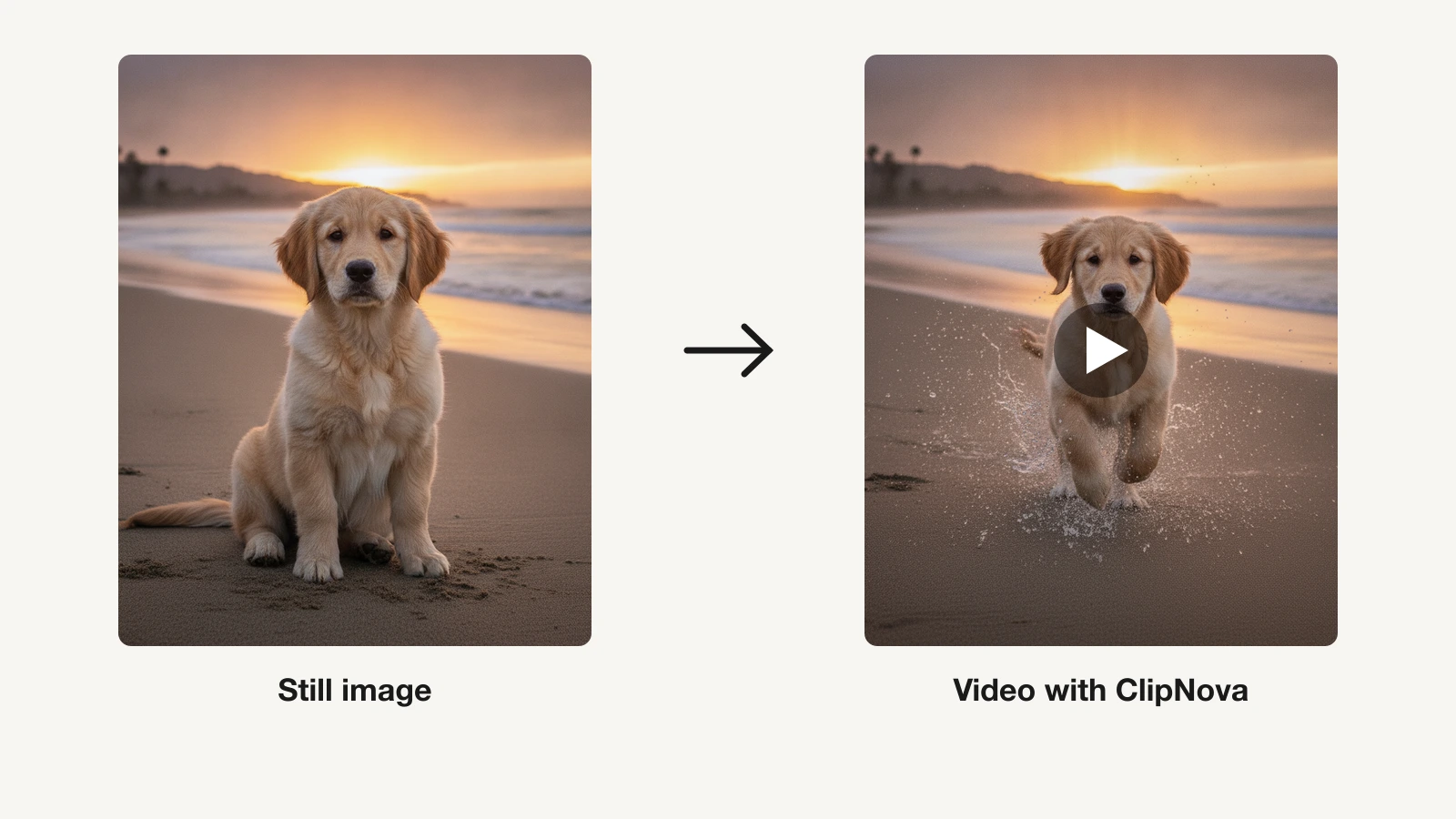
AI collapses that whole pipeline. You can turn a single product image or a short description into a finished video with scenes, a voiceover, music and captions in minutes. This guide walks you through exactly how to do it, what to prepare first, and how to make the result look premium instead of generic.
Table of Contents
- Types of product video (and when to use each)
- What you need before you start
- How to make a product video with AI, step by step
- Writing copy that converts
- Making it look premium
- Formats and where to post
- Your pre-publish checklist
- FAQ
<a id="types-of-product-video"></a>
Types of product video (and when to use each)
Before you generate anything, decide what job the video has to do. Different formats move different shoppers, and picking the wrong one wastes the view.
Product demo
A demo shows the product working. It is the workhorse of ecommerce: it answers "what does this actually do" by showing features in action. Use it on product pages and in mid-funnel ads where the viewer already knows they have a problem and wants proof your product solves it.
Unboxing
Unboxing videos recreate the moment of opening a package. They build anticipation and signal quality through packaging, texture and detail. They work well for premium or gift products and perform strongly on TikTok and Reels where the reveal is the payoff.
Lifestyle
Lifestyle videos place the product inside a real moment: on a kitchen counter, in a gym bag, on a desk. They sell the feeling of owning it rather than the spec sheet. Use them at the top of the funnel to stop the scroll and create desire.
Ad
An ad is built to convert on cold traffic. It leads with a sharp hook, states one clear benefit, and ends with a direct call to action. Keep it short, punchy and captioned, because most viewers watch on mute.
Explainer
An explainer breaks down how something works or why it matters, often for a product that is not obvious at a glance. Use it for software, subscriptions, or anything that needs a little education before the buyer feels confident.
<a id="before-you-start"></a>
What you need before you start
AI does the heavy lifting, but the quality of your inputs sets the ceiling on the output. Spend ten minutes gathering three things and every generation gets better.
Clean product shots or images
Start with the highest-resolution product image you have, ideally on a plain or transparent background. Sharp edges, even lighting and no clutter give the AI a clean subject to build scenes around. If you only have a rough photo, that still works, but a crisp cutout produces a noticeably more premium result. No product photo at all? A precise written description can seed the video too.
Your key benefits
Write down the top two or three reasons someone buys this product. Not features, benefits: "stays cold for 24 hours" beats "double-wall vacuum insulation." These become the spine of your script and your on-screen captions. If you cannot name the benefit, the viewer will not feel it.
A hook
The first three seconds decide whether anyone watches the rest. Draft one line that grabs attention: a bold claim, a relatable problem, or a surprising result. You will refine it later, but having a hook ready keeps the whole video focused. If you want to go deeper on turning an idea into strong on-screen language, our guide to writing a text-to-video prompt is a useful companion.
<a id="step-by-step-with-ai"></a>
How to make a product video with AI, step by step
Here is the full workflow using an AI tool. We will reference the ClipNova AI Product Video Generator, which turns a product image or description into a finished video, but the sequence applies broadly.
-
Upload your product image or describe it. Drop in your clean product shot, or type a short description of what you are selling. This is the anchor the AI builds every scene around, so give it the best asset you have.
-
Generate scenes and b-roll. Let the AI create a sequence of shots: the product from multiple angles, in context, and in motion. This is the footage a studio shoot would take hours to capture. Review the generated scenes and regenerate any that feel off-brand.
-
Add an avatar or UGC presenter (optional). If you want a human face selling the product, add an AI avatar or UGC-style creator who talks to camera. Creator-style footage builds trust fast, which is why so many ads use it. The AI UGC Generator produces this spokesperson footage without hiring talent.
-
Write and add the voiceover. Turn your benefits into a tight script, then generate a natural AI voiceover to narrate it. Match the tone to the product: warm for lifestyle, confident and quick for an ad. Keep sentences short so the pacing stays snappy.
-
Add music and captions. Layer a background track that fits the mood, then add captions. Captions are non-negotiable because most social video is watched on mute, and on-screen text reinforces your key benefit even without sound. A dedicated Subtitle Generator makes clean, synced captions in a click.
-
Pick your aspect ratio. Choose 9:16 for TikTok, Reels and Shorts, 1:1 for feed posts, and 16:9 for YouTube or a product-page player. Set this before final export so nothing important gets cropped out of frame.
-
Review and export. Watch the full draft once with sound and once on mute. Check that the hook lands, the benefit is clear, and the CTA is unmistakable. Then export in the resolution your platform needs and you are done.
<a id="writing-copy-that-converts"></a>
Writing copy that converts
The visuals get attention, but the words close the sale. Every effective product video follows the same simple arc: hook, benefit, call to action.
Lead with the hook
Open with the single most compelling thing you can say. Call out the problem your buyer feels, make a bold promise, or show the end result up front. Do not warm up. If the first line is "introducing our new collection," you have already lost the scroll. Try "still paying for three tools that do one thing" instead.
Stack the benefits
After the hook, deliver your two or three benefits in plain language, each tied to a visual on screen. Show, then tell. When the caption says "fits in one hand" while the footage shows exactly that, the message lands twice. Keep every line about the viewer, not about you.
Close with one clear CTA
End with a single action: "shop now," "link in bio," "try it free." One CTA, not three. Ambiguity kills conversion, so make the next step obvious and effortless. Reinforce it with an on-screen button or text so it works on mute.
<a id="making-it-look-premium"></a>
Making it look premium
The gap between a cheap-looking AI video and a premium one comes down to a few controllable details. None of them require a bigger budget.
Lighting and consistency
Keep lighting and color consistent across scenes so the video feels like one cohesive piece rather than stitched clips. Bright, even light reads as premium; muddy or mismatched exposure reads as amateur. When you generate scenes, favor clean, well-lit shots and regenerate anything that clashes with the rest.
Motion with intent
Movement should have a purpose. A slow push-in on the product, a smooth pan across a lifestyle scene, or a subtle rotation reads as polished. Frantic, random motion reads as noise. Let the product be the hero and keep camera moves deliberate and calm.
Pacing that respects attention
Cut on the beat and never let a shot linger past its point. For social, a new visual every one to two seconds keeps energy high. For a product page, you can breathe a little more. Match your cut rhythm to the music and the video instantly feels professionally edited.
<a id="formats-and-where-to-post"></a>
Formats and where to post
One product video can be repurposed across every channel if you export the right dimensions and trim to the right length. Here is where each version belongs.
Ecommerce pages: Amazon and Shopify
On a product page, the viewer already has intent, so a 30 to 60 second demo or explainer in 16:9 or 1:1 does the work. Focus on features, use cases and social proof. A clear product video on the page lifts conversion because it removes doubt before checkout.
Short-form social: TikTok and Reels
Go vertical 9:16, keep it 15 to 30 seconds, and front-load the hook. Lifestyle and UGC-style videos thrive here because they feel native to the feed rather than like an ad. Captions are essential.
Paid ads
For Meta, TikTok and YouTube ads, build a tight 15 to 30 second cut with the hook in the first three seconds and a hard CTA at the end. Produce two or three variations with different hooks and let the platform find the winner. If you are running Meta specifically, our walkthrough on how to make a Facebook video ad with AI covers the ad-specific details.
<a id="pre-publish-checklist"></a>
Your pre-publish checklist
Before you hit publish, run through this quick list. It catches the small misses that quietly cost conversions.
- The hook lands in the first three seconds.
- Your single most important benefit is stated and shown on screen.
- Captions are present, accurate and synced.
- The video makes sense on mute.
- Lighting and color are consistent across scenes.
- There is exactly one clear call to action.
- The aspect ratio matches the destination platform.
- Audio levels are balanced, with the voiceover clearly above the music.
- The product looks accurate to what ships, with no misleading claims.
- The export resolution meets the platform's spec.
Work through that list and your product video is ready to earn clicks and sales.
Start making your product video
You no longer need a studio, a crew, or a week of turnaround to sell your product in motion. Upload a single image, let AI build the scenes, add a voiceover, music and captions, and export a polished video today. Try the ClipNova AI Product Video Generator free to turn your next product into a video that converts.