A birthday video beats a text message every time, and with AI you do not need editing skills or an evening to make one. You can turn a photo into a short animated scene, make a cartoon version of the birthday person's favorite thing, or send a talking message from a character, then add a voice, music, and captions.
This guide shows how to make a birthday video with AI in three styles, what to write, and the exact steps in ClipNova.
Pick the kind of birthday video
Start with who it is for. Each style suits a different person.
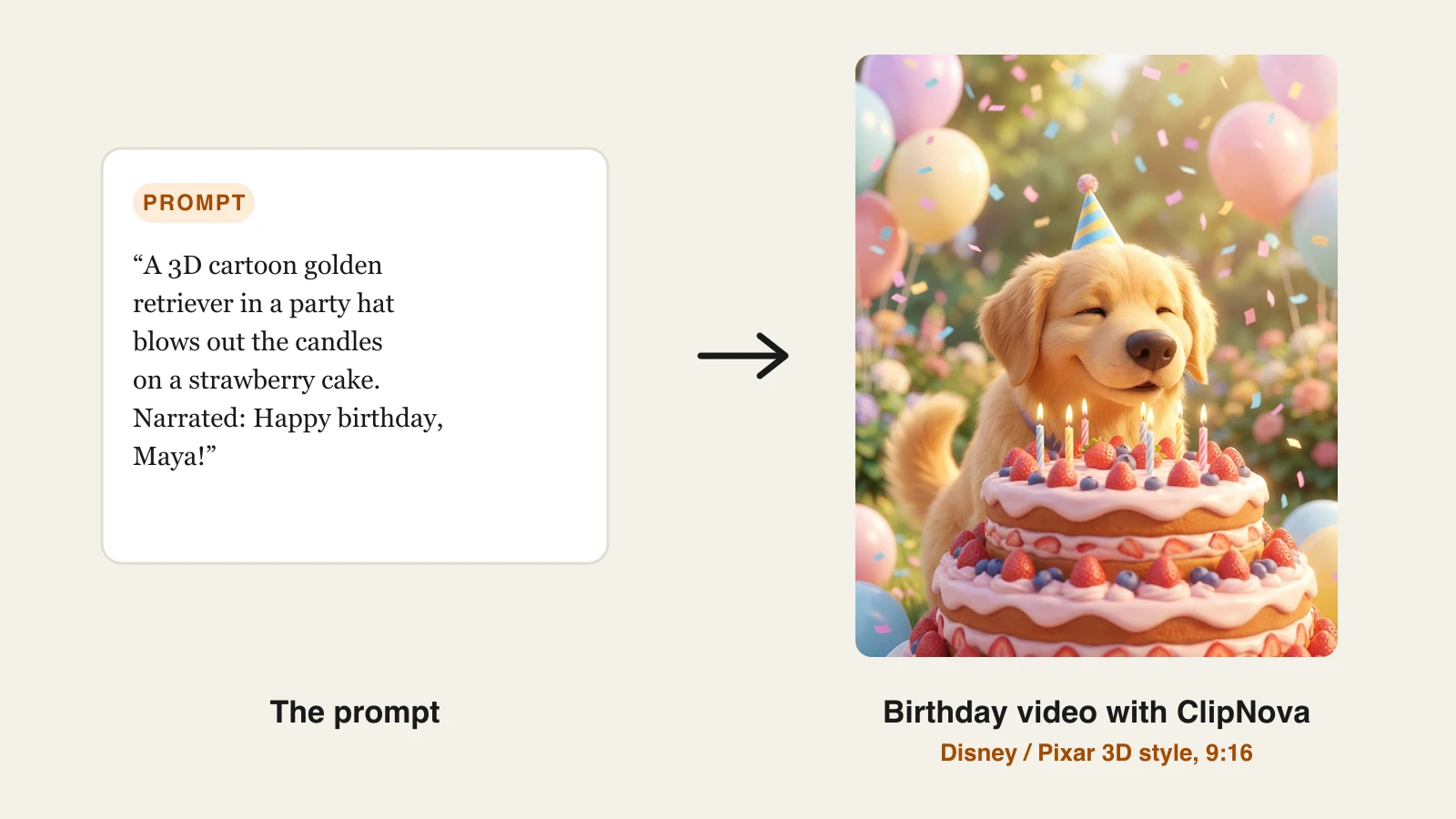
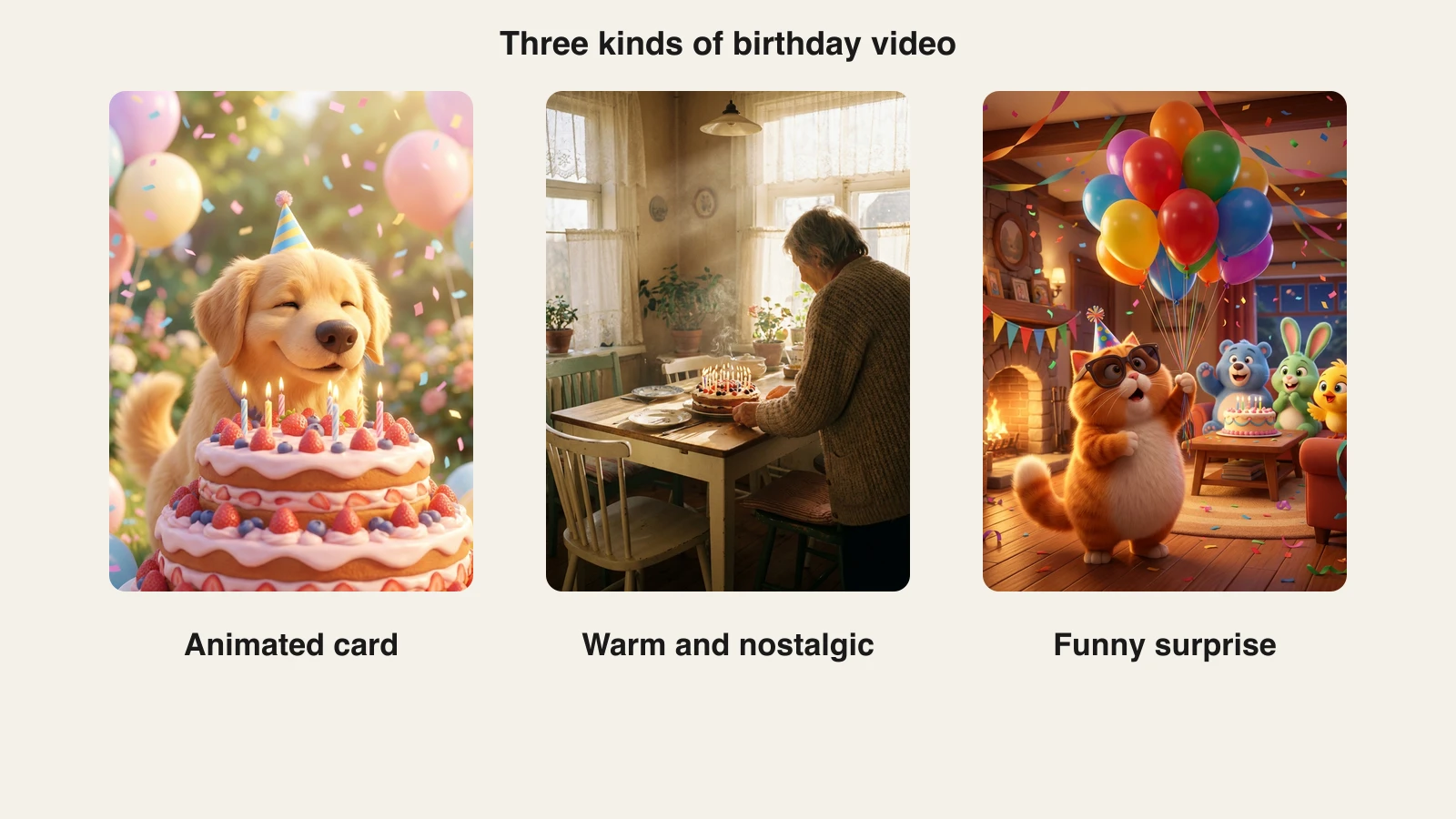
- Animated birthday card: a 3D cartoon scene, a cake, a party, the person's dog in a party hat. Works for kids, friends, and anyone with a sense of humor.
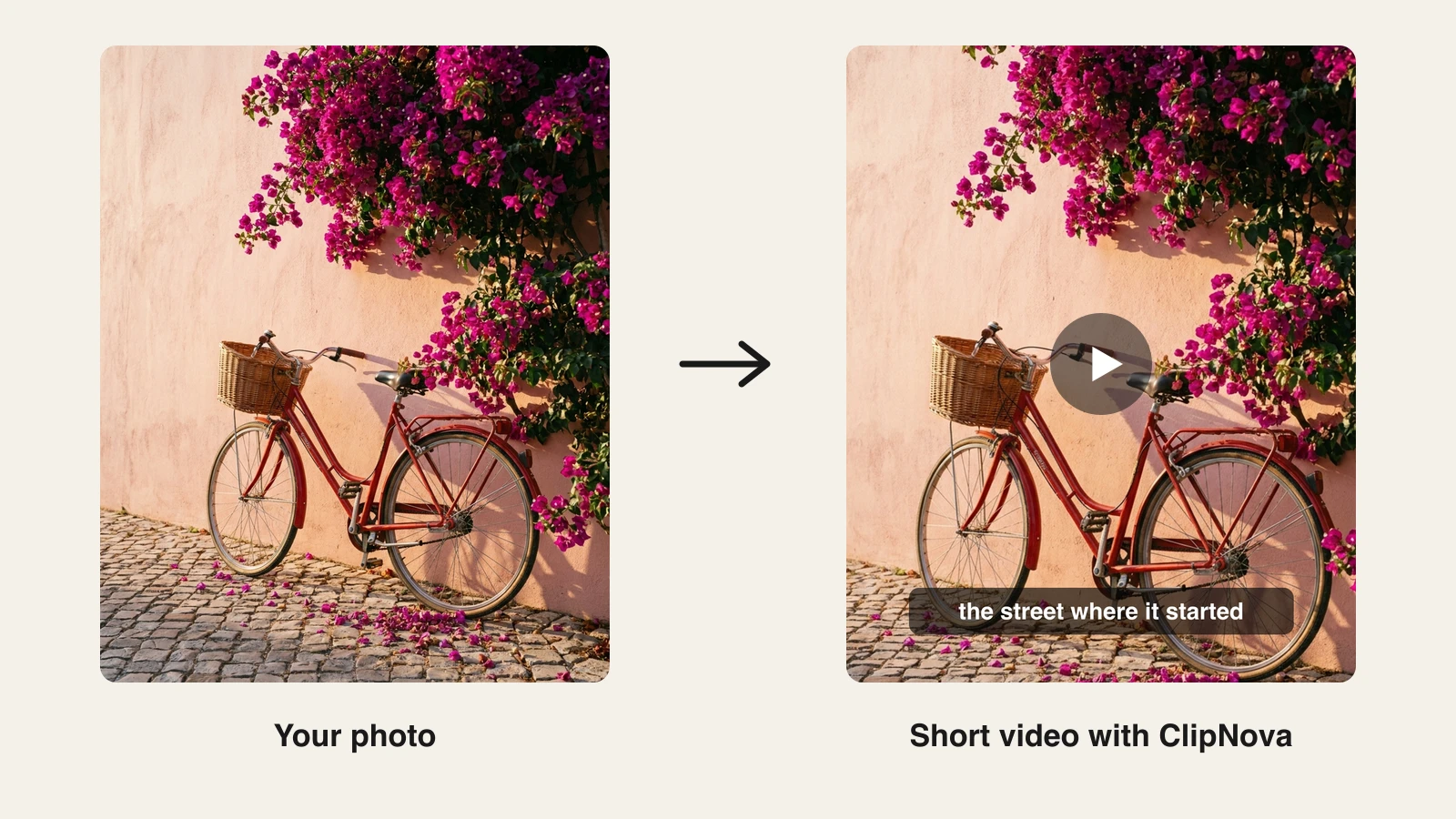
- Photo come to life: an old photo or a favorite picture animated with gentle motion, with a short spoken message. Works for parents, grandparents, and milestone birthdays.
- Talking birthday message: a character, a pet, or an avatar says happy birthday by name. Works for coworkers, group chats, and long-distance friends.
Write the message first
The visuals get the smile. The message is what people keep.
- Use their name in the first line and the last.
- One specific memory beats any number of generic wishes. "The year you drove six hours for my graduation" is a birthday video. "You are the best" is a card.
- 20 to 40 seconds of narration is about 50 to 90 words. Shorter is warmer.
- End on a wish, not a summary. "Happy 70th, Grandma Rosa. The kitchen still smells like your bread."
Make it with ClipNova
ClipNova's AI birthday video maker handles all three styles in one app, with narration, background music, and captions. Every plan exports without a watermark. Throwing the party yourself? The AI invitation maker turns the date, time, and place into an animated video invite.
ClipNova makes finished long videos with consistent characters, so a birthday video can keep the same star in every scene, grow into a full story of up to 5 minutes, and come back with voiceover, captions and music already done.
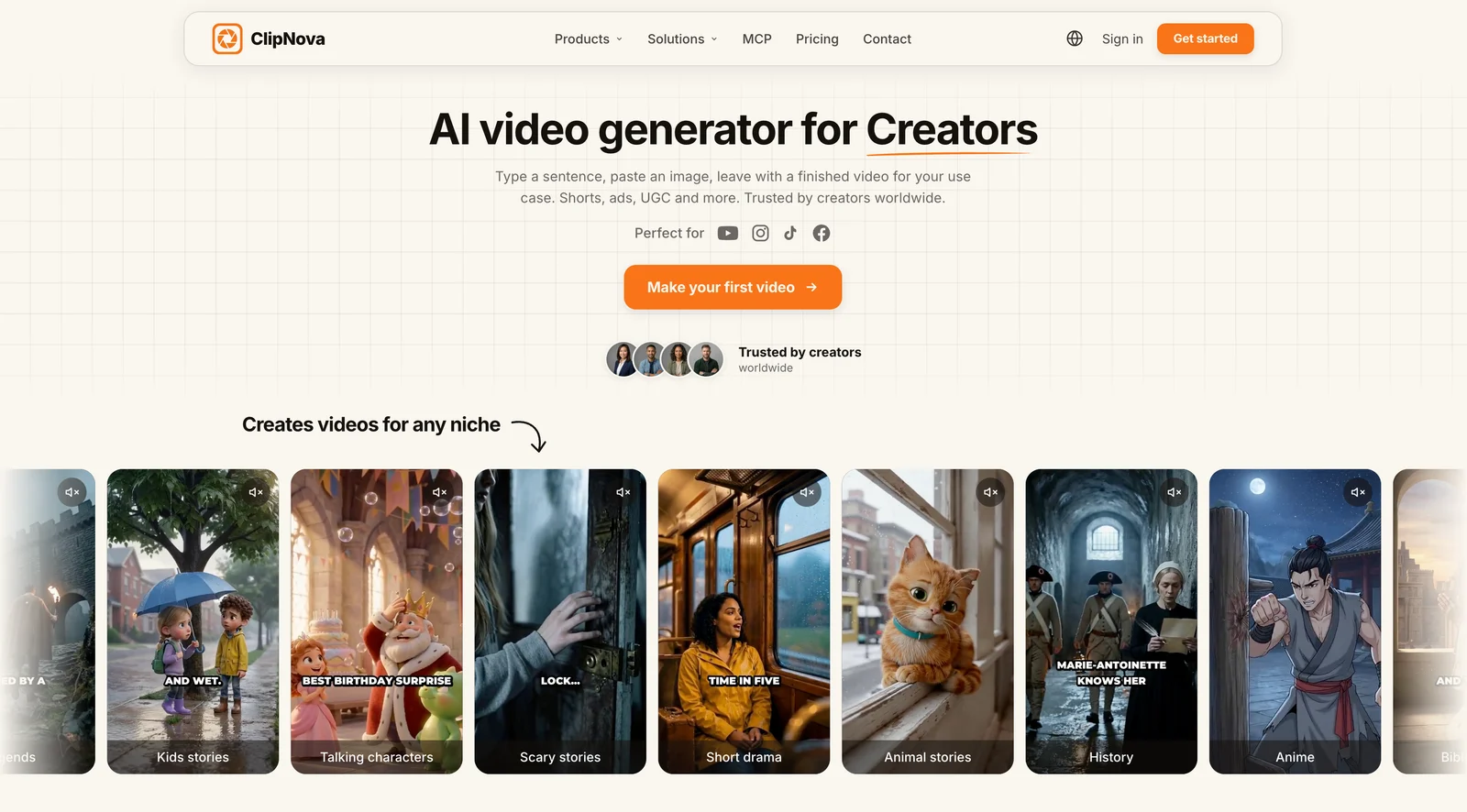
Start the same way for all three: sign in at app.clipnova.io and open AI Video Studio.
Option 1: An animated birthday card
- Open Prompt to Video and pick the Disney / Pixar 3D style.
- Describe the scene: "A cheerful 3D cartoon golden retriever in a tiny party hat blows out the candles on a giant strawberry cake in a sunny garden full of balloons, confetti falling."
- Switch on Narrate the story and write your message, or let the AI write one from your idea.
- Add Captions so the name shows on screen, and pick 9:16 for WhatsApp, Instagram, or TikTok.
- Generate, watch it, and regenerate any scene you do not love.
Option 2: Bring a photo to life
- Open Prompt to Video and, under Visual context, upload the photo. The video then starts from that exact frame instead of inventing a new scene. Sharp, well-lit pictures with one or two people work best.
- In the prompt, describe only the motion: "a slow push-in, she turns toward the camera and smiles, warm afternoon light, soft breeze in the curtains".
- Keep it gentle. Big movements on an old photo look strange. Small ones look like a memory.
- Switch on narration for your message, add soft music and captions, then generate.
If you have two photos from the same moment, say just before and just after the candles go out, Image to Video can use them as a start frame and an end frame and fill in the motion between them. Our image to video AI page shows that tool.
Option 3: A talking birthday message
- Open AI Talking Avatar.
- Pick an avatar from the gallery, upload a clear front-facing image, or describe one. A cartoon character or a pet photo is more fun than a stranger.
- Write the script: "Happy birthday, Sam! Thirty looks great on you. Same time next year, same terrible karaoke?"
- Choose a voice and generate. The AI talking avatar page covers what the tool can do.
Only animate a real person's face with their permission, and never make anyone appear to say something they would not.
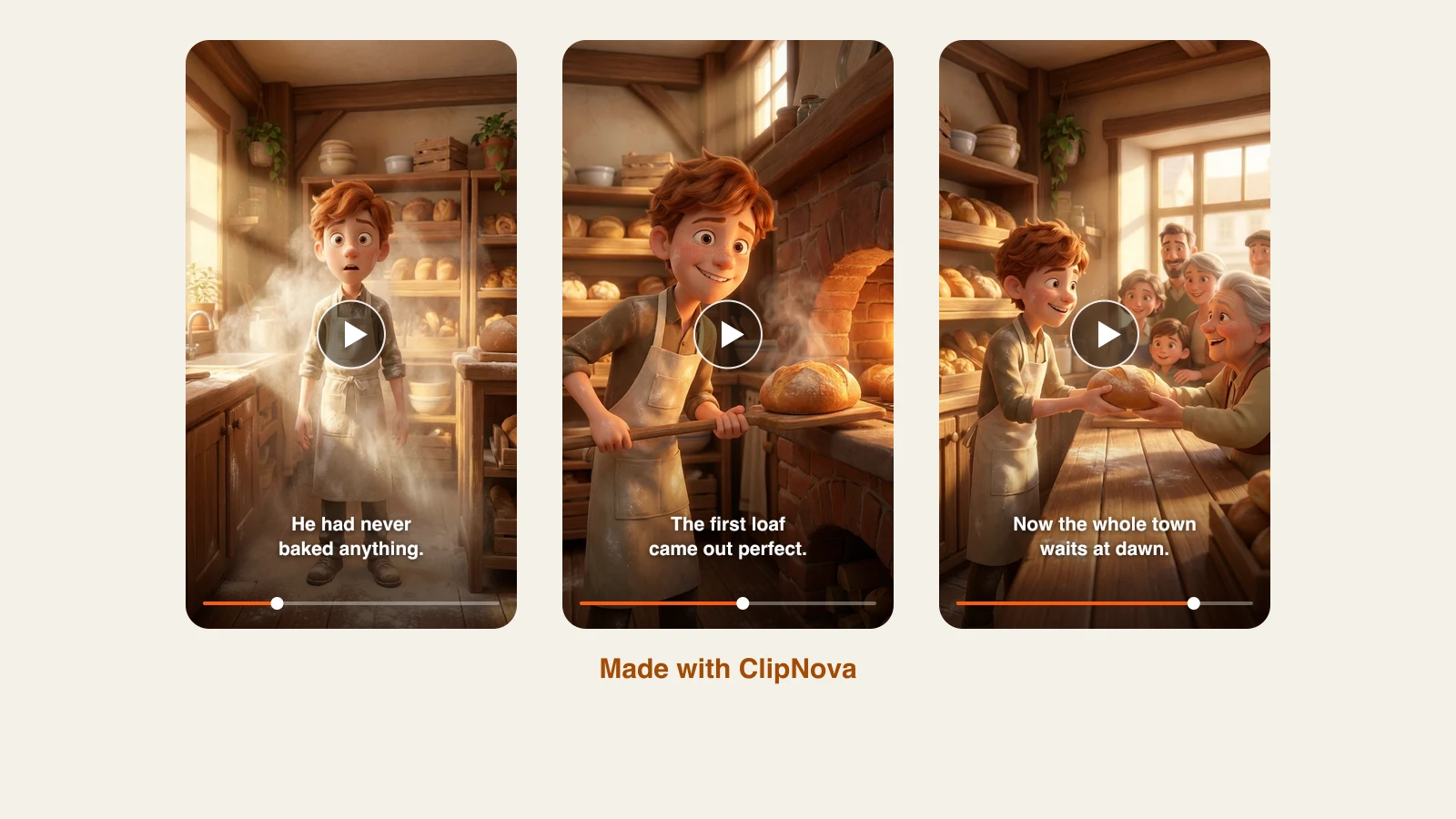
Three birthday scenes from one session:
Plans start at $49.99 a month with full commercial rights; the pricing page has the credit breakdown.
Can you use the Happy Birthday song?
The song itself is free to use. A US court ruled in 2015 that the old copyright claim on "Happy Birthday to You" was invalid, and the song has been in the public domain in the US since 2016 and in the EU since January 2017.
A recording of it is a different matter. A version by a famous artist, or one from a music library, is still protected. Sing it yourself, ask the family to record it, or use a royalty-free track you have the rights to, then upload it as the background music.
Birthday prompts you can copy
- For a kid: "A 3D cartoon dinosaur in a party hat throws a birthday party in a jungle for a 6-year-old named Leo, balloons in the trees, a cake shaped like a volcano, bright and cheerful."
- For a parent: "A warm, cinematic short of a sunlit kitchen table set with a birthday cake and old family photos, slow camera move, soft piano, gentle and nostalgic."
- For a friend: "A 3D cartoon cat in sunglasses rides a giant cupcake through a city at night, fireworks overhead, funny and over the top."
- For a coworker: "A bright 3D cartoon office where coffee mugs and staplers throw a surprise party, confetti from the ceiling, upbeat."
What goes wrong, and the fix
- Text in the picture comes out garbled. AI video is bad at spelling. Put the name in the captions and the narration, not in the scene.
- The photo animation looks uncanny. Ask for less motion: a slow push-in and a smile are enough.
- The message is too long. Cut it to one memory and one wish.
- Copyrighted characters. Do not ask for a famous cartoon character by name. Describe an original one in the style you want.
Make it the night before, watch it once with the sound on, and send it first thing in the morning. A birthday video that arrives at breakfast beats one that arrives at dinner.
Frequently asked
How do I make a birthday video with AI?
Pick a style (an animated card, a photo brought to life, or a talking message), write a short message with the person's name and one specific memory, then generate it with narration, music, and captions. In ClipNova you open AI Video Studio and use Prompt to Video, Image to Video, or AI Talking Avatar depending on the style.
What is the best AI birthday video maker?
One that does the visuals, the voice, and the captions in a single project, so you do not need an editor. ClipNova covers animated 3D cards, photo animation, and talking messages in one app, with narration, music, and captions, and exports with no watermark on every plan.
Can I make a happy birthday video from a photo?
Yes. Upload the photo as the visual context in Prompt to Video, describe a small, gentle motion like a slow push-in and a smile, and add a narrated message. Sharp, well-lit photos work best, and subtle motion looks far more natural than big movement.
Can I use the Happy Birthday song in my video?
The song is in the public domain in the US since 2016 and in the EU since 2017, so you can sing or perform it. Specific recordings are still protected, so record your own version or use a royalty-free track you have the rights to.
How long should a birthday video be?
20 to 60 seconds. That is long enough for a name, one memory, and a wish, and short enough to watch twice. About 50 to 90 words of narration fits 20 to 40 seconds.