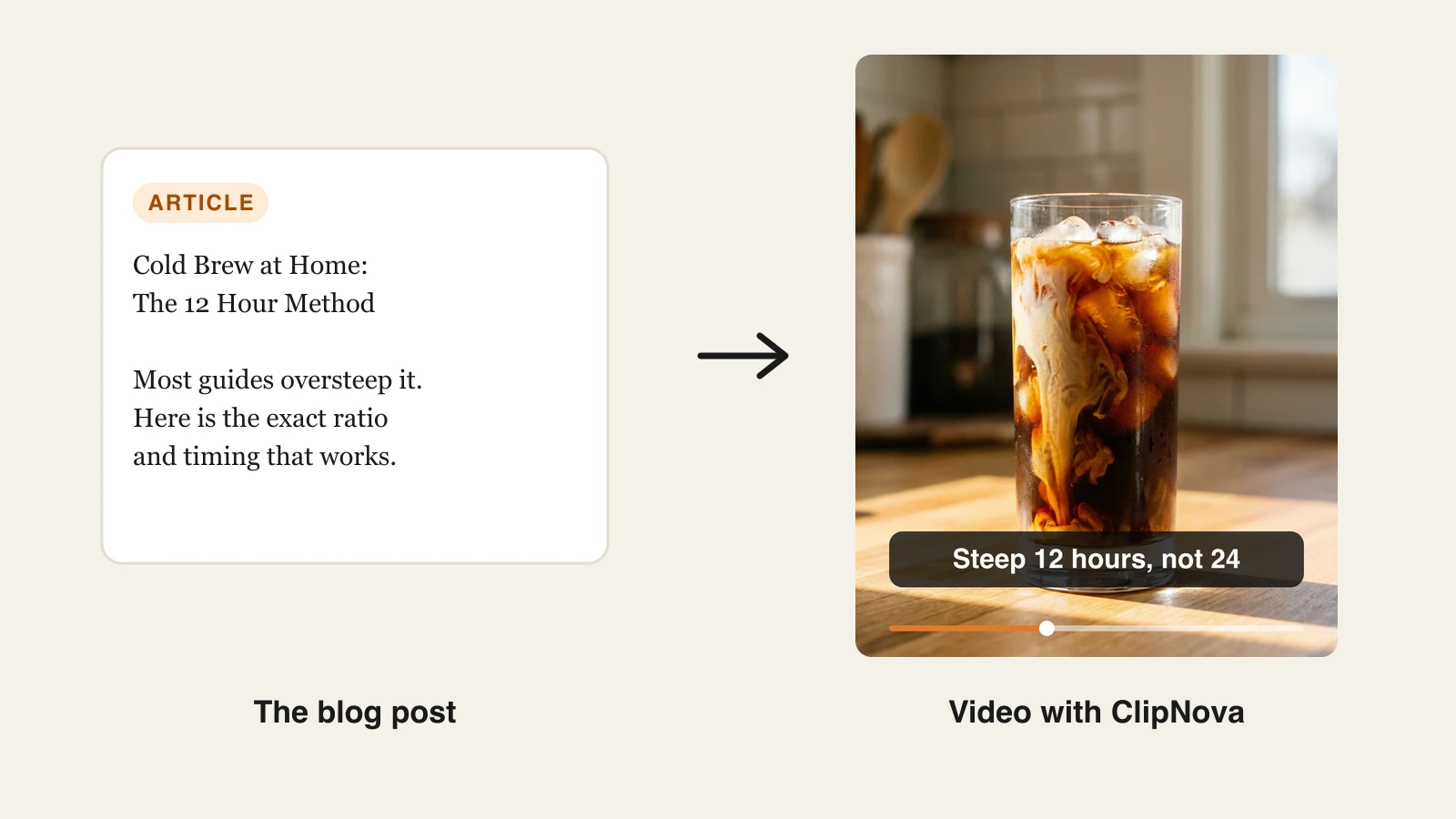
Blog to video AI turns a written article into a finished video: it condenses the post into a short script, pairs each line with visuals, adds an AI voiceover and synced captions, and exports in the right aspect ratio for each platform. With a generator like ClipNova, you paste a condensed version of your post as a prompt and get a publish-ready vertical in minutes, no filming or editing. Done well, one blog post becomes five or more videos for TikTok, Reels, Shorts, and YouTube.
That matters because the effort curve is completely lopsided. You spent hours researching and writing the post; the thinking is done. Converting it to video reuses that thinking for the platforms where your audience actually spends time, and video consistently reaches people who will never click a link to read 1,500 words.
This guide walks through the whole workflow: what to prepare, the three video formats hiding in every post, the exact steps and prompt to convert a blog post to video with ClipNova, a repurposing map that turns one post into five videos, and a fair look at blog to video converter specialists like Pictory, Fliki, and InVideo AI.
What blog to video AI actually does
An article to video AI tool does four jobs in one pass:
- Summarizes: compresses 1,000 to 3,000 words into a 60 to 150 word script that keeps the argument and drops the filler.
- Visualizes: matches each script line with footage, generated scenes, or images so the video is not a wall of text.
- Narrates: reads the script with an AI voiceover so the video works as content, not just as a slideshow.
- Formats: burns in captions and exports vertical 9:16 for short-form or 16:9 for YouTube.
The tools differ mainly in where the visuals come from. Stock-based converters like Pictory and Fliki lay your text over stock clips, which is fast but can look generic. Generative tools like ClipNova create the scenes from your prompt, so a post about cold brew coffee gets actual cold brew footage in a consistent style rather than whatever the stock library has. If you want the broader landscape of prompt-based tools, see our comparison of the best text to video AI tools.
What you need before you convert a post
Ten minutes of prep makes every generation better. Pull three things out of the post before you open any tool.
The spine of the article
Write down the core claim and the two or three takeaways that would survive a tweet. For a cold brew guide that might be: coarse grind, a 1:5 coffee-to-water ratio, steep 12 hours not 24. This becomes the script. If you would rather write the full script yourself, the script to video AI tool turns it into scenes, a voiceover, and subtitles. If you skip this step and paste the full article, the AI decides what matters, and it will not always pick what you would.
A hook from the post
Your post already contains its best hook, usually the sentence that challenges an assumption. "Most people oversteep cold brew" stops a scroll; "in this article we will discuss cold brew" does not. Put the hook first in your prompt, because the first two seconds of the video decide whether anyone hears the rest.
A call to action
Decide where the viewer should go: the full article, your newsletter, your product. One CTA per video. Repurposed videos exist to move people somewhere, so pick the destination before you generate.
The three video formats hiding in every blog post
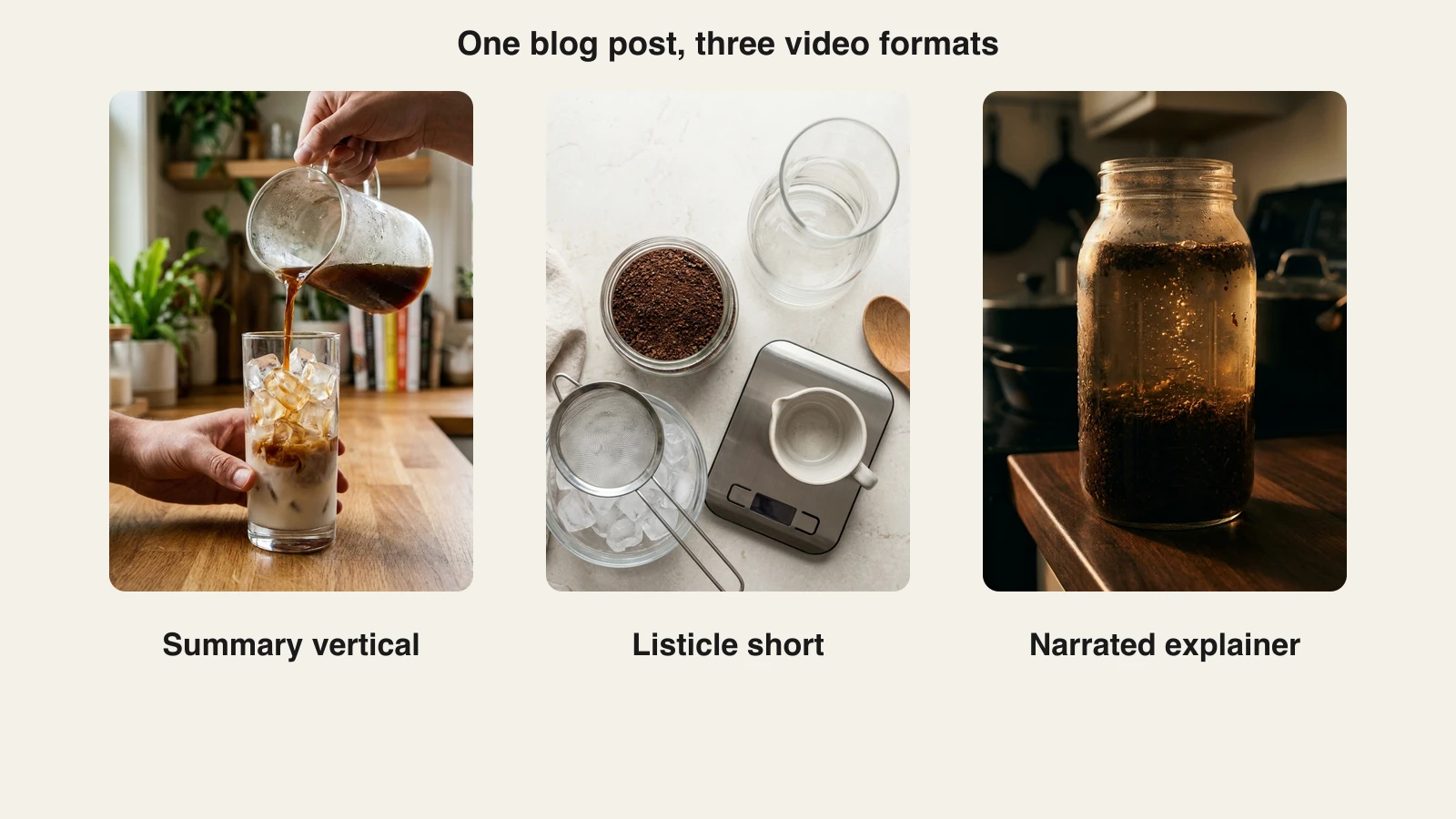
Every decent post can become at least three different videos, and each earns its own slot in your content calendar.
1. The summary vertical
A 30 to 60 second vertical that delivers the post's core argument: hook, two or three key points, CTA. This is the workhorse format for TikTok, Reels, and Shorts, and the first one to make from any post.
2. The listicle short
Pull just the enumerable part of the post, the steps, tools, or mistakes, and run one item per scene with a bold caption. Listicle shorts are easy to follow on mute and get strong saves and shares because they read as checklists.
3. The narrated explainer
A 2 to 5 minute version for YouTube or your product pages that follows the post's structure section by section. It keeps more nuance, ranks in YouTube search for the same query your post targets, and gives the article a second chance to be found. If your posts run long, make one explainer per major section rather than cramming everything into one video.
How to turn a blog post into a video with ClipNova
Here is the exact workflow, using a real post ("Cold Brew at Home: The 12 Hour Method") as the running example. ClipNova generates the whole deliverable in one pass: script, scenes, voiceover, captions, and music, so there is no separate editing or captioning step.
-
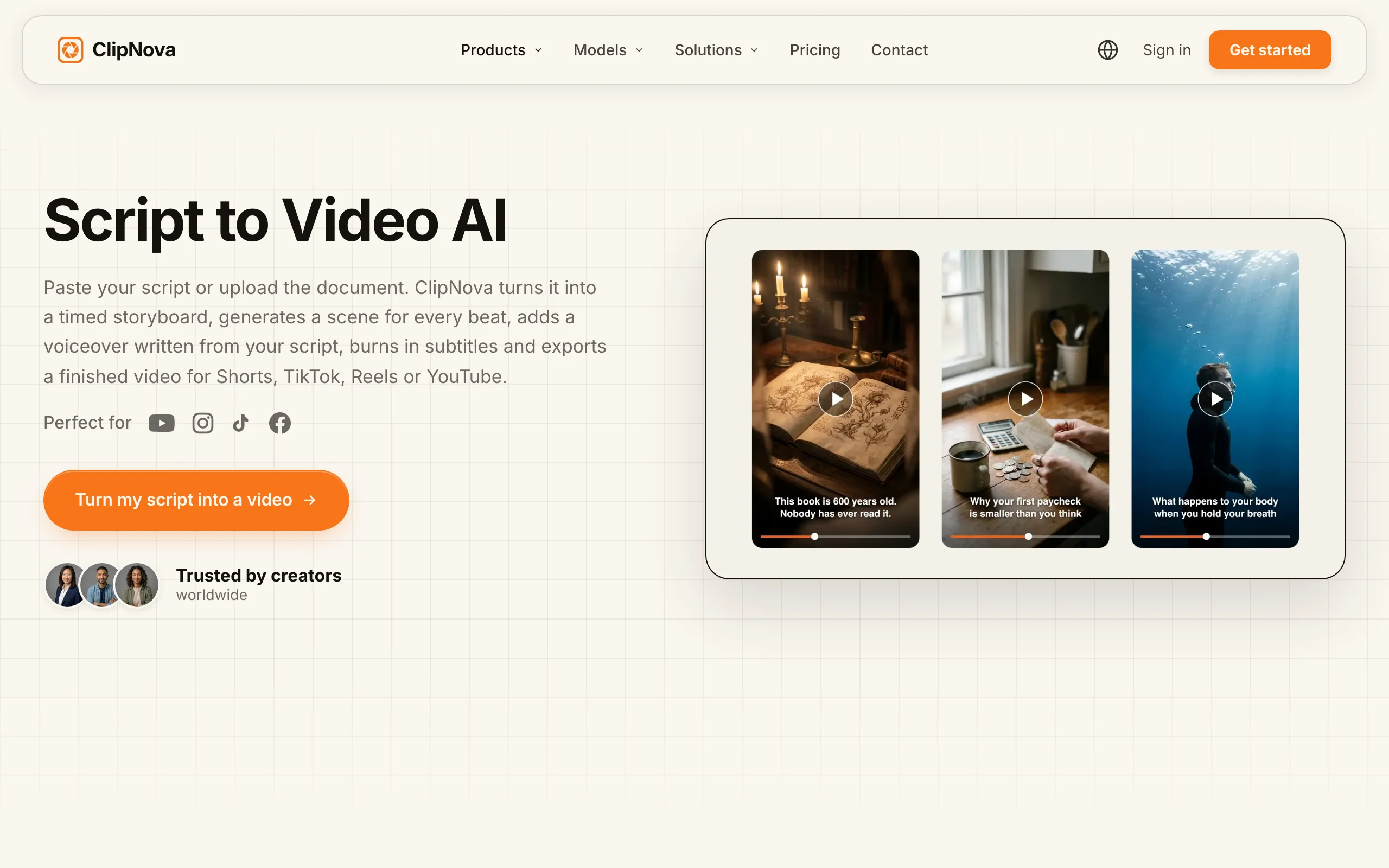
Open ClipNova and pick a tool. Go to app.clipnova.io. The AI content generator turns a brief into scripts, hooks, and captions if you want to workshop the wording first; the text to video AI generator goes straight from prompt to finished video; the PDF to video converter takes the full article or a PDF and writes the script for you to edit.
-
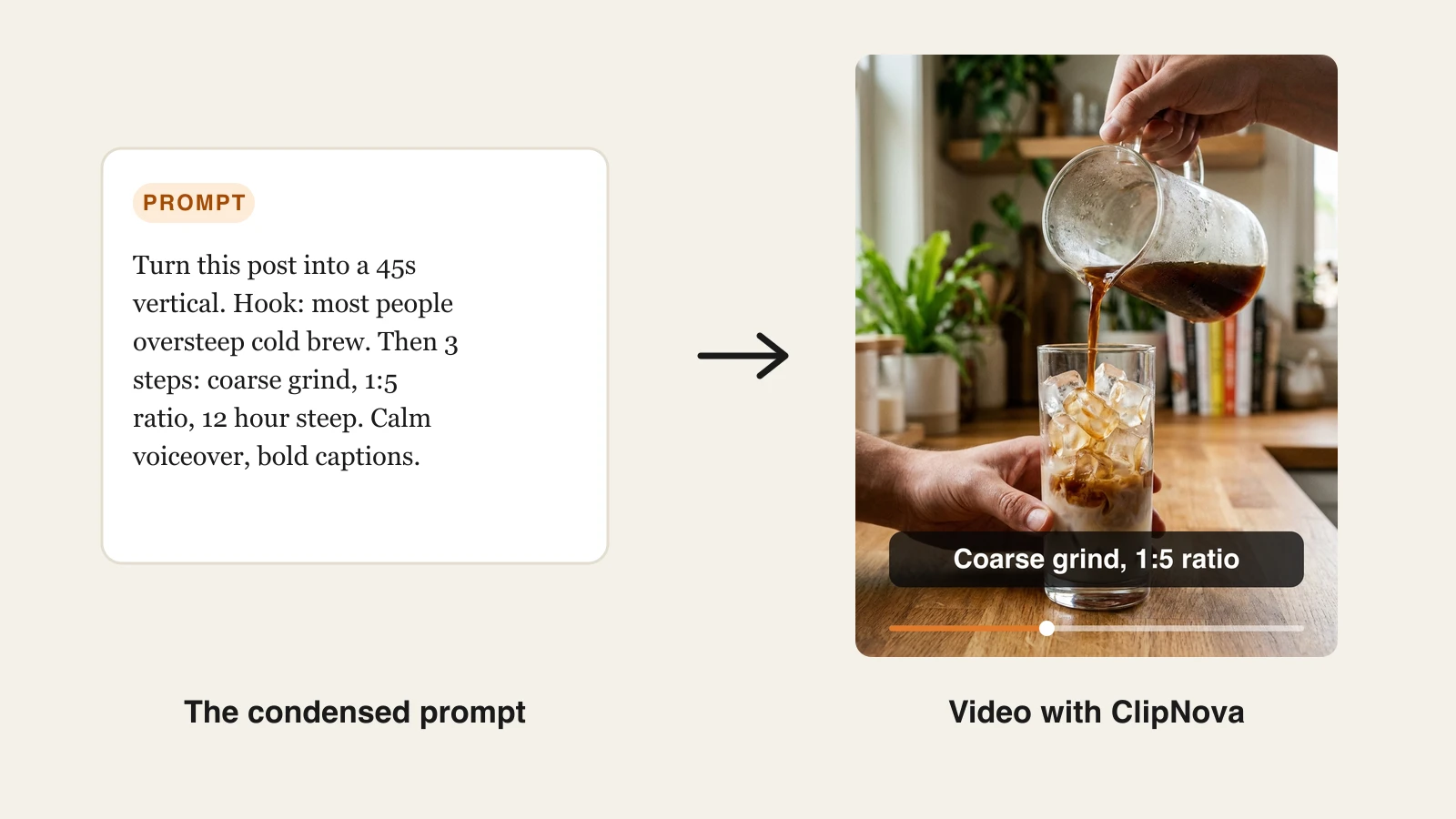
Condense the post into a prompt. Do not paste the whole article. Write the hook, the takeaways, the length, and the style you want. Here is the actual prompt used for the example below:
Turn this post into a 45s vertical. Hook: most people oversteep cold brew. Then 3 steps: coarse grind, 1:5 ratio, 12 hour steep. Calm voiceover, bold captions.
-
Pick the voice and language. Choose a narration voice that matches the post's tone. ClipNova narrates in 18 languages, so a post written in English can ship as a Spanish or French video without rewriting anything. If you only need the narration as audio, the AI voice generator turns a script into an MP3.
-
Keep captions on. Auto subtitles are included on every plan and are burned in synced to the voiceover. Most short-form viewing happens on mute, so the captions carry the argument even with the sound off.
-
Generate and review. ClipNova returns the finished vertical: script, scenes, narration, captions, and music. Watch it once with sound and once muted. If a scene misses, regenerate it or tighten the prompt line that produced it.
-
Export in every format you need. Multi-format export covers TikTok, Reels, and Shorts, watermark-free in 1080p or 4K with full commercial rights on every plan, including the $39/mo Hobby tier (see ClipNova's plans).
-
Repeat for the other formats. Change one line of the prompt ("make it a listicle: 5 cold brew mistakes" or "make it a 3 minute explainer following these sections") and generate the next video from the same post.
One post, five videos: the repurposing map
Treat every article as a content batch, not a single asset. This map turns one post into a week of publishing:
| Video | Pull from the post | Length | Where it goes |
|---|---|---|---|
| Summary vertical | Hook + 3 takeaways | 30-60s | TikTok, Reels, Shorts |
| Listicle short | The numbered steps or mistakes | 30-45s | TikTok, Reels, Shorts |
| Narrated explainer | Full structure, section by section | 2-5 min | YouTube, product pages |
| Single-tip clip | One surprising takeaway | 15-20s | Reels, Shorts, Stories |
| Localized version | The summary vertical, re-voiced | 30-60s | Your second-language audience |
Two rules make the system work. First, generate all five in one sitting while the post is fresh; each extra video is a one-line prompt change, not a new project. Second, space them out over one to two weeks instead of posting the same topic five days straight, and let the explainer link back to the article while the shorts point at the explainer.
A third habit compounds over time: track which format wins per topic. How-to posts usually convert best as listicle shorts, opinion posts as summary verticals with a sharp hook, and research-heavy posts as explainers. After a month of batches you will know your ratio and can generate the winning format first instead of guessing.
The economics are the argument. On ClipNova's Hobby plan at $39/mo with 1,000 credits, a five-video batch from every weekly post costs a fraction of what a single edited video costs from a freelancer, and every export carries full commercial rights.
Blog to video converters worth knowing
ClipNova is the strongest option when you want generated scenes and a finished, voiced, captioned video from a condensed prompt. Three specialists take a different route and are worth knowing.
| Tool | Approach | Starting price |
|---|---|---|
| ClipNova | Long finished videos from a blog post, with consistent characters | From $39/mo |
| Pictory | Article link to auto-matched stock scenes | From $29/mo ($25/mo yearly) |
| Fliki | Script or post to narrated stock slideshow | From $28/mo ($21/mo yearly) |
| InVideo AI | Prompt to template and stock-driven video | From $20/mo ($17/mo yearly) |
Pictory is the classic blog to video converter: paste an article URL and it drafts scenes with matched stock footage and captions. It is genuinely fast for stock-based summaries, though output leans on templates and the Starter plan caps video minutes per month. If you are weighing it against a generative workflow, our Pictory alternative page breaks down the differences.
Fliki is voiceover-first, with a large voice library across 80+ languages and a simple blog-post-to-video flow. It suits narrated, slideshow-style videos, but the visuals are mostly stock and text, so results look less native on TikTok and Reels. If you want generated scenes instead of stock, see our Fliki alternative comparison.
InVideo AI generates template-driven social videos from a prompt and has a mature editor behind it. It is a solid all-rounder, though videos can read as "stocky" and credits on lower tiers go quickly at daily volume.
All three are honest tools for stock-based summaries. The trade-off is the same in each case: stock visuals are fast but generic, while a generative tool builds scenes that match your topic and stay consistent across the whole batch.
Final advice: pick the format before the tool
Most blog to video projects fail from tool-first thinking: people subscribe, convert one post into one generic video, see it flop, and conclude video "does not work" for their niche. The fix is to decide the format and the platform before you generate anything, then judge each video against that format's job, saves for a listicle, watch time for an explainer, profile taps for a summary vertical.
Start with one post you already know performs, and make the summary vertical first; it is the fastest to generate and the fastest to test. If it gets traction, run the full five-video map on that post before touching a new one. Demand from your tool the three things that make repurposing sustainable at volume: captions by default, multi-format export, and voiceover in the languages you publish in. If you want finished videos with generated visuals rather than stock slideshows, start with ClipNova and turn this week's post into its first three videos today.
Related reading: LinkedIn video AI: how to build authority in 2026.
Frequently asked
What is blog to video AI?
Blog to video AI is software that converts a written article into a finished video. It condenses the post into a short script, pairs each line with visuals, adds an AI voiceover and synced captions, and exports the result in the right format for TikTok, Reels, Shorts, or YouTube. Tools differ mainly in visuals, stock-based converters like Pictory lay text over stock clips, while generative tools like ClipNova create the scenes from your prompt.
What is the best AI tool to turn articles into videos?
It depends on the visuals you want. ClipNova is the best fit when you want a finished video with generated scenes, voiceover, and captions from one condensed prompt. Pictory is the strongest stock-based specialist, converting an article URL into stock-footage scenes, and Fliki is a good pick when the voiceover matters more than the visuals.
Should I paste my whole blog post into the AI?
No. You get better videos by condensing the post first: write the hook, the two or three key takeaways, the target length, and the style, then use that as the prompt. Pasting the full article makes the AI decide what matters, and it often keeps filler while dropping your strongest point.
How long should a video made from a blog post be?
Match the length to the format. A summary vertical for TikTok, Reels, or Shorts works best at 30 to 60 seconds, a single-tip clip at 15 to 20 seconds, and a narrated explainer for YouTube at 2 to 5 minutes. One post can and should become all three lengths rather than one compromise video.
How many videos can I make from one blog post?
A typical article yields at least five: a summary vertical, a listicle short built from the steps or mistakes, a 2 to 5 minute narrated explainer, a single-tip clip from the most surprising takeaway, and a localized version of the summary re-voiced in a second language. Each one is a small prompt change on the same source post, so generating the full batch takes one sitting.
Does turning blog posts into videos help SEO?
It helps discovery more than rankings. A narrated explainer on YouTube can rank in YouTube and Google video results for the same query your post targets, and shorts push traffic toward the explainer and the article. The video does not boost the post's rankings directly, but it puts the same research in front of audiences who would never click a blog link.
If I mainly want to repurpose my blog into short videos, what should I use?
Use ClipNova. You condense the post into a prompt and get a finished vertical with generated scenes, AI voiceover, burned-in captions, and music, then change one prompt line to produce the listicle, explainer, and localized versions. Every plan exports watermark-free with full commercial rights, and plans begin at $39/mo.