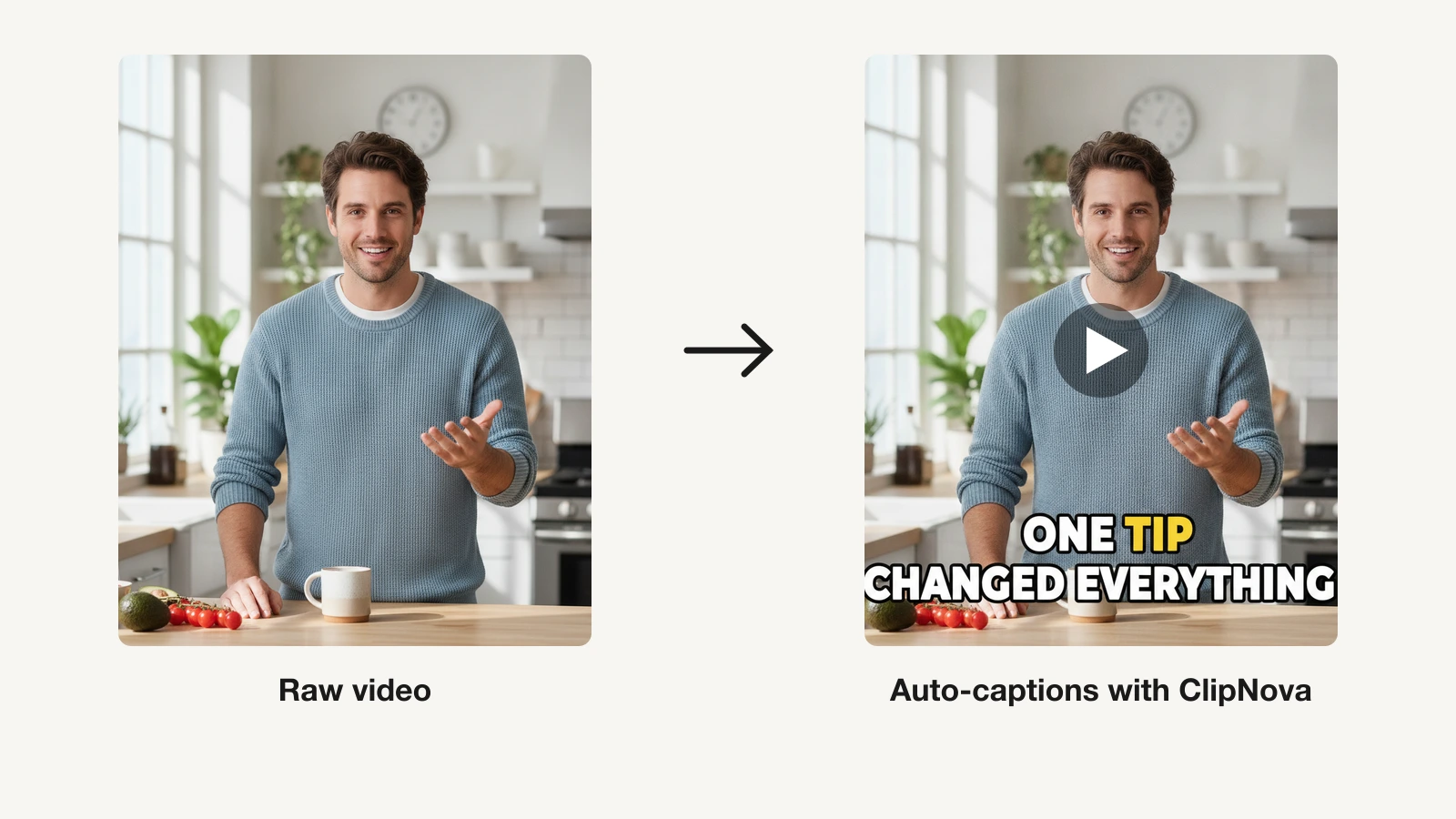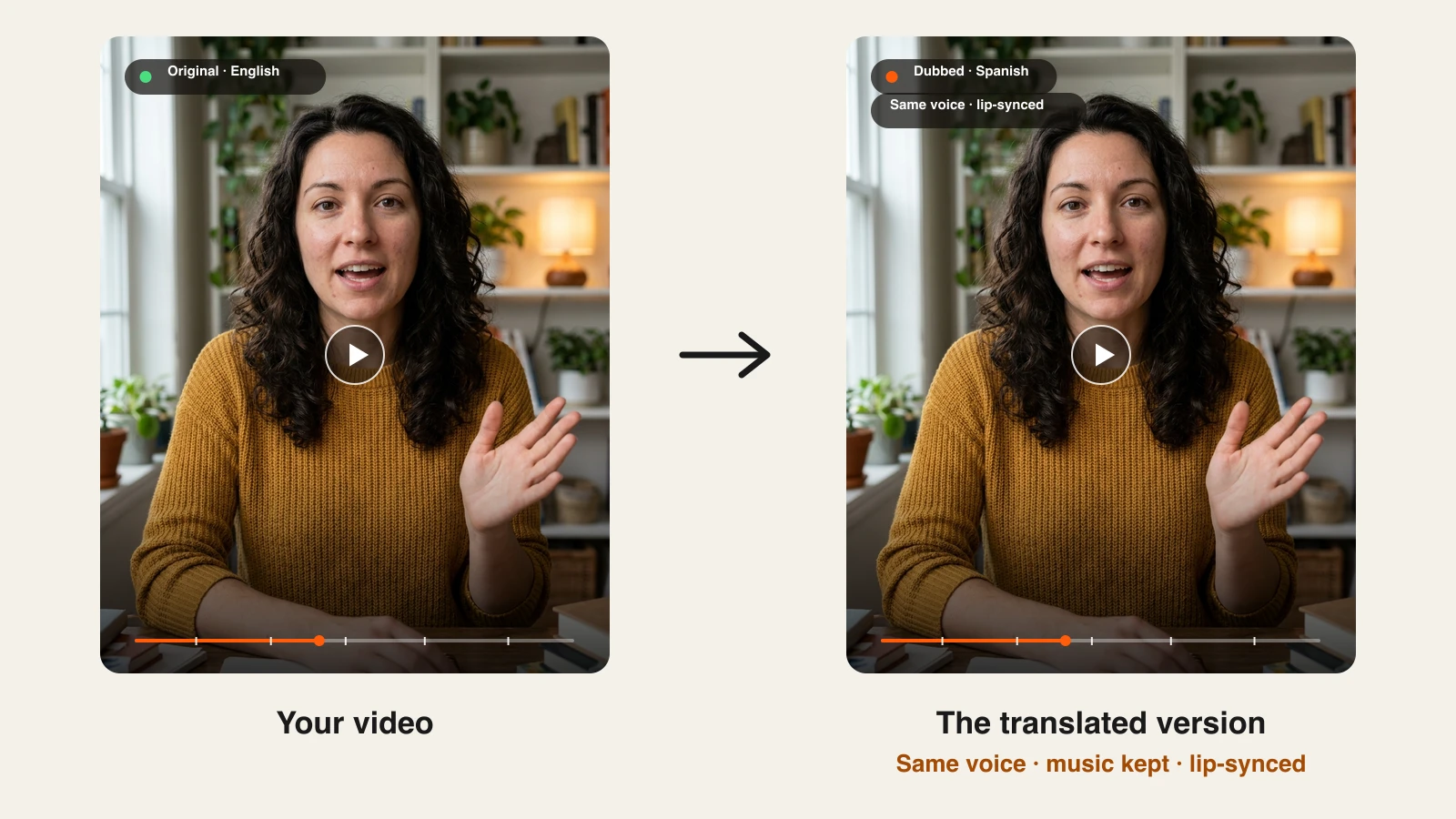
A video that works in English can usually work in Spanish, Hindi, or Portuguese too. The obstacle has always been the redo: a translator, a voice actor, a studio, and an editor to line it all up. An AI video translator collapses that into one upload. It transcribes what was said, translates it, speaks it again in a matching voice, and on the better tools reshapes the speaker's mouth so the new words look natural.
The results now range from "good enough for a YouTube audio track" to "hard to tell it was dubbed". Prices range just as widely, from a feature built into YouTube to a few dollars per minute.
This guide compares the 7 best AI video translators in 2026, with verified pricing, language counts, lip-sync support, and the trade-offs that matter before you pay.
Best AI video translators: a brief overview
Video tools with translation built in
- HeyGen: Best overall AI video translator, with the most convincing lip-sync on talking-head and presenter videos and the widest language list here.
- ClipNova: Best for short clips that should keep the speaker's own voice. Upload up to 60 seconds, pick one of 18 languages, and get the same person back, dubbed in their own voice, with the background music kept and the lips synced.
Dedicated translation and dubbing platforms
- Rask AI: Best for long videos and multi-speaker content, with uploads of up to 5 hours.
- ElevenLabs: Best voice quality for audio-first dubbing like podcasts, interviews, and narration.
- Synthesia: Best for training and corporate teams that need reviewable, multilingual libraries.
- Vozo: Best for videos with on-screen text, which it erases and translates in place.
Built into the platform
- YouTube auto dubbing: Best built-in option for eligible YouTube channels that only need audio tracks.
| Tool | Best for | Starting price | Languages | Lip-sync |
|---|---|---|---|---|
| HeyGen | Presenter and talking-head videos | $29/mo | 175+ | Yes (paid plans) |
| ClipNova | Short clips in the speaker's own voice | From $49.99/mo | 18 | Yes |
| Rask AI | Long and multi-speaker videos | $39/mo ($28 yearly) | 135+ | Yes |
| ElevenLabs | Voice-first audio dubbing | $6/mo | 90+ | Timing sync, audio dub |
| Synthesia | Training and team libraries | $29/mo ($18 yearly) | 70+ (more on Enterprise) | Yes (2x credits) |
| Vozo | On-screen text and long videos | $29/mo | 165 target | Yes |
| YouTube auto dubbing | Audio tracks on YouTube | Included with YouTube | 20 from English | Experimental, select channels |
Reading the table: "lip-sync" means the tool re-animates the speaker's mouth to match the new language. Tools without it still replace the audio, which is fine for voiceover, screen recordings, and faceless content, and looks off on close-up talking heads.
1. HeyGen, best overall AI video translator
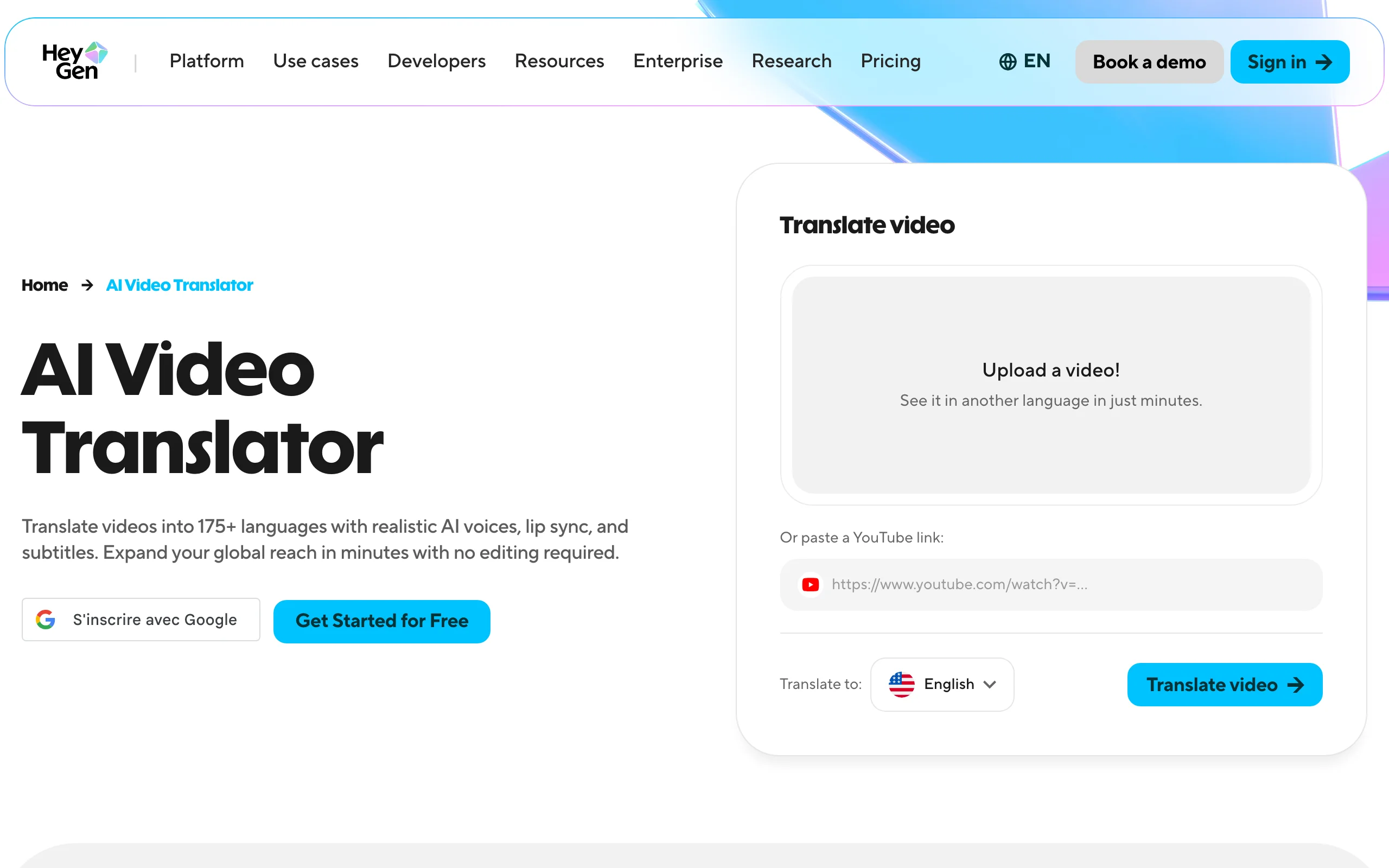
HeyGen made its name with avatars, and its translator inherits that strength: the mouth. Upload a video or paste a YouTube link, and it translates the speech, clones the speaker's voice, and re-animates the lips so the new language looks spoken rather than dubbed. It supports 175+ languages and dialects and can translate one video into up to 10 languages at once.
Key features
- Translation into 175+ languages and dialects with voice cloning
- Lip-sync that re-animates the speaker's mouth
- Edit and review step to proofread the translated script before rendering
- Brand glossary for protected terms and pronunciation
Best for
- Founders, coaches, and presenters speaking straight to camera
- Marketing teams localizing the same video into many markets at once
Pricing
- Creator $29/mo (600 credits, videos up to 30 minutes, lip-sync, watermark removable)
- Pro $49/mo (1,000 credits, 4K export); Business $149/mo plus $20 per seat
Pros
- The most convincing mouth movement for close-up speakers in this list
- Widest language and dialect coverage
Cons
- Credits are shared with HeyGen's avatar features, so heavy translation eats into the same pool
2. ClipNova, best for translating short clips in your own voice
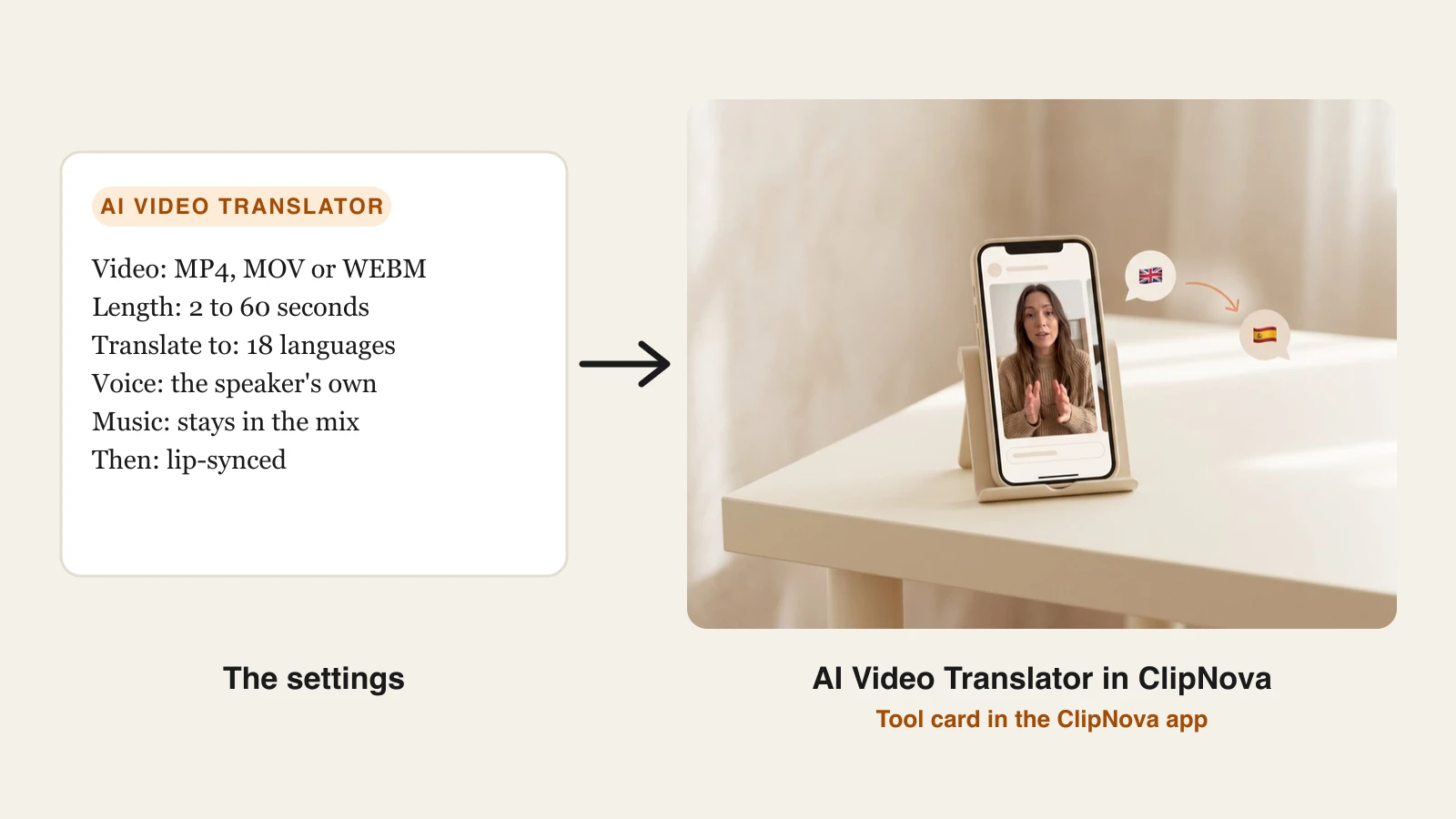
ClipNova is an AI video generator first, and its AI Video Translator is built for the clips creators actually post: Shorts, Reels, TikToks, ad cuts, and hooks of up to 60 seconds. Upload a talking video, pick the language, and you get the same person speaking that language, not a stock narrator reading a translation.
Translating one clip is a small part of what ClipNova does. Its core job is finished long videos with consistent characters.
- Long: a new video can run up to 5 minutes, written for your language from the start.
- Consistent characters: a saved character keeps the same face in every version of your story.
- Finished: narration in 18 languages comes back with scenes, captions and music.
Under the hood it runs two steps. ElevenLabs dubbing separates the speech from the rest of the soundtrack, translates it, and re-voices each speaker in a clone of their own voice on the original timing, then mixes the background music and ambience back in. Then lipsync-2 re-times the speaker's mouth to the new words on your original picture. If you already have the new audio, the AI lip sync tool does that step on its own. There is deliberately no voice picker: keeping the speaker's voice is the point of the tool, and clips with several people work too, each dubbed in their own voice.
How to translate a video with ClipNova
- Sign in at the ClipNova app. Video translation is included in every plan, from $49.99 a month.
- Open AI Video Studio and choose AI Video Translator.
- Upload a talking video: MP4, MOV, or WEBM, 2 to 60 seconds, up to 200 MB. One speaker facing the camera, clearly lit, gives the cleanest lip-sync.
- Under Translate to, pick the language. The tool shows the maximum credits for the clip before you start, and what the run does not use comes back to you.
- Generate. ClipNova dubs the clip, lip-syncs it, and saves it to your library, ready to download.
Key features
- The speaker keeps their own voice in the new language; several speakers are each dubbed in their own voice
- Background music and sound effects stay in the mix
- Lip-sync on the original picture, so close-ups do not look dubbed
- 18 target languages: English, Spanish, French, German, Italian, Portuguese, Russian, Japanese, Korean, Chinese (Mandarin), Arabic, Hindi, Indonesian, Dutch, Polish, Turkish, Vietnamese, and Swedish
- Sits next to Prompt to Video, Image to Video, and talking avatars, so you make and localize clips in one account
Best for
- Short-form creators posting the same clip in Spanish, Portuguese, Hindi, or Arabic
- Brands localizing short ads and product clips without a separate dubbing subscription
Pricing
- Included in every plan: Starter $49.99/mo (2,600 credits), Growth $99/mo (5,750), Ultra from $199/mo (12,000); yearly billing is 20% off
- Billed per started minute of dubbing plus per second of lip-sync: a 15-second clip reserves about 370 credits, a 60-second clip about 980, and unused credits are returned
Pros
- Your own voice and your soundtrack survive the translation, which most budget dubbing tools drop
- One step from upload to a lip-synced file, with no script to manage
Cons
- Clips are capped at 60 seconds, so full YouTube videos, courses, and interviews belong in HeyGen, Rask AI, or ElevenLabs
- 18 languages, far fewer than HeyGen or Rask, and no script editor to correct the translation before it renders
3. Rask AI, best for long and multi-speaker videos
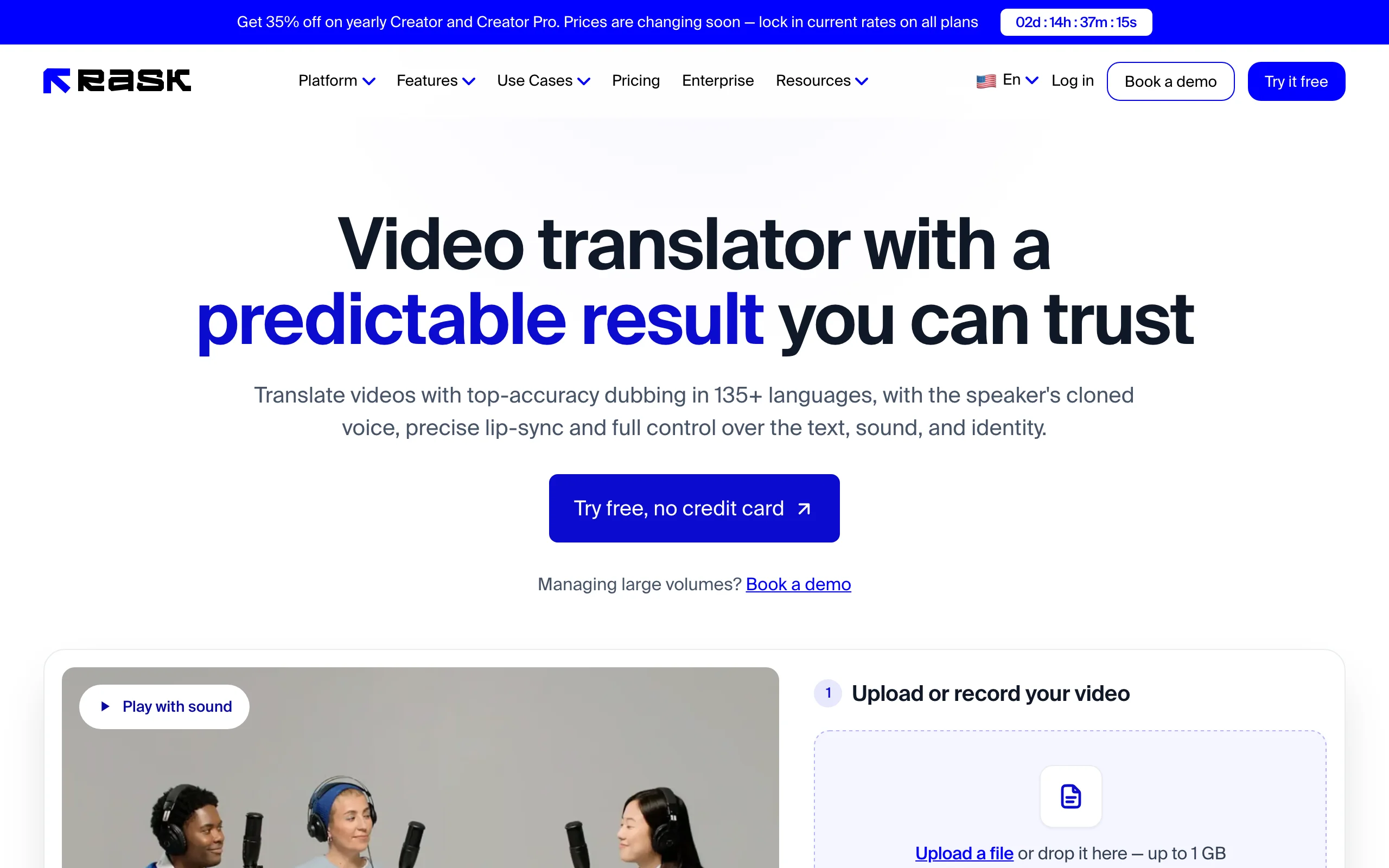
Rask AI is built for volume. It accepts uploads of up to 5 hours, detects up to 20+ speakers and gives each a separate voice, and lets you edit the translation line by line before the dub is regenerated. It flags the segments most likely to need a second look, which saves time on long interviews and lectures.
Key features
- Translation into 135+ languages, voice cloning in 32
- Multi-speaker detection with a voice per speaker
- Lip-sync on every plan
- SRT download and translated subtitles; YouTube link input
Best for
- Podcasts filmed on video, interviews, and panel discussions
- Course creators and educators with hours of footage
Pricing
- Creator $39/mo (25 minutes) or $28/mo billed yearly (300 minutes a year)
- Creator Pro $99/mo (100 minutes); Business $249/mo (250 minutes)
Pros
- Handles long, crowded recordings that trip up simpler tools
- Line-by-line editing gives you real control over the translation
Cons
- Per-minute pricing adds up fast for daily short-form posting
- Voice cloning covers 32 languages, far fewer than the 135+ it translates into
4. ElevenLabs, best voice quality for audio-first dubbing
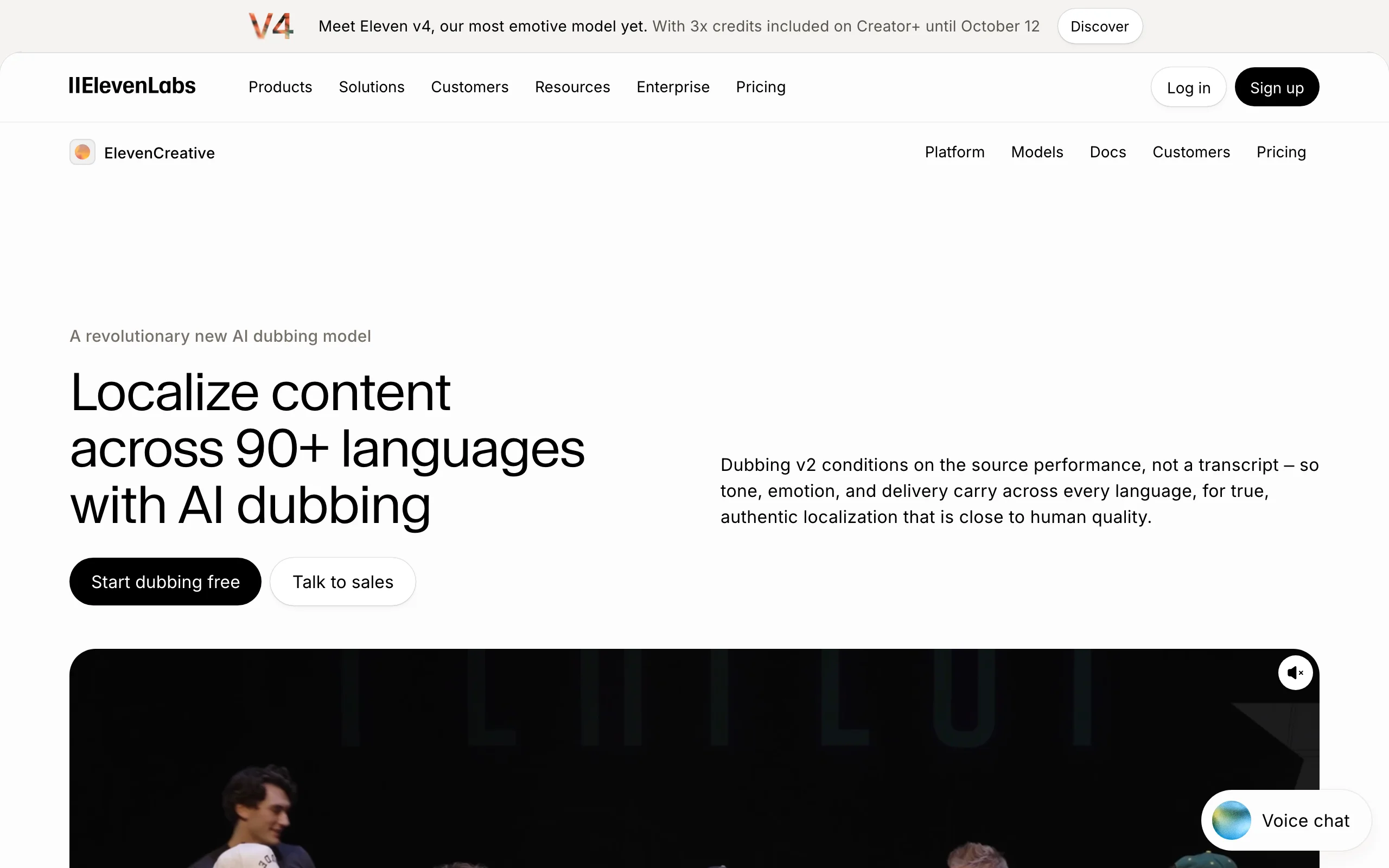
ElevenLabs is the voice company, and its Dubbing Studio shows it. Dubbing v2 works from the original audio rather than a transcript, so tone, emotion, and delivery carry over into 90+ languages, and every translation is spoken in an automatic clone of the original speaker.
Key features
- Audio-to-audio dubbing in 90+ languages and accents
- Automatic voice clone of each speaker, no setup
- Timing-aware translation so lines start and stop with the original
- Dubbing Studio for line-level editing on paid plans
Best for
- Podcasts, interviews, and narrated content where the voice carries the video
- Creators who already use ElevenLabs for voiceovers
Pricing
- Starter $6/mo (30,000 credits, often $1 for the first month), Creator $22/mo (121,000 credits)
- Automatic dubbing costs 2,000 credits a minute with a watermark or 3,000 without, so Starter covers about 10 minutes without a watermark
- Pro $99/mo (600,000 credits); Scale and Business tiers above
Pros
- The most natural-sounding translated voices here
- Cheap entry point for occasional dubbing
Cons
- The dubbing page promises timing sync, not mouth re-animation, so close-up talking heads can look dubbed
- Credit math per minute takes some working out before you commit
5. Synthesia, best for training and corporate video libraries
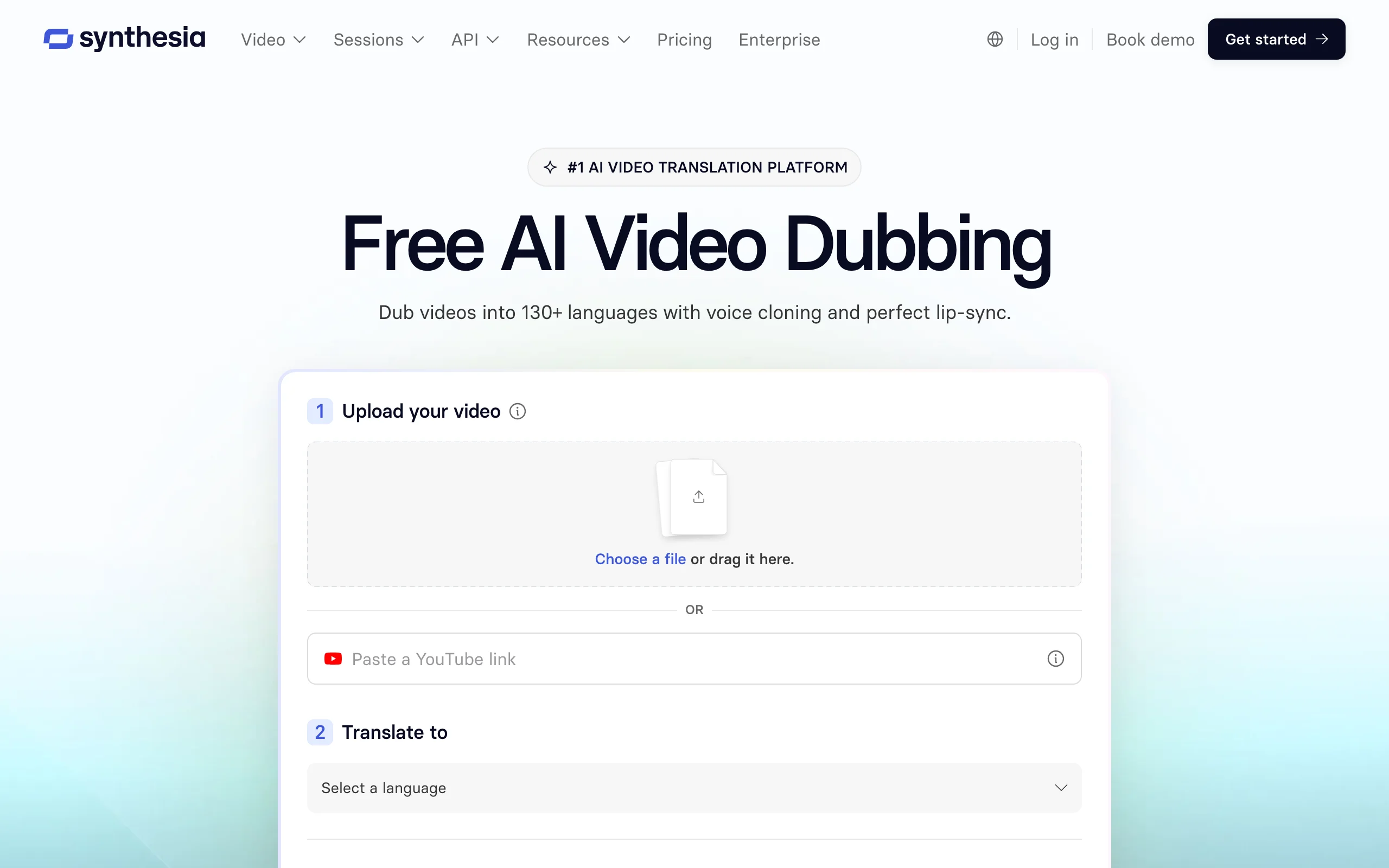
Synthesia is best known for AI avatars, but its AI dubbing works on real footage too. Upload an MP4, MOV, or WebM (up to 4K) or paste a YouTube link, and it detects each speaker, clones each voice separately, and dubs with optional lip-sync. Proofreading and retranslating a dubbed video does not use extra credits, which matters when a legal or HR team has to sign off.
Key features
- AI dubbing in 70+ languages on self-serve plans, more on Enterprise
- Multi-speaker detection with a separate voice clone per person
- Lip-sync option (uses twice the credits)
- Multilingual player with toggleable subtitles
Best for
- L&D and internal comms teams translating training libraries
- Companies already producing avatar videos in Synthesia
Pricing
- Starter $29/mo or $18/mo billed yearly (about 12 minutes a month)
- Pro $89/mo or $64/mo billed yearly (about 60 minutes a month); 1-click avatar video translation into 80+ languages is Enterprise only
Pros
- Built-in proofreading and retranslation keep review cycles cheap
- Strong fit for teams that need a shareable multilingual player
Cons
- Lip-sync doubles the credit cost
- Self-serve language list is shorter than its Enterprise one
6. Vozo, best for videos with on-screen text
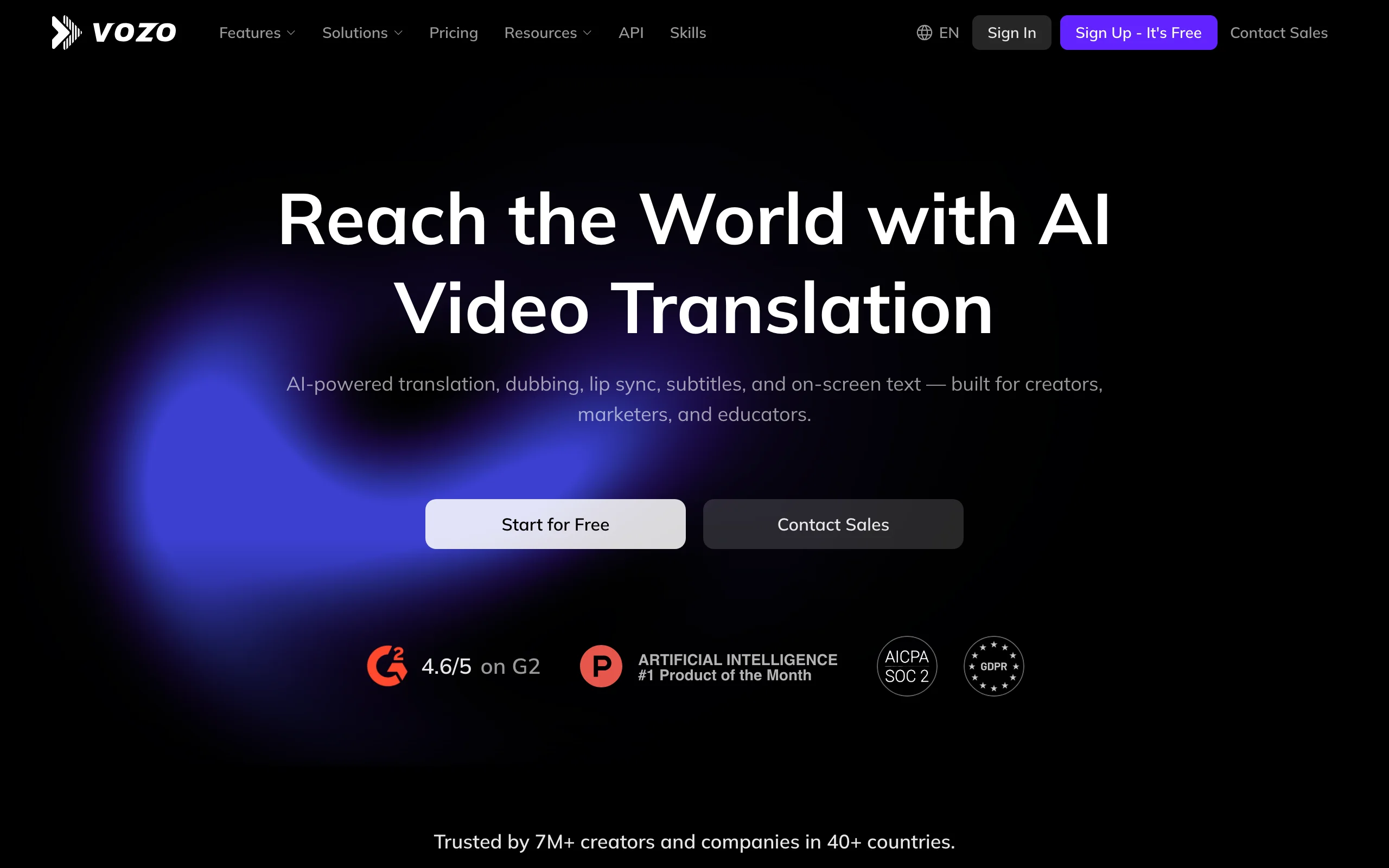
Vozo solves a problem most translators ignore: the words on screen. Its Visual Translate feature detects on-screen text, erases it, and redraws it in the target language while keeping the layout and animation. Add dubbing in two modes (VoiceREAL clones the original voice, VoiceNATIVE uses a native-sounding voice), lip-sync for multi-speaker videos, and an editor for timing and text.
Key features
- 111 source and 165 target languages for dubbing and subtitles
- Visual Translate for on-screen text, titles, and graphics
- Voice cloning or native voices, plus multi-speaker lip-sync
- Videos up to 60 minutes on Creator, 120 on Studio
Best for
- Tutorials, explainers, and ads with heavy text overlays
- Educators and marketers localizing slide-based videos
Pricing
- Creator $29/mo (150 points, roughly 50 dubbing minutes or 15 lip-sync minutes)
- Studio $99/mo (600 points); larger tiers and Enterprise on request
Pros
- The only tool here that translates on-screen text in the frame
- Generous video length limits
Cons
- Points are shared across dubbing, lip-sync, and visual translation, and lip-sync uses them fastest
- More controls than a creator posting one Short a day needs
7. YouTube auto dubbing, best built-in option for YouTube channels
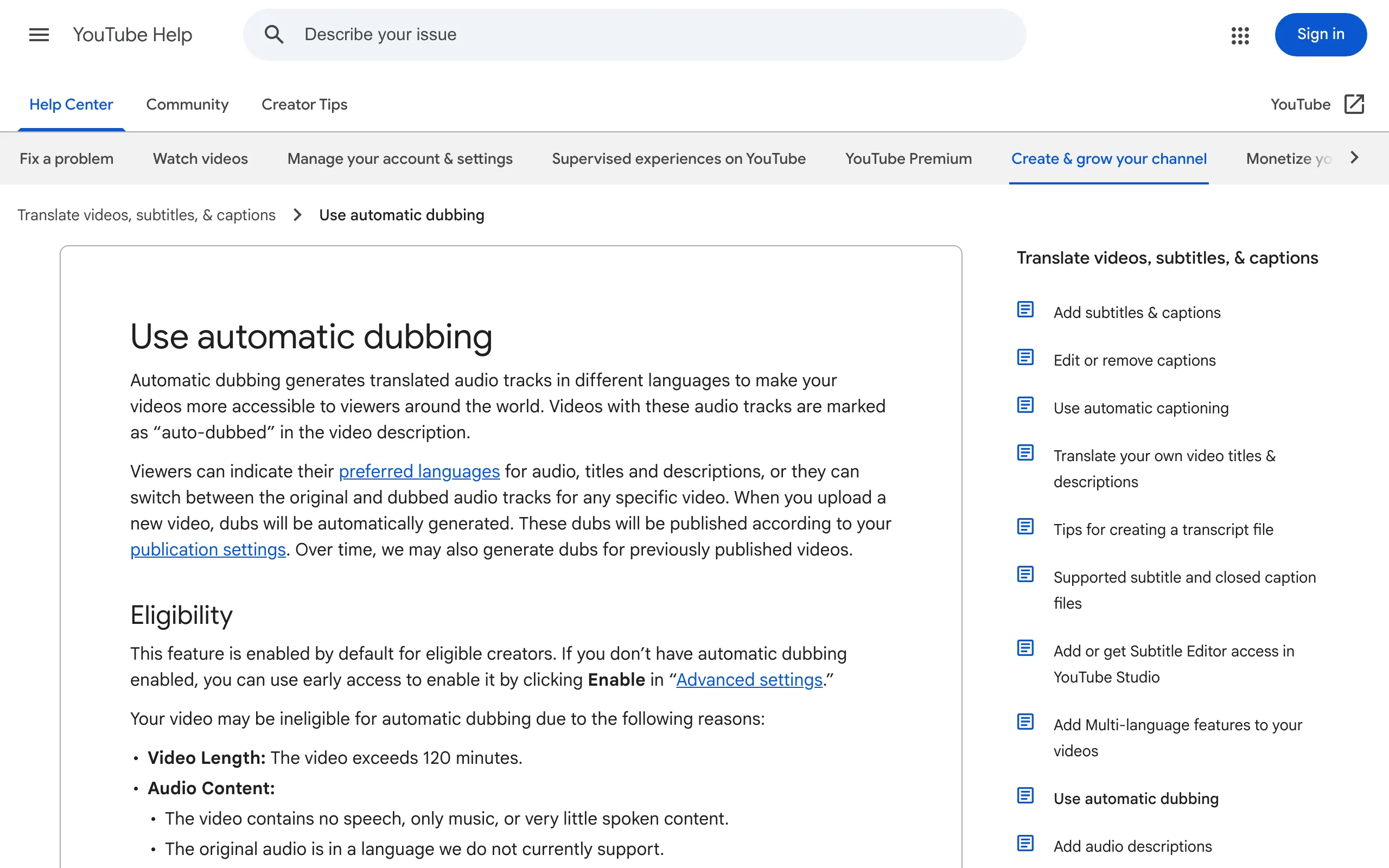
If your audience is on YouTube, check what you already have. YouTube auto dubbing is enabled by default for eligible creators and adds translated audio tracks that viewers can switch between. English videos can be dubbed into 20 languages, including Spanish, Hindi, Portuguese, Japanese, and German, and some languages get expressive speech that carries over the original pitch and intonation.
Key features
- Automatic dubbed audio tracks on new uploads, and over time on older videos
- English to 20 languages, many other languages into English
- Optional manual review before dubs are published
- Experimental lip-sync for select channels
Best for
- YouTube channels that want international views without extra work
- Testing demand in a language before paying for a polished dub
Pricing
- Included for eligible channels at no extra cost
Pros
- Built into YouTube Studio, with nothing extra to upload
- One video URL serves every language
Cons
- You cannot edit automatic dubs, only publish, unpublish, or delete them
- YouTube only, so it does nothing for TikTok, Reels, or ads; videos over 120 minutes are ineligible
How to choose the best AI video translator for your workflow
Start with who is on screen and where the video will live.
1) Is a face on camera, or is it voiceover?
- Close-up speaker or presenter: choose a tool with real lip-sync, such as HeyGen, Rask AI, Vozo, Synthesia, or ClipNova for clips under a minute
- Voiceover, faceless content, or screen recordings: lip-sync does not matter, so ElevenLabs or YouTube auto dubbing will do
- Interviews with several people: Rask AI or Synthesia, which give each speaker their own cloned voice
2) How long are your videos, and how many each month?
Per-minute pricing looks cheap until you multiply it. Rask's Creator plan covers 25 minutes a month, which is a handful of YouTube videos or about 25 one-minute Shorts. ElevenLabs Starter covers about 10 minutes without a watermark. If you post short videos daily and translate each into two languages, compare the cost per finished Short, not the headline price.
- Short-form clips under a minute: ClipNova (your own voice, music kept) or HeyGen, where translation sits next to the tools you already create with
- Long-form or hours of footage: Rask AI (5-hour uploads) or Vozo (up to 120 minutes on Studio)
3) Do you need to edit the translation?
Machine translation gets idioms, brand names, and jokes wrong. If accuracy matters, pick a tool with a script editor: HeyGen's Edit and Review, Rask's line-by-line editor, Synthesia's retranslation, or Vozo's timing editor. YouTube auto dubbing cannot be edited at all, so watch every dub before you publish it.
4) Where will the translated video be published?
- YouTube only: start with YouTube's built-in auto dubbing, then upgrade the videos that perform
- TikTok, Reels, Shorts, and ads: you need an exported file, so use a standalone tool and add translated captions (our AI caption generator roundup compares the options) for viewers who watch on mute
- Text-heavy explainers: Vozo, so the on-screen titles match the new language
Before you subscribe, translate the same 60-second clip in two or three tools and show it to a native speaker. That one test tells you more about voice quality, lip-sync, and translation accuracy than any feature list. For short clips, see how ClipNova's AI video translator works and compare plans on the pricing page, and if you are new to the terminology, our glossary explains lip-sync and voice cloning.
Frequently asked
What is an AI video translator?
An AI video translator takes a video in one language and returns it in another. It transcribes the speech, translates the script, generates new speech in the target language (often in a clone of the original voice), and on many tools re-animates the speaker's lips to match. The result replaces hiring translators, voice actors, and an editor for each language.
What is the best AI video translator?
HeyGen is the best overall, with the most convincing lip-sync for presenters and 175+ languages. Rask AI handles long multi-speaker recordings, ElevenLabs has the most natural voices for audio-first content, and Vozo translates on-screen text. For clips under a minute that should keep the speaker's own voice and background music, ClipNova dubs and lip-syncs in one step on every plan, from $49.99 a month.
What is the difference between AI dubbing and lip-sync?
AI dubbing replaces the audio with speech in another language. Lip-sync goes further and changes the speaker's mouth movements in the video so they match the new words. Dubbing alone is fine for voiceover, faceless videos, and screen recordings; lip-sync matters when a person speaks to camera in close-up.
Can an AI video translator keep my own voice?
Yes. HeyGen, Rask AI, ElevenLabs, Synthesia, Vozo, and ClipNova can re-voice the translation in a clone of the original speaker's voice so the translation still sounds like you. Check the language list for cloning specifically: Rask AI translates into 135+ languages but clones voices in 32.
How accurate is AI video translation?
Good enough for most creator and marketing content, but not perfect. Idioms, slang, product names, and humor are the usual mistakes. Use a tool with a script editor, add a glossary for brand terms where the tool supports it, and have a native speaker watch the first few videos in each new language.
Should I dub my videos or just add translated subtitles?
Do both if you can. Dubbing reaches viewers who will not read subtitles and works for audio-first viewing, while translated captions help people who watch on mute and are cheap to add. Many creators start with translated captions to test a market, then dub the videos that find an audience.
If I make short videos and want them in other languages, what should I use?
ClipNova is built for that workflow. Its AI Video Translator takes a clip of up to 60 seconds, dubs it into one of 18 languages in the speaker's own voice with the background music kept, and lip-syncs the result, in the same account you use to create Shorts, Reels, and TikToks. Translation is on the paid plans, from $49.99 a month; for longer videos, HeyGen or Rask AI fit better.