If you run a small business in the US, you already know video sells: short clips on Instagram and TikTok, a promo for a new product, a quick ad on Facebook. The catch used to be cost. A freelancer charges $75 to $500 per video, and an agency retainer runs into the thousands. That math does not work when you are the owner, the marketer, and the shipping department all at once.
AI video generators change the equation. You type a brief or paste a product link, and the tool returns a finished, captioned video with a voiceover in minutes, no camera and no editing timeline. The right one can drop your cost per video to a few dollars while you keep control of the message.
This guide compares seven AI video tools that fit a small-business budget (most under $50 a month), scored on cost per video, ease of use, output rights, and the specific job each one does best. We also cover a fast note on FTC rules for AI in ads, so your video marketing stays on the right side of the line.
Best AI video generators for small business: quick overview
Here is the short version, matched to what a small business actually needs to produce:
- ClipNova: Best overall value: turns one brief into a finished, watermark-free social video or ad for $19 a month with full commercial rights.
- InVideo AI: Best cheapest sticker price: prompt-to-video social clips from a low entry tier, if you can live with a small monthly allowance.
- Pictory: Best for repurposing: turn existing blog posts, webinars, or long recordings into short clips.
- Fliki: Best for narrated explainers: script-to-video with a huge voice library and 75+ languages for how-to content.
- Creatify: Best for product ads: UGC-style video ads generated from a product URL for e-commerce and DTC stores.
- HeyGen: Best for spokesperson videos: realistic avatars and video translation for a branded, on-camera feel without filming.
- Synthesia: Best for training: presenter-led onboarding, SOP, and how-to videos your team can actually follow.
| Tool | Best for | Starting price | Free option | Max output |
|---|---|---|---|---|
| ClipNova | End-to-end social video and ads | From $19/mo | 70 credits, no card | 1080p and 4K, watermark-free |
| InVideo AI | Prompt-to-video on the cheapest tier | From $25/mo (about $17/mo yearly) | Free (watermarked, ≈10 min/week) | 1080p, no watermark on paid |
| Pictory | Repurposing blogs and webinars | From $29/mo ($25/mo yearly) | Free trial | 1080p, no watermark |
| Fliki | Narrated multilingual explainers | From $28/mo yearly ($48 monthly) | Free (720p, watermarked) | 1080p on paid |
| Creatify | UGC-style product ads | From $39/mo | Free (10 credits, watermarked) | 1080p, no watermark on paid |
| HeyGen | Spokesperson videos and translation | From $29/mo ($24/mo yearly) | Free (3 videos/mo, watermarked) | 1080p (4K on Pro) |
| Synthesia | Training and onboarding videos | From $29/mo ($18/mo yearly) | Free (10 min/mo) | 1080p |
1. ClipNova, best overall for a small-business budget
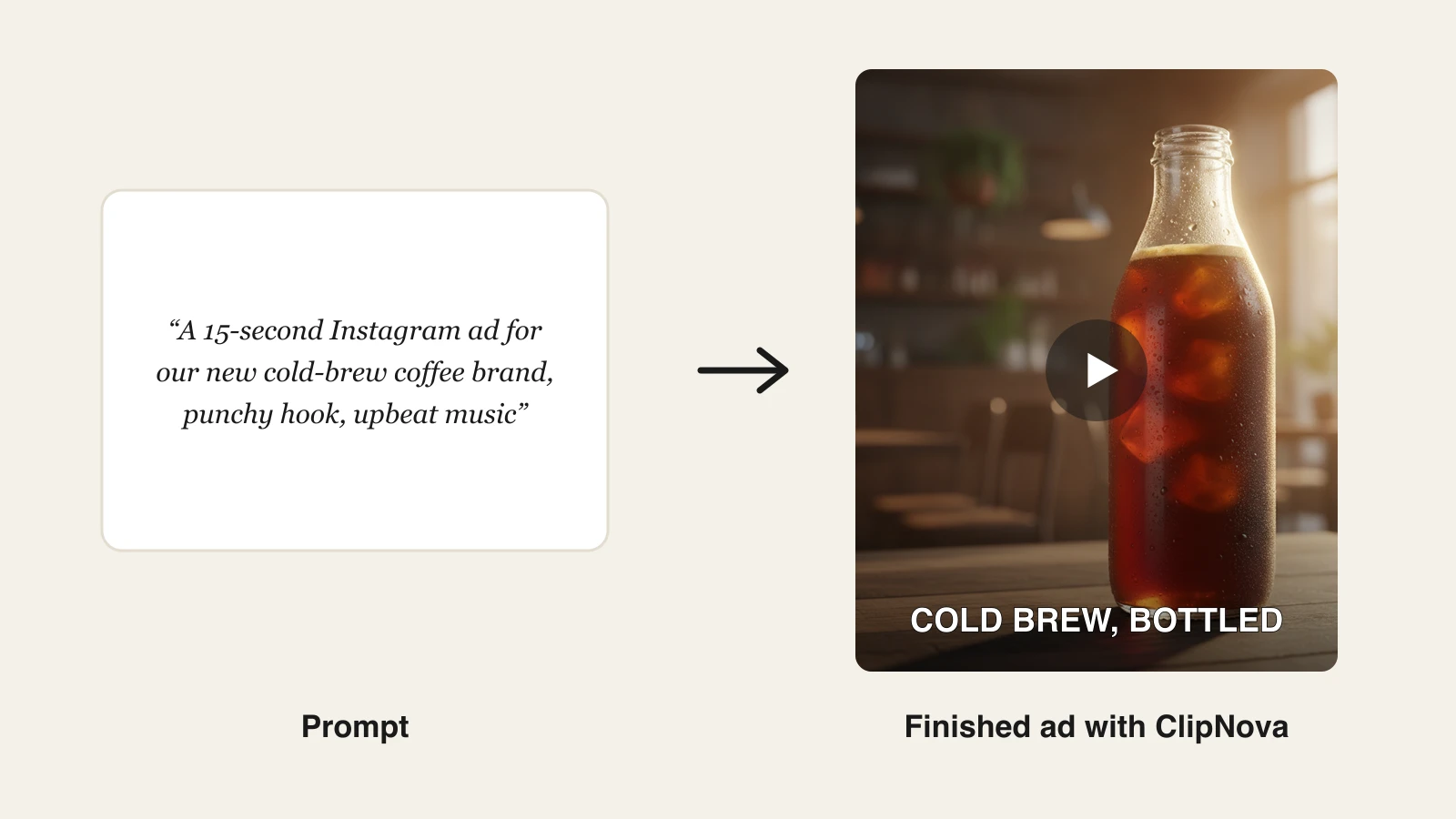
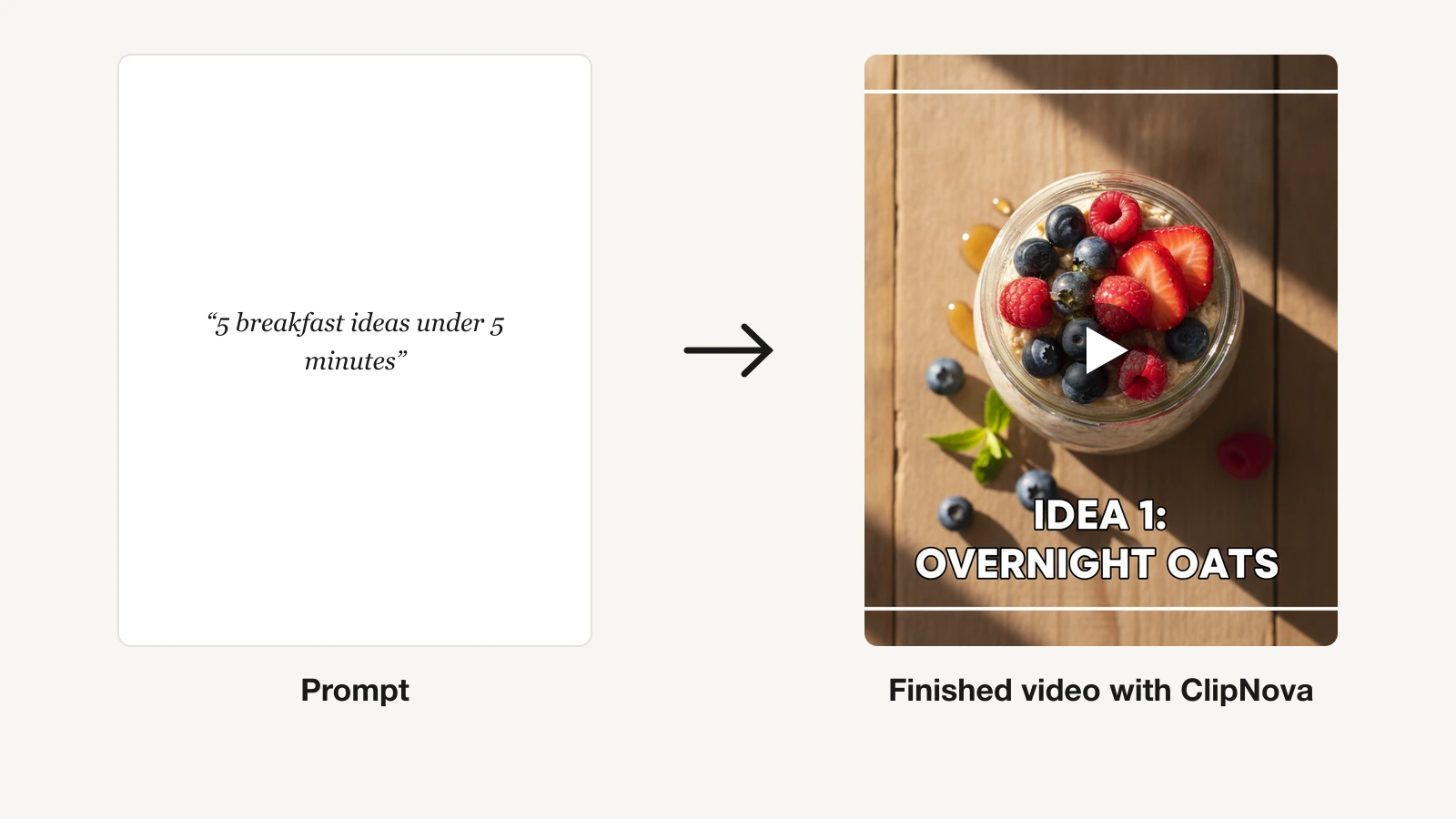
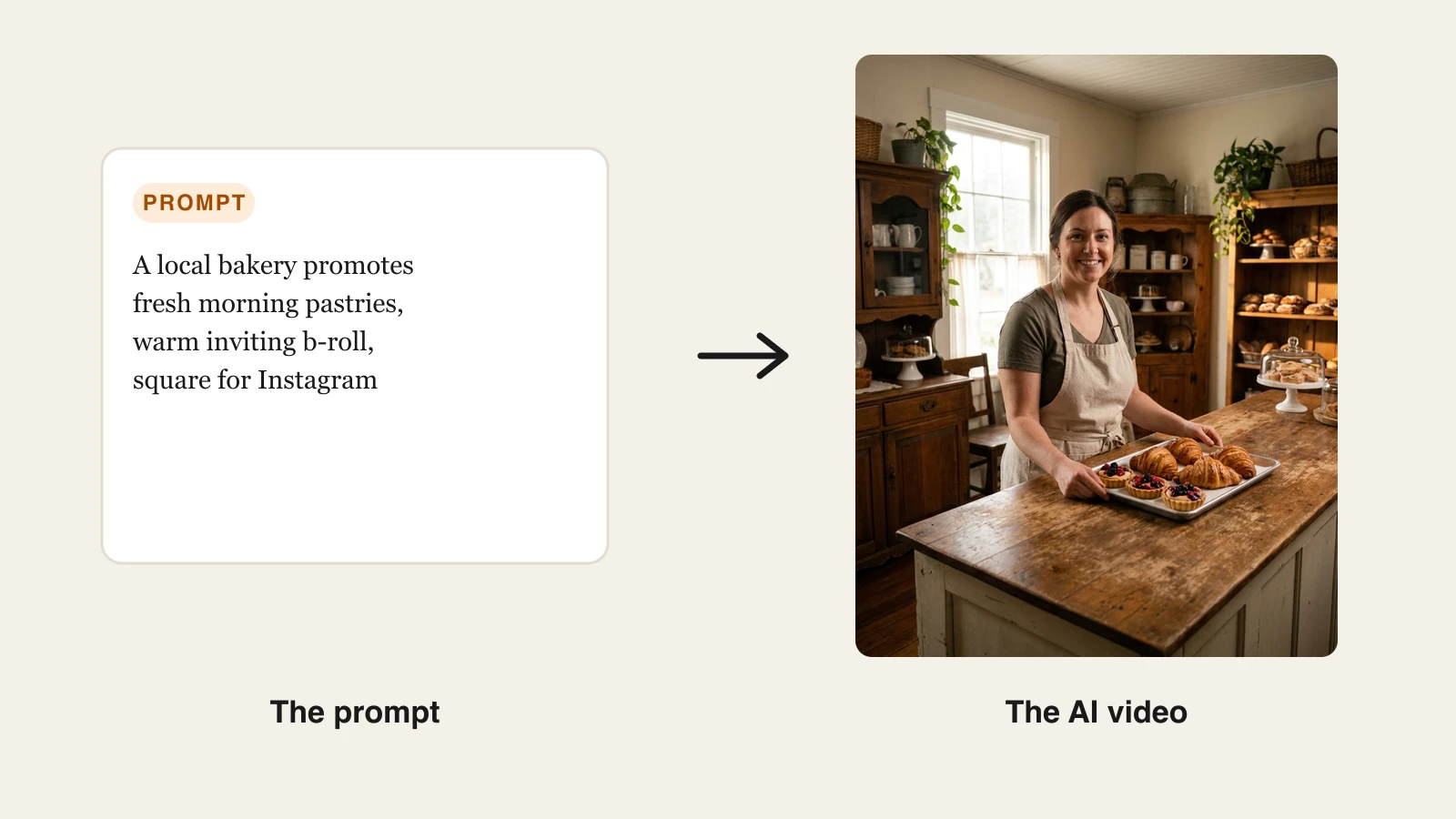
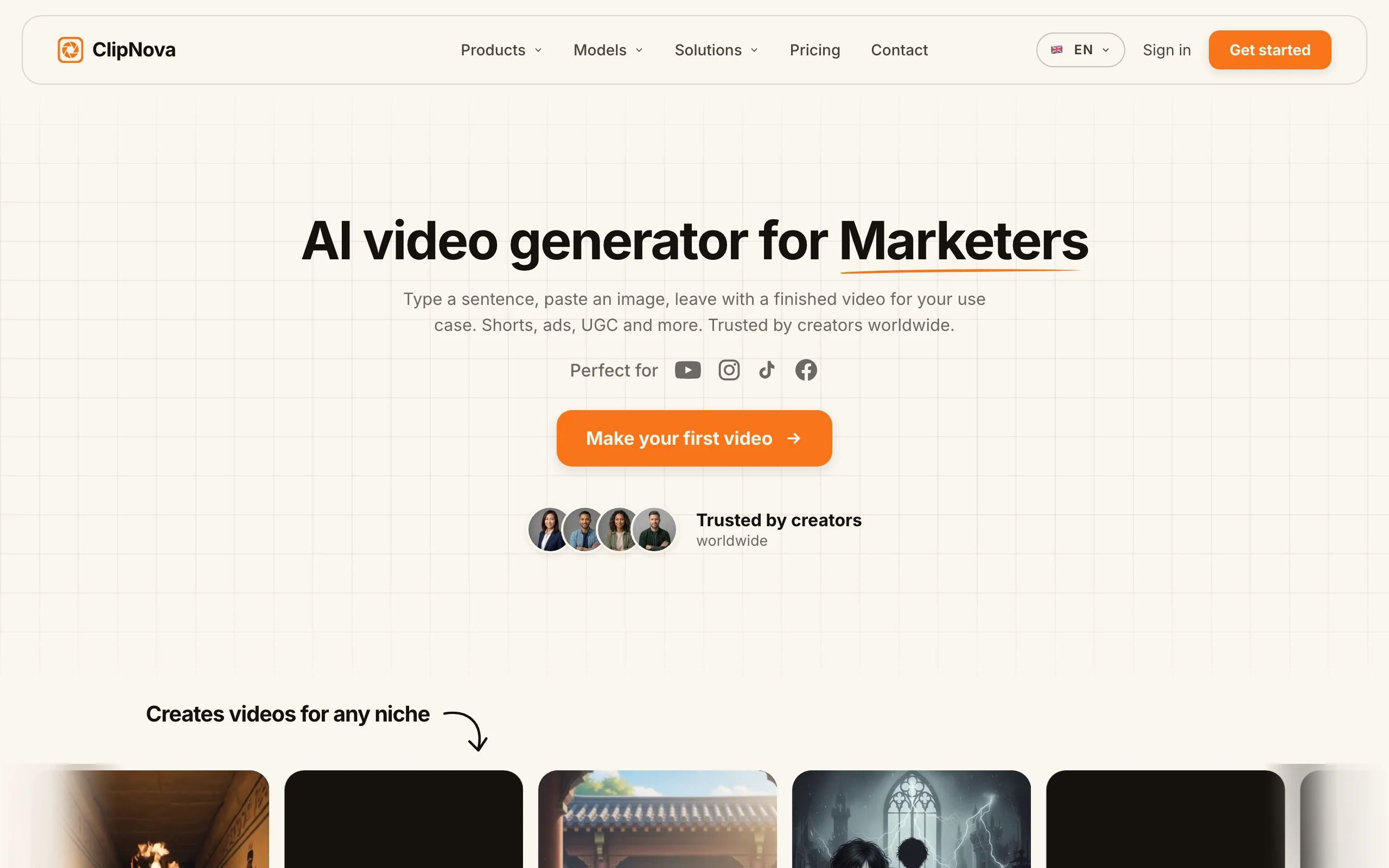
ClipNova is a video-first AI generator built for exactly the person doing marketing in-house. You describe the video you want, a bakery grand-opening promo, a "3 reasons to book us" reel, a product ad, and it returns a finished piece with the script, AI voiceover, on-screen captions, visuals, and music already assembled. There is no editor to learn and no footage to shoot. For a small business, that is the whole point: you go from an idea to something you can post before your coffee gets cold.
What sets it apart on price is the entry plan. The Hobby tier is $19 a month with 1,000 credits, and every plan, from Hobby up, includes the full feature set with full commercial rights. You are not paying enterprise money for one seat, and you are not locked out of watermark removal or commercial use on the cheap tier the way you are with most competitors. It also hosts multiple top video models (Veo 3.1, Kling v3, Sora, Seedance, Pixverse, and Flux) inside one subscription, so you are not betting your budget on a single engine.
Key features:
- Prompt-to-video: one brief becomes a finished, captioned, voiced clip
- Vertical-first output for TikTok, Reels, and Shorts, plus square for feed ads
- AI voiceovers in 32 languages for localized versions of the same video
- Talking avatars, AI actors, and AI ad generation for product promos
- Watermark-free 1080p and 4K export on every plan
- Access to multiple video models from one account
Best for:
- Solo owners and small marketing teams making social content and ads in-house
- Anyone who wants a finished video, not raw clips to edit later
- Budget-conscious businesses that still need full commercial rights on day one
Pricing:
- Hobby: $19/mo (1,000 credits)
- Starter: $49/mo (2,500 credits)
- Growth: $99/mo (5,000 credits)
- Ultra: $199/mo (10,000 credits)
- Yearly billing takes 20% off. Every plan has the full feature set; only the monthly credits differ. There is no free tier.
Pros:
- Cheapest capable entry point ($19) for finished, watermark-free video with commercial rights
- End-to-end workflow replaces a freelancer, a voiceover artist, and an editor
- One subscription spans promos, product ads, social clips, and avatar explainers
Cons:
- Newer brand than Synthesia or HeyGen, so it has less name recognition
- Focused on short-form generation, not long-form timeline editing
- No free-forever plan, so you commit to a paid tier to test full export
You can see the full plan breakdown on the ClipNova pricing page, and the prompt-to-video tool shows the core workflow in action.
2. InVideo AI, best cheapest sticker price
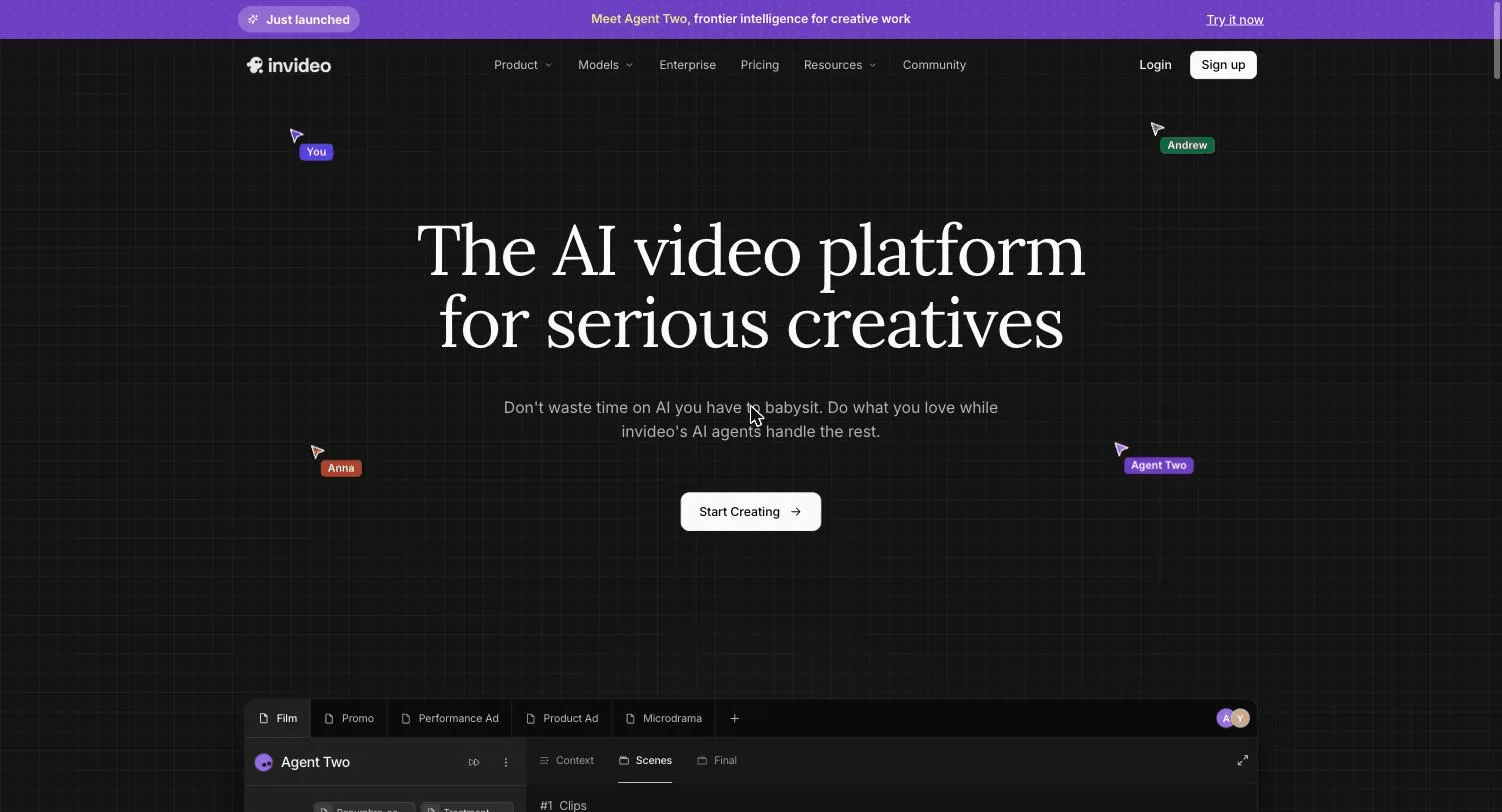
InVideo AI turns a text prompt into a social video, complete with stock footage, voiceover, and captions, and it does it from one of the lowest entry prices in the category. For an owner who wants to test prompt-to-video without much commitment, the low sticker is the draw. It is a mature product with a large template and stock library, so simple explainer and listicle-style videos come together fast.
Key features:
- Prompt-to-video with automated script, voiceover, and captions
- Large stock media and template library
- Access to multiple AI models on paid plans
- A handful of AI avatars and voice clones on entry tiers
Best for:
- Owners who want the lowest possible starting price to test the workflow
- Simple, stock-driven social videos and explainers
Pricing:
- Plus: about $25/mo billed monthly, roughly $17/mo billed yearly ($200/year), with 75 credits a month
- Higher tiers (Max, Generative, Elite) scale credits up steeply
- Free plan available, but exports carry a watermark and cap around 10 minutes of generation a week
Pros:
- Very low annual entry price for prompt-to-video
- Mature, stable product with lots of templates
- Watermark-free exports on paid plans
Cons:
- The 75-credit entry allowance runs out fast if you post regularly
- Output can look "stocky" since it leans on stock footage
- The free tier watermark makes it unusable for client-facing or ad work
3. Pictory, best for repurposing existing content
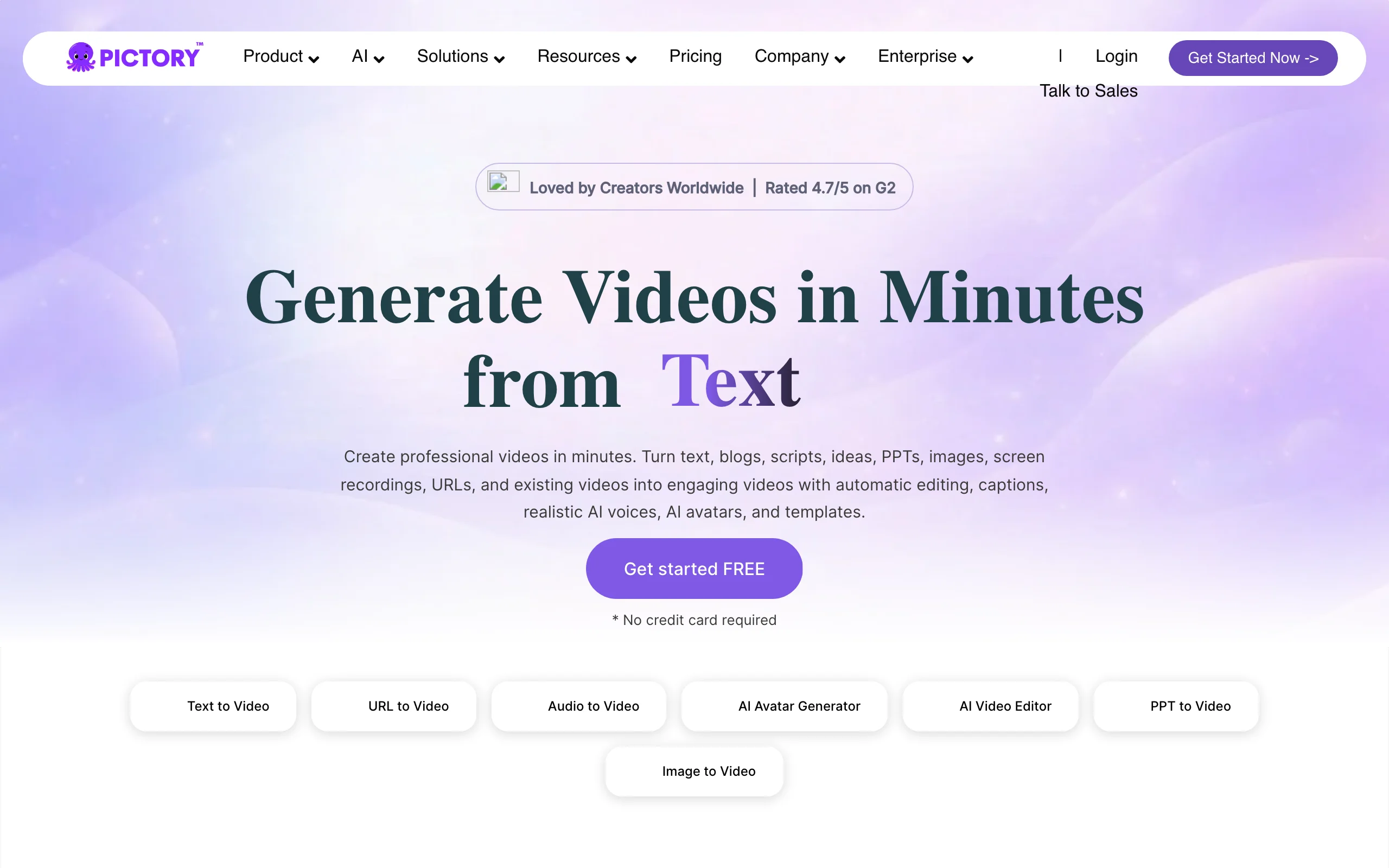
Pictory is the pick when you already have content and want more mileage from it. Paste a blog URL, upload a webinar recording, or drop in a long video, and Pictory pulls out the key moments, adds captions, and packages them into short clips. For a small business that blogs or runs webinars, this is close to free reach: the work is already done, and Pictory just reshapes it for social.
Key features:
- Article-to-video and URL-to-video from existing text
- Long recording to short clips with auto-highlighting
- Automatic captions and a large stock library
- AI voices and text-based editing
Best for:
- Businesses that publish blogs, webinars, or long-form video
- Turning one piece of content into a week of social clips
Pricing:
- Starter: $29/mo, or $25/mo billed annually (200 video minutes a month)
- Professional: $59/mo, or $35/mo annually
- Team: $199/mo, or $119/mo annually
- No watermark on any plan; a free trial is available
Pros:
- Excellent at squeezing shorts out of existing long content
- No watermark even on the entry plan
- Strong auto-summarization and captioning
Cons:
- It repurposes rather than generates from scratch, so you need source material
- Templates can feel dated next to newer generative tools
4. Fliki, best for narrated explainers in many languages
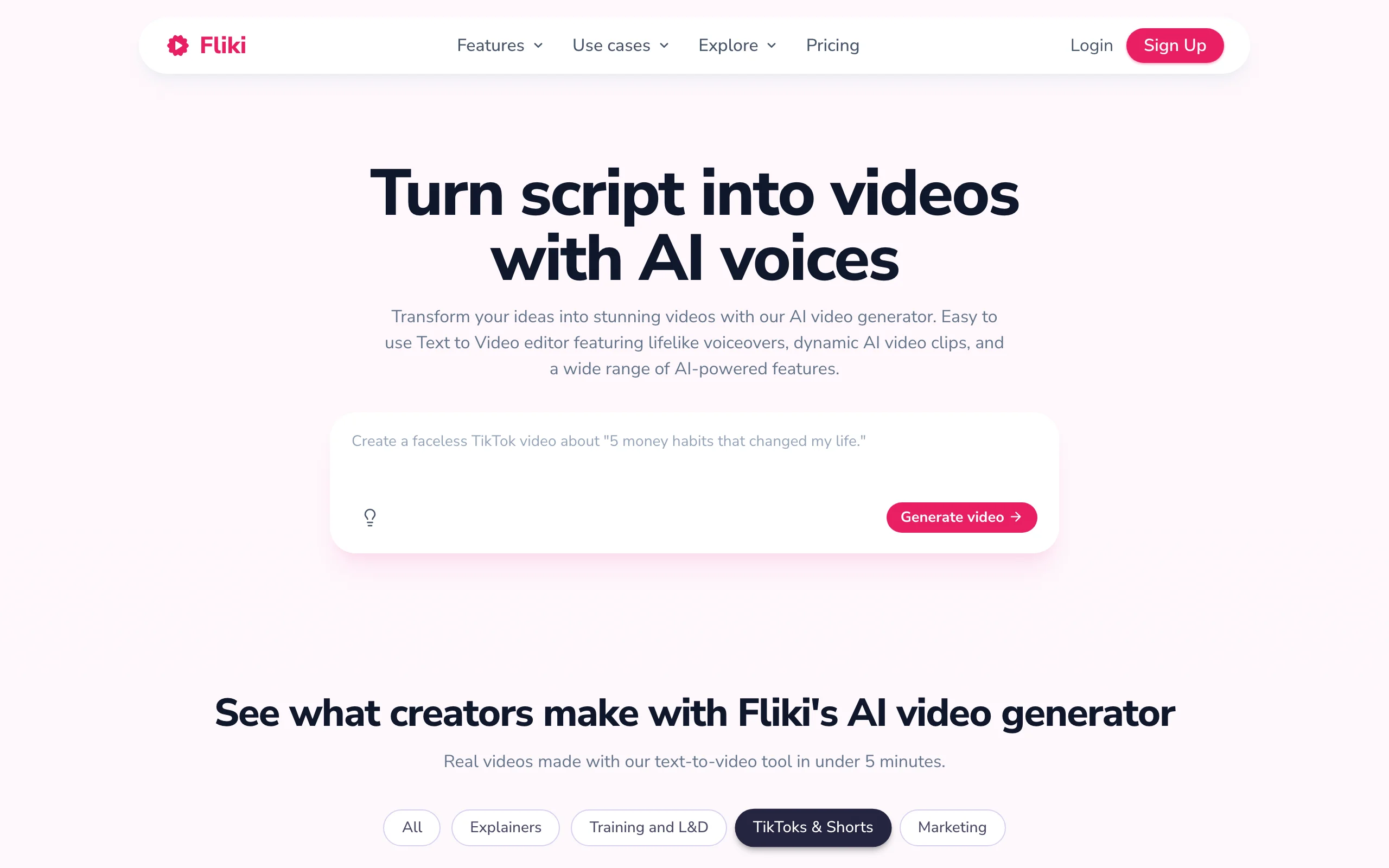
Fliki turns a script into a narrated video with a slideshow-style flow of visuals, and its standout is voice. With 2,000+ voices across 75+ languages, it is a strong fit for how-to content, product explainers, and any small business serving a multilingual customer base. If your marketing is more "here is how our service works" than "cinematic brand film," Fliki gets you there cheaply.
Key features:
- Script-to-video and idea-to-video workflows
- 2,000+ AI voices in 75+ languages
- Voice cloning and brand kits on paid plans
- Large stock media library
Best for:
- Narrated explainers, how-tos, and FAQ-style videos
- Businesses that need the same video in several languages
Pricing:
- Free: 720p with a watermark and limited minutes
- Standard: $28/mo billed yearly (about $48/mo monthly), 1080p, watermark removed, commercial rights
- Premium: about $88/mo with more minutes, voice cloning, and API access
Pros:
- Deep voice and language library for cheap localization
- Simple, fast script-to-video workflow
- Commercial rights and watermark removal on the Standard plan
Cons:
- Output leans slideshow-style rather than fully generative
- The free tier is watermarked and locked to 720p
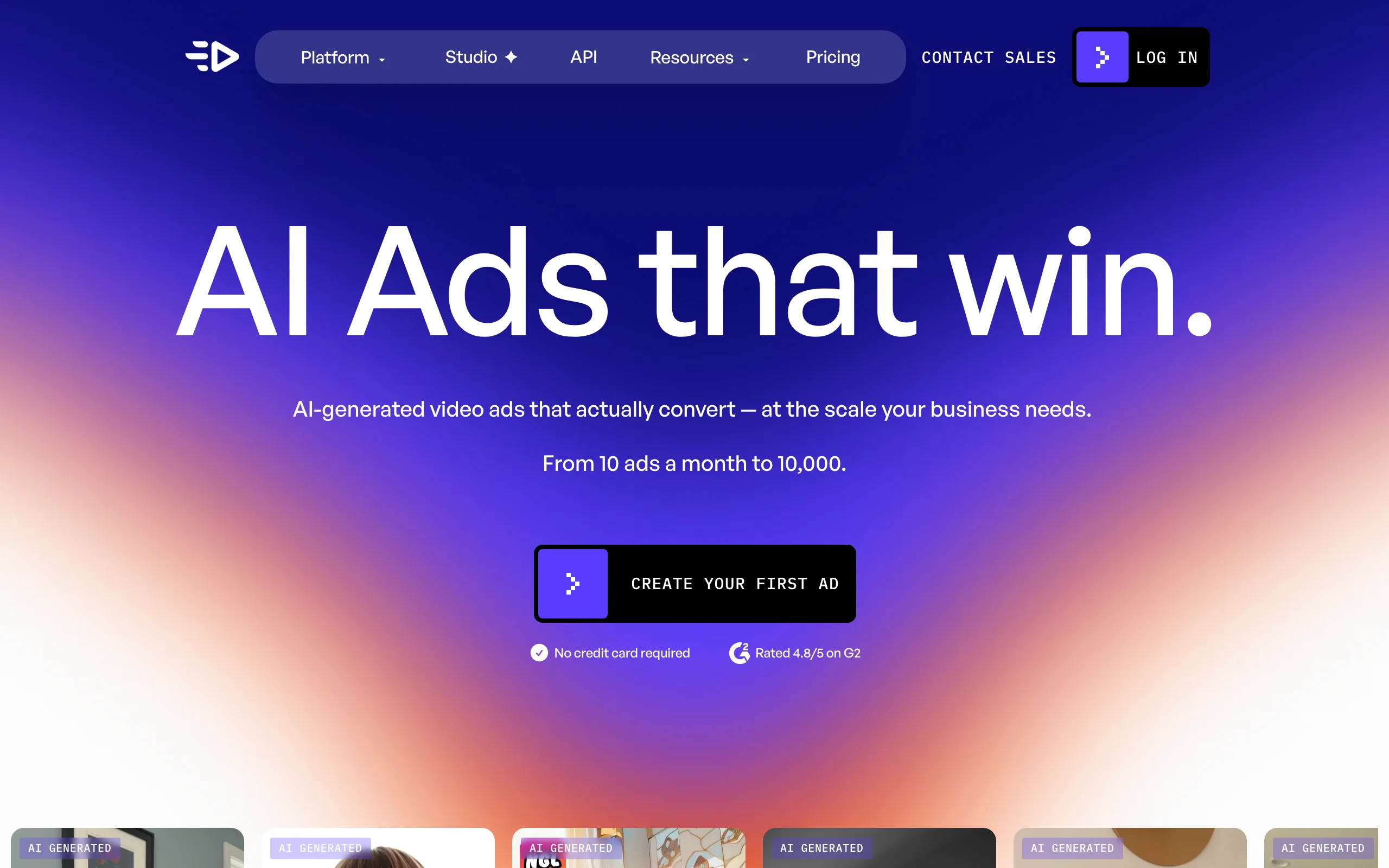
5. Creatify, best for UGC-style product ads
Creatify is built for one job: video ads. Feed it a product URL and it generates UGC-style ad variations with AI actors, hooks, and captions, the kind of native-looking ad that performs on TikTok and Meta. For an e-commerce or DTC store that needs to test a dozen ad angles without hiring creators, Creatify turns catalog links into ad batches quickly.
Key features:
- URL-to-ad: product link becomes a finished video ad
- Hundreds of AI actors and UGC-style avatars
- Batch generation of ad variations for testing
- Support for 75+ languages
Best for:
- E-commerce and DTC stores running paid social ads
- Testing many ad hooks against the same product at low cost
Pricing:
- Free: 10 credits a month, watermarked
- Starter: $39/mo (100 credits), watermark removal, 300 AI actors
- Pro: $99/mo with more credits, custom avatars, and up to 5 seats
- Annual billing discounts are available
Pros:
- Fast URL-to-ad workflow purpose-built for advertising
- Batch variations make ad testing cheap
- Ad-focused avatars and templates
Cons:
- Scope is ads only, not organic or music-driven video
- Higher entry price ($39) than most tools here
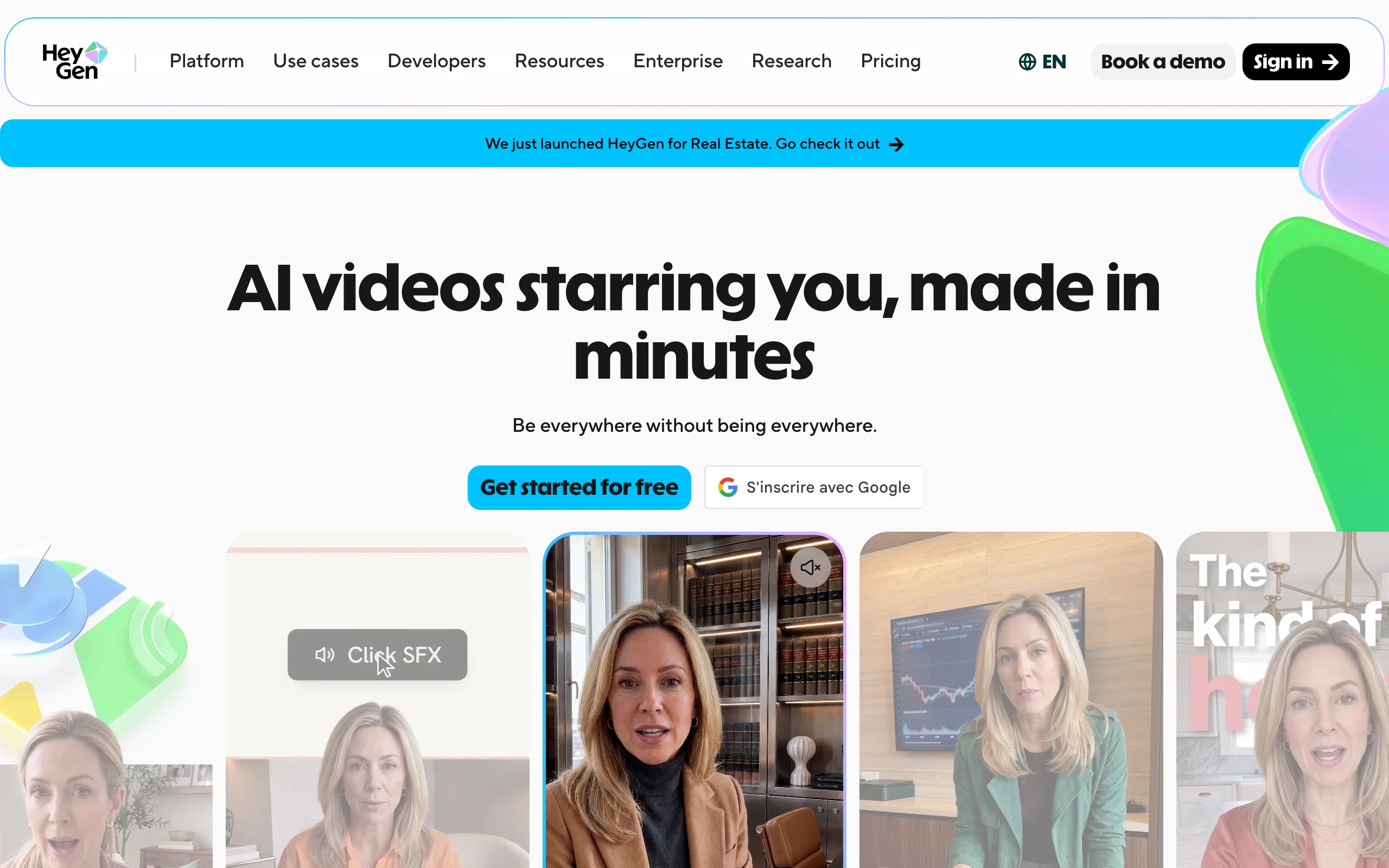
6. HeyGen, best for spokesperson videos and translation
HeyGen puts a realistic AI avatar on camera for you. Write a script, pick or create a digital twin, and you get a spokesperson-style video without filming yourself. Its other strong suit is translation: it can dub existing footage into 175+ languages with matched lip-sync. For a small business that wants a consistent on-camera presence, or one expanding to non-English customers, HeyGen covers ground a prompt-to-video tool does not.
Key features:
- Realistic AI avatars and custom digital twins
- Video translation with lip-sync in 175+ languages
- Script-to-video from templates
- 1080p export, with 4K on the Pro plan
Best for:
- Spokesperson-style marketing and announcement videos
- Translating existing videos for new markets
Pricing:
- Free: 3 videos a month, up to 1 minute each, watermarked
- Creator: $29/mo ($24/mo yearly), 600 credits, watermark removal
- Pro: $49/mo, 1,000 credits, 4K export
- Business: $149/mo plus per-seat pricing
Pros:
- Very realistic avatars and excellent video translation
- Clear entry plan with watermark removal at $29
- Custom digital twin of yourself or a team member
Cons:
- Avatar-centric, so general B-roll and scene generation is secondary
- Credits and minute caps limit volume on lower tiers
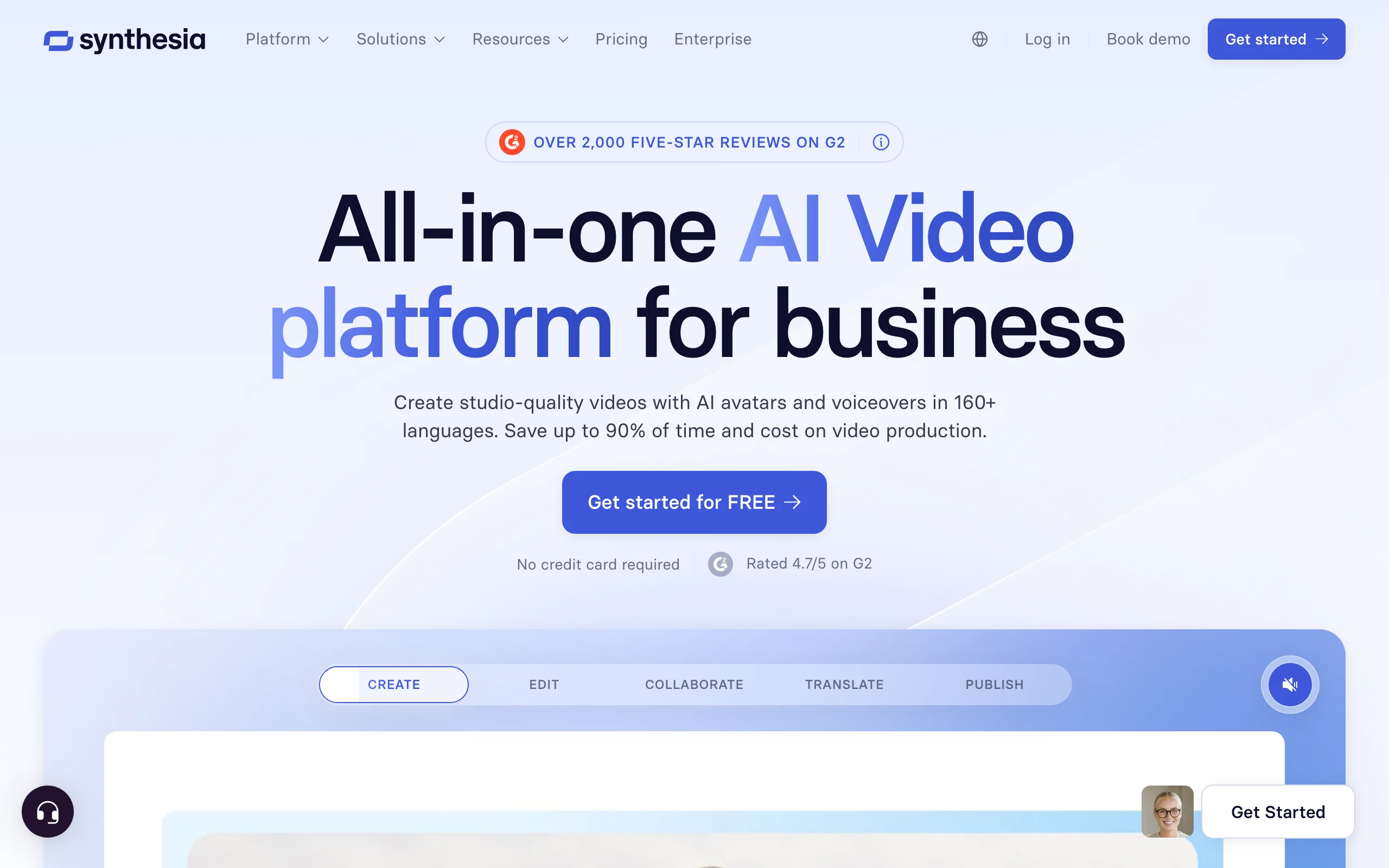
7. Synthesia, best for training and onboarding videos
Synthesia is the enterprise-grade avatar platform, and it is the strongest pick for structured internal video: employee onboarding, SOPs, how-to guides, and compliance content. With 125+ avatars and voices in 160+ languages, a small business can stand up a consistent training library without a studio. It is less about organic social and more about the informational videos every growing business eventually needs.
Key features:
- Presenter avatars in 160+ languages
- Script-to-video with slides and templates
- Brand kits, collaboration, and (on Enterprise) SCORM export for learning systems
- AI dubbing and one-click translation
Best for:
- Employee training, onboarding, and how-to documentation
- Businesses standardizing internal knowledge as video
Pricing:
- Free: 10 minutes a month, 9 avatars, no card required
- Starter: $29/mo, or $18/mo billed yearly (limited minutes)
- Creator: $89/mo, or $64/mo yearly, adds API and more minutes
- Enterprise: custom, with unlimited minutes and SCORM
Pros:
- Polished, professional presenter format
- Huge language range for training a diverse team
- Enterprise controls when you grow into them
Cons:
- Talking-head format is not built for organic short-form or TikTok
- Minute caps on lower tiers fill up quickly with longer training videos
How to choose the best AI video tool for your small business
The right tool depends on what you make most, how often you post, and where your customers are. Use these four questions to narrow it down.
1) What do you make most: social content, ads, or training?
- If you post organic promos and social clips: ClipNova covers the whole spread from one $19 plan, and InVideo AI is the cheapest way to test prompt-to-video.
- If you run paid ads for products: Creatify for URL-to-ad batches, or ClipNova if you also want organic content in the same tool.
- If you make internal training or how-tos: Synthesia first, with HeyGen as a spokesperson alternative.
- If you are repurposing blogs or webinars: Pictory.
2) How much do you post, and what is your cost per video?
Do the math on allowance, not sticker price. A cheap plan that caps you at a handful of videos costs more per clip than it looks. ClipNova's $19 Hobby plan (1,000 credits) is built for regular posting, while InVideo AI's 75-credit entry tier suits occasional use. If you post several times a week, price the tool by videos per month, then divide.
3) Do you need other languages?
If you serve Spanish-speaking or multilingual customers, lean on tools with deep language support: Fliki (75+ languages), Synthesia and HeyGen (160+ and 175+), or ClipNova for 32-language narration of the same video. Localizing a proven video is far cheaper than making a new one.
4) Disclosure: stay on the right side of FTC rules for AI in ads
There is no US law that says "label every AI video," but advertising rules still apply, and the FTC has been active here. Its 2024 Rule on Consumer Reviews and Testimonials bans fake or AI-generated reviews and testimonials, including using an AI-generated "person" to fake a real customer's endorsement. In practice, keep it simple: do not present an AI avatar as a genuine, unpaid customer, do not invent reviews, and keep every claim in the ad truthful and something you can back up. Using AI to produce your own honest marketing message is fine; using it to fabricate social proof is what gets businesses in trouble.
A practical last step: before you subscribe to anything, generate three to five test videos on your actual product or offer. The tool that gives you a usable, on-brand video the fastest, at a cost per clip you can live with, is the one worth paying for. For most US small businesses balancing budget against range, that tool is ClipNova, with the specialists above filling in when a job is specifically ads, training, or translation. See how it fits your workflow on the pages for content creators and for performance marketers, or read our roundup of the cheapest AI video generators for more budget picks.
Frequently asked
What is the best AI video generator for a small business?
ClipNova is the best overall pick for a US small business in 2026. It turns a plain-language brief into a finished promo, social clip, or ad with the script, voiceover, and captions built in, starts at $19 a month, and carries full commercial rights on every plan. If your videos are specifically avatar-led training or spokesperson pieces, Synthesia and HeyGen are worth a look instead.
How much should a small business spend on an AI video tool?
Most solo owners and small teams land between $17 and $50 a month. ClipNova's Hobby plan is $19 a month with 1,000 credits and full commercial rights, InVideo AI's entry plan is about $17 a month billed yearly, and Synthesia and HeyGen both start at $29. Watch the monthly allowance, not just the sticker price: some cheap tiers cap you at a handful of videos or a few minutes of output.
What is the cheapest AI video generator for small business?
On finished, watermark-free social video with commercial rights, ClipNova is the cheapest capable option at $19 a month for 1,000 credits. InVideo AI's yearly plan is a couple of dollars less on paper but gives you only 75 credits a month, so you run out fast. For a fuller budget breakdown, see our roundup of the cheapest AI video generators.
Do I own the rights to AI videos I make for my business?
It depends on the tool and the tier, so confirm before you spend on ads. ClipNova includes full commercial rights on every plan, including the $19 Hobby tier. Several competitors tie commercial use or watermark removal to specific paid plans, and free tiers are almost always watermarked, which looks unprofessional in a paid ad or on your storefront.
Do I have to disclose that a video ad is AI-generated?
There is no blanket law that says "label every AI video," but US advertising rules still apply. The FTC's 2024 rule bans fake or AI-generated reviews and testimonials, so you cannot use an AI avatar to fake a real customer's endorsement or invent a review. The safe path is simple: do not present AI-generated people as genuine, unpaid customers, and keep any claims truthful and substantiated.
Can I make video ads for Facebook and Instagram with these tools?
Yes. ClipNova, InVideo AI, and Creatify all generate ready-to-run vertical and square video ads from a text brief, a product photo, or a link, with voiceover and captions burned in. Because most feed video plays on mute, baked-in captions matter more than production polish. Generate several hooks against the same offer and let the ad platform's testing pick the winner.
Do I need editing skills or a camera to use these tools?
No. Prompt-based generators like ClipNova and InVideo AI return a finished, edited video from text, and avatar tools like Synthesia and HeyGen build from a script and a template. None of the tools in this list require you to shoot footage or open a video editor, which is the whole point for a busy owner doing marketing in-house.
If my small business can only pay for one video tool, which should it be?
ClipNova. One $19 subscription covers the spread a small business actually posts: promos, product and ad videos, social clips, and avatar-led explainers, plus access to top models like Sora, Veo, and Kling inside the same app. The Hobby plan includes commercial rights, so you can test it on a real promo before committing more budget.