The best AI video generator for YouTube Shorts in 2026 is ClipNova: it turns a one-line idea into a finished 9:16 Short with the script written, the voiceover recorded, captions burned in, and music added, from $19/mo. The other tools in this guide win narrower jobs, from clipping long videos into Shorts to talking-avatar explainers and cheap AI b-roll.
Shorts is a volume game. The feed rewards channels that post daily, a Short can now run up to 3 minutes, and monetization is a pooled revenue share that pays on your slice of total Shorts views. That changes what "best tool" means: cost per finished Short and time per finished Short matter more than any single feature.
This guide compares the 7 best AI video generators for YouTube Shorts on vertical output, captions, price per video, and rights, and closes with the 2026 monetization rules you should know before scaling an AI-assisted channel.
Best AI video generators for YouTube Shorts: a brief overview
- ClipNova: Best overall. One prompt returns a publish-ready vertical Short, script, voiceover, captions, and music included, so daily posting is a habit instead of a project.
- InVideo AI: Best template and stock-driven Shorts maker. Prompt-to-video built on a huge template and iStock library, with frontier models bundled in.
- OpusClip: Best for turning long videos into Shorts. Feeds on podcasts and streams and returns reframed, captioned highlight clips.
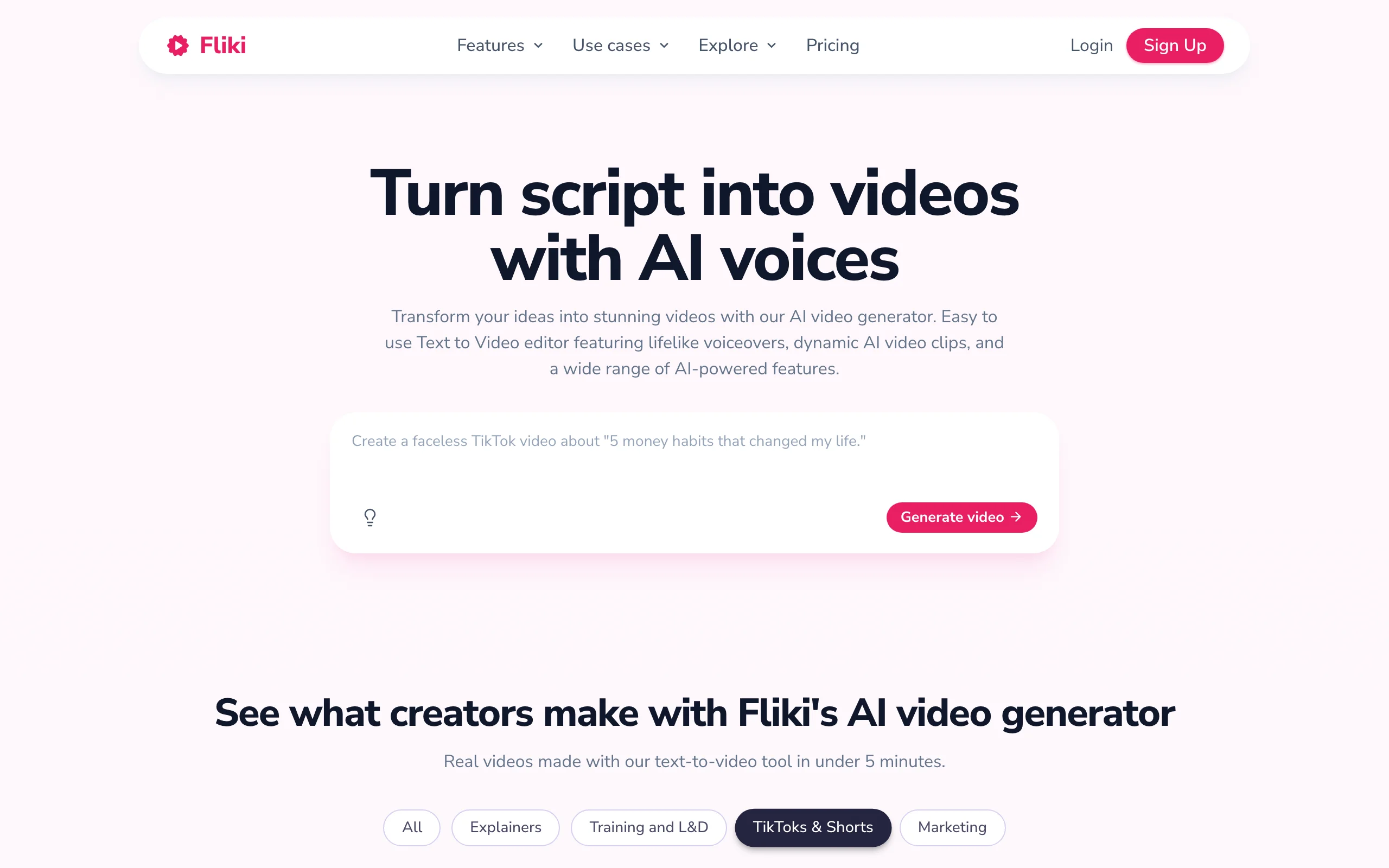
- Fliki: Best for narrated script-to-video Shorts. Paste a script or blog post and get a voiced, subtitled video in one pass.
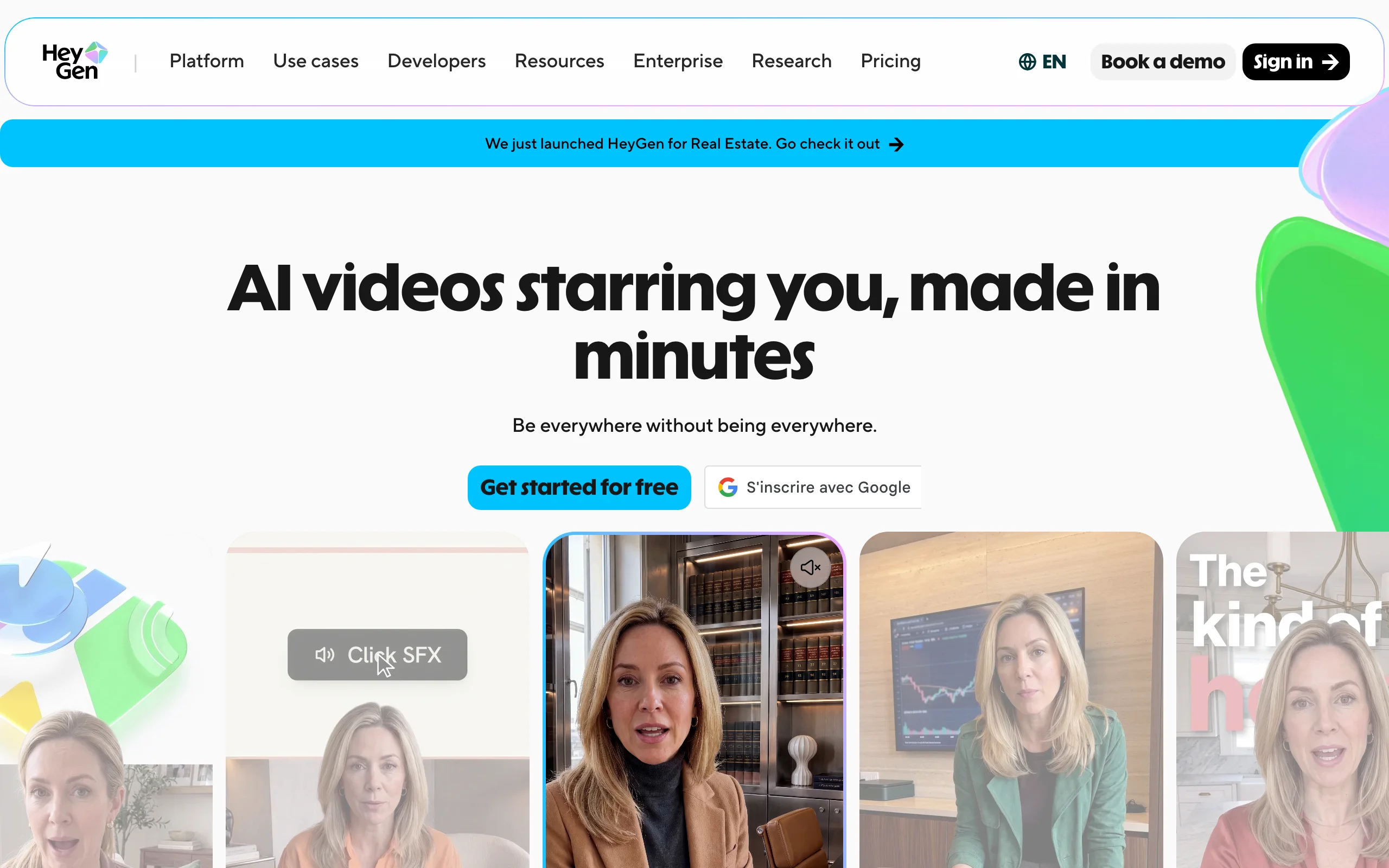
- HeyGen: Best for talking-avatar Shorts. A realistic AI presenter explains your topic without you filming anything.
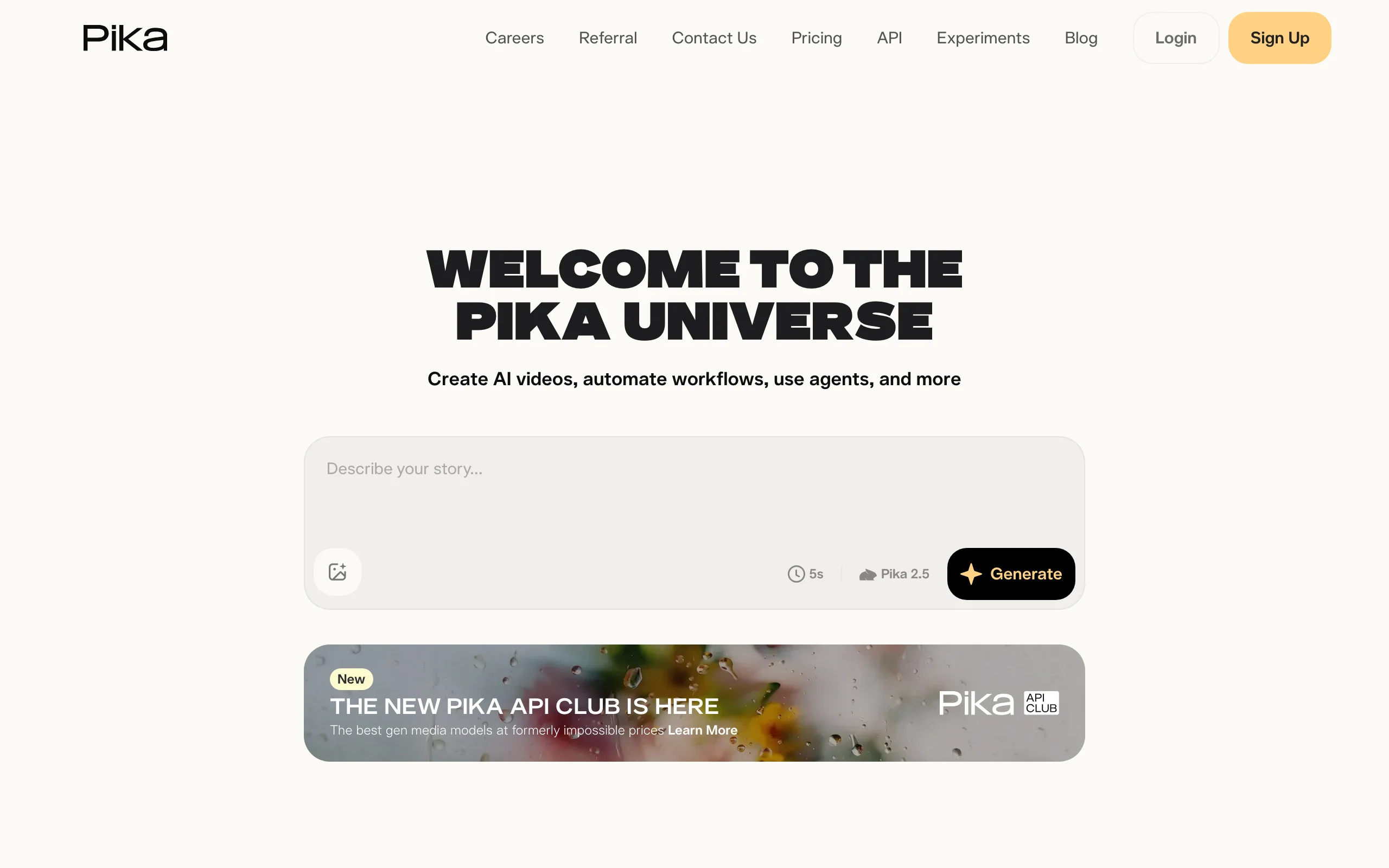
- Pika: Best budget AI clips for Shorts b-roll. The cheapest paid entry for raw generative clips and effects.
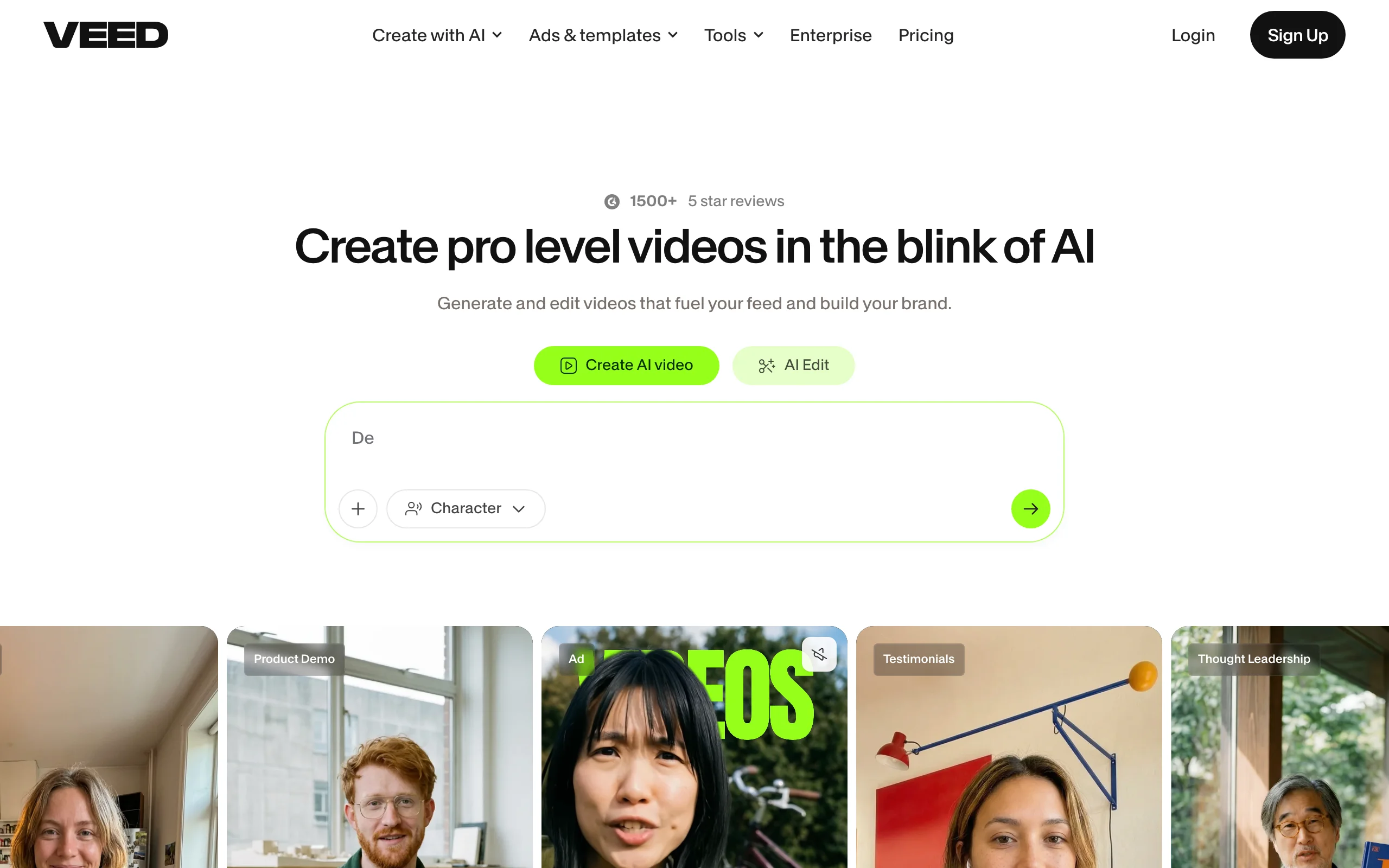
- VEED: Best browser editor for polishing Shorts. Auto subtitles, trims, and brand styling on footage you already have.
| Tool | Best for | Starting price | Output |
|---|---|---|---|
| ClipNova | Finished Shorts and long videos with consistent characters | From $19/mo | 9:16 1080p, no watermark |
| InVideo AI | Template and stock-driven Shorts | From $17/mo (yearly) | Watermark-free on all paid plans |
| OpusClip | Clipping long videos into Shorts | From $15/mo | 9:16 reframed, captioned clips |
| Fliki | Narrated script-to-video Shorts | From $28/mo | 1080p, up to 15 min on Standard |
| HeyGen | Talking-avatar Shorts | From $29/mo ($24 yearly) | 1080p; 4K on Business |
| Pika | Budget AI clips for b-roll | From $10/mo ($8 yearly) | Short raw clips; watermark-free on Pro |
| VEED | Editing and captioning Shorts | From $18/mo (yearly) | Up to 4K export on Pro |
Reading the table: most rows give you one piece of a Short, a raw clip, a captioned cut, or an avatar take, that you still have to script, voice, or assemble. ClipNova's price covers the whole Short, idea to export.
1. ClipNova, best overall AI video generator for YouTube Shorts
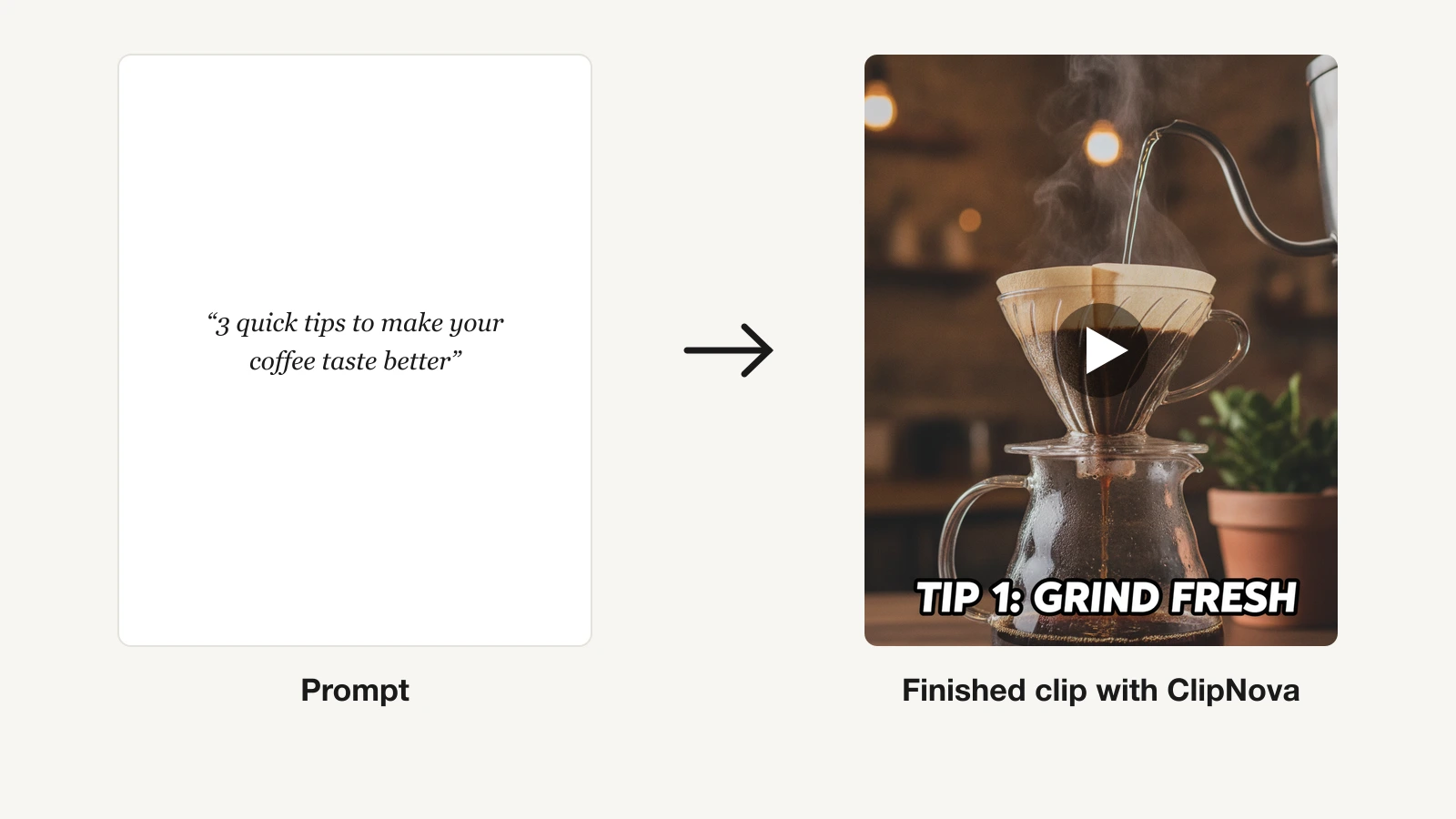
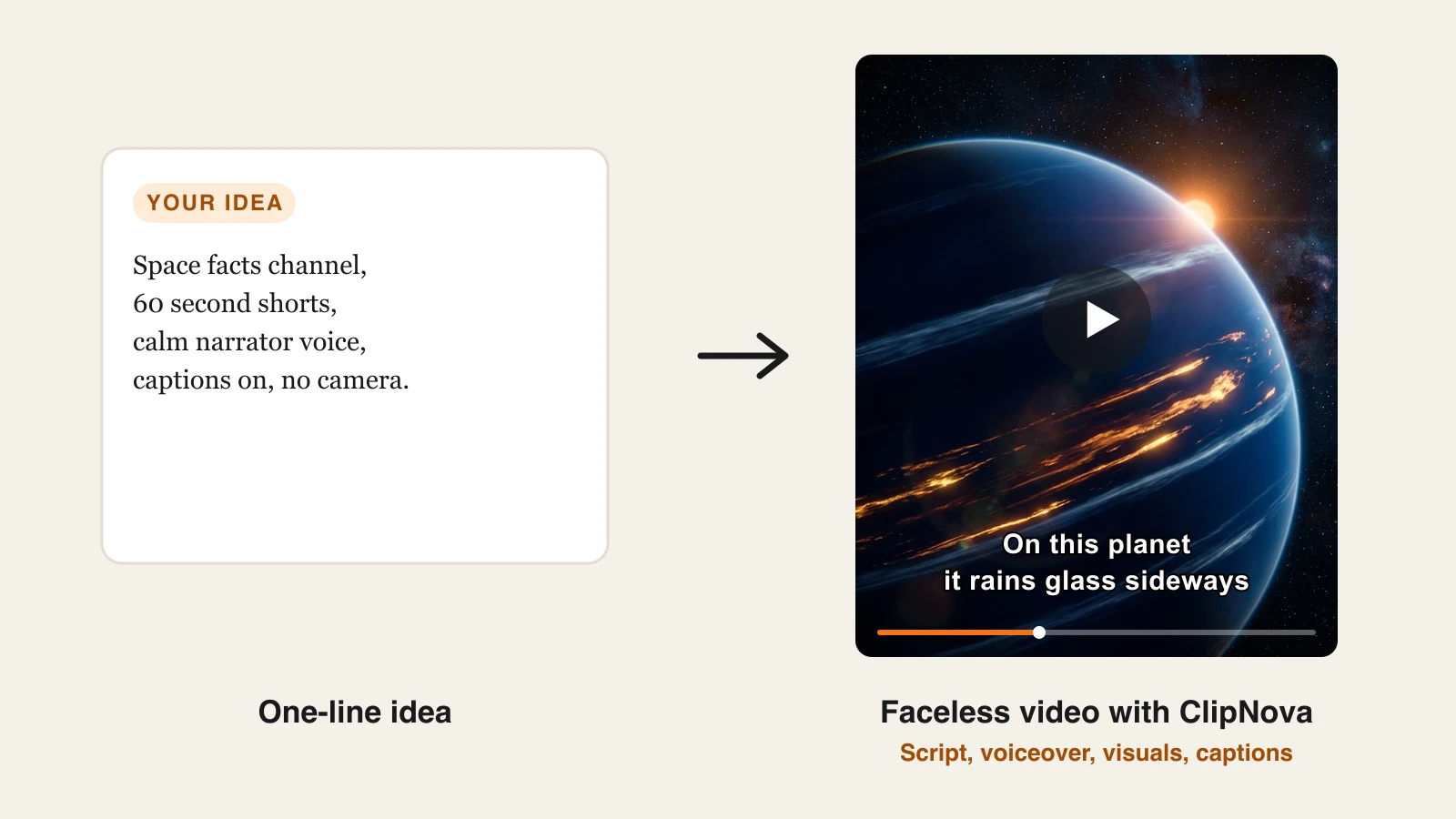
A Short is not one asset, it is five: a hook-first script, a voiceover, visuals, captions, and music, cut vertically. ClipNova generates all five in a single pass. Type the idea into its AI Shorts generator, paste a link, or drop a script, and it returns a publish-ready 9:16 Short with the captions already burned in and synced, plus a saved host who looks the same in every Short.
Underneath that pass sits ClipNova's core idea, finished long videos with consistent characters, and it pays off once a Shorts channel builds recurring hosts and stories.
- Long: Most Shorts are quick, but when an idea grows into a full story, the same project goes up to 5 minutes for a regular upload.
- Consistent characters: Save a host or mascot once, with a picture and a locked look, and it keeps the same face and outfit in every Short; Series carries that cast and the storyline from episode to episode.
- Finished: Script, scenes, voiceover, captions and music are done in one generation, and Studio lets you swap out one weak scene before you upload.
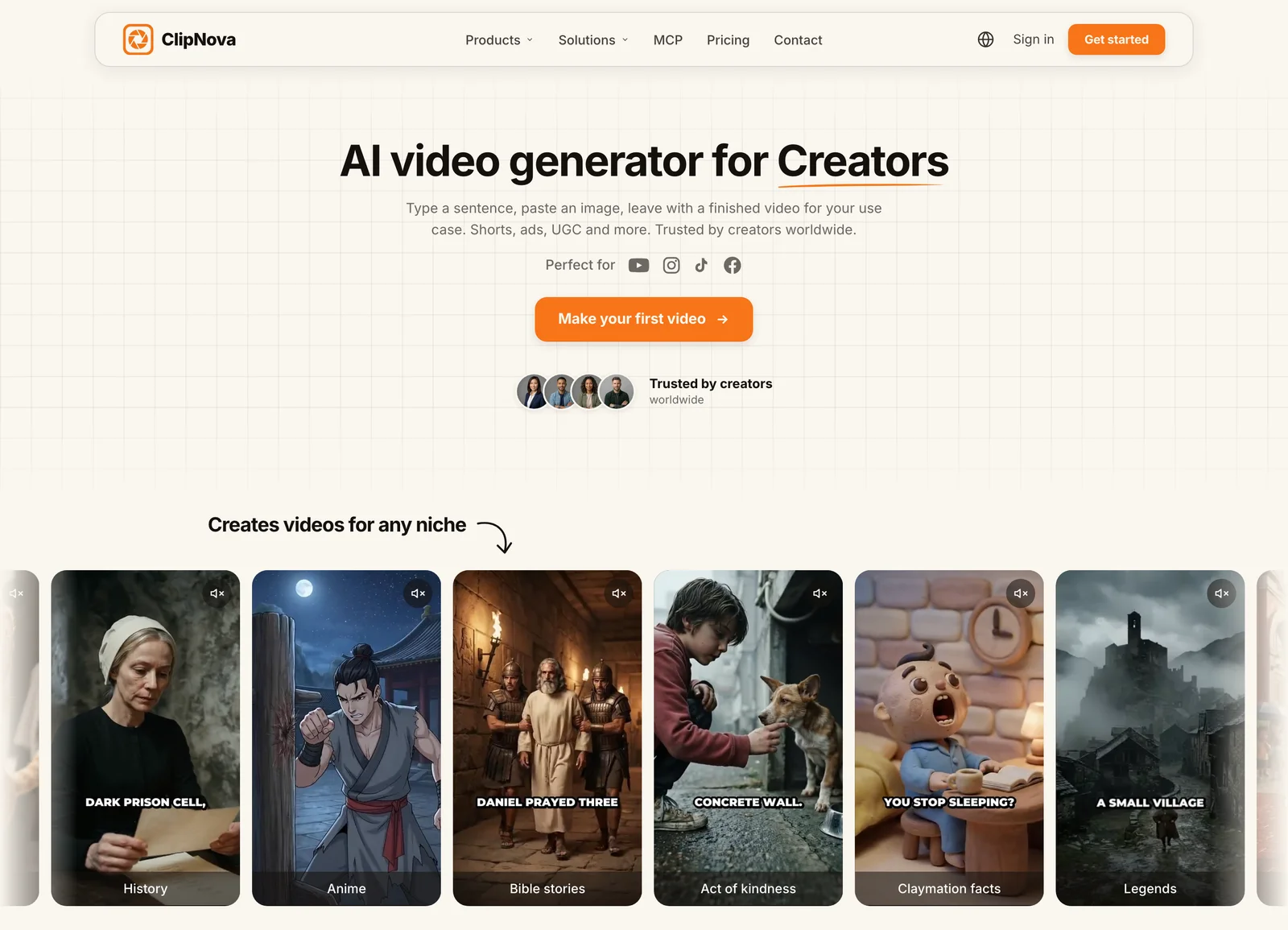
That end-to-end pass is what makes the volume economics work. There is no per-video assembly time, so the difference between posting twice a week and posting daily is credits, not evenings. And because narration comes in 18 languages, one Shorts concept can run localized channels from the same idea list. Top 10 countdowns, one of the most reliable Shorts formats, have their own AI ranking video generator. Character-led formats work the same way: the AI skeleton Shorts generator puts one 3D skeleton host in every scene, with voiceover and word-by-word captions. Songs work too: upload a track and the AI Music Video Generator turns it into a beat-synced music video you can post as a Short.
How to make a YouTube Short with ClipNova
- Log in to the ClipNova app.
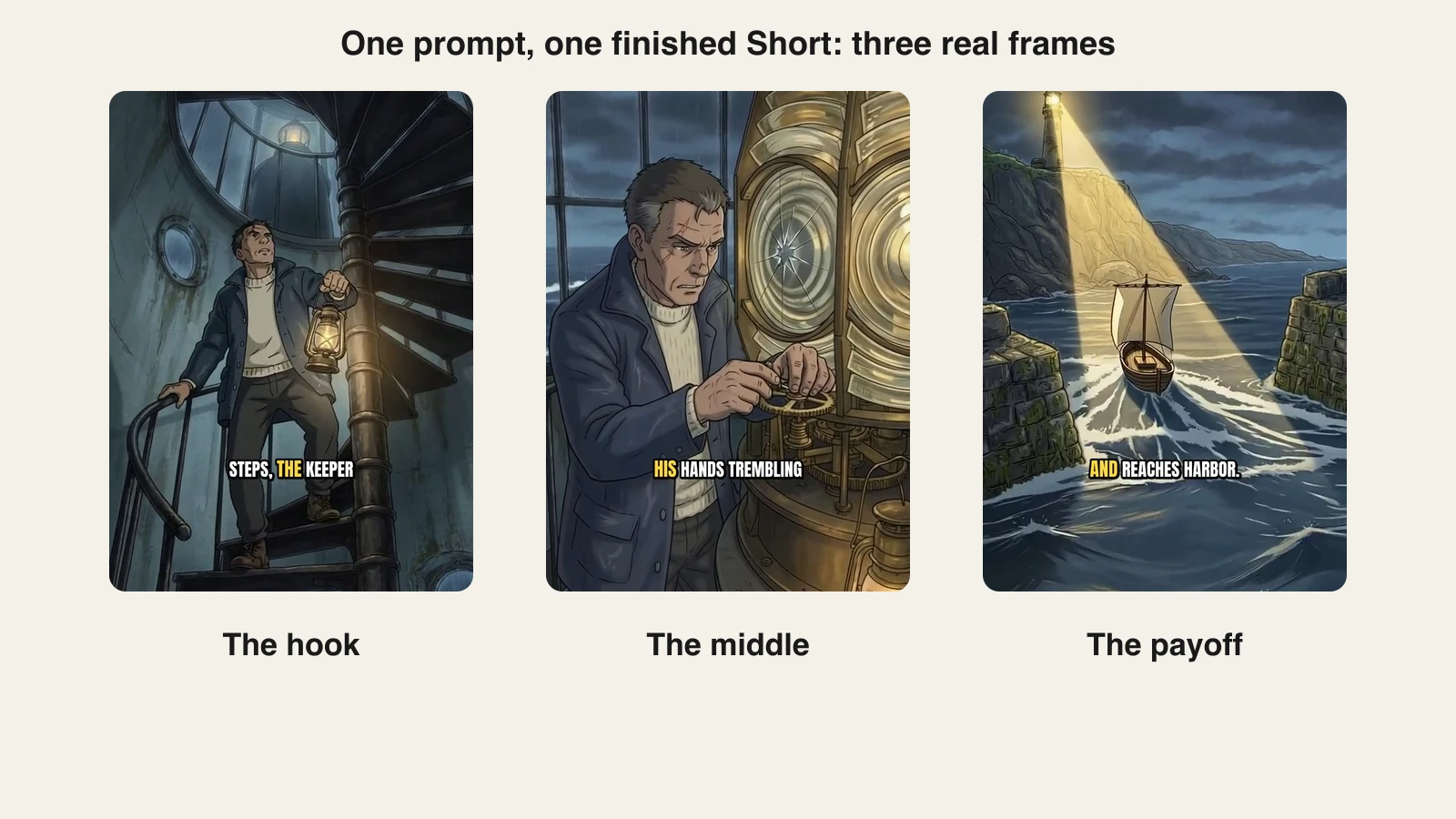
- Open the AI Shorts generator and paste your idea. The exact prompt behind the real Short below: "A lighthouse keeper climbs a spiral staircase during a violent storm, lantern in hand. At the top, he finds the great lamp dark and cracked. Rain lashes the windows as he repairs it with trembling hands. Far out at sea, a small fishing boat fights the waves. The lamp bursts back to life, and its beam sweeps across the water. The boat turns toward the light and reaches the harbor safely."
- Pick a visual style and a narrator voice (18 languages available).
- Generate. The Short comes back scripted, voiced, captioned, and scored.
- Export vertical for Shorts, and reuse the same file for TikTok and Reels.
Here are three frames from the Short that prompt produced, the hook, the facts, and the payoff:
Key features
- One prompt, link, or script to a finished 9:16 Short: script, voiceover, captions, and music in one generation
- Auto captions on every plan, burned in and synced to the voiceover
- Vertical-first export that also fits TikTok and Reels without reframing
- Narration in 18 languages for localized Shorts channels
- Watermark-free 1080p with full commercial rights on every plan
Best for
- Shorts channels posting daily or near-daily without a camera or an editor
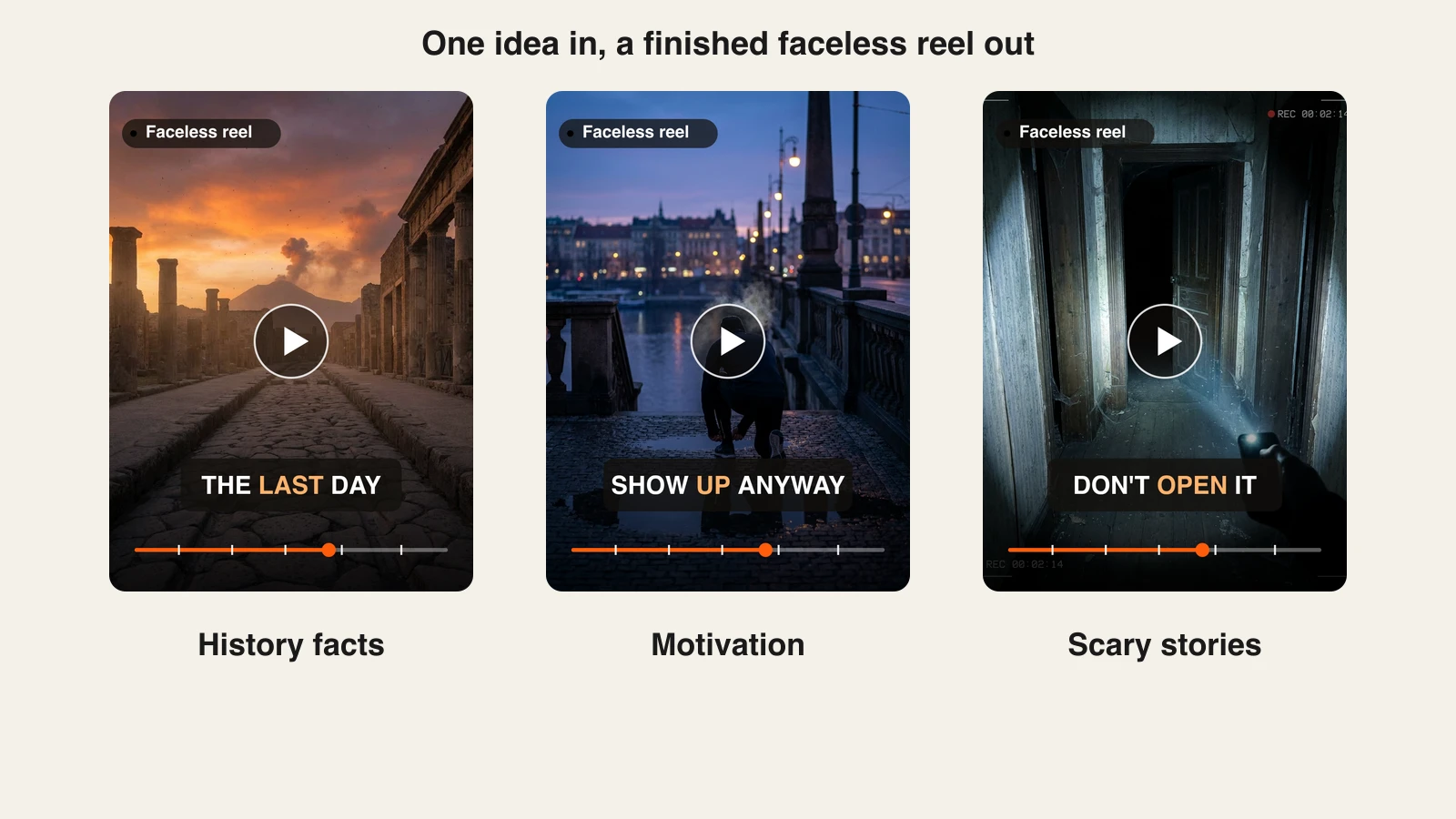
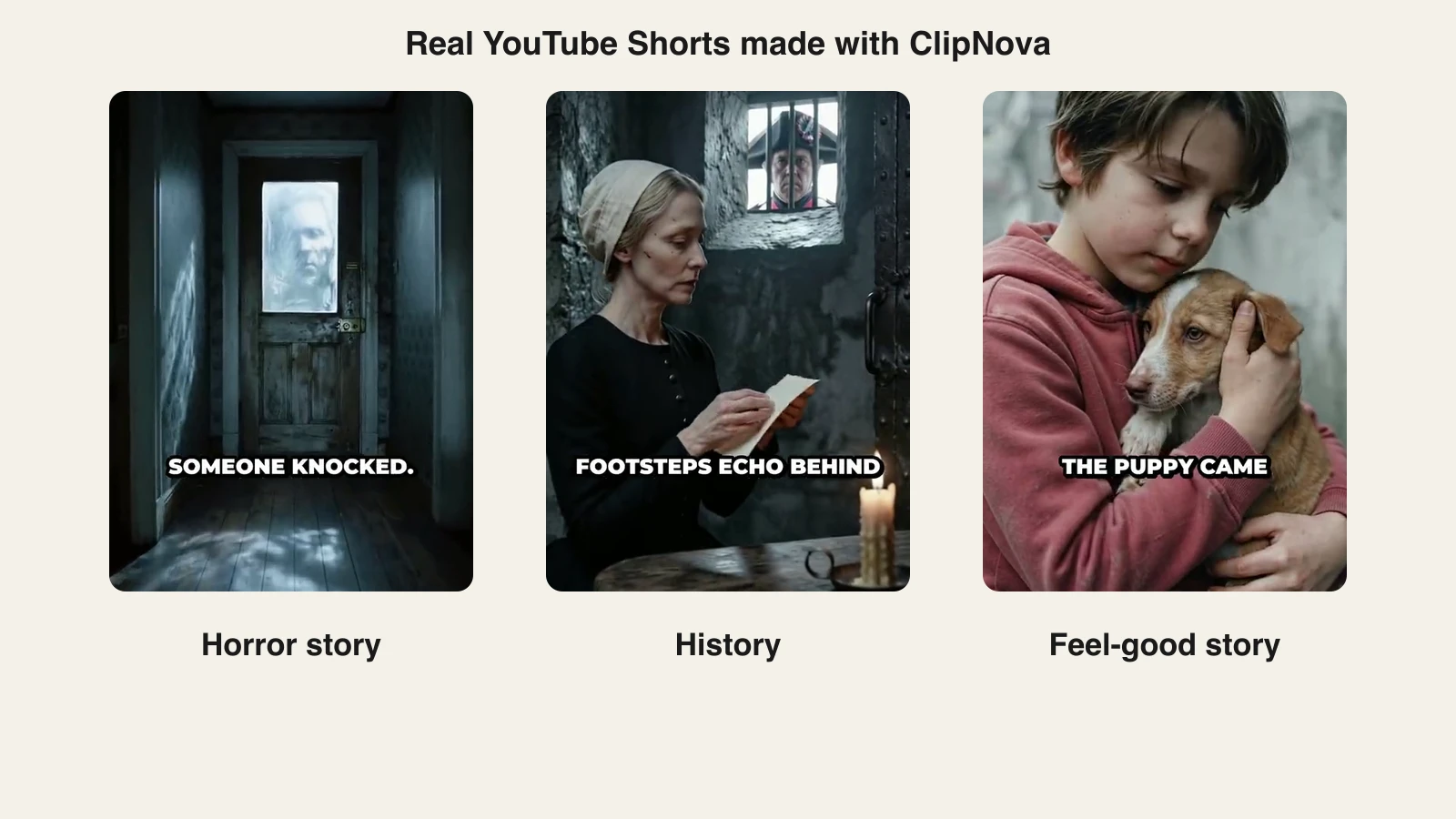
- Faceless niches (facts, history, finance, stories) built on narrated visuals
- Creators repurposing one idea across Shorts, TikTok, and Reels
Pricing
- Hobby $19/mo (1,000 credits); Starter $49/mo, Growth $99/mo, and Ultra $199/mo add volume
- Every plan has the identical feature set, only monthly credits differ; yearly billing is about 20% off (see ClipNova's plans)
Pros
- The only tool in this list that outputs a complete, publishable Short rather than a piece of one
- Watermark-free export and commercial rights start on the $19 entry plan, not a top tier
- Time per Short drops to minutes, which is what daily posting actually requires
Cons
- Credits are consumed per generation, so heavy daily volume points to Starter or Growth rather than Hobby
- Built for short-form generation, not for editing long footage you already filmed
2. InVideo AI, best template-driven Shorts maker
InVideo AI is the closest competitor to the prompt-to-video workflow. Describe the Short and it drafts a script, assembles visuals from its template system and iStock library, and adds a voiceover. Its 2026 pitch is model access: paid plans bundle generative models like Veo 3.1, Kling 3, and Seedance for AI footage inside the same editor. If InVideo's stock-first look is the sticking point, see how it compares in our InVideo alternative breakdown.
Key features
- Prompt-to-video with editable script, scenes, and voiceover
- Bundled generative models (Veo 3.1, Kling 3, Seedance) on paid plans
- Large template library plus iStock footage credits
- Voice cloning (4 clones on Plus, 16 on Max)
- Watermark-free exports on every paid plan
Best for
- Creators who want a prompt-to-video workflow with hands-on scene editing
- Channels whose niche suits stock footage (news recaps, listicles, business topics)
Pricing
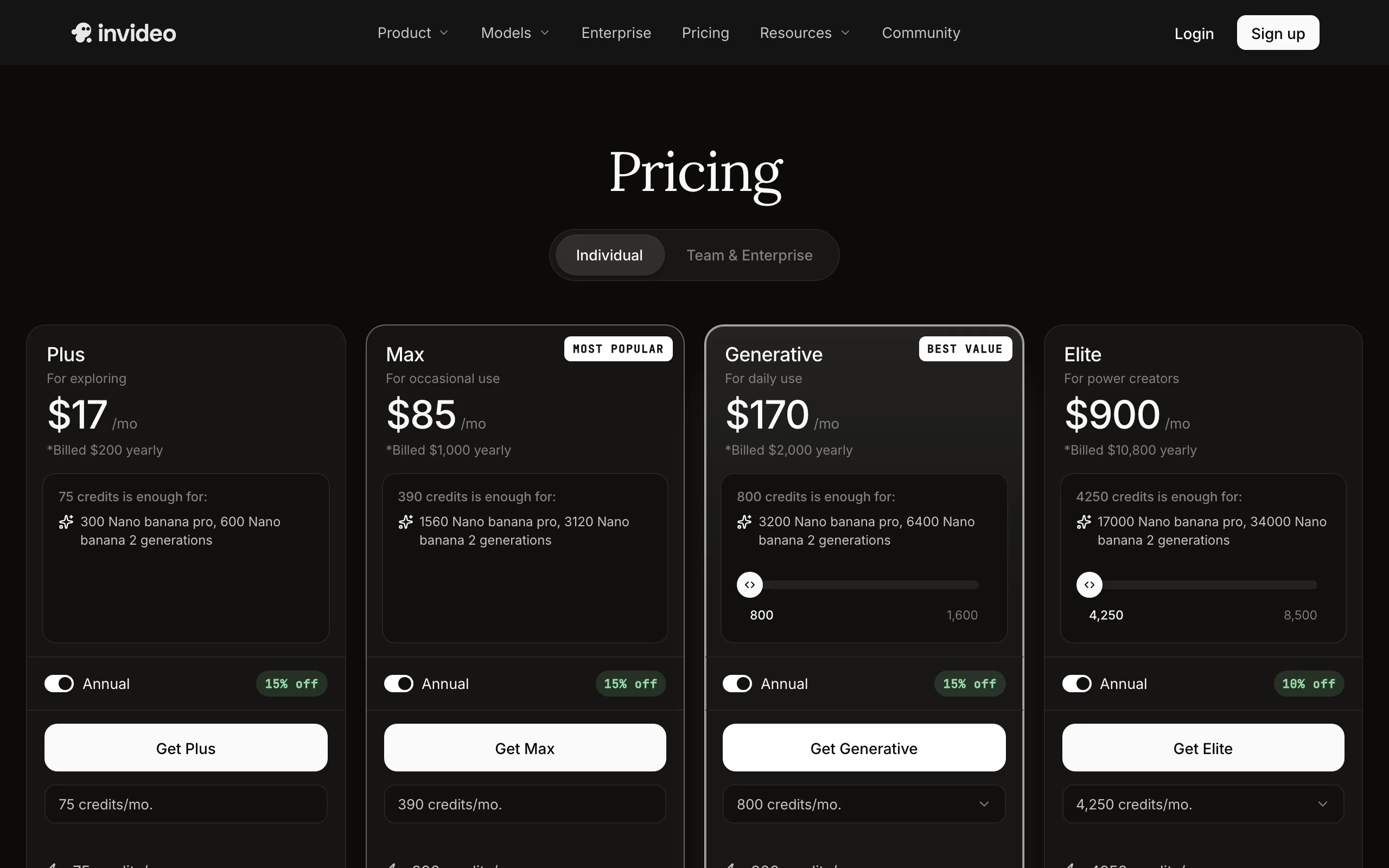
- Plus $17/mo billed yearly ($200/year) with 75 monthly credits; Max $85/mo billed yearly with 390 credits; month-to-month costs about 15% more
Pros
- Mature product with strong editing control after generation
- Model bundling gives real generative footage, not just stock
Cons
- Output leans on stock and templates, so undirected videos can look generic
- Credit math takes work: AI minutes, iStock credits, and model generations meter separately
3. OpusClip, best for turning long videos into Shorts
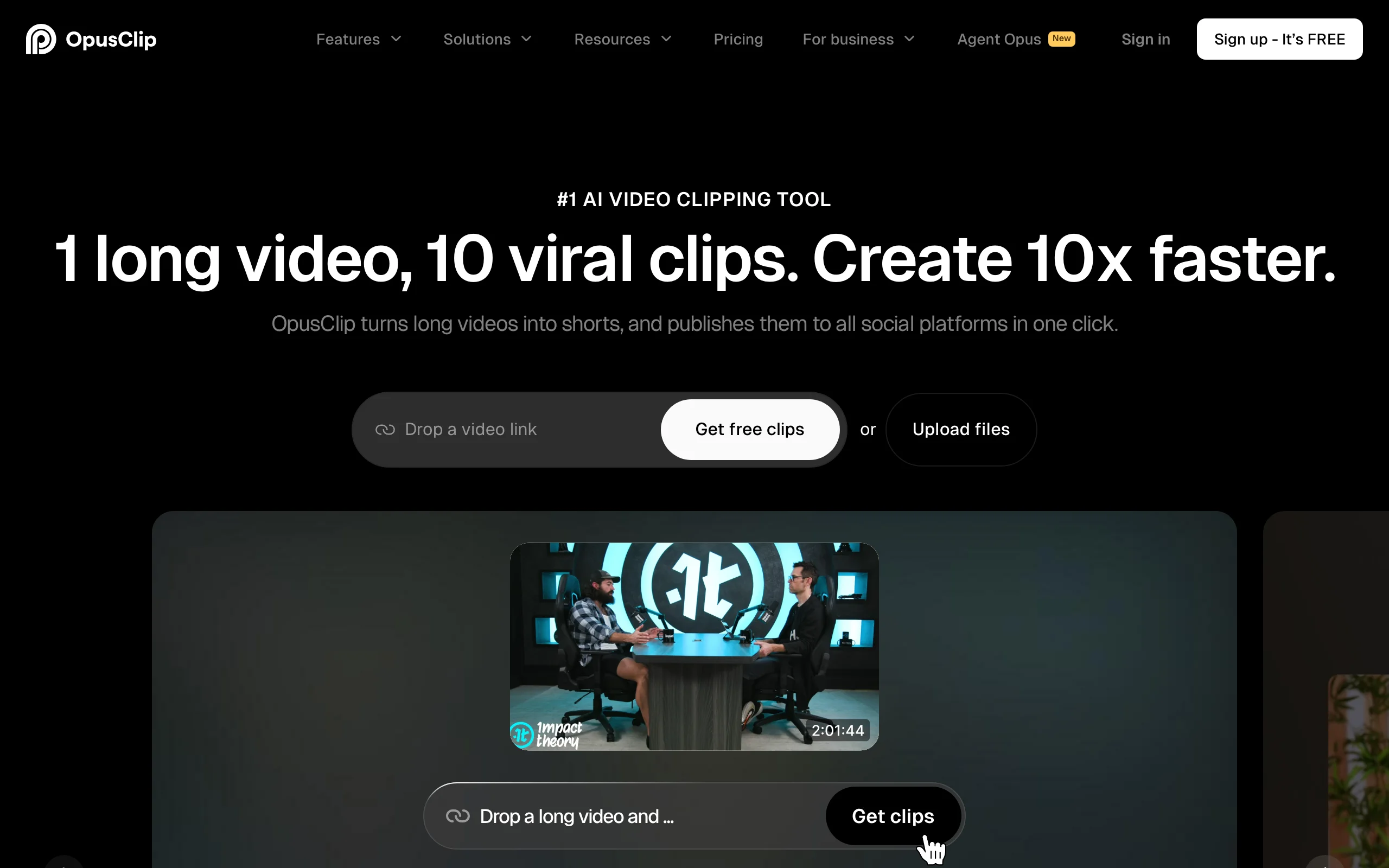
OpusClip starts from footage you already have. Drop a link to a podcast, stream, or YouTube video and it finds the strongest moments, reframes them to 9:16, adds animated captions, and scores each clip's viral potential. For a long-form channel, it is the fastest path to a Shorts pipeline, and its Agent Opus feature can rough-cut and schedule the output. We compare this whole category in our guide to the best AI clip generators.
Key features
- AI clipping that detects hooks and highlights in long videos
- Automatic 9:16 reframing that keeps speakers centered
- Animated caption templates with emoji and keyword highlights
- Virality scoring to rank which clips to post first
- One-click publishing to Shorts, TikTok, and Reels
Best for
- Podcasters, streamers, and interview channels feeding Shorts from long-form
- Teams that want clips scheduled and posted automatically
Pricing
- Starter $15/mo removes the watermark; Pro $29/mo adds more processing minutes and features, with yearly billing bringing Pro to about $19/mo
Pros
- Best-in-class auto-clipping accuracy for spoken content
- Turns one recording session into a week of Shorts
Cons
- Generates nothing from scratch: no source footage, no Shorts
- Processing minutes are metered, so high upload volume pushes you up tiers
4. Fliki, best for narrated script-to-video Shorts
Fliki is a script-first youtube shorts generator: write or paste the text, pick one of its text-to-speech voices, and it assembles a subtitled, narrated video over stock footage and images. Its strength is the voice catalog, roughly 1,500 voices on Standard across 80+ languages, which makes it a practical pick for multilingual fact and listicle channels that live or die on narration.
Key features
- Script, blog post, or prompt to narrated, subtitled video
- About 1,500 TTS voices on Standard, 80+ languages and 100+ dialects
- Stock media library with per-scene control
- Voice cloning from the Standard tier (1 custom voice)
Best for
- Writers and bloggers converting existing text into Shorts
- Multilingual channels that need many narration languages cheaply
Pricing
- Standard $28/mo (1080p, videos up to 15 minutes); Premium $88/mo adds more credits, longer videos, and 3 voice clones; yearly billing is about 25% off
Pros
- Fast, reliable script-to-video pipeline with strong TTS quality
- Commercial use included on paid plans
Cons
- Visuals are slideshow-ish stock, with little native generative video
- At $28/mo entry it costs more than tools that generate the whole Short
5. HeyGen, best for talking-avatar Shorts
HeyGen puts a presenter in your Shorts without a camera. Pick or create a realistic avatar, paste the script, and it delivers a lip-synced talking video; its translation tools can then re-voice the same Short into dozens of languages with matched lip movement. For explainer, finance, or product channels where a face builds trust, it is the strongest avatar option.
Key features
- Realistic AI avatars, including a custom avatar of yourself
- Script-to-video with lip-synced speech
- Video translation that preserves voice and lip sync
- 9:16 output sized for Shorts and Reels
Best for
- Faceless creators who still want an on-screen presenter
- Localizing one spokesperson Short into many languages
Pricing
- Creator $29/mo, or $24/mo billed yearly; Business from $149/mo adds 4K and team features
Pros
- The most natural avatar quality and lip sync in this lineup
- Translation with lip sync is genuinely unique for scaling one Short globally
Cons
- Avatar generation is credit-metered, so monthly output on Creator is limited
- Avatar-first: b-roll, captions styling, and non-presenter formats are secondary
6. Pika, best budget AI clips for Shorts b-roll
Pika is the cheapest way to put actual generative footage in your Shorts. It turns prompts and images into short stylized clips and effect shots (its Pikaffects are built for exactly the surreal transitions Shorts audiences share). It is a clip generator, not a Shorts maker: you bring the script, voice, and captions, or drop Pika clips into a tool that does.
Key features
- Text-to-video and image-to-video clip generation
- Effect templates (Pikaffects) for viral-style transformations
- Credit-based generation, about 12 credits for a 5-second 480p clip
- Fast iteration for testing visual hooks
Best for
- Creators adding a few seconds of generative wow to otherwise stock Shorts
- Meme and effect-driven clips where speed beats polish
Pricing
- Standard $10/mo, or $8/mo billed yearly, with 700 monthly credits
- Pro $35/mo ($28/mo yearly, 2,300 credits) unlocks watermark-free downloads and commercial use
Pros
- Lowest paid entry price of any tool in this list
- Effects produce scroll-stopping shots no stock library has
Cons
- Watermark-free commercial use requires the $35 Pro tier
- Raw clips only: no script, voiceover, captions, or assembly
7. VEED, best browser editor for polishing Shorts
VEED covers the last mile: you have footage, and it needs subtitles, trims, a clean layout, and a vertical crop. Its one-click auto subtitles are excellent, translation covers dozens of languages, and the browser editor handles brand kits and team collaboration. AI generation exists, but VEED earns its slot here as the finishing tool for Shorts made elsewhere or filmed yourself.
Key features
- One-click auto subtitles with styling and translation
- Full browser editor: trims, layers, text, and brand kit
- Vertical resize presets for Shorts, TikTok, and Reels
- Team workspaces for shared editing
Best for
- Creators who film themselves and need fast captioning and cleanup
- Teams standardizing Shorts formatting across editors
Pricing
- Lite from $18/mo billed yearly ($24 month-to-month); Pro from about $29/mo billed yearly adds 4K export and the full AI toolset; VEED prices vary by region, so confirm on its pricing page
Pros
- Among the best auto-subtitle accuracy and styling in a browser
- Familiar editor learning curve, no install
Cons
- Editor-first: you still do the editing, and generation is an add-on
- Costs climb once AI features and higher exports enter the picture
YouTube Shorts monetization rules for AI videos in 2026
Before you scale any youtube shorts generator ai workflow, know the rules you are scaling into.
Getting monetized. To earn Shorts ad revenue you need the YouTube Partner Program: 1,000 subscribers plus either 10 million public Shorts views in the last 90 days or 4,000 public watch hours on long-form in the last 12 months. YouTube has announced that on February 1, 2027 the thresholds rise to 20 million Shorts views or 8,000 watch hours, with the 1,000-subscriber requirement unchanged, so channels starting now have a real incentive to qualify before the bar moves.
How Shorts pay. Shorts ad revenue is pooled, allocated by each channel's share of total Shorts views (after music licensing costs), and creators keep 45% of their allocation. In practice most creators report roughly $0.03 to $0.10 per 1,000 Shorts views, which is exactly why cost per finished Short matters: at those RPMs, a channel only compounds if producing each Short is cheap and fast.
The AI rules. In July 2025 YouTube renamed its "repetitious content" monetization policy to "inauthentic content" and has since enforced it against mass-produced AI channels. AI-generated Shorts remain fully monetizable when a human drives the creative work: original scripts, varied formats, and real editorial decisions. What gets demonetized is templated content reproduced at scale with little variation. You must also flag realistic synthetic media using the "altered or synthetic content" disclosure in YouTube Studio; stylized or obviously animated content does not need the label, but deceptive realism does.
What this means for tool choice. Use AI to remove production labor, not authorship. Write or heavily edit your own hooks, vary formats between videos, and add commentary or curation the viewer can feel. A tool like ClipNova removes the editing, voicing, and captioning work while leaving script and angle decisions to you, which is the side of the line monetized channels sit on.
How to choose the best AI shorts maker for your channel
1) Do you start from an idea or from footage?
- Starting from ideas: ClipNova generates the entire Short from a prompt; InVideo AI and Fliki do it with a stock-driven look.
- Starting from long videos: OpusClip is built precisely for clipping podcasts and streams into Shorts.
- Starting from your own phone footage: VEED polishes and captions fastest.
2) Faceless, avatar, or on camera?
- Fully faceless: ClipNova and Fliki narrate over visuals, no face needed; our roundup of faceless reels generators goes deeper on that workflow.
- Presenter without filming: HeyGen's avatars front the video for you.
- On camera: film yourself, then let VEED or OpusClip handle captions and cuts.
3) What does a month of daily Shorts actually cost?
Do the per-video math before subscribing. ClipNova's $19 Hobby plan (1,000 credits) is designed to feed a regular Shorts cadence with rights and watermark-free export included, and $49 Starter covers serious daily volume. Pika's $10 entry looks cheaper until commercial, watermark-free use pushes you to $35 Pro, and it still only makes clips. Fliki starts at $28 and HeyGen's usable output on the $29 Creator plan is capped by credits. Cheap entry prices and cheap finished Shorts are not the same thing.
4) Who owns the output, and will it stay monetized?
- Rights: ClipNova includes full commercial rights on every plan; Pika gates them to Pro; check tier fine print elsewhere.
- Monetization safety: prefer workflows where you control the script and format, and avoid publishing near-identical templated videos at scale, whatever tool you use.
Whichever way you lean, run the same three test ideas through two finalists and post the results as real Shorts for a week. Retention and RPM data from your actual niche beats any comparison table, this one included.
Frequently asked
What is an AI video generator for YouTube Shorts?
It is a tool that produces vertical 9:16 videos for the Shorts feed with AI handling part or all of the work. The category splits into end-to-end generators like ClipNova that return a finished Short with script, voiceover, and captions from one prompt, repurposing tools like OpusClip that cut long videos into Shorts, and clip models like Pika that generate raw footage you still have to assemble.
Can AI-generated YouTube Shorts be monetized?
Yes. AI-generated and AI-assisted Shorts are eligible for the YouTube Partner Program as long as the content is original and a human drives the creative decisions. What YouTube's inauthentic content policy demonetizes is mass-produced, templated content repeated with little variation. Write your own hooks, vary formats, and disclose realistic synthetic media, and AI Shorts monetize like any other video.
How many views do you need to monetize YouTube Shorts?
You need 1,000 subscribers plus either 10 million public Shorts views in the last 90 days or 4,000 public watch hours on long-form video in the last 12 months. YouTube has announced that on February 1, 2027 those thresholds rise to 20 million Shorts views or 8,000 watch hours, with the subscriber requirement staying at 1,000.
How long can a YouTube Short be in 2026?
Up to 3 minutes, in vertical or square aspect ratio, a limit YouTube raised from 60 seconds in October 2024. Most high-performing Shorts still run 30 to 60 seconds, and note that non-royalty-free music in Shorts over 60 seconds can trigger a Content ID block, so generated music or licensed tracks are safer for longer Shorts.
Do I need to disclose AI content on YouTube?
Only when it is realistic. YouTube Studio has an altered or synthetic content toggle you must use when a video could be mistaken for real footage of real people, places, or events. Clearly stylized content, animation, and obvious AI visuals do not require the label, but using it never hurts, while skipping it on deceptive content risks penalties.
What is the cheapest AI shorts maker?
Pika's $10/mo Standard plan is the cheapest paid entry, but it only produces raw clips, and watermark-free commercial use requires its $35 Pro tier. For finished Shorts, OpusClip starts at $15/mo if you already have long videos to clip, and ClipNova's $19/mo Hobby plan is the cheapest way to generate complete Shorts with script, voiceover, captions, and commercial rights included.
How many Shorts should I post per week?
Consistency beats bursts. Most growing Shorts channels post between 4 and 7 times a week, and the pooled revenue model pays on your share of total Shorts views, so steady volume compounds. That cadence is the real argument for end-to-end generation. When each Short takes minutes instead of an evening, a daily schedule stops depending on willpower.
If I mainly need finished vertical Shorts end to end, what should I use?
ClipNova. It is the only tool in this comparison that turns a one-line idea into a publish-ready 9:16 Short with the script, voiceover, burned-in captions, and music done in one generation, watermark-free with full commercial rights from the $19/mo plan. Start on the $19 Hobby plan, run a few test ideas in your niche, and scale the plan to your posting calendar.